

Wi-Fi & Networking

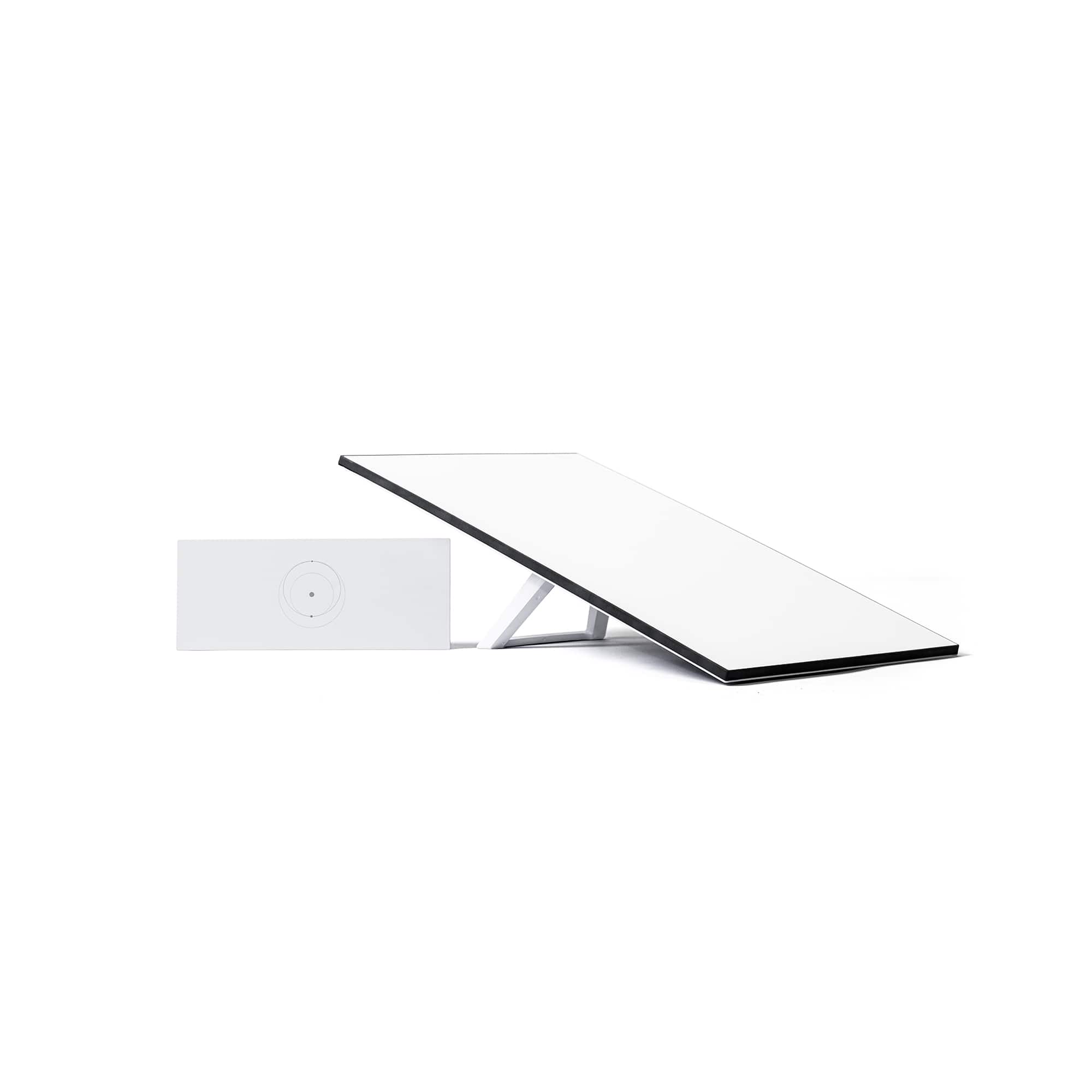
Starlink
Reliable high-speed internet
Check service availability on the Starlink map before you buy.

Networking tips and tricks

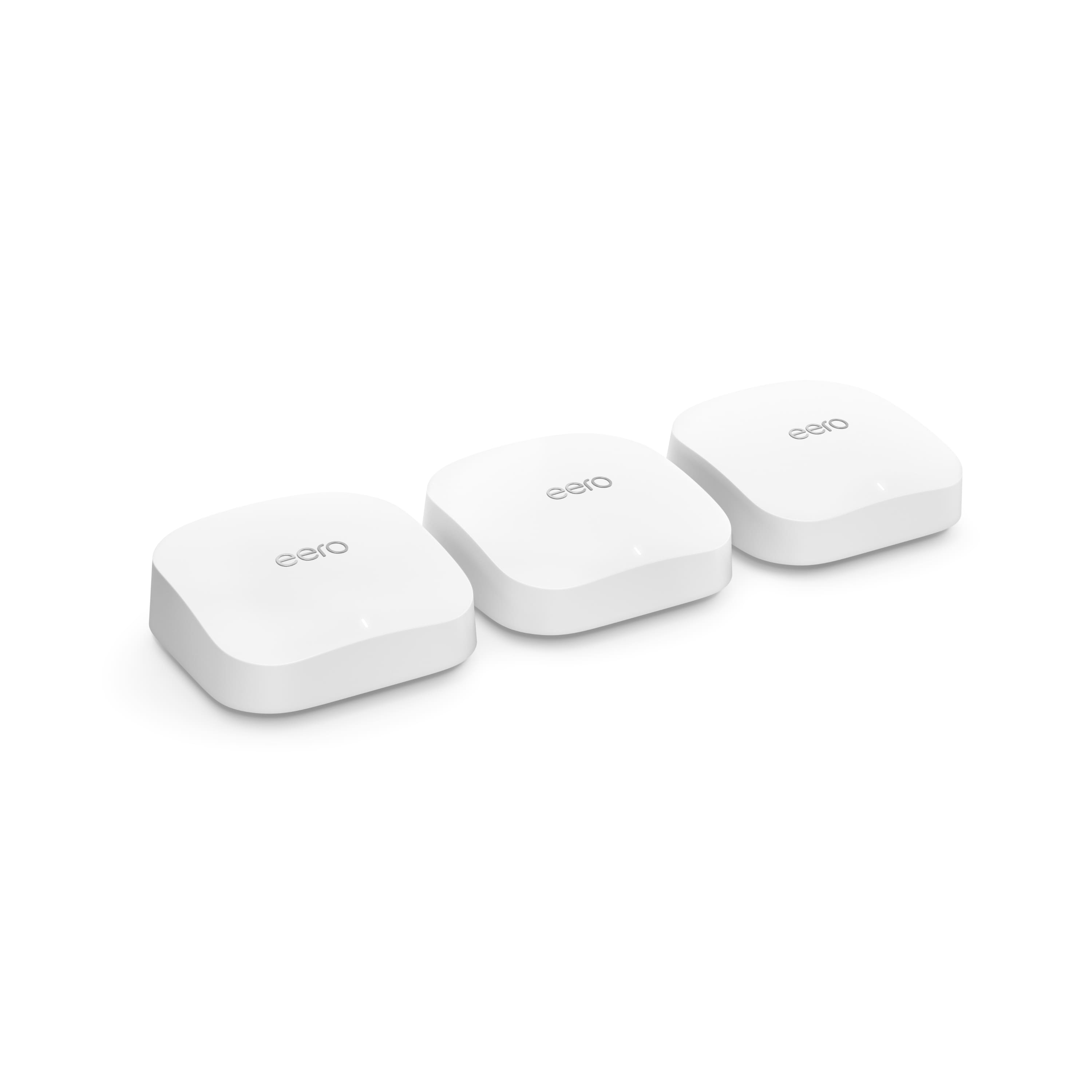
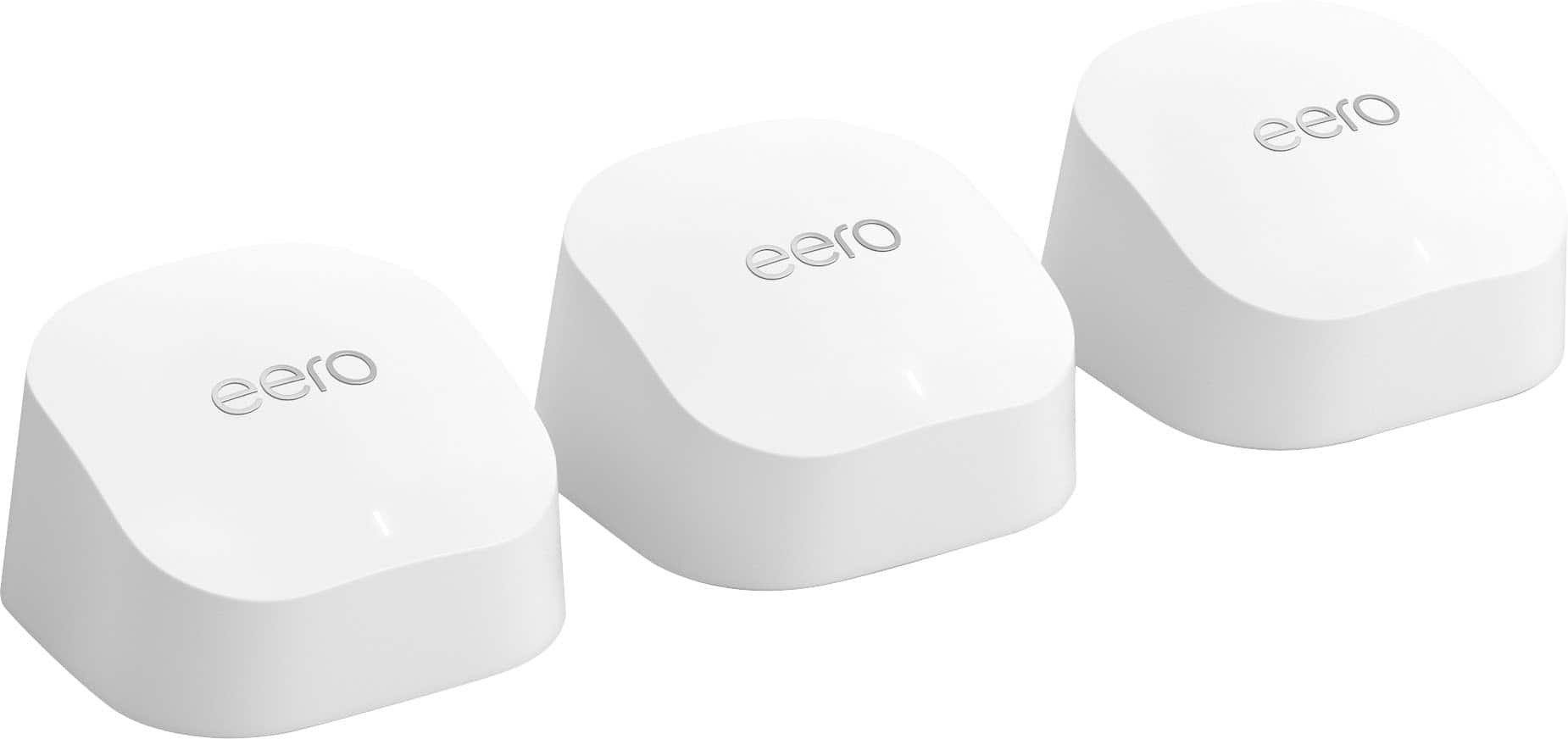
Mesh Wi-Fi
Whole-home coverage

Recycle and save
In store only. Terms and conditions apply.

Chat with an expert

Out with the old
Upgrading your home Wi-Fi network can boost speed, reliability and coverage. The best part? It’s easier than ever. And if it still feels daunting, we’re here to help with online resources and in-person experts. Many routers and devices also offer in-app setup guidance. So don’t let outdated tech slow you down.

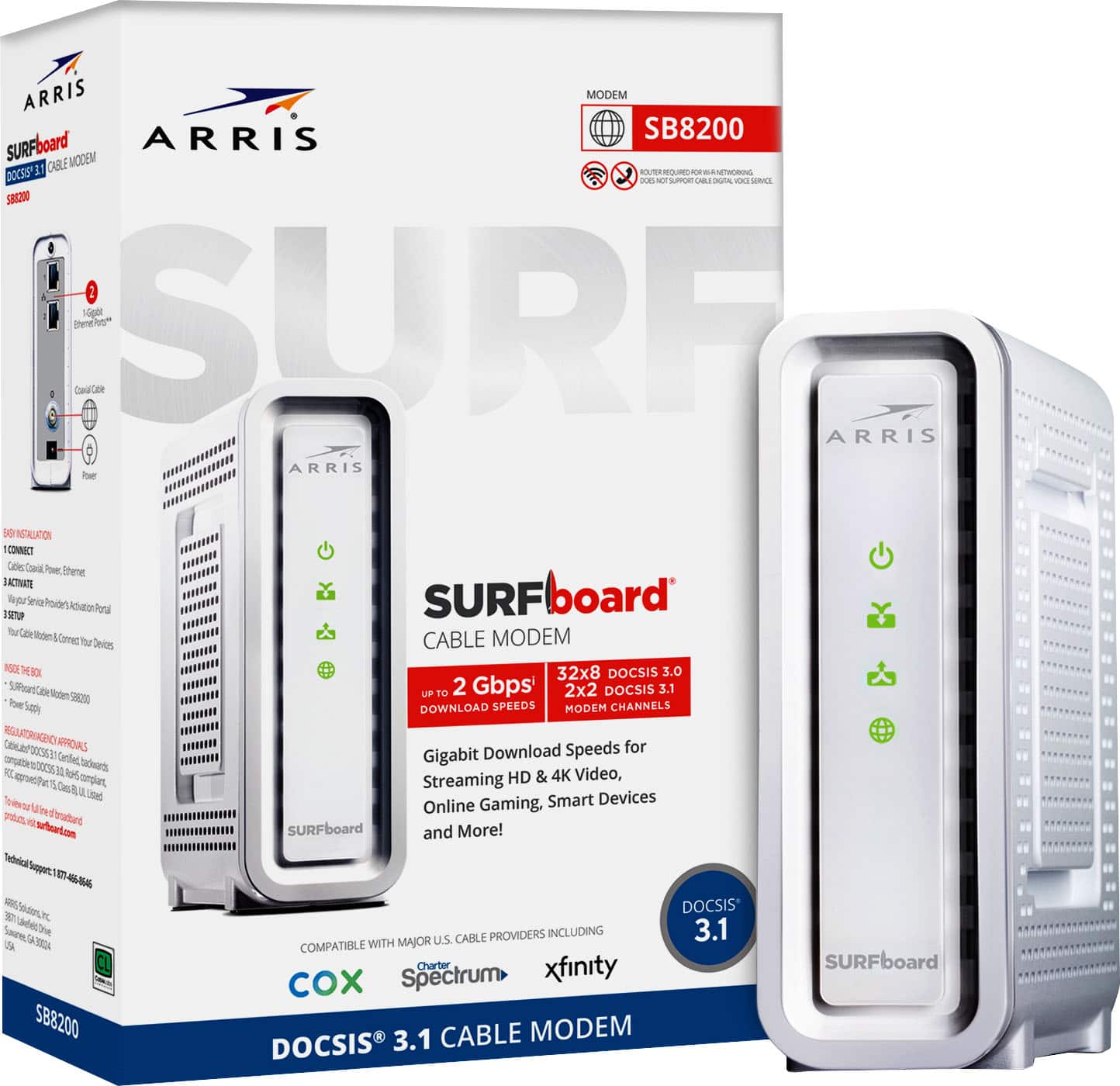
What is a modem?

What is a router?

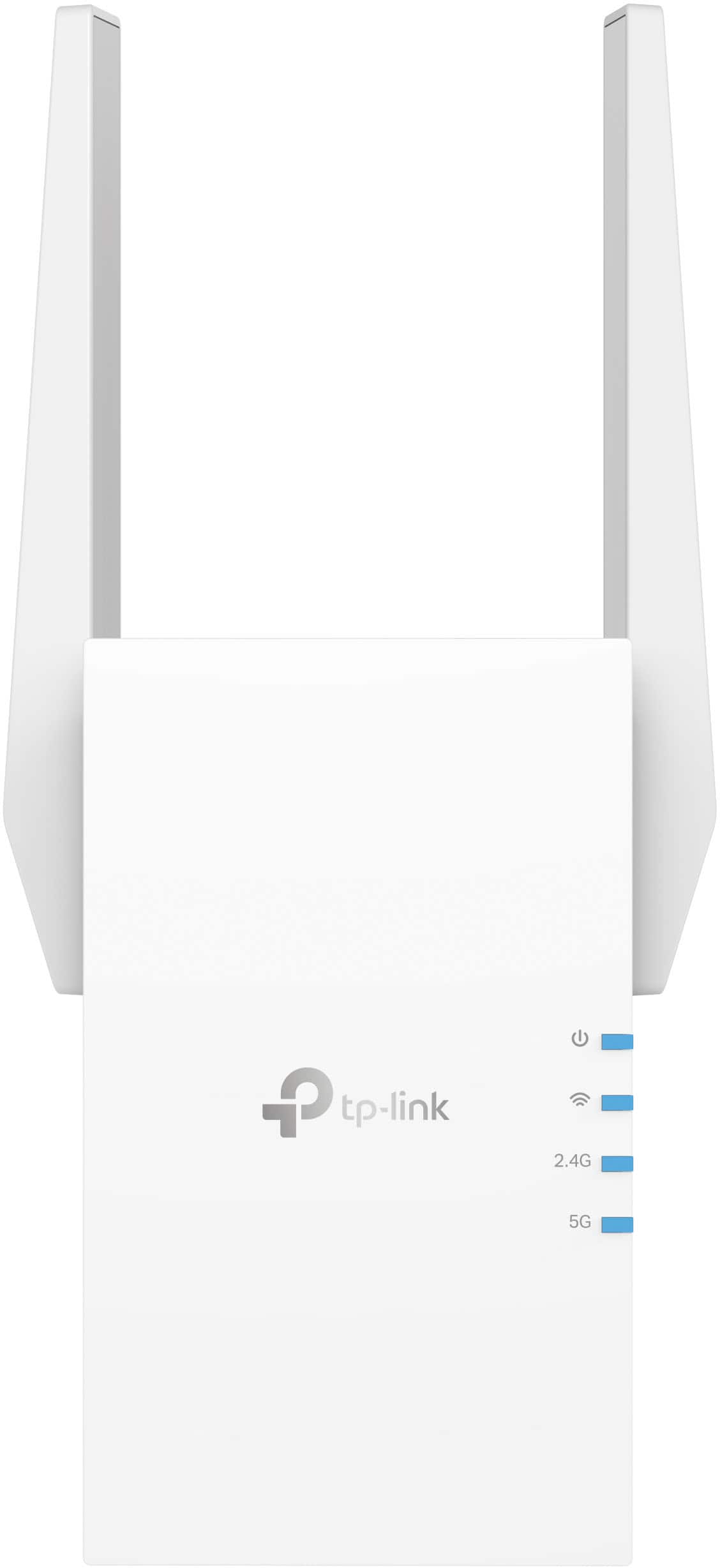
What is a multiband router?
Shop by your lifestyle
Large home
Ensure coverage across more square footage and multiple levels.
More connected devices
Tri- and quad-band technology handle heavy use from numerous devices.
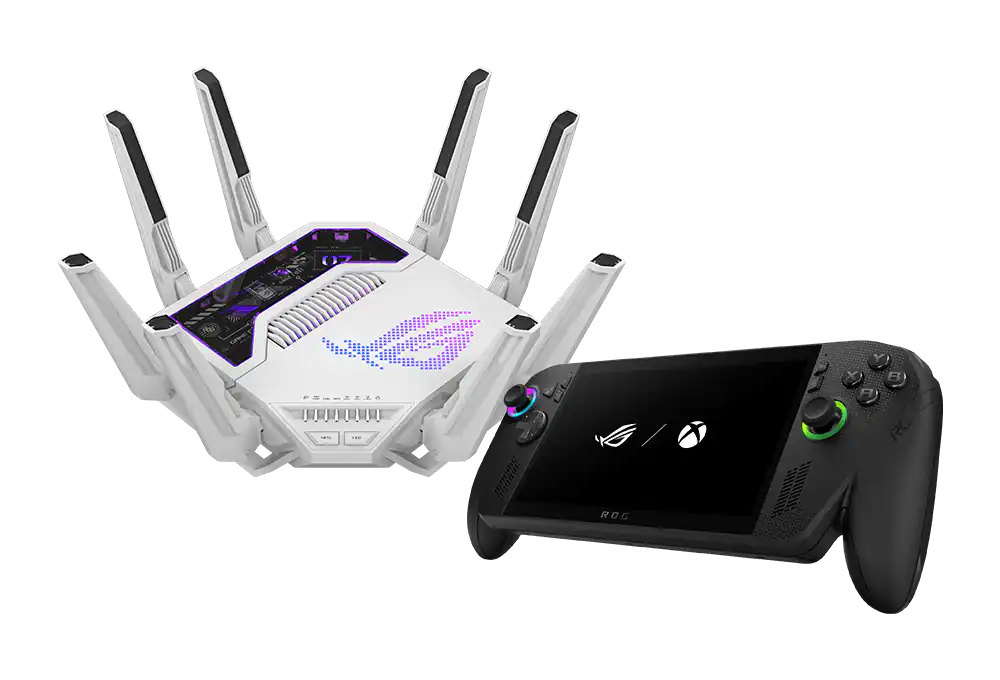
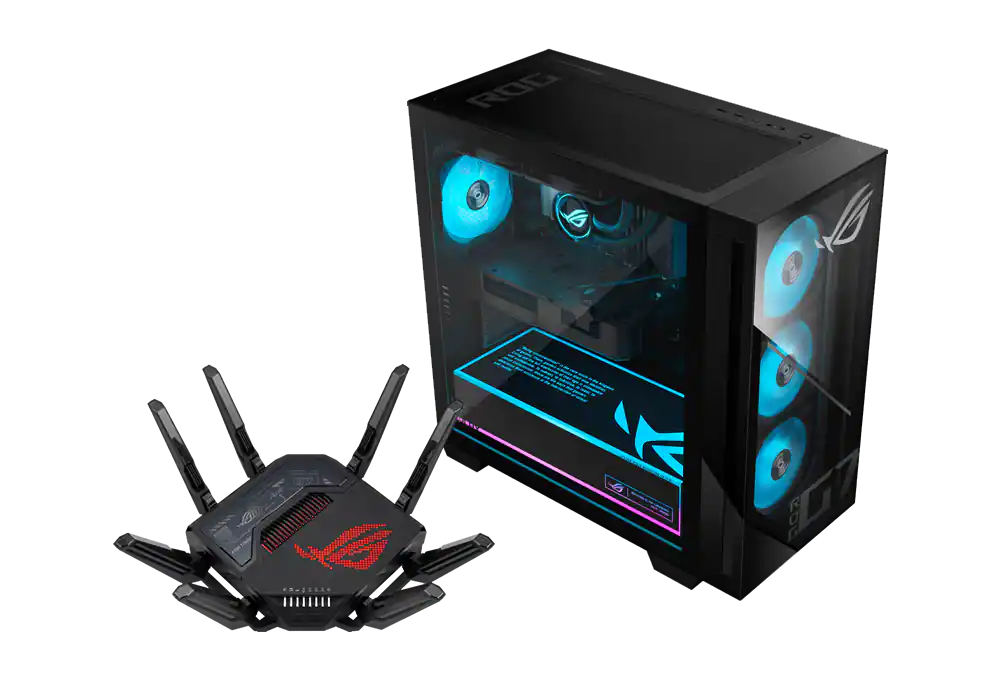
Gaming
Stay ahead of the competition with lag-free, low-latency technologies.
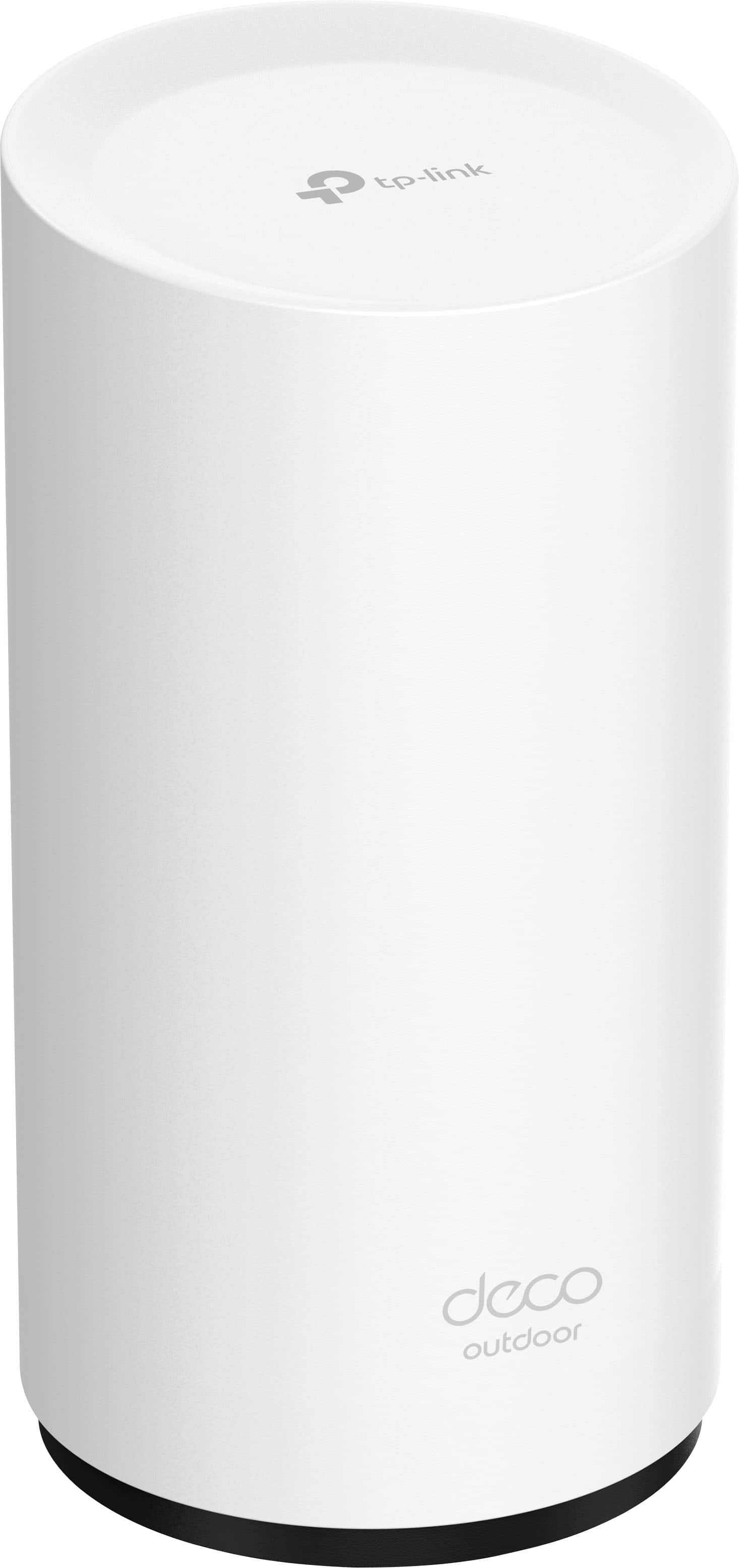
Outdoor
Extend the reach of your connected devices to the garage, backyard and patio.
Top rated in wi-fi & networking(15 items)
More for your moneyEnjoy everything from financing and price match to trade-in and member perks.
Support and services that have your backIncluding setup, installation, protection and repair.
Same-day pickup or fast, free deliveryGet your tech on your terms.
Endless selection, easy to shopFrom the basic essentials to premium tech, it’s easy to find what fits you.
Finding the best networking solutions for you
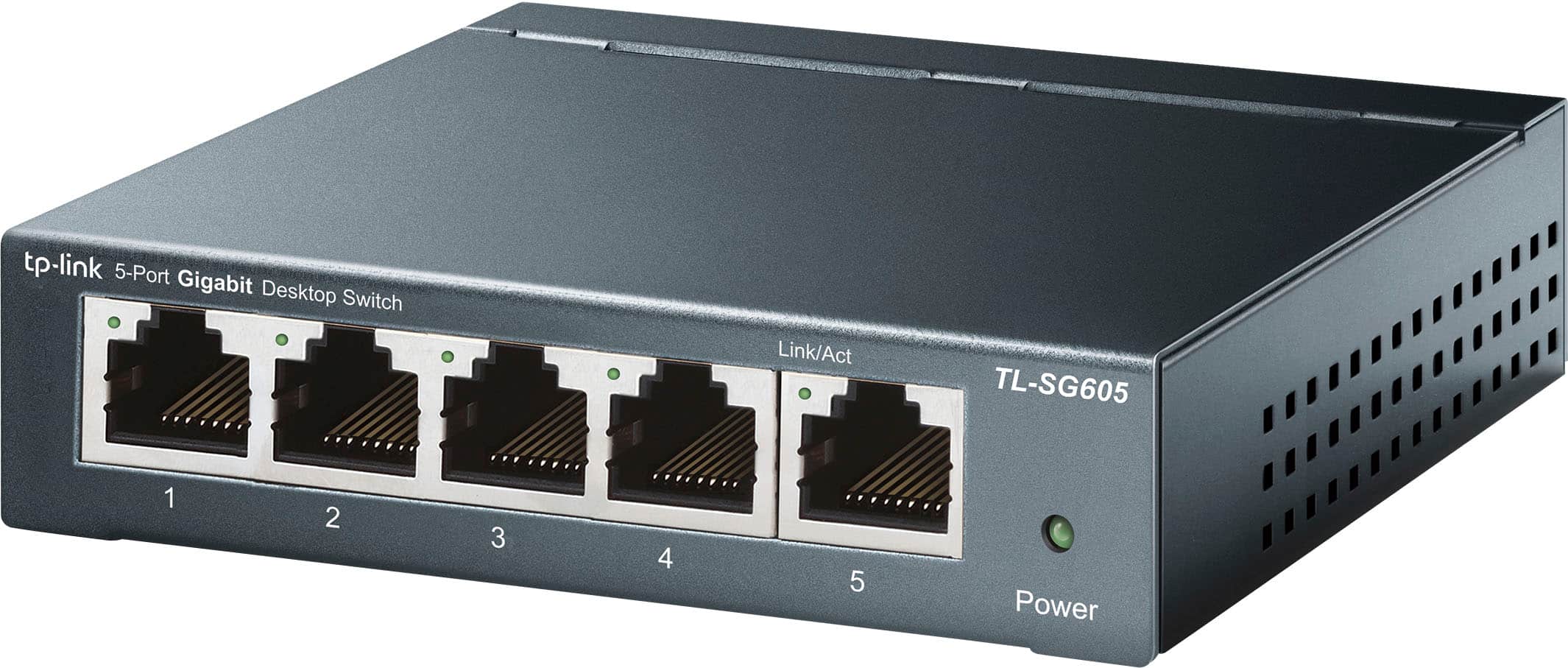
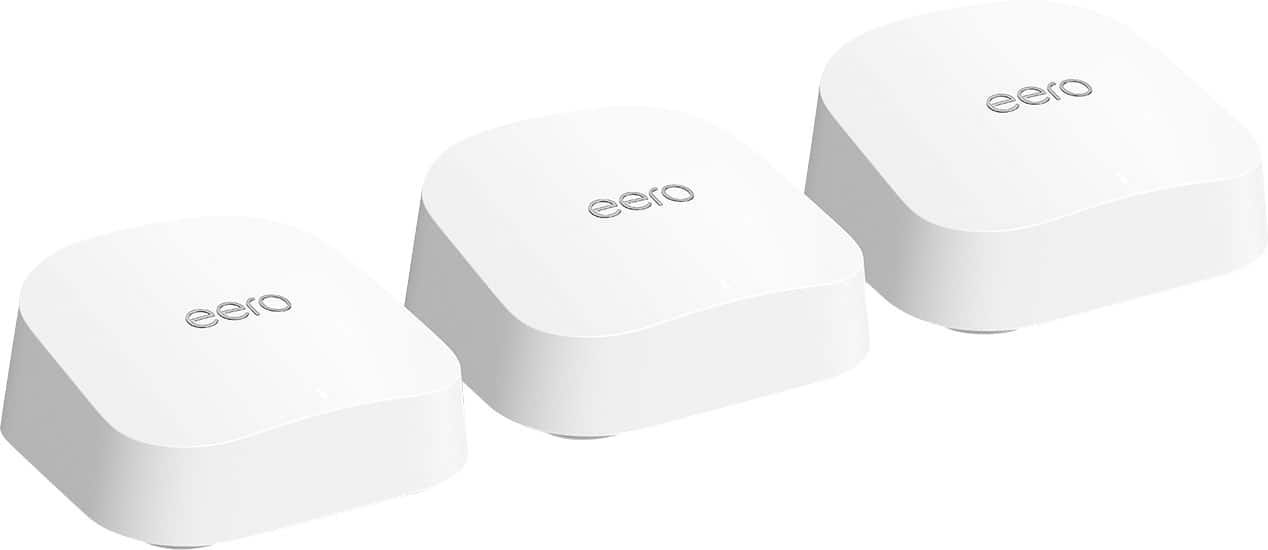
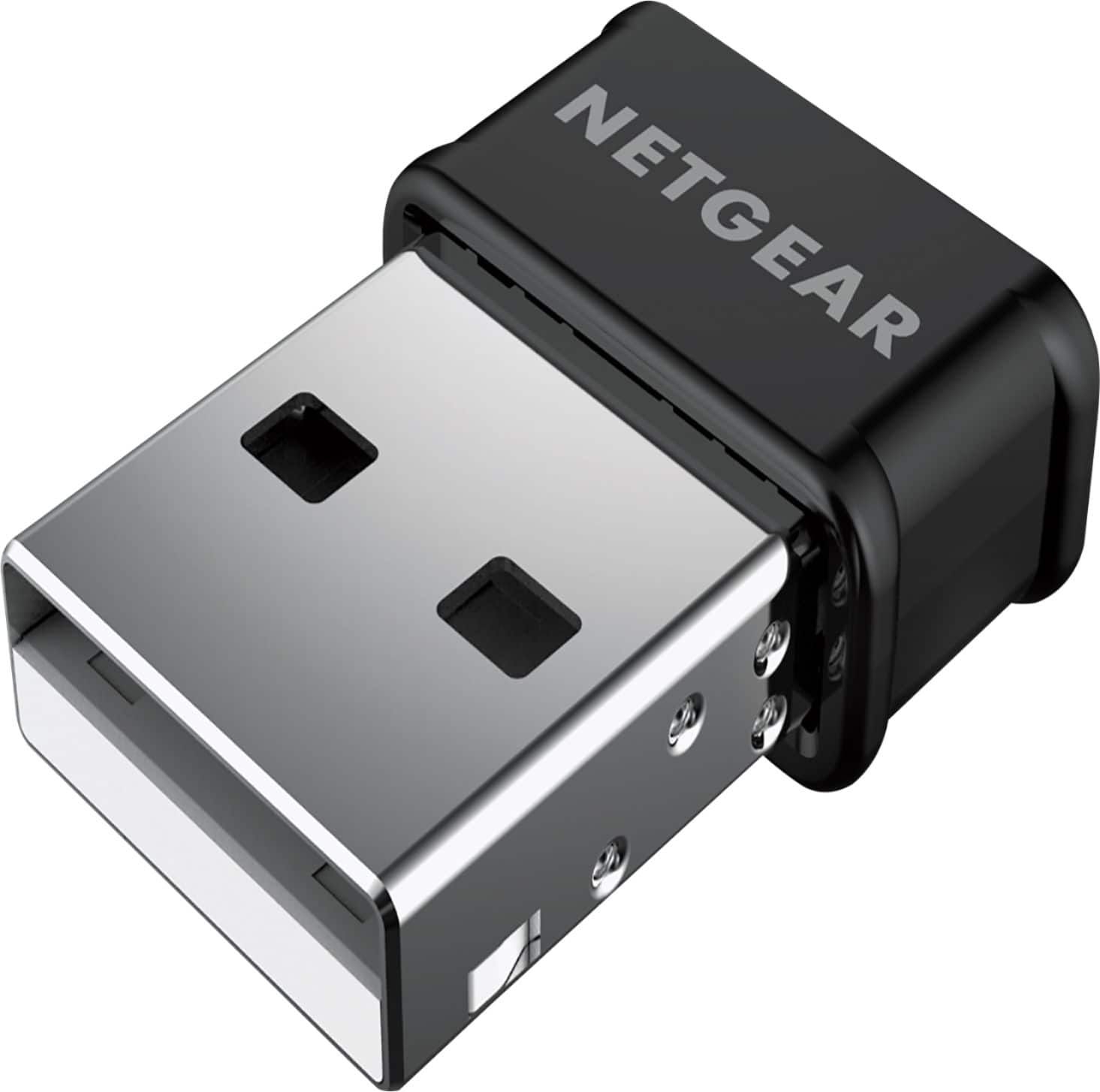
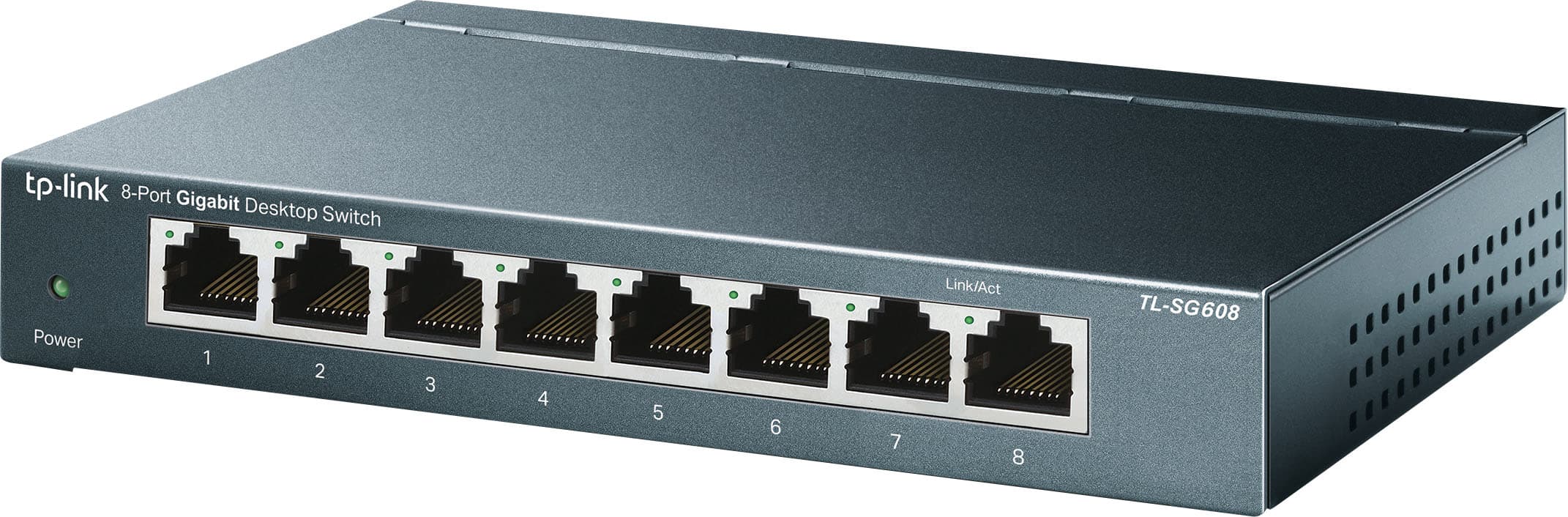
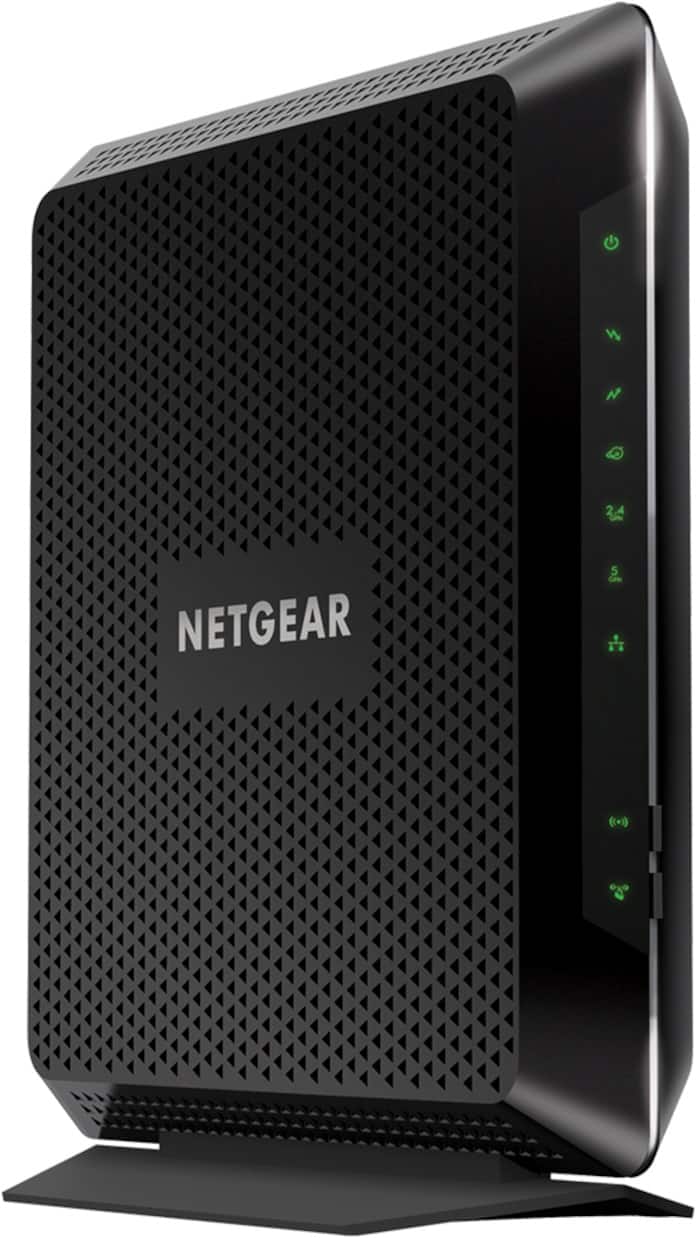
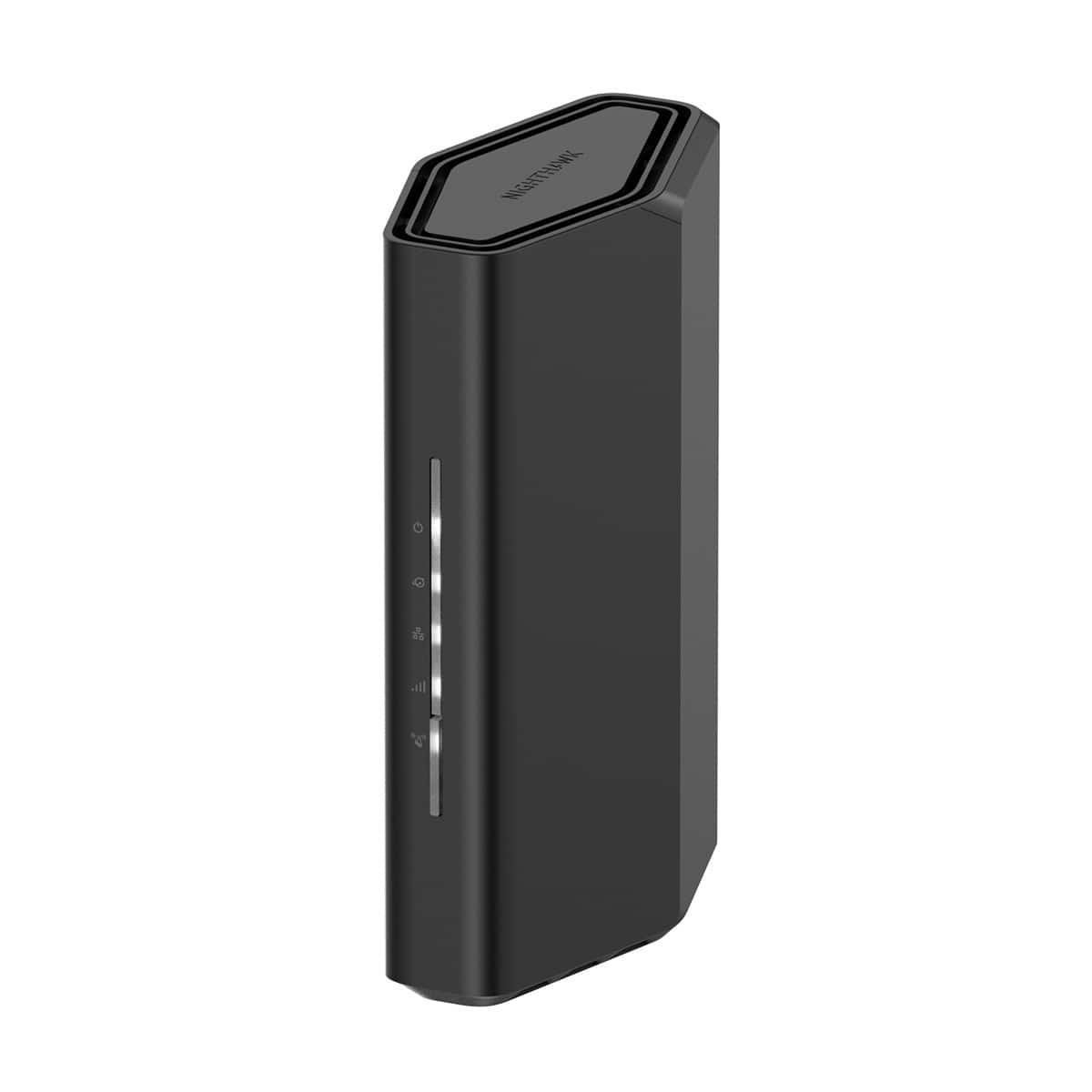
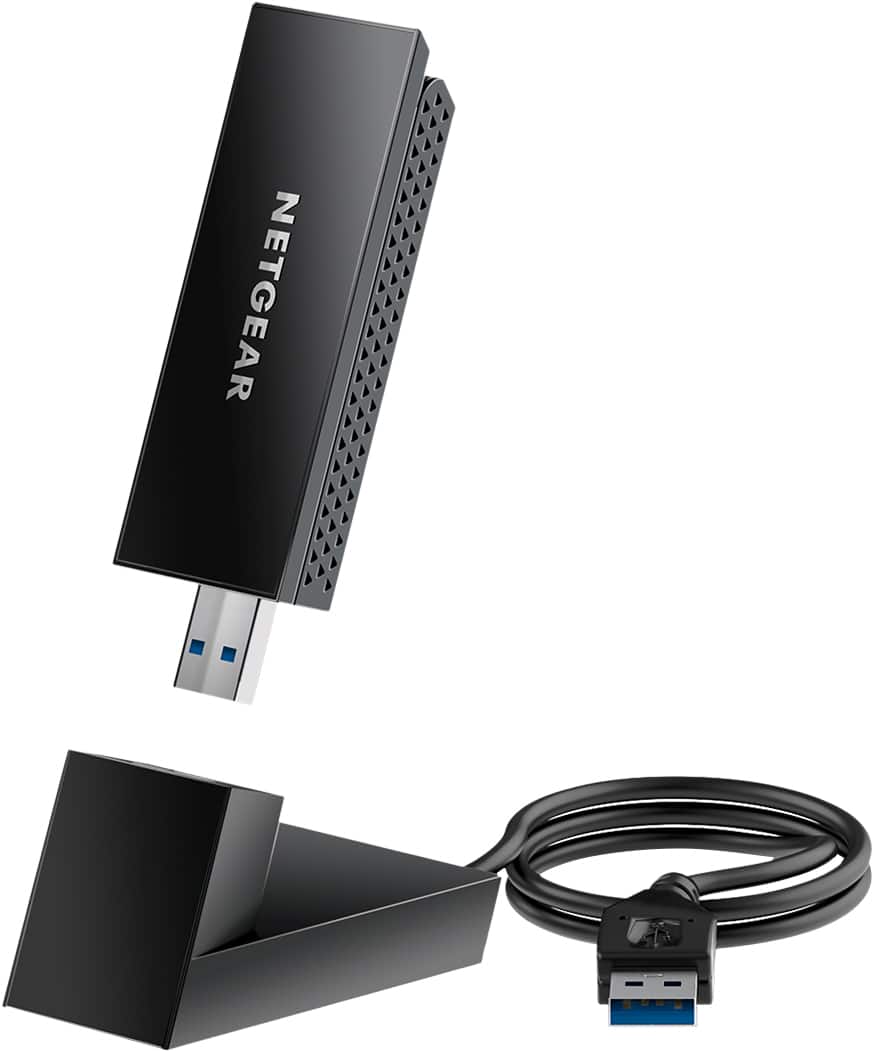
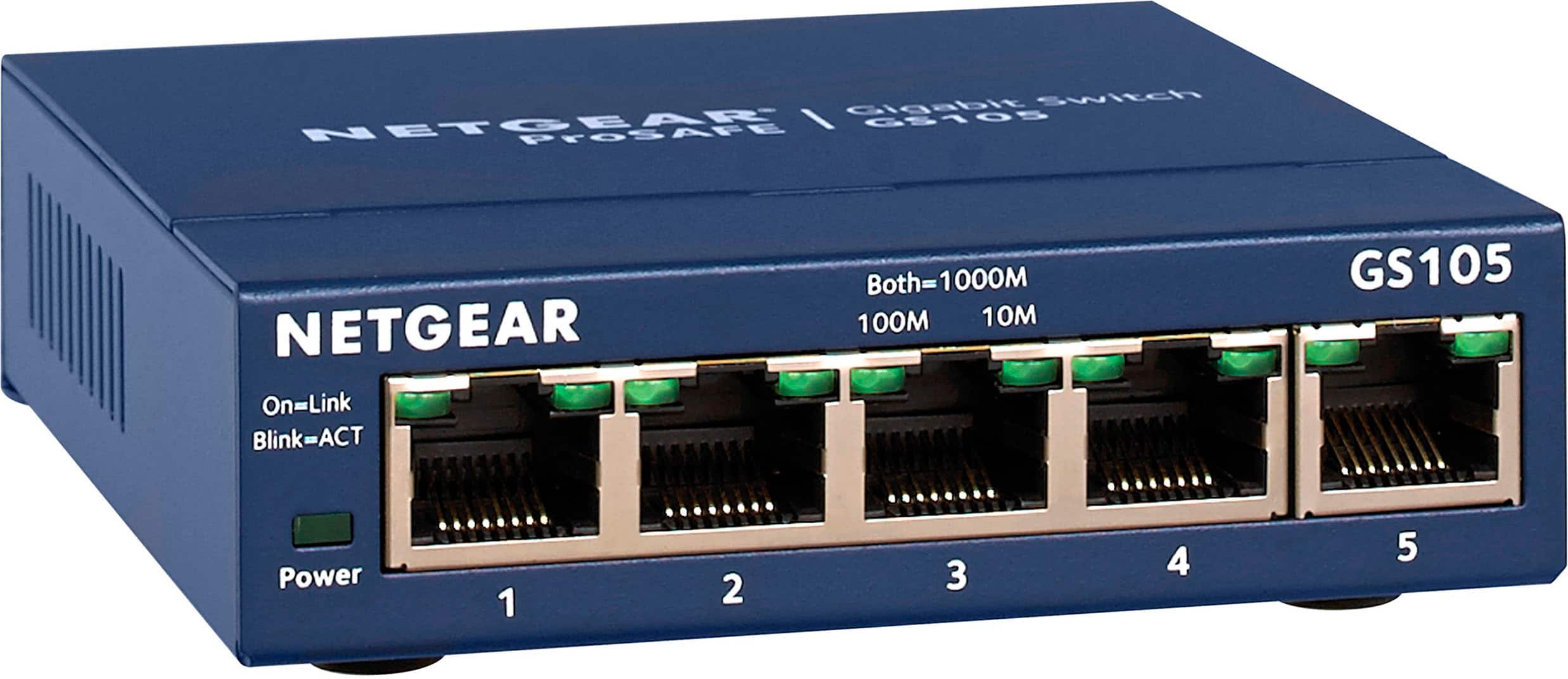
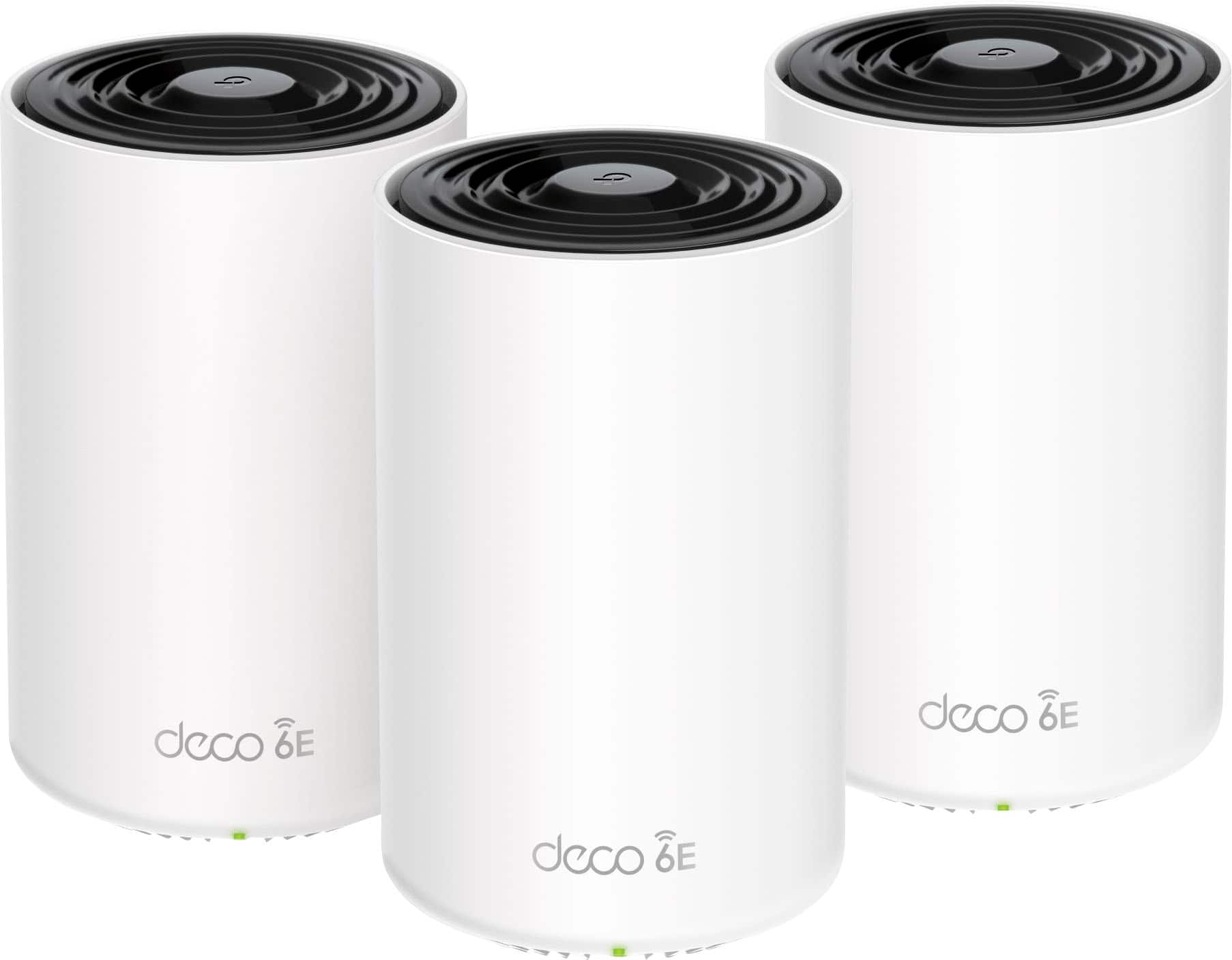
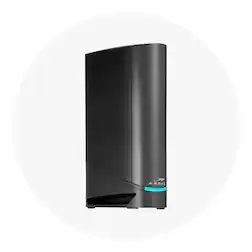
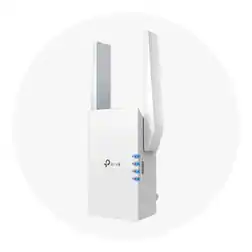
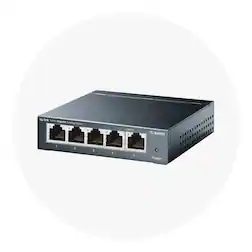
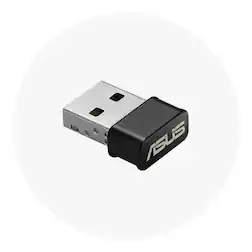
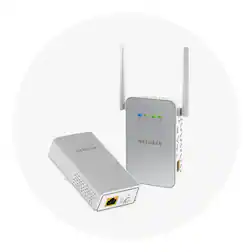
When setting up or upgrading your Wi-Fi and networking system, it’s important to choose the right networking solutions for your space and needs. Whether you're streaming on a 4K TV, engaging in PC gaming or setting up a home office, a fast and reliable Wi-Fi connection is essential. Start with a strong foundation: a Wi-Fi router and modem that can support multiple devices and deliver consistent coverage. Some setups benefit from a network switch to expand wired connections or a USB Wi-Fi adapter to enable wireless access on older devices. For larger homes or challenging layouts, you may need mesh Wi-Fi to eliminate dead zones. A mesh router or Wi-Fi extender can help deliver seamless coverage from room to room, maintaining a consistent Wi-Fi network across your entire space. And for the most stable performance, consider using Ethernet cables for critical devices. Finding the best home Wi-Fi setup depends on factors like your internet speed, home layout and connected devices. Whether you’re building a network from scratch or just upgrading networking devices, the right tools can help you stay connected without interruptions.
Getting the most out of your home Wi-Fi
Optimizing the performance of your home Wi-Fi starts with the right setup and smart network management. Place your Wi-Fi router and modem (or modem and router combo) in a central location, away from thick walls or large appliances, to ensure stronger Wi-Fi connections. Also, regularly updating your router’s firmware and using modern devices can significantly boost your network’s speed and reliability. Staying safe online is just as important as speed. Follow tips for enhancing home internet security, such as setting strong passwords, enabling encryption and utilizing antivirus and security software. Securing your Wi-Fi network with a unique network name and turning off remote access can further reduce risks. Good network management helps protect your family’s data and ensures smooth performance even during high-traffic times. If you're still not getting the speeds you expect, your home Wi-Fi setup may need a few tweaks. Evaluate how many devices are connected, check for interference from nearby networks and adjust your settings to better match your usage habits. Professional services are also available if you ever need any expert assistance.