- Other
- Platform: Mac
- Genre: Educational
- UPC: 667208101122
Since viruses and spyware became a prevalent threat with Internet use, Macs have been considered relatively safe because most threats have targeted PCs. However, recent Mac-focused malware attacks and cloud- and browser-based threats have put Macs in uncertain territory. Phishing and man-in-the-browser attacks have also put all online consumers at risk, regardless of whether they are using a Windows PC, Mac or mobile device. It's important to shield your computer and your personal information from the risk that comes along with Internet use, even if you are a Mac owner. After all, we rely on our computers to complete everyday tasks, such as banking, shopping, browsing, e-mailing, social networking and more, that put our personal information out there, making it more important than ever to be vigilant about our digital safety.
SecureAnywhere 2013 for Mac offers the antivirus and antispyware protection that lets you use the Internet with confidence. The real-time Threat Shield marks links and search results as safe, unsafe or unknown in your Safari browser, while keyboard monitors constantly check for key logger activity. The software automatically blocks malicious sites and stays up-to-date on the most recent threats with automatic updates for effective protection against viruses, spyware, root kits and more. For added security without having to remember hundreds of unique passwords, the Password Manager lets you use one Webroot password to log in to all of them and encrypts them during transmission. Installation is quick and easy and the software operates in the background with rapid scans that are quick and light on system resources. All you have to do is set it and forget it for the freedom to use the vast resources of the Internet without worrying about the safety of your equipment and personal information.
A: It covers 3 computers not 3 users.
Q: if you already have a virus on your computer will this security get rid of it?
A: Had two of the Geeks tell me it would remove viruses but it did nothing. Very disappointed.... Would not suggest this product to anyone.
A: If I remember correctly if you got the webroot in the DVD case on the back in the lower left hand corner there should be a barcode that will be labeled as your passcode. You just need to enter that at the website and it will begin to download.
A: Go to www.webroot.com/GEEKSQUADdownload Click the appropriate DOWNLOAD NOW button for your device (PC or MAC).
A: You can use the link below to opt-out of automatic renewal. You can also send me an email at communitysupport@webroot.com and I will personally disable it for you. Auto Renewal Opt Out: http://www.webroot.com/customerSupport/auto_renewal_optout.php?kc Mike R Webroot Community Team
A: No you do not. They provide the same protection and access to the Webroot Intelligence Network. They differ in feature sets (Password Management, number of seats, Backup & Sync, etc.). Mike R Webroot Community Team
Q: My laptop was stolen, how to track device
A: If you registered your product, all you should have to do is go to their website & put in all your info! Simple!
A: Please send me an email at communitysupport@webroot.com with a scanned copy of your receipt and/or your email address so that I can find your keycode. Mike R Webroot Community Support
Most-viewed items
 $1,999.99The price was $2,199.99
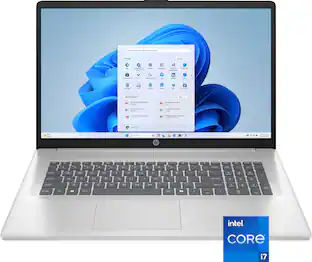 $799.99The price was $999.99
 $1,599.00The price was $1,699.00







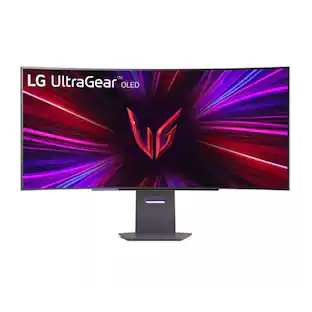
Today's top picks
- $799.99The price was $999.99
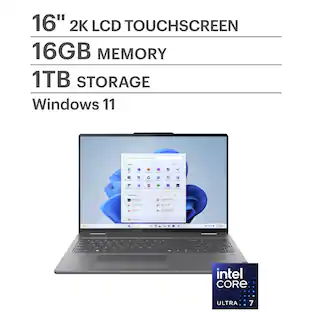 $749.99The price was $1,049.99
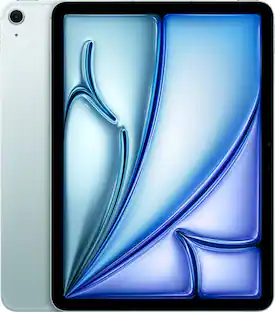 $499.00The price was $749.00
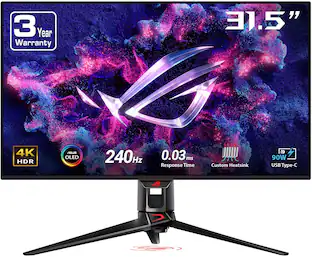 $1,078.99The price was $1,299.99
 $599.99The price was $949.99