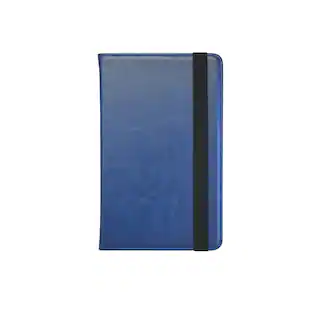
Amazon - Kindle Scribe (16GB) - 2024 - Tungsten
Customers are saying
Customers often highlight the product's Screen Size. They appreciate its 'perfect size,' comparing it favorably to a book.
Total Storage Capacity
16GBWrite in books as inspiration strikes
Start writing directly on the page and Active Canvas will create space for your notes.
Built-in notebook
Create meeting notes and to-do lists, or journal all in one place. Convert handwritten notes to text and email them to yourself or your contacts.
Notebook summaries
Easily summarize and refine your notes with new built-in AI notebook tools.
Read and write in any light
The 10.2" glare-free, 300 ppi front-lit display is designed for reading and writing anytime, indoors and out.
No distractions
Focus on your thoughts with a device purpose-built for reading, writing, and marking up documents. No notifications or social media.
Premium Pen included
No need to set up or charge, just start writing. Upgraded design, shortcut button, and soft eraser provide a perfect writing companion.
- Screen Size10.2 inchesScreen Resolution300 pixels per inchTotal Storage Capacity16 gigabytesVoice Assistant Built-inNoWireless ConnectivityWi-Fi, BluetoothBattery ChemistryLithium-ion
Reviews
Rating 4.7 out of 5 stars with 20 reviews
- Screen Size (3)
Customer Images
The vast majority of our reviews come from verified purchases. Reviews from customers may include My Best Buy members, employees, and Tech Insider Network members (as tagged). Select reviewers may receive discounted products, promotional considerations or entries into drawings for honest, helpful reviews.


Compare similar products
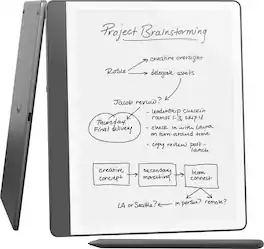
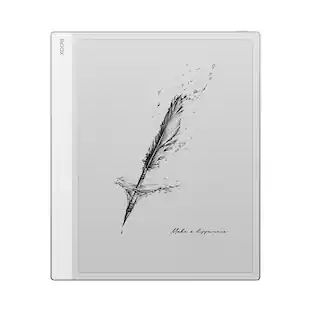
Kindle Scribe - A Kindle and a notebook, all in one. Redesigned flush-front display with uniform white borders and upgraded Premium Pen, feels like writing on paper.

Kindle Scribe - A Kindle and a notebook, all in one. Redesigned flush-front display with uniform white borders and upgraded Premium Pen, feels like writing on paper.

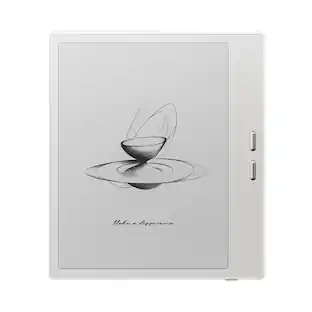
All-new Kindle Scribe – Features an 11” glare-free display with front light, built-in notebook, AI tools, and support for popular cloud services.
All-new Kindle Scribe – Features an 11” glare-free display with front light, built-in notebook, AI tools, and support for popular cloud services.
| Pros for Amazon - Kindle Scribe (16GB) - 2024 - Tungsten | |||
|---|---|---|---|
| Screen Size | Portability, Overall Performance, Battery Life, Note Taking, Size | There were no pros for this product— | There were no pros for this product— |
Specs
Customers often buy these together
Tablet eReader Cases and Sleeves
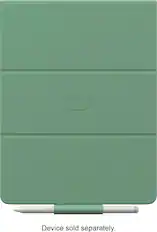
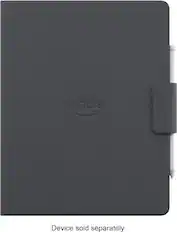
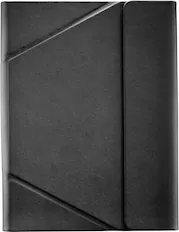

Tablet Accessories
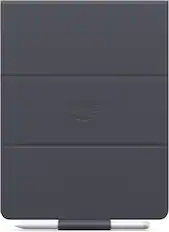
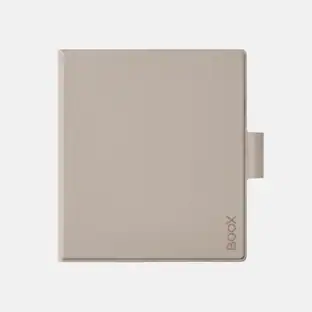
Amazon - Scribe Folio Cover - Graphite
$74.99The price was $89.99
More to consider
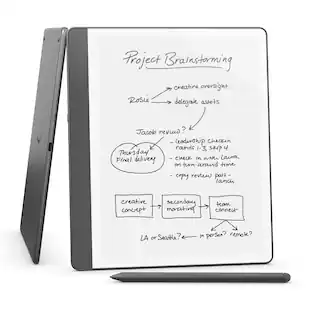
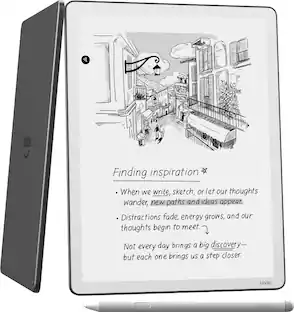
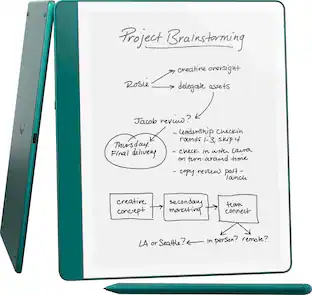

Explore tech essentials Sponsored
 Top Deal$189.99The price was $299.99
Discover related products
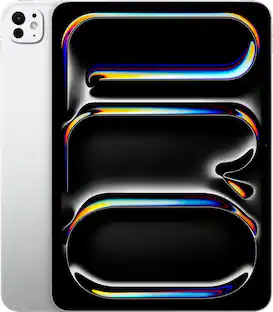 $834.99The price was $999.00
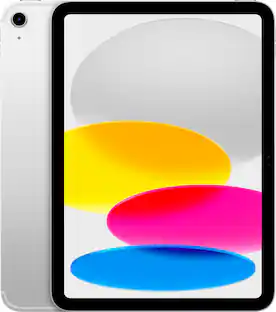
 $594.99The price was $699.00





Keep exploring
 $137.99The price was $149.99