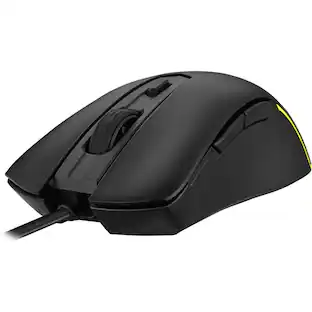
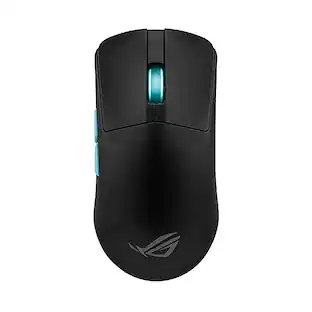
ASUS - ROG Harpe II Ace Ultralight Optical Gaming Mouse with ROG SpeedNova Wireless Technology - Wireless - Black
Customers are saying
Customers are enthusiastic about the mouse's exceptionally lightweight design and its impressive battery life. Users also frequently praise the comfortable, contoured ergonomics and the high-quality build that ensures reliable performance. Additionally, the versatile connectivity options and smooth gliding experience make this device a highly regarded choice for various setups.
Color
BlackShaped by Esports Pros
Engineered in collaboration with world-class esports professionals, perfectly balanced to enable effortless flicks and swift swipes for absolute precision in every play
48g Ultralight Design
Built with an innovative bio-based nylon material that reduces weight and enhances impact resistance
ROG AimPoint Pro Optical Sensor
42,000 dpi optical sensor with track-on-glass technology
ROG Optical Micro Switches
Crisp, instant actuation and a 100-million-click lifespan
ROG SpeedNova 8K Wireless Technology
Experience maximized precision and reliability at up to 8KHz polling rate with ROG SpeedNova 8K wireless technology
Zone Mode
Cuts straight into optimal, top-level hardware performance, customized to your standards
Web-Based Configurations
Configure and customize your gear directly on a browser via Gear Link
Large 100% PTFE Mouse Feet
Wide, friction-reducing mouse feet with rounded edges facilitate smooth and fast movements
Flexible Connectivity
Tri-mode connectivity plus an ROG Omni Receiver supporting multiple-device wireless connection with a single receiver
- Lighting TypeRGBMaximum Sensitivity42000 dots per inchNumber of Buttons (Total)5Connection TypeWireless, Wired
Reviews
Rating 4.8 out of 5 stars with 37 reviews
- Weight (24)
- Battery Life (18)
- Ergonomics (12)
- Build Quality (10)
- Connectivity (10)
Customer Images
The vast majority of our reviews come from verified purchases. Reviews from customers may include My Best Buy members, employees, and Tech Insider Network members (as tagged). Select reviewers may receive discounted products, promotional considerations or entries into drawings for honest, helpful reviews.
Compare similar products
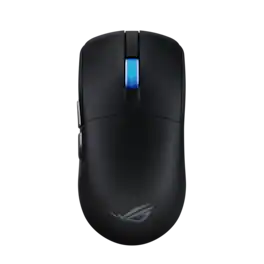
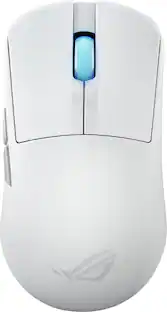
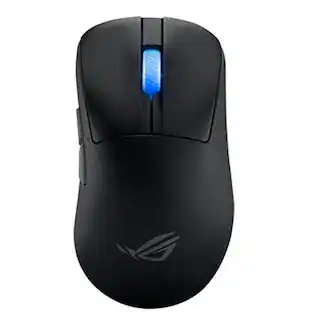
The ROG Harpe II Ace is an ultralight 48-gram semi-symmetrical gaming mouse with a shape developed with the help of esports professionals. It packs a raft of pro-approved technology, including the 42,000-dpi ROG AimPoint Pro optical sensor, ROG Optical Micro Switches and 8,000Hz polling wireless performance with SpeedNova 8K wireless technology.
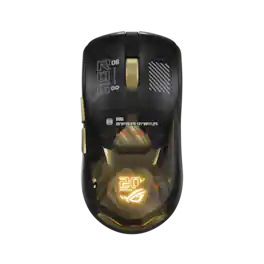
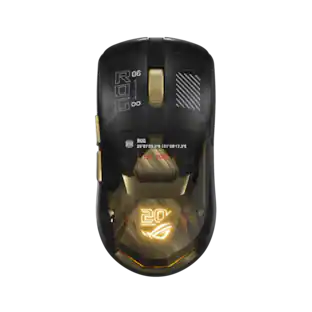
The ROG Harpe II Extreme Edition 20 is a commemorative gaming mouse built on the pro-developed Harpe II Ace. It combines authentic 24K gold-plated detailing with cutting-edge performance, a new 65,000-dpi ROG AimPoint Pro 65K sensor, ROG Optical micro switches, and industry-leading 8,000Hz wireless performance powered by ROG SpeedNova technology.

ROG and Aim Lab have joined forces to raise the bar for esports gaming with the ROG Harpe Ace Aim Lab Edition wireless gaming mouse. Designed for esports athletes and aspiring gaming professionals, this ultralight 54-gram mouse includes the Aim Lab Settings Optimizer feature that measures and analyzes gamer performance to create the best-possible settings combination, playing to your strengths. Unleash the champion within―with the ROG Harpe Ace Aim Lab Edition.
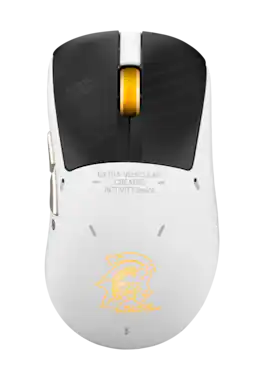
This exclusive edition of the ROG Keris II Origin features a striking design and spirit, capturing the essence of Kojima Production’s legendary identity. At just 63g, this ultra-lightweight mouse pairs RGB lighting and ergonomics, ensuring peak performance. ROG SpeedNova technology delivers seamless, lag-free connectivity, keeping you locked into the action.
| Pros for ASUS - ROG Harpe II Ace Ultralight Optical Gaming Mouse with ROG SpeedNova Wireless Technology - Wireless - Black | |||
|---|---|---|---|
| Weight, Battery Life, Ergonomics, Build Quality, Connectivity | Design, Overall Performance | Weight, Battery Life, Responsiveness, Ergonomics, Build Quality | Weight, Design, Responsiveness |
Specs
Customers often buy these together
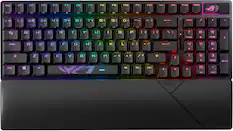
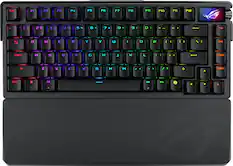
Computer Keyboards
![Sure, here is the corrected and grouped text from the image:
**Top Row:**
- Esc F1 F2 F3 F4 F5 F6 F7 F8 F9 F10 F11 F12 Del PgUp PgDn
**Number Row:**
- 1 2 3 4 5 6 7 8 9 0 - = Backspace
**Letter Row:**
- Q W E R T Y U I O P [ ] \ Caps A S D F G H J K L ; ' Enter
**Bottom Row:**
- Z X C V B N M , . / Shift Ctrl Alt Fn Spacebar Alt Ctrl
**Right Side:**
- Num / * - Home 7 8 9 + PgUp 4 5 6 - PgDn 1 2 3 End 0 . Ins Del
**Mouse Pad:**
- RUG
**Additional Labels:**
- Caps
- Num
- Fn
- RUG](https://pisces.bbystatic.com/image2/BestBuy_US/images/products/190c81fc-db33-4a07-8291-7371ad203c0c.jpg;maxHeight=232;maxWidth=233?format=webp)
![F1 F2 F3 F4 F5 F6 F7 F8 F9 F10 F11 F12
Home Ins Del PgUp PgDn
1 2 3 4 5 6 7 8 9 0 - =
Q W E R T Y U I O P [ ] \
Caps A S D F G H J K L ; '
Ctrl Z X C V B N M , . /
Alt Fn
Num / * - +
7 8 9 4 5 6 1 2 3
Home 8 A 9 PgUp +
End 0 O PgDn +
Ins Del
REPUBLIC OF GAMERS](https://pisces.bbystatic.com/image2/BestBuy_US/images/products/e9846a69-1bb6-42da-b617-2f730ea76bfc.png;maxHeight=232;maxWidth=233?format=webp)
![H Z IT ESC F1 F2 F3 F4 F5 F6 F7 F8 F9 F10 F11 F12 Home End I 1 2 3 4 5 6 7 8 9 0 - = + Ins 1 # $ % & * i Q W E R T Y U I O P [ ] | Del Caps A S D F G H J K L ; ' PgUp Z X C V B N M , . / ? A PgDn Ctrl I Alt Alt Fn](https://pisces.bbystatic.com/image2/BestBuy_US/images/products/7fa5a352-5d2b-4a0f-894f-18fd3234b3cb.png;maxHeight=232;maxWidth=233?format=webp)
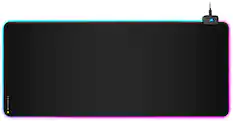
Mouse Pads

CORSAIR - MM300 PRO Gaming Mouse Pad with Premium Spill-Proof Cloth - Extended - Black
Top Deal$19.99The price was $29.99
ASUS - ROG Scabbard II Gaming Mouse Pad (XXL) - KOJIMA PRODUCTIONS Edition
Clearance$59.99The price was $69.99
PC Gaming Headsets
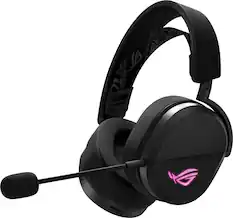
ASUS - ROG Pelta Wireless Gaming Headset for PC/Mac, PS5, PS4 and Switch - Black
$104.99The price was $129.99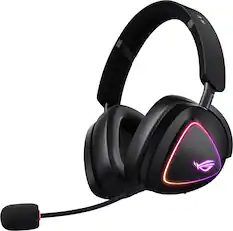
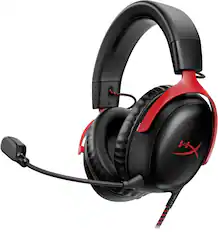
ASUS - ROG Delta II Wireless RGB Gaming Headset for PC/Mac, Xbox, PS5, PS4 and Switch - Black
$185.99The price was $229.99
More to consider
 Clearance$149.99The price was $169.99
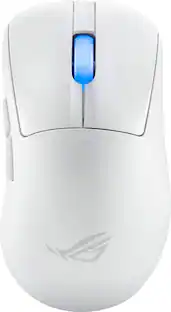 $129.99The price was $159.99
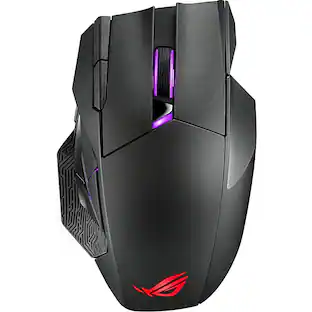 $119.99The price was $149.99
 $109.99The price was $129.99
 $113.49The price was $129.99
 $129.99The price was $159.99


Explore tech essentials Sponsored
 Top Deal$127.99The price was $159.99
 $118.99The price was $159.99
- $129.99The price was $159.99
Discover related products
 $91.49The price was $107.49
 $12.99The price was $13.99
 $459.99The price was $535.78











Keep exploring
 $16.99The price was $25.99
 $32.49The price was $39.94
 $59.99The price was $71.49