The vast majority of our reviews come from verified purchases. Reviews from customers may include My Best Buy members, employees, and Tech Insider Network members (as tagged). Select reviewers may receive discounted products, promotional considerations or entries into drawings for honest, helpful reviews.
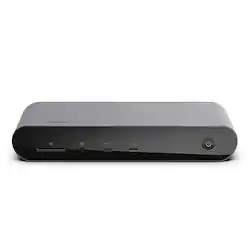
Went thru several usb-c / thunderbolt 4 docs, this one will work with a 2023 m2 max Apple mbp! To get 2 hdm1 4 k monitors to work you will need to connect one monitor with an hdmi to hsbc cable and the connect it to the hsbc port on the back of this dock. The connect the other monitor hdmi to the hdmi port on the back of the doc. Connect either net to the either net port on the back of the doc! When turning off your mbp, power off the mbp. The press the power button on the front of the doc. Important, when turning on the mbp, let it boot up and sign into your account fully. Next, press the power button on the doc and you should be good to go.
Posted by ClaytonB
BUY this dock! It does everything I want it to do.
Posted by chspensley
The Belkin did a great job and helping me connect my M1 MacBook Pro to my 32 inch dell, monitor, cd, drive and backup SSD drive.
Posted by Larry