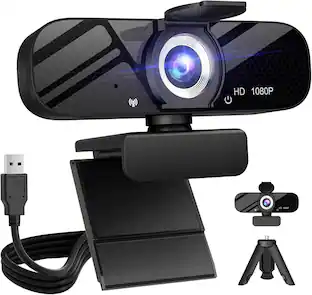
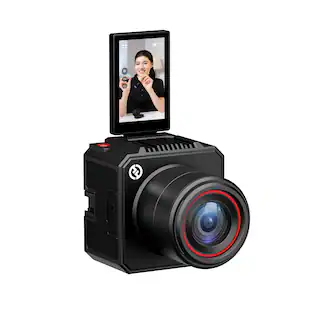
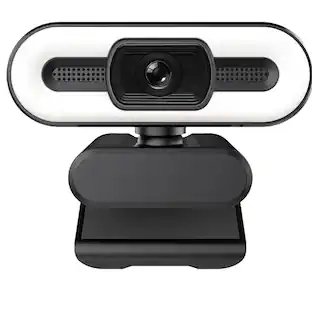
JLab - JBuds Cam Webcam - Black
Customers are saying
Customers are positive about the webcam's stellar performance and clear, crisp video quality. Users also appreciate the simple plug-and-play installation and the camera's overall design and mounting stability. However, customers are negative about the lack of a privacy shutter, noting that this feature is an essential inclusion for their security.
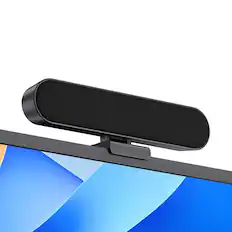
JLab JBuds Webcam
HD USB Web Cam with 1080p video and fixed focus
Hi-Definition
With full 1080p video, 2.1 megapixels, and 30 frames per second, this webcam offers fantastic resolution and a crystal clear image for conferencing, livestreaming, vlogging, webinaring, chatting, meeting, teaching, happy-houring, and anything else you can think of.
Sound on Point
The JBuds HD Webcam features dual built-in microphones for seamless synchronization of picture and voice. With omni-directional capabilities, it ensures natural-sounding calls and recordings, bridging the gap when meeting in person is not possible. Perfectly in sync, anytime, anywhere
Auto-Focus
The JBuds Cam is perfect for remote work. Auto focus highlights you, not the background clutter. Wide 93° angle captures you and maybe your furry WFH co-worker. Say goodbye to unflattering lighting and hello to clear, well-framed video calls from anywhere.
Pick Your Style
No matter what your WFH vibes are, this webcam is designed to fit right in so you and your work can stand out. Interchangeable fabric face plates come in two classic colors so you can match your desk aesthetic – smooth white Mac vibes or darker styles.
Video your way
The JBuds HD Webcam is made to fit into your setup and your style of working. It has a minimal, clip-on design that works with PC, Mac, and Chromebook, so no matter your hardware, it’s always ready to plug-in and go
100% RECYCLABLE PACKAGING
JLab was the first major audio brand to have fully recyclable packages when we announced it in 2019. And fully recyclable is a big deal: This means after you open your product, you can put the box directly into the recycling bin and every component of it is recyclable. We looked at every detail to make it 100% recyclable.
- Video Resolution2K (1600p)
Reviews
Rating 4.5 out of 5 stars with 49 reviews
Customer Images
The vast majority of our reviews come from verified purchases. Reviews from customers may include My Best Buy members, employees, and Tech Insider Network members (as tagged). Select reviewers may receive discounted products, promotional considerations or entries into drawings for honest, helpful reviews.
Compare similar products
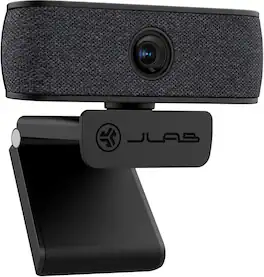
The JBuds HD Webcam brings new focus to your virtual life. With high-definition images and natural sound, the attention will all be on you whether you’re leading a meeting, recording a vlog, or joining a virtual workshop. The crystal clear glass lens and dual omni-directional microphones give you serious performance, and the easy-to-use clip-on design fits seamlessly into any setup.

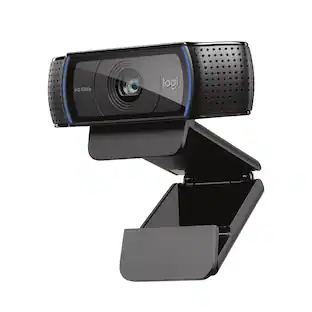
Logitech C920s is a budget-friendly, work-from-anywhere webcam that delivers a professional video meeting experience. It includes features designed to make you look and sound great in your next meeting. A 78º diagonal field of view perfectly frames you and your space, while autofocus adjusts smoothly and precisely. RightLight 2 technology automatically adjusts to your lighting situation even in low-light or backlit conditions. And dual integrated mics accurately capture your voice from multiple angles for greater nuance. If you’re streaming or recording, use Logitech’s Capture app to edit and customize. Flip down the lens cover at any point to protect your privacy.

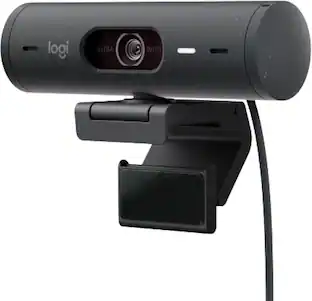
Meet, stream, master with the Logitech MX Brio Ultra HD 4K Webcam for Collaboration and Streaming. Experience sharp, ultra HD 4k resolution video with AI image enhancement, our in-house designed lens, and our most advanced webcam sensor yet with 70% bigger pixels for 2X better face visibility and 2x finer image details in difficult lighting conditions.. Fine controls on this HD webcam let you precisely adjust lighting and white balance with ISO, Shutter Speed, Temperature, Tint, and Vibrance. Dual omnidirectional microphones reduce background sound so you can be heard clearly with noise-reducing technology. Show Mode lets you share your physical work and notes on video calls by tilting the web camera down.

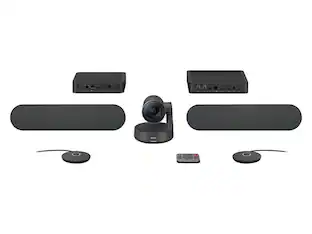
Logitech Pro Webcam Ultra Wide Angle brings pro-quality HD video and stereo audio to desktop video meetings, live feeds, webinars and more. Enjoy the widest field of view (90-degrees) in a business webcam, ultra-clear HD 1080p video and smoother video via in-camera H.264/SVC UVC 1.5 encoding. Pro Webcam delivers the most professional desktop video collaboration experience yet.
| Pros for JLab - JBuds Cam Webcam - Black | |||
|---|---|---|---|
| There were no pros for this product— | Video Quality, Overall Performance, Setup, Ease of Use, Privacy Feature | Privacy Feature, Ease of Use, Field of View, Image Quality, Connectivity | Video Quality, Overall Performance, Ease of Use, Setup, Field of View |
| Cons for JLab - JBuds Cam Webcam - Black | |||
| There were no cons for this product— | Compatibility, Cable Length, Focus, Autofocus, Field of View | Low-light Performance, Mounting Options | Compatibility, Cable Length, Color Accuracy, Lighting, Rotation |
Specs
Customers often buy these together


Customers ultimately bought
Explore tech essentials Sponsored
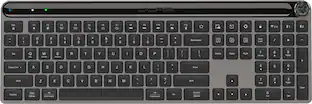
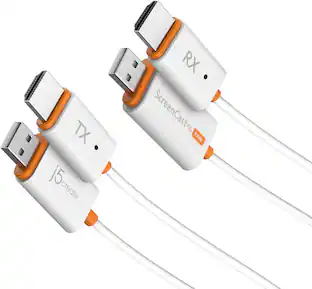
Discover related products
 $12.99The price was $13.99














Keep exploring
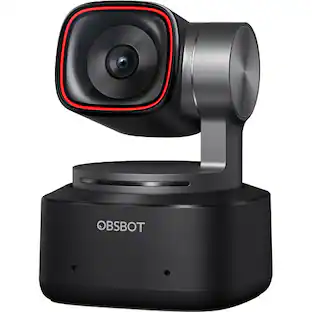 $269.00The price was $299.00
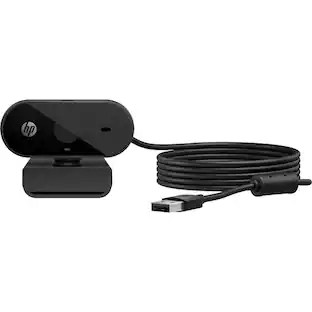 $49.00The price was $69.00
 $1,360.07The price was $1,427.99