Monitor Mounts, Stands & Risers
Filters
Featured products
Sponsored
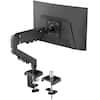
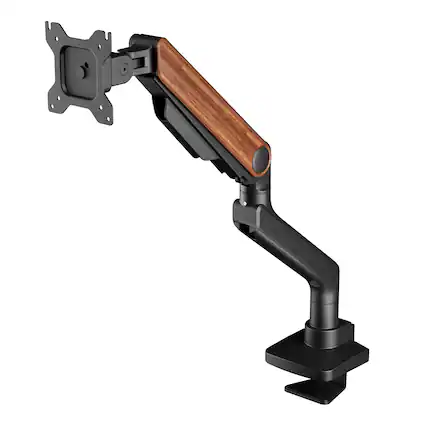
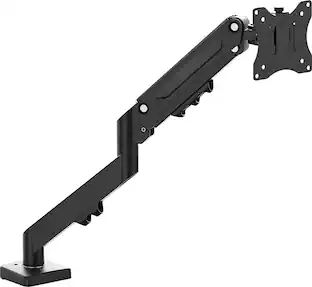
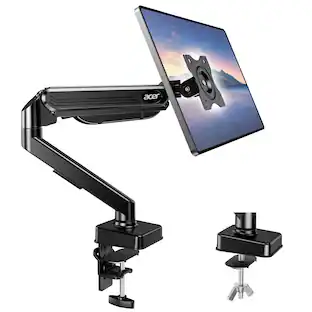
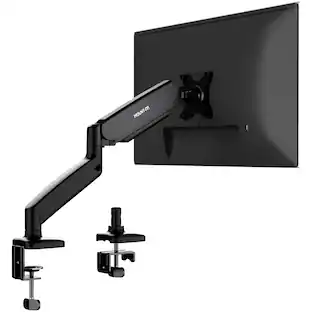
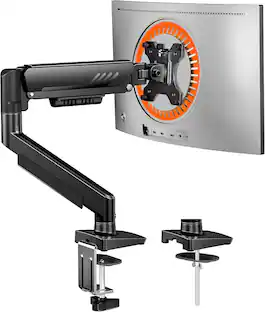
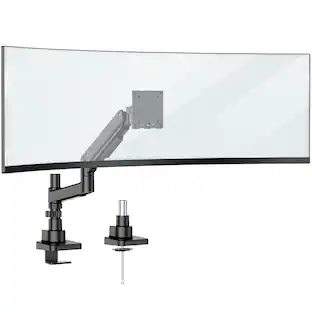
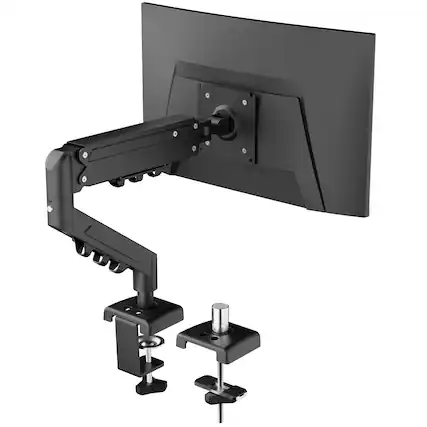
FlexiSpot - MA1 Adjustable Single Monitor Arm for 17"-32" Monitor - BlackNot yet reviewed
Not yet reviewed$62.99$6299The price was $89.99
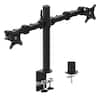
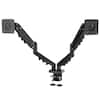
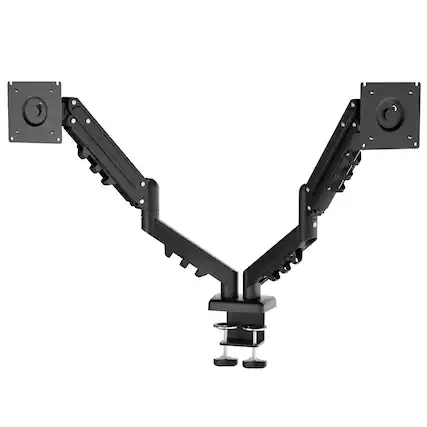
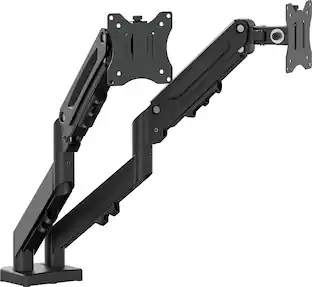
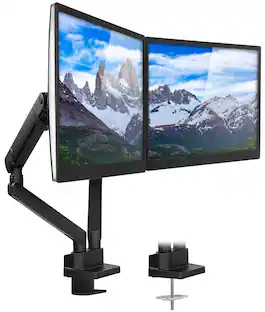
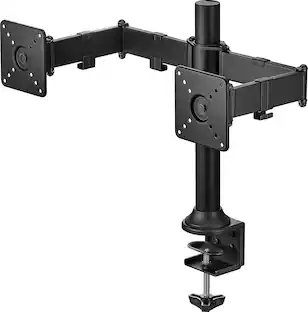
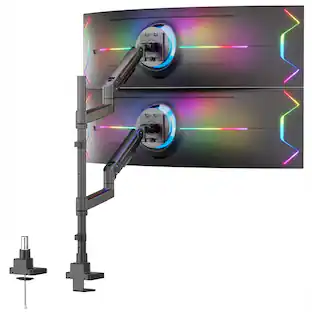
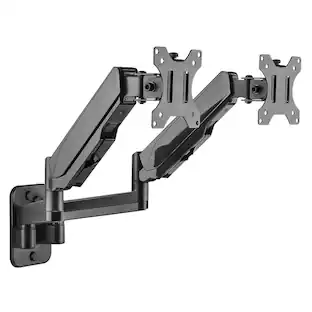
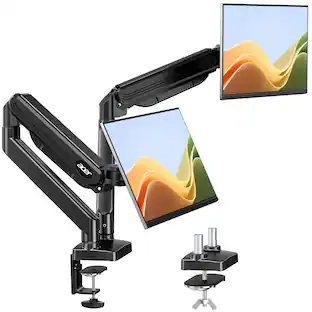
FlexiSpot - MA1 Adjustable Dual Monitor Arm for 17"-32" Monitors - BlackNot yet reviewed
Not yet reviewed$76.99$7699The price was $109.99
/
Monitor Mounts, Stands & Risers (5)
- $71.99$7199Save $28The comparable value is Comp. Value: $99.99
Get it by Thu, Nov 19 • FREE
Not yet reviewed
Not yet reviewed$76.99$7699Save $33The comparable value is Comp. Value: $109.99Get it by Thu, Nov 19 • FREE
Not yet reviewed
Not yet reviewed$62.99$6299Save $27The comparable value is Comp. Value: $89.99Get it by Thu, Nov 19 • FREE
- $158.49$15849Save $21.50The comparable value is Comp. Value: $179.99
Get it by Thu, Nov 19 • FREE
Not yet reviewed
Not yet reviewedNot yet reviewed
Not yet reviewed
People often viewed
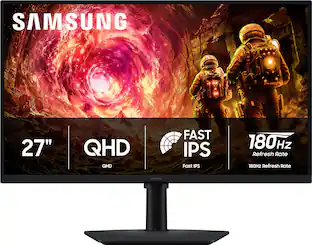
Samsung 27" Odyssey G5 (G50F) QHD Fast IPS 180Hz 1ms G-Sync & FreeSync Compatible Gaming Monitor (DisplayPort, HDMI)
Black Friday Deal$169.99$16999The price was $279.99Mount-It! Full Motion Monitor Stand up to 32"
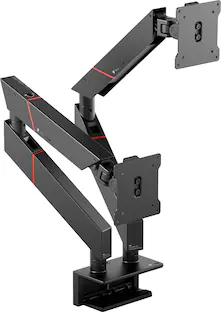
$40.84$4084The price was $47.99Secretlab MAGNUS Dual Monitor Arm, Full Motion Aluminum Desk Mount for Two Screens up to 34" and 17.6 lbs
$239.00$23900The price was $249.00
Best selling monitor mounts and stands
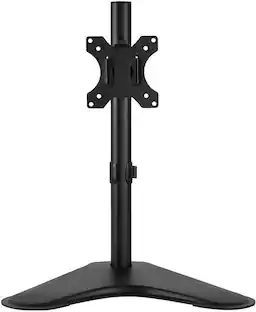
Mount-It! Full Motion Monitor Stand up to 32"
$40.84$4084The price was $47.99
Why are monitor stands so important?
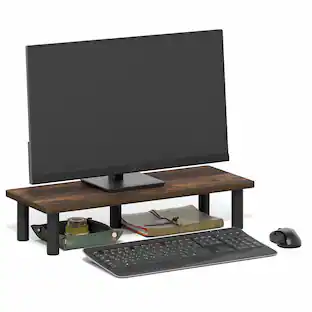
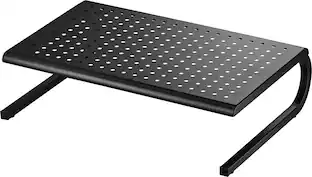
Along with using an ergonomic office chair, setting up your computer screen at eye level is one of the best ways to prevent neck stiffness and tension when working at a computer. It allows you to keep your neck aligned while easily seeing everything on your computer display. To achieve the ideal monitor height, you may need to set your computer monitor on a stand or adjust it with a monitor arm.
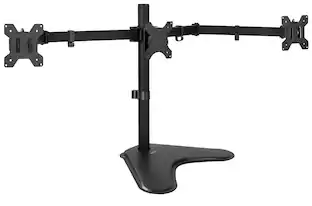
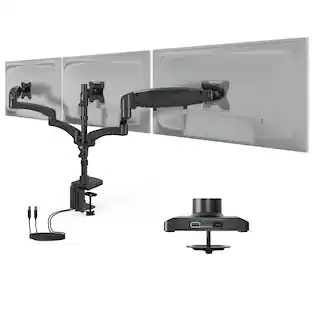
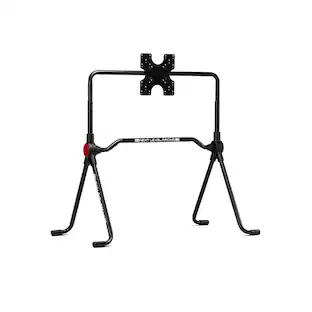
Monitor stands also offer the benefit of opening up more surface area on your desk. Most monitor stands are designed with legs so that you can use the desk space beneath them. You can gain a lot more storage space this way, especially if you have multiple monitors, in which case, you should look at a dual monitor stand or a multi-monitor stand.
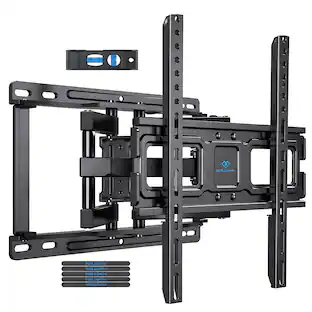
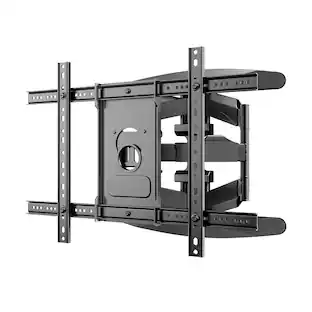
If your computer desk is against a wall or has a strong, raised back, you can also opt for a monitor mount. Mounting your monitor screen takes it off your desk entirely, freeing up lots of space. You can choose a tilting monitor mount, swiveling monitor mount or full-motion monitor mount, all of which make it easier to adjust your monitor easily while using it.
Getting the most out of your monitor mount or stand
Installing a monitor mount or using a monitor stand can be a big step toward making your office more ergonomic. While you’re at it, the other big improvement you might make for your posture is correcting the placement of your keyboard and mouse. You’ll want to be able to sit with your shoulders back and down, which often means lowering the keyboard and mouse and moving them closer to your body with a keyboard tray.
If you are setting up a dual monitor display, consider your body’s position in relation to each monitor. Will you primarily use one of the screens, or will both monitors get equal use? Using a swiveling office chair and full motion monitor mounts can help you achieve flexibility in terms of position. A computer monitor arm can also allow you to reposition your screens throughout the day to reduce fatigue.
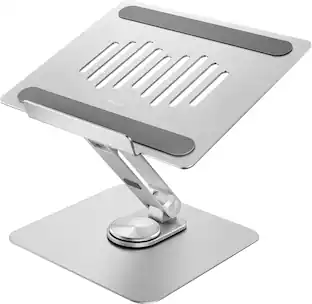
If you are using a laptop in addition to your desktop computer, you can raise the laptop on a laptop stand to bring the screen to a better height. Then, connect your laptop to additional devices, like an external keyboard, via a laptop docking station. You can even enjoy improved visuals by connecting your laptop to an external computer monitor.
Explore related products Sponsored
VIDEOMIC GO II On-Camera Shotgun Microphone
$102.99$10299The price was $109.99Donner DST-100R Electric Guitar with Amplifier,Bag,Capo,Strap,String,Tuner,Cable and Pick
$175.99$17599The price was $177.99