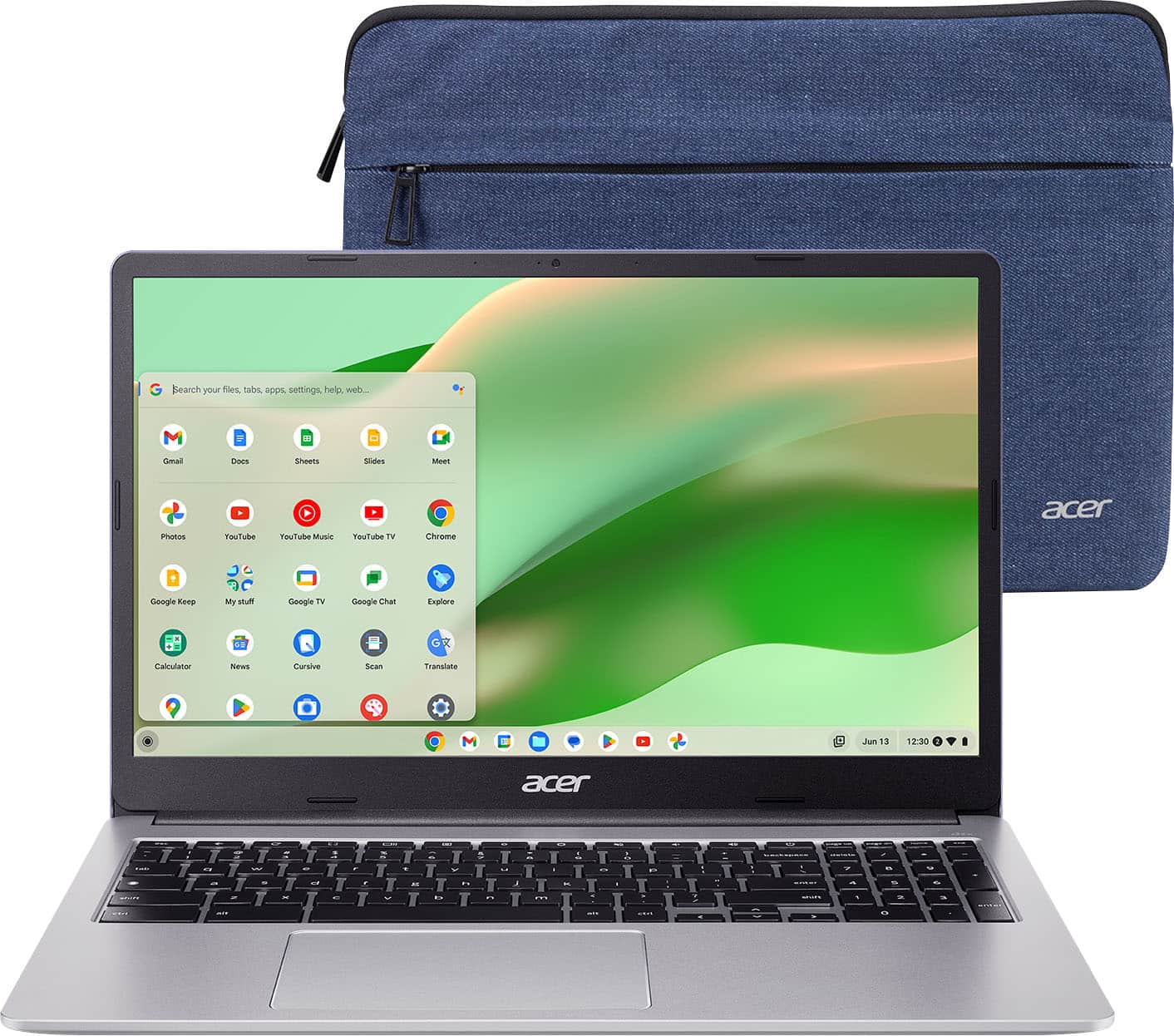
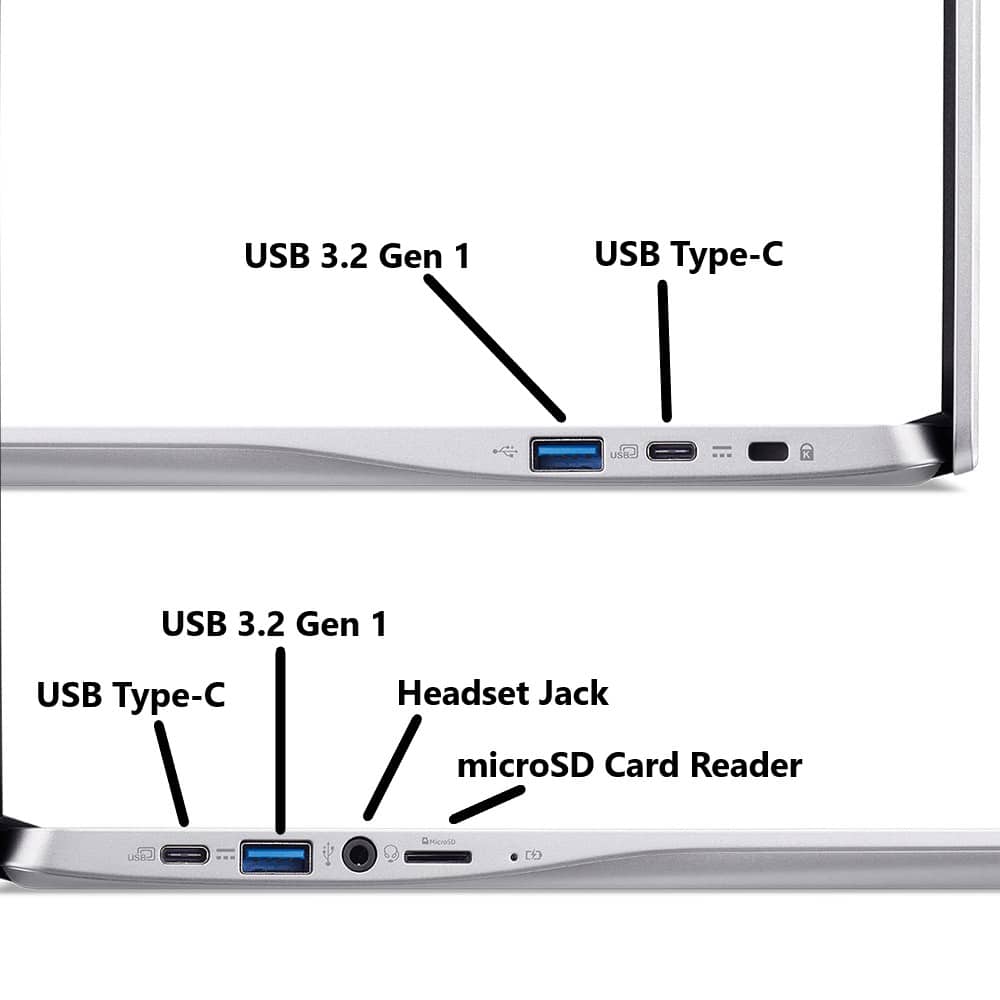
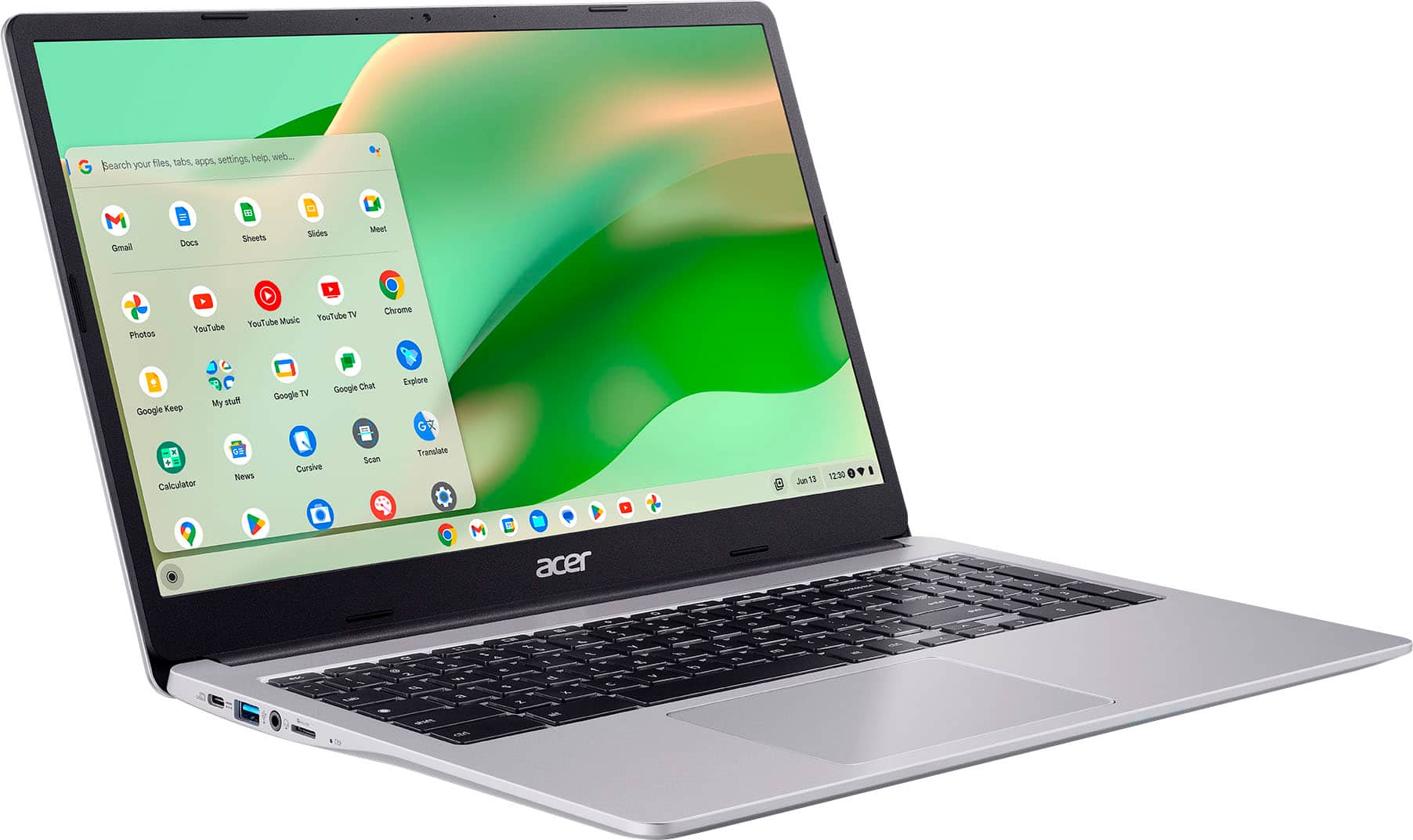
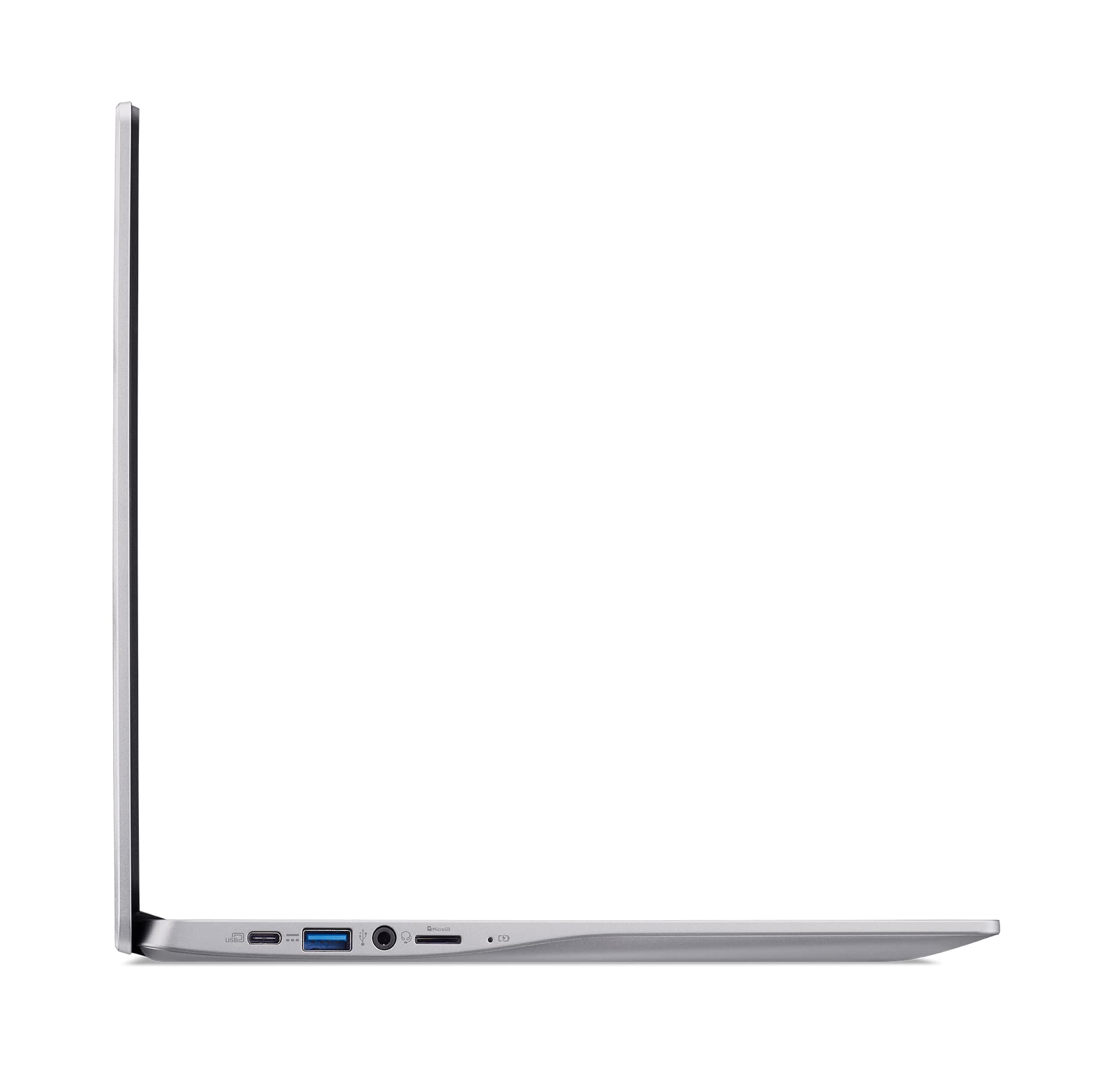
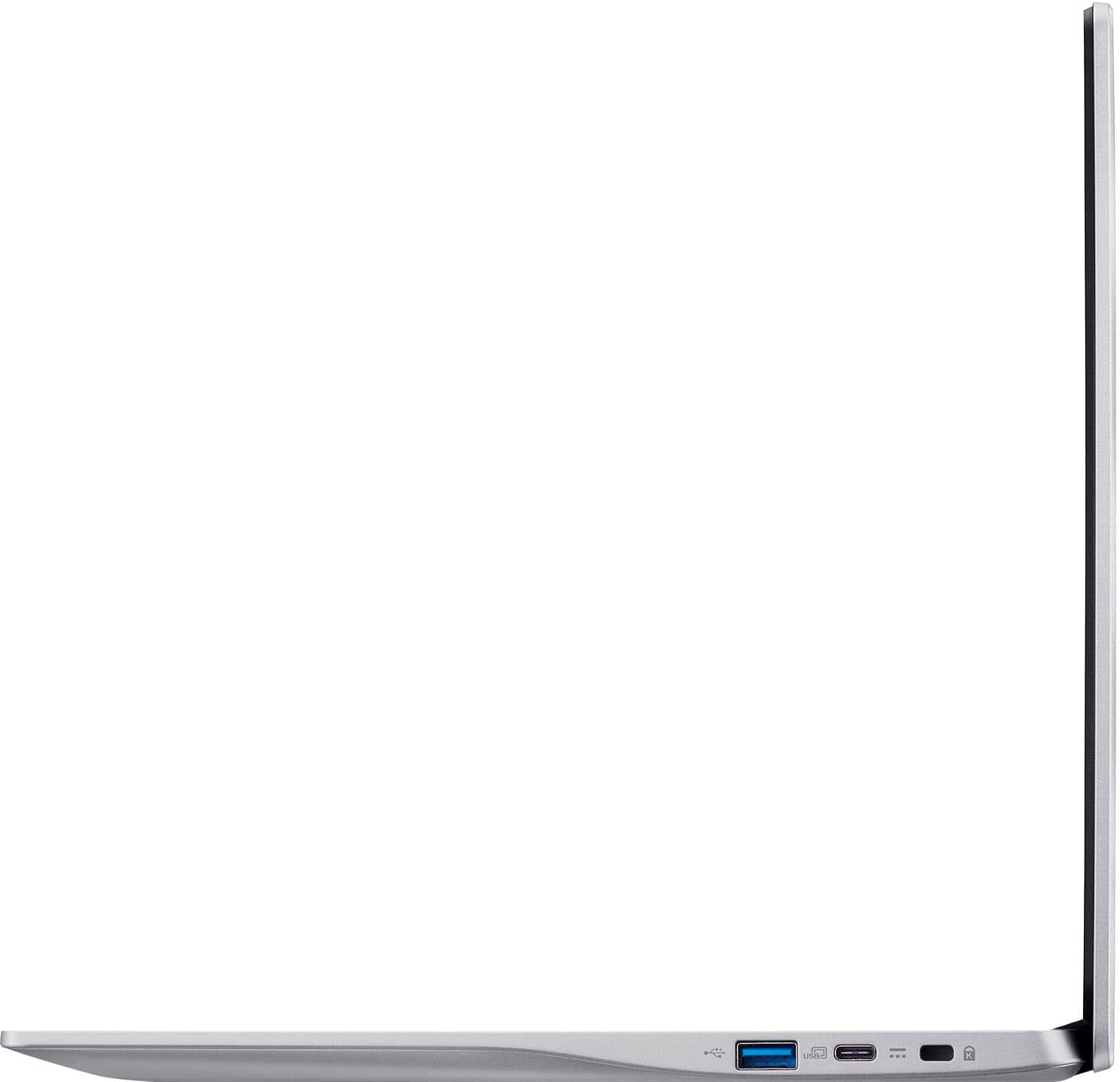
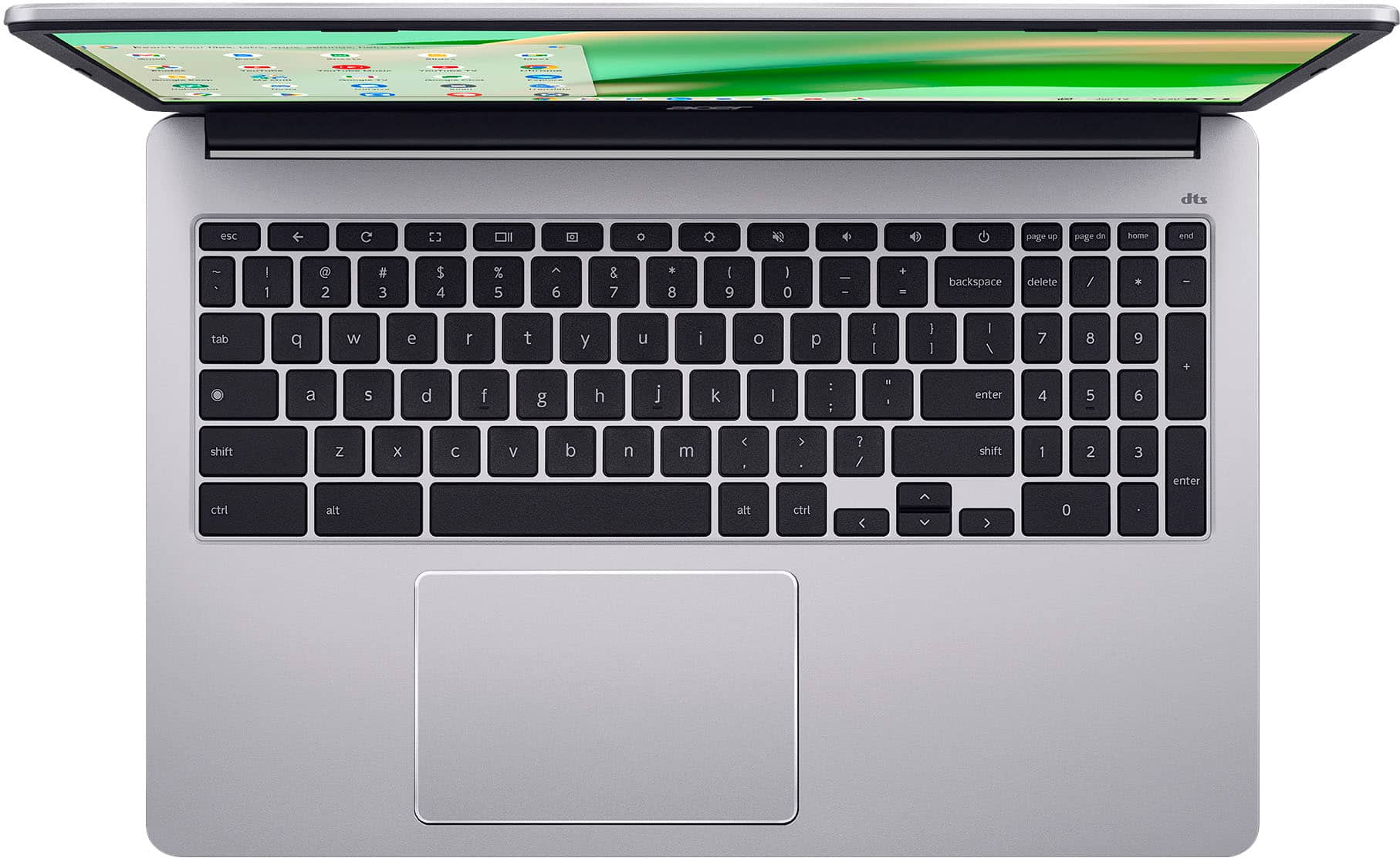
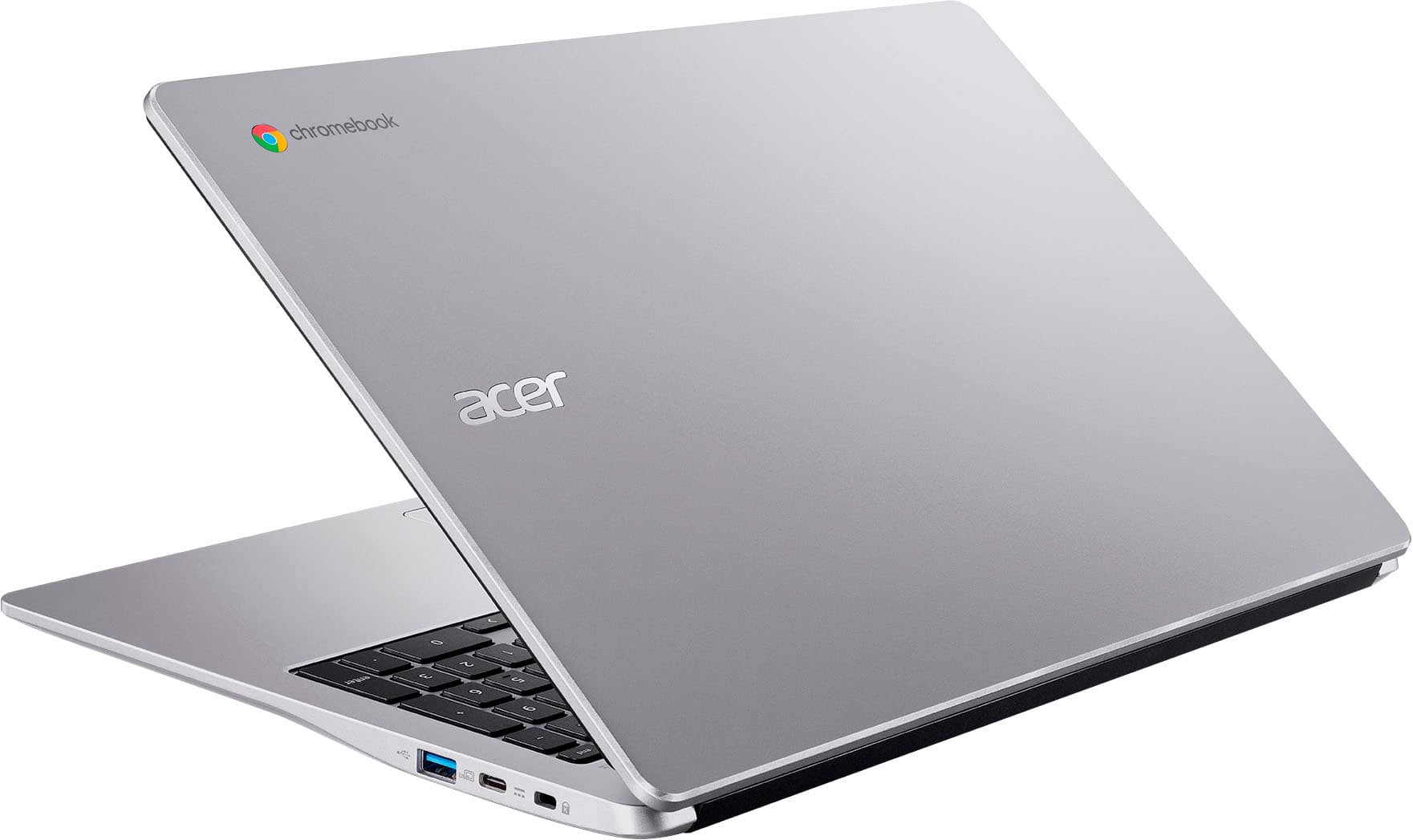
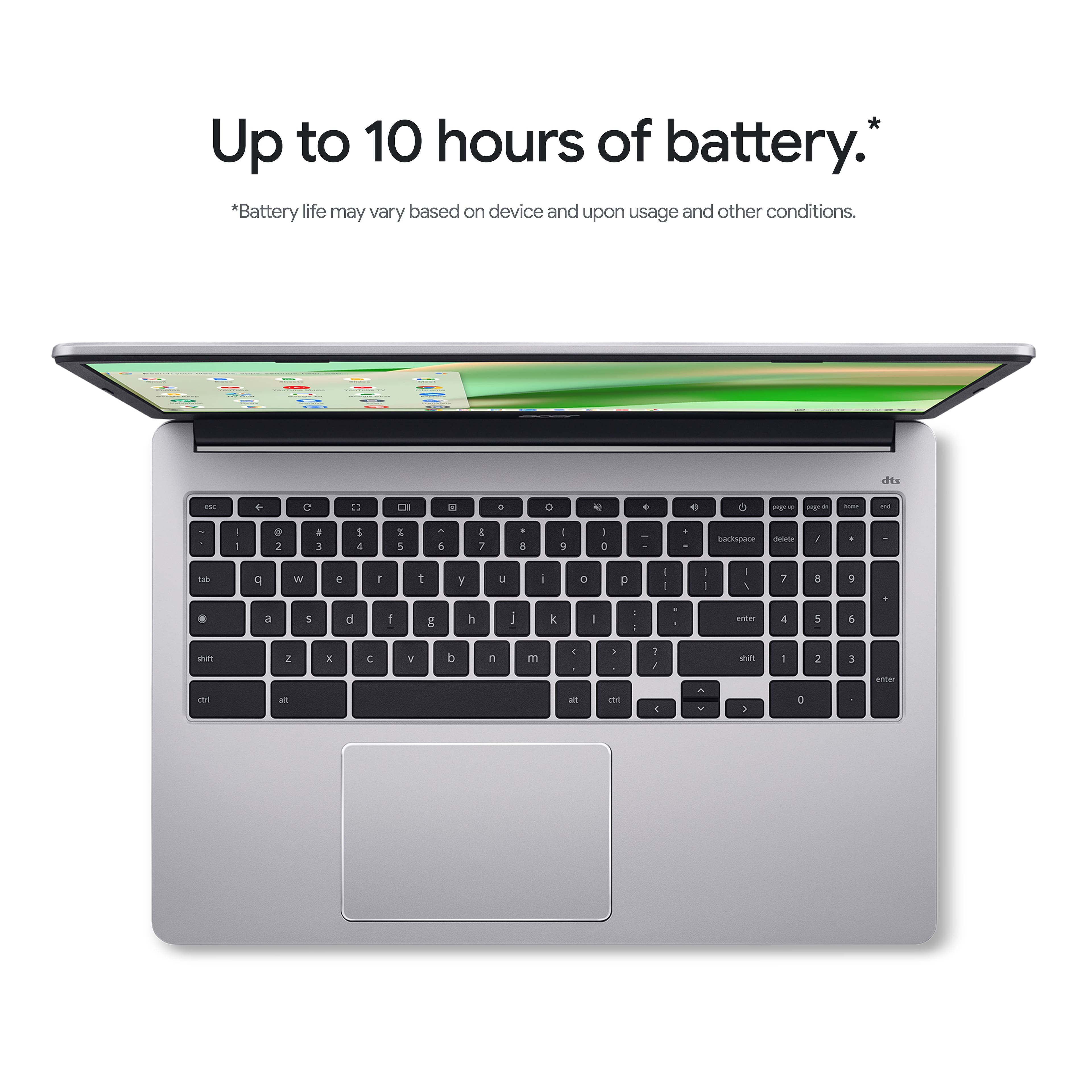
A:AnswerThere isn't a dedicated key to press, but to disable the touchpad on your Acer Chromebook CB315-4H-C0BR, please follow these steps:1.Open your web browser.2.Type chrome://flags/#ash-debug-shortcuts in the address bar and press Enter.3.Enable the option Debugging keyboard shortcuts, then restart your Chromebook.4.Press the Search + Shift + P keys at the same time to toggle the touchpad On or Off.
A:AnswerYes, a Chromebook can run Snapchat through its web version. You can access Snapchat for Web by going to web.snapchat.com in the Chrome browser on your Chromebook and logging in with your Snapchat account.
A:AnswerYes, it does! The case has a huge pocket in the front to carry the power cord, manual, mouse pad and mouse (if you'd rather use one). It fits everything!