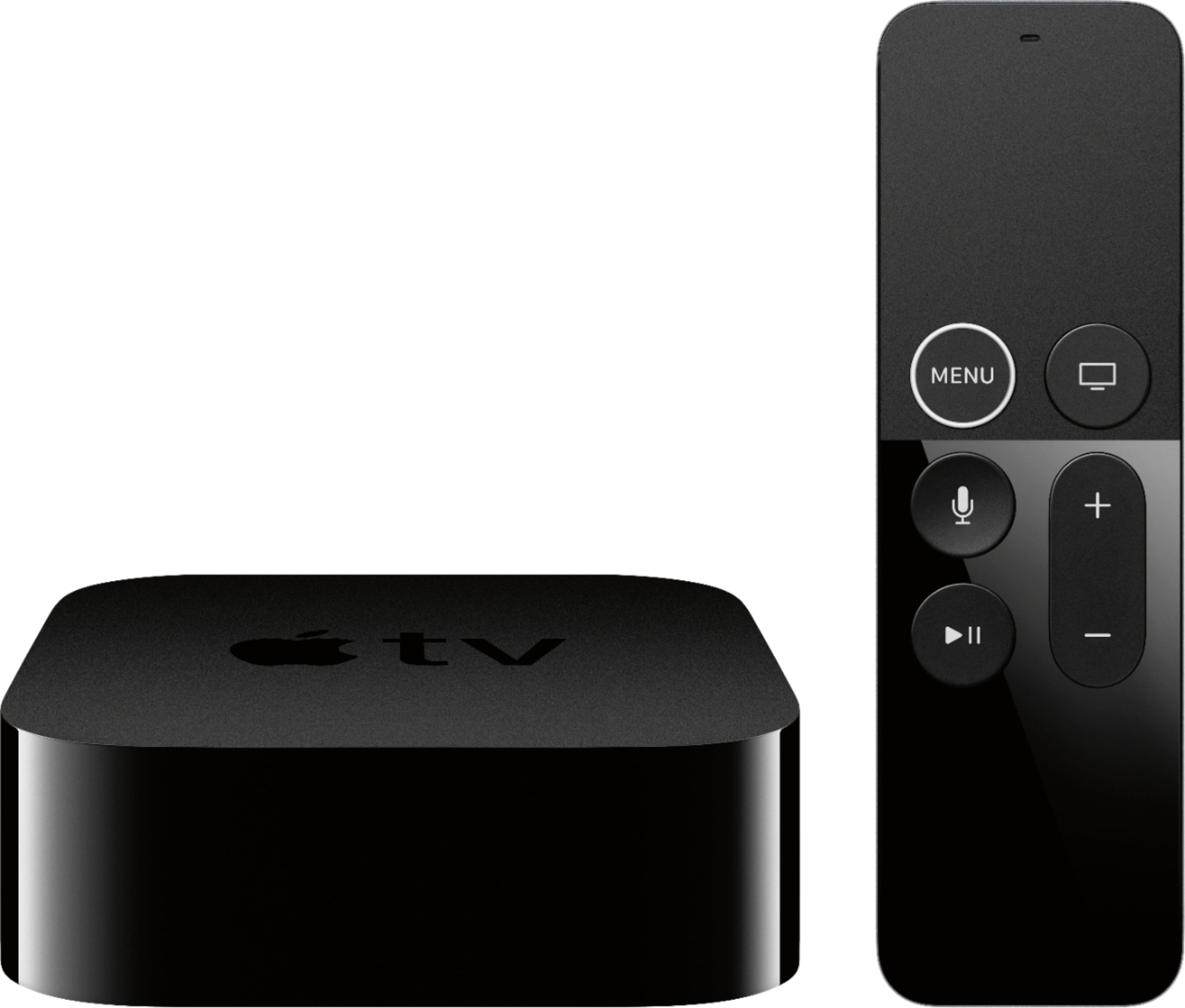
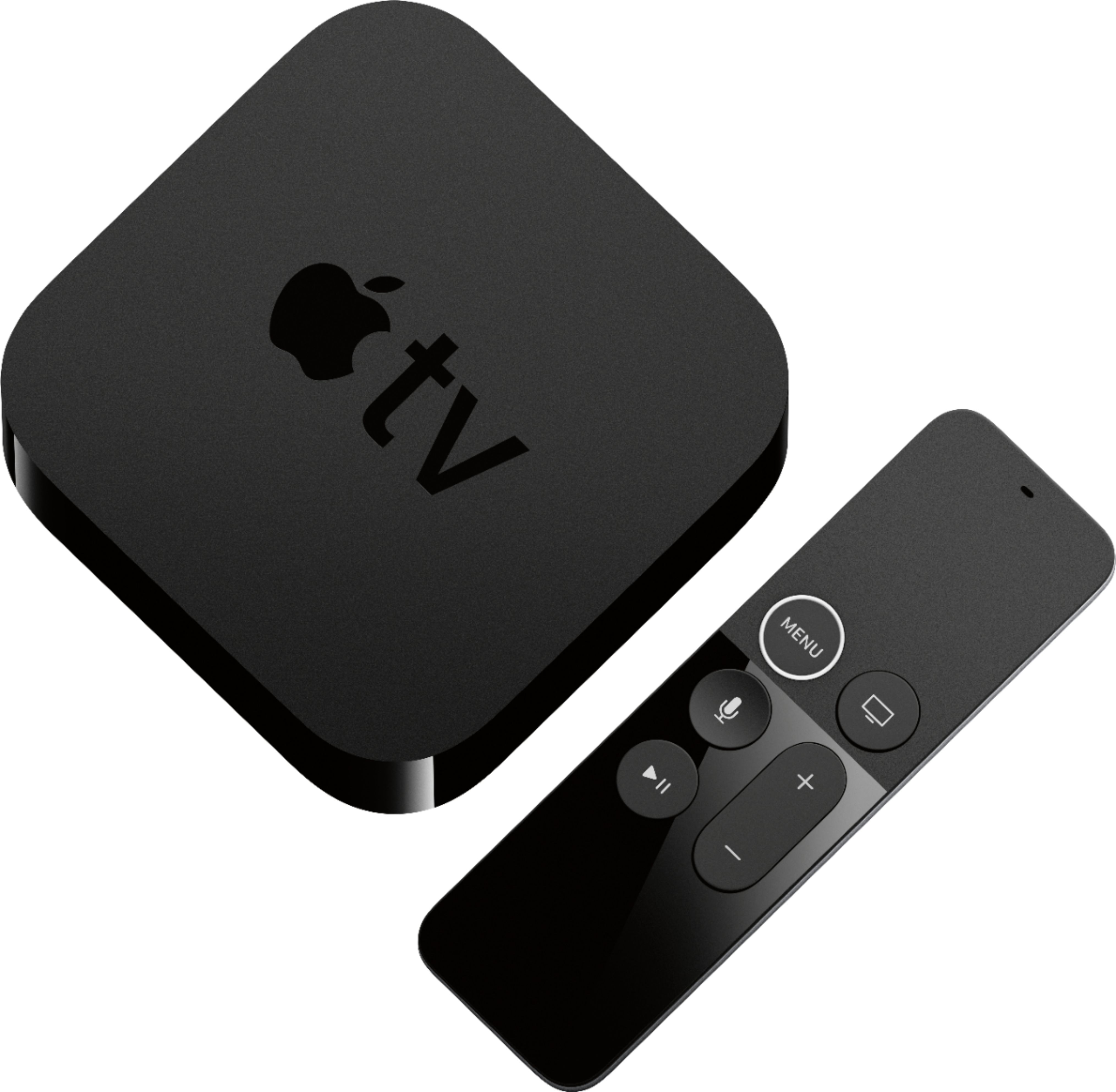
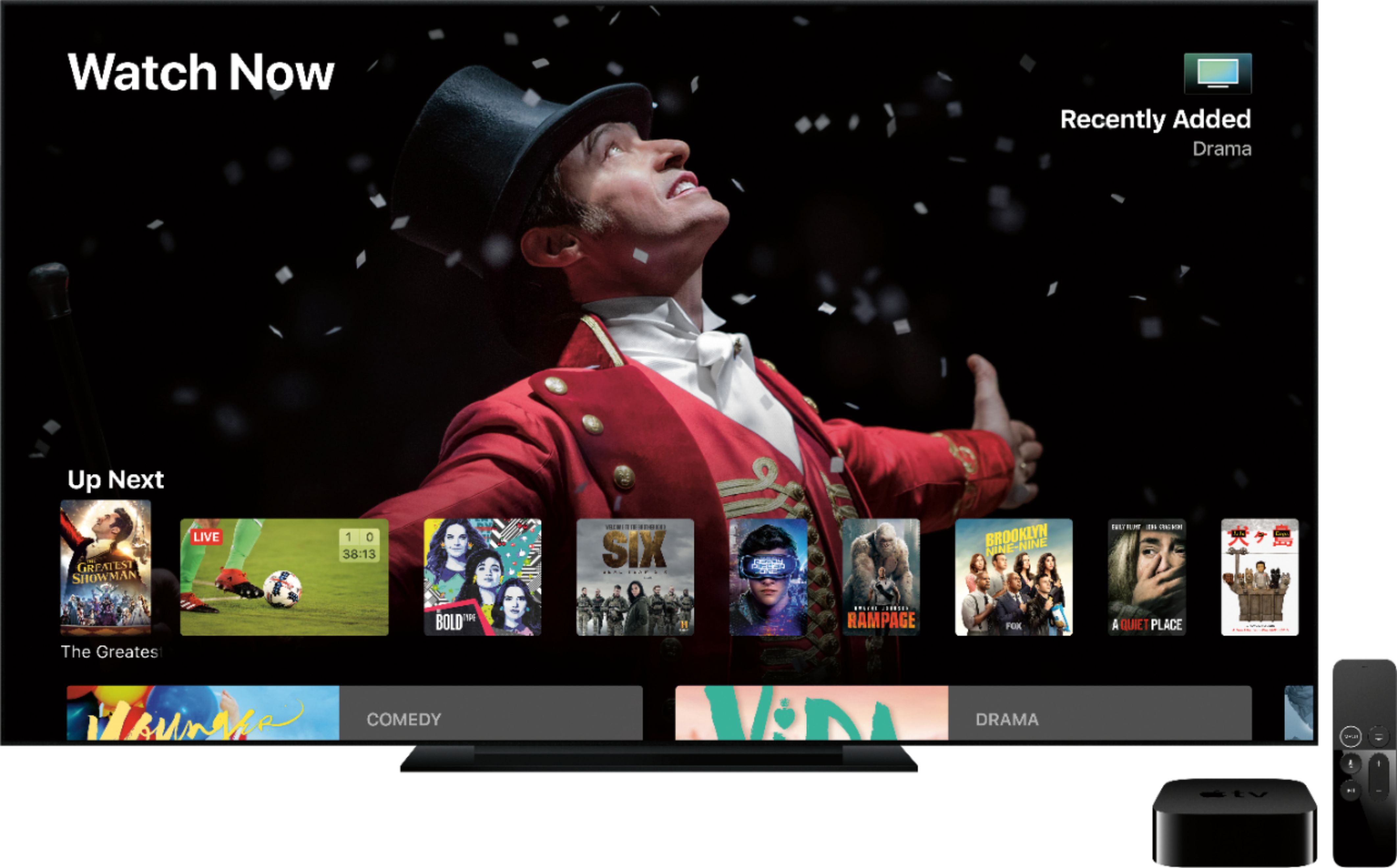
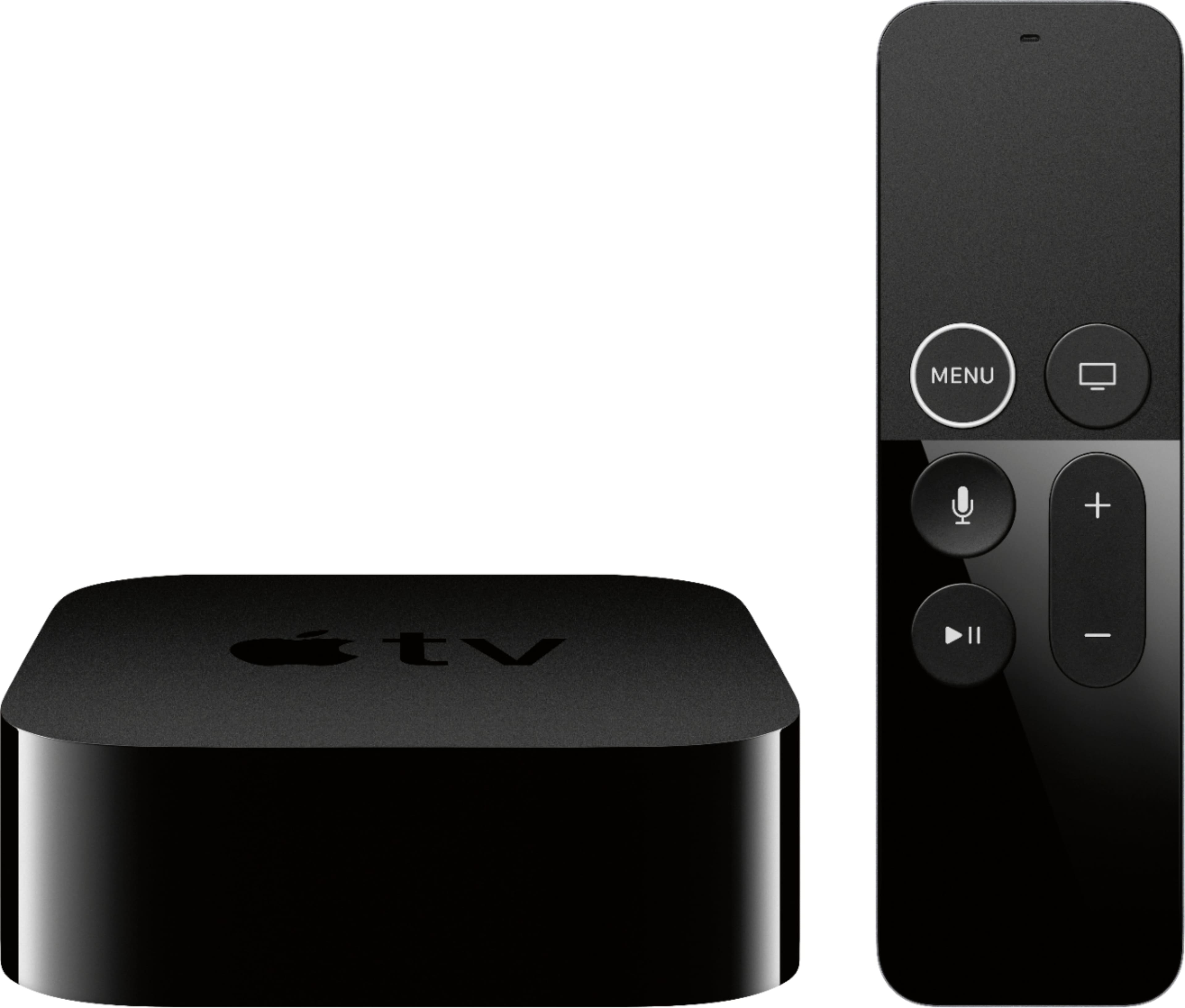
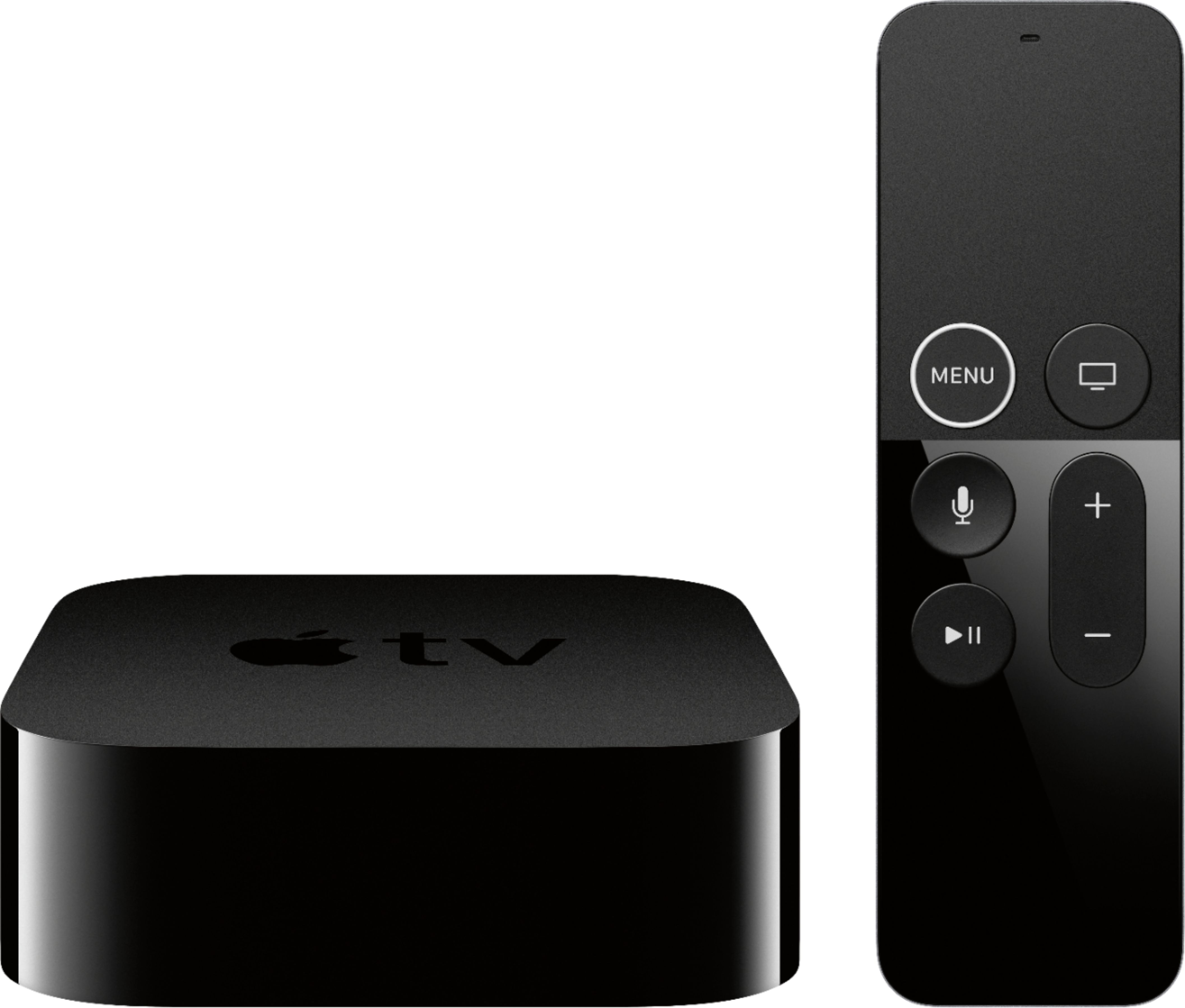
A:AnswerAdditional TVs can run their own AppleTV boxes, connected only by WiFi. You only need one AppleID to run multiple AppleTV boxes in your home. I only have one Comcast cable box in my home, to watch "live" news reporting (although a lot of that is available via various apps (CBS, ABC, MSNBC all have live stream; just not local news sources).
I have a TV in my basement, no cable box, just an older AppleTV box (2d edition box) that shows all my purchased movies, all the relevant apps and their programming (Netflix, Hulu, Acorn, etc).
Really it is the AppleTV box that is "Smart", The TV can be 15 years old, and show all the AppleTV can offer. Obviously, resolution will be limited. The AppleTV will show a 4K resolution movie at its maximum resolution, only on a screen that has enough pixels to show that.
A:AnswerMovies you’ve purchased through Apple should be accessible as far as I know. Not sure settings would be relevant, but setting it up is pretty fast, especially if you’ve got an iOS device handy.
A:AnswerWhen you plug in the Apple TV and then you click on the Apple TV icon or app. You are given instructions and it will say that you now have Apple TV for free for a year.
A:AnswerPersonally I use a combination of broadcast tv with a Tivo plus supplementing that with an appetv. There’s lots of good free streaming services like Peacock and Tubi and CW Seed, and obviously pay services too.
If you want a cable tv replacement though, those are obscenely priced, not something I can afford.
A:AnswerYes but confirm with Best Buy when you go to buy the newest model. I could not download Disney + with my second generation Apple TV so bought the newest one and all was fine. Anything I had purchased, like Netflix, downloaded when I filled in the info and then downloaded it on the tv.
A:AnswerYes! You may have to have a streaming service that provides that channel such as YouTube TV! I recently switched from Directv to YouTube and have been satisfied. Pretty sure Fox Business is on there.