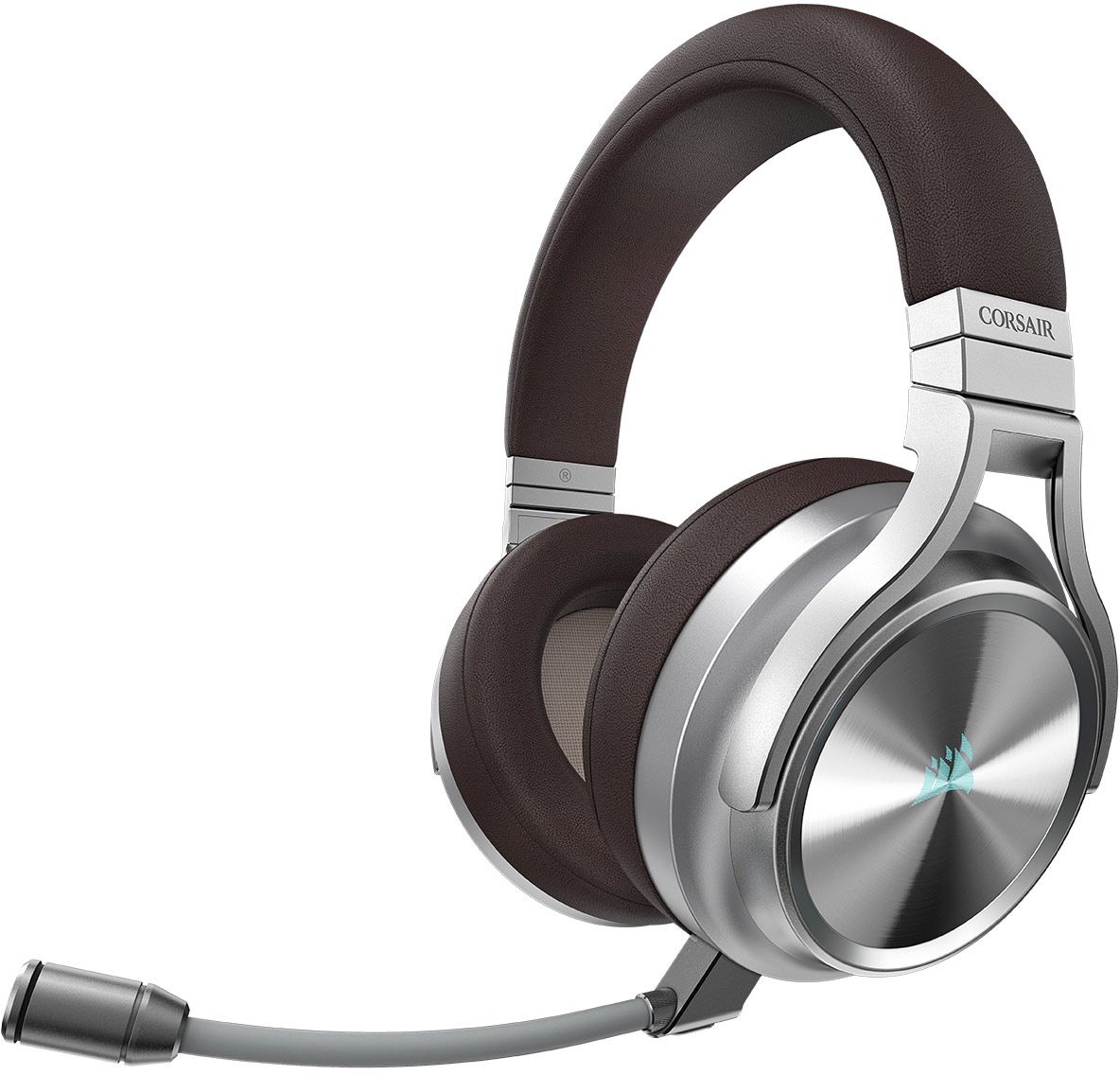
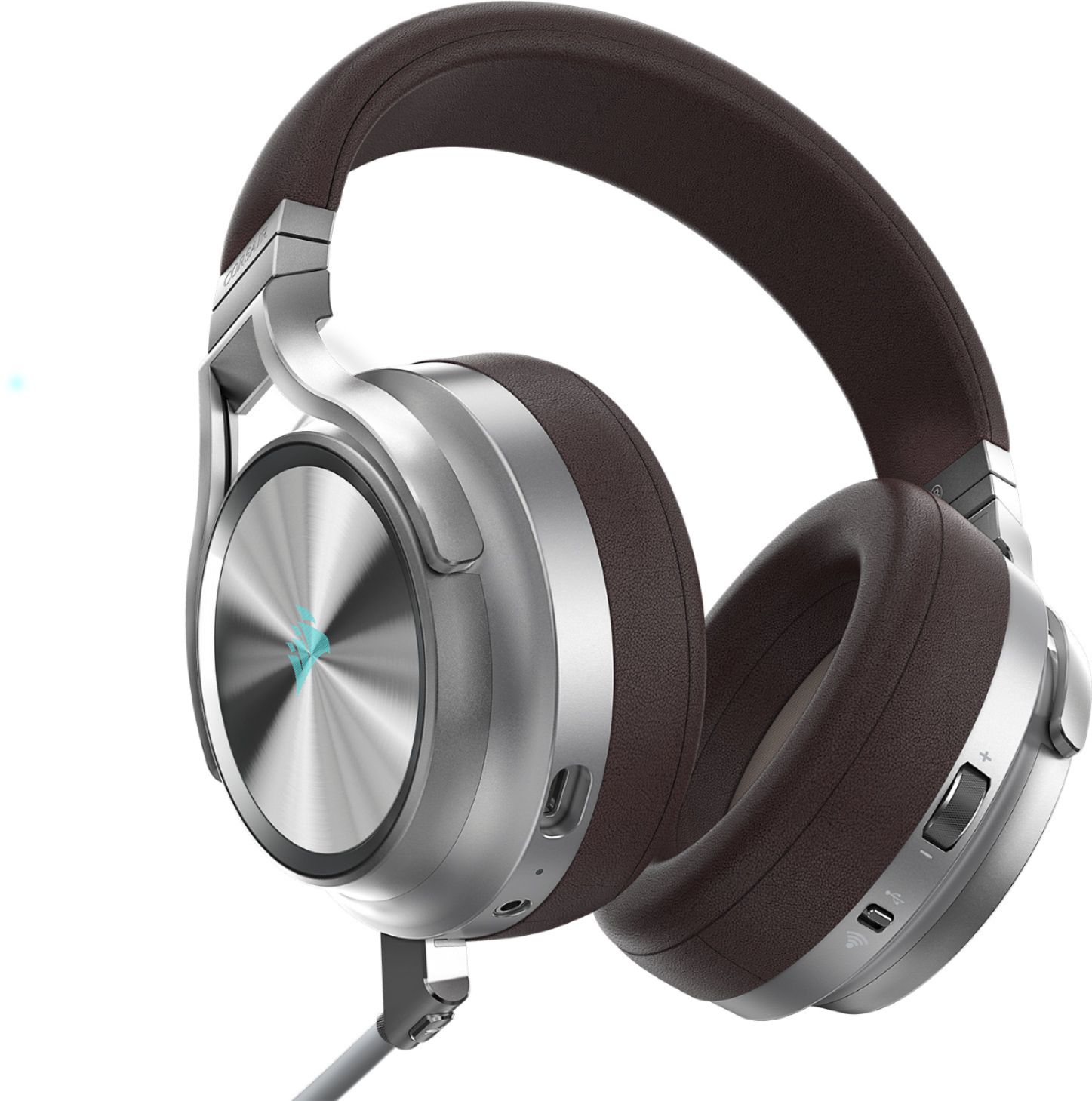
A:AnswerThere is an included 3.5 mm cord, but you would need the adapter on a modern iPhone to use it. I don’t think wireless would work because it is not Bluetooth.
A:AnswerThe wireless on this headset is because the headset can connect to a USB dongle. I don't know if the TU7000 series TVs allow audio over USB, but my KN6300 (2016 model) does not allow this. I actually just tried this to see if it works, and all I see in the sound settings are the TV speakers, Optical/Aux audio, and Bluetooth audio. Unfortunately with these not having any form of Bluetooth on them (I really wish they did), they more than likely will not work with the TV. On the other hand, if you will not be that far away from the TV, you could always just plug in the 3.5mm cord to the ports on both the TV and headset (if your TV has a 3.5mm headphone port)...but that is only ~ 5 feet long....so you'd have to be relatively close to the TV for this to work unless you get a longer cable. I hope this helps answer your question.
A:AnswerHi Steve,
It does work! It'd just be limited to stereo sound and no volume control on the headset.
If you have anything else we can help with, please reach out: support.corsair.com
-Art
A:AnswerI had the void, and I like the virtuoso a lot more BECAUSE it cancels out most real world noises. It’s not 100% noise canceling but it definitely tunes most real world noises out.
A:AnswerTry turning up ur mic output on your actual game console cause I did have a problem with this but I just turned up my mic volume on my ps4 and it worked
A:AnswerDon’t believe there is a way because the wireless feature has a usb anyways. If it was Bluetooth, that’d be a different story. As far as connecting wirelessly to your phone, don’t believe it will work
A:AnswerThe customer service is pretty good and responsive. Just email them and they will have replacement parts. They sent me and your cup free of charge.