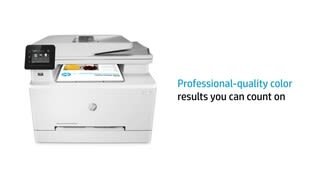
A:AnswerI understand it is where you bought it. Printers are the same, the cdw vs. fdw just designates origin or purchase. I read it is associated with some of the big box stores.
A:AnswerYou can use the HP Smart app will allow you to adjust and flip the image or you can use software that has that feature like in Microsoft Paint or Microsoft Crop and Rotate features in the Photos application.
A:AnswerWhen you are printing you have to select if you want color or black and white. It does look like you could put larger paper in it. I believe it would come out of the back there is a space there.
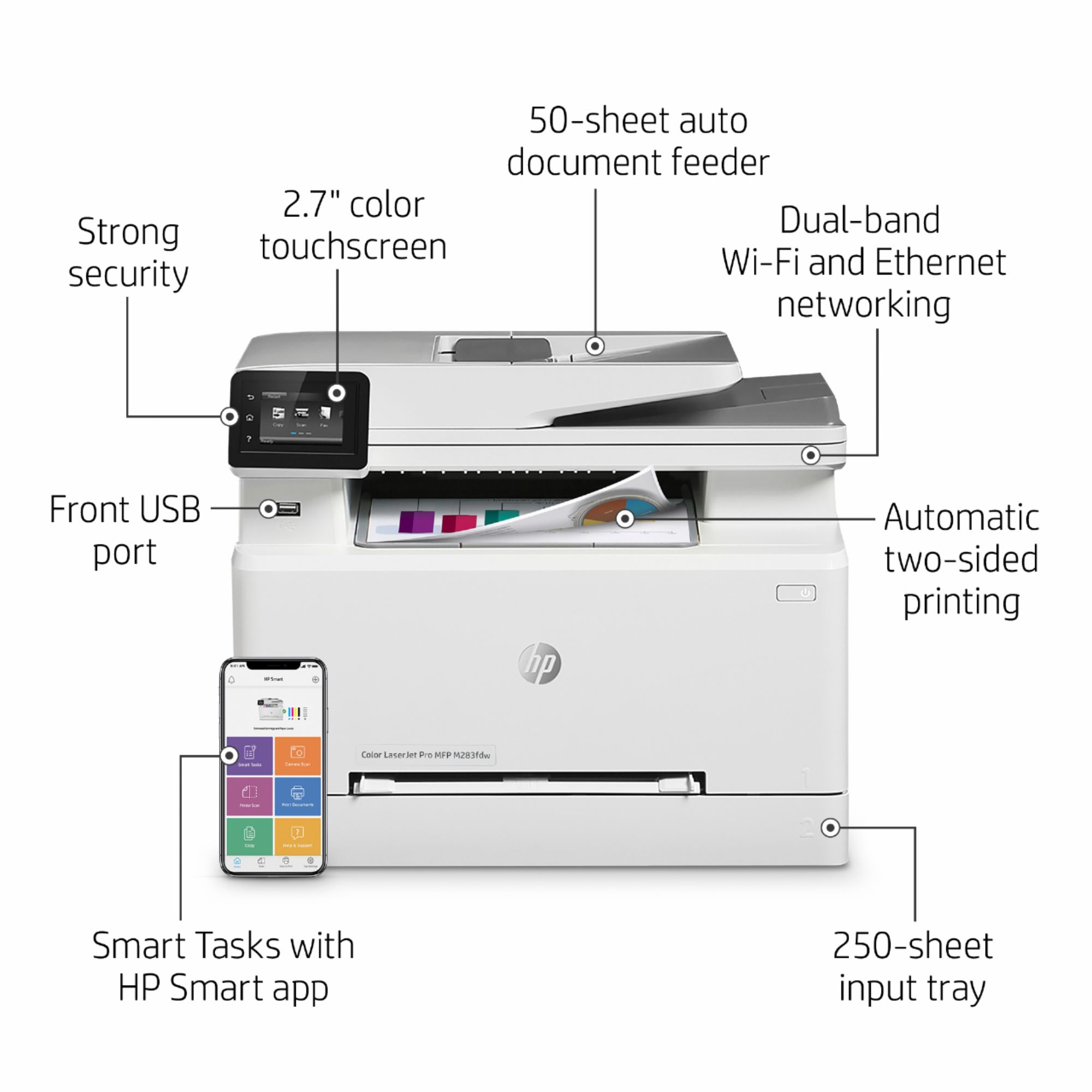
A:AnswerYou can use the HP app with this printer, but even if you wanted to, there is no instant ink option for this printer. The app works well in that you can scan directly to your device or computer. You don't have to use it, but there is no cost or obligation to use it either.
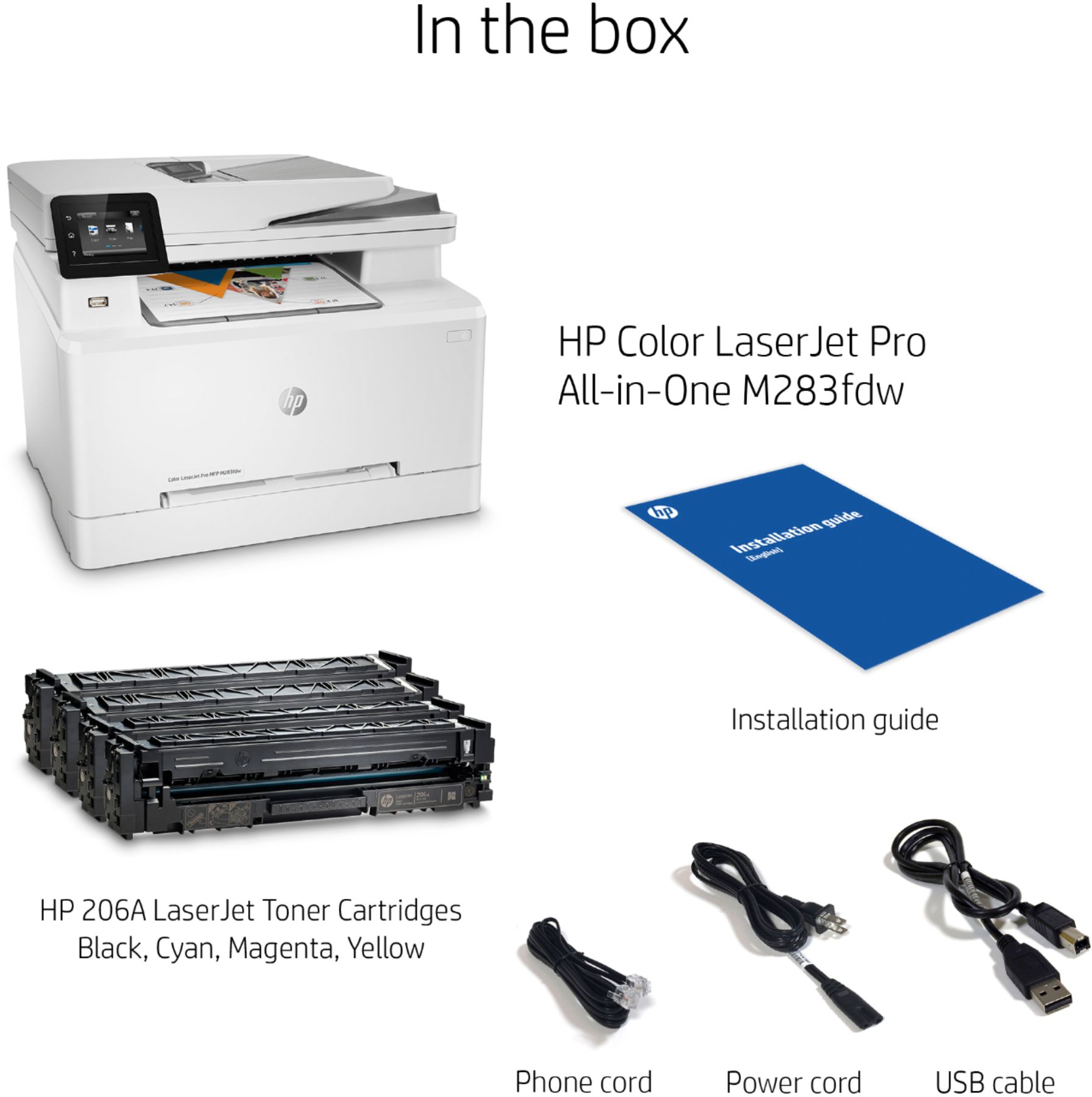
A:AnswerYes you can do wired or wireless, but I cannot see wired as any faster or more efficient than wireless. It even comes with cables for direct connect.
A:AnswerShort edge for legal and letter sized. You can set it to print in portrait or landscape and/or to flip on either short or long edge for two-sided printing, and it will do it, but mechanically the paper will feed by short edge.