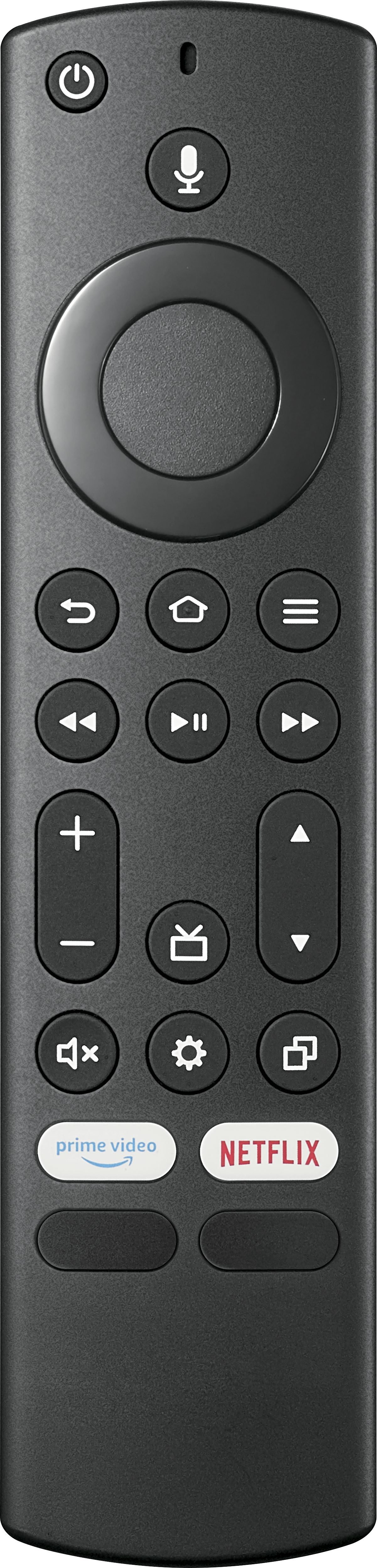
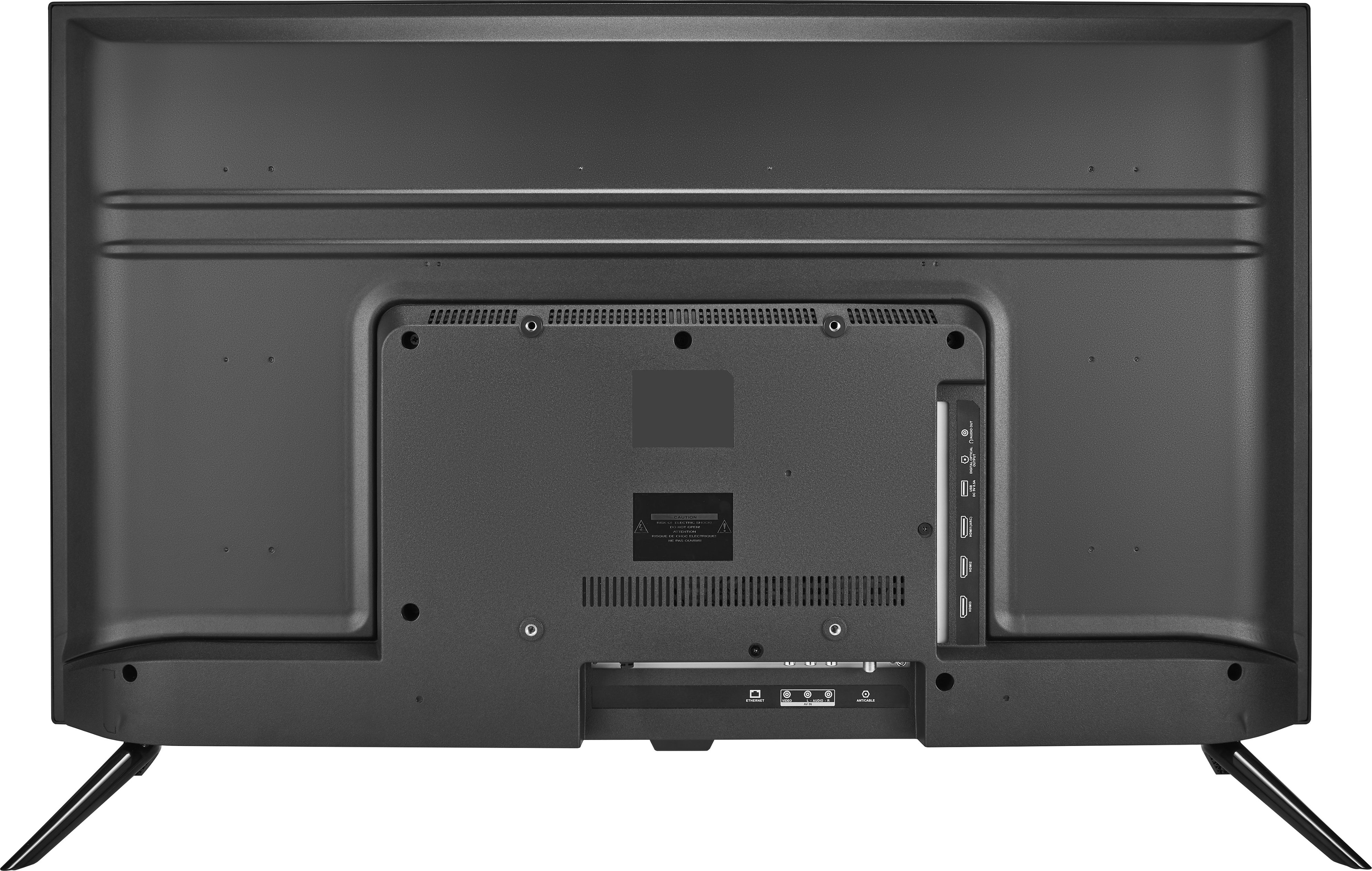
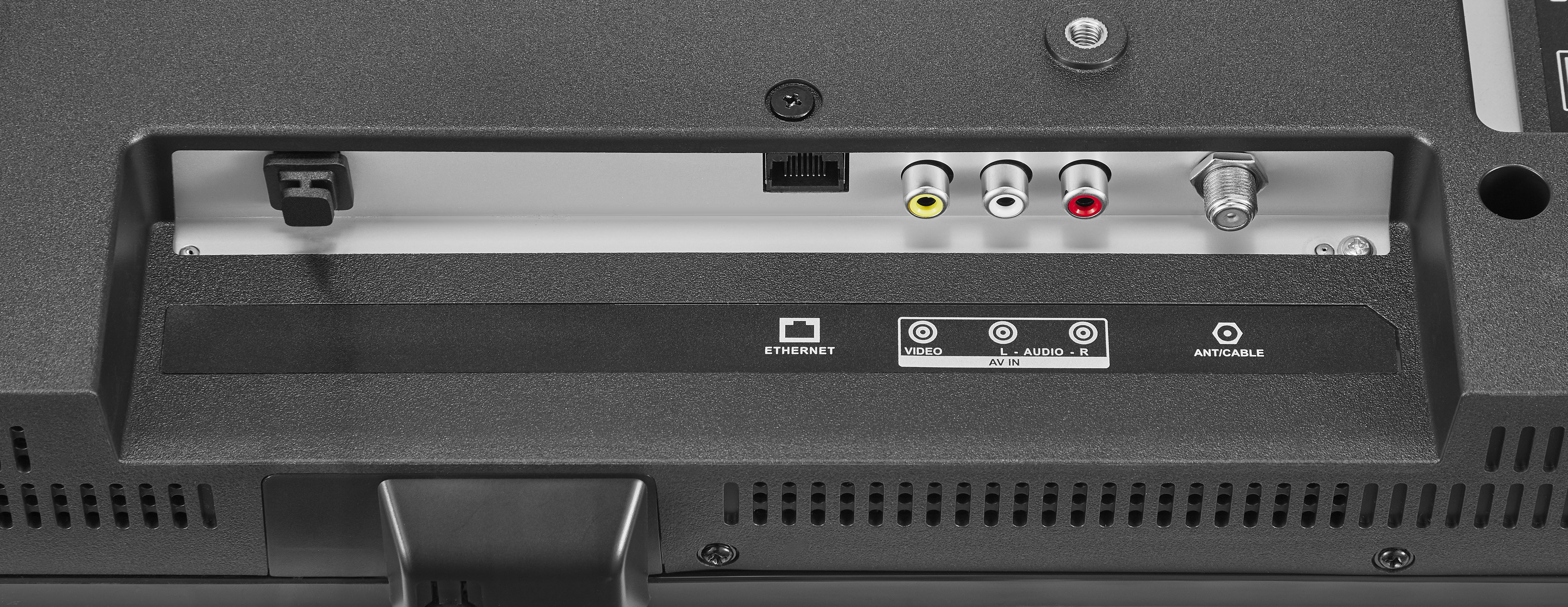
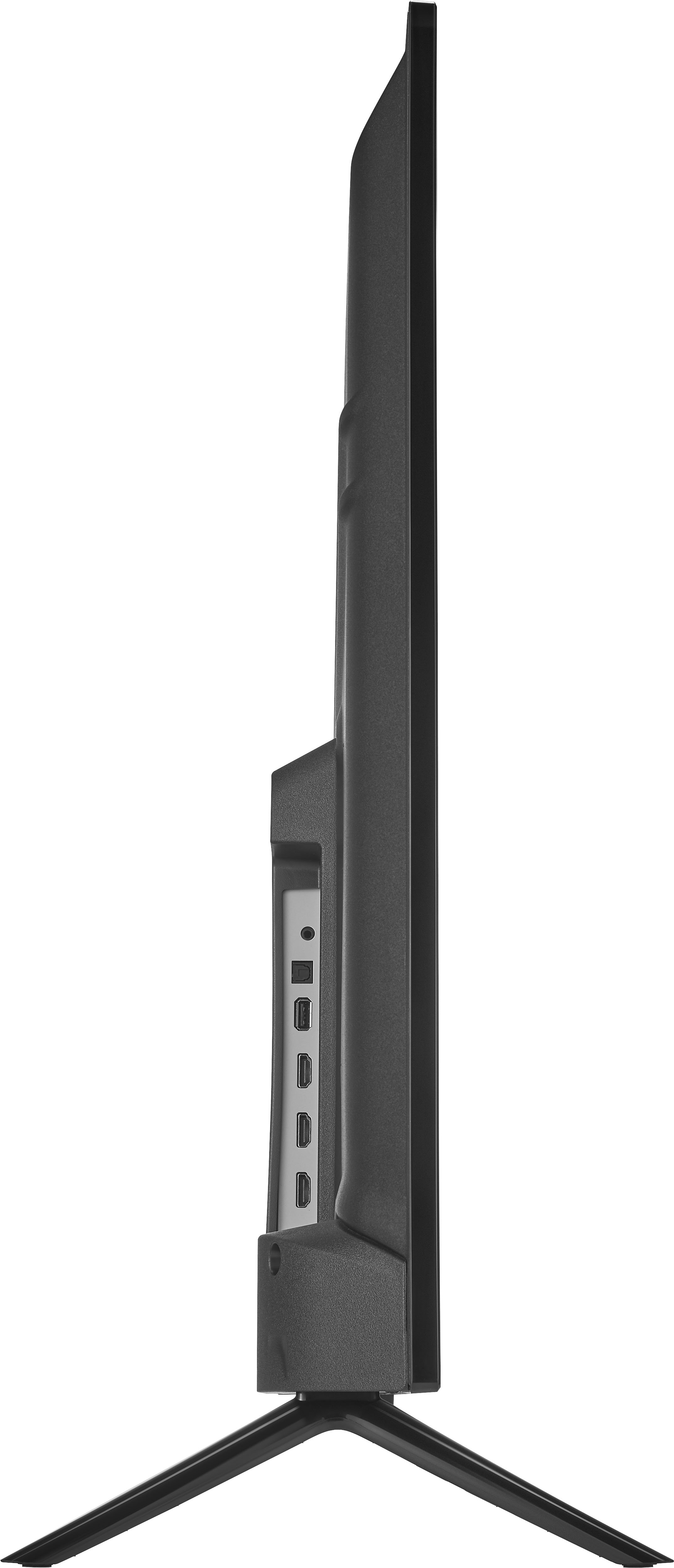
A:AnswerTry this: go to Settings > Display & Sounds > HDMI CEC Device Control and select On. Also, go to Settings > Display & Sounds > Audio Output > Turn TV Speakers OFF and Select Digital Audio Format Auto.
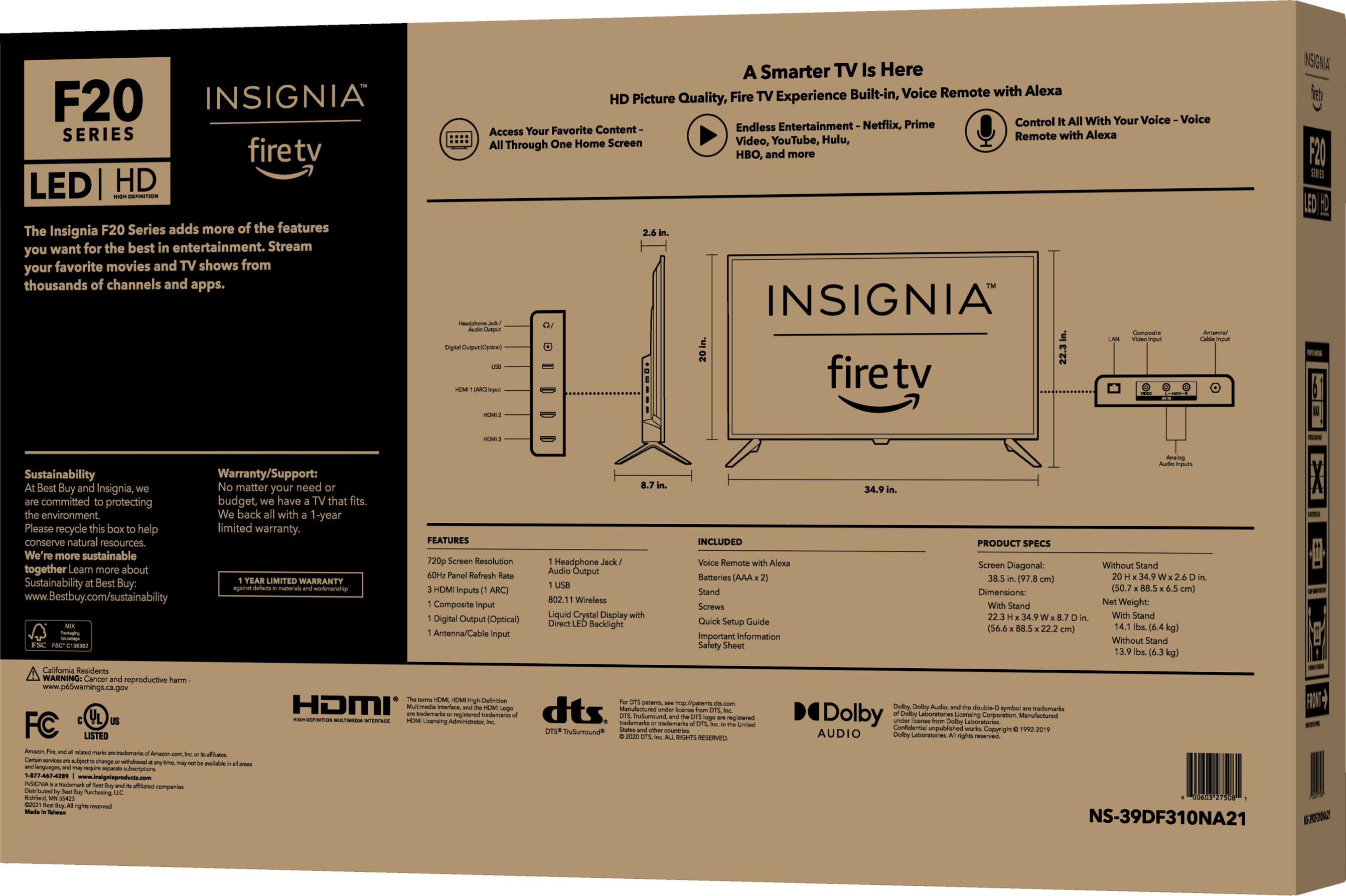
If you are using the Digital Optical Cable, go Home > Settings > Display and Sounds > Audio Output > Turn TV Speakers OFF and Select Digital Audio Format PCM.
Another option is to use the 3.5 mm headphone jack.
For product support please visit https://www.insigniaproducts.com/email-us
A:AnswerWe have Spectrum. We have to go to HDMI3 with Insignia’s remote and then you can use your cable remote with no smart tv interference. Works perfectly.