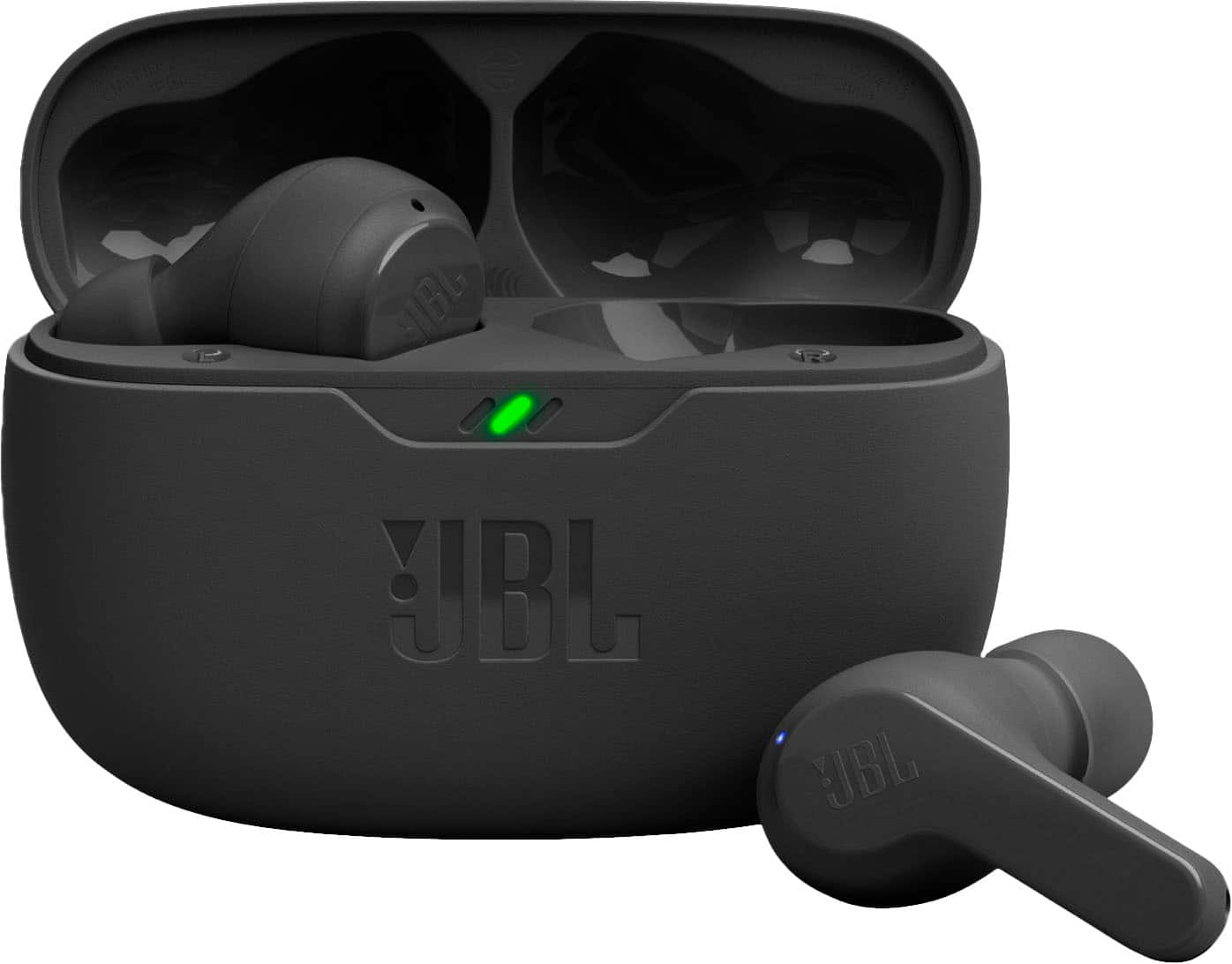
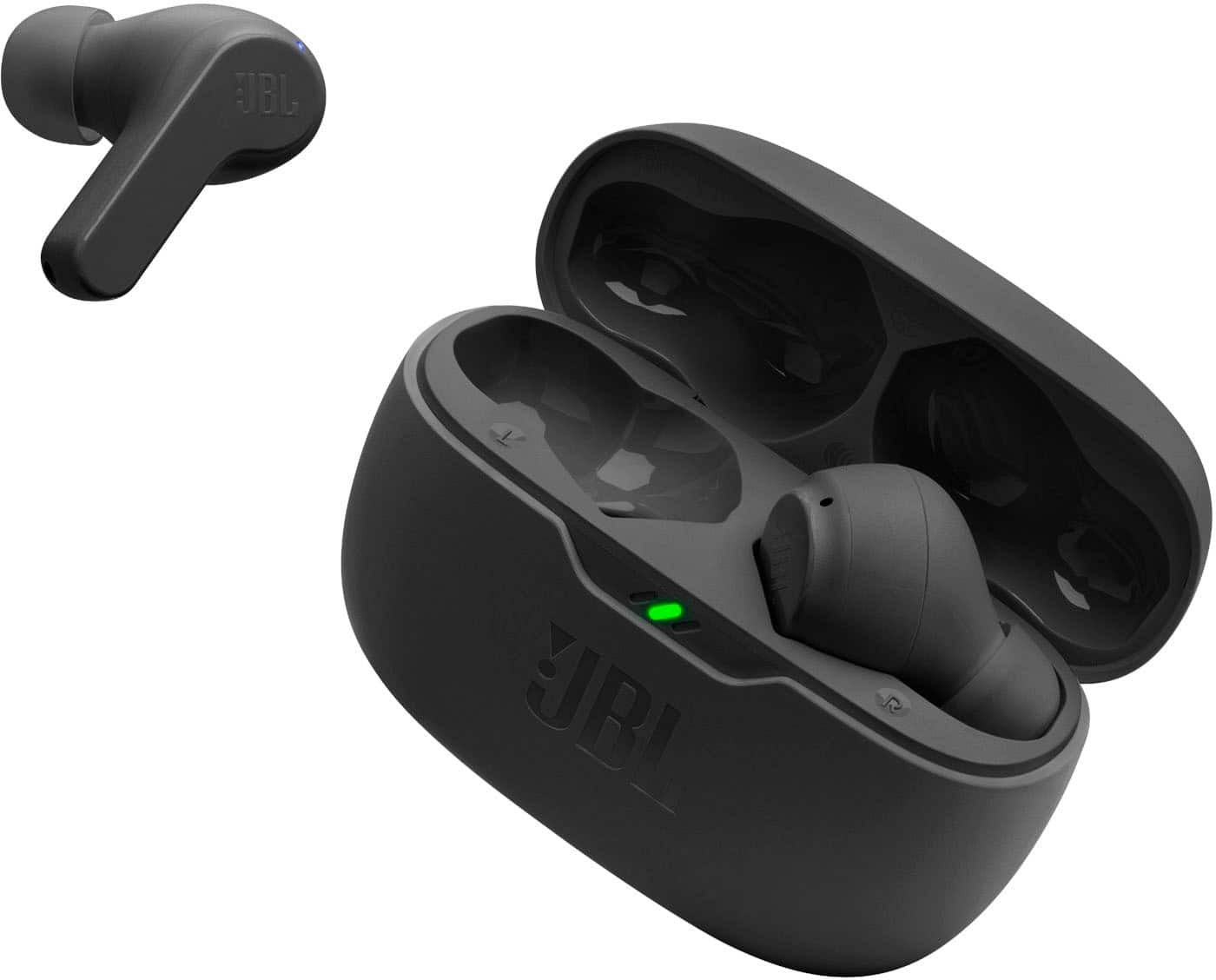
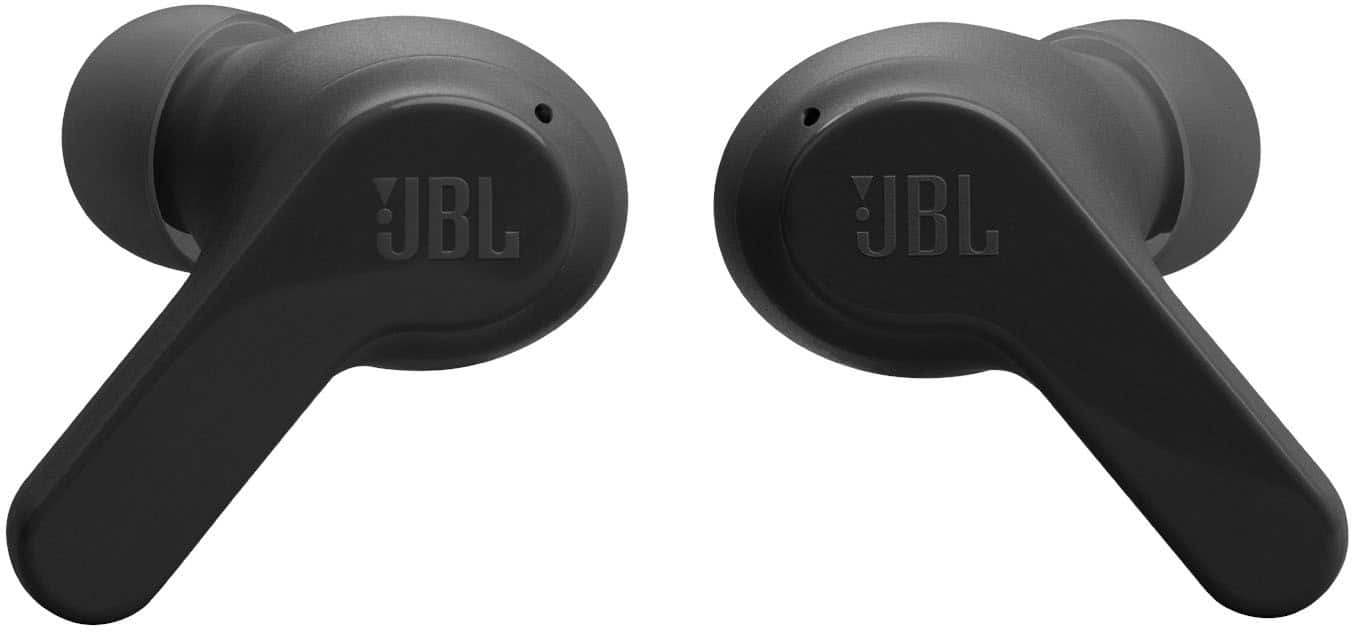
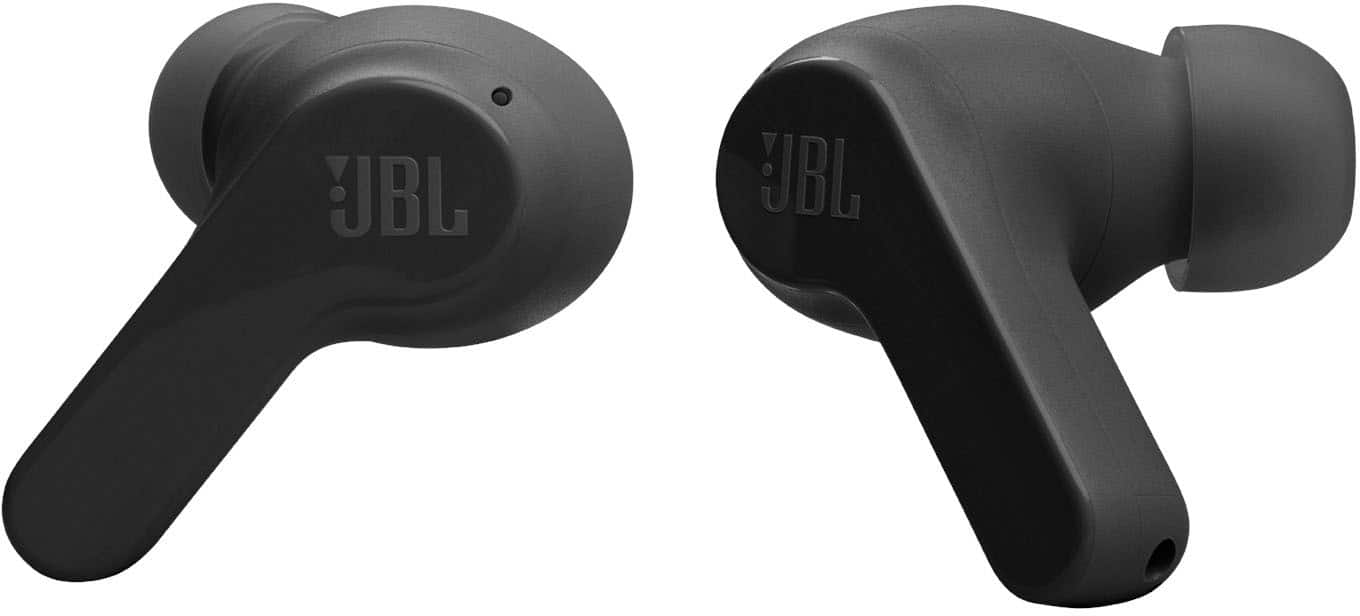
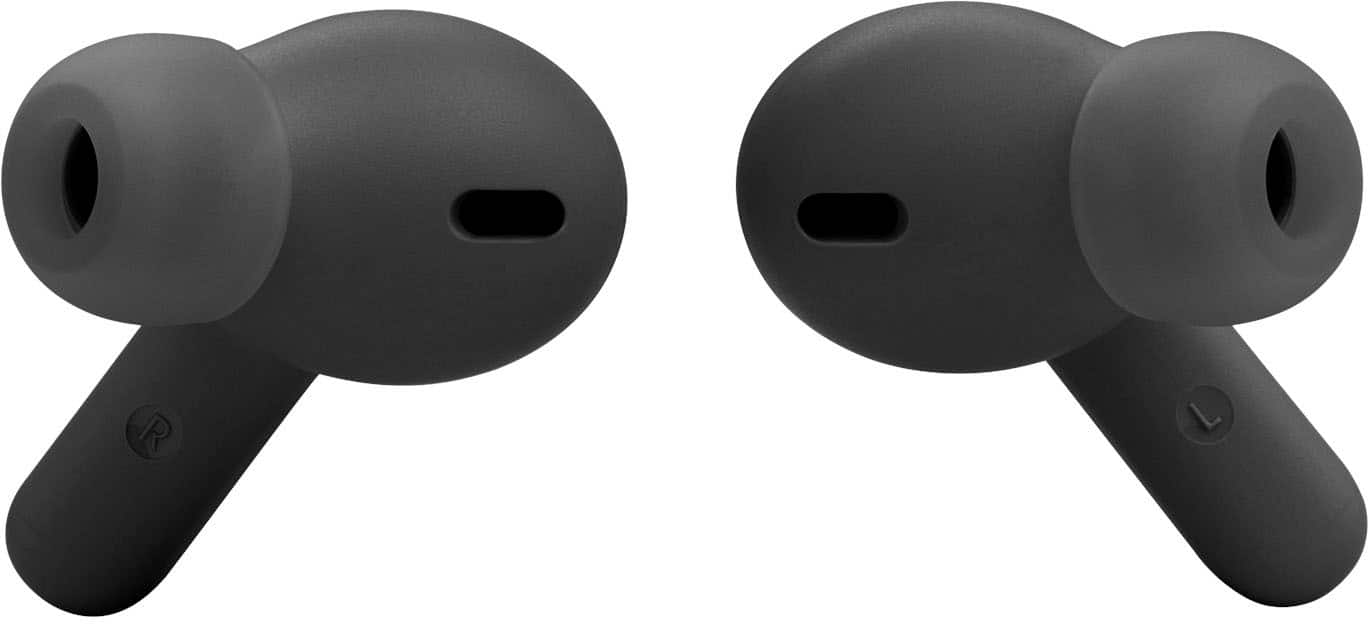
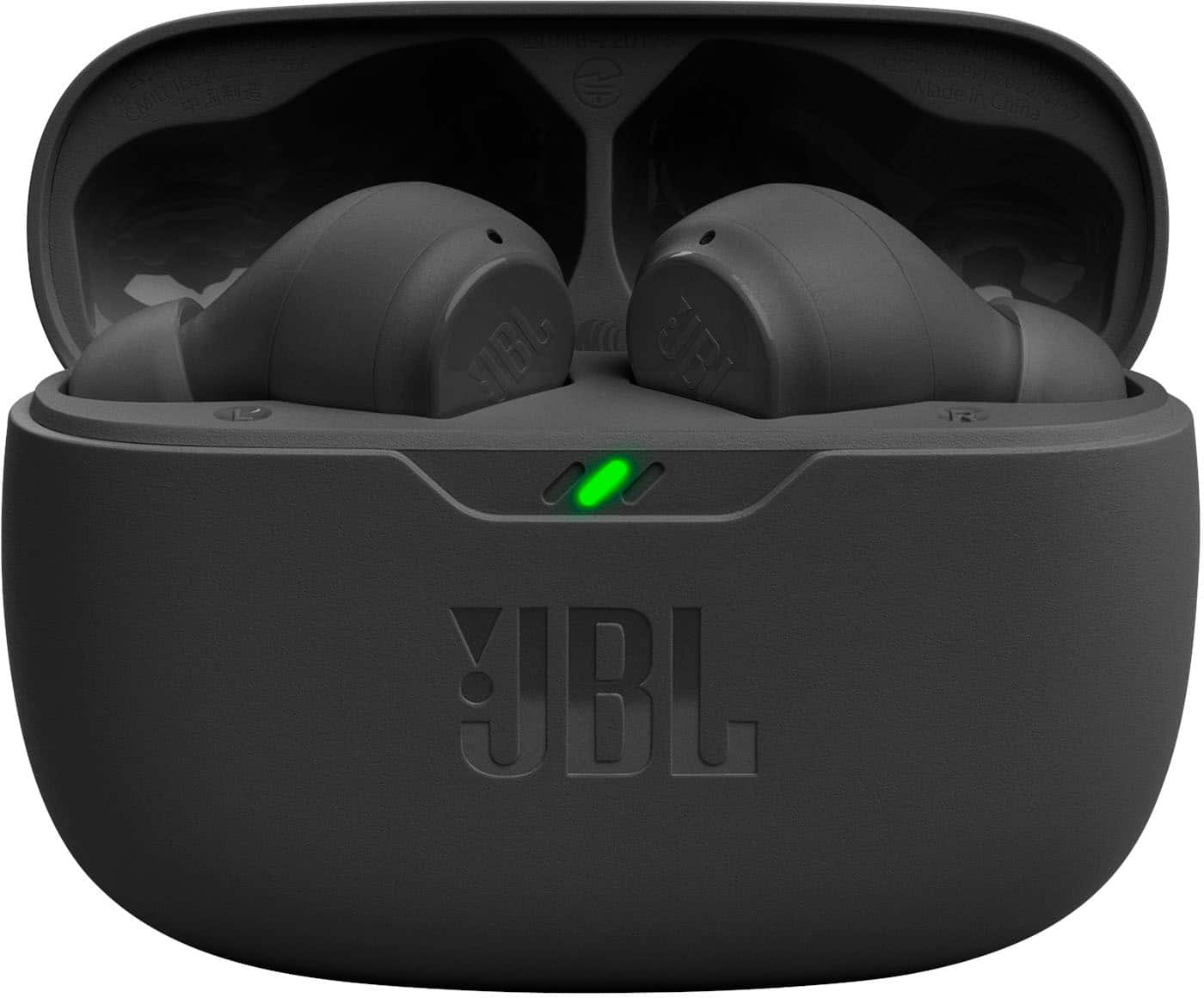
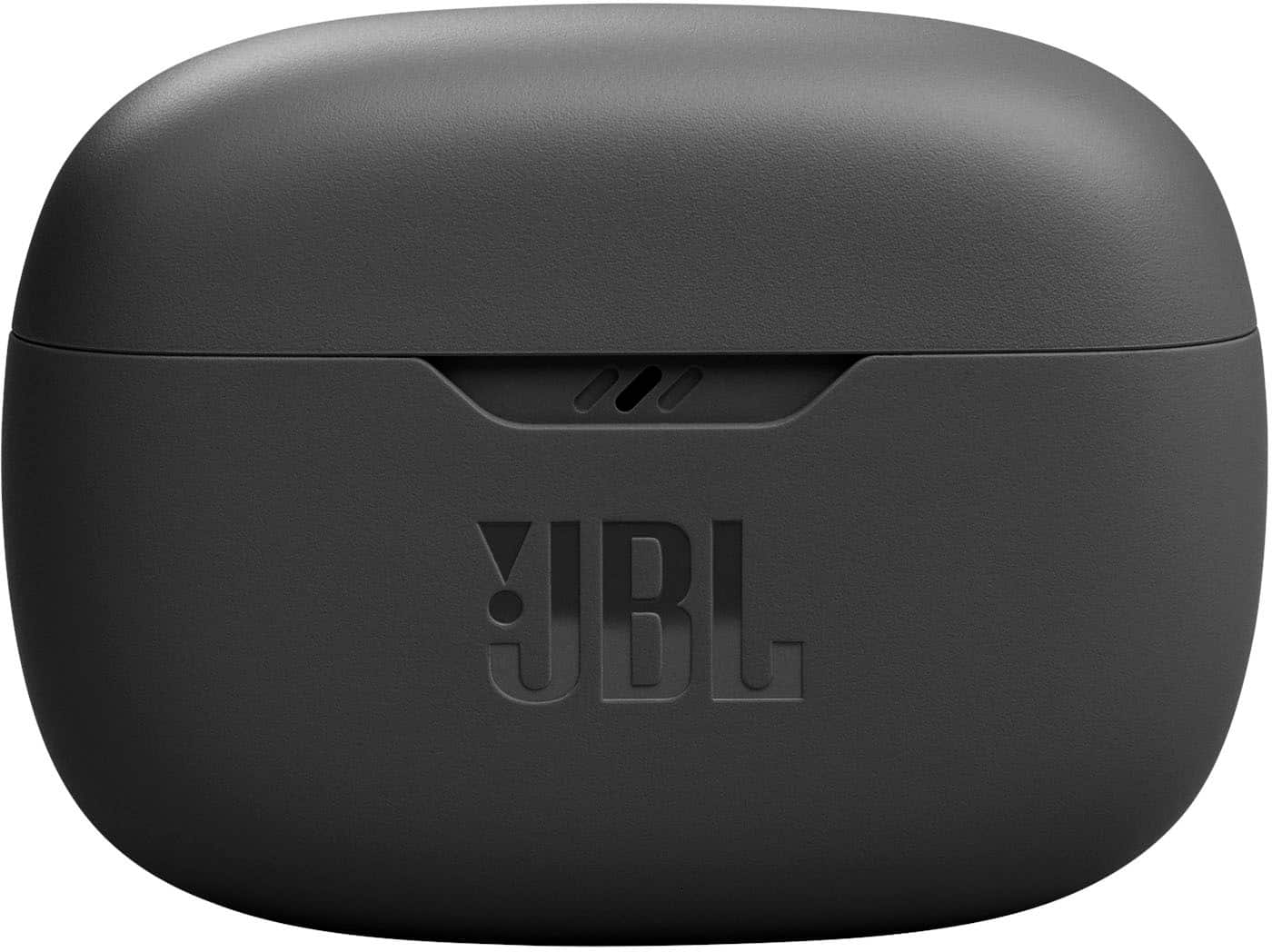
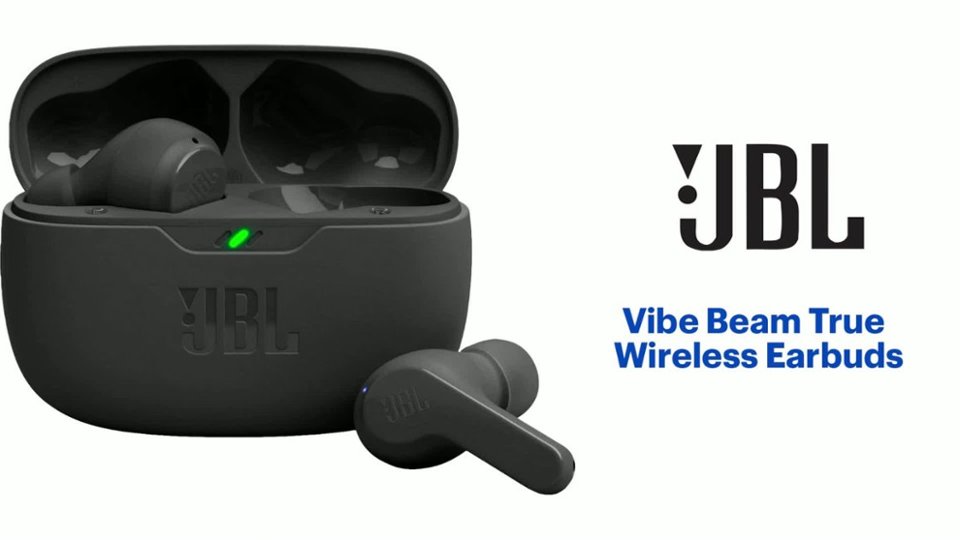
A:AnswerThanks for your question about our JBL Vibe Beam TWS. This product is compatible via Bluetooth with any Android device, such as Samsung. You can pair and connect it with your devices without requiring any application by going to your Bluetooth settings. Moreover, you can get up to 32 total hours of battery life (8 hours of battery life in the earbuds and 24 hours in the charging case) with speed charging, allowing you to get extra two hours of playtime in just 10 minutes. Please note that the music playtime of the earbuds varies depending on the volume level, music content, and active features while using them.
A:AnswerHas a lot to do with obstructions blocking signal and class of bluetooth device. I am not sure what class these are but I've had them unable to reach my driveway from the living room which is about 30ft only but with a structural brick wall between us. But then on the other hand at the pool hall with glass windows this has reached out about 400ft with no issue across the parking lot when i ran out to my car and forgot my phone inside. If these are broadcasting at 5dBm that would put them in the 10-20m range with obstructions by bluetooth class. Without getting to into the math and science of ohms law(V=IR) anything broadcasting a signal, line of sight plays a huge roll in broadcast range even atmospheric conditions play a role.
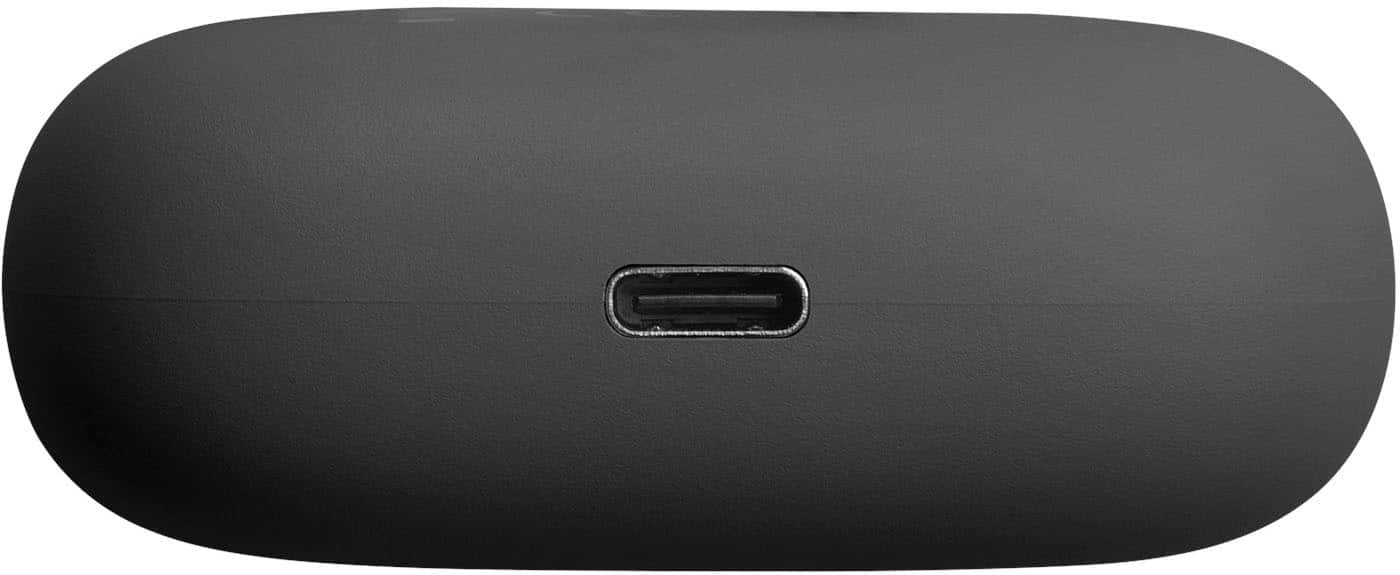
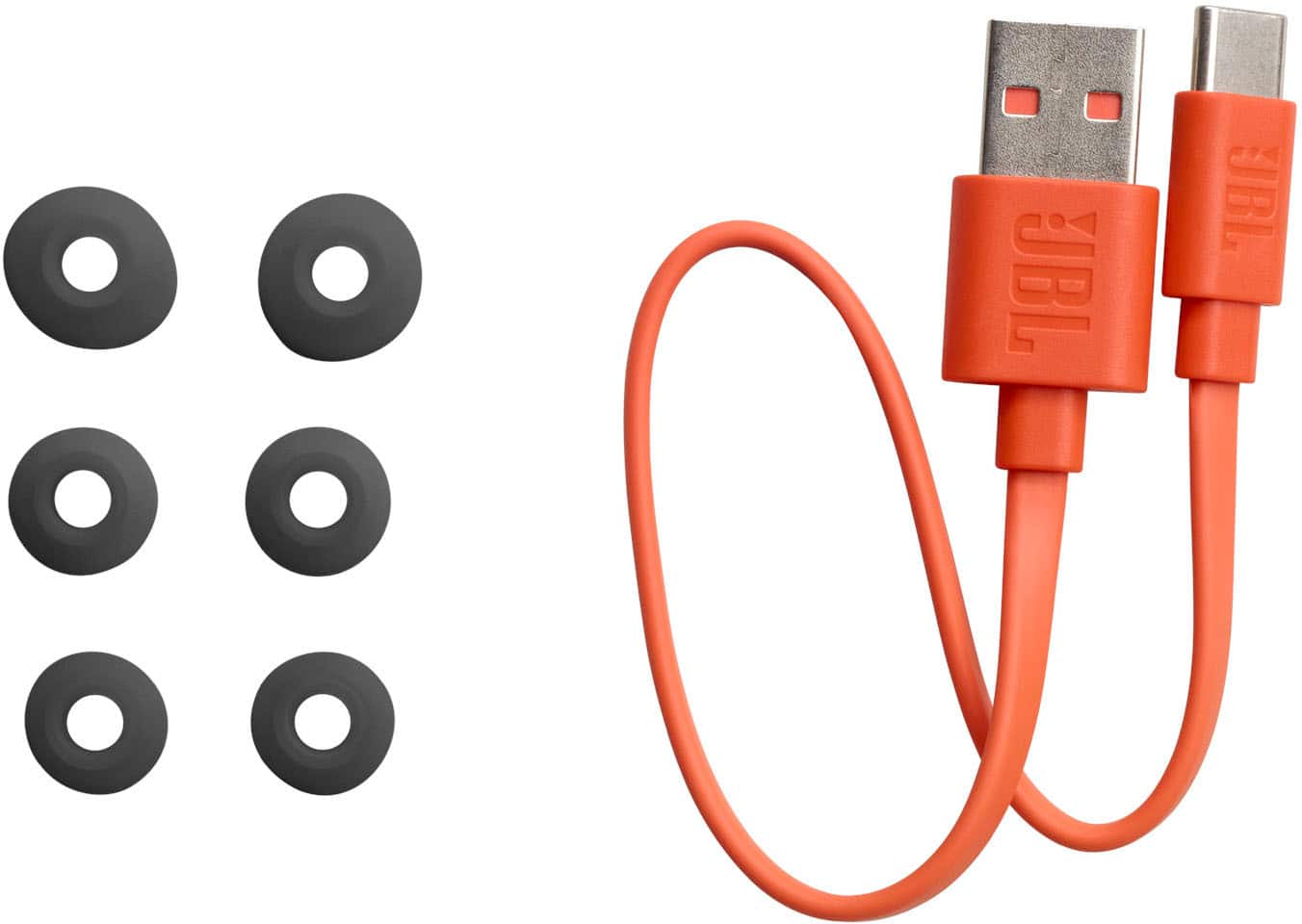
A:AnswerOur JBL Vibe Beam isn't Qi-compatible to wirelessly charge on a magnetic charger. It can only charge using a Type-C USB cable and a power supply with a suggested power rating of 5V/1A. If you're looking for wireless charging in-ear headphones, please check out our JBL Live Pro 2 TWS or JBL Live Free 2 TWS, as these models are Qi-compatible.
A:AnswerThanks for your question. Yes, our JBL Vibe Beam features "Find My Buds" in the JBL Headphones App to help find your missing earbuds. However, it will only work if the earbud is connected to your source device and the app.
A:AnswerThanks for your inquiry. Our JBL Vibe Beam earbuds are not designed for optimal use on a PS5. You can try our JBL Quantum models. Our JBL Quantum series is designed specifically for gaming, offering features like low latency, surround sound, and a noise-canceling microphone.
A:AnswerThanks for your inquiry. Our JBL Vibe Beam can connect to a Smart TV via Bluetooth. It is designed to be used for connecting with mobile phones, tablets, and laptops for streaming audio/music. You may encounter audio-video delays when you're using it with video content since this headphones doesn't have an aptX HD low-latency codec.
A:AnswerThanks for your inquiry. To answer phone calls when using our JBL Vibe Beam, tap the left or the right earbud twice when ringing or you can customize the gesture controls using the JBL Headphones App if you want to change it. You can also answer it through the source device when connected.
A:AnswerThanks for reaching out. Our JBL Vibe Beam TWS can announce contacts who are calling on the phone. As long as your smartphone has Announce Calls enabled in its settings and is connected to your JBL Vibe Beam TWS, you will be able to hear caller ID announcements through your earbuds.
A:AnswerThanks for your inquiry. Yes, our JBL Vibe Beam is compatible with FaceTime as it comes equipped with a built-in microphone that can be utilized during video calls.