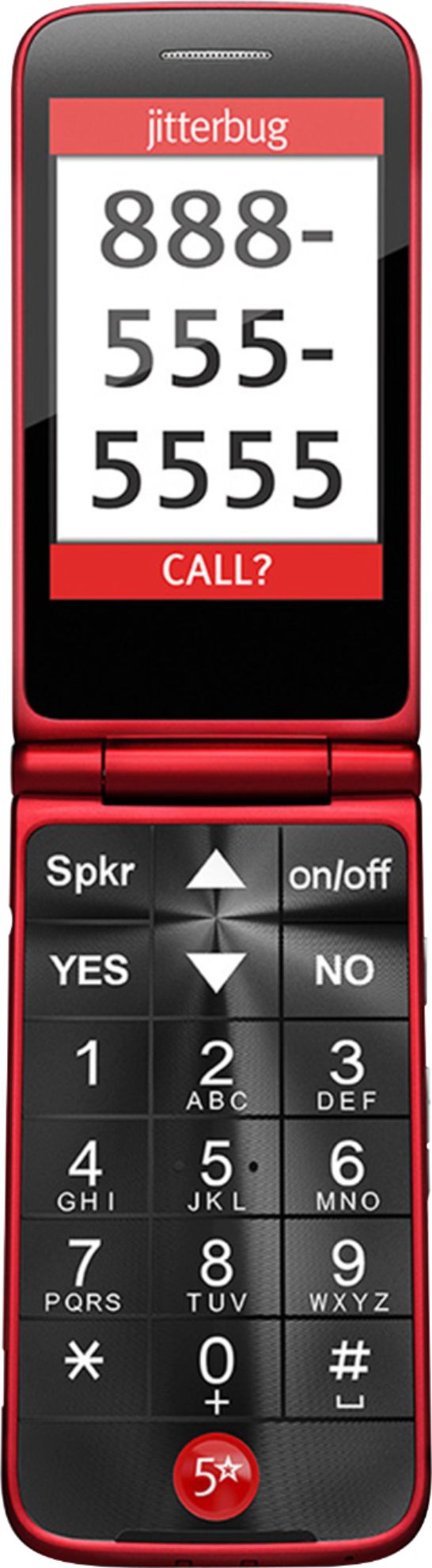
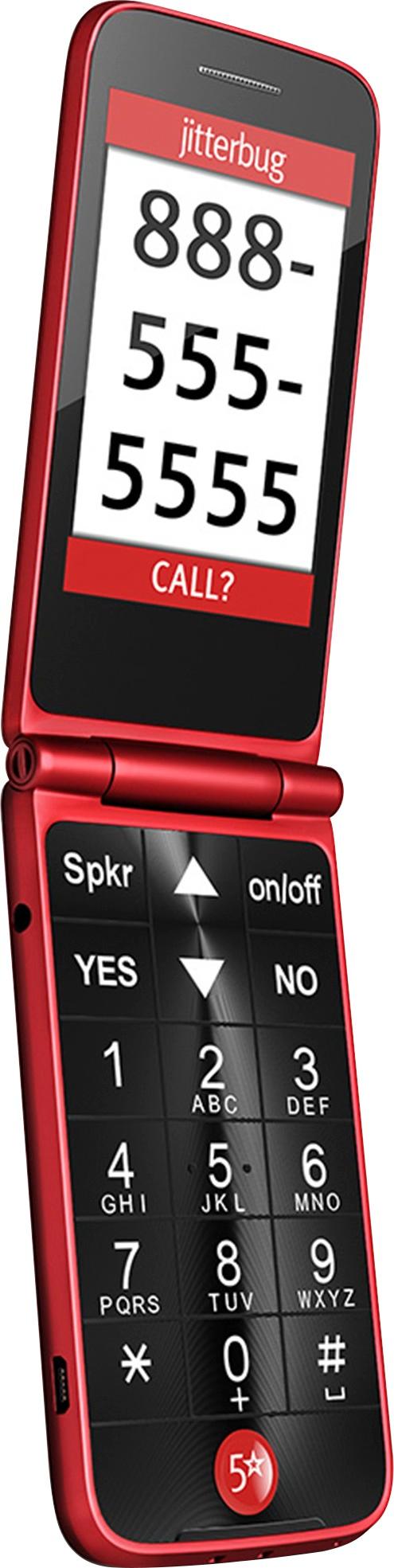
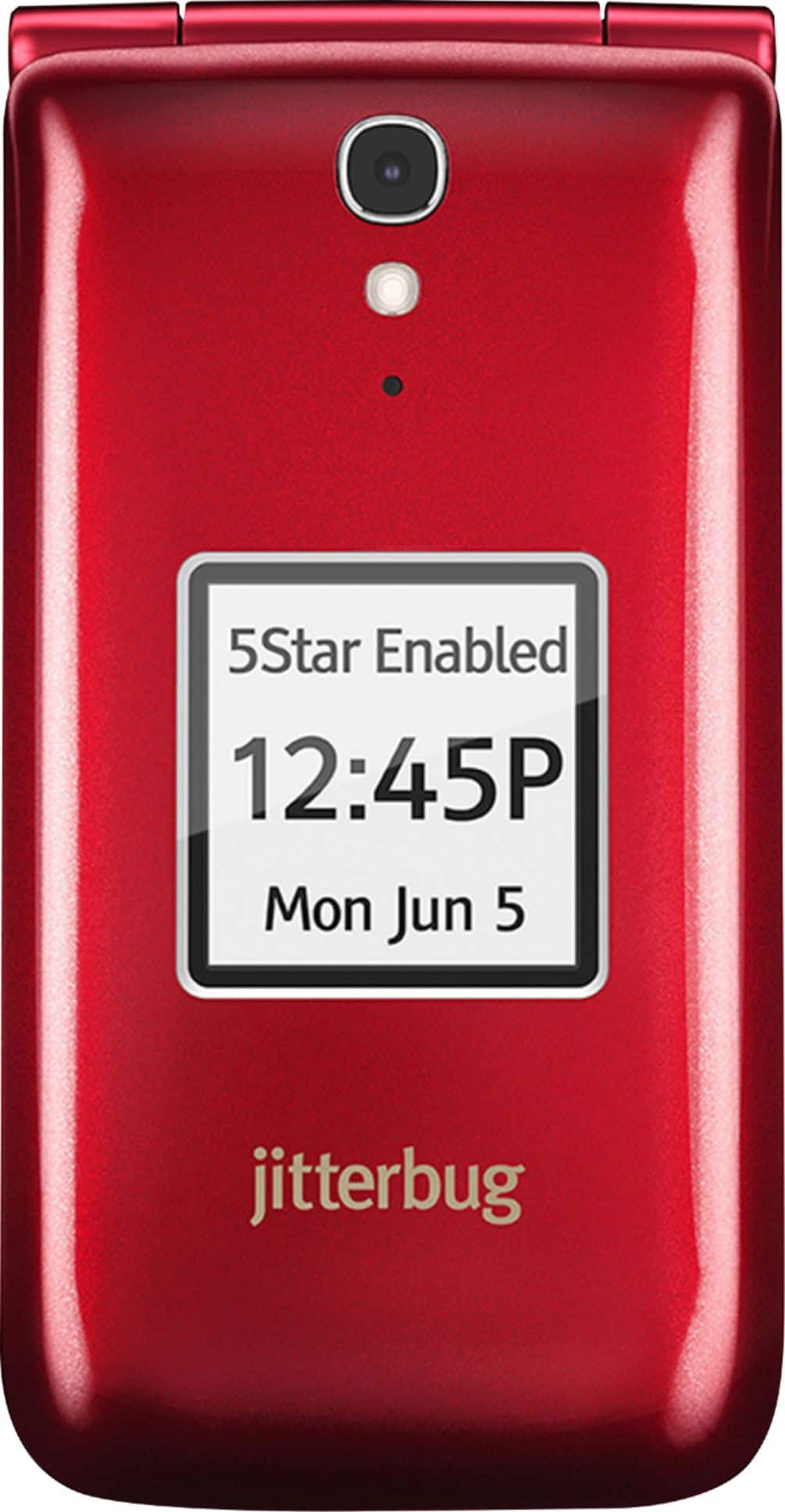
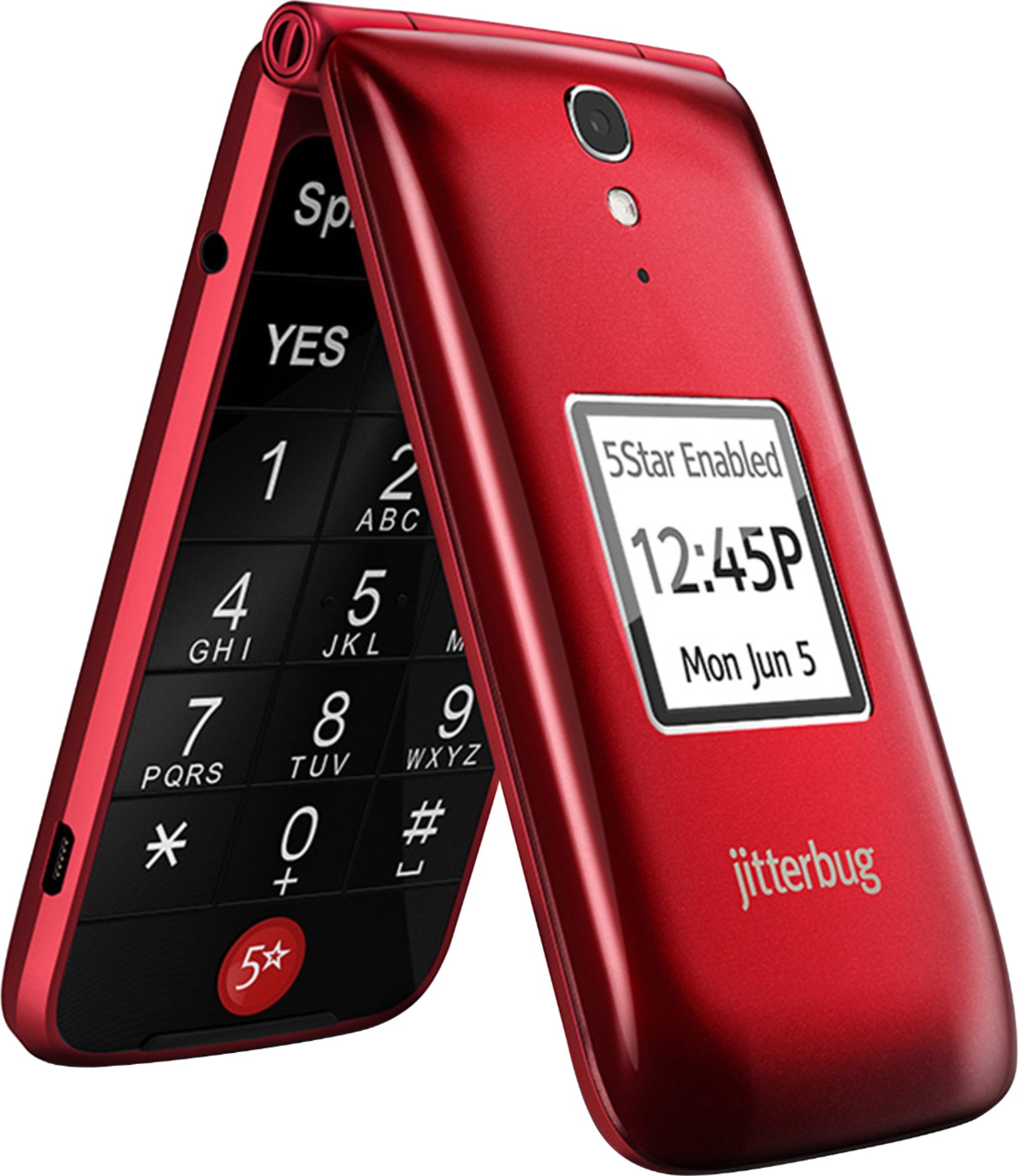
A:Answer The bottom-line answer is a resounding "NO". I spent a few minutes with a Great Call representative, who at first refused to answer the question. Instead, she attempted to convince me that I shouldn't leave the phone on the charger so I don't "over charge" it. I finally got her to answer the question directly, and the answer is simply "no", you cannot turn off the loud fully-charged-beep. Instead, I should take phone off the cradle when it beeps and says fully charged. Then I should monitor the battery and when it falls below 50%, then put it back in the charger. Then repeat. I have NO OTHER TECHNOLOGY that requires ME to monitor the battery. I have NO OTHER TECHNOLOGY that can even be "over charged." This is NOT a hardware issue, this is the software that Greatcall loads on the Alcatel phone. They *can* fix it. Apparently they don't want to.
You could say "what's the problem? Just do what she says." The problem is that I use the phone as a "life-line" - and not to be too dramatic, but I want the phone to be ready when I need it. Given Greatcall's advice, I never know when the phone will be fully charged, because I can't leave it in the cradle. This is exactly the OPPOSITE of what Greatcall says it means to accomplish. Seriously guys, just fix this problem.