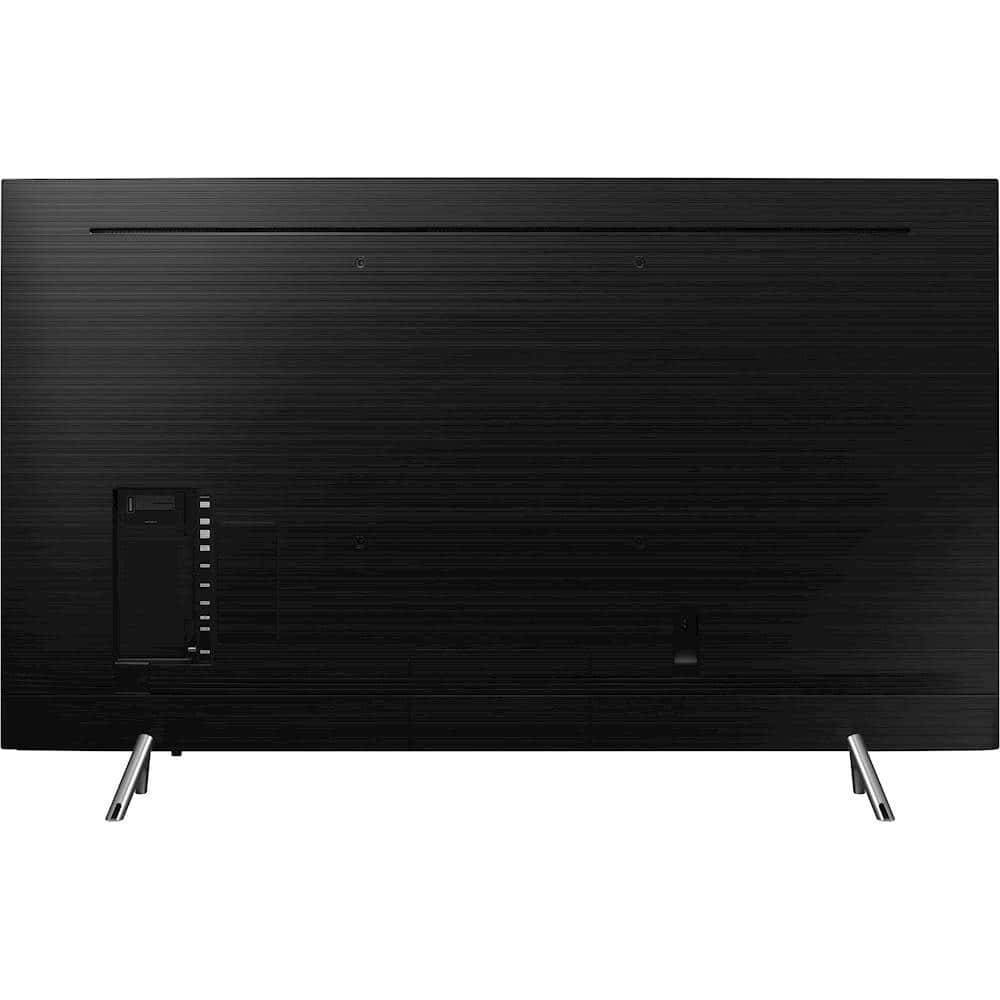
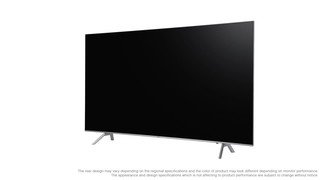
A:AnswerTv works off WiFi or Ethernet for internet. You will need 2.2 hdmi 4K hdr cables to get the best picture on any 4K device you are connecting it to. MAke sure amp
or sound bar support 4K hdr 10 pass through.
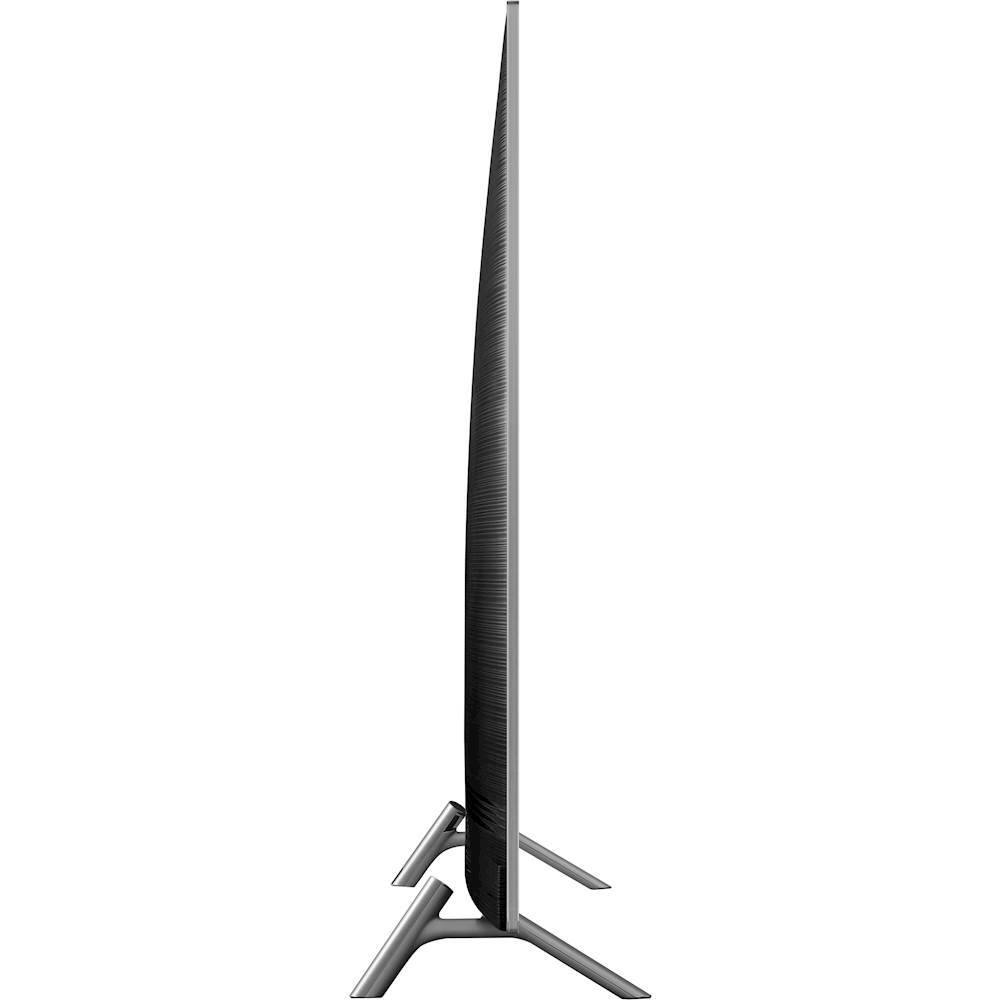
A:AnswerIt really depends on a lot of factors. TV purchased and it’s thickness. How far the wall mount used protrudes once installed and you will need a little space to manage wires. If I were to guess it would be like 6-7 inches
A:AnswerI figured it out, I have to turn on the TV first, then select the Home Theater icon, which will make the Power ON screen appear. Then I power on the Yamaha reciever and then the cable box or Apple TV or dvd player....then the screen goes away on the TV and the content appears.
A:AnswerWe just got our tv, so I'm not an expert on it yet. We have found you can control with an app on your smart phone including voice control. It utilizes My Bixby for the voice control There is a button on the remote and on the app on your phone.
A:AnswerI really don’t know anything about a no gap bracket. I bought the one that is movable forward and side to side. It’s a heavy duty bracket and they told me it would hold up to a 90 inch tv. It workss fine. It was an expensive bracket... like 200 or 300 dollars. I don’t remember exactly because I had a bunch of stuff on my ticket... I bought the kit that allows them to put the wires through 2 holes in the wall so that you don’t see them. It looks great and with this bracket you can move the tv forward from the wall or push it back to the wall. Love the t.v. The picture is phenomenal, even though most shows don’t broadcast in 4K.