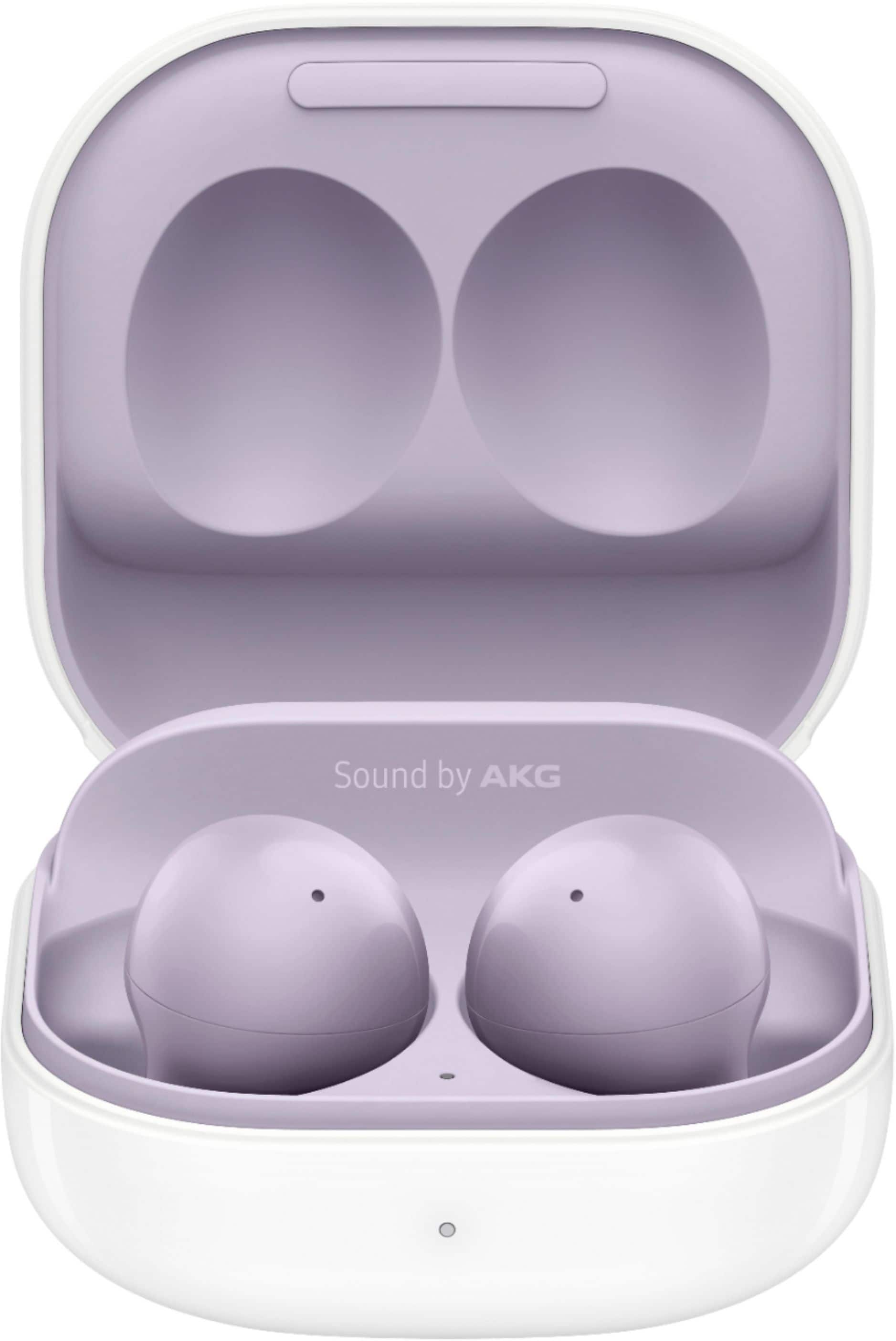
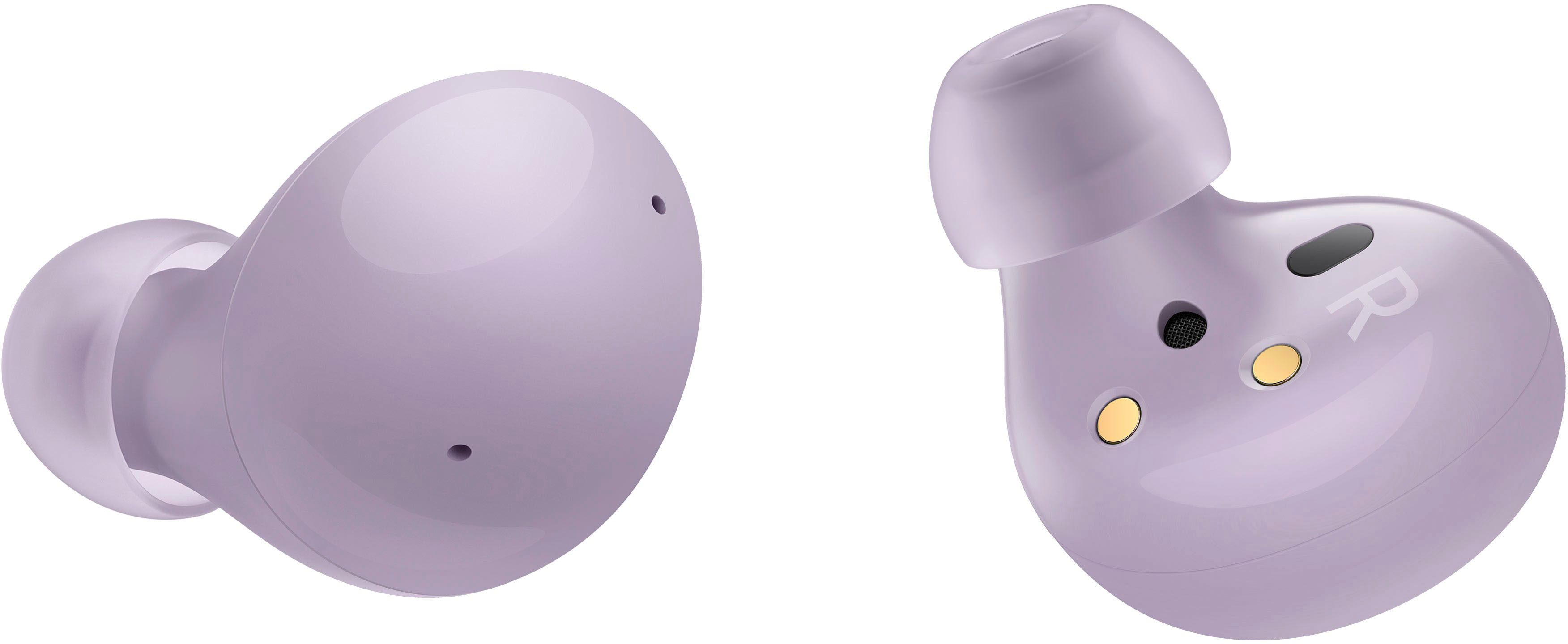
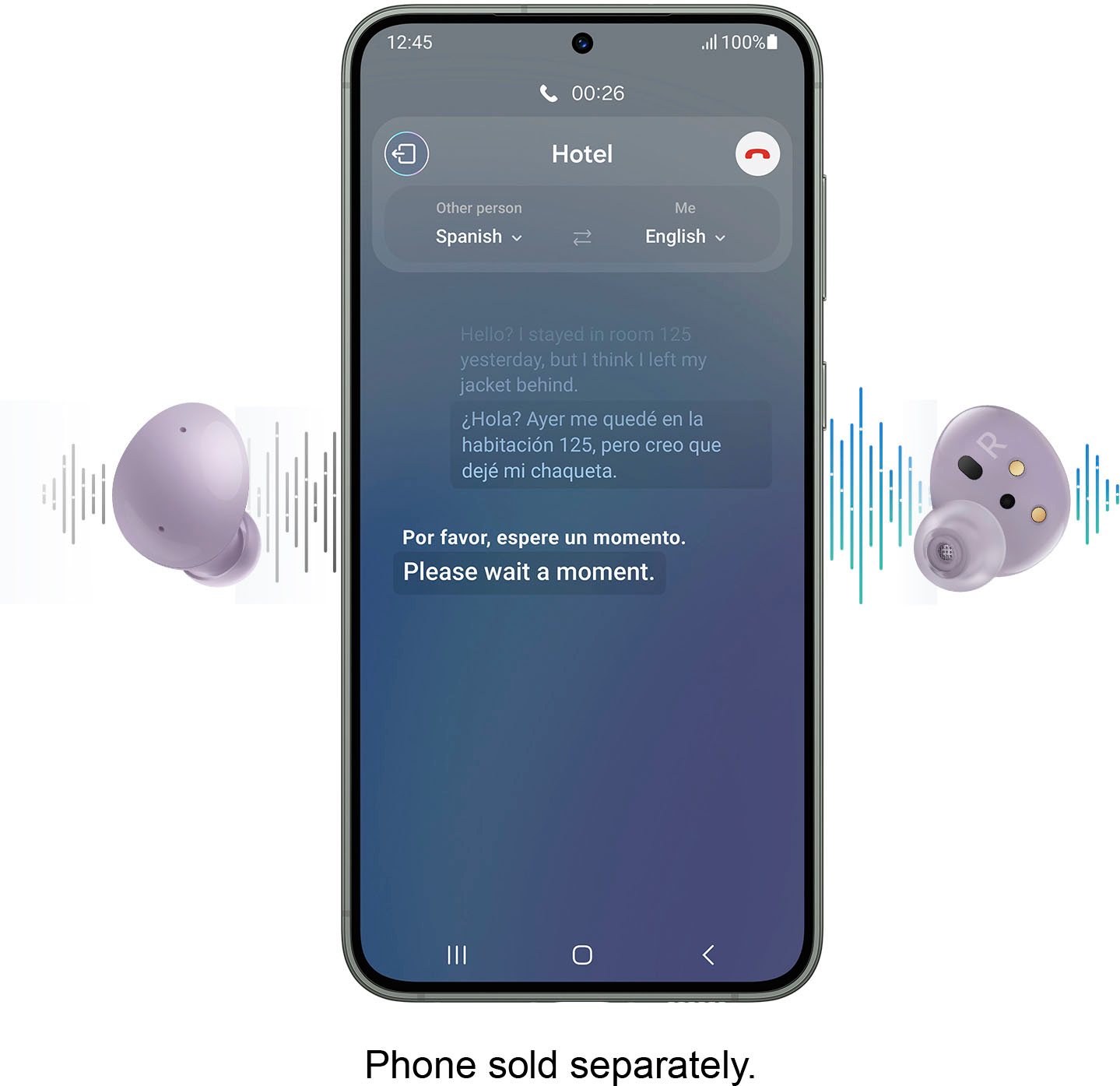
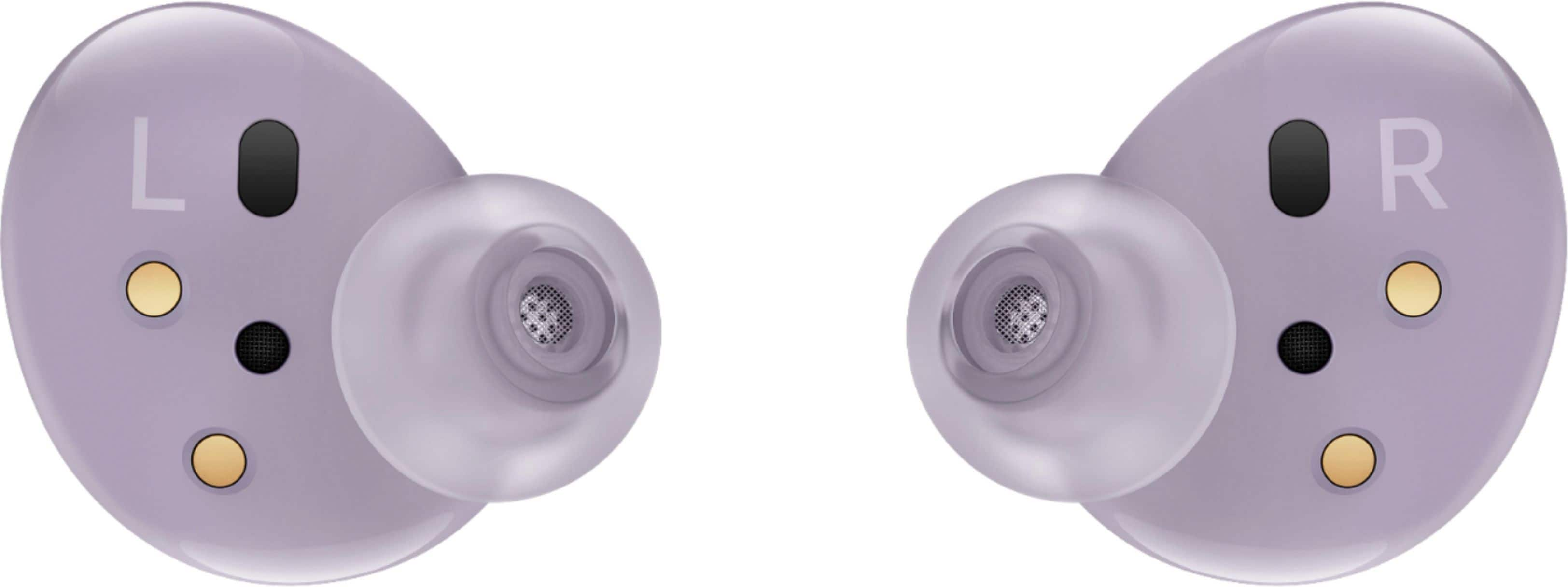
A:AnswerSamsung Buds + and Live work nicely with my Apple iPad pro 11. I switch between my Samsung Note 10 and iPad during the day with little to no effort. Battery life is very good with the Bugs +, at least twice as long compared the latest model (Buds Live). Highly recommend using these earbuds rather than the Apple equivalent.
A:AnswerAs far as I know, it will NOT work. I have tried doing the same thing and I can not get it to sync to two devices simultaneously. I am sure there is some type of "hack" out there that would allow you to do that, but I have yet to find anything that will work.
A:AnswerYes,
The Galaxy buds use a Bluetooth connection.
You should be able to download the Galaxy wearable app via the app store if you would like to update / alter the sound profile of the buds.
A:AnswerLost devices are not covered under warranty, but damaged or broken cases or Buds might be. Contact Samsung customer service if your battery case or Buds has been damaged or is not functioning correctly, and they may be able to help you get a repair or replacement.
A:AnswerHello peanuts2, thanks for asking! Please follow this link (https://www.samsung.com/us/support/answer/ANS00086702/) to learn more about connecting these earbuds. ^Elizabeth
A:AnswerYes, they work with laptops that have Bluetooth compatibility. I use the Buds with my Dell XPS 15 laptop and have used them with Zoom and they work great.
A:AnswerAs far as I know, you can NOT buy anything independent of itself. Lost devices are not covered under warranty, but damaged or broken cases or Buds might be. Contact Samsung customer service if your battery case or Buds has been damaged or is not functioning correctly, and they may be able to help you get a repair or replacement.
A:AnswerI mean, they could, but they may have fallen out of your ears and/or died by the time you wake up. Be sure to turn on the block touches feature.