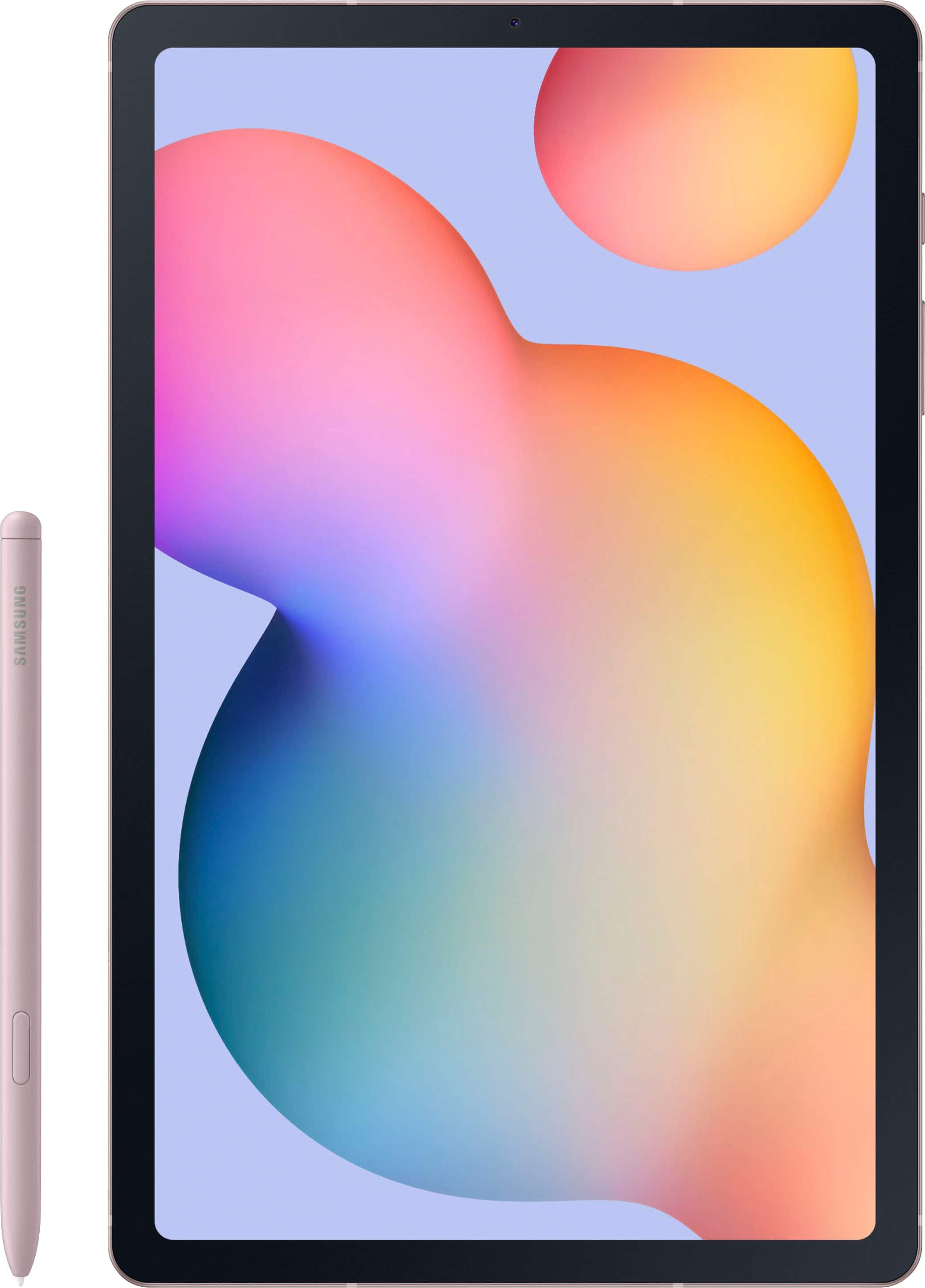
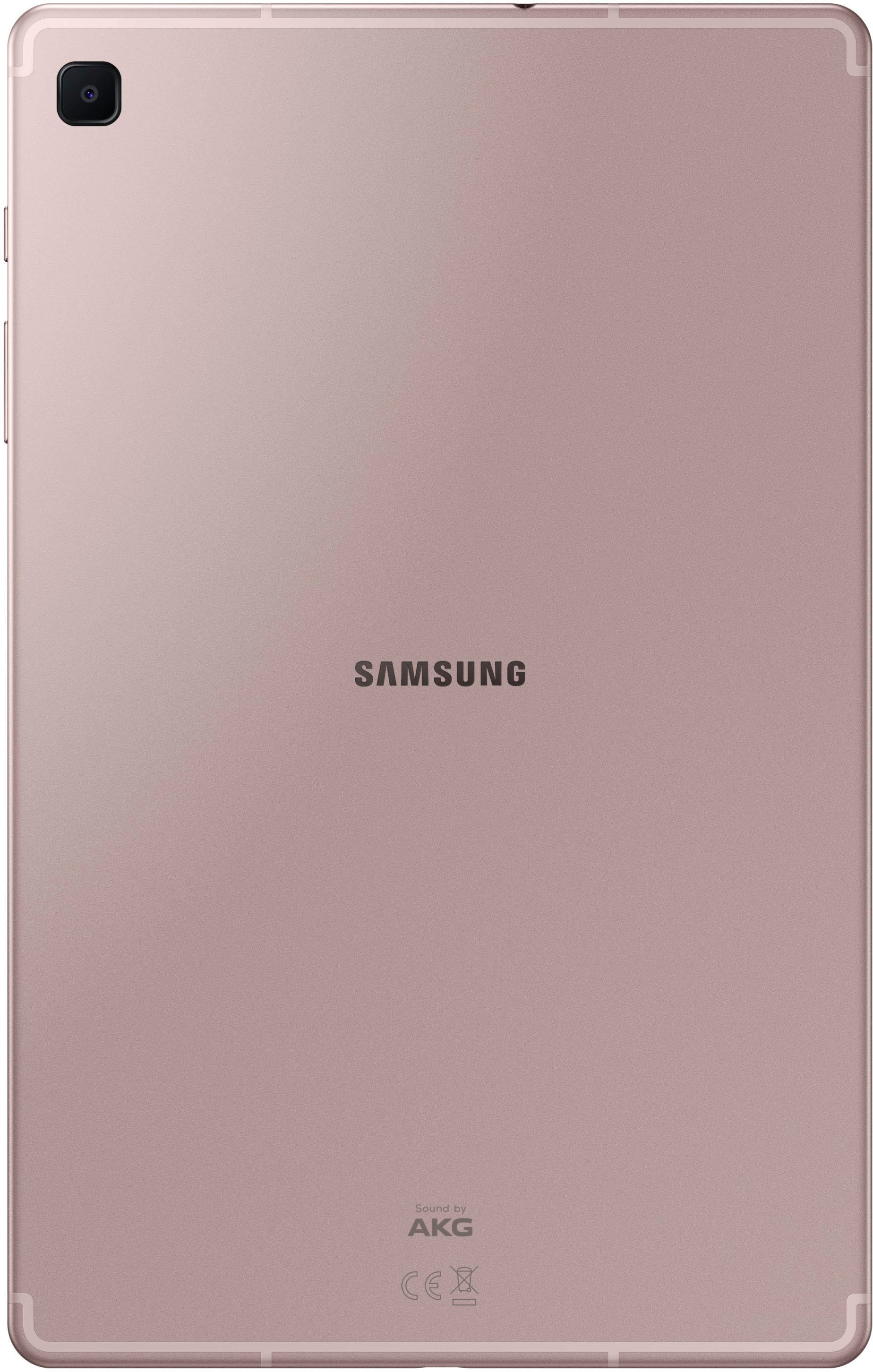
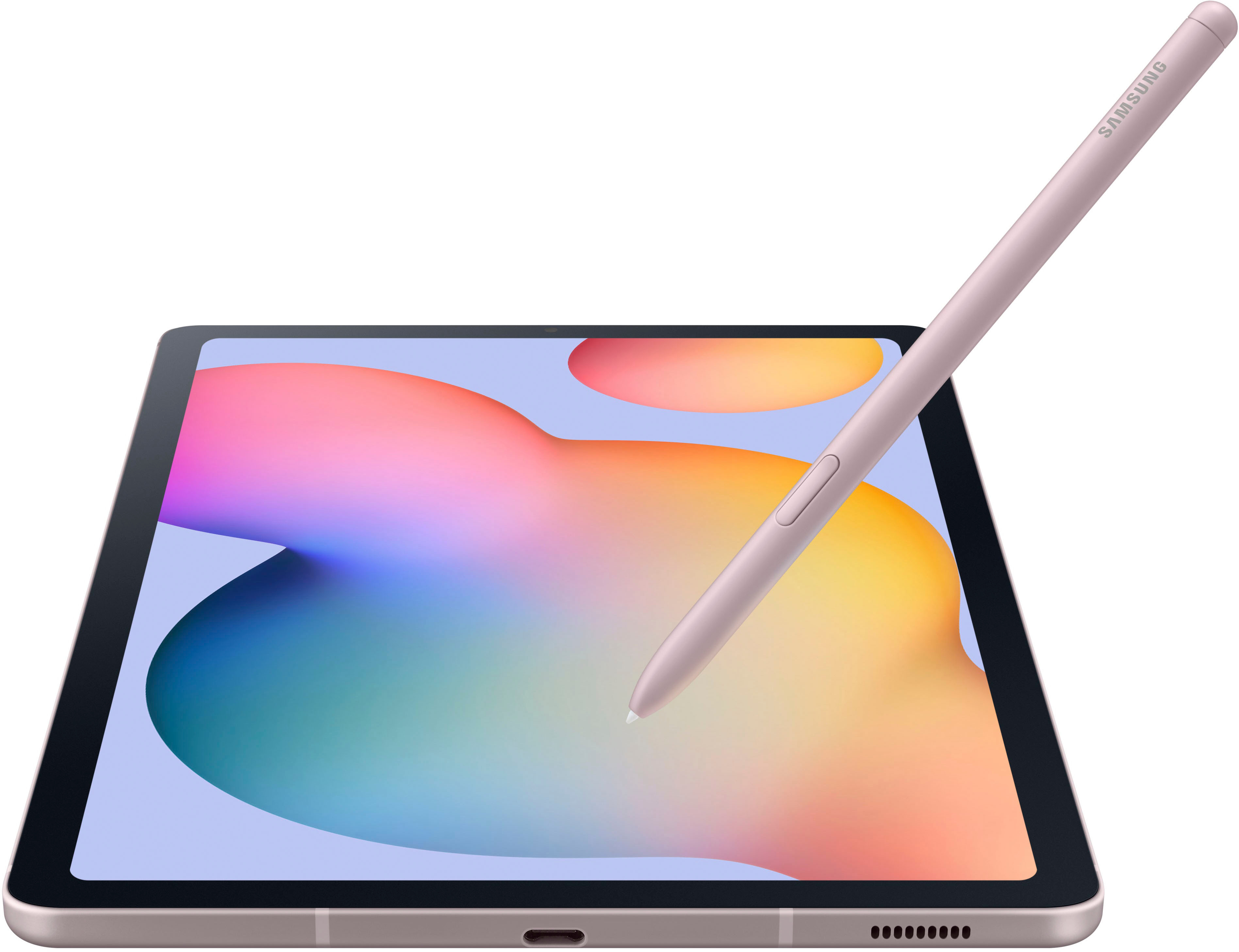
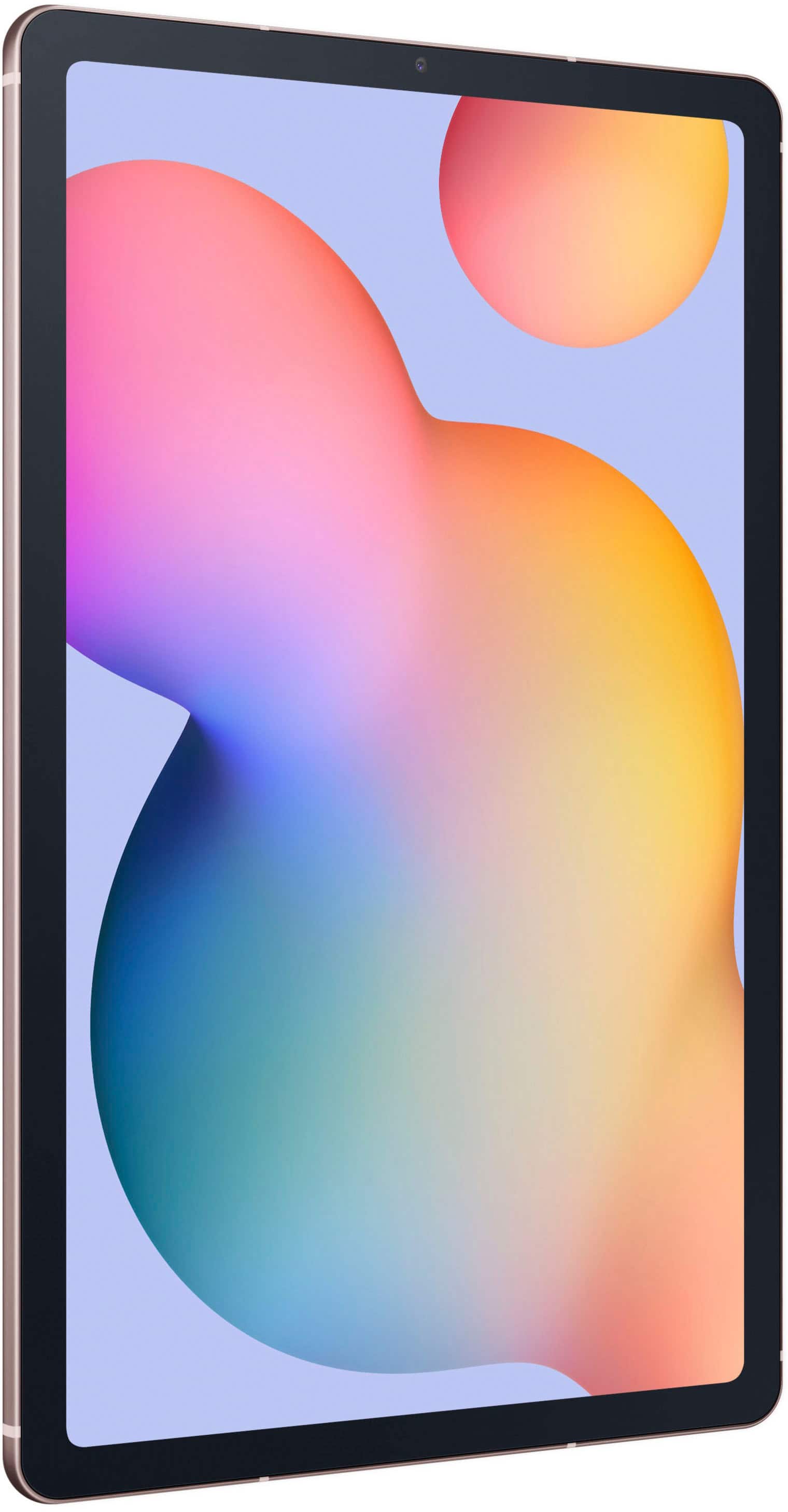
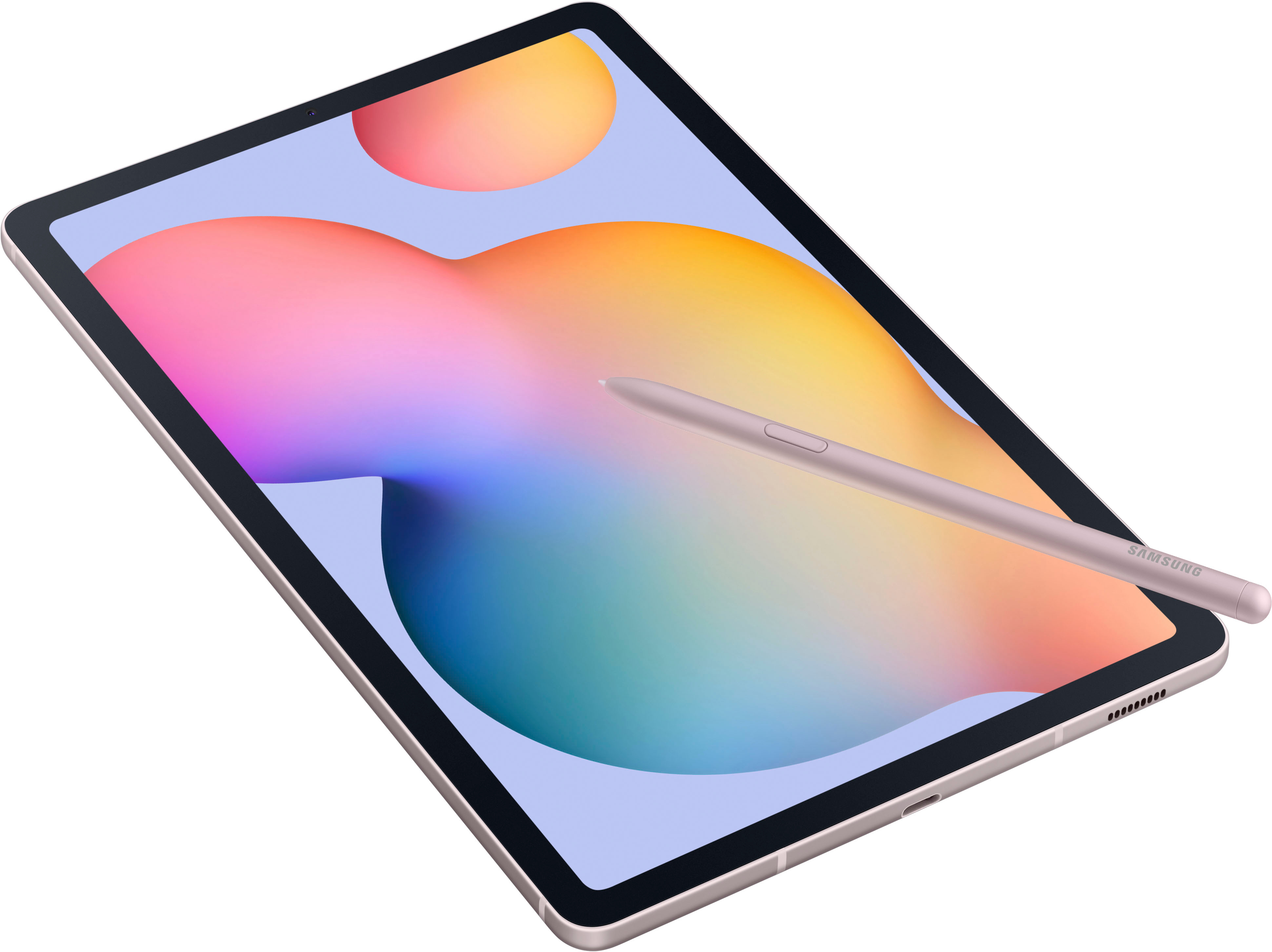
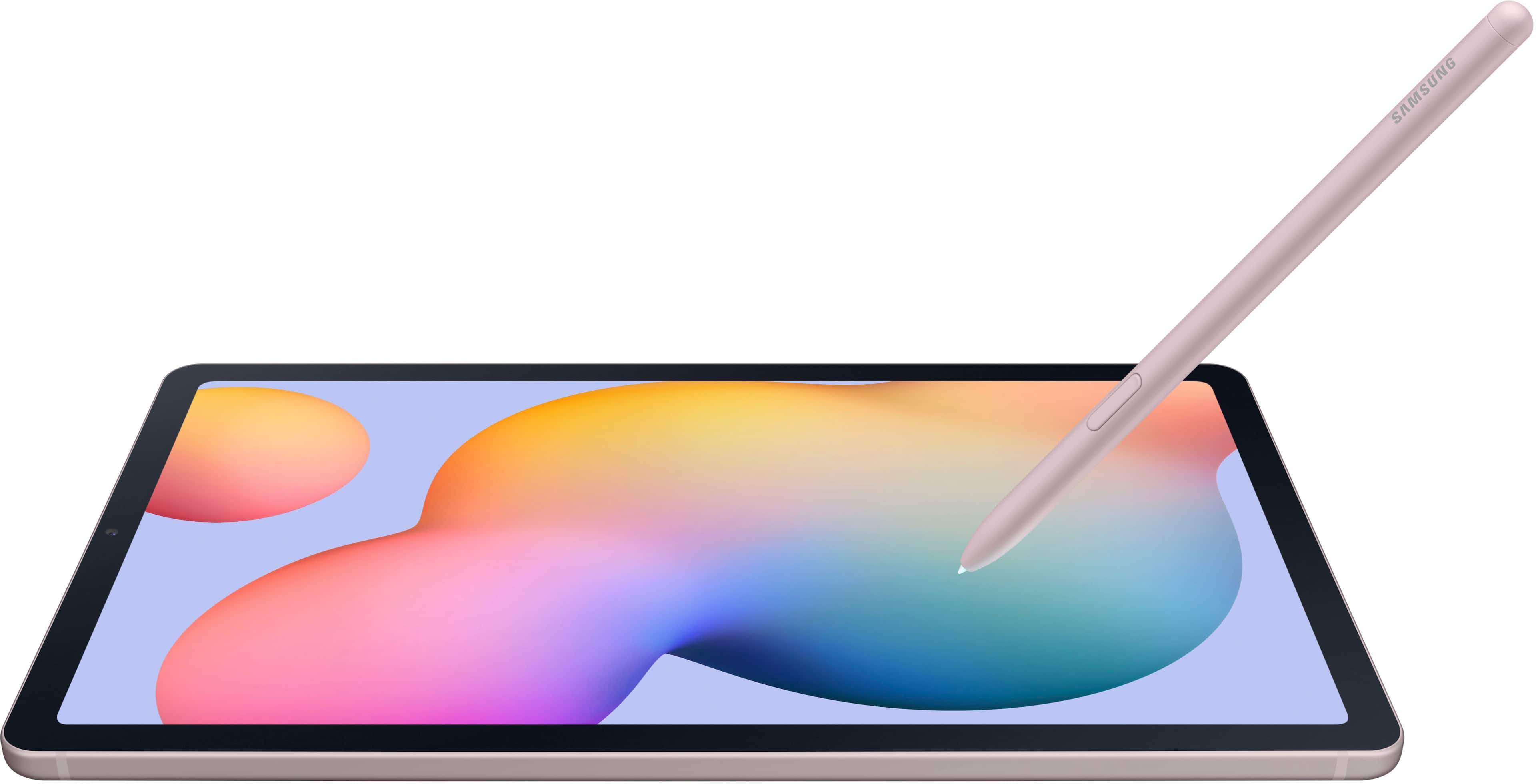
A:AnswerAloha Robert, thanks for taking the opportunity to ask us your question about the Samsung Galaxy Tab S6 Lite. That's a great question! The Galaxy Tab S6 Lite utilizes Android 12.0 as its operating system and has a 4GB RAM. The Google Play Store shows that Minecraft requires Android 5.0 and up so you should be good to download this app to the Tab S6 Lite. Let us know if you have any other questions for us by contacting Samsung Support. Thank you for being a staunch Samsung customer. - Debra
A:AnswerAbsolutely! This is the 2022 model so you can buy original parts from major tech stores and even aftermarket parts. Although i recommend original Samsung products for Samsung devices.
A:AnswerNo, this is the wi-fi model. You could connect it to your phones hot spot or you can get the LTE model which you’re thinking about which will cost more.
A:AnswerThere are many compatible keyboards I recommend checking Samsung's website regarding the ones that double as a case though. As for the Verizon plan, unless you find an LTE capable model, it won't have that option.
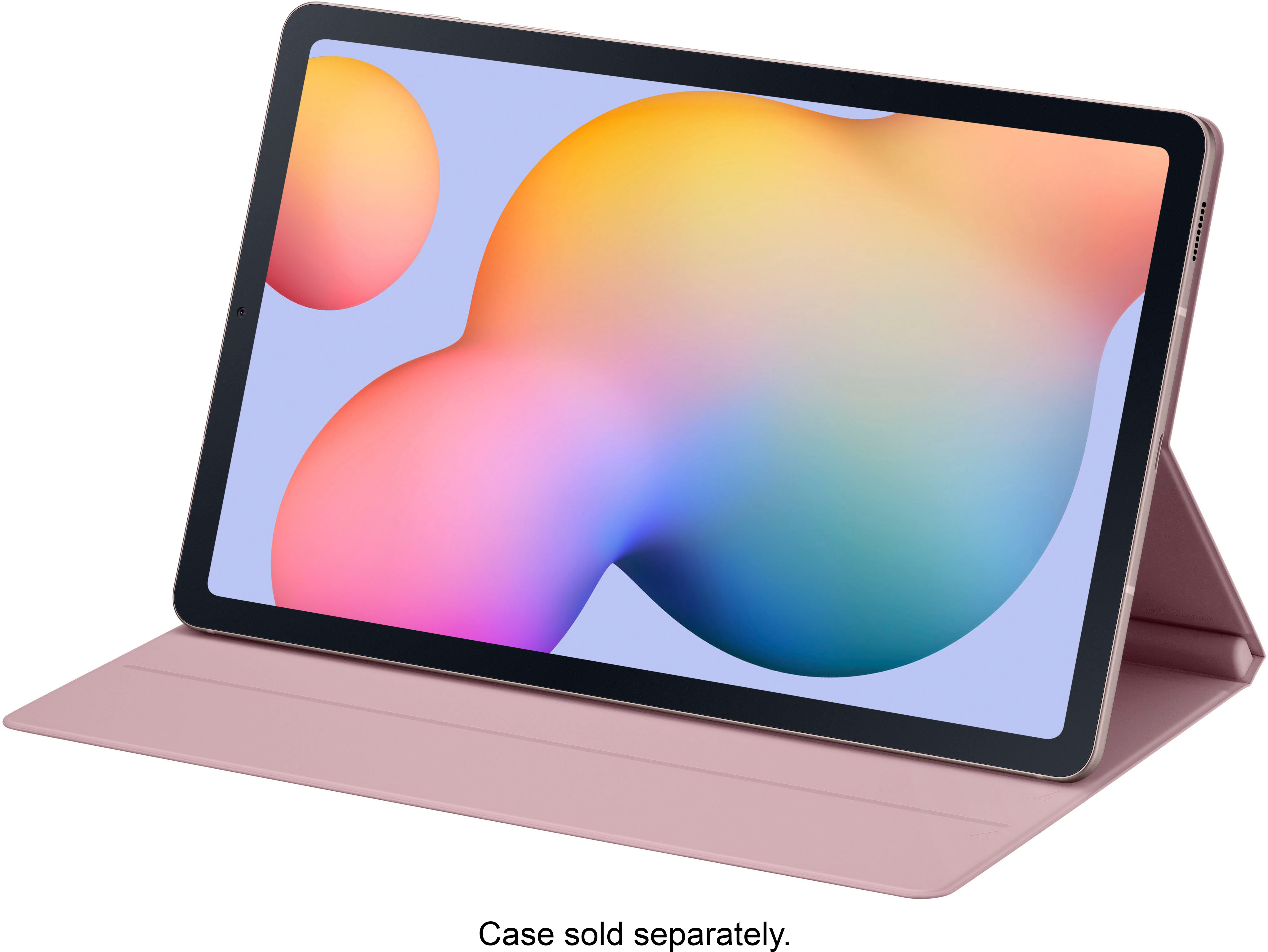
A:AnswerHey! We see that you are interested in pairing the Galaxy Tab S6 Lite with a keyboard. The Galaxy Tab S6 Lite keyboard cover features a sleek, lightweight design and serves as a cover to protect your screen, so you can slip it into your bag on the way out the door without the worry of occasional bumps and scratches when you are on the go. There’s even an embedded S Pen holder, so you can be sure it doesn’t get left behind. If you have any further questions or concerns, please do not hesitate to reach out to us at Support. -Kelvin
A:AnswerThanks for reaching out to us with your question, Bill. We see that you're interested in the Galaxy Tab S6 Lite. The Galaxy Tab S6 Lite comes with Android 12 operating system. If you have any further questions, please reach out to us at Support. -Kelvin
A:AnswerThanks for reaching out to inquire about the Galaxy Tab S6 Lite. We hate to see that you've experienced freezing on your device. When a Galaxy phone or tablet freezes or crashes, you can often fix the situation without needing professional help. Simple actions, such as rebooting the device and updating the software, can greatly reduce the chances of future difficulties. To manually download updates, open the Settings menu, navigate to Software update or System updates, and select the option to download and install updates. Before starting the update, it's important to ensure that the device is connected to the internet and has at least 50% battery life. Some carriers may require a Wi-Fi connection for updates and do not allow the use of mobile data. If storage space is insufficient, you can use Device Care to free up space or back up files using Smart Switch or their Samsung or Google accounts. After completing a software update, it's advisable to test the device to confirm that any previous concerns have been resolved. If difficulties persist, you may need to troubleshoot boot loop errors or seek further assistance. If this continues to be your experience, please be sure to reach out to us at Support. -Kelvin
A:AnswerIt's great to hear from you, RB. We welcome the opportunity to assist you. You can access your manual by checking out the Galaxy Tab S6 Lite 10.4 with the S Pen Edit product info page. For any further questions, please be sure to reach out to us at Support. -Kelvin
A:AnswerHello there BTWK, thank you for reaching out to us with your question about the Samsung Galaxy Tab S6 Lite. There are some factors that will affect the usage of your device without internet connection. If you have a file that has been downloaded with connection you would be able to edit it without being connected, but may need connection when going to save if it is saved on a drive to be shared. If you have an app downloaded that creates documents, it would depend upon the settings of the app itself. Internet is mostly necessary to send documents to others or put them online to be viewed by others. Please, reach out to us again if you have additional questions. Thank you for being a Samsung customer. -Elizabeth
A:AnswerHello there JacobZ, thank you for finding the available time out of your lively day to ask us your question about the Samsung Galaxy Tab S6 Lite. The Galaxy Tab S6 Lite is offered in 64GB and 128GB of total storage with 4GB of RAM. The Tab S6 Lite does have expandable storage capabilities up to 1TB when you add a microSD card. If you have any other questions for us, do not hesitate to contact Samsung Support. Thank you for being a steadfast Samsung customer. - Debra
A:AnswerWe appreciate you reaching out with your inquiry. We noticed that you inquired about using the S Pen with your Galaxy S23 Ultra. We want to inform you that the S Pen you are referring to is specifically designed and compatible with the Galaxy S24 Ultra. Unfortunately, it is not compatible with the Galaxy S23 Ultra. We understand that this may be disappointing, but we want to ensure that you have the correct information. If you have any further questions or if there is anything else we can assist you with, please do not hesitate to contact us at Support. -Kelvin