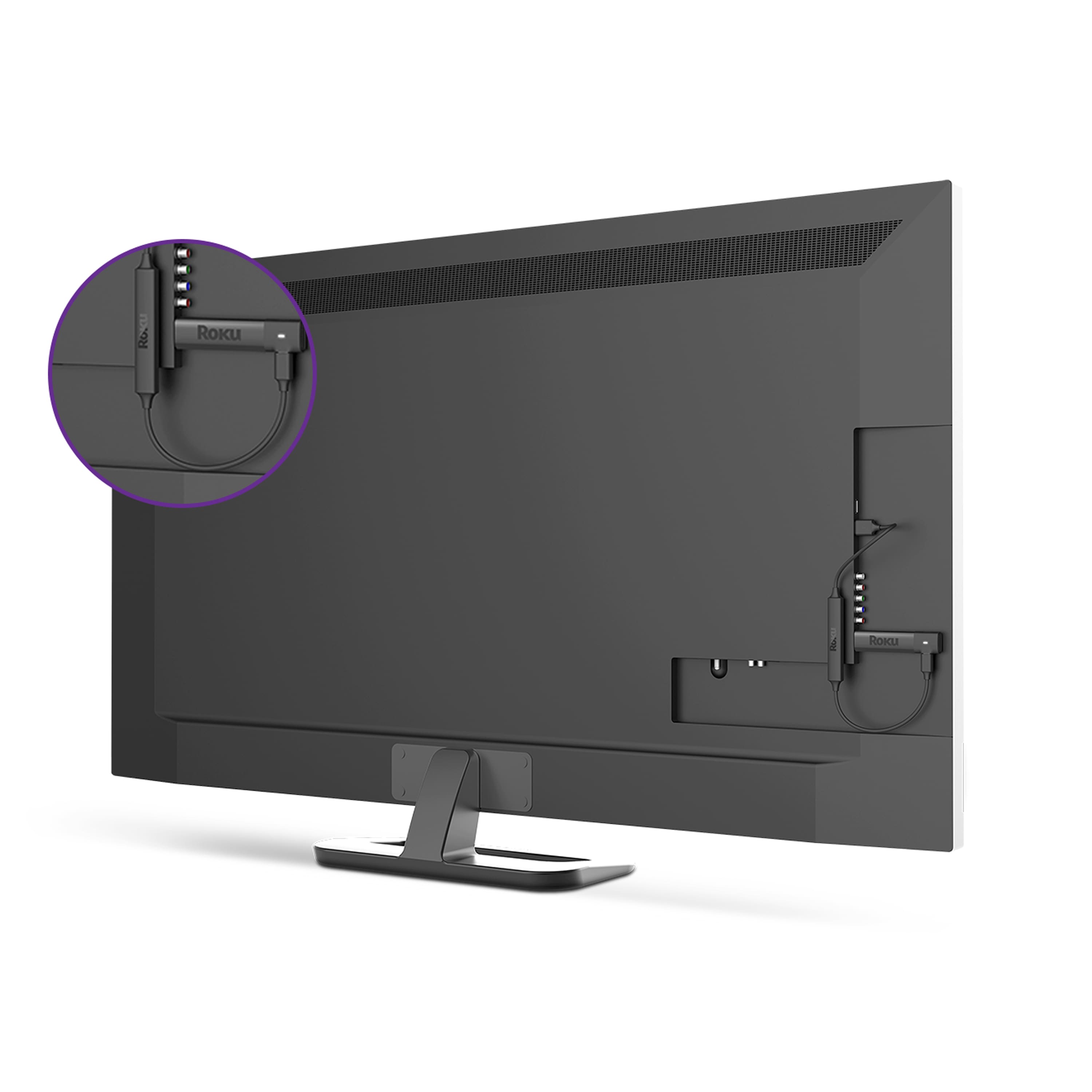
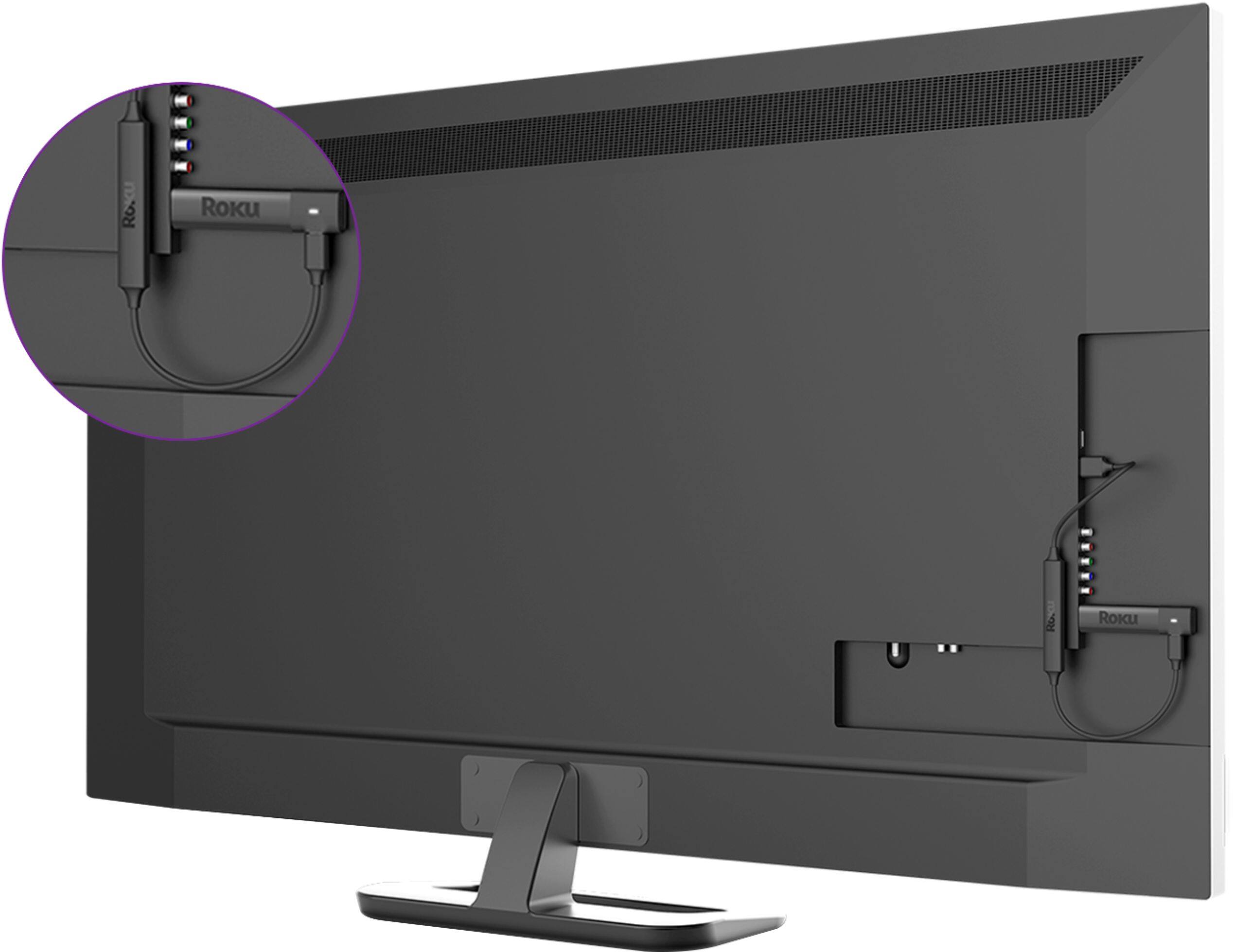
A:AnswerIt seems to me me that when I bought my first roku,I had the same issue and I emailed roku and they sent me an extention cable...So I would reach out to them to see if they still do that
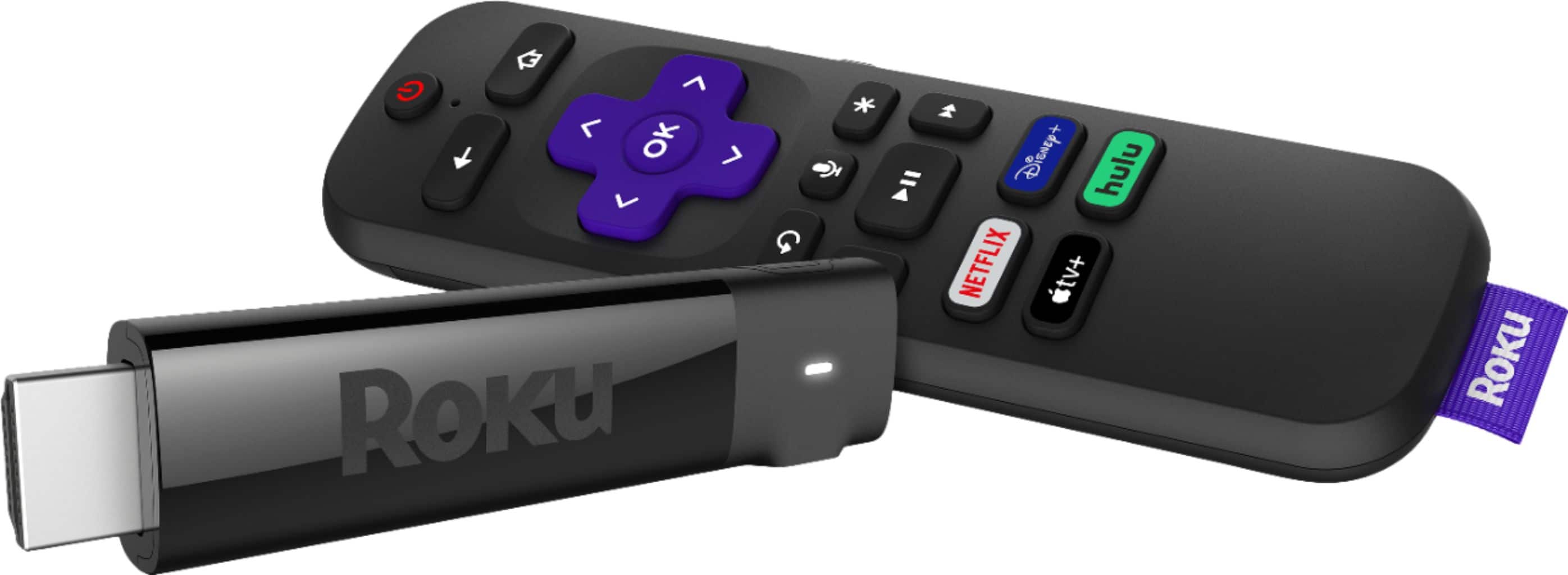
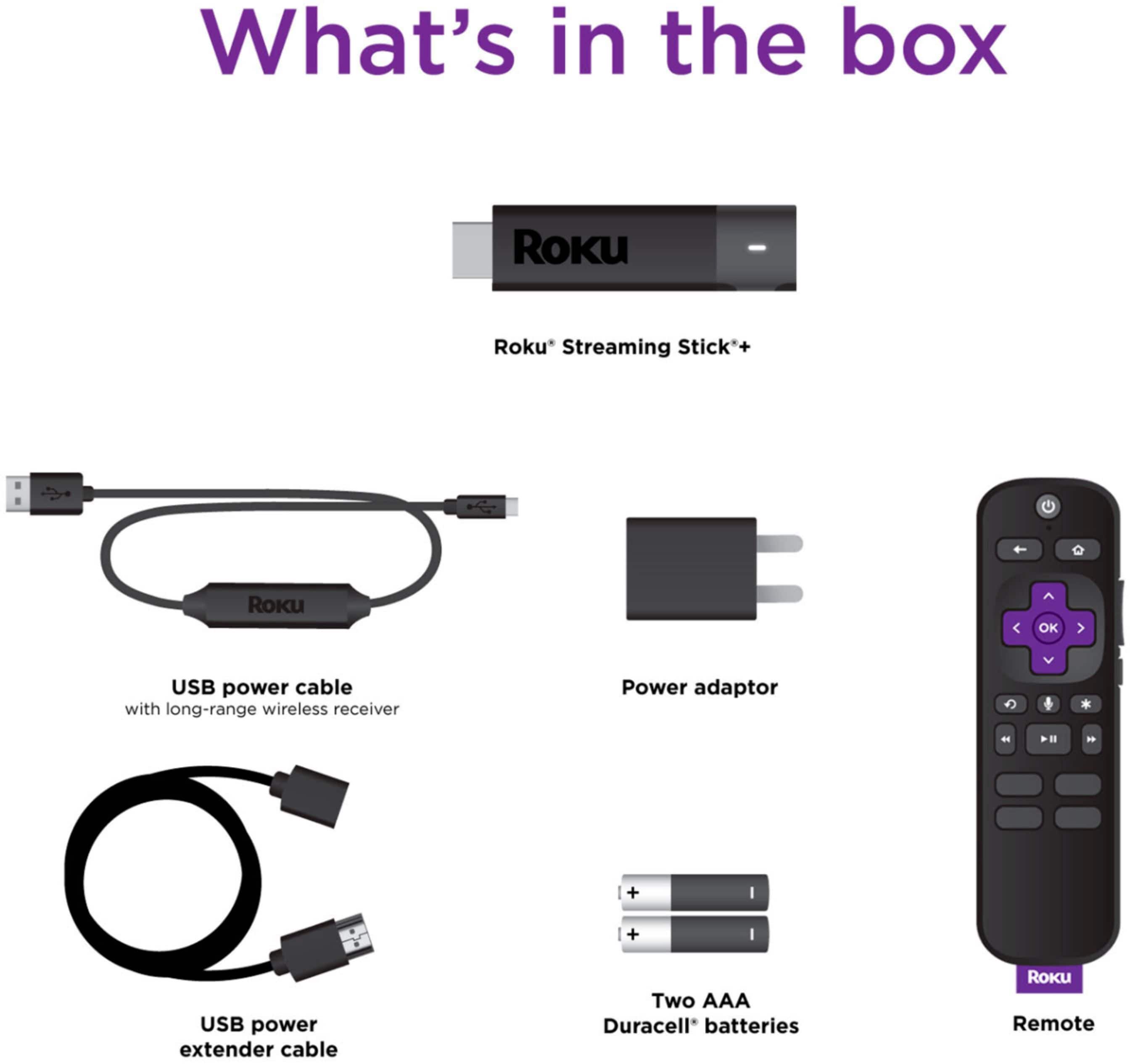
A:AnswerWe plugged it in to my parents Vizio tv which is at least 10 years old and it worked great. Just need any HDMI port. The stick also comes with an adapter in case you don’t have an HDMI port available, so you should be safe either way. I definitely recommend it even for older tv’s (as long as it’s not an old tube tv).
A:AnswerHi, you can connect it to any tv with a USB port. It will not control your cable channels but, my cable company does have a Roku app I was able to download & use to watch my cable service through.
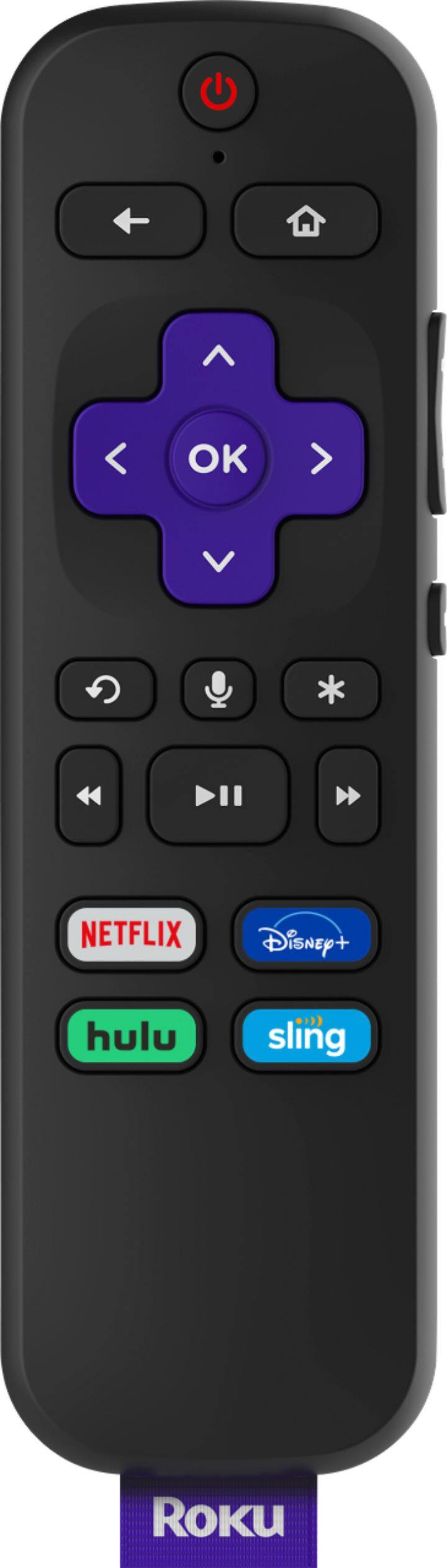
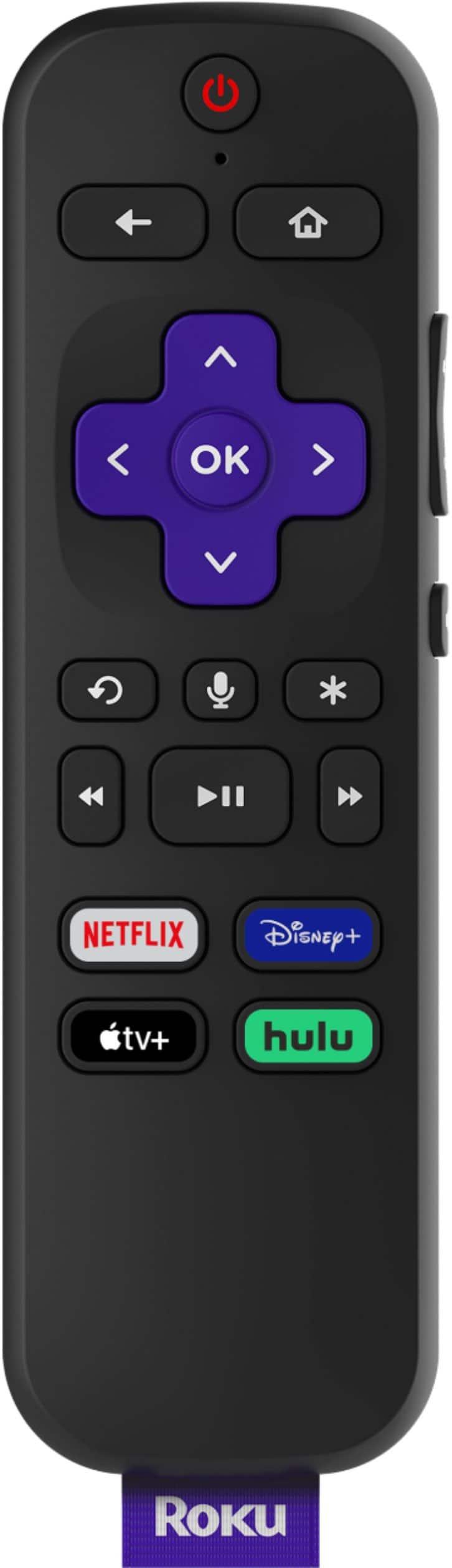
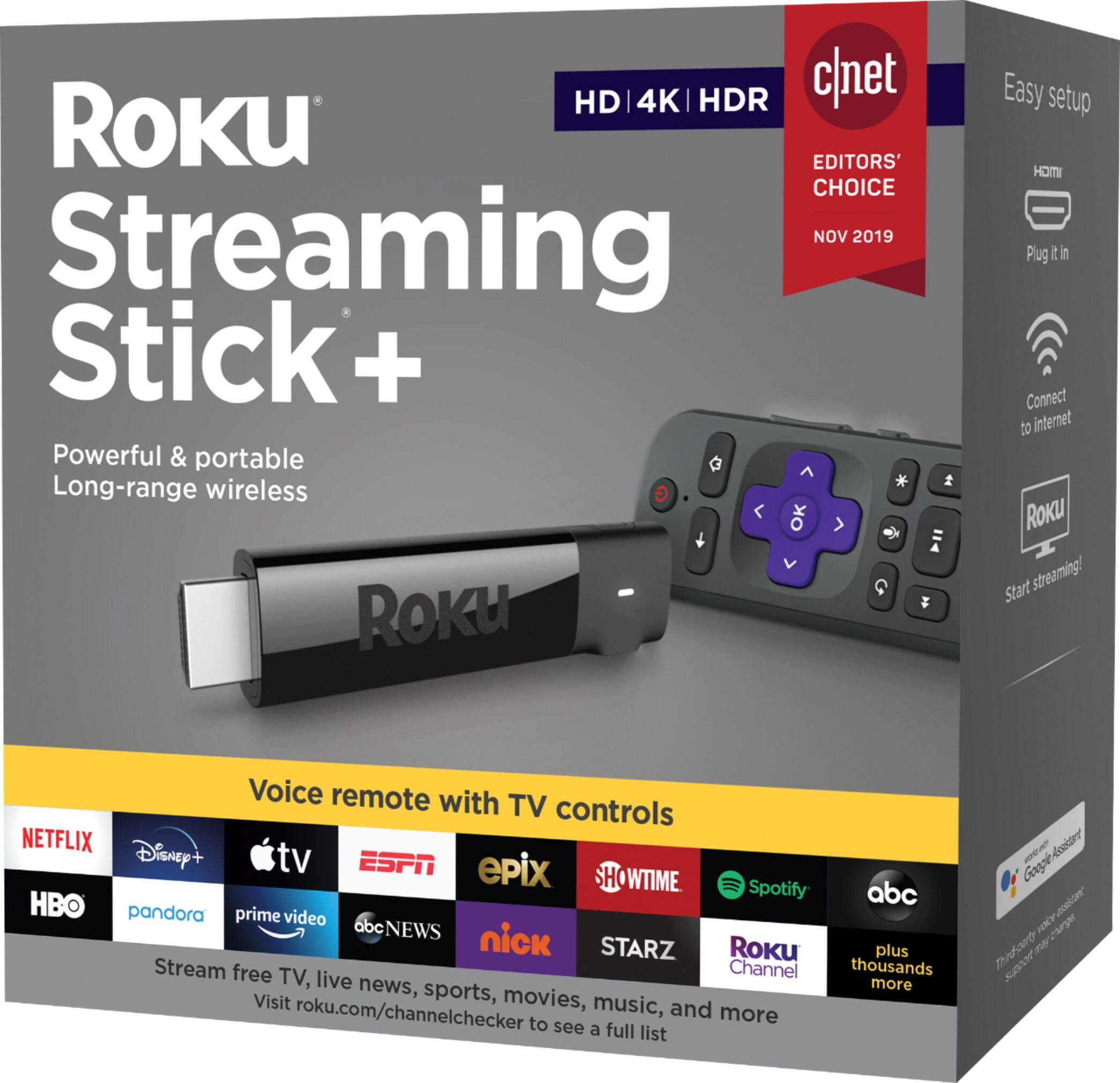
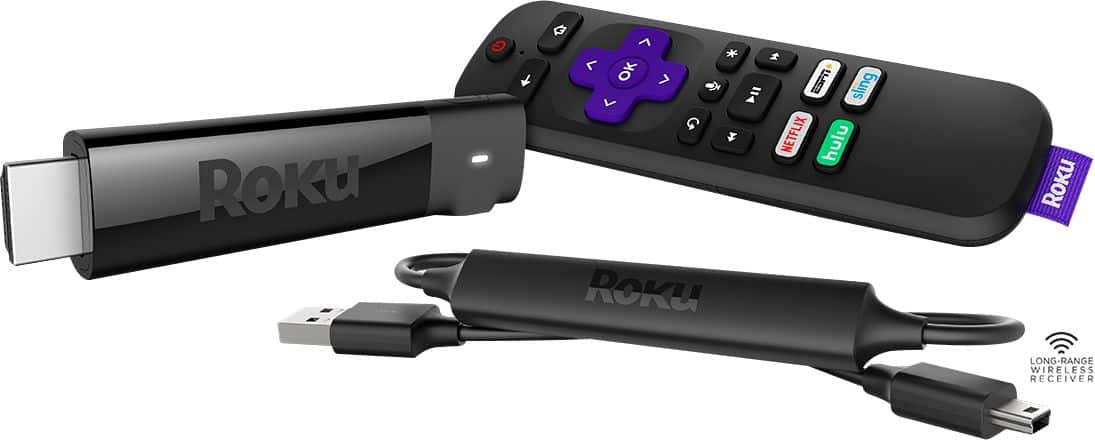
A:AnswerI haven't used that feature, yet. But the box states: "Voice Remote. Search with your voice, plust control your player, TV power, volume and mute. Love mine!
A:AnswerIf your wifi signal is low it would be better to buy one of the streamer devices that have ethernet capabilities and then use an ethernet cable connected to your router to avoid using the weak wifi signal by having the wired connection. This Roku stick + claims to have stronger wifi signal than the lower priced Roku's but the Roku Ultra at the hgiher price has the ethernet port that would allow for a direct ethernet wired connection for best speed and reliability of the internet connection.
A:AnswerIf your LG has the free Pluto tv app it has newsmax in its channels available and also the free xumo and free airytv apps also have the newsmax channel in them for free.