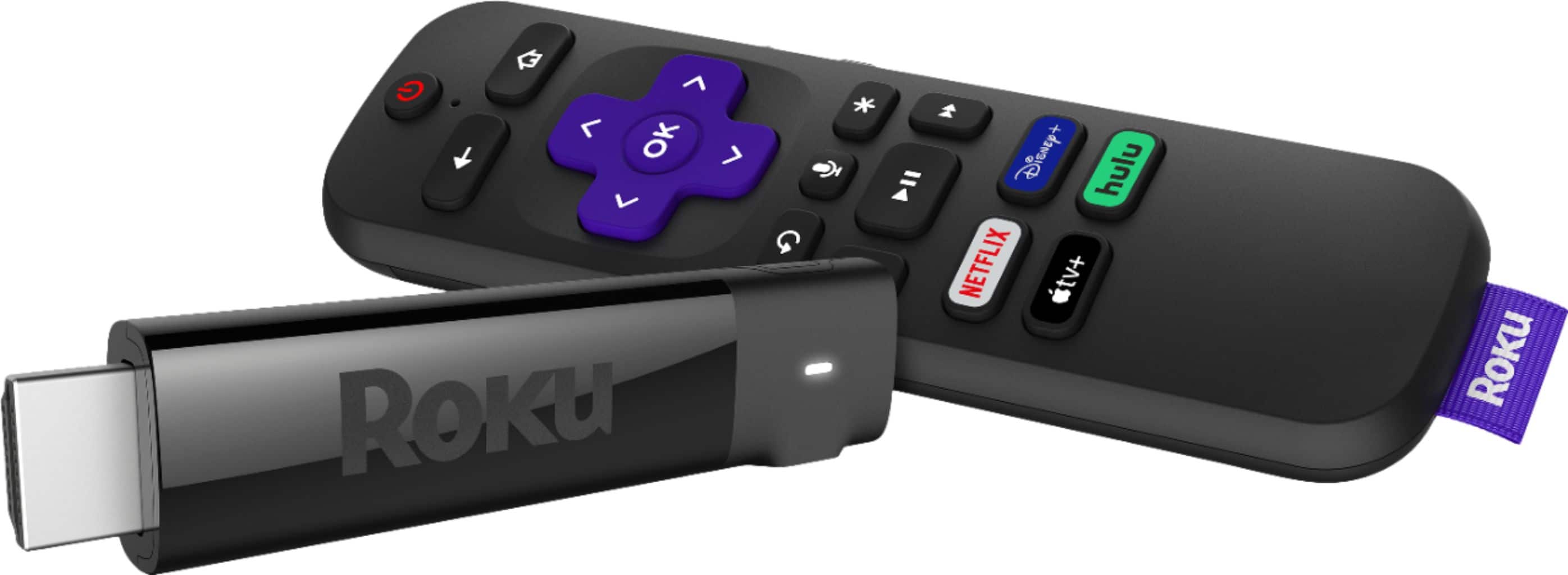
A:AnswerI have not seen a Roku device that offers recording. How ever I added You Tube TV (PLEASE NOTE THIS HAS A MONTHLY FEE)
to my Roku Stick + and they support recording of most shows to a cloud based DVR.
A:Answerwhen i first installed mine the screen went black. i unplugged the streaming stick from the hdmi port and plugged it back in. picture came back on and i have not had any trouble since. hope this helps.
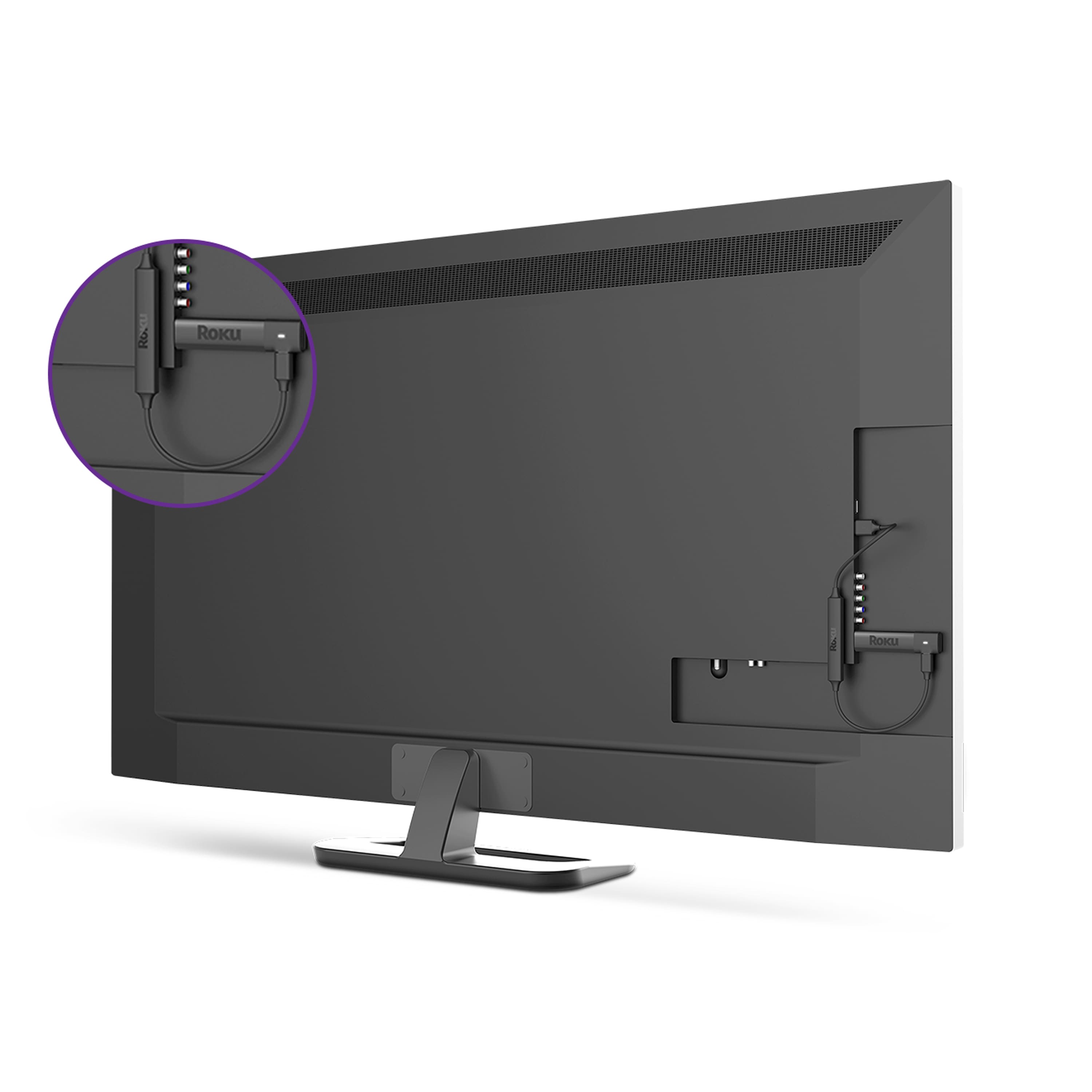
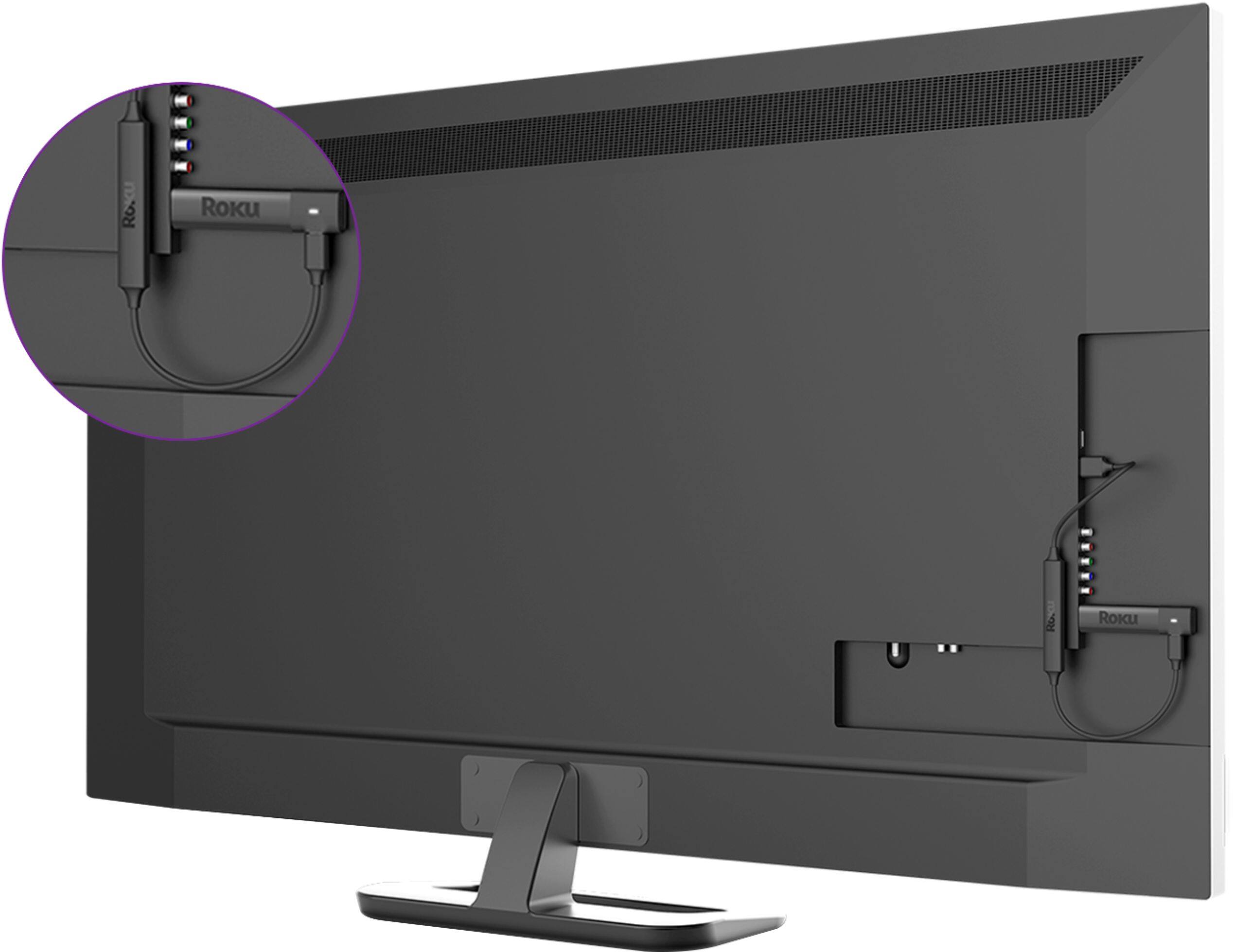
A:AnswerYou can't use a USB port, but they do make HDMI to composite video converters (the red, white, yellow RCA type connection) that would allow you to connect an HDMI device like a Roku to an older TV.
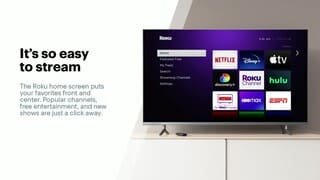
A:AnswerYes, Roku can access the AppleTV content. You can actually just use the Roku for this and free your iPad up for other tasks. https://channelstore.roku.com/details/551012/apple-tv
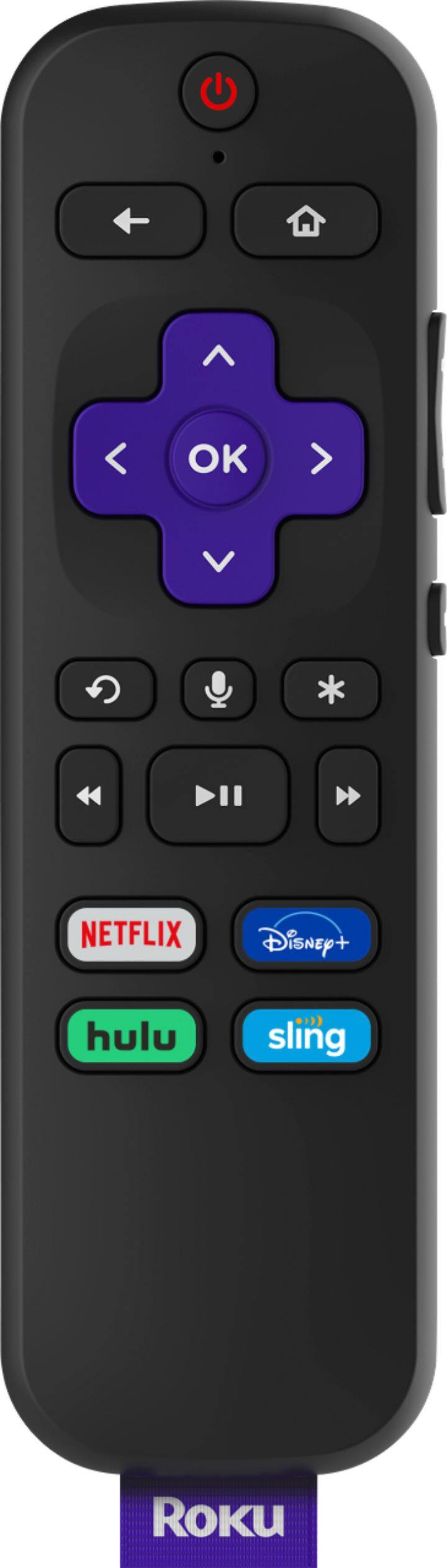
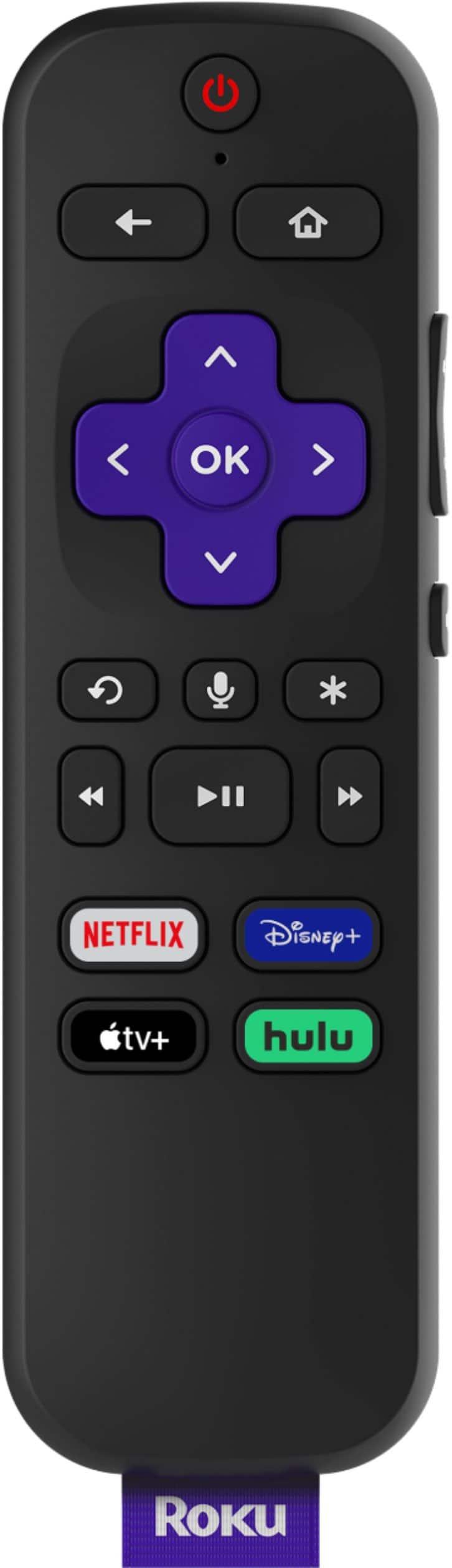
A:AnswerYou can use the Roku Voice Remote to access channels like Hulu, Netflix etc... but cannot launch a specific program at this time. Roku Search does recognize Spanish language as well
A:AnswerRoku just streams whatever services to are subscribed to. I have Hulu Live and the DVR recording is provided by Hulu virtually in the cloud. The same goes for FRNDLYTV. There is no centralized DVR.