Customer Ratings & Reviews

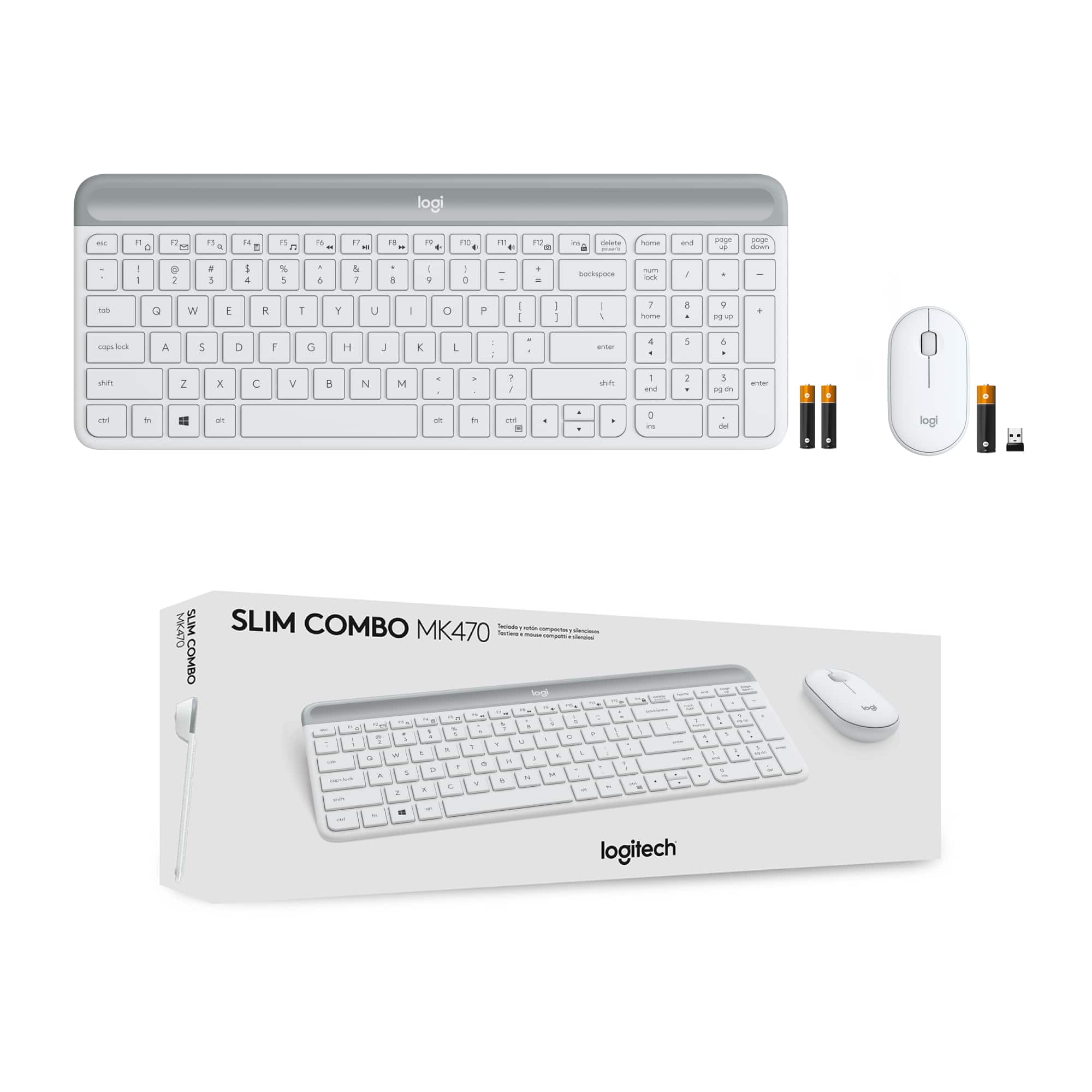


- Model:
- 920-009443
- SKU:
- 6411501
Rating by feature
- Value
Rating 4.6 out of 5 stars
- Quality
Rating 4.6 out of 5 stars
- Ease of Use
Rating 4.7 out of 5 stars
Customers are saying
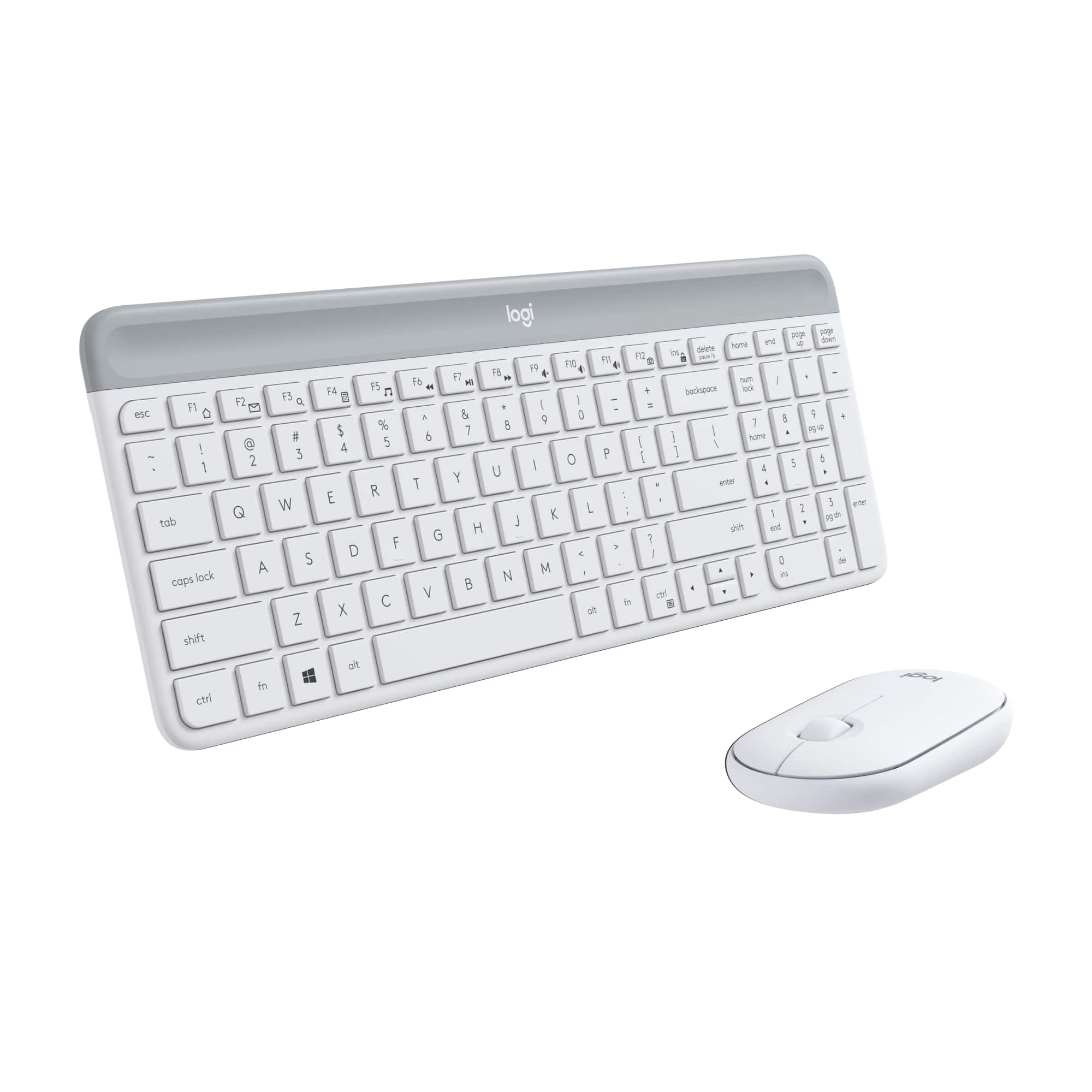
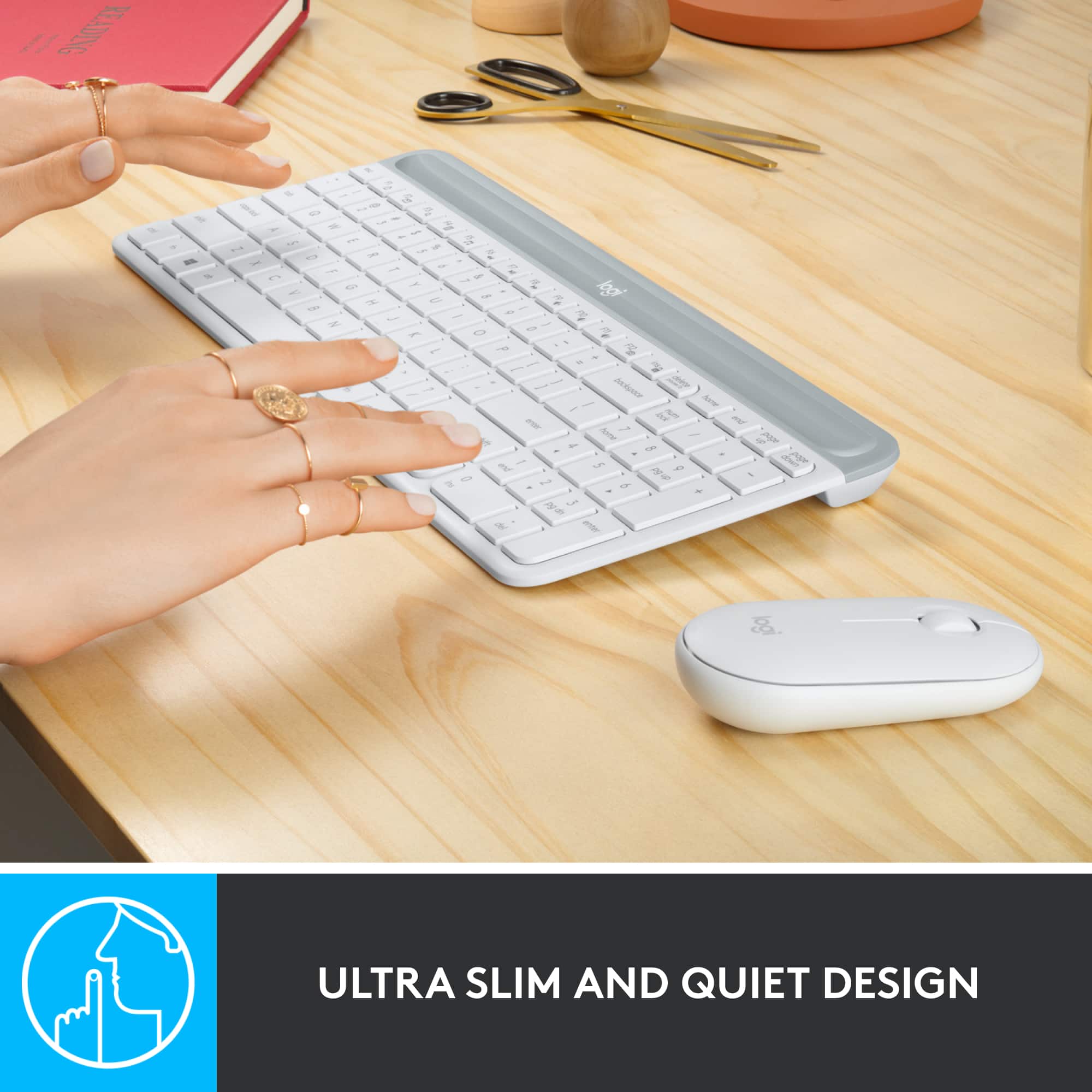
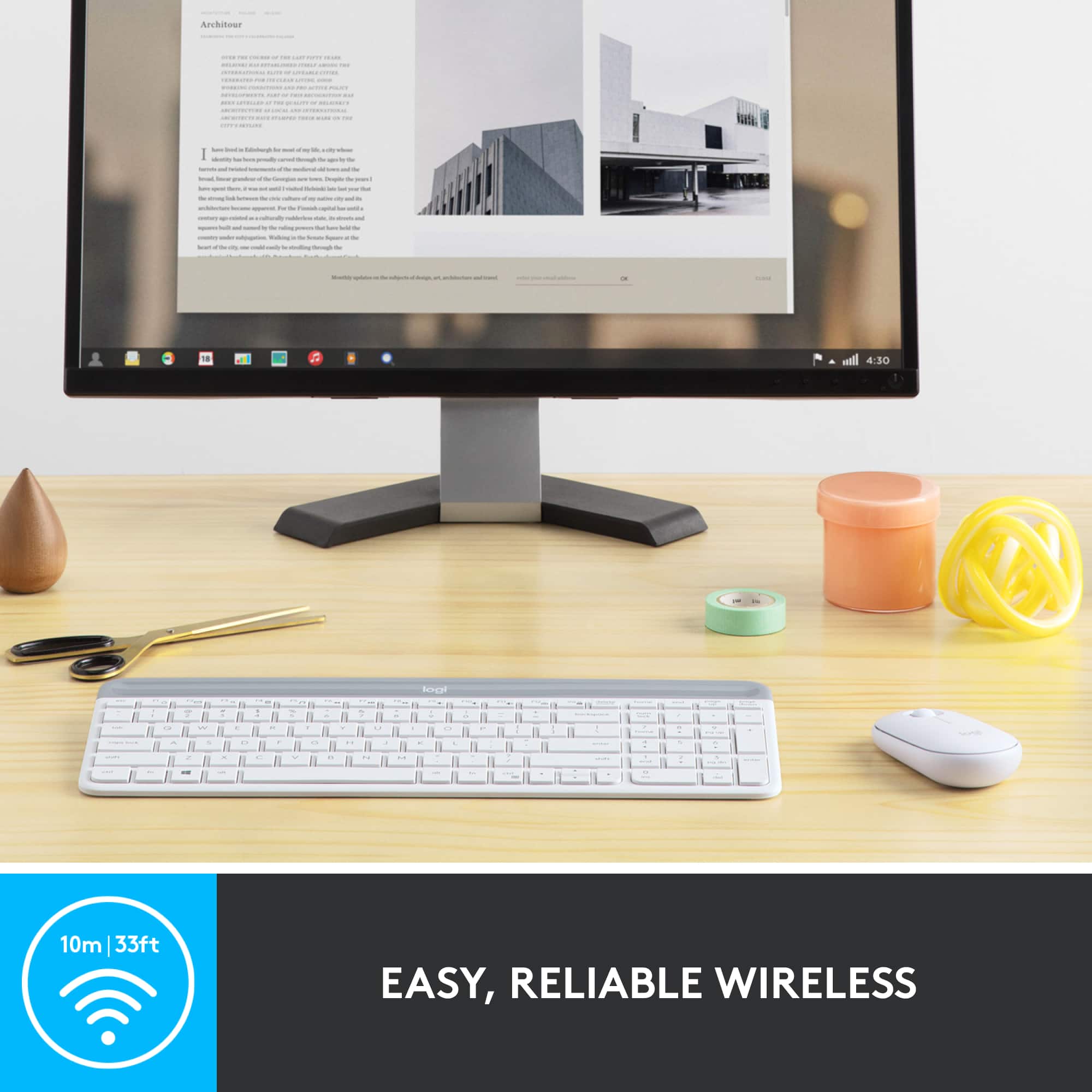
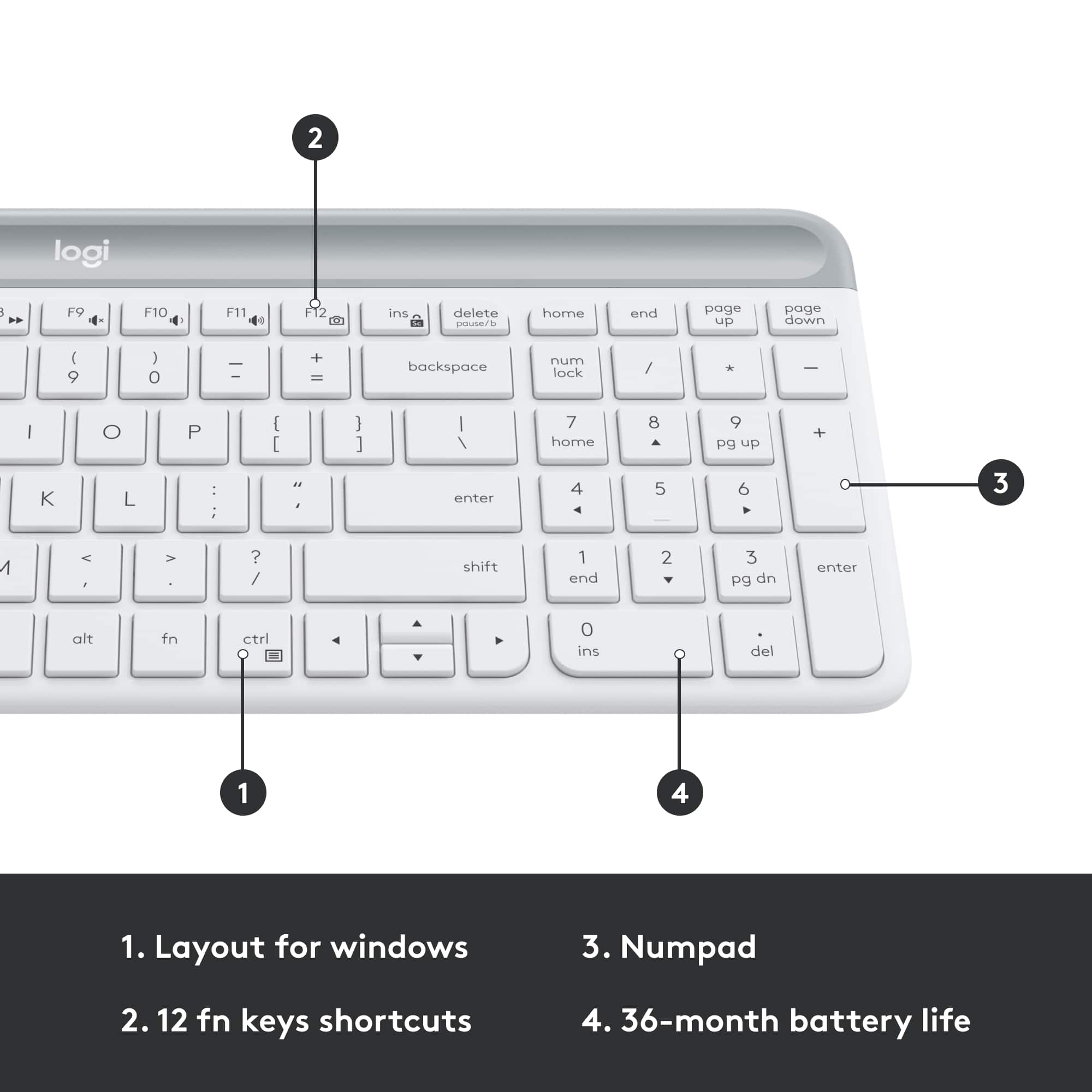
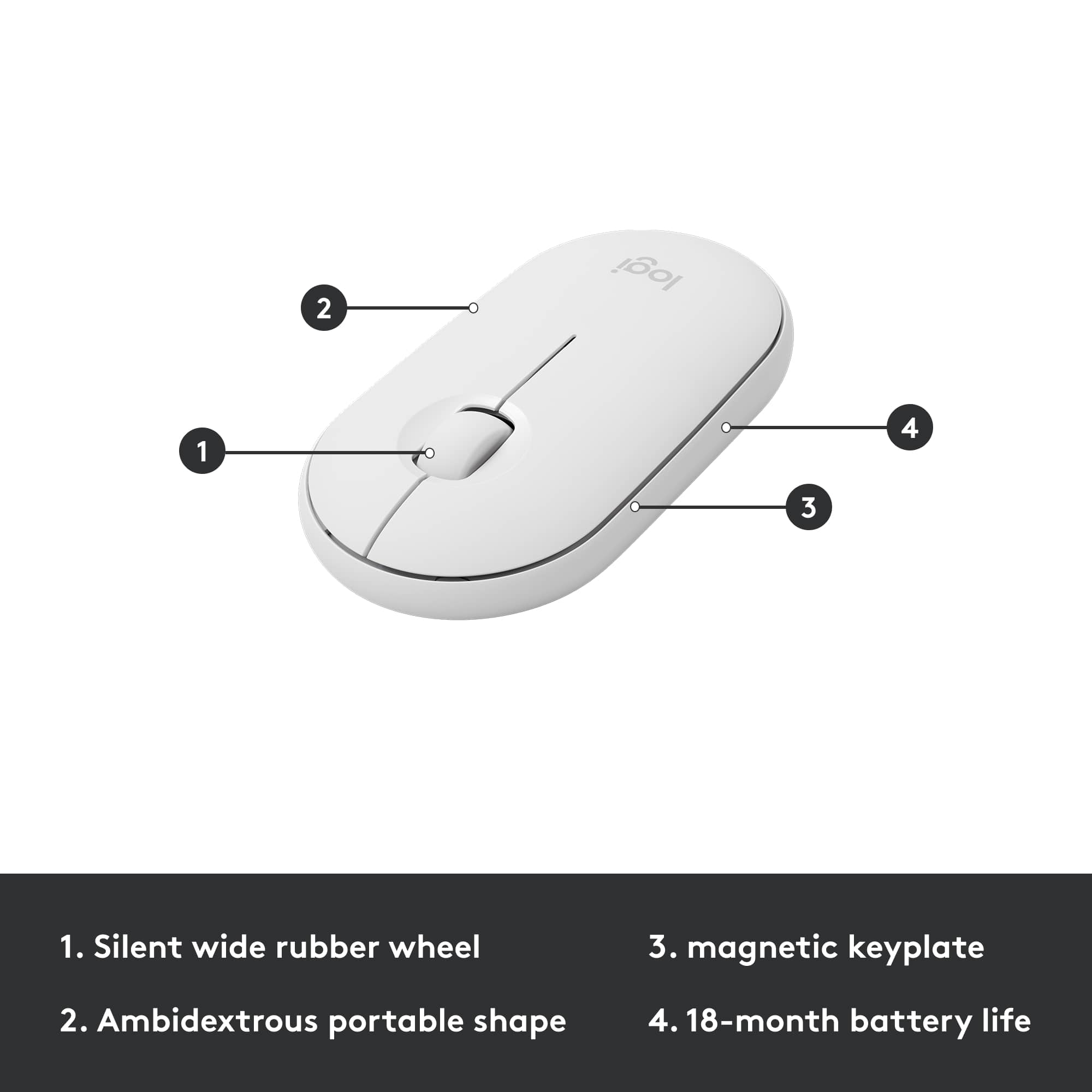
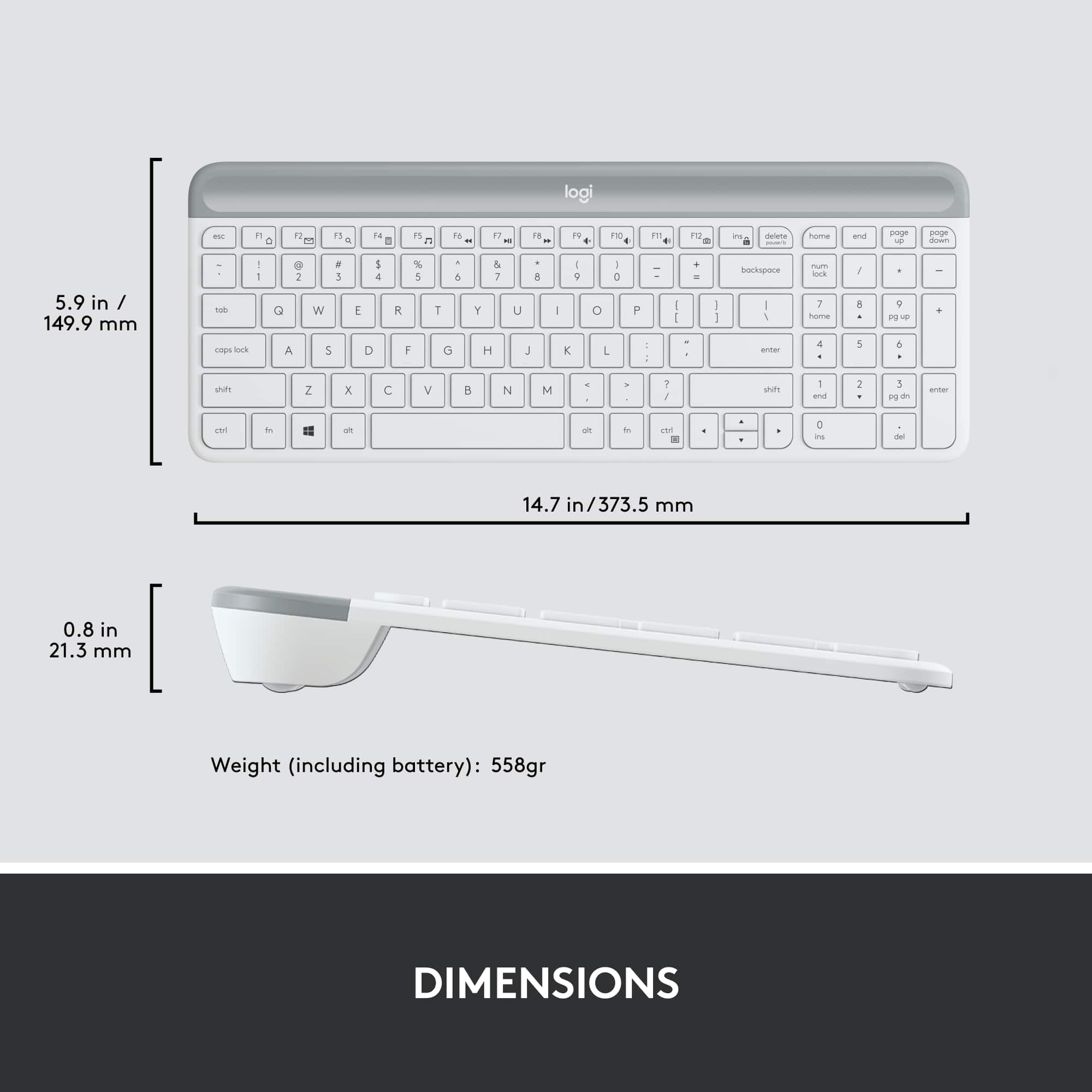
Customers find value in the MK470 keyboard's quality, ease of use, and suitable size for desks. The lightweight design and wireless functionality are also appreciated. However, some customers have expressed a desire for a Caps Lock indicator and have reported compatibility issues.
This summary was generated by AI based on customer reviews.
Waste of money
||Posted .This reviewer received promo considerations or sweepstakes entry for writing a review.Purchased 10/21/24, writing this review 1/26/25... only 3 months of lightly being used the Keyboard connection lags a lot and doesn't even work. Mouse is great though but useless if the keyboard doesn't work.
No, I would not recommend this to a friendBrand response from Logitech
Posted .We appreciate you taking the time to share your feedback on the Logitech MK470. We're very sorry to hear that the keyboard connection has become unreliable after only three months of light use, especially since you're happy with the mouse. To address this issue, we recommend reaching out to our social care team via email at socialcare@logitech.com with your
- Name:
- Email Address:
- Country:
- Product Name:
- Brief description of issue:
Good for Home use
||Posted . Owned for 2 weeks when reviewed.This reviewer received promo considerations or sweepstakes entry for writing a review.Mouse has an on/off switch, keyboard does not turn off. I kept the plastic to place between the battery to conserve when traveling.
No, I would not recommend this to a friendBrand response from Logitech
Posted .Thanks for you feedback. Your feedback is important to us, and we'll make sure to share it with the right team for future consideration.
Logi
||Posted . Owned for 1 week when reviewed.This reviewer received promo considerations or sweepstakes entry for writing a review.It worked great on the first install and then Microsoft came up with an update making the device not usable
No, I would not recommend this to a friendBrand response from Logitech
Posted .We understand your displeasure and apologize for any issues that arise. We value your input, therefore we will forward it along to the appropriate team so they can look into it. Thanks a lot!
Good keyboard, bad feature
||Posted . Owned for 4 months when reviewed.This reviewer received promo considerations or sweepstakes entry for writing a review.Good keyboard but small. I knew that going in. What I didn't know is it has no caps lock notification. It caused me to have to update several passwords as I didn't know caps lock was on. This should be a deal breaker.
No, I would not recommend this to a friendBrand response from Logitech
Posted .Hello FreedomsPepRally,
I am sorry to hear that you changed your passwords due to not realizing that the capslocks were on. I will record your product review and pass it along. Logitech appreciates your product review. - Leo from Logitech
GREAT ITEM
||Posted . Owned for 1 month when reviewed.This reviewer received promo considerations or sweepstakes entry for writing a review.I wanted a white keyboard to match my white laptop - I am SO HAPPY I picked this one. It was easy to set up - just plug and go! It works GREAT!
I would recommend this to a friendNot impressed
||Posted . Owned for 1 month when reviewed.This reviewer received promo considerations or sweepstakes entry for writing a review.The keys want to stick already and the mouse is flat
No, I would not recommend this to a friendWorked great for a year
||Posted . Owned for 1 year when reviewed.This reviewer received promo considerations or sweepstakes entry for writing a review.Worked great for a year, but then the keys got sticky and were very hard to clean. I have to press the enter key twice for it to actually work. Will be replacing with a different keyboard since it's past the 1-year warranty.
No, I would not recommend this to a friendBrand response from Logitech
Posted .Hello MNMama, Very sorry to hear about the issue you had with sticky keys with the MK470. The low-profile scissor keys do provide a fluid and familiar laptop-like typing experience but they can be hard to clean. Finger oils are basically what cause most of these kinds of stickiness especially when not cleaned regularly. The best way to prevent build up is to dampen a cloth with some rubbing alcohol. Be sure to turn off they keyboard and disconnect all power sources (battery, plug, etc). Then rub the keys. Now, when I say dampen I don't mean soak. You'll want to use just enough to transfer some alcohol to the keys. Hope that you find this helpful in the future down the road. Thank you for being a Logitech customer. - Richard from Logitech
Worked for about 1 week
||Posted . Owned for 3 months when reviewed.This reviewer received promo considerations or sweepstakes entry for writing a review.My keyboard stopped working after the first week and the mouse had very liitle recetption
No, I would not recommend this to a friendBrand response from Logitech
Posted .That's unfortunate! Refer the mentioned steps and check if that helps to resolve the issue: 1. Verify the product or receiver is connected directly to the computer and not to a hub, extender, switch or something similar. 2. Move the device closer to the USB receiver. If your receiver is in the back of your computer, it may help to relocate the receiver to a front port. In some cases the receiver signal gets blocked by the computer case, causing a delay. 3. Keep other electrical wireless devices away from the USB receiver to avoid interference. 4. Try on a different computer.
I didnt like this one!
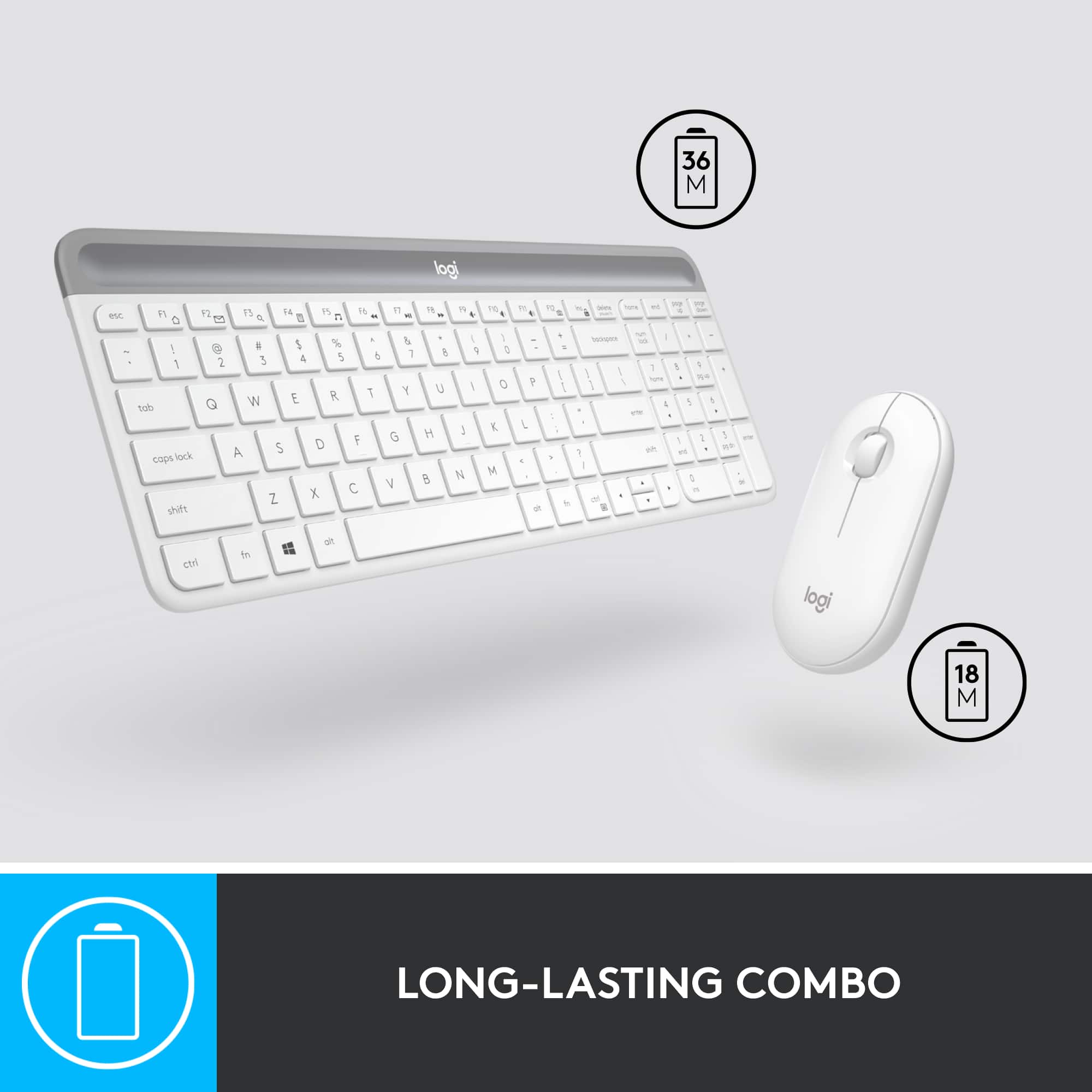
||Posted . Owned for more than 2 years when reviewed.This reviewer received promo considerations or sweepstakes entry for writing a review.Didn't like this. The keyboard is very flimsy. No switch to power it off. And eats through batteries like crazy. The mouse has connection issues and a bad button on it. Over all just poor quality and not worth it
No, I would not recommend this to a friendBrand response from Logitech
Posted .We apologize that the Logitech MK470 did not meet your expectations. Your feedback is important to us, and we'll use it to improve our products. To address this issue, we recommend reaching out to our social care team via email at socialcare@logitech.com with your
- Name:
- Email Address:
- Country:
- Product Name:
- Brief description of issue:
Don't buy this keyboard
||Posted . Owned for 3 months when reviewed.This reviewer received promo considerations or sweepstakes entry for writing a review.I have had this keyboard for a few months and it is already starting to stall out with the mouse and the keyboard doesn't type. You have to press the keys over and over to get them to type. This is going in the trash!
No, I would not recommend this to a friendBrand response from Logitech
Posted .We apologize for the inconvenience you've experienced with the Logitech MK470. It's disappointing to hear about the performance issues you're facing. To address this issue, we recommend reaching out to our social care team via email at socialcare@logitech.com with your
- Name:
- Email Address:
- Country:
- Product Name:
- Brief description of issue:
Logitech keyboard
||Posted . Owned for 2 weeks when reviewed.This reviewer received promo considerations or sweepstakes entry for writing a review.Over all an ok keyboard. I prefer the solar one. The buttons are easier to use, thus typing faster. The up / down button is one button. For how fast I type it's a problem for me.
No, I would not recommend this to a friendBrand response from Logitech
Posted .Hello kate64,
I am sorry that you do not love your KM540 keyboard and mouse. I will record your review and pass it along. Logitech appreciates your product review. - Leo from Logitech
- Pros mentioned:Keyboard quality
short lived
||Posted . Owned for 3 months when reviewed.This reviewer received promo considerations or sweepstakes entry for writing a review.Began to fail at 6 weeks. A good keyboard but only as long as you're buying it as a disposable.
No, I would not recommend this to a friendBrand response from Logitech
Posted .That's disappointing! Please contact Logi support and our team will look into the issue to come up with the best possible solution.
Keyboard will not work company not helpful
||Posted . Owned for 2 months when reviewed.This reviewer received promo considerations or sweepstakes entry for writing a review.only the mouse worked, the keyboard would not work. Did all of the troubleshooting with the company and they should have offered an exchange or replacement and have not. due to holiday I did not rry to set it up in time to return seamlessly to Best Buy
No, I would not recommend this to a friendBrand response from Logitech
Posted .That's disappointing to hear and it's surely not what we expect to deliver. We understand your displeasure and apologize for any issues that arise. We value your input, therefore we will forward it along to the appropriate team so they can look into it.
Avoid.
||Posted .This reviewer received promo considerations or sweepstakes entry for writing a review.Lots of problems with the dongles that are plain black and not marked as a unifying receiver dongle with the orange logo on it. The all black ones are of a lower quality and the USB dongle actually gets stuck in the USB port, where it then becomes impossible to remove. I think it has something to do with the holes they’ve punched on the sides of the metal sheath that plugs into the port, which causes it to get stuck. You can Google it and others have complained about this as well. You get what you pay for and here you’re not getting much.
No, I would not recommend this to a friendBrand response from Logitech
Posted .Hi Sang, thank you for sharing your experience with the MK 470. I'm sorry that MK470 came with a Nano receiver instead of the Unifying receiver. I'm sorry that the design of the Nano receiver is also giving you issues with getting stuck in the USB ports of the computer. Thank you for being a Logitech customer. Kristi from Logitech
Wireless keyboard and mouse
||Posted . Owned for 3 weeks when reviewed.This reviewer received promo considerations or sweepstakes entry for writing a review.The keys are not silent. It makes lot of noise while typing. Also All CAP and NumLOCK key do not have any lights on the keys so hard to figure out if these keys are on.
No, I would not recommend this to a friendBrand response from Logitech
Posted .Hi Arpi10,
I am sorry to hear that you are not happy with your Logitech keyboard. I suggest you look at Logitech's Keyboard assortment because each is unique in its primary functions. If you are looking for a keyboard with a CapsLock indicator on the actual key, I suggest getting the MX Keys. Also, this keyboard will be even quieter than the MK470 combo, which is more toward the Logitech base product line.
- Leo from Logitech
Nope.
||Posted . Owned for 3 weeks when reviewed.This reviewer received promo considerations or sweepstakes entry for writing a review.Connectivity goes in and out and the mouse not ergonomic. Returned
No, I would not recommend this to a friendBrand response from Logitech
Posted .We regret to hear that you had to return the product and we apologize for any inconvenience caused. We'll surely take this feedback and make sure to share it with the right team. Thanks for bringing it to our notice.
Mouse not durable
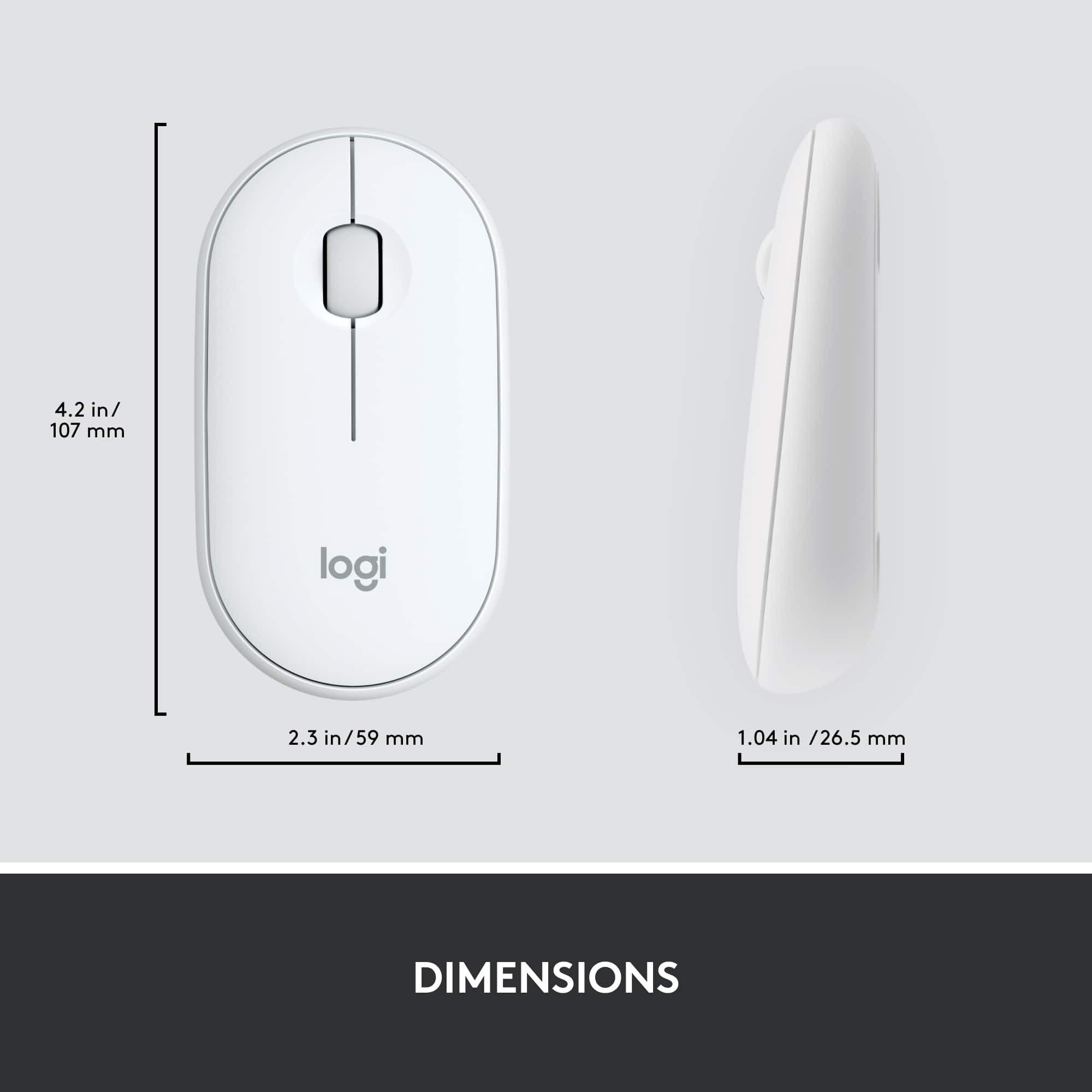
||Posted . Owned for 1 year when reviewed.This reviewer received promo considerations or sweepstakes entry for writing a review.Mouse is an odd shape and takes a while to get used to. Left mouse button quit working after 18 months of use.
No, I would not recommend this to a friendBrand response from Logitech
Posted .We appreciate your feedback and apologize as the product did not meet your expectations. We take product design and quality very seriously, and we apologize for falling short in this area. Your feedback is instrumental in helping us improve our services and products.
repair facility / owner
||Posted . Owned for 3 weeks when reviewed.This reviewer received promo considerations or sweepstakes entry for writing a review.this produce doesn't tell you if you have capital letters on or not. going on bank accts ect you get kicked out because of case sensitive. i took this set up and put on shelf. i went and bought another one from best buys . this is a rip off in my opinion!! i had to buy 2 to get the right one! no help to ask ?
No, I would not recommend this to a friendBrand response from Logitech
Posted .Sorry about the experience! In order to help you effectively, please provide your information to our support team by emailing socialcare@logitech.com. Name – Email address – Country – Product name – Brief description of the issue –
PRACTICAL AND COMFORTABLE
||Posted . Owned for 1 month when reviewed.This reviewer received promo considerations or sweepstakes entry for writing a review.PRACTICAL AND COMFORTABLE CONNECTS AUTOMATICALLY ACCESSIBLE PRICE IS WORTH THE INVESTMENT
I would recommend this to a friendKey board missing one very important option
||Posted . Owned for 3 weeks when reviewed.This reviewer received promo considerations or sweepstakes entry for writing a review.Logitech is not my favorite keyboard its very very frusterating when I'm trying to put passwords in and there's no caps lock LIGHT or number key Light and when you putting passwords in the computer does not say caps locks is on or off so I brought this back and went to Walmart and bought a insignia keyboard because it has these lights on them are very important information
No, I would not recommend this to a friendBrand response from Logitech
Posted .Hello, we are sorry to hear about your issues with the keyboard not having indicator lights. The MK470 uses on screen indicators for caps/num lock engagement via our Logitech Options software. We hope you consider our Logitech brand in the future for your office needs. If you ever have any question, please visit us at support.logitech.com