Customer Ratings & Reviews
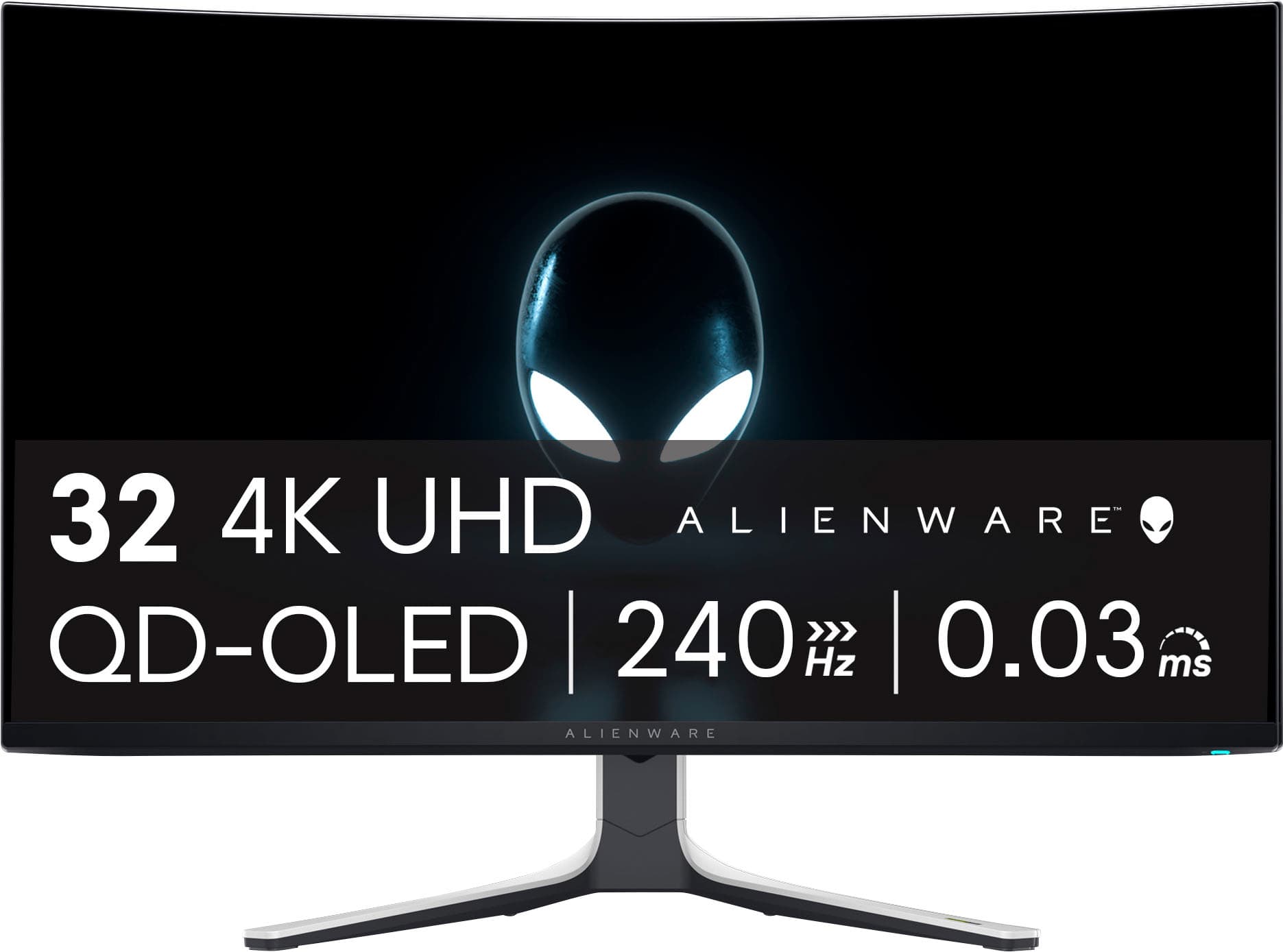
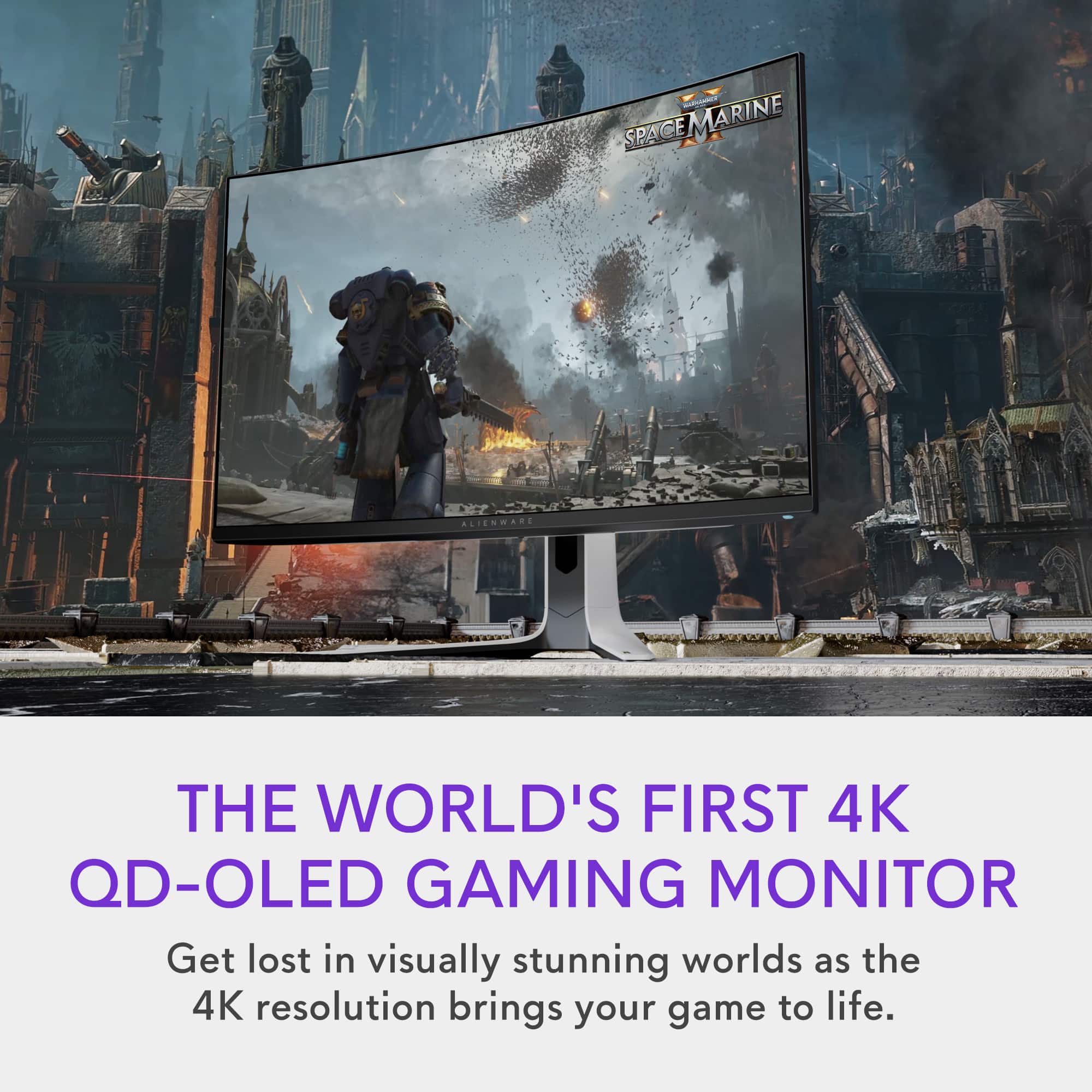
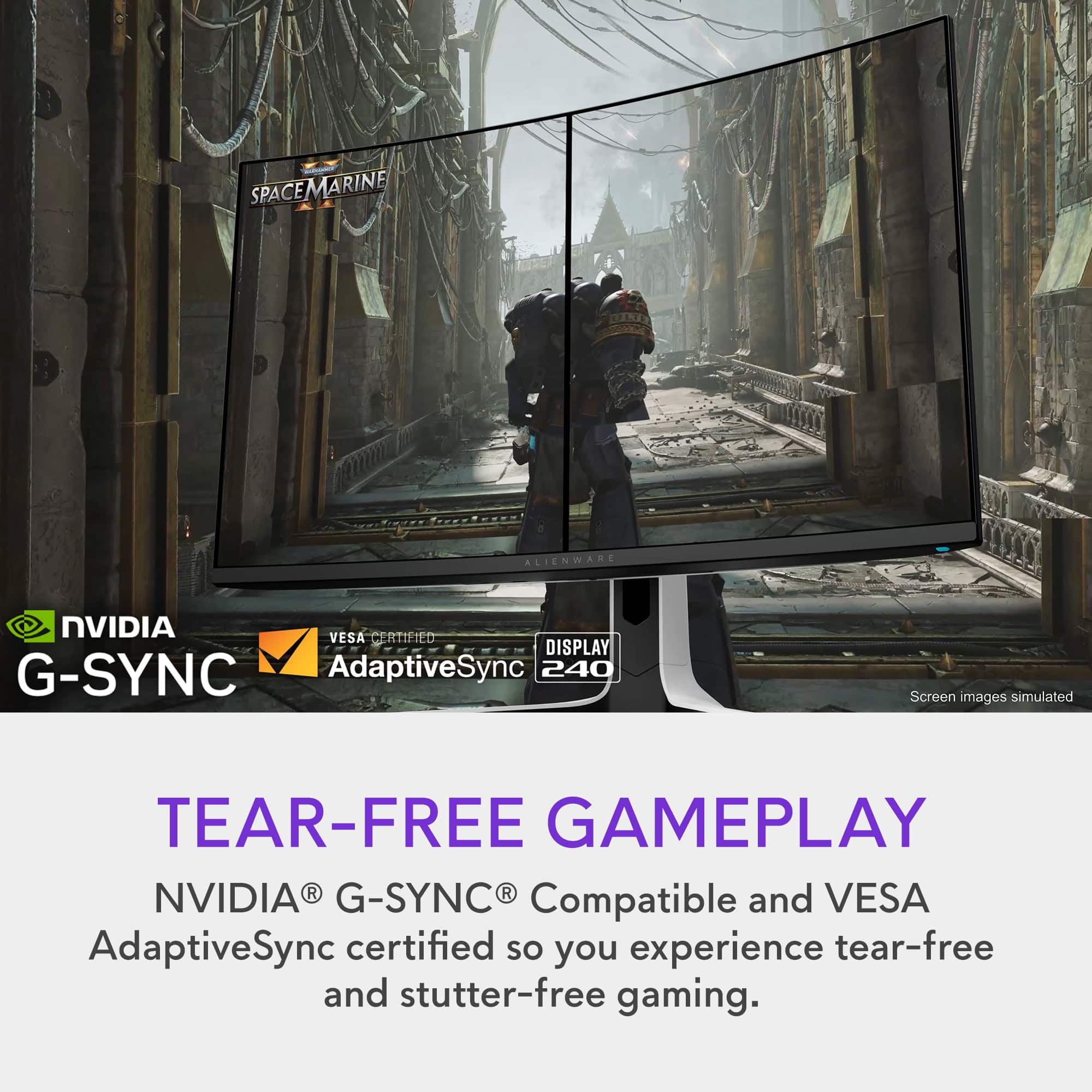
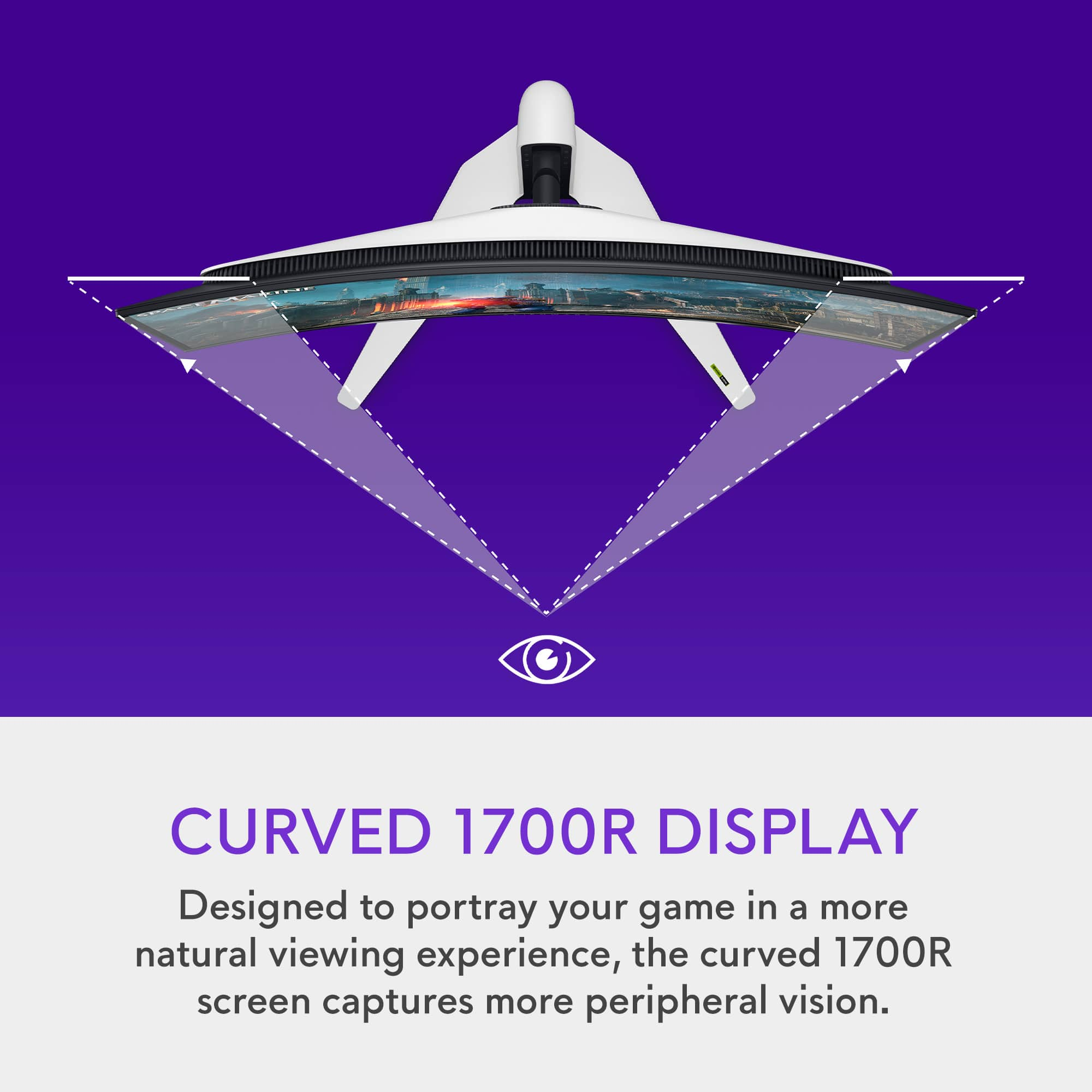

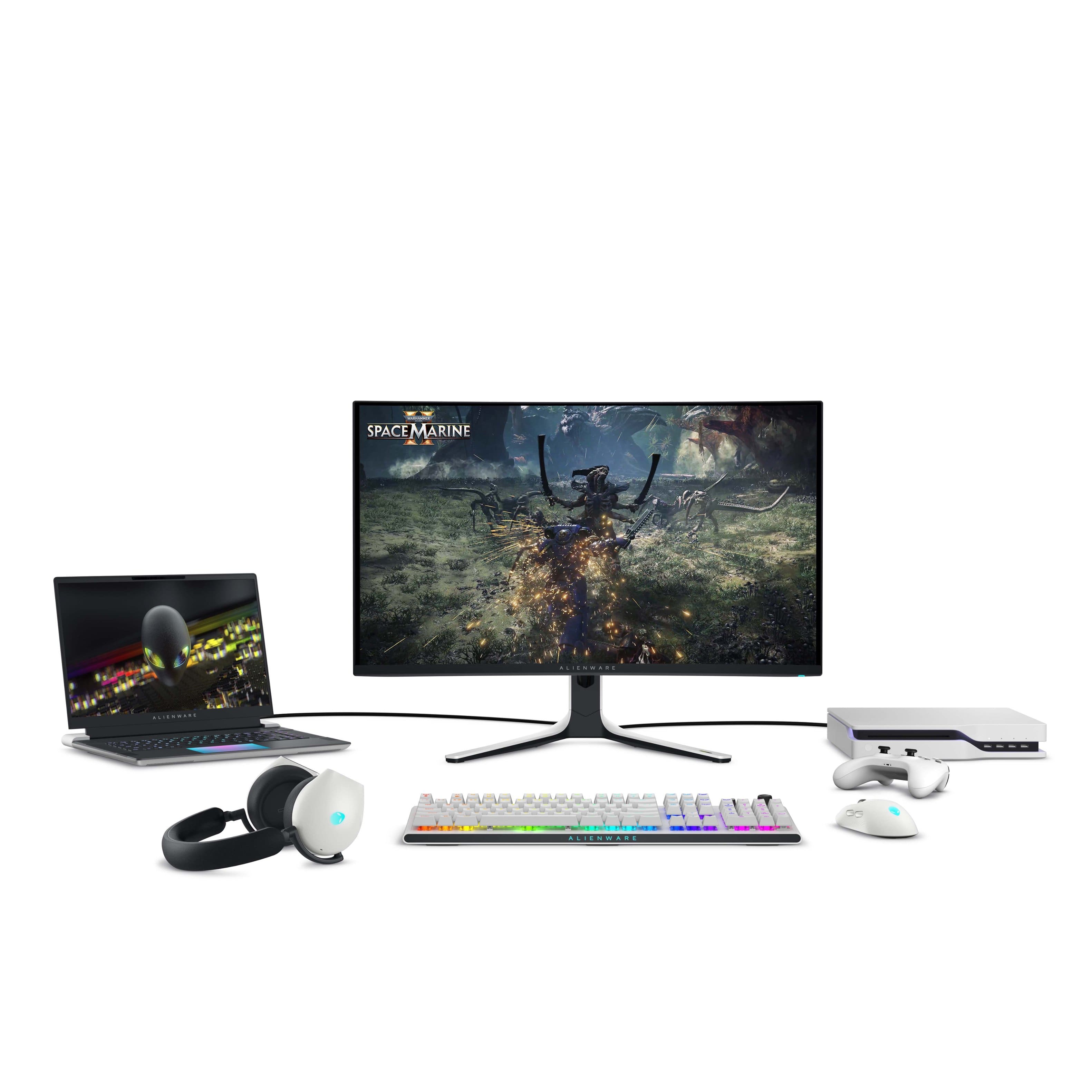
- Model:
- AW3225QF
- SKU:
- 6576612
Rating by feature
- Display Quality
Rating 4.9 out of 5 stars
- Ease of Use
Rating 4.7 out of 5 stars
- Features
Rating 4.7 out of 5 stars
Customers are saying
Customers are satisfied with the AW3225QF monitor's picture quality, smooth refresh rates, and vibrant colors. The OLED quality and HDR performance also receive positive feedback. Some customers feel that built-in audio should be included, while others express concerns about the price. A few customers have noted the lack of an aux port.
This summary was generated by AI based on customer reviews.
Perfect!
||Posted . Owned for 2 months when reviewed.This reviewer received promo considerations or sweepstakes entry for writing a review.So far 10 out of 10, it’s the best monitor I have ever used
I would recommend this to a friendGaming at it’s finest
||Posted . Owned for 1 week when reviewed.This reviewer received promo considerations or sweepstakes entry for writing a review.Excellent gaming monitor and yes this is the one to get
I would recommend this to a friendWorth the Investment
||Posted . Owned for 1 week when reviewed.This reviewer received promo considerations or sweepstakes entry for writing a review.Did as advertised. Big upgrade with the OLED screen.
I would recommend this to a friendYou have been warned!
||Posted . Owned for 3 weeks when reviewed.This reviewer received promo considerations or sweepstakes entry for writing a review.I would love to review this monitor, but the first one I received had scratches on the screen. After exchanging it at Best Buy, not even one month in, the OSD "joystick" is acting up / broken and with the OSD constantly popping up, the monitor is unusable. Since Best Buy's return policy for monitors is 15 days, I am now stuck working with Dell Support, which is absolutely awful. Instead of just sending me a new one, which they have in-stock, I get to wait over two weeks for them to send me what will likely be a refurbished one, because it is backordered?!?!. I would advise anyone considering this monitor to understand that you are taking a chance on yours never having any issue and then being likely being stuck waiting and hoping Dell actually helps...
No, I would not recommend this to a friendChoose a different brand.
||Posted . Owned for 4 months when reviewed.This reviewer received promo considerations or sweepstakes entry for writing a review.Yes it looks great! I bought it. 5 months later my screen stopped working completely. I contact dell customer service they sent me a replacement that was refurbished that was also not working! Now I have to wait for the original one to arrive to there warehouse (10days) then to open a new ticket for the replacment. Its a joke.
No, I would not recommend this to a friendReview
||Posted . Owned for 1 month when reviewed.This reviewer received promo considerations or sweepstakes entry for writing a review.Excellent monitor, this a 50 character minimum review
I would recommend this to a friendLacked brightness, colors didnt pop
||Posted . Owned for 1 week when reviewed.This reviewer received promo considerations or sweepstakes entry for writing a review.What can i say..i normally love Dell and AW monitors but this was did mot compete with my AW3432 dwf. The brightness was bad, qnd colors did not pop like my ultrawide did. I returned this.
No, I would not recommend this to a friendFurnace heater
||Posted . Owned for 3 weeks when reviewed.This reviewer received promo considerations or sweepstakes entry for writing a review.This things radiates more heat then any piece of electronic I’ve ever owned. Extremely glossy and reflective screen as well. I’d soend the extra few hundred dollars to get a better built product. Aesthetically it is awkward, especially the stand.
No, I would not recommend this to a friend$1,200 and this is a common problem
||Posted . Owned for less than 1 week when reviewed.This reviewer received promo considerations or sweepstakes entry for writing a review.Screen quality is amazingly good, my biggest complaint is the joystick to adjust settings on the monitor does not work, you can go left to right but not up and down, did some research and it seems to be a common problem with these that they refuse to fix.
No, I would not recommend this to a friendBrand response from YourDellTeam
Posted .Hello DouglasF,
We value your feedback and want to thank you for taking the time to leave a review of your Alienware AW3225QF Quantum Dot OLED Curved Gaming Monitor. We sincerely apologize for the issue you have encountered with your monitor. We're always striving to improve, and feedback like yours is crucial for enhancing our products and services. It's not the kind of feedback we enjoy receiving, but it's invaluable in helping us serve you better.
We would love the opportunity to help you. Please take a moment to call or chat to speak with a Dell representative at your earliest convenience using the information provided below so that we can help you resolve the issue to your satisfaction.
Chat or call: https://bit.ly/DellSupportTeam
Phone number to Dell 1-800-624-9896
Best,
Minhaj@Dell
awesome product but it’s not suitable for designin
||Posted . Owned for 2 weeks when reviewed.This reviewer received promo considerations or sweepstakes entry for writing a review.I was mislead by the associate who sold me this monitor, I have cash in hand and just want to pay for my monitor and he is more intrested in running my credit even after telling him 3 times no! He said nothing will happen and I’ll get discount off the item. I didn’t get a discount only for him to say I didn’t pass the credit. He did not educate me on the product and let me know that a curve monitor will not work with adobe photoshop.
I would recommend this to a friendOkay
||Posted . Owned for 2 weeks when reviewed.This reviewer received promo considerations or sweepstakes entry for writing a review.Green screened 3 times. Panel flickers in and out of HDR mode too much. Even after calibration colors are off. Bummer because I really didn’t want to have to get the Samsung version of this monitor since Tizen OS is a PITA. Oh well.
No, I would not recommend this to a friendBrand response from YourDellTeam
Posted .Hello Valued Customer,
Thank you for taking the time to leave us your review. We are sorry to hear that you are not completely satisfied with your Alienware - AW3225QF Quantum Dot OLED Curved Gaming Monitor due to the numerous issues you are experiencing. This is certainly not the experience we like to hear from our valued customers.
Furthermore, we are constantly striving to make improvements, and reviews like yours help us develop products that our customers like. Your feedback will be shared with our quality team for consideration in future enhancements.
Below I have provided a few troubleshooting steps with the full article to help you with the display issues with your monitor:
1. Optimize your computer using SupportAssist
2. Verify display or video issue on a known-good monitor
3. Check for physical damage
4. Run hardware diagnostics on the Dell monitor
5. Reset the monitor to factory settings
6. Verify display or video issue in Windows Safe Mode
7. Download and install Microsoft Windows updates
8. Change the video or display settings and adjust the brightness
9. Touchscreen troubleshooting (touch-capable monitors only)
10. Run a Video Stress Test using SupportAssist
11. Perform a Windows System Restore
12. Restore your computer to factory defaults
How to Troubleshoot Display or Video Issues on a Dell Monitor : https://url.dell.com/cb27db
With a little more information from you, we would like to help you resolve any issues you may be facing to your satisfaction. Please do not hesitate to get in touch with Dell using the information provided below.
Chat or call: https://bit.ly/DellSupportTeam
Phone number to Dell: 1-800-624-9896
Best,
Minhaj@Dell
- Cons mentioned:Connectivity
Looks amazing but…
||Posted .This reviewer received promo considerations or sweepstakes entry for writing a review.No aux cord so makes it a hassle to get any sound out
No, I would not recommend this to a friend - Pros mentioned:Oled quality
Customer loyalty
||Posted . Owned for 3 weeks when reviewed.This reviewer received promo considerations or sweepstakes entry for writing a review.This is review is based off of Best buys lack of commitment to its loyal customers. I bought to pair with the 5090. I'm total tech member, and usually purchase all my electronics from BB. However, to let scalpers grab the new GPUs before offering it to loyal customers is a bad practice.
I would recommend this to a friend Let down
||Posted .This reviewer received promo considerations or sweepstakes entry for writing a review.2nd one I’ve had where the display overheats and causes it to shut down. Luckily geek squad covers this but I have experienced thermal warnings and I’ve had other OLED TV and Monitors that haven’t given me this much of an issue
No, I would not recommend this to a friendBest buy stole my money
||Posted . Owned for 1 year when reviewed.This reviewer received promo considerations or sweepstakes entry for writing a review.Purchased from Best buy, tracking shows it was never delivered. Best buy decided to keep my money saying that it was, even with me sending proof of the tracking!
No, I would not recommend this to a friendOK
||Posted . Owned for 1 week when reviewed.This reviewer received promo considerations or sweepstakes entry for writing a review.The fact that it’s not bright enough defeats the fact that it is OLED
No, I would not recommend this to a friendBrand response from YourDellTeam
Posted .Hello MichaelR,
We would like to thank you for taking the time to leave us your review. We regret to hear that you are not completely satisfied with your Alienware AW3225QF Quantum Dot OLED Curved Gaming Monitor due to the display brightness. This is certainly not the experience we like to hear from our valued customers.
Furthermore, we always strive to get better and reviews like yours help us develop products our customers love. Your feedback will be shared with our quality team for consideration in future enhancements in products.
To help you with the screen brightness issue that you are experiencing, I have provided below the link which has troubleshooting steps with the full article that can resolve the issue.
https://url.dell.com/4cce53
If you are still experiencing issues or have any concerns or questions, please do not hesitate to get in touch with Dell using the information provided below so that we can help you resolve the issue to your satisfaction.
Chat or call: https://bit.ly/DellSupportTeam
Phone number to Dell: 1-800-624-9896
Best,
Minhaj@Dell
Dead pixel within a year
||Posted .This reviewer received promo considerations or sweepstakes entry for writing a review.Dead pixel after just one year - I do have the warranty so I’ll try to get it replace but they normally don’t like replacing just one pixel I heard so that’s fked
No, I would not recommend this to a friend- Pros mentioned:Color, Oled quality, Picture quality
Perfect 4K Oled Monitor
Posted .This reviewer received promo considerations or sweepstakes entry for writing a review.This is probably the best 4K Oled monitor I tried as today. If you have any Alienware computer desktop or laptop you will love the integration, but if not no worries at all. The blacks are truly blacks and the peak of brightness is stunning, with a lot of colors profiles.
I would recommend this to a friend - Pros mentioned:Picture quality
Zero stars if I could.
||Posted . Owned for 2 weeks when reviewed.This reviewer received promo considerations or sweepstakes entry for writing a review.Incredible picture and smooth movement, but it died 6 days after the return window closed, won't turn on after trying all the quick fixes, so there's a grand down the toilet.
No, I would not recommend this to a friendBrand response from YourDellTeam
Posted .Dear KyleB,
We value your feedback and want to thank you for taking the time to leave a review of your Alienware AW3225QF Quantum Dot OLED Curved Gaming Monitor. We sincerely apologize for the issues you have encountered with your monitor. This is not the type of feedback we like to hear from our customers, or the type of product Dell intends to deliver. Feedback like yours helps us improve our current and future products.
We would love the opportunity to help you but will need a little more information. Please take a moment to call or chat to speak with a Dell representative at your earliest convenience using the information provided below so that we can help you resolve the issue to your satisfaction.
Chat or call: https://bit.ly/DellSupportTeam
Phone number to Dell, 1-800-624-9896
We look forward to making this right for you!
Best,
Minhaj@Dell
- Pros mentioned:Hdr, Picture quality, Refresh rate

Another Alienware Monitor Home Run
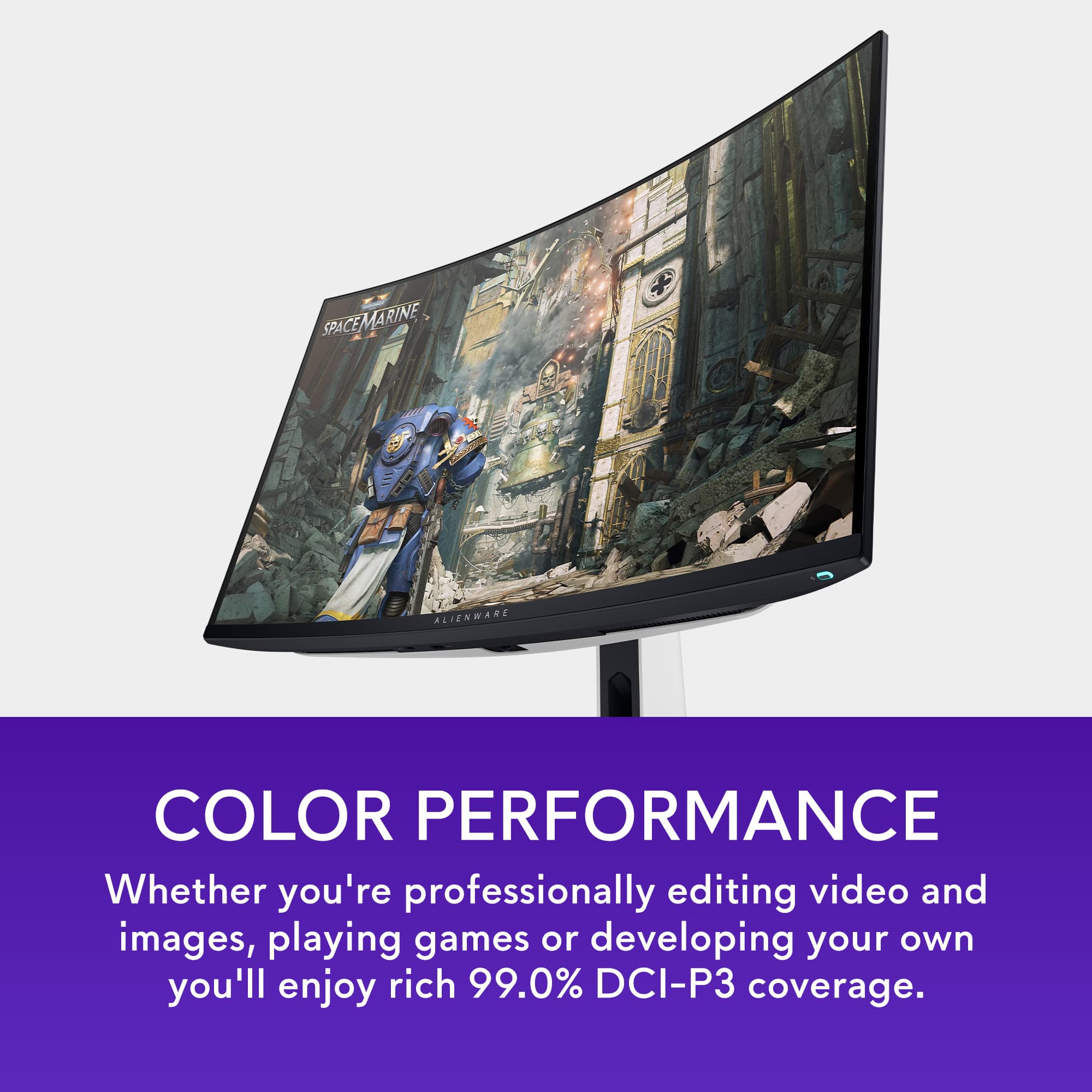
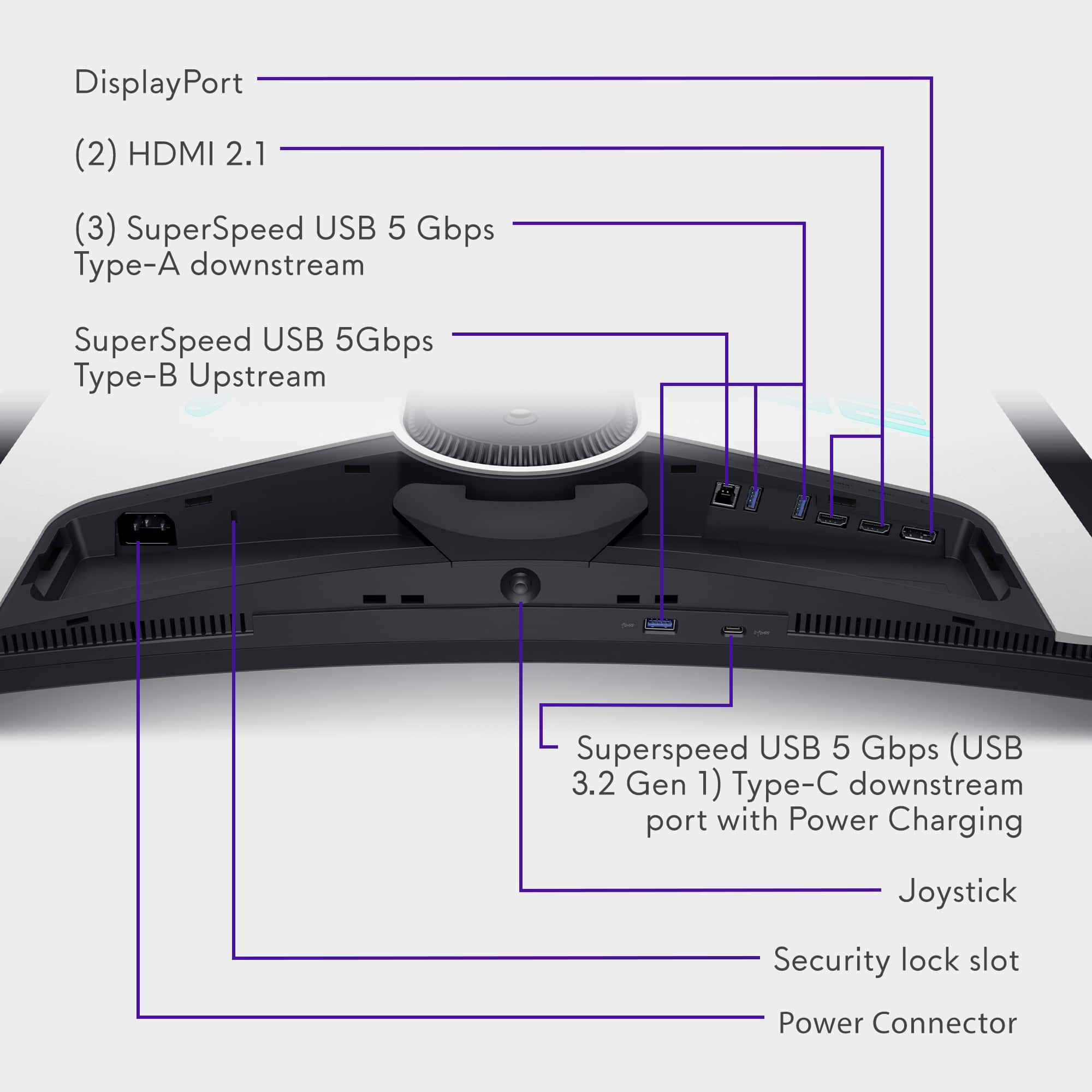
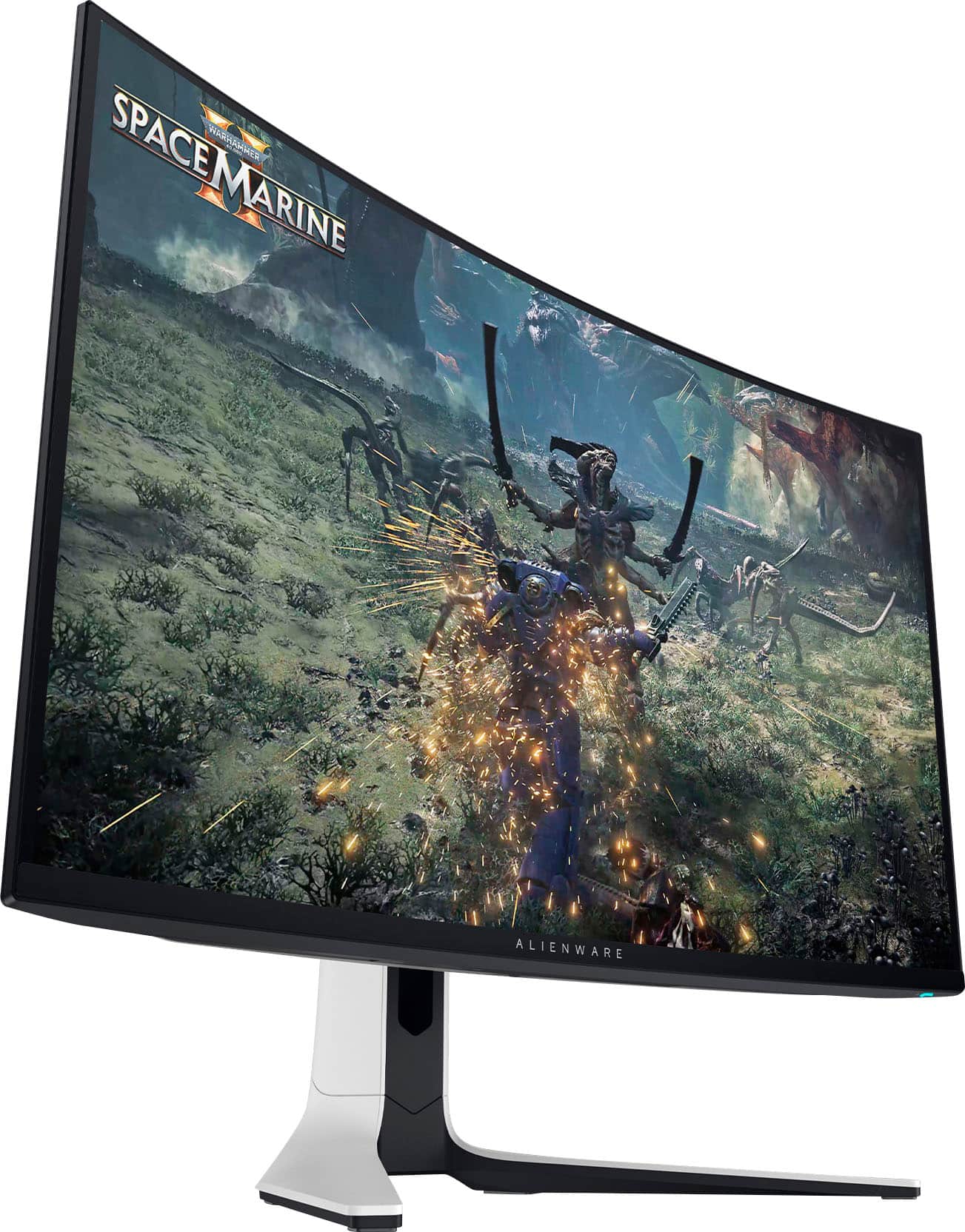
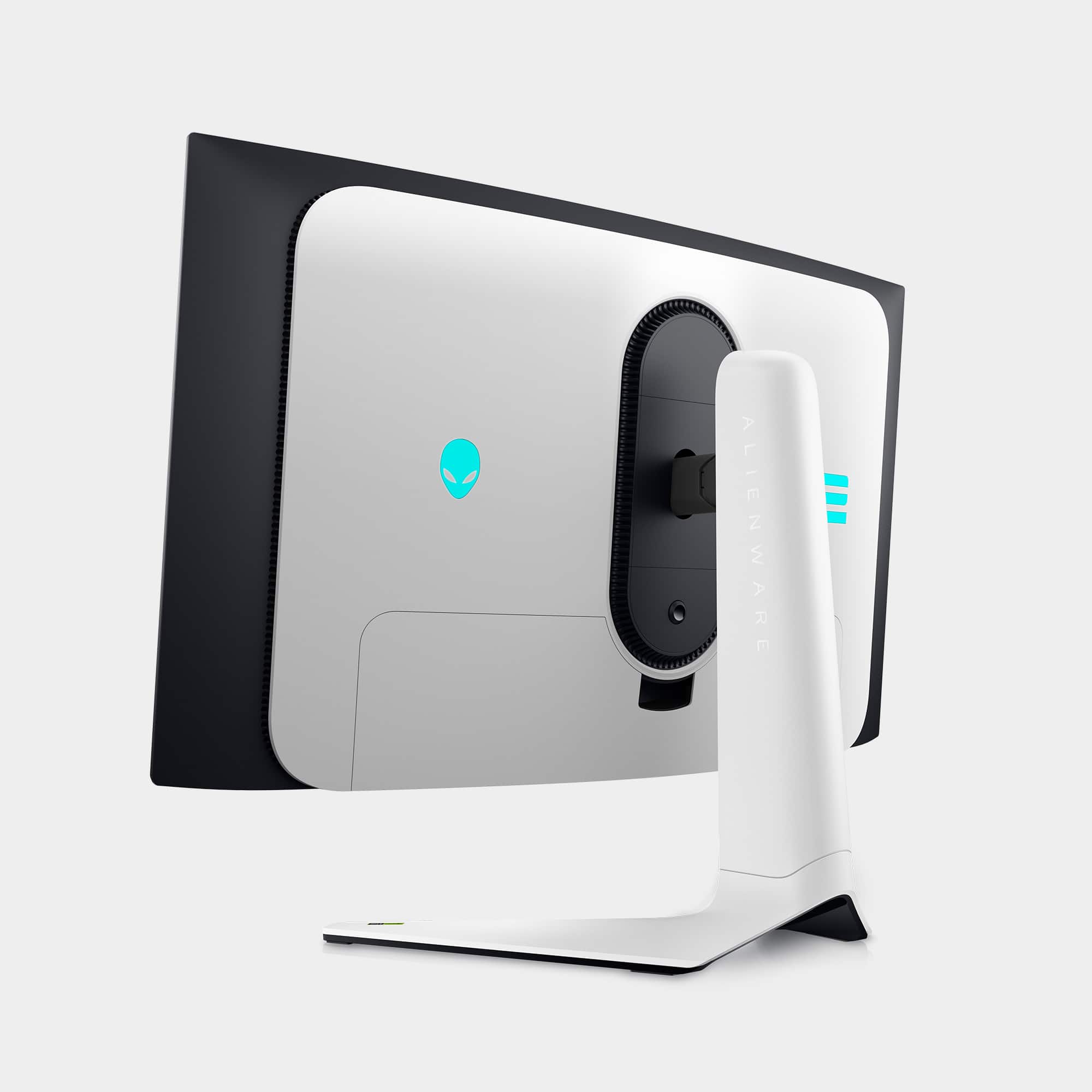
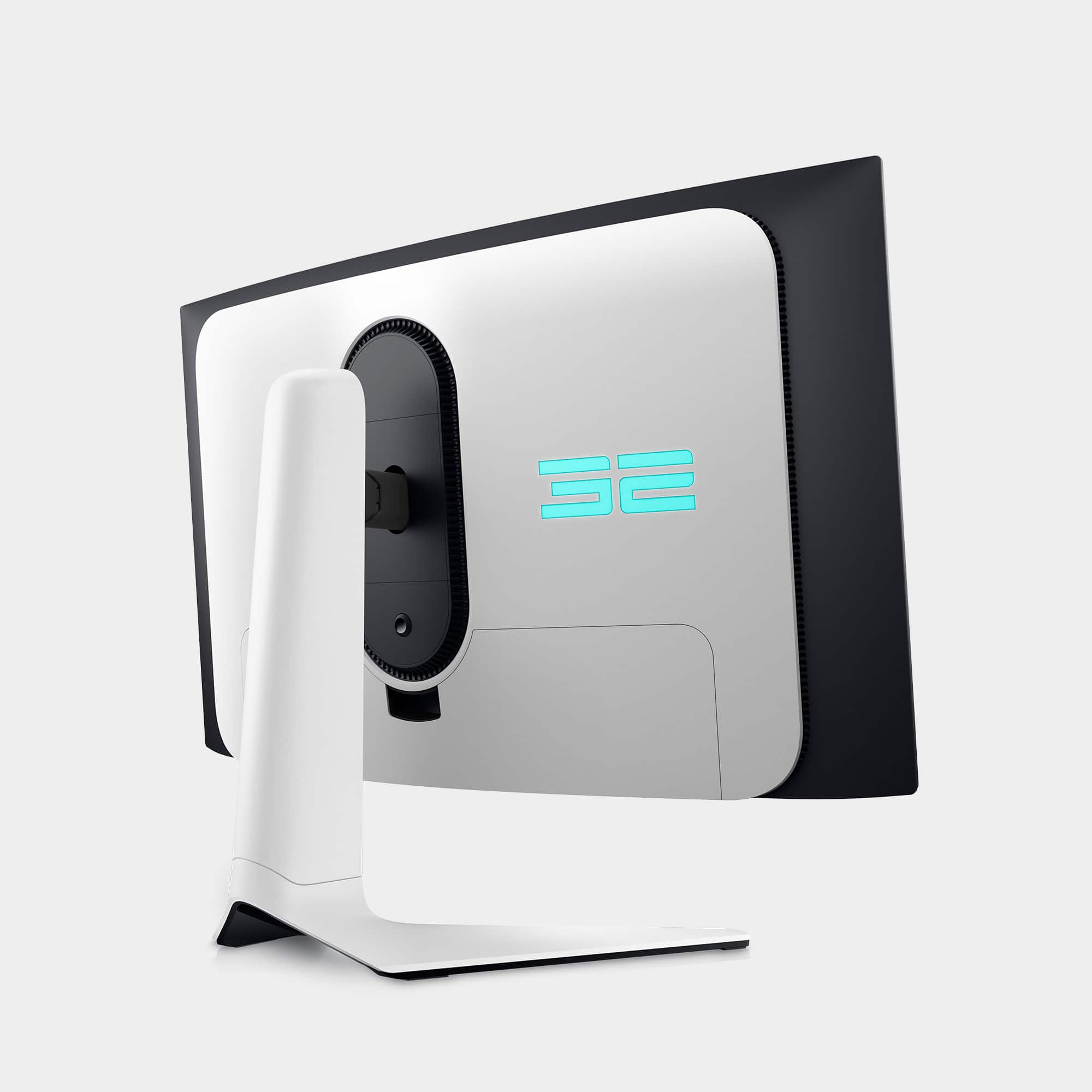
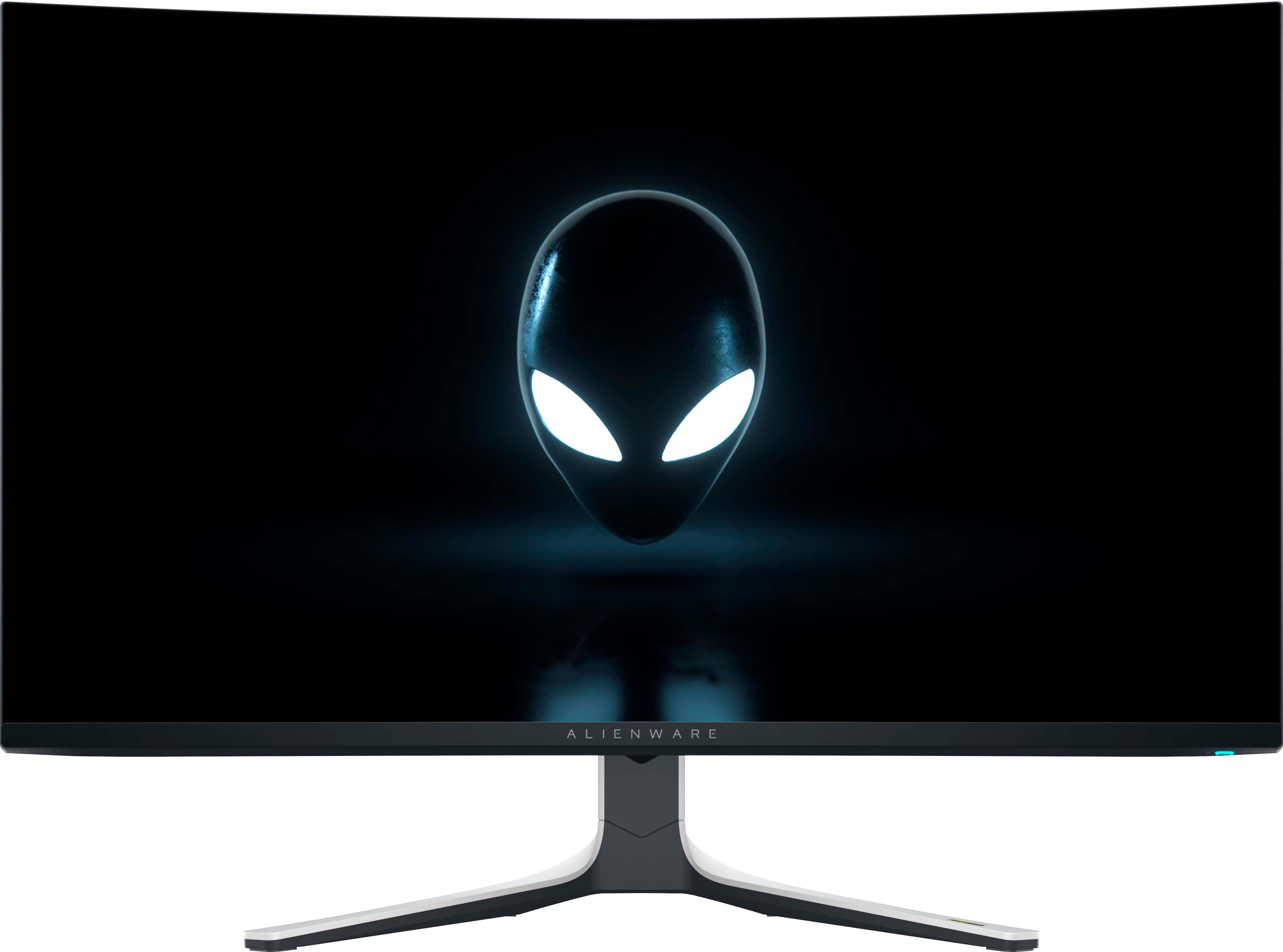
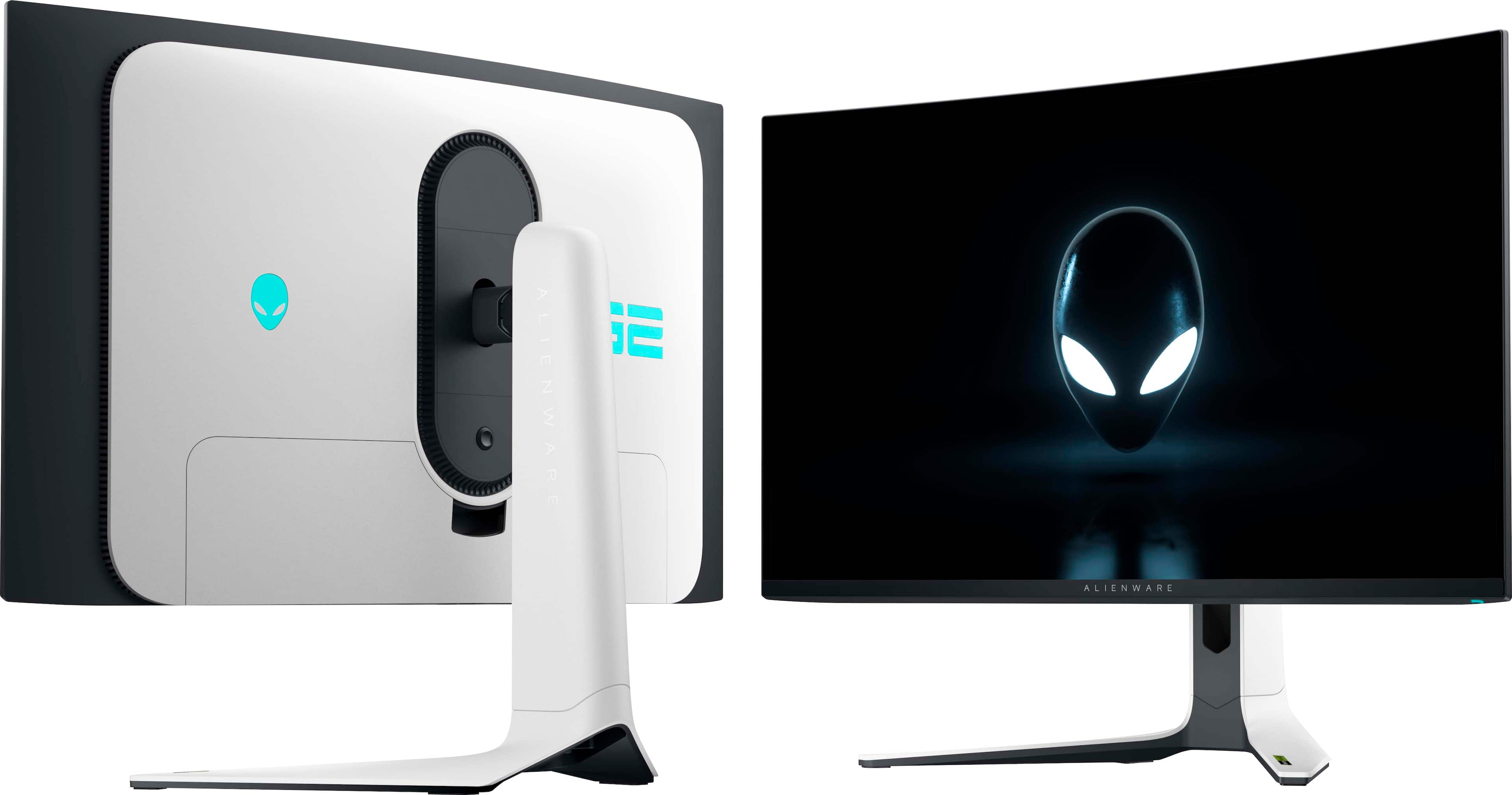
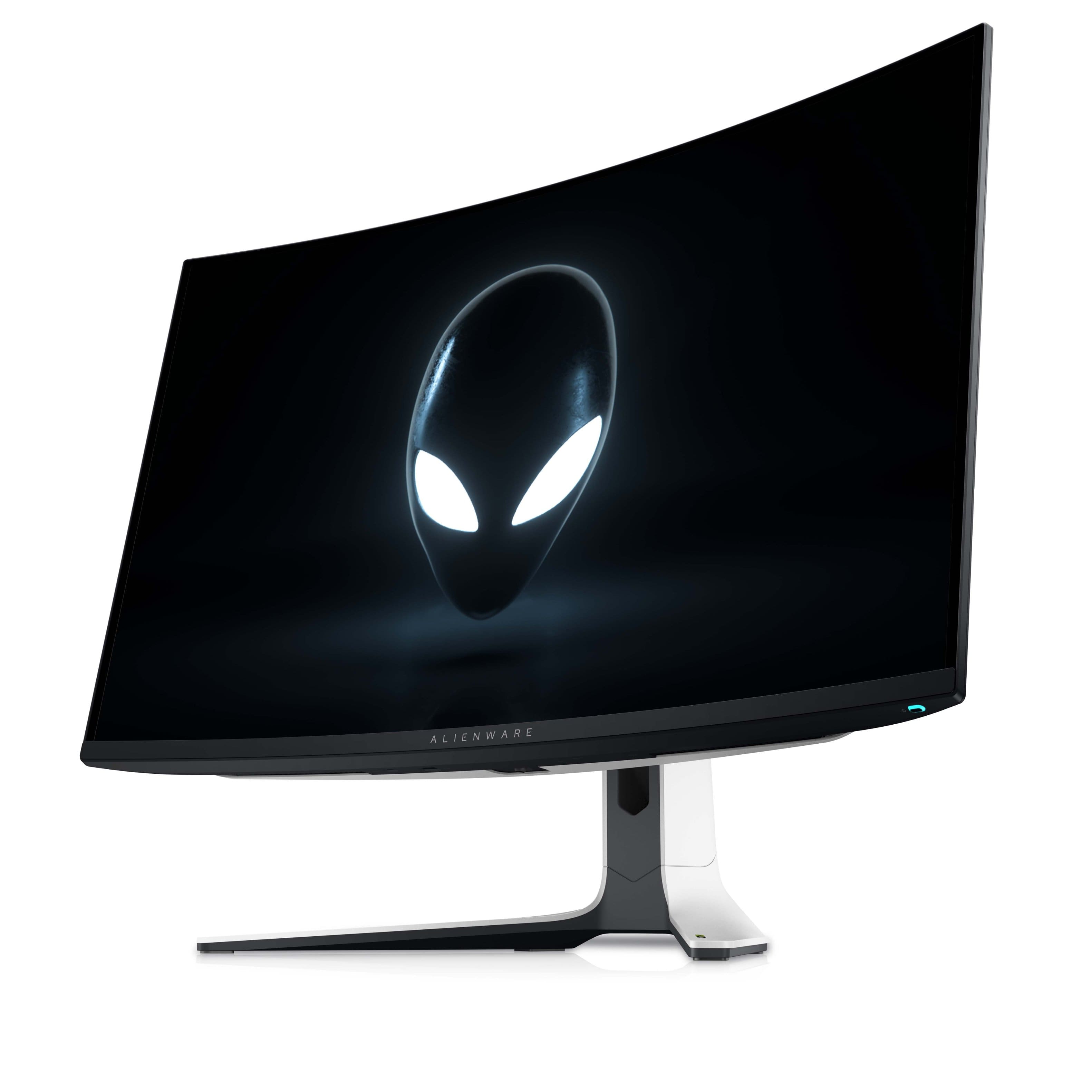
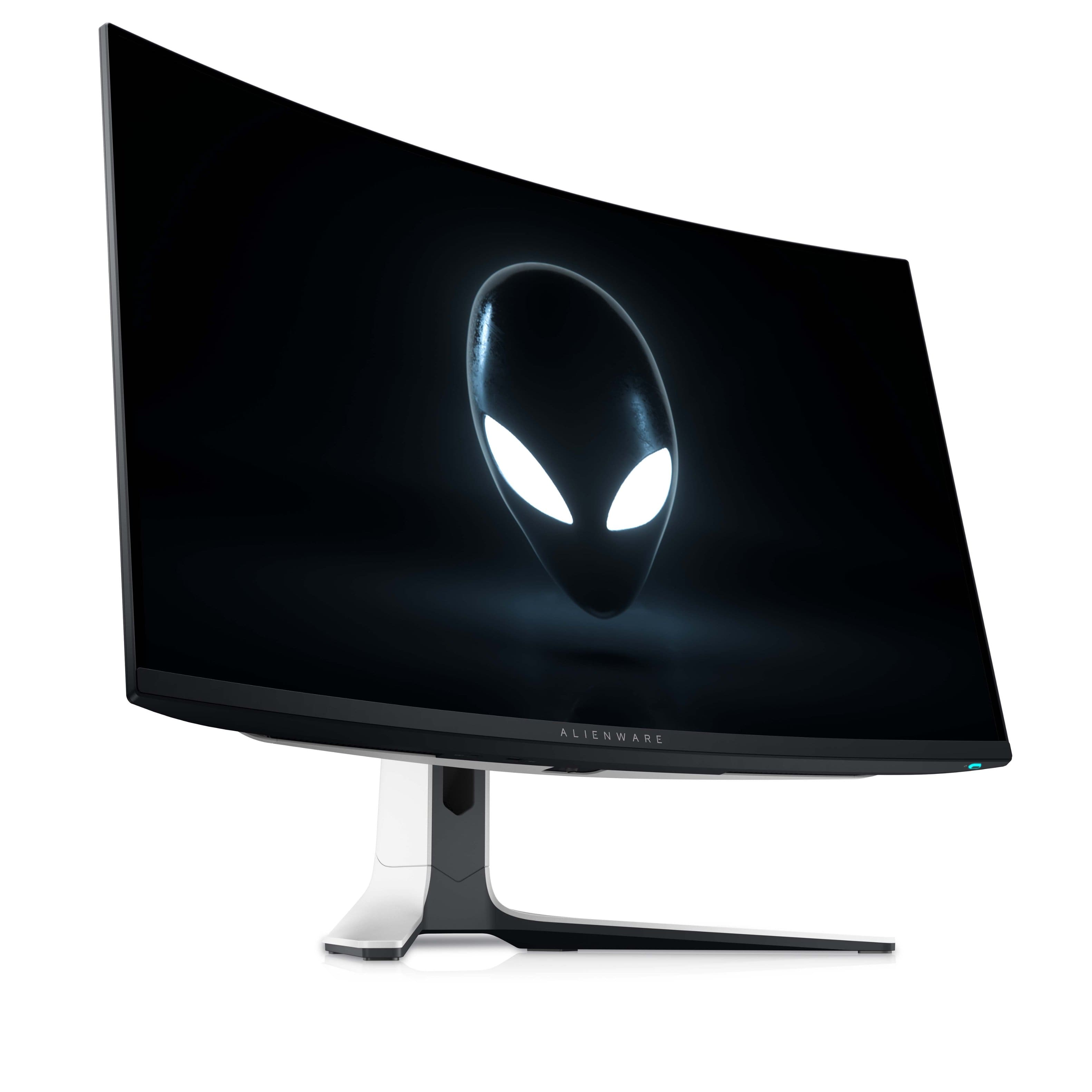
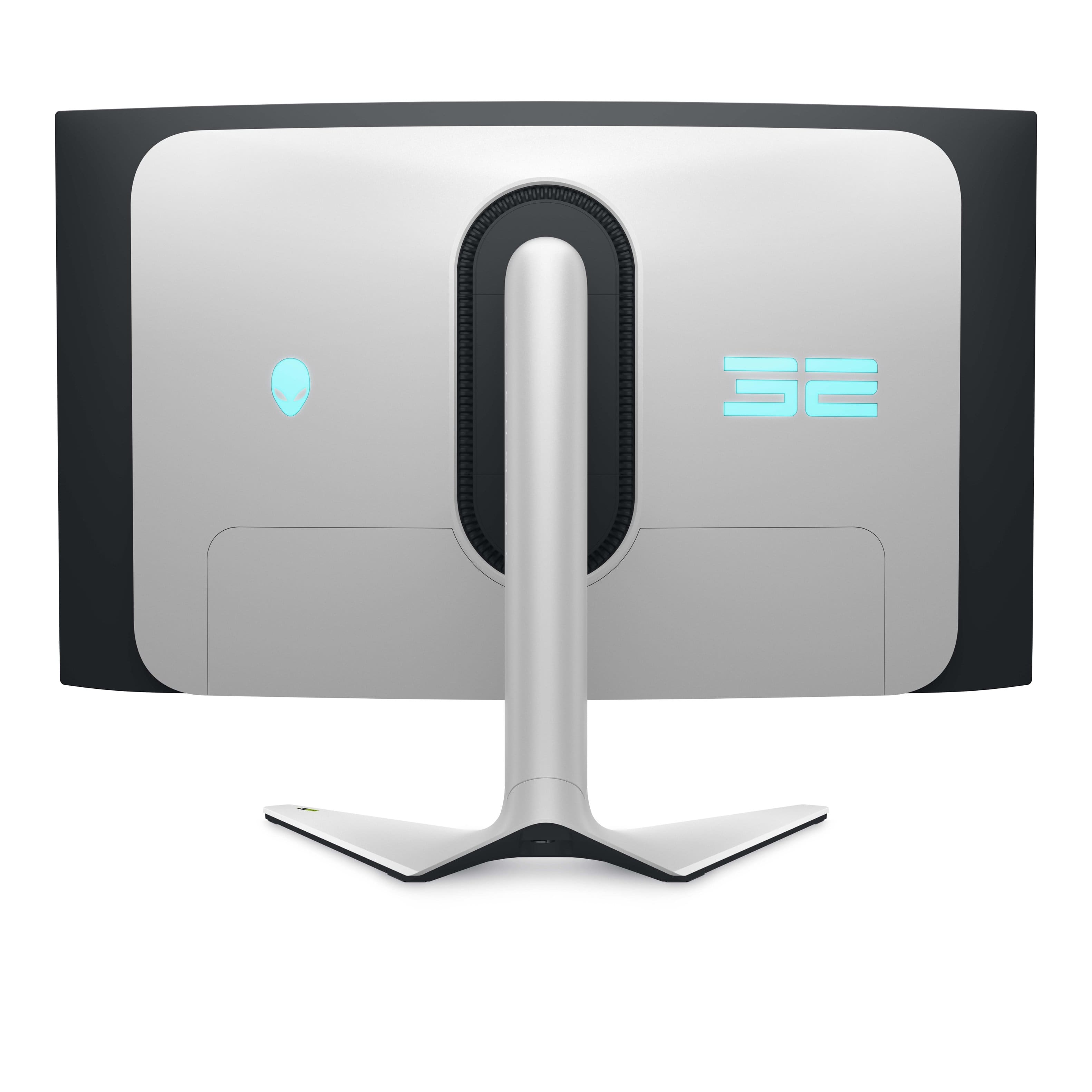
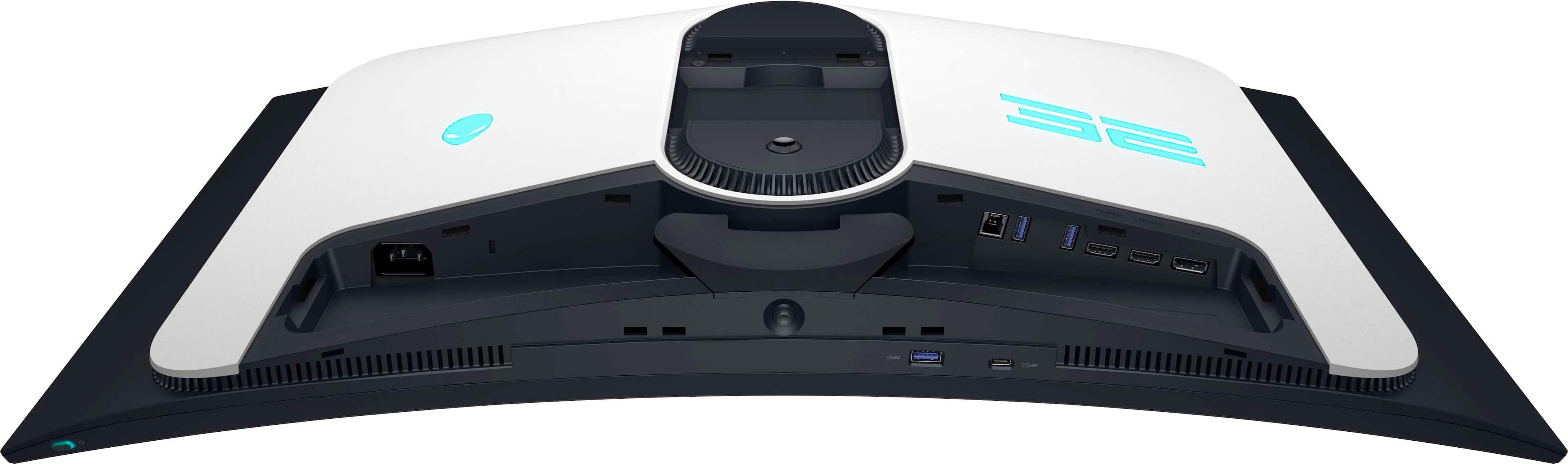
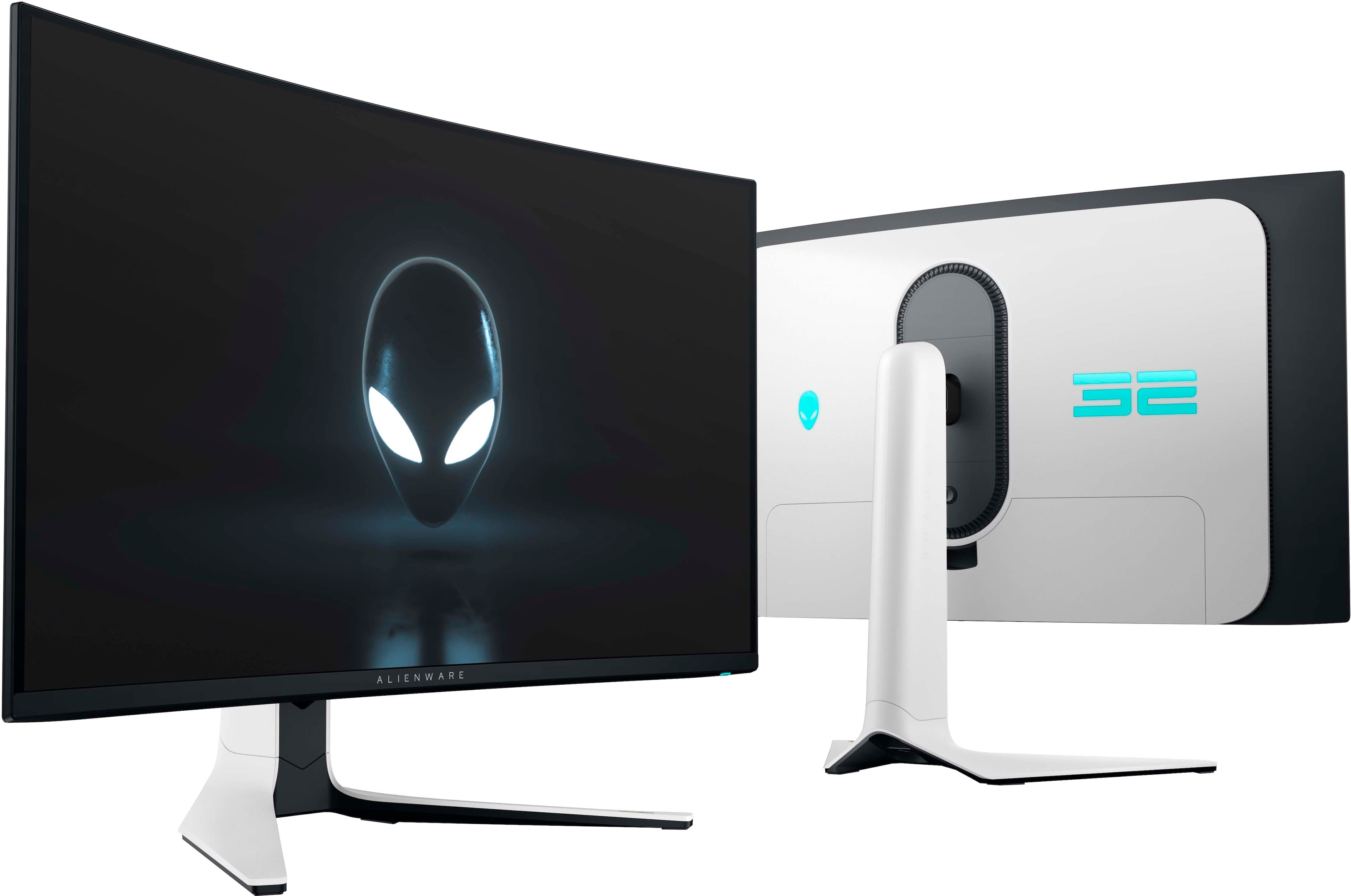
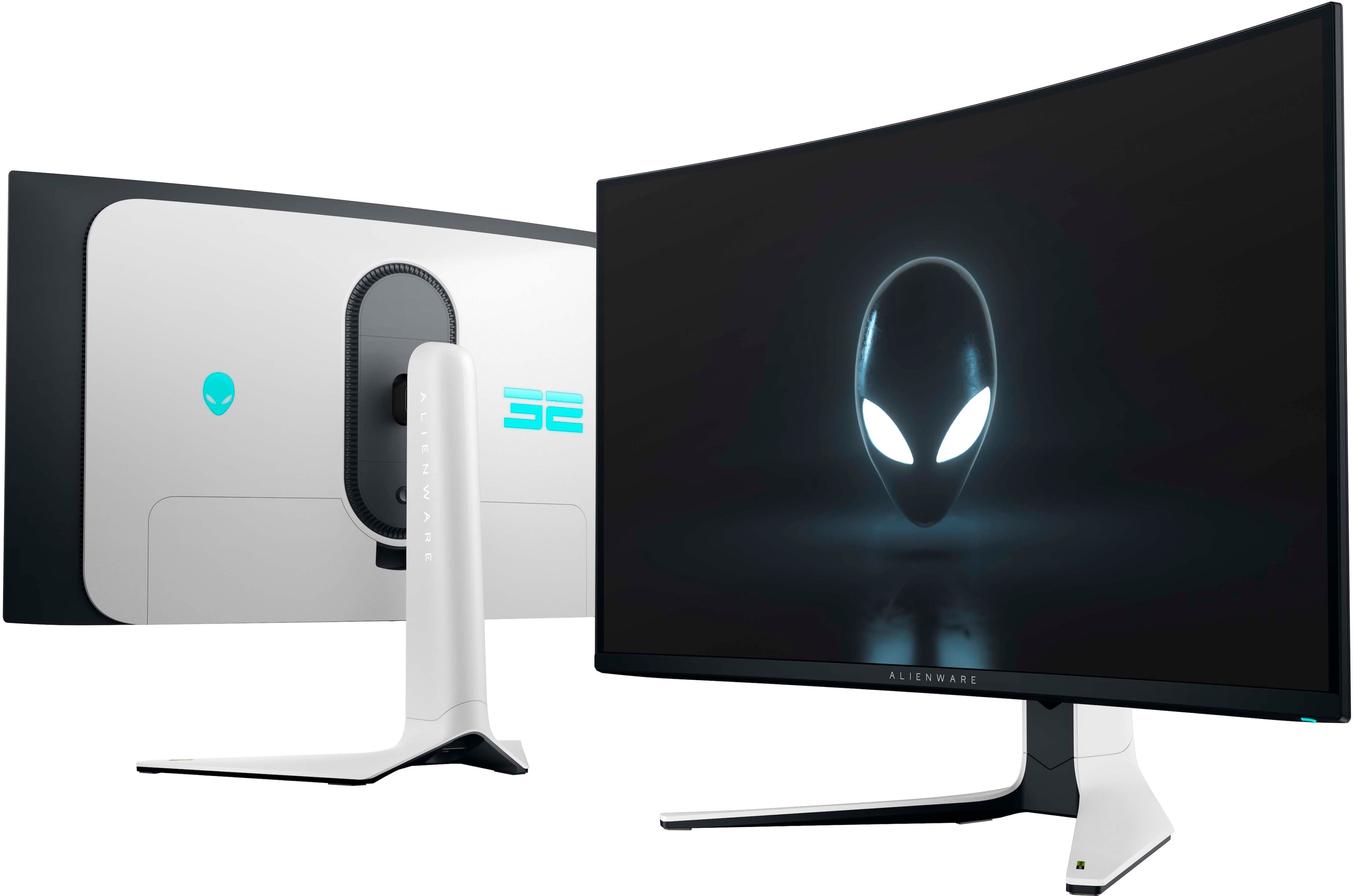
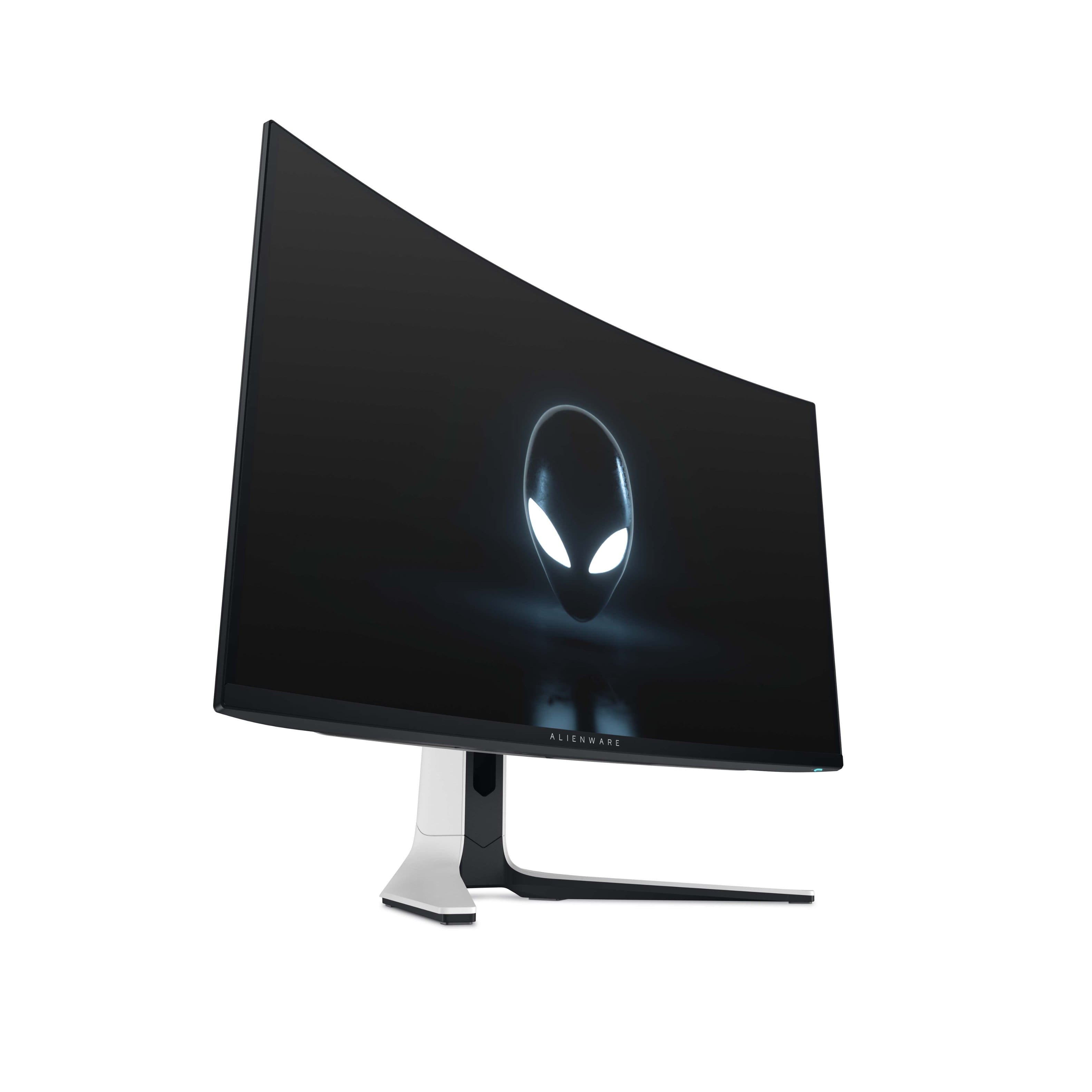
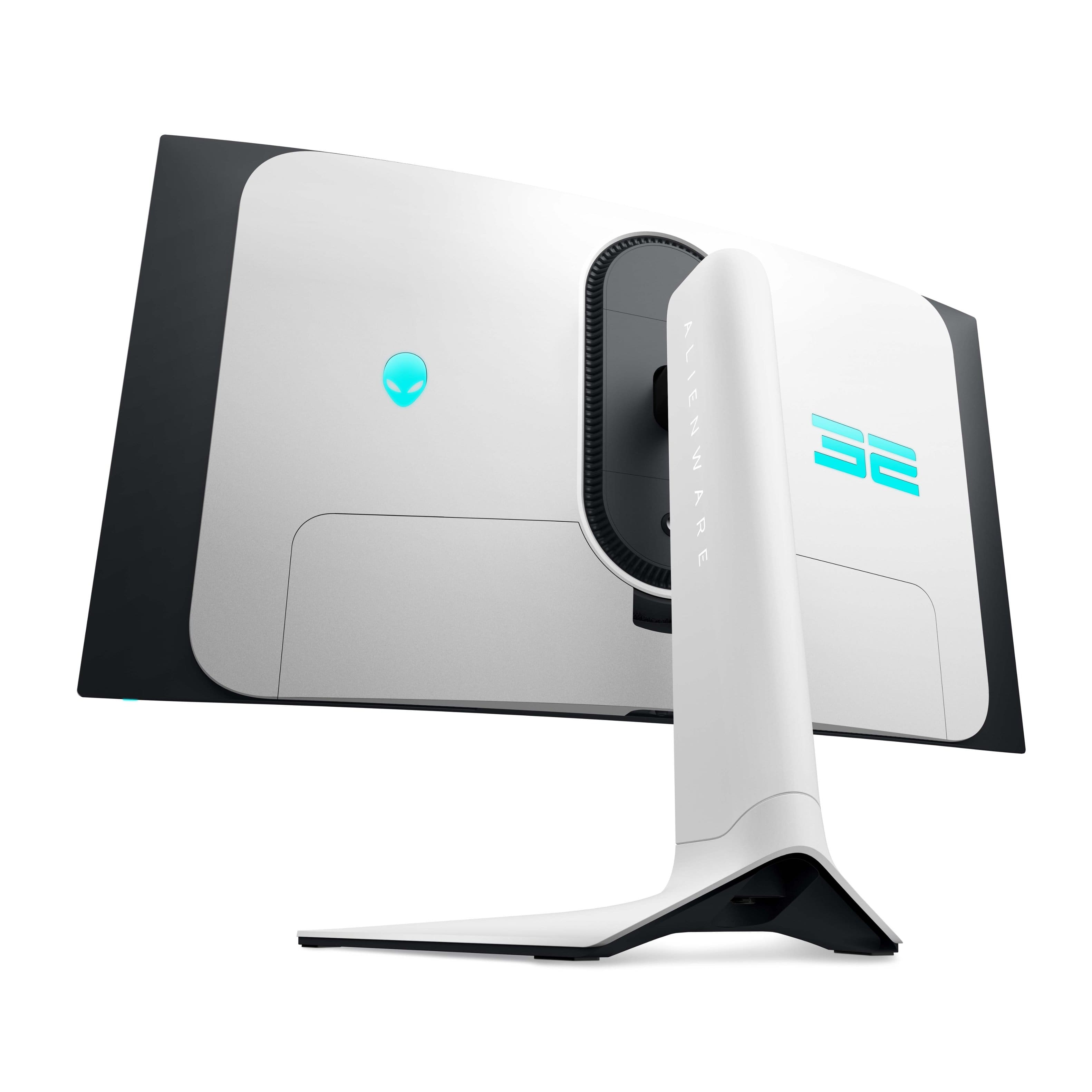
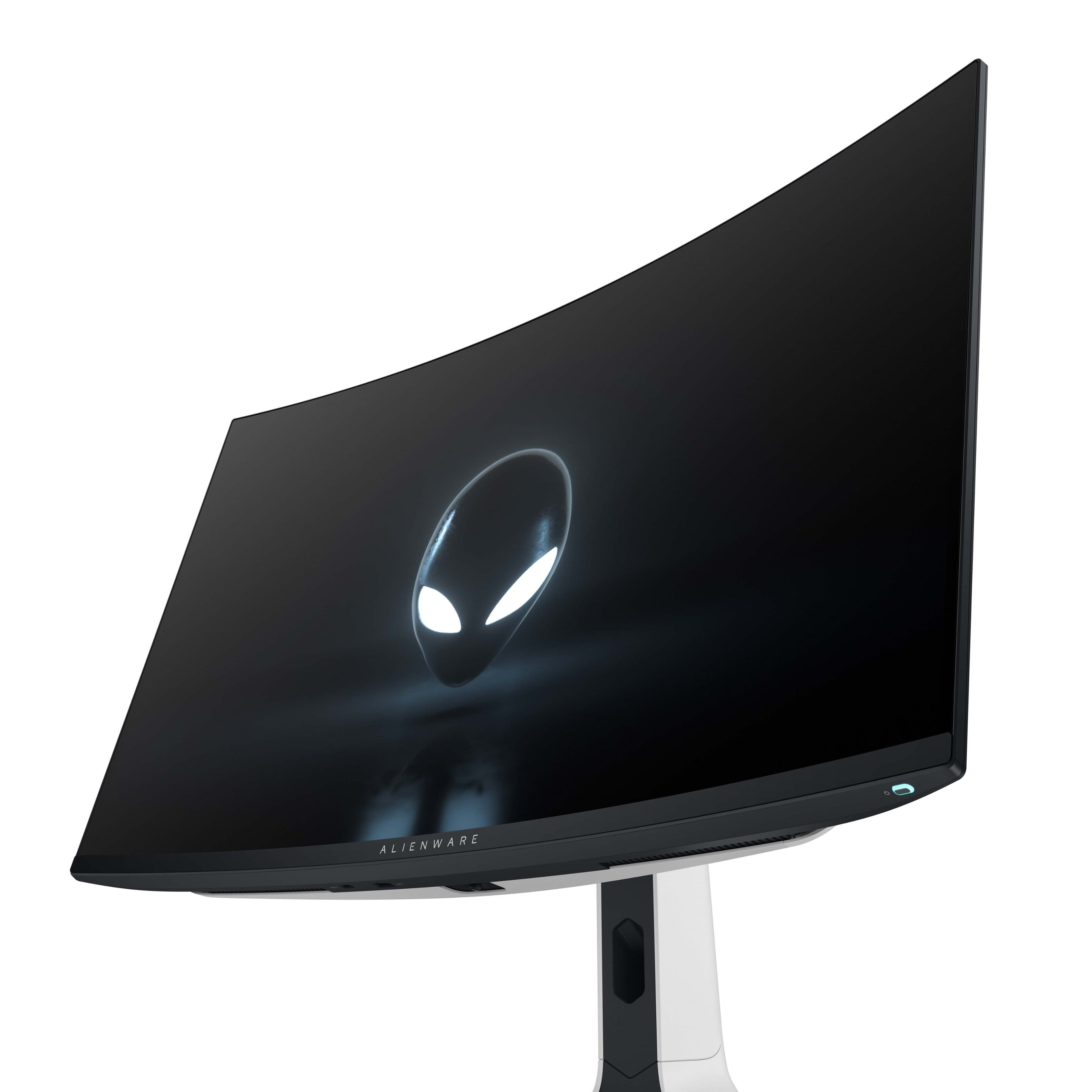
|Posted .This reviewer received promo considerations or sweepstakes entry for writing a review.I’ve been playing on ultra-wide monitors for so long it’s refreshing to get back to gaming on a 16:9 aspect ratio monitor. The vertical real estate on this 31.6” screen makes up for the loss of horizontal real estate. I played an old favorite game “Days Gone” because of the amazing landscape graphics not to mention the massive hordes you encounter. I initially set the game for 240Hz that the monitor supports but the RTX-4060Ti couldn’t push without some lag so I kept the ultra graphics settings but throttled back the refresh to 120Hz and it was flawless. I plan on swapping out the graphics card down the road for something with a bit more horsepower but for now 120Hz is good enough with G-Sync enabled. At that setting and the 0.03ms response time I experienced no tearing or artifacts. Smooth as silk!!! With HDR with Dolby Vision on top of the 4K Quantum Dot OLED monitor and the images almost pop out of the screen. The distant mountains, trees and other landscape in Days Gone are crystal clear making playing the game this time around even more enjoyable. Setup was a breeze. The stand snaps into the back of the monitor with a solid click. Cable management comes up through the bottom of the stand and into the I/O section that has a concealing snap on cover to make the cabling disappear from desktop view. There is a generous amount of I/O. Superspeed USB 5 Gbps incoming from the computer with 3 Superspeed USB 5 Type A ports and 1 Superspeed USB 5 Type C port with power charging capability. There are 2 HDMI incoming (one with eARC) and 1 DisplayPort incoming. On monitor controls are by a bottom central located joystick. Instructions on how to download the monitor driver and Alienware Command Center and Dell Display Manager software for total control of your new monitor. I love the look of this monitor. Very clean and the snow white shell is pleasing, probably one of the best looking monitors I’ve seen in a long time. The customizable rear lighting adds to the aesthetics making it a great addition to any gaming battlestation. The curved screen gives you a more immersive gaming experience Hopefully soon I’ll be able to upgrade my graphics card to at least a RTX-4080 so I can take advantage of the full 240Hz refresh rate.
I would recommend this to a friend