Customer Ratings & Reviews


- Model:
- B0B1VQ1ZQY
- SKU:
- 6545814
Rating by feature
- Battery Life
Rating 4.8 out of 5 stars
- Durability
Rating 4.7 out of 5 stars
- Display
Rating 4.8 out of 5 stars
Customers are saying
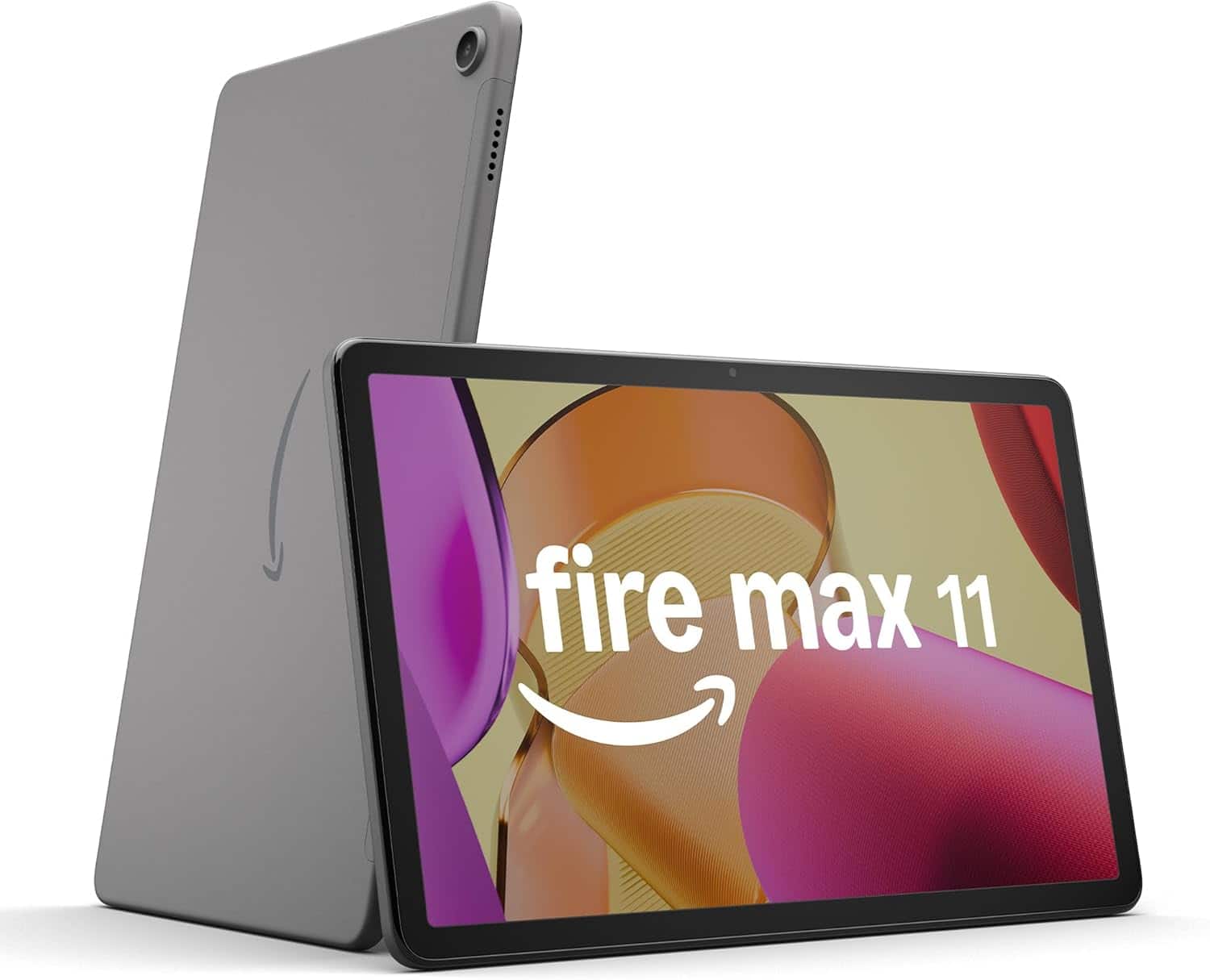
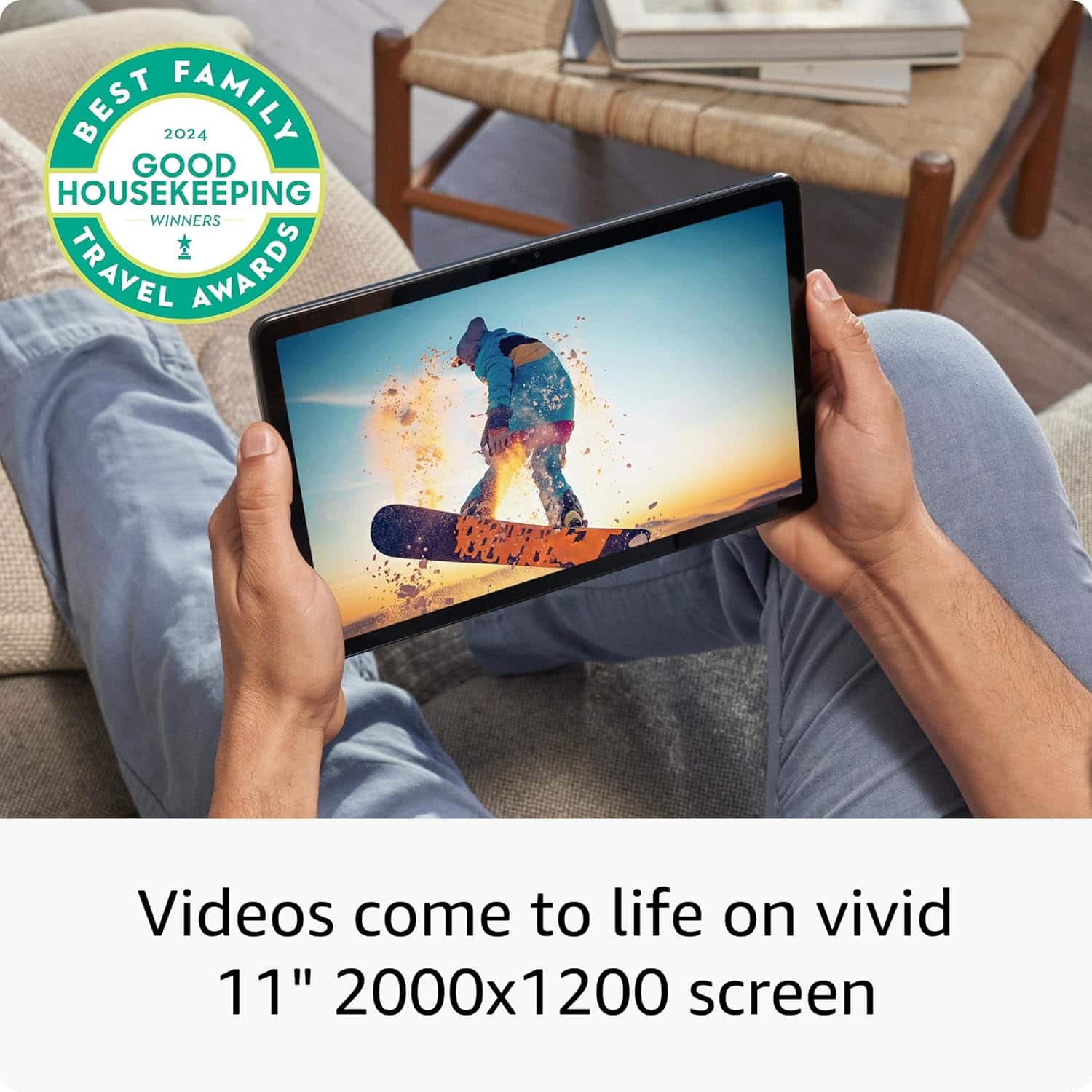
Customers appreciate the Fire Max 11 tablet's large, clear screen, long battery life, and ease of use. Positive feedback also highlights its performance and ample storage, while some users found the app selection limited and the camera quality less impressive than competitors. The tablet's lightweight design is frequently praised. Although some aspects like the speakers received mixed reviews, the overall user experience appears positive.
This summary was generated by AI based on customer reviews.
Terrible app support
||Posted . Owned for 1 month when reviewed.This reviewer received promo considerations or sweepstakes entry for writing a review.Really? Why is amazon still having their squabble with google? This tablet was worthless to me. Returned and bought an ipad instead. Otherwise, this wouldve been an amazing tablet.
No, I would not recommend this to a friendBrand response from Amazon Devices Customer Support
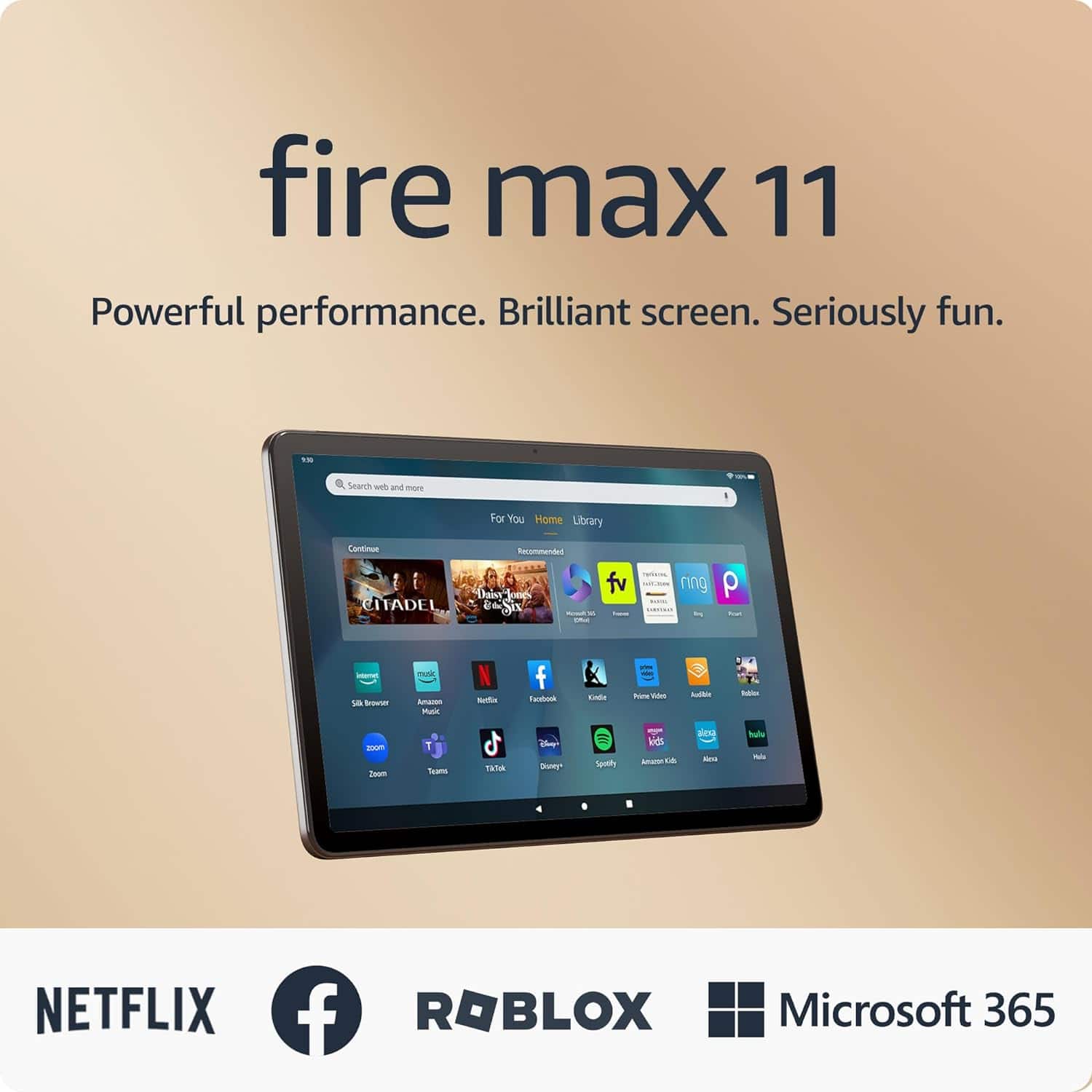
Posted .Hi BirkeJ. Thank you for your feedback on the Fire Max 11 tablet. I’m sorry to hear of the issues you are experiencing. The Fire Max 11 is designed for an on-the-go experience with access to Prime Video, Netflix, Spotify, and Kindle experience (subscriptions are require to stream content). You can also turn your Fire Max 11 into a versatile 2-in-1 device by bundling the easy-to-attach, full-size magnetic Keyboard Case and Made for Amazon Stylus Pen.
The Keyboard Case provides two customizable shortcut keys and 15 pre-programmed shortcut keys to make doing your favorite tasks easier; a fluid trackpad enables quick navigation; and the case magnetically connects to the tablet so you can use it with no setup or charging required.
The Made for Amazon Stylus Pen lets you draw and design in apps like Picsart, mark up your documents by hand in Microsoft 365, and take handwritten notes in OneNote. Plus, Fire Max 11 features on-device handwriting recognition with the write-to-type feature. If these steps do not help and your are still disappointed with the device you can reach Amazon Customer service 24/7 for assistance. You can reach them at 1-888-280-4331. I hope this information helps, have a great day!
It’s good child table had a lot of parental contrs
||Posted . Owned for 1 month when reviewed.This reviewer received promo considerations or sweepstakes entry for writing a review.I had to return to the store the same day because they gave the wrong case for the tablet. The table is really good I not issues and I already have a month but I did rate it a bit only because of the bad incorrect case they gave
I would recommend this to a friendI prefer iPad to Amazon Fire Max
||Posted . Owned for 1 week when reviewed.This reviewer received promo considerations or sweepstakes entry for writing a review.I purchased the Amazon Fire Max 11 - 11" Tablet when I cracked my iPad Air screen. I thought I would be happy with the Amazon Fire but it did not compare to my iPad so I returned it two days later for a new iPad Air 6th generation.
No, I would not recommend this to a friend- Pros mentioned:Ease of use
Not as good as they say89ookmmbgfdrty7
||Posted . Owned for 1 month when reviewed.This reviewer received promo considerations or sweepstakes entry for writing a review.It's is good for email and watching movies. I cannot do my banking on there (B of A). If I had a second chance I would go for a different tablet.
No, I would not recommend this to a friendBrand response from Amazon Devices Customer Support
Posted .Hello CatmanChico! Thank you so much for taking the time to provide us your valued feedback on the experience you are having with your new tablet! I am so sorry to hear that it is not living up to your expectations. I wanted to reply back to let you know that while there is not currently a Bank of America app available for download on our AppStore as of yet, you can definitely still always use the Amazon Silk Web Browser to do your banking online with Bank of America. I am glad you're enjoying your tablet for movies and email, but I wanted to make sure you knew of a few other things that your tablet can do versus much of our competitor's offerings. Maybe it will give you something else to add to your list of things you like about your tablet. First, one thing you can try is to use it as a fully fledged 11 inch Echo Show device with Alexa. You can do this by swiping down from the top and tapping Show Mode to toggle it on. In this mode, you can use it the same way your would our Echo Shows to control your smart home, ask Alexa for assistance with things like the weather, or answering a question, or even have Alexa play music or games for you from your favorite music service or Alexa Skills (what we call apps for Alexa). Another thing you can do with this device is you can swipe upwards from the bottom left corner icon to access your Device Dashboard. This gives you a one stop spot you can go to to access and control all of your registered smart home devices like light bulbs, Ring or Blink cameras, or thermostats amongst many others. Lastly, if you're a video game fan, you can use this device for streaming gaming services like Amazon Luna or XBOX GamePass. You can connect your favorite controller to it and use it to play games without a console required (subscriptions may be needed for some services). I hope this gives you a few more things to try out and enjoy on your tablet and that it gives you a better experience. Thanks again for your feedback and I hope you have a tremendous day!
- Cons mentioned:Camera quality
Terrible Experience
||Posted . Owned for 3 weeks when reviewed.This reviewer received promo considerations or sweepstakes entry for writing a review.Moves Slow & Has Scratches On The Screen As If Someone Used The Tablet And Returned It To Store .
No, I would not recommend this to a friend Meh
||Posted . Owned for 2 months when reviewed.This reviewer received promo considerations or sweepstakes entry for writing a review.Not impressed. May give it to one of the kids. You can only use Amazon apps natively and have to jump through hoops to download the software you really want.
No, I would not recommend this to a friendReview
||Posted . Owned for 2 weeks when reviewed.This reviewer received promo considerations or sweepstakes entry for writing a review.I purchased this as a gift. The person I gifted it to, says it keeps freezing up. And is much slower than her Fire 10.
No, I would not recommend this to a friendKindle fire
||Posted . Owned for 3 weeks when reviewed.This reviewer received promo considerations or sweepstakes entry for writing a review.I love the kindle with the exception that when using the text to voice feature, it turns itself off often
I would recommend this to a friendAverage
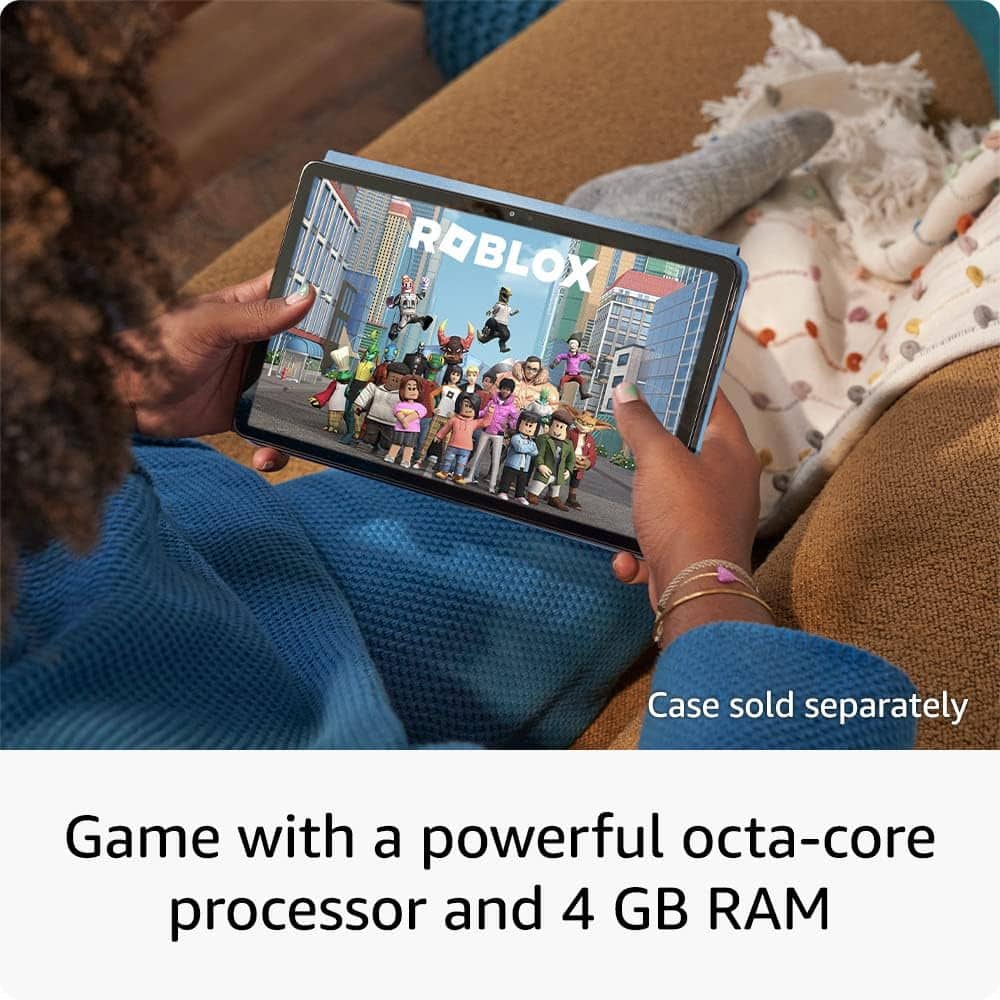
||Posted . Owned for 2 weeks when reviewed.This reviewer received promo considerations or sweepstakes entry for writing a review.It was for my daughter but kept crashing during roblox
No, I would not recommend this to a frienddispleased
||Posted . Owned for 1 month when reviewed.This reviewer received promo considerations or sweepstakes entry for writing a review.I returned the product on the last day possible. Apparently the upgrade to the to the processor and more memory did not make it compatible for my wife to use, she went back to her old Kindle.
No, I would not recommend this to a friendBrand response from Amazon Devices Customer Support
Posted .Hello mikeM,
I am sorry to hear you were not satisfied with your Fire Max 11 tablet. There is a difference between Kindles and Fire tablets. Kindles are dedicated e-readers primarily designed for reading books, while Fire tablets are versatile Android tablets that can do much more. Kindles utilize e-ink technology, offering a paper-like reading experience with minimal eye strain and extended battery life. Fire tablets, on the other hand, are full-color tablets with a wider range of capabilities, including browsing the web, playing games, streaming videos, and running apps. Hope this information helps you better understand Kindle and Fire tablet devices. Have a nice day!
Research if it will do how u plan to use
||Posted . Owned for 3 weeks when reviewed.This reviewer received promo considerations or sweepstakes entry for writing a review.It's ok but did not meet my intended expectations and purpose
No, I would not recommend this to a friend- Pros mentioned:Battery life, Screen size

Simple and Safe Tablet for Family
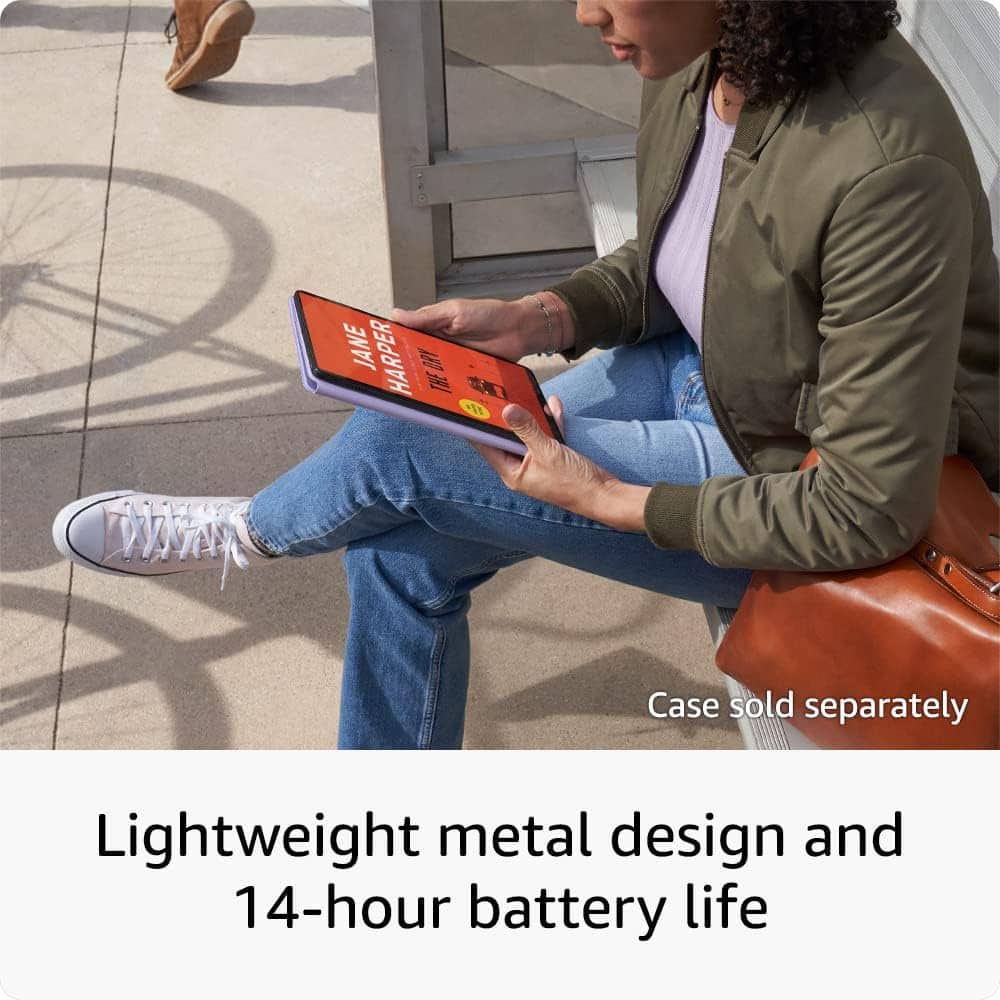
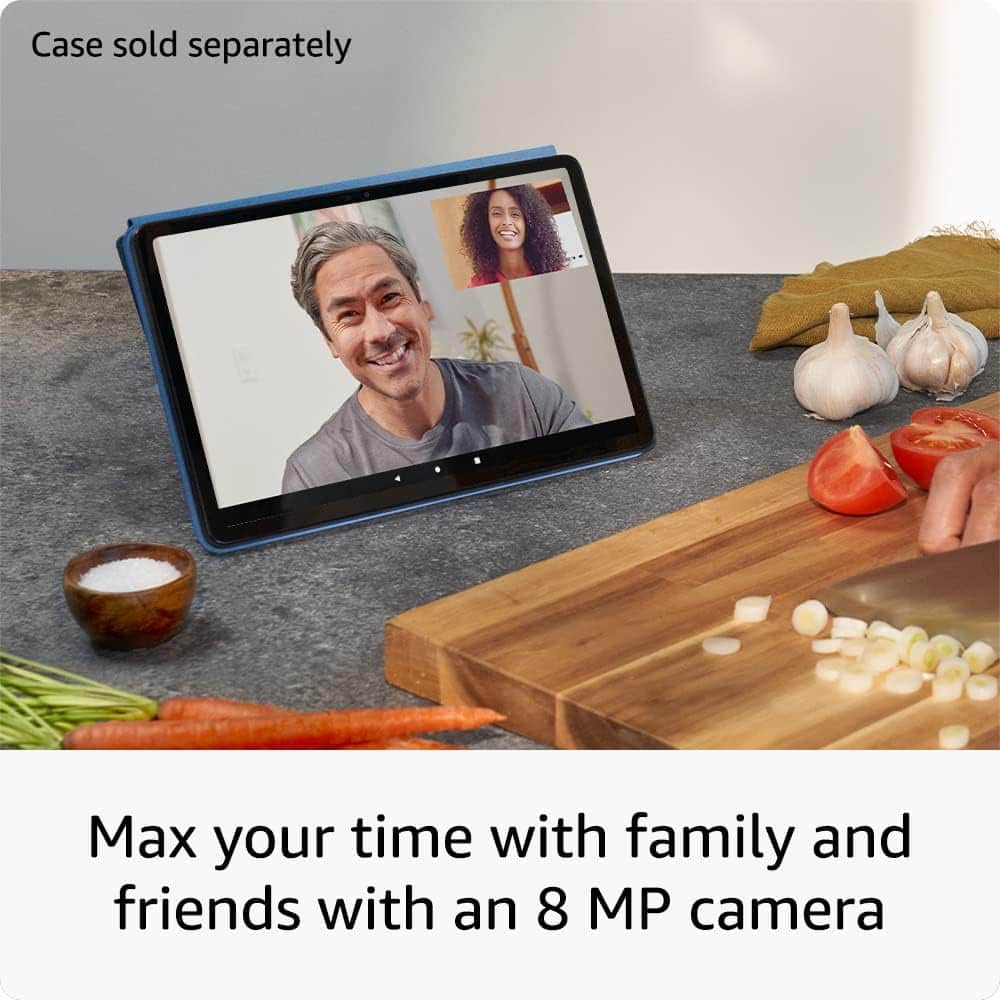
|Posted .This reviewer received promo considerations or sweepstakes entry for writing a review.I decided on the Amazon Fire Max 11 because I wanted a solid, attractive tablet (made of aluminum, not plastic) that was safe for my granddaughter to use and simple enough for my 83-year-old mother. While it is connected to an Amazon account, the access to unsupervised shopping can be locked down. Because I shop under my son’s account, the tablet claimed him as the owner, and I was not able to figure out how to change it. It has an 11-inch screen with high pixel resolution so streaming videos while traveling is a pleasure. After my laptop, the Fire Max 11’s bezel seems large, but perhaps that is the norm for a tablet. The speakers are decent, so the audio was clear and easily heard. The 8-megapixel camera took an adequate photo. It is probably better for video calls. I was prompted to open an unlimited storage cloud for my photos. I haven’t activated the fingerprint reader yet, but I like the fact that you can unlock it faster and that it offers some security. The microSD card slot means I can get more storage. The battery life is about 14 hours. It has 4 GB of memory and WiFi 6 for fast streaming. Amazon will push out security patches for four years on the Fire Max 11, but any system upgrades are up in the air. While I have the “productivity bundle”, it is not my intention to use this as a laptop replacement. The bundle comes with a keyboard, cover, and stylus. I downloaded Zoom, Netflix, Spotify, and Solitaire. Because the Fire Max 11 runs on FireOS, the only content available to download is from the Amazon Appstore. I don’t see many of the apps I normally use, and many of the games that are available have ads. The Fire Max 11 doesn’t have an audio jack, but then, I can’t seem to find many models that still have one with most people owning Bluetooth headphones, me included. When my husband and I travel, we want to bring a lightweight tablet on the plane so we can stream videos we download and watch together. To do that, we use a splitter, and we hardwire our headphones to it. I did a search and found a USB-C headphone adapter with a 3.5mm jack earphone. The Downside: • I mentioned that I didn’t choose this for productivity. That is because I can’t access my files on Google Drive or bookmarks on Chrome. The Amazon Fire Max 11 only has the Silk Browser. Plus, I can’t do split-screen multitasking (and I don’t mean two apps side-by-side). On my other tablet, I could use DeX mode to have multiple windows and move them around. • It is so annoying to have to see an ad every time I wake up the tablet from the lock screen. Is there a way to escape that without having to pay $15? While the Fire Max 11 is head and shoulders above all other Amazon tablets, it is not in the same league as other productivity tablets. That being said, if that is not your goal, then the Amazon Fire Max 11 is perfect for playing games, shopping, reading, surfing the internet, and streaming videos. To boot, the price is reasonable, even with the purchase of the productivity bundle that I recommend you get.
I would recommend this to a friend SO DISAPOINTED
||Posted . Owned for 3 weeks when reviewed.This reviewer received promo considerations or sweepstakes entry for writing a review.Going to send it back I found someone else info on this must of had it before me all their credit card phone # and so on this supposedly new tablet I just bought.
No, I would not recommend this to a friendhigh price low quality
||Posted . Owned for 1 month when reviewed.This reviewer received promo considerations or sweepstakes entry for writing a review.high price low quality, I had a higher expectation of the product
No, I would not recommend this to a friendBrand response from Amazon Devices Customer Support
Posted .Hello Broby,
Thank you for the feedback on the new Fire Max 11 tablet. I'm sorry you are disappointed in the performance of the tablet. With an 11' screen and 2.4 million pixels, it is perfect for videos and reading. The tablet has a powerful octa-core processor and wi-fi 6 for fast streaming, responsive gaming, and quick multitasking. You can get 14hrs of battery life for all day entertainment. For your privacy and convenience, it comes with a fingerprint sensor to unlock your device. If there are issues you are having with the tablet, or questions that need further explanation, Amazon Customer Service is available 24/7. You can reach them at 1-888-280-4331. I hope this information is helpful. Thank you!
- Pros mentioned:Overall performance, Screen size
A Wonderful Addition to the Lineup
Posted .This reviewer received promo considerations or sweepstakes entry for writing a review.So far it's a wonderful tablet. The screen looks fantastic. Colors are great and everything looks sharp. The speakers are clear and decently loud. The feel of the tablet is amazing, certainly better than the plastic bodies of previous Amazon tablets. The fingerprint sensor works very well, and is a convenient addition. I tap my finger and swipe up on the screen and I'm in. Performance has been excellent so far. No stutters, no lag, no software glitches. The camera is ok, certainly not an iPhone camera. But it's gonna be good enough for video calls and the like. Overall its a great tablet, definitely better than my HD 10 Plus. Sure this won't beat an iPad Pro, and probably not a Pixel tablet in raw power. But the average tablet user, especially one with an Amazon Prime subscription, will definitely love this tablet.
I would recommend this to a friend Limited Capabilities
||Posted . Owned for 3 weeks when reviewed.This reviewer received promo considerations or sweepstakes entry for writing a review.I didnt know Youtube Premium didnt work on this tablet. Its past the return period so now we are stuck with it when all we needed it for was Youtube Premium to play videos without internet service.
No, I would not recommend this to a friendAmazon Max 11 not worth the hassle
||Posted . Owned for 1 month when reviewed.This reviewer received promo considerations or sweepstakes entry for writing a review.Tablet froze exactly 7 days after the return window closed. I have tried everything to recover it and nothing works. Christmas gift and money wasted
No, I would not recommend this to a friendBrand response from Amazon Devices Customer Support
Posted .Thank you for your feedback on the Fire Max 11 tablet. I am sorry to hear of the performance issues you are experiencing. Please try these steps to fix the frozen screen: 1. Hold the power button down for 40 seconds or until your device shuts off. If a pop-up appears with the option to restart, keep holding down the power button until it shuts off. (This step is important. Ensure you keep holding the power button down even if it shows option to restart) 2. After your device is powered off, press the power button for two seconds to turn it back on. This should fix the frozen screen you are experiencing. If these steps do not help, and you are still having functionality issues you can call Amazon customer service, available 24/7 for assistance on the device. You can reach them at 1-888-280-4331. I hope this information is helpful, thank you!
Need to Return this item
||Posted . Owned for 2 weeks when reviewed.This reviewer received promo considerations or sweepstakes entry for writing a review.I do not believe this item is brand new. poor for the price. Need to return this item but i was told the return period has ended.that is acam.
No, I would not recommend this to a friendBrand response from Amazon Devices Customer Support
Posted .Thank you for your feedback NetsanetZ on the Fire Max 11 tablet. I am sorry to hear of the performance issues you were experiencing. Here are a few troubleshooting ideas to try to resolve performance issues in the future: 1. Check that your device has a strong internet connection. 2. Restart the tablet 3. Ensure the tablet is fully charged 4. Check to see what apps are running on the device and close any that are no longer in use. If these steps do not help, and you are still having functionality issues you can call Amazon customer service, available 24/7 for assistance on the device. You can reach them at 1-888-280-4331. I hope this information is helpful, thank you!
had to return
||Posted . Owned for 2 weeks when reviewed.This reviewer received promo considerations or sweepstakes entry for writing a review.not good could not get on apps very hard to connect had to return it hard to understand features not available
No, I would not recommend this to a friend- Pros mentioned:Battery life, Screen sizeCons mentioned:App availability
Nice But Still A Fire Tablet
|Posted .This reviewer received promo considerations or sweepstakes entry for writing a review.There's a lot to like about the Fire tablet but there's a lot to not like as well. The good : the screen is impressive and is great for streaming. The screen size is large enough to see everything clearly but small enough to be truly portable. Charging is quick and the battery life is pleasantly long giving enough to watch a couple movies without dying. The camera is good, probably better than I'd expect or need from a tablet. Start up time is quick. Something you don't think about until you need to reboot. And probably the best thing is I've not had any apps bomb out. The bad : it still uses Amazon's app store and that limits what you can directly download. That means you're using Silk for a browser and some less popular apps aren't going to be listed. Luckily, you can still side load apps and bypass that constraint but for a basic user that's going to be difficult. The processor acts weird in its speed. Streaming videos is smooth and clear, playing some games can lead to jittery animations and gameplay. Even when everything else is shut down it might struggle with some basic match games for a second or two and then it recovers. I can't tell if there's more hidden system tasks running in the background taking up resources or if it's just a flawed execution. All in all its a good tablet for every day use and for streaming in particular. I wouldn't use it for graphic design or intense processing, but I would for writing.
I would recommend this to a friend