Customer Ratings & Reviews
- Model:
- 3775C042
- SKU:
- 6367448
Rating by feature
- Value
Rating 4.2 out of 5 stars
- Quality
Rating 4.3 out of 5 stars
- Ease of Use
Rating 4.1 out of 5 stars
Customers are saying
Customers appreciate the PIXMA TS8320's excellent print quality and ease of use, finding it straightforward to set up and operate. Many also highlight its compact size and sleek design. However, some users experienced issues with the paper tray and occasional reliability problems.
This summary was generated by AI based on customer reviews.
- Pros mentioned:Print quality

Decent printer but very frustrating setup quirks
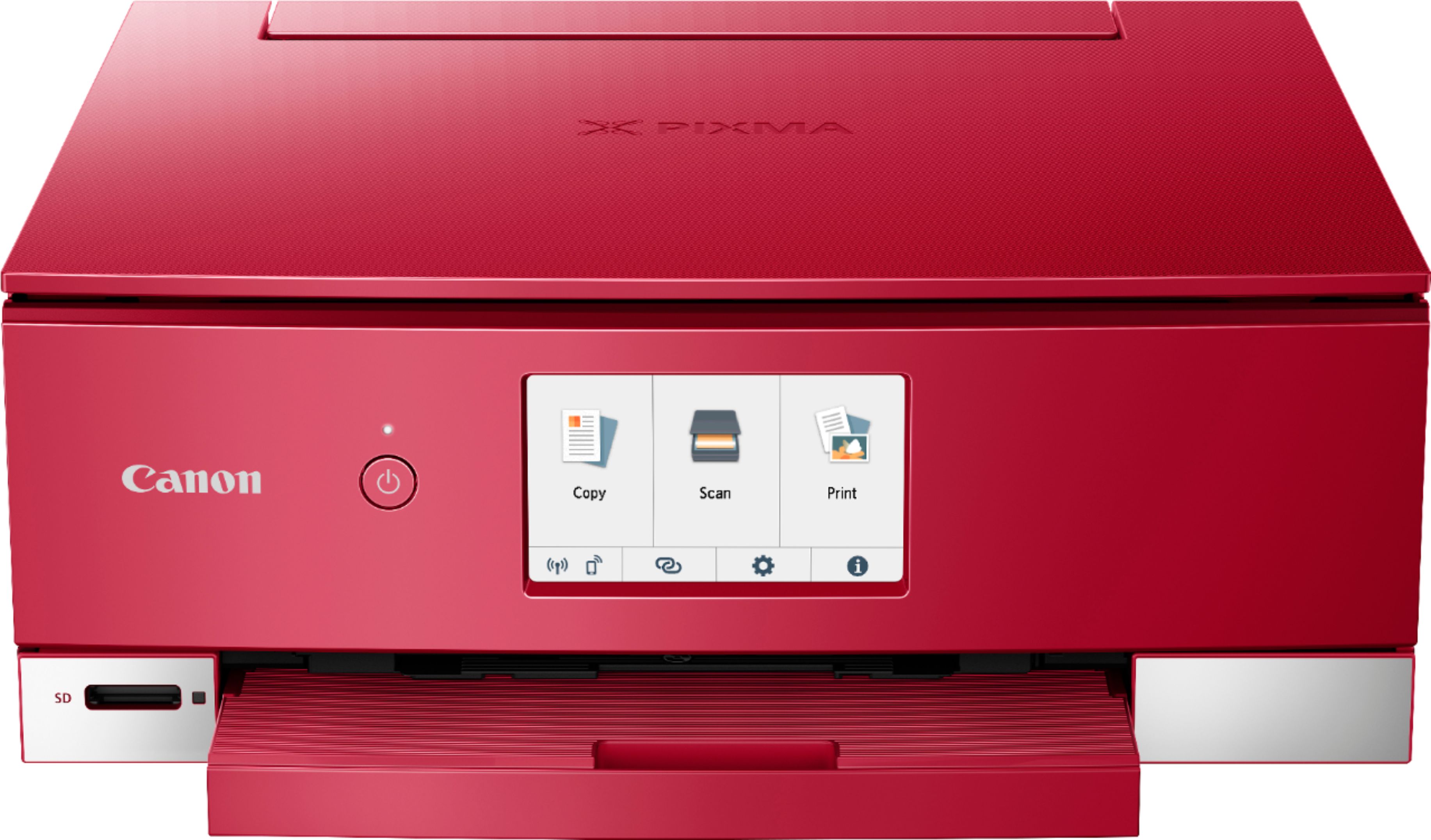
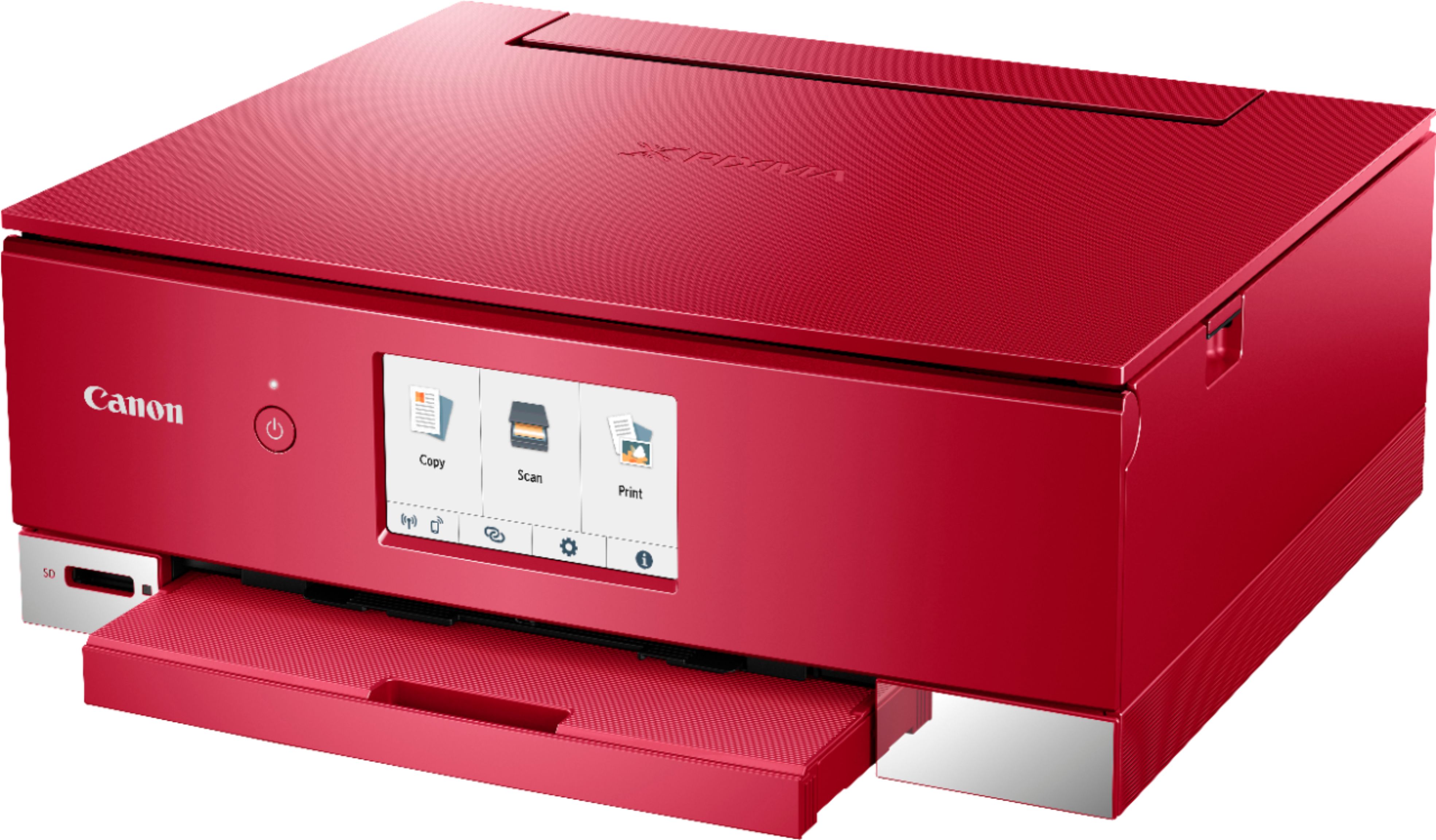
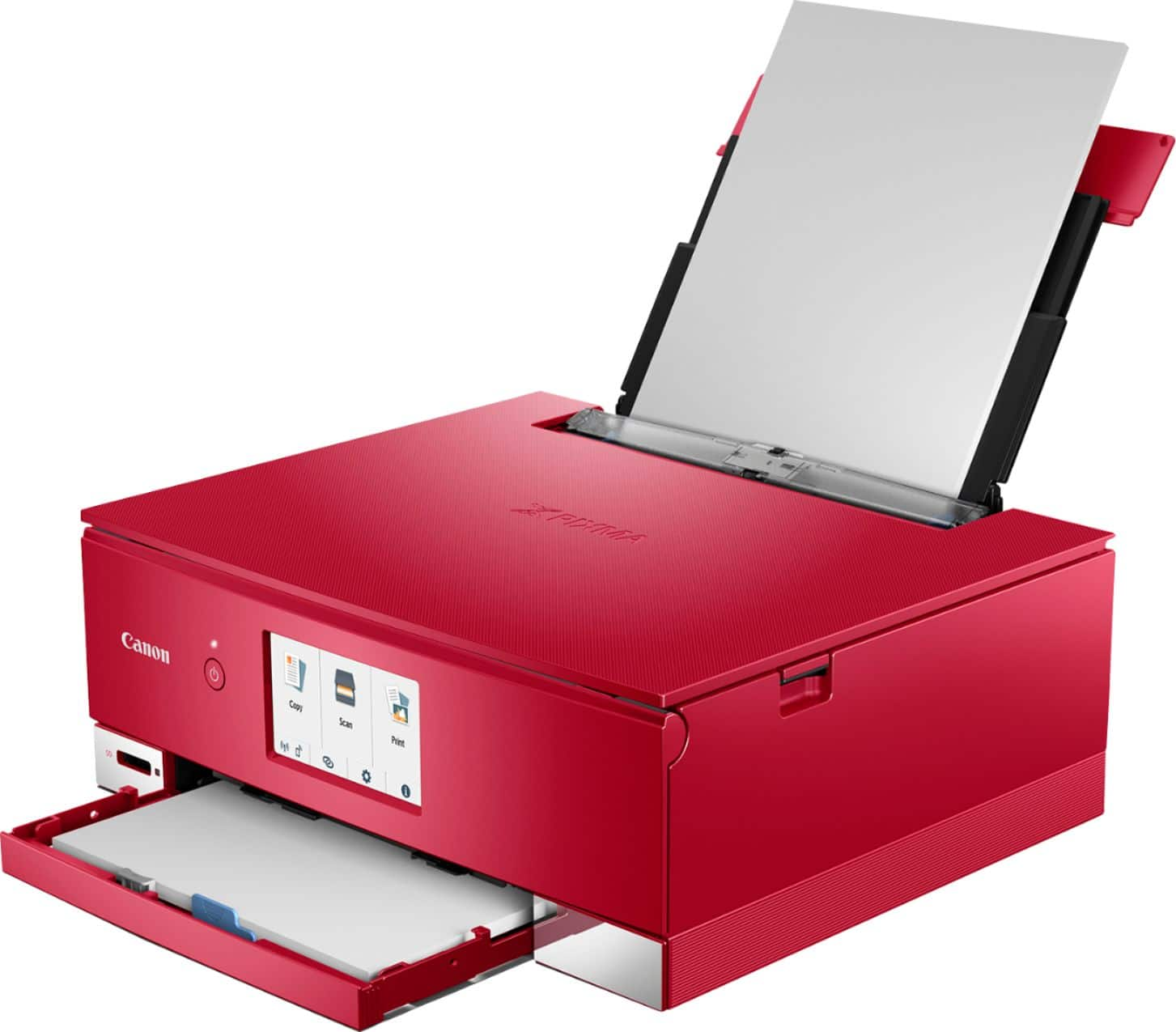
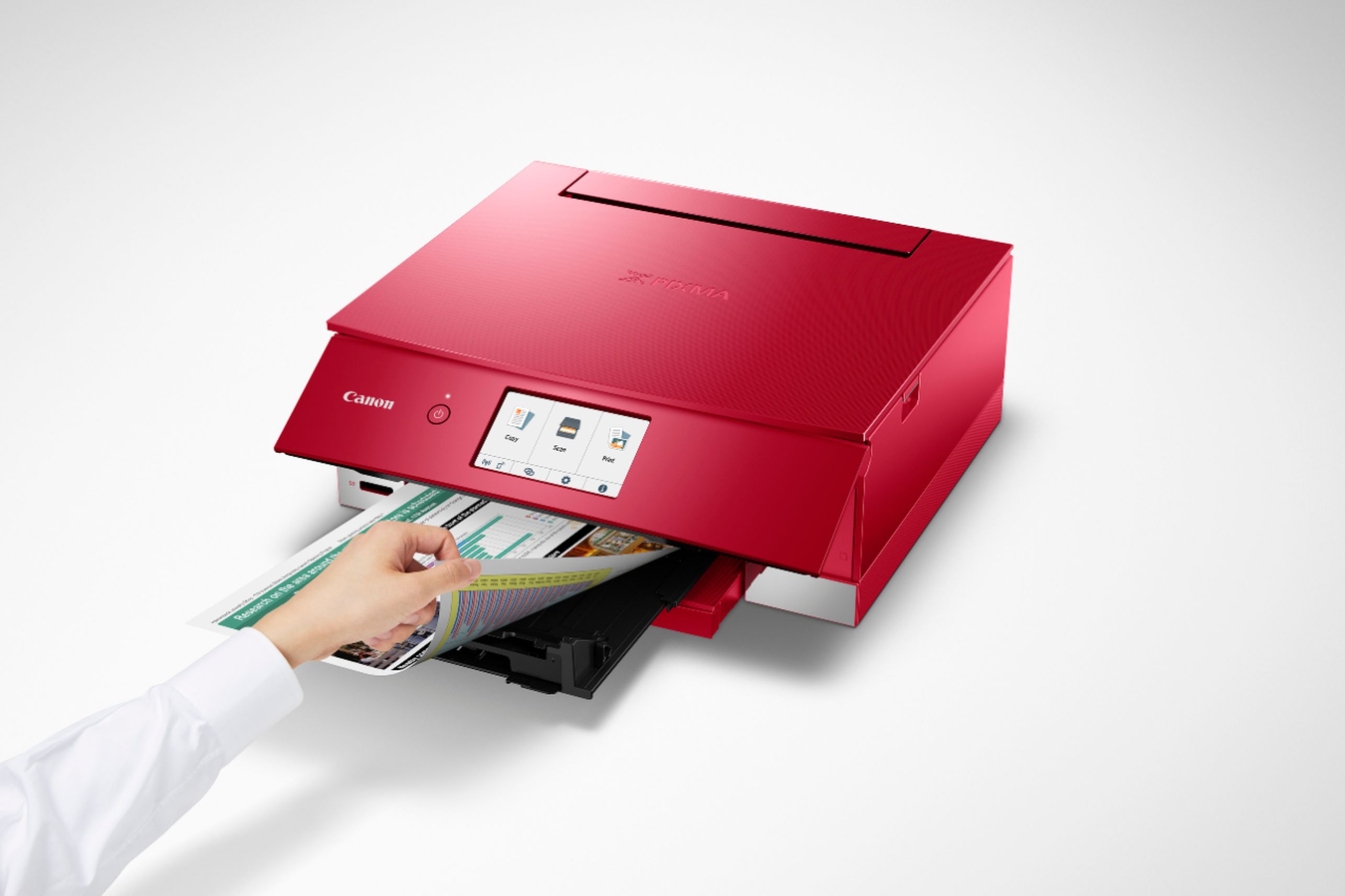
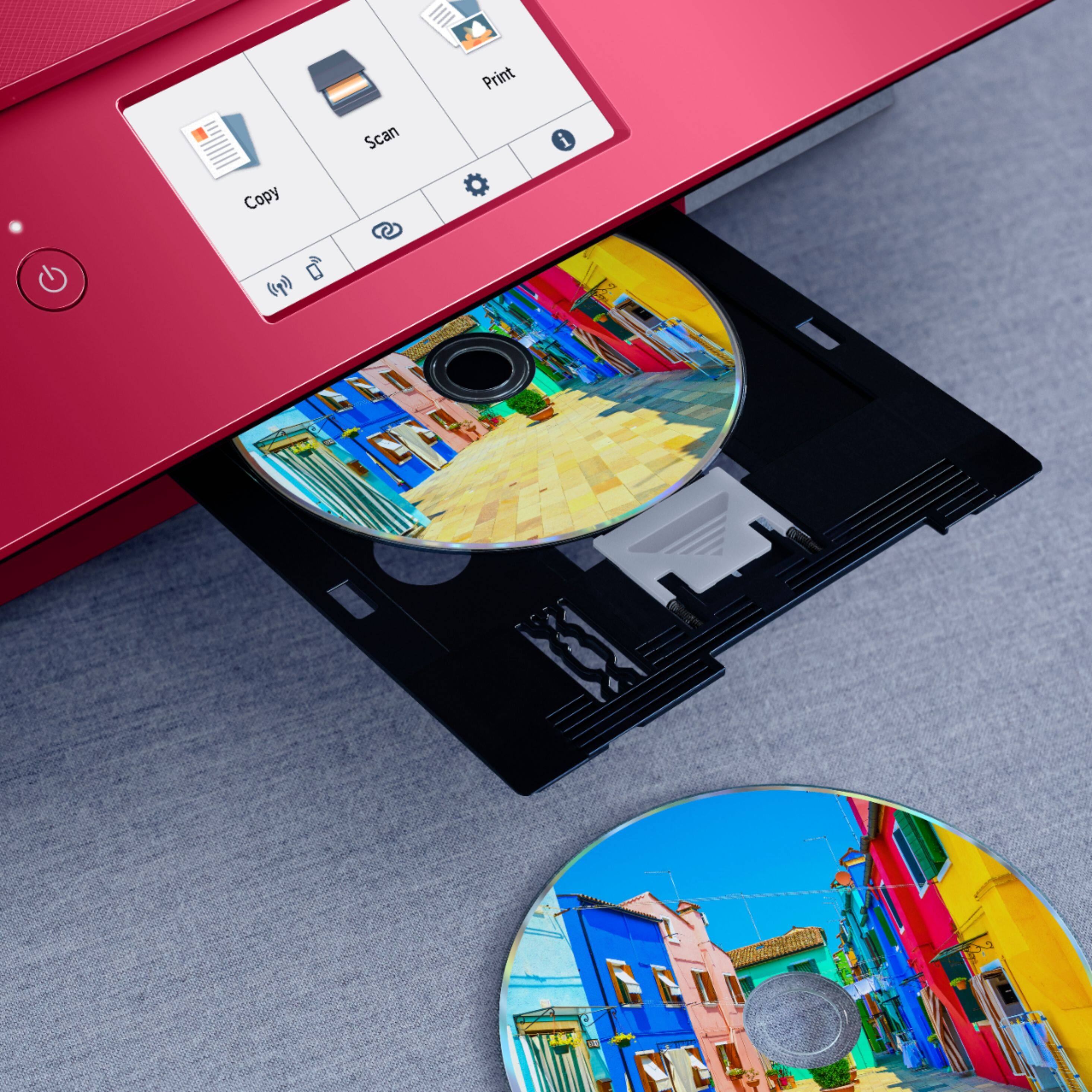
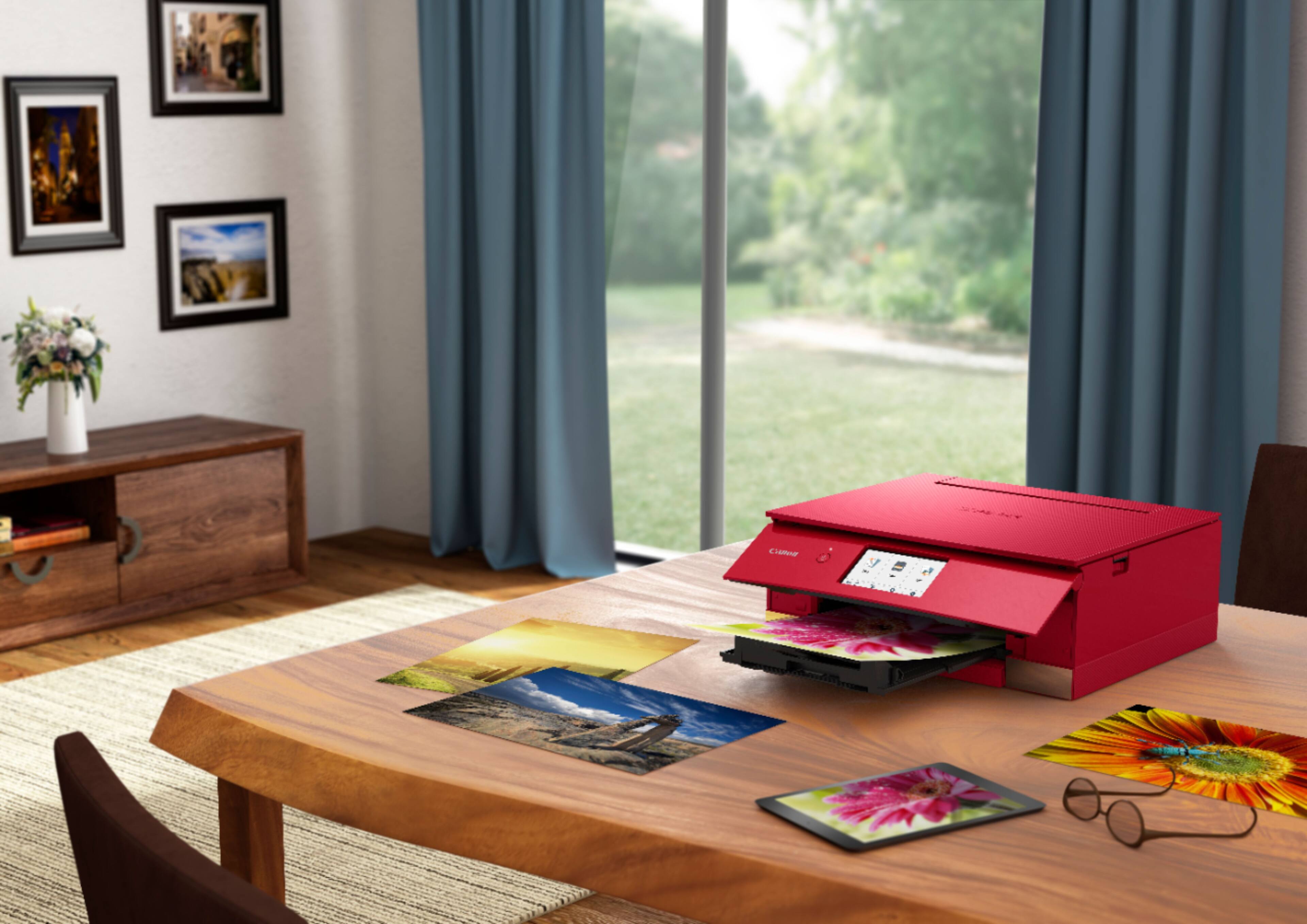
|Posted .This reviewer received promo considerations or sweepstakes entry for writing a review.The Canon TS8320 is a multi-use printer that doesn’t take up a lot of space on your desk – about 12 inches wide and a bit deeper with the trays extended, it’s still smaller than some others on the market. Build quality overall is ok, though I find the paper trays to feel flimsy and cheap, and the main body area doesn’t stay up well when installing inks (it could open more, in my opinion). I guess printers are considered disposable these days due to their pricing, so it is what it is. While I’ve seen this printer described as an “all-in-one”, keep in mind it does not have a fax function. The main screen (clear and bright), offers COPY, SCAN, and PRINT along with various settings. There is no paper feed built into the lid as you see on office class printers, in my opinion, this is much more appropriate for those wanting to do basic printing, photos, greeting cards, etc. There are six inks that include standard black but also a photo black and blue to get the best photo quality. Depending on your use, you can potentially save some money as you only have to replace what you need, but also, there are six, which can increase the cost if you need to replace them all. My biggest gripe against this printer which is why I’m only giving it the rating I am, is the setup process. Using the app was tedious, and the app itself keeps sporadically saying it is not connected to any wifi (though it is), and then will re-connect itself on and off, sporadically. I found this to happen on both the IOS (Apple) and Android app versions. Likewise, when the app shows you a frame as to what is supposed to be included in your print, the printer tends to crop it in tighter no matter your settings in the app. Example – the app will show you someone’s head is fully in the pic, but once printed, the top of their head may be cropped out, no matter the setting, etc. There’s also more than one app that can be used depending on what you want to do, but finding out what they are isn’t straight forward or brought to your attention via the main app, easily. In other words, setup for mobile type devices anyway, is a “hot mess”. Once I did get it up and running, the prints are fine, mostly. The 4x6 prints I’ve done (though cropped) look good and the colors are very nice. They come out for the most part dry and ready to hold. Plain paper printing looks good overall, as the text is sharp and the photos on plain paper what you can expect for that, however, the TS8320 is pretty heavy-handed using ink on plain paper. I use a slightly thicker than normal inkjet paper for plain paper printing, and they come out feeling soggy and wet with the TS8320 – much moreso than a similar Epson I use at home, and a HP we use at work. So much so the paper coming out of the Canon is curled and warped, and needs to be set aside to dry. This is with all printer settings set correctly for plain paper, etc. I’ve noticed the ink tank levels drain quicker than the norm, too, so I can guess even after a short time using this that it’s heavier on ink use than my Epson or the HP at work. The copy function works fine so long as you don’t have a ton of copies since there’s no true paper feeder. Double sided printing works, though again, with heavier ink use. The scan function works, but fine detail seems to be missing compared to others I’ve compared it to. Most should be fine with the scans, though. One I got a fairly stable connection to maintain itself, the printer will scan photos or documents directly into the Canon app on the phone/tablet and on those screen sizes they look fine. From there, you can send or save them onto or from the device. I do notice at times with pics though, it will leave a thin white line around the bottom and sometimes one side of the print when saving it. There is an auxiliary tray that will allow you to print on DVDs but I was unable to try this function. It also claims to allow you to print “fingernail stickers” (do people do this?). Rating is hard on this one because overall in terms of print quality I would give it four stars, but in terms of setup process, the app being unnecessarily quirky, and connection issues, I’d give it two stars. So I’ll just settle for three to average the score. There are better printer out there, but sometimes this one is on a steep discount already, so if you are willing to put up with a little frustration and don’t mind figuring a few things out for yourself, this could still be a good deal for you. If Canon can clean up the apps, combine all of them into a single app, and fix the wireless quirks, I’d recommend it even more.
No, I would not recommend this to a friend - Pros mentioned:Print quality
Ok Printer
|Posted .This reviewer received promo considerations or sweepstakes entry for writing a review.The Canon TS8300 Printer had some issues at first, I got an error while trying to install the software. After a couple of tries I got a little further when I got a script error. After the work around I was able to finish the installation. The printer prints DVD/CD disks. The tray uses a pinch method vs a center hole snap on. While printing the disks if you twist the tray while putting it in the printer the disk becomes lose and smears the ink. The slot for inputting the DVD/CD tray is well hidden behind the door. You have to bend over every time you put a disk in to align it properly. Printing on paper is nice, I got sharp printouts on both documents and pictures. I did not have any problems with the printing on this Canon TS8300. If you are doing a lot of DVD/CD disk printing I would pass on this Printer. For regular at home/home office printing this printer can handle it.
No, I would not recommend this to a friend - Pros mentioned:Print qualityCons mentioned:Reliability
Good until it wasn't
||Posted .This reviewer received promo considerations or sweepstakes entry for writing a review.It was a good printer, until it wasn't. I was happy when I got it, but it took some savvy (which I am) when it came to connecting it to the internet as well as my computer. I did like that I was able to connect it to my phone. The photos turned out well, but I wasn't overly impressed by them. They still worked well enough to give as gifts to people, though, as well as hang in my home. Of course it fell outside of the limited warranty before it completely took a nose dive. There is not a Canon rep/person that can come to my location as I don't live in a big city, and therefore I need to purchase a new printer after a year. It did do quite a lot of printing for me while I was in school, which mattered the most!
No, I would not recommend this to a friend - Pros mentioned:Print quality
Just ok
||Posted .This reviewer received promo considerations or sweepstakes entry for writing a review.I've had this about a month now. So far... - For a little while I kept getting an error, when trying to print a word document. It was wanting paper to be loaded in the back paper feed, when there was paper already in the front tray. It was not able to figure that out, and I couldn't figure out how to tell it which one. I gave up and tried again the next day and it magically worked then. So not sure what the problem was, and this hasn't happened again. - There is a setting to have it "wake up" when it receives a print job. This works maybe 50% of the time. - The print quality is good, the colors are a little light though, maybe there is a setting to change it, but for what I use it for, it's fine. For the price it's an ok printer.
I would recommend this to a friend - Cons mentioned:Paper tray
Worked well for awhile, currently can't print!
||Posted . Owned for 1 month when reviewed.This reviewer received promo considerations or sweepstakes entry for writing a review.I purchased during the pandemic. I could not get any help or answers to my questions. No where did the manual or Geek squad tell me that I needed a cable to connect my printer and laptop. Of course one wasn't included in the package. Finally a friend figured it out and it worked okay for a while. Now it reports a jam that does not exist & keeps telling me to repeat what I just did. Never progresses to the next step. I have used the online manual but am still stuck with a printer that doesn't work! I will call the Geek squad again and may have to return the printer.
No, I would not recommend this to a friend - Pros mentioned:Print quality
Canon - PIXMA TS8320
||Posted . Owned for 6 months when reviewed.This reviewer received promo considerations or sweepstakes entry for writing a review.This printer meets the basic needs we were looking for but the software that comes with it is not great. You are limited on options for printing because of the software and the display options are basically useless. It does print rather quickly and the quality of the print is good but the ink doesn't last that long as with most inkjet printers. I would recommend this printer to a friend only because the price was good, it does the job needed and the replacement ink compared to other printers is reasonably priced as well.
I would recommend this to a friend - Pros mentioned:Print quality
Rather slow and blue color not same tint as cell p
||Posted . Owned for 1 month when reviewed.This reviewer received promo considerations or sweepstakes entry for writing a review.Was concerned about the lightweight construction but seems ok. Had difficulty pairing with computer...maybe since Wi-Fi several feet away. Finally used USB cable. Pretty slow but ok for docs. Photos clear but blue tones not like reality. Those of ocean are rather muted and darker than reality. Former Epson...quite old and eventually skipped in printing...had vibrant south seas turquoise blue like in person.
No, I would not recommend this to a friend - Pros mentioned:Print quality
Ups and downs.
||Posted . Owned for 2 weeks when reviewed.This reviewer received promo considerations or sweepstakes entry for writing a review.Photo quality is great. Wireless setup is a chore. Be patient. Trial and error. Directions on the website were Japanese/Chinese. Just played with the connections until it worked. Ink goes QUICKLY. Not looking forward to buying refill ink at $75. But, photo quality, especially on HP Premium Soft Gloss Paper. Amazing finish.
I would recommend this to a friend - Pros mentioned:Print quality
Does it's job, I wish it was faster
||Posted . Owned for 10 months when reviewed.This reviewer received promo considerations or sweepstakes entry for writing a review.This prints quality prints, but it is slow and doesn't hold a lot of paper in the tray. Not great for quantity printing. I purchased because this was the only color printer in stock at a reasonable price - there was a huge shortage of printers, but I needed something right away to replace my printer that crashed. Scanner is decent quality
No, I would not recommend this to a friend - Pros mentioned:Print quality
Fair. Wouldn't get this model again
||Posted .This reviewer received promo considerations or sweepstakes entry for writing a review.I was very happy with my CANON MP990 six years old until the ink absorber filled up. New TS8300 makes good copies and good color. Paper magazine is too small. Takes three different button pushes plus about 12-15 sec to print new jobs. Old printer was almost instantaneous. These are annoyances. I did a lot of on line checking and if this printer lasts six years I'll be happy.
No, I would not recommend this to a friend - Cons mentioned:Paper tray
PS 8320 Printer review Canon
||Posted .This reviewer received promo considerations or sweepstakes entry for writing a review.Very flimsy feeling. Printer tray sticks out unproportionally that need to shove back manually after power off. Top cover hinges feels they are broken or loose Makes very weird sound before printing Had to buy it because my old cannon broke down after so many years and everything else was out of stock due to covid 19
No, I would not recommend this to a friend Difficult to set up; inconstant when scanning phot
||Posted .This reviewer received promo considerations or sweepstakes entry for writing a review.I would probably not buy this one again. I followed the instruction for setting up for wireless access--it did not work; reset up, worked for a short time, then stopped. Had my son, who works in an IT department in his job, access my laptop remotely and he was unable to get this machine to work with my laptop. On a Saturday I called Best Buy and paid for the Geek Squad to help me. Their best was to down load a different program from the web to scan-in my photos. On the Monday following my purchase I was able to reach Cannon support. I at this time decided to connect my laptop with the printer/scanner using a cable. The Cannon support was unable to get my computer to recognize the printer via the web but was able to help me download what was needed so that I could connect with a cable. I was then able to scan in my pictures. At first when I scanned in the pictures there was no space/frame placed around my pictures, then without me changing any settings the scanner started putting a frame around the picture. I did not want this. To keep this from happening I had to pre-scan the picture, use the crop tool to outline the picture and then scan the picture.
No, I would not recommend this to a friendMy previous Canon was a much better printer
||Posted . Owned for 3 weeks when reviewed.This reviewer received promo considerations or sweepstakes entry for writing a review.There are a few features that I really like about this printer. One is that you can make a 2 sided copy with having multiple sets to go through. The other is that, well I can't think of another right now. What I don't like about it is that it feels very cheap. I don't like the plastic tray that you load paper into. It has a crazy piece of plastic that you must remove to place the paper in and then trying to replace it is comical. It does NOT fit well. Then If you want to load photo paper it must be loaded from the back of the printer. Why can't it be loaded in the same tray as plain paper. A real nuisance.
No, I would not recommend this to a friend- Pros mentioned:Print quality
Photo print quality was average
||Posted . Owned for 7 months when reviewed.This reviewer received promo considerations or sweepstakes entry for writing a review.Photo prints were good but equivalent to some I have seen from other printer that are significantly cheaper. Apps and connectivity is great.
I would recommend this to a friend - Pros mentioned:Print quality
Average all in one but great value
||Posted . Owned for 1 month when reviewed.This reviewer received promo considerations or sweepstakes entry for writing a review.Basic all in one printer. I have used Canon for years and this one is just right for personal use.
I would recommend this to a friend Not very user friendly.
||Posted .This reviewer received promo considerations or sweepstakes entry for writing a review.Device works as well once its set up. Not many ways to customize it. My mistake was to assume that the rear tray was an auto feeder. Not many options to customize printing. Try to use it for temporary home office, it more like a middle/high school student printer. I wanted to return it but de to Covid, I decided not to risk anyone by returning to store. It prints so, works as designed
No, I would not recommend this to a friendWorks well most of the time
||Posted . Owned for 1 month when reviewed.This reviewer received promo considerations or sweepstakes entry for writing a review.Worked well just after setting it up. Then we hit a snag where it would only print 2 of 3 pages [for example] or stop halfway through a page. Tried everything suggested but nothing seemedto help. Then it started working normanlly again and not sure why. At these times it is a nice machine.
I would recommend this to a frienddoes what you need it to but the color quality is
||Posted . Owned for 1 month when reviewed.This reviewer received promo considerations or sweepstakes entry for writing a review.compared to my canon pixma mg7520i bought 4 years ago this printer is no where near comparable yet this is what canon recommended, the color quality sucks. it doesnt seem to print different shades very well. other than that it does what its supposed to
No, I would not recommend this to a friendCanon-Pixma TS8320
||Posted . Owned for 1 month when reviewed.This reviewer received promo considerations or sweepstakes entry for writing a review.i thought my older version of Canon-Pixma was more user friendly. This one jumps off the wi-fi constantly and prints off the photo paper if out of letter size instead of warning you you are out of paper. It runs out of ink 10 xs faster
No, I would not recommend this to a friendPrints just fine
||Posted . Owned for 2 months when reviewed.This reviewer received promo considerations or sweepstakes entry for writing a review.Really, this checked the boxes. 2 easily remedied annoyances: for printing, the feed/output tray extends - solution, set it back so no one brushes against it, and 2) The default is for it not to wake up from dormancy when a print job is received.
I would recommend this to a friend