Customer Ratings & Reviews
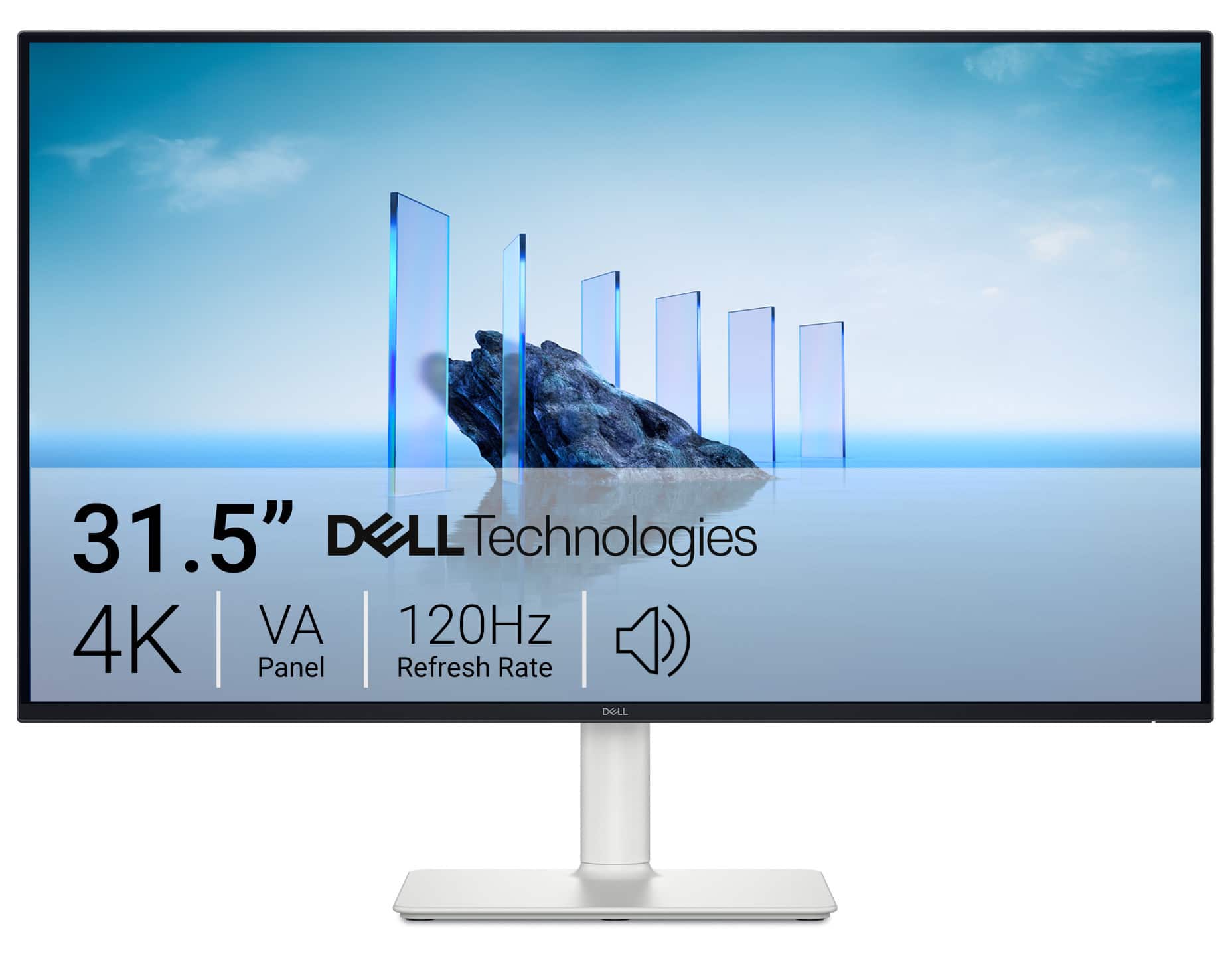


- Model:
- S3225QS
- SKU:
- 6619489
Rating by feature
- Display Quality
Rating 4.7 out of 5 stars
- Ease of Use
Rating 4.7 out of 5 stars
- Features
Rating 4.6 out of 5 stars
Customers are saying
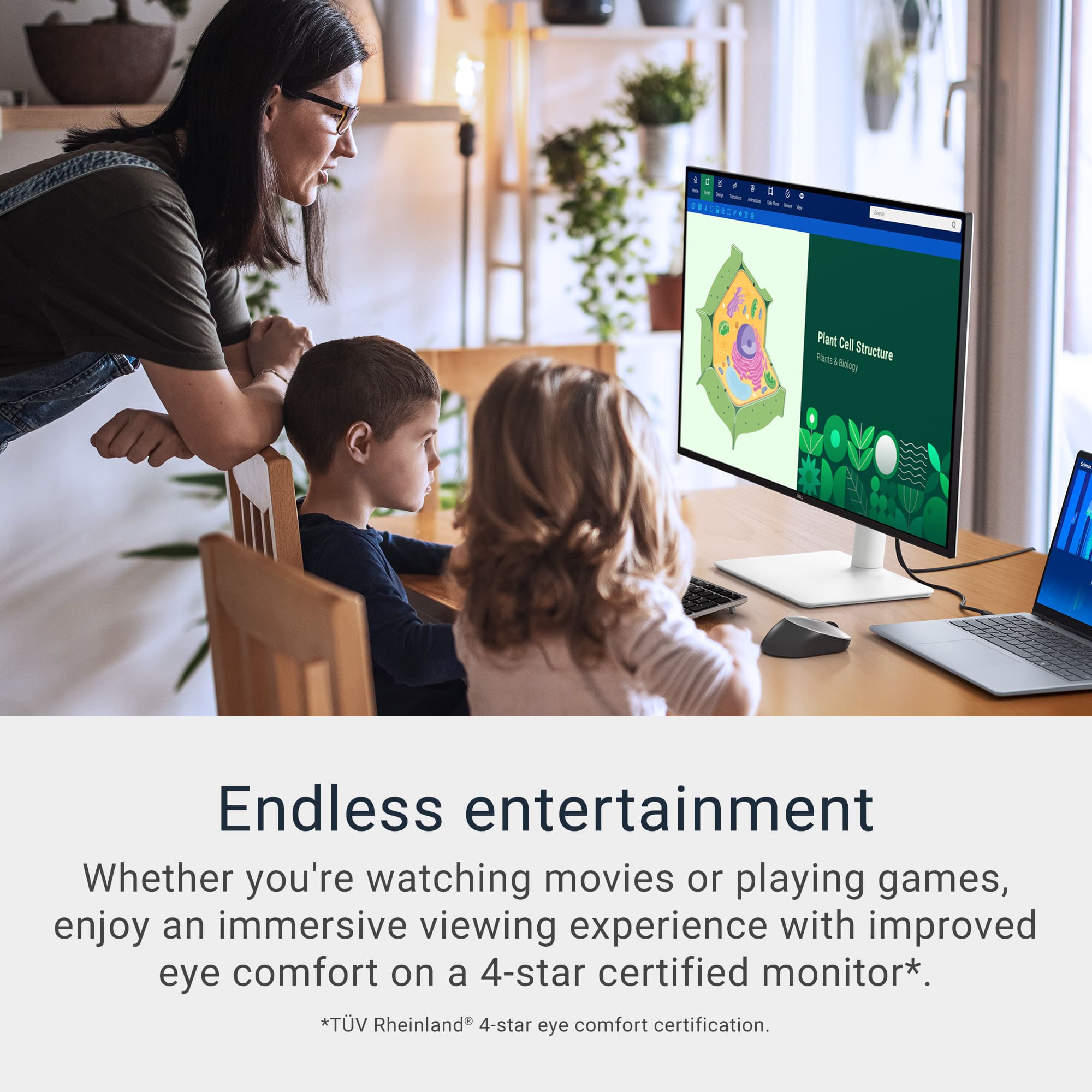
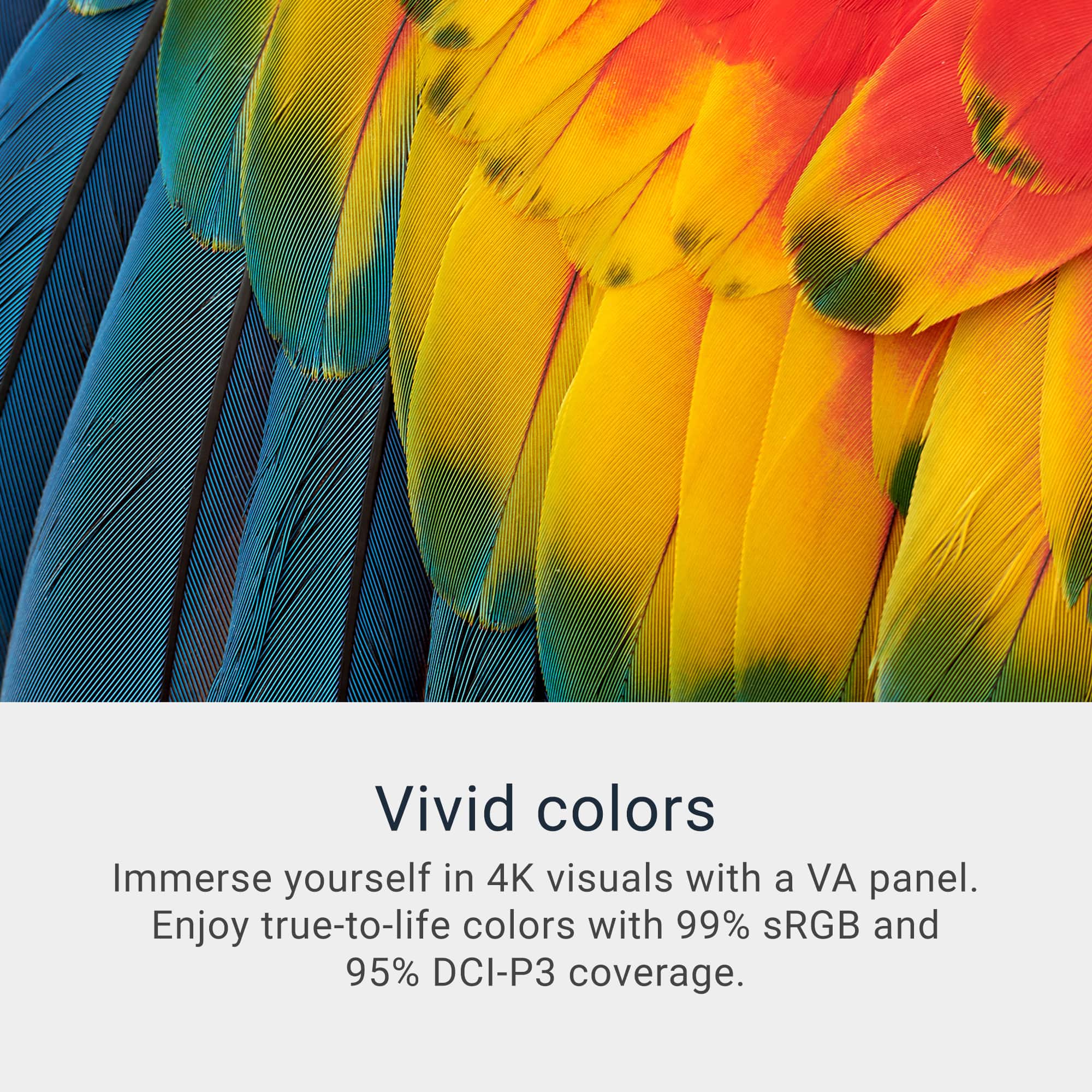
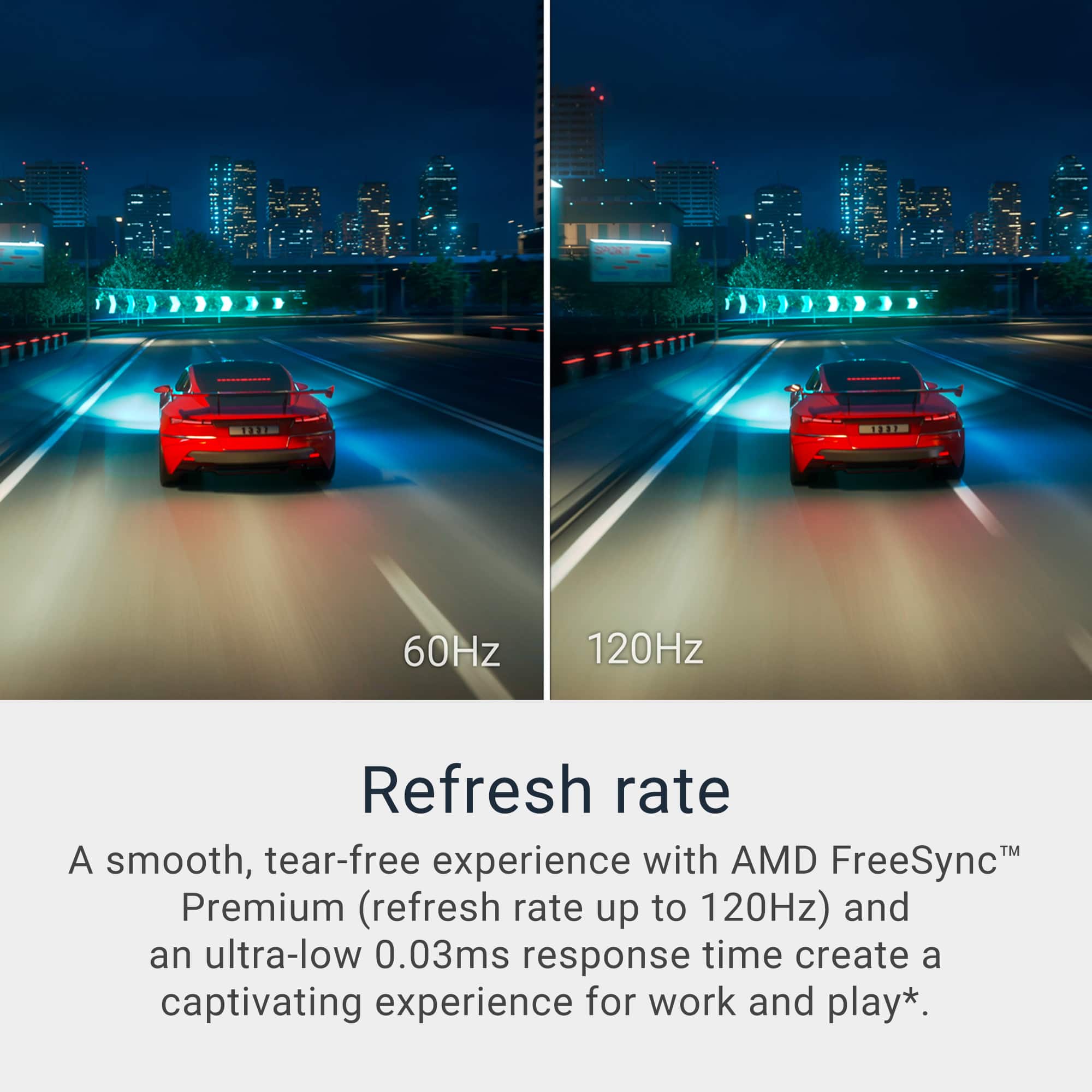
Customers love the S3225QS monitor for its impressive sound quality, smooth 120Hz refresh rate, and crisp 4K resolution, making text exceptionally readable. The built-in speakers perform well, and the monitor includes both DisplayPort and HDMI ports. Some customers have expressed concerns about the viewing angles, while others appreciate the ergonomic features and eye comfort. The connectivity options are limited to HDMI and DisplayPort.
This summary was generated by AI based on customer reviews.
- Pros mentioned:Refresh rate, Sound quality

Real Solid Upgrade to My Office
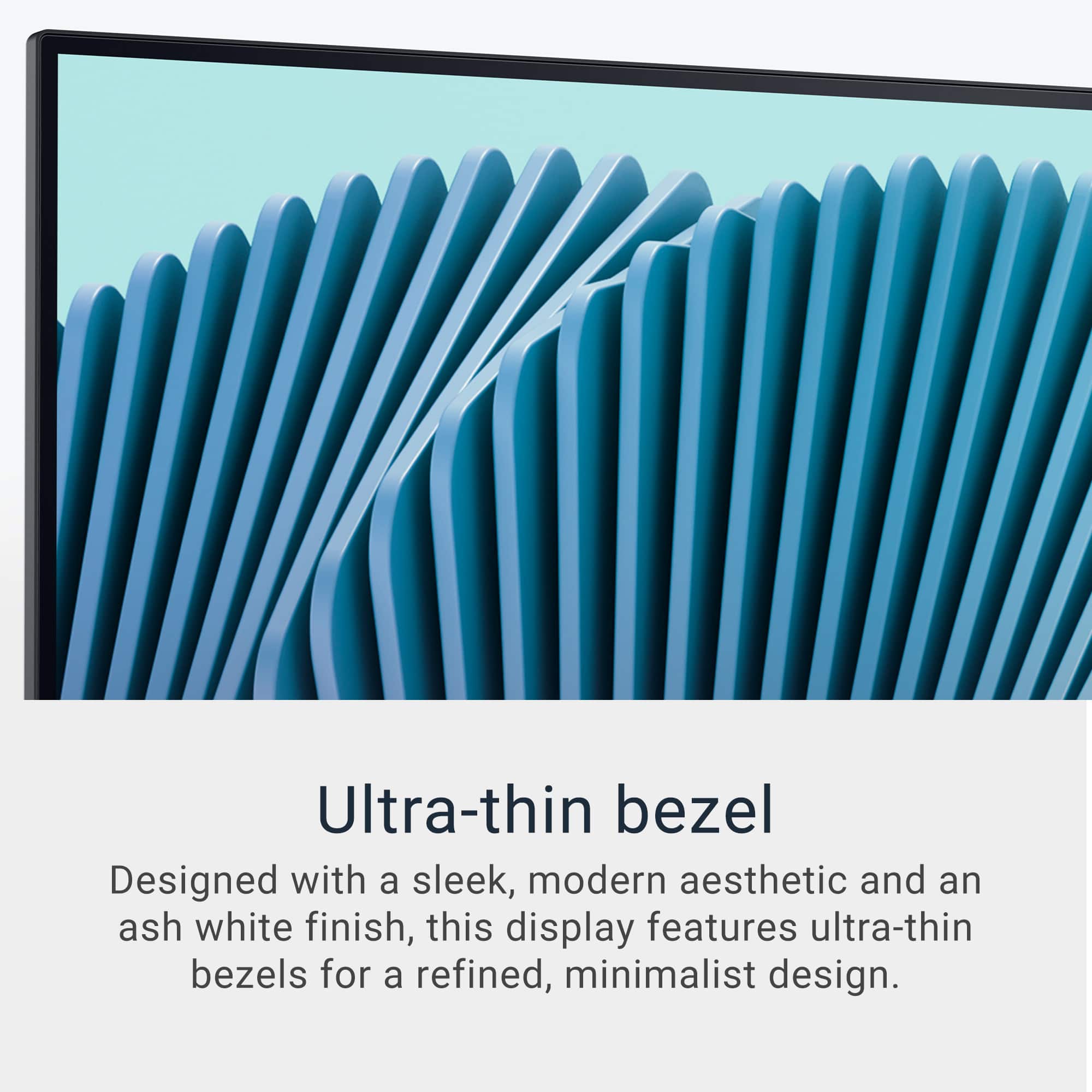
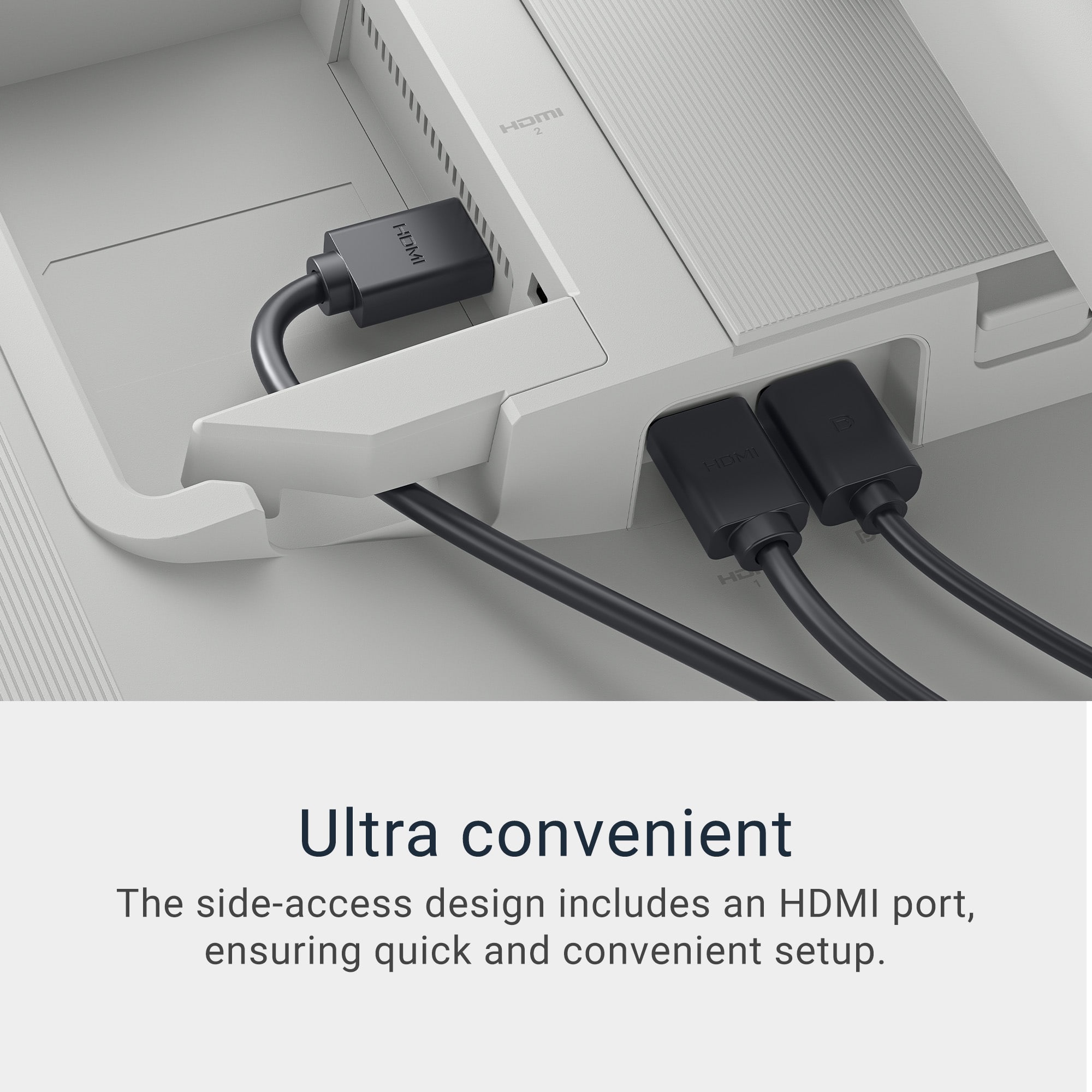
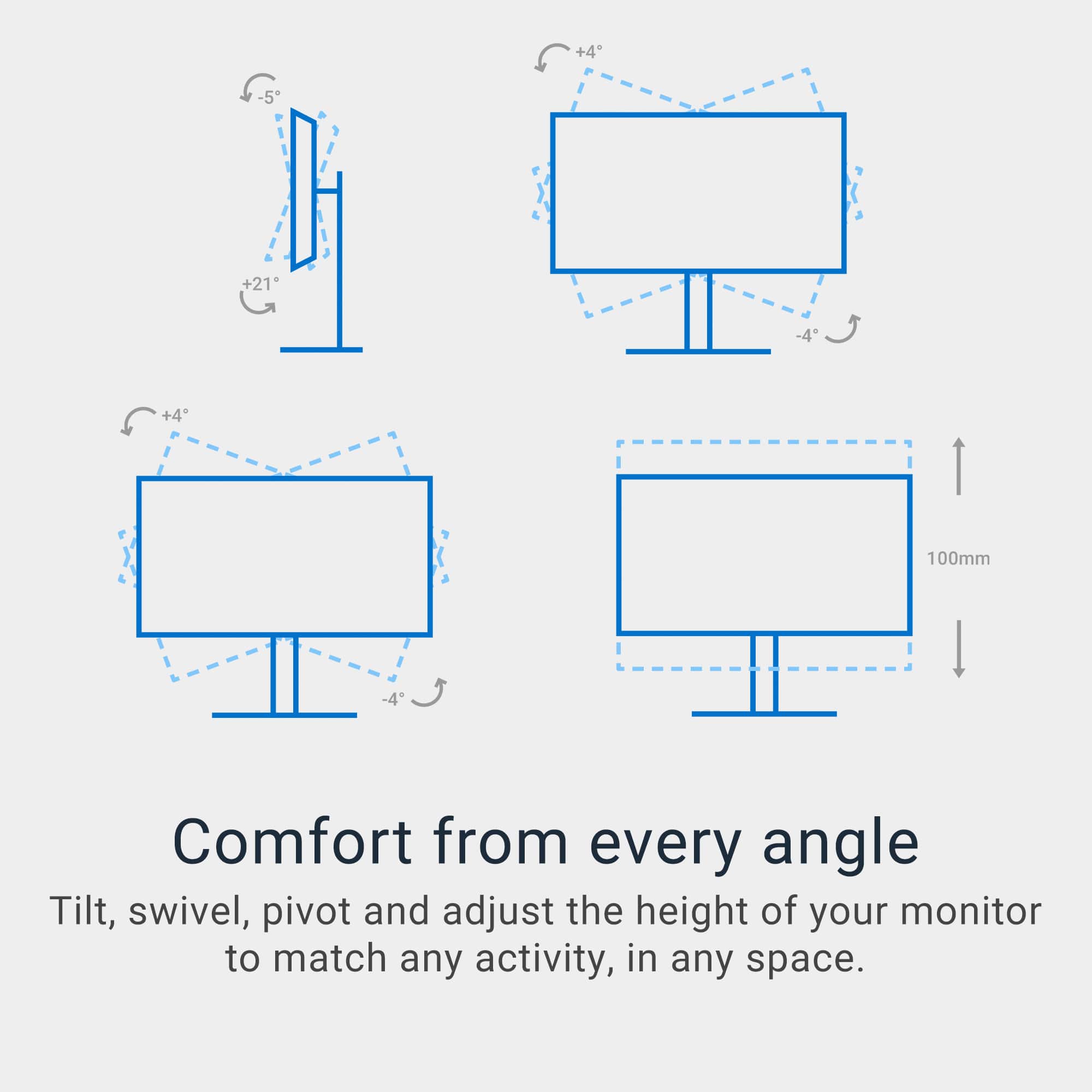
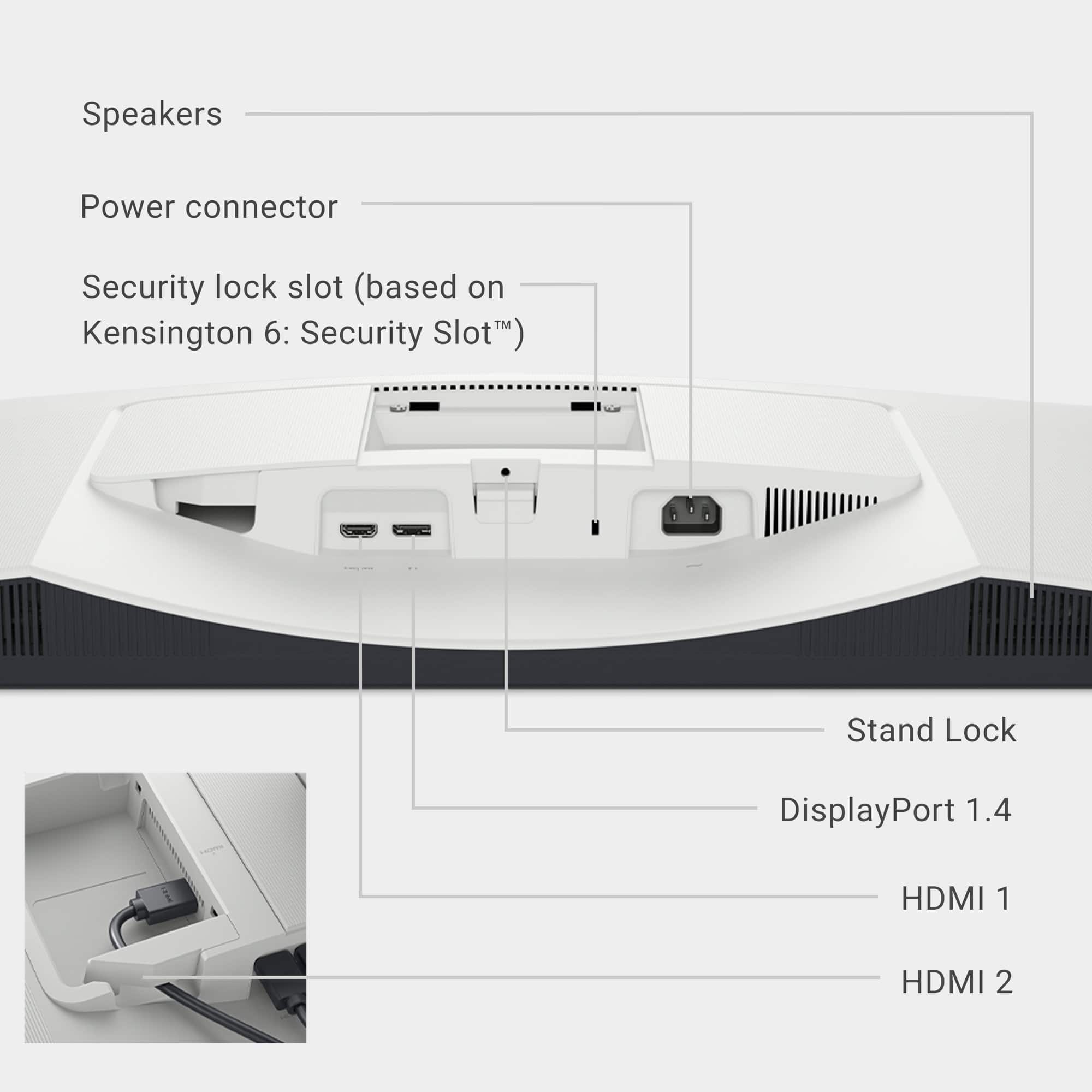
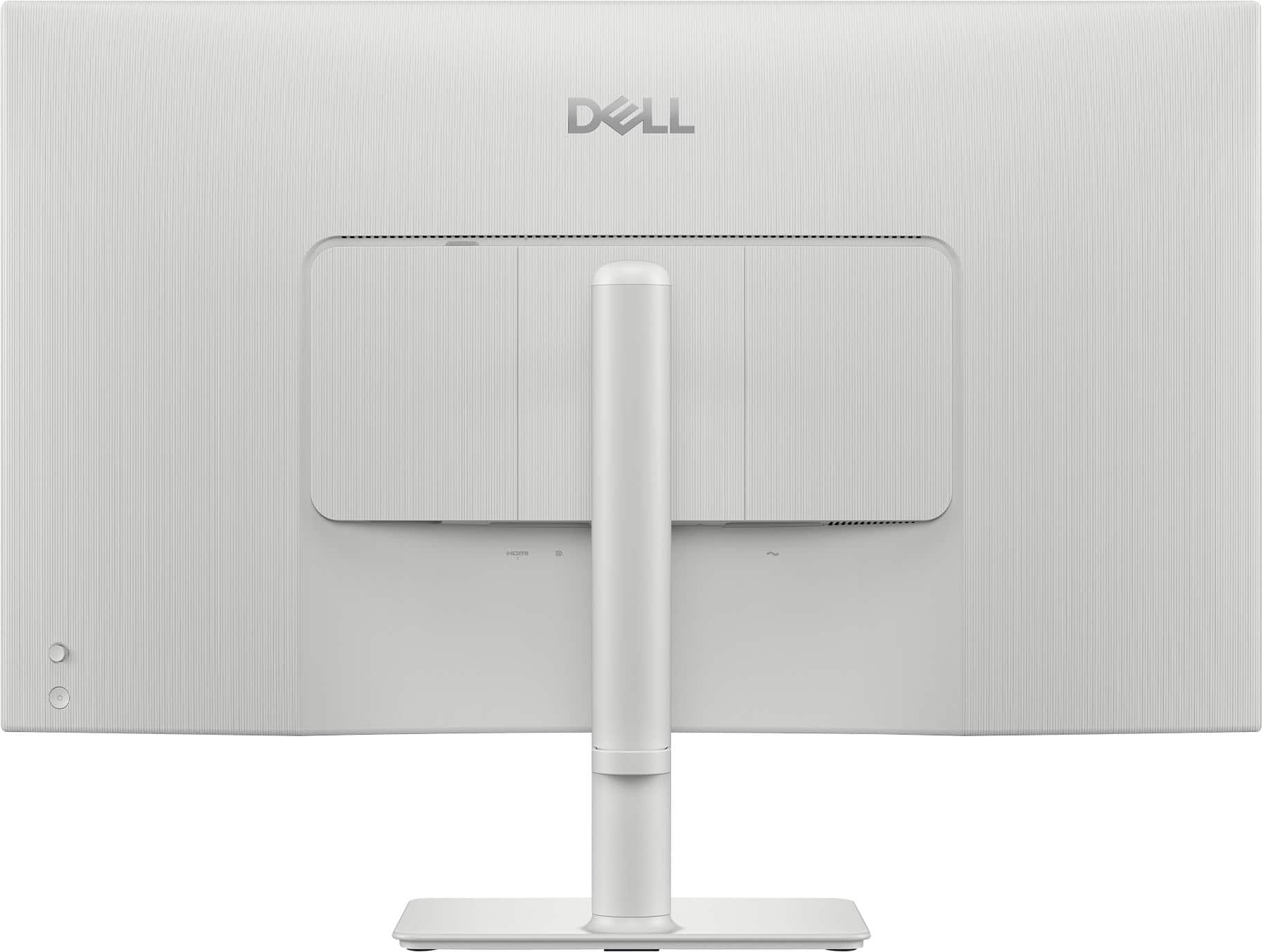
|Posted .This reviewer received promo considerations or sweepstakes entry for writing a review.For the last couple of years I had been using a 31.5”, FHD monitor in both my work and home office. Both of the desktop PCs I was connected to as well as my laptop I sometimes connect through a dock are capable of 4k resolution output. I didn’t think it would make a big difference with the way that I use the computers more for work than for content consumption or gaming. I have a 4k monitor for leisure, and just never hooked it up to do work. I have been using this monitor as my “work office” monitor for the last week and boy was I wrong about making the jump from FHD to 4k for productivity. Immediately upon booting the computer up for the first time I was struck with just how crisp and clean the image was compared to what I have been used to. Without tweaking a single setting, it was a very noticeable upgrade from FHD. After playing around with settings I settled on a 200% scale for the display as the default 150% was a little tough for my old eyes reading email text. I also went with the Warm color profile. This monitor boasts a better than average refresh rate of 120hz. For basic productivity tasks this didn’t really maker a difference when scrolling or toggling through things. I didn’t run any games through it, but I would imagine that’s where this would be more noticeable. I ran some live TV through a streaming service, but that didn’t seem to look any different either. In my past experience with screen refresh rates I really only have noticed an improvement when watching live sporting through an un-compressed antenna feed, which is something I would never be doing with this monitor. While this should be an improvement for gaming, I don’t feel like this device is going to appeal to anyone as a gaming monitor, except for very casual gaming use. There are 3 settings for response time: Normal, Fast and Extreme. As I didn’t run anything extreme through this monitor it didn’t make much if any difference to me, so I put it back to Normal. Out of the box I was impressed with how “tough” everything felt. The monitor and stand just seem heavy duty and weighty. The plastic pieces don’t flex or deform. The base was extremely simple to assemble and attach with no need for tools. The monitor was also exceptionally well packed and protected, no small consideration when it is being shipped. The base as a simple but extremely useful height adjustment, allows for tilt adjustment, but does not swivel. There is a simple loop for basic cable management, and it might have been nice to have an slightly more elegant system. The ports on the back are in an interesting configuration with the HDMI 1 and Displayport inputs in a shallow recess just to one side of center facing down and a second HDMI under a removable cover perpendicular to the other ports and higher up on the back of the monitor. I had thought perhaps this compartment was for a streaming device if using the monitor as a display for remote content, but it was too small to fit a Fire Stick that I use for digital signage. The power button is located on the back, to the bottom right when facing the screen. The button is a dimple design and easy to find with a finger. Just above the power button is a joystick that is used to navigate the on-screen menus of the monitor. I’ve never used this system on a monitor before but moving through settings is extremely intuitive. A straight in push of the joystick is the select button, and with the fluid navigation of the stick this is lightyears better than arrow keys and similar methods used on other monitors I am familiar with. The settings seem to imply that there is some thought about using this a content consumption or play time monitor. The display presets are Standard, Movie, FPS, RTS, RPG, Warm, Cool, sRGB and Custom Color. Likewise, there are Audio profile presets to match, with Standard, Movie, Game, Music, Voice, and Custom Audio. Because of the way I am using the monitor Warm and Voice were my choices and seem to be pretty good so far. I fired up a streaming device with 4k content and played around with audio and video profiles. Like with my televisions, I found that the defaults weren’t generally what I like to look at, but there were some variations to fit the tastes of many viewers. This monitor also supports HDR, but I found that this wasn't useful to me outside of streaming content. Replacing a very thin monitor I was a little concerned as this one is a bit thick by the standards I am used to. However, I had nothing to be really concerned about as on the desktop the footprint was basically the same as the slim one it replaced. This is because it sits a bit more over the base than the one I had before, so I was able to push it just as far back in my setup. The face has very thin bezels, but it is not truly edge to edge. Not a problem unless the look is more important than the function. Other than the clarity of the monitor the other standout feature that frankly surprised me even more than the display is the quality of the integrated speakers. I am used to tinny, weak and generally terrible integral speakers when they are present in desktop monitors. The speakers in this monitor will not make you forget your living room setup, but in an office monitor they are outstanding. They are stereo, plenty loud enough and have a decent low end. Again, they are no audiophile setup, but they are good enough that I was able to get rid of the separate desktop speakers which decluttered the desktop, the area behind the monitor and under the desk. They would never replace the sound system on my fun and games computer, but they are great for training videos, Teams calls and the occasional how-to tutorial. I think this is overall an excellent choice as a productivity monitor. My desk doesn’t have the space for dual monitors. Running just one larger monitor works best for my setup. Adding the very usable speakers, and some advanced capabilities (that I have admittedly not taken full advantage of as I am using it) make this a very solid package. I think that for the price point I would have like to have seen an integral USB port, enough space to hide a streaming stick under the rear port access cover, improved cable management, and probably a swiveling base. Little things that would have made this a perfect monitor to me.
I would recommend this to a friend - Pros mentioned:Sound quality
Excellent - for some use cases.
|Posted .This reviewer received promo considerations or sweepstakes entry for writing a review.Let's just say I've used quite a few monitors or displays in my time. Generally speaking, there isn't a one-size-fits-all out there. The same is true here. First, unboxing and setup are straightforward. The stand and power supply connect easily. You have your choice of 2 HDMI ports or a display port. I certainly appreciate the side loading video connections. You can be up and running in under 10 minutes easily. The build quality is solid. I haven't noticed any flimsy area, gaps, or uneven seams. HDMI, display port, and power connections are tight. Right away I noticed the thin bezels, which really are appreciated more during actual display use. Overall the aesthetics are pleasing. It's a nice form factor with nothing too flashy. Picture quality is excellent for office use, casual movie watching, or light gaming. True gamers might be left a little disappointed. Yes, it is 4K. Yes, it 120 Hz. Yes it is 8ms. All good things, but will this satisfy the hardcore gamer playing Control or Wukong? Probably not. However, for light gamers this could be the best of both worlds - a great little gaming display and an excellent monitor for the home computer. Now I didn't say any of those things to throw shade at Dell or this display. This is a fantastic monitor. In fact, it has become just what I said. This is now pulling triple duty as a display for light gaming for my kiddo (think Crossy Roads), a monitor for their laptop, and a TV of sorts connected to their FireTV Stick 4K. In my use I had this connected to a Samsung Galaxy Book 4 360 HDMI-HDMI, a MacBook Pro M1, and a MacBook Air M4. All had great results and work equally great. I also connected this to my Google TV Streamer 4K and the picture quality was excellent. The built in speakers work surprisingly well. Actually better than I anticipated. Rather clear sound production with no hint of "tin can" reverb. Definitely more than you need for daily office use. So what can I say. Depending on what you're intended use case is, this could be perfect. Home office, maybe some light gaming, and a bedroom tv to boot. Yes, this is fantastic. 1000% put this on your short list. Really, I think the only people who this will short for are the intense gamers looking for the lowest latency, highest refresh rate, with zero shadowing. Overall, I love it. It more than fits my use case and is being used on the daily in my home.
I would recommend this to a friend - Pros mentioned:Screen size, Sound quality
Very Good Everyday Monitor
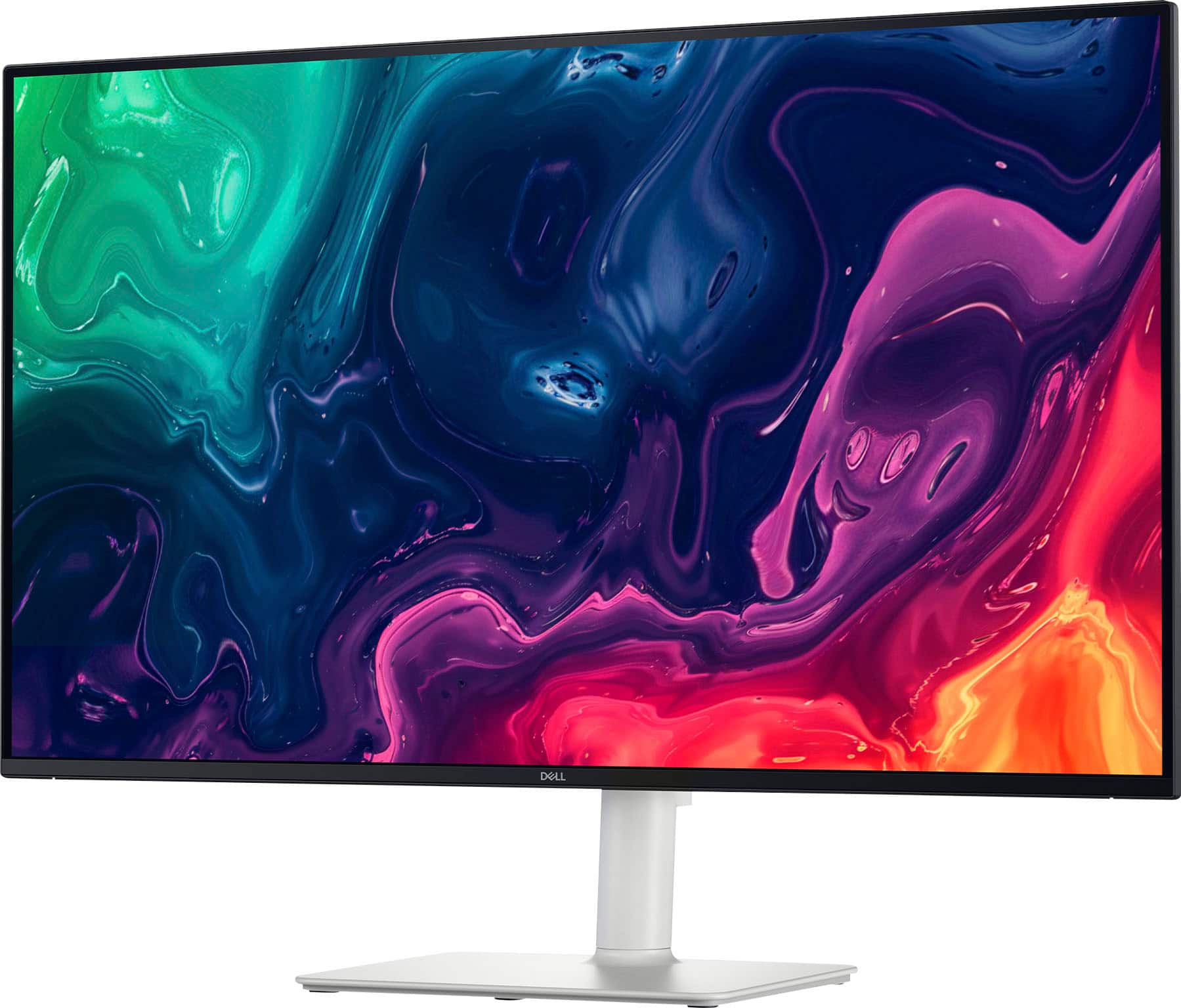
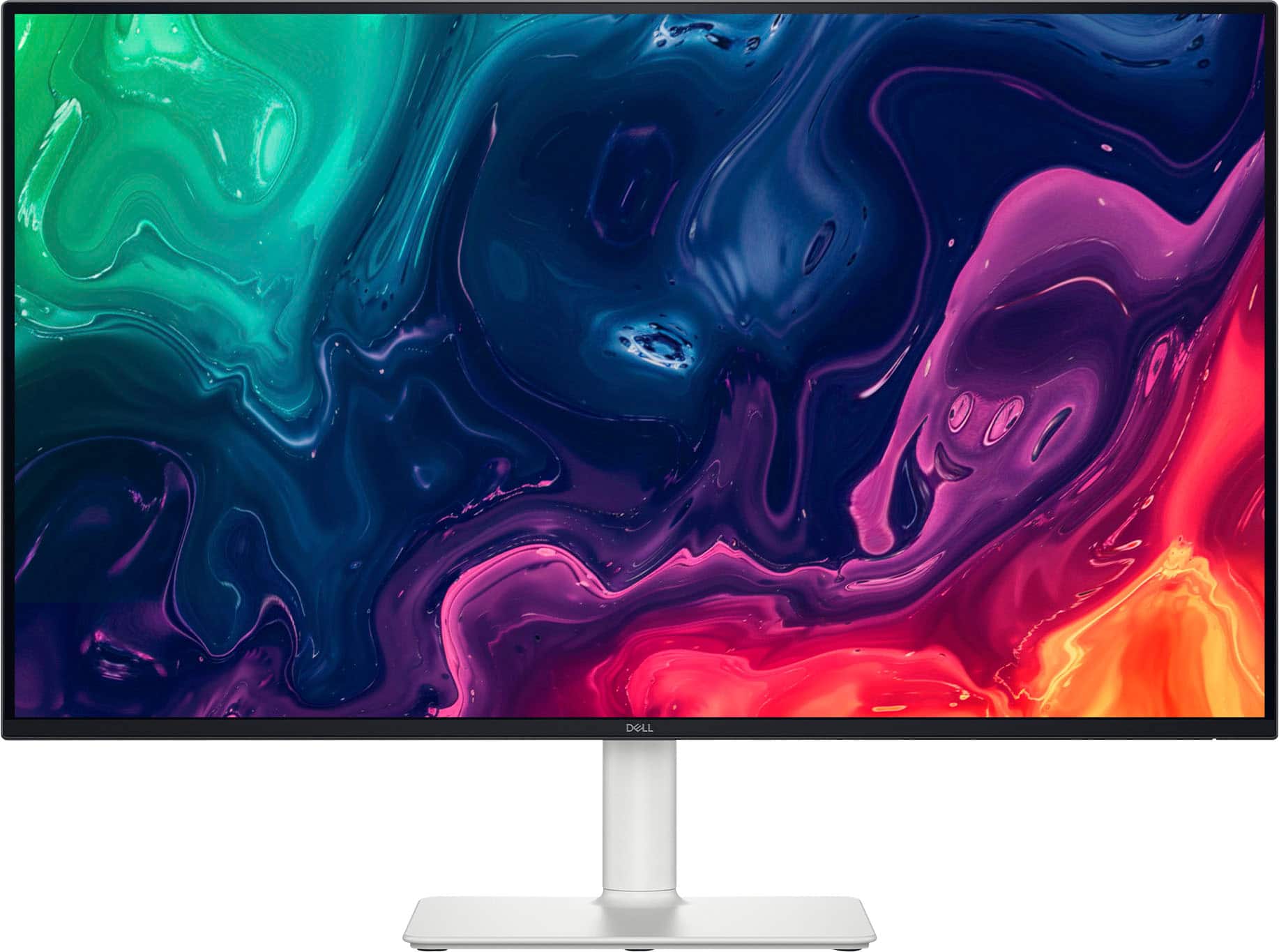
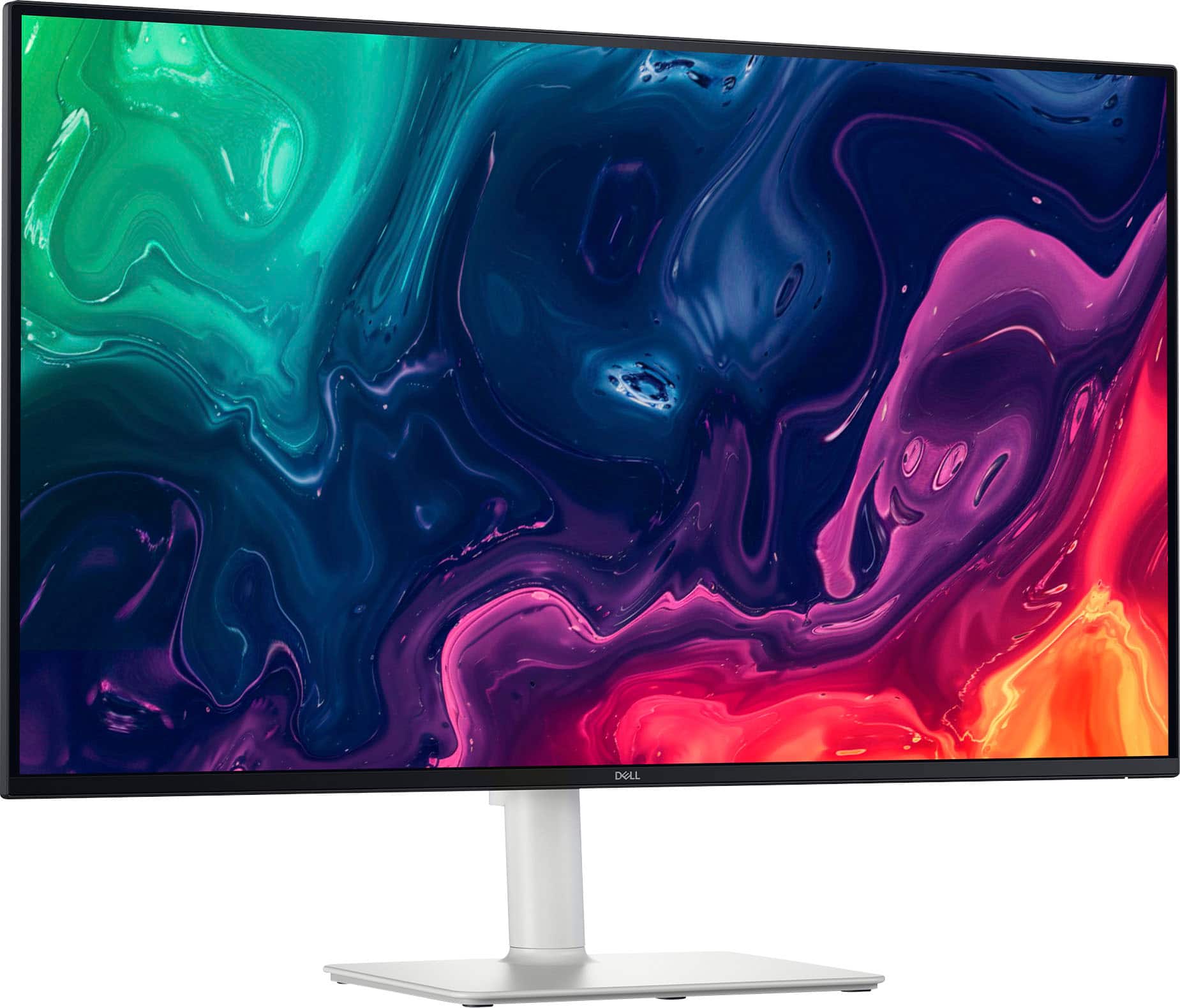
|Posted .This reviewer received promo considerations or sweepstakes entry for writing a review.The Dell 32 Plus 4K Monitor is a great at home display for streaming videos, playing games and of course your daily activities like email and surfing. With a very thin bezel, its viewable screen size is 31.5 inches and although not a curved 16:9 monitor, it is definitely large enough for you to feel engulfed by it. Capable of a maximum resolution of 3840 x 2160 at 120Hz, it is an extremely clear and detailed ultra hi-def LED display with great color depth and excellent for pretty much any activity. With it being “VA” or vertical alignment versus “IPS” or in-plane switching, the blacks are deeper and great for using in rooms without a lot of light. Even though IPS monitors typically have faster refresh rates, unless you are only using this for extreme gaming, you should not notice much of a difference. The default refresh rate is 8ms and it can be set to 5, fast, or 4, extreme mode, and although decent for gaming it is not the fastest out there. With that speed however, you should not have any issues with any other activities. Weighing just 13 pounds without the stand, this can be mounted on your wall with the proper bracket. With the stand attached for setting up on a desk or counter, it weighs just under 20 so either way, it isn’t too heavy. While using it on your desk, you can change the height or tilt very easily. There are three options for connectivity, 2 HDMI ports and 1 Display port all capable of its maximum resolution but make sure that the device you are using to connect to will support that output. Additionally, you may need to get an ultra-high-speed cable if trying to achieve the highest resolution, but these are much more common than they used to be. Lastly, there are two speakers built in that are 5watts a piece and for being built into a monitor, sound pretty good. They won’t take the place of a solid Bluetooth speaker or stereo, but you can certainly use them for general use while watching a show or playing some games. At this price point and for the quality I’ve experienced with this monitor, I would recommend this for any average user and even some that may be looking to do some video or graphics editing.
I would recommend this to a friend - Pros mentioned:Sound qualityCons mentioned:Black levels
I Expected Better but Maybe That's My Fault
|Posted .This reviewer received promo considerations or sweepstakes entry for writing a review.The color of this monitor is white but that is just the total back and stand. The bezel is the typical glossy black. No white is on the front of the monitor. Although the color throws off the color scheme of all the black I have, the monitor still looks good (better than I thought). The monitor is huge, so if huge is what you want, this size (31/5") is great. The physical setup is super simple. Just snap that base into the back, stick in the power plug, stick in the HDMI cord, plug both in and get started. It is also VESA mountable (as it should be) to be able to attach it to a stand or to a wall mount (as opposed to using the stand). The stand is adjustable -- tilt, swivel, up and down (for height); although I wish it had more height. It comes with a cord clip that you can click onto the stand to maintain your cords, but it just popped right off for me. I didn't care. It might as well not be present at all, and I would not be affected. So, I don't use it. The monitor also has the following ports/connections: HDMI and Display Port on the bottom (so facing down); power cord also on the bottom (facing down). And a 2nd HDMI on the side (in the back but facing the side; if you are facing the front of the monitor, it is facing the right side). I loke that you have the option of using the HDMI either on the bottom or the side, however, I would probably prefer two on the bottom and then the extra would be an additional one on the side. Good, nonetheless. As far as the quality of the picture of this huge monitor, it is very lackluster. This is where I expected so much more and why I only gave it 2 stars. I didn't think it deserved an average rating. The colors were not vibrant at all, and the blacks were not black. Period. I watched some chill video (no action) and then I watched some video with action. For fast action, at first the picture stutters, then after some seconds, it finds itself. I don't wish to see any of the stutter. I went on the general web and it was what it was, but still the picture is not vibrant. I did some general productivity (office applications), and it was fine. I am into monitors (whether a tv, computer monitor, etc) that look visually great. My eyes can see differences in quality that the average person would not notice. Thus, while this huge monitor might be good for the average person, it is not for me. The visual quality just is not there. Monitor settings are on the bottom right and pretty easy to navigate, although I did not find that it made much of a difference in regard to improving the look of what is displayed. I was very disappointed. The nodule to move through the settings, as well as the power button are on the bottom right but on the back of the monitor (good placement). I won't forget the built-in speakers. I must say that the sound is impressive for a monitor; and at least that is something if your computer/laptop (or other main device) does not have speakers. However, they are nowhere near as good as laptop speakers. Maybe if you are using something other than a desktop that does not typically come with speakers and you do not want to buy speakers, then this monitor’s speakers will be useful. This statement is meant to be positive. I did not know what to expect from a monitor's built-in speakers, so I give them a plus. Overall, the monitor is for the visual (and the size) ... at least for me, and this monitor just did not make the mark on the visual quality side of things. Peace.
No, I would not recommend this to a friend - Pros mentioned:Refresh rate, Sound quality
A Great 4k Monitor
|Posted .This reviewer received promo considerations or sweepstakes entry for writing a review.The Dell 32 plus 4K monitor packs a lot of punch. First and foremost, it is 4K and 120 HZ, which is excellent for any use, especially precision video editing and gaming. That said, it is an incredibly comfortable monitor to use for hours on end, which I often have to do for work. It's also good for gaming for hours. The included speakers sound good, but not great. They will work unless you're dealing with serious music editing (for which I would recommend headphones anyway) or are a real audiophile. Otherwise, having the addition of included speakers is great for saving space on your work desk. Overall, the monitor looks amazing, delivering crisp, accurate images, and allowing for really crisp action video, which is especially valuable for video games. It's space saving is also great, as it can be mounted on the wall or has a low-profile stand, and again, with the built-in speakers, it saves tons of space. I mounted mine on the wall, and had no issues, it was very simple, with standard VESA screw holes.
I would recommend this to a friend - Pros mentioned:Sound quality
Great quality monitor with decent sound!
|Posted .This reviewer received promo considerations or sweepstakes entry for writing a review.This monitor was really easy to setup, right out of the box. Unboxing it, I found a high quality power cord and Ultra High Speed HDMI cable, a cable organizer and the monitor itself with stand. I plugged it into power, plugged in 2 HDMI devices and one DisplayPort device and I was good to go. The power button and menu button are conveniently located on the back right so it's easy to put things in front of the monitor and still turn it on and off and and access the menu options. It also looks really sharp with the black bezel on the front of the monitor with the white stand. The 4K 120 hz refresh rate picture quality really shines through too. The sound is also very decent for a monitor of its style, allowing you to plug in devices that don't support external speakers unless they're part of the monitor. The volume is also really easy to adjust using the menu button on the back right of the monitor. It also slides up and down easily and stays in place and also tilts to a decent angle. Overall, I highly recommend this monitor as it's easy to setup, works great, and has decent sound.
I would recommend this to a friend