Customer Ratings & Reviews


- Model:
- 5CKH4
- SKU:
- 6394138
Rating by feature
- Display Quality
Rating 4.5 out of 5 stars
- Ease of Use
Rating 4.7 out of 5 stars
- Features
Rating 4.5 out of 5 stars
Customers are saying
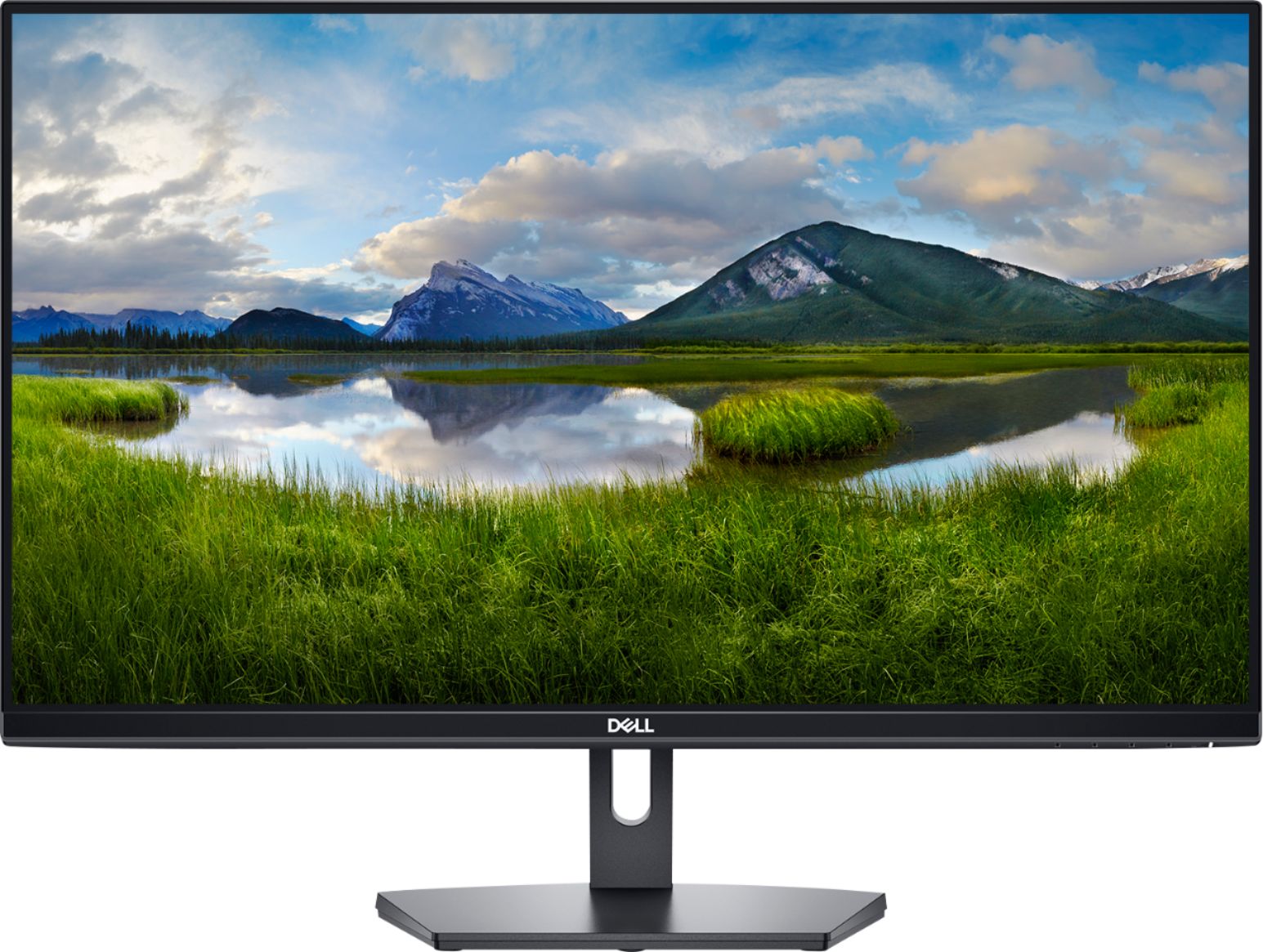
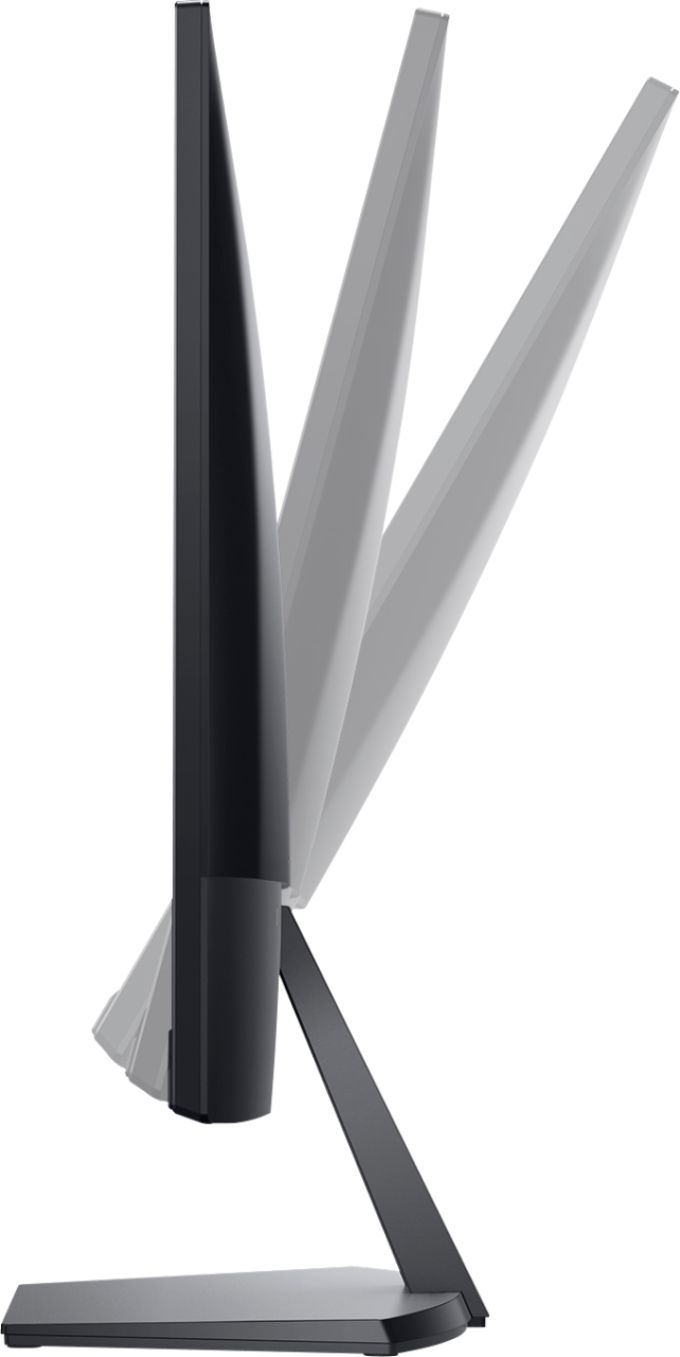
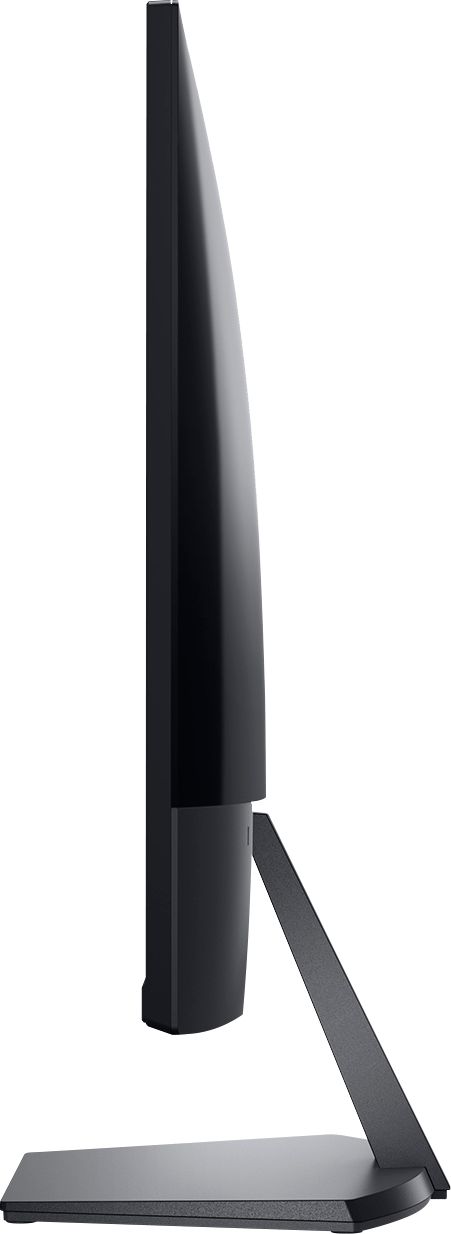
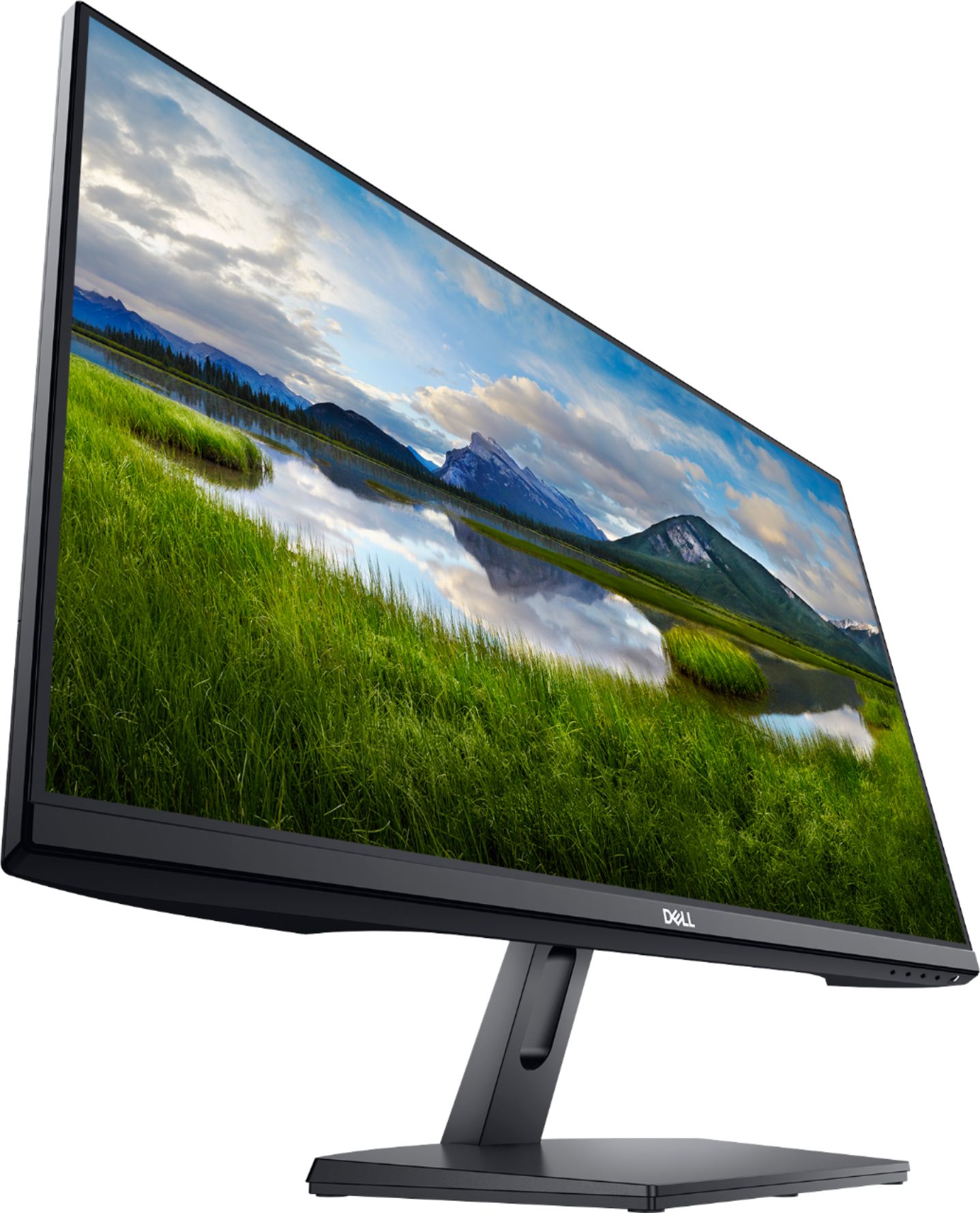
Customers are positive about the SE2719HR monitor's screen size, price, ease of use, and clarity. Many appreciate the resolution and the inclusion of HDMI connectivity. However, customers are negative about the lack of built-in speakers and the somewhat flimsy stand. Some also noted that the refresh rate may not be suitable for all users, particularly gamers.
This summary was generated by AI based on customer reviews.
Nice monitor for an office desk
||Posted . Owned for 1 week when reviewed.This reviewer received promo considerations or sweepstakes entry for writing a review.We have purchased two of these for our offices to be used.
I would recommend this to a friendGood Monitor
||Posted .This reviewer received promo considerations or sweepstakes entry for writing a review.Good Monitor, easy to install. Very clear picture.
I would recommend this to a friendGood for gamers
||Posted . Owned for 3 weeks when reviewed.This reviewer received promo considerations or sweepstakes entry for writing a review.This monitor is a good buy for any body looking to game.
I would recommend this to a friendDecent
||Posted . Owned for 3 weeks when reviewed.This reviewer received promo considerations or sweepstakes entry for writing a review.It has Great picture. A little to big for my desk
I would recommend this to a friendGood Display for Money
||Posted . Owned for less than 1 week when reviewed.This reviewer received promo considerations or sweepstakes entry for writing a review.Solid, easy to setup and use. Wish it was more than 1080p.
I would recommend this to a friendGood quality
||Posted . Owned for 3 weeks when reviewed.This reviewer received promo considerations or sweepstakes entry for writing a review.Only negative for this monitor is the non adjustable base.
I would recommend this to a friendNot great
||Posted . Owned for 5 months when reviewed.This reviewer received promo considerations or sweepstakes entry for writing a review.Not great. Too big. Too low res for the size. Annoying behavior - had trouble turning on and off when computer turned on etc. Took too much futzing around to figure out. Was not rock solid in :just working" Non uniform black levels
No, I would not recommend this to a friendBrand response from YourDellTeam
Posted .Hello,
Thank you for taking the time to share your feedback and response. We apologize for the issues you have come across with the monitor not functioning properly. Your monitor provides a self-test feature that allows you to check whether the monitor is functioning properly. If the monitor and computer are properly connected but the monitor screen remains dark, run the monitor self-test by performing the following steps:
Turn off both your computer and the monitor.
Unplug the video cable from the back of the computer. To ensure proper Self-Test operation, remove all digital cables (DVI, HDMI or DisplayPort) from the back of the computer.
Turn on the monitor.
Turn off your monitor and reconnect the video cable: then turn on both your computer and the monitor.
If your monitor screen remains blank after you use the previous procedure, check your video card (GPU) and computer, because your monitor is functioning properly.
This link can be used to help run further steps and provide more in-depth information: https://dell.to/3AhVxir.
We recommend following the steps above to resolve your issue. If your monitor still has issues, please contact our support team here: https://bit.ly/DellSupportTeam.
Best,
Wendy C.
https://bit.ly/DellSupportTeam.
Phone number to Dell: 1-800-264-9896.
Good monitor for work
||Posted . Owned for 3 weeks when reviewed.This reviewer received promo considerations or sweepstakes entry for writing a review.Sharp pic and colors. Good resolution. Easy to assemble.
I would recommend this to a friendHaving Issues after 12 months of use.
||Posted . Owned for 1 year when reviewed.This reviewer received promo considerations or sweepstakes entry for writing a review.I purchased this monitor in September of 2020 for an additional work screen. I was really pleased with the monitor until about a month ago. Now any time that I turn it on, the screen will flash the Dell logo for about a minute before actually connecting to my laptop. Additionally, if my laptop locks up due to inactivity, I will have to go through the "screen flashing" routine before it is functioning properly again. I would recommend that if you do buy this monitor, definitely purchase whatever warranty that BestBuy offers via Geek Squad. I am pretty much out of luck with getting this fixed so I've purchased a new HP monitor.
No, I would not recommend this to a friendBrand response from YourDellTeam
Posted .Dear ATLDawg,
Thank you for your valued feedback. We are sorry to hear you are having trouble with your Dell Monitor. To help resolve this issue we recommend making sure you have the Drivers downloaded and/or updated on your PC for your monitor. I have provided a link to the Drivers and Downloads page for monitor below so you can check for and do any applicable updates. We also suggest checking the sleep mode settings on your PC.
Drivers and Downloads Page: https://dell.to/30Ll6vb
If you still experience this issue after troubleshooting your monitor, please contact our support team here: https://bit.ly/DellSupportTeam.
If you require further assistance, you can contact Dell directly with the information below.
Chat or call: https://bit.ly/DellSupportTeam
Phone number to Dell 1-800-624-9896
Best,
Ashley@Dell
Monitor
||Posted . Owned for 1 month when reviewed.This reviewer received promo considerations or sweepstakes entry for writing a review.Every time I touch the cord the screen blinks out and today I look at the cord and there’s black tape wrapped around cord. I didn’t buy an open box item so it was shocked to see that. But other than that I LOVE this monitor!
I would recommend this to a friendBrand response from YourDellTeam
Posted .Hello,
Thanks for sharing your review. We are sorry to hear you are experiencing difficulties with the power cord of your Dell monitor. We would love to help you as soon as possible. Here is a link to an attachment that can help with ensuring that your power cord is properly connected to the monitor: https://dell.to/3yWGABq. If you still come across further issues, feel free to contact Dell support at 1-800-264-9896.
Best regards,
Wendy C.
https://bit.ly/DellSupportTeam.
Phone number to Dell: 1-800-264-9896.
Item was great. Service sucked.
||Posted . Owned for 1 month when reviewed.This reviewer received promo considerations or sweepstakes entry for writing a review.I was accused of stepping on a gift card while I was waiting for staff to find my item that was right in front of them. I pointed the item out. I am not a thief and resent, did I say resent, the purple haired "associate" telling me, "pretty sly."
No, I would not recommend this to a friendBrand response from YourDellTeam
Posted .Benjis,
We're sorry to hear about your purchase experience for your new monitor. If you have any questions about your monitor you can check our Product Support Page here: https://dell.to/2UxKoGe.
Best,
Bryan
1-800-624-9896
You pay what you get
||Posted . Owned for 2 weeks when reviewed.This reviewer received promo considerations or sweepstakes entry for writing a review.The price of this item is definitely reflects the quality. It's not high definition the color is incorrect and the image is not sharp at all. But if you don't have the budget to spend, and you just want to get a 27in display panel, this is it.
No, I would not recommend this to a friendBrand response from YourDellTeam
Posted .Ryan,
We're sorry that your screen is not performing to your expectations. We'd recommend reading some of the tips in this article to see if there are any adjustments that you can make to your display settings: https://dell.to/2CLF6yC.
Best,
Bryan
1-800-624-9896
Average screen
||Posted . Owned for 2 weeks when reviewed.This reviewer received promo considerations or sweepstakes entry for writing a review.I bought this screen mainly as 2nd screen for working from home. Generally, it provides good resolution but I was curious to try an HP one based on the reviews and that's when I found the difference in the quality. Returned for that reason.
No, I would not recommend this to a friendDellmonitorbuyer
||Posted .This reviewer received promo considerations or sweepstakes entry for writing a review.Purchase and pick up were ok, but quality of connecting cord was poor. Had to borrow a cord that would stay in the socket on the back of the screen. Seriously? What could the proper cord have cost you?
No, I would not recommend this to a friendBrand response from YourDellTeam
Posted .Hello Dellmonitorbuyer,
Thank you for your review. We apologize for any trouble you had with connecting the cord to your monitor. We would love to help right away and ensure that your cord is connected properly. Here is a link to an attachment that can help with connecting your monitor: https://dell.to/3u9y66P.
Best regards,
Wendy C.
For further assistance, you can contact Dell directly with the information below Chat or Call:
https://bit.ly/DellSupportTeam.
Phone number to Dell: 1-800-264-9896.
OkValueDellMonitor
||Posted . Owned for 2 months when reviewed.This reviewer received promo considerations or sweepstakes entry for writing a review.Picture quality is valued at about $100 and I paid $110 for it. It's ok for daily use, but definitely nothing more. If you simply want to save money and don't care much about quality then this is it.
I would recommend this to a friendBrand response from YourDellTeam
Posted .Hello,
Thank you for your review. We are sorry to hear you are experiencing issues with the picture quality of this monitor. I have provided troubleshooting steps and a link that should resolve this issue.
1. Right-click on Windows button.
2. Open Control Panel.
3. Click Adjust Screen Resolution under Appearance and Personalization
4. If you have more than one monitor connected to your computer, then select the monitor that you want to change the screen resolution of.
5. In the Resolution drop-down menu, select a screen resolution (ex: 1920 x 1080) that you want for the selected monitor.
It is recommended that you chose the Native Resolution suggested by Windows which is usually noted as (Recommended) for optimal resolution.
6. Click Apply.
7. You will have 15 seconds to select Keep Changes or Revert before it will automatically revert back to the previous settings.
If the selected screen resolution mode is optimal, click Keep Changes.
8. If you have more than one monitor connected to your computer and would like to change the screen resolution of another monitor, then repeat Steps 4 - 7.
Full Article: https://dell.to/3lAQoJO
Picture Troubleshooting: https://dell.to/3lorz46
For additional support, please call Dell directly at 1-800-624-9896
Best,
Lexy@Dell
Chat or Call:
https://bit.ly/DellSupportTeam
Ehh
||Posted . Owned for 1 month when reviewed.This reviewer received promo considerations or sweepstakes entry for writing a review.It’s alright. Every now and then, I have to jimmy the power cord or unplug and replug the cord to get power into the monitor. I’ve tried changing outlets and it still turns off every now and then.
No, I would not recommend this to a friendBrand response from YourDellTeam
Posted .James,
We're sorry to hear that your power connection is not working as well as you hoped it would. If you have any technical questions about your monitor you can check our Product Support Page here: https://dell.to/2UxKoGe.
Best,
Bryan
1-800-624-9896
Good Enough for working at home
||Posted . Owned for 3 weeks when reviewed.This reviewer received promo considerations or sweepstakes entry for writing a review.Looks nice, works ok. Does this weird thing where every so often, the screen goes black for a second or two, then works fine again. Glad it was cheap, I guess you get what you pay for, right?
No, I would not recommend this to a friendBrand response from YourDellTeam
Posted .Distance,
We're sorry to hear about the screen flickering that you're experiencing. Here's an article with some tips that may help with your screen issues: https://dell.to/3dvnuYX.
Best,
Bryan
1-800-624-9896
Not the greatest
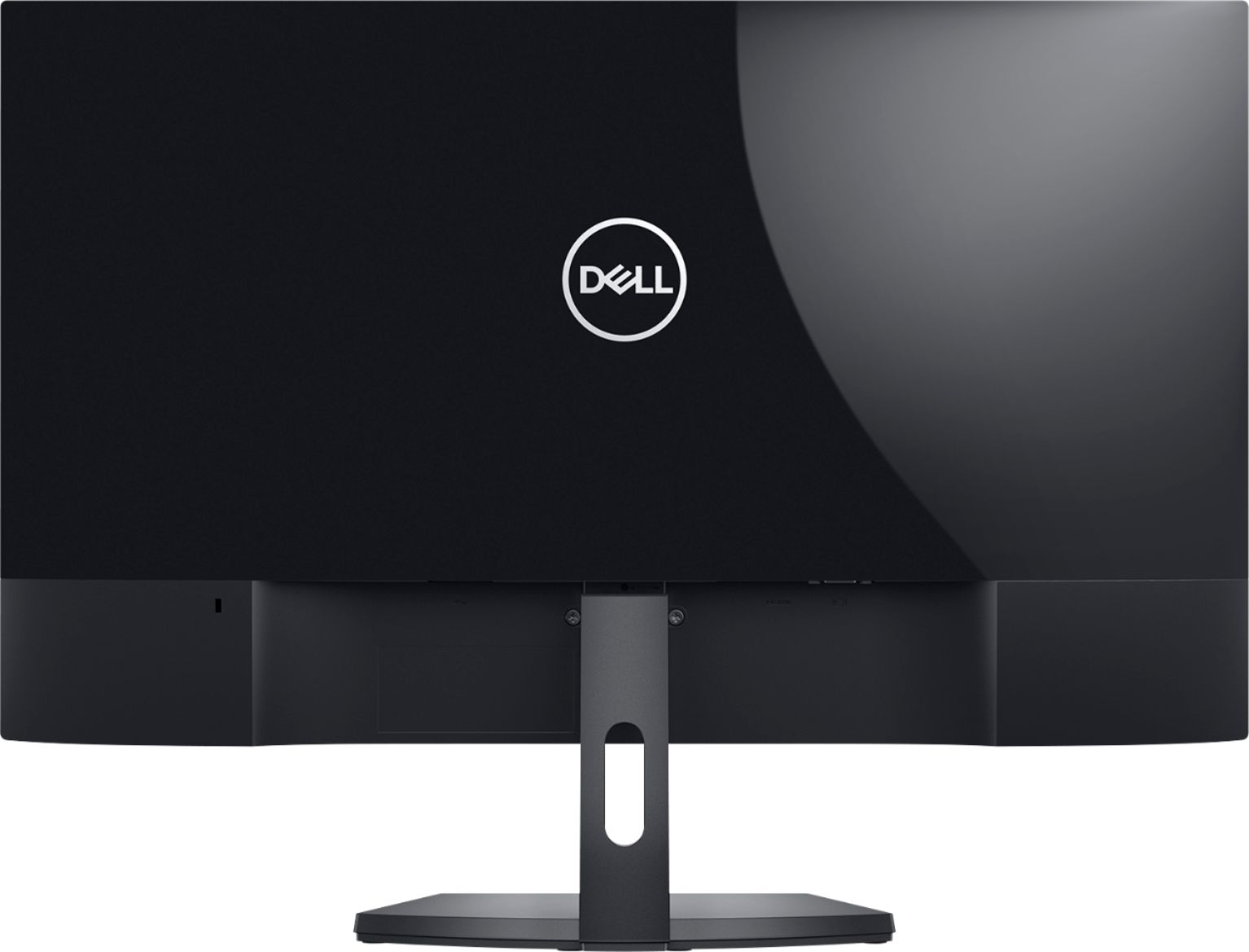
||Posted .This reviewer received promo considerations or sweepstakes entry for writing a review.The cord sucks on the back. If it isn’t propped right it will barely move where the cord disconnects to the monitor sometimes. I would buy something else for the price.
No, I would not recommend this to a friendBrand response from YourDellTeam
Posted .Hello Adrian,
We want to thank you for taking the time to leave us your review. We apologize for the issues you have had with your Dell Monitor. I have provided a link to the User's Guide for your monitor. You can find the setup instructions starting on page 17.
User's Guide: https://dell.to/3EyTHeo
If you still experience this problem after you have finished troubleshooting your monitor, please feel free to contact our support team here: 1-800-624-9896.
If you require further assistance, you can contact Dell directly with the information below.
Chat or call: https://bit.ly/DellSupportTeam
Phone number to Dell 1-800-624-9896
Best,
Ashley@Dell
Not Enough Resolution for 27 inch
||Posted . Owned for 2 weeks when reviewed.This reviewer received promo considerations or sweepstakes entry for writing a review.Okay monitor, but I returned them because the resolution is just not high enough for a 27 inch monitor. Make sure to measure your space as these were really too large for mine.
No, I would not recommend this to a friendBrand response from YourDellTeam
Posted .Hello Tiger85,
Thank you for your feedback and review. We apologize for the issues you have come across with your display resolution. We would love to help right away and have provided steps below that can help adjust your resolution through Windows 10.
Setting the resolution in Windows 10:
1. Close all open programs.
2. You can either right click Start, and then click Control Panel or click on start and type Control Panel and click the icon that appears.
3. In the Control Panel window, click System, and then click Display.
4. Select the monitor you want to change, if more than one is connected to your PC.
5. Click on the Resolution drop down box to see a list of recommended resolutions for that display.
6. Click on the one you want, to change the screen resolution, and then click Apply.
7. Click on keep changes if you want to keep the new settings. If not select revert.
- Note: If new settings do not work, Windows® will attempt to revert back to the original settings automatically.
8. Restart the computer to ensure that the changes stay in effect.
You can read the full article here: https://dell.to/2oZBCRW.
Best regards,
Wendy C.
For further assistance, you can contact Dell directly with the information below Chat or Call:
https://bit.ly/DellSupportTeam.
Phone number to Dell: 1-800-264-9896.
Nope
||Posted . Owned for 2 weeks when reviewed.This reviewer received promo considerations or sweepstakes entry for writing a review.Definitely not worth $200. It will suffice for anybody just doing basic things, but if you want to game or stream then look elsewhere, the quality of this monitor is very low.
No, I would not recommend this to a friendBrand response from YourDellTeam
Posted .Hello Saibot,
Thank you for your review. We are sorry to hear that your monitor is not quite meeting expectations. We really do appreciate your feedback and will use it to help improve our current and future products. If you come across any further questions, issues or concerns, please use the information below to contact Dell Support at your earliest convenience.
Best regards,
Wendy C.
For further assistance, you can contact Dell directly with the information below Chat or Call:
https://bit.ly/DellSupportTeam.
Phone number to Dell: 1-800-264-9896.