Customer Ratings & Reviews
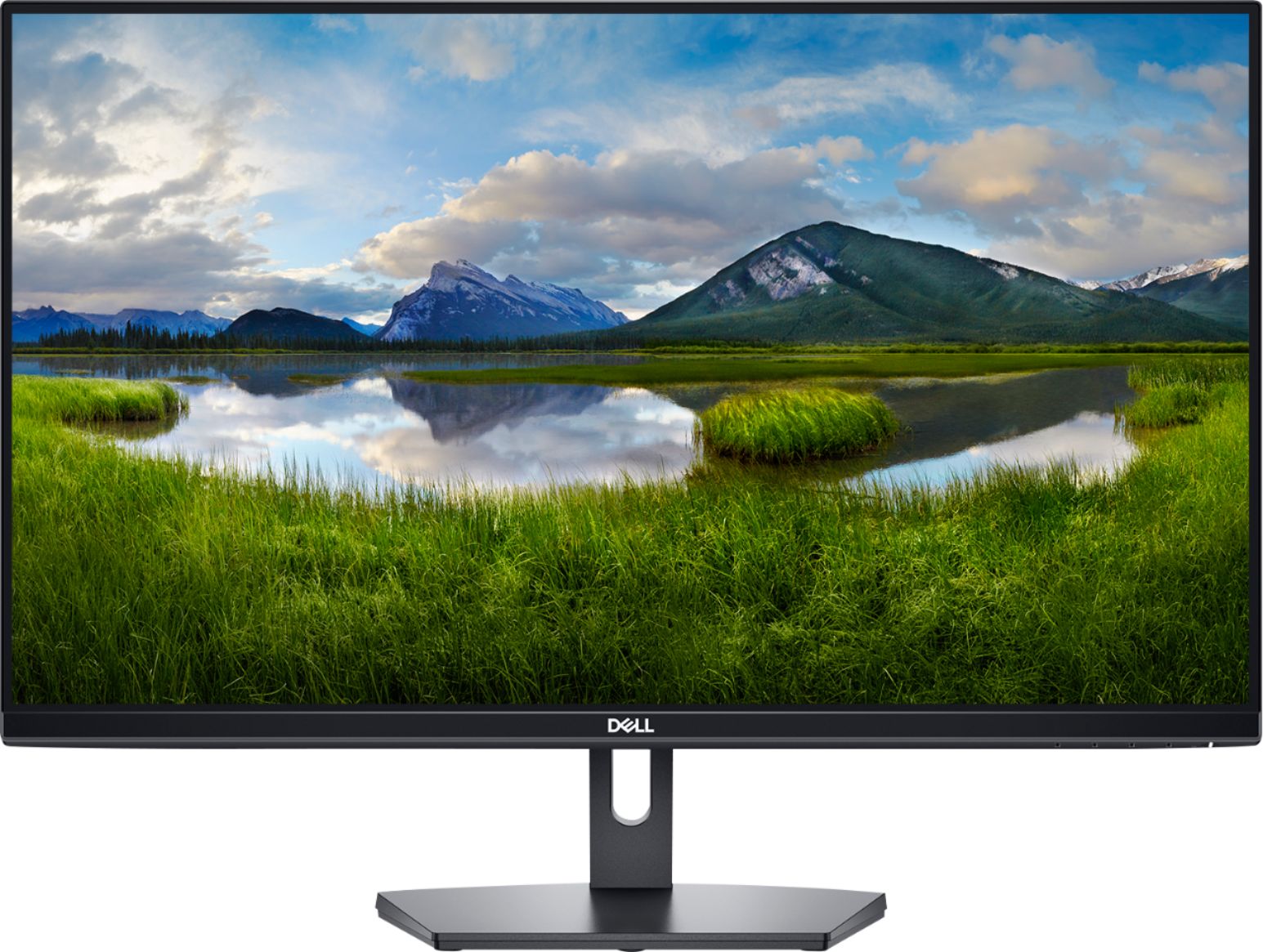
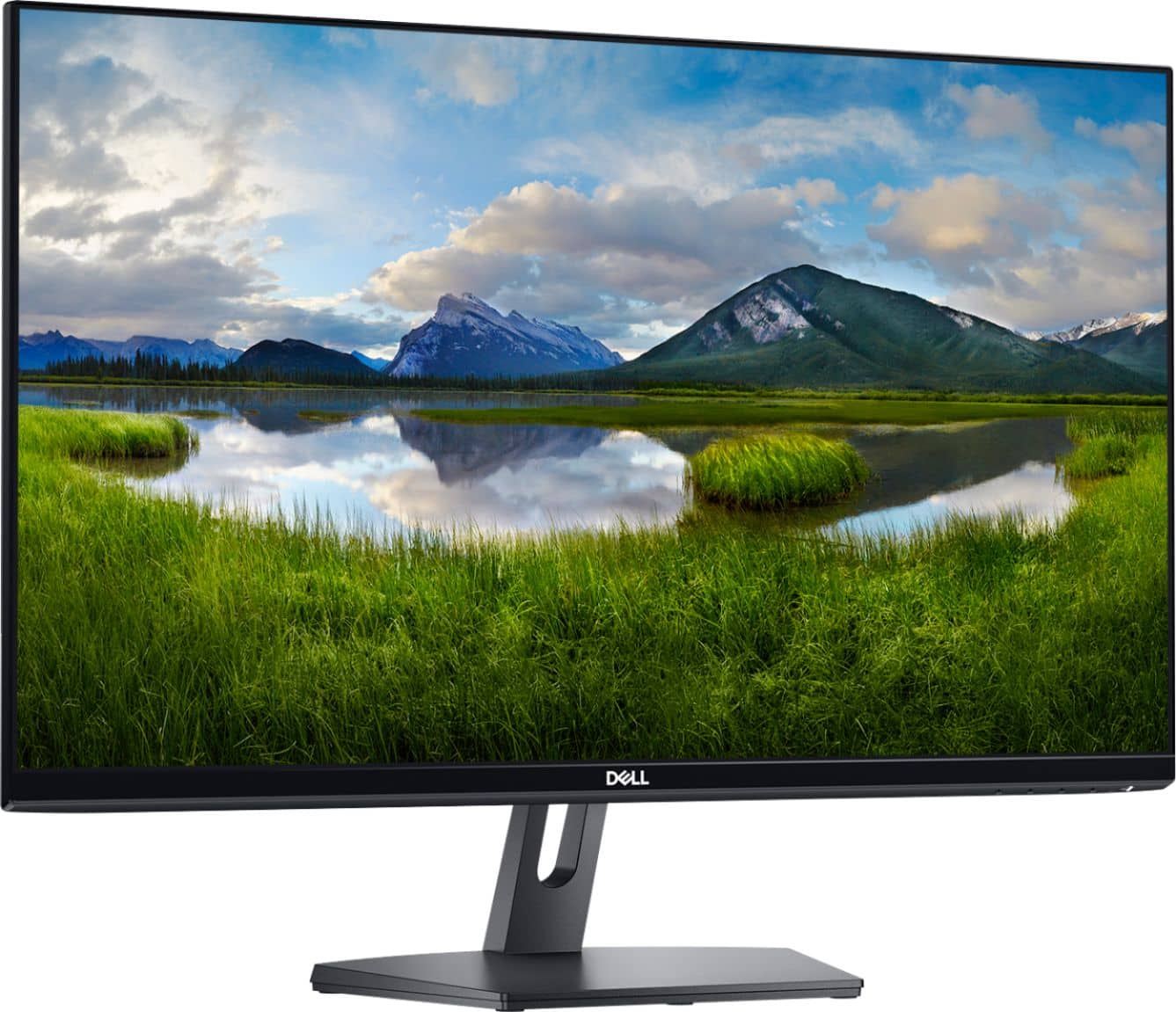
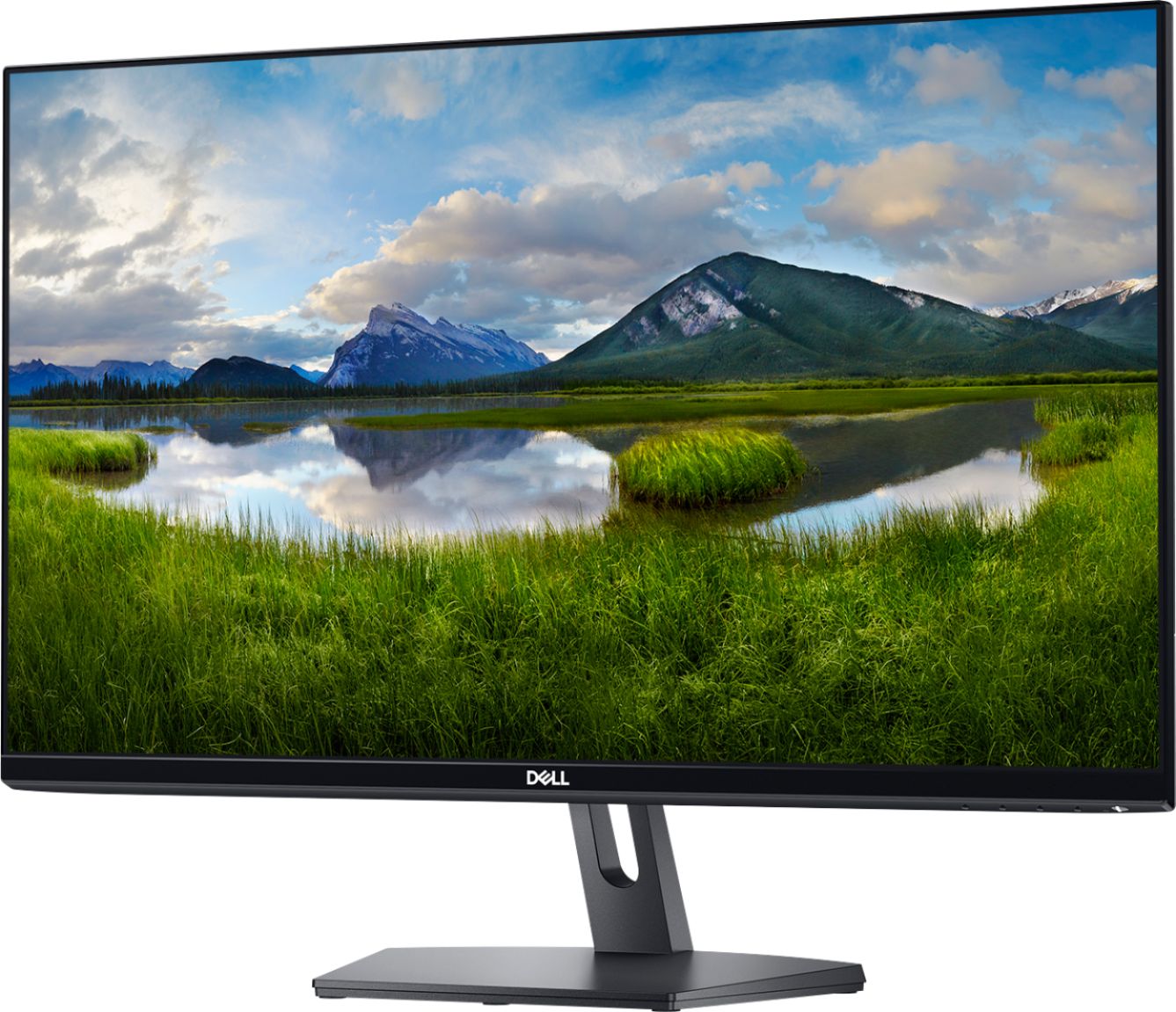
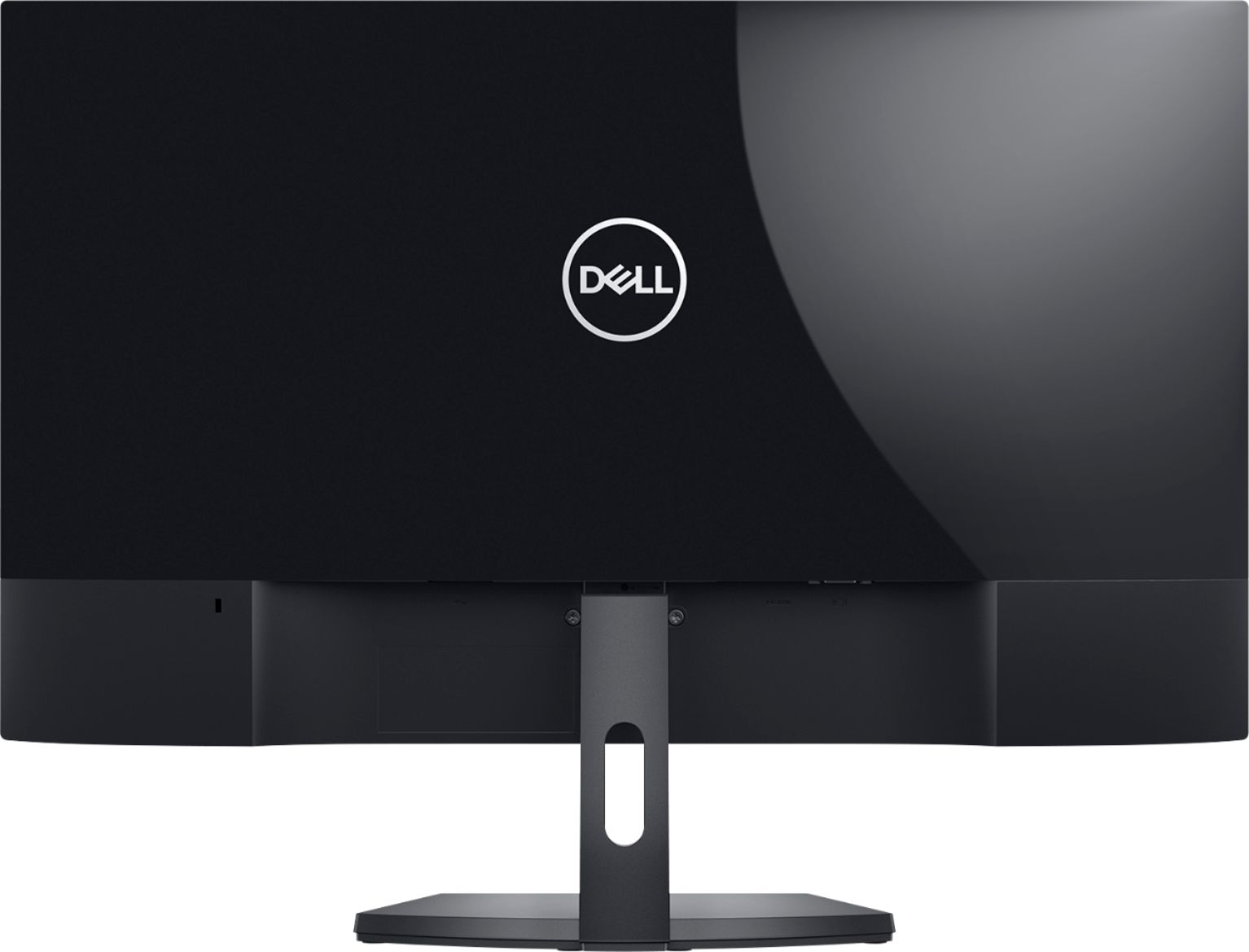


- Model:
- 5CKH4
- SKU:
- 6394138
Rating by feature
- Display Quality
Rating 4.5 out of 5 stars
- Ease of Use
Rating 4.7 out of 5 stars
- Features
Rating 4.5 out of 5 stars
Customers are saying
Customers are positive about the SE2719HR monitor's screen size, price, ease of use, and clarity. Many appreciate the resolution and the inclusion of HDMI connectivity. However, customers are negative about the lack of built-in speakers and the somewhat flimsy stand. Some also noted that the refresh rate may not be suitable for all users, particularly gamers.
This summary was generated by AI based on customer reviews.
Very disappointed
||Posted . Owned for 1 month when reviewed.This reviewer received promo considerations or sweepstakes entry for writing a review.Power cord is always loose so if the cord get bumped the slightest the screen shuts of very frustrating. And then it take a bit to get the cord in just right to power it back on very disappointing
No, I would not recommend this to a friendBrand response from YourDellTeam
Posted .Hello LJones,
Thank you for your review. We apologize for any trouble you have when it comes to connecting the power cord to your monitor. We would love to help right away and ensure that your power cord is connected properly. Here is a link to an attachment that can help with with connecting your monitor: https://dell.to/3hwbevy.
Best regards,
Wendy C.
For further assistance, you can contact Dell directly with the information below Chat or Call:
https://bit.ly/DellSupportTeam.
Phone number to Dell: 1-800-264-9896.
- Cons mentioned:No speakers
Monitor
||Posted . Owned for 1 month when reviewed.This reviewer received promo considerations or sweepstakes entry for writing a review.No speaker you have to wear head gear to listen. I wasn’t told that it didn’t have speakers I guess I should have known better. Nice Salesman but apparently didn’t know that the monitor didn’t have speakers.
No, I would not recommend this to a friendBrand response from YourDellTeam
Posted .Lynn,
Thanks for your review and we're sorry that your monitor did not end up having speakers. If you have any technical questions about your monitor you can check our Product Support Page here: https://dell.to/2UxKoGe.
Best,
Bryan
1-800-624-9896
Not fully compatible with ibuypower
||Posted . Owned for 1 month when reviewed.This reviewer received promo considerations or sweepstakes entry for writing a review.Very disappointed with this monitor. For an unknown reason, it is not fully compatible with my brand new ibuypower computer. The windows system suddenly crashes and I have to reboot again and again, which never happens with my HP monitor. Have to return it.
No, I would not recommend this to a friendBrand response from YourDellTeam
Posted .pliuya,
We're sorry to hear about the compatibility issues that you're having with your new monitor. We'd encourage you to check out the Product Support Page for your monitor to see if it will help answer any of your questions: https://dell.to/2UxKoGe.
Best,
Bryan
1-800-624-9896
DON'T WASTE THEIR MONEY ON THIS PRODUCT.
||Posted .This reviewer received promo considerations or sweepstakes entry for writing a review.DELL MONITOR VERY DISAPPOINTING - POOR QUALITY IMAGE. I do not recommend this monitor. As a designer, I require a clear sharp picture on my monitor. This monitor produces a very poor quality image. It does not come close to the clarity of my Samsung laptop. It's virtually unusable for my purposes. I'm constantly reminded of the poor quality as I use it - I would describe the imagery as foggy/unfocused. EQUALLY DISAPPOIINTING IS BEST BUY'S RETURN POLICY: 15 days is ridiculous, a minimum of 30 days is standard and allows a reasonable amount of time to review the product and return to/exchange at the store. SORRY DELL: BUT I RECOMMEND CUSTOMERS DON'T WASTE THEIR MONEY ON THIS PRODUCT.
No, I would not recommend this to a friendBrand response from YourDellTeam
Posted .JCSF,
We're sorry to hear about your monitor's resolution and that it's not meeting your needs. We'd recommend reading the following article about adjusting your display in order to help with your monitor's clarity: https://dell.to/2CLF6yC.
Best,
Bryan
1-800-624-9896
Do Not Buy If You Have a MacBook
||Posted . Owned for 1 month when reviewed.This reviewer received promo considerations or sweepstakes entry for writing a review.First I ordered a new monitor and BestBuy sent me an open box monitor!!! The box wasn't even completely sealed!!! I had to contact them to send me a new one and it took longer for it to ship and then I had to go to store to return the opened box that they sent me by mistake! After all the hassle, I connected it to my MacBook and the resolution of the monitor is way lower than any MacBook, so the font is blurry on the monitor. It was difficult to read a document so blurry. Do not trust the reviews that says it can be used with Mac. I trust those reviews and bought it and then found the font so blurry and had to return it.
No, I would not recommend this to a friendBrand response from YourDellTeam
Posted .Hello,
Thank you for taking the time to share your input and review. We are sorry to hear about your purchase experience and your resolution issues when connecting your monitor to a MacBook. Your feedback is incredibly valuable as we build current and future products. We would love to help right away and have provided steps below that can help adjust your resolution through Windows 10.
Setting the resolution in Windows 10:
1. Close all open programs.
2. You can either right click Start, and then click Control Panel or click on start and type Control Panel and click the icon that appears.
3. In the Control Panel window, click System, and then click Display.
4. Select the monitor you want to change, if more than one is connected to your PC.
5. Click on the Resolution drop down box to see a list of recommended resolutions for that display.
6. Click on the one you want, to change the screen resolution, and then click Apply.
7. Click on keep changes if you want to keep the new settings. If not select revert.
- Note: If new settings do not work, Windows® will attempt to revert back to the original settings automatically.
8. Restart the computer to ensure that the changes stay in effect.
9. If you still come across issues with your display resolution, you can use this link for further steps and details: http://dell.to/3oitVT6.
We recommend following the steps above to resolve your resolution issue. If you come across any questions, issues, or concerns, please contact our support team here: https://bit.ly/DellSupportTeam.
Best regards,
Wendy C.
https://bit.ly/DellSupportTeam.
Phone number to Dell: 1-800-264-9896.
Won't buy anything Dell again!
||Posted . Owned for 1 month when reviewed.This reviewer received promo considerations or sweepstakes entry for writing a review.What a waste of time and taking it back uhg. This cheep monitor is cheep for a reason it can not achieve black! Which makes everything look washed out. Horrible don't waste your time. I'd also bought an expensive dell laptop for my mom. It ended up being a 4 month nightmare of crashed everyday, the mother board was replaced, still crashes then the head phone jack would not not recognize the head phones, then the back lit keyboard went out. The Premium warranty too us on a 4 month journey of techs from India trying to fix it from India. They finally issued a refund after pleading and I got that 2 weeks later. Don't buy Dell horrible stuff.
No, I would not recommend this to a friendBrand response from YourDellTeam
Posted .Grafx,
Thanks for your review and we're sorry to hear about the color issues on your new monitor. Here's an article with several troubleshooting tips for your display: https://dell.to/2CLF6yC.
Best,
Bryan
1-800-624-9896
It has some minor issue
||Posted . Owned for 1 month when reviewed.This reviewer received promo considerations or sweepstakes entry for writing a review.I set it up on my standup desk. When my desk is rising up to lowering, it became out of power. I guess the power connection not very good. I have been busy recently so haven’t looked at return policy yet.
No, I would not recommend this to a friendBrand response from YourDellTeam
Posted .Hello,
Thank you for taking the time to share your experience. We are sorry to hear that you are experiencing difficulties with the power connection of your monitor. Provided the issue is hardware-related, it may be repaired/replaced if covered under its limited warranty. We recommend using the information below to contact Dell Support for further assistance in this case. They are available through chat or over the phone.
We strongly encourage you to visit the Dell Limited Hardware Warranty page to explore coverage options: https://dell.to/39iwZuX.
Best regards,
Wendy C.
https://bit.ly/DellSupportTeam.
Phone number to Dell: 1-800-264-9896.
Good spec but quality
||Posted . Owned for 1 week when reviewed.This reviewer received promo considerations or sweepstakes entry for writing a review.The letters on the screen are very blurry as someone had already commented. For dual monitors setup, monitors show different color tone and brightness. I guess the inputs (HDMI and VGA) are too sensitive. therefore, they produced different colors and brightness. or maybe I got 2 bad monitors. Value is just average. Within the same price range, I could get a slightly better monitors with (TFT and VESA options). This monitor is LCD. TFT is active-matrix. LCD is passive-matrix.
No, I would not recommend this to a friendBrand response from YourDellTeam
Posted .LoveDualMonitors,
Thanks for your review and we're sorry that you're not completely satisfied with the colors on the monitors that you have. Please read through this article for any troubleshooting tips that may improve the display quality on your monitors: https://dell.to/2CLF6yC.
Best,
Bryan
1-800-624-9896
No camera
||Posted . Owned for 1 month when reviewed.This reviewer received promo considerations or sweepstakes entry for writing a review.This monitor does not have a camera or microphone. I would not have purchased it if I had paid attention to that fact. I assumed they were standard as every other one I've owned has had one.
No, I would not recommend this to a friendBrand response from YourDellTeam
Posted .Stephanie,
Thanks for your review and we're sorry that the monitor that you purchased does not have all of the features that you were hoping for. If you do have any technical questions about your monitor you can refer to our Product Support Page here: https://dell.to/2UxKoGe.
Best,
Bryan
1-800-624-9896
Defective
||Posted . Owned for 2 months when reviewed.This reviewer received promo considerations or sweepstakes entry for writing a review.I purchased this monitor on 11/28/20 but I didn't have anyone to hook it up for me until now. When my son installed the HDMI cord it worked but then the monitor kept shutting down. We thought it was the HDMI cord because when you wiggled the HDMI port on the monitor, the screen would come on and then go off again. So, I bought a new HDMI cable thinking it was a bad cable but it continued to go on and off. The monitor is obviously defective. Do not buy this monitor!
No, I would not recommend this to a friendBrand response from YourDellTeam
Posted .Hello DeeDee,
We are sorry to hear that your S-Series monitor is shutting off randomly. We recommend you perform diagnostics to determine the severity of the issue. Provided below are instructions to do so.
1. Make sure that the monitor screen is clean (no dust particles on the surface of the screen).
2. Unplug the video cable(s) from the back of the monitor and the PC. The monitor should now enter self-test mode.
3. Press and hold the menu button for 5 seconds. A gray screen should appear.
4. Carefully inspect the screen for abnormalities.
5. Press again. The color of the screen should now change to red.
6. Inspect the screen for any abnormalities.
7. Repeat Step 5 and Step 6 to inspect the screen in green, blue, black, white and text screens.
8. The test is complete when the white screen appears.
9. Press again to exit the built-in self test diagnostics.
If you find the issue is present during the built-in self test mode, you may get the monitor repaired or replaced if it is under warranty by contacting Dell Support directly.
Best Regards,
Anthony P.
Do not buy
||Posted . Owned for 1.5 years when reviewed.This reviewer received promo considerations or sweepstakes entry for writing a review.Was not what I expected and had to return the monitor and computer. Not a good product disappointed.
No, I would not recommend this to a friendBrand response from YourDellTeam
Posted .Hello Trace,
We appreciate you taking the time to leave us your review. We are sorry to hear you were not happy with your Dell 27” monitor and computer and that you have ultimately decided to return this system. This is certainly not what we like to hear from our loyal customers. We will share your comments with our quality team so improvements can be made now and in the future. In the future, we would love the opportunity to help troubleshoot any problems you may be facing.
If you come across any questions or have concerns about Dell products, please don’t hesitate to contact Dell Support Team at the information provided below.
Best,
Katarina@Dell
Should you need further assistance, you can contact Dell directly with the information below.
Chat or call: https://bit.ly/DellSupportTeam
Phone number to Dell: 1-800-624-9896
- Cons mentioned:Stand
Useless
||Posted . Owned for 1 month when reviewed.This reviewer received promo considerations or sweepstakes entry for writing a review.Broke stand and monitor lags I play warzon and the fps are terrible would not recommend
No, I would not recommend this to a friendBrand response from YourDellTeam
Posted .Hello Casper,
Thank you for taking the time to share your review. We're sorry to hear that your product may have taken damage and the performance issue you're experiencing. We would love to assist you as soon as possible. Your monitor provides a self-test feature that allows you to check whether the monitor is functioning properly. This link can be used to help run further steps and provide more in-depth information: https://dell.to/3hFVvZZ.
We recommend accessing the link above to resolve your issue. If you come across any questions, issues, or concerns, please contact our support team here: https://bit.ly/DellSupportTeam.
Best,
Wendy C.
https://bit.ly/DellSupportTeam.
Phone number to Dell: 1-800-264-9896.
Didn’t work out
||Posted . Owned for 1 month when reviewed.This reviewer received promo considerations or sweepstakes entry for writing a review.Really big screen but mine came with an issues lots of backlight blessing all around the edges of the monitor so I had to return it
No, I would not recommend this to a friendBrand response from YourDellTeam
Posted .Hello M12R,
Thank you for sharing feedback. It is sincerely appreciated and will surely be taken into consideration when designing future products. If you have any other questions, feel free to use the information below to contact Dell support at your earliest convenience.
Best regards,
Wendy C.
For further assistance, you can contact Dell directly with the information below Chat or Call:
https://bit.ly/DellSupportTeam.
Phone number to Dell: 1-800-264-9896.
Dell 27" Monitor
||Posted . Owned for 3 weeks when reviewed.This reviewer received promo considerations or sweepstakes entry for writing a review.I was disappointed with the clarity, resolution and sharpness of the display. I would have thought Dell could have done better.
No, I would not recommend this to a friendBrand response from YourDellTeam
Posted .Hello NOTAPPLEFRIENDLY,
Thank you for your feedback and review. We apologize for the issues you have come across with your display clarity, resolution, and sharpness. We would love to help right away and have provided steps below that can help adjust your resolution through Windows 10.
Setting the resolution in Windows 10:
1. Close all open programs.
2. You can either right click Start, and then click Control Panel or click on start and type Control Panel and click the icon that appears.
3. In the Control Panel window, click System, and then click Display.
4. Select the monitor you want to change, if more than one is connected to your PC.
5. Click on the Resolution drop down box to see a list of recommended resolutions for that display.
6. Click on the one you want, to change the screen resolution, and then click Apply.
7. Click on keep changes if you want to keep the new settings. If not select revert.
- Note: If new settings do not work, Windows® will attempt to revert back to the original settings automatically.
8. Restart the computer to ensure that the changes stay in effect.
If you still come across issues with your display resolution, you can use this link for further steps and details: http://dell.to/3oitVT6.
Best regards,
Wendy C.
For further assistance, you can contact Dell directly with the information below Chat or Call:
https://bit.ly/DellSupportTeam.
Phone number to Dell: 1-800-264-9896.
Terrible
||Posted . Owned for 1 month when reviewed.This reviewer received promo considerations or sweepstakes entry for writing a review.Terrible! Screen crack only after I used it for less than 1-2 months. Disappointing
No, I would not recommend this to a friendBrand response from YourDellTeam
Posted .Hello Will,
We are sorry to hear that you are experiencing difficulties with your S-Series monitor. Provided the issue is hardware related, it may be repaired/replaced if covered under its limited warranty. We recommend contacting Dell Support for further assistance in this case. They are available online, over the phone, or via email for your convenience.
Best Regards,
Anthony P.
1-800-624-9896
Blurry monitor
||Posted . Owned for 3 weeks when reviewed.This reviewer received promo considerations or sweepstakes entry for writing a review.This is not near as clear as thought. Would like to exchange it, but realized it was beyond the 15 days.
No, I would not recommend this to a friendBrand response from YourDellTeam
Posted .Hello Joleen,
Thank you for taking the time to share your response. We are sorry to hear that the resolution of this monitor has not met al of your expectations. The contents of your review will be used to help improve now and future Dell products. We would love to help you as soon as possible and this link can help with adjusting your resolution through Windows 10: http://dell.to/3oitVT6.
If you come across any questions, issues, or concerns, please visit the Support Page of your monitor.
Best regards,
Wendy C.
https://bit.ly/DellSupportTeam.
Phone number to Dell: 1-800-264-9896.
A durable monitor good for price but nothing spec.
||Posted . Owned for 3 weeks when reviewed.This reviewer received promo considerations or sweepstakes entry for writing a review.Ehh it lacks on display. I guess is adequate for a display monitor but not for gaming or graphics displays.
No, I would not recommend this to a friendBrand response from YourDellTeam
Posted .Hello RADD,
Thank you for your feedback and review. We apologize for the issues you have come across with the monitor on your laptop. Your feedback is incredibly valuable as we build current and future products. We have provided steps that can be used to run a Self-Test on the monitor to help diagnose the issue.
To run the monitor built-in self test (BIST):
1. Make sure that the monitor screen is clean (no dust particles on the surface of the screen).
2. Unplug the video cable(s) from the back of the Dell monitor and the PC. The Dell monitor should now enter self-test mode.
3. Press and hold Button 1 for 5 seconds. A gray screen should appear.
4. Carefully inspect the screen for abnormalities.
5. Press Button 1 on the front panel again. The color of the screen should now change to red.
6. Inspect the screen for any abnormalities.
7. Repeat Step 5 and Step 6 to inspect the screen in green, blue, black, white and text screens.
8. The test is complete when the white screen appears.
9. Press Button 1 to exit the built-in self test diagnostics.
If your monitor still has issues, this link can be used to help run further steps and provide more in-depth information: https://dell.to/3jTiTFm. We invite you to review the product Support Page if any other concerns arise.
Best regards,
Wendy C.
https://bit.ly/DellSupportTeam.
Phone number to Dell: 1-800-264-9896.
Color is not consistant, won't recommend
||Posted . Owned for 2 weeks when reviewed.This reviewer received promo considerations or sweepstakes entry for writing a review.I bought two of these monitors and set up side by side using them for viewing charts. With the same settings, one of the monitor's color is very off, it has an odd grey tone on all the black color display. It's black is somewhat grey. Also the red color is orange-brown. Other than that , everything seems to be fine. And i guess it would be hard to tell if you are not setting them up side by side.
No, I would not recommend this to a friendBrand response from YourDellTeam
Posted .Gchan,
Thanks for your review and I'm sorry that your screen's color is not what you were hoping it would be. We'd recommend reading the following article to see if there are any display adjustments that you can make: https://dell.to/2CLF6yC.
Best,
Bryan
1-800-624-9896
Avoid
||Posted . Owned for 1.5 years when reviewed.This reviewer received promo considerations or sweepstakes entry for writing a review.Monitor had problems connecting via HDMI shortly after purchasing. Was able to make due but eventually stopped connecting all together. Missed the warranty through Dell by 5 months and they told me there’s nothing they can do. Will not be purchasing any other Dell monitors or products.
No, I would not recommend this to a friendBrand response from YourDellTeam
Posted .Hello DellMonitorsRBad,
Thank you for taking the time to leave a review of your Dell 27” Monitor. We are sorry to hear that you are experiencing an issue connecting your monitor via your HDMI port. That is not the type of feedback we like to hear from our customers. We have noted the details of your statement to help improve our current and future products. I have provided a troubleshooting link below to help resolve your issue.
Connecting A Dell Monitor: https://dell.to/3WOxMdg
After visiting the link provided if you need further assistance we recommend reaching out to a member of our support team here: 1-800-624-9896
Sincerely,
Summer@Dell
Should you need further assistance; you can contact Dell directly with the information below.
Chat or call: https://bit.ly/DellSupportTeam
Phone number to Dell: 1-800-624-9896
Not a great choice
||Posted . Owned for 1 month when reviewed.This reviewer received promo considerations or sweepstakes entry for writing a review.Heavy to begin with and the refresh rate is unbelievable slow-probably defective.
No, I would not recommend this to a friendBrand response from YourDellTeam
Posted .Hello Shree,
Thank you for taking the time to share your feedback and review. We are extremely sorry to hear that your monitor's weight and refresh rate have not met all your expectations. We have provided steps that can be used to run a Self-Test on the monitor to help diagnose the issue. To run the monitor built-in self test (BIST):
1. Make sure that the monitor screen is clean (no dust particles on the surface of the screen).
2. Unplug the video cable(s) from the back of the Dell monitor and the PC. The Dell monitor should now enter self-test mode.
3. Press and hold Button 1 for 5 seconds. A gray screen should appear.
4. Carefully inspect the screen for abnormalities.
5. Press Button 1 on the front panel again. The color of the screen should now change to red.
6. Inspect the screen for any abnormalities.
7. Repeat Step 5 and Step 6 to inspect the screen in green, blue, black, white and text screens.
8. The test is complete when the white screen appears.
9. Press Button 1 to exit the built-in self test diagnostics.
This link can be used to help run further steps and provide more in-depth information: https://dell.to/3jTiTFm. We invite you to contact Dell Support if any other concerns arise at 1-800-264-9896.
Best,
Wendy C.
https://bit.ly/DellSupportTeam.
Phone number to Dell: 1-800-264-9896.