Customer Ratings & Reviews
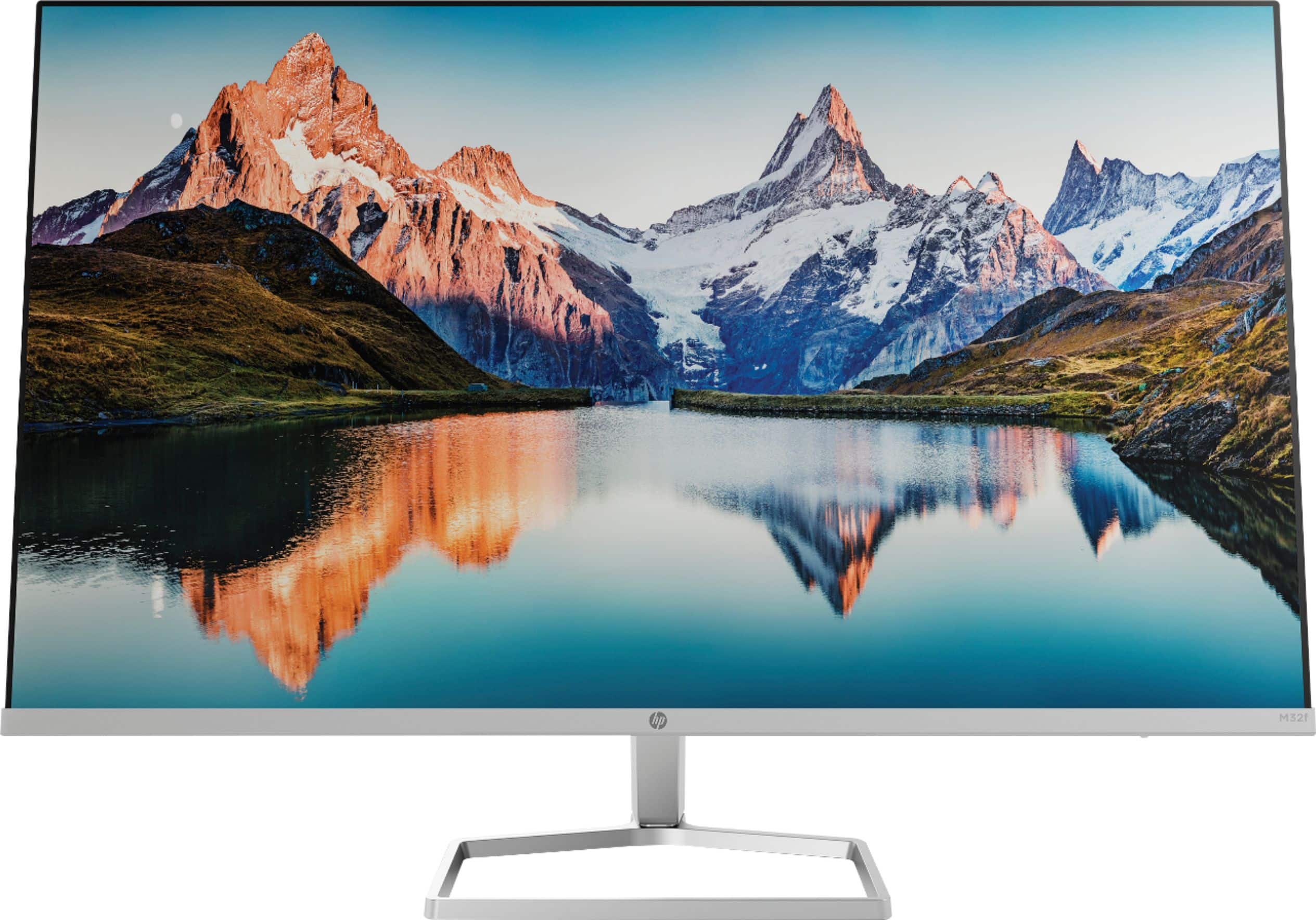
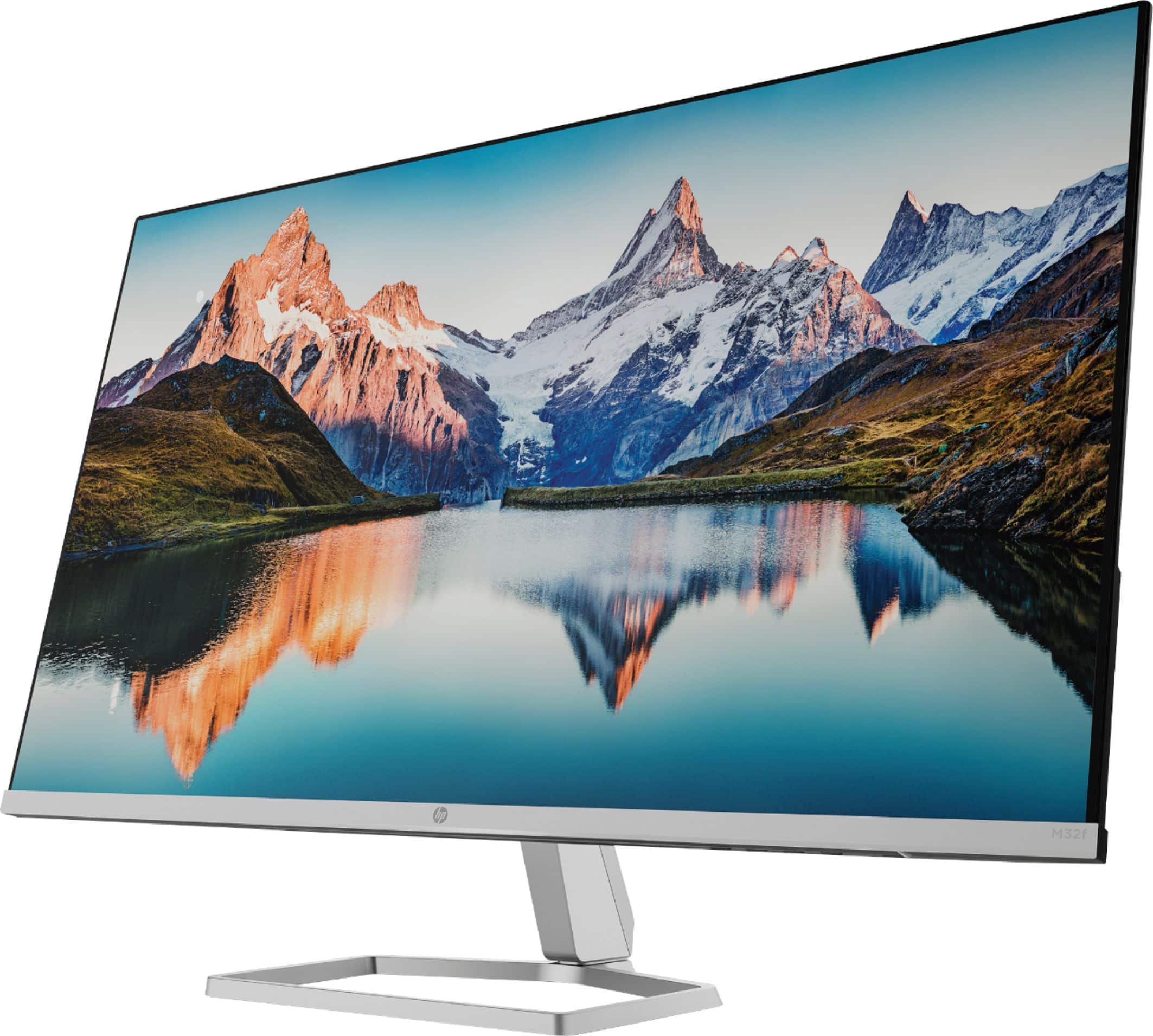
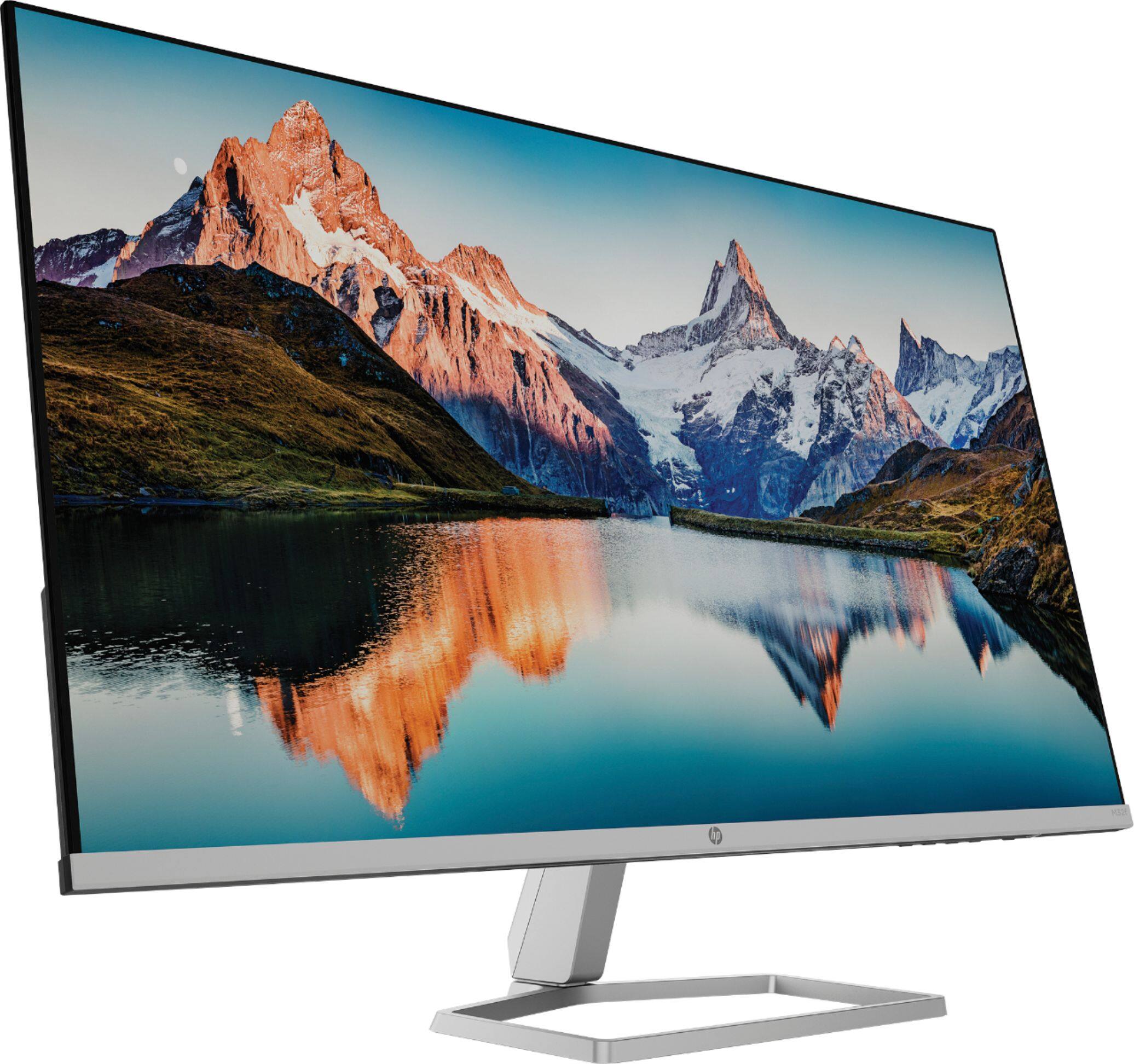
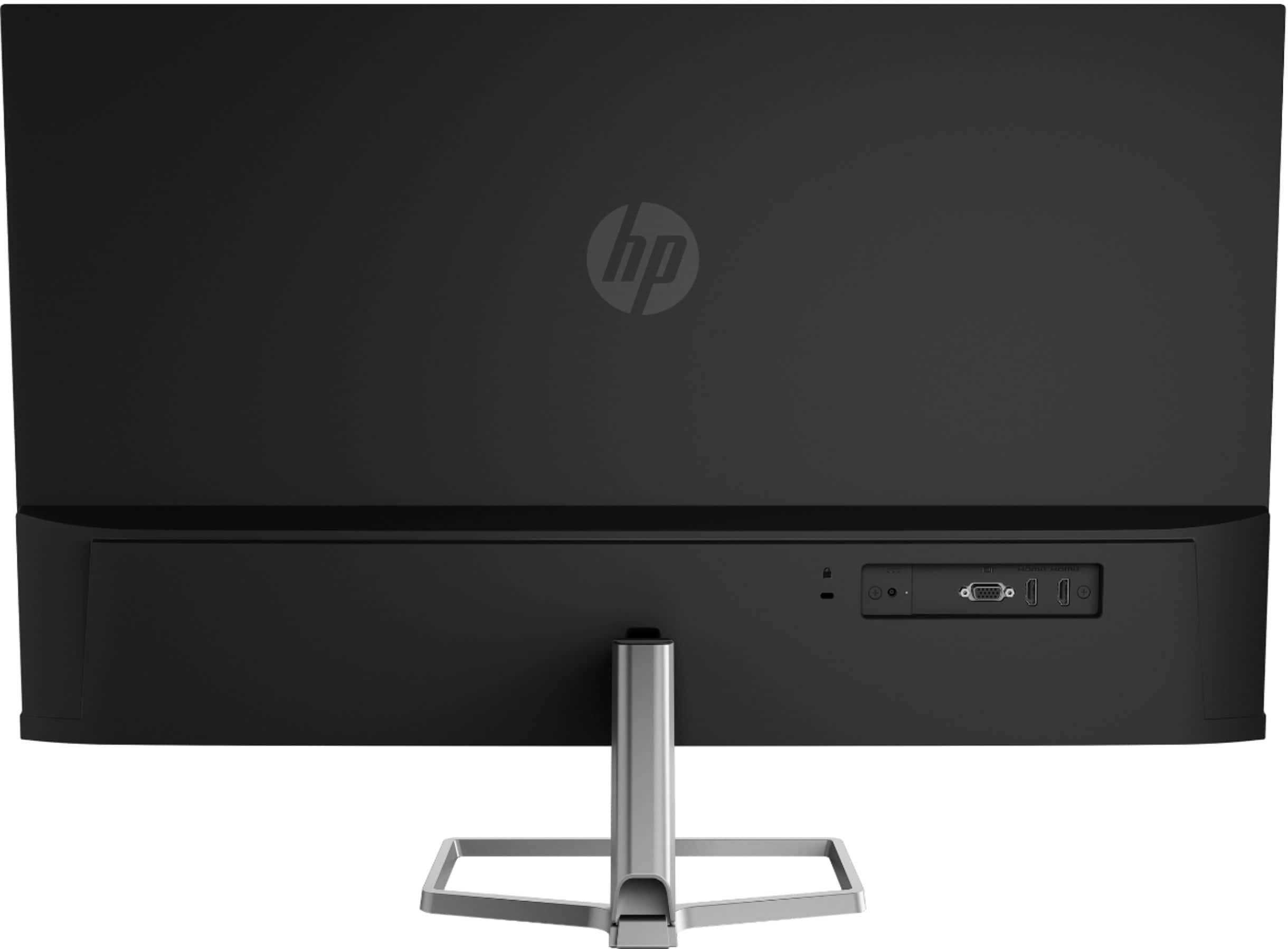
- Model:
- M32f
- SKU:
- 6454578
Rating by feature
- Display Quality
Rating 4.7 out of 5 stars
- Ease of Use
Rating 4.7 out of 5 stars
- Features
Rating 4.6 out of 5 stars
Customers are saying
Customers are pleased with the 31.5" LED Full HD FreeSync Monitor's large screen size and generally good quality. Many also appreciate its ease of use and sleek design, while the resolution is considered impressive for the price. However, some customers point out the lack of built-in speakers and limited mounting options as drawbacks. A few also mention that the monitor's adjustability could be improved.
This summary was generated by AI based on customer reviews.
Poor quality
||Posted . Owned for 1 month when reviewed.This reviewer received promo considerations or sweepstakes entry for writing a review.Poor quality. I do not recommend this monitor to anyone.
No, I would not recommend this to a friendOpen box fail
||Posted . Owned for 1 month when reviewed.This reviewer received promo considerations or sweepstakes entry for writing a review.Excellent open box with no power cord. Good job!!!
No, I would not recommend this to a friend- Pros mentioned:Ease of use, Screen size

Thin and Bright
|Posted .This reviewer received promo considerations or sweepstakes entry for writing a review.When I initially set up this monitor I was blow away with how easy it was to set up, its base comes in the package separate from the screen and easily fastens to hold it upright. After setting up and plugging into my PC I was immediately surprised with how bright and vivid the display was as my previous monitor was not LED, its very noticeable if you have never had an LED monitor before. The display also has multiple way to input ranging from HDMI to VGA. The monitor is also super thin which is nice on my office desk. One thing that this company seems to do on all of its monitors is change the base shape, I'm sure there are reasons that benefit the product but that part is a little annoying as I wish they all were the same, it would make my desk look very symmetrical. If you are looking for a larger monitor with a thin screen and a bright display I would recommend this one as it checks both of those boxes with ease!
I would recommend this to a friend - Pros mentioned:Resolution, Screen size
Nearly perfect monitor to connect to a laptop
|Posted .This reviewer received promo considerations or sweepstakes entry for writing a review.The monitor is just about the largest you could have on a desktop without feeling like it's too large. At 1920x1080, with 75Hz refresh, the picture is crisp and it's reasonably easy to read code side by side with a web browser (something I do most days) on a set of vertically tiled windows. I enabled blue light reduction in the OS, but the monitor also has it on by default, which will likely help with eye strain even more. The physical monitor itself is very light and easy to move, and I also like the cable management behind it. The only downsides I can see are lack of USB C connectivity (need a converter to HDMI for some Macbooks) for charging devices, and a top resolution of 1920x1080. I don't think my eyes could handle a higher resolution, but that might be good for some situations.
I would recommend this to a friend - Pros mentioned:Screen size
Next level quality
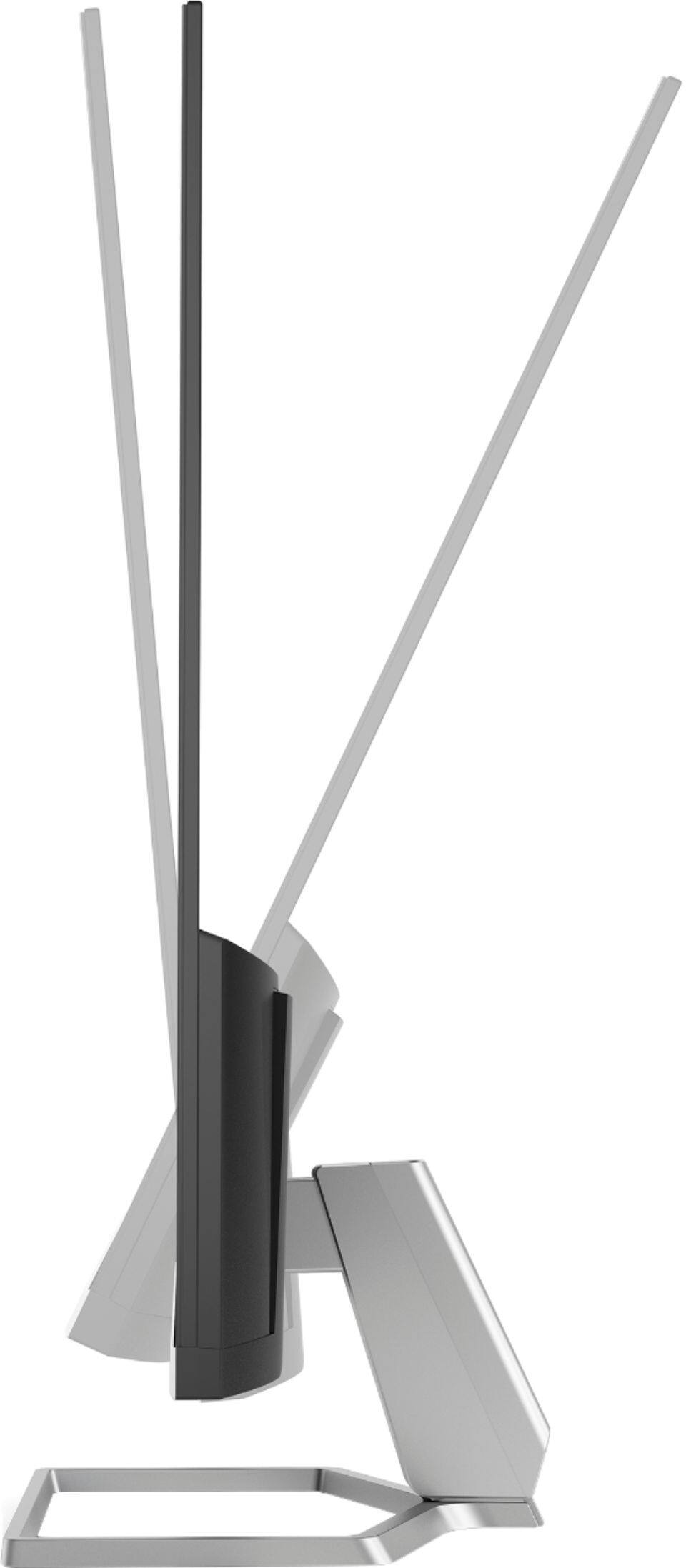
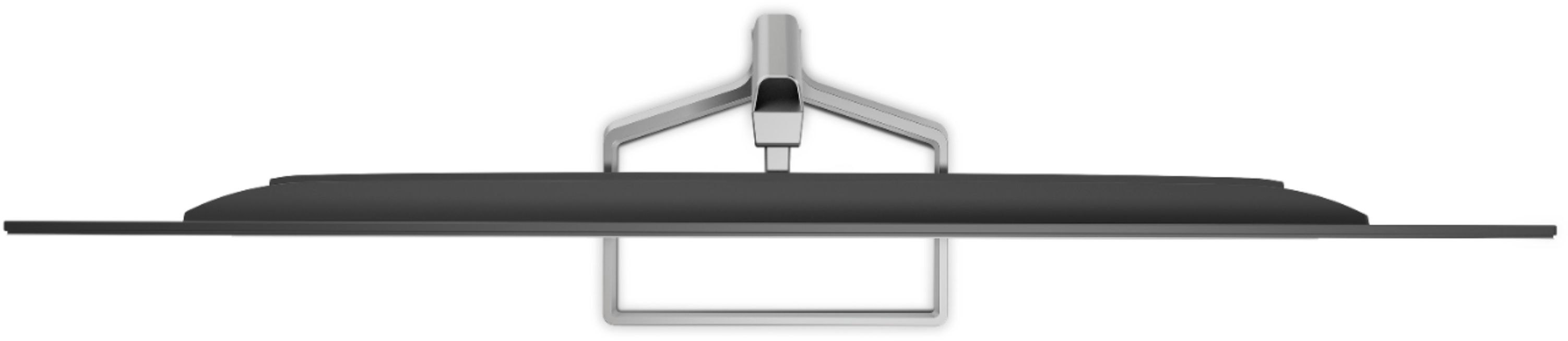
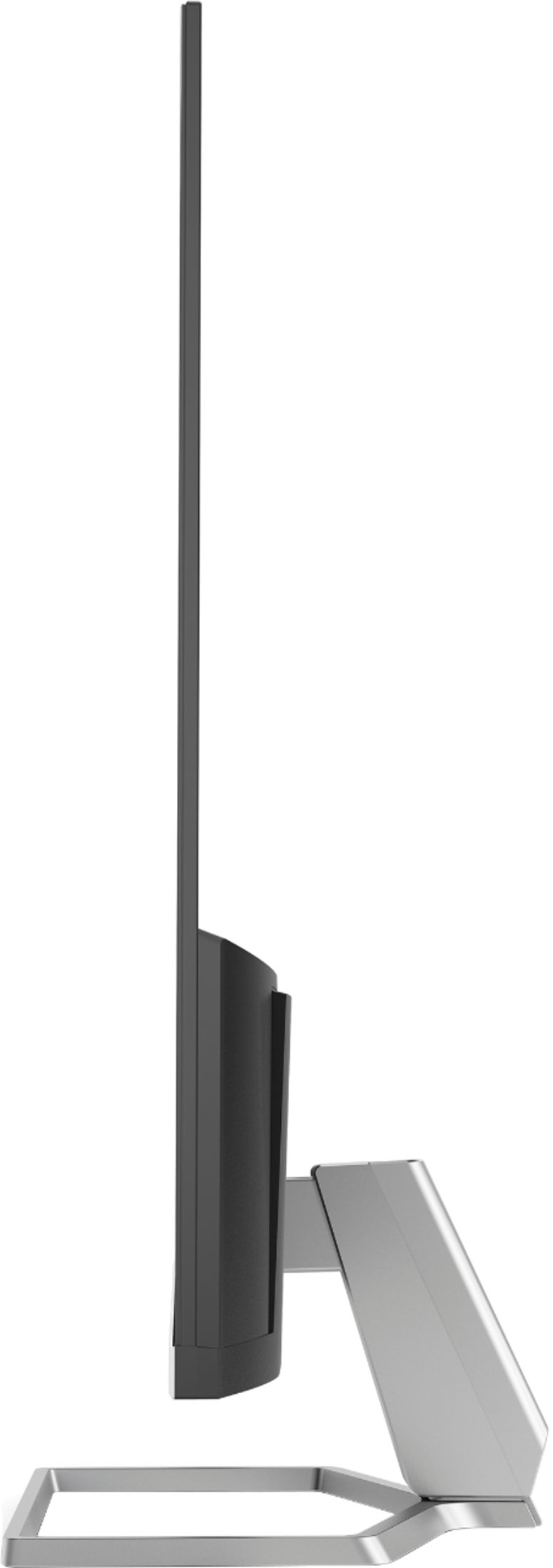
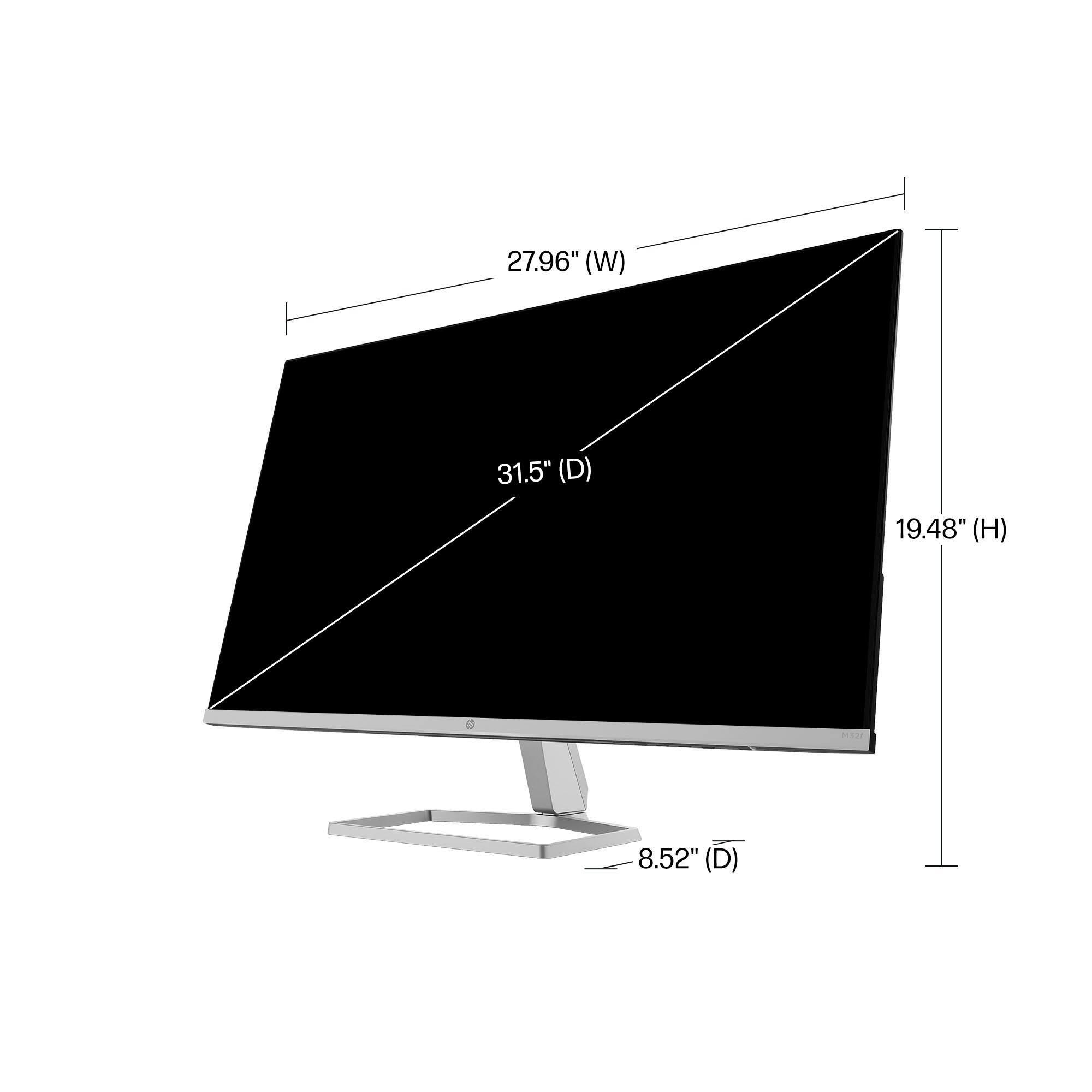
|Posted .This reviewer received promo considerations or sweepstakes entry for writing a review.If you are in the market for a really nice monitor that is not going to break the banks, this needs to be a consideration. The HP 31.5” LED Full HD Freesync monitor has all the things you need a causal user or as a gamer. When you are looking for a monitor, you have specific needs you want to fill. Not too big or small, and you want the best resolution and refresh rate you can get for your dollar. Now today, you want the ability to make things easier on your eyes and have it take up as little space on your desk as possible. 31.5” is on the larger side for me when I was looking at monitors. That means it is about 28” wide for your view, resulting in a fairly large panoramic view. Personally, its an upgrade for me from a 24” model so the difference is drastic. As far as looks….. The monitor is a silver color and has a metal base. It is very light, but with a sturdy construction. Best of all? The monitor is ridiculously thin. Like seriously thin. Think laptop monitor thin, like some of the newer models have. I didn’t expect this and was shocked when I opened it. The monitor has the ability to tilt from -5 degrees (slightly forward) to 25 degrees backwards. 25 degrees is far beyond what you would need sitting directly in front of the monitor, but if you were seated higher than I could see using that extreme of an angle. The color gamut is great. They use a proprietary thing HP Eye Ease. This lessens the blue light effects and whatever they use does not sacrifice the color portfolio. It is an extremely sharp display and is marketed as being easier on the eyes. I will have to see that as I use it more, but I definitely like the idea of that given that a lot of us still work at least part time from home even now after the pandemic has subsided. For those are more earth friendly, so is this monitor. It boasts a construction of 85% recycled material, and is Energy Star Certified along with a list of other responsible certifications. Hands down I am very happy with the performance, function, size and overall look of this monitor. I would be more than happy to recommend this to a friend or anyone that is looking for a quality monitor for a reasonable price. You are getting what you are paying for, and that is not always a common thing these days. I would get another just like it if I need another monitor. Take a look at it, you will agree.
I would recommend this to a friend - Pros mentioned:Screen size
Solid Display
|Posted .This reviewer received promo considerations or sweepstakes entry for writing a review.This thing is massive! I always look for the biggest disply I can find that doesn’t compromise on picture quality and this monitor hit the mark. Quality materials, great picture, low glare, and plenty of features. You really can’t go wrong with this display. Build quality: The build is great. HP went with the more professional look her rather than a gamer look. HP did an excellent job mixing in metal and hiding the plastic to give you a great high quality minimalist looking product that will look great on a desk. Picture quality: The most important spec on a monitor is how good the picture looks. For a 32in screen this thing looks pretty good. It’s a 1080p monitor so it definitely isn’t next level crispness and only has a 75 hertz refresh. But that doesn’t mean it doesn’t look good, it does. The colors look great and the tweakability in the settings lets you dial things in perfectly. The matte screen gets rid of almost all glare. I have this thing set at a slight angle in a fairly bright room and haven’t noticed any glare at all. It does support free sync, so for the AMD gamers out there this will be a great feature. I do wish the stand offered a little more flexibility. I’ve gotten used to monitors with stands that move up and down and swivel. This monitor really only offers tilt which is kind of a bummer. Overall this is a solid monitor with quality build, good picture all in a gigantic display. If you’re ok with 1080p then this is a great option for you.
I would recommend this to a friend - Pros mentioned:Ease of use, Screen size
Great Monitor for the Price!
Posted .This reviewer received promo considerations or sweepstakes entry for writing a review.I've really enjoyed this monitor so far. It's big enough to productively use the split screen feature and review documents/spreadsheets side-by-side, but not so big that it has a massive footprint on your desk. Setup was easy, and it was packaged really well. Would buy again.
I would recommend this to a friend - Pros mentioned:Screen size
Beautiful Vistas Await
|Posted .This reviewer received promo considerations or sweepstakes entry for writing a review.This HP 31.5" LED Full HD FreeSync Monitor is really nice. Though not "great." The screen size is what I'd consider to be its main feature. And there is a lot of display being displayed here. Unlike 'true color' monitors, the screen on this HP is more muted, which to me, reduces the clarity and color brightness, though the upside of this is reduction of eye strain. Setup was pretty straightforward. The included HDMI cable lets you 'plug-n-play' the monitor to your desktop computer or laptop. On-board controls used to adjust the settings of the monitor's visual display are accessed by four buttons on the lower right side of the monitor, along that bottom edge of the frame. These are easy to scroll through once you get the hang of it. I found this better than having to install additional software. The only 'frame' this monitor has is along the bottom edge, so there's a bit of a frameless illusion. This does give the impression of being more immersed in the visual you are experiencing. I was slightly concerned about the stand, whether it was going to be sturdy enough to support the monitor. But no worries, the mostly metal stand does the job just fine, and looks cool too. Tilt adjustment is good enough for me, but the limited range may not be for everyone. Overall, this HP 31.5" LED Full HD FreeSync Monitor is one to consider if you're looking for a larger monitor. I'd hesitate to recommend it as an option for gamers, but it's good for basic computer usage.
I would recommend this to a friend - Pros mentioned:Screen size
NICE monitor!!!
|Posted .This reviewer received promo considerations or sweepstakes entry for writing a review.This is an amazing monitor!!! I was very worried about getting it as I am not tech savvy, and I am using it on my laptop (and my nephew used on his new laptop) and it immediately connected and worked. He used it to try some of his games and said it looks great- we both sat in front of it and could see all of the screen. I use it to mainly watch medical/surgical videos and it is amazing. It is very light and extremely thin making it easier to move around. Did I mention its BIG? I didn't realized until I had to use my work computer glasses instead of my daily progressives. I can watch a training video and write an essay with both open next to each other- almost like two monitors in one. There is no manual that comes with it. It does have a quick set up which is great, but thats it. One thing- I need to get a monitor shelf because it takes up a lot of room on my desk.
I would recommend this to a friend - Cons mentioned:Speakers
Not as sharp of a display
|Posted .This reviewer received promo considerations or sweepstakes entry for writing a review.This is a lightweight monitor and is very easy to setup. It doesn’t have a vertical adjustment so I had to place it on a stand for proper height. The screen tilts forward and backward. Without a stand you will have to constantly look down at the screen. You can connect both HDMI and VGA ports. The monitor comes with a Quick Setup guide that is pictorial. There is a manual on the HP website that explains the buttons and other information. My first impression was that the screen display is not as crisp and sharp as my previous monitor. It is a big difference. And days later it still bothers my eyes. I tried adjusting using the buttons on the front of the monitor and it only helped a little. Updating the driver from the HP website didn’t improve the sharpness either. Every day I tweaked settings but it is still not sharp. HP Eye Ease helps reduce blue light but my computer glasses do a better job. They claim there is no loss of color accuracy but I compared a photo of Mardi Gras beads on 3 different displays and this monitor was slightly muted compared to the others. Color was still bright but just not as vivid. Other photos had the same results. Monitor size is perfect. Viewing angles are excellent. A very thin black border gives you maximum screen display. Speakers are not included with the monitor. If you are currently using Bluetooth speakers they will probably go offline when you add this monitor. I had to reboot and then manually reconnect my Bluetooth speakers. Now they work fine. Just not impressed with this monitor because of the slightly blurry display. The blue light filter is a nice feature but I do prefer my computer glasses. If not for the lack of resolution it would be a great monitor. NOTE: I received this product in exchange for my fair and unbiased review.
No, I would not recommend this to a friend Great Value for a larger monitor!
|Posted .This reviewer received promo considerations or sweepstakes entry for writing a review.This is a great monitor for everyday home and work tasks. As a full HD monitor it is not "up" to the highest resolutions computer hardware can provide, but it is plenty sharp enough for pretty much any work you will do on it. I do a lot of photo editing and this monitor is plenty sharp enough for the non-professional work I am doing. If you sit too close to the monitor you can see the screen door effect, but I wanted a large format monitor so I didn't need to be right on top of it to see things. Colors are vibrant and the screen is capable of impressive brightness (I turned it way down from the factory settings for my eye comfort) and respectable contrast. The screen is not glossy! This is a blessing particularly when there is no way to dim overhead lighting as it has no screen glare at all. In addition, an probably because of the anti-glare nature of the screen, this monitor has the widest viewing angles of any office monitor I have used. While setting up the monitor I ran through several different options. The placement of the buttons under the right front edge take just a minute to get used to but the on-screen arrows and indicators make maneuvering through menus a snap. I went through several of the preset image options and ended up with a custom setting that was the right balance of brightness and contrast for my comfort. The "Night mode" was interesting, but I can't imagine I would use it as even if it is better for my eyes, it dramatically alters the colors and brightness of the screen to a level that it wouldn't seem useful for anything beside basic word processing or maybe a spreadsheet. The screen is supposed to have a blue light filter, but I don't have equipment to test that. I guess I will just have to believe that my eyes are straining less and I am able to sleep better! In terms of physical build and design, this monitor has a striking appearance. The image is basically edge to edge with the absolute minimal bezels. the panel is very slim with a bulge toward the bottom, and the 2 HDMI and VGA ports are placed on the back surface making them easy to access. The stand is a sturdy metal base, that is flat and minimalist. However, the mounting options are the one reason that I cannot give this monitor 5 stars. The monitor has very limited motion, just allowing a bit of tilt up and down. To make matters worse, there is not VESA mounting capability dramatically limiting the scenarios where the monitor could be mounted/displayed. I imagine this is done to maintain the super thin panel depth, but it seems like they should have provided some method for attaching the monitor in a manner that is really an expectation these days. The back of the stand has a removal cover allowing you to hide a wire or two going up to the back of the monitor, but it fell off several times and the opening is pretty narrow so it's of pretty limited value. Those things aside, I think this would be a great monitor for most people looking for more viewable real estate, without breaking the bank. I actually replaced two smaller monitors in extended configuration with this single panel. By pushing the larger monitor further back on my desk, and being narrower than the overall footprint of the older, chunkier ones, this monitor has freed up a lot of usable space for me. I am very happy with the image quality and would recommend this monitor to anyone that is looking for a nice big monitor for everyday tasks.
I would recommend this to a friendGood monitor for certain applications
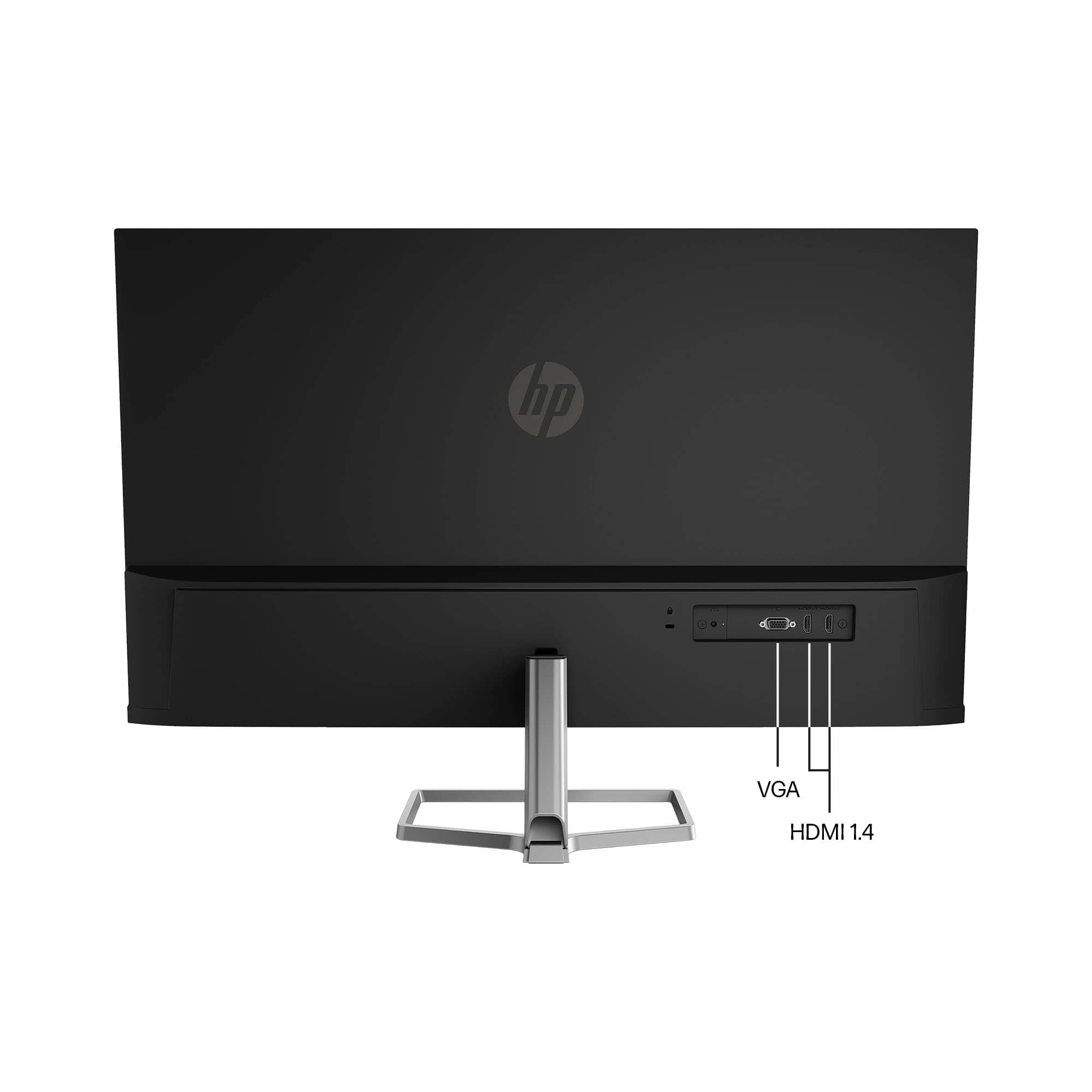
|Posted .This reviewer received promo considerations or sweepstakes entry for writing a review.I am running this monitor via HDMI connection in its native 1920x1080 60 Hz resolution. Assembly was simple requiring no tools to attach the silver base. The monitor is stable and relatively light. Be aware there is no VESA mount or height adjustment but there is a forward/backward tilt. The 3 sided bezel is quite small. There are 2 HDMI inputs and 1 VGA An HDMI cable is included along with a generous AC cord that attaches to a small power brick. Right out of the box the monitor looks good in case you do not want to fuss with different settings. There is an easily accessible built in menu for this monitor that allows several configuration changes, but there is no explanation for some of them like "black stretch","HP Enhance+" and "Response Time ". Sure you can change it and see the effect but there should be an explanation somewhere. The only thing on the HP website for this monitor is a driver download. No manual is available. There is a menu item to change video color temperature which is nice to have but I left it in Native and I allow the PC to manage blue light during evening hours. If you don't have this PC setting it can be easily changed from the monitor settings. The monitor plays 1080P HD video material streamed from the Internet beautifully and the colors look true with no lag. Viewing angles are very wide with no noticeable drop off. Game play has no issues and there is little to no glare from room lighting. What I do not like about this monitor is the resolution for text. I feel that 1080P HD at this size of 32 inches is not enough for text. I feel as though I can see the individual pixels making up the text. I would not use this monitor for full time text applications. This is not the fault if the monitor but rather the applications used for this size monitor with this resolution. I am also sitting 2 feet from the screen which also probably doesn't help the situation. This is a good value monitor for video and photo viewing.
Large Gorgeous High Performance Display
|Posted .This reviewer received promo considerations or sweepstakes entry for writing a review.The HP - 31.5" LED Full HD FreeSync Monitor is an amazing display with bright, clear, bold color, smooth motion, and a beautiful design. I love the edgeless screen design. Everything I do on this monitor looks absolutely amazing! Working with multiple files or even different applications on a single screen is great with the monitor. There is enough space on screen to open 3-5 application windows and arrange them in large enough window sizes where you can view everything clearly. Making it easy to use multiple applications or multiple windows of the same application with ease. I love the brightness and vivid display. I find myself streaming video more often on my laptop using this monitor because of the amazing picture quality. Motion is smooth. Even on fast paced sequences. Gaming looks awesome on this monitor as well! I have not experienced any ghosting, trailing images, shadowing, or any other visual defect while using the monitor. You have two HDMI inputs and a VGA connection, however no option for an audio port. The chassis provides a neat way to hide wires, using the built-in wire management on the back of the support stand. The monitor's stand gives you the flexibility of changing your viewing angles which is really nice. The one limitation of this monitor is that it does not support 4K resolution. While this would be a nice to have, that specific feature's absence does not take away from the exceptional experience delivered by this HP LED monitor. I cannot say enough about how great the visuals are on this screen. Even video editing is more exciting thanks to the brilliancy of the colors and the crisp imagery. I recommend this HP - 31.5" LED Full HD FreeSync Monitor. It performs great! It looks great! Easy to use and will definitely enhance your visual experience regardless of the application for which you use it. Gaming, movies, working, or general computing are all better with the HP - 31.5" LED Full HD FreeSync Monitor.
I would recommend this to a friendBest value large size monitor
|Posted .This reviewer received promo considerations or sweepstakes entry for writing a review.I replaced a 24" monitor in my dual monitor setup with this one and am very happy with it. As I have gotten older, my eyesight isn't quite what it used to be and I find text in PDF files and spreadsheets to be difficult to read at time when using the maximum resolution of the monitor and no magnification. That issue has disappeared with this monitor. Understand that this is a budget priced monitor, the max resolution is 1980x1080, this isn't 4k. I personally think the resolution though is perfect; text and video are crisp and easy to read, without being harsh. They call this monitor "Eye Ease Certified" and yes, that is certainly accurate. The menu system is easy to access and use; you have a power button on the bottom of the monitor and next to that are the 4 buttons used to access and navigate the menu system. Pressing any of those 4 buttons will activate a visual menu at the bottom of the scren with pictures above each of the buttons explaining what they do, which from left to right are:Menu, Brightness, AutoAdjust, and Input (2 HDMI and a VGA). Under the Color menu, the "Neutral" setting is really good, but I find the HP Enhance + setting to be slightly better. Between the myriad of customizable settings, I am confident you'll find one that suits your taste. The black bevel around the sides and top is just under a quarter of an inch and gives good contrast. The stand is a confidence inspiring metal; I expected plastic at this price point. The tilt range forward and back is much better than the Samsung and Dell monitors I have used. Having used this monitor in my home office enviroment, 8 hours+ a day for a full week, I have to say that I don't have any things I would change. You'll pay more for higher resolution. You'll pay more for built in speakers (a feature I wouldn't use anyway). For the HP M32f, you get an excellent monitor from a trusted name at a great price. I am happy to give it my highest recommendation.
I would recommend this to a friendHP 31.5" LED Full HD FreeSync Monitor
|Posted .This reviewer received promo considerations or sweepstakes entry for writing a review.I just received my HP 31.5" LED Full HD FreeSync Monitor a few days ago and have been putting it through its paces. Going in, I'm fully aware and understand that this is an monitor is in 1080p not 4K as others tend to get confused on regarding the sharpness of the display. Unboxing the monitor was very easy and was packed very nicely (without any Styrofoam only cardboard). Putting the monitor together was very easy and took me no longer than about 45 seconds if that. The main base simply screws into the bottom of the stand. To help there a little loop hook on the screw that helps you screw both the stand and base together. Once that's screwed in, that's basically it aside from the cord cover that attaches to the back by sliding up or down. Once I got everything attached, I connected the included HDMI cable to one of the 2 HDMI ports (there's also a VGA port on the back as well) on the back of the monitor and connected the other end to my Dell All-In-One desktop and voila, I've now got an expanded monitor system. This comes in hand with working from home on some days and allows me to have more windows open. Along the bottom right of the monitor is the power button, plus other buttons which allow you to scroll or select items on the on-screen menu. Tweaking the settings to your liking is fairly simple. Setting up the monitor and tweaking the settings was a breeze. This is a great monitor and people have to remember that its a 1080p monitor so yeah it's not going to be as sharp as a 4K monitor. However, the display is still amazing. Sidenote: Another use we found out the monitor would be great for is a TV. Yeah there's no speakers, but if you have a streaming stick, or other streaming device that connects via HDMI and you have a bluetooth speaker, then you've got yourself a nice little TV setup.
I would recommend this to a friend- Pros mentioned:Design, Quality
Love it!
Posted .This reviewer received promo considerations or sweepstakes entry for writing a review.Great quality, really slick looking and at a fair price point.
I would recommend this to a friend - Pros mentioned:Screen size
A just OK monitor, but can be a bargain if on sale
Posted .This reviewer received promo considerations or sweepstakes entry for writing a review.Good but not great monitor. If you find it on sale, it can be a bargain for a monitor of this size. But the large size also means the image isn't quite as sharp as on smaller monitors since the HD resolution starts to show visible pixels when you using a screen this big as a computer monitor (ie sitting very close to it). Response time is pretty lousy too so there is a lot of smearing when watching video with fast moving scenes. Static images, however, look pretty good although you may have to do some tweaking to get the best color and contrast balance. I found HP enhancement + looked best. Even then, a little too bright, not enough contrast for my liking. HP long term realiability also a big question mark. Have not had much luck with the brand in the past few years. A lot of their products had major issues or died long before they should have. Overall, a fairly sharp and very bright monitor good for standard computer work. Not so much for videos or video editing and photo work. Physical form factor is quite compact given the screen size. Very thin bezel except along the bottom where the tiny impossible to see controls are. Tilt screen works fine. Anti glare finish keeps reflections at bay. Quite light for its size.
I would recommend this to a friend - Pros mentioned:Quality, Screen size
Love it!
Posted .This reviewer received promo considerations or sweepstakes entry for writing a review.huge monitor with high quality! 10/10 recommended!
I would recommend this to a friend Superb color quality, love the slim design
|Posted .This reviewer received promo considerations or sweepstakes entry for writing a review.I got this monitor to replace a small portable monitor I’ve been using for my work laptop. Setting this up was easy out of the box, only needed to attach two components for the stand. I like that there’s a cable containment behind the stand to keep the cables intact. It has two HDMI inputs and one VGA. If you’re using all 3, the containment will keep all your cables organized. What attracted me most to this model is the slim profile that even though I have a small desk, the monitor did not look bulky at all. Coming from a smaller monitor, it took me a day or so to acclimate my eyes to the 32” viewing display. However, as soon as I got used to it, I don’t think I can go back to small monitors. I mostly work on spreadsheets and the wider view has allowed more rows and columns to be diplayed than on my laptop screen. The HD display also looks good especially during Zoom meetings and watching videos. The color quality is superb! I like that I can tilt the view depending on my position and customizing the brightness, contrast, color and other settings is easy with the buttons located under the lower left hand side of the monitor. My only con is that the monitor’s height is not adjustable. Increasing the height is not a problem as I can use a stand, however, I cannot go any lower. It would be nice if this monitor also have an integrated camera for virtual meetings. Overall, I am very pleased with this monitor. The slim design as well as color quality and high resolution made this well worth the price.
I would recommend this to a friend- Pros mentioned:Screen size
Bigger is better!
Posted .This reviewer received promo considerations or sweepstakes entry for writing a review.Really big and really bright....at a great price. I turned my wife's laptop into a workstation with this screen and a blue tooth key board and mouse. Prior to this, she did all her work on her little laptop. Now if I can only get her to reduce windows so she can see several windows at once!
I would recommend this to a friend