Customer Ratings & Reviews


- Model:
- M140W/7MD72F#BGJ
- SKU:
- 6501308
Rating by feature
- Value
Rating 4.5 out of 5 stars
- Quality
Rating 4.5 out of 5 stars
- Ease of Use
Rating 4.4 out of 5 stars
Customers are saying
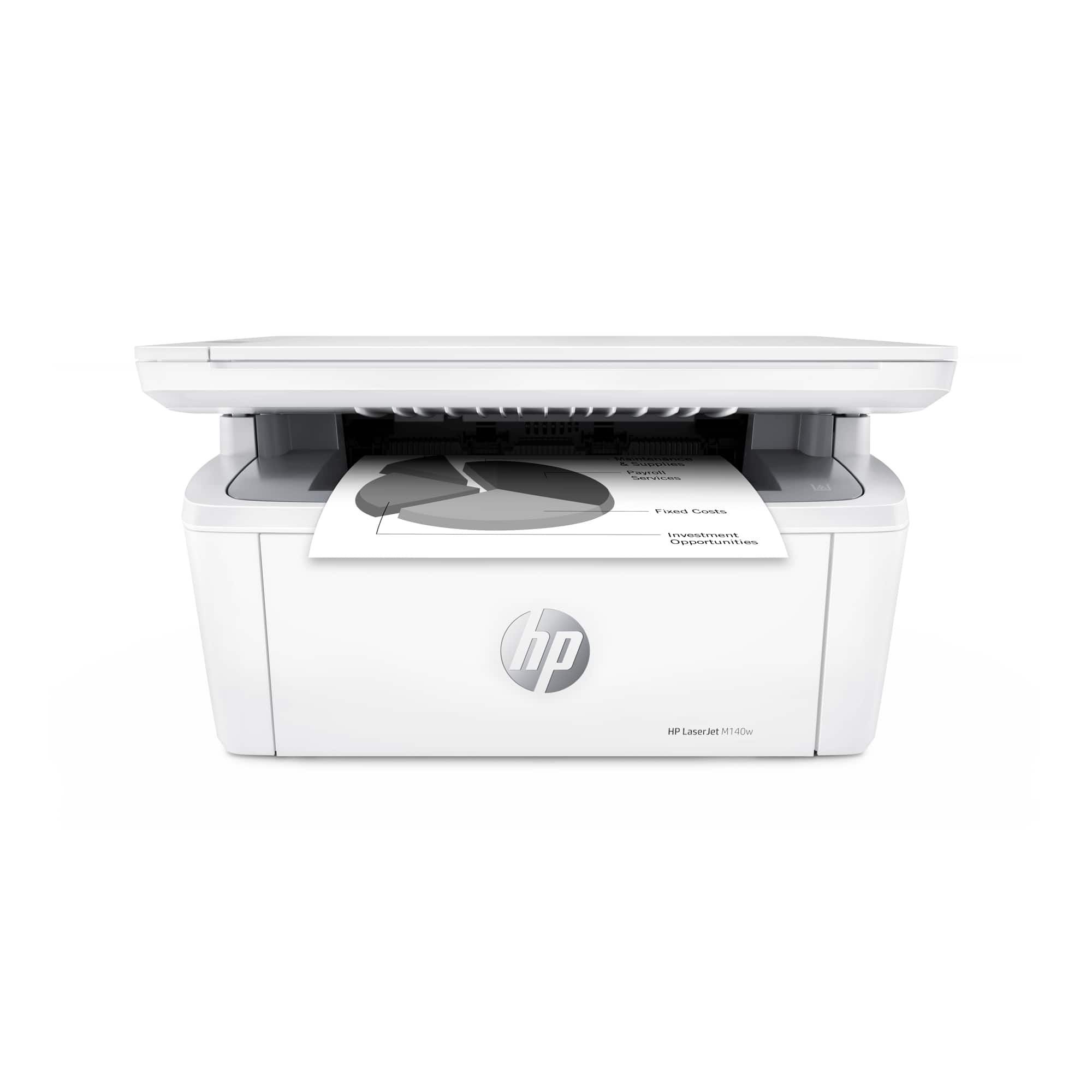
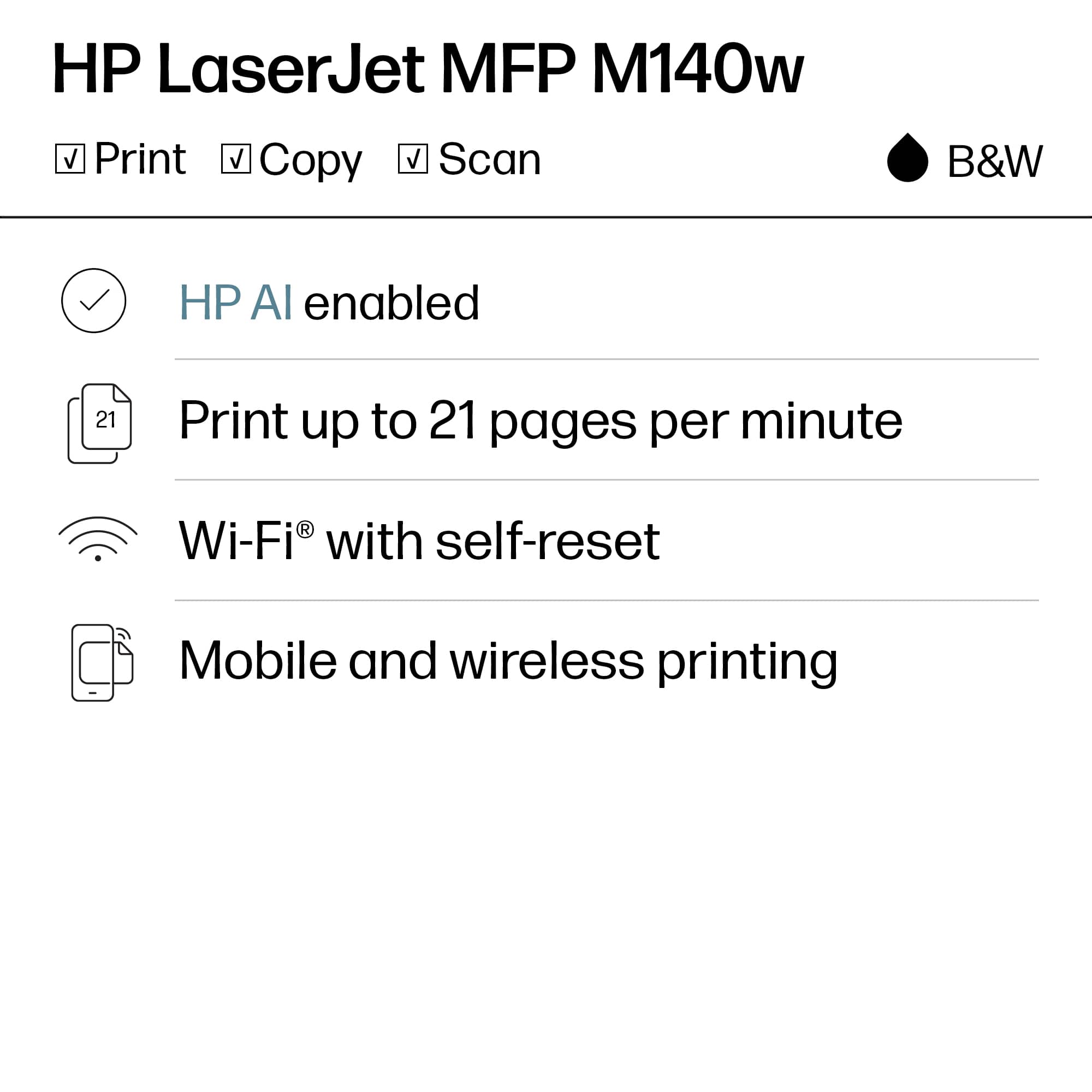
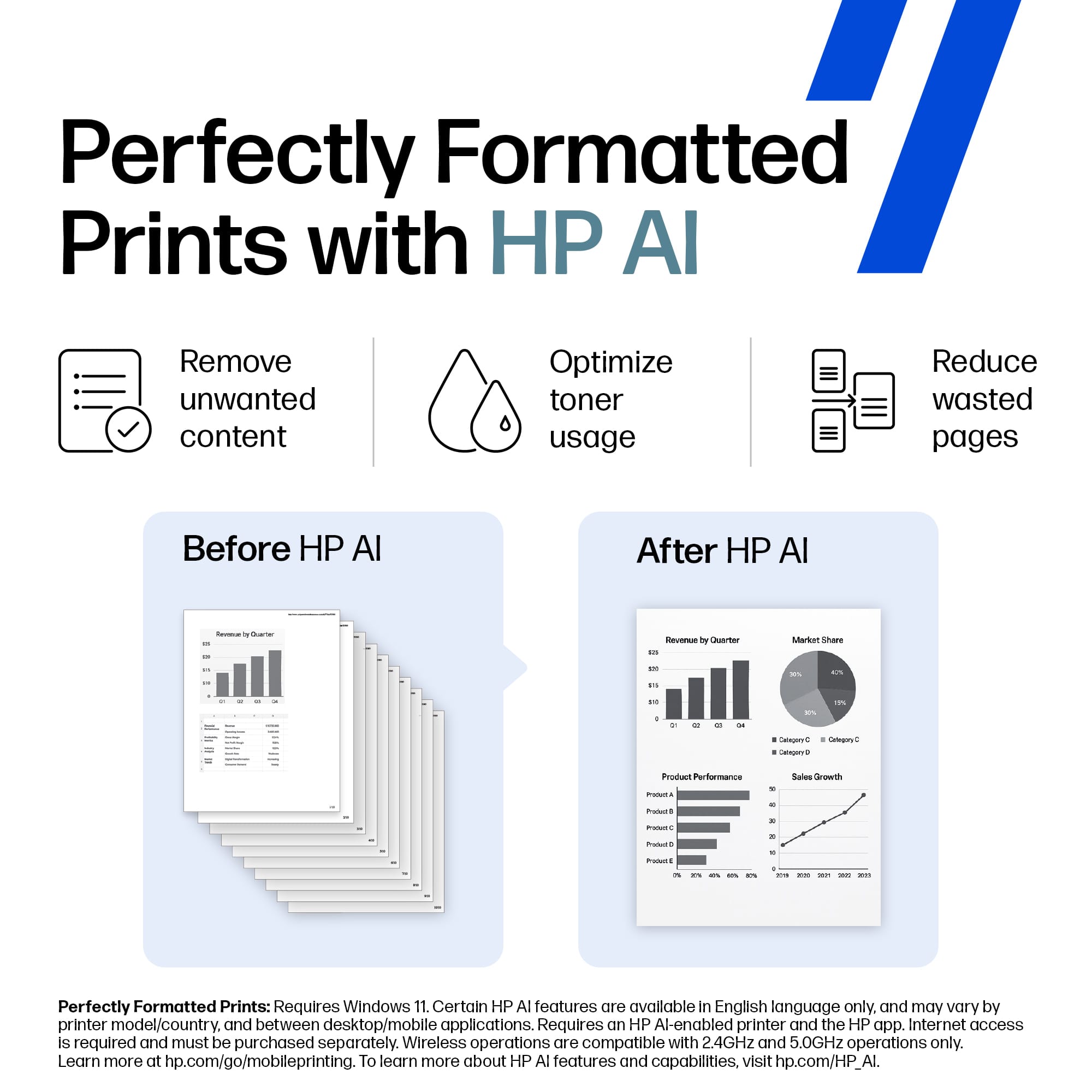
Customers find value in the LaserJet M140w Wireless AI-Enabled Black and Laser Printer's print quality, ease of use, and compact size, making it well-suited for home use. The printer's setup process is straightforward, and it offers both wired and wireless connectivity. Some customers have noted concerns about the amount of toner included in the cartridge.
This summary was generated by AI based on customer reviews.
- Pros mentioned:Ease of use, Print quality, Size
A Compact Workhorse That Delivers
||Posted . Owned for 3 weeks when reviewed.This reviewer received promo considerations or sweepstakes entry for writing a review.The HP LaserJet M140w has been a surprisingly impressive addition to my workspace. For such a compact printer, it packs a lot of capability and delivers consistently strong performance. Setup was quick and painless, and connecting it to Wi‑Fi took only a few minutes. Once it was up and running, printing from my laptop and phone felt seamless. Print quality is excellent—sharp text, clean lines, and no smudging. It’s exactly what you want from a monochrome laser printer, especially if you handle a lot of documents. The speed is also better than expected for its size, making it easy to get through multiple pages without waiting around. One of the biggest advantages is how quiet and efficient it is. It wakes up fast, prints fast, and doesn’t take up much space, which makes it perfect for a home office or small workspace. The HP Smart app is another bonus, making scanning and printing from mobile devices incredibly convenient. Overall, the HP LaserJet M140w offers great value, reliable performance, and a frustration‑free experience. If you’re looking for a compact laser printer that simply does its job well, this one is a solid choice.
I would recommend this to a friend So sorry, another H.P. flunk.
||Posted . Owned for 1 month when reviewed.This reviewer received promo considerations or sweepstakes entry for writing a review.Its funny that this survey came today. Why you ask? Because Im taking the horrible thing back. This is another H.P. blunder. Why would i want a printer that only works when its online? Secondly I spent hours trying to get it connected. I veiw several tutorials to try and help. No luck. H.P. has a lot to be desired. I had stayed away from H.P. for years, this is why.
No, I would not recommend this to a friend- Pros mentioned:Print quality, Setup, Size

Compact Laser, Easy WiFi Setup, No Paper Tray
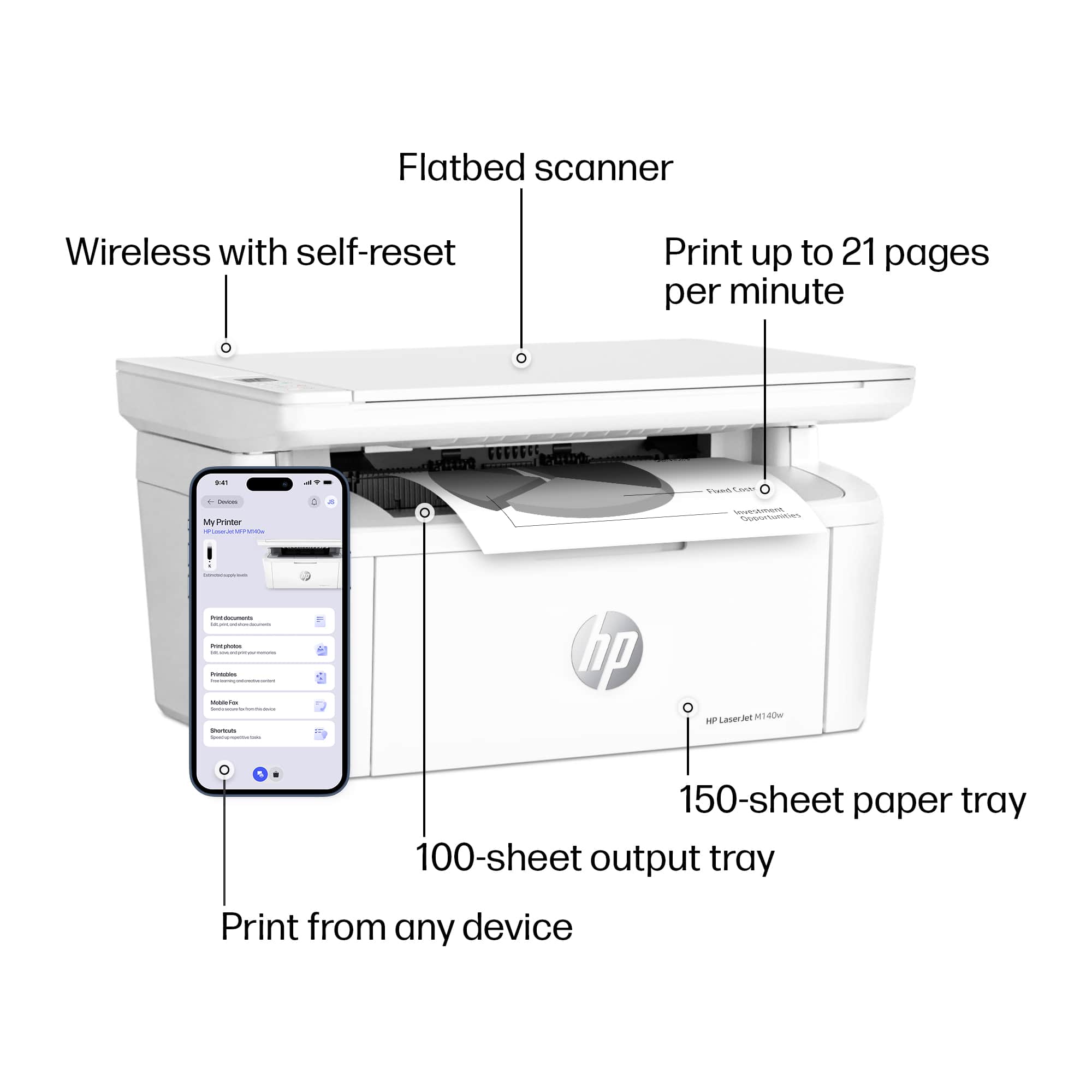
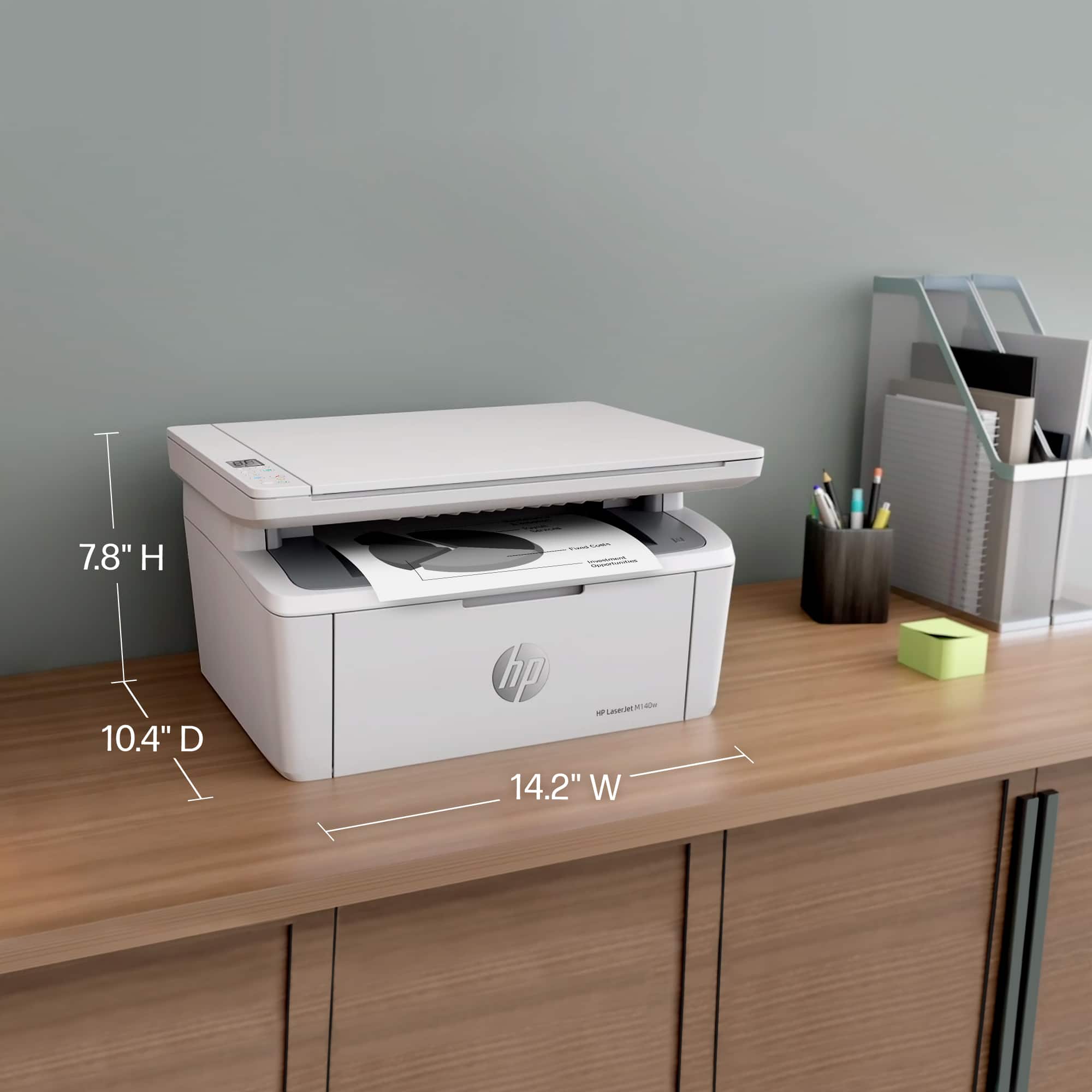
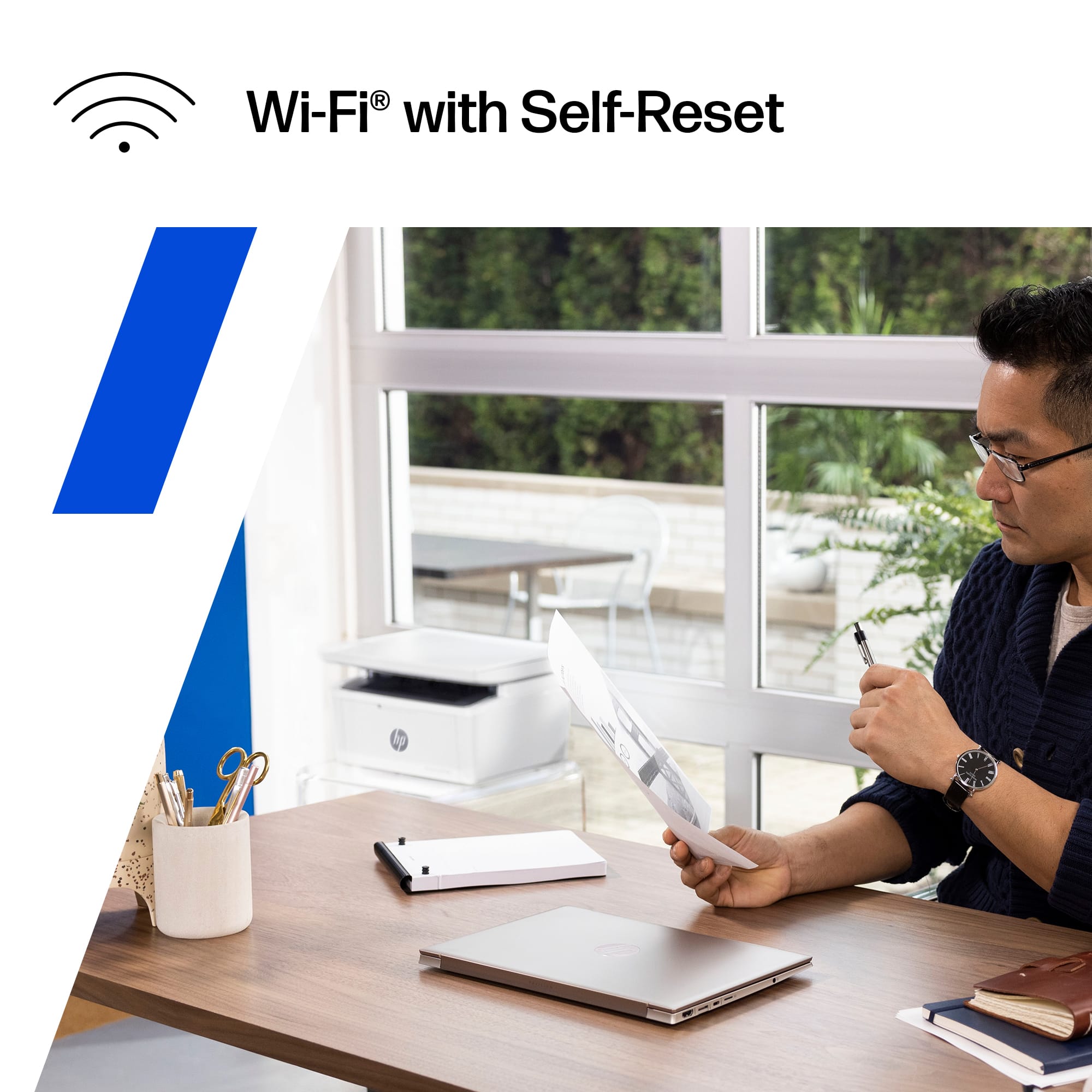
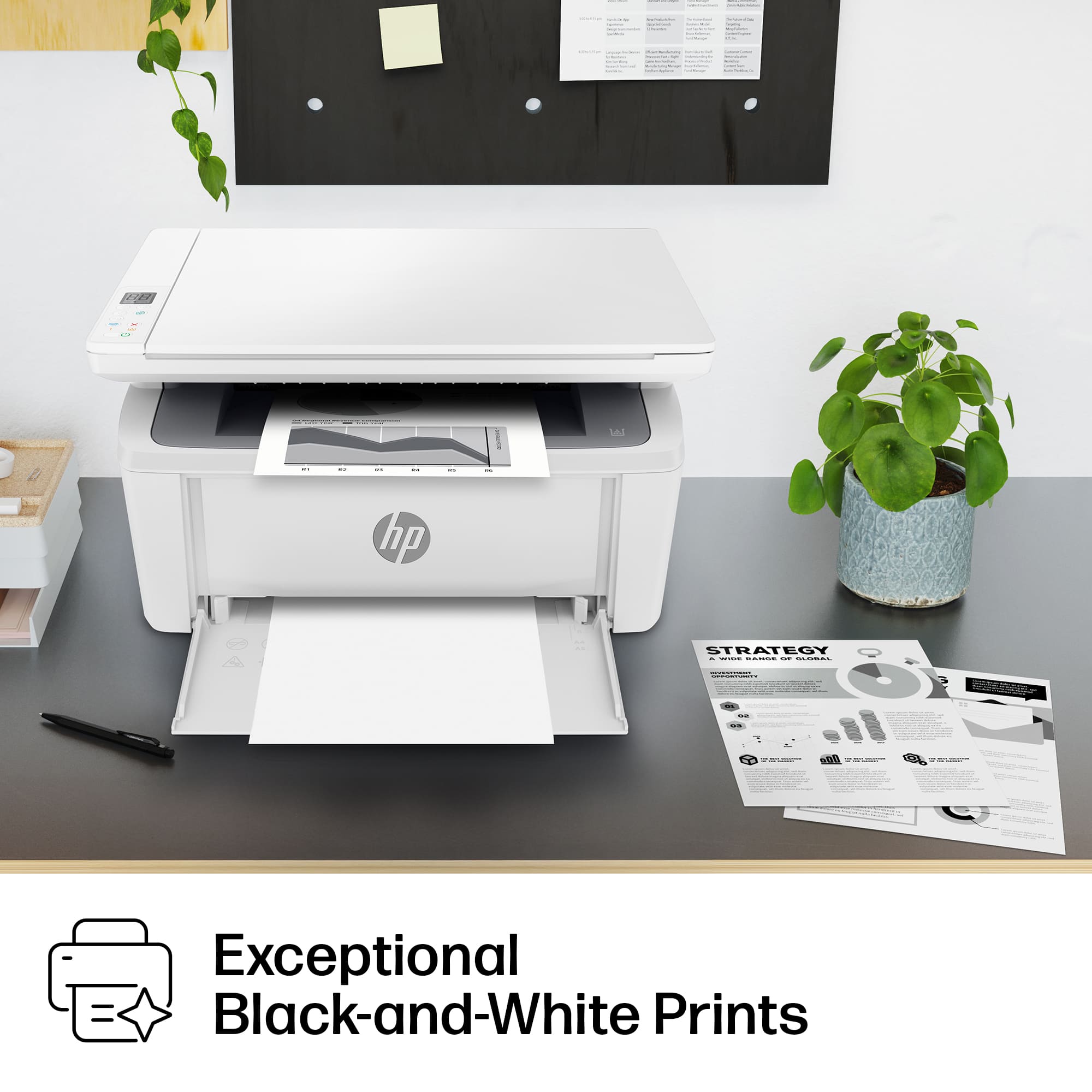
|Posted .This reviewer received promo considerations or sweepstakes entry for writing a review.I have been using the HP Laser MFP M140W for several days, both as a printer and scanner and been giving it a lot of use both to print and scan as I get my tax files organized. The first thing you notice when you get the HP MFP M140W out of the box is how small it is - this is a laser printer with the footprint of an inkjet. As a compact laser printer for your home, it's great. Setup was easy on my WiFi 6 network. You use the (free) HP Smart app and it was connected to my WiFi in a few minutes. Despite what the app claims, you don't need to install software on your computer once the printer is on your WiFi network, both our Windows and MacOS devices discovered the HP MFP M140W and were able to print and scan without any need for HP software. Yay! As a printer, it prints at a claimed 21ppm, I didn't time it but printing was fast. One thing to know about the HP MFP M140W is that it doesn't have a true paper tray. You load paper by opening a flap at the front and the paper sits outside not in the printer. This is not a bad thing, just something you should know as the pictures would suggest it has internal paper storage but it does not (see picture). This is not necessarily bad just that I do prefer printers with paper trays that protect the paper. Why this all matters is if you don't make sure you have the printer output flap open, then as you print, paper can basically self feed back into the paper tray and you will print over your printouts in an infinite loop. One of the things I do like about the HP MFP M140W is that HP Instant Ink is optional! This is a big step forward for HP who use to force Instant Ink on everyone. If you are after a compact multifunction black and white laser printer, that's perfect for your home you can't go wrong. The scanner seems a little slow, there's no way for me to
I would recommend this to a friend - Pros mentioned:Print quality, Setup, Size
Best Compact B&W Laser Printer in its Class!
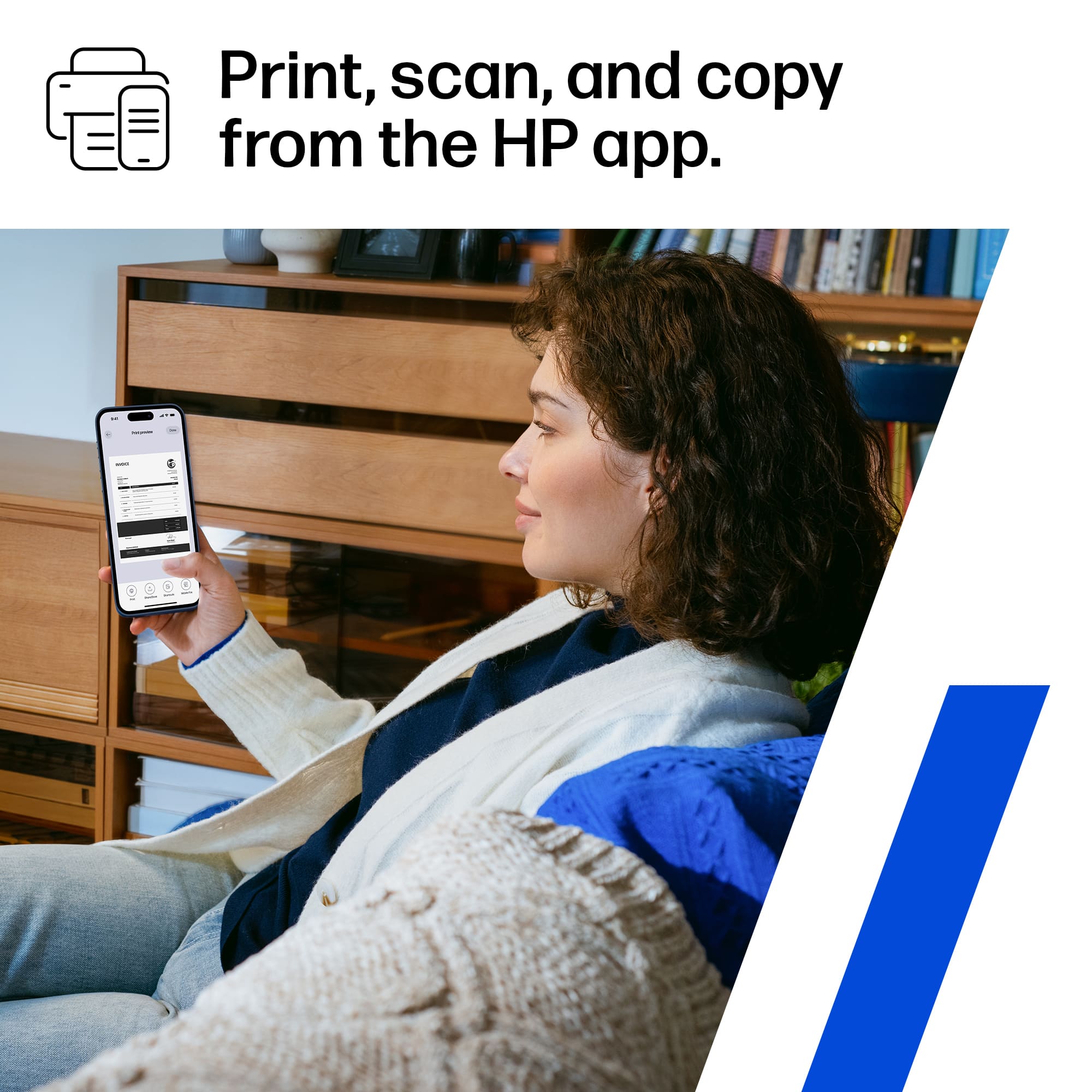
Posted .This reviewer received promo considerations or sweepstakes entry for writing a review.So far, I’m loving my new HP LaserJet printer. Its compact size is perfect for my room, for it allows me to place it anywhere around the space. It weighs a meager sixteen pounds outside the box. Setting it up through the HP Smart app was really easy, seamless; it took less than three minutes to establish connection. That’s more than what I could say for my inexcusably slow and bulky, 41-pound Canon printer and its companion app with its antiquated design and features; I’m so glad to be rid of it and make the switch to HP. Once connected, I printed out two sheets of text as a test. I was floored by its quickness and efficiency in its printing speed and quality. Its scanner and copier work just as well with relative ease. I could perform any and all functions from my phone, including remote printing. It’s the best printer I’ve ever owned, and with its companion app, they make a deadly combination for owners of any skill level to experience the greatness of this machine and its capabilities. And, yes, it’s most compatible with all Apple devices.
I would recommend this to a friend - Pros mentioned:Overall performance, Setup
Worth the little bit of extra cost
||Posted . Owned for 2 months when reviewed.This reviewer received promo considerations or sweepstakes entry for writing a review.If you’re like our family where theres times when we use a printer often throughout a single week and then theres times when your whole house goes months without printing something. You need to get this printer instead of the traditional cartridges. The most inconvenient thing about owning a printer is when you really need it and then you find out that even though you hardly used that new cartridge months ago, well its dried up and now its a waste of money, ink and time. Especially when the cheaper printers are cheaper than the ink. This printer solves that problem. Pros - easy set up, does everything it says it does and almost everything that any other printer does. Alot of features you can play with with easy setups and wireless connections. The ink type is the biggest pro and the reason i would tell anyone to buy it. Cons- the only two cons are 1. Its a big printer so have a decent sized spot available for it. 2. This type of doesn’t provide the best option for glossy picture frame type photos probably the worst, so dont buy this one if you want to print photos for anything other than for your kids to color on or for practical uses where color accuracy and depth and detail dont really matter. The best overall printer you could get for our situation and as long as you understand what youre getting it should work perfect for you. (Added point is ink a bit pricey) but our trial amount (included) hasn’t even gotten close to running out. Once we do replace the cartridges which has way more pages of inj they’ll probably last until someone has to write my obituary because I cant imagine we’ll be able to print that much.
I would recommend this to a friend - Pros mentioned:Print quality, Size
Compact and fast reliable printer
|Posted .This reviewer received promo considerations or sweepstakes entry for writing a review.I was pleasantly surprised at how small this HP laser jet printer is. I initially wondered if it was just a regular old ink cartridge printer. Anywho, there is a couple of sacrifices when comparing this to a larger traditional laser printer. 1.) the cartridge claims that it will yield 950 prints before it needs to be swapped out. That is a lot of prints! But far less than you’ll get with a larger printer. That being said, keep it in mind if you plan on using this for a small business. I would say that this printer is better suited for a home, or for a student. The second sacrifice you make with this printer is that there is no place to store a large amount of paper. You kinda just gotta feed it a small stack of paper as you print. But like I said, it is perfect for a general home use printer. Aside from those two things, this printer is pretty awesome. It connects via WiFi or Ethernet. Setup was quick and easy with the free HP app. Once connected to your home internet, you can print from any device you have connect to your WiFi network via AirPrint / Google Cloud printing. It takes a few seconds for your print job to be transferred but once it does, the pages are printed almost instantly. The printer also has a built in scanner for copying pages. Very convenient! You can choose to log in and subscribe to HP’s services for ink refills with this printer but it isn’t necessary. I like to be in control of my finances, so I opt out and just buy ink when I deem it necessary. Would I recommend this printer? Yes, but keep the limitations i stated earlier in mind. Also, this printer only prints in black and white. It’s a very nice printer though, and quite affordable. It’s small size makes it great for use in any home.
I would recommend this to a friend - Pros mentioned:Ease of use, Overall performance, Setup
It prints when you click print
||Posted . Owned for 1 year when reviewed.This reviewer received promo considerations or sweepstakes entry for writing a review.It works perfectly. I have had zero issue with it thus far. Anyone breathing can easily set this printer up and be printing from it out of the box in 10 minutes. It always connects to my Wi-Fi when I turn it on. I haven't had to touch it since setting it up, besides replacing the ink cartridge of course. One day we will have Bluetooth ink.
I would recommend this to a friend - Pros mentioned:Print quality, Size
Solid printer for every day use
|Posted .This reviewer received promo considerations or sweepstakes entry for writing a review.This is a pretty good basic printer. If you just need something that works this would be the one. The setup through the HP app is pretty simple. I did have trouble with connecting the printer to my google home mesh network, once I switched to another WiFi network the printer connected no problem. I’m sure something was wrong with my google mesh network. Once setup you have the option to sign up for HP’s monthly ink service. If you print a ton of stuff each month this might be fore you. As for me it’s a waste of money as we only print maybe 500-1000 pages a year. So the value for the monthly ink service isn’t there for me. Durning the setup I just skipped all of those things and ignored creating any type of account with HP. However you do need to setup an account to use the scanner to upload documents to your computer/table/phone. I have had other WiFi scanners/printers and never needed an account so not sure why HP makes this mandatory. The copier works very well and shows pretty good detail. The printing part is super quick! I printed out a picture that took up the whole paper. I took like two seconds for the printer to print it out. It’s nice that it’s very fast. Also the printer is pretty quiet when printing, some of our prior printers were pretty loud so it’s nice having something quiet. Overall this is a solid little printer that would work for home or even a small business. The size is pretty small and compact, so it can fit into most office/homes easily. If you need something simple and basic this is a nice machine. We had an older model HP laser printer that was very similar to this one, and that one lasted a very long time and is still working today. We gave it to a family member who needed it, but would have been still using it to this day.
I would recommend this to a friend - Pros mentioned:Print quality, Setup, Size
The HP LaserJet M140w small but MIGHTY!
|Posted .This reviewer received promo considerations or sweepstakes entry for writing a review.The HP LaserJet M140W is a great little black and white printer. It is quite compact at the size of most Inkjet printers and it weighs about the same. Usually, LaserJet printers are bulky and heavy so this was a great surprise. It was easy to setup, but be sure to read the QuickStart guide as there is a step where you have to pull a plastic tab from the toner cartridge before you are able to print. This printer is compatible with both iOS and Android wireless printing as well as a plethora of other wireless printing options through the HP SMART printing app. It proved to be very convenient as I was able to print a signed document for a contractor that was collecting a contract while I wasn’t home, so I just went into the app and printed the document and he was able to retrieve it. The M140W also features the ability to copy and scan on the unit which is a great feature in such a small laser printer. The flap on the front of the printer must be down if you want to print because that is the paper tray so it isn’t as compact as may think, but it does fold up if you’d like when it’s not in use. The M140W wasn’t overly loud and when it warmed up it printed very quickly. It is only black and white, but for most of the things I print that isn’t an issue. The M140W also comes with 2 free months of “Ink” if you subscribe to their ink/toner service, after those 2 months they will charge you. Overall, I’m very happy with the HP LaserJet M140W as I was having some issues with my previous printer that kept getting clogged printer heads, it is nice to know that this won’t happen with the M140W.
I would recommend this to a friend - Pros mentioned:Ease of use, Overall performance, Print quality
Laser printer inexpensive easy and reliable!
||Posted . Owned for 3 weeks when reviewed.This reviewer received promo considerations or sweepstakes entry for writing a review.First, the salesman knew and owned this product therefore very helpful. He said it was easy to set up and use. It was. After using it a few times, I found it easy to use as stated. The only draw back is the paper feed. I found the best way not to have paper open on the desk full time with tge printer off is to store a quality of paper on top of the scanner until needed. I don't have the printed on until needed. By the way, I have the app installed but haven't used it, but it looks simple to use and straight forward. I'd recommend this compact, fast and reliable black laser printer!
I would recommend this to a friend - Pros mentioned:Print quality, Size
Smallest all in one laser printer
|Posted .This reviewer received promo considerations or sweepstakes entry for writing a review.The design of the HP LaserJet M140w is sleek and modern, fitting seamlessly into any workspace. It is the smallest all in one (printer/copier/scanner) laser printer on the market. It's compact enough to sit comfortably on a desk without taking up too much space, yet sturdy enough to withstand regular use. The build quality feels solid, and the control panel is intuitive and easy to navigate. One of the standout features of this printer is its exceptional print quality. Whether I'm printing text documents or graphics, the output is crisp, clear, and professional-looking every time. The text is sharp and legible, while images and graphics are reproduced with impressive detail and accuracy. I've also been impressed by the printer's ability to handle various paper types and sizes without sacrificing print quality. The HP LaserJet M140w boasts an impressive 21 pages per minute print speed, delivering pages quickly and efficiently. It's perfect for handling large print jobs, and I've found that it significantly reduces wait times compared to my previous printer. The wireless connectivity is so convenient, allowing me to print from my Mac, iPhone, or iPad with ease. Setting up the wireless connection was a breeze thanks to the intuitive setup process on the HP Smart app that I downloaded from the iOS App Store. This printer comes loaded with useful features that enhance productivity and convenience. The built-in Wi-Fi makes it easy to print from multiple devices without the need for cables, while the HP Smart app provides additional functionality such as scanning and printing from the cloud. In summary, the HP LaserJet M140w is an excellent printer that ticks all the boxes for home office or small business use. It combines high-quality printing with fast speeds, wireless connectivity, and a host of convenient features, making it a standout choice. I would highly recommend this printer to anyone in need of a reliable and efficient printing solution.
I would recommend this to a friend - Pros mentioned:Ease of use, Print quality, Setup
smart printer
||Posted . Owned for 1 week when reviewed.This reviewer received promo considerations or sweepstakes entry for writing a review.It is easy to set up, wireless, high quality printer/copier/scanner for home usage.
I would recommend this to a friend - Pros mentioned:Ease of use, Overall performance
NEW HP Printer for IMAC Mini M4
||Posted . Owned for 1 month when reviewed.This reviewer received promo considerations or sweepstakes entry for writing a review.I purchased a new MAC recently and right on time my old laser 15 years old broke. I wanted to buy something that wasn't expensive and was easy to set up. This fits the bill. You will need to download some HP software to set it up. I have a dual connection with USB 3C and Wifi. It works great. Don't forget the Geek Squad service !
I would recommend this to a friend - Pros mentioned:Print quality
Mostly marvelous miniature MFP
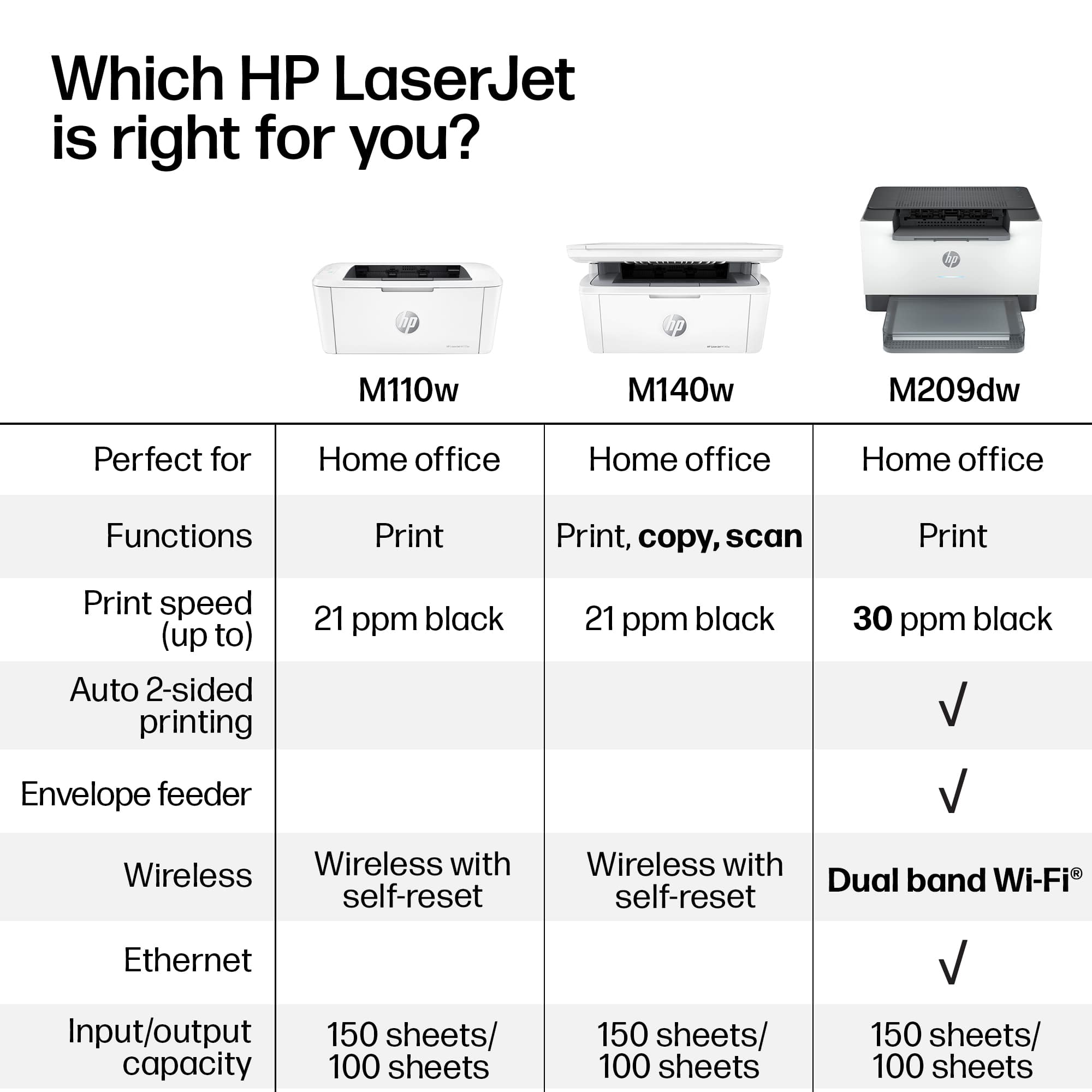
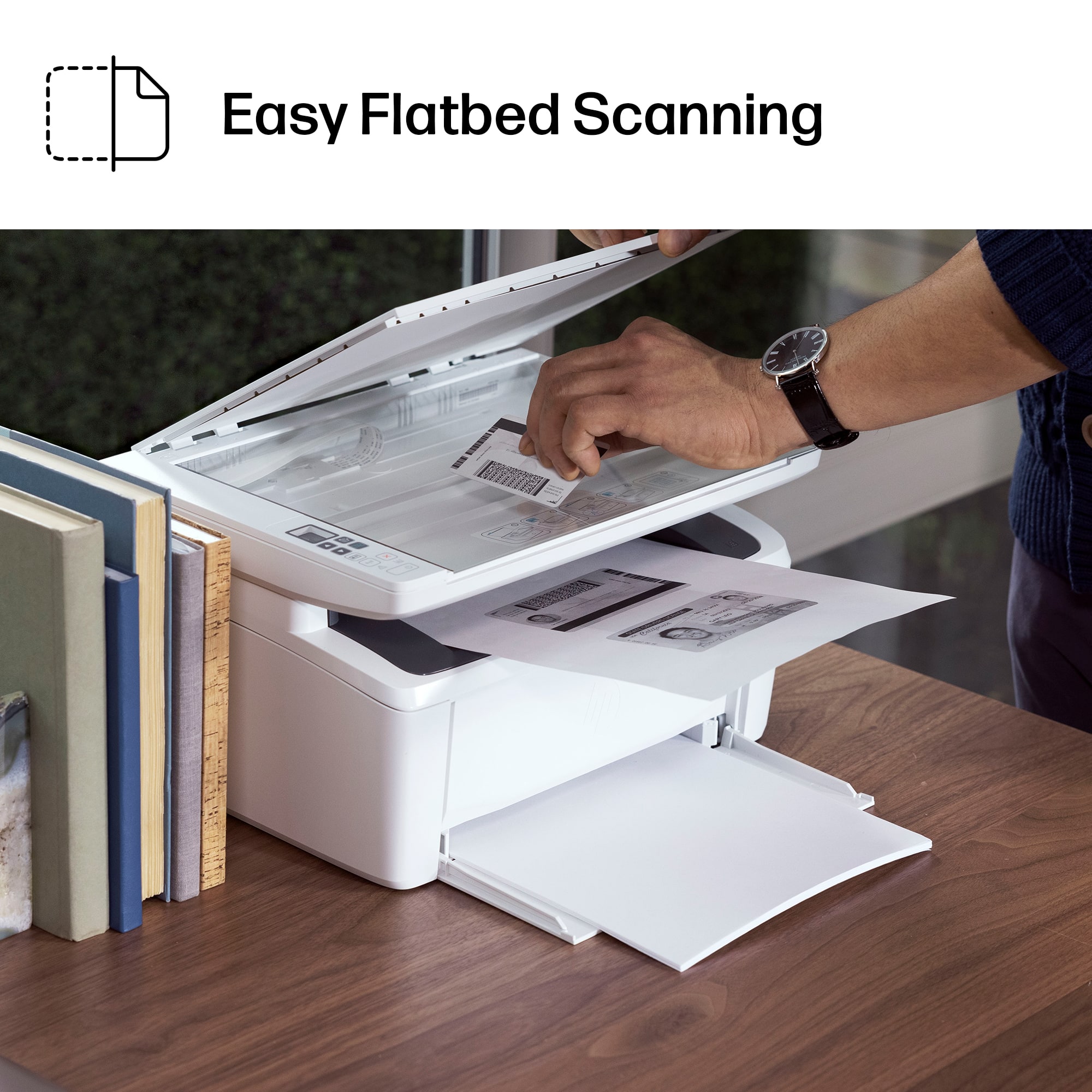
|Posted .This reviewer received promo considerations or sweepstakes entry for writing a review.Our family really likes HP LaserJets–this is our 5th now (all still in use in various home-office, professional, and educational settings). We have gone through our share of some other brand lasers including a color MFP from a competitor that has served us faithfully for nearly 8 years and counting. But for good (or better) print quality, dependable hardware, and ultra-quick output on a budget, it’s hard to beat HP’s game. Unlike the parade of virtually identical boxy and bulky small to medium-duty HP MFPs we’ve auditioned and kept over the years, the HP M140w pranced onto the scene with a shockingly small footprint promising MFP-capabilities with print speeds and quality that can match is larger siblings, yet still clock in at a decidedly wallet-friendly price point. Did HP deliver on those promises…just about. PROs - Surprisingly fast–I clocked less than 5 seconds for the first page to come spilling out of the paper rollers with follow-on pages taking maybe 3-4 seconds to complete. - Text comes out appreciably sharp with smooth curves, well-defined corners, and clean-looking straight lines. - Grayscale graphics came out…good…with only minor signs of banding showing up in more complex images in areas with less pronounced and sudden changes in detail and contrast. I wouldn’t say image quality is board-room-ready, especially if you have a graphics-heavy document or slide deck to produce, but original graphics output is definitely better than draft quality and will likely suffice for very small businesses or casual home/educational use. - For a unit this small, I expected paper handling to be meager, but the M140w can accommodate 150 sheets in the bottom paper tray with a 100-page limit in the output tray. - 2.4Ghz WiFi and local USB afford direct-connect as well as WiFi-direct printing, AirPrint, and printing via HP Smart App (as well as accessing and adjusting most features remotely, as well as printing from anywhere with an Internet connection). - Copy speed is as admirable as regular printed output–you’ll spend more time lifting and closing the scanner lid and swapping out pages on the flatbed than you will waiting for the scan/copy action to complete. - Physical controls are simple; there is a very small LCD display with buttons for making/adjusting copies to include enlargements (to 400%), reductions (down to 25%), creating a single sided-printout of a 2-sided ID card, as well as adjusting brightness, turning the wireless radio on or off, as well as canceling the current print job. - The HP Smart app can be a useful hub of additional utilities that include printer and consumables status monitoring; adjusting scanner settings; creating shortcuts like emailing a scanned document or saving scanner output to GoogleDrive or Dropbo; creating “printables” for arts and crafts; HP’s Mobile Fax app that lets you use the M140w as a fax machine, printing documents and photos; OCR for scanned text; as well as access a host of more advanced admin settings and tweaks. CONS: - The M140w sacrifices an auto-document feeder and a duplexer to keep the form factor so small. The ADF isn’t necessarily a huge loss as a printer designed with spaces this small in mind probably isn’t going to be used for high-volume scanning jobs. But the printing duplexer is certainly missed even if its omission is understandable for keeping things so tiny.. - You can set up a host program (Word, PPT, etc.) for 2-sided printing and flip the pages manually, but there are two options for doing so and the manual’s reference photo is incorrect for one of them. When I selected 2-sided printing in MS Word, the fronts of all pages were printed out as expected, then a pop-up graphic on the screen indicated the paper orientation necessary to get the second sides printed properly (printed side down, bottom edge into the paper tray first). However, the manual specifies that 2-sided printing options should be set by using “Print on Both Sides Manually” in the host program, then load the paper on the second pass printed side down, top-edge in first. However, the picture in the manual describing the process depicts manual duplexing with printed side up, top-edge in first. After several tries, we determined that what is described in the manual is correct while the accompanying explanatory image is not. - In order to operate as a printer (as opposed to just sitting there looking adorably small on a shelf or tabletop), most of the slim, streamlined, ultra-smallness you may have found alluring must be thrown out the window. The paper tray sticks out of the bottom front of the printer by several inches–any paper preloaded in the tray extends out even further than the edge of the tray itself! There is no fold-down dust or protective cover for the paper tray so the likelihood that at least the top sheet of the paper stack will be collecting crud/dirt/debris is pretty high. - The physical buttons on the printer don’t allow you to do much more than make a photocopy with limited adjustments (copy quantity, brightness, zoom). The LCD display is quite small and not backlit so it’s hard to see in low-light conditions. The display is only 2-digits wide so reductions down to 25% read as 0.3 while 400% enlargements read as 4.0–I wasn’t sure if I was doing something wrong at first but there’s simply no room in a 2-digit display for a 3-digit percentage so HP opted to use decimals instead. Other functions or adjustments require the HP Smart app or access to the printer’s web client directly from a connected device. - Sigh…if you scan reviews for other HP printers, you may find that common complaints revolve around network and connectivity issues during setup using the HP Smart app. I’ve only successfully set up one of our five HP LaserJets using HP Smart as intended–sadly, this was not one of them. HP Smart would get part of the way through setup, then the printer would simply refuse to head to the Internet for its dial-home firmware check, network registration, and HP chip-enforcement updates to ensure you’re only using genuine HP toner cartridges. I will repeat the advice I’ve offered in my other LaserJet reviews: if you experience setup trouble, try letting HP Smart’s “Setup a New Printer” process time out, then re-open the app and select “Finish setup or add a printer that’s already set up” from the add-printer screen. You can also try finishing setup by directly connecting to the printer via IP address (assuming you know how to retrieve that information from your router). Worst-case scenario–go nuclear and use the USB 2.0 connection; you don’t NEED the printer connected to the Internet to use it (and most of its features) thanks to AirPrint and similar wireless-direct technologies. And you can leverage a number of reduced-overhead driver and software packages hosted on HP’s support site so you can forego HP Smart entirely if you want. - I wouldn’t have expected 6Ghz WiiFi at this price point, but with only a 2.4Ghz radio on board, some users who do not already have an extensive IoT network, or who have at least made the switch to higher-speed 5Ghz WiFi, may not have easy access to a strong and uncongested 2.4Ghz network signal. - Optical scanning resolution is limited to 600x600 dpi…that does match the printer’s output resolution (though copies only come through at 600x400 dpi), but given that you’re likely pressed for space if you’re entertaining an MFP of this size, you’ll have to find another scanning solution if you want really high-resolution, archival-quality image and picture scans. Many of my criticisms and observations above seem relatively minor in the grand scheme of things, especially based on the use cases this MFP was obviously designed to accommodate (like a cramped dorm room). Honestly, the only thing I REALLY wish HP could have cracked the code on was how to keep the footprint of the M140w similarly small even when loaded with paper. The design of the fold-out yet unprotected paper tray–one that then gets loaded with paper protruding even deeper into what I assume is likely to be very sparse and valuable desk/tabletop real estate–kind of defeats the purpose of getting a micro-sized laser printer in the first place. My guess is that many people may opt to keep the printer folded up in its ultra-svelte form factor and only drop a few pages at a time into the tray for a particular print job before folding the printer back up. If you can live with that, most of the other issues we experienced are probably forgivable, maybe even reasonable, given the decent performance and economical pricing of what is otherwise a legitimately tiny multi-function laser printer that ALMOST keeps pace with all the bigger kids on the block.
I would recommend this to a friend - Pros mentioned:Overall performance, Print quality
Perfect for small office applications
||Posted .This reviewer received promo considerations or sweepstakes entry for writing a review.Rock-solid little laser printer/scanner that I use for work and it just works. Prints fast, sharp black-and-white documents, connects wirelessly without drama, and doesn’t take up much space. Scanner is simple but gets the job done when I need to send or save paperwork quickly. No gimmicks, no ink headaches—just reliable performance. Exactly what I wanted for everyday work use.
I would recommend this to a friend - Pros mentioned:Ease of use, Setup
Reasonable price laser printer.
||Posted . Owned for 2 weeks when reviewed.This reviewer received promo considerations or sweepstakes entry for writing a review.The installation and setup was easy it’s been like a month now no problems and it connects wirelessly with multiple devices although I did have to download the app. So long as I can get the toner under $50 I don’t have a problem.
I would recommend this to a friend - Pros mentioned:Ease of use, Overall performance, Setup
Printer.
||Posted . Owned for 2 weeks when reviewed.This reviewer received promo considerations or sweepstakes entry for writing a review.I have to admit it was easies to hook up than I thought possible. And it works beautifully. When you are older all of this electronics can be overwhelming.
I would recommend this to a friend - Pros mentioned:Print quality
Unsightly paper loading/try but great prints
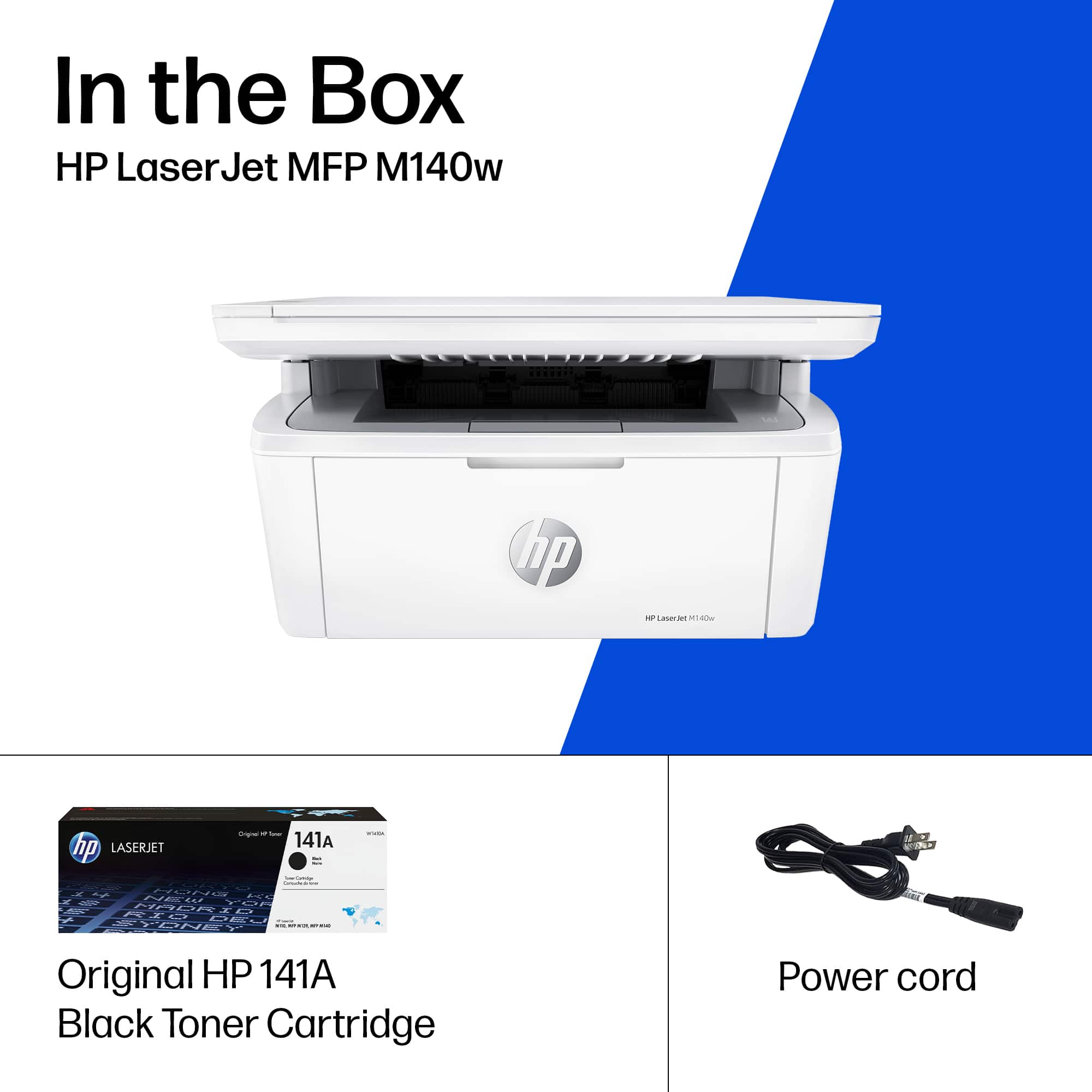
|Posted .This reviewer received promo considerations or sweepstakes entry for writing a review.TLDR: Paper loads in the open lower tray, but prints are fast and crisp. The printer comes with the power plug, toner and the unit itself. No other wires. Build is very clean, concise, to the point, no real bells or whistles. The LCD screen is a little dark, not what i'm used to but I suppose its a minor function most people don't use. The set up is very easy, just download the app and follow the instructions. Although I did have trouble connecting the wifi initially, despite the password being correct it wouldnt connect but on the 3rd attempt with the same password it connected. Once your printer is connected to your network, everything is very simple. My computers were able to see it , print to it. The app is nice, allows me to scan, print my photos, documents directly from my app. The dithering pattern/quality of photo is better than I expected for this build. The pdf/text/music notes I printed shows the printer manages edges very well on regular/normal/economic printer paper. I find it hard not to recommend this printer, I only took away a star because if the printer is going for simplicity, having that error on set up can be discouraging. Also some people may prefer not to have an app to operate / set up their printer and it's just very difficult to do that with only a small digital LCD screen. And of course loading the paper on the bottom isn't a big deal in most situations but it does have it's pro that it's easy to load, but the con that it's easy to accumulate dust or if you have a cat or child they may just swipe out the paper / dislodge paper.
I would recommend this to a friend - Pros mentioned:Overall performance, Setup, Size
Good Smaller Printer
||Posted . Owned for 2 weeks when reviewed.This reviewer received promo considerations or sweepstakes entry for writing a review.This small printer is just what I needed! Easy to install and works like a gem. I don't need all the bells and whistles. Keep it simple with this one.
I would recommend this to a friend - Pros mentioned:Overall performance, Size
HP’s compact, efficient, b&w laser printer
||Posted .This reviewer received promo considerations or sweepstakes entry for writing a review.This little Hewlett-Packard printer is a very efficient and space-saving companion to our desktop iMac computer. Not only is it compact; it takes up a fraction of desktop ‘real estate’ compared to our prior HP LaserJet 1011–which gave up the ghost after 18+ faithful years of service—but it is an inexpensive reliable black & white laser printer that serves our small business needs all while sporting both wired and wireless connectivity.
I would recommend this to a friend


















