Customer Ratings & Reviews



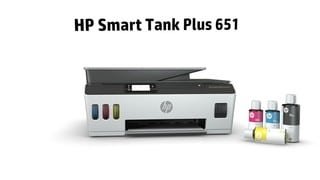
- Model:
- SMART TANK 651/7XV38A#B1H
- SKU:
- 6390495
Rating by feature
- Value
Rating 4.2 out of 5 stars
- Quality
Rating 4.3 out of 5 stars
- Ease of Use
Rating 4.2 out of 5 stars
Customers are saying
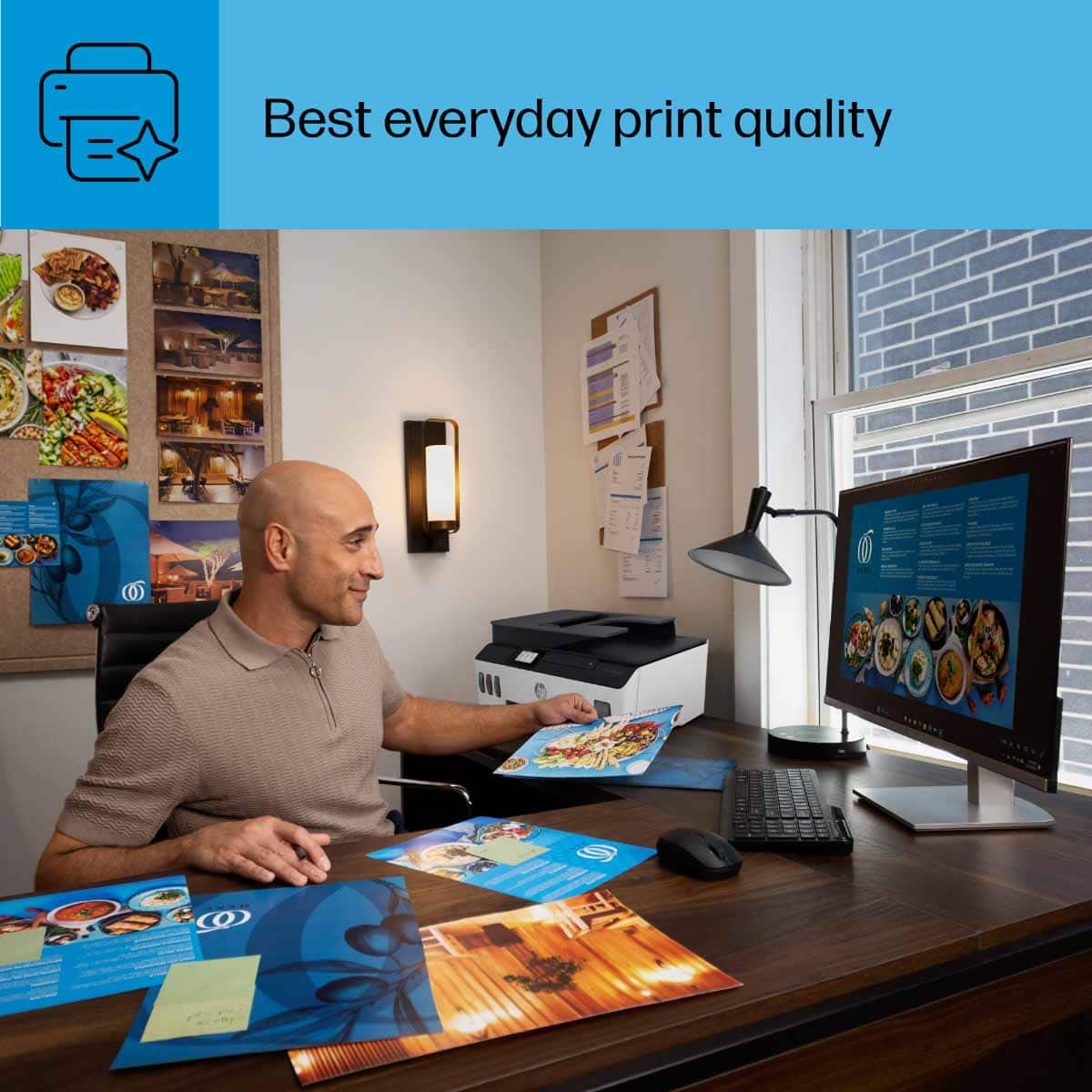
Customers highly value the Smart Tank Plus 651 printer for its excellent print quality and ease of use. Many appreciate its overall performance, finding both the printer and scanner to work well, and they also note the simple setup process. While the printer is praised for these features, some users have experienced connectivity issues, and a few consider the price to be a drawback.
This summary was generated by AI based on customer reviews.
- Pros mentioned:Print quality, Setup

Great ink tank printer
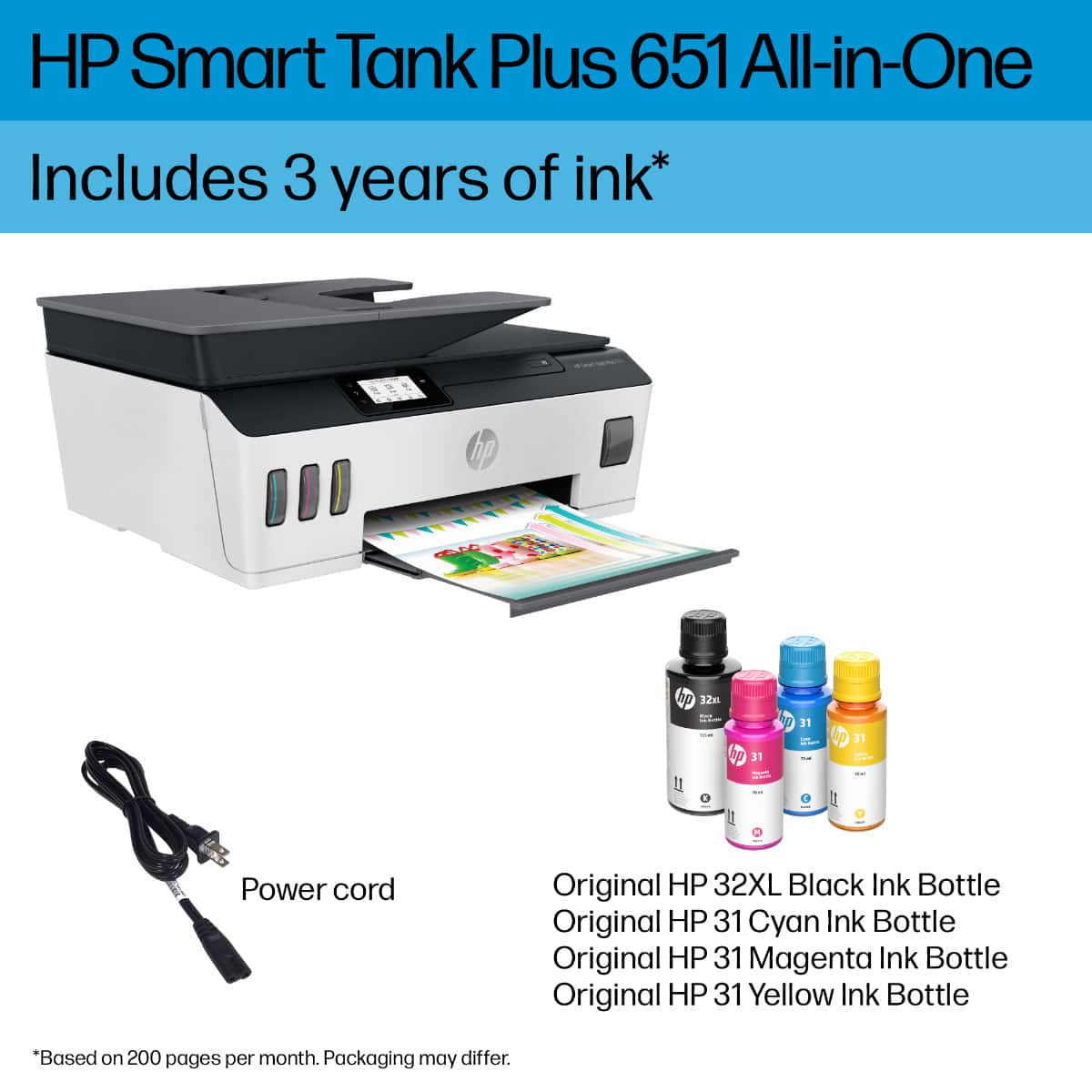
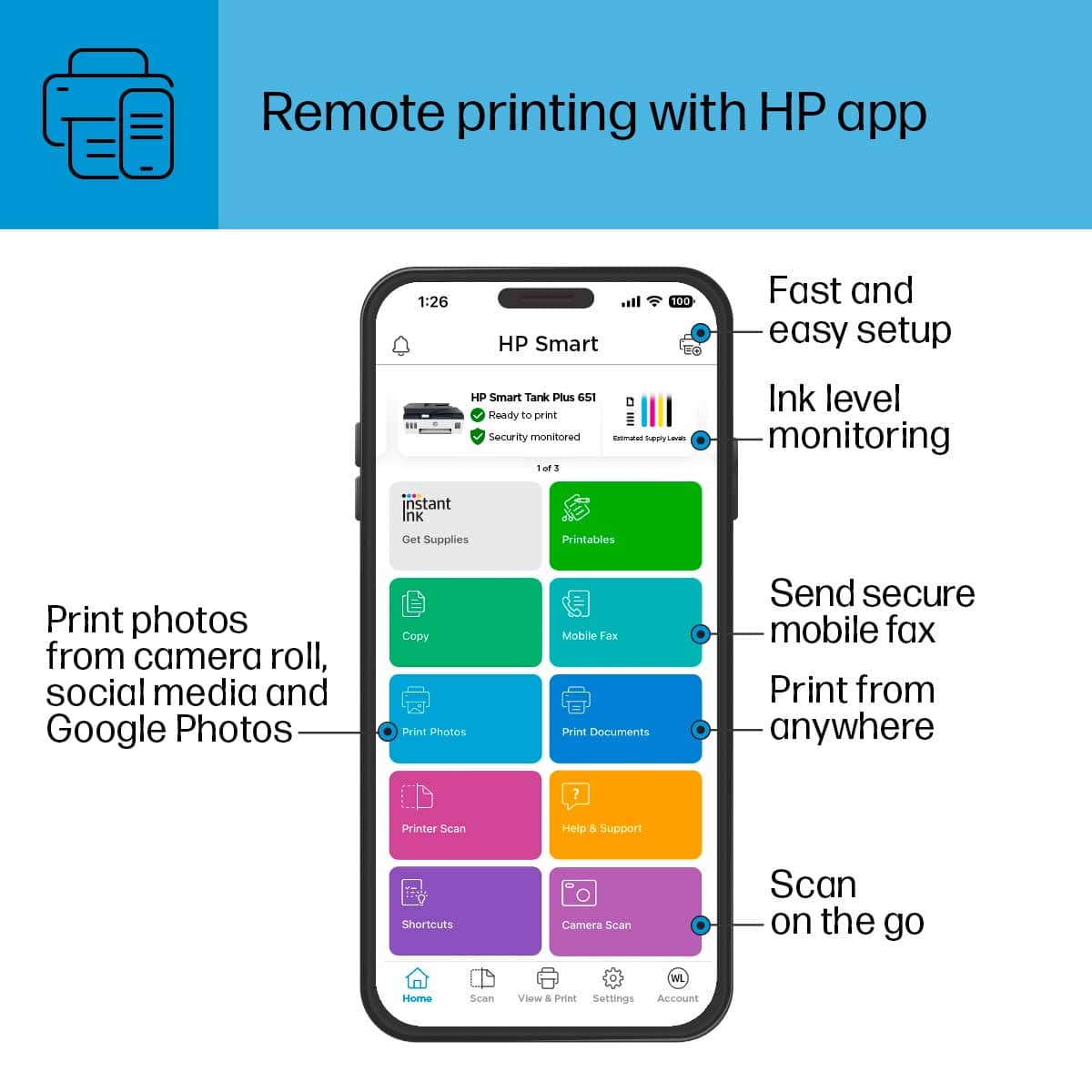
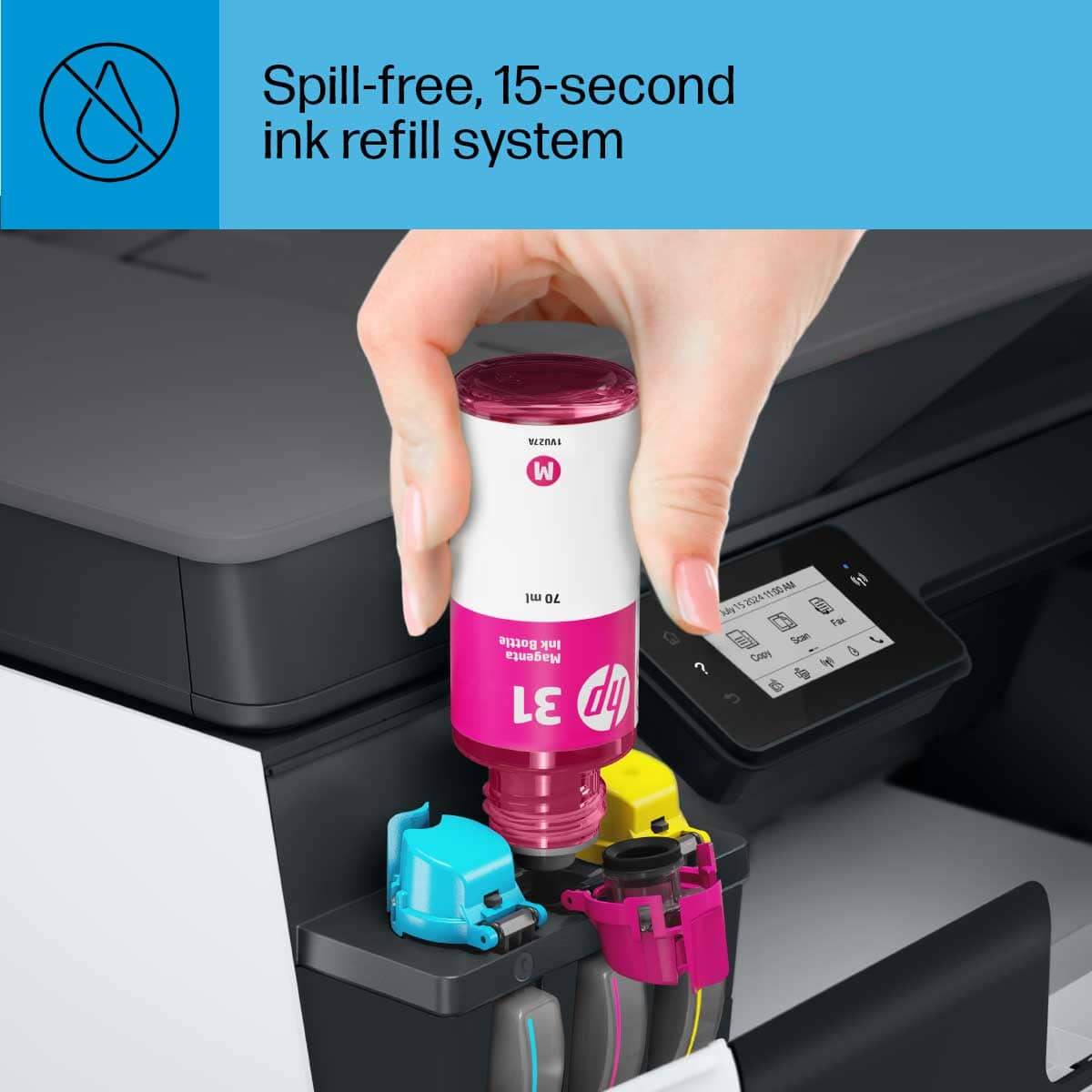
|Posted .This reviewer received promo considerations or sweepstakes entry for writing a review.The HP Smart Tank 651 wireless all in one printer is easy to set up and prints great. Setting up the printer was easy and straight forward. HP provides easy to follow documentation and they also recommend that you keep the box and packing materials to secure the printer if you plan to transport it anywhere, especially the box that holds the print heads in place. There are a few steps in the setup and initialization, after powering it on, takes a few minutes, then follow the prompts and prepare the ink. They are spill free and easily snap into place to fill up the tanks, be sure NOT to squeeze the bottles. After you fill up the ink tanks, you must install the print heads and then you are prompted to print out an alignment page and you use that to calibrate the printer. Be sure to download the HP smart app or visit 123.hp.com to finish the setup of your printer. This is when you connect it to your Wi-Fi and complete the set up. I have had other “tank” type of printers and this is the first one that I have had that actually has separate print heads. I am happy with the overall operation of this printer. The ADF on top works well for scanning and copying. Printing is great on this printer and I am sure with it being an HP it will run forever and always just work. HP states that this will print 22 pages per minute at the fastest (draft) setting. It also has fax color as an option, but I don’t have a phone line and I was not able to test this out. I have had great luck with their printers in the past and this one seems well built and I have no worries about it. Printing from your mobile device is also supported here, I used the HP Smart App to accomplish this, but it also supports Apple AirPrint as well. The best part of this printer is that you are given two years of ink in the bottles and depending on your printing it will easily last you that long with normal home use. These types of printers have flipped the conventional pricing for home printers. They are more expensive upfront, but the consumables are inexpensive, and you end up saving a lot more money this way. Pros: 2 years of ink Printer speed Color Fax option Duplex printing HP Smart App Cons: upfront price
I would recommend this to a friend - Pros mentioned:Print quality
Fraction of a penny per page, slow but detailed
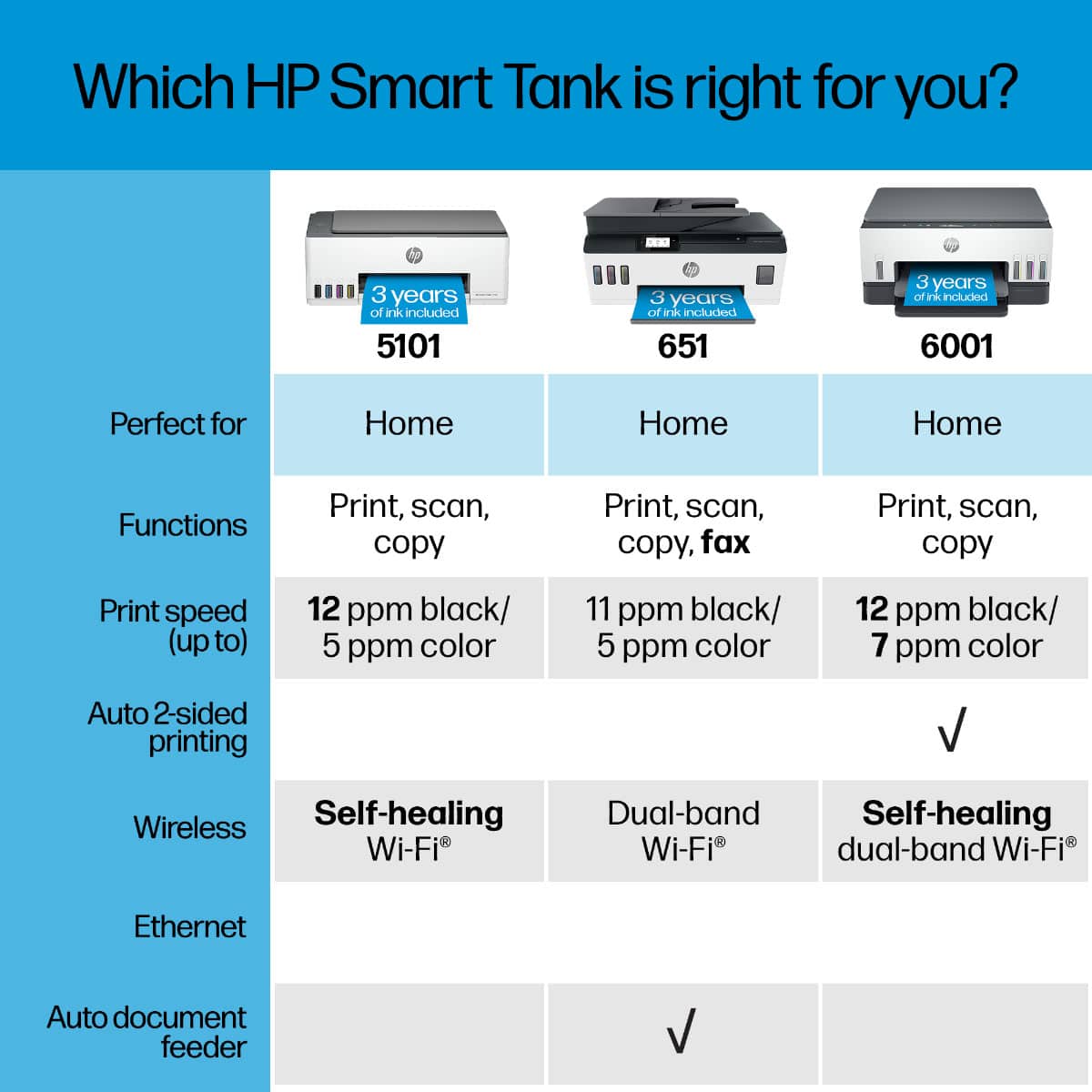
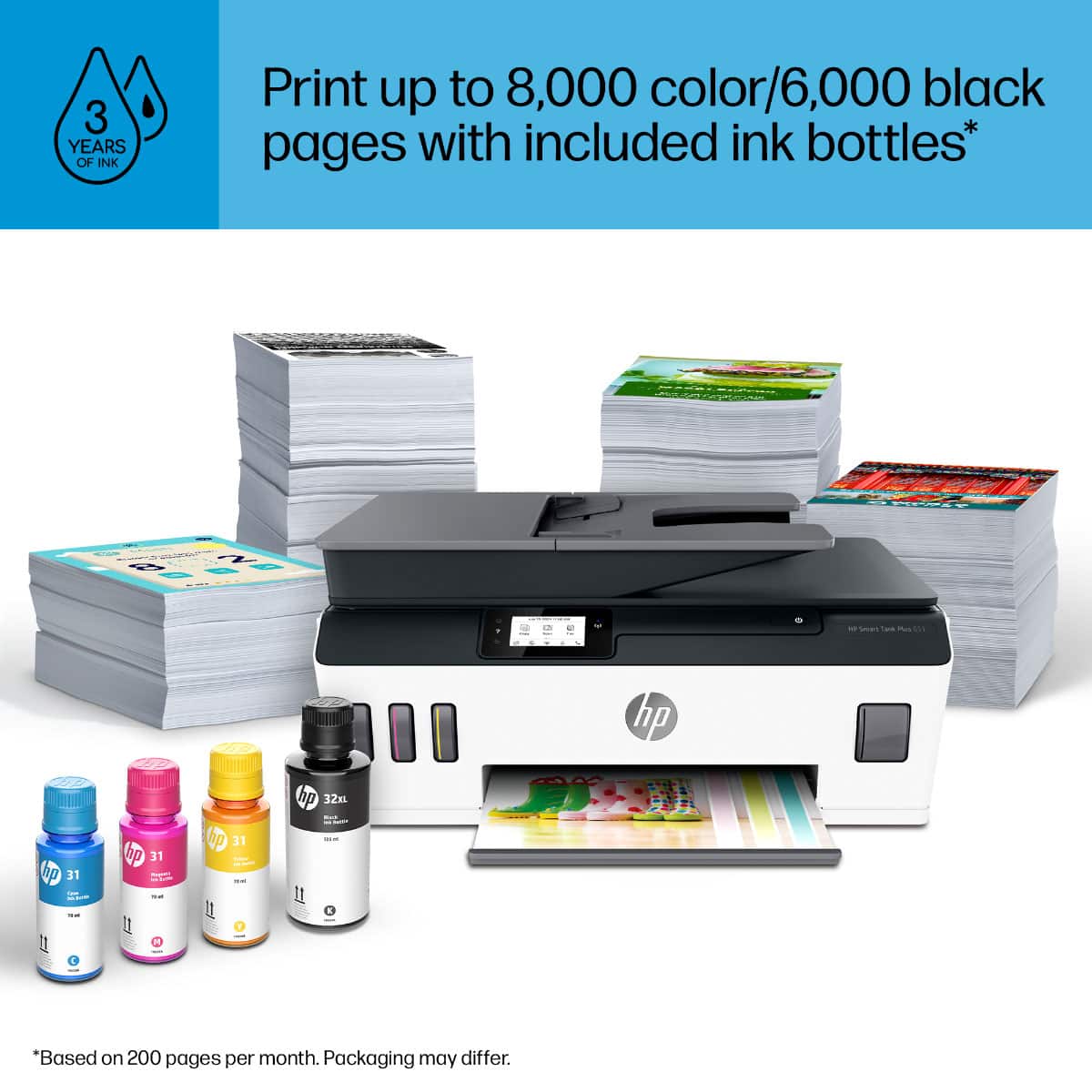
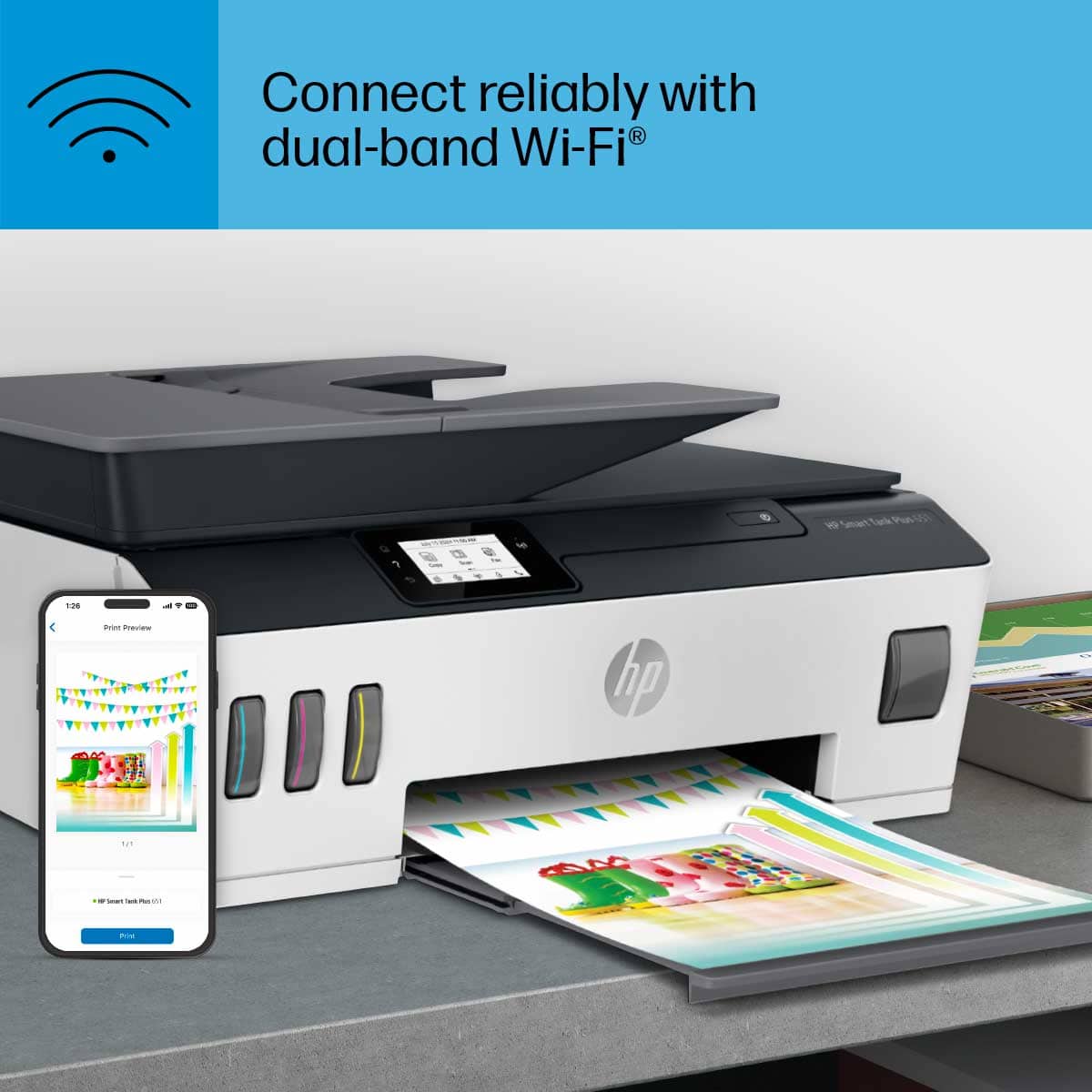
|Posted .This reviewer received promo considerations or sweepstakes entry for writing a review.One thing about printers is having to replace the cartridges, which some can cost more than the printer itself. Recently several printer manufacturers have come out with models similar to this HP Smart Tank printer where you just replace the ink, instead of the full cartridge. However, this is the first one that I have seen that you still install a cartridge, just the difference is that it refills from the tanks. The cartridge looks like any other printer cartridge for the most part, with the built in printhead. So, should anything happen to print head quality, this is a part that could be user replaced. I don’t know the actual milliliter capacity of these cartridges, but you can see in the picture the comparison of the ink bottles and tell that it is going to be able to fill it up several times over. Setting up the printer does require removing some transportation parts, installing the cartridge/printheads and filling the tanks for the first time. The process is relatively mess free, as I found it messier to peel the safety seal of the bottles than anything else. The instructions are simple and you have multiple ways of connecting to this printer. One thing I have seen an issue with other printers is that they only have 2.4 GHz wireless, which can be difficult in some areas. This HP printer also has 5GHz, as well as USB, Ethernet and WiFi-Direct. You can also use other features to print such as AirPrint, Google Cloud or HP ePrint which gives you an email address to send attachments to be printed directly to the printer. By default, this feature is enabled with a ridiculously hard to remember email which can only be changed through your HP account once this printer is added to it. The directions tell you to get the HP software, drivers or app. However, I was able to print from my Android phone and computers on my network without any additional installation. Once installed, the HP Smart App on Windows 10 instantly found my printer and provided a simple interface to manage the printer. The HP Smart App on the Android phone required that I install the HP Print Service Engine, even though it worked without either apps to start with. However, the interface and options are the same as the PC app. For full feature control of the printer, the best way is to connect to it through a browser using the IP. Print quality, when set to best, is really good. I printed several photos and compared to other inkjet photos I have printed, I was amazed at how colorful and glossy they came out. The only downside of higher quality is speed, especially mixed color pages which get 3-5 pages per minute, doing color copies at 2 PPM with default settings. Scanning even seemed slow, especially if you decided to crank the DPI up. Which is maxed at 300dpi for the feeder and 1200 for flatbed scanning. Another downside to the 651, though it comes with an automatic document feeder for the scanner, does not have an automatic duplexer. So, double sided printing requires manually returning pages to the feed tray and hitting continue on the computer, not even the digital display of the printer. If you aren’t concerned with speed or duplexing, but know you print a lot, maybe a mix of photo and documents,there is no comparing a fraction of a penny per page in ink. With black claiming about 6,000 pages a bottle, compared to XL cartridges that come in at less than 1,000 and cost twice as much, it’s hard to beat. Especially when it comes to color cartridges that typically handle far less, these bottles claim up to ~8,000. I’m not going to test that theory any time soon, but with a fair amount of documents, photos and full page photos the tanks look to have barely moved.
I would recommend this to a friend - Pros mentioned:Ease of use, Print quality
HP SmartTank Plus 651
||Posted . Owned for 1 week when reviewed.This reviewer received promo considerations or sweepstakes entry for writing a review.I purchased this printer for my home based business. I print black & white, but also print in color. The set up is easy enough. The print quality is good, I like the he SmartTank feature. It’s not noisy. I would have been happy with it, but Then I realized that it doesn’t offer duplex printing, which is a must for me. I returned it.
I would recommend this to a friend - Pros mentioned:Ease of use, Print quality
More Ink, Less Printer
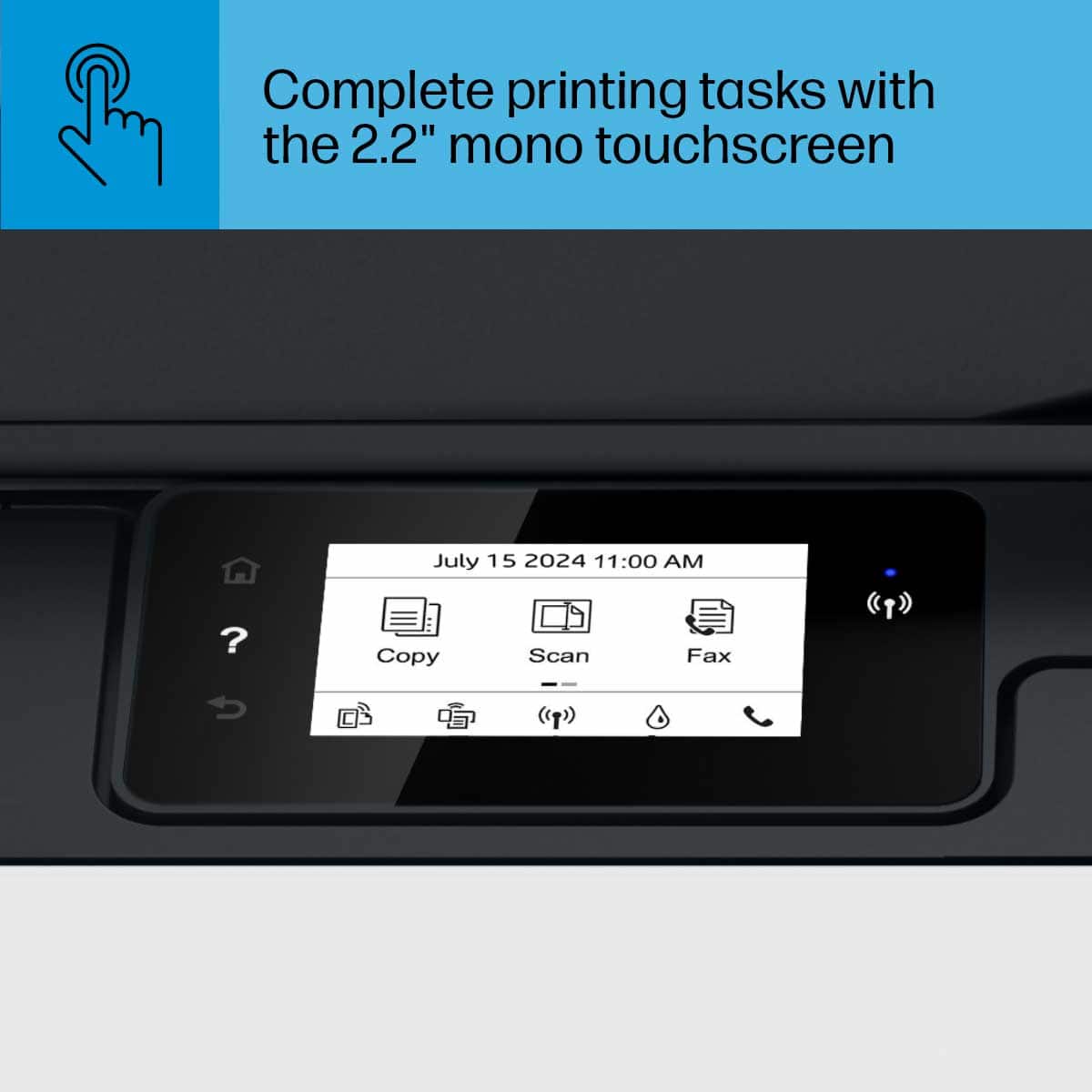
|Posted .This reviewer received promo considerations or sweepstakes entry for writing a review.The trend with printer makers nowadays is to give more ink, but that doesn't come without a cost or tradeoffs. With the HP Smart Tank 651 its immediately obvious that the tradeoff in more ink = less printer and lower quality. I'd say for the price you're getting $300 or 2 years worth of ink with a $150 printer that may not even last that full 2 years. The 651 is disappointing in almost all aspects for anyone who has used HP's extremely durable and easy to use Officejet line of printers. -Build quality is subpar, its extremely light and flimsy right out of the box. -It has a BLACK AND WHITE and NOT color LCD display and it is TINY overall. -The top scanner and doc feeder tray is super flimsy -All capacities from the built-in paper feeder to the copy feeder on top of the scan tray are vastly reduced. Literally the ONLY positive of this printer I can find is that it comes with a TON of ink. Overall it is very easy to use and set-up, the HP Smart app is very good and makes set up and printing a breeze. It also functions fine, I just don't know how durable it is given how cheap it looks and feels. This is a decent printer for those who want low maintenance printing and easy set-up without worrying about ink for a few years. However, for the price, I still prefer my much more robust Officejet printers, the latest of which the HP Officejet Pro 9020 makes this look like a toy.
No, I would not recommend this to a friend - Pros mentioned:Ease of use, Print quality
Very good print quality, ink costs will be LOW
||Posted . Owned for 3 weeks when reviewed.This reviewer received promo considerations or sweepstakes entry for writing a review.Set up was pretty straightforward and I'm not an expert at this stuff. We are using it in home office situation, wireless. Several laptops and pc send print jobs to it. It's reasonably quiet. Print quality is very good, even with pictures on standard cheap paper. Been printing freely just to see how much ink it uses....and after maybe 100 pages, the ink levels in the viewable windows have barely moved. This is going to be a Very low cost of printer ink to use....which was my motivation for getting rid of a functional but 'thirsty' HP cartridge type printer. Print speed is not slow, not zippy either, but fine for our home/office needs. Loving it so far (1 month).
I would recommend this to a friend - Pros mentioned:Print quality
Great Little Printer with LOW Operating Costs
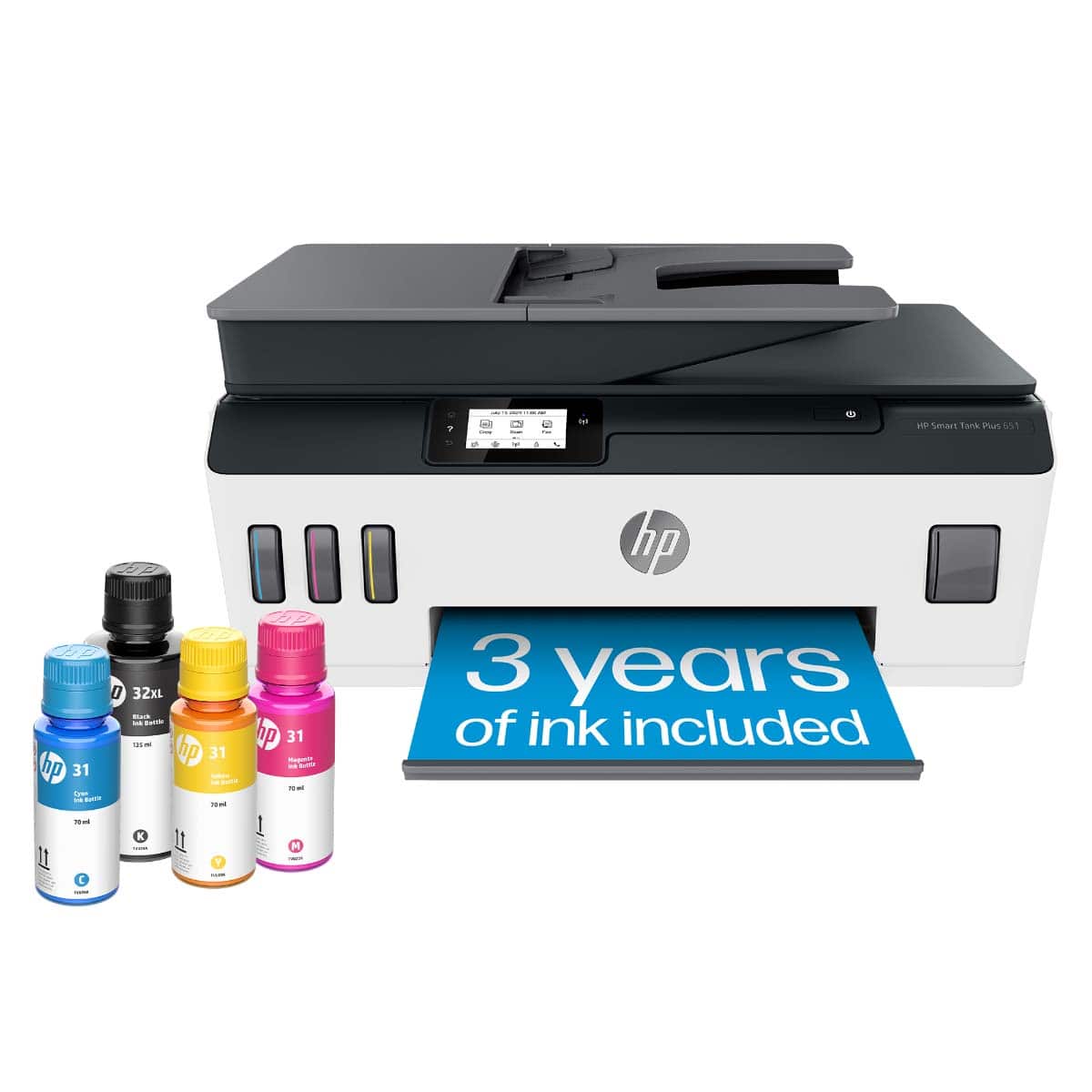
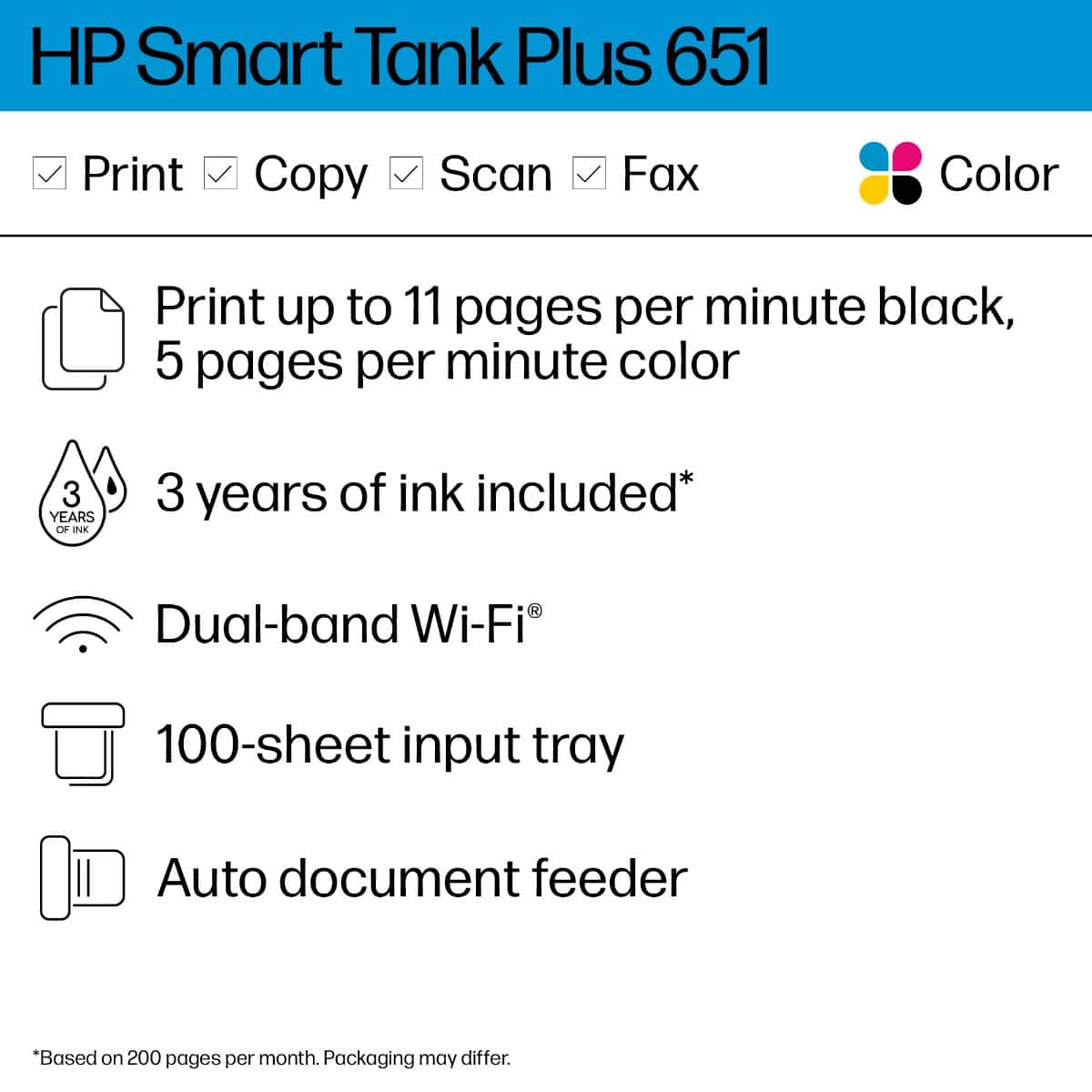
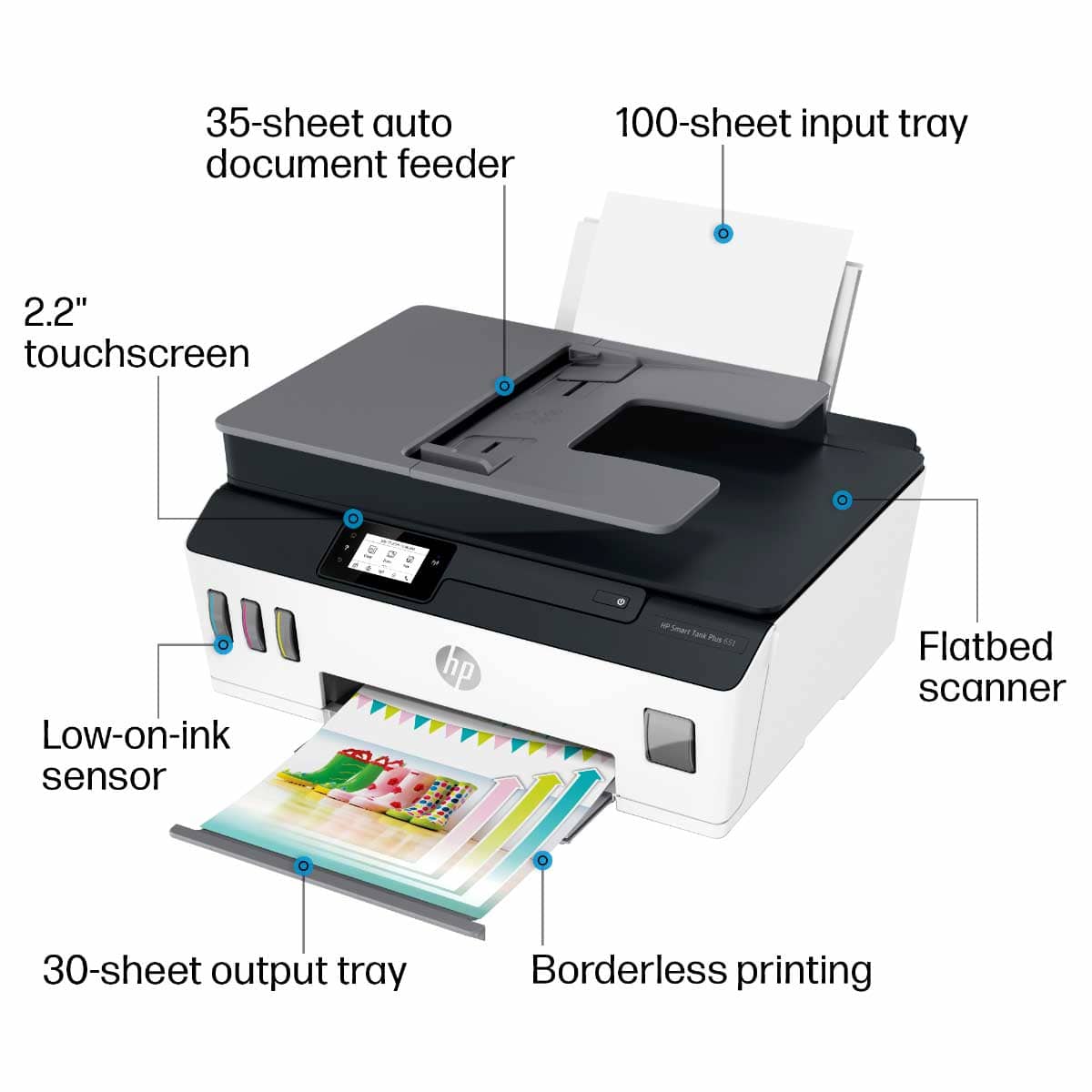
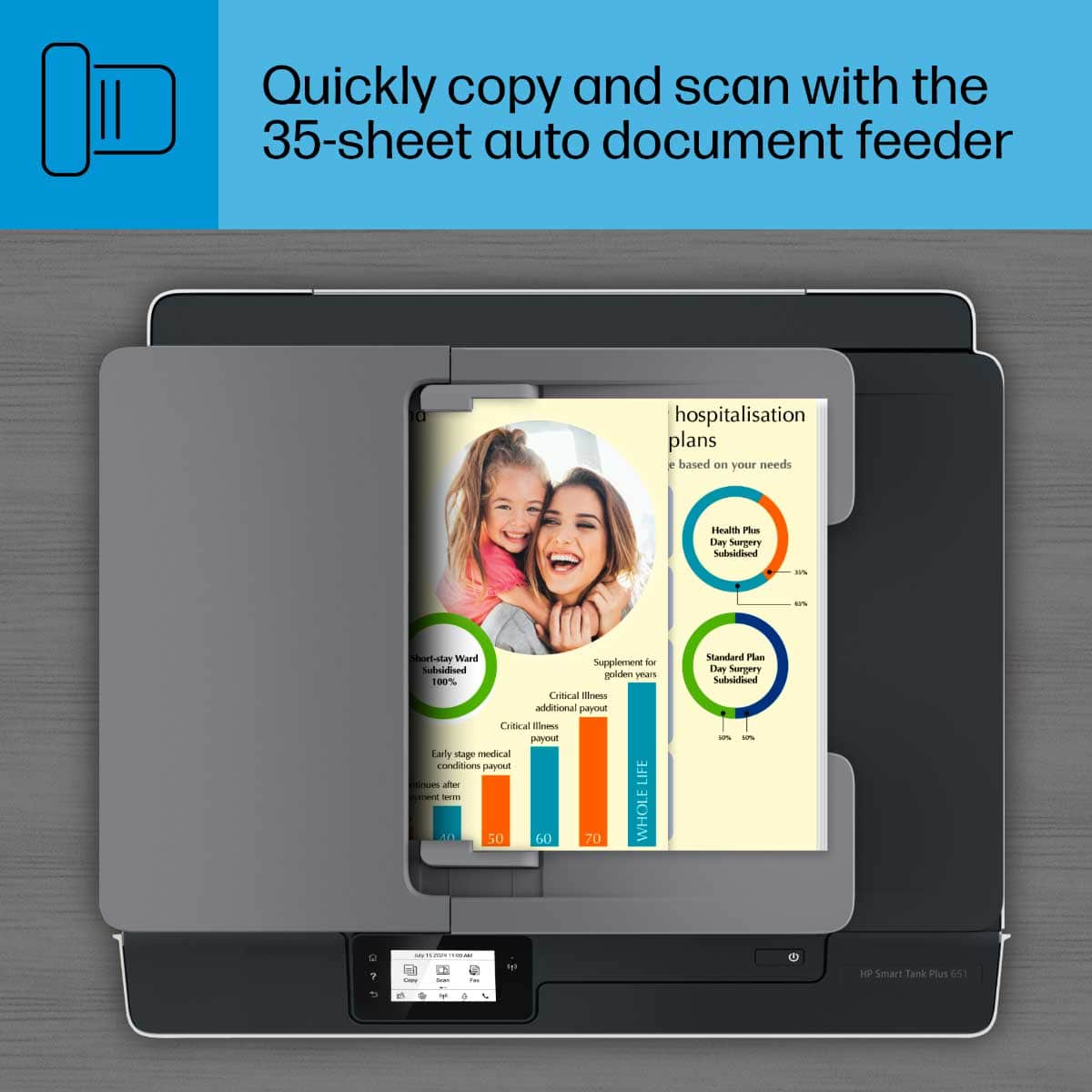
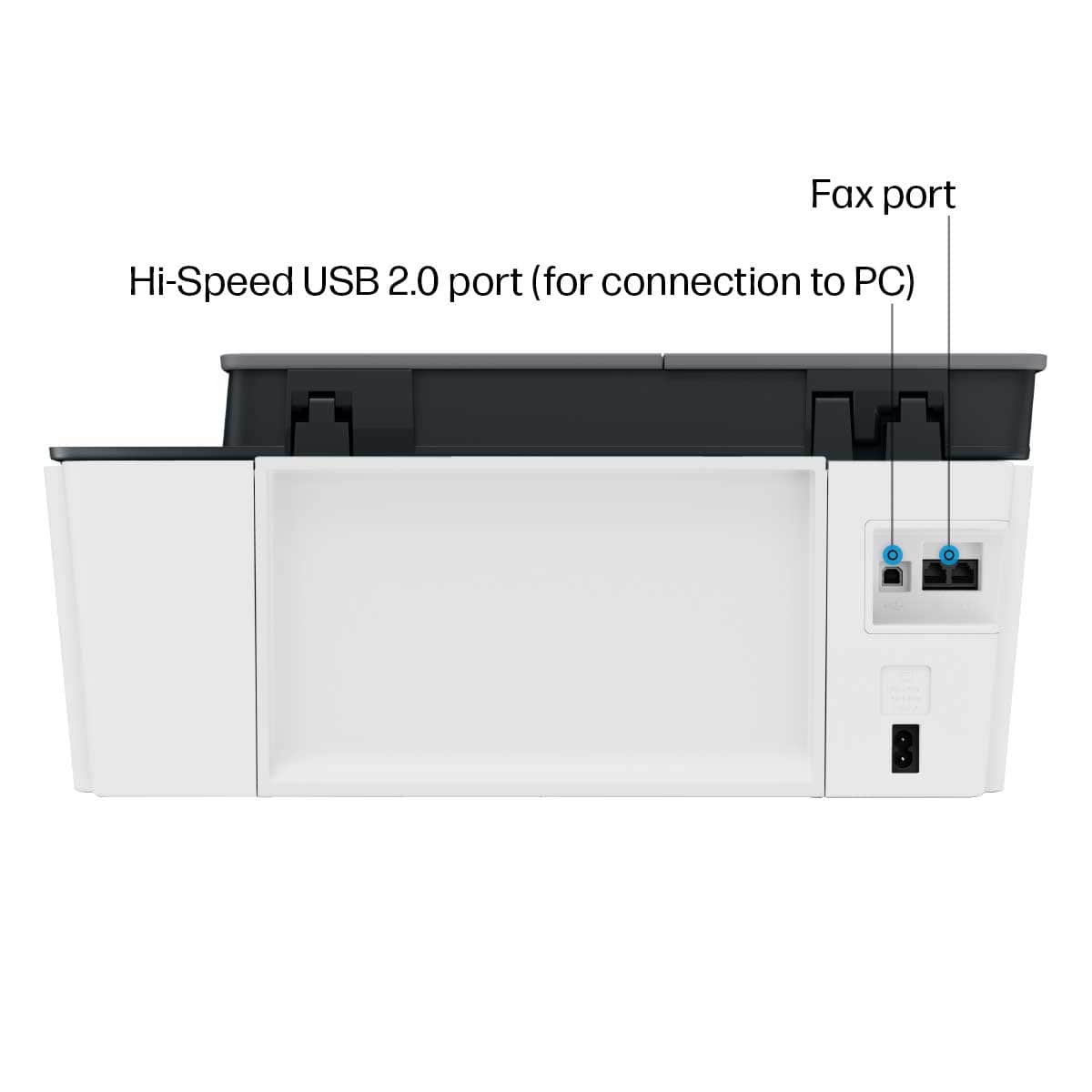
|Posted .This reviewer received promo considerations or sweepstakes entry for writing a review.The HP Smart Tank Plus 651 All-in-One is my first look at a refillable ink reservoir printer system, and I am exceptionally impressed, it’s like where have you been all these years! After receiving the 651 I went looking for a fitting place do add the printer to our network and found a spot in my kid’s room. The smaller footprint works exceptionally well in our application, a welcomed addition to our network. Perfect for the student who is hard at work. Next follow the setup in the HP pictorial quick start guide which clearly illustrates/explains everything you need to get unpacked and preparing the printer for first-time use. After filling ink reservoirs and installing two print heads (simple) - Download/install HP Smart App to PC or mobile device. Highly appreciate that you can use the app with a PC and not be tethered to a mobile or tablet. On HP Smart app scroll screen to the “Add New Printer” option and continue with set up. Joining the network was simple task using the settings on the printer’s Touch Screen. The printer does not have an Ethernet RJ-45 connection, I prefer to use a wired printer but most users today I am sure use Wi-Fi which connects simply. Setting the up the Smart Tank 651 and getting on-line took about 30 minutes, simple, easy and straight forward. All options you need are accessible through the 2.2” mono Touch Screen as well as through HP Smart App. The menus are setup intuitively on the printer, intuitive and easy to manage. All printer settings are accessible in HP Smart, personally I prefer to manage the printer through the HP Smart app. Any info you need for the printer are easily located in HP Smart, an excellent program and has been a great addition to the HP printer line. The new Smart Tank system I like, a lot. It is reducing the waste of materials and resources (planet friendly) and hopefully saves on ink expenses. Did a little comparison shopping comparing the Smart Tank HP31 70ml bottle to the HP 951XL which holds 25ml. The price I found for the Smart Tank HP31 is $17.17 where the HP 951XL for our other HP Inkjet sells for $35, this could represent a very considerable savings in expenses, if these prices hold. Good Stuff: - Color Ink bottles are 70ml each - Black Ink bottle is 125ml - Color ink wells hold 70ml - Black ink well holds 135ml - All ink wells are transparent in the front showing ink levels – great idea - Two Years ink included – “up to 6000 color pages or up to 8000 black pages” - Impressive - 35-page auto feeder - Fast Wi-Fi – dual band - USB 2.0 LE - ISO Print speed – Black 11ppm/Color 5ppm - Mobile printing compatible with Hp Smart app, HP ePrint and AirPrint - Scanning and sharing to the cloud - Sheet capacity – 100 Letter/legal with 30 sheet output tray - Small footprint - Excellent output Designed for light workloads and would fit right in many offices, homes or student dorms.
I would recommend this to a friend - Pros mentioned:Ease of use, Print quality, Setup
HP-SMART TANK PLUS 651 WIRELESS PRINTER REVIEW
||Posted . Owned for 1 month when reviewed.This reviewer received promo considerations or sweepstakes entry for writing a review.This is the first tank printer we have bought, and we will never go back to cartridges again. We absolutely love the crisp clean printing and are looking forward to longevity in the printer and ink savings. The out of the box set up was simple and the use of this printer is friendly to the not so tech savvy community (ie-me).
I would recommend this to a friend Great looking, quality printing and convenience!
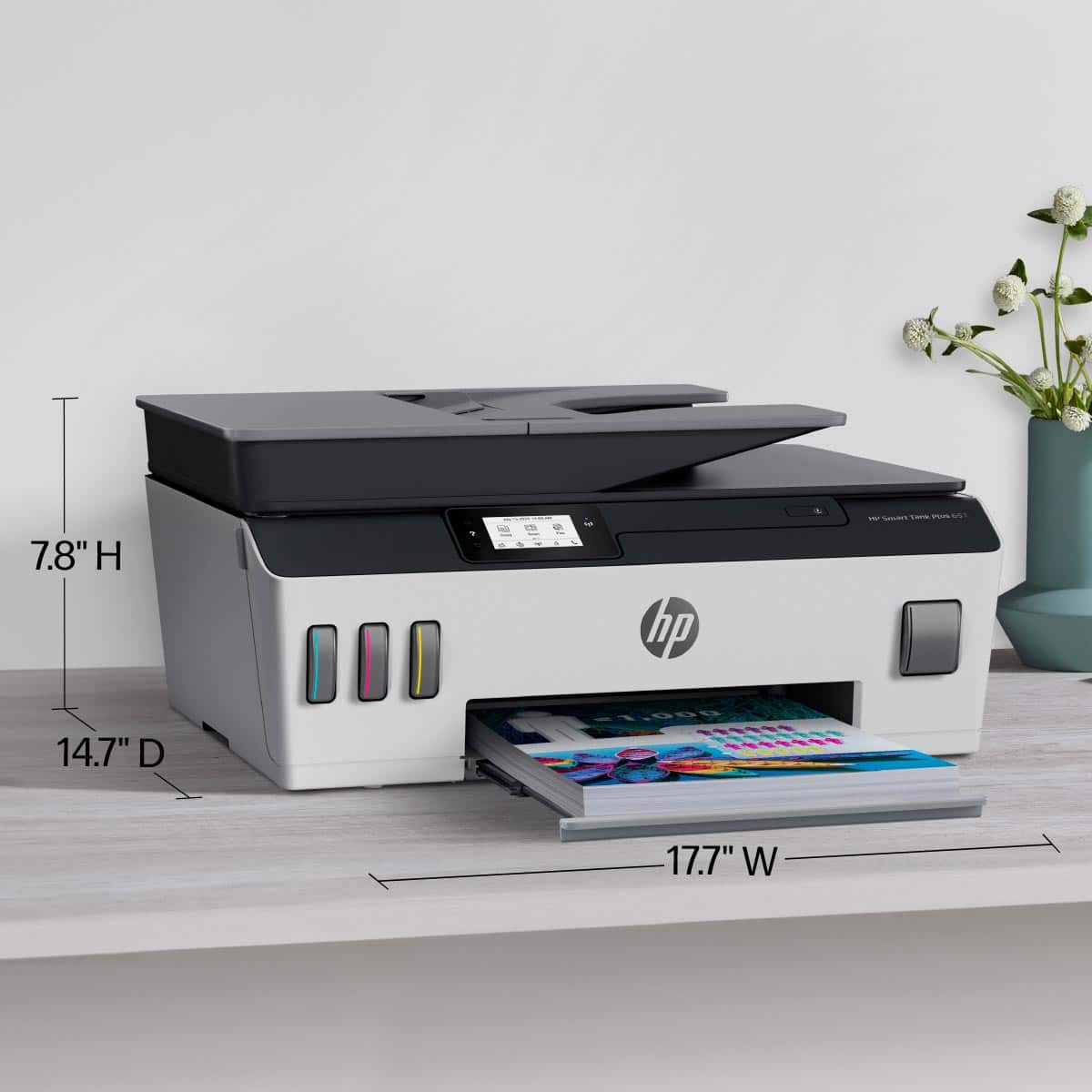
|Posted .This reviewer received promo considerations or sweepstakes entry for writing a review.I'm loving this printer. Its very nice looking, the white accent is welcomed. I like that its not bulky at all, compared to other all in ones, It has a very flat low profile. Setting it up was easy, you can either use a pc downloading HP's software, or you can use their mobile app. You pour the ink containers into it, and then install the printer heads. (the box says they include ink to last for at least 2 years, so that is still to see...). Be aware though, this printer is more designed to be used via wireless out of the box, as it DOES NOT include an USB cable (nor a telephone cable for the fax function), at least those were not in my box...Those cables are so cheap, that I feel HP should have at least included them to add more convenience on how the user is going to decide to use the printer. I'm loving that to scan, you have to options, you can either feed the paper from the top tray and it will take it (kind of like the ones you will see on a big office printer), or you can open the scanner bed and scan the "old fashioned" way. Very convenient. The paper feeder is good enough, but I wish it would fit more pages, so I don't have to keep putting more pages manually, but I guess its a trade off, since the printer is so thin, considering its an all in one. It also has a fax function (and line pass through), in case its needed. I highly recommend it to anyone looking to setup a small/home office and save on ink. As the you are only replacing the ink itself (the printer heads stay on the printer), they cost way less than the old printers were you would replace the whole cartridge containing the connector, logic and ink.
I would recommend this to a friend- Pros mentioned:Connectivity, Print quality
HP Smart-Tank 651 printer - A "smart" buy
||Posted . Owned for 1 month when reviewed.This reviewer received promo considerations or sweepstakes entry for writing a review.We had to replace our older HP printer which served us well for many years. This Smart Tank Plus took a little getting used to but now that we have, we find the quality of the printing and the speed to be good, and we like the fact that this printer is cartridge-free. It scans directly to our laptops, which is better than scanning to a USB. All in all, this was a good buy for us.
I would recommend this to a friend - Pros mentioned:Connectivity, Overall performance, Print quality
HP Smart Tank is perfect!!
||Posted . Owned for 10 months when reviewed.This reviewer received promo considerations or sweepstakes entry for writing a review.Was using an old HP that took the HP63 ink cartridges. I was buying both the black and colored constantly. Of course, it's expensive. Now I have an HP Smart Tank Plus and using 1/3 the amount of ink. It was easy to hook up to my computer, performs perfectly, and saves money. I'm sorry I waited so long.
I would recommend this to a friend - Pros mentioned:Print quality
Laser like black prints w/ quality color
|Posted .This reviewer received promo considerations or sweepstakes entry for writing a review.I wasn't sure we would switch back to an inkjet printer after using a laser for the last 5 years, but I am sure glad we did! We already printed our 50+ Christmas cards this year, full page card stock, then each cut down to two 5x7's. The paper fed well and the printed product was impressive. Bright color, sharp edges, on some tough to print on glittery holiday stock my wife picked out Out of the box, the printer does take a lil bit of setup. Carefully remove the secured tape areas, follow the instructions carefully, and you will be printing in no time. I really like that the print heads are swap-able, but the cartridges are built in and refillable. This should solve two of the major issues with printers in cost of ink, and fixed print head getting gunked up, requiring maintenance most home users will not do. Device connected to wifi very easy, and we easily added it to all 4 Win 10 computers in our home, as well as the HP Smart print app on our mobile devices. You can take a photo of a document as a copy with your phone, and send it to your printer no matter if you are 5 feet, or 5000 miles away. Very happy with this printer, only thing I wish it had was a large paper capacity. Other than that, this is a winner!
I would recommend this to a friend - Pros mentioned:Connectivity, Ease of use, Print quality
Great printer!!
||Posted . Owned for 3 weeks when reviewed.This reviewer received promo considerations or sweepstakes entry for writing a review.I love this printer. So easy to set up. I like that I can also print from my phone and also from my laptop. I also have it hard wired to my may computer. I've had it for about 4 months. I have hardly used any ink. I love it.
I would recommend this to a friend - Pros mentioned:Overall performance, Print quality
Does the Job
||Posted .This reviewer received promo considerations or sweepstakes entry for writing a review.I like the large ink storage capacity. It connected to wireless very well. The paper trays are very flimsy, you need to careful with them. I don't know why they need to be made of such light plastic. I don't think they need worry about gas mileage standards. Overall It does the job.
I would recommend this to a friend - Pros mentioned:Connectivity, Setup
Great value
||Posted . Owned for 3 weeks when reviewed.This reviewer received promo considerations or sweepstakes entry for writing a review.Great quality prints in both color and black and white. Setup was relatively easy as was establishing connections to my iPhone and to my wifi. Installing the ink was quick and easy. Printing is on the slow side, but for the printer's intended use, that is not a problem for me.
I would recommend this to a friend - Pros mentioned:Ease of use, Print quality, Setup
HP SMART TANK
||Posted . Owned for 1 month when reviewed.This reviewer received promo considerations or sweepstakes entry for writing a review.This HP printer was the easiest printer to set up. It prints a really nice page. You will love this printer.
I would recommend this to a friend - Pros mentioned:Overall performance, Print quality
Printer is perfect for my needs. Super!
||Posted . Owned for 1 month when reviewed.This reviewer received promo considerations or sweepstakes entry for writing a review.This printer is a quality product and operates extremely well, The final resolution and color items are quite perfect and looks well for my retirement needs. I am so happy to have purchased this product, I could not be happier. Thanks much.
I would recommend this to a friend - Pros mentioned:Connectivity, Print quality
Extremely pleased
||Posted .This reviewer received promo considerations or sweepstakes entry for writing a review.We’ve had the printer a little over a month and are extremely pleased with quality of printing. Set up was easy and connectivity has been absolutely perfect! Couldn’t be happier
I would recommend this to a friend - Pros mentioned:Overall performance, Setup
HP Smart Tank Plus 651
||Posted . Owned for 1 month when reviewed.This reviewer received promo considerations or sweepstakes entry for writing a review.This printer works very well. I would prefer an internal paper tray instead of the external one, but it works just fine and I have had no problems with it. I love the idea of not having to buy monthly cartridges. Setup was easy and connected wirelessly with no problems.
I would recommend this to a friend - Pros mentioned:Connectivity, Setup
HP Smart Tank Plus 651 Inkjet Printer
||Posted . Owned for 3 weeks when reviewed.This reviewer received promo considerations or sweepstakes entry for writing a review.Excellent, easy to set up, not any problems at all getting started. Includes plenty of ink to begin right away. Being able to control amounts of ink as you go is a brilliant improvement over ink cartridges. especially for using black ink. Added bonus of being able to connect with a USB cable instead of being dependent on wireless only. Print quality on a test photo looked super good. Have not owned it long enough to tell if if may be higher maintenance later, in case it is not used frequently.
I would recommend this to a friend - Pros mentioned:Print quality
HP printers Rock 2!
Posted .This reviewer received promo considerations or sweepstakes entry for writing a review.I love the large amounts of ink that it stores and the ease to load papers in the back with no trays to have to mess with!
I would recommend this to a friend