Customer Ratings & Reviews
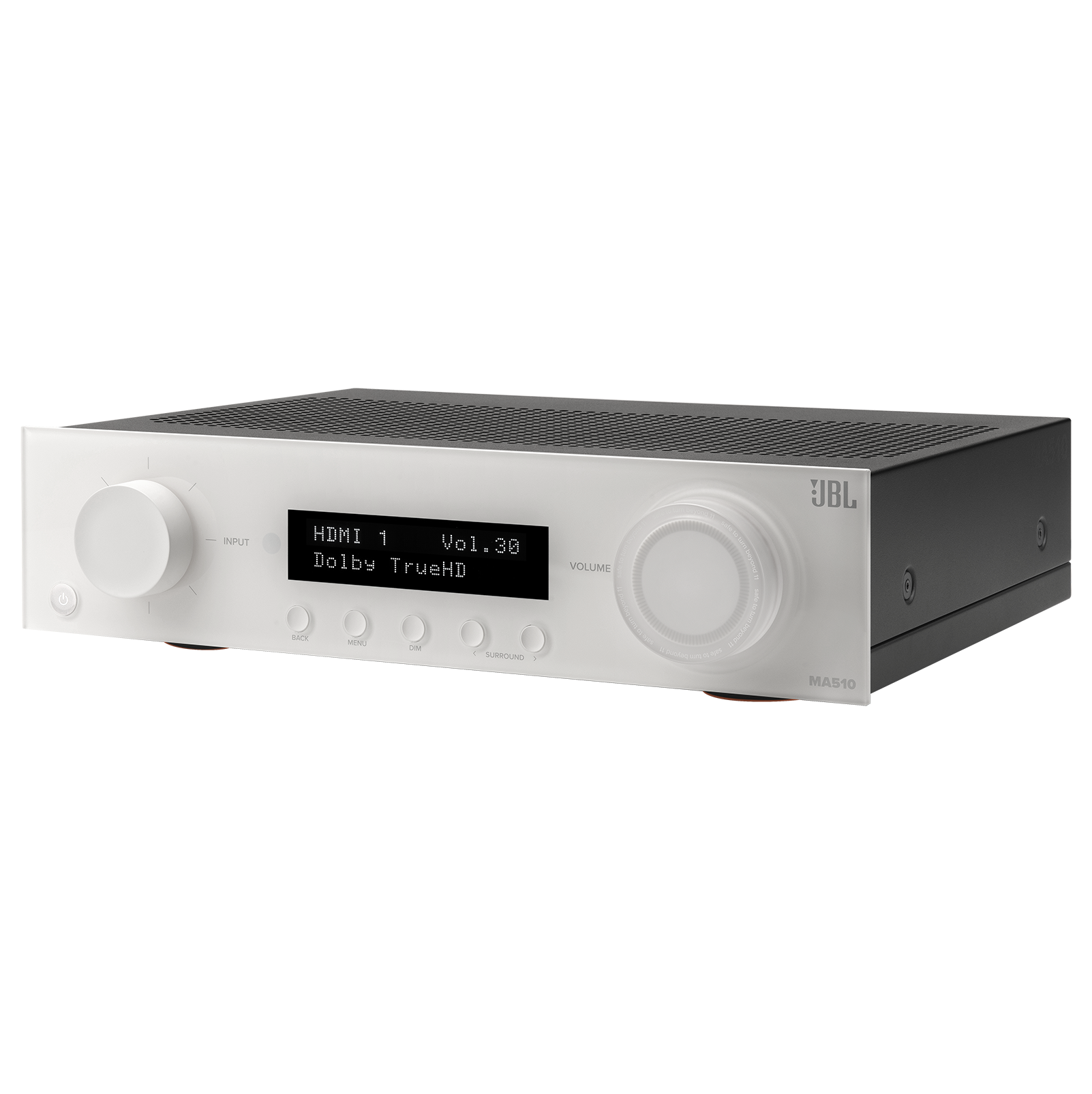
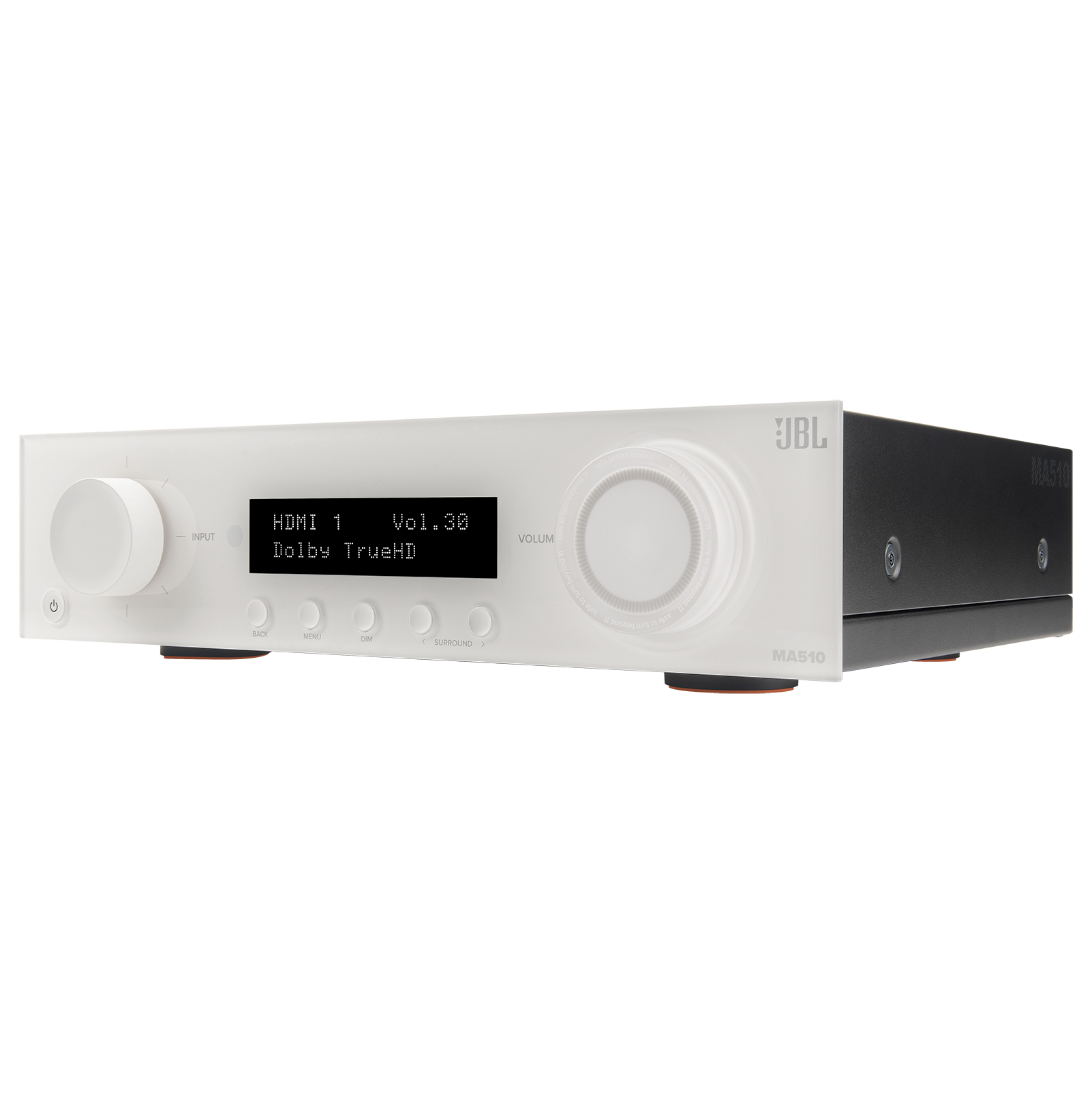
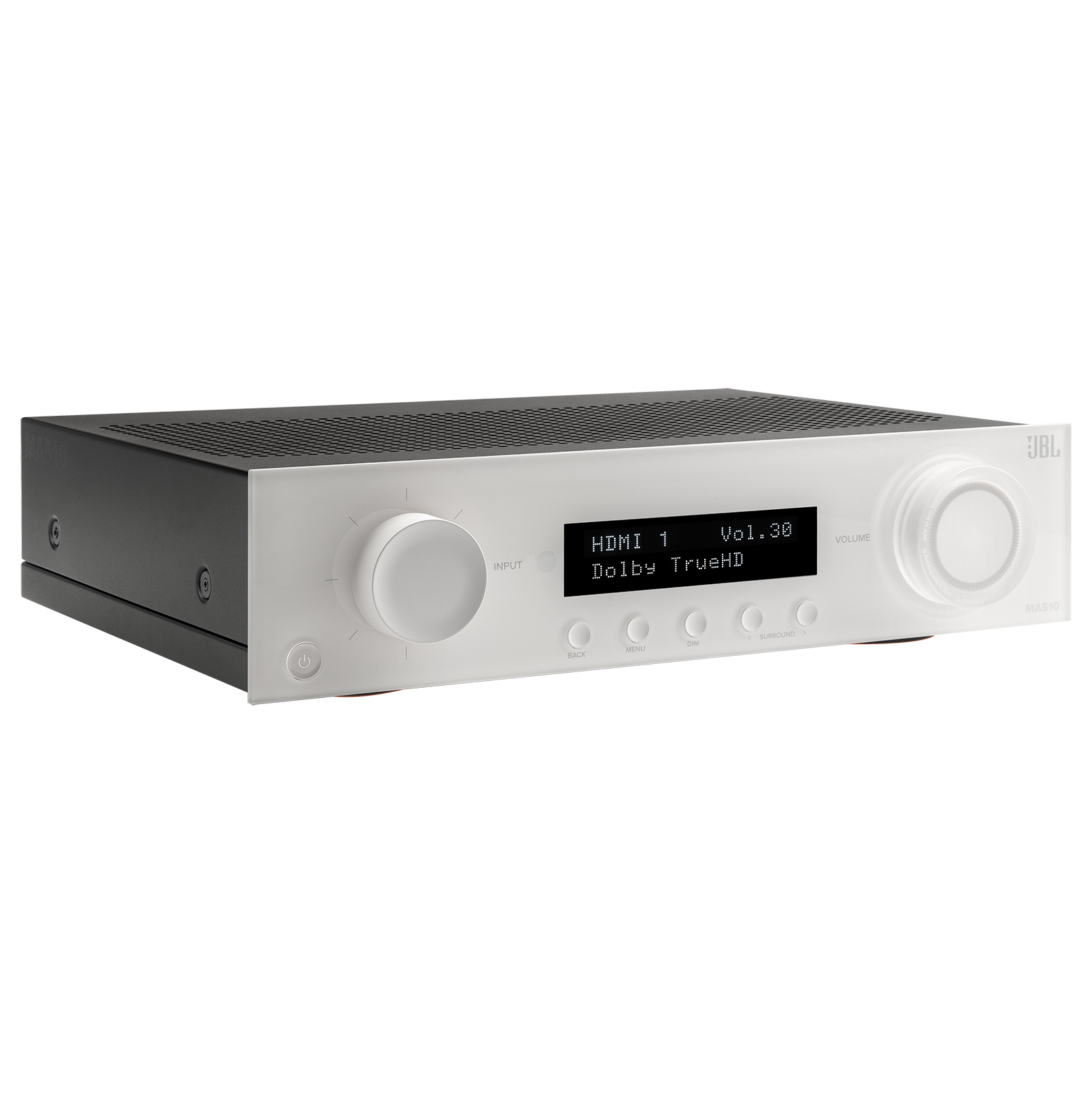




- Model:
- JBLMA510WHTAM
- SKU:
- 6584068
Rating by feature
- Value
Rating 4.2 out of 5 stars
- Quality
Rating 4.4 out of 5 stars
- Ease of Use
Rating 4.3 out of 5 stars
Customers are saying
Customers are impressed with the MA510's sound quality, citing its excellent performance and crisp audio. The ease of setup and use, along with the convenient Bluetooth and Wi-Fi connectivity, are also frequently praised. Many appreciate the ample power provided by the receiver, sufficient for powering various speaker systems. The user-friendly setup process, aided by the JBL app, further enhances the overall positive user experience.
This summary was generated by AI based on customer reviews.
New sound
||Posted . Owned for 3 weeks when reviewed.This reviewer received promo considerations or sweepstakes entry for writing a review.Love the system. Works amazing with our speaker system
I would recommend this to a friendGreat value!
||Posted . Owned for less than 1 week when reviewed.This reviewer received promo considerations or sweepstakes entry for writing a review.Replaced an old Marantz and this was a great value for the price I paid!
I would recommend this to a friendGreat!
||Posted . Owned for 1 month when reviewed.This reviewer received promo considerations or sweepstakes entry for writing a review.Love it! The receiver was better than expected. And we loved the color.
I would recommend this to a friendHappy Happy Happy
||Posted . Owned for 1 week when reviewed.This reviewer received promo considerations or sweepstakes entry for writing a review.Excellent & just what I needed. Best Buy services were excellent.
I would recommend this to a friend- Cons mentioned:User interface
To many issues
||Posted .This reviewer received promo considerations or sweepstakes entry for writing a review.Bluetooth drops every 10 minutes. The phone application is stone age, does not find the receiver half the time. Very rough user interface.
No, I would not recommend this to a friend Decent
||Posted . Owned for less than 1 week when reviewed.This reviewer received promo considerations or sweepstakes entry for writing a review.Works but app is crap and connectivity has issues on WiFi had to switch to hard wired. Using for playing over speakers in store
No, I would not recommend this to a friendDon't recommend
||Posted . Owned for less than 1 week when reviewed.This reviewer received promo considerations or sweepstakes entry for writing a review.Subwoofer output is garbage. Adjustability is garbage. Don't recommend unless you want a very basic receiver. I returned it for a denon
No, I would not recommend this to a friend
E-ARC TRIGGERS PROTECTION MODE
|Posted . Owned for 1 month when reviewed.This reviewer received promo considerations or sweepstakes entry for writing a review.I wired my speakers using high end banana plugs and used audioquest HDMI cables, the moment I would turn on my PS5 the AVR would try to handshake with my TV (55A90J) the sound stopped playing and on the screen the AVRA read protection mode. Turn system off. I was at it for hours before giving up and calling this system a dud and returned it the next day. Save up more money and buy a better brand name AVR.
No, I would not recommend this to a friendBrand response from JBL Support
Posted .Thanks for your feedback. We're always looking for ways to improve, we'll make sure to pass this along to our development team.

Disappointed
||Posted . Owned for 1 week when reviewed.This reviewer received promo considerations or sweepstakes entry for writing a review.Front display stopped working after one week. Returing from the Denon.
No, I would not recommend this to a friendNO Fire Cube compatible.
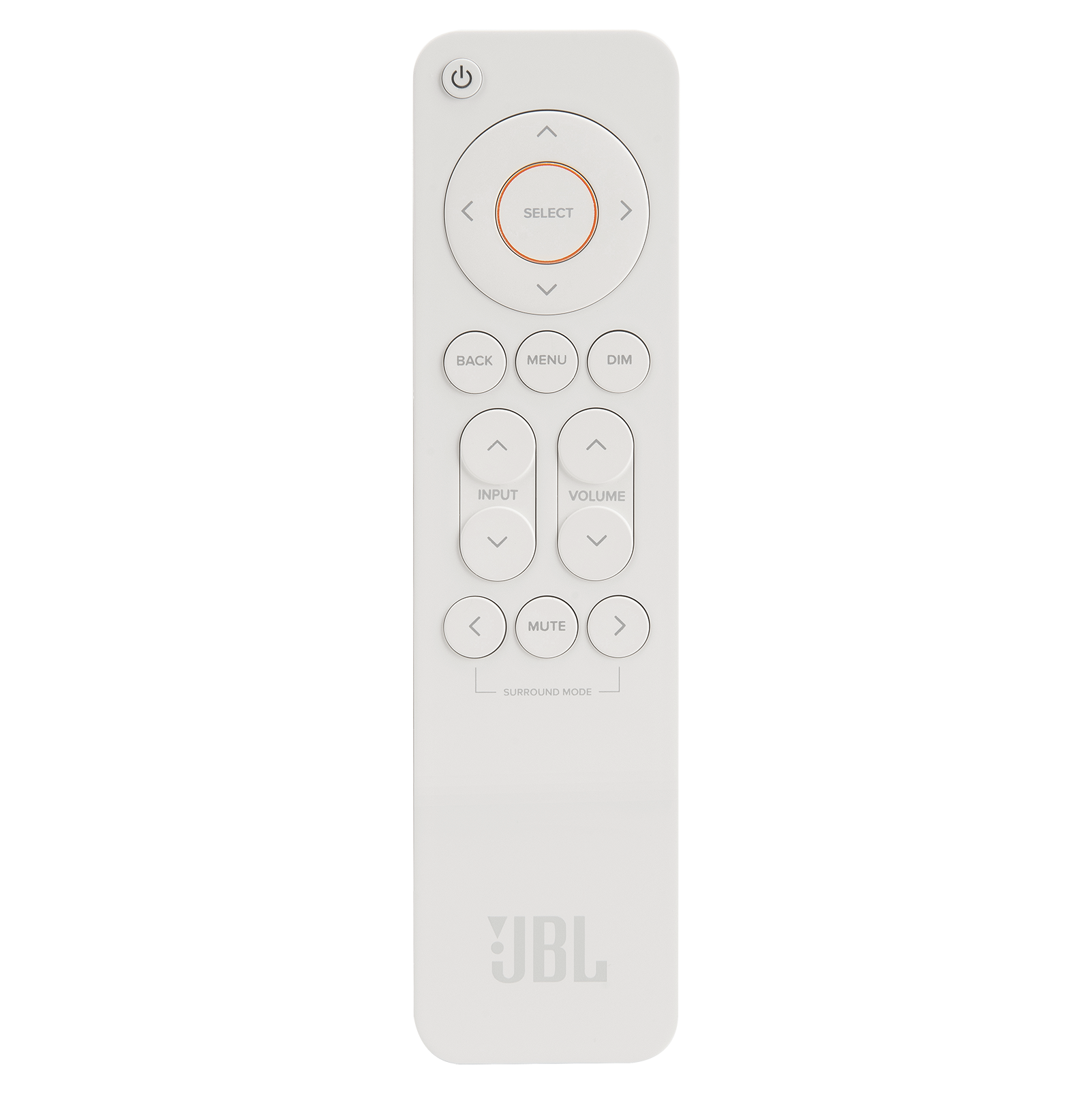
||Posted .This reviewer received promo considerations or sweepstakes entry for writing a review.If you want it to work with a universal remote, please DO NOT BUY this one, the remote is so small. Good locking, but that is it.
No, I would not recommend this to a friendIf you like you music don’t get this AMP
|Posted . Owned for less than 1 week when reviewed.This reviewer received promo considerations or sweepstakes entry for writing a review.I bought this today due to all the streaming features but the sound quality is just awful, sorry JBL but this should go back to the drawing board
No, I would not recommend this to a friend- Pros mentioned:Bluetooth, Sound quality

Awesome AVR
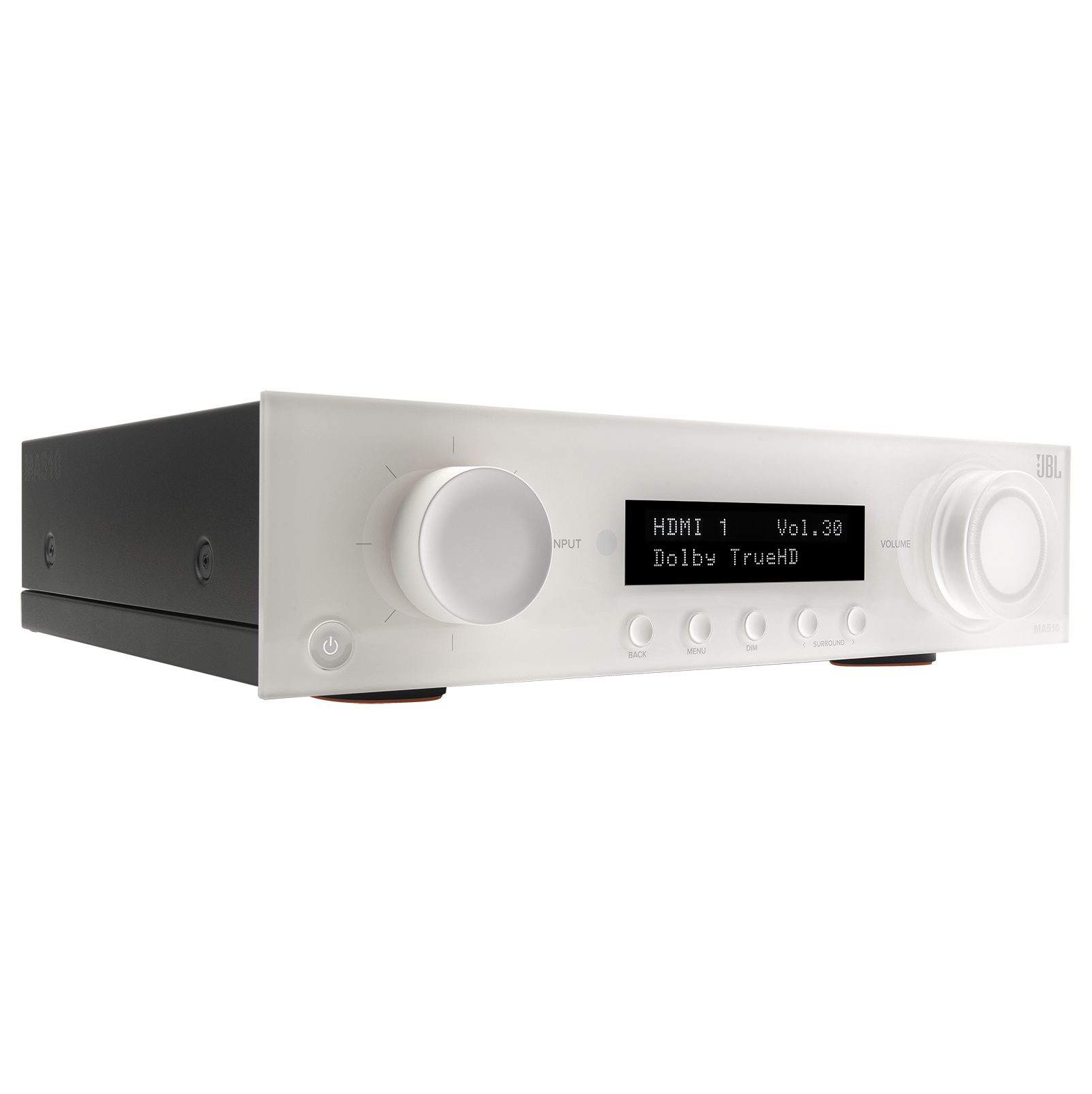
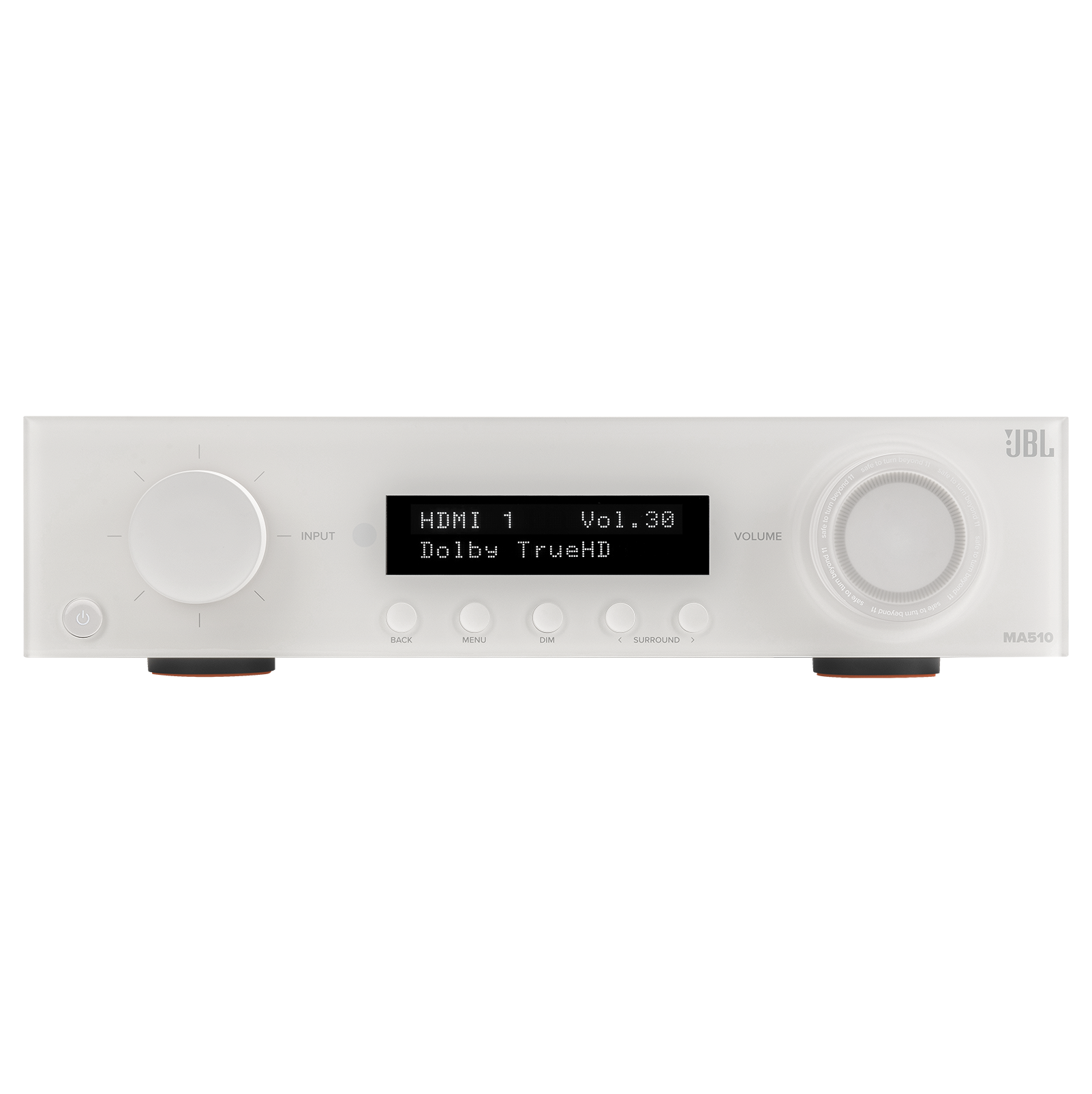
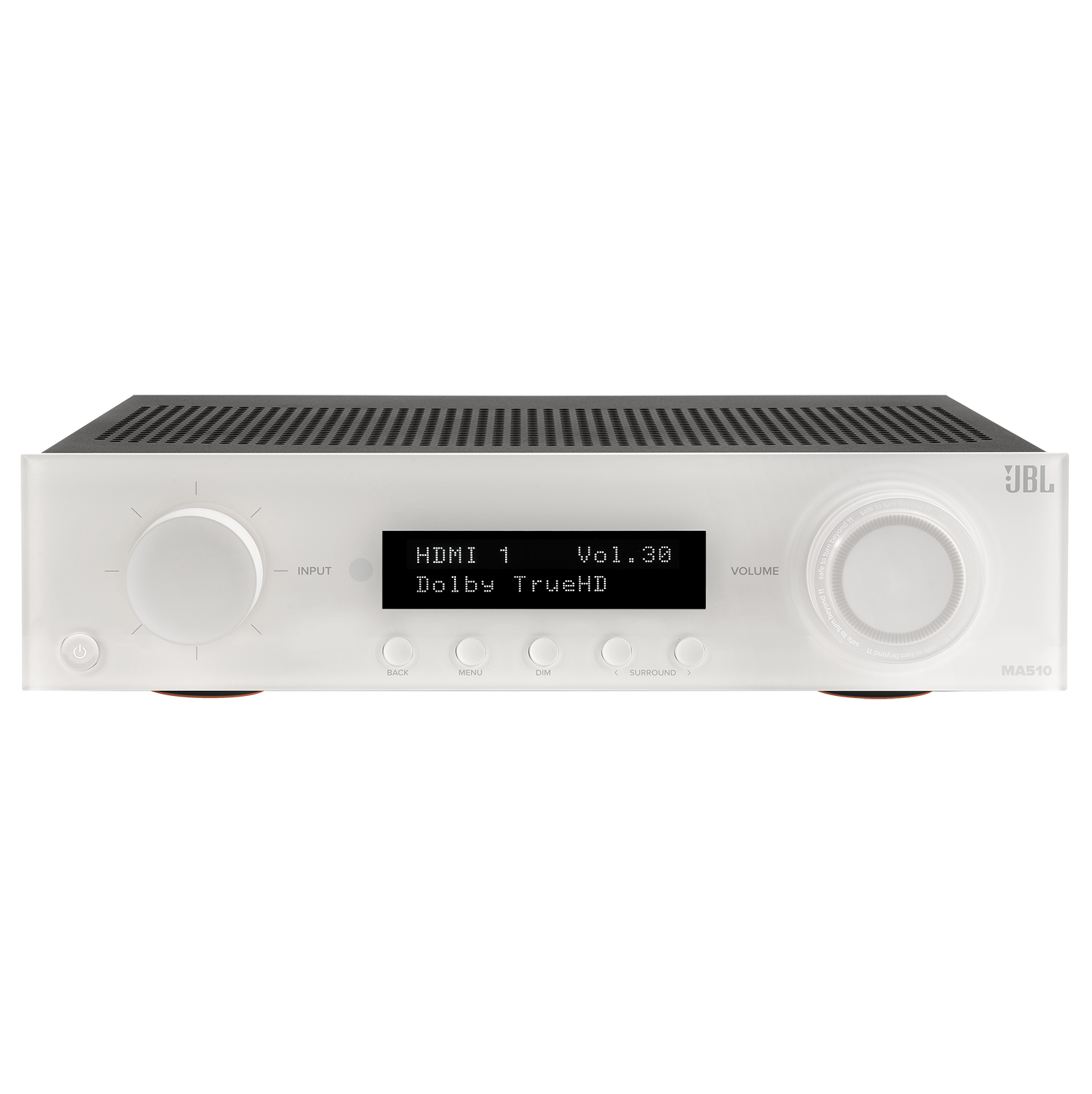
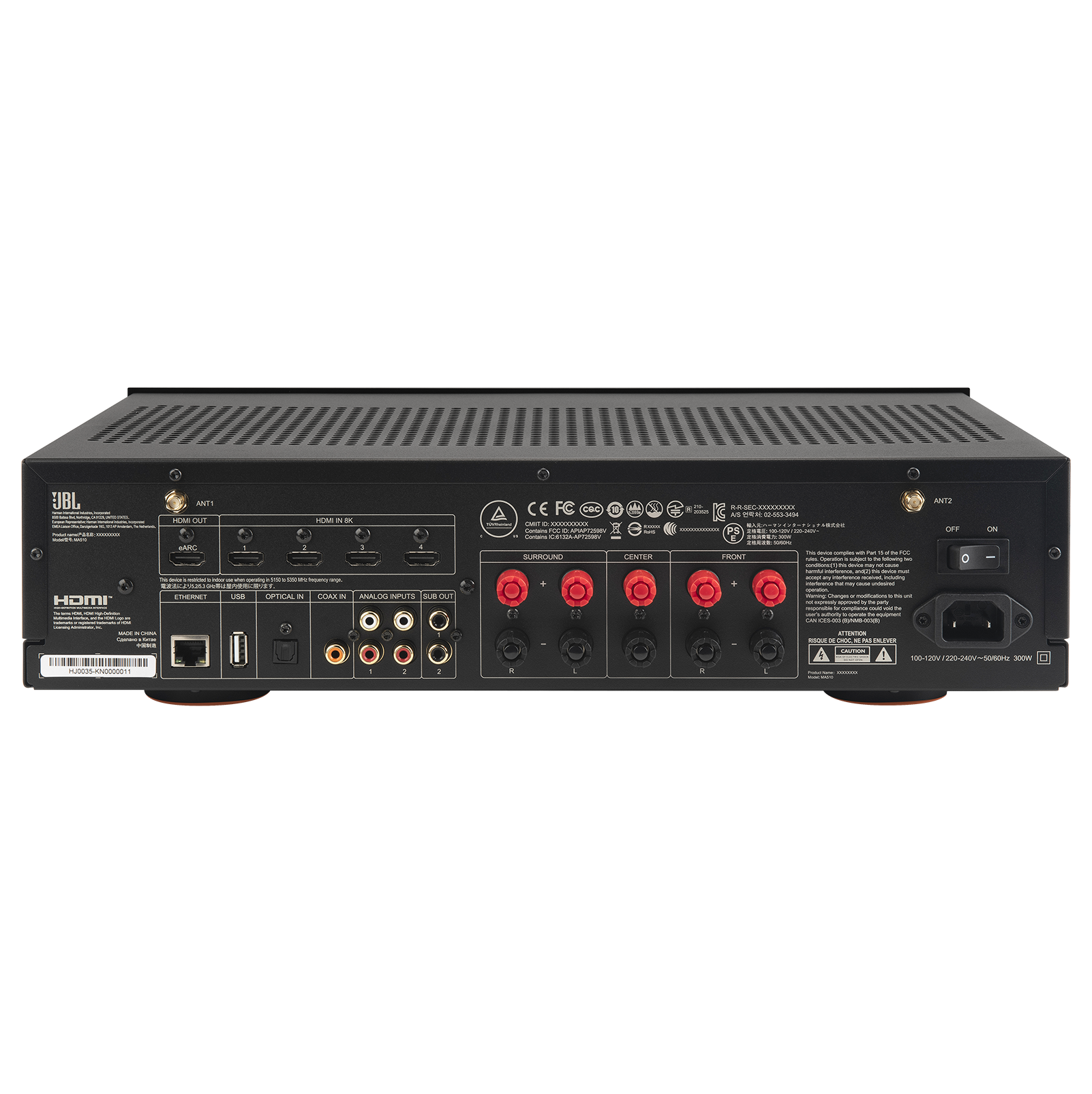
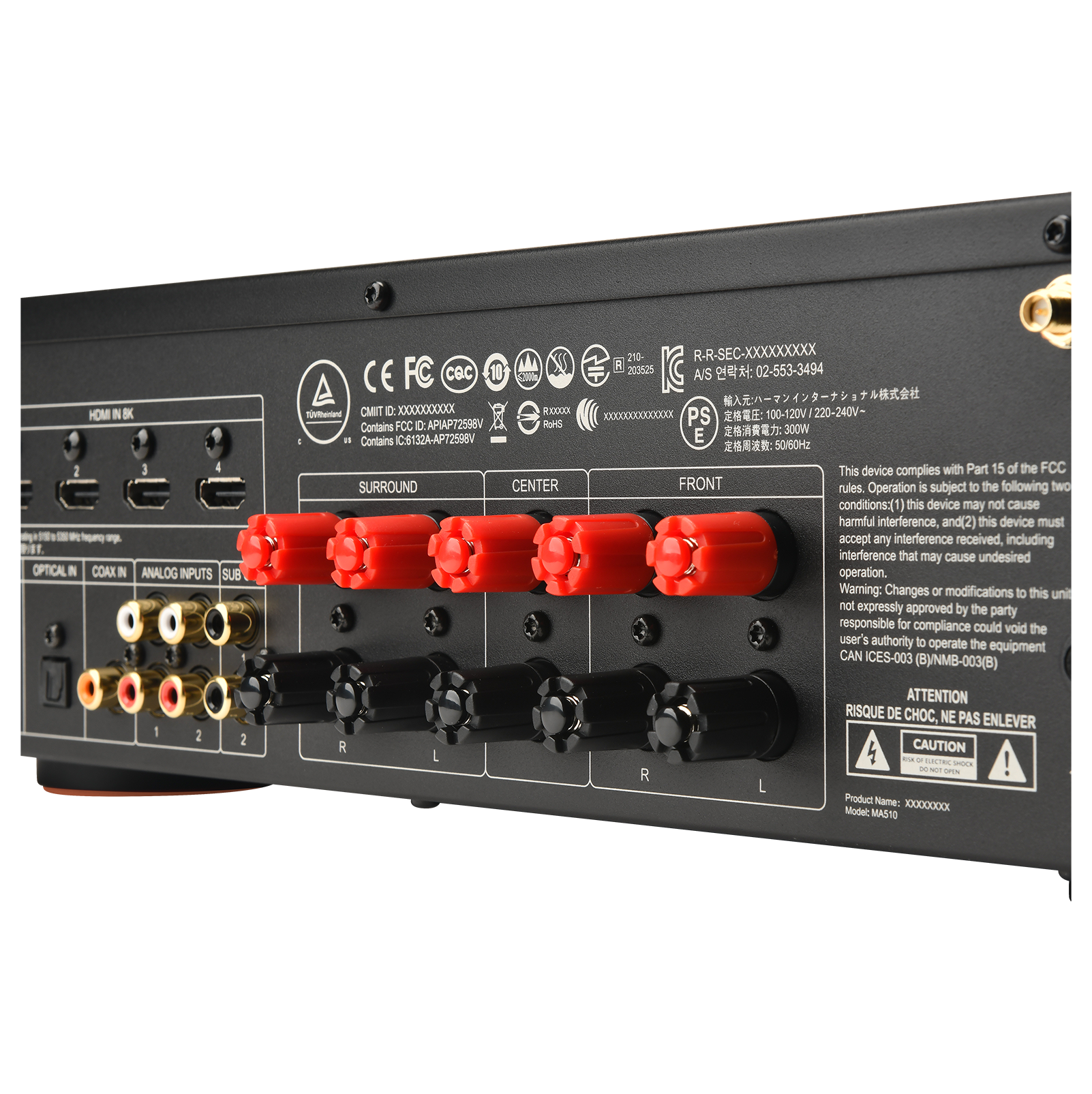
|Posted .This reviewer received promo considerations or sweepstakes entry for writing a review.This is the first audio-video receiver (AVR) that I have owned - Ive used one once before and I did like the spatial audio and how movies / TV sound. That being said, I was a little bit in over my head on this one as I wasn’t aware of how much set up is involved and extra components are required. A learning experience for me! And at teachable moment for other. Setup is fairly easy, the unit has a basic menu interface and depending on your speaker configuration - you have modes that adjust sound according to those configuration - with two bookshelf speakers (JBL 250 B’s), and a subwoofer (JBL 250 P) the set up worked best in All Stereo mode. Navigating the menu can be done on the main unit with the input knob and face buttons, or on screen with the remote. The volume knob has a lovely message for us users - I won’t spoil it but be sure to read it, it gave me a laugh - nice touch JBL. Connecting this unit to wifi to get updates was easy - downloading the JBL Premium Audio app gives you remote access to the AVR and connects it to your home network, and it has an ethernet port if you like having things physically connected, I plan to move over to that once I have my home entertainment area finalized. Once setup is complete, it works pretty well in concert with my Apple TV and Samsung 55” TV. I have moments where Youtube will be playing and the receiver seems to interpret this as something and causes it to black out as if it were switching inputs, still figuring this one out, but during shows everything is fine. I love how it all powers on with one remote - my remote of choice being the apple TV remote - the JBL remote works best for fine tuning audio, but if you need to change volume, somehow and very magically, my apple TV remote easily controlled volume with Mute ability. Being a first time AVR user, one thing to note is make sure you have your speaker cable of choice - this was new to me, as I am used to AV devices having everything you need in it right out of the box. This was not that case and after trying regular copper cable, I found the best thing ever - Banana Plugs. What I didn’t find out was how hard you need to push banana plugs in to get them to “fit” into the socket. I now have a good set of cables, but they seem to be a bit on the loose side - my AVR doesn’t fit well in my console cubby, and they get knocked loose sometimes.
I would recommend this to a friend Easy, fun setup, extremely capable, but no AM/FM
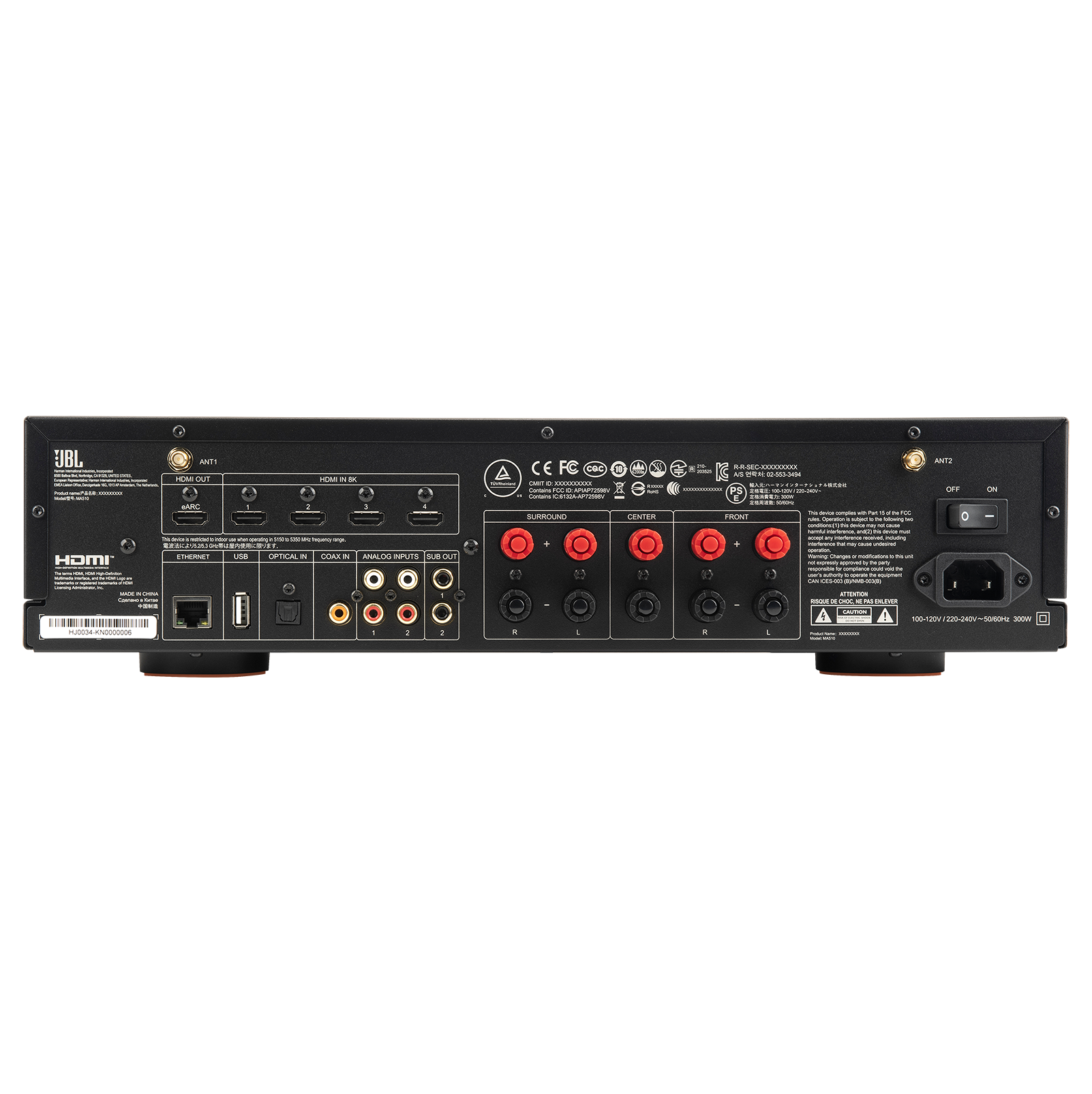
|Posted .This reviewer received promo considerations or sweepstakes entry for writing a review.I upgraded my home theater setup with the JBL MA510 (and the accompanying bookshelf and subwoofer speakers) about a week ago, and it’s been an absolute game-changer. The setup was straightforward, and I had it connected to my TV within minutes. The sound quality is quite good, and it significantly enhances the audio experience for movies and shows. Menu navigation and set up are easy and intuitive. The instruction manual leads you through the process of setting the speakers in the best locations. The available app does the same thing. This unit has many capabilities beyond just TV. I used the wireless streaming capability with my music streaming service, and the music quality is excellent, which I would have expected. The unit also has Bluetooth capability, and I was able to stream music from my phone with no problems. JBL has a feature called EZ Set EQ, which automatically “calibrates” the sound to your particular room. I can’t say that I noticed a significant difference in the sound before and after the calibration, but I assume it didn’t hurt! This unit can handle pretty much any audio source you might want to connect, including a turntable, CD player, and even an older cassette deck. There are also coaxial cable and optical cable connections. Of course, like pretty much anything else today, there is an app you can download and use to control the unit, and the list of settings you can control is nearly endless. Doing the room calibration process through the app is particularly informative and entertaining. One minor negative is that no cables are included in the box, so you’ll need to have your own ready. In this case, you’ll need an HDMI cable to connect to your TV, a cable with older-style male RCA jacks on each end to connect the subwoofer, and speaker wire for the two bookshelf speakers. I don’t fault them for having no speaker wire because there is no way to know what lengths are needed and having to provide your own speaker wire has been a part of setting up home audio systems for as long as there have been home audio systems. But the HDMI and RCA-jack cables could have been included. Keep in mind one last thing. This unit may be called a “receiver,” but it does not receive AM or FM radio, which has traditionally been one of the mainstays of home audio receivers. With all the other options now available for audio (and video) compared to a couple of decades ago or more, traditional radio seems to be fading into the background. Plus, you can usually find your favorite station online and listen to it through its streaming service. Overall, the JBL MA510, with the exception of the above-mentioned lack of AM/FM tuning, is a complete home audio system—it’s a full-fledged home theater hub that handles everything from TV and movies to music and gaming with ease. Highly recommended if you're looking to elevate your home entertainment setup.
I would recommend this to a friendAlready abandoned product
Posted .This reviewer received promo considerations or sweepstakes entry for writing a review.Powerful but feels abandoned. There are bugs in airplay that happen multiple times a day. There is no support or registration page for this product on jbl website either. I would avoid this product.
No, I would not recommend this to a friendDisappointed
Posted .This reviewer received promo considerations or sweepstakes entry for writing a review.To be fair, I never used this item. I purchased from Best Buy, took it home and unboxed. When I realized there is no headphone jack I repackaged and returned. Too bad because it looks favorable but who designs a receiver without any headphone option?
No, I would not recommend this to a friendBrand response from JBL Support
Posted .Thank you for your feedback. We are always looking for ways to improve. If you need assistance with the set up of your devices, please reach out to our Harman Luxury Audio Support. Phone: 888-691-4171