Customer Ratings & Reviews

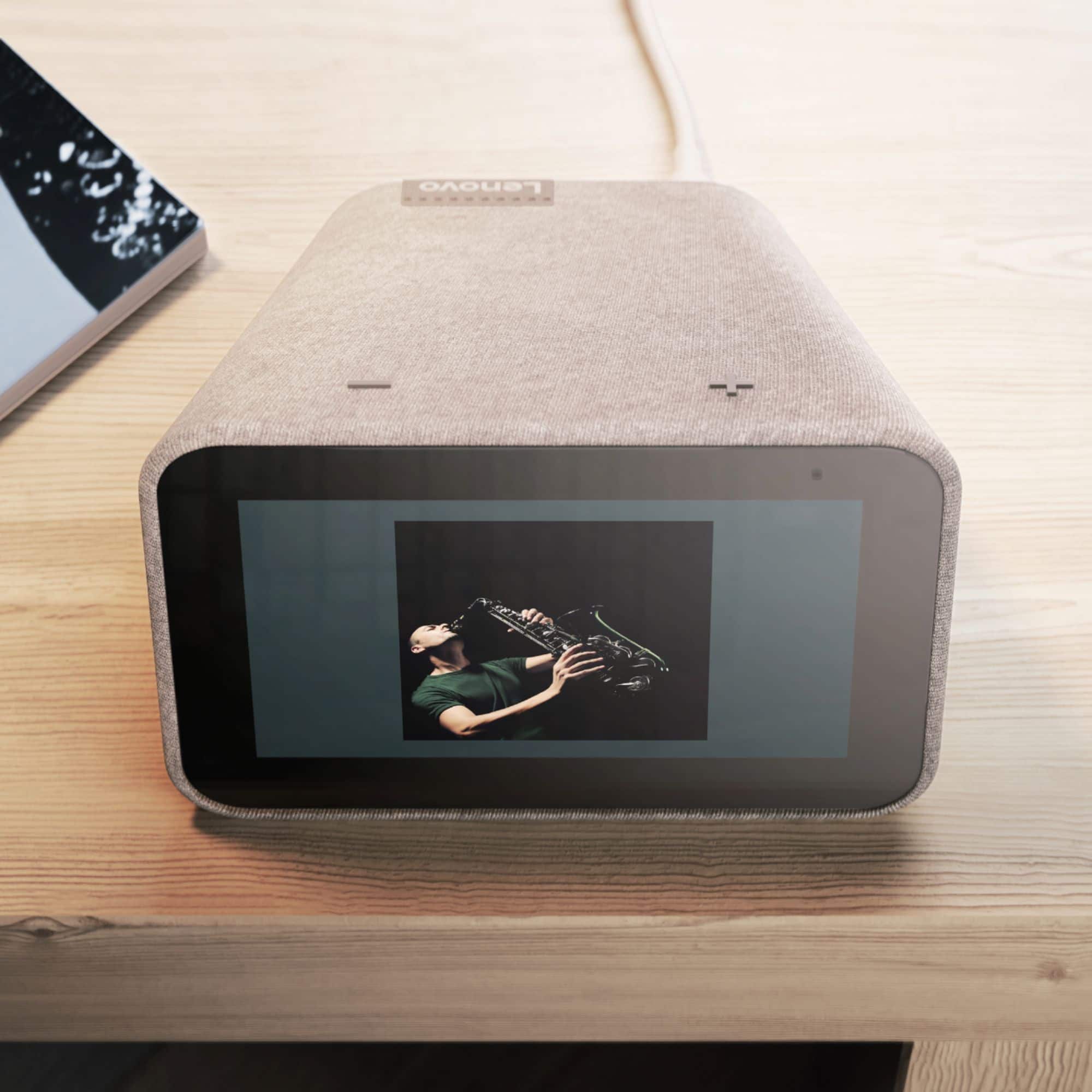
- Model:
- ZA4R0002US
- SKU:
- 6335321
Rating by feature
- Value
Rating 4.5 out of 5 stars
- Quality
Rating 4.6 out of 5 stars
- Ease of Use
Rating 4.5 out of 5 stars
Customers are saying
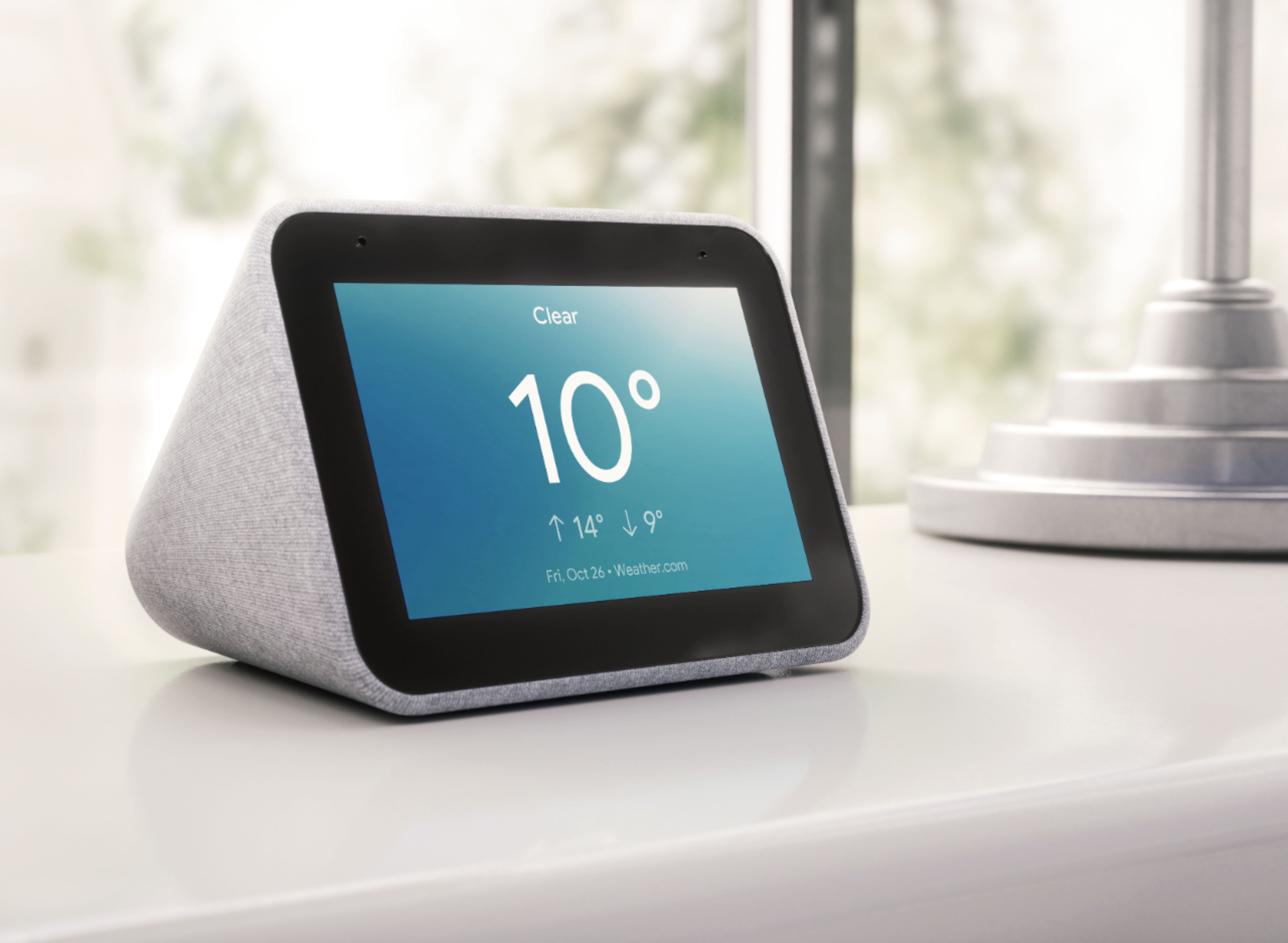
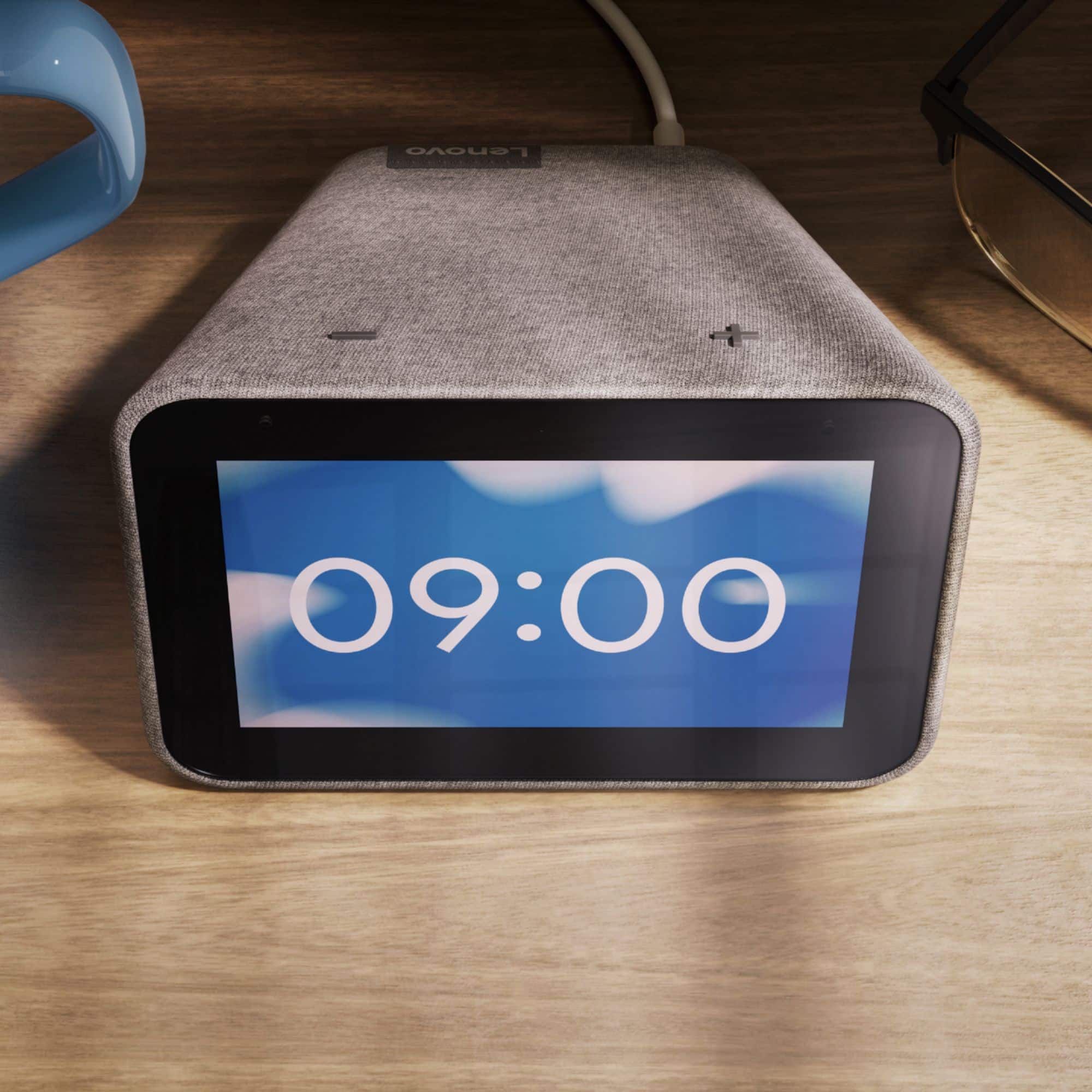
Customers frequently mention the ease of use, sound quality, and alarm features as positive aspects of the Smart Clock with Google Assistant. Many also appreciate the Google Assistant integration, the clock's size, and its display. However, some users reported issues with maintaining a consistent WiFi connection. A lack of battery backup was another recurring negative comment.
This summary was generated by AI based on customer reviews.
Perfect gift for my wife
||Posted . Owned for 1 month when reviewed.This reviewer received promo considerations or sweepstakes entry for writing a review.This device perfectly sync with Google Home app, nice screen and speaker. Easy to connect and use, my wife love it because now she can hear music, news etc in her bathroom.
I would recommend this to a friendGreat gift works like it should
||Posted . Owned for 1 month when reviewed.This reviewer received promo considerations or sweepstakes entry for writing a review.Happens to be the seventh one I have bought. Since I gave them as gifts I have received other request for more so when they went on sale at Best Buy I bought more.
I would recommend this to a friendBrand response from Lenovo Product Expert
Posted .Thanks for choosing the Lenovo Smart Clock with Google Assistant. We are pleased to hear the versatility and functionality of this device have been working out so well for you as gifts! We appreciate your loyalty in choosing to pick up multiple devices to give out as gifts, and that they were so well received.

It's fine
||Posted . Owned for 1 month when reviewed.This reviewer received promo considerations or sweepstakes entry for writing a review.It does pretty well, still figuring things out on it, but it does not listen well if it's playing any music so that's a little frustrating.
I would recommend this to a friendBrand response from Lenovo Product Expert
Posted .Hi, thanks for choosing the Lenovo Smart Clock with Google Assistant. We are pleased to hear the functions, performance, and design of the Lenovo Smart Clock are working out so well for you! Try turning on the setting to lower volume when listening, This will allow the assistant to better hear you when playing music. This setting can be found by opening the Google Home App in your smartphone or tablet and selecting the smart clock.
Good value, great sound
||Posted .This reviewer received promo considerations or sweepstakes entry for writing a review.Works very well. Easy to change clock faces. Only drawback is the lack of temperature showing on face, unless asking Google for temp
I would recommend this to a friendGood, but dim
||Posted . Owned for 3 weeks when reviewed.This reviewer received promo considerations or sweepstakes entry for writing a review.It's a good Android clock, but it was difficult to configure so that at night it wouldn't be too dim when it's placed 10' after from where I sleep.
I would recommend this to a friendBrand response from Lenovo Product Expert
Posted .Hi Ron, thanks for choosing the Lenovo Smart Clock with Google Assistant. We are pleased to hear overall it's working out so well for you. We appreciate your feedback as we are constantly looking for ways to improve our smart devices. Your clock has an auto dim feature and ambient light sensor to dim the display at night. You may turn off this feature by swiping up on the click face and clicking the circle with the "A" in the middle and toggling "Auto Dim" off. From there you can select a static brightness between 1 and 10. Alternatively at anytime you may say "Ok Google set my brightness to ...."
Nice clock
||Posted . Owned for 1 month when reviewed.This reviewer received promo considerations or sweepstakes entry for writing a review.Nice alarm click replacement. Sound quality is similar to Google home mini. Display is not big at all but fine for displaying the time. Automatically dims.
I would recommend this to a friendBrand response from Lenovo Product Expert
Posted .Hi, thanks for choosing the Lenovo Smart Clock with Google Assistant. We are pleased to hear the functions, performance, and design of the Lenovo Smart Clock are working out so well for you!
A great little clock with Google built in
||Posted . Owned for 1 month when reviewed.This reviewer received promo considerations or sweepstakes entry for writing a review.A great little clock with google built in. The usb charger is a nice audition so it still only uses 1 plug but can still charge a divice.
I would recommend this to a friendBrand response from Lenovo Product Expert
Posted .Thank you for choosing the Lenovo Smart Clock with Google Assistant. We are pleased to hear that the features and performance of the Smart Clock meets your needs so well.
Great smart alarm clock
||Posted . Owned for 7 months when reviewed.This reviewer received promo considerations or sweepstakes entry for writing a review.This is a nifty little alarm clock that I enjoy because it also is connected with other Google devices in my household and I'm able to enjoy the features.
I would recommend this to a friendBrand response from Lenovo Product Expert
Posted .Hi, thanks for choosing the Lenovo Smart Clock with Google Assistant. We are pleased to hear the functions, performance, and design of the Lenovo Smart Clock are working out so well for you!
Nice clock
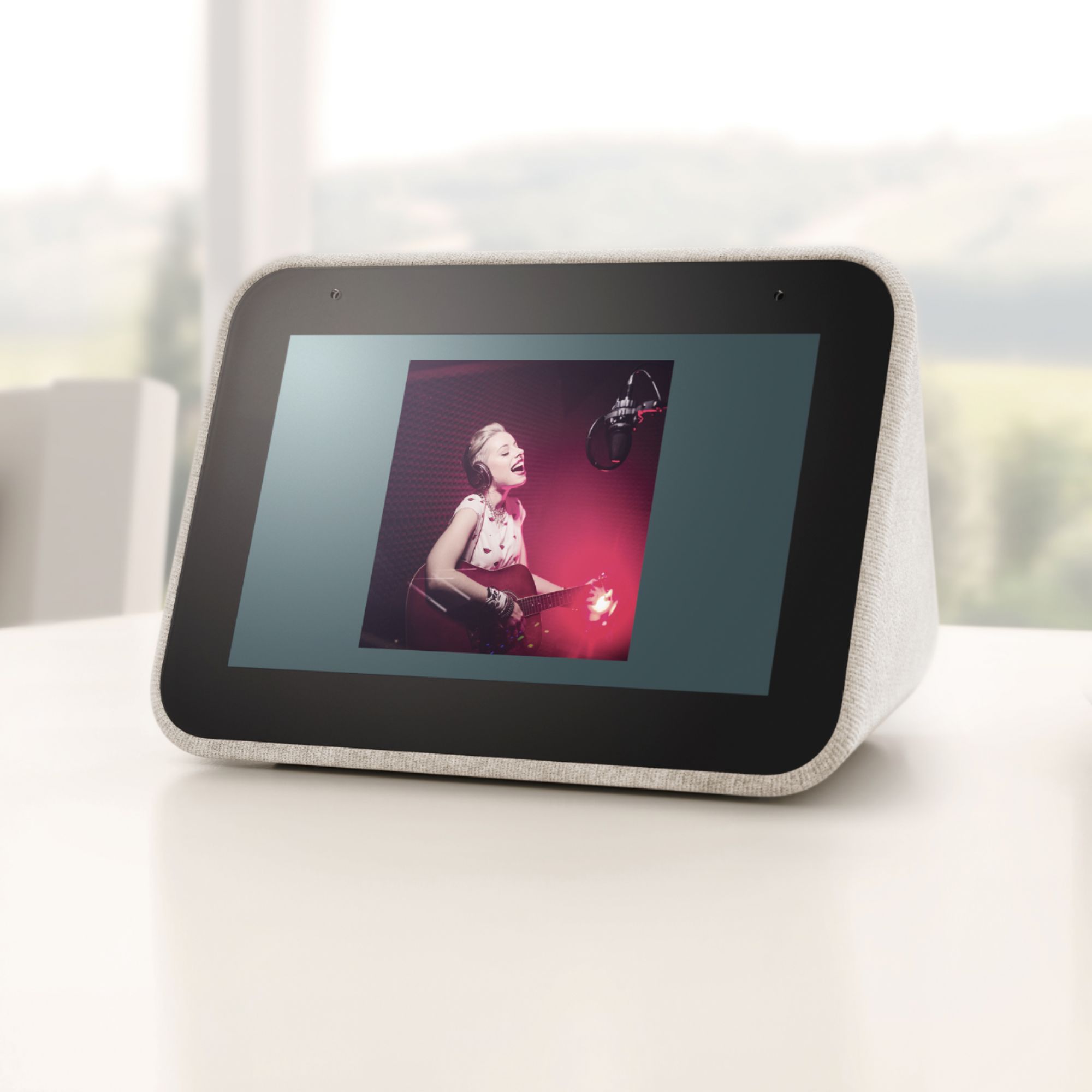
||Posted . Owned for 3 weeks when reviewed.This reviewer received promo considerations or sweepstakes entry for writing a review.Excellent alarm clock with good features and Google assistant helps. You can change your clock face to pics in your gallery or just use one that's included.
I would recommend this to a friendBrand response from Lenovo Product Expert
Posted .Hi, thanks for choosing the Lenovo Smart Clock with Google Assistant. We are pleased to hear the functions, performance, and design of the Lenovo Smart Clock are working out so well for you!
OK for what it is
||Posted . Owned for 1 month when reviewed.This reviewer received promo considerations or sweepstakes entry for writing a review.It's very limited compared to the Echo Show it replaced. No videos. No camera. Very small screen. But Google commands seem more accurate than Alexa.
I would recommend this to a friendBrand response from Lenovo Product Expert
Posted .Hello! Thank you for choosing the Lenovo - Smart Clock with Google Assistant. We are pleased to hear the Google Assistant integration is working out so well for you. We offer Lenovo Smart Displays With Google Assistant that have video and in a 7", 8", and 10" screen size.
Nice smart alarm
||Posted . Owned for 1 month when reviewed.This reviewer received promo considerations or sweepstakes entry for writing a review.Great smart clock but still getting familiar with some of the exotic alarm features and link to smart devices. Nice Lenovo google combo!
I would recommend this to a friendBrand response from Lenovo Product Expert
Posted .Hi, thanks for choosing the Lenovo Smart Clock with Google Assistant. We are pleased to hear the functions, performance, and design of the Lenovo Smart Clock are working out so well for you! For some useful tips and trick to help you get the most out of your assistant please check out this short video https://www.youtube.com/watch?v=mCnHBXn5aEw
Alternatively the following website has a list of useful commands. https://www.androidauthority.com/google-assistant-commands-727911/ If you need further assistance please don't hesitate to reach out to Lenovo Tech Support at 866-426-0911
Works as advertised
||Posted . Owned for 1 year when reviewed.This reviewer received promo considerations or sweepstakes entry for writing a review.The item works fine. The reason for less than five stars is it occasionally starts talking on its own.
I would recommend this to a friendWorks and looks great, Easy to use
||Posted . Owned for 1 month when reviewed.This reviewer received promo considerations or sweepstakes entry for writing a review.Installed fine and works just like my google assistant but also has a clock. Isn't too large or bulky. I'm thinking about another because my daughter took mine.
I would recommend this to a friendBrand response from Lenovo Product Expert
Posted .Hi, thanks for choosing the Lenovo Smart Clock with Google Assistant. We are pleased to hear the functions, performance, and design of the Lenovo Smart Clock are working out so well for you! We appreciate your loyalty should you choose to pick up a second device =)
Smart clock
||Posted . Owned for 3 weeks when reviewed.This reviewer received promo considerations or sweepstakes entry for writing a review.I just love this clock, it dims at night but you can see the time in the dark. It works with my smart light and my thermostat. T=his is the best clock I have every owned.
I would recommend this to a friendExcellent
||Posted . Owned for 1 month when reviewed.This reviewer received promo considerations or sweepstakes entry for writing a review.This is one of the coolest things ever. A smart clock that makes it easy to get yourself situated when you wake up in the morning. I definitely recommend.
I would recommend this to a friendBrand response from Lenovo Product Expert
Posted .Hi, thanks for choosing the Lenovo Smart Clock with Google Assistant. We are pleased to hear the functions, performance, and design of the Lenovo Smart Clock are working out so well for you! We appreciate your recommendation.
Great
||Posted . Owned for 3 weeks when reviewed.This reviewer received promo considerations or sweepstakes entry for writing a review.These clocks are the wave of the future. I am able to set reminders, send emails, and really just have a personal assistant for a very reasonable price.
I would recommend this to a friendBrand response from Lenovo Product Expert
Posted .Hi, thanks for choosing the Lenovo Smart Clock with Google Assistant. We are pleased to hear the functions, performance, and design of the Lenovo Smart Clock are working out so well for you!
Good entry level smart screen
||Posted . Owned for 8 months when reviewed.This reviewer received promo considerations or sweepstakes entry for writing a review.While it does the job it's supposed to (clock + smart speaker) I wish it had more features to use the screen like some of the bigger devices do.
I would recommend this to a friendBrand response from Lenovo Product Expert
Posted .Hi Steve, thanks for choosing the Lenovo Smart Clock with Google Assistant. We are pleased to hear the functions of the clock, performance of the speaker with listening to your favorite music, weather, news, radio, traffic and more, and user friendly design of the Lenovo Smart Clock are working out so well for you! We appreciate your feedback as we are constantly searching for ways to improve our smart devices.
Not bright enough most of the time
||Posted . Owned for 1 year when reviewed.This reviewer received promo considerations or sweepstakes entry for writing a review.Good clock/google assistant but the display-less model is better in my opinion. The self adjusting brightness makes this useless at times
No, I would not recommend this to a friendBrand response from Lenovo Product Expert
Posted .Hi There thank you for choosing the Lenovo Smart Clock with Google Assistant. You can turn off the 'Auto Dim" feature at any time by swiping up on the display and pressing on the little circle with the "A" in the middle. From this menu you also have a slider to manually adjust the brightness of the clock. If you prefer Auto Dim there are three brightness levels you can select within the display settings menu. You can easily access this by swiping up on the screen and selecting the gear shaped "Settings" Icon then selecting "Display Settings".
Limited functionality
||Posted . Owned for 1 week when reviewed.This reviewer received promo considerations or sweepstakes entry for writing a review.Great if you just want a smart speaker that can display the time and weather. Apart from that has, this product very limited functionality.
I would recommend this to a friendBrand response from Lenovo Product Expert
Posted .Hello, the Lenovo Smart Clock with Google Assistant is much more than just a smart speaker. Lenovo Smart Clock with the Google Assistant works easily and seamlessly with over 10,000 smart home devices, across more than 1,000 different brands. Switch the porch lights off, turn on the espresso machine, or control any product featuring a ‘works with the Google Assistant’ badge—from the comfort of your bed, with just your voice. By making your home smarter, you can save time, too. For some helpful tips and tricks with getting the most out of your assistant we recommend checking out this short video https://www.youtube.com/watch?v=mCnHBXn5aEw . If you need further assistance please don't hesitate to reach out to Tech Support at 866-426-0911.
Great Gift
||Posted . Owned for 1 month when reviewed.This reviewer received promo considerations or sweepstakes entry for writing a review.Bought as a gift and the recipient couldn't be happier. They really love this clock and the fact that it has Google Assistant is great.
I would recommend this to a friendBrand response from Lenovo Product Expert
Posted .Hi, thanks for choosing the Lenovo Smart Clock with Google Assistant. We are pleased to hear the functions, performance, and design of the Lenovo Smart Clock are working out so well for you as a gift!