Customer Ratings & Reviews





- Model:
- 920-010550
- SKU:
- 10939255
Rating by feature
- Value
Rating 4.3 out of 5 stars
- Quality
Rating 4.7 out of 5 stars
- Ease of Use
Rating 4.7 out of 5 stars
to a friend

Minimalist mechanical keyboard, maybe a bit pricey
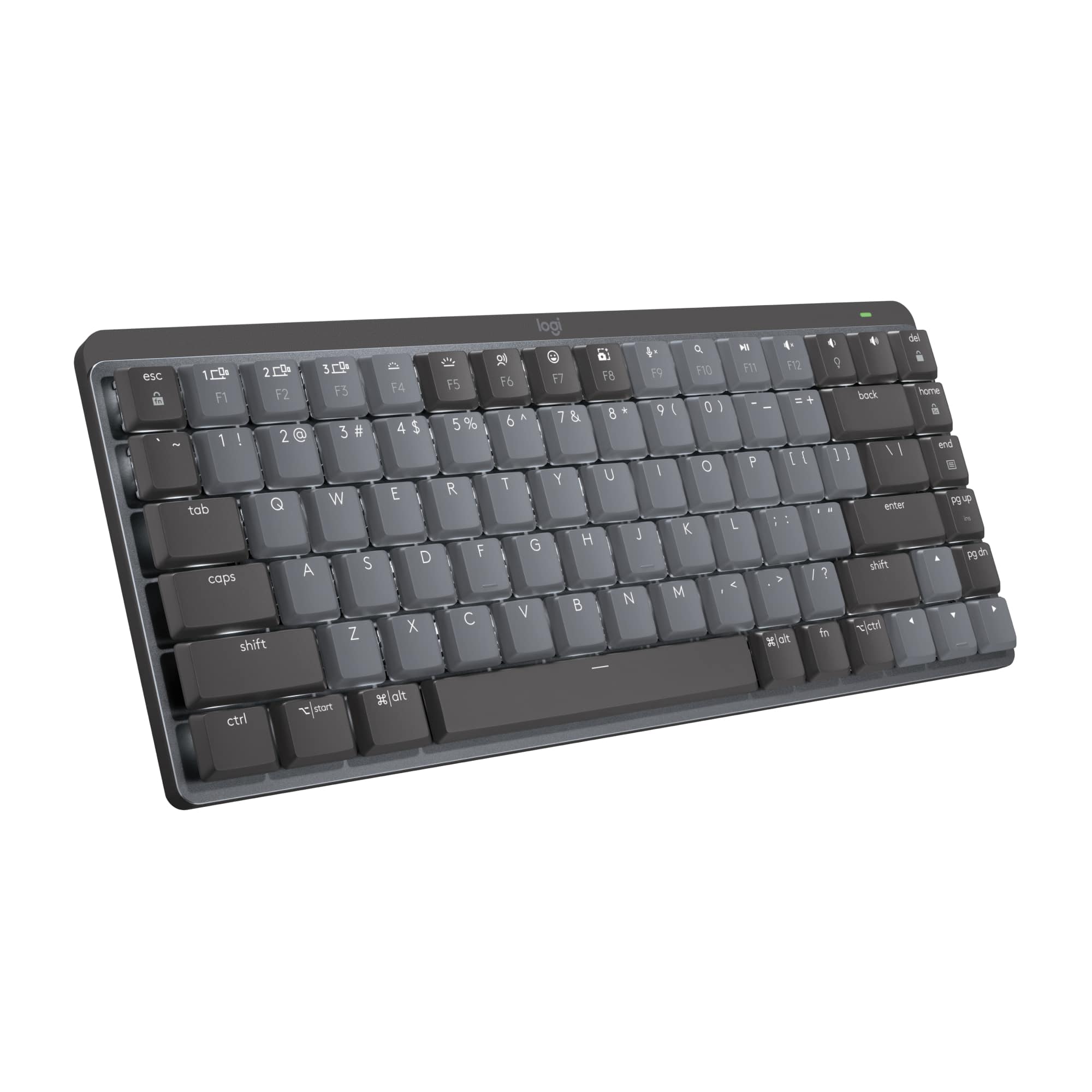
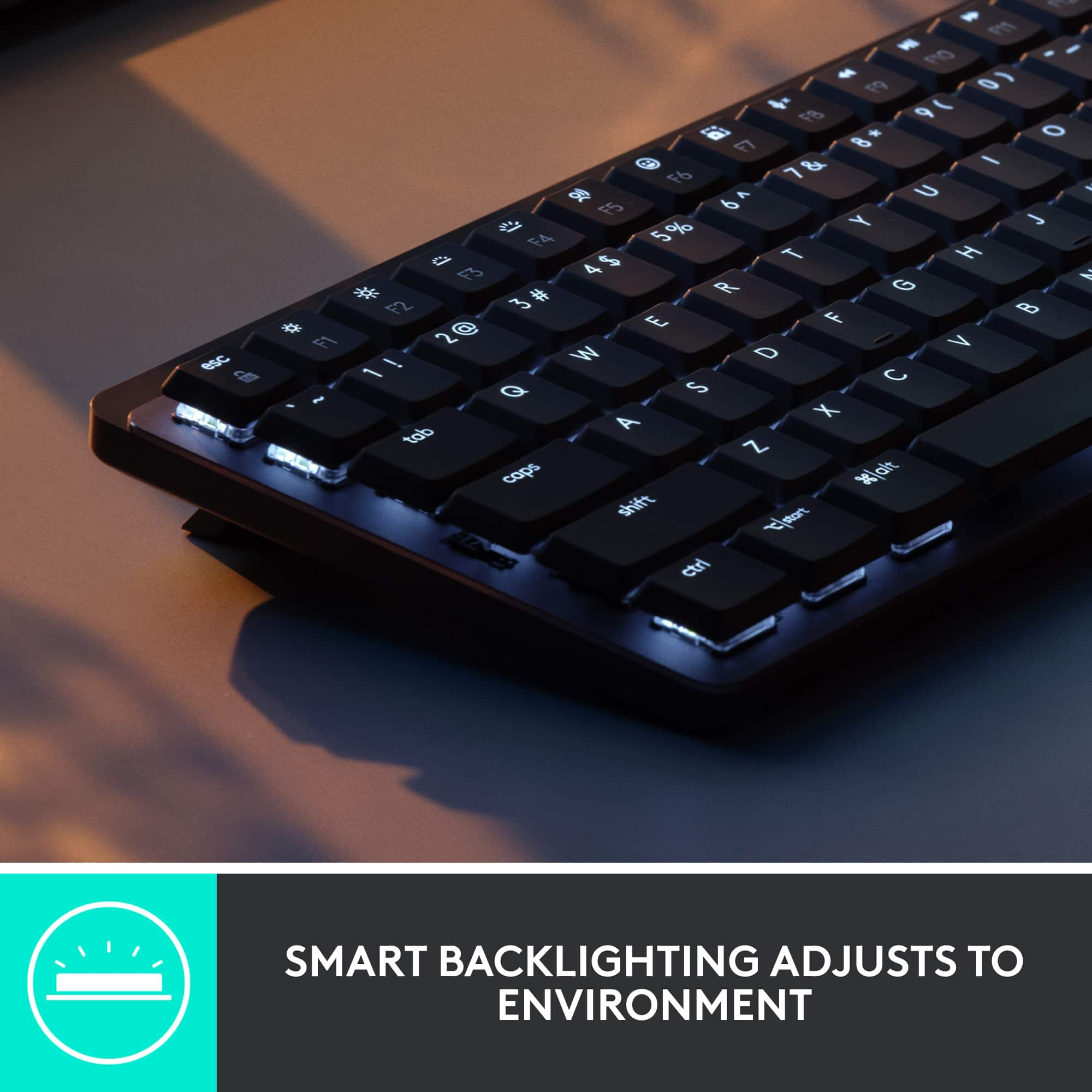
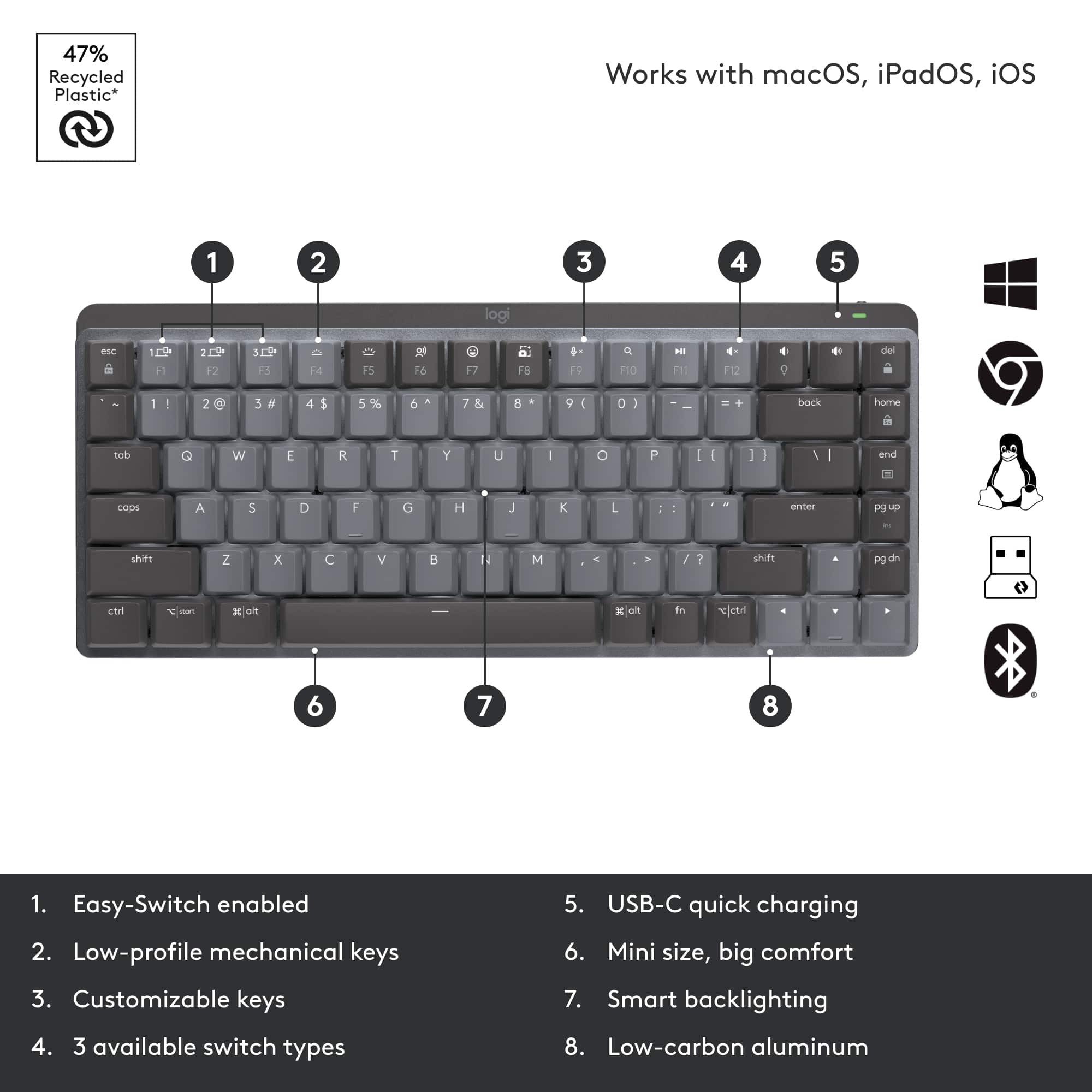
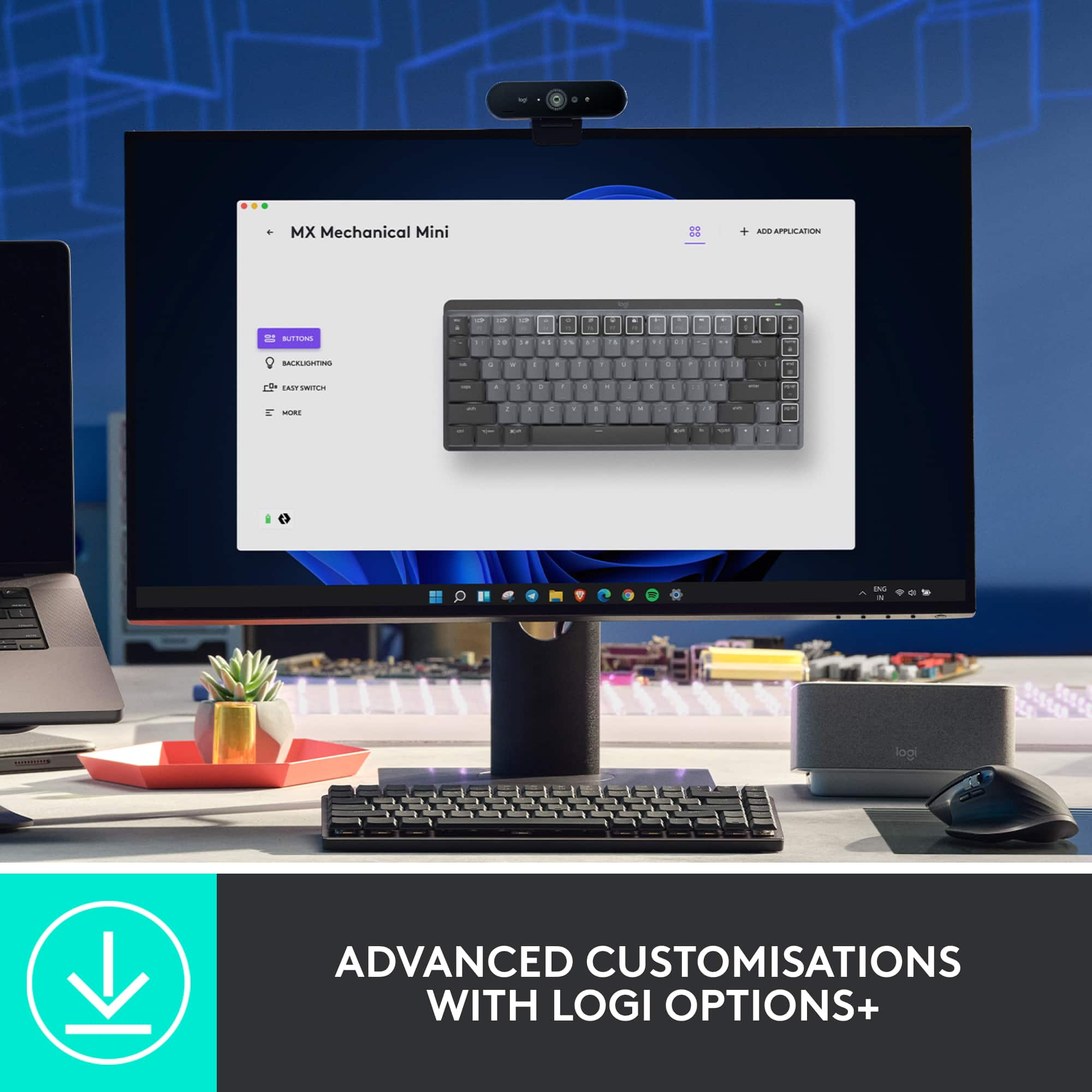
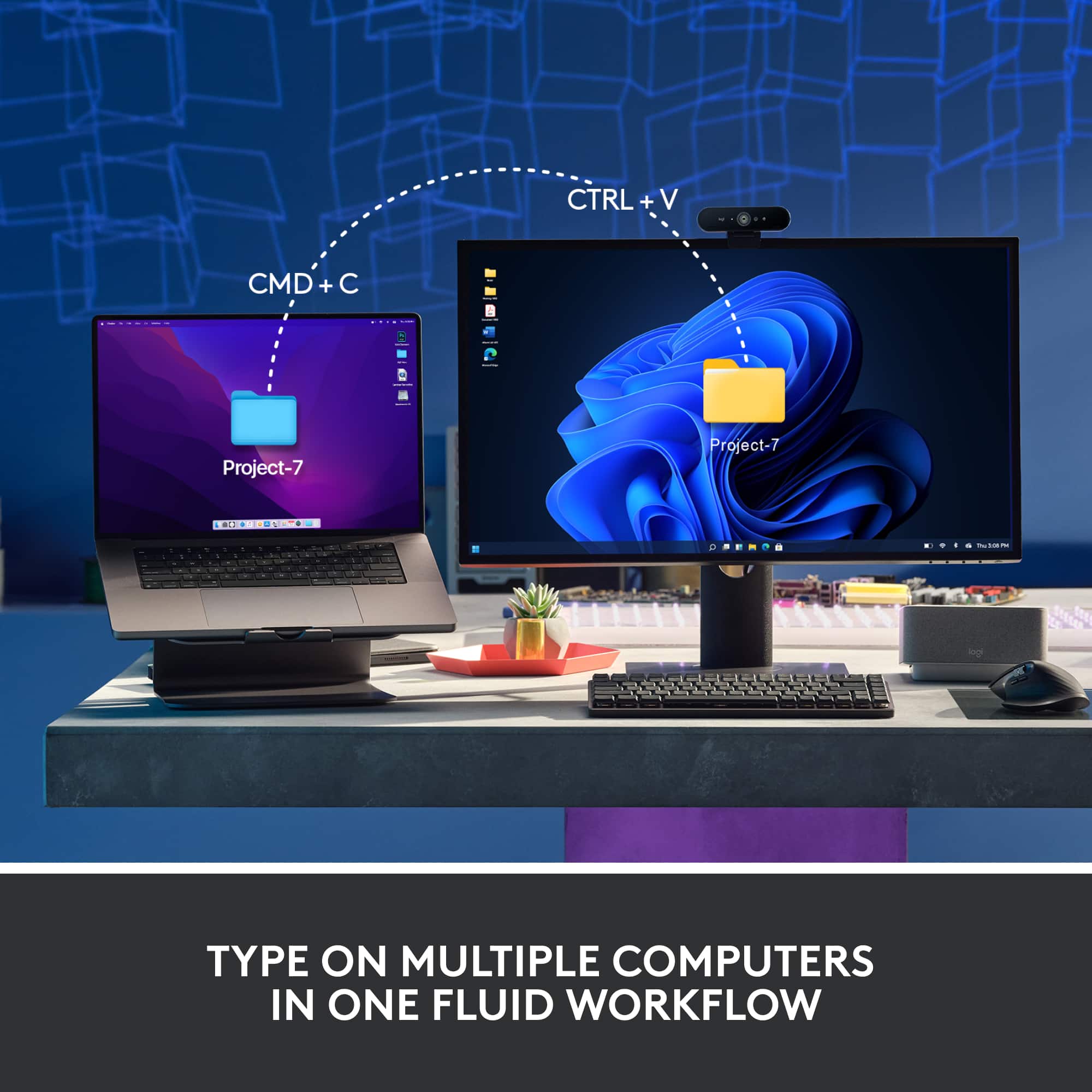
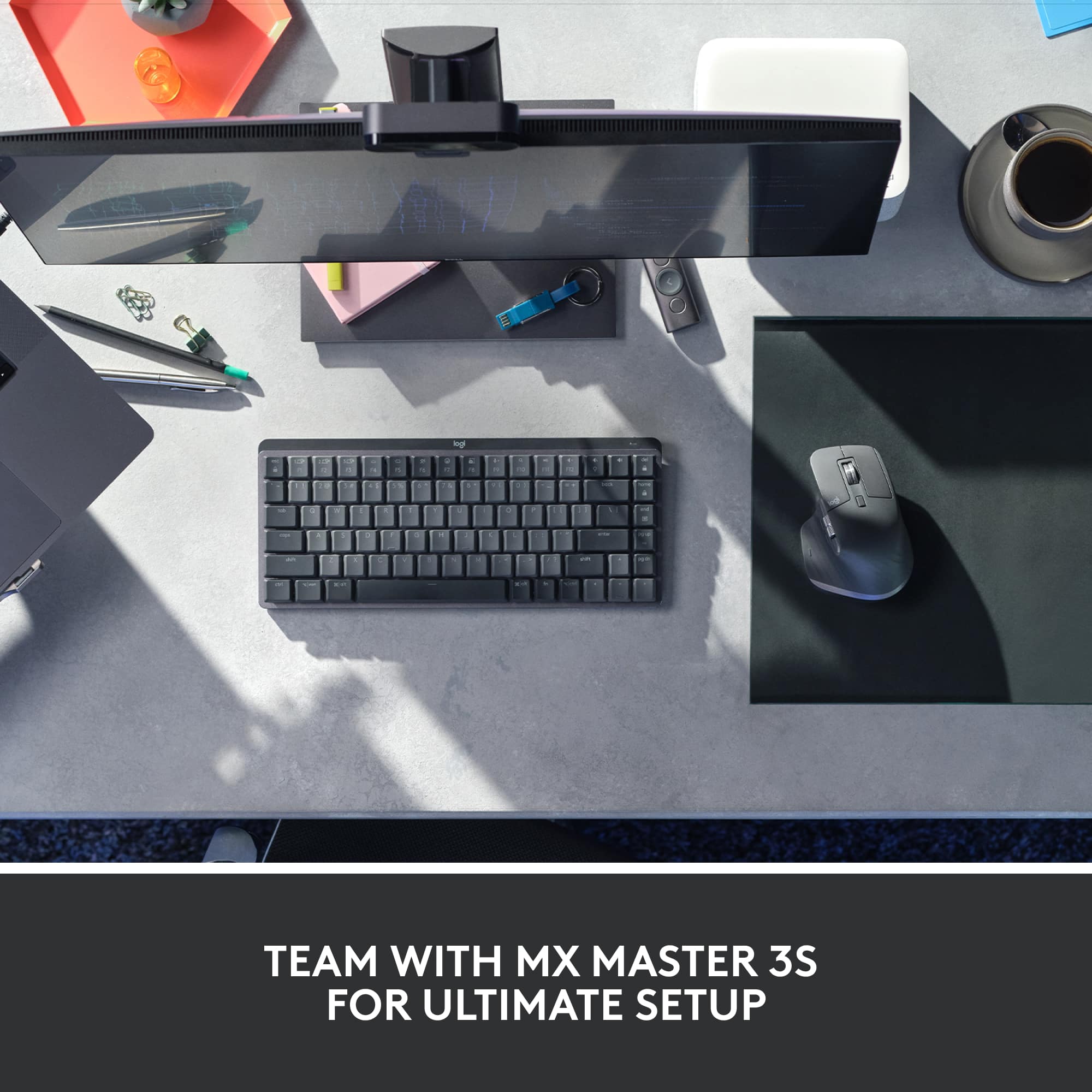
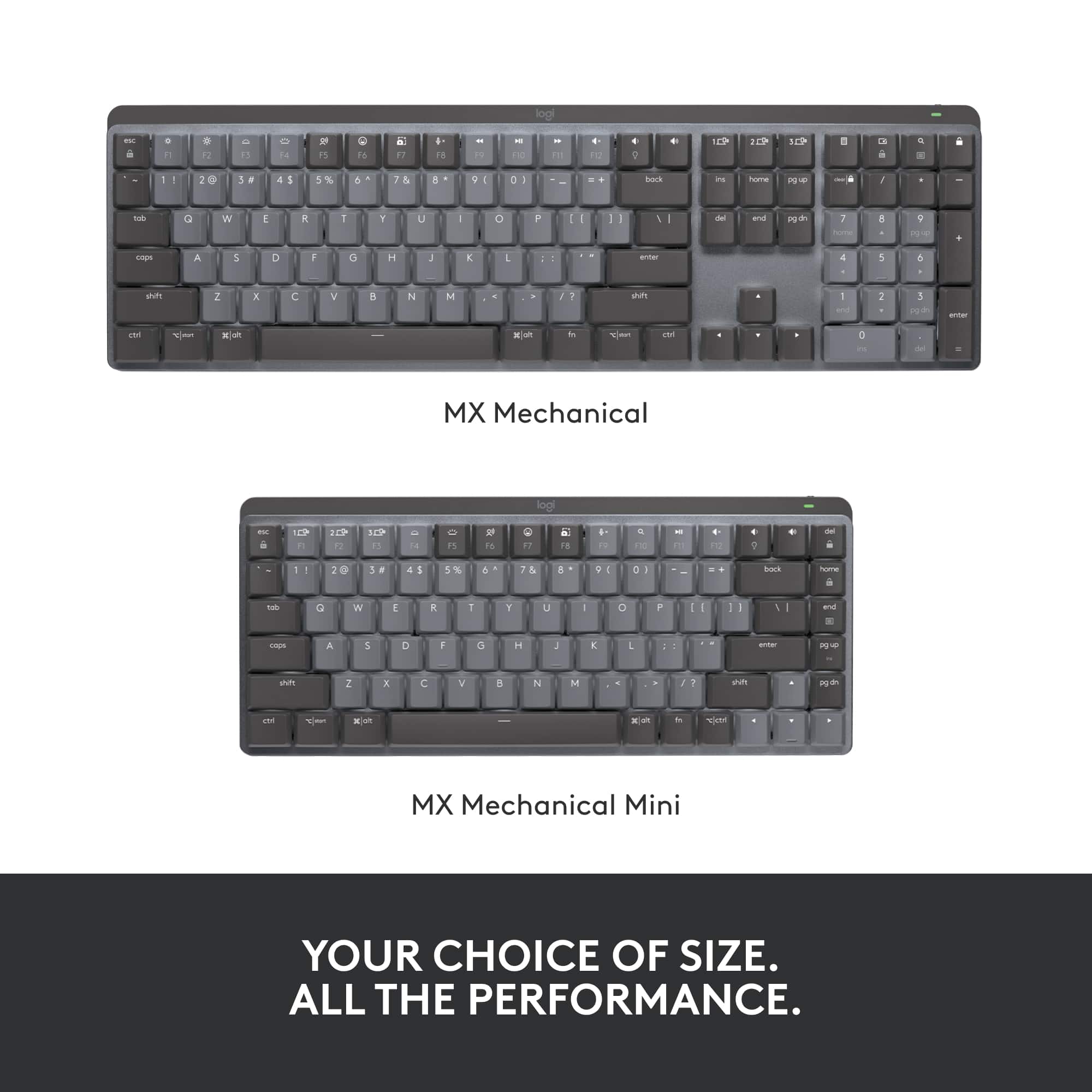
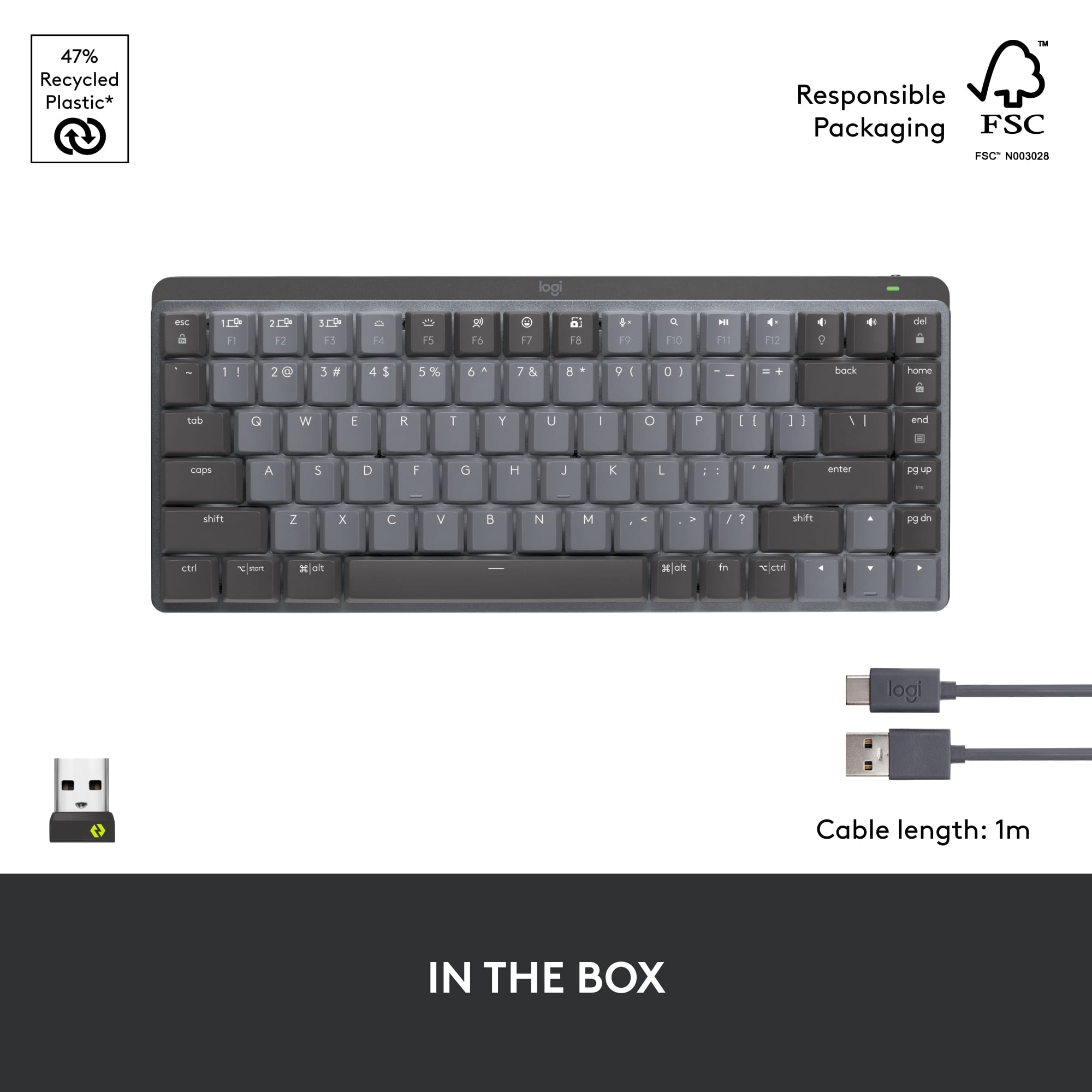
|Posted .This reviewer received promo considerations or sweepstakes entry for writing a review.A number of years ago I bet if I had invested in Logitech I would have made a decent amount of money by now. Oh well, hindsight I suppose. In any case, instead of stock in Logitech, I have a healthy stock of Logitech’s peripherals, and am a big fan of the MX series keyboards and mice. I’m traditionally not a mechanical keyboard kind of guy. I like small, slim-line and minimalist keyboards that take up very little space on my desk. For instance—the MX Keys Mini for Mac, a beautifully small device without a number pad that’s looks great in a small desk space (note—I don’t have a small desk space, but I can still appreciate the little things…pun intended). The MX Mechanical Mini Compact Keyboard with Tactile Quiet switches (what a name) strikes a nice balance between the feel and sound of a traditional mechanical keyboard, along with the minimalist design of some of their slimmest keyboards. The keys aren’t noisy, but they’re far from quiet. There’s a nice two-tone color scheme that doesn’t do anything except break up the “sameness” of a single color. As with other MX keyboards, Logitech brings its Smart Illumination to the backlighting, which lights the keys only when your hands “approach.” They keyboard frame is largely plastic but has an aluminum deck. It can be paired with up to 3 Bluetooth devices. Although it’s a mini, you get a full row of multifunction / media keys along the top, which admittedly looks a little strange as they line up perfectly with the number row. And as with any other mechanical keyboard, the keys are very close together—essentially on top of each other. “Sure,” you’d say, “but that’s normal. What are you going on about??” As mentioned before, I’m a slim keyboard enthusiast and I prefer chiclet style keys, which typically have a bit more space between them. As such, it took me a few days of typing to really get used to how close together these keys are. Not a deal breaker by any means, but if you’re looking to make a switch like I did, be prepared for a short adjustment period. Post-adjustment period, I feel like my typing speed has increased slightly, and my typing fatigue decreased slightly; these are both changes for the better. Because it’s a “Mini,” it doesn’t have a number pad which will impact some more than others; if you don’t use a number pad much, and you like a smaller keyboard but want some of the benefits of more traditional mechanical keyboards, you ought to consider this. After using the Mini, I’m more inclined to recommend the full-size keyboard, which will only cost you another $20. At $150, though, the Mini seems to me a bit overpriced; I think it’s more suitably priced $100-$120, so maybe wait until this hits a sale to pick yours up.
I would recommend this to a friendGreat keyboard
|Posted .This reviewer received promo considerations or sweepstakes entry for writing a review.TL;DR - This is a terrific keyboard for using in your living room, with your smart TV or a computer. The backlight is soft but makes the keys clearly visible and the keys are all very responsive. Battery life is great and USB-C charging means it's easy to connect for charging. The only minor drawback is initial setup can be a pain and you need a computer for firmware updates. ----------- The Logitech MX Keys Mini mechanical wireless Bluetooth keyboard is great when you want a keyboard to take with you or to live in your living room. It connects to up to 3 devices using Bluetooth or Logitech's own wireless technology, it's very responsive, and it's quiet. I use mine in the living room with a Smart TV, an Apple TV device, and a Windows PC I use for living room gaming. It works well for this purpose. I can use my Smart TV as a way to browse the web more easily than I could with its remote. Searching media on the Apple TV is easier than using Siri and I don't have to fumble for my phone to type. Gaming on the PC is very responsive with this keyboard. The only minor complaints I have about this keyboard are that the Bluetooth pairing process is sometimes a little harder than it needs to be and there's no way to update the firmware of the keyboard without a computer, at least that I've found. Would I get one? Absolutely.
I would recommend this to a friendLogitech - MX Mechanical Mini keyboard is amazing!
|Posted .This reviewer received promo considerations or sweepstakes entry for writing a review.Using this with my Windows 11 laptop is a breeze. The bluetooth and the USB both work flawlessly. I tend to use bluetooth with my tablet and usb with my laptop. Easy to switch between three devices and its a snap. Use this with my MacBook as well as my windows 11 laptop and my work windows 10 laptop. Very versatile, set a number for which device I want to connect to and I am off to the races. I like the way the keyboard feels. I am typing this review on the keyboard for this review and have no issues. I like that the keyboard is quiet and yet very pronounced on every key I hit to type. Very precise and crisp to my feel. I really have been enjoying the keyboard and like that it is backlit. The keyboard I was using was not lit and was hard to see the keys when I needed to use a special characters. I like the shortcut keys and they ability to quickly search, turn up the volume or mute the sound quickly when working. Again I cannot say how much I am enjoying this keyboard and all of its intuitive functionality. Logitech has hit it out of the park with this keyboard. Even though its compact it is so easy to type and use on a daily basis unlike others which I have used. Absolutely love this device.
I would recommend this to a friendSounds great, works great!
Posted .This reviewer received promo considerations or sweepstakes entry for writing a review.I’m coming from an extremly loud and clicky gaming keyboard that served me well but I was starting to get tired of how loud it was and I’m starting a new office job soon so i wanted something less colorful and quieter to bring to work . After doing some research, I landed on this keyboard and decided to buy it. I’ve only had it for a few days and I’ve already fallen in love with it. It’s quieter but still has that nice click mechanical keyboards have, very smooth to type on, and i thought I was going to be needing the USB connector it comes with but turns out it’s completely wireless! I had a paper to write the day I bought so it was a perfect time to really test it.
I would recommend this to a friendMs
Posted .This reviewer received promo considerations or sweepstakes entry for writing a review.I am very please with my new Mechanical Mini compact wireless tactile keyboard for use with my new Mac mini computer . I am an older person and enjoy the feel of the keys, as if I am on a typewriter. I sounds good to me as I type and the keys light up as I engage.
I would recommend this to a friendBrand response from Logitech
Posted .That's fantastic to hear! It sounds like the Logitech MX Mechanical Mini is a perfect fit for you.
Great Keyboard
Posted .This reviewer received promo considerations or sweepstakes entry for writing a review.Writing this review from the MX. I gotta say, before this I was using the standard apple keyboard and did not really enjoy typing. Now I can't keep my fingers off this thing. The keys feels smooth and the sound is quite nice. This is my first mechanical keyboard and I LOVE IT
I would recommend this to a friendPerfect Keyboard for Work
Posted .This reviewer received promo considerations or sweepstakes entry for writing a review.Great keyboard! I did not like how large my company provided one was so I bought this one. It is a great size and I have not had any issues.
I would recommend this to a friendGreat product
Posted .This reviewer received promo considerations or sweepstakes entry for writing a review.Feels amazing to type on and it is perfectly weighted.
I would recommend this to a friendNice quality and compact size
Posted .This reviewer received promo considerations or sweepstakes entry for writing a review.really good quality and feel of typing like you would expect. Nice and compact to make traveling with it easier.
I would recommend this to a friendHyped up Keyboard
Posted .This reviewer received promo considerations or sweepstakes entry for writing a review.This key board appears to be a good deal at first but over time the luster diminishes. Lets start with the keys. I have the brown keys and the action is very good. I guess that is supposed to be the most important aspect of a keyboard. The keycap color is what I was looking for, however, the enter and escape keys could be improved with an orange or red highlighted key. I will have to search the web for some something. I'm okay with the double key inscription but Logitech could have included some replacements for the command and alt keys, especially for this price. The space bar rattles. I remember hearing the same rattle from the first keyboards back in the eighties. Also the space bar is a non-standard size so it can never be changed out with some other set of keycaps. The key LED are adequate. The LED are on the top of the keys and are only white, which is all I wanted. The caps lock brightens when on. Everything else is good and I would have given this keyboard higher marks except for the price and at this price point, I expect everything to be exceptional, no rattles and nothing non-standard. Setup was relatively simple. No issues with that.
No, I would not recommend this to a friendPerfect Keyboard!
Posted .This reviewer received promo considerations or sweepstakes entry for writing a review.Perfect for school work and other work-related tasks! The clacky sound is addicting!
I would recommend this to a friendNew keyboard for an old Mac
Posted .This reviewer received promo considerations or sweepstakes entry for writing a review.After trying others, this one works on the old OS X Mac, that has no usb-c.
I would recommend this to a friendNot What I Was Looking For
Posted .This reviewer received promo considerations or sweepstakes entry for writing a review.Right out of the box I didn't like it. I comes with a USB cable, but it does not work as a wired keyboard. The USB cable is only for charging. You would think that at this price point it would be simple for include this functionality so that you could choose which mode to use. I do not like the feel of the keys. They are less like higher end mechanical keys and more like normal membrane keys. I would describe the feeling as "squishy." I will be returning it to get a more normal compact mechanical keyboard that can switch between wired and wireless.
No, I would not recommend this to a friendBrand response from Logitech
Posted .Hi there! Sorry the MX Mechanical Mini wasn't ideal. We can't offer wired mode on this model, but can recommend other compact mechanical keyboards with wired connectivity and a clickier key feel if you'd like!
Backlight keeps turning off at night
Posted .This reviewer received promo considerations or sweepstakes entry for writing a review.The keyboard would be great, I like almost everything about it. But it has one horrible problem that ruins everything; at night you can't see the keys and the backlight always turns off after a few seconds. There is no way to change this, even with Logitechs software. Everyone has been complaining about it for years and Logitech refuses to address the issue. It's horrible to game with this keyboard at night. Keeping it plugged in doesn't work. Putting tape over the light sensor doesn't keep it from turning off, just keeps it bright when it is actually on. There's a motion sensor, and when you stop pressing keys the whole keyboard goes black as midnight after like 3 seconds. Its still awake, you just can't see anything. You can adjust the brightness, and sleep delay. but the backlight turning off is not adjustable. Super Annoying!!!
No, I would not recommend this to a friendBrand response from Logitech
Posted .Thank you for your detailed feedback on the Logitech MX Mechanical Mini keyboard. We understand your frustration with the backlight issue, especially how it turns off quickly and makes nighttime gaming difficult. We apologize for the inconvenience this has caused and appreciate you bringing this to our attention. Your insights are valuable for us as we continuously strive to improve our offerings.

Logitech mechanical keys awkward
Posted .This reviewer received promo considerations or sweepstakes entry for writing a review.Mechanical keys are awkward for hard to get used to, i could maybe see it being useful for people with specific finger and hand issues.
No, I would not recommend this to a friendBrand response from Logitech
Posted .Hey! We apologize for the inconvenience caused. While the MX Mechanical Mini features a low-profile design for a smoother transition, some users still prefer membrane keyboards. We appreciate all the insights that you have shared.