Customer Ratings & Reviews
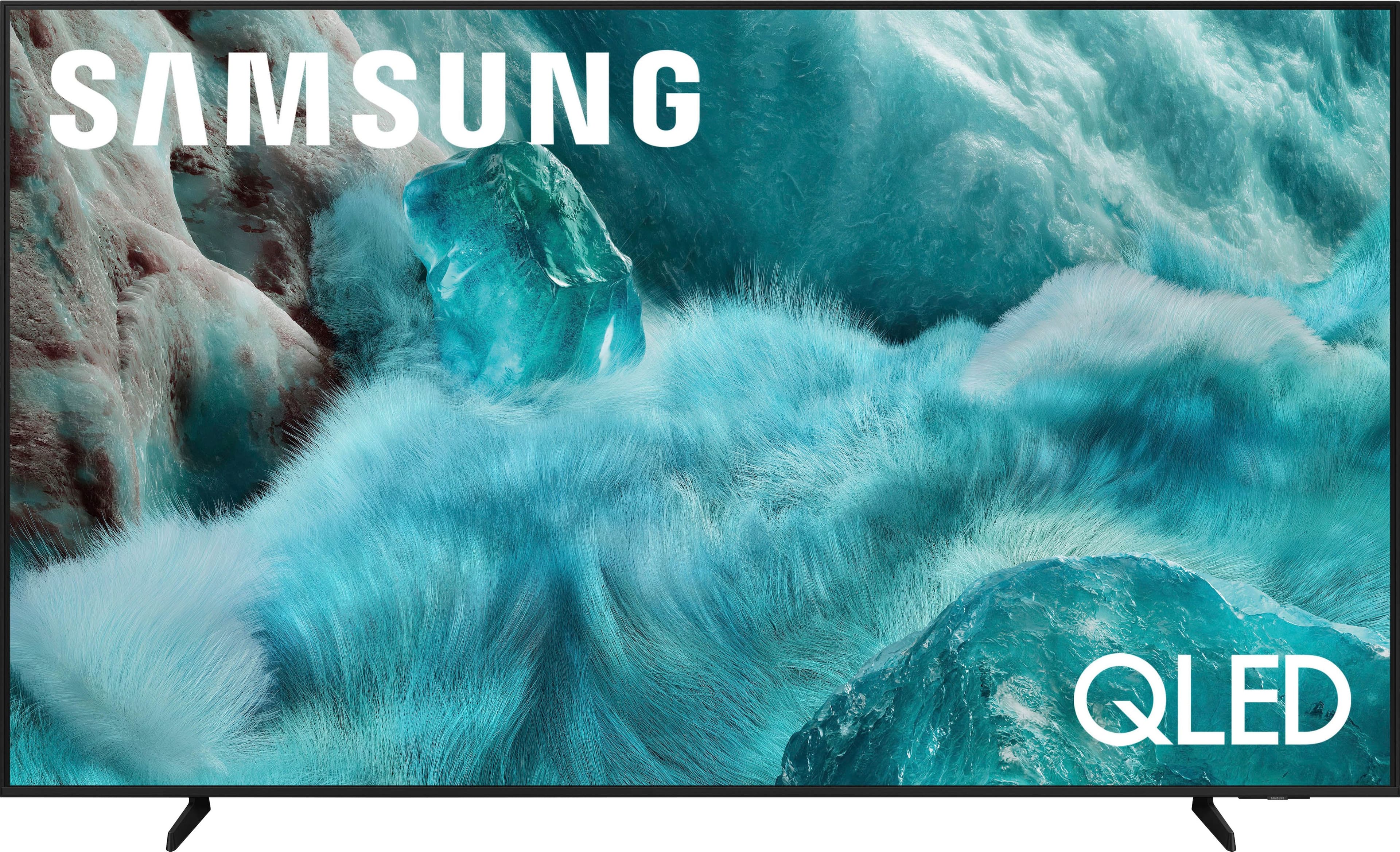
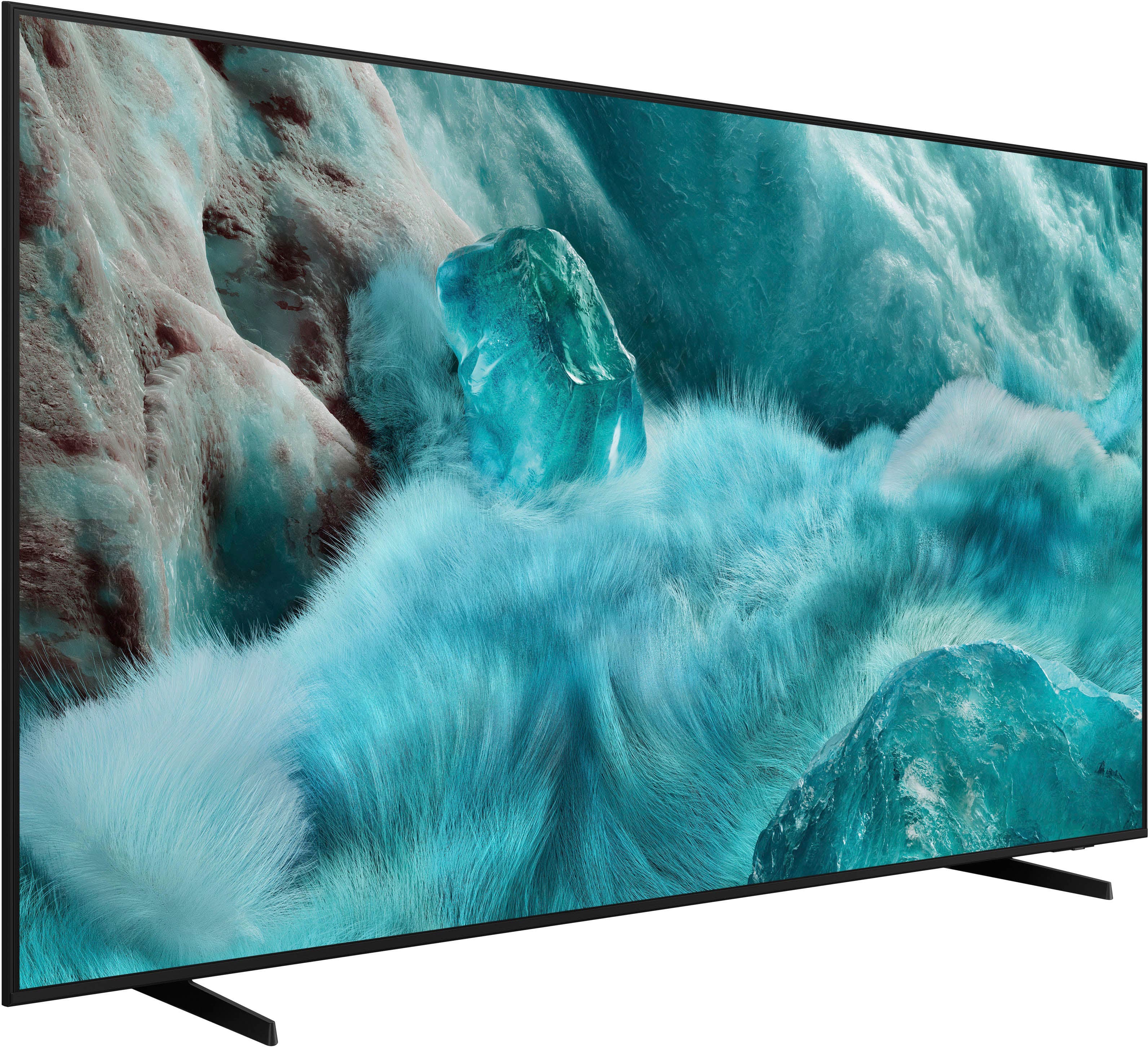
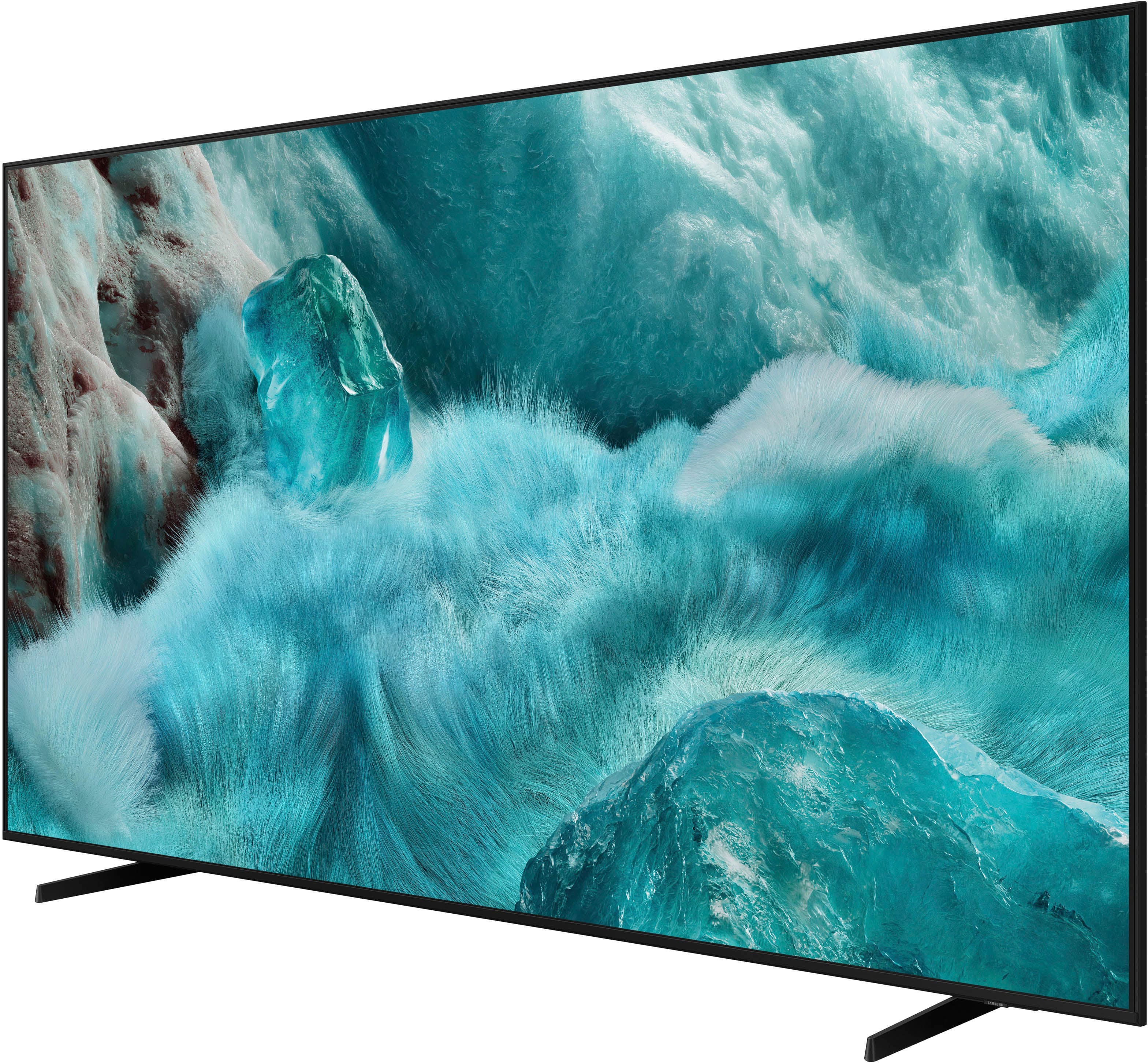
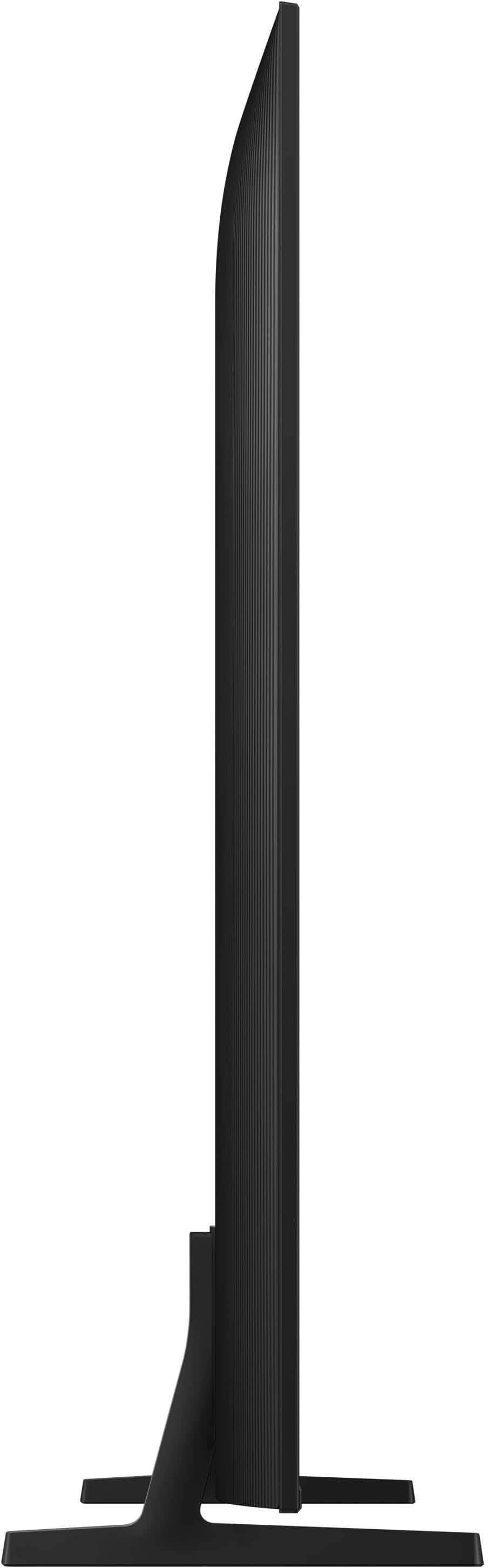

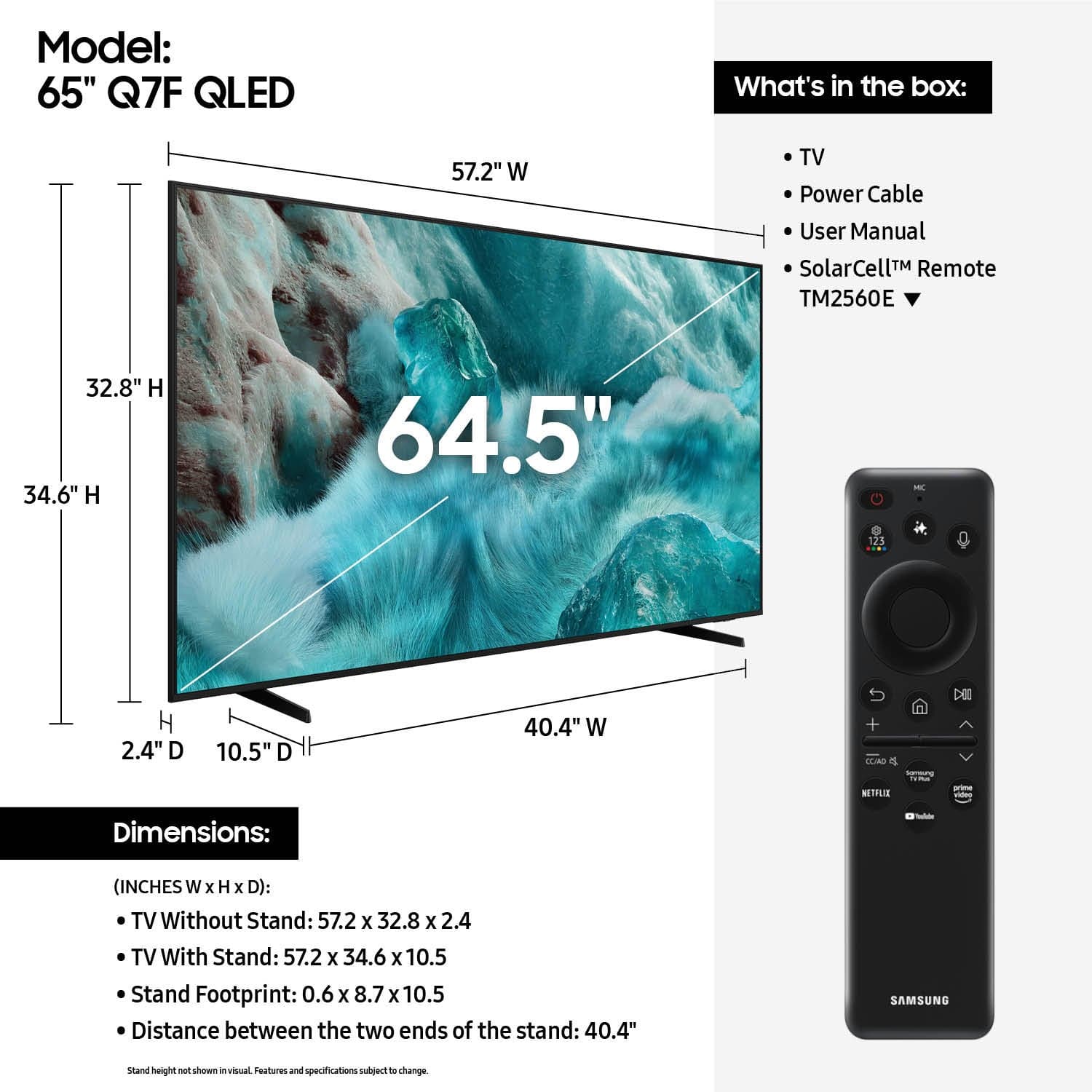











- Model:
- QN65Q7FAAFXZA
- SKU:
- 12019058
Rating by feature
- Picture Quality
Rating 4.8 out of 5 stars
- Sound Quality
Rating 4.6 out of 5 stars
- Brightness
Rating 4.8 out of 5 stars
Customers are saying
Customers have good things to say about this TV. The picture quality is great, and many customers have mentioned how easy it was to set up.
This summary was generated by AI based on customer reviews.
Would I purchase again, probably not
||Posted . Owned for 2 weeks when reviewed.This reviewer received promo considerations or sweepstakes entry for writing a review.Its ok. The screen has such a glare to it. Any light on in the room just glares off the screen. Bought it on line. picked it up at the store. Process went fine. The sound it not very good. You have to turn it up to 40 something to get to were you can hear it. I doesn't have smart sound if somethings loud it turns it down or up depending. Sound is it's biggest down fall. I'd pass on this one. There has to be something better out there. Color is not very vibrant either.
No, I would not recommend this to a friendBrand response from Samsung
Posted .Hi,
Thank you for purchasing the Samsung Q7F TV and for sharing your feedback regarding screen reflections. Lighting conditions vary from room to room, and reflections may be more noticeable depending on placement and ambient light. For optimal glare control, we recommend positioning the TV to minimize direct light on the screen or consulting with a professional installer for best placement.
Samsung’s Glare Free technology, engineered to minimize reflections from ambient light, is available on the QN90F Neo QLED 4K and higher. Anti Reflection is also featured starting with the S85F OLED and up.
Sudden changes in volume can often be related to audio settings or content differences between sources or apps.
Please try the following adjustments to help stabilize your TV's audio:
1. Enable Auto Volume. Go to: Settings > All Settings > Sound > Expert Settings > Auto Volume. This feature helps maintain a consistent volume level when switching channels or apps.
2. Change Sound Mode. Try a different sound mode to see if one offers a more stable output: Settings > All Settings > Sound > Sound Mode (We recommend Standard or Amplify for more even performance.)
3. Check External Devices. If you're using a soundbar, receiver, or other audio device, check that its volume leveling or dynamic range settings aren’t interfering with the TV’s audio.
4. Update Firmware. Ensure your TV is running the latest software, as updates may include audio improvements: Settings > Support > Software Update > Update Now
If the issue persists after these steps, please don’t hesitate to reach Samsung Customer Support at 1-800-SAMSUNG, 8AM – 12AM EST, 7 days a week. LiveChat is also available via the ‘Support’ link on our website.
~ Samsung Specialist
- Pros mentioned:Picture quality
mygirl
||Posted .This reviewer received promo considerations or sweepstakes entry for writing a review.Pretty nice picture quality. Sound is okay. I guess I need to get use to setting it properly.
I would recommend this to a friend - Pros mentioned:Picture quality
Price to performance on point.
||Posted .This reviewer received promo considerations or sweepstakes entry for writing a review.Great TV for the price, the performance is amazing.
I would recommend this to a friend Mother-in-law gift
||Posted . Owned for 2 weeks when reviewed.This reviewer received promo considerations or sweepstakes entry for writing a review.Great Tv, Great support system, great customer service.
I would recommend this to a friend- Pros mentioned:Picture quality
Great picture
||Posted . Owned for 1 month when reviewed.This reviewer received promo considerations or sweepstakes entry for writing a review.So far it’s working great with a beautiful picture
I would recommend this to a friend - Pros mentioned:Picture quality
Great TV
||Posted . Owned for 3 weeks when reviewed.This reviewer received promo considerations or sweepstakes entry for writing a review.Great TV so far clear and neat picture quality good colors
I would recommend this to a friend Samsung tv 65 inch
||Posted . Owned for 1 month when reviewed.This reviewer received promo considerations or sweepstakes entry for writing a review.I loved the customer service, guys were very helpful and courteous . Wonderful experience!! Need more people like the two young men that made my experience pleasant.
I would recommend this to a friend- Pros mentioned:Picture quality
Samsung
||Posted . Owned for 2 weeks when reviewed.This reviewer received promo considerations or sweepstakes entry for writing a review.Execellent tv we use ir for everything, gaming movies etc
I would recommend this to a friend Great tv
||Posted .This reviewer received promo considerations or sweepstakes entry for writing a review.Great TV. Display is sharp and UI very responsive. Only complaint is the remote is extremely small and so easy to lose in couch cushions, etc. would prefer a larger remote with more buttons for less common apps, but just a personal preference.
I would recommend this to a friend- Pros mentioned:Picture quality
Best Picture
||Posted .This reviewer received promo considerations or sweepstakes entry for writing a review.Perfect and crystal clear picture.Highly recommended..
I would recommend this to a friend - Pros mentioned:Picture quality
Samsung TV
||Posted . Owned for 3 weeks when reviewed.This reviewer received promo considerations or sweepstakes entry for writing a review.BO Manuals or books, just a bunch of QR codes. Took more than 6 hrs to set up and almost 2 weeks later I’m still having problems navigating. The remote is very difficult to use also. The only great thing I can say about this unit is the great picture.
No, I would not recommend this to a friendBrand response from Samsung
Posted .SmartWave,
We appreciate you sharing your experience with the included remote. To help you get the most from your TV and remote functions, you can download the full e-Manual and more by visiting Samsung’s website then navigating to: Support > Manual & Software > TVs & Home Theater. From there, you can search for and select your Q7F TV model to view or download the available guides.
The e-Manual & Remote Control Guide are also conveniently built into your TV: Settings > Support > Tips and User Guides
Learn TV Remote is another feature designed to help users become familiar with the layout and function of each button on the Samsung remote. When enabled, pressing any button (except the Power button, which will still turn off the TV) will prompt the TV to announce the button’s name and its purpose – without affecting TV operation.
This teaching mode is especially useful for users who are visually impaired or new to Samsung remotes. To enable this feature, go to: Settings > All Settings > General & Privacy > Accessibility > Learn TV Remote. To exit, simply press the Return key twice.
If you’d like more assistance with this feature, please reach Samsung Support at 1-800-SAMSUNG, available 8AM – 12AM EST, 7 days a week. LiveChat agents are also available through the ‘Support’ link on our website.
~ Samsung Specialist
Great TV and purchase experience
||Posted .This reviewer received promo considerations or sweepstakes entry for writing a review.Great quality for the price! Very easy online purchase and was ready at the store within an hour. The staff was helpful in loading it into my vehicle. Overall excellent
I would recommend this to a friendNew tv 65 inch
||Posted .This reviewer received promo considerations or sweepstakes entry for writing a review.So happy best buy had a great deal on this tv my 1st one got broke and i needed one asap and best buy was there and it gor delivered asap
I would recommend this to a friendSamsung
||Posted . Owned for 2 weeks when reviewed.This reviewer received promo considerations or sweepstakes entry for writing a review.Our salesman was outstanding! I’m not sure I would have purchased this television and soundbar if it had not been for our salesman.
I would recommend this to a friendnot easy to set up like the past
||Posted . Owned for 1 month when reviewed.This reviewer received promo considerations or sweepstakes entry for writing a review.I got help because this one was not as easy to set up like our other one was. I had to get someone here for help.
I would recommend this to a friendGreat TV
||Posted .This reviewer received promo considerations or sweepstakes entry for writing a review.This was a great addition to our family room. I love that I can control the TV from my phone.
I would recommend this to a friendNew tv
||Posted . Owned for 1 month when reviewed.This reviewer received promo considerations or sweepstakes entry for writing a review.I am enjoying my new Samsung tv, i love all features that comes with a smart tv.
I would recommend this to a friend- Pros mentioned:Picture quality
Samsung 65 Class Q7F
||Posted . Owned for less than 1 week when reviewed.This reviewer received promo considerations or sweepstakes entry for writing a review.Good picture quality for the price. New GUI is also better.
I would recommend this to a friend TV is Great. The Remote Failed within 3 weeks
||Posted . Owned for 3 weeks when reviewed.This reviewer received promo considerations or sweepstakes entry for writing a review.Love the TV. The remote failed and will not hold a charge. I am getting the run around from Samsung. I have requested a new remote and they keep putting me through the same steps, which dont work. Its unfortunate that Samsung support is terrible. I would have rated this TV higher if it wasnt for the remote issue
I would recommend this to a friendBrand response from Samsung
Posted .Hi Doug,
I’m sorry to hear your SolarCell Remote is not holding a charge. Please try the following steps, which may help resolve the issue:
1. Reconnect the remote: Stand within 1 foot of the TV and press and hold the Return and Play/Pause buttons simultaneously for at least 5 seconds, or until a message appears confirming the remote is connected.
2. Check the remote's battery status. Go to: Settings > All Settings > General & Privacy > Remote Control
3. Ensure your TV is up to date. Go to: Settings > Support > Software Update > Update Now
If the issue persists after trying these steps, please contact Samsung Support at 1-800-SAMSUNG, available 8AM – 12AM EST, 7 days a week. You can also connect with a LiveChat agent through the ‘Support’ section on our website.
~ Samsung Specialist
Samsung TV
||Posted .This reviewer received promo considerations or sweepstakes entry for writing a review.Almost every tv in our home is Samsung, with Samsung you can’t go wrong
I would recommend this to a friend