Customer Ratings & Reviews
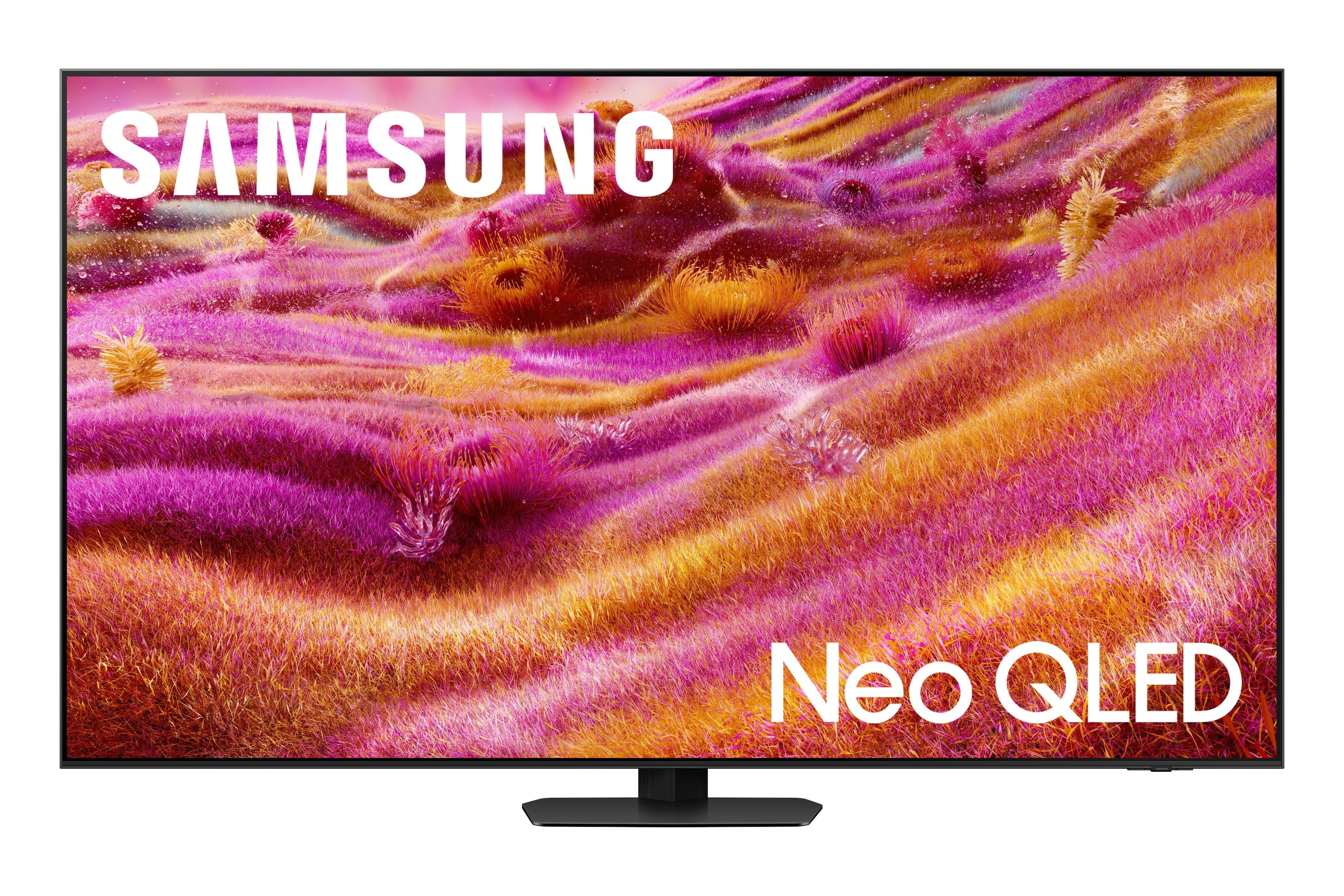
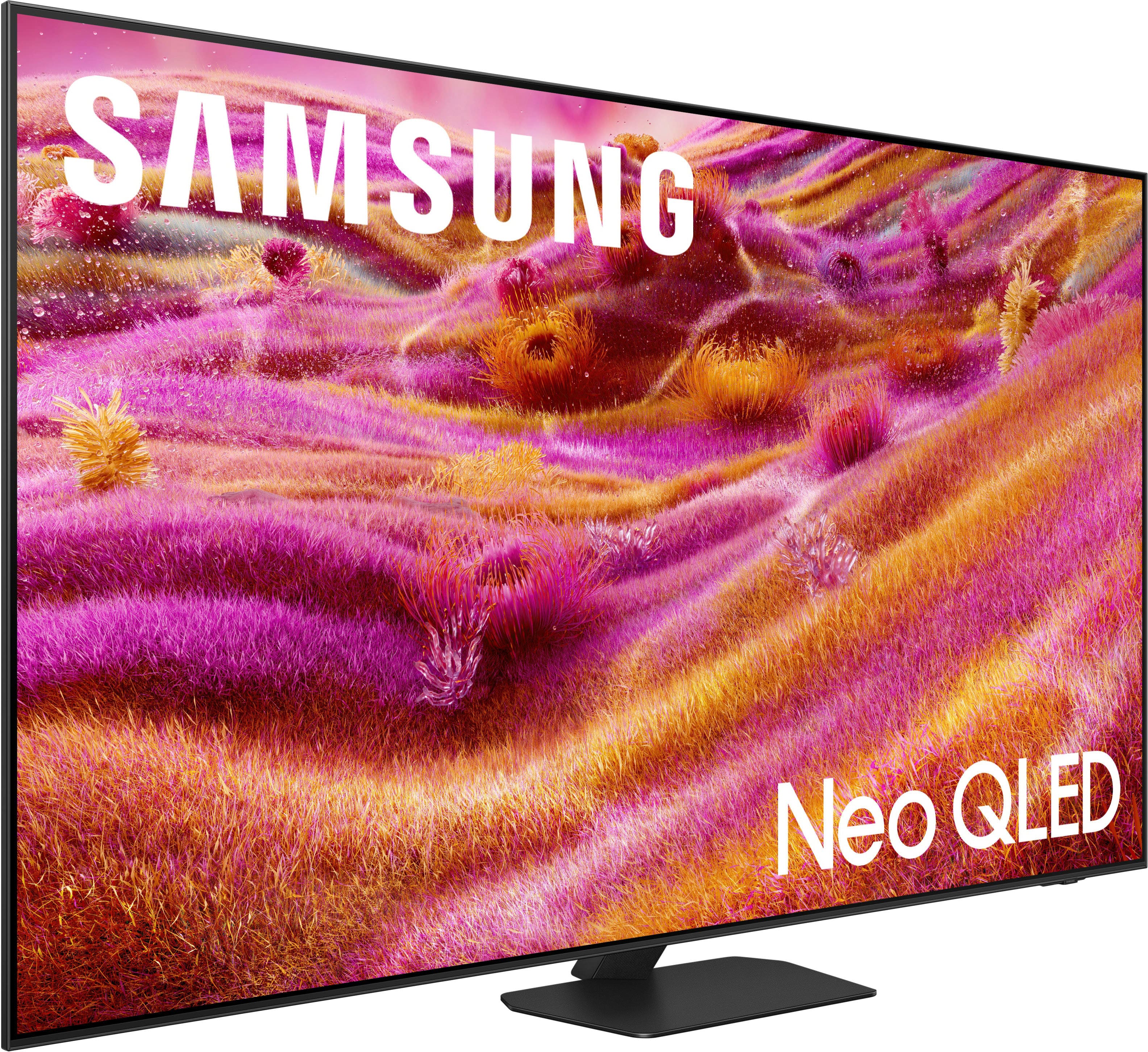
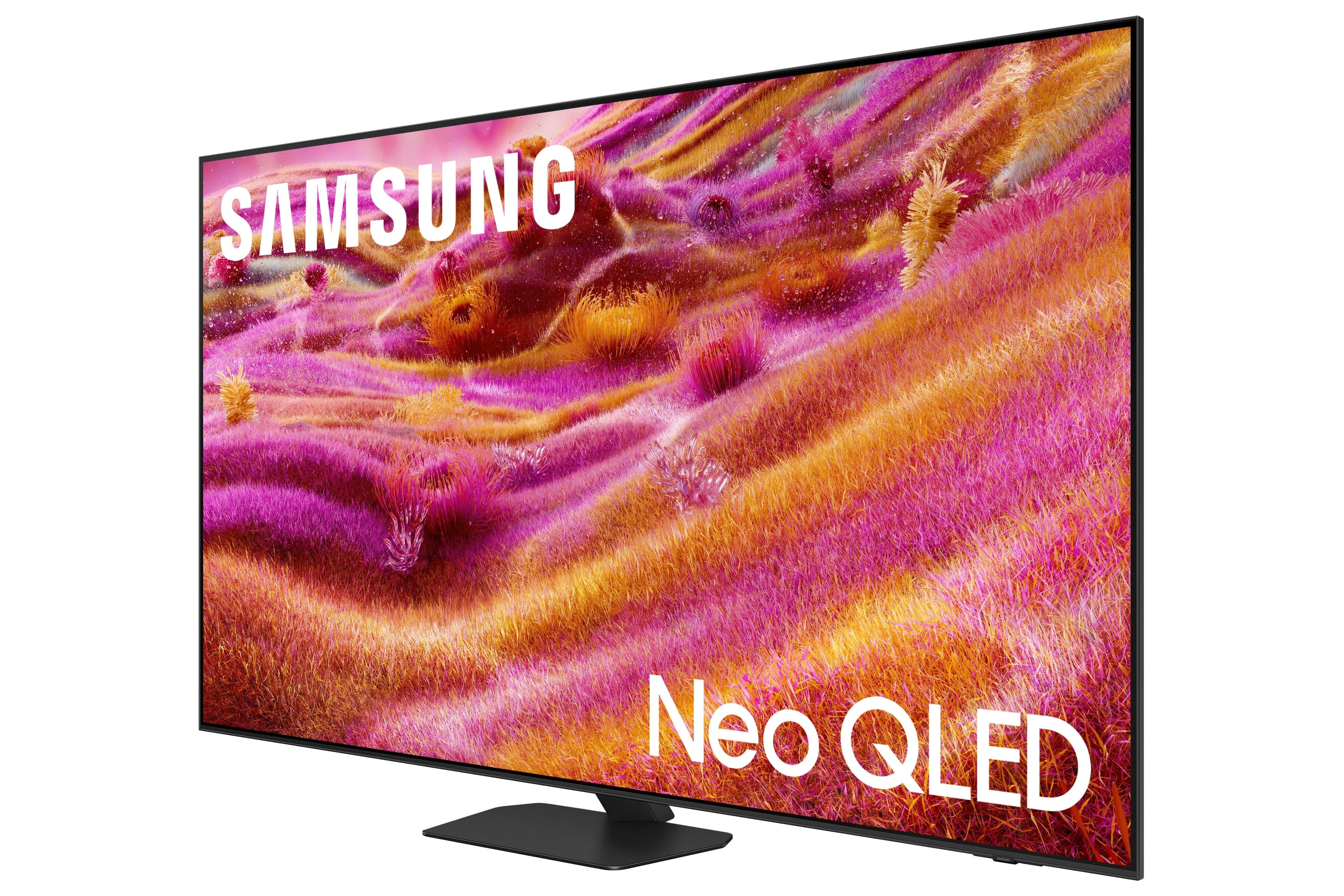






- Model:
- QN65QN90FAFXZA
- SKU:
- 12161655
Rating by feature
- Picture Quality
Rating 4.8 out of 5 stars
- Sound Quality
Rating 4.5 out of 5 stars
- Brightness
Rating 4.8 out of 5 stars
Color saturation is brutal
||Posted . Owned for 1 month when reviewed.This reviewer received promo considerations or sweepstakes entry for writing a review.Horrible experience. The Color saturation is awful. The contrast between different picture settings has not improved it and manual reset of the TV back to its factor settings did not help either. Please be careful when making this purchase
No, I would not recommend this to a friendBrand response from Samsung
Posted .ChristopherC,
We appreciate your input on the picture quality of Samsung’s QN90F TV. If the image isn’t meeting your expectations, there are several adjustments you can make to improve your viewing experience.
First, please ensure your TV is running the latest firmware, as updates may include important picture quality enhancements. Go to: Home > Left directional button > Settings > Support > Software Update > Update Now
Then, select a Picture Mode that best fits your environment: Home > Home > left directional key > Settings > All Settings > Picture > Picture Mode
1. Standard – Default mode for general viewing
2. Dynamic – Brighter and clearer in well-lit rooms
3. Eco – Optimized for energy saving
4. Movie – Best for watching in dark environments
5. Filmmaker Mode – Preserves content exactly as intended by creators
You can also enhance your experience by enabling AI Mode, which automatically adjusts picture and sound based on your surroundings and usage patterns: Settings > All Settings > Advanced Features > AI Mode Settings > AI Mode
If these adjustments don’t improve your picture quality, feel free to contact Samsung Customer Support at 1-800-SAMSUNG, available 8AM – 12AM EST, 7 days a week. You can also LiveChat with an agent or find helpful guides by visiting the ‘Support’ section of our website.
~ Samsung Specialist
PRICE MATCH
||Posted .This reviewer received promo considerations or sweepstakes entry for writing a review.Price drop shortly after purchasing, should get credit.
I would recommend this to a friendBrand response from Samsung
Posted .Michael,
It appears your 2-star review for the Samsung QN90F TV is based on your experience with Best Buy, and we’re sorry to hear that. We recommend contacting the store directly to share your feedback.
If you need help with the TV itself, Samsung Support is available at 1-800-SAMSUNG, 8AM – 12AM EST, 7 days a week, or via LiveChat under the ‘Support’ section of our website.
~ Samsung Specialist
Awful
||Posted . Owned for 1 week when reviewed.This reviewer received promo considerations or sweepstakes entry for writing a review.Canceled service. Will never shop again. Why schedule a service to cancel and wait two more weeks
No, I would not recommend this to a friendBrand response from Samsung
Posted .RichardD,
It appears your 1-star review for the Samsung QN90F TV is based on your experience with Best Buy, and we’re sorry to hear that. We recommend contacting the store directly to share your feedback.
If you need help with the TV itself, Samsung Support is available at 1-800-SAMSUNG, 8AM – 12AM EST, 7 days a week, or via LiveChat under the ‘Support’ section of our website.
~ Samsung Specialist
Best in Class 4k
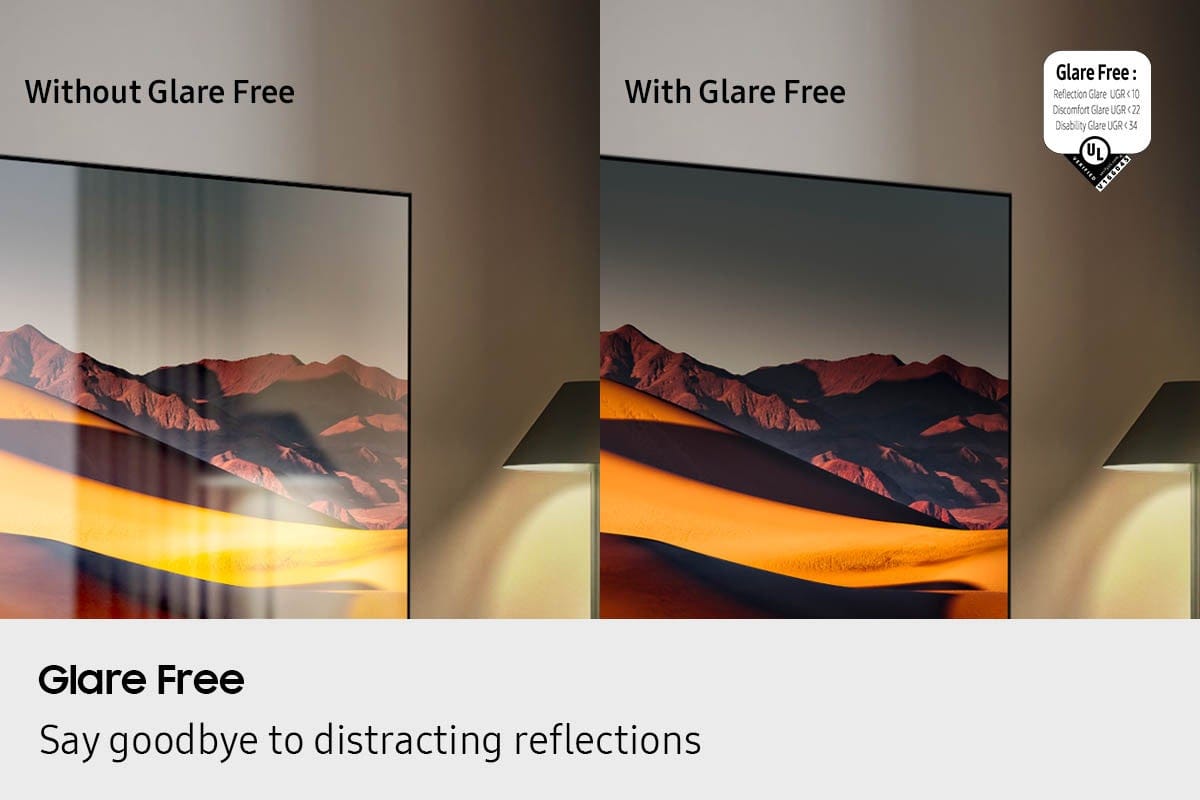
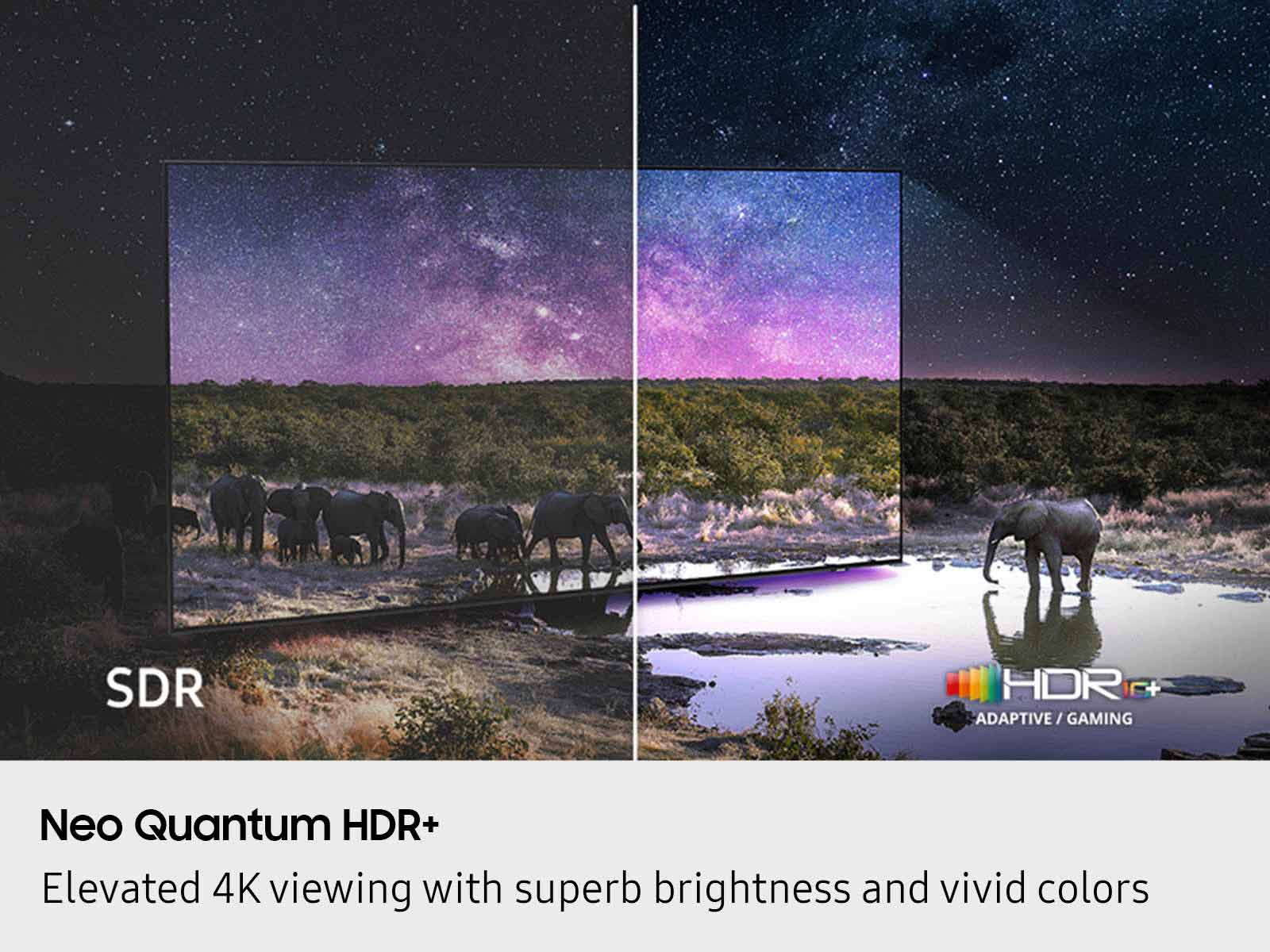
Posted .This reviewer received promo considerations or sweepstakes entry for writing a review.Best and brightest i have seen from a TV in a minute, big bonus is the “glare-free” screen. I did not expect it to do so well in my new homes living room. I can’t speak for the TVs built in speakers because i use a soundbar, but again i am really impressed with the quality of the picture in this TV and how well it upscales with older shows, we have been watching Dexter, and my wife just cant believe TVs can be so different since we upgraded from a Crystal RU8000
I would recommend this to a friendBeautiful picture in bright room
Posted .This reviewer received promo considerations or sweepstakes entry for writing a review.A picture and this is amazing! Report this in a room that has three walls, patio doors and huge windows. There is no glare and picture is great anytime of the day. So much better than I expected! Read all the reviews and honest to be recommended for very bright rooms. Don’t hesitate to purchase if you’re thinking about it.
I would recommend this to a friendCrystal clear picture and ZERO glare
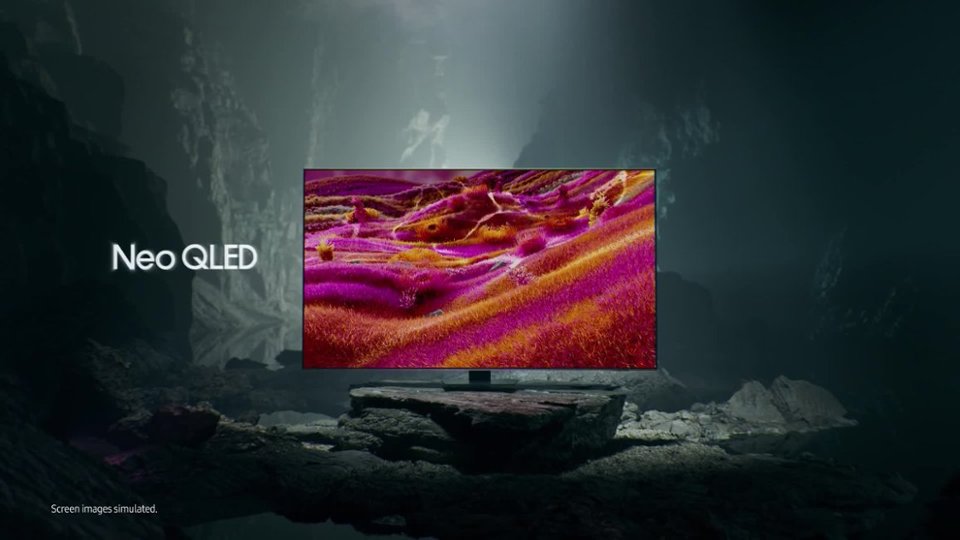
Posted .This reviewer received promo considerations or sweepstakes entry for writing a review.WOW! This Samsung Neo QLED has a very clear picture and in our living room surrounded by windows does not have a hint of a glare on the screen. AMAZING. I have purchased dozens of televisions in my lifetime and this one is the best by far.
I would recommend this to a friend65 qn90f
Posted .This reviewer received promo considerations or sweepstakes entry for writing a review.Great screen. Picture quality is excellent. Matte finish looks great.
I would recommend this to a friendGreat TV, price could be better
Posted .This reviewer received promo considerations or sweepstakes entry for writing a review.Very expensive but if you have a window in your living room giving you glare problems, it doesn’t get any better.
I would recommend this to a friendPopping noise
Posted .This reviewer received promo considerations or sweepstakes entry for writing a review.The TV has a popping noise every time it gets turned on. This is a common thing with this television.
No, I would not recommend this to a friendBrand response from Samsung
Posted .RobertD,
Thank you for your review of the Samsung QN90F TV. A light popping or clicking sound may occasionally be heard due to the natural expansion and contraction of the TV’s outer casing as it warms up or cools down.
Please know that this is not a defect and does not indicate a malfunction. It’s a normal part of the TV’s operation, and your TV remains completely safe to use.
If you have any other questions, we’re here to help - please contact Samsung Support at 1-800-SAMSUNG, 8AM – 12AM EST, 7 days a week. LiveChat and additional support resources are also available through the Support link on our website.
~ Samsung Specialist
samsung
Posted .This reviewer received promo considerations or sweepstakes entry for writing a review.absolutely horrible colors and focus bad from the moment it was turned on delivery guys said my box. which had no problem with the one they replaced best buy kicked me to samsung. No help at all. 3 weeks have gone by and samsung just contacted me about a service man to come out. No need bought a sony and it was installed 8/11 Worked beautifully from the monent it was turned on geek guys were messy and seemed like they were new at installing
No, I would not recommend this to a friendBrand response from Samsung
Posted .Hello,
Thank you for sharing your experience with the TV and service process. We're sorry the service appointment didn’t meet your timeline expectations. For any installation or delivery concerns, we recommend contacting Best Buy directly.
If you choose to try another Samsung TV down the road, we're happy to help at 1-800-SAMSUNG, available daily from 8AM - 12AM EST. You can also chat with a LiveChat agent by clicking the ‘Support’ link on our website for:
• Live Chat
• Manuals, Software, & Warranty Info
• Creating a Service ticket
~ Samsung Specialist