Customer Ratings & Reviews
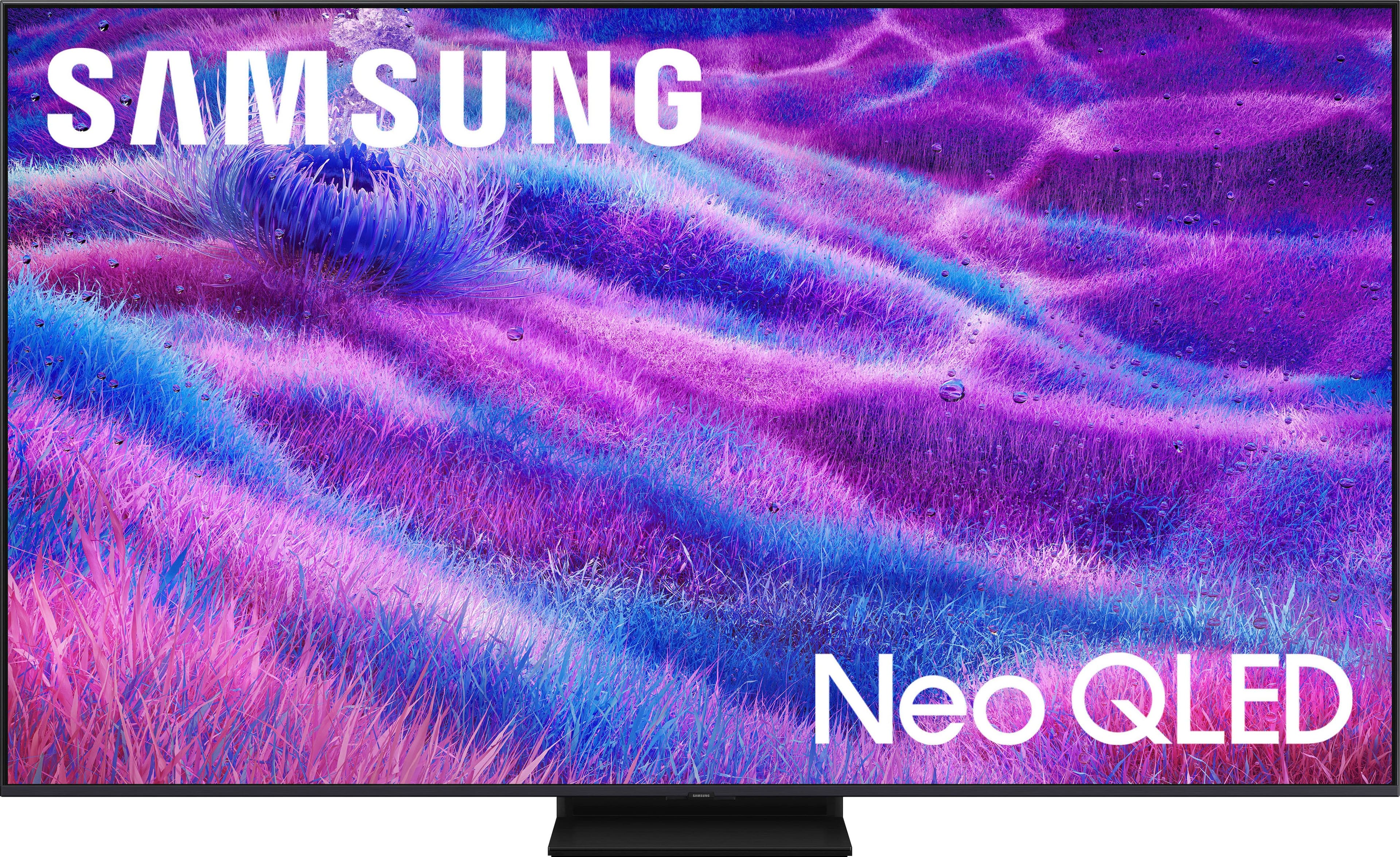
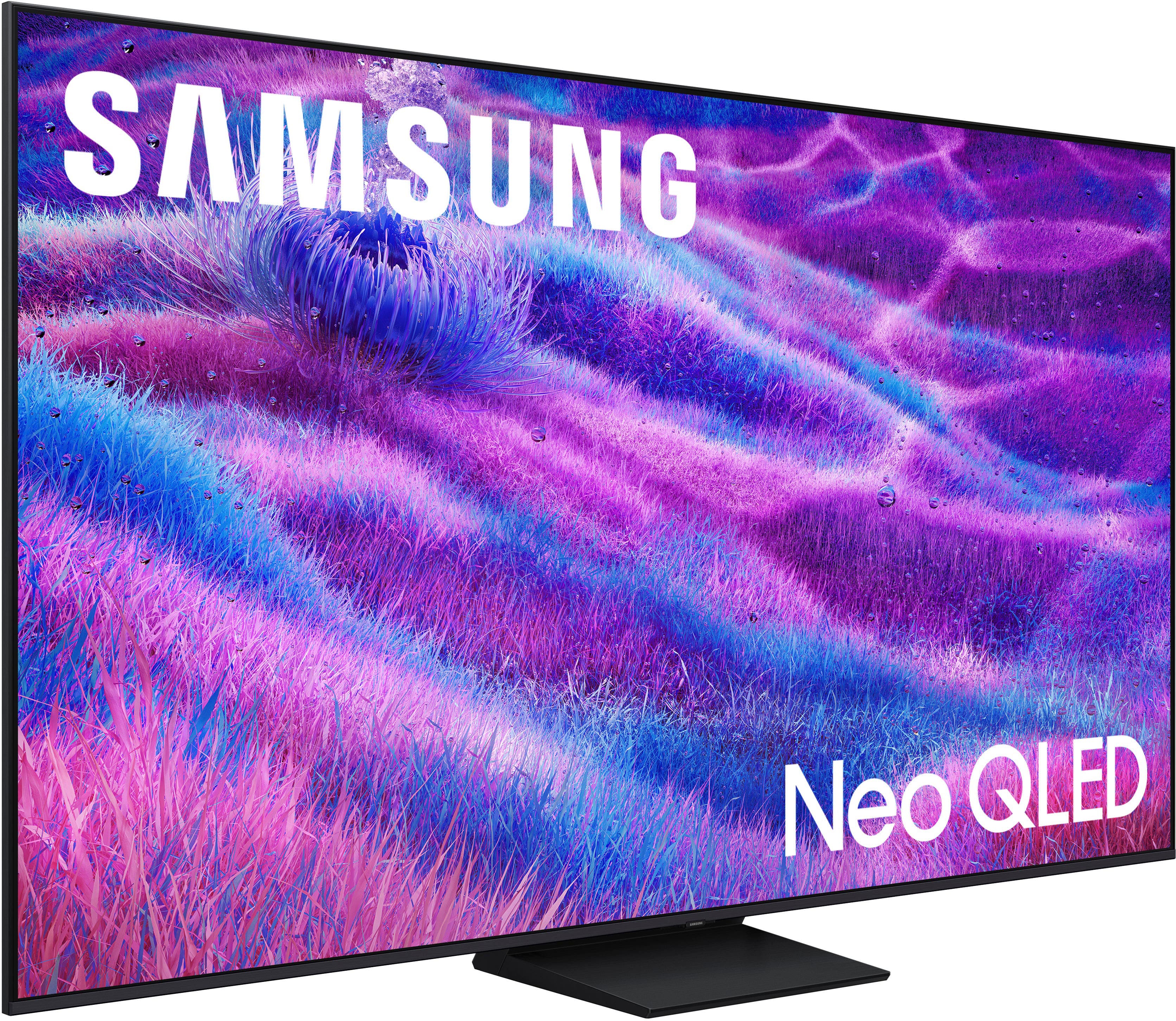
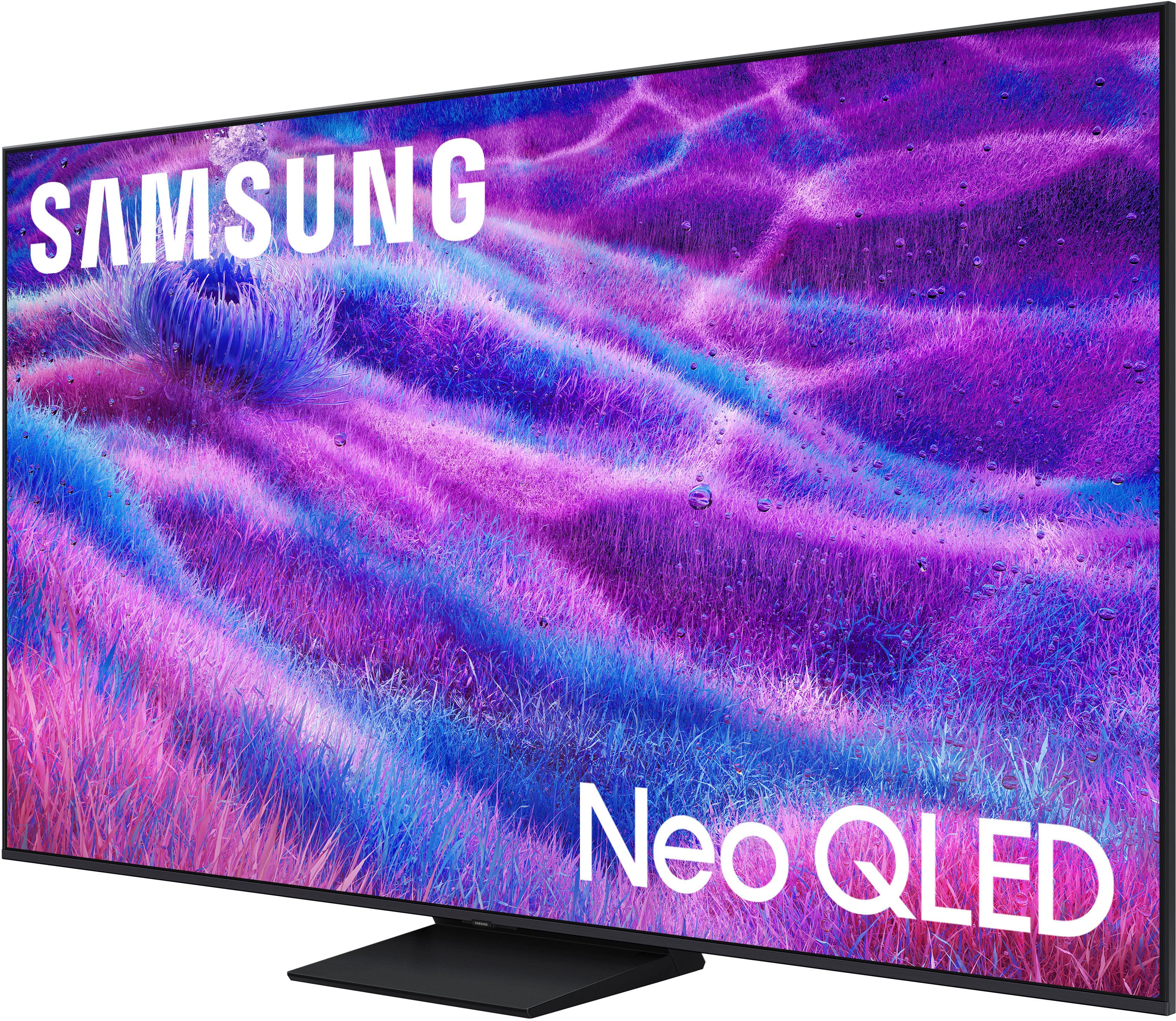
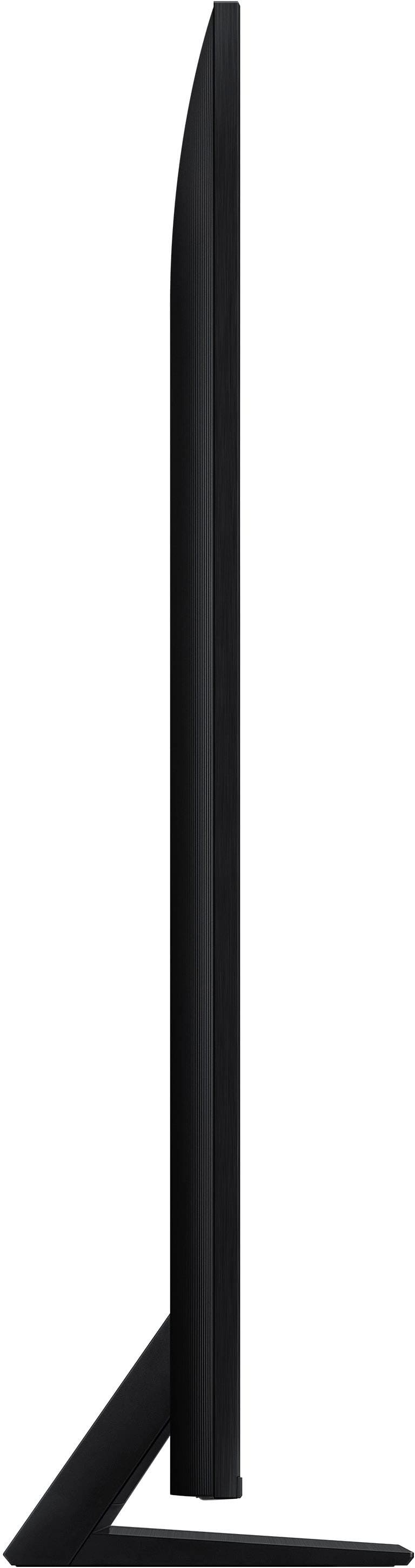

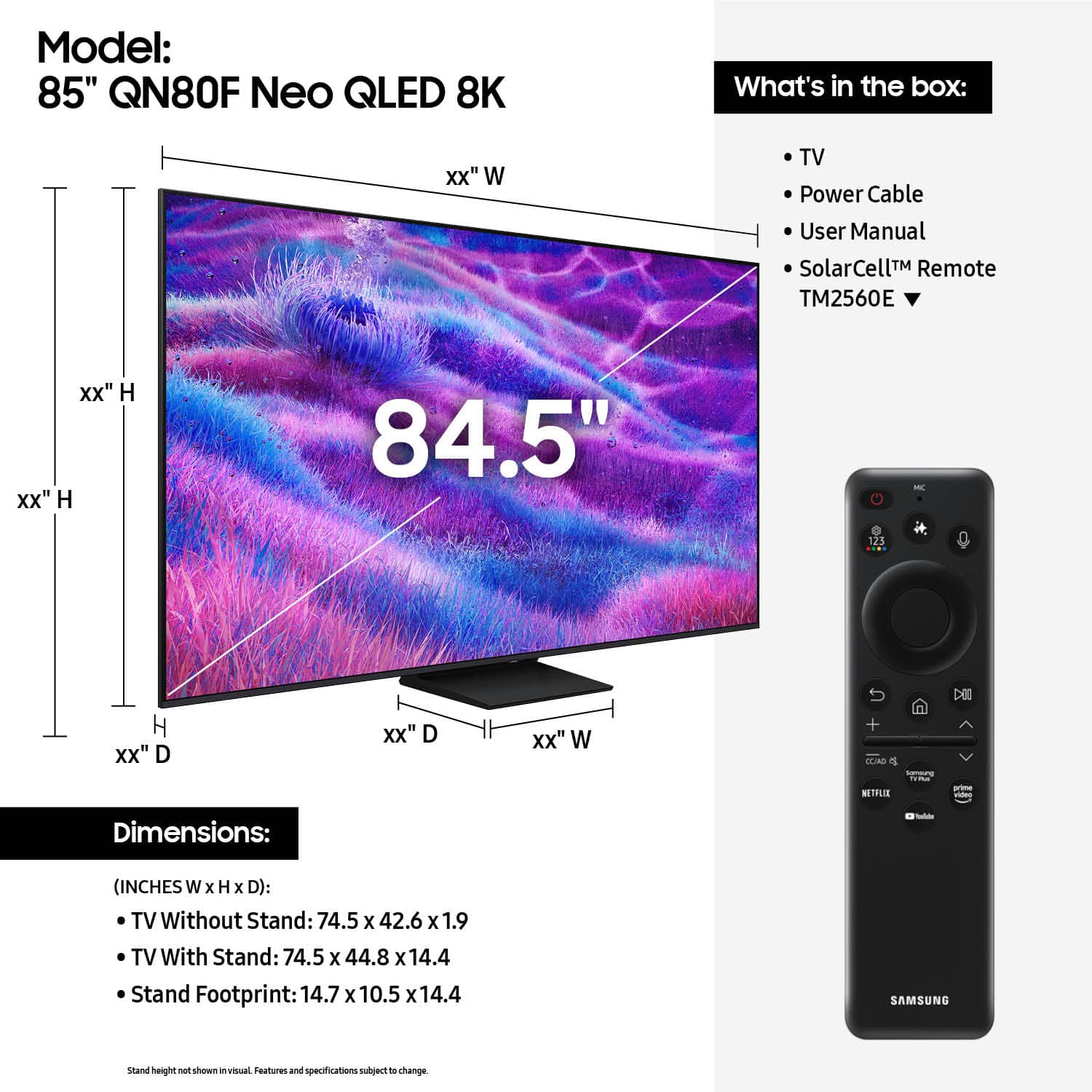





- Model:
- QN85QN80FAFXZA
- SKU:
- 10313286
Rating by feature
- Picture Quality
Rating 4.7 out of 5 stars
- Sound Quality
Rating 4.3 out of 5 stars
- Brightness
Rating 4.7 out of 5 stars
Excellent
||Posted . Owned for 1 month when reviewed.This reviewer received promo considerations or sweepstakes entry for writing a review.Great picture, it took a while to get used to as AI adjusts the color to the brightness of the room.
I would recommend this to a friendGood picture, horrible remote.
||Posted .This reviewer received promo considerations or sweepstakes entry for writing a review.Would give this a better review but for the ridicoulous remote. Its frustrating and impossible to use. After much research, I found a compatible one that works with our tv and internet provider. If you are not tech savvy, beware.
No, I would not recommend this to a friendBrand response from Samsung
Posted .We appreciate you sharing your experience. To help you get the most from your TV and remote functions, you can download the full e-Manual and more by visiting Samsung’s website then navigating to: Support > Manual & Software > TVs & Home Theater. From there, you can search for and select your QN80F TV model to view or download the available guides.
The e-Manual & Remote Control Guide are also conveniently built into your TV: Settings > Support > Tips and User Guides.
For additional guidance, your TV also includes Accessibility features designed to assist with navigation and remote use.
• Learn Menu Screen provides audio guidance for on-screen menus by announcing the name and function of each item as you scroll – without making any changes. This is especially helpful for users who are visually impaired or new to Smart TV menus. Enable via: Settings > All Settings > General & Privacy > Accessibility > Learn Menu Screen. To exit, press the Return key twice.
• Learn TV Remote helps users become familiar with the layout and function of each button on the Samsung remote. Pressing a button (other than Power) will prompt the TV to announce its name and purpose, again without affecting TV operation. Enable via: Settings > All Settings > General & Privacy > Accessibility > Learn TV Remote. To exit, press the Return key twice.
If you’d like more assistance with these features, please reach Samsung Support at 1-800-SAMSUNG, available 8AM – 12AM EST, 7 days a week. LiveChat agents are also available through the ‘Support’ link on our website.
~ Samsung Specialist
Big screen
||Posted . Owned for 3 weeks when reviewed.This reviewer received promo considerations or sweepstakes entry for writing a review.Great picture easy wireless connection and I purchased the protection plan because my last TV lasted 18 months. Samsung doesn’t last.
I would recommend this to a friendGreat TV
||Posted . Owned for 1 month when reviewed.This reviewer received promo considerations or sweepstakes entry for writing a review.Fantastic TV. Great picture quality and sound. Samsung is my go to brand and very affordable.
I would recommend this to a friendGreat TV
||Posted .This reviewer received promo considerations or sweepstakes entry for writing a review.The tv is excellent and gives a new meaning to the "man cave".
I would recommend this to a friendThis tv it’s so good quality
||Posted . Owned for 2 months when reviewed.This reviewer received promo considerations or sweepstakes entry for writing a review.We love this television, because has a good quality
I would recommend this to a friendBethel Home
||Posted .This reviewer received promo considerations or sweepstakes entry for writing a review.My family and I are enjoying the clear quality of the TV
I would recommend this to a friendEnjoy your wide screen TV
||Posted . Owned for 2 weeks when reviewed.This reviewer received promo considerations or sweepstakes entry for writing a review.This TV is worth buying and specially with great price in Best Buy.
I would recommend this to a friendLack of. Coordination
||Posted . Owned for 2 weeks when reviewed.This reviewer received promo considerations or sweepstakes entry for writing a review.Buying experience was fine however the delivery and setup was a disaster. End result no TV.
No, I would not recommend this to a friendBrand response from Samsung
Posted .ErnestC,
It appears your 1-star review for the Samsung QN80F TV is based on your experience with Best Buy, and we’re sorry to hear that. We recommend contacting the store directly to share your feedback.
If you need help with the TV itself, Samsung Support is available at 1-800-SAMSUNG, 8AM – 12AM EST, 7 days a week, or via LiveChat under the ‘Support’ section of our website.
~ Samsung Specialist
No sound transmission
||Posted .This reviewer received promo considerations or sweepstakes entry for writing a review.Woke up this morning and turned on the TV and NO sound! The amount I’ve gone through to get it up and running again has been ridiculous and still no sound
No, I would not recommend this to a friendBrand response from Samsung
Posted .DrTim,
Thank you for sharing your experience with your TV. If you're not hearing sound or if the sound cuts out and you're using only the TV’s built-in speakers (no soundbar or external device), try the following steps:
1. Check volume and mute settings, and make sure the Sound Output is set to TV Speaker: Settings > All Settings > Sound > Sound Output > TV Speaker
2. Run a Sound Test to help diagnose the issue: Settings > Support > Device Care > Self Diagnosis > Sound Test
3. Cold boot your TV by holding the power button on the remote until the TV turns off and back on (Or unplug the TV from power for 30 seconds, then plug it back in)
4. Reset sound settings to default: Settings > All Settings > Sound > Expert Settings > Reset Sound
5. Update your TV’s software in case a firmware issue is affecting audio: Settings > Support > Software Update > Update Now
If none of these steps restore your sound, please contact us for further assistance. You can reach Samsung Support at 1-800-SAMSUNG, 8AM – 12AM EST, 7 days a week. LiveChat is also available via the ‘Support’ link on our website.
~ Samsung Specialist