Customer Ratings & Reviews
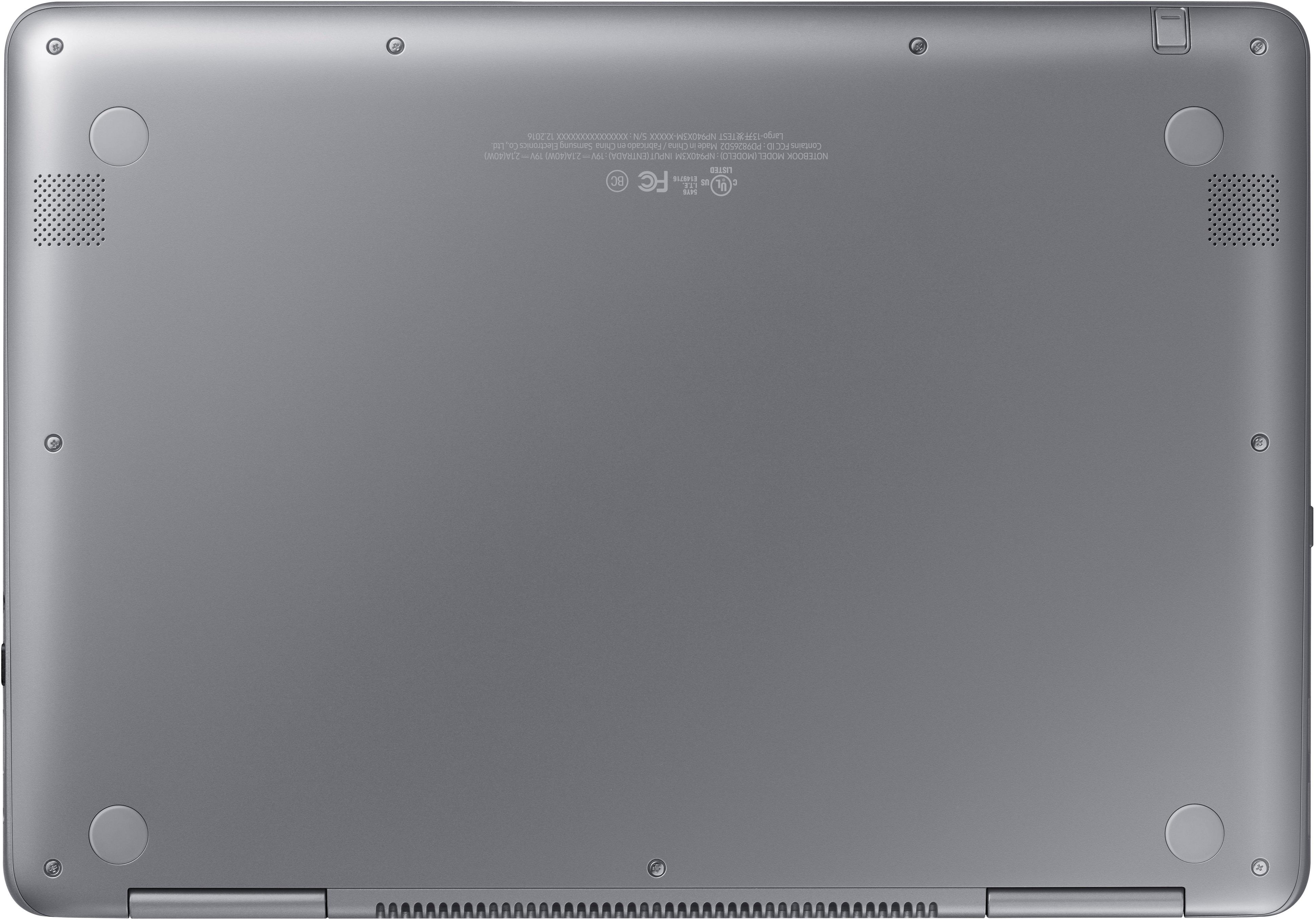
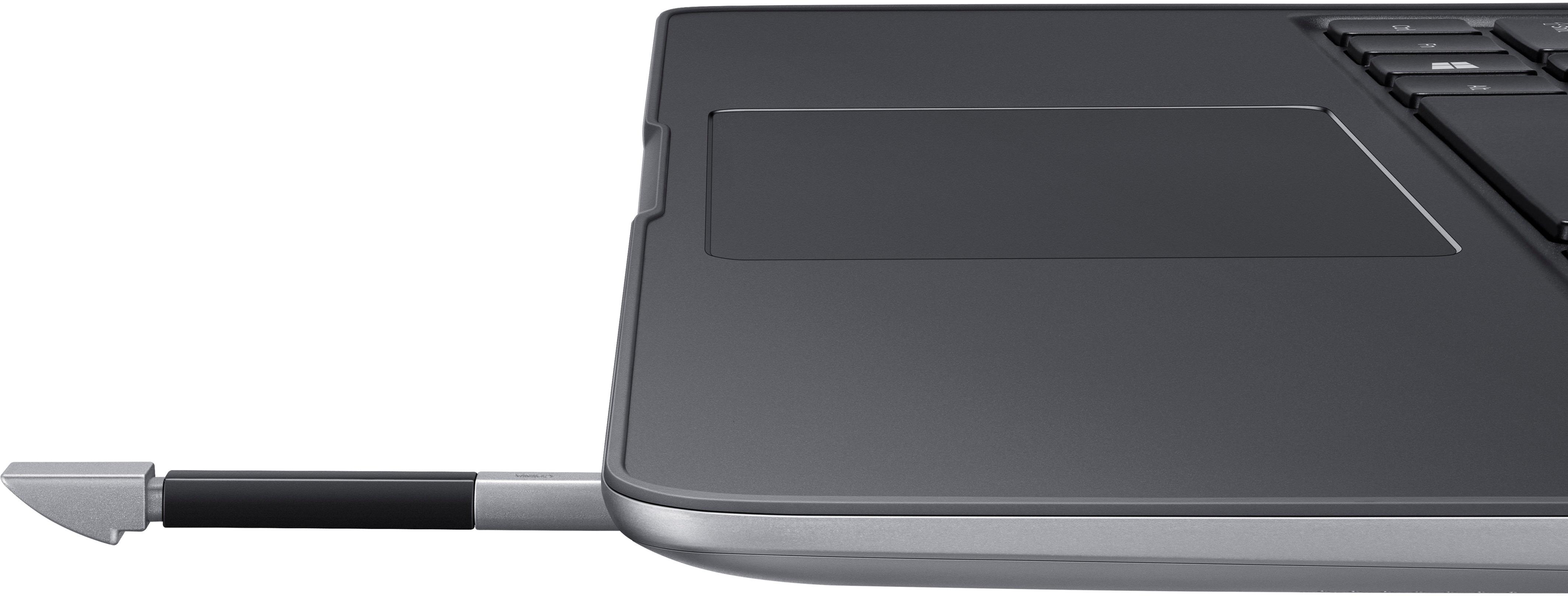
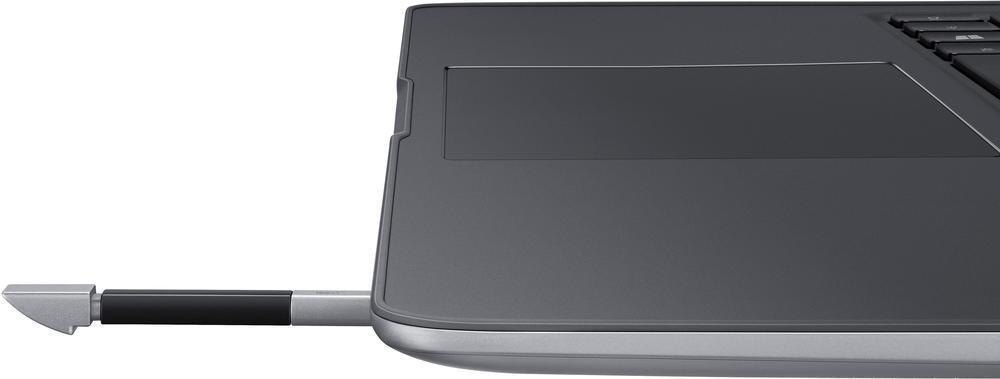

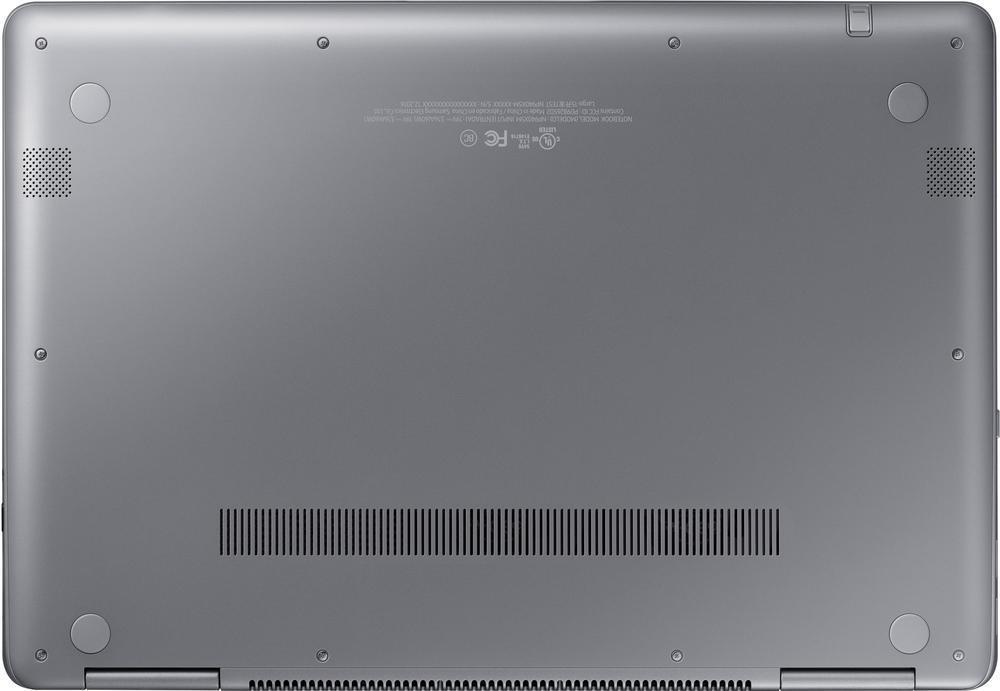

- Model:
- NP940X3M-K01US
- SKU:
- 5886103
to a friend
Customers are saying
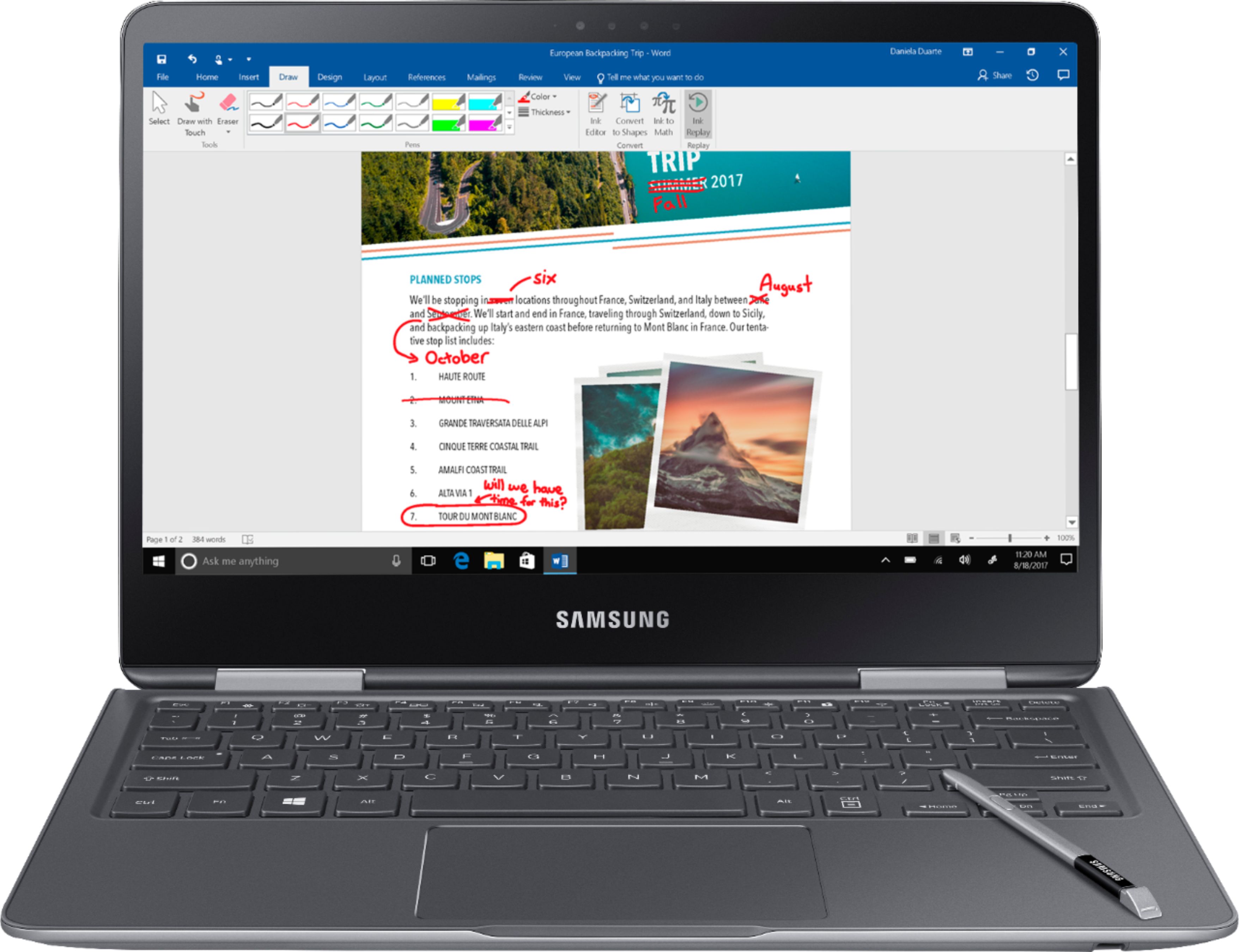
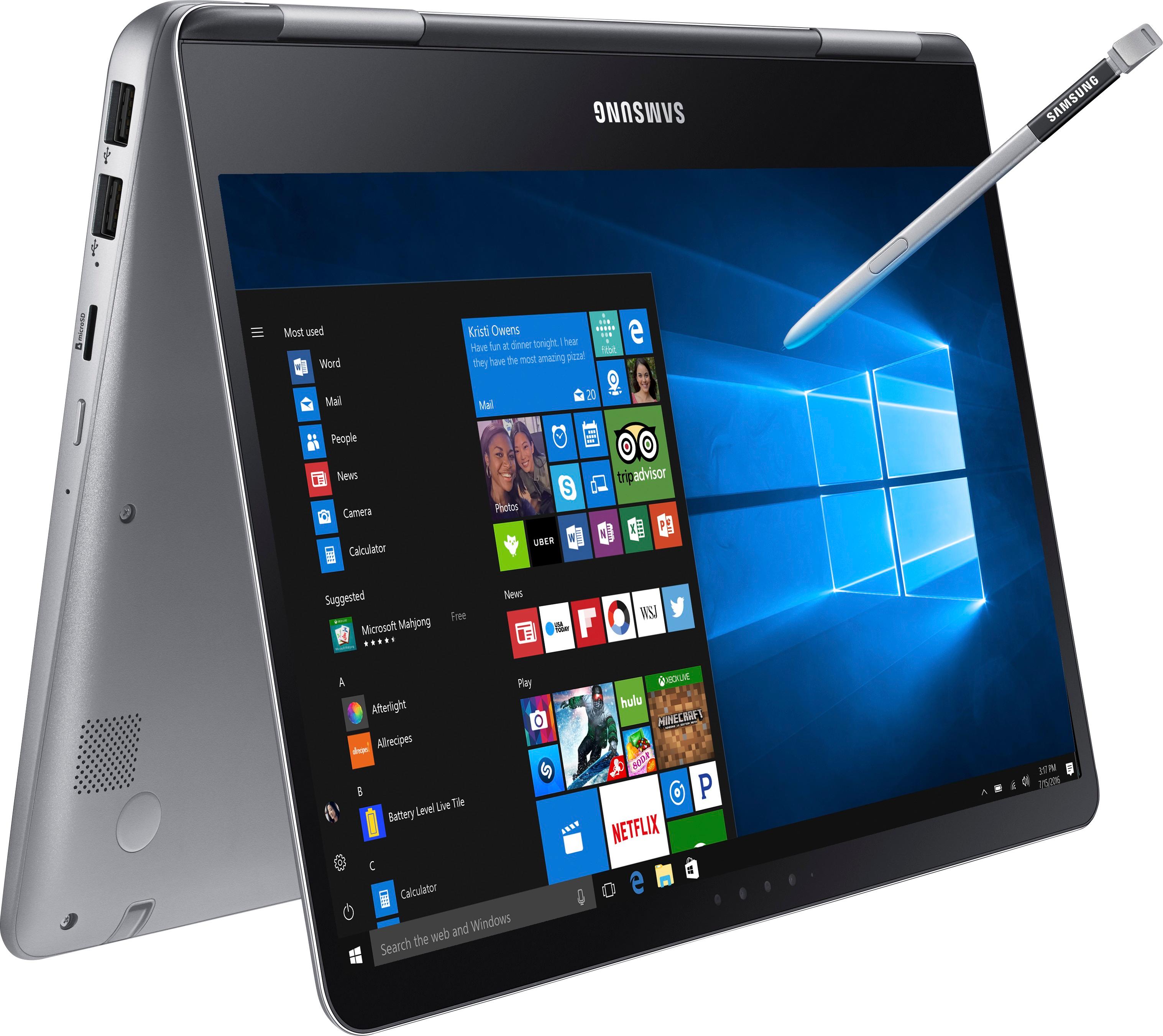
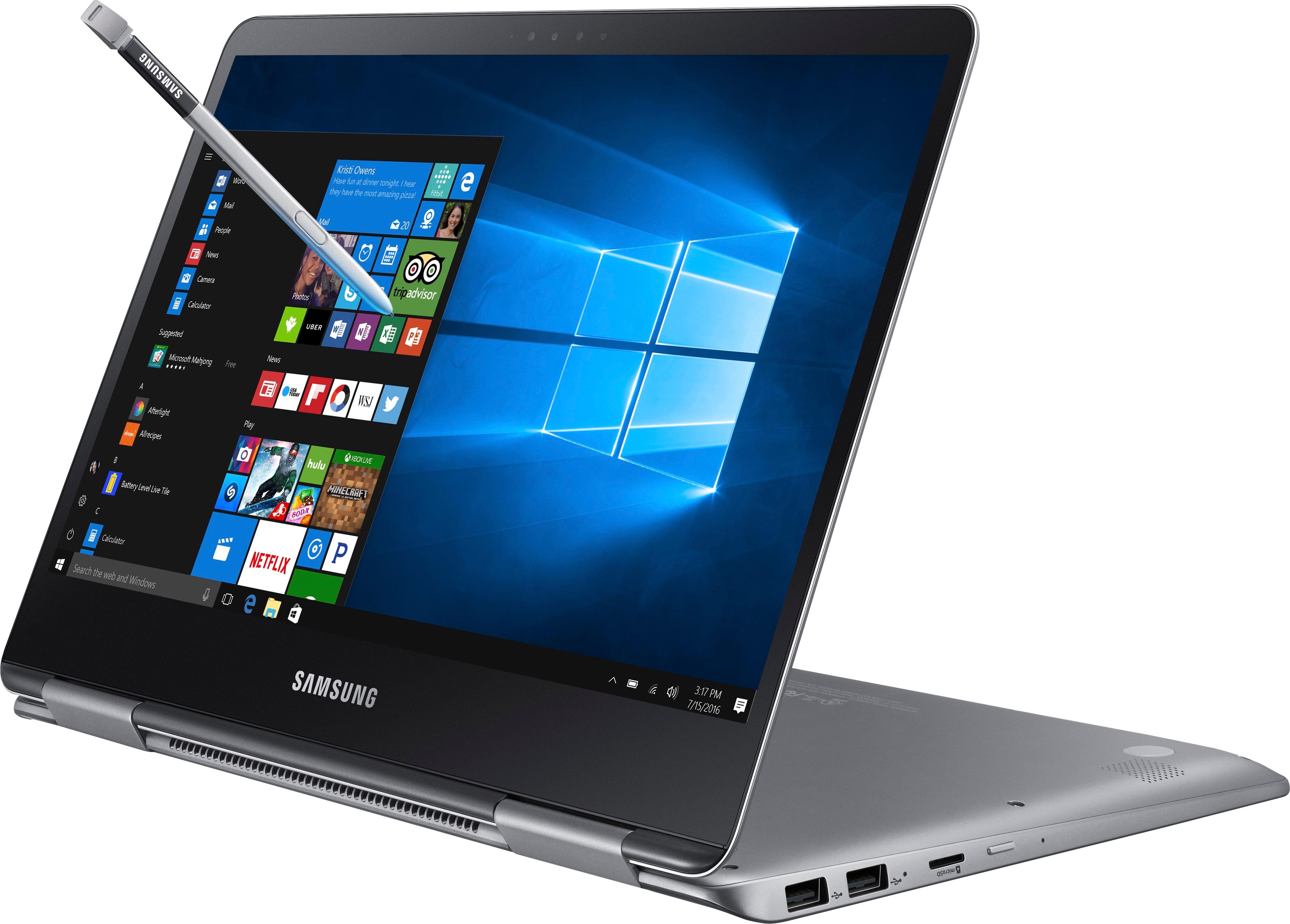
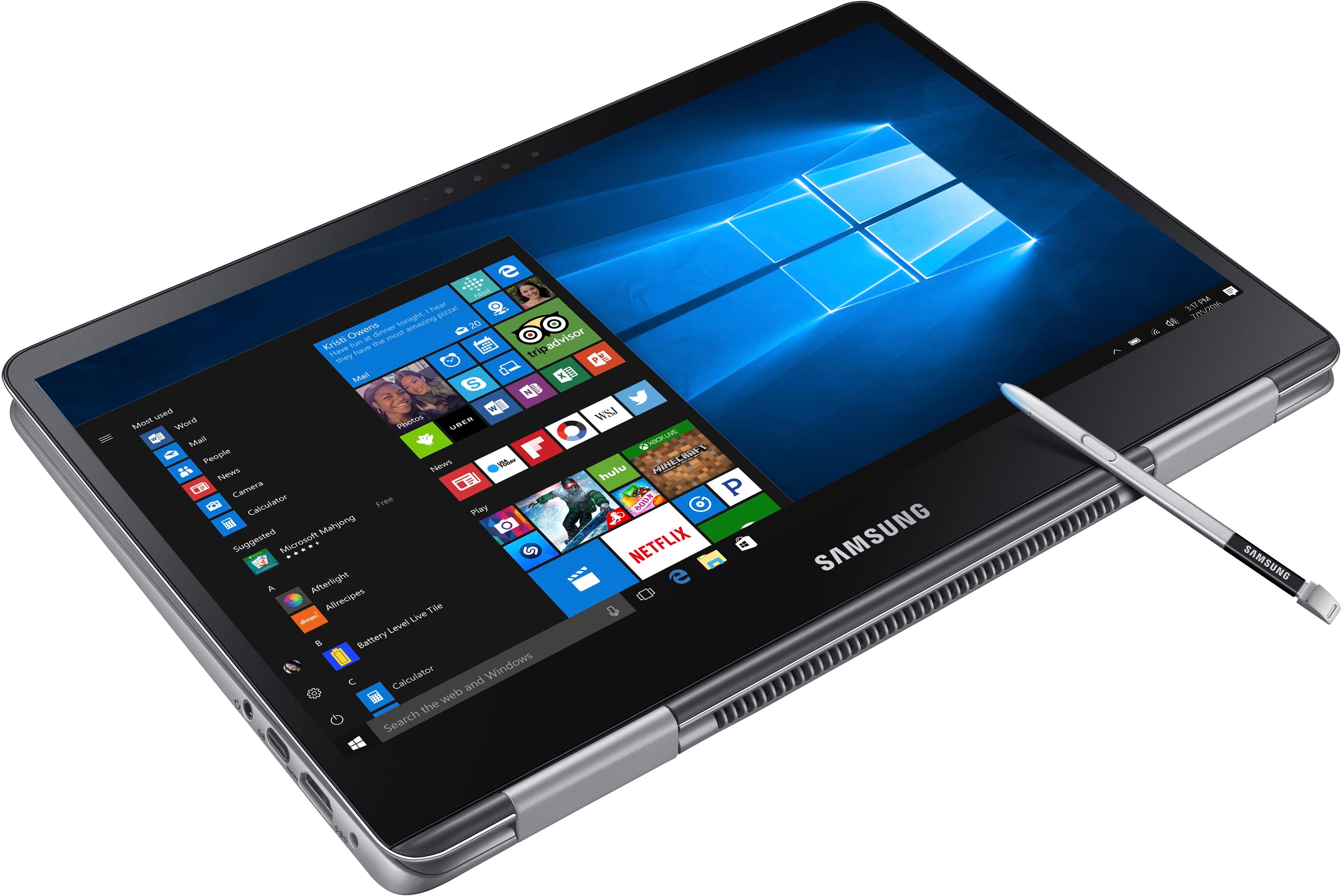
Customers express satisfaction with the Notebook 9 Pro 13.3" Touch-Screen Laptop for its touchscreen capabilities, allowing it to be used like a tablet. They also appreciate its lightweight design and fast performance. The long battery life is another positive aspect mentioned by users. While some customers would have preferred 16 GB of RAM, the overall feedback is positive.
This summary was generated by AI based on customer reviews.
- Pros mentioned:Battery life, Touchscreen

Excellent ultra light notebook. Plays Guildwars 2!
|Posted .This reviewer received promo considerations or sweepstakes entry for writing a review.I've been in the market for a super light PC for casual use. Most of my social media-ing and web surfing is done on my iPad Pro, but some sites just aren't mobile friendly, and I occasionally enjoy playing the mmorpg Guild Wars 2. This laptop doesn't play it at ultra, but it does a much better job than my 2013 Mac Mini, which just locks up and resets. This is very light, and feels fairly sturdy. Screen is sharp and the backlit keyboard is a nice luxury. Overall it's a nice package. My only concern is the minimal amounts of ports/USB and no upgrade access. So be sure it's what you want when you get it coz no ram or hard drive access, just a microsd slot. Overall, it's lightning fast (as are all new computers) and holds a charge really well. Just casual messing around with it for 3 hours and it's still at 75%. Most computers would be 20% or less.
I would recommend this to a friend - Pros mentioned:Touchscreen
Dynamite comes in a small packages
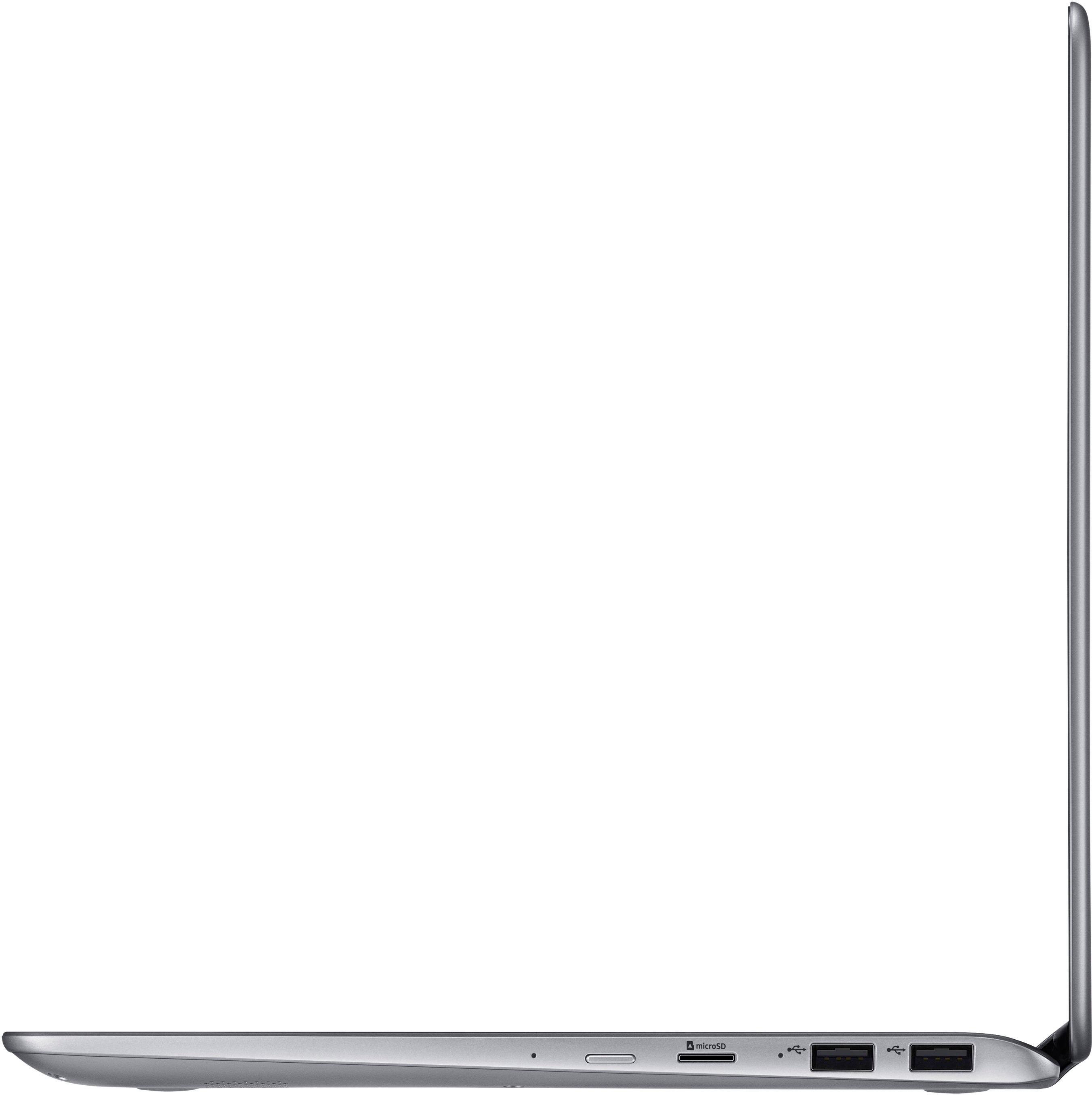
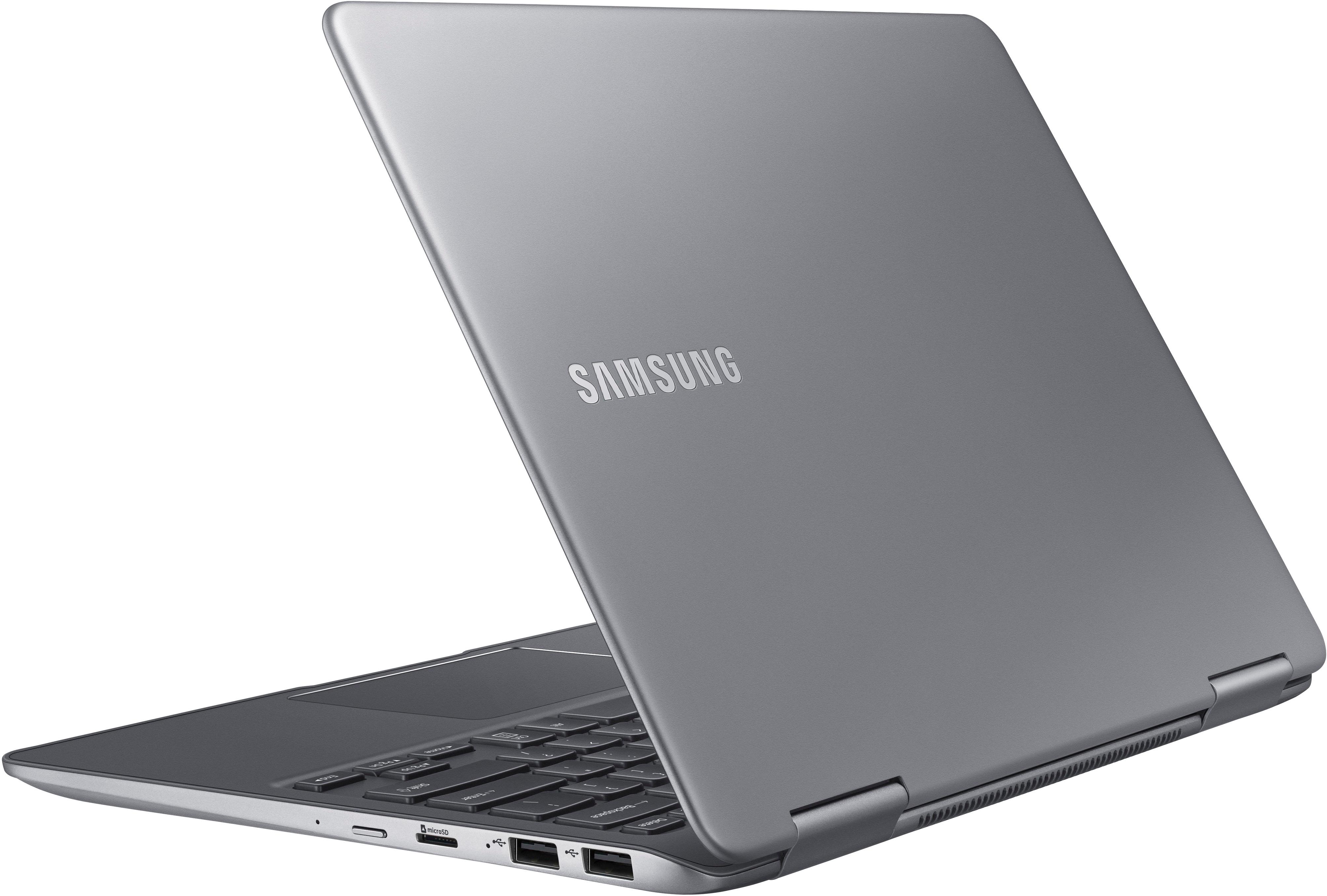
|Posted .This reviewer received promo considerations or sweepstakes entry for writing a review.It seems the latest fad in notebook computers is the 2-in-1 configuration. A touchscreen notebook that doubles as a tablet (albeit heavy tablet compared to a real tablet). Samsung has jumped on the bandwagon with an impressive offering with the Notebook 9 Pro 13.3" 2-in-1. This unit replaces my older Samsung Series 9 ultralight laptop. Setup was extremely easy using Cortana. From first boot to desktop was as simple as verbally answering questions and the computer responded appropriately. An added bonus was setting up login by facial recognition. Cortana even helps with that. In minutes, I was greeted with Windows 10 desktop. The notebook is quick and robust thanks to the i7-7500U CPU, 8GB of ram and a 256GB SSD, although I would have liked it better if it had a 500GB SSD. The back-lit keyboard has one of the better tactile feels I've experienced on most notebooks. A tablet pen (rubber tip not ink) is snugly in place just under the wrist rest. In tablet mode, it is a welcome addition. I was extremely surprised by the quality and volume of the sound coming from the internal speakers as most notebooks have disappointed me. Some brands are moving to all USB ports being Type C but I was pleased to see the 2 USB 3.0 ports along with 1 USB-C port. My last notebook had all Type C ports and no 3.0 or 2.0 ports so I had to purchase dongles so I could use an external mouse or USB flash drive. Another issue on other notebooks is the video out port is usually a mini-HDMI where on this Samsung Notebook 9 Pro there is a full-sized HDMI port. I was impressed by the 13.3” display with 1920 x 1080 screen resolution, powered by an Intel HD 620 built in graphics GPU. For all the great things, there are a few things that I would have liked to see different: • Instead of a full-sized SD card reader it only has a microSD card reader. If you have a camera or other device that uses regular SD cards you will need to purchase an external card reader. • I would have also liked an option to get the notebook with at least a 500GB SSD. • Placement of the power switch is extremely close to the microSD slot. I can see the power switch getting accidentally pressed. • There is no network port. You must rely on the WiFi only or purchase a USB LAN adapter. At just under 3 lbs the Samsung Notebook 9 Pro is a solid road warrior performer but it does come at a price. It's not a bargain priced unit but with the performance and screen resolution the value is still there. You get what you pay for and in this case, it's worth every penny.
I would recommend this to a friend - Pros mentioned:Touchscreen
Very Nice - but needs larger SSD?
|Posted .This reviewer received promo considerations or sweepstakes entry for writing a review.Very nice notebook overall and would definitely recommend. I did take off 1 star due to in my opinion small SSD size Pros; It has a sleek silver case that is somewhat lightweight at 2.91 lbs with small overall package ( Seems very sturdy with no screen wobble, nice tactile feeling keyboard with back- lighting. Hinges seem very well made and it easily converts from notebook to tablet, with a quick “flip”. Very nice touchscreen operation/feel with option to have it look/operate as a tablet or a notebook. It has blazingly fast boot time that I clocked at just under 10 seconds (Samsung NP940X3M-K01US U3E1 motherboard). Very fast installation and running of software due to; Intel® Core™ i7 Processor 7500U (2.70GHz up to 3.50GHz 4MB L3 Cache) M.2 SSD “hard drive” (liteon CV3-8D256) 8GB of DDR4 1064MHz memory (could not determine manufacturer using Speccy though). Quick charging and can have long battery life (kind of inconsistent). Has latest AC wireless that is very fast (has 802.11 ac 2x2 – which I clocked at 160mbps using speedtest.net and running thru my orbi AC wireless satellite router). Screen looks great with 1080P resolution and can be viewed from pretty much any angle using Intel HD 620 graphics. I played 1080P M2TS video files and they looked great! Has latest USB C connection that can be used for many things including charging of this notebook using portable charger or charging your smartphone if need be. Has 2 USB 3.0 connections - which can easily be expanded with a hub. Also has micro-sd slot but no real card reader. Speakers are OK – don’t expect a true audio experience from them. Wired headphones sounded great with Realtek audio settings. Has a built-in S Pen that packs neatly into the bottom of the notebook. I believe it has a 0.7mm tip, can detect more than 4,000 levels of pressure and can be used from pretty much any angle. It also comes with Samsung Air Command software that lets you take notes, edit documents, and draw (have not used this yet). The S Pen works with Windows Ink Workspace and is “on” - never needing charging. Comes with a little device to pull out and replace tip though). My 2 year old grandson LOVES this thing and the supplied Little Artist software. I ran PCMark 8 benchmark and Samsung had score of 3041 with only 43% of computers having better score. I think this is nice for a notebook. Cons; Took 1 ½ hours to charge out of the box, as it would not boot. Granted 1 time deal but was wanting to get start ASAP once unboxed. Has some bloatware but easily taken care of. What seems to be proprietary Samsung hardware and “supposedly” is not upgradeable. I suspect this is not the case but will wait until warranty is past to find out. As honestly 256GB SSD is VERY small in my opinion and why not use a Sumsung M.2 drive instead of liteon? No dedicated video card – but to me that is not to important as don’t plan on using for games – but wanted to mention. Battery life does not seem consistent. I had it set to high performance and maximum brightness and battery life estimates were all over the place but never ran until out – so cant really state how long is does last. Would depend on load anyway and you can easily change settings to save battery.. Could not use blue-tooth to pair my audio-technica ath-sr6bt headphones. not sure if its user error, but I have paired them with other devices with no problem. No hard wired Ethernet option (suspect I am showing my age here) Personal notes; I am of an age where the delineation between a true laptop and a notebook is somewhat blurred/lost on me. I have a model VPC-SC1AFM/S laptop which still works fine for my son. I purchased it from BB 05/2011 and it is surprising how similar they are in overall specs. Price point is pretty much same as Samsung notebook (but was high in 2011). I5 2410M 2.3 GHz processor up to 2.693 - with 3MB L3 cache 13.3 inch screen (720P screen resolution) 8GB of DDR3 PC3-10600 memory. 2 USB2.0 and 1 USB 3.0 HDMI with built-in Card reader. Has Blu-ray/DVD drive 500GB hybrid drive (5400rpm and 4GB of hybrid cache). Has dual video – Radeon HD 7470M and Intel HD 3000 Graphics, but I use only Intel. Keyboard back-lighting In comparing these 2 models I see that my old laptop boot time is 3 times as long (but at 30 seconds was VERY quick for its time). It is 15% larger in width and length and twice as tall and also almost 1lb heavier (has blu-ray after all). Screen viewing angle is not very good and is not even close to the Samsung. BUT has twice as large hard drive even if it is a spin drive.. I ran PCMark 8 benchmark on my old laptop and it wound up with a score of 2205 score with 73% of computers having a better score, so Samsung with 3041 score is way better. So time has marched on with some pluses and some minuses between these 2 units but the Samsung is a winner in my opinion.
I would recommend this to a friend I Give It Six Stars
|Posted .This reviewer received promo considerations or sweepstakes entry for writing a review.Since Windows 10 really should run the same on all hardware, I’m going to try and concentrate on the hardware aspect of this Samsung Notebook 9 Pro and try to refrain from mentioning Windows 10 too much. Another thing I will undoubtedly do is make some comparisons to Samsung’s main competitor in a few different arenas…Apple. We have had Windows computers in our house since 1997 from a variety of manufacturers, Dell, Toshiba, Sony and HP. I have had a MacBook Pro as my “main” computer for about three years now. When I changed from an HP laptop to the MacBook, it was one of those “Wow!” moments in technology life. I just had another one of those moments when I opened and started using this Samsung Notebook. This computer and how snappy it runs Windows could be just the thing to lure me back to the “PC” world. It is seriously that good…in a number of ways. Even before booting it up, this Samsung impresses with fit and finish as good as any of the Apple products in our house, which I think says a lot considering Apple’s reputation. Nice job Samsung! And this comes from someone old enough to remember Samsung from many, many years ago when they had a reputation of being a manufacturer of low-line, discount electronics and appliances. While built-in optical drives are a thing of the past on laptop computers these days, Samsung has seen fit to still provide a full array of ports and jacks on this model that should satisfy most users. So, no CD/DVD drive, but you still get one HDMI port, one 3.5mm headphone jack, two USB 3.0 ports, one USB-C port, a slot for a microSD card, and a round DC power jack. The full user manual on Samsung’s web site makes no mention of a maximum capacity for the micro SD card, so maybe this is no longer an issue like it was with some devices in the past. The connector for the AC power adapter is a little disappointing as it feels rather flimsy – only time will tell how durable it is. The other thing is that when the lid is shut and the power adapter connected, there is no light to tell you that yes, it is charging, or that it is now fully charged – I miss that, compared to my MacBook. The built-in speakers are on the bottom of the case which works better than I anticipated, but I guess this makes sense when you fold the screen back onto the case to turn the device into a tablet. The “Samsung” logo on the back of the top cover does not light up which is slightly disappointing, but I believe Apple no longer lights up their logo on the latest MacBooks either. When you first set-up the Notebook 9 Pro, you have the option of using Cortana and voice recognition. This worked pretty flawlessly and made a great first impression. Even though I prefer not to talk to my devices in public, using this feature at home was impressive. I have the computer set up to shut down when the lid is closed, and with the solid state hard drive, the time spent booting up is very minimal. If you have not yet had a computer with an SSHD, you are in for a real treat once you get one. Hands down, the coolest feature of this computer, for me anyway, is the facial recognition to unlock it. Combine this with the auto boot feature and these functions keep your computer secure from unauthorized users. The facial recognition worked really well, even with my face being back-lit by a window. It did have trouble when I did not have my glasses on since the reference image was taken while I was wearing glasses. There might be a way to save multiple images for each user…I have not researched this yet. I used this computer to write this review (I thought that was only fitting) and I have to say I was real impressed with the feel of both the physical keyboard, and of the virtual one when using the tablet function. The backlighting is well done and illuminates uniformly. I can truthfully say it is a pleasure to type on. In the one week period I have had this Samsung, I have only scratched the surface of how things work…especially in Windows 10. I suspect that as I become more acquainted with this operating system I will be even more impressed with what this little machine can do. In my opinion Samsung has a real winner here for the everyday user, especially at this price point (even more so when cross shopping to a MacBook). This computer can definitely hold its own when compared to others on the market, and if you are shopping for a new computer for the kid going off to college, they will have nothing to be ashamed of with their dorm-mates.
I would recommend this to a friend- Pros mentioned:Touchscreen
Great 2-in-1 Laptop with Many Features
|Posted .This reviewer received promo considerations or sweepstakes entry for writing a review.This is the first 2-in-1 laptop I've had a chance to use and will say it exceeded my expectations. I've been a MacBook Air user for many years and was a bit skeptical about replacing it. The Samsung Notebook 9 Pro, although not a game changer, has met every challenge with flying colors. Unboxing was super easy and setup took minutes. The unit itself is very sleek and feels really well made. Solid, yet light and slim. It boots up super quick as well. In terms of the overall system, the backlit keyboard works well and is great for late night work sessions. There are connectors galore, my favorite being the USB-C as I already own many of these cables, so that is a plus. The WiFi seems to be quicker than any of my existing systems and the battery life is better than most as well. Although I haven't used the S-Pen much as of yet, I can see it's allure for many people. Note taking, creating, etc is simple. And simply store it in the systems when not using. Overall, this system is my new favorite, and will be my travel partner for the next few months, so we'll see how it stands up. This system, although not necessarily "Pro" grade, is perfect for students, on-the-go users, and just about everyone else!
I would recommend this to a friend - Pros mentioned:Touchscreen
Samsung really has something here
|Posted .This reviewer received promo considerations or sweepstakes entry for writing a review.Super fast and easy setup. The speed of the processor is good considering this is a small notebook/tablet. You can easily flip the keyboard/bottom half of the notebook, so that it can be used as a tablet. Very responsive touch screen with finger or S pen. The auto rotation comes in handy for changing from tablet to notebook mode. The screen can be seen well outside in the sunlight, but there is a bit of a reflection to it. Love the backlighting on the keyboard, makes it easy to see in dim to no light situations. Love the holder for the S pen and how it is built into the front of the notebook, so that you don’t lose it easily. Love the button on the side of the S Pen to use as an eraser. Enjoyed using the S pen with the Paint 3D program that comes with this notebook and looking forward to unleashing the artist in me. Anyone looking into one of these notebook/tablets certainly won’t be disappointed in the Samsung Notebook 9.
I would recommend this to a friend - Pros mentioned:Touchscreen
Great Notebook
|Posted .This reviewer received promo considerations or sweepstakes entry for writing a review.The Samsung - Notebook 9 Pro 13.3" Touch-Screen Laptop is a great sized Notebook. It is a little heavier than I expected, but it screen size was perfect and easily flipped for use of the keyboard or to use as a tablet. Set-up was easy and I like that it comes with a trial of Excel and Word. My 9 year old son especially enjoys using the drawing feature. He was creating cartoon drawings very easily using the included Stylus pen. It comes with an easy to understand paint program which allows him to draw and save his creations to the Notebook. The size also made it comfortable for him to hold on his lap and use. The Notebook never got hot lying on his legs and it was not too heavy. I hope the touch screen is easy to clean as I can see that being an issue after prolonged use. Overall, we enjoy the easy of use and size of this Notebook and would recommend it to someone interested in using it to draw or create. I also liked that the Stylus pen came with additional replacement tips!
I would recommend this to a friend Returned to Samsung two weeks
||Posted .This reviewer received promo considerations or sweepstakes entry for writing a review.My son bought this for college after reviewing the product online and also discussing with Best Buy. Had to return to Samsung within 2 weeks because computer completely shutdown and could not be fixed. Samsung is to replace but would not recommend
No, I would not recommend this to a friend- Cons mentioned:Ram
"Me-too" KabyLake flipbook with the usual features
|Posted .This reviewer received promo considerations or sweepstakes entry for writing a review.Summary: While Samsung excels at premium materials and AMAZING screens, this notebook falls flat based on some current "standards" it doesn't completely ignore, but its doing them wrong... Out-of-box Experience: This notebook is well packaged, and definitely has premium packaging. Unboxing was a snap, and the notebook itself immediately feels premium in the hand. The only unusual happening was that there's a slot in the package for the S-Pen, but the pen was shipped inside its silo in the notebook. Otherwise there were no issues and the notebook is packed well. Body/Design/First Impressions I'd seen this notebook on the display shelf at Best Buy, and when in-store, it didn't impress me. Perhaps this is because its an unassuming design, or that it appeared to be a $1100 laptop made of plastic, but its also likely that its a VERY standard/simple aesthetic. It wasn't until I held the laptop myself that I realized this thing was MADE OF ALL METAL!! In store it seemed plastic but upon getting my own I realized its just two different tones/adonization of Aluminum (or a similar-feeling alloy). The palmrest area and keyboard surround are a black metal while the outer body is more of a "Platinum" or "Pewter" color. The proportions of this machine are what I'd expect from a 13"-class machine in this day, and the layout of the screen/keyboard/ports/etc. are where I'd expect them to be. Screen: This is a Samsung premium notebook - Of course the 13" screen is GORGEOUS!! The colors are vibrant and the color profiles are adjustable in the included Samsung settings app. This thing has an outdoor mode that JUST WORKS. Even in the sunshine. This really is the sweet-spot for convertible notebooks. 12" devices are just a bit too small, and It seems that with the right bezel-reduction techniques these things make both great NOTEBOOKS and usable TABLETS when folded backward. Samsung clearly understands this well and the Notebook 9 Pro is no exception, but the screen bezels, while perfect on the top and sides for being slim but grippable when in tablet mode, leave MUCH to be desired on the bottom/hinge side. This thing is almost 1.5" wide at the bottom, and it KILLS the whole style of the notebook. With what these guys are doing in Chromebooks and the Galaxy S phones, you'd think they'd nail a new look for screens that wasn't so fat-bottomed! If this were in support of a bottom camera, or some other new-fangled sensors/telemetry devices, or even LTE radio antennae or something I'd be all in. Alas, its just a fat empty bottom bezel. Ports/Slots: One of the other areas of note is the port offerings on the device. As per anti-Apple regulations, this device is thin/slim and nice and light, and offers full-size USB 3.1 ports (two actually, and on the SAME SIDE! - albeit pretty close together, keeping anything but standard size cables and thumb drives from being employed simultaneously). There IS a USB Type-C port as well, but in someone's infinite wisdom, its NOT THE CHARGING PORT!!! Instead we're given a paltry, skinny, thinnest-one-not-made-by-ASUS sized DC connector that's just BOUND to break and screams I BELONG ON A CHEAP ENTRY LEVEL NETBOOK! Even the Chromebooks made by Samsung charge via USB-C - How can their flagship notebook skip this? Of course the Type-C port CAN be used for charging, but no AC adapter is provided for this. I've actually been using a Targus 3rd party charger to do just that, and the battery charging is just as fast and less likely to be snapped off. The other problem is that there's only one Type-C port, and its NOT THUNDERBOLT compatible! That's right, a $1000+ premium notebook does NOT come with the Thunderbolt standard compatibility which excludes this notebook from HUNDREDS of peripheral uses and docking capabilities... Pro? The machine DOES come with a full-size HDMI port, twin USB-A 3.1 ports, a headphone port, and a mIcro-SD card reader. The micro-SD card seems to make sense on Chromebooks, tablet form factors like Surface, and cheap laptops, but why don't these PRO laptops include full-size SD card readers as they did just a few short years ago? That standard hasn't and WONT change for video and photo professionals... One of the targets of these PRO systems... What gives? This isn't a Samsung-only complaint. Pen/Inking: One of the most marketed features of this device is its included S-Pen... Samsung's famous-on-mobiles pen/ink platform that offers stow-away pen functionality with 4096-level pressure sensitivity and tilt detection inking. I tested the pen functions RIGHT AWAY when setting up the device, and Samsung has included a nifty automatic inking interface for their own apps that support it. No nice integration with standard ink functions which work well enough, but one thing I observed amongst all of the pen apps (Microsoft AND Samsung) was that palm rejection is NON EXISTENT! I'm left-handed and this is a NON STARTER for me! Also the pen is thin and semi-rectangular instead of round, making it small to hold in your fingers in typical writing posture unlike the excellent pens from Wacom, HP, Microsoft and Dell. This pen slips around in my fingers and its button is awkward to use for eraser functions, etc. Specs: The 7th Core i7 processor in the 9Pro is fast. I loaded software and pushed hard with CorelDraw, Affinity Designer, Video streaming apps (Hulu, Netflix) and other browser activities simultaneously and it was AT LEAST as good as my other 'Kaby Lake' i7 experiences. There are two shortcomings in the specs and those are storage options and RAM. Since this is a hard-soldered RAM board, only offering 8GB at this price seems silly. EVERY ONE COMPETITOR offering similar pricing for their flagship 13 is doing so with 512GB SSD and 16GB RAM (Ahem, HP/Dell)... At least offer a "souped up" model for a few hundred bucks more! Conclusion: The nifty S-Pen, that doesn't deliver, being the stand-out "Pro" feature makes me think this very good looking little guy has no market with which it will satisfy, especially since Sammy seemed to forget the other pro features (Thunderbolt, Full-size SD card, creator-ready specs for storage/RAM) that would have made this a MacBook Pro 13 killer. While I'm being critical of THESE features, it is a solid, VERY fast, very good looking and working notebook with a vivid screen, beautiful and tactile backlit keyboard, and typical, professional looking styling with a very sturdy all-metal and rubber chassis. This will do well for right-handed students to take notes and have a mid-grade laptop experience, but competitors will offer more bang for their buck, and pros looking for a photo or video editing mobile solution or even a creative apps runner should look elsewhere,
No, I would not recommend this to a friend - Pros mentioned:TouchscreenCons mentioned:Gaming
Good 2 in 1 Laptop
|Posted .This reviewer received promo considerations or sweepstakes entry for writing a review.This laptop/tablet is great for all your media needs. It doesn't have enough power to run any demanding PC games, however it handles the light games very well. It has a very quick boot and shutdown and easy log in with facial recognition, pin or password protection.
I would recommend this to a friend Best sleek and stylish notebook for the price
|Posted .This reviewer received promo considerations or sweepstakes entry for writing a review.This Samsung notebook is a powerful yet flexible notebook. The design is sleek and clean. I have the 13.3 inch version. This comes with the latest Intel code i7 processor and 8 GB ram with 256 GB SSD. The booting and shutting down is fast. This model is the flip and fold model, where you get 4 modes. It comes with Bluetooth 4.1, AC wireless card, USB Type-C and 2 USB 3.0 ports, along with the built-in webcam, backlit keyboard, fast charging, touch screen. A great addition to all these is the S Pen. Given Windows 10 Creators Update and other areas utilizes pen support, this really comes in handy and you can make use of the pen perfectly. The pen's shape is not round, like a normal pen. This might take some time to get used to. If you have used Samsung galaxy note's pen, then you will love this one. The battery life is decent, you will get 8 hours of normal use. This might be somewhat lower compared to other devices. Plus the battery life isn't consistent. The out of the box device comes with Windows 10 and some bloatware. I did a fresh install so that I can get rid of the unwanted apps. The trackpad works great. I haven't noticed any issues with it so far. The option of microSD slot will help increase in storage space if you need more than 256 GB (only 190+ after OS installation). The built-in webcam is an IR camera, which means you can use Windows Hello to login to the system using your face recognition. This is so useful as you don't need to type any passwords to login. Using my Surface Pro 4, this feature is one of the must for me for all my new devices. This also comes with full size HDMI, not mini or micro. Another good feature is that you can charge this notebook using a portable charger. This is done via the USB Type-C port. You cannot connect to LAN unless you have a USB Ethernet adapter. There is no dedicated video card. This is not an issue for me since I am not planning to use this for games. Overall, this is a great notebok for the price you pay and I would definitely recommend to anyone looking to get a new computer for school or as a mobile computer.
I would recommend this to a friendThe little Samsung that could!!!!!
|Posted .This reviewer received promo considerations or sweepstakes entry for writing a review.Design. Sleek, very light weight. Thin. Clamshell design, similar to Samsungs' other laptops BUT the inputs are different. 2 usb ports instead of the standard 3 but the compromise was adding a USB-C port instead. HDMI port. Combo headphone microphone jack. Powered by Samsung duo power wall plug (110/240 volt in a 5mm plug) which is much smaller than before. On the outside of the gray exterior, there is stereo speakers on the bottom. The heat exchange port is located on the back, between the transformer hinges. Hinges are plastic with metal inserts seem to be very sturdy. So far, no clicking or ratcheting noises. Like all 13 inch laptops, its does not have a numbers pad, just the standard 102 keys keyboard. The screen is made out of the same gorilla glass as the samsung phones and the edge of the screen bezels there are dual front facing cameras. On the bottom right corner there is a stylus storage and inside of the box there are replacement stylus tips. Functionality. Powered by the intel i7 chip. Voice activated setup when turned on for the initial setup. (There is an option for hearing impaired to see instructions.) Also, there is a backlit keyboard which you will notice once setup is complete with Cortana. The screen is bright and vibrant. This particular model is an intel i7-7500U, running at 2.7 GHz, overclocked at 2.9 GHz. Fast out of the box for internet surfacing and light desktop work. Keep in mind that this is not a gaming laptop but definitely a contender for day to day use for work, or school. Sound is about a 7 out of 10 and the two speakers is gratefully appreciated. Not sure about battery life and you have to charge out of the box. The device would not turn on straight out of the box. The included stylus activate when taken out of the holder and the create note sidebar pops up on the right side. One thing noticed is you can write on webpages and it automatically saves the screen to your notes folder. The auto rotation feature works good for the screen as well. Overall, this laptop is 8 out of 10 and I would definitely buy again.
I would recommend this to a friendPerfect Machine for School
|Posted .This reviewer received promo considerations or sweepstakes entry for writing a review.My son recently tripped and fell with his tablet in hand. It cracked and was irreparable. We decided to go with a laptop replacement for him, especially with the new school year upon us. The Samsung - Notebook 9 Pro is the perfect machine for lugging around for school and doing homework at home. Size-wise, we're talking a really light machine.Yes, it is only just over 13" in size for display. The combo of that and the 8GB RAM and 256GB SSD gives it enough memory and space to play/store all his favorite music, too. At times it seems like a glorified YouTube player but it can do so much more for you. Performance is top of the line with an Intel Core i7. Great power management and nearly instant on at startup. Waiting to see how well it handles the abuse of a student. So far so good, but school hasn't re-started just yet. No disappointments with this machine yet, especially since you can rotate keyboard around and treat it like a tablet. Great job.
I would recommend this to a friend- Pros mentioned:Touchscreen
Great Laptop
|Posted .This reviewer received promo considerations or sweepstakes entry for writing a review.This is a very nice laptop.... Love the backlit keyboard, as well as the touchscreen. Which is very responsive, and useful. The ssd makes loadtime very quik, this has more features than I'll need... Very thin, and light, as well as many great features.... Didnt think I'd like this Samsung laptop this much, but so far I love it...
I would recommend this to a friend Good Value
Posted .This reviewer received promo considerations or sweepstakes entry for writing a review.I am reviewing my Open Box purchase of the Samsung Notebook 9 Pro 13.3" purchased for $719. I was also looking at the Dell XPS 9365 13" open box priced at $749. Both units were marked down considerably. I purchased the Samsung because of the following: Samsung reliability is rated a 2 (1 being best) vs Dell's 4 rating. The Samsung also has an "A" USB port; Dell had none; Samsung had a very quick boot and response compared to the Dell; the screen is bright vs the Dell deeper, richer yet duller display. Even at the discounted prices - I felt the units are overpriced. At this point I am satisfied with the Samsung. Negatives - occasional heat spike (the underside gets so hot I can't keep it on my lap); inconsistent battery yield-fluctuating between 3 to 6 hours of use on a full charge. The power button is awkwardly placed - always toggling the unit off/on when I grab the unit from the side. Difficult to open - need two hands to pry this unit open.
I would recommend this to a friend- Pros mentioned:Touchscreen
Outstanding Value
Posted .This reviewer received promo considerations or sweepstakes entry for writing a review.Excellent laptop! Pros: Bright, colorful display; good battery life, runs quietly, great backlit keyboard, responsive touchpad. Included S-Pen works wonderfully. Love that it has Fn Lock capability. WiFi adapter works very well. Light: weighs less than 3 pounds. Speakers are loud and sound great. Solid construction. Touch screen works flawlessly. Cons: Have yet to find one. I purchased this Samsung after trying a HP Spectre x360 and an Asus Q325UA. The Notebook 9 Pro wins hands down. I had to return both of those laptops because of their loud fans. The Notebook 9 Pro runs much cooler and quieter. As I write this review, the laptop is silent. The HP and Asus fans would kick in even when only web surfing or using MS Office. The Notebook 9 Pro also has a quieter keyboard when typing. This laptop is well suited for using at meetings or in a quiet library. This laptop is also a much better value than the Dell XPS 2-in-1. The Notebook 9 Pro is much less expensive, has a brighter display, and includes a S-Pen. Since I purchased the Notebook 9 Pro, I haven't used my Apple Macbook Pro w/Retina Display (2016). I much prefer the Notebook 9 Pro for its lighter weight, the ability to easily switch off the touchpad, the better MS Office experience, the speedy Edge browser, USB-C charging, and the S-Pen. I am impressed with the Notebook 9 Pro. I honestly believe this is the best 2-in-1 on the market. Highly recommended!!
I would recommend this to a friend Samsung Notebook 9 Pro 13.3 is Outstanding
|Posted .This reviewer received promo considerations or sweepstakes entry for writing a review.This laptop is truly amazing. The face recognition aspect is extraordinary in its accuracy. It has recognized me in all sort of lighting conditions. The performance and stylus pen is also very good. I have used it on the 3d app as well as other apps. Accuracy and speed of the trackpad and keyboard feels very natural and responsive. I have used several other laptop brands, but other than Apple, this one gives Apple a run for its money and the touch aspect with the samsung included pen takes it to another level.
I would recommend this to a friend- Pros mentioned:Battery life, Touchscreen
Great laptop
Posted .This reviewer received promo considerations or sweepstakes entry for writing a review.Have been looking for a laptop like a macbook that runs Windows. This one is perfect! It is light, sleek, and has a great battery life. Haven't had any issues with mouse, keyboard, or touch screen. I am a college student and this laptop is ideal to carry around to lecture halls. For the price this laptop blows apple away.
I would recommend this to a friend Best Laptop Ever
Posted .This reviewer received promo considerations or sweepstakes entry for writing a review.Upgraded to 1TB SSD and converted to a dual boot (Windows/Ubuntu) machine. Works flawlessly with Ubuntu Linux OS. Never been easier carrying around the office. This is now my main laptop for the software development work. Never look back Lenovo Thinkpad 15" since I got this one. Highly recommended. Pros: -Sturdy case -Responsive keyboard layout (means less typos in tying) - Nice screen - HDMI and normal USB ports (unlike Dell XPS 13) Cons: Battery
I would recommend this to a friend- Pros mentioned:Lightweight
Very nice ultrabook
Posted .This reviewer received promo considerations or sweepstakes entry for writing a review.I've only had the Samsung Series 9 Pro 13" (June 2017 version) for a few hours but it is the laptop I always wished to have. So far everything about it is very good; easy to type on keyboard, beautiful screen, it feels very light on my lap; long battery life, keyboard layout is standard, and more. I would prefer Windows 7 but Microsoft has moved on and I have no choice.
I would recommend this to a friend















