Customer Ratings & Reviews

- Model:
- SDSP71100TAN-000E0
- SKU:
- 6669300
to a friend

Perfect upgrade for your current setup
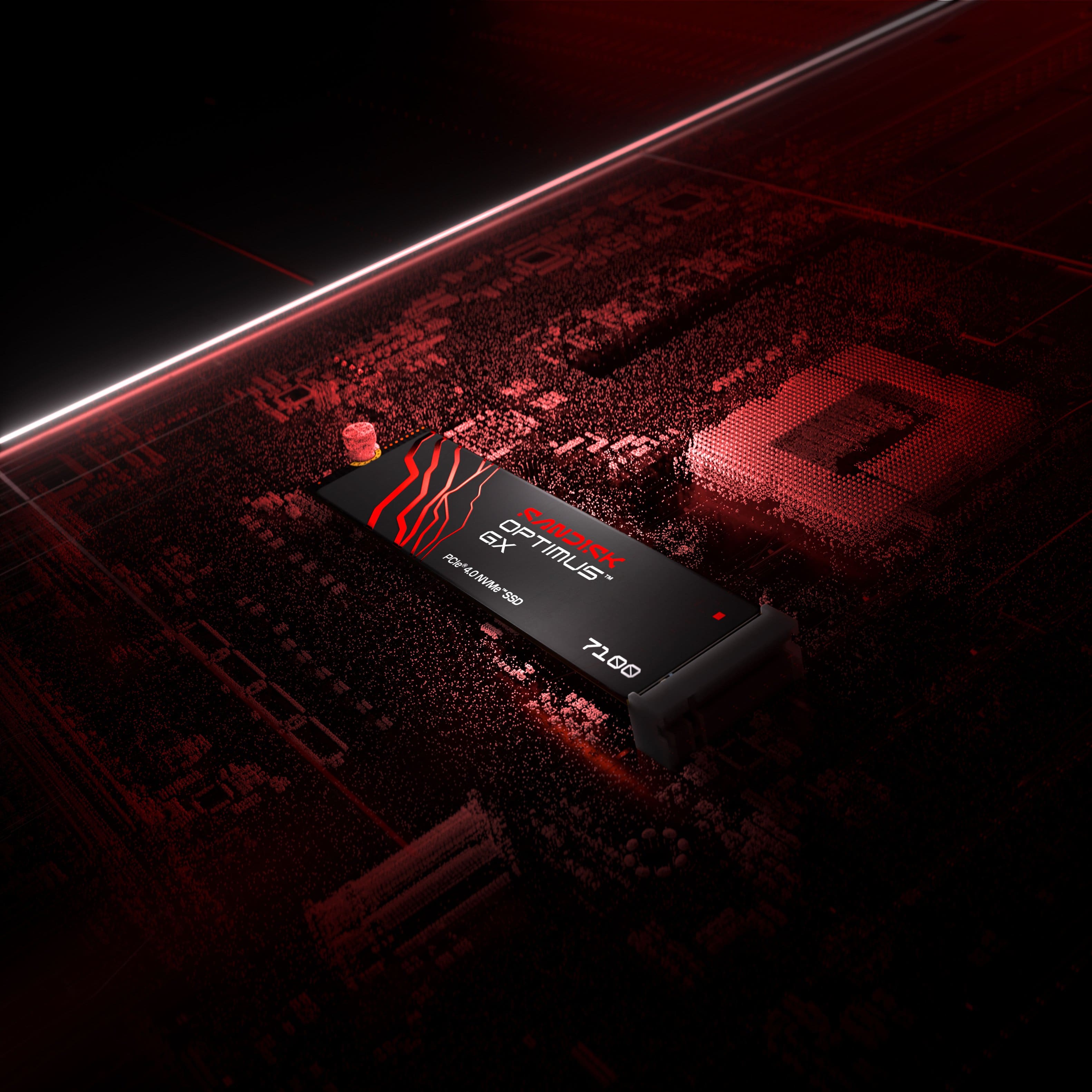
|Posted .This reviewer received promo considerations or sweepstakes entry for writing a review.This drive is absolutely top notch. I have had a number of storage options (including various NVMEs) and this one stands head and shoulder above the rest. The build quality is great which is to be expected from a top company in the space and it just absolutely rips. I installed this on my secondary m2 slot on my mobo and I have been so impressed that I am very tempted to go through the general hassle of making it my primary for my OS and everything else. It really is that good. I don't have any benchmarks to offer outside of a general surprise at how fast the read/write is. In my gaming experience I have found myself recording a lot of gameplay footage for various reasons. With previous drives I have been nervous to record segments too long out of fear that it would bog down my system when I finished recording. All of that seems to have gone away with this drive. I feel like I can record as long as I need and when I want to cut to a new recording I won't miss a beat. This is truly a wonderful drive and well worth it if you need an upgrade
I would recommend this to a friendNo more juggling installed games
|Posted .This reviewer received promo considerations or sweepstakes entry for writing a review.I originally intended to use this to upgrade my hard drive in my ROG Strix with 5070 graphics. I read about its power saving tech along with its blazing speed. I’m not even sure my hard drive is a bottleneck of any sort, but cutting edge is cutting edge and gamers need the good stuff, right? I actually intended to use the free Acronis True Image software that Sandisk provides free but when I opened my laptop, I was delighted to find there are two hard drive slots! I was going to clone my main windows drive and turn the Sandisk into my primary, but I figured I could install all of my games to the Sandisk because that would be the drive accessing game data. I’m not sure if that’s correct for quickest loading in my use case, but it saved me any potential hassles transferring windows. Upon install, windows formatted my 2nd drive, I named it G: for games and reinstalled my Steam library there. It has been rocking for the past week and everything feels as fast as ever. No errors, no problems with heat, battery seems the same. I’m very happy!
I would recommend this to a friendGreat performer at a reasonable price
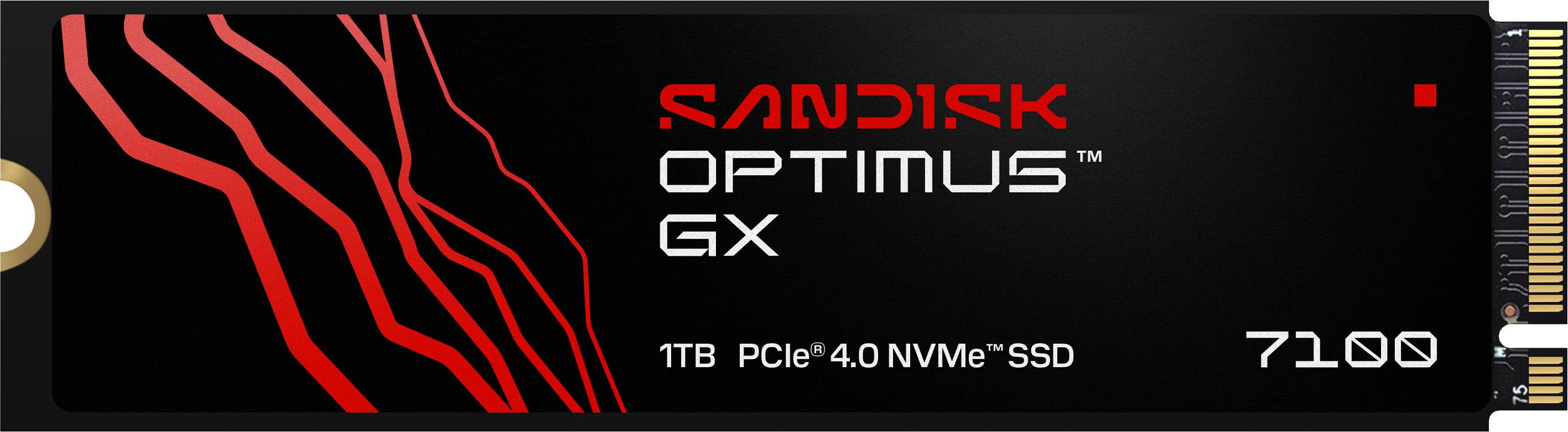
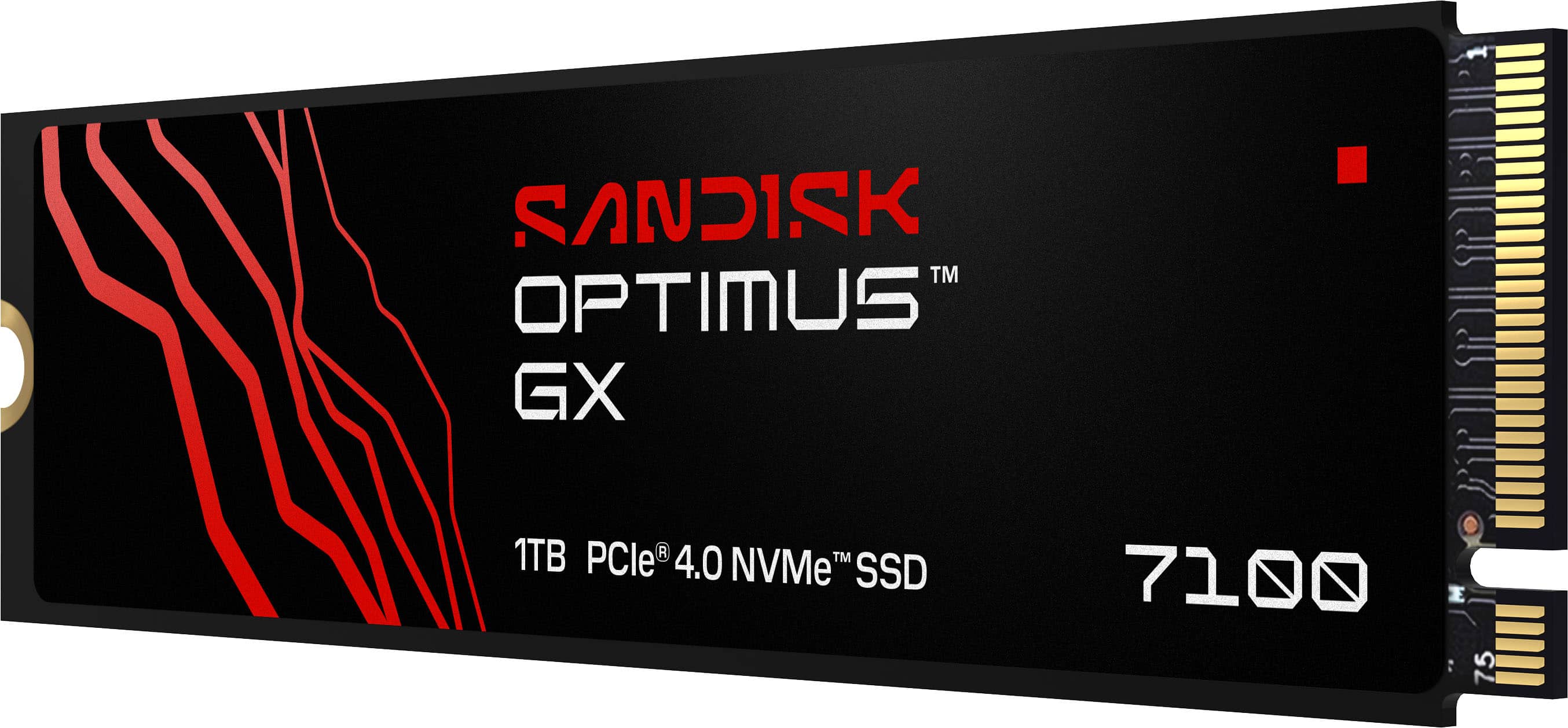
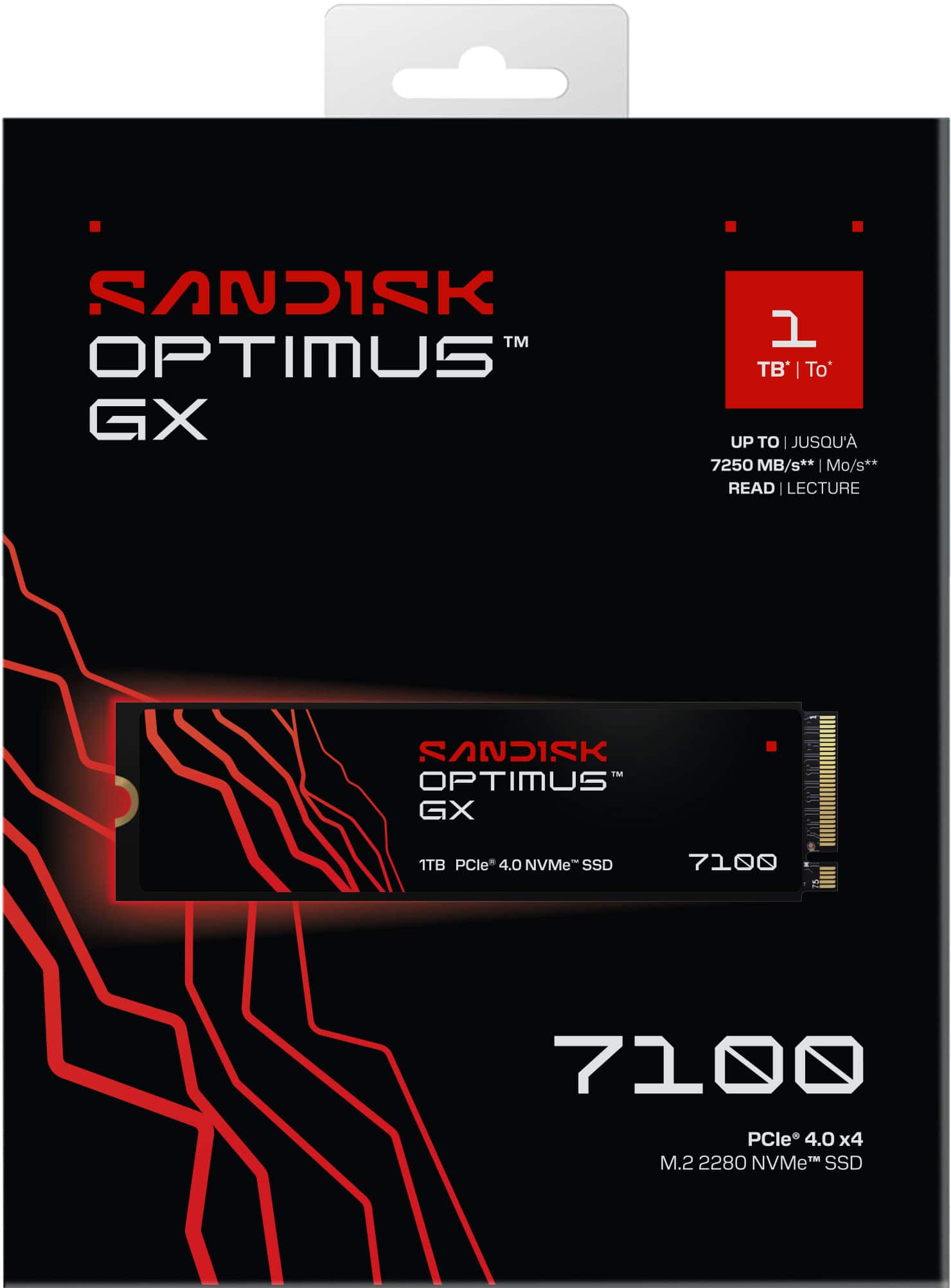
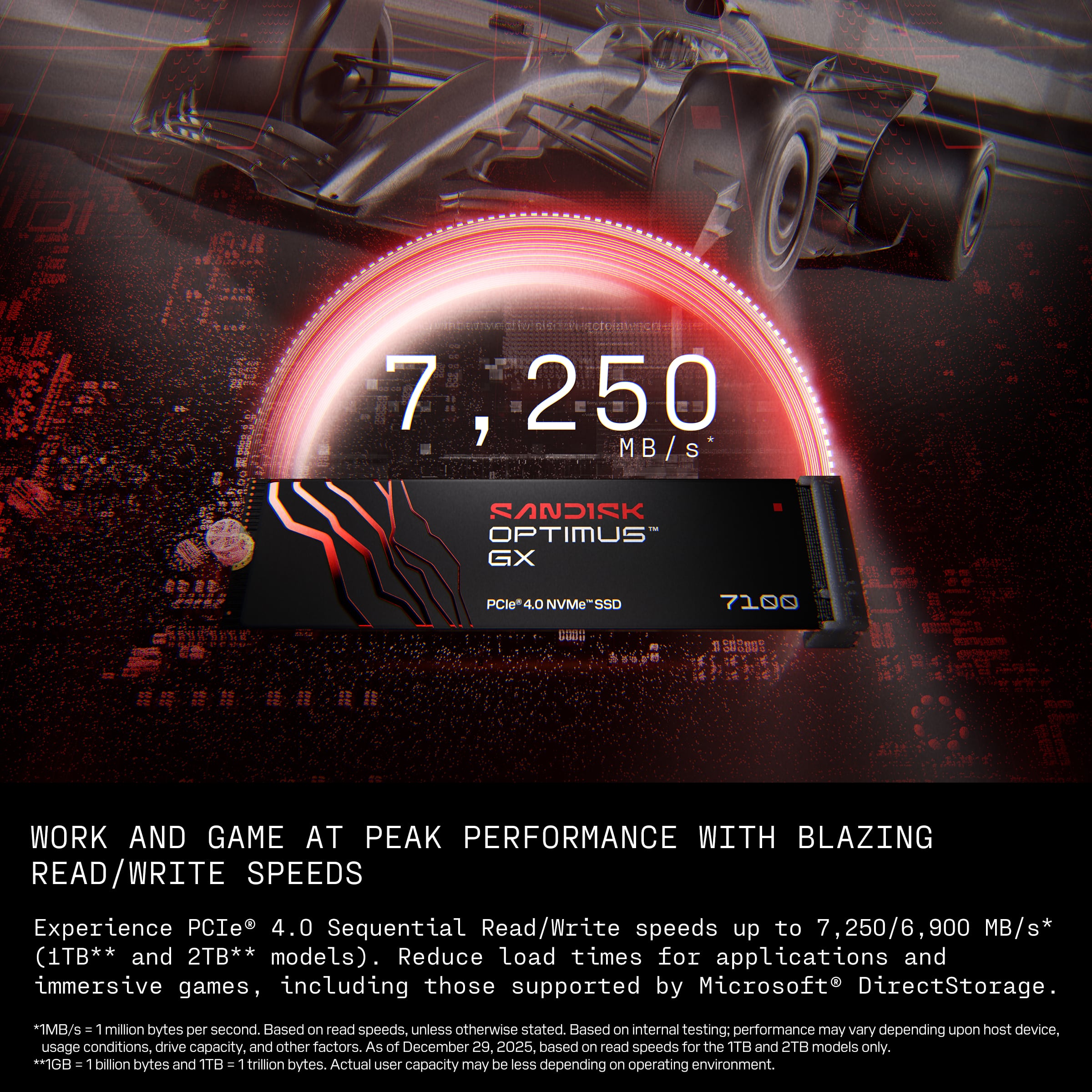
|Posted .This reviewer received promo considerations or sweepstakes entry for writing a review.The SanDisk Optimus is the new branding for the popular and highly regarded WD Black Western Digital drives. It has a PCIe 4.0 interface, so it is not as fast as the latest PCIe 5.0 generation, however, it is a very worthy performer at its price point. The max read rate of 7,250 MB/s and write of 6,900 MB/s put it near the top end of comparable 4.0 drives. I replaced a stock M.2 data drive with this one by putting the drive in a USB enclosure and cloning the drive on my Windows PC. I then swapped them out with no issues. I have several games installed on this drive and noticed faster startup time by several seconds when loading from the Optimus drive. I also downloaded the SanDisk Dashboard tool, with it you can check for firmware updates and report on operational information such as drive health, temperature along with other performance metrics. The firmware on my drive was current and did not require an update. With a 5 Year warranty and the reputation and reliability of WD drives you absolutely can’t go wrong with this drive.
I would recommend this to a friend