- PC requirements
- PC Processor Speed: 1GHz
- PC Operating System: Windows 7, Windows Vista, Windows XP, Windows 2000, Windows Server 2008, Windows Server 2003
- PC System Memory: 512MB RAM
- PC Hard Drive Space: 250MB
- PC Drive Type and Speed: CD
- Other
- Platform: Windows
- Genre: Educational
- UPC: 694976015009
Your computer is an excellent tool for creating amazing presentations, dynamic reports and stunning photographs, but sometimes you wish you had something extra to enhance your documents. With Screenshot Reader, you can easily capture and insert images of your computer screen into your files. Whether you want to grab a clever image, create an image of a well-designed Web site or simply capture that error message that popped up when your program crashed, Screenshot Reader makes it easy.
Easily create images of your computer screen to be used in other applications or documents with Screenshot Reader. Capture a part of your screen, cut it from your clipboard and paste it into Microsoft Word, Excel, PowerPoint or a graphic file. If you have images, PDFs or Flash files with text, use Screenshot Reader to easily select the text and convert it for use in another document. Snag a screenshot of an error message to make it easier when troubleshooting your computer. Gather multiple screenshots to compile instructions and comprehensive how-to guides. With the convenient tools of Screenshot Reader, you'll be able to enhance your presentation, report or other documents with ease.
Today's top picks
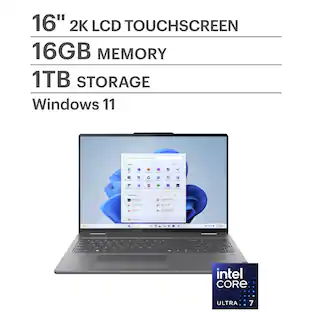 $749.99The price was $1,049.99
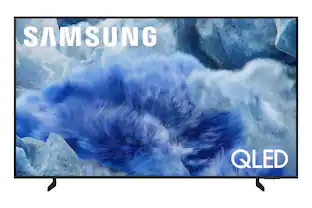 $599.99The price was $899.99
 $499.00The price was $749.00
 $1,399.99The price was $1,799.99