- MAC requirements
- Mac Processor Type: Intel® processor
- Mac Operating System: Macintosh System 10.5.8
- Mac System Memory: 1GB RAM
- Mac Hard Drive Space: 700MB
- Mac Video: ATI Radeon x1600 or Nvidia GeForce 8600M video card
- Mac Additional Requirements: 64-bit guest operating systems require an Intel® 64-capable processor, 5GB free disk space for each virtual machine
- Other
- Platform: Mac
- Genre: Educational
- UPC: 814223010018
Whether you're looking to take the leap to Mac for the first time, need to access Windows-devices on your Mac or want to run Windows and Mac operating systems side-by-side on your computer, VMware Fusion 4 makes the process as easy and seamless as possible. This easy-to-use program comes with a Migration Assistant for Windows to help you transfer your entire PC to your Mac, allowing you to retain access to your Windows programs and all your files directly on your Mac. The easy-install feature for running Windows XP, Vista or 7 on your Mac makes the process simple and quick so you can begin running Windows-only programs, including Microsoft Project, Access and Internet Explorer, right away. Even Windows-only USB and Bluetooth devices are made available to use on your Mac.
VMware Fusion 4 lets you run Mac and Windows applications side-by-side without the need to reboot. Optimized for 64-bit multicore processors and Mac OS X Lion, VMware Fusion 4 offers incredible speed and reliability. Use Mac shortcuts and OS X Lion gestures to interact with Windows programs with ease, and launch programs directly from the Dock, Spotlight or Launchpad. With 18 months of e-mail support and a 12-month complimentary subscription to McAfee VirusScan Plus to protect your Windows environment, VMware Fusion 4 as everything you need to access the best of both worlds.
Today's top picks
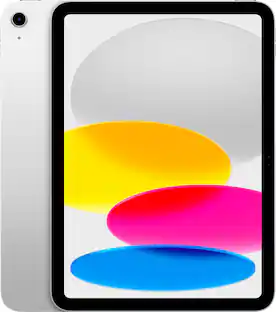
 $19.98The price was $59.99
 $219.99The price was $329.99
 $199.99The price was $249.99
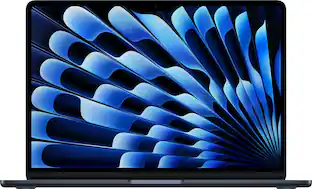 $949.00The price was $1,099.00
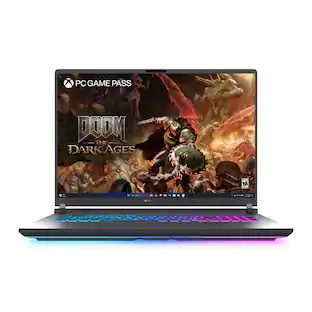 $2,849.99The price was $3,299.99