Customer Ratings & Reviews










- Model:
- 5946C002
- SKU:
- 6544753
Rating by feature
- Value
Rating 4.3 out of 5 stars
- Quality
Rating 4.4 out of 5 stars
- Ease of Use
Rating 4.6 out of 5 stars
Customers are saying
Customers commend the PowerShot V10 for its amazing video quality and ease of use, noting its small size is perfect for traveling. The inclusion of a touchscreen and built-in stand are also appreciated features. However, some customers express concerns about the battery life and the lack of zoom and flash capabilities.
This summary was generated by AI based on customer reviews.
- Pros mentioned:Video qualityCons mentioned:Battery life, Overheating, Zoom

Interesting, but perhaps too little, too late?
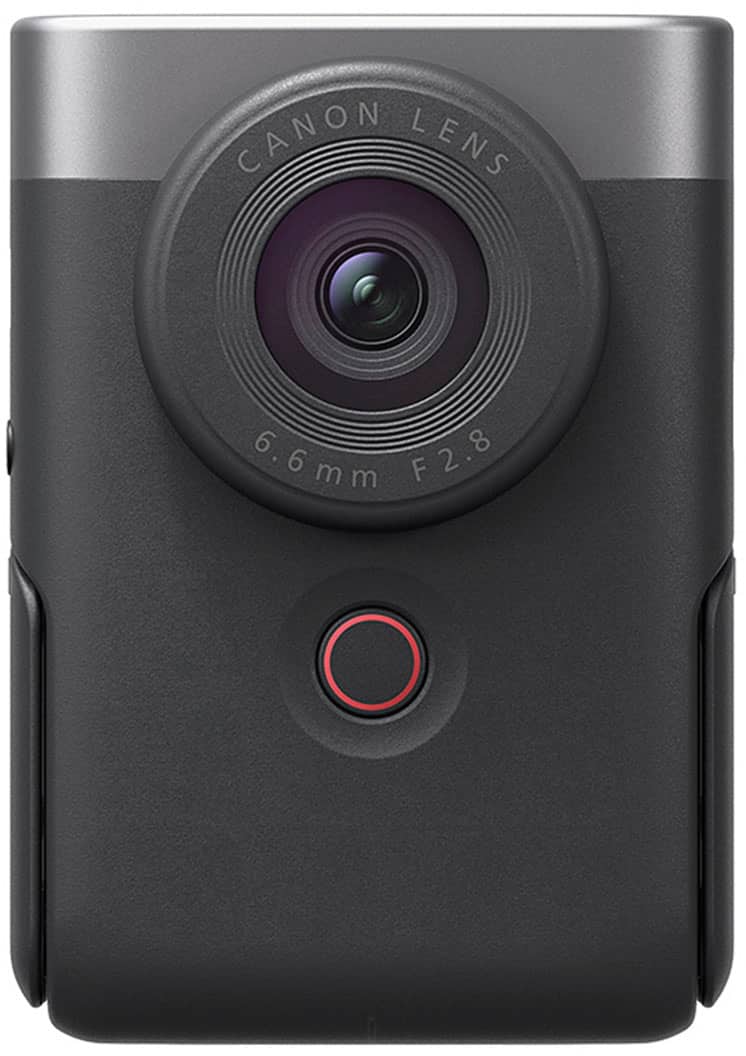
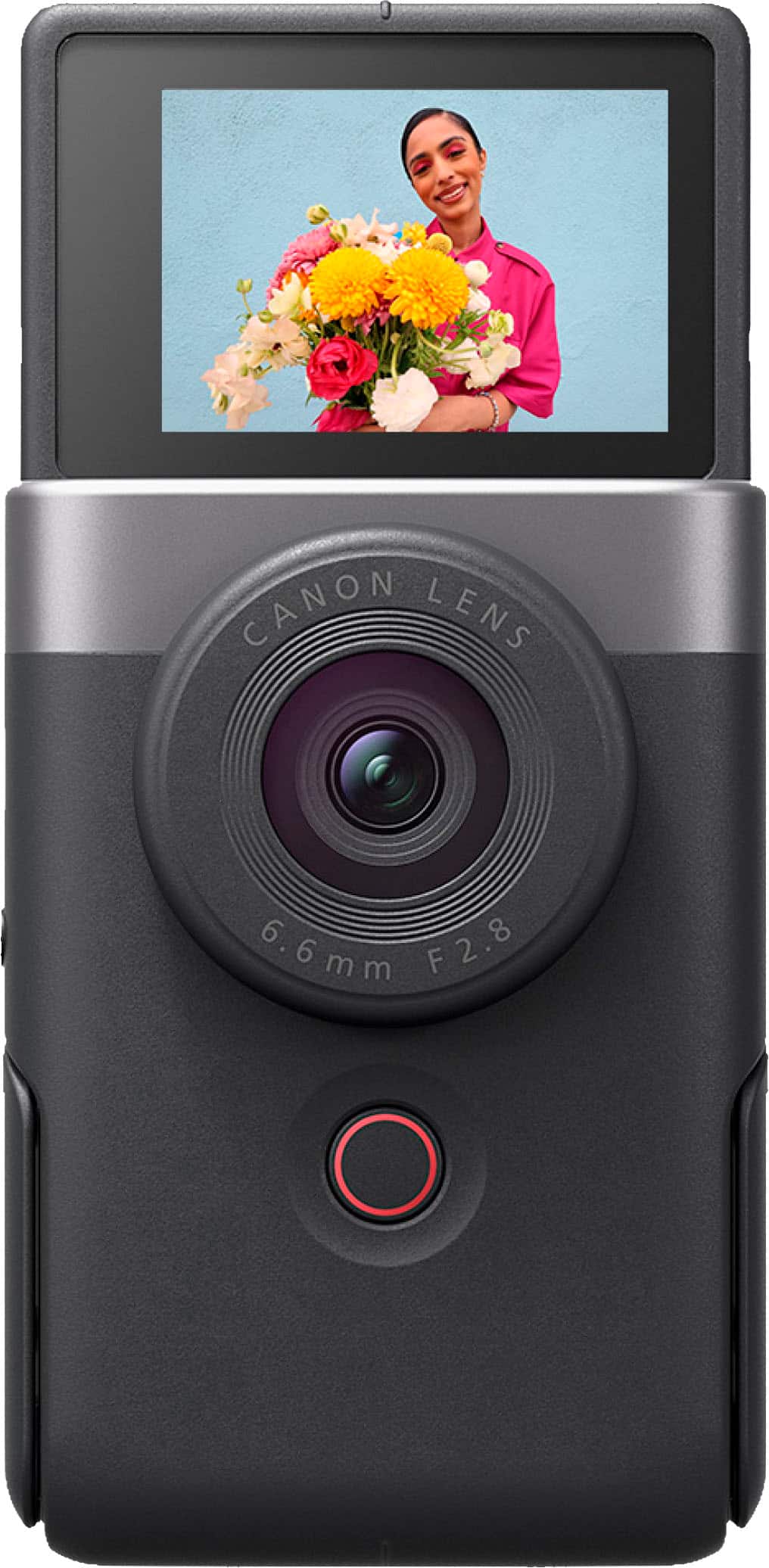
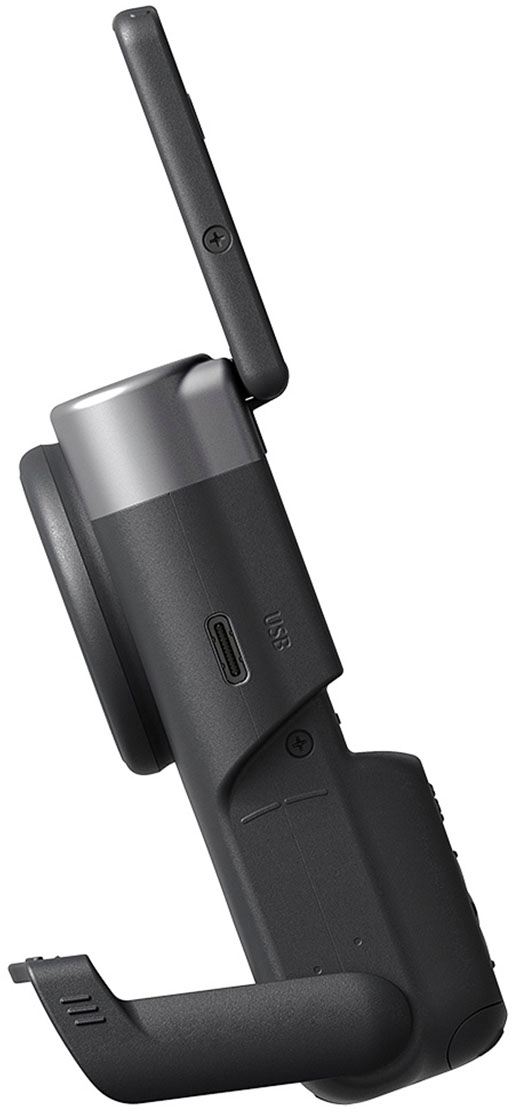
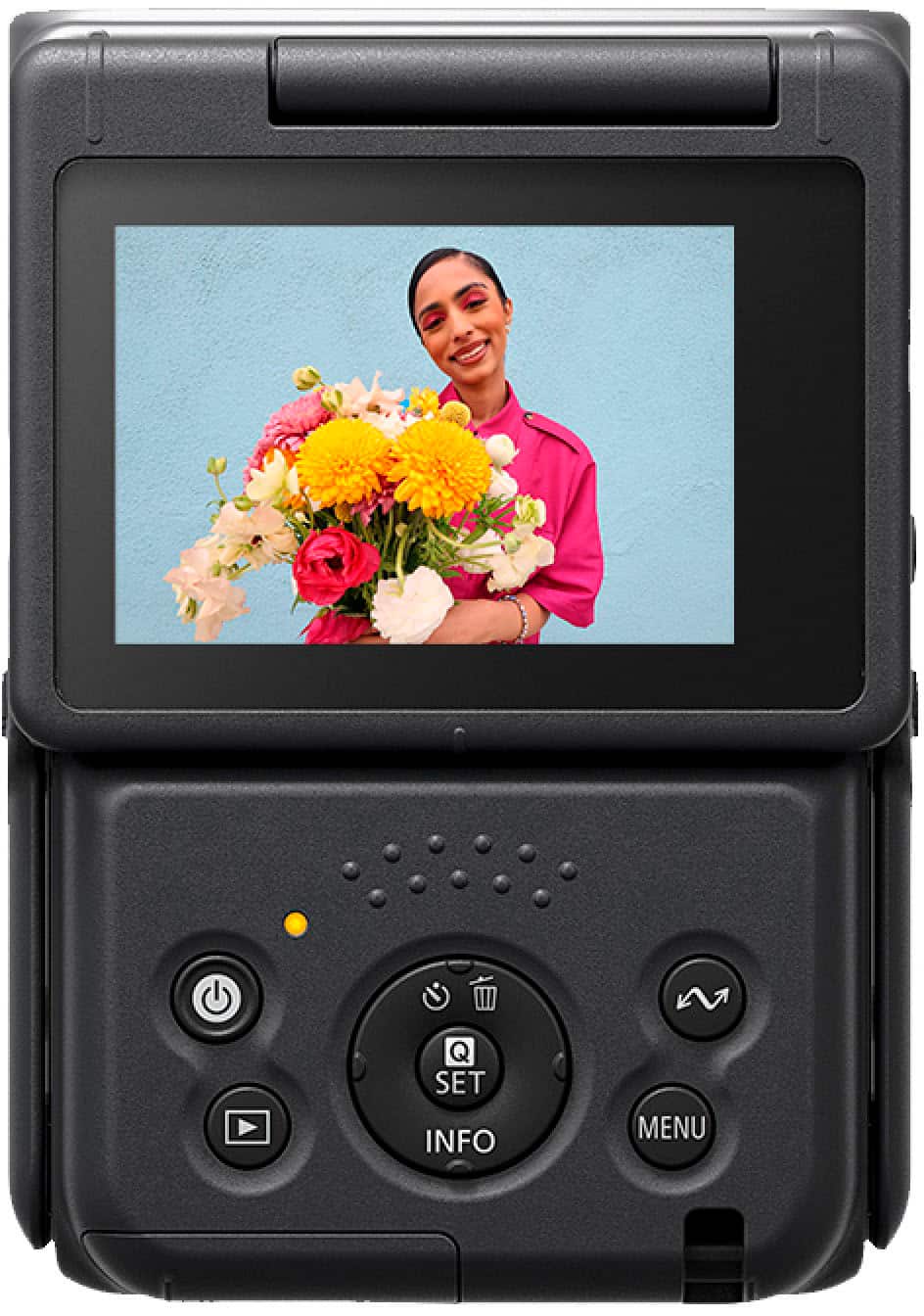
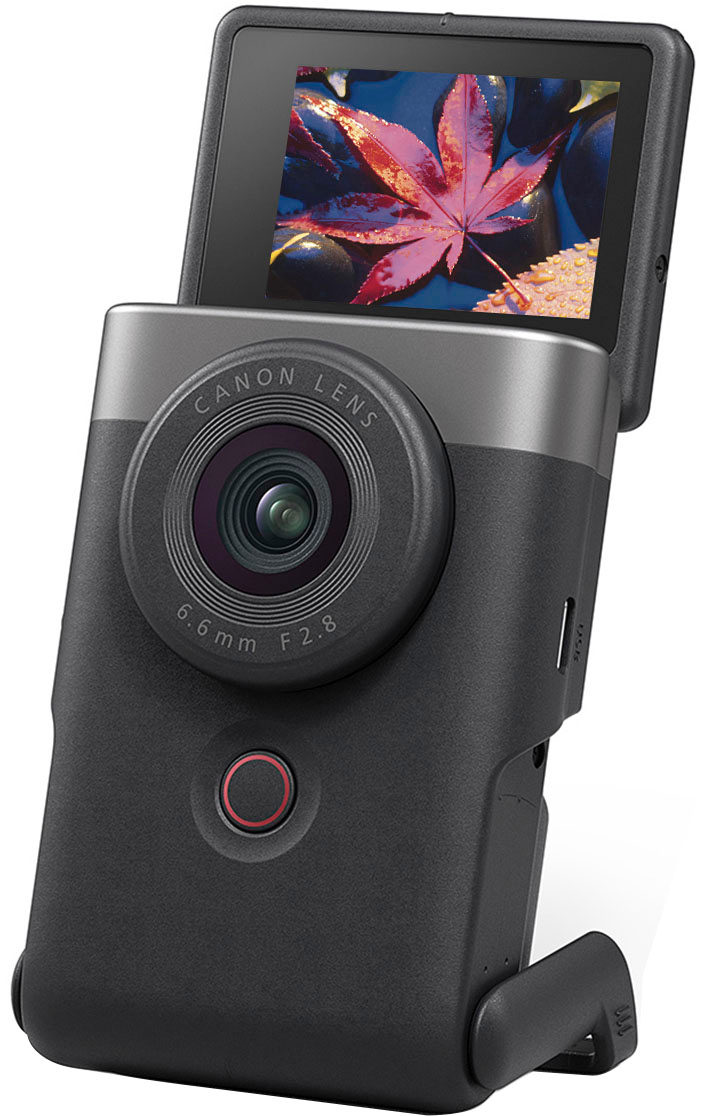
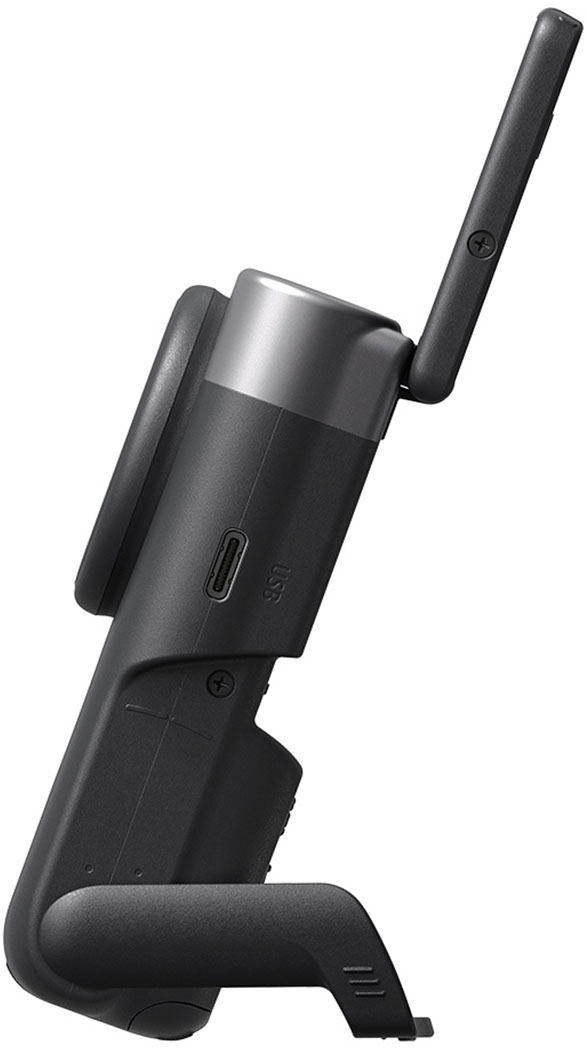
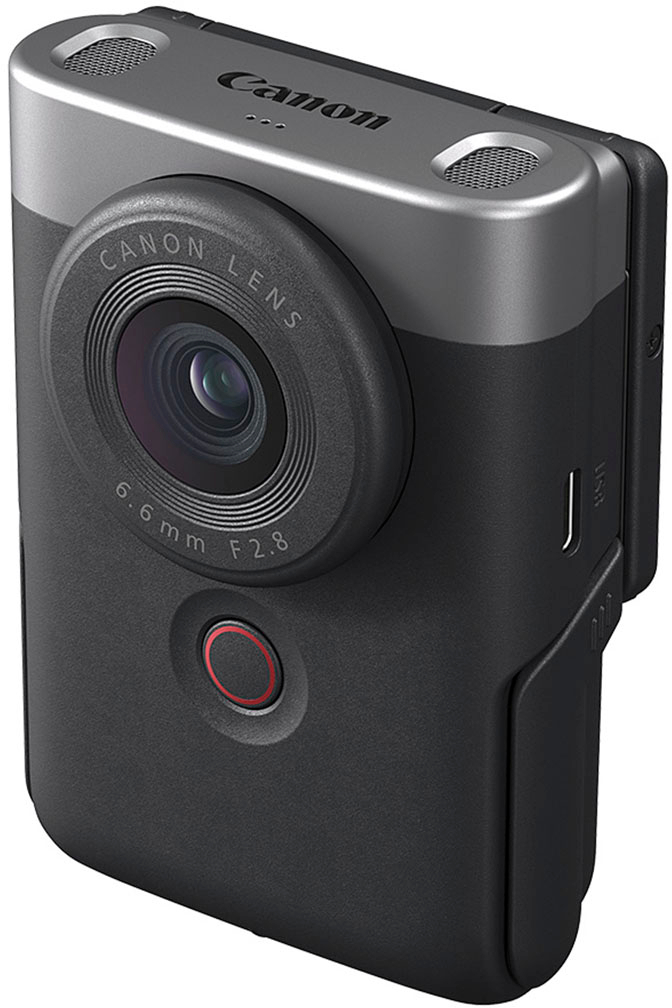
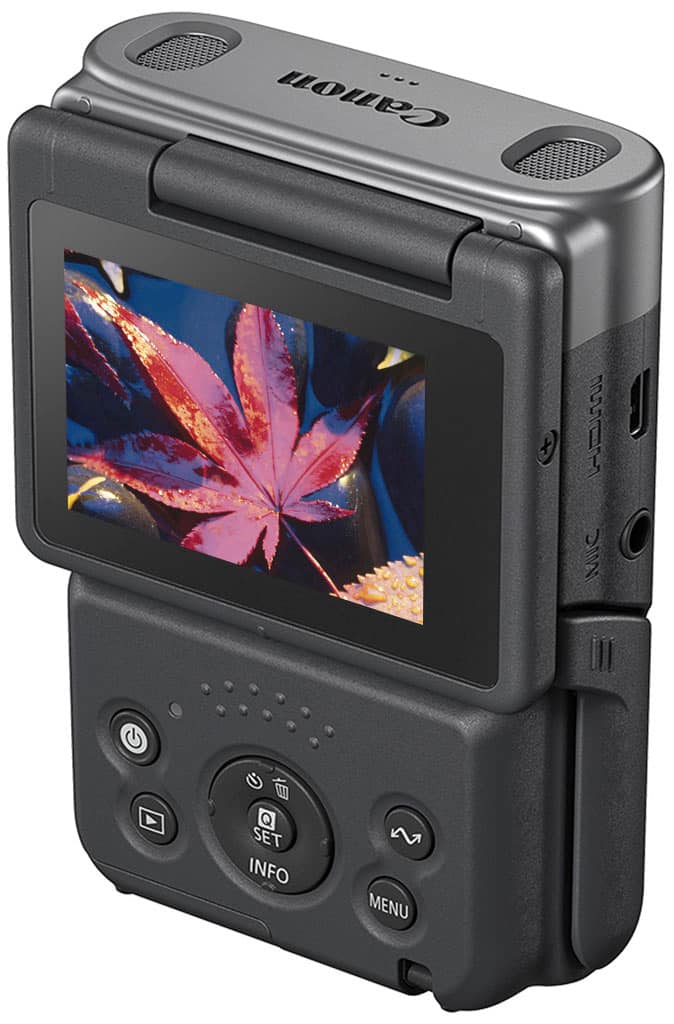
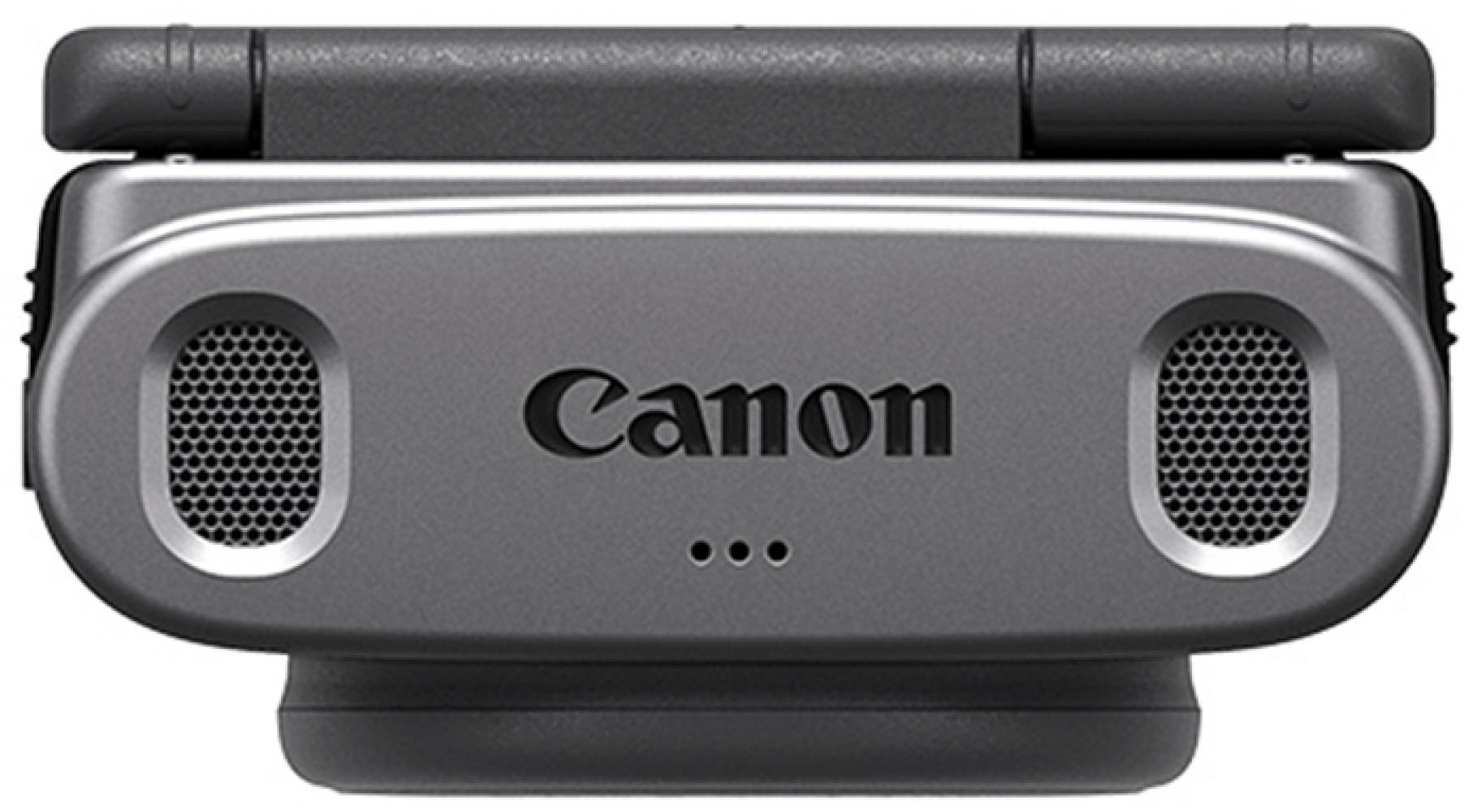
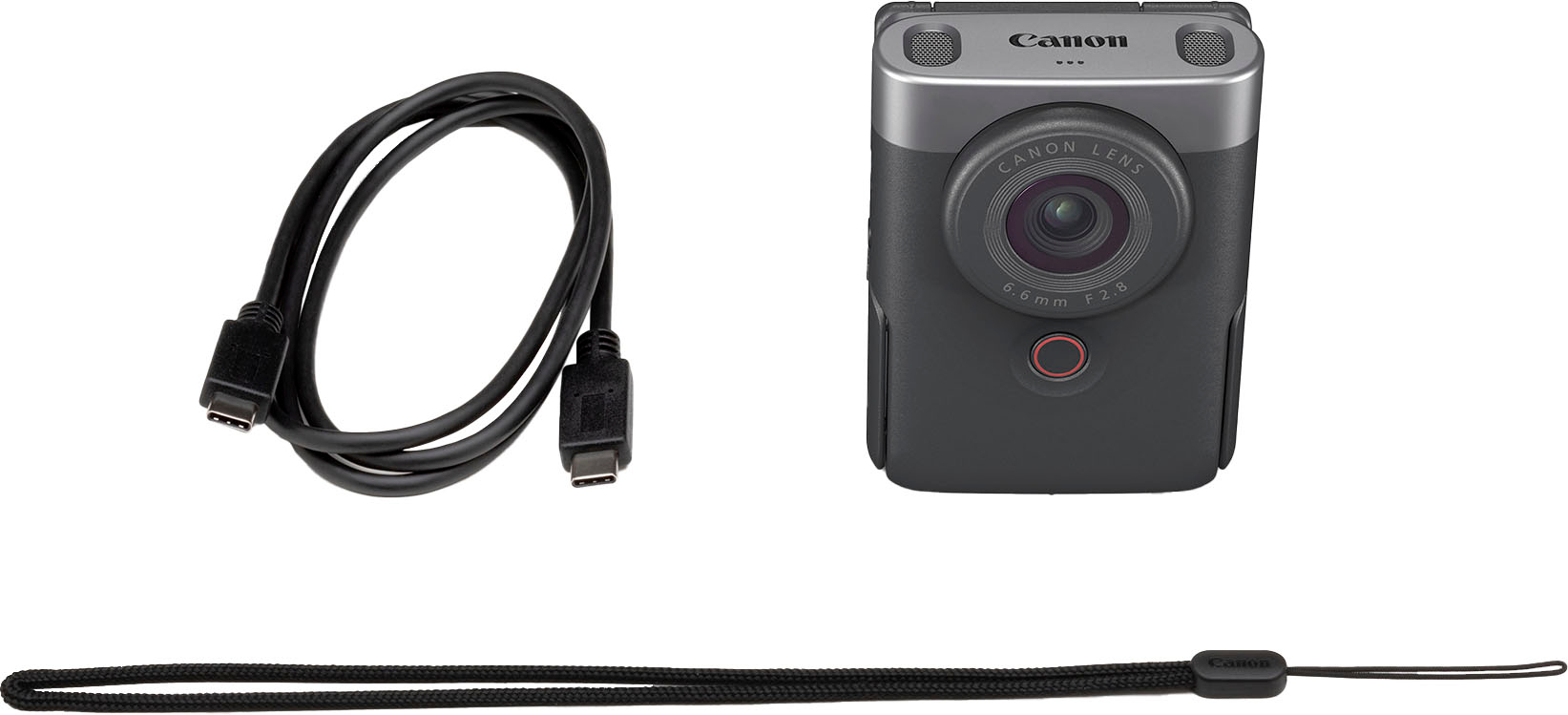
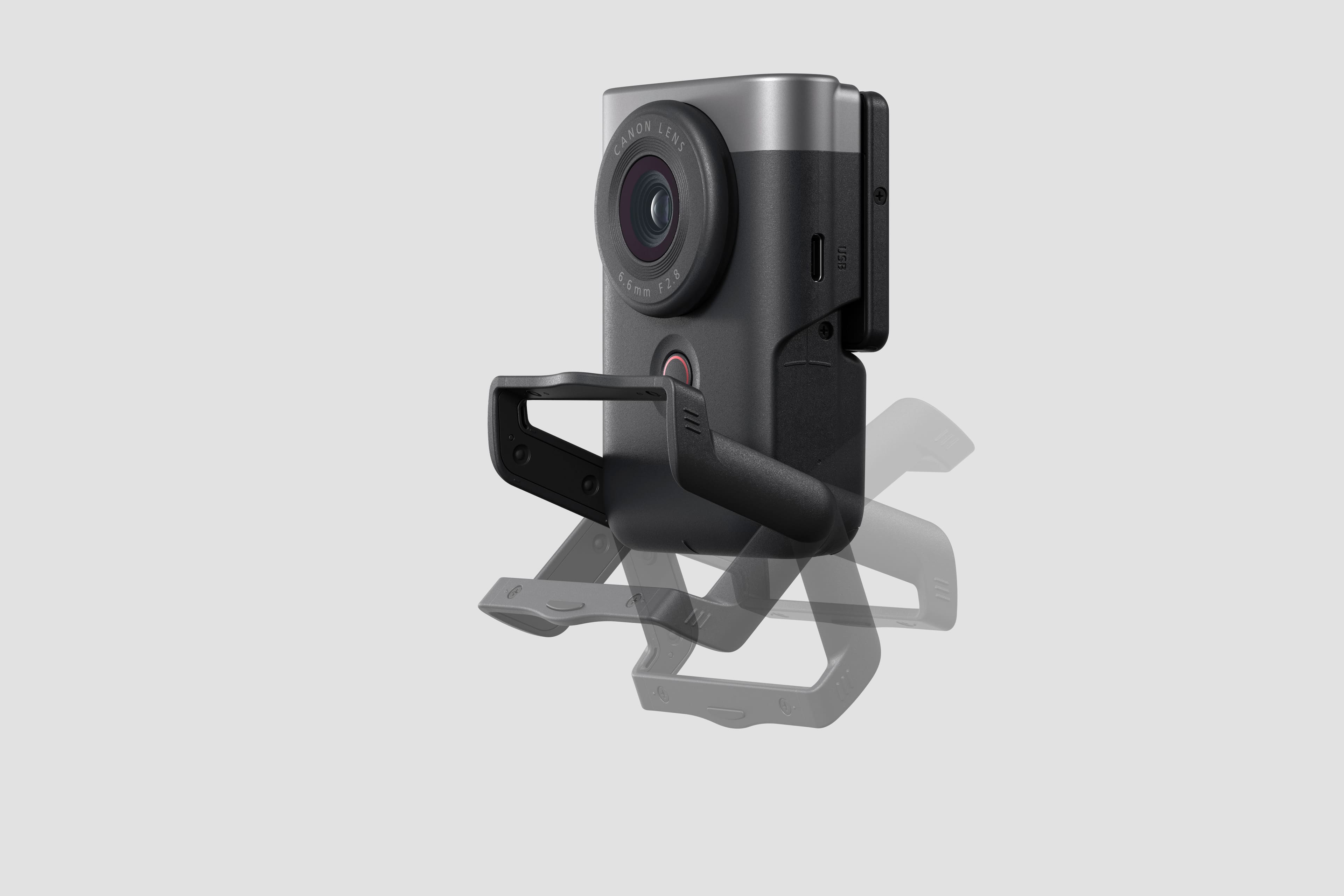
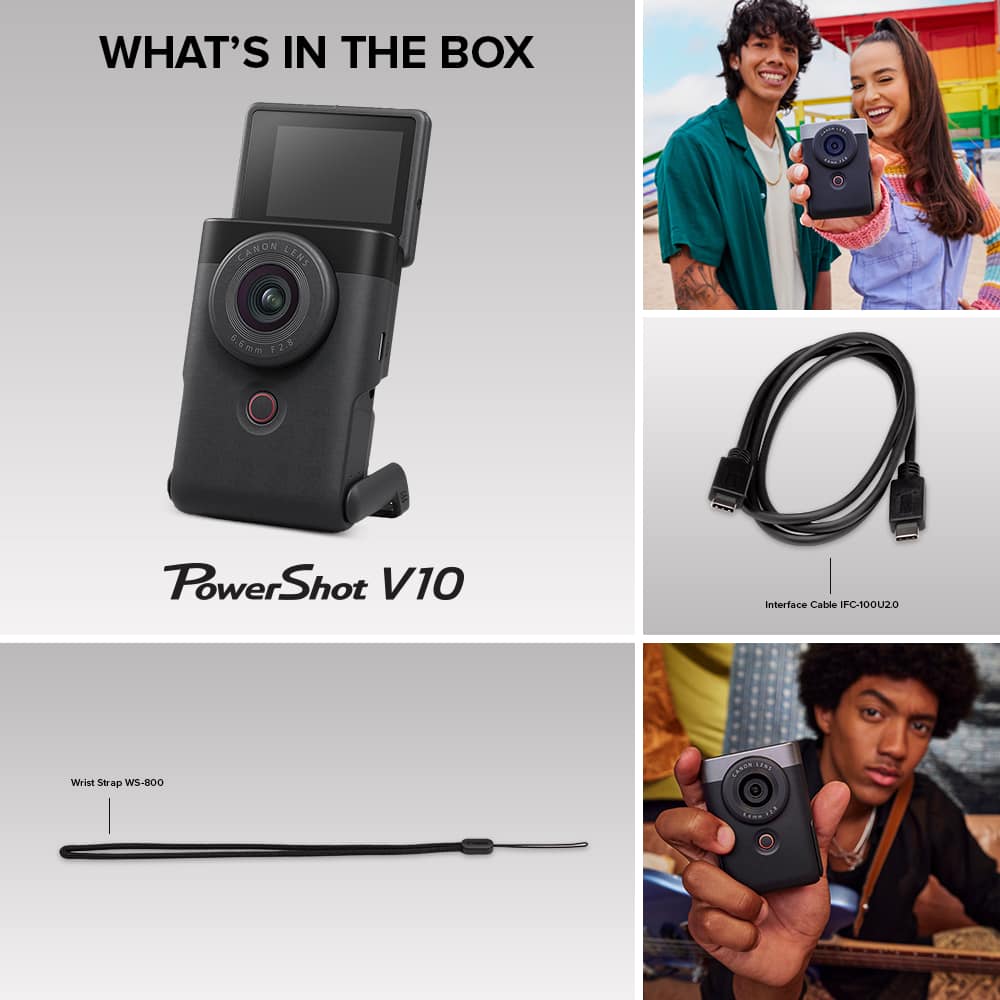
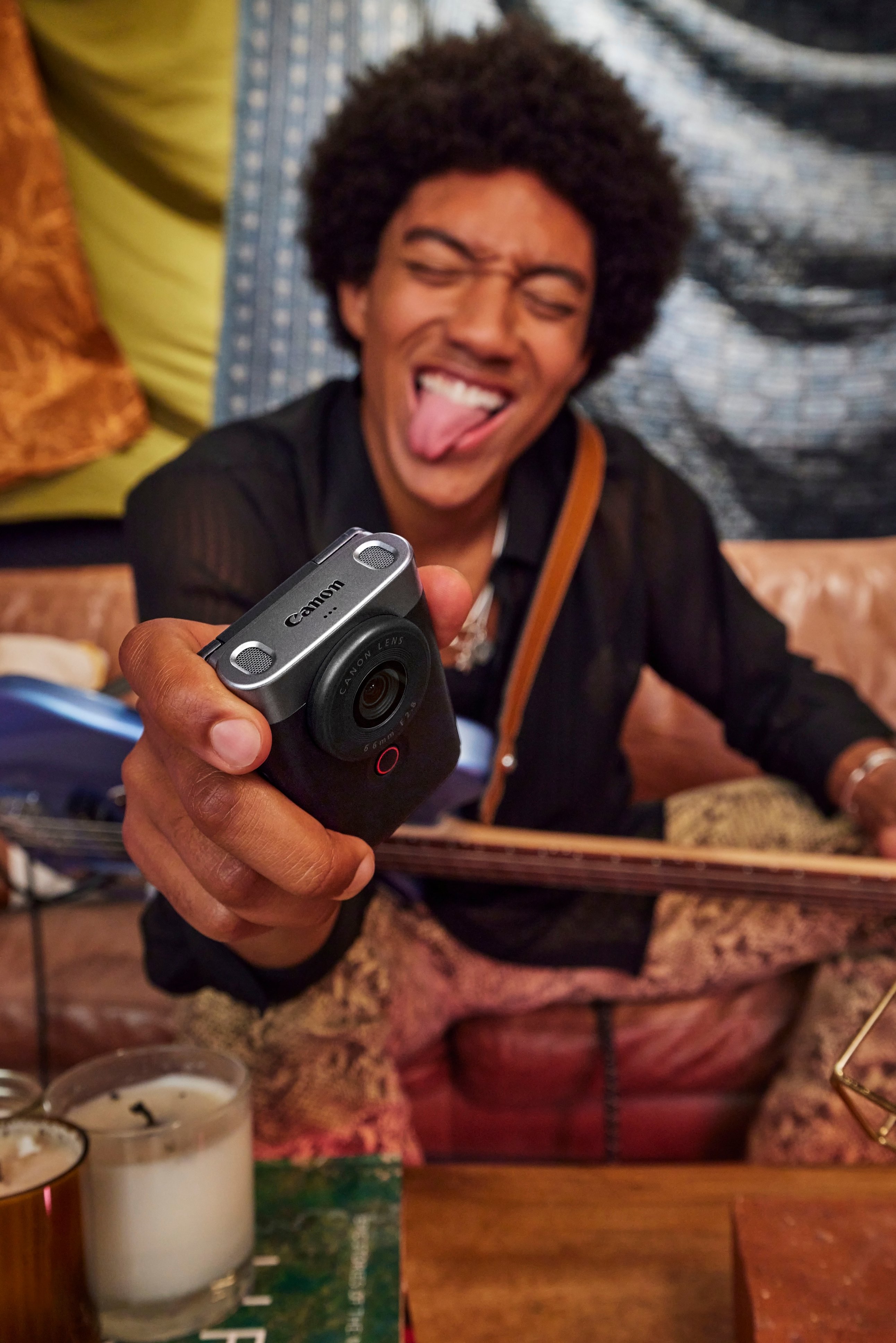
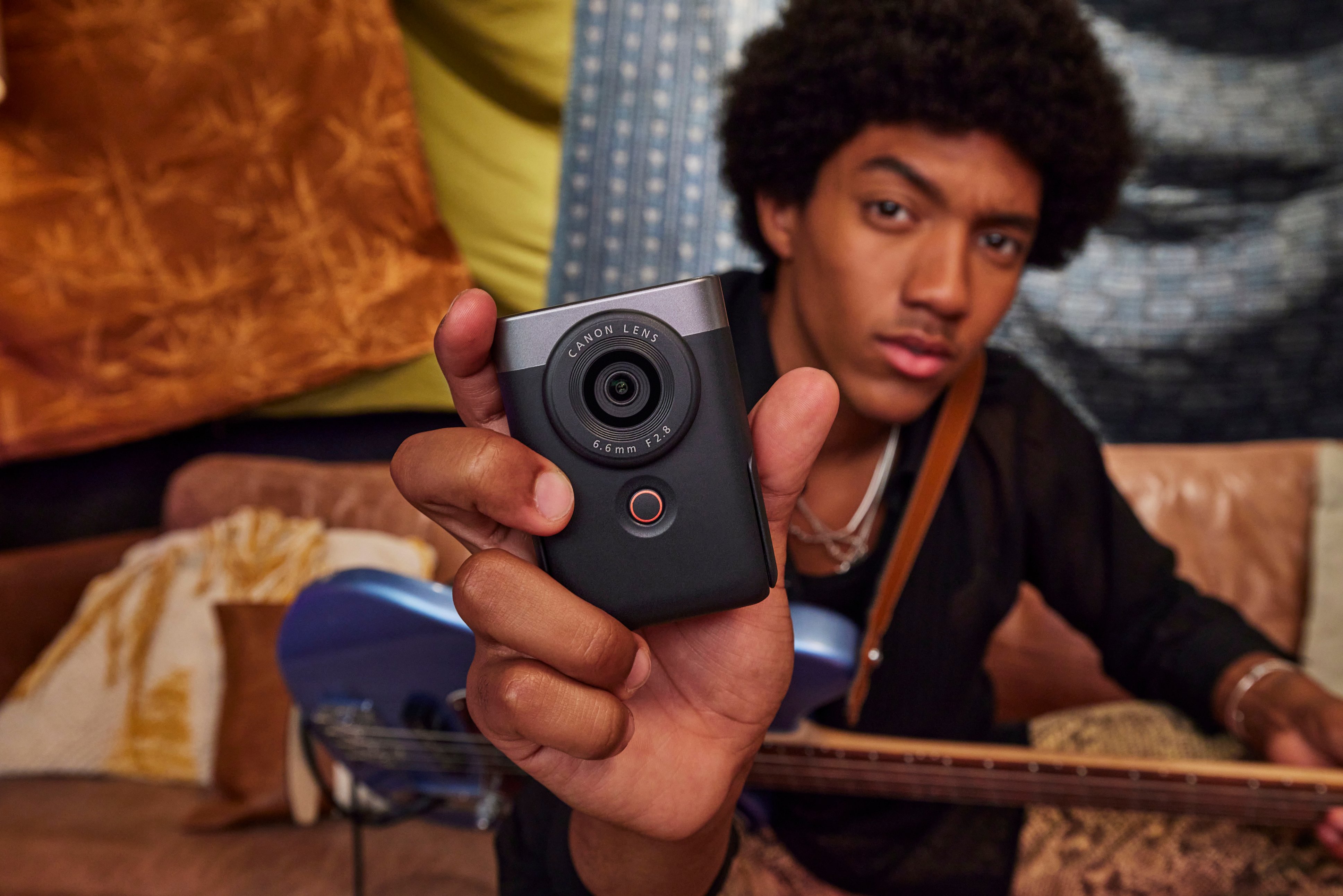
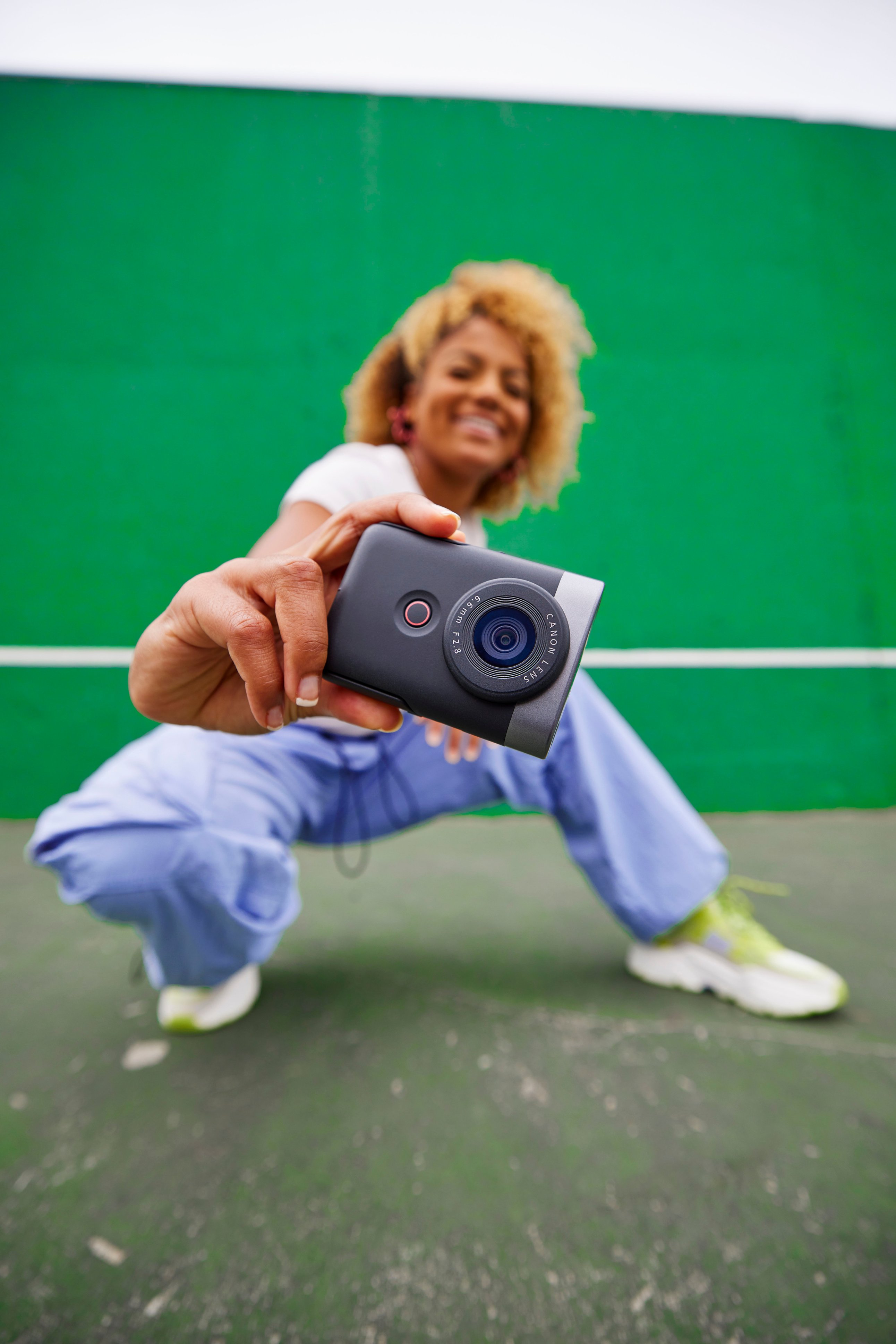

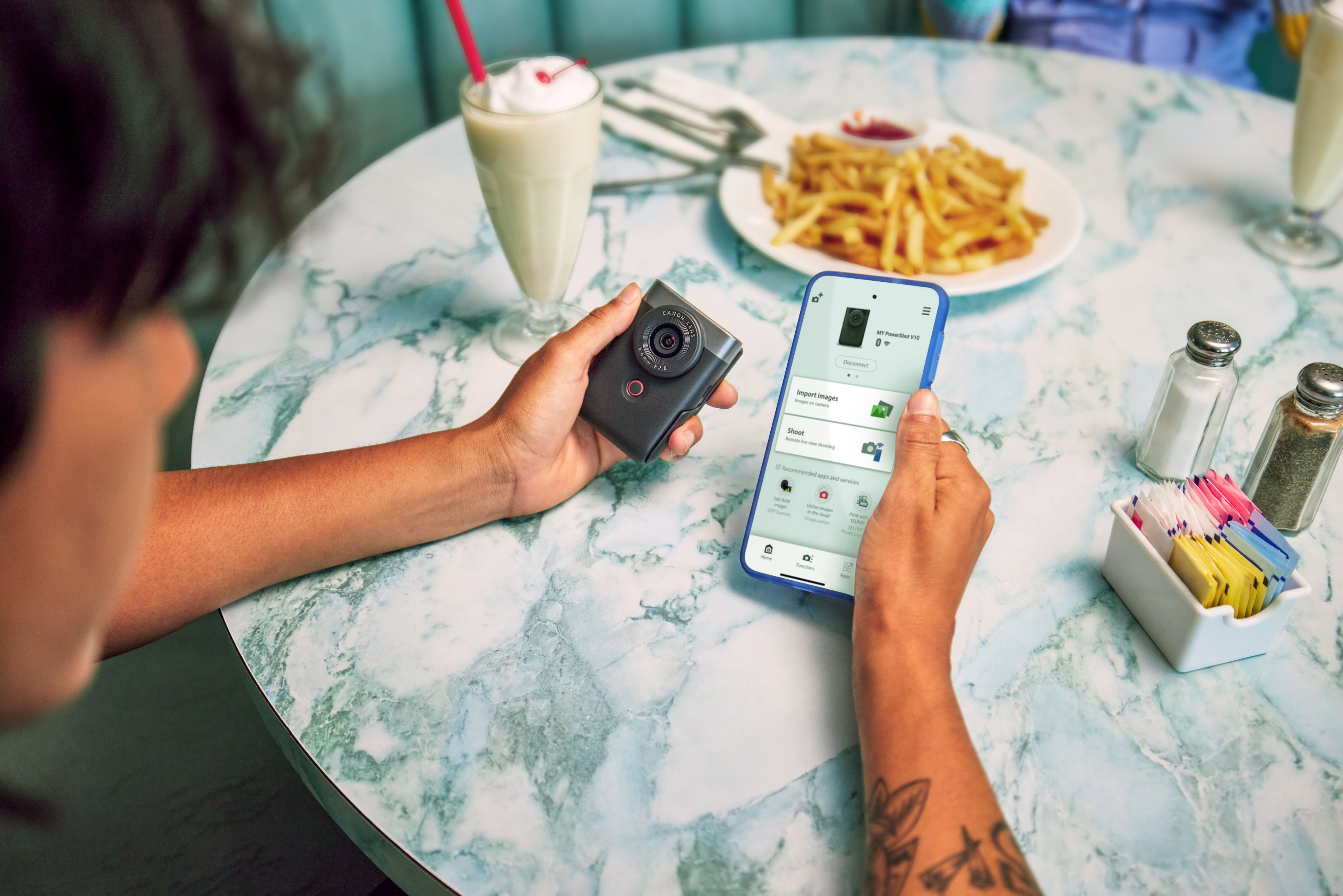
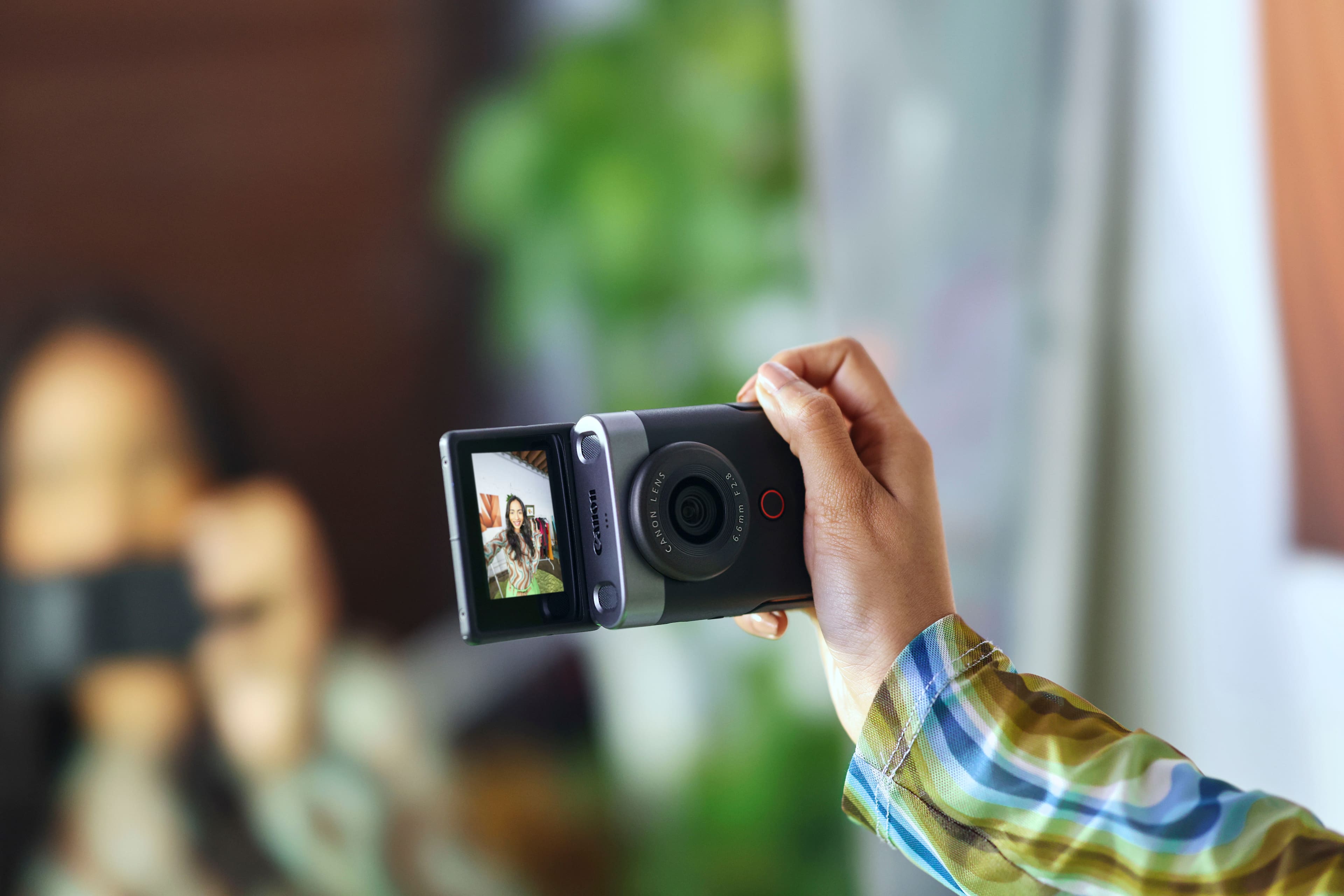

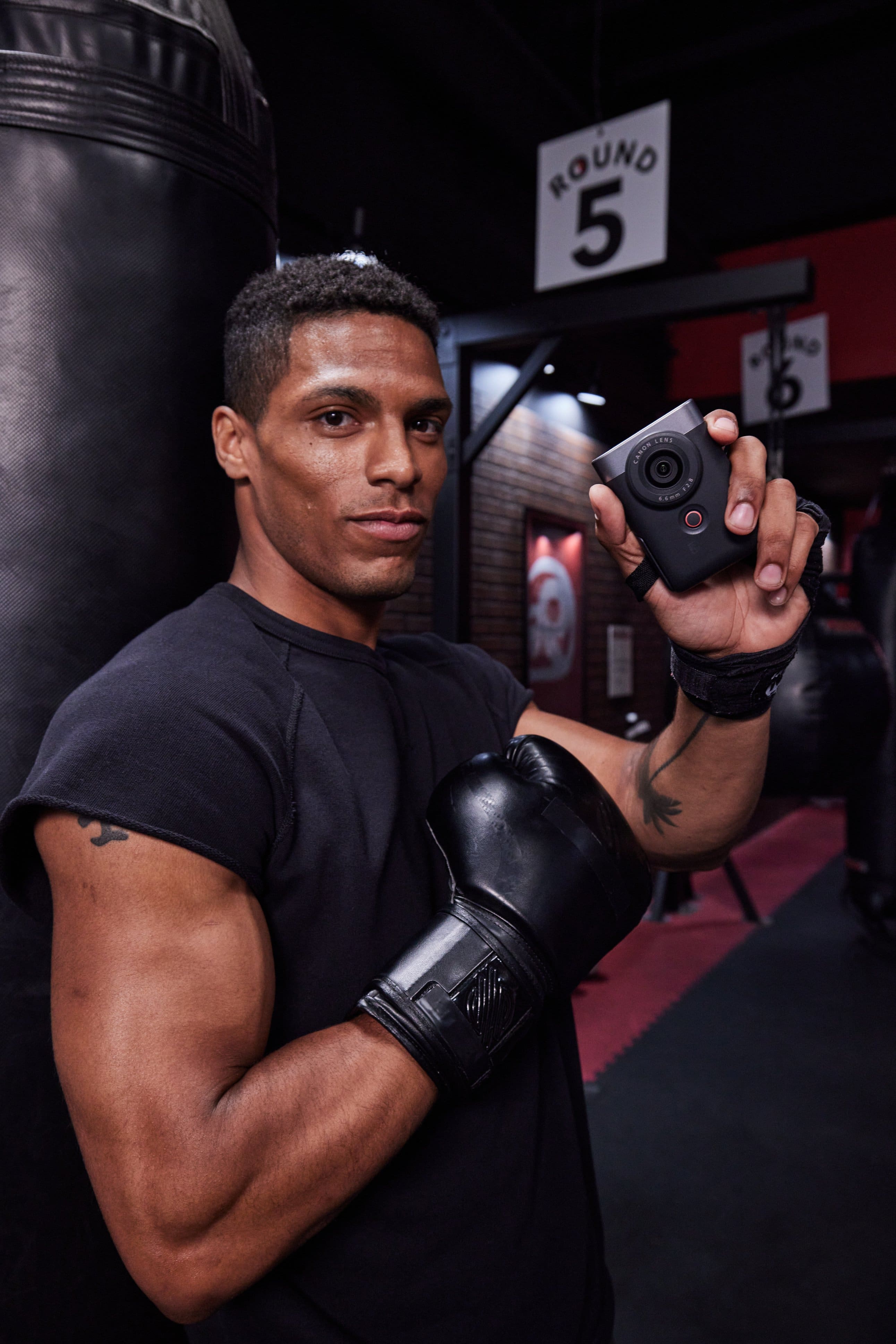

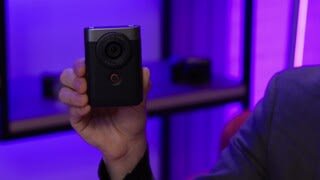
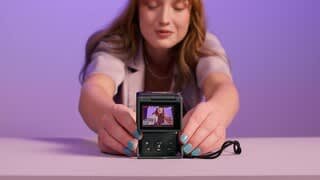
|Posted .This reviewer received promo considerations or sweepstakes entry for writing a review.The Canon V10 “vlog” camera is unique and different for sure. It’s surprisingly small at only roughly around 3.5 by 2.5 by 1.5 inches – almost too small to comfortably hold, but it does have a matt black finish that gives it some grip, and comes with a wrist lanyard which I strongly suggest using to prevent dropping it. The camera has a 2 inch viewable screen that lays flat against the body, but can be flipped up to face you when doing selfie-style video or photos. The 35mm equivalent lens is fixed, so no optical zoom is available, though you can do a little digital zooming if need be. There is no lens cap included (!!!). The internal battery cannot be removed or replaced, and allows for one hour of recording, give or take, depending on your settings, and the camera is charged via USB-C (cable included). Very small button controls are on the back that allow all basic functions and access to a multi-page menu system that allows a larger variety of settings adjustments. The controls are tiny though, but the screen is a touch screen which helps. In terms of features, the V10 is decent. The 1 inch CMOS sensor takes adequate video and stills. You can record from 1080p (with 1080p being the default in my menu), but you can bump this up to 4K 30 frames per second, although this WILL overheat the camera after roughly 20 minutes. You have control over white balance and colors, with a built-in ND filter, and the two stereo microphones on top record above average sound, with a third smaller mic used to help cancel unwanted background noise. As a matter of fact, there’s a ton of various settings in the menu for iso speeds, white balance, color balance, etc., but I’m not quite sure the average user of this type of device would even use many of these settings, preferring mostly “auto” for ease of use. There is no optical image stabilization, but you can use a so-so digital version, or an “enhanced” digital version that works better, though it will crop your video closer in a bit. Video is wide and overall clear as are the optional 15 megapixel stills you can take, though in my opinion, most smart phones take sharper and more detailed stills, at least. The V10 will follow your face while recording video, or by touching the screen, you can lock focus on another item and it will follow it until you change it (with mixed accuracy results). Recorded sound is also pretty good. There is no internal memory, at all. You need to provide your own high speed Micro-SD card for recording videos. You can go the old school route and remove the card and use a card reader to transfer video to a laptop, or by using the “Canon Camera Connect” app, the V10 will use either Bluetooth and/or WiFi to transfer your videos to your phone to upload to the service of your choice that way. Works mostly well – a little fiddly, and a couple of times the app has crashed, but overall it’s a quick way to get videos into your phone. There’s a small built-in stand you can flip down from the camera body so you can sit the V10 on a stable surface and tilt around up to 30 degrees, but a tripod mount on the bottom also allows you to use regular tripods. The stand can also be used if needed as a handle for the camera should you wish to record vertical videos instead of horizontal. Overall I think the V10 is an interesting camera for what it does, but I think it’s perhaps a little out of time. Had something like this hit the market a few years ago, I think it would be a large hit, but today it’s a bit too little, too late, as most people can and do use their smart phones to do almost everything this camera can do, and their phones are always with them. The fact that no lens cap is included to protect the easily smudged lens is small, but inexcusable. The low amount of recording time per charge may be an issue for some, and no internal memory is in my opinion, a bad omission. Overheating issues so quickly when doing 4K video is another turn-off. There’s a niche market for the V10 and I’m sure some will love the novelty of it, but after having used it I’m afraid I’m in the camp that prefers to use their smart phones for vlogging, photos, and video, over this device in today’s market.
No, I would not recommend this to a friend - Pros mentioned:Size, Video qualityCons mentioned:Battery life, Overheating
Features are hit & miss (slow Auto-Focus)
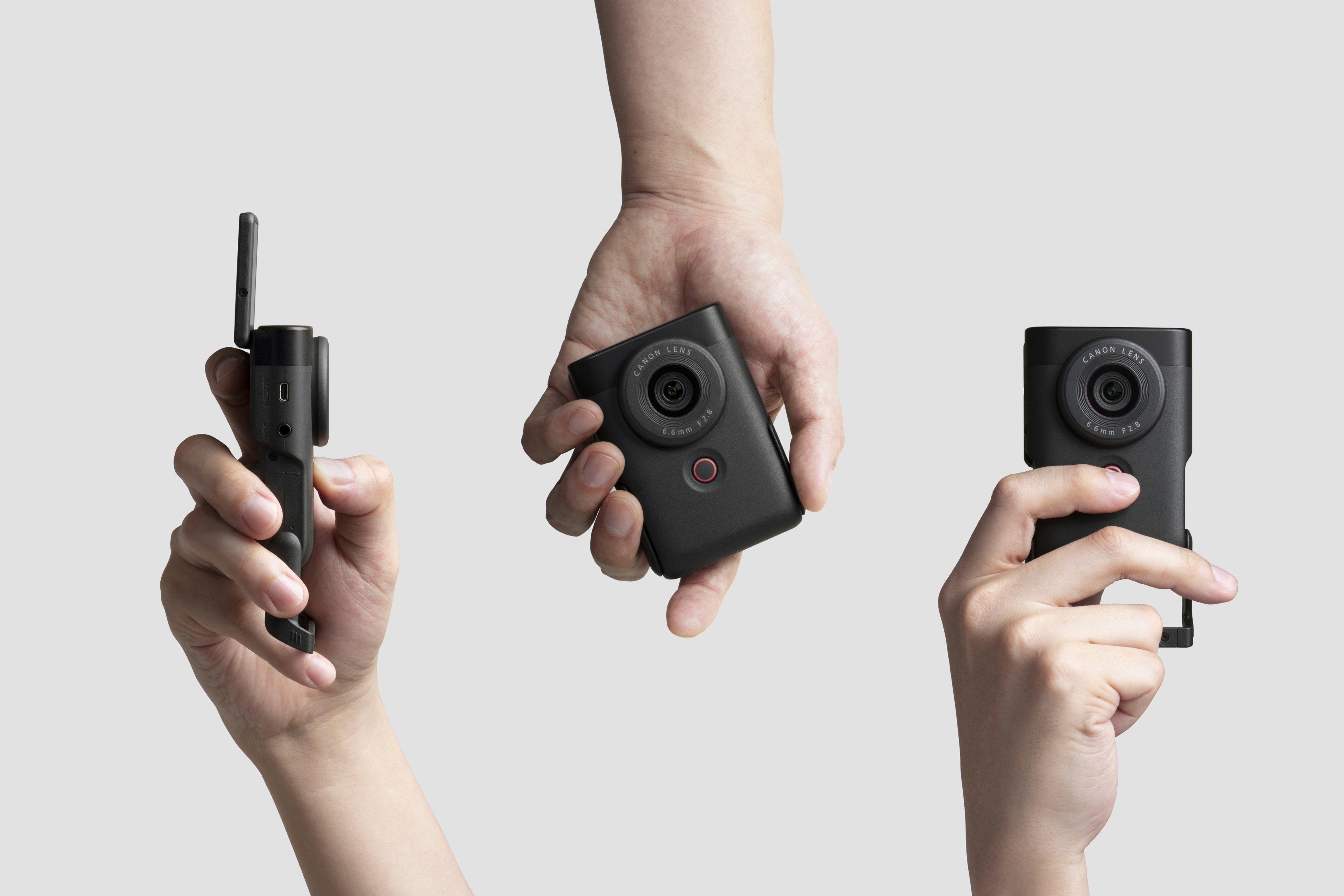
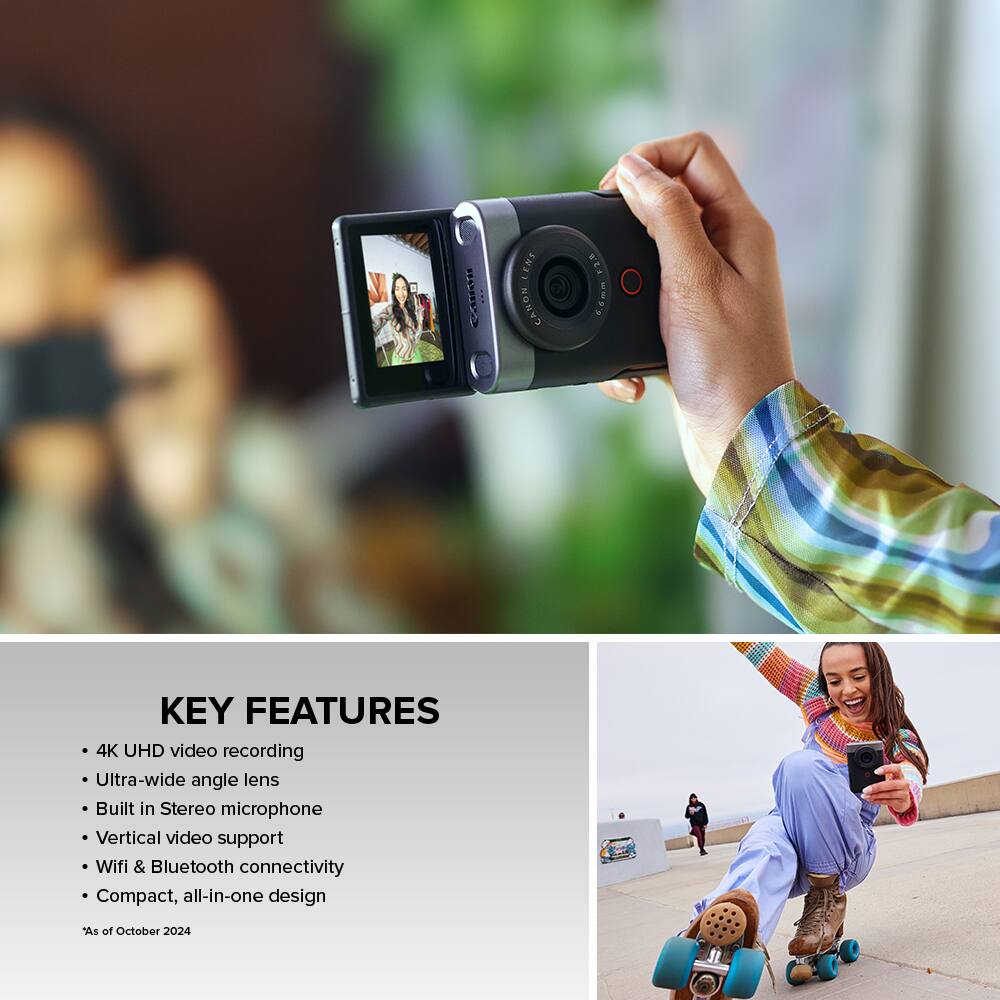
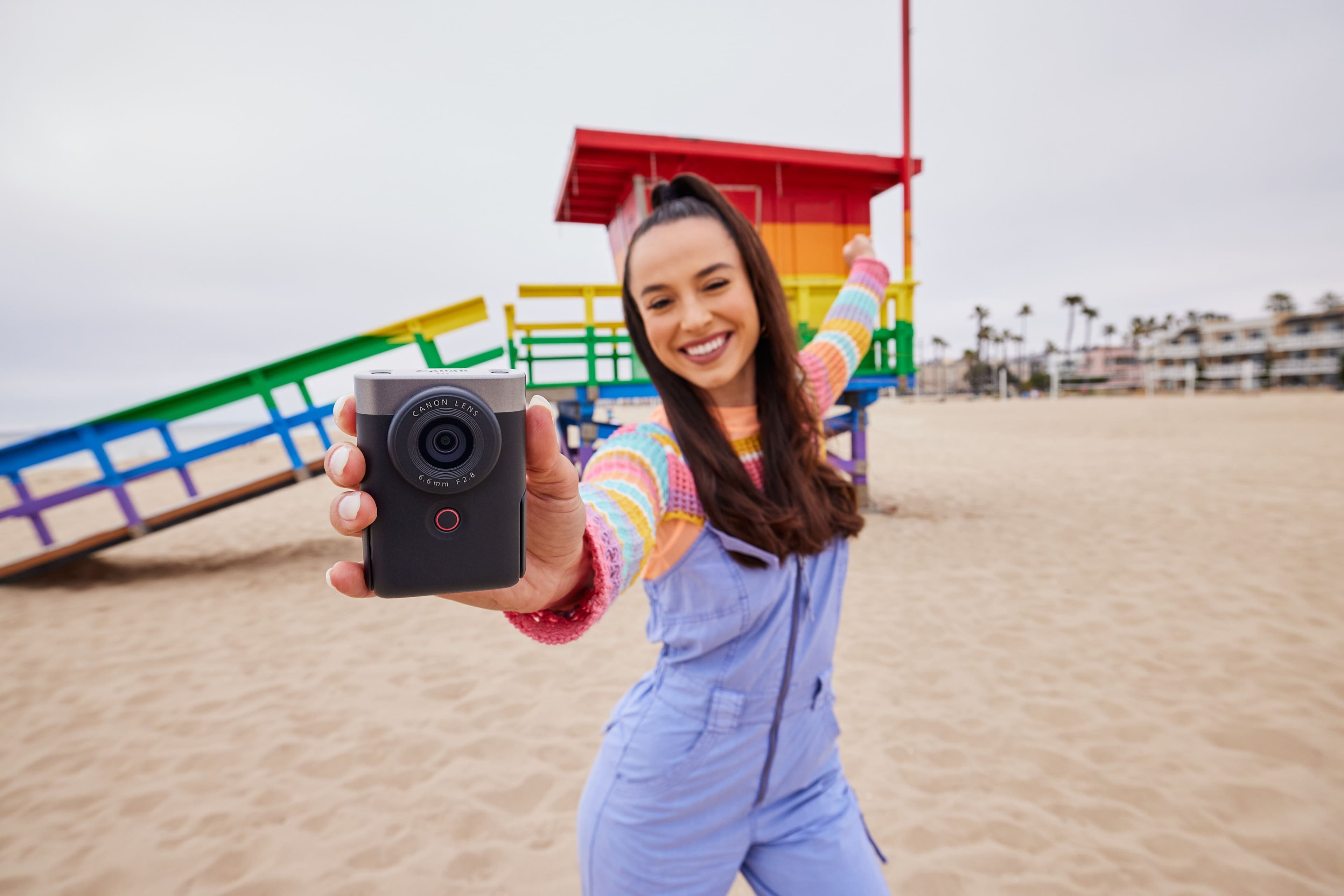
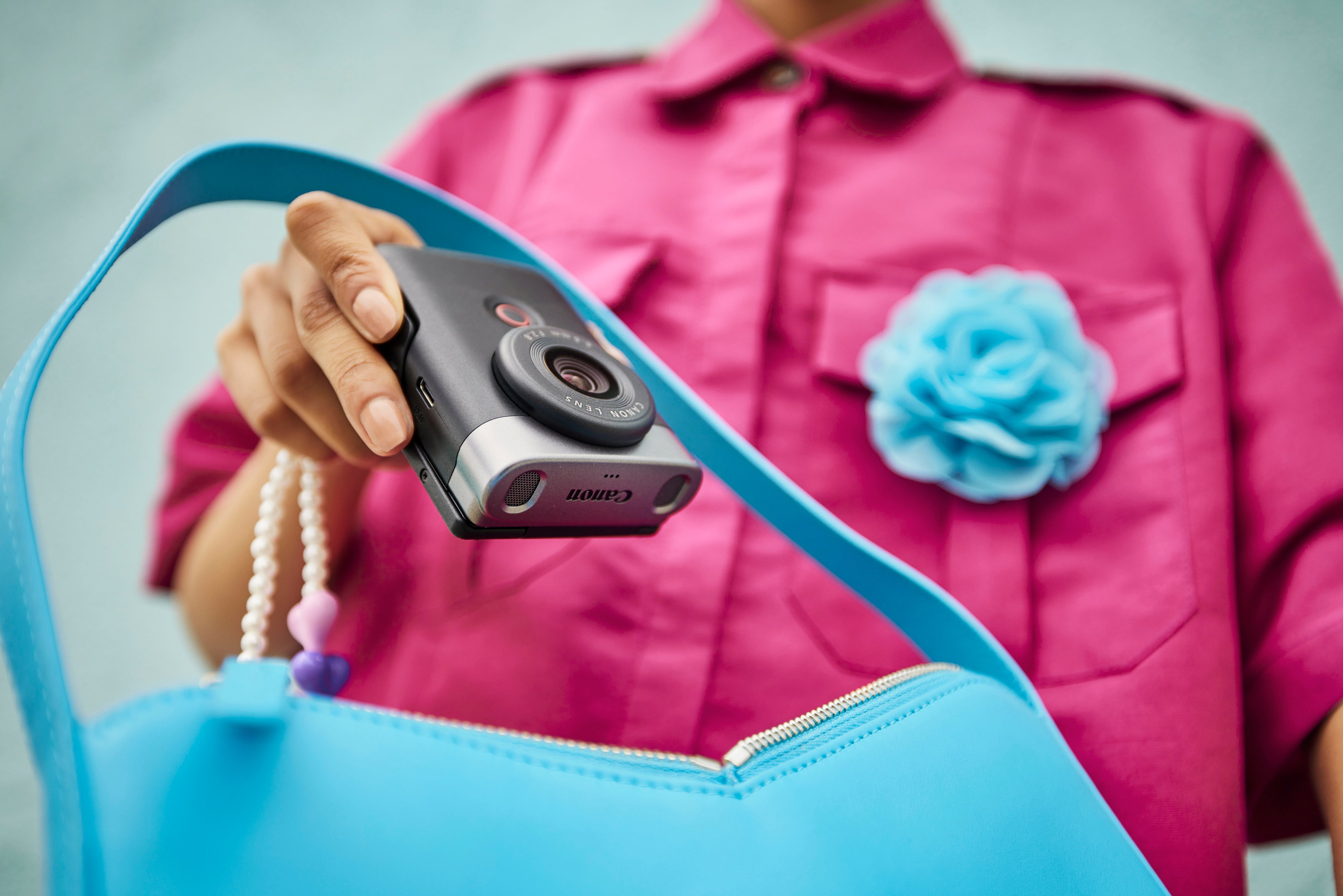
|Posted .This reviewer received promo considerations or sweepstakes entry for writing a review.My favorite features of the Canon PowerShot V10 Vlogging & Still camera are the physical ones. This camera is lightweight, easy to hold and even comes with a built-in kickstand which I appreciate. However, the technical features leave a lot to be desired. The PowerShot V10 has a ton of potential, but falls short where critical features are needed for vlogging, especially while on-the-go. My main concern was the auto-focus which at times proved to be slow and unreliable. If you’re unfamiliar with camera specs, the camera is easy to overheat when recording in IPB Standard recording sizes, but this can be avoided by recording in IPB Light. PROS The PowerShot V10 has the ability to produce high quality videos and has such an ideal camera body for vlogging because you can comfortably hold the camera in a vertical position white capturing horizontal footage. The 19mm lens (35mm equivalent) allows the user to fit nicely in the frame with enough space for others to join in as well. The front record button is a good size and easy to access when you’re holding the camera in selfie mode. The camera folds down to be compact so it fits easily in my pocket or handbag. The super convenient kickstand allows you to place the camera down while tilting forward or back. CONS I was disappointed by the slow auto-focus. Part of my content creation is theme park vlogging which requires a lot of movement and walking around. While the camera does offer image stabilization, unfortunately the focus on the PowerShot V10 is too unpredictable to document my theme park experiences. I need something faster and more reliable in high-paced vlogging scenarios. I try my best to look into the lens instead of at the monitor so while testing I didn’t always catch when the footage was blurry in both walking and still scenarios. I highly suggest keeping a close eye on the focus area (the rectangle showing where it’s focusing). I have to manually select the focus point throughout the recording process to be extra sure everything is in focus at all times. This isn’t easy to do while walking and nearly impossible to do one-handed. The other issue I encountered was overheating caused by using the IPB Standard quality recording sizes at 4K 30fps and FHD 60fps. Upon powering up, there’s a warning that the internal temperature may rise due to movie rec. size as well as Skin Smoothing mode. Definitely heed this warning because I experienced the camera getting warm quickly, and even powered off due to overheating early on in the testing process. I was advised to use the Light recording qualities which use a lower bit rate. Using IPB Light creates smaller file sizes and doesn't seem to impact visual quality. For context, a 1m20s clip at 4K 30fps Standard was 1.2GB whereas a 1m30s clip at 4K 30fps Light was 450MB. A smaller file size is more convenient for content creation and I didn’t really see a loss in visual quality so in this case, IPB Light is more beneficial. I’m glad I found a work-around to overheating, but I was left wondering why the higher quality features are even an option if I can’t use them without negatively impacting the camera’s working conditions. A full charge can last 1 to 2 days but it really depends on how much you’re using it. On the first day I used it on a full charge, I was filming at Standard 4K and FHD as well as playing around on the menu. This day resulted in a total of 24 minutes of recorded footage. The next two days I was able to use the camera for recording every now and then before I had to recharge. There’s only an internal battery so once the charge gets low, there’s no battery swapping option. I was unable to use a Wi-Fi connection for a live feed on the Canon’s Camera Connect app, but upon further research, it seems that it’s an OS issue (I’m using Android on the Google Pixel 8) rather than a Canon issue. OVERALL It’s definitely a vlogging-only camera. I think it can work for people who are willing to always be close enough to baby-sit the focus point. The PowerShot V10 can be a fun little camera to take to a family meal and for quick vlogs at home. However, I got this camera with high-paced vlogging and podcasting (tripod mounted, long-form video) in mind. I don’t see the point of mounting it anywhere further than arm's reach if I can’t trust the camera to focus on me without also having to constantly be wary of the focus point. While I honestly love the physicality of this camera, I don’t see myself using this for my business as planned. I’m bummed it doesn’t live up to its fullest potential. Here’s hoping there’s a firmware update in the future that can at least fix the spotty auto-focus which would drastically change my opinion on this camera.
No, I would not recommend this to a friend - Pros mentioned:Size, TouchscreenCons mentioned:Overheating
Can't film a Snydercut but you can film a trailer!
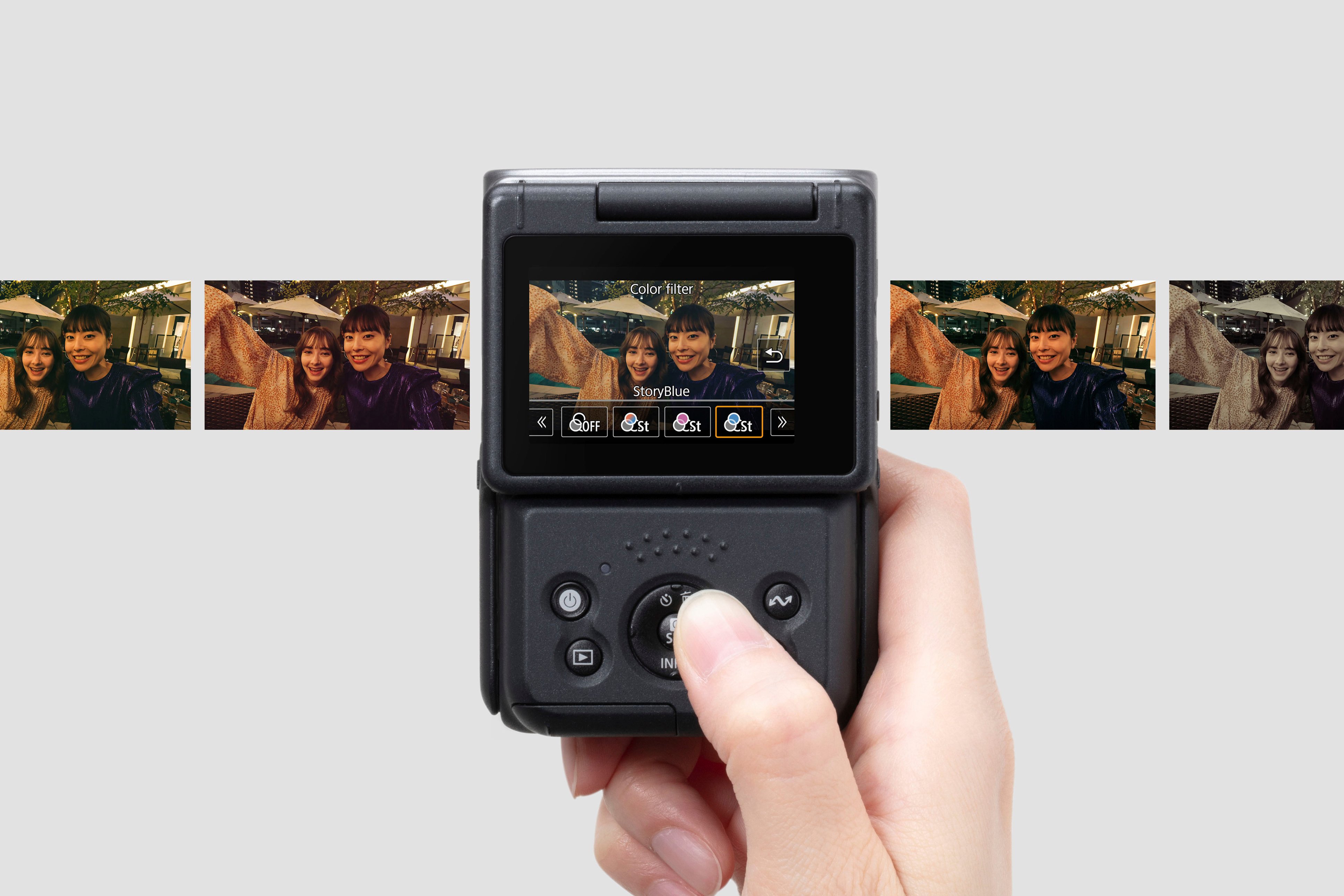
|Posted .This reviewer received promo considerations or sweepstakes entry for writing a review.I've had the chance to put the Canon PowerShot V10 through its paces for about a week now, and I'm genuinely impressed. Let's start with the size - it's small and sleek, fitting right in the palm of my hand. Ok, the entire palm of my hand. The flip-out screen is pretty innovative, allowing for flexible shooting angles and even doubling as a desktop camera with its handy kickstand. When it comes to resolution, this camera offers plenty of options. You've got everything from FHD 1080p to crisp 4K, giving you the ability to capture some impressive visuals. One standout feature is the 'Smooth Skin' mode. It's a real confidence booster, especially for folks like me with some natural face blemishes. And trust me, it doesn't overdo the noise reduction, set it to '2' for that sweet spot. Now, let's address the elephant in the room - overheating. Shooting in 4K can make the camera run hot after around only 5 1/2 minutes, which is a bit disappointing. However, if you switch to 1080p at 24FPS, you can keep recording for a solid 40 minutes. Just a heads up, you'll need to grab a separate micro SD card, but that's pretty standard these days. For the types of content this is geared towards, 512GB is more than appropriate. Now, the big question: Why choose this Canon over your smartphones pro-camera? Well, it's all about those extra settings in the menu. If you've got even a base understanding of ISO, exposure, and lighting, this camera has got you covered. But here's the beauty - it's also beginner-friendly with its size and kickstand. It's like a versatile toy for tech enthusiasts and casual users alike. All it needs is an assortment of colorway options. The camera's face and object tracking choices are incredibly nifty. You just select your target on the touchscreen viewfinder, and it does the tracking magic for you. No hassle, just great shots. And the touchscreen itself? It's a breeze to navigate through settings and options. Now, here's a cool extra - the Camera Connect app that comes with it. It opens up a ton of possibilities, from remote filming to live streaming on platforms like YouTube, Facebook, and Twitch. If you're into content creation, this camera has your back. And if you're filming from home, it's an gamer-changing ability. What's even more impressive is the ease of transferring your videos directly to your desktop. I used the USB-C cable and the Clipchamp app on Windows, and it was a breeze. The files came over as MP4 and were surprisingly efficient in terms of storage. 5 minutes of 4K30 footage took up less than a gig. All in all, the PowerShot V10 is a compact, versatile, and impressive piece of tech. Whether you're a seasoned photographer or just someone looking to test the waters of content creation, it's got you covered. 3.75/5
I would recommend this to a friend