Customer Ratings & Reviews








- Model:
- 5946C002
- SKU:
- 6544753
Rating by feature
- Value
Rating 4.3 out of 5 stars
- Quality
Rating 4.4 out of 5 stars
- Ease of Use
Rating 4.6 out of 5 stars
Customers are saying
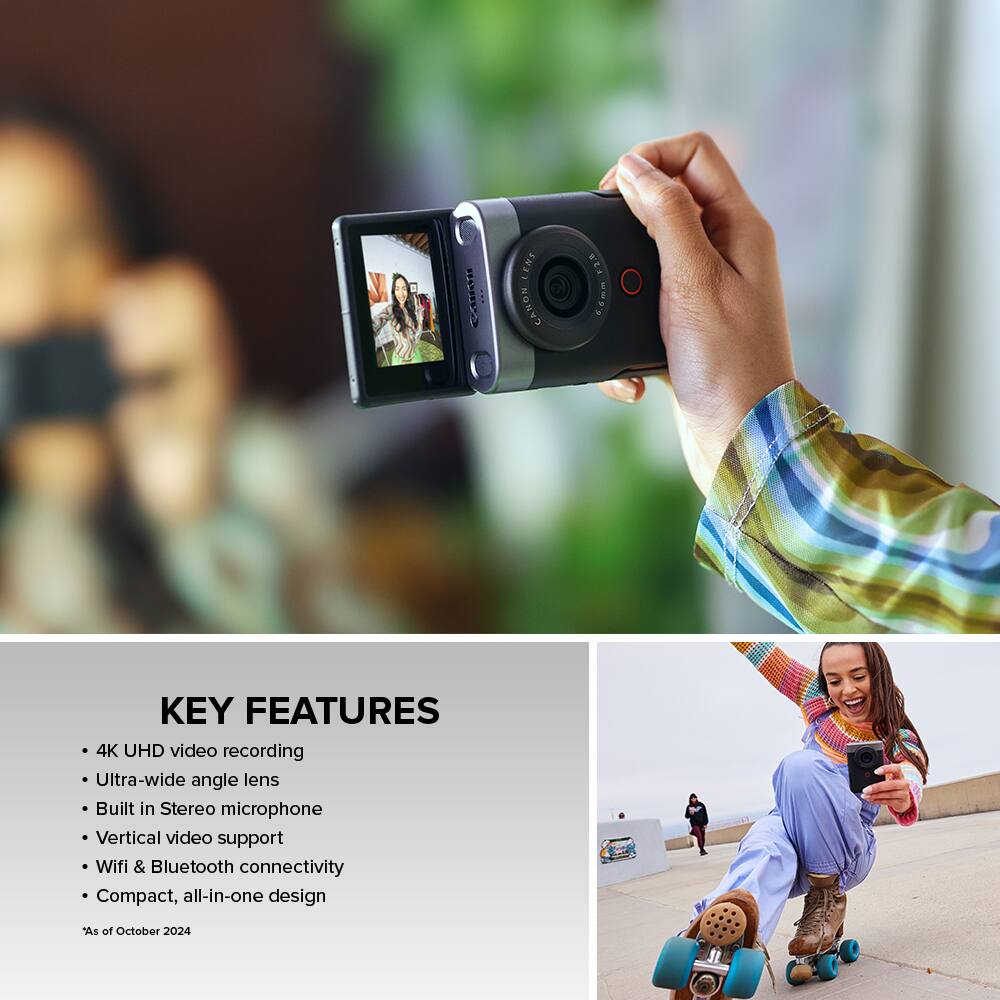
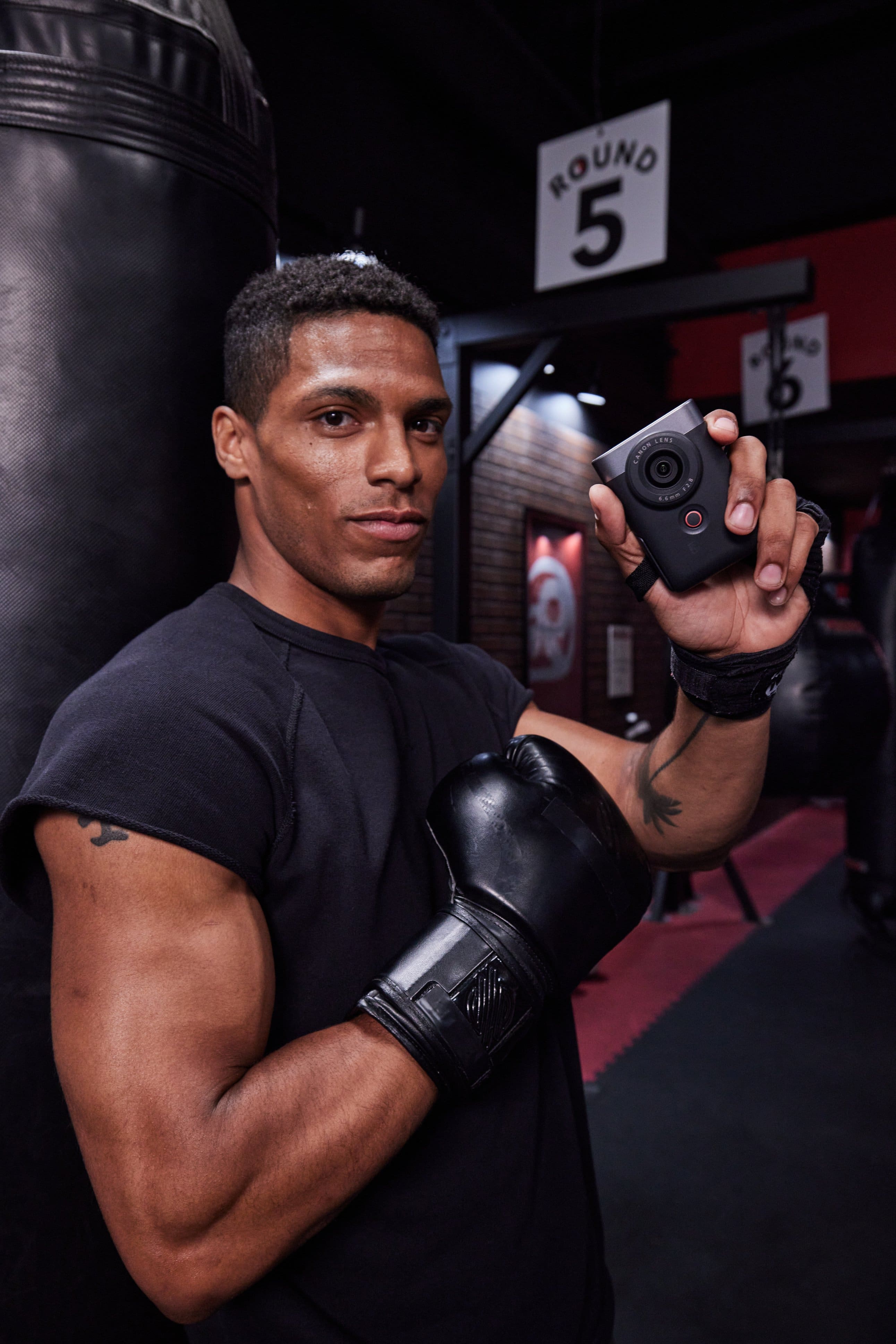

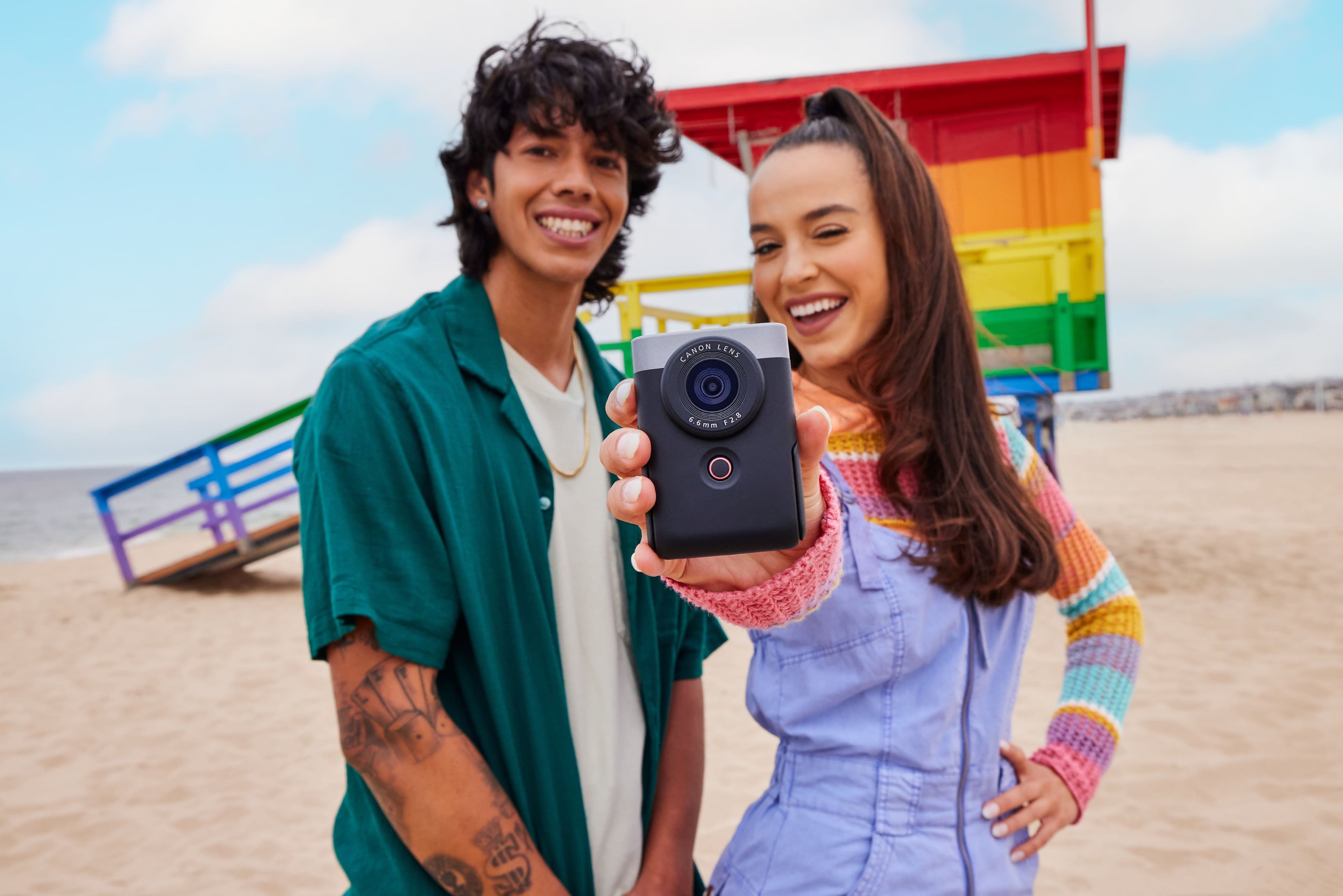
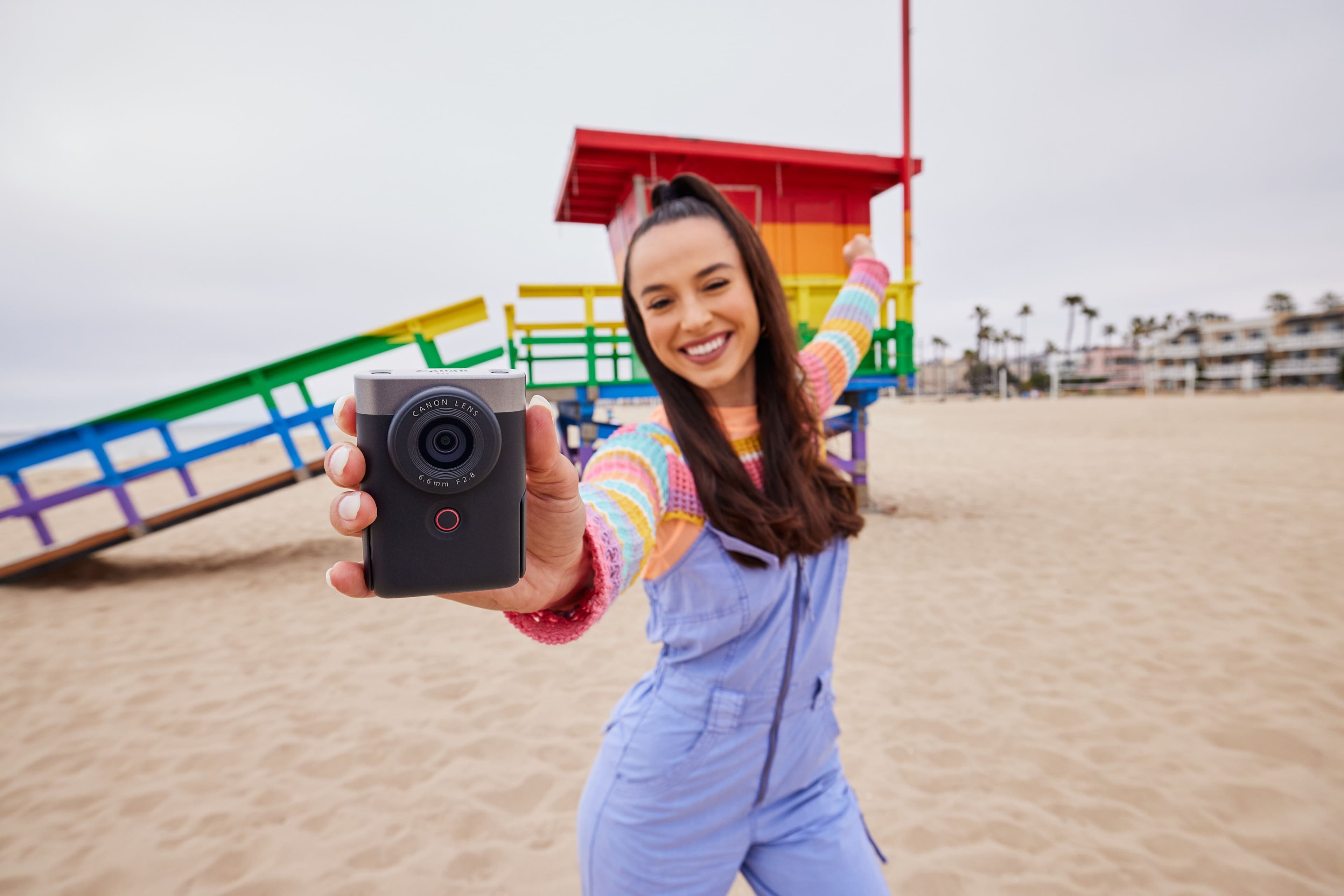
Customers commend the PowerShot V10 for its amazing video quality and ease of use, noting its small size is perfect for traveling. The inclusion of a touchscreen and built-in stand are also appreciated features. However, some customers express concerns about the battery life and the lack of zoom and flash capabilities.
This summary was generated by AI based on customer reviews.
- Pros mentioned:Video qualityCons mentioned:Battery life, Overheating, Zoom

Interesting, but perhaps too little, too late?
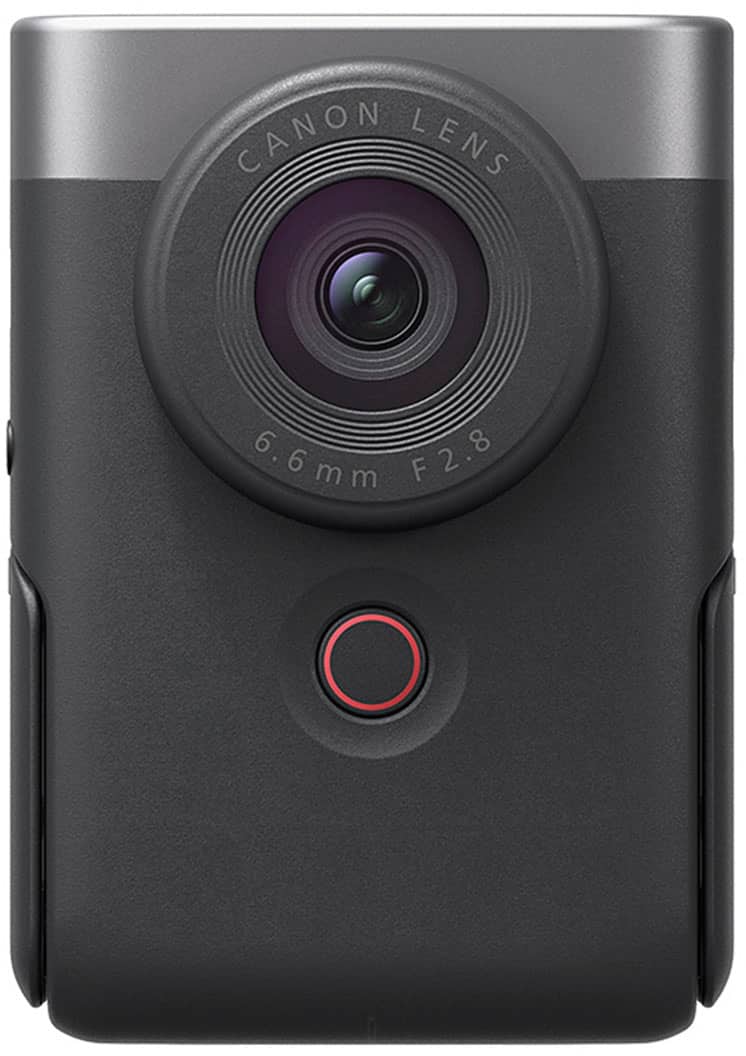
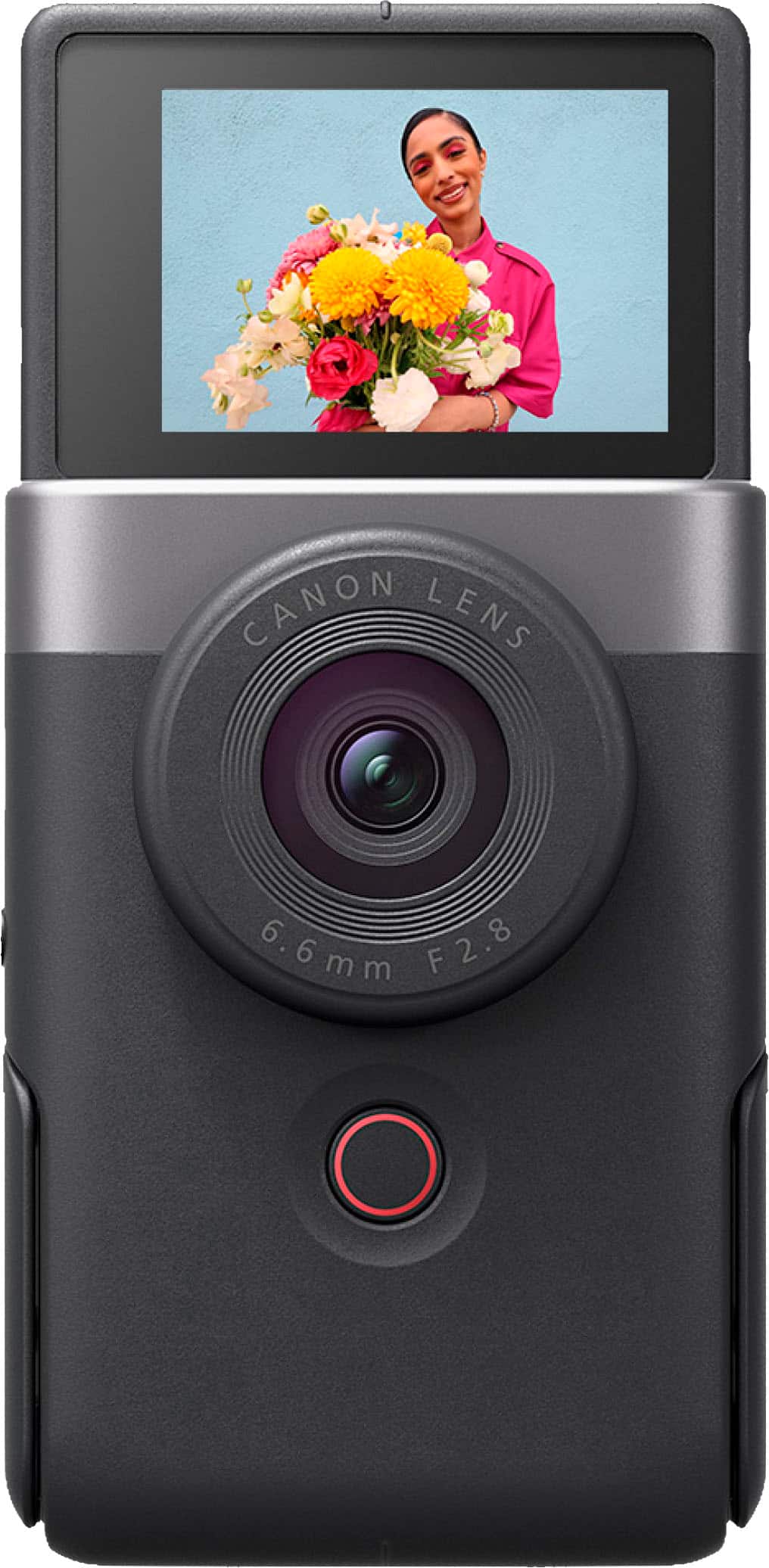
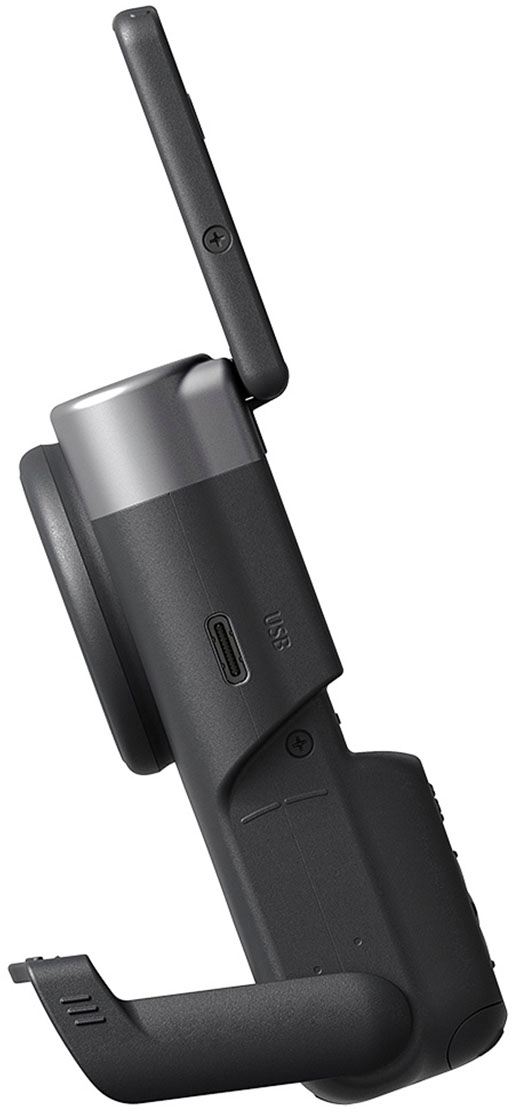
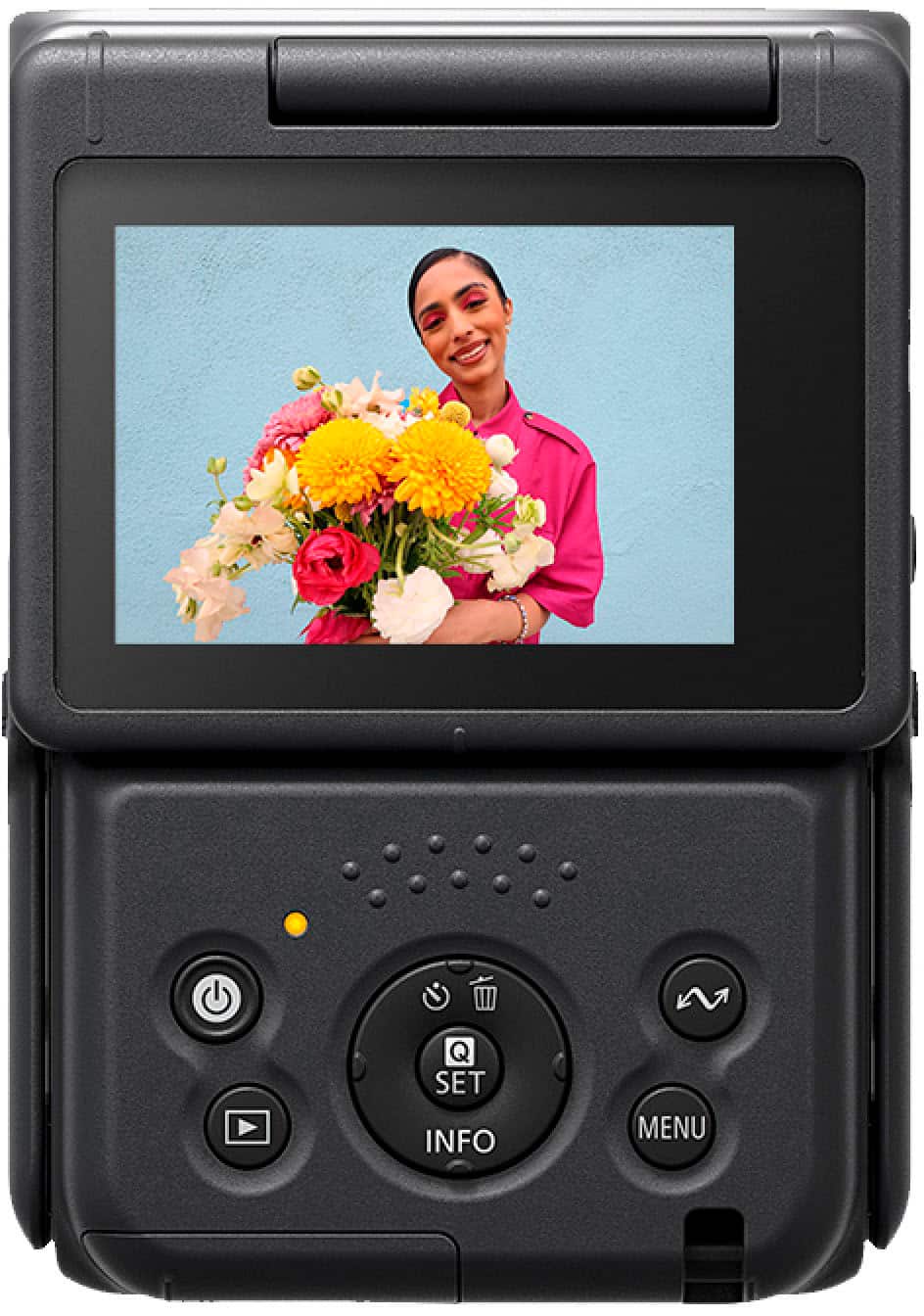
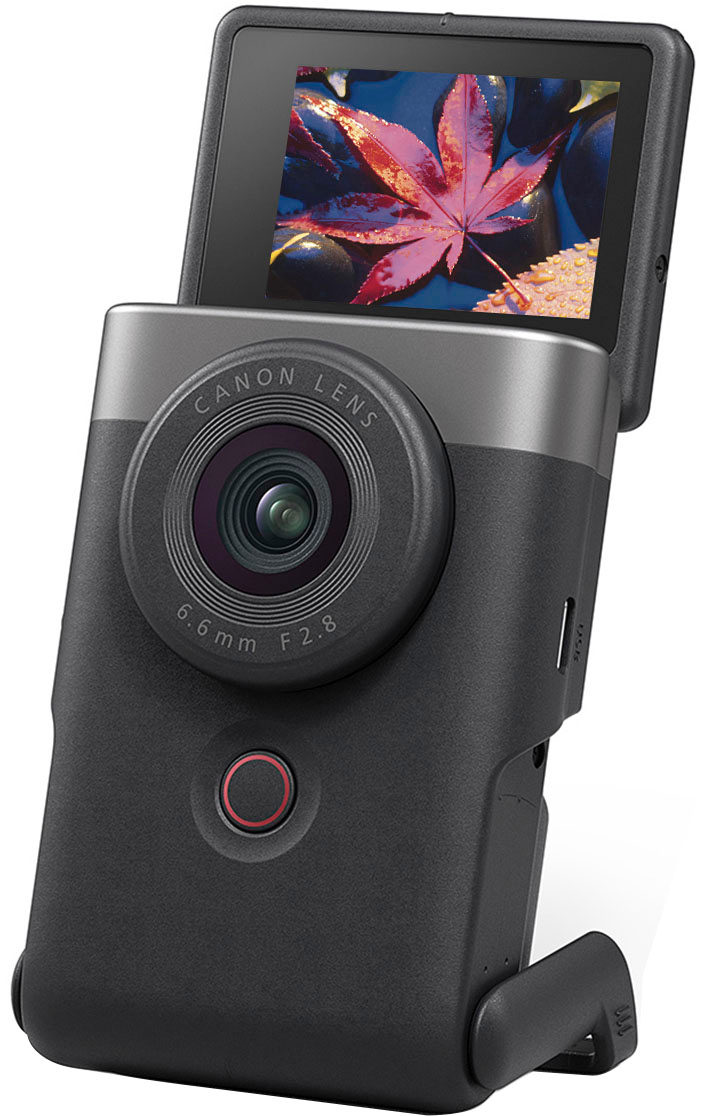
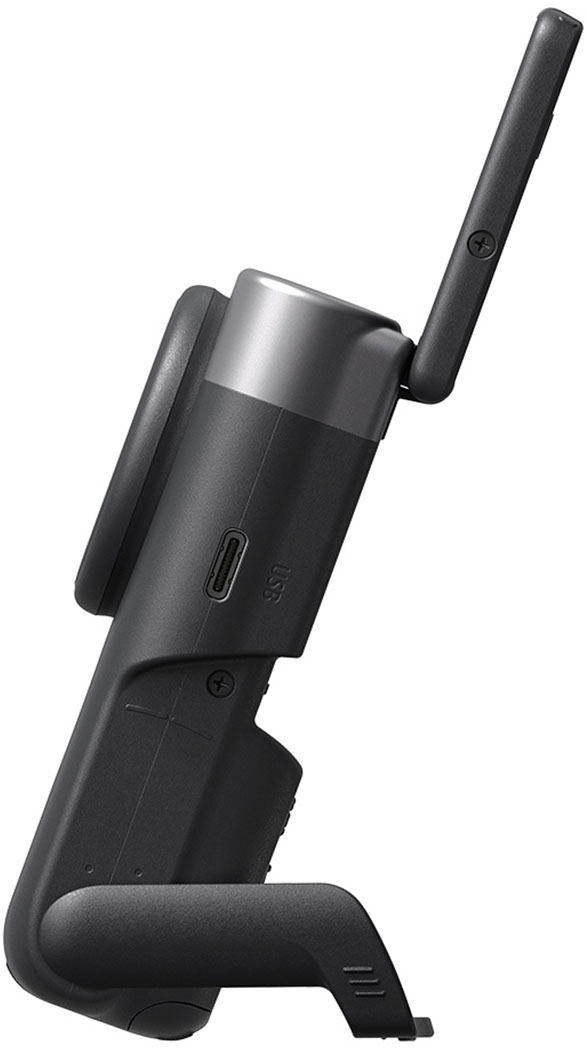
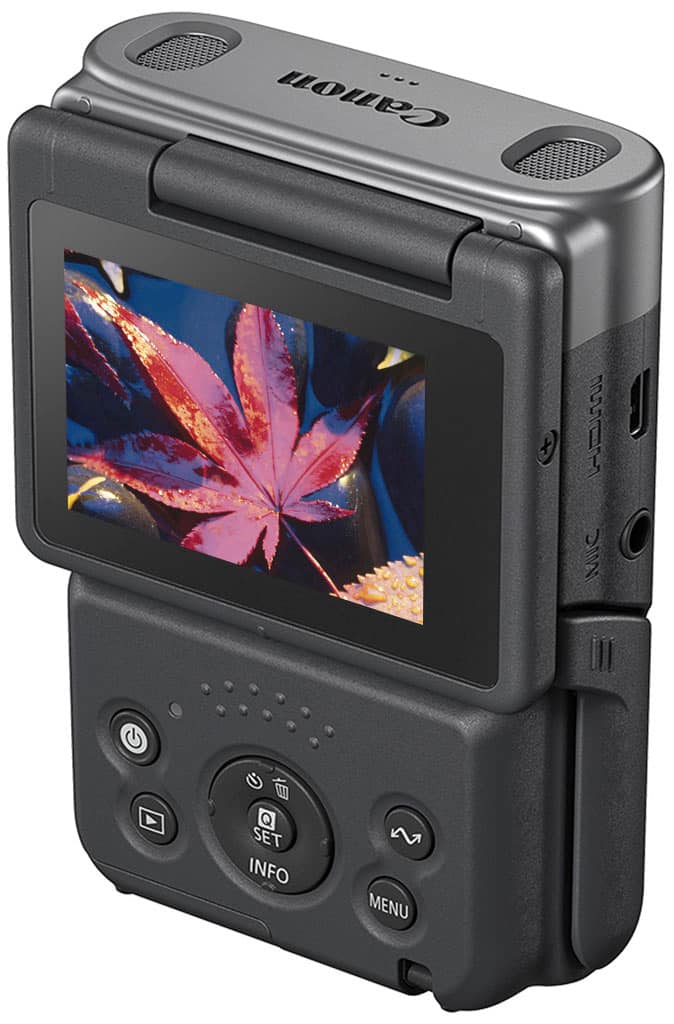
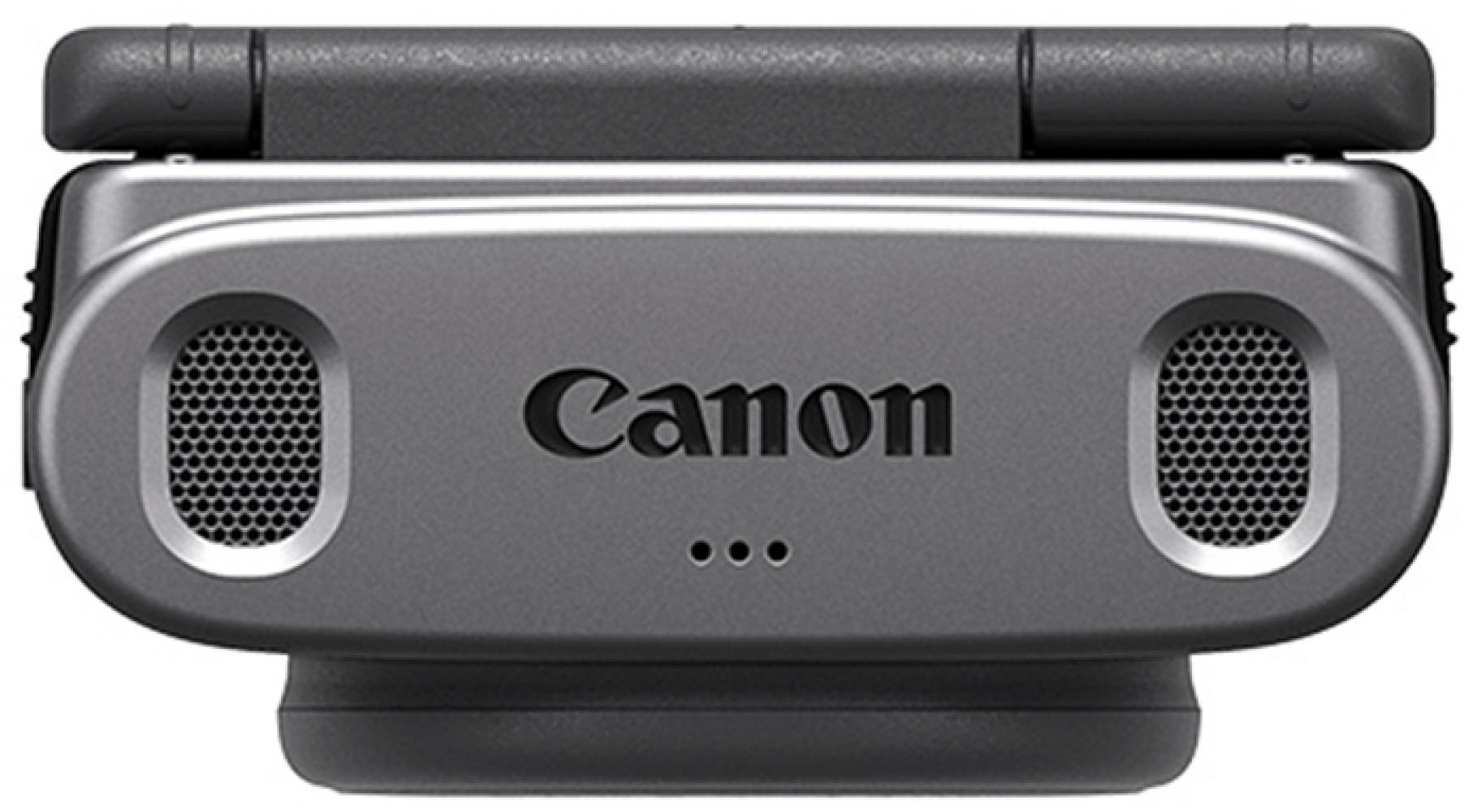
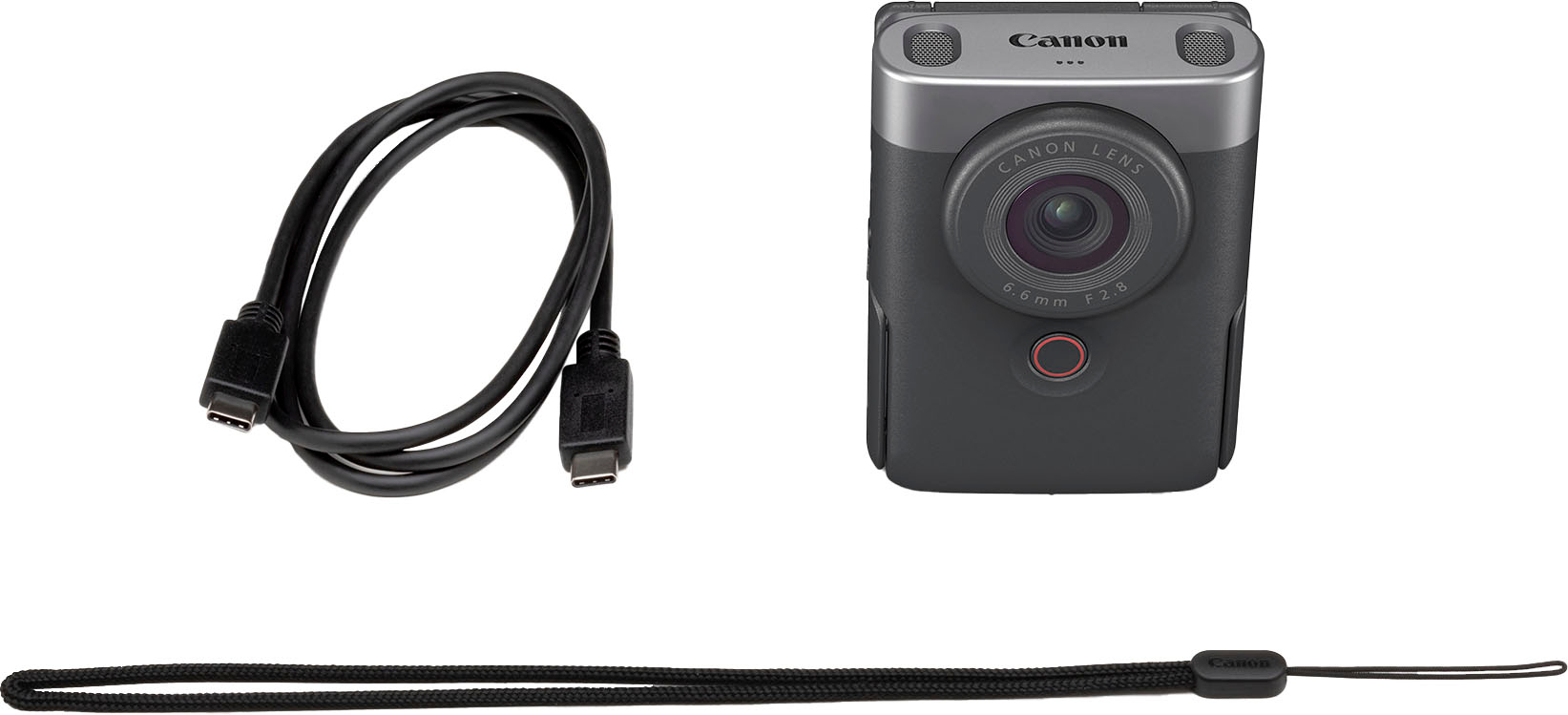
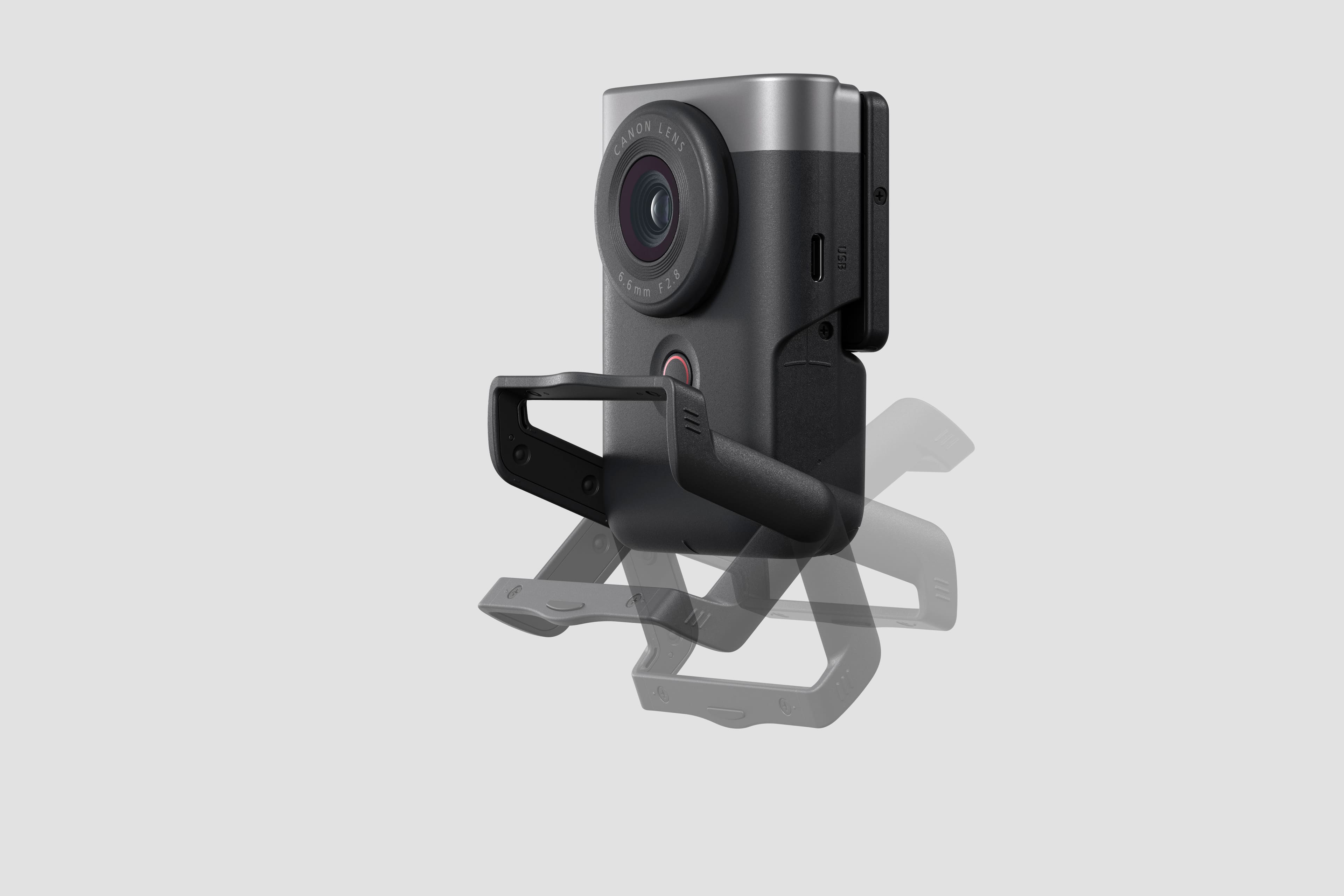
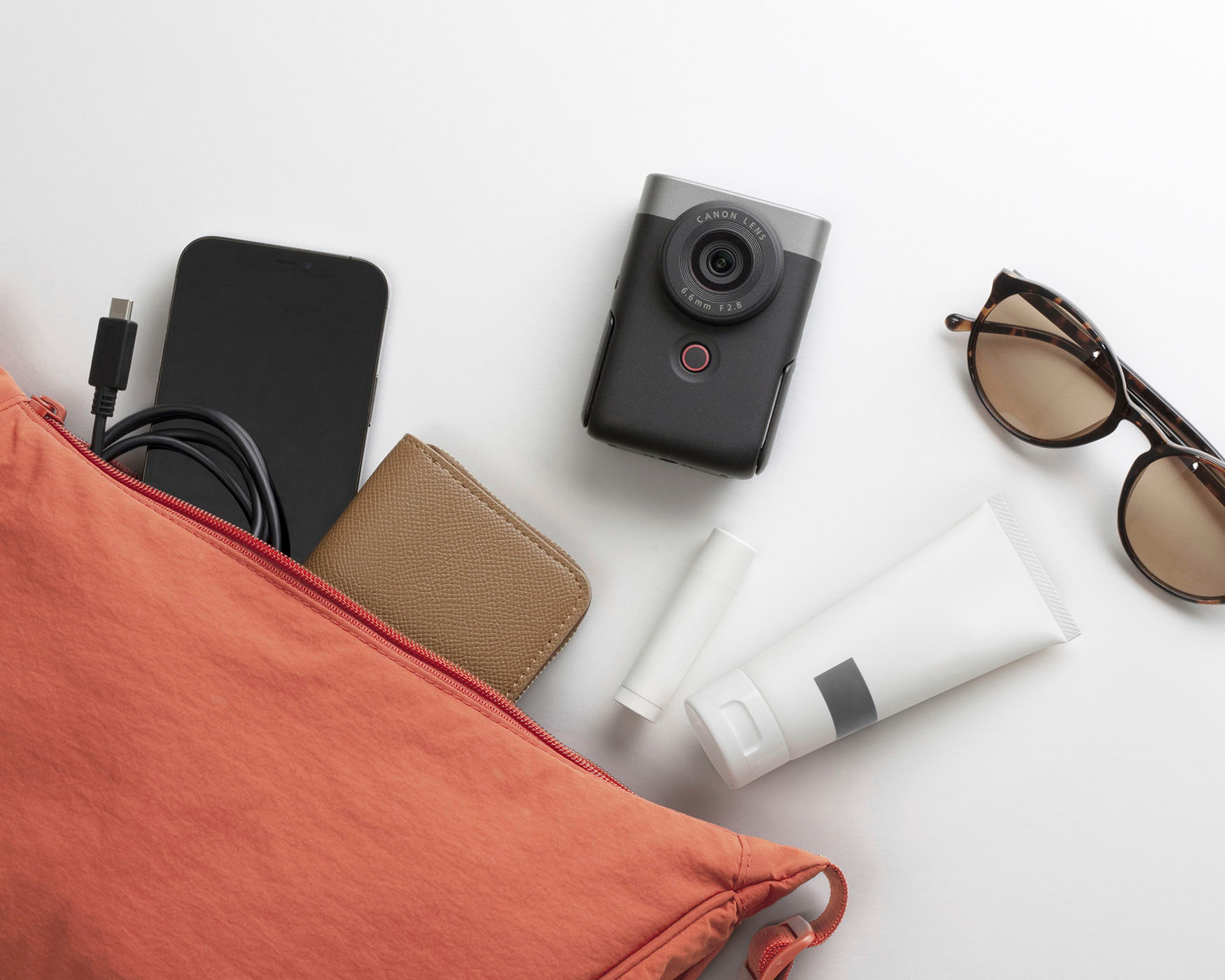
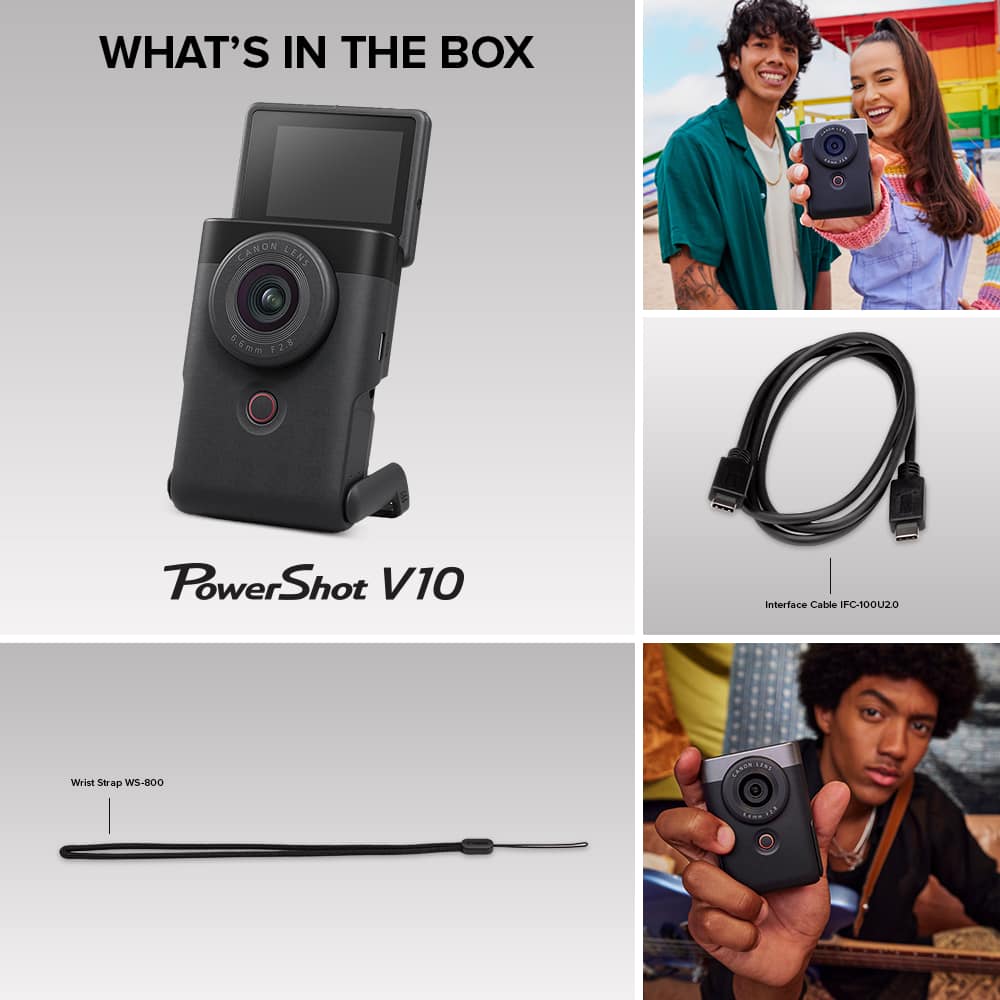
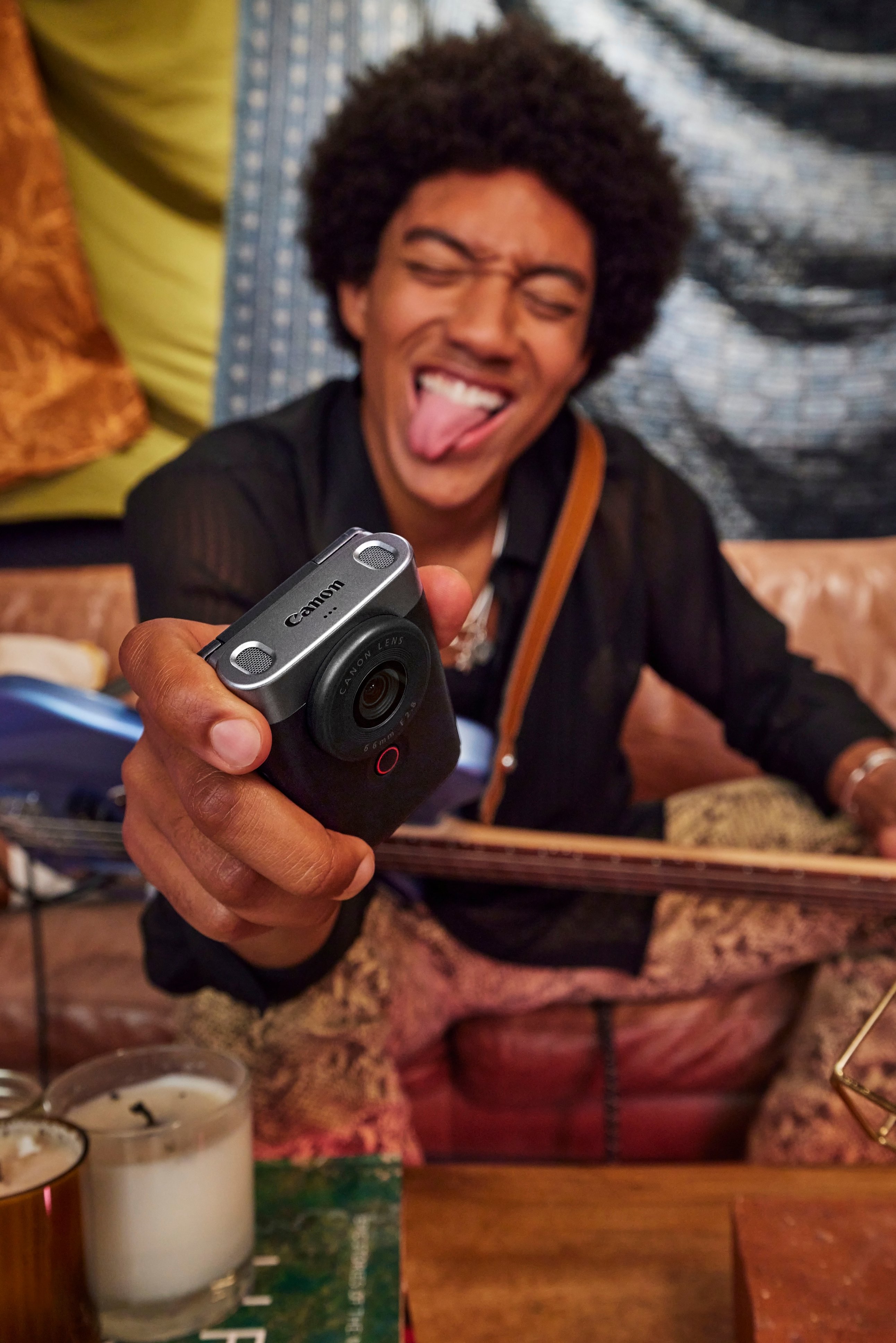
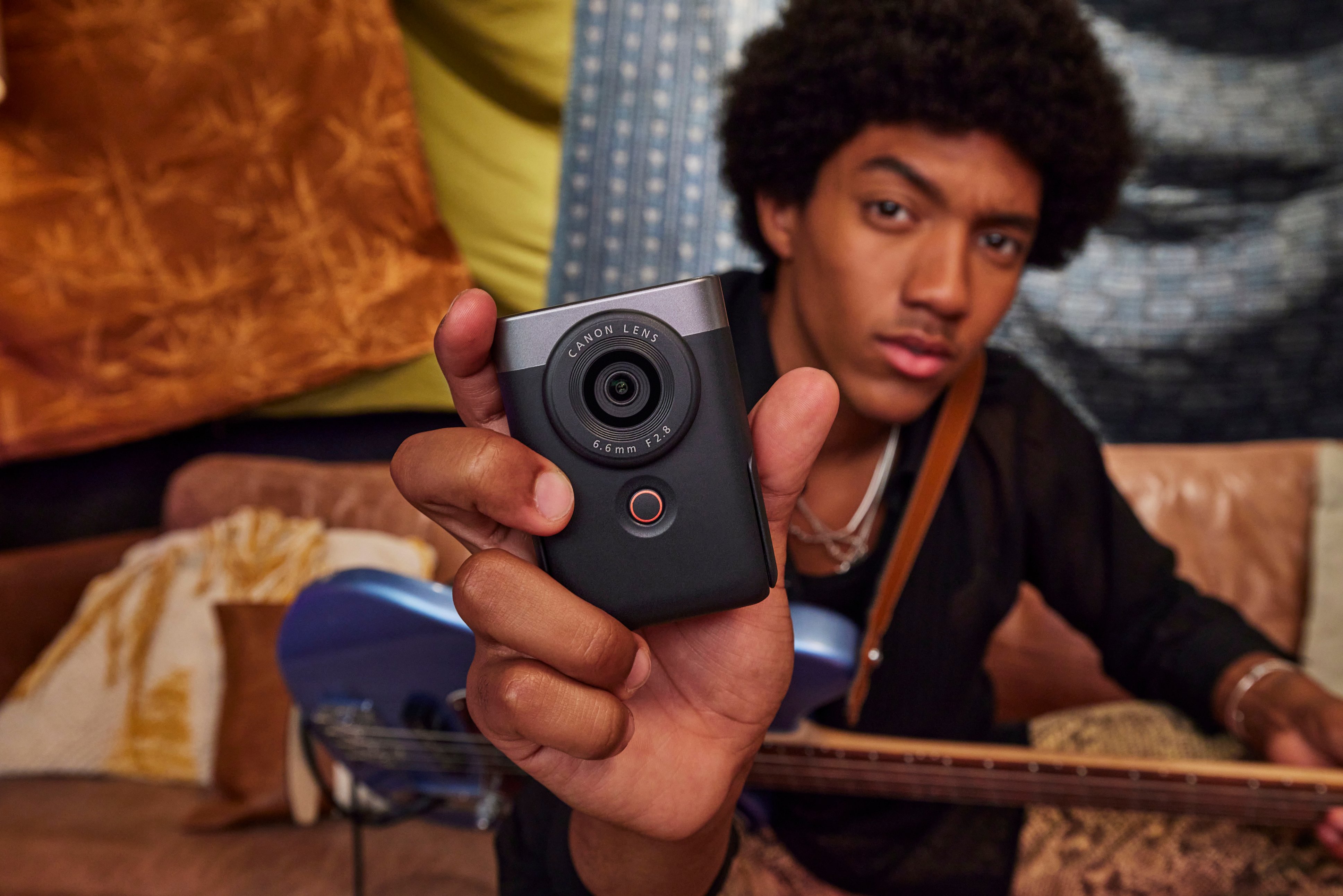

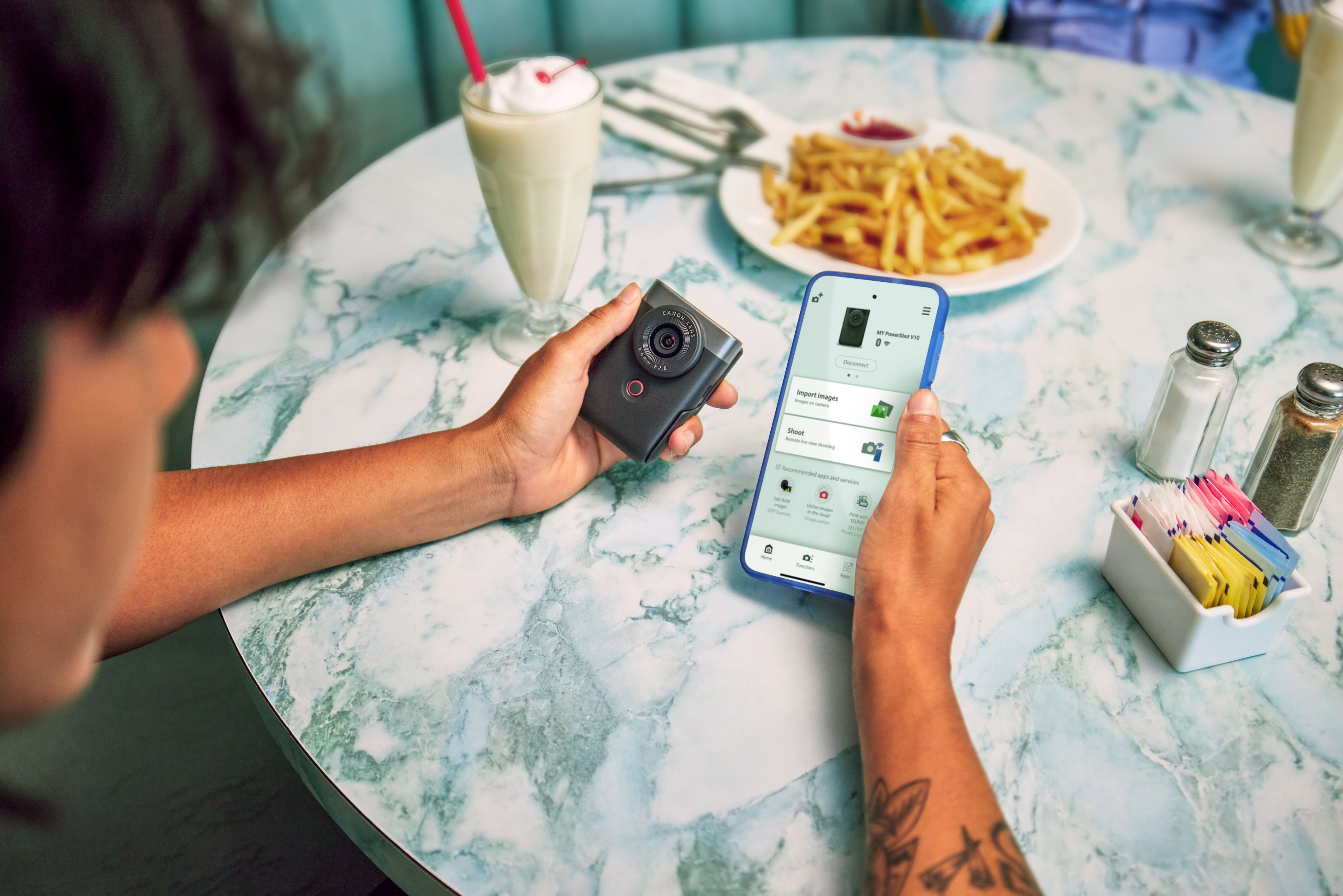
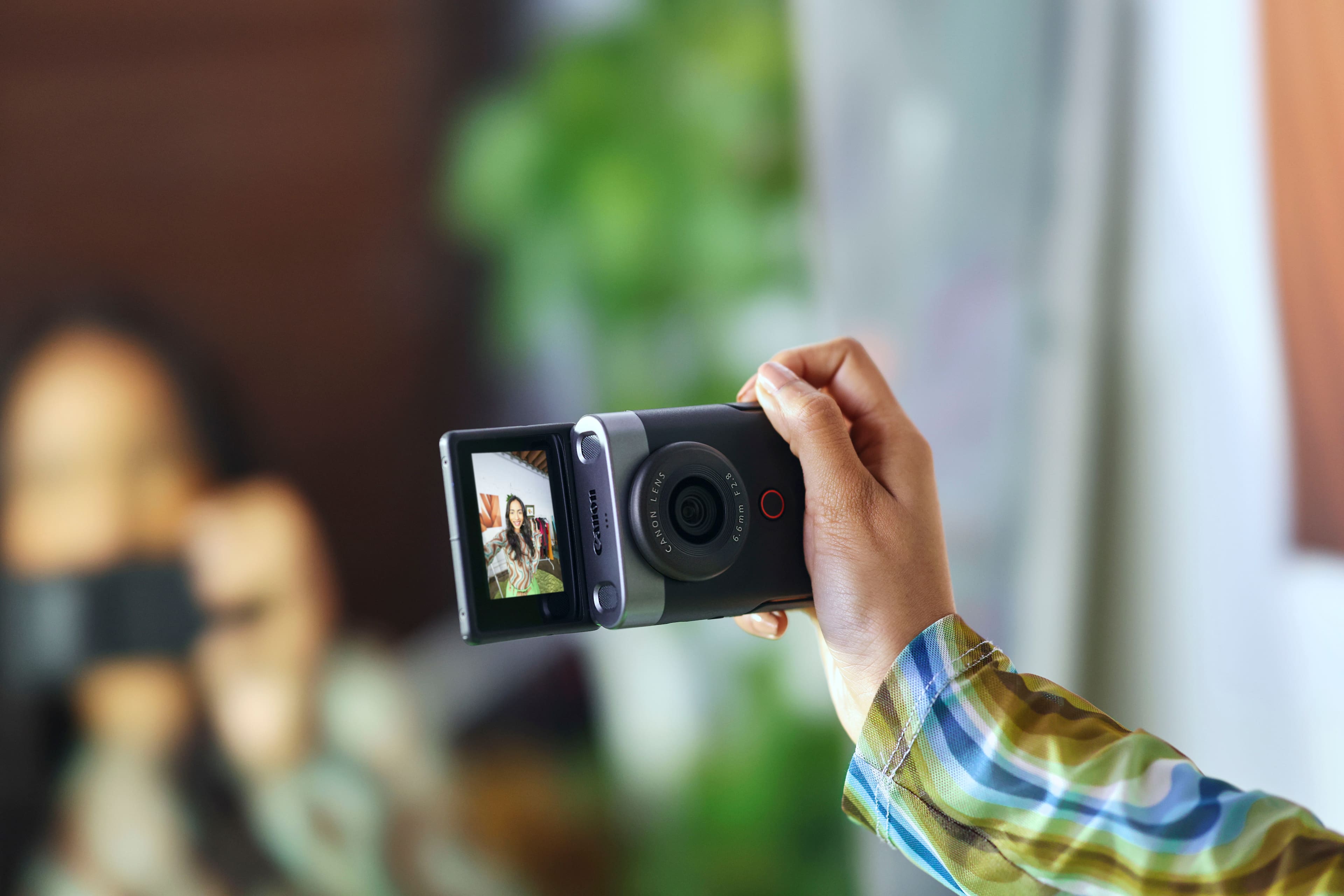

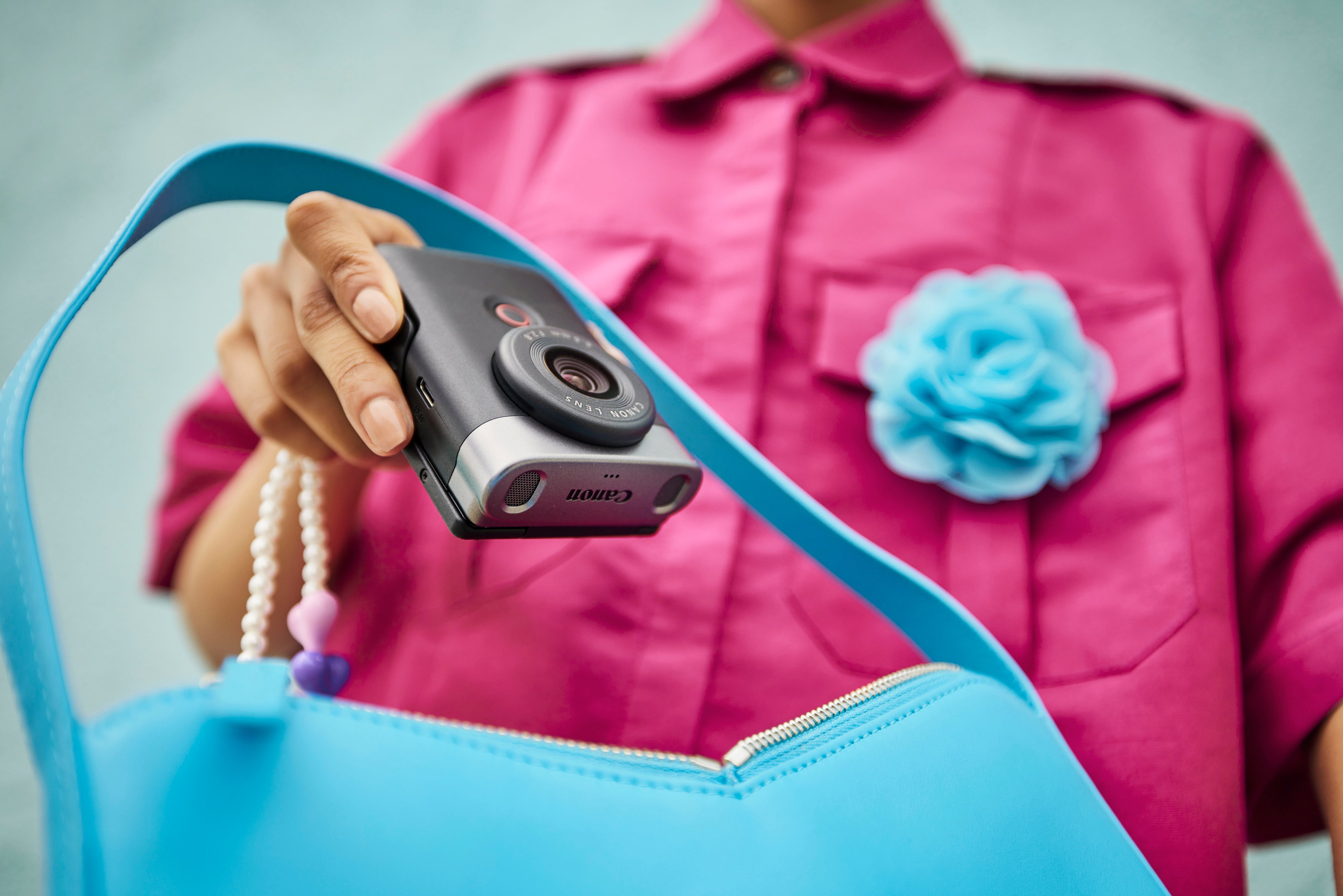
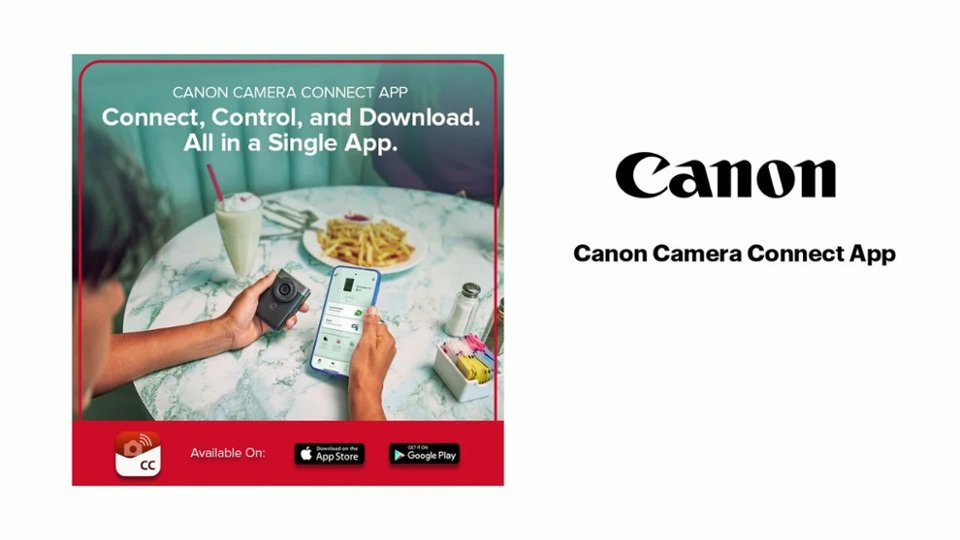
|Posted .This reviewer received promo considerations or sweepstakes entry for writing a review.The Canon V10 “vlog” camera is unique and different for sure. It’s surprisingly small at only roughly around 3.5 by 2.5 by 1.5 inches – almost too small to comfortably hold, but it does have a matt black finish that gives it some grip, and comes with a wrist lanyard which I strongly suggest using to prevent dropping it. The camera has a 2 inch viewable screen that lays flat against the body, but can be flipped up to face you when doing selfie-style video or photos. The 35mm equivalent lens is fixed, so no optical zoom is available, though you can do a little digital zooming if need be. There is no lens cap included (!!!). The internal battery cannot be removed or replaced, and allows for one hour of recording, give or take, depending on your settings, and the camera is charged via USB-C (cable included). Very small button controls are on the back that allow all basic functions and access to a multi-page menu system that allows a larger variety of settings adjustments. The controls are tiny though, but the screen is a touch screen which helps. In terms of features, the V10 is decent. The 1 inch CMOS sensor takes adequate video and stills. You can record from 1080p (with 1080p being the default in my menu), but you can bump this up to 4K 30 frames per second, although this WILL overheat the camera after roughly 20 minutes. You have control over white balance and colors, with a built-in ND filter, and the two stereo microphones on top record above average sound, with a third smaller mic used to help cancel unwanted background noise. As a matter of fact, there’s a ton of various settings in the menu for iso speeds, white balance, color balance, etc., but I’m not quite sure the average user of this type of device would even use many of these settings, preferring mostly “auto” for ease of use. There is no optical image stabilization, but you can use a so-so digital version, or an “enhanced” digital version that works better, though it will crop your video closer in a bit. Video is wide and overall clear as are the optional 15 megapixel stills you can take, though in my opinion, most smart phones take sharper and more detailed stills, at least. The V10 will follow your face while recording video, or by touching the screen, you can lock focus on another item and it will follow it until you change it (with mixed accuracy results). Recorded sound is also pretty good. There is no internal memory, at all. You need to provide your own high speed Micro-SD card for recording videos. You can go the old school route and remove the card and use a card reader to transfer video to a laptop, or by using the “Canon Camera Connect” app, the V10 will use either Bluetooth and/or WiFi to transfer your videos to your phone to upload to the service of your choice that way. Works mostly well – a little fiddly, and a couple of times the app has crashed, but overall it’s a quick way to get videos into your phone. There’s a small built-in stand you can flip down from the camera body so you can sit the V10 on a stable surface and tilt around up to 30 degrees, but a tripod mount on the bottom also allows you to use regular tripods. The stand can also be used if needed as a handle for the camera should you wish to record vertical videos instead of horizontal. Overall I think the V10 is an interesting camera for what it does, but I think it’s perhaps a little out of time. Had something like this hit the market a few years ago, I think it would be a large hit, but today it’s a bit too little, too late, as most people can and do use their smart phones to do almost everything this camera can do, and their phones are always with them. The fact that no lens cap is included to protect the easily smudged lens is small, but inexcusable. The low amount of recording time per charge may be an issue for some, and no internal memory is in my opinion, a bad omission. Overheating issues so quickly when doing 4K video is another turn-off. There’s a niche market for the V10 and I’m sure some will love the novelty of it, but after having used it I’m afraid I’m in the camp that prefers to use their smart phones for vlogging, photos, and video, over this device in today’s market.
No, I would not recommend this to a friend - Cons mentioned:Battery life
Cannon PowerShot V10
||Posted . Owned for 1 month when reviewed.This reviewer received promo considerations or sweepstakes entry for writing a review.Have had some trouble with this product since purchasing it. Got this to shoot videos while out backpacking and do vlogging while out on the trails. The biggest problems I have ran into so far: very sensitive to the charging cord that is used, and the power source used to charge it. Does not have a very long battery life. Usually if you film for the full hour in move mode the battery will begin to overheat and you will end up with a corrupted video file. I will go out backpacking for days at a time and wanted something that would be user friendly. The setting and over all user interface are well done but the battery packs I take with me don't seem to do the trick and I can usually only film for a day or two before the battery runs out and won't charge back up. I am planning on trying this out as a webcam and live steam device rather than a backpacking cam and hopefully it will preform a lot better in a less rugged setting.
I would recommend this to a friend - Pros mentioned:Ease of use
Lifestyle Vlogs vs Action
||Posted . Owned for 3 months when reviewed.This reviewer received promo considerations or sweepstakes entry for writing a review.Rated a 3 just because camera did not meet my needs as a shooter however this is a great vlogging camera to start with for people who are documenting their day to day and activities that dont require to much motion and movement. Pros: Compact easy to use. Uploading the videos was easy through the app. Takes great photos and video for simple documenting. Cons: with all the video stabilization in other cameras and Canon being an official brand I would have liked it to have better quality videos for action and movement shots. Overall if your exploring and want to capture shots and videos, starting to create content this is a good camera to start with. I prefer my DJI Pocket 2, just because the stabilization is alot better.
I would recommend this to a friend - Pros mentioned:Video quality
Video only
||Posted .This reviewer received promo considerations or sweepstakes entry for writing a review.The camera is great for video. Simple and easy to use. I was hoping it took better quality still photos. This is not a camera for still photos
No, I would not recommend this to a friend - Pros mentioned:Ease of use, Size, Video qualityCons mentioned:Zoom
Well....
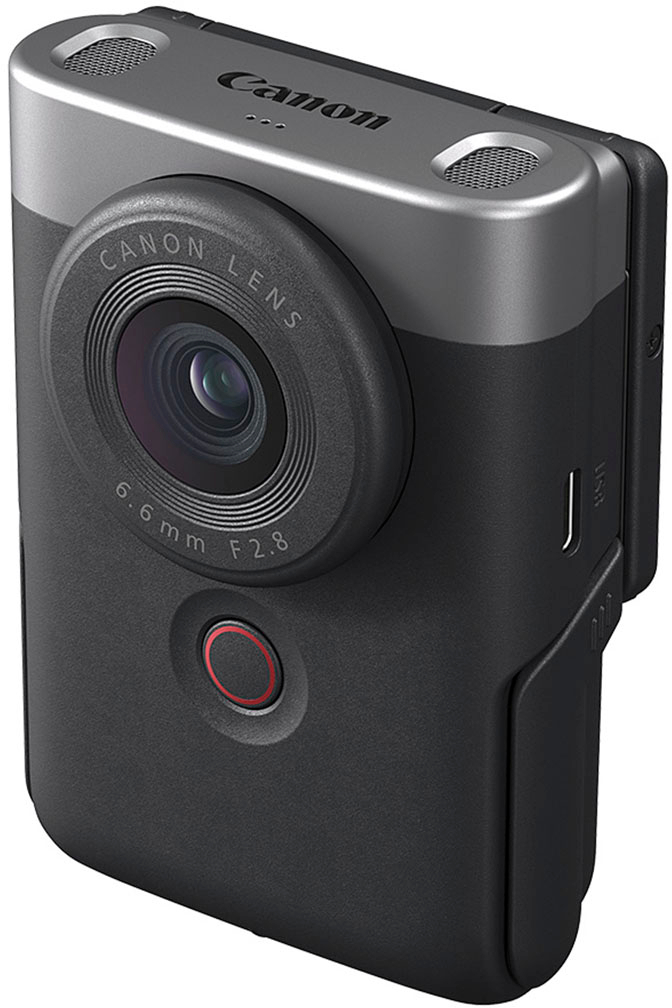
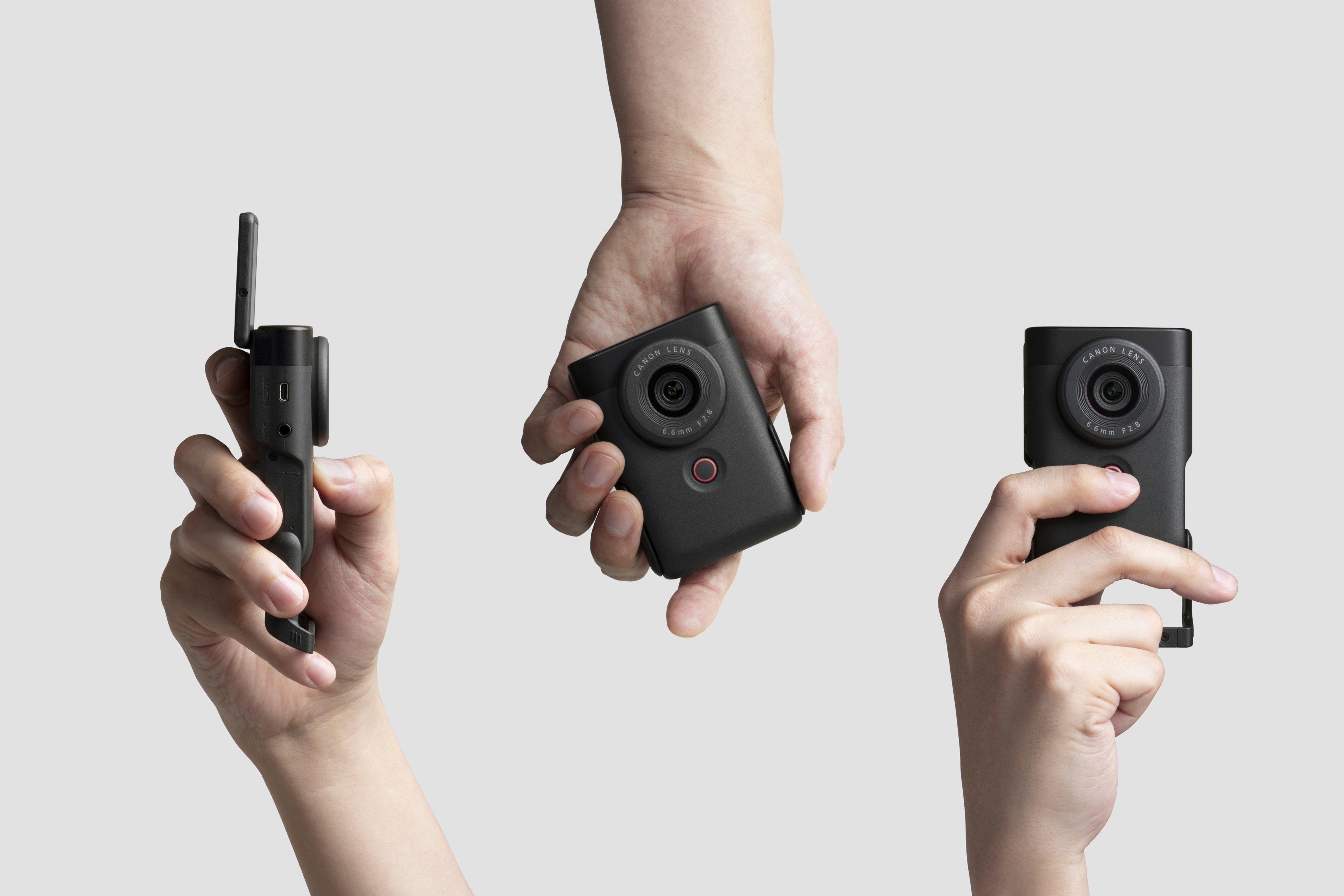
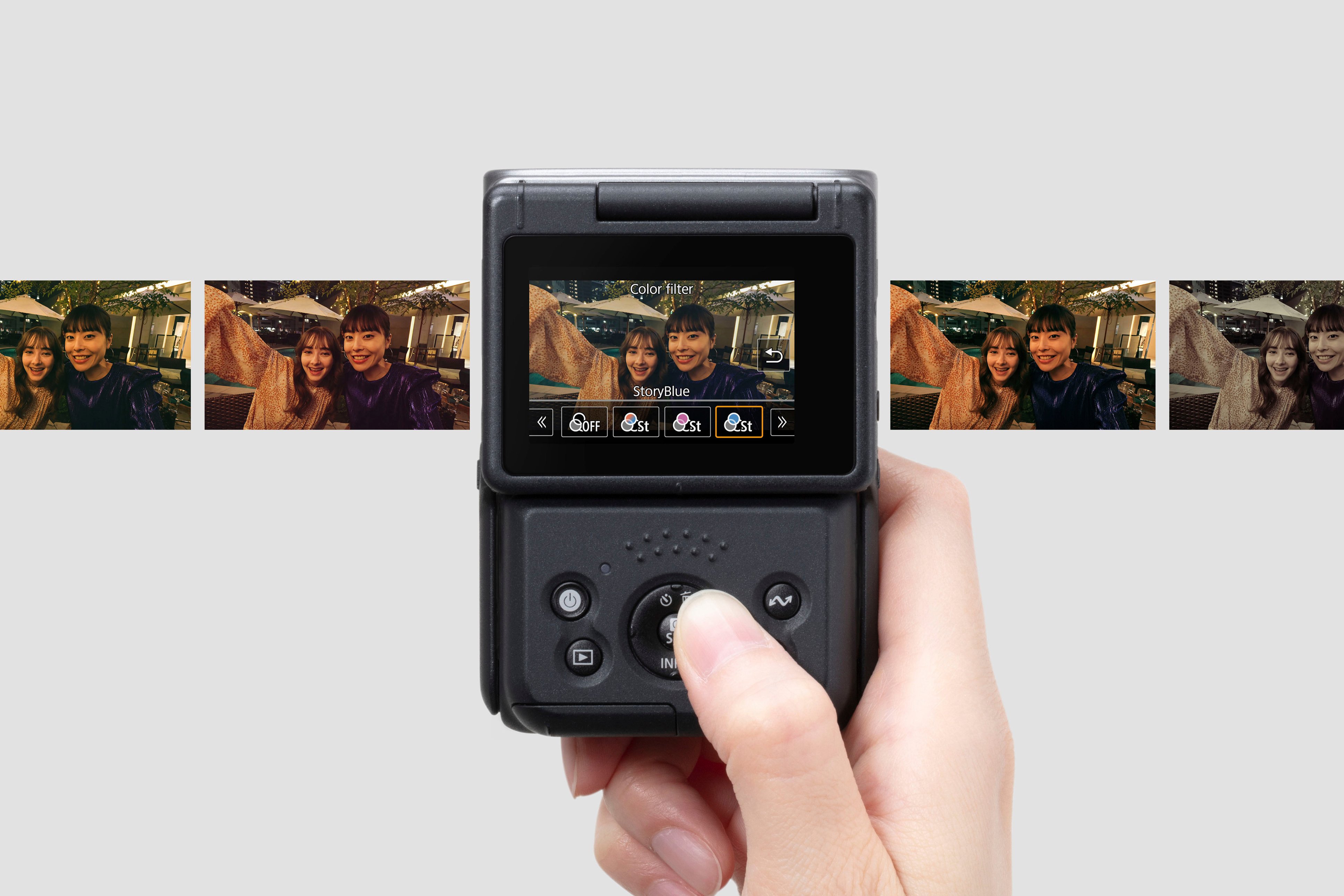
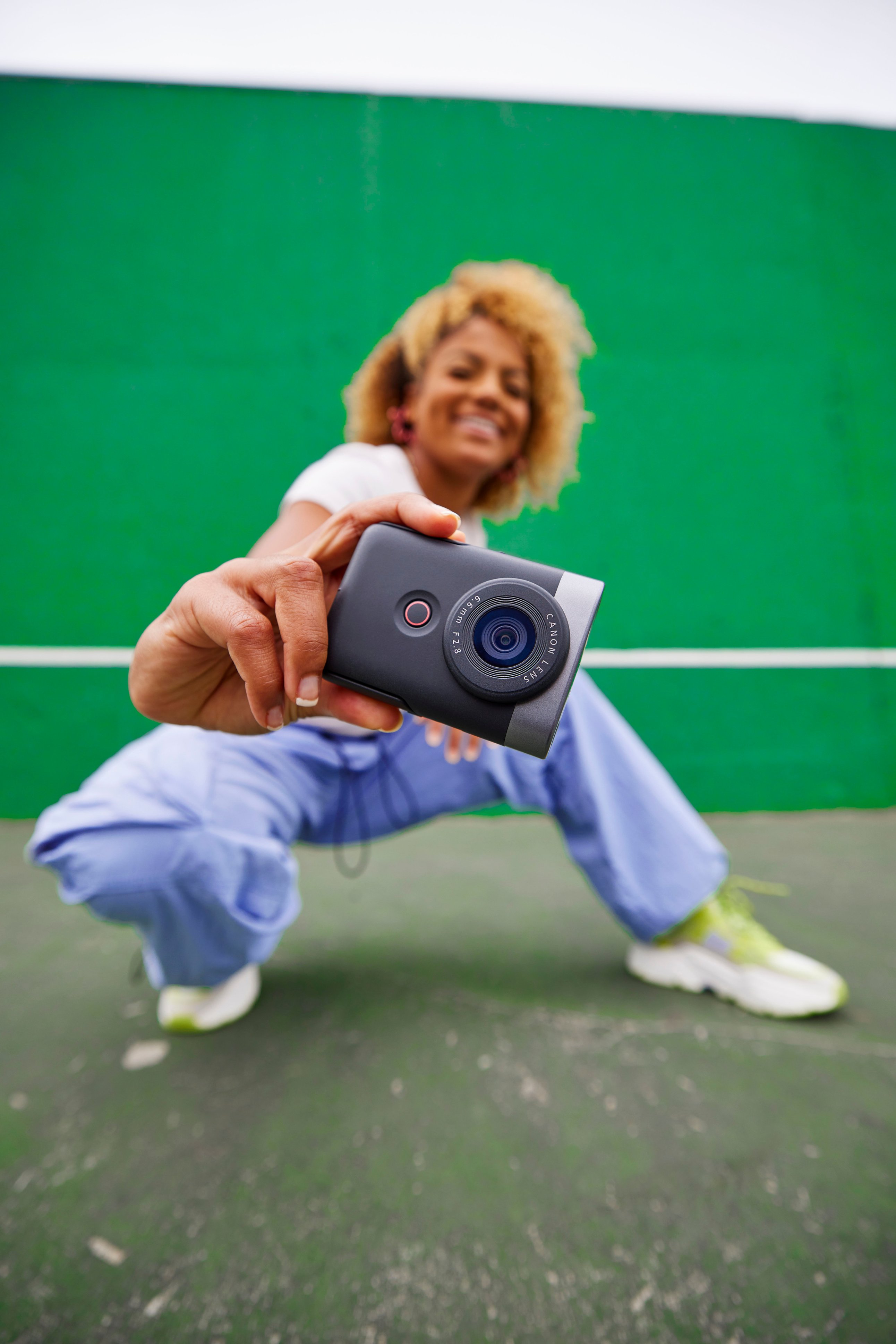
|Posted .This reviewer received promo considerations or sweepstakes entry for writing a review.I have had the opportunity to test out the Canon V10 vlogging camera for several days now, and I’m finding it difficult to figure out how to approach this review. I absolutely love the basic guiding concept and design of the V10, while at the same time finding myself wondering if there was enough field testing done before sending it to market. The V10 is compact and fits easily into my hand. However, it feels like I need to grip it tightly to keep it from sliding out of my hand. One of the first things I did was to attach the included lanyard to the V10 to prevent it from crashing to the ground in case it actually did slide out of my hand. As I initially studied the layout of the camera, I noticed Canon created the V10 with a very friendly user experience in mind, that is, there aren’t a boatload of buttons and wheels to navigate through. The front of the camera has one button, the video record button. I really like that. Since most of the shooting done with the V10 will probably be video shots, the button makes it super simple to pick up the V10 and not only start a shot but stop it as well. The back of the camera has four buttons and a center “wheel” button that provides several functions as well. Like most vlog cameras, the V10 has a ¼” mounting socket for a tripod or gimbal. You can read about all the specs and features above, so I don’t want to weigh this review down with a lot of stuff you have probably already read. So, let me get to the heart of this review… how does the V10 perform? Although it does boast of some great features, such as the 1” CMOS processor, and the rather high-resolution video/photo capabilities, as well as the many onboard filters, there are many distractions that stand in the way of the Canon V10 being a standout addition to the vlogging market lineup of cameras. Let me start with the view screen. The view screen is about what you will find on a lot of other vlogging cameras. It isn’t huge, but it isn’t overly small. But it only moves in one direction, flipping up or down. This would be okay if the only types of shots you take are forward facing shots, but sometimes I like to point my camera in other directions while using the viewfinder to make sure the shot is right. This limits the abilities of the V10 from the very start. I noticed that on many shots using the viewfinder in the “home” position, the top of my finger was visible. There isn’t really much to hold onto unless you are using a gimbal, and then the visible finger issue would be resolved, but for quick shots on the go, a gimbal isn’t always readily available. The V10 boasts of its autofocus capabilities. And to be sure, for the most part it works great. I did find however that in low-light conditions shooting video, the autofocus function was abysmal, and produced unusable footage due to blurring. The blurring would clear up after a second or two, but if there is any movement, it blurs again. To its credit though, during good lighting, the autofocus worked extremely well. But then again, this is a point and shoot camera, so a manual focus option is pretty much out of the question. The V10 offers 14 different onboard filters. These are really pretty much the same types of filters you will find on most cell phone cameras. Accessing the filters is quite simple using the “Q” button in the bottom right corner. One thing I like about using any of these filters is that the same filter will be on should you turn off the camera and then turn it back on later. Hand in hand with the filters is the ability to change the ISO settings for both standard and 4K. This ability can add a lot of flavor and texture to many shooting conditions. When it is all said and done, the V10 is a great camera for a beginning vlogger, or as a camera to use in a pinch. It can’t really stand toe-to-toe with many of the other cameras out there in this price range, and actually, for the price point of the V10, there are cameras out there that might be a better option for a more experienced vlogger. The photo/video quality of the Canon V10 is great under the right conditions, but when taxed, the quality tends to fall off. I have to confess my disappointment when comparing the V10 to the quality and design of many other amazing and outstanding Canon products that I have owned and still own. There is the feeling they rushed this through, and sadly it shows in several areas. Although I have given the V10 a three-star rating, I would still highly recommend it to anyone who is breaking into the world of vlogging. It’s a great beginner’s vlog camera, and will make a great steppingstone for those who ultimately decide to take their vlogging skills to the next level.
I would recommend this to a friend - Pros mentioned:Stand, Video quality
Pocket Canon for Pics, Video, and More
|Posted .This reviewer received promo considerations or sweepstakes entry for writing a review.Gotta say, I'm conflicted about this camera. There are some good things about it, and some 'not so good' things. So while this digital camera has that trusted Canon brand name, it is a bit over-priced, in my opinion. Photos and videos are stored on a micro-SD card (not included). Now, the two small speakers on top of the camera do what they're designed for, but don't expect amazing audio quality from them. However, I was pleasantly surprised by the visual quality of this Canon PowerShot V10. Plus, there's a selection of filters and color sliders (in the companion app) so you can customize your visuals with what the app has to offer. There is a downloadable PDF user manual which explains how to navigate the menu screen and other options. I found this to be an invaluable learning tool for exploring all the features of this digital camera. The aforementioned Canon Camera Connect app allows you to try out a variety of customizations. I particularly liked using the remote control feature with my smartphone. Although the touch screen is rather "tiny," it really is responsive. Even with the text being on the 'small side' to fit the screen, you are able to scroll through the menu options via the circular directional button on the backside of the camera. It did take me a bit of time fiddling around in the menus to find what I was looking for and figure out how to make the camera do what I wanted. The surface of the camera itself has a nice matte texture which ensures a secure grip. There's a handy 'start/stop' button on the front side of camera, too. The built-in stand which folds down (and tucks away when not in use) is super convenient and provides the camera with a good solid base. Both the stand and screen can be adjusted to an optimal position for your filming and viewing needs. There is a handy tripod mount on the bottom which is definitely a plus for those wishing to do live streaming, Vlogging, content creating, or even when taking the camera out to some other location beyond that of a home office, computer room, or studio. This Canon PowerShot V10 is compact and portable. Perfect to carry in a purse, backpack, or pocket. While anyone who uses a smartphone has the capability to take pictures, record video, and upload that content to different social media platforms, this digital camera is made specifially for doing so and has features to make that all the more fun and easy.
I would recommend this to a friend - Cons mentioned:Zoom
Cute but it didn’t work for me
Posted .This reviewer received promo considerations or sweepstakes entry for writing a review.I bought this camera to start vlogging from instead of using my phone and honestly l couldn’t get the hang of it there was no way for me to zoom in when l was vlogging also l couldn’t adjust the color it was too dark when l was inside my house so l returned it. If your not going to vlog from this camera then l would say go for it
I would recommend this to a friend