Customer Ratings & Reviews
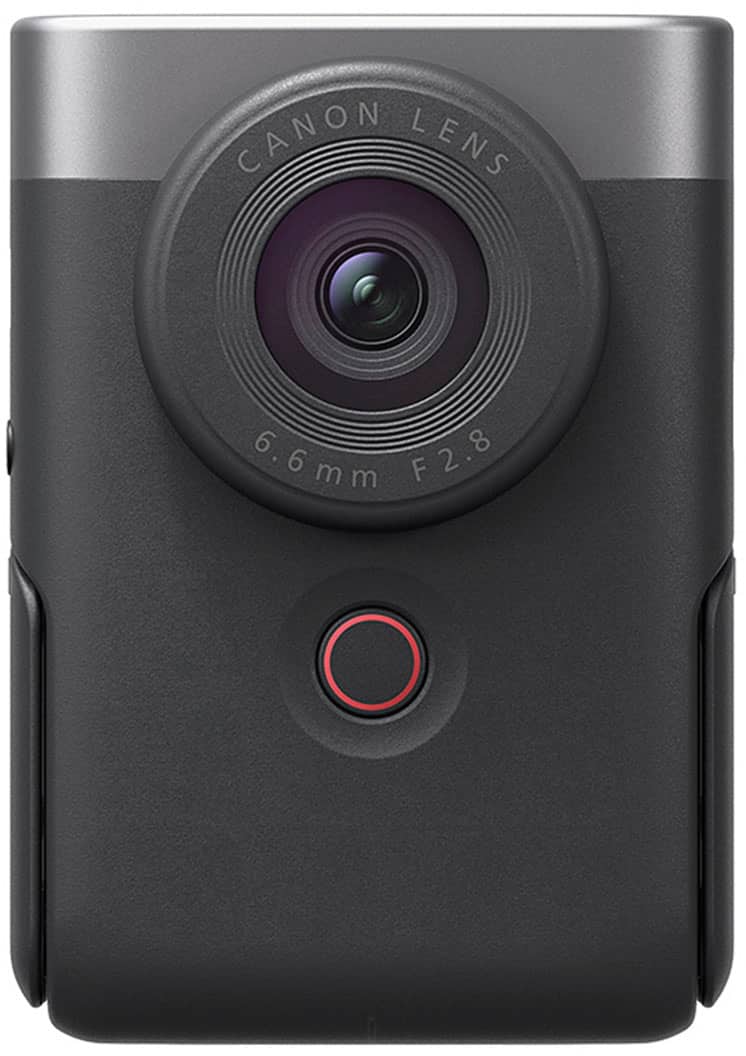
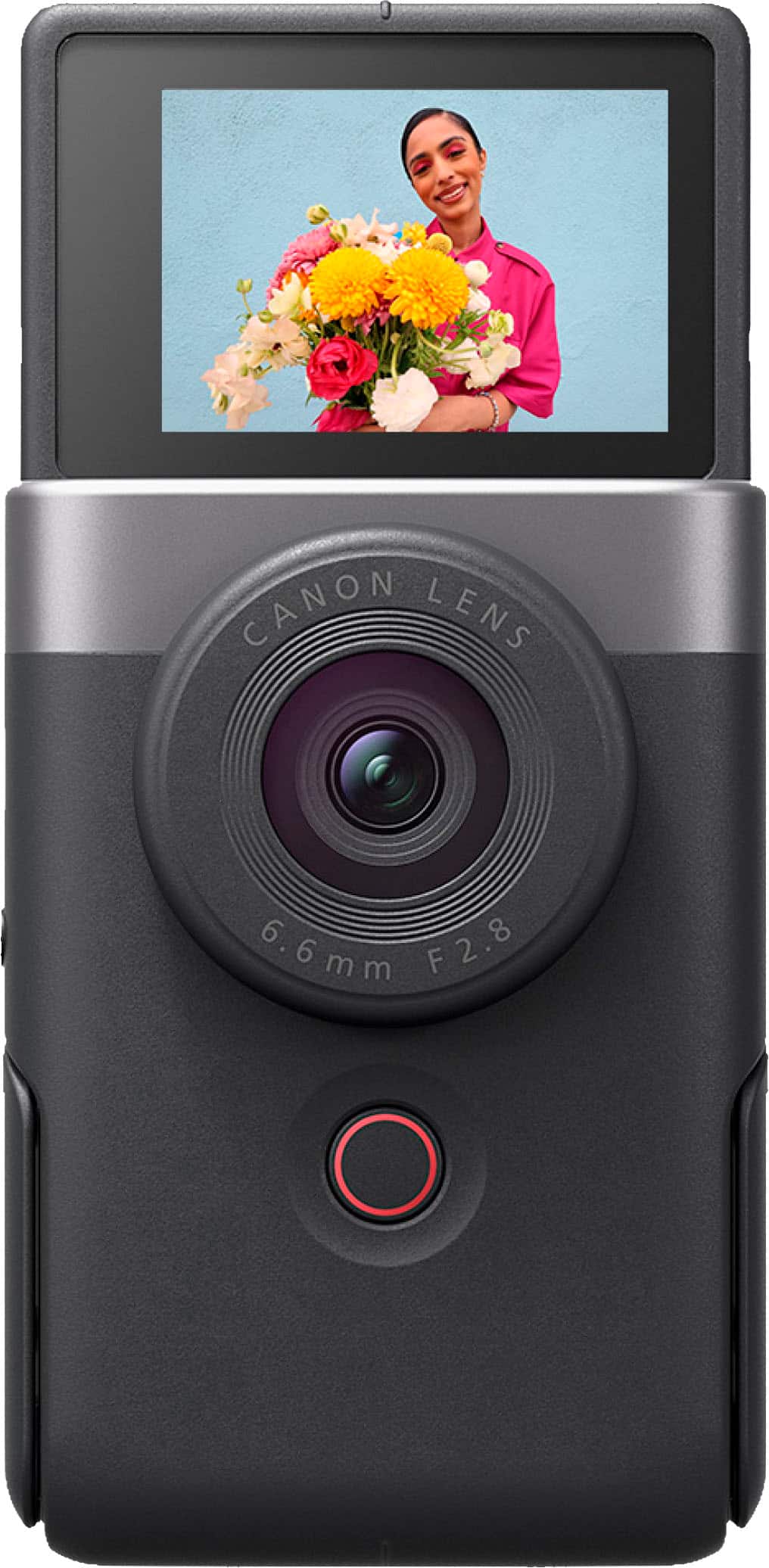
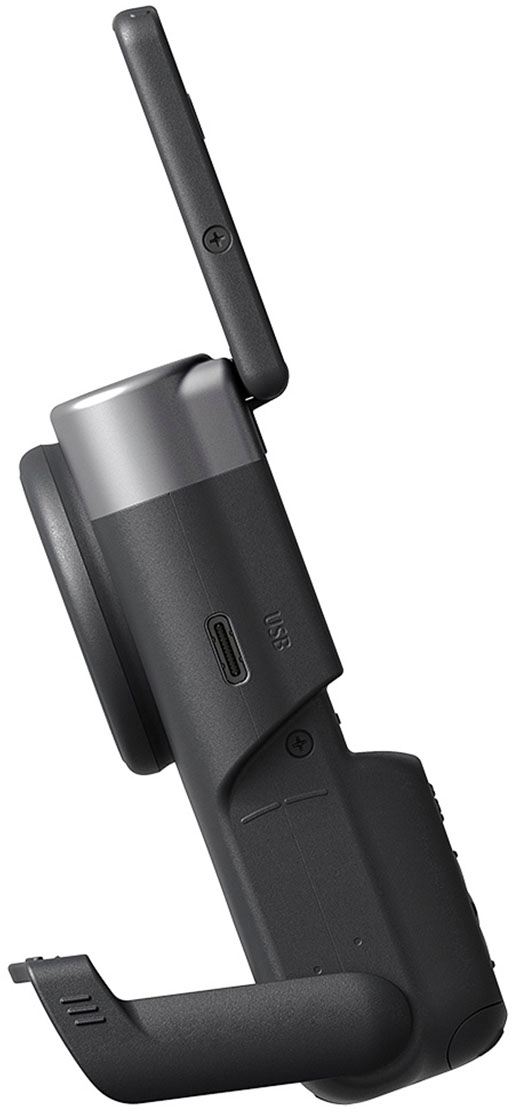
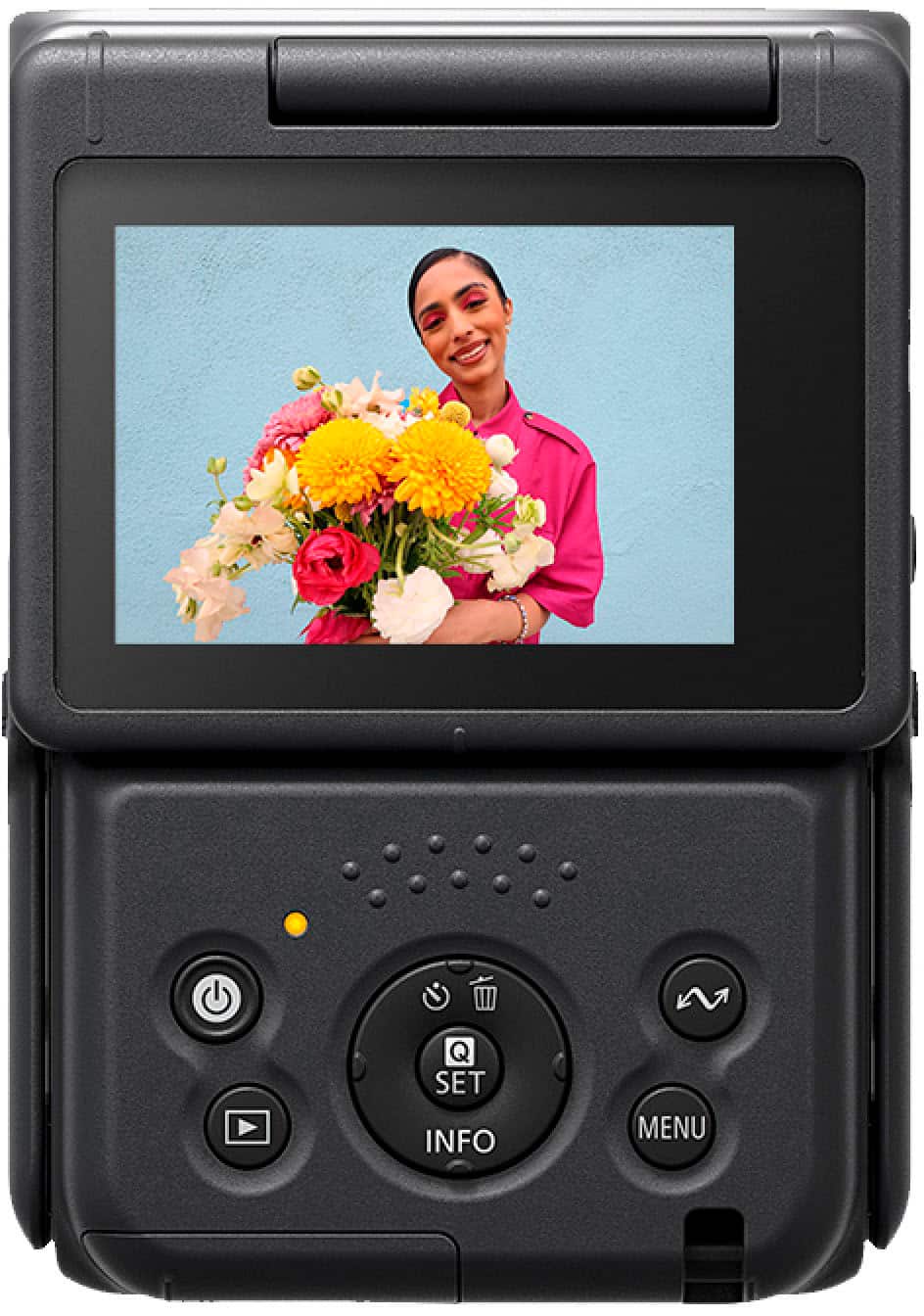
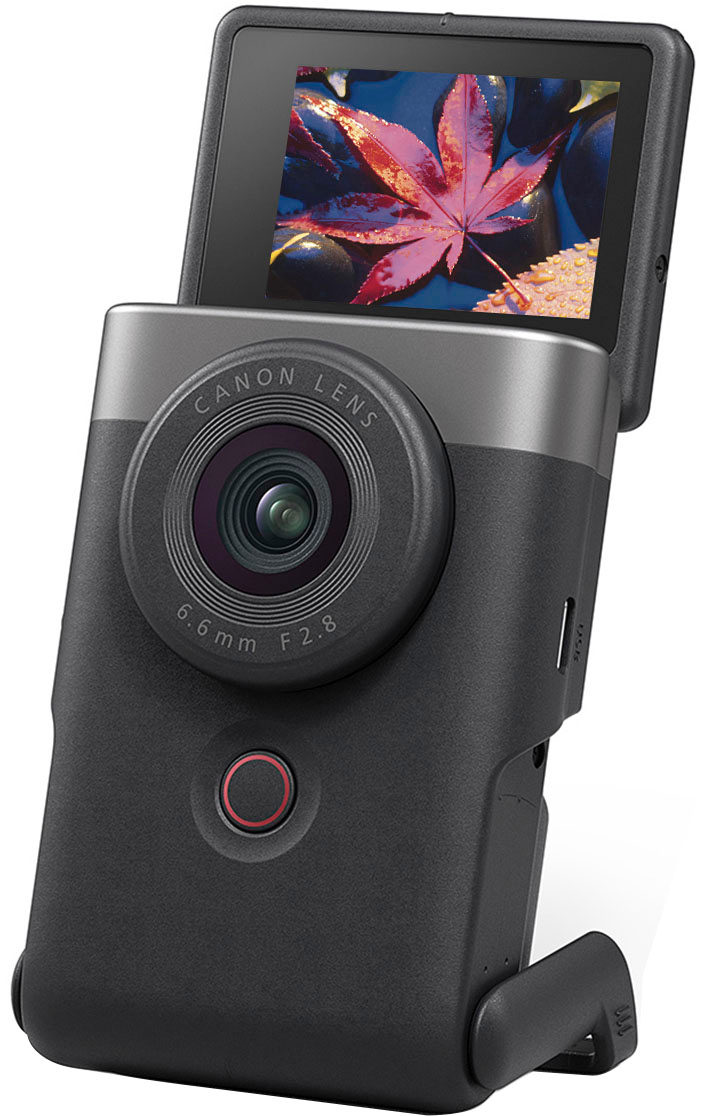
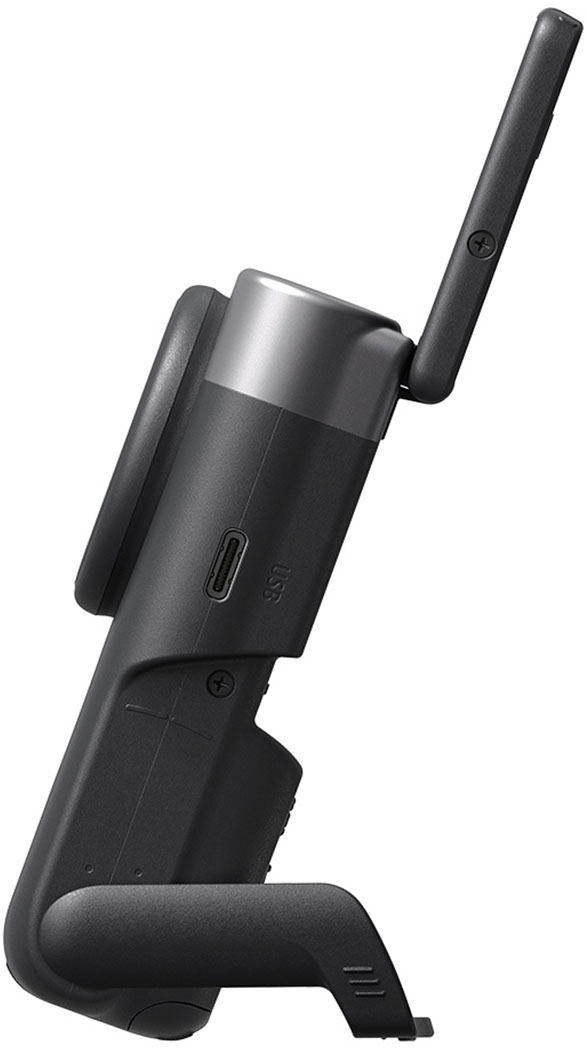
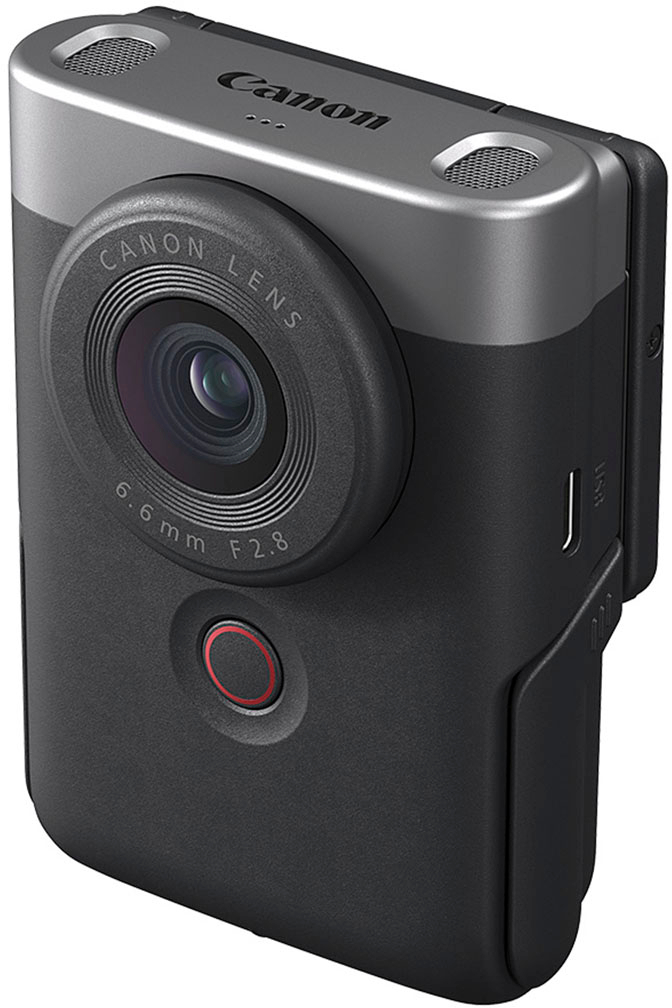
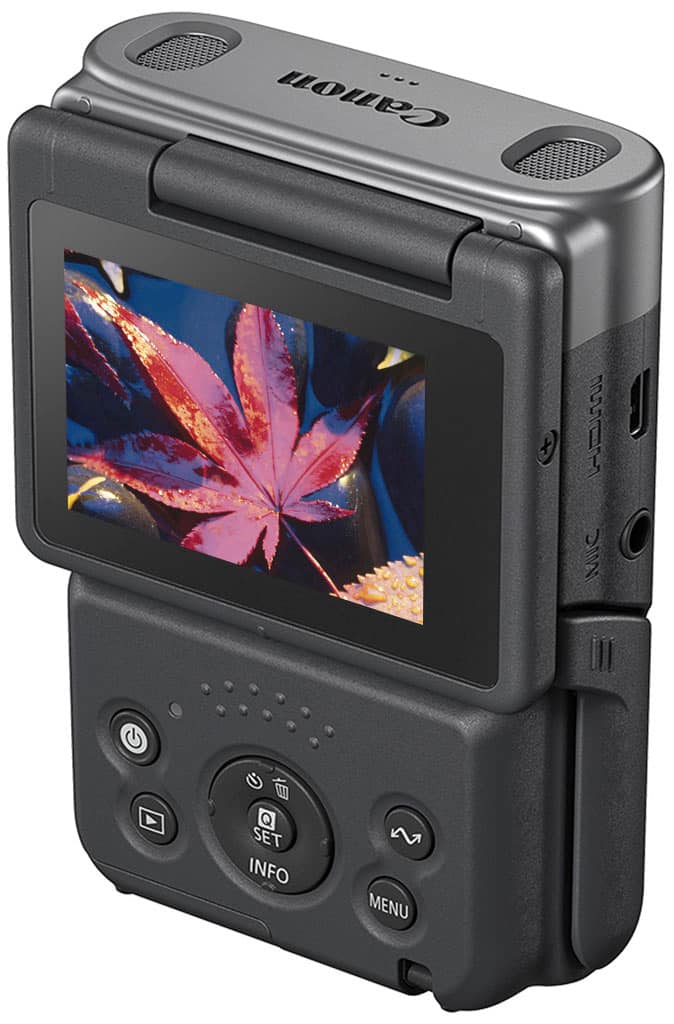







- Model:
- 5946C002
- SKU:
- 6544753
Rating by feature
- Value
Rating 4.3 out of 5 stars
- Quality
Rating 4.4 out of 5 stars
- Ease of Use
Rating 4.6 out of 5 stars
Customers are saying
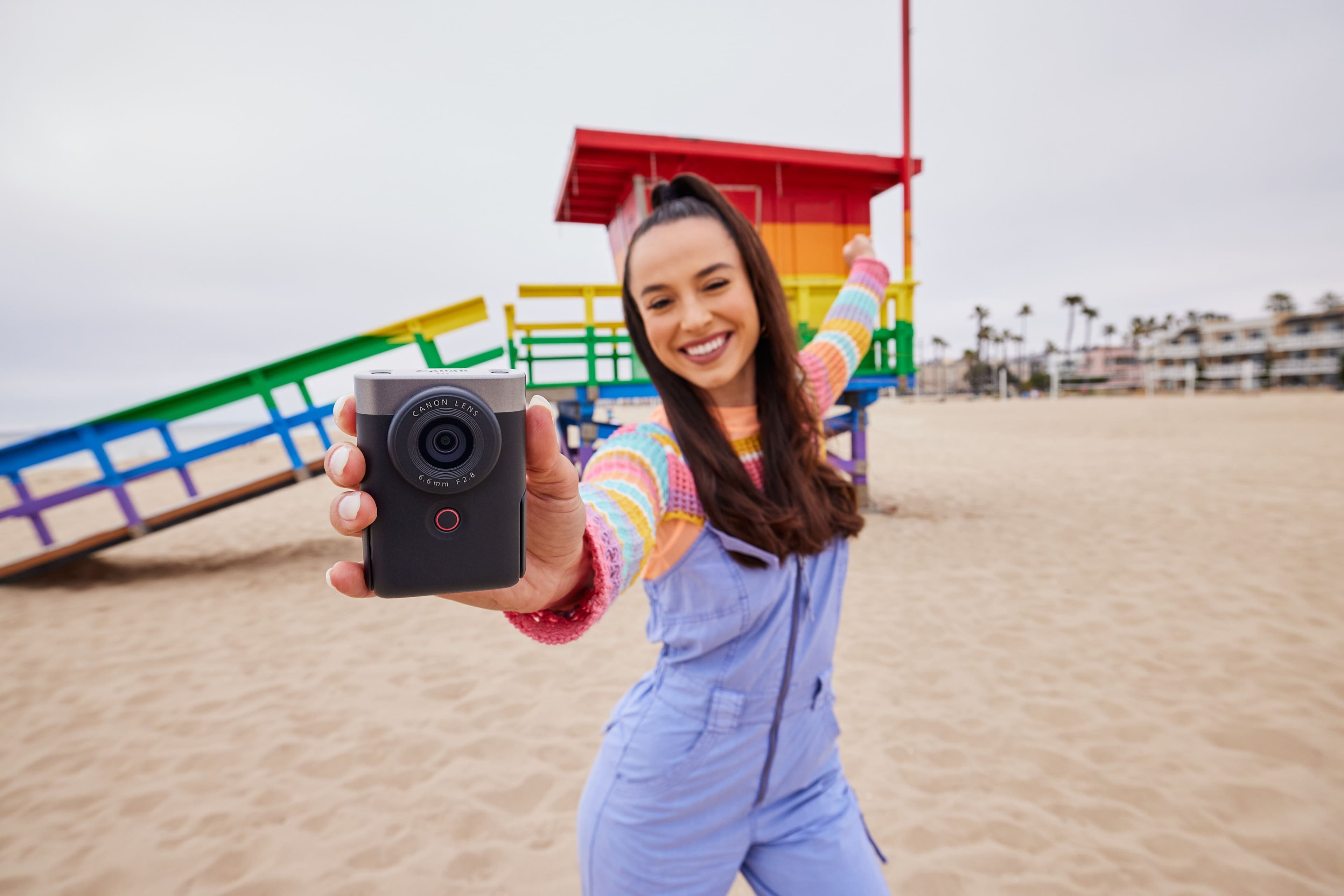
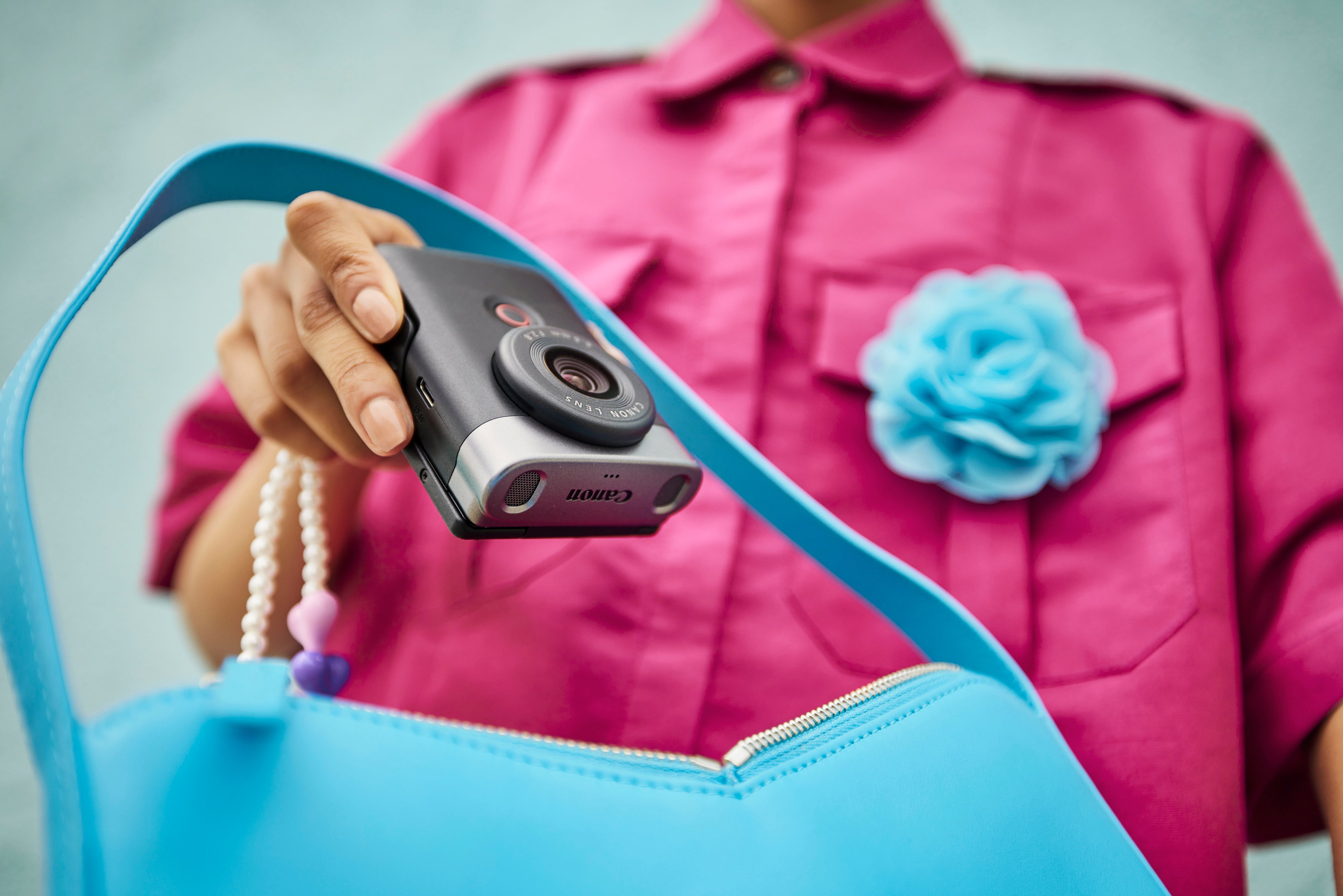
Customers commend the PowerShot V10 for its amazing video quality and ease of use, noting its small size is perfect for traveling. The inclusion of a touchscreen and built-in stand are also appreciated features. However, some customers express concerns about the battery life and the lack of zoom and flash capabilities.
This summary was generated by AI based on customer reviews.
- Pros mentioned:Video qualityCons mentioned:Flash
Buy it!
||Posted . Owned for 3 weeks when reviewed.This reviewer received promo considerations or sweepstakes entry for writing a review.I love this camera so much! I would give 5 stars if it had flash! That’s truly all that this camera is missing. My photos and videos are crisp and beautiful
I would recommend this to a friend - Pros mentioned:Size
Vacations
||Posted . Owned for 2 weeks when reviewed.This reviewer received promo considerations or sweepstakes entry for writing a review.It’s the best thing ever I have on camera For smaller cameras
I would recommend this to a friend - Pros mentioned:Size, Stand, TouchscreenCons mentioned:Battery life

A very good camera, but not perfect
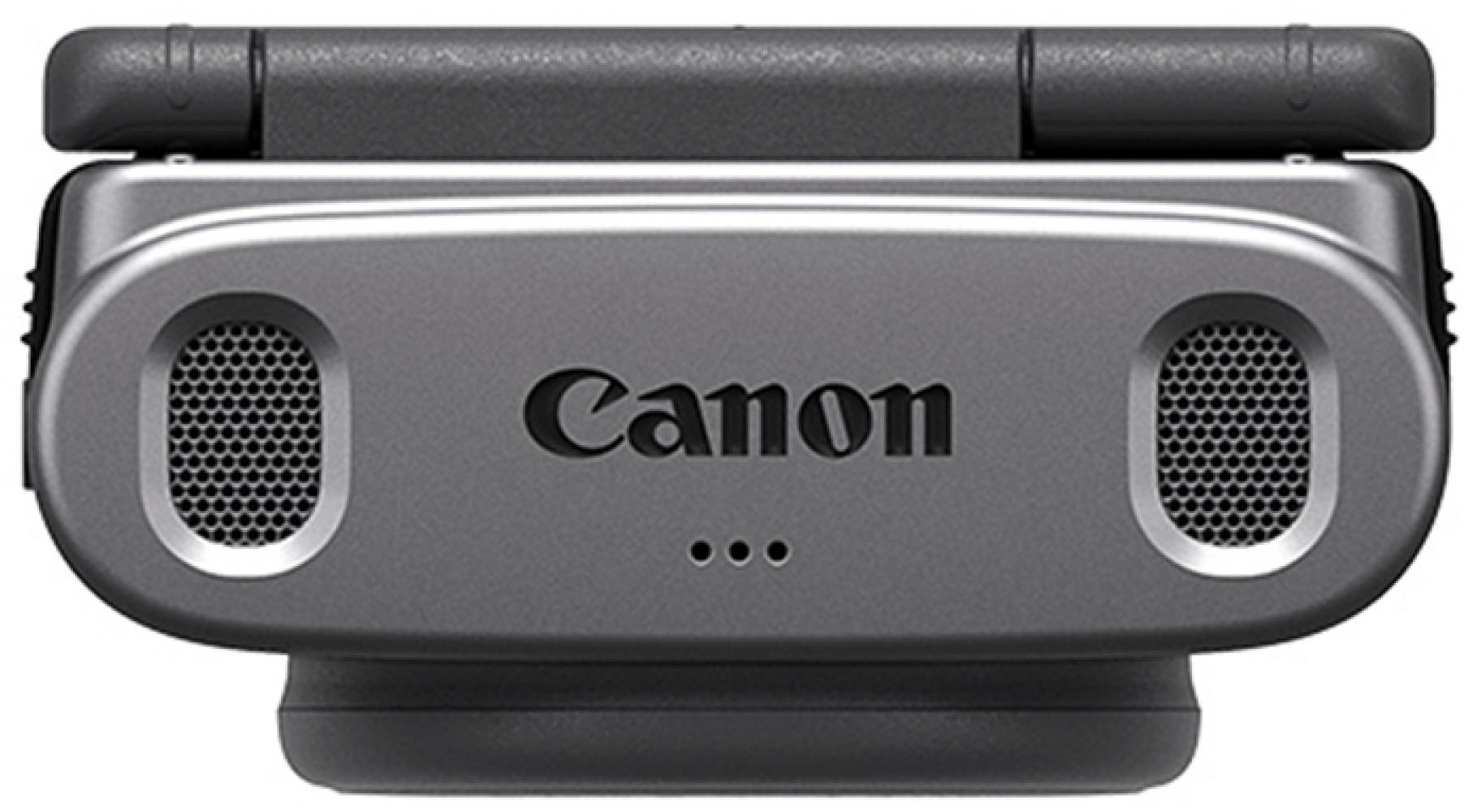
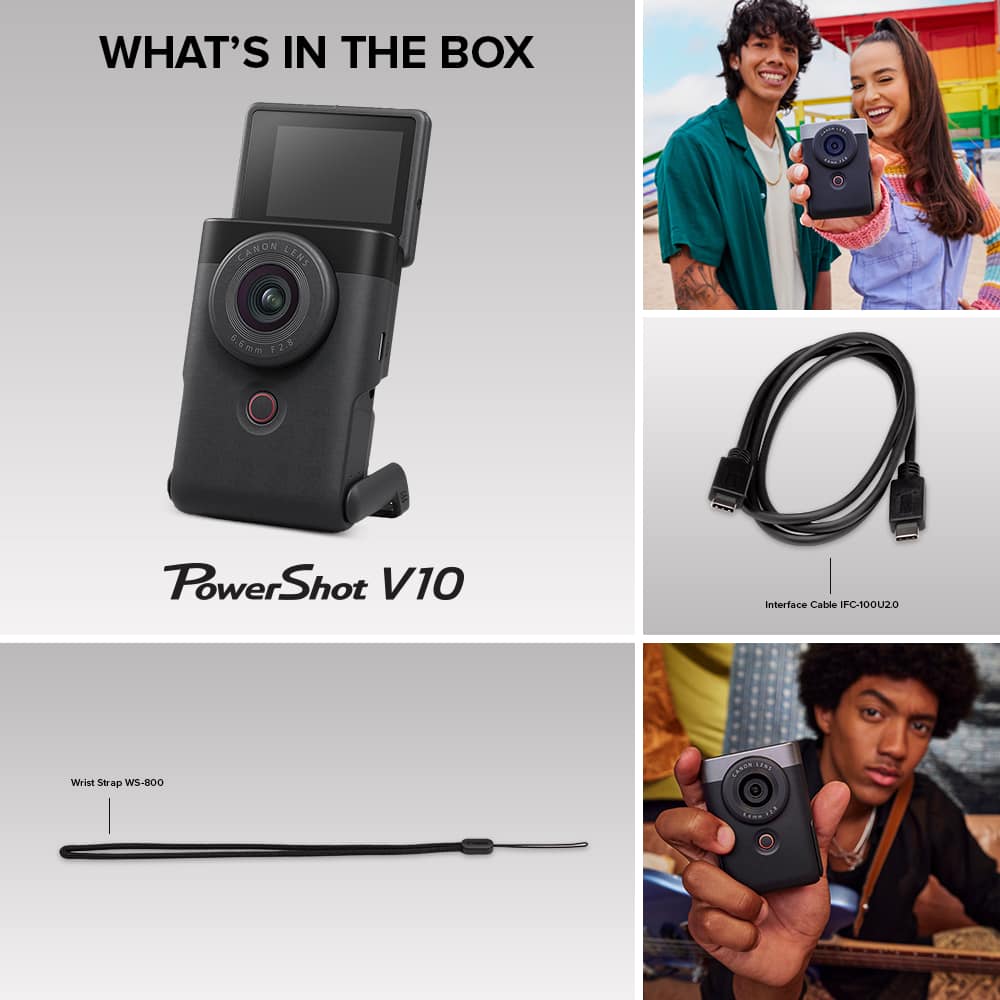

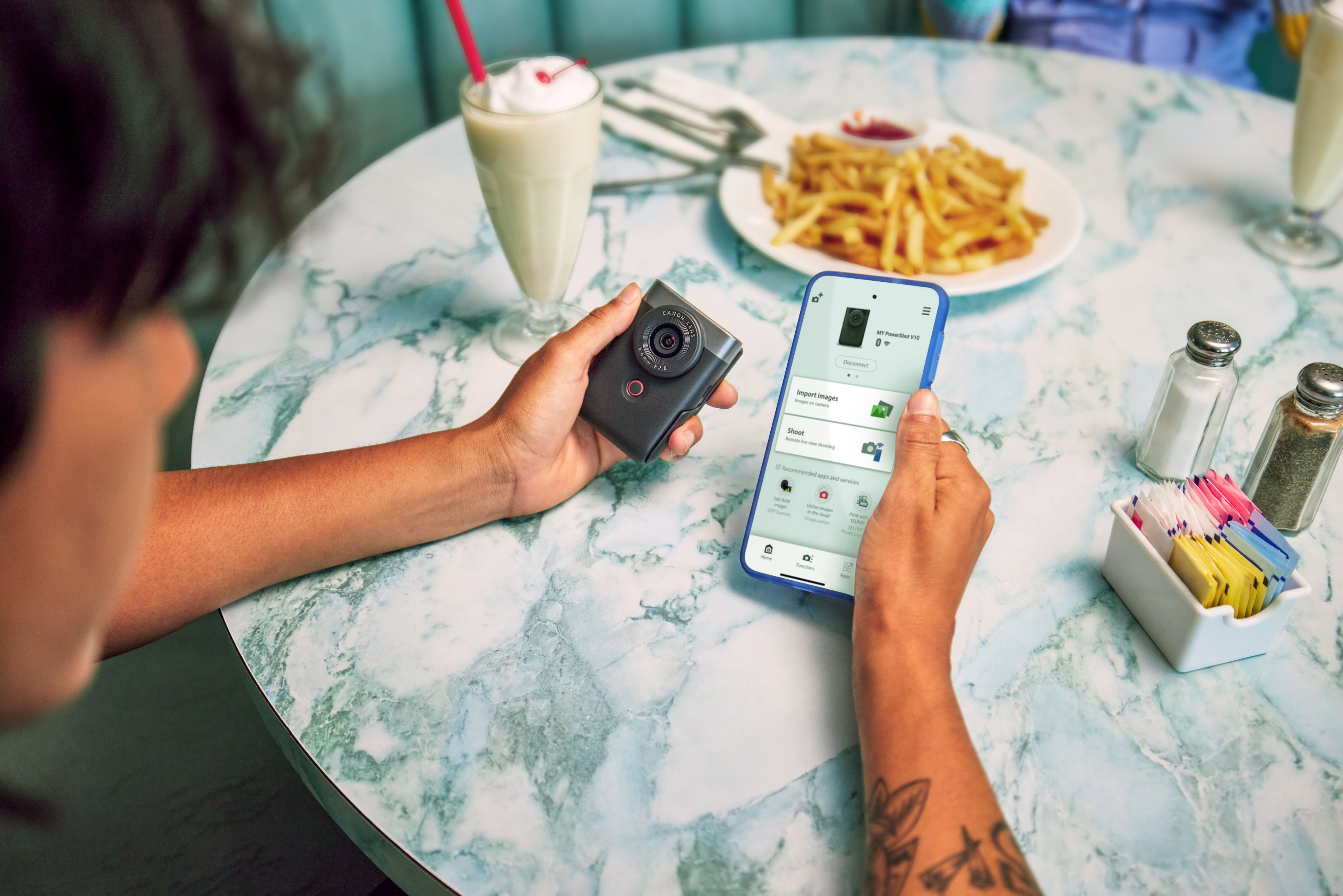
|Posted .This reviewer received promo considerations or sweepstakes entry for writing a review.I think Canon got the concept right, but it has a few quirks that need to be fixed. And what I think is a simple design flaw that should have been fixed before it went into production. I think the little camera hits the mark for its target audience, and there’s a lot to like about it. Especially in the video department. Stills are more of an afterthought. Notes: You will need a fast micro SD for 4K. Also, Depending on your computer, I have reviewed a couple of laptop computers that had slow SD card readers that would make the 4K 60 FPS from my drone stop and stutter when playing video directly from the card. Even in 4K 30 FPS. If you have issues like that, copy the video to your PC’s HD or SSD and you shouldn’t have those problems anymore. It’s not weather sealed like a typical action cam. I’m not going to list all the specifications. That’s covered above and you can go to Canon’s site for more detailed information. I’m focussing on use. What’s Good about it: Small and compact. USB C for charging and data transfer. Sharp fast lens with a maximum 2.8 aperture, 1 inch image sensor, flip up 2 inch touch screen, micro HDMI out, external mic in, fast start up, solid build, excellent color, lots of video options and settings, including full manual for video, but still simple to use. Excellent sound quality with manual level control too. Built in fold away foot for a stand. Pairs very easily with the Canon Connect app to a phone, tablet or PC. I tested it with Android, iOS and Windows. Wireless control of the camera with bluetooth and live streaming with WiFi. Can transfer media via WiFi. You can even use it with a camera gimbal. (see photos) Possibly with a smartphone gimbal with some modification to the mount. That would make for a lightweight rig. A built in 3 stop ND (neutral density) filter is a very nice touch and a useful option for use outdoors in bright sunlight. Comes with a wrist strap and charging / data transfer USB C cable. Using a tablet or phone to operate remotely is very nice, but some things, like moving the focus area square, can be sluggish and hit and miss. What’s Not: It’s difficult to insert and remove the micro SD card unless you have long enough fingernails, Bad design there. Focus hunting incertain types of setups and lighting conditions. No 4K at 60 FPS. It can overheat and stop recording in 4K mode. It did with me once. Apx 1 hour battery life. What I think should have been included: A case and some type of lens cap. Maybe a fast charger too. What would make it better: Longer battery life and the ability to use multiple batteries like my Canon EOS cameras. 4K at 60 FPS, more exposure control over still image photography and a RAW option would be fantastic. I think this could be done with a firmware upgrade. If Canon decides to make other versions of this concept, I think if they address what I have listed above, plus add optical IS and a version with at least 3X optical power zoom, they would have the perfect camera of this type. As a part time photographer of over 35 years, I do understand that adding 3X Zoom will make the camera thicker. Can’t get around physics. Maybe Canon can use a DO lens. Diffractive Optics to minimize it. So, why would a vlogger want this as opposed to using their smartphone? I think because it’s a dedicated device. You don’t have to worry about any interruptions coming from your phone in the form of a call or notifications. Yes, I know you can turn them off or pause them, but with this you don’t need to, so to speak. Just turn your phone down or put it in another room. Also, it powers up in about a second and it’s ready to go. That’s quicker than most apps come up. You get a larger sensor and fast lens that makes this camera shine in low light. You get 2 large mics at the top. Larger than a phone’s mics and much more sensitive and better frequency response. Nowhere could I find any specs on the type mics, but I think they are condenser mics. It also has 3 noise cancellation mics and a speaker for playback audio. It has an option, I don’t think any phone has, external mic / line input. That means I can run from the mixer board right into it when doing music videos. You have a choice of auto or manual volume input level too. And if that’s not enough, it has a wind filter with the option of external wind screens. However, the external wind screens block the flip up screen about halfway. Audio specs are standard for video at 48 khz sample rate at 16 bits. No other information available for mic pick up pattern or sensitivity. Build quality feels good. It’s plastic from what I can tell, but feels a bit like Canon’s cameras that have a magnesium alloy body. The 2 inch touch screen is pretty bright, and has wide viewing angles. You can vary the angle from flat on the back to facing the front. Resolution is 480k dots. Using the app on my 9th gen iPad worked well. However, there were times the camera would keep losing it’s WiFi connection and I think Bluetooth connection. I would have to reconnect them repeatedly. Other times it didn’t. And in the same location, which makes me doubt it was interference. Twice the app froze and had to be closed and relaunched. When it was working, I performed well and was easy to use. Transfer of photos and videos via WiFi was fast. There are also options for transferring stills that you want to pay attention to. That is that full photo resolution isn’t the default setting. I think the video quality is first rate. Certainly up there with my full frame and crop sensor Canon cameras with good lighting. The color is pretty much spot on. You can shoot video in 4K 29.97 and 23.98 FPS and FHD at 59.94, 29.97 and 23.98 FPS. All modes have a data compression option of normal and lite IPB. The latter consumes about half the data as the former. It’s got plenty of effects filters that are popular built in as well as video color effect options. Video stabilization is electronic as opposed to optical with a moving / floating element in the lens assembly. There’s normal and enhanced versions. However, they can’t be used when using the skin smoothing option or the level option. Still photo mode is the same as the AUTO+ mode on a Canon camera. The camera controls almost everything exposure wise. You can set image size pixel wise, aspect ratio, and exposure compensation. The stills look really good and I hope Canon adds the usual P (Program), Tv (shutter priority), Av (Aperture Priority) and M controls or at least M (manual). That would be nice and shooting in RAW would be fantastic! That would make this camera 6 stars!! The V-10 also shines in the audio department. I was really impressed with how well everything sounded. I played music into it via its built in mics from my high end audio gear, as well as playing acoustic guitar. Very clean and clear. Took it to my cover band’s rehearsal one night and it performed very well there too. Whether auto level or manual. Provided that when using manual it was kept low enough so that a random loud lick didn’t clip. For most cases, Auto will be all you need to use. From what it looks like, the camera rates a solid 4 stars and that’s what I gave it. If it hadn’t over heated on me, the micro SD was easier to insert and remove and the focus didn’t hunt so much at times, it would have got 5 stars. I think Canon can fix all but the micro SD with a firmware update. That alone would be enough for me to give it 5 stars.
I would recommend this to a friend - Pros mentioned:Size, Stand, TouchscreenCons mentioned:Zoom
Great Vlogging Camera
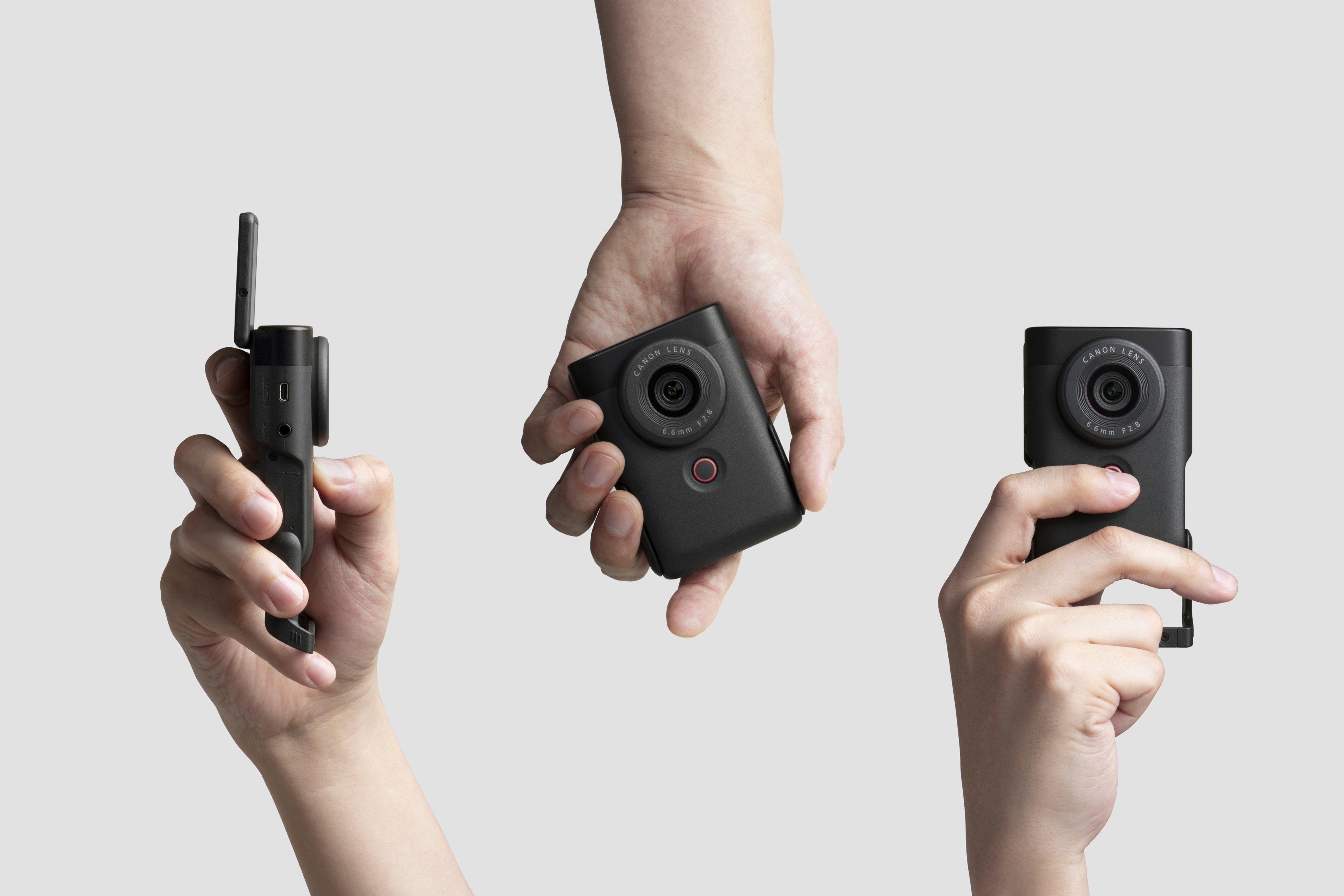
|Posted .This reviewer received promo considerations or sweepstakes entry for writing a review.The Canon Powershot V10 video camera impressed me with the small and portable size it has. It literally fits in the palm of my hand. It is a great camera for someone who is just beginning in this vlogging world. Fresh out of the box, you can appreciate the features it has. It’s small enough that it can be carried anywhere it is definitely smaller than my cell phone. It has a built-in stand, which is very practical when recording videos or taking photos. The camera screen can be flipped to selfie mode. It has a touchscreen making it easier to navigate through all the menu options. The Microphone is located on top of the camera, this design is way better so it doesn't interfere with any add-on devices such as an additional microphone or tripods/stand. The recording button is what I liked the most. It's located in front of the camera. Any side you decide to record you always have easy access to the recording button. The Canon Powershot uses a micro sd card. The quality of the video recording is beautiful and the way it captures the sound is also great. The connectivity between the video camera and the computer is also very smooth, there's no need to download extra software or anything like that. Once you plug it in using the USB-C it rapidly downloads all your media. The app is a must to have, there you can easy connect the camera and opens a variety of options such as doing Live streams, Remote Live View shooting and also Import your videos and photos as well as the camera user guide. The one thing I strongly believe they really messed up was leaving out the zooming in and out during a recording. There is an option to zoom but its before you start the recording. Very weird thing to do. I was very frustrated at first trying to figure this out and then turns out it’s not available. Other than that, this camera has it all to start or continue your vlogging career or just have fun with it!
I would recommend this to a friend - Pros mentioned:Stand, Touchscreen, Video qualityCons mentioned:Battery life
Good Vlogging Camera With Great Photo Capability
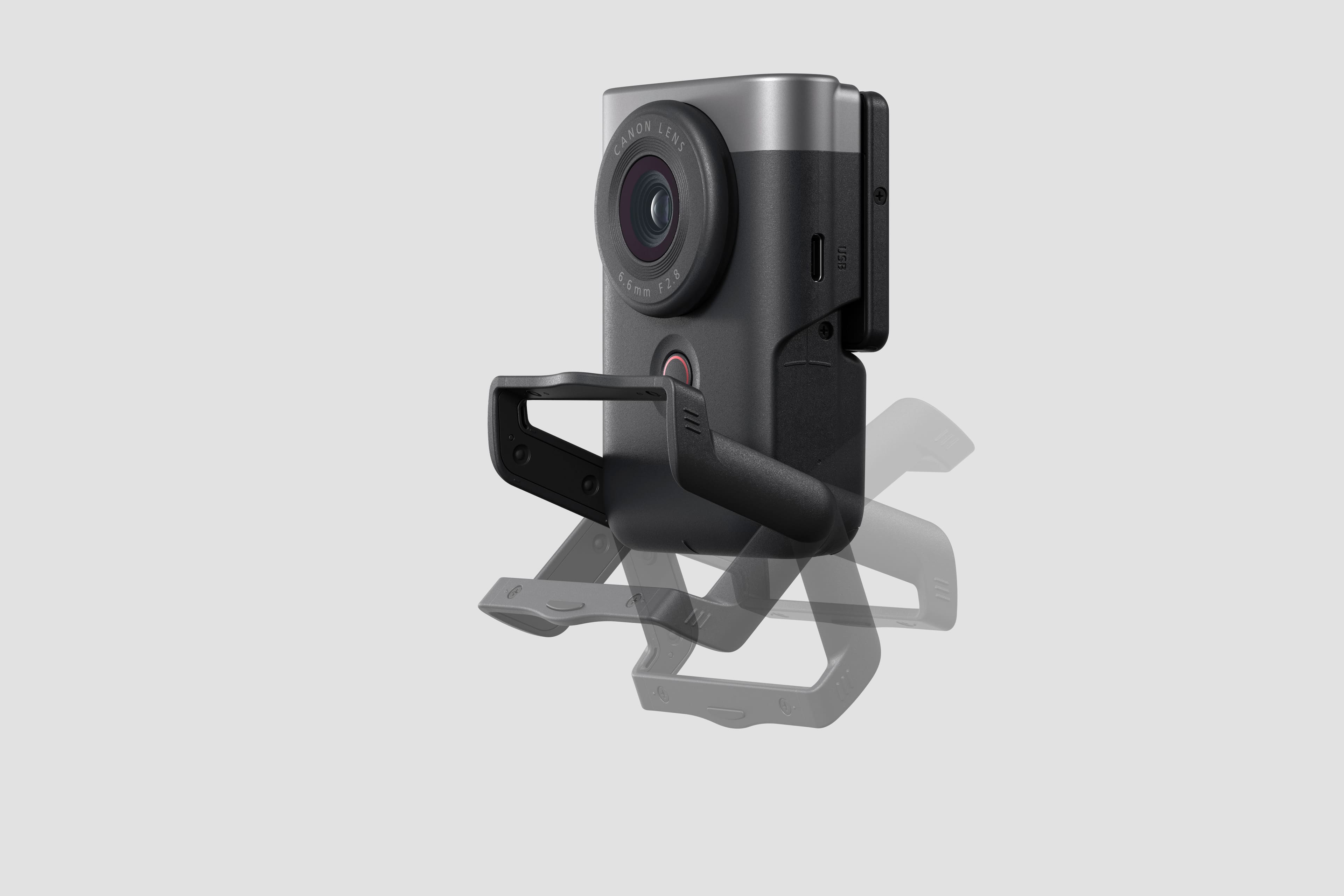
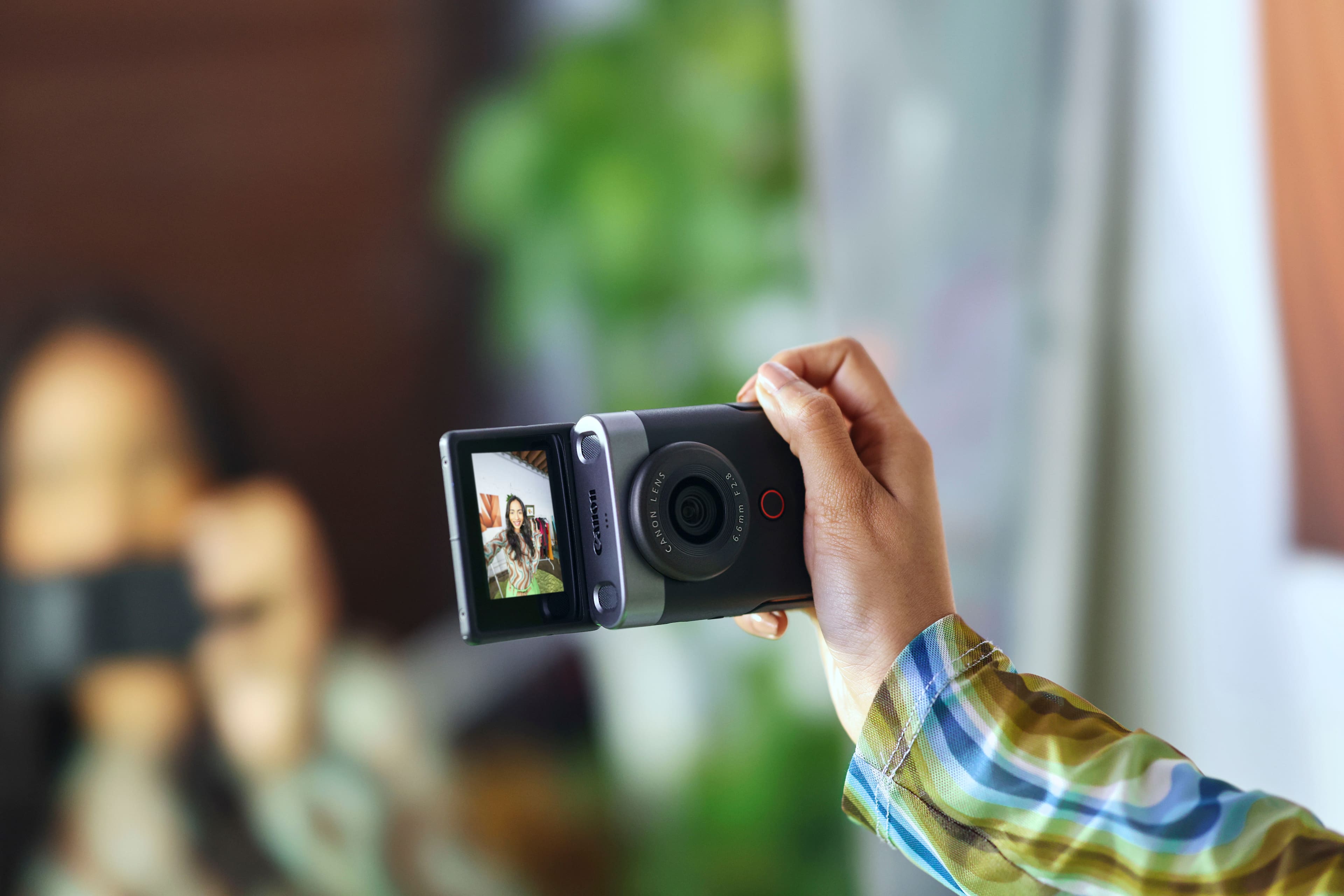
|Posted .This reviewer received promo considerations or sweepstakes entry for writing a review.Canon has a unique design on their V10 vlogging camera. The V10 is sized to hold in the had comfortably and still be able to put it in your front or back pocket. The weight of the V10 isn't bad. I was able to hold it out while vlogging during 5+ minute clips without getting tired of holding it. It features a 1/4" mount point on the button to support mini tripods if you prefer to mount it on one and use that to hold the camera out. It has a built-in stand so you can quickly set it down on something without having to mount a tripod on it. The V10 comes with a flip screen so you can see the screen when facing the rear of the camera and flip it up to see the screen when you are facing the front of the camera. I'm familiar with screens that flip out to the side and can tilt up/down, but it only took a few times of using the V10 to adjust to it being at the top of the camera when facing the front. The screen's hinge seems solid enough so there should be no worry of longevity of it. It also has a built-in stand, but it can be a little inconvenient to flip the screen up in order to extend the stand as part of the stand, when closed, sits behind the flip screen. You just have to flip up the screen part of the way in order to extend out the built-in stand. It being this way helps to get the stand locked into the retracted position and reduces the chances of the stand being accidentally extended by the user when vlogging. The screen is also a touch screen, so you can access a few settings from the screen even when you have the screen flipped up while facing the camera lens. It comes with a USB-C to USB-C data/charge cable. Charging time to fully charge the built-in battery wasn't too bad. The battery life is ok, but people may run into the issue of needing to charge where as with a removable battery, you would just swap out batteries. You don't have that option with the built-in battery. The buttons are easy to get to and see. There is a large record button on the front and it is recessed which helps to prevent accidentally pressing it. The rest of the buttons are on the back of the camera. It was easy to navigate the menu system using the buttons on the back. The rear buttons are also recessed a little and in my use of the camera, I didn't inadvertently press any buttons, so that was a good choice by Canon. The V10 supports micro-SD cards. The card slot is on the bottom of the camera and it has a card slot cover. I wasn't able to get the card slot cover open when I had a mini tripod mounted to the 1/4" mount point on the bottom of the camera, but I didn't have any problems with the card slot cover or the micro-SD cards going in or removing them from the slot when I didn't have my mini tripod mounted to the camera. The card slot should have been placed on the side of the camera in order to avoid have to remove mini tripods to access it. On the side of the camera body, you have a micro HDMI port and 3.5mm mic input port on one side and the USB-C data/charge port on the other. The camera features a 6.6mm F/2.8 lens. The focal length is great for vlogging and there isn't a problem with getting yourself in the frame while also being able to get some of your background in the frame. In lower light, such as evening light, you do get focus on the subject with the background being out of focus. There will be some graininess to video in some low light situations, but it wasn't terrible. The V10 also has stabilization which can be turned on/off. There is a small crop when stabilization is enabled. It does a good job of keep a person in focus with face tracking and even pics up a face when the face goes out of frame an then comes back into frame. It quickly focus back on the subject in situations like that. Auto focus is really good and I didn't have any problems with it. It uses Canon's color science. Some will like it due to a little saturation added to video and photos which result in vibrant colors. Reds, blues, greens, etc., really sand out in the photos as well as video. I would have liked to see a 4K 60p option for resolution and framerate, but you are limited to a maximum of 30 fps in 4K, but you can get 60fps in FHD. I was also limited to 1080 30p when live streaming with the V10. It would be good to see Canon enable 4K30p for streaming at some point. I did notice an unusual short duration cutting out of video (not audio) when moving the camera around while live streaming. While the camera was still, the video didn't cut out, but the moment I moved the camera it would happen. I have a 1Gbs up/down internet connection and verified that my connection wasn't the problem. There could be a few things that could cause that, but I can only say that the problem wasn't my internet connection. Photos from this camera are really good for a camera at this price point. I like how sharp it is and how colors stand out. If you are familiar with other Canon cameras, then you know what I mean if I say the colors pop. The V10 is more than capable as a stills camera. Canon's companion app, Camera Connect, is a great app. I like what canon has done with it. You get many options to set from the app while connected to the camera. You also have live view shooting, image preview, remote control, etc. Canon did a wonderful job with the features of the app and it is definitely a plus for the camera. The V10 has good built-in mics. I found that that the built-in mics were good enough to pick up my voice without a problem. Whether I was facing the back of the camera or front, my voice was clear. You also have the option for an external mic such as a lav mic thanks to the built-in 3.5mm mic port on the side of the camera. Overall I like the camera, but it would be nice to see a few changes by Canon in the future. I would be great to have 4K60p as an option and the battery should be removable so you can quickly swap out when you need to. Canon should also consider changing the location of the micro-SD card slot. Photos from the camera are excellent, 4K30p video is good, and audio quality is good. I like the form factor of the V10 and the Camera Connect app. Canon has a lot of camera in a reasonably small form factor that is great for vlogging. If you are looking into getting a camera for vlogging or something to use for general photos or product photos, then add the V10 to your list for consideration.
I would recommend this to a friend - Pros mentioned:Video qualityCons mentioned:Battery life, Flash
Great camera; needs tweaks for true excellence!
|Posted .This reviewer received promo considerations or sweepstakes entry for writing a review.One of the top benefits of this vlogging camera is that it is utterly intuitive to use. I am an experienced tech reviewer but a novice photographer/videographer, and this camera is built for someone just like me in mind who wants to capture some good video footage or pictures but doesn’t want to have to mess with 15 different settings on the camera to do it. Some examples of it being intuitive are as follows: You want a vertical format video for TikTok, Instagram, or YouTube Shorts feeds? Just tilt the camera to the side and you will get vertical footage, no editing in post needed! Want to record your video? The big, red-rimmed button on the front of the camera is what you press! Want to flip the screen around mid-recording from front to back? Just flip it and it automatically switches with no extra work on your end! Want to shorten up a clip you just filmed for easy upload to social media? You can do it right inside the camera itself! Want to mess with a setting on the screen? It is a touch screen display so go for it! Now for some more details on the experience with opening and using this camera. Unboxing this camera is a dream in 2023 for those concerned with landfills and oceans that have piled up with plastic and packaging waste. I was astonished when opening the box that there was not any plastic as part of the packaging at all! Even the lanyard and USB-C charging cord were stored in little paper envelopes like what you might get some seeds in at a farmer’s market! Impressive! The manual that is included with this camera is not the advanced manual, that can be found on Canon’s support page for the PowerShot V10. This camera delivers exactly what it promises for someone like me. I am not big on using my personal cell phone for content creation since it just fills up its internal storage and I am too cheap to pay for iCloud. What is nice about this camera though, is it has the advantage like other reviewers have pointed out of having the outline and appearance of cellphone from a distance, so you are far less likely to stand out when filming in environments with onlookers who might be irritated by or excessively interested in a large, pro-grade style camera. Even if it doesn’t have the appearance of a “normal” camera, it does have some features of those that you will value. The threaded tripod mounting point at the bottom is great for someone interested in putting this on a tripod or mounting other accessories to it like grips such as the Tripod Grip HG-100TBR from Canon. The built-in stand is great for standing the camera up on flat surfaces like desks or counters for filming! One thing that concerned me when I first saw its design is that it could run the risk of pinching the screen of the camera such it is designed to fold away behind it, but luckily the stand will only touch the outside frame of the camera screen if it accidently gets closed on it! The 4K 30FPS footage this camera captures is excellent. Every time the camera turns on at this resolution setting, though, it warns you that the camera may overheat and shutoff on this setting. I have not had any issues with this personally. It is very easy to switch between different resolutions and FPS settings on the fly in between shots without having to dig to deeply into the settings. The camera struggles to auto focus and adjustment sometimes in darker environments, but the clear, wide-angle lens is so good at gathering in details and is everything I would have hoped for in a little vlogging camera. Image stabilization is great and when turned on in the settings it definitely smooths out the bounciness of my gait as I am walking around and recording. As they show off in the marketing of this device, the camera does not require your arm be extended all the way out to get a good image of you talking in frame with some scenery or review objects in the background. I was amazed when, at full arm extension, this wide-angle lens was able to shoot my entire living room behind me with no problem! The internal microphone also does an admirable job of picking up my voice while I am recording but excluding ambient droning noises like the wind or my fan. One of the unexpected benefits of this camera is its ability to be interpreted as a plug and play webcam through USB connection for both my Windows desktop PC AND my 2021 MacBook Pro 14 running MacOS! By going into the settings of the camera and changing the “USB Connection App” from photo import mode to video calls/streaming mode, I was able to plug it directly into my computers without any driver installs or anything and it was instantly recognized as an external camera! I was able to use it with Zoom and the video quality far exceeds the built in 1080p Facetime camera of my 2021 MBP 14. On my gaming/streaming Windows PC rig, I was able to get a really cool view of my desktop keyboard and mouse movement while streaming on OBS as a secondary camera (as in my pictures). So, this V10 camera certainly has that flexibility and utility to operate in that capacity! It is also set up to be able to easily live stream via app connection on your phone on the Canon CameraConnect app. I was able to get it set up for YouTube no problem. A gripe with the camera though is that for whatever reason, when I have this hooked up as a streaming camera source to my computers, the camera does not seem able to charge in this format and input the image to your device. I will keep playing with this and come back and edit my review if I find a solution, but that means you are limited to using this for webcasting or as a webcam source for only the hour this camera’s internal battery can provide. Here are a couple things I wish that Canon would have done with this camera. With this selection specifically on Best Buy, I noticed what I received did not have many of the advertised accessories as shown on the Canon PowerShot V10 website (UK at least), like a carrying pouch, Lens cover etc. I feel that this was a bit of a cheap out and I would have liked to have had these accessories. Another thing that I noticed is that the USB-C cord included with this camera is only a USB 2.0 transfer speed capable cord when trying to pull files directly to your computer off the camera, yet on their website they offer a USB 3.1 cable! I think this is another cheap out. Another idea more than a cheap out is that it would have been nice if, for a relatively entry-level vlogging camera like this, Canon would have included a micro-SD card to get started with, even an inexpensive small 64GB V30 U2 MicroSD card, just so users could get started with it right out of the box! This is particularly true given that even firmware updates are unable to be performed on this camera until you have a microSD card available for downloading firmware updates. This probably isn’t a big deal for experienced photographers and vloggers who already have an army of SD cards, but I don’t think this camera is necessarily targeted at that population but rather beginners like me who are just realizing the benefits of filming with a separate, dedicated device rather than their phone. Here is a short video I made for YouTube with the V10. You can see that it has a little difficulty getting certain objects in focus, but the internal mics sound decent! https://youtube.com/shorts/qSKoGM-IhVA?si=uYKZ8el-ryLeHGjv A couple other disappointments I have with the camera are as follow. For one, it has a maximum movie recording time of 1 hour––for no reason at all that I can ascertain, just arbitrarily. This is a bummer to me, because I really would have liked to have used this camera to test things like battery life on laptops I review and have the recording go continuously (with the camera hooked up to power, of course). I tested it just to be certain, and sure enough, the camera just stopped recording at 1 hour even though it was hooked up via USB-C to power and I had plenty of room on my 256GB SD card for the recording. Definitely a bummer and something I wish they would change on a firmware update or future models. A caveat to this is that I do understand that this camera is geared for short form vlogging style content creation so they probably did not consider longer length recordings necessary. Another bummer is that this does not have a swappable battery. This camera has about 55 minutes of recording on a single charge at 4K 30FPS according to my testing, so you will have to wait for it to charge back up for almost 2 hours between each of these recording stents. A swappable battery would have made this more fluid and perhaps helped with the battery degradation that plagues all lithium-ion battery devices overtime. It feels like a waste that someday, I am just going to have to throw this whole camera away when it can’t hold a charge anymore. One final little gripe is that this camera does not have a flash of any kind, so when you are taking photos you are not going to be able to get the benefit of a flash. You will have to look into higher end models for that! Altogether, I can honestly say that this camera is perfect for people who like to keep their content creation and vlogging style recordings separate from their personal phone and are just looking for a separate highly portable camera to get started with. The 4K 30FPS footage this records is great and perfect for getting some high quality TikTok or YouTube videos posted! But if you already have a phone with excellent cameras and substantial storage, you might skip this camera in lieu of a model that has better image stabilization, a swappable battery, and longer recording length per movie like the Canon PowerShot G7 X Mark III. Thanks for reading and I hope this review has been helpful!
I would recommend this to a friend - Pros mentioned:Touchscreen, Video qualityCons mentioned:Flash
Vlog on the go without your phone!
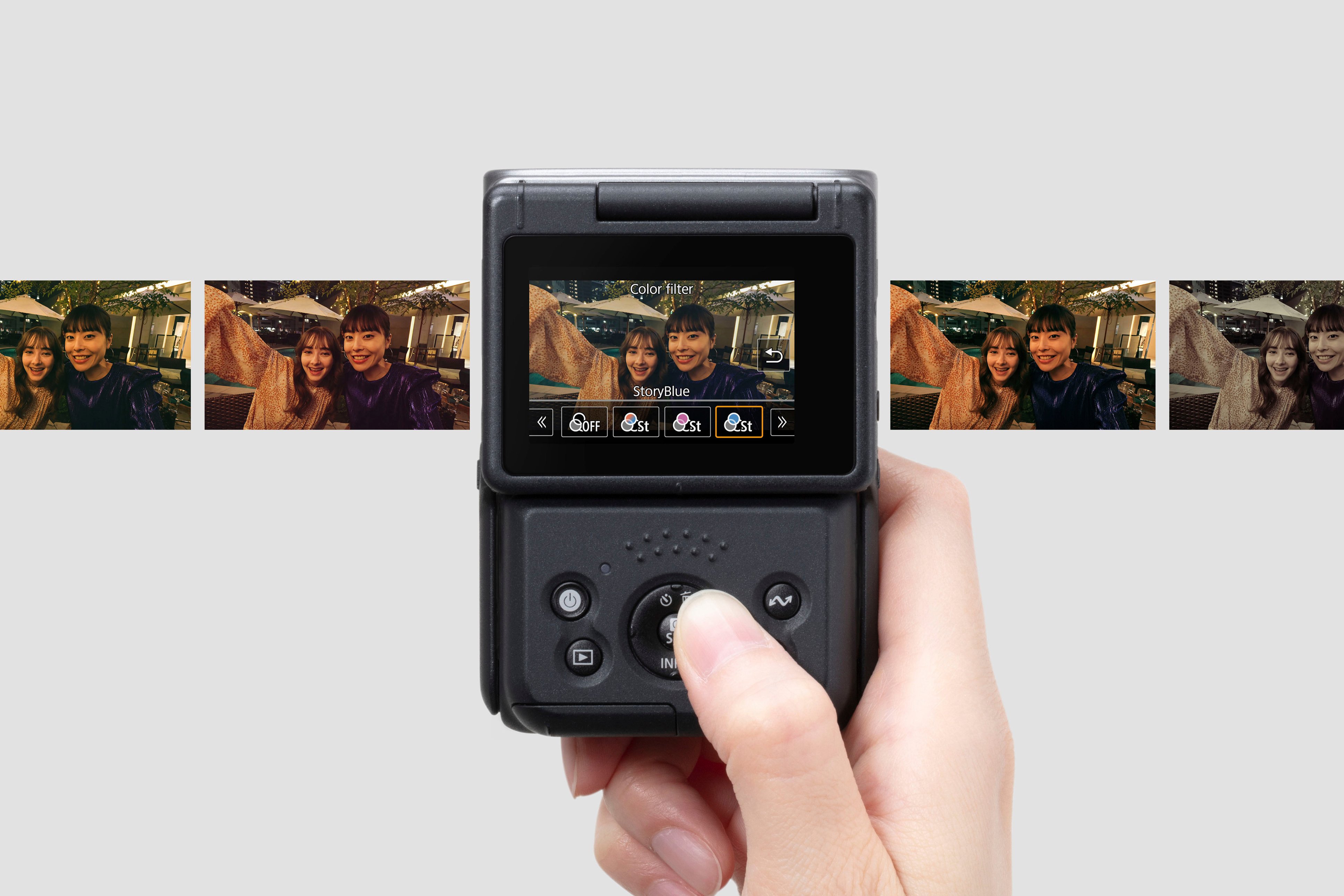
|Posted .This reviewer received promo considerations or sweepstakes entry for writing a review.The PowerShot V10 is a surprisingly useful device although Canon is going to have a difficult time convincing Vloggers to put down their smartphones. The PowerShot series has come a LONG way since it was released in 1996. And just as Digital Cameras decimated the film camera market, Cell Phones have made stand alone digital cameras nearly obsolete. The PowerShot V10 feels a bit like a last ditch effort for digital cameras to remain relevant - but the camera is more than nostalgic fun, it is actually quite good. The camera is geared towards vlogging and is appropriately portable while also being feature rich. The flip up screen is rather small, but is surprisingly useful - especially as it boasts touchscreen functionality which genuinely aids in quick intuitive navigation of features, settings, filter options, etc. Unfortunately the screen always faces outward and without any included case or storage bag - it is prone to scratches and scuffs when placed in a pocket or purse. The build in kickstand is actually great and allows the camera to sit in a variety of useful positions. Unlike a smartphone, the V10 can prop itself up or can be easily attached to any ring light, tripod, or camera mount. The kickstand is plastic, but is strong, rugged, and folds away protecting it from damage. What I like about the camera: + Simple and easy to use + 4K video at 30 frames per second looks great! + Films appropriately in landscape (as all video should be!) + Object tracking is simple to use and is quite good! + Digital Image Stabilization is decent + Automatic Modes work well (You don't need to be a settings guru) + Internal Mics work very well + Inputs are useful: Micro HDMI, USB-C, and MIC port + Can be used as a webcam via the USB-C port + Portable with good (rechargeable) battery life + Touchscreen makes menu navigation simple + Feels well made and much more durable than a Smartphone + Syncs / Pairs with smartphones in a way that is truly useful and convenient What I don't like: - No flash (or integrated lighting) - Seems to get hot and nearly overheat when filming - No lens cap or lens cover. Lens is exposed to dirt and scratching. - Absolutely NO internal memory - Screen cannot pivot (or flip around so that it can close inward - to protect the screen) - Filters are lame I remain unsure if younger generations will recognize the value of the V10, but I pray that the PowerShot can covertly sabotage the absurd trend of filming everything in the upright portrait position. VIDEO SHOULD BE FILMED IN LANDSCAPE! The PowerShot V10 is a bit pricey when you consider that every single user already has a cell phone with many of the same features. But, there are already rumors of a PowerShot V100 also geared towards content creators - so hopefully the PowerShot line will continue to be successful in the years to come.
I would recommend this to a friend - Pros mentioned:Size, TouchscreenCons mentioned:Overheating
Can't film a Snydercut but you can film a trailer!
|Posted .This reviewer received promo considerations or sweepstakes entry for writing a review.I've had the chance to put the Canon PowerShot V10 through its paces for about a week now, and I'm genuinely impressed. Let's start with the size - it's small and sleek, fitting right in the palm of my hand. Ok, the entire palm of my hand. The flip-out screen is pretty innovative, allowing for flexible shooting angles and even doubling as a desktop camera with its handy kickstand. When it comes to resolution, this camera offers plenty of options. You've got everything from FHD 1080p to crisp 4K, giving you the ability to capture some impressive visuals. One standout feature is the 'Smooth Skin' mode. It's a real confidence booster, especially for folks like me with some natural face blemishes. And trust me, it doesn't overdo the noise reduction, set it to '2' for that sweet spot. Now, let's address the elephant in the room - overheating. Shooting in 4K can make the camera run hot after around only 5 1/2 minutes, which is a bit disappointing. However, if you switch to 1080p at 24FPS, you can keep recording for a solid 40 minutes. Just a heads up, you'll need to grab a separate micro SD card, but that's pretty standard these days. For the types of content this is geared towards, 512GB is more than appropriate. Now, the big question: Why choose this Canon over your smartphones pro-camera? Well, it's all about those extra settings in the menu. If you've got even a base understanding of ISO, exposure, and lighting, this camera has got you covered. But here's the beauty - it's also beginner-friendly with its size and kickstand. It's like a versatile toy for tech enthusiasts and casual users alike. All it needs is an assortment of colorway options. The camera's face and object tracking choices are incredibly nifty. You just select your target on the touchscreen viewfinder, and it does the tracking magic for you. No hassle, just great shots. And the touchscreen itself? It's a breeze to navigate through settings and options. Now, here's a cool extra - the Camera Connect app that comes with it. It opens up a ton of possibilities, from remote filming to live streaming on platforms like YouTube, Facebook, and Twitch. If you're into content creation, this camera has your back. And if you're filming from home, it's an gamer-changing ability. What's even more impressive is the ease of transferring your videos directly to your desktop. I used the USB-C cable and the Clipchamp app on Windows, and it was a breeze. The files came over as MP4 and were surprisingly efficient in terms of storage. 5 minutes of 4K30 footage took up less than a gig. All in all, the PowerShot V10 is a compact, versatile, and impressive piece of tech. Whether you're a seasoned photographer or just someone looking to test the waters of content creation, it's got you covered. 3.75/5
I would recommend this to a friend - Pros mentioned:Ease of use, Video quality
Makes vlogging easy
|Posted .This reviewer received promo considerations or sweepstakes entry for writing a review.If you're a content creator, this camera will make your life a lot easier and more comfortable, especially for your arms! Before we get to that though let's start with the quality of the video and how well this camera works, since nothing else matters if the video quality isn't there. I'll just say right off the bat, it's great! The video is clear, sharp, has great colors and is better than needed in most cases. I've made content in both full HD and 4K and couldn't be happier with how my videos have been turning out. Most importantly though, is the quality as you're moving around. Most likely, as a content creator such as myself, you take a lot of video 'selfie' style, usually outdoors or at an event. Not being stationary at a desk means video can be shaky, but so far the stabilization built into this camera has done an outstanding job at keeping things smooth so you don't give your viewers motion sickness. Additionally, the audio comes through great without any interference. Other cameras I have can sometimes pick up a lot of static noises just from my hands holding the camera, that just hasn't been an issue at all with this Canon. Which leads me to the beginning. This camera is light weight and so easy to hold. There's no need for bulky, and heavy, gimbals or attachments needed. Not only does that make it less tiring to hold continuously, it makes it so much easier to pack or just throw in your pocket out of the way when out places. The best part though is this camera gets the perfect angle with your arm at a very comfortable distance. There's no need to over extend your arm to get that perfect 'selfie' shot. The more I use it, the more I wish I had it a long time ago and can't imaging how much better some of my videos might have been with it. The added comfort and easiness just means that your arm isn't getting fatigued, letting you go for longer. Then there's the decent sized screen, another great feature I love. With the screen being able to flip to either side, you get the same size and quality video to see what you're filming, and it works mid-filming. It really couldn't be any easier to go from recording yourself to just turning the camera around and putting the spotlight on other content while maintaining full view and control of what's being filmed. I haven't even mentioned the big stop/start button that makes that easy too. For the times you are stationary though, it has a nifty stand built right in that again, makes it easy to set down on a table while also allowing you to adjust the angle. Plus, if you're someone with all kinds of other camera equipment and tripods, it still has the old tried and true mounting point for those too. It's not all praise with this camera though. One of the features I was really looking forward to trying out is the live streaming feature. So I decided to do an impromptu YouTube live stream from my home office. I wanted to try it out at home first because I didn't want poor internet connection to be an issue, and I have the best connection available setup there. So I started up the phone app, which is required to go live, and started the process to go live. This part wasn't too difficult, YouTube was one of the options and after logging in and giving permissions, I was able to setup the basics of the stream before going live. I did run into one small hiccup during this process, for whatever reason, the camera will not let you start streaming if you don't have a memory card installed, but then as soon as you start streaming the camera tells you the stream can't be recorded to the card. It's not really a big issue since you're probably going to have a card handy anyway if you have this camera, but it's an odd thing to require something that isn't even being used. With everything setup, I went live. Of course I pulled up my live stream on a separate computer, not only to see the stream for myself, but to also be able to see the chat happening during the stream. I have to say I was honestly disappointed in this feature. The live stream was choppy and just not great quality, plus I timed almost a 30 second delay between real-time and when it came across the other side of YouTube. Not only was this in my home office with excellent connection, but I also had the video quality set to a lower setting. I've honestly gotten better stream quality just streaming from my phone while on the road driving. So since you need your phone anyway to stream from this Canon, you may as well just skip the camera altogether and stream directly from your phone. Not only will the stream quality be better but at least you'll be able to pull up the stream chat without needing a separate computer. Even after YouTube processed the replay I had one viewer watch it and comment (this is a direct quote), "So far halfway through the video and a lot of it has been choppy and the sound broken unreadable". While it's a shame the live streaming feature didn't really work out well for me, everything up to that has been nothing but praise. But since that's one of the touted features, I have to deduct a star for it, although really I'd only take it down to 4.5 out of 5 if half stars were an option. All that said, as a content creator, I would still recommend this camera as it makes a great addition to the arsenal of action cams and other equipment to get all the professional looking shots and angles for all the content that we create.
I would recommend this to a friend - Pros mentioned:Touchscreen
Simple Vlogging Camera
|Posted .This reviewer received promo considerations or sweepstakes entry for writing a review.The Canon PowerShot V10 is an okay little camera. It is good for Vlogging because it has a LCD that can swivel. The screen is an okay size. The menu is intuitive. If you already use a Canon, it will be familiar. I have had Canon cameras in the past. I currently use a Sony mirrorless DSLR, but the menus are familiar. It is not confusing even though I have been using Sony more recently. The LCD screen is also a touch screen which is a nice touch. If you shoot in 4K, you will need a fast memory card. It will not let you record if the card is too slow. After a few seconds, it will stop recording and tell you the card is too slow. It has a microphone jack (3.5mm) and HDMI out. It has a built-in microphone. It is not bad. If the room is quiet enough, it records okay. The HDMI port is micro HDMI. This is not the typical HDMI cable, but you can purchase it easily. There is no headphone jack, but you can playback on the device. There are two speakers on top. You can connect it to your mobile device or tablet via bluetooth or wifi. It has GPS that will use your phone’s GPS capabilities. It has a standard size tripod mount underneath. It fits well in my hands and it is comfortable to hold. Vlogging is easy with it. Although, I would recommend using an external microphone for better audio. It has a feature called Digital Image Stabilization (IS). It has three options: Off, On, and Enhanced. It does its best, but you may have to use software during post to stabilize your footage. The biggest complaint I have is using it with macOS. You can plug the camera to your Apple computer. Do not expect it to mount the storage drive. You will have to use Photos app to import. If this is not part of your workflow, you will have to use a card reader and mount the storage device that way. It’s an extra step. On Windows, it will mount as expected. No need for memory card reader. This is inconvenient for macOS users. Otherwise, it’s not a bad vlogging camera. It’s fairly capable. With good light and microphone, the results are great.
I would recommend this to a friend - Pros mentioned:Ease of use
A professional’s sidekick or beginner’s first step
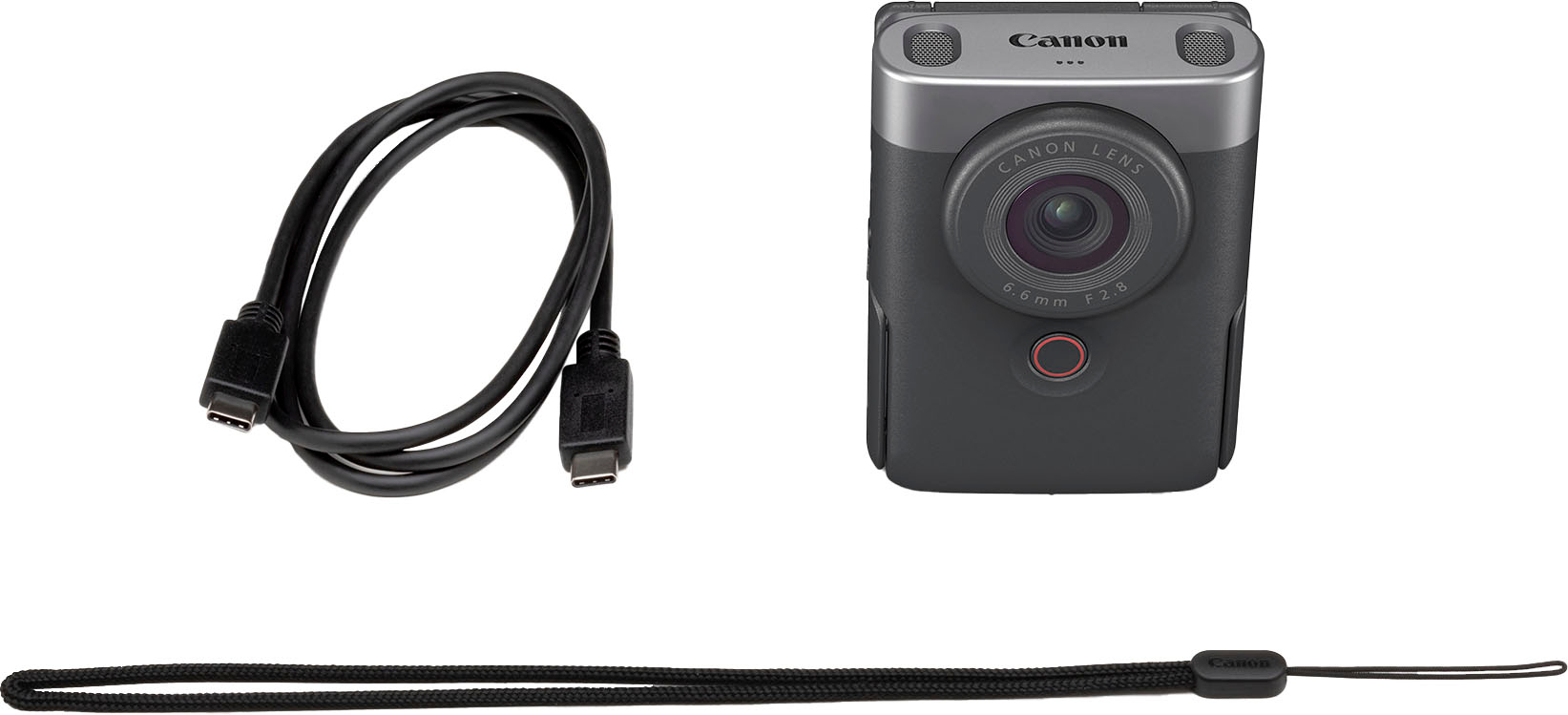
|Posted .This reviewer received promo considerations or sweepstakes entry for writing a review.Canon's PowerShot V10 is an ideal companion for both professionals and beginners. This camera offers quick and easy access to filming and streaming, making it perfect for on-the-go content creation. Its robust body and sturdy kickstand add to its practicality, while the automatic image rotation and user-friendly interface cater to the needs of new vloggers and professionals alike. The PowerShot V10's design is both functional and convenient. The bottom of the camera provides a tripod mount and access to the microSD slot. I particularly appreciate how the channel at the back of the unit, created when the screen is unfolded, seamlessly fits with the phone tripod I usually use. This design allows for an effortless setup without the need to spend time securing it in place. On the sides, the camera is equipped with audio inputs for external microphones, a mini-HDMI output for external displays, and a USB-C input for charging and file transfer. This range of connectivity options enhances its versatility. The package includes the camera unit, a USB-C cable, and instructions. However, I feel it lacks essential protective accessories. A case or pouch would be a valuable addition to safeguard the lens and screen from potential damage, especially for those who might want to carry it in a bag. While some might prefer using their smartphones, the PowerShot V10 offers distinct advantages. For instance, it allows you to record while using your phone for other tasks. Although smartphones are capable devices, relying on them for everything isn't always feasible. The PowerShot V10 is an excellent alternative for those moments. In summary, the Canon PowerShot V10 is a great choice for budding vloggers and those needing a reliable, brand-trusted camera for quick content creation. Its simplicity and functionality are commendable, but the addition of protective accessories would significantly enhance its value, especially considering its price point.
I would recommend this to a friend - Pros mentioned:Video quality
Great but not what I need it for
Posted .This reviewer received promo considerations or sweepstakes entry for writing a review.I’ve been using this camera to make youtube videos. I record long form content. Although it does work and looks good, it has issues uploading videos longer than 5 minutes. When I record for 30 minutes I cannot just upload the footage to my computer. Instead I have to individually cut the video into 6 pieces of 5 minutes long videos in the camera and then individually upload those from my camera. To be fair is very great for its price.
I would recommend this to a friend A Camera-man In Your Pocket
|Posted .This reviewer received promo considerations or sweepstakes entry for writing a review.This is possibly the coolest piece of Vlogging tech I own. Instantly allowing my to step up my content creating by giving me the oppertunity to film at the drop of the hat. Just simply whip it out of my shirt pocket, pant pocket, camera bag, wrist sling. I mean, it doesn't really matter. It's so easy to carry around and go get those shots that you would normally miss on a whim. Inside the box, you'll get the camera, a charging cable( type C, of course.), and wrist strap. It takes micro sd cards. i recommend a Pro V3 for faster recording and fille transfer. But you'll have to get that on your own, as they are sold seperately. There's not lens cover, so you should use care when packing it, even though, it is still pretty sturdy. I like to pack mine my vlogging pack. It allows my camera to stay seperated from the rest of my equipment. It has really good battery. I use it to shoot a few minutes at at time so I don't ever really worry about running low on battery life. I charge it maybe every couple days, mainly of fridays, to be ready for the weekend shenanigans. It makes for easy selfies, with the use of the kickstand. It can also be controlled wwith your smartphone, for when you want to give some distance and get those wide shots instantly. The Canon app can be kind of a pain to get going at first, but after uninstalling and re-installing it, it works like a dream. The speakers pick up really well even when you're a few feet away from the cam. But you can also connect an external mic for thet nice and even sound quality. It is pretty pricey, but youre getting a really good camera. But for that price, I feel like they could've added a case or even camera lens. That's what keeps from getting 5 stars.
I would recommend this to a friend- Pros mentioned:Ease of useCons mentioned:Zoom
Would be great if it zoomed
||Posted . Owned for 1 week when reviewed.This reviewer received promo considerations or sweepstakes entry for writing a review.Would be a 5 star camera if it had a lens that zoomed. I ended up returning because I bought it to photograph jewelry and video processes and it just didn’t quite get it. If you don’t care about that then it would be the perfect camera for you. Easy to use.
I would recommend this to a friend - Pros mentioned:Size, Video quality
Canon Powershot
||Posted . Owned for 3 weeks when reviewed.This reviewer received promo considerations or sweepstakes entry for writing a review.My daughter used the camera to take amazing pictures in Zanzibar. Not just for videos. Highly recommend. Its small size was perfect for traveling.
I would recommend this to a friend - Pros mentioned:Size, Video quality
Superb
||Posted . Owned for 1 month when reviewed.This reviewer received promo considerations or sweepstakes entry for writing a review.Video quality is great, pictures as well. Size is perfect, fits in my purse. Excited to begin my vlogging!
I would recommend this to a friend Best gift for college student.
||Posted .This reviewer received promo considerations or sweepstakes entry for writing a review.Very good gift for my college going daughter. She loves it.
I would recommend this to a friendVlog camera
||Posted .This reviewer received promo considerations or sweepstakes entry for writing a review.It’s a cute camera to use for the little vlogs I do with my family.
I would recommend this to a friendGreat with Price
||Posted . Owned for 2 weeks when reviewed.This reviewer received promo considerations or sweepstakes entry for writing a review.Great price but less features it delivers best 4k video output. Expect wide shots can’t deliver anything. Need to include 240FPS so it will be great for vloggers
I would recommend this to a friend- Pros mentioned:Ease of use, Stand, TouchscreenCons mentioned:Battery life, Zoom
Love the stand!
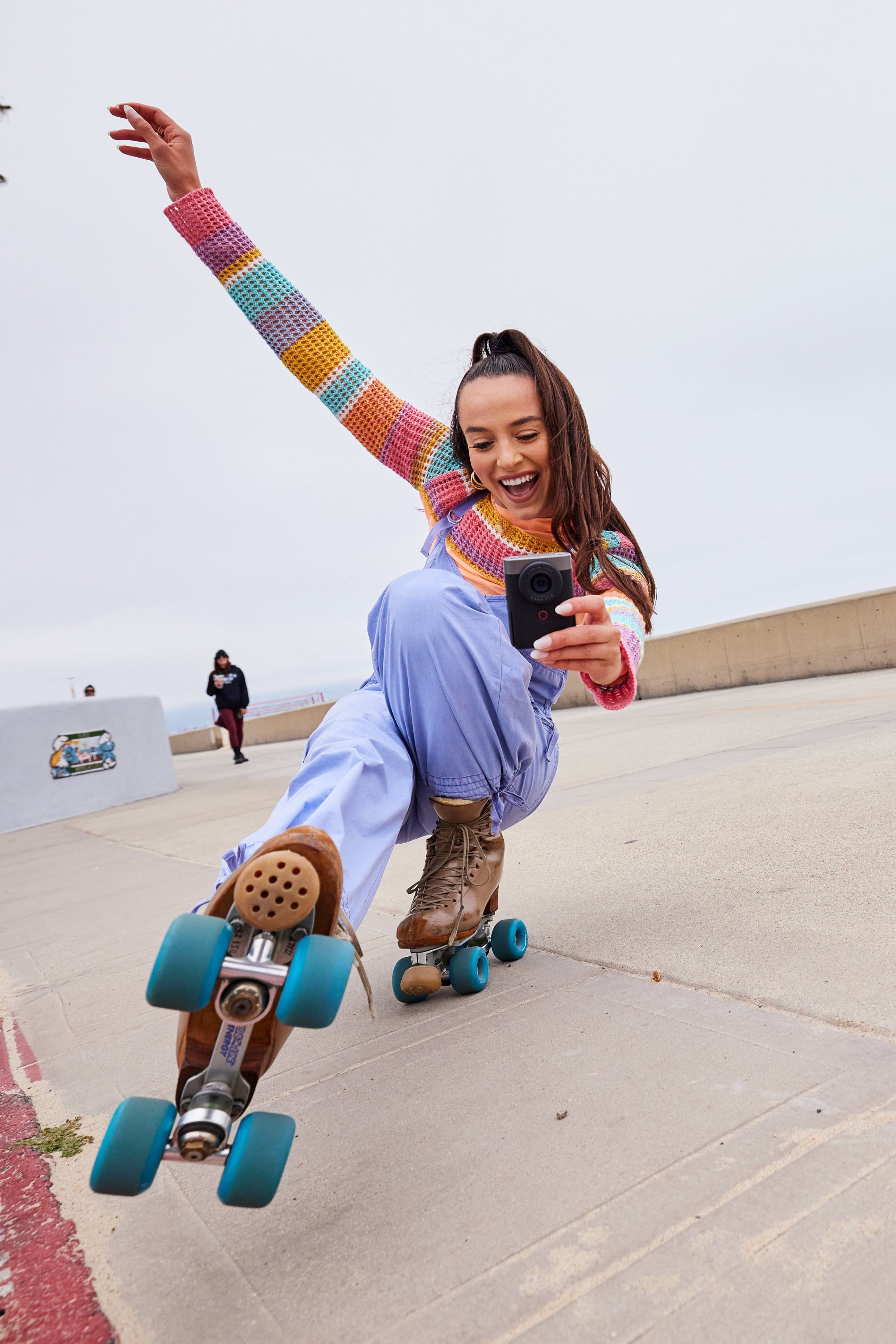
|Posted .This reviewer received promo considerations or sweepstakes entry for writing a review.SUMMARY: If your Vlogging requirements are simple, or you just want to learn what Vlogging is all about without spending a fortune, this could be the Vlogging camera for you. It is easy to carry, easy to use, and FUN. Look at the lens, press the big red button in front of you. Hello world! But, if your primary interest is in taking pictures, your cell phone is probably more versatile, and this is not the device for you. CAVEAT: The problem in the today’s photography market is that most customers are already carrying cameras, their cell phones. And cell phone cameras are only getting better. The marketed device needs to be better in at least some ways. Otherwise, why spend the money? That’s the assumption (and comparison) my review will take (is the V10 better in some ways than my iPhone 15 Pro Max, a high standard). PROS: - One Big Red Button to push to start and stop recording, very easy to use. - Love the rugged fold out stand, makes it easy to position the device on a flat surface. - Fits the hand very well, comfortable to use. Better than the current trend in ‘phablets.’ - Rugged construction. I worry less about dropping it. - Easy to hold close to one’s face so less obtrusive and easier for longer periods of time. - Not a huge number of options to go through and can be preset to just work the way you want it to work (as long as you are not too picky). So easy to use. - Charges by USB C. - It has a well-placed standard tripod screw insert that works well with gimbals too. - It has dual microphones that result in better audio quality than my phone, but really you do want to use the audio input for even better results (in both cases, but easier with the - It has a wide, wide-angle lens great for Vlogging that beats my phone. - The flip out screen is perfect for Vlogging, makes it easier to see yourself while looking at the lens, again better than my phone. - The screen is touch sensitive for the menu options. So is my phone, but not all cameras are like that. MATTER OF TASTE: - No lens cap. For some reason my thumb keeps finding the lens when I pick it up. You may be better at that. I am constantly cleaning the lens. - Micro HDMI port. Takes a special cable (not included) most of us don’t own to hook up to a HDMI monitor. I also find the micro HDMI port to be less tight in general. - 2 hour battery life (filming) is too short for me. Then it takes almost 2 hours to recharge. My phone lasts longer. But if you have a backup battery, or you don’t plan to use it free that long, may not be an issue for you. It is charged (or operated) via USB C. - No in-body image stabilization, any stabilization is digital and that eats up some of your resolution and does not work as well. Best used sitting on a flat surface (IMHO). - The menu options it does have can be confusing at first and almost require you study the online (and downloadable) manual. That’s the bad news, the good news, is it remembers the settings so really you can set them once and forget them and just push the big red button to start stop (as long as your requirements don’t change that much). - I do wish the flip out screen was just a bit bigger. I am not one of those anti-bezel people but yes seems to me the screen could be bigger with less bezels. Primarily because it is a touch screen and my adult fingers have a hard time with it. - Complicated (for me) wifi and phone usb connection. Could never get it to be easy. I find most cameras are like that though. I got around this by transferring my files to my computer the old-fashioned way, by the card. - The image quality is ok. CONS: - One lens. No Zoom. And it’s a very wide angle lens. That is fine for VLOGGING, even preferable (makes it possible to hold close), but you will want more versatility (and longer lens) for actual photographs (and likely your phone has more). - Doesn’t come with a memory card (micro SD). You need to buy one (boo hiss). MORE WORDS: Let’s be real, if my favorite aspect of a camera is not the pictures it takes, but the stand and how easy it is to use, then, you pretty much know all you need to know about what I think of its photographic prowess (or lack thereof). But maybe you aren’t looking for a great camera, because that would cost a lot more, or even a camera that is way better than your phone, but instead are looking for a simple to use, easy to hold, easy to charge, relatively inexpensive and FUN Vlogging camera. Maybe you know someone that is thinking of Vlogging but doesn’t know where to start and doesn’t want to make a huge investment before they do. Then this is the camera for you (or them). It is easier to hold than a phone, it is less obtrusive, and it will get the job done. In fact, I suspect Canon is betting this is a gateway drug, once you get hooked on Vlogging, you will trade up. Much higher up. The astute reviewer of my review will notice I spend little time on specifications, like records up to 4k at 30 fps (which it does) or supports JPG (check), or Raw files (nope). For one, specs are clearly stated by the manufacturer and this review is long enough, and for another, if you are a spec chaser, this probably isn’t the Vlogging camera for you. It’s for the person that doesn’t want to get bogged down in the details but just wants to know if it has the standard bases covered (it does.). But one spec worth mentioning that I couldn’t find in the literature is it apparently will only record for an hour at a time, at least that’s the file size I got before it shut itself off. But then you just start recording again. No clue why it has that artificial limit. Btw, not saying it’s not stated in the literature, because the online manual is huge (303 pages) and I have not read every page yet. Which brings me to my next point, I would imagine the target consumer is one that wants the simplicity. If you need a 303 page manual to dive in to that simplicity, how simple is it really? I am not being philosophical, I am sharing a frustration. Where I stumbled and never really recovered, is connecting V10 to my wifi or phone. It would connect for a while, but then need to be reset. Or maybe I just wasn’t doing something right. But this is where my phone wins hands down for me. To move many files or a big one, I resorted to just moving the micro card from the V10 to my computer. One particular confusion for me was for whatever reason, my iPhone could not focus on their in screen bar codes, so I resorted to having to type things in. When it asked me to connect to my phone via an App, I went to the App store and down loaded ‘image.canon.’ Which did very little for me even though Canon was in the name (turns out its more a library kind of App). It was only when I read the online manual, I found out the App I wanted was ‘camera connect.’ Then it sort of worked sometimes (for me). It also bears repeating, there is no optical image stabilization (but there is digital which is a poor substitute). You really do want image stabilization for those talking while you’re walking Vlogs. Otherwise it quickly becomes jerky. Hence the built in stand to suggest, chill, talk to the camera while sitting. Or get a relatively cheap gimble (DJI) that does a great job of stabilization. This suggests a use of the V10 that my phone absolutely cannot do alone. That is, set up a two-camera studio, using the V10 as the wide angle and the phone as a different angle. Voila. Fancy. Splice them in and out, perhaps with a product shot! To wrap up, where this shines over your phone for VLOGGING (to me) is the wide-angle lens that is set to face you, that can be held very easily in the proper position, that is easily set down to record, is cost effective, and I can get to recording faster. There are numerous caveats though (listed above) to help determine if this is the Vlogging camera you want to spend the money on considering the camera you probably already own and carry (phone). The overall picture quality is not better and I really don’t think this offers enough as a camera for photography these days (over your phone). I can see this being a great gift for someone new to Vlogging (or a child), but do be prepared to help them through the manual. BTW, I know this is a long review, I really wanted to love this device as I am into photography, as it is, I like it for a limited use so I went into depth. Kudos if you read it all!
I would recommend this to a friend