Customer Ratings & Reviews
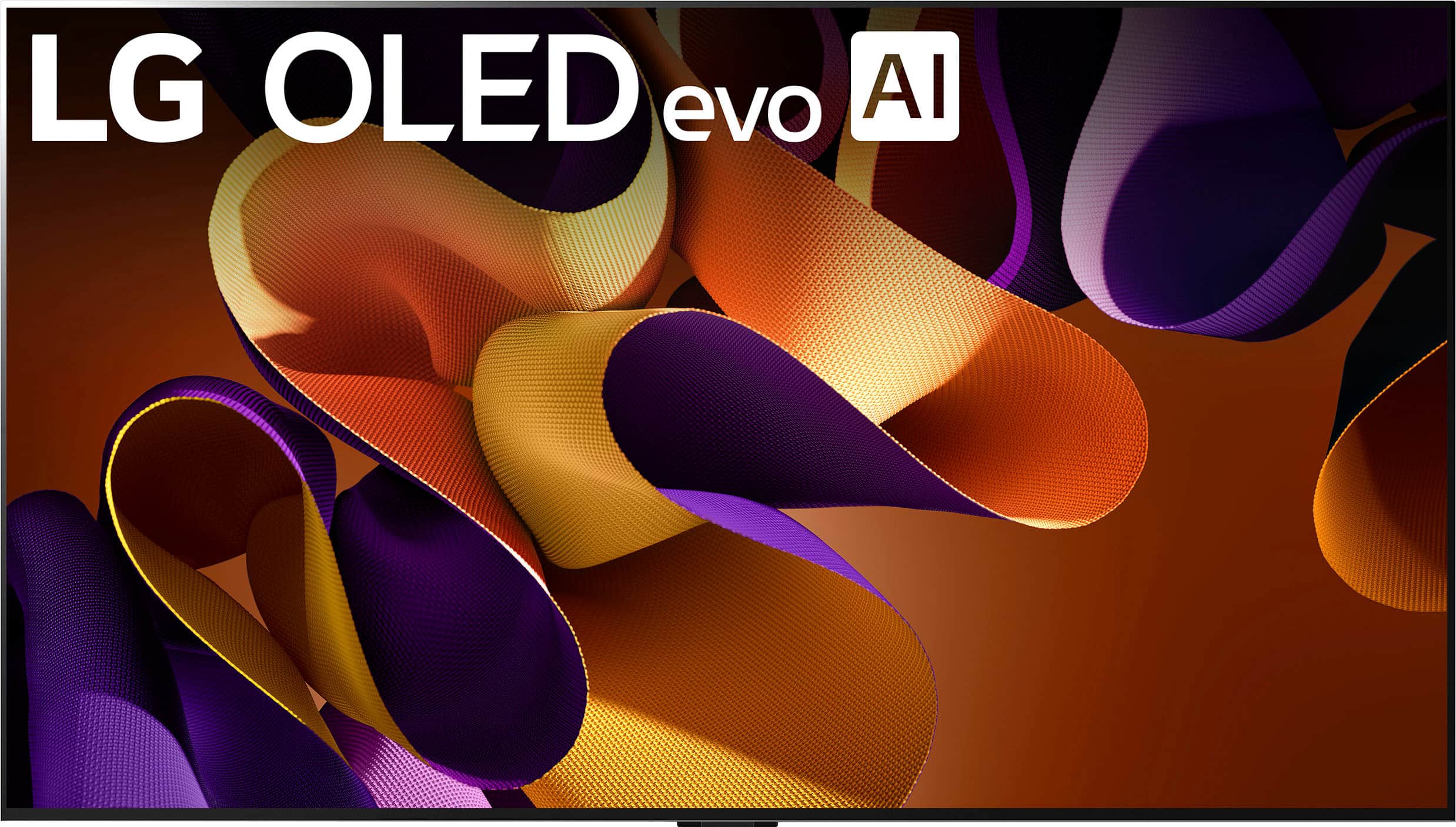
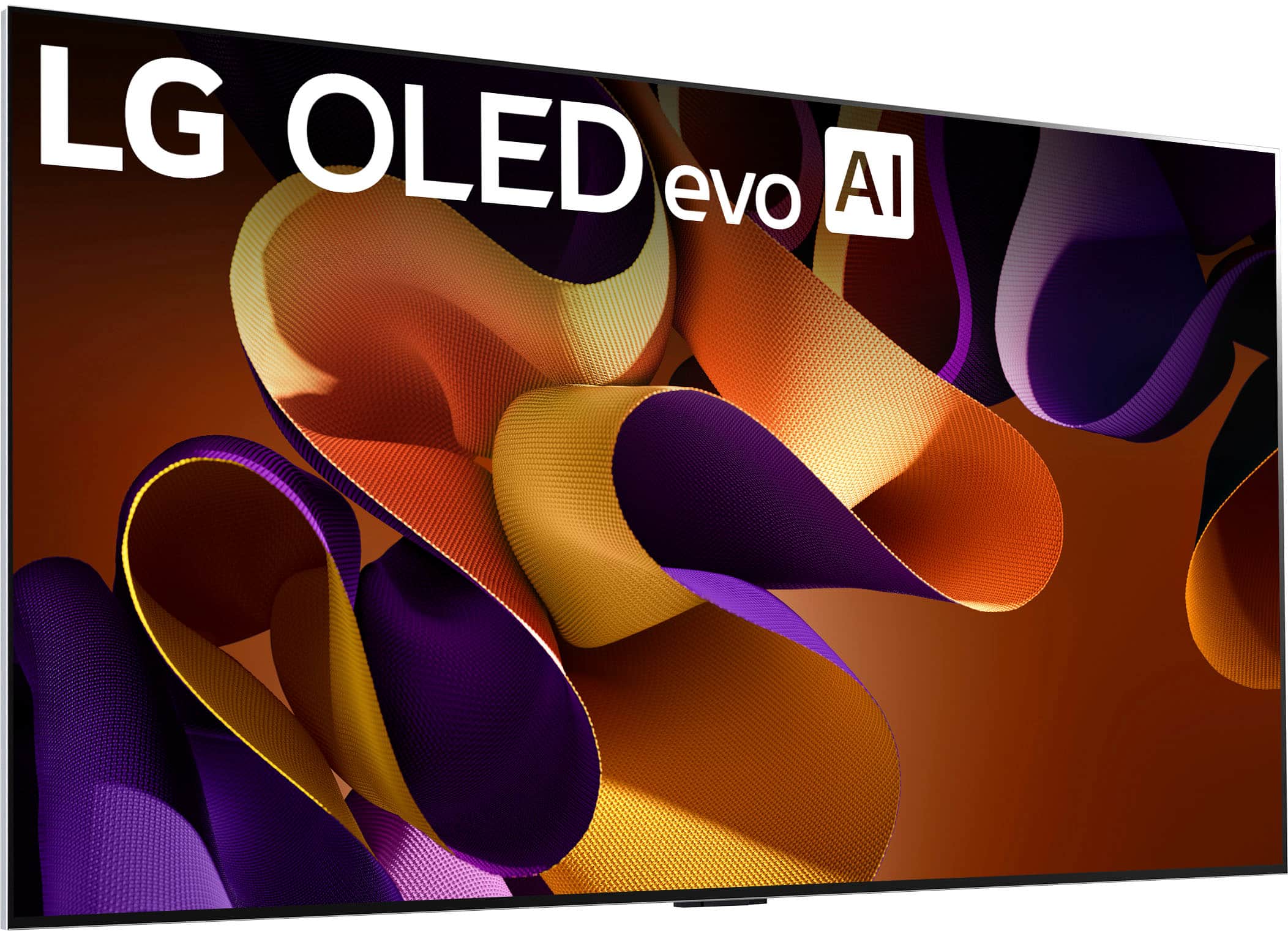
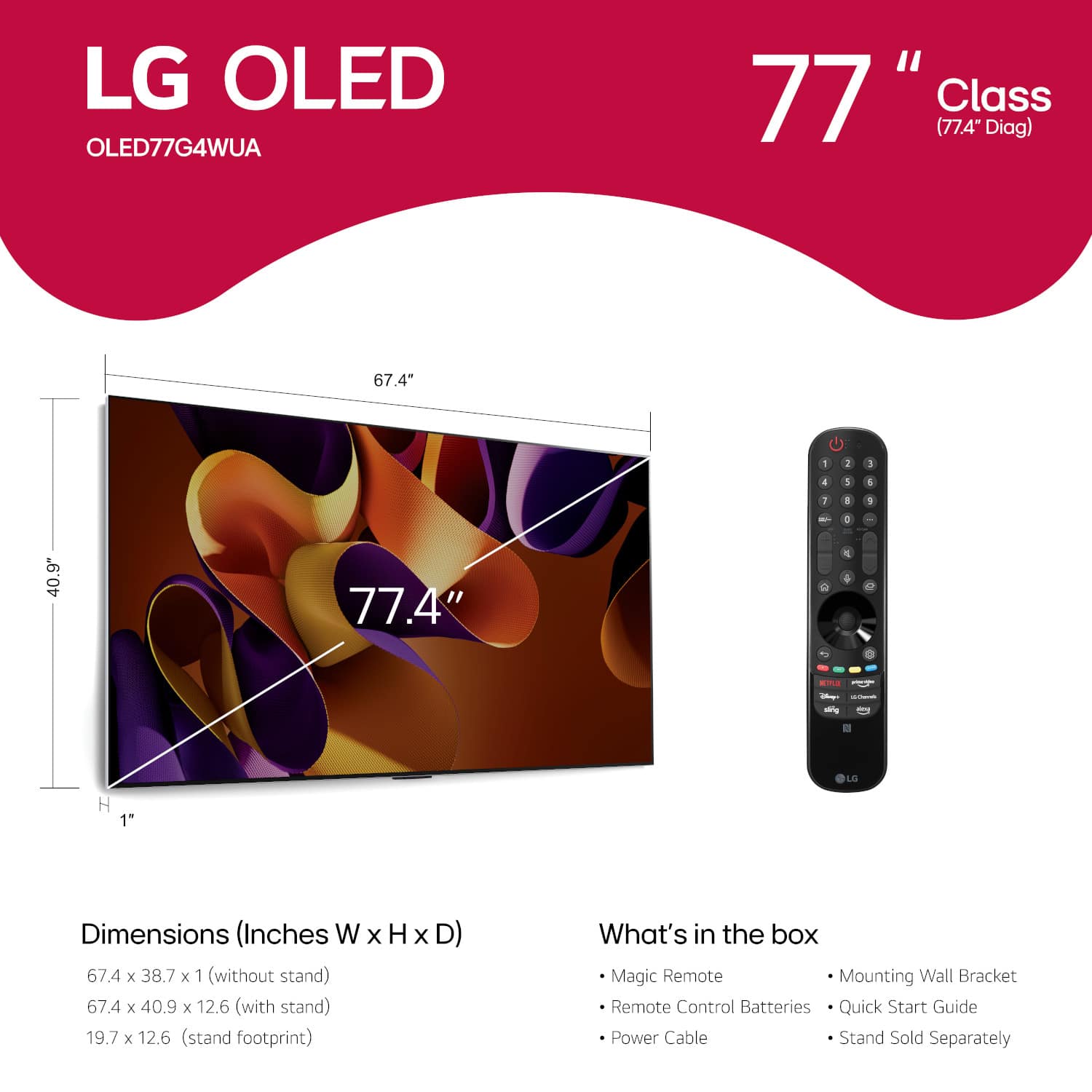
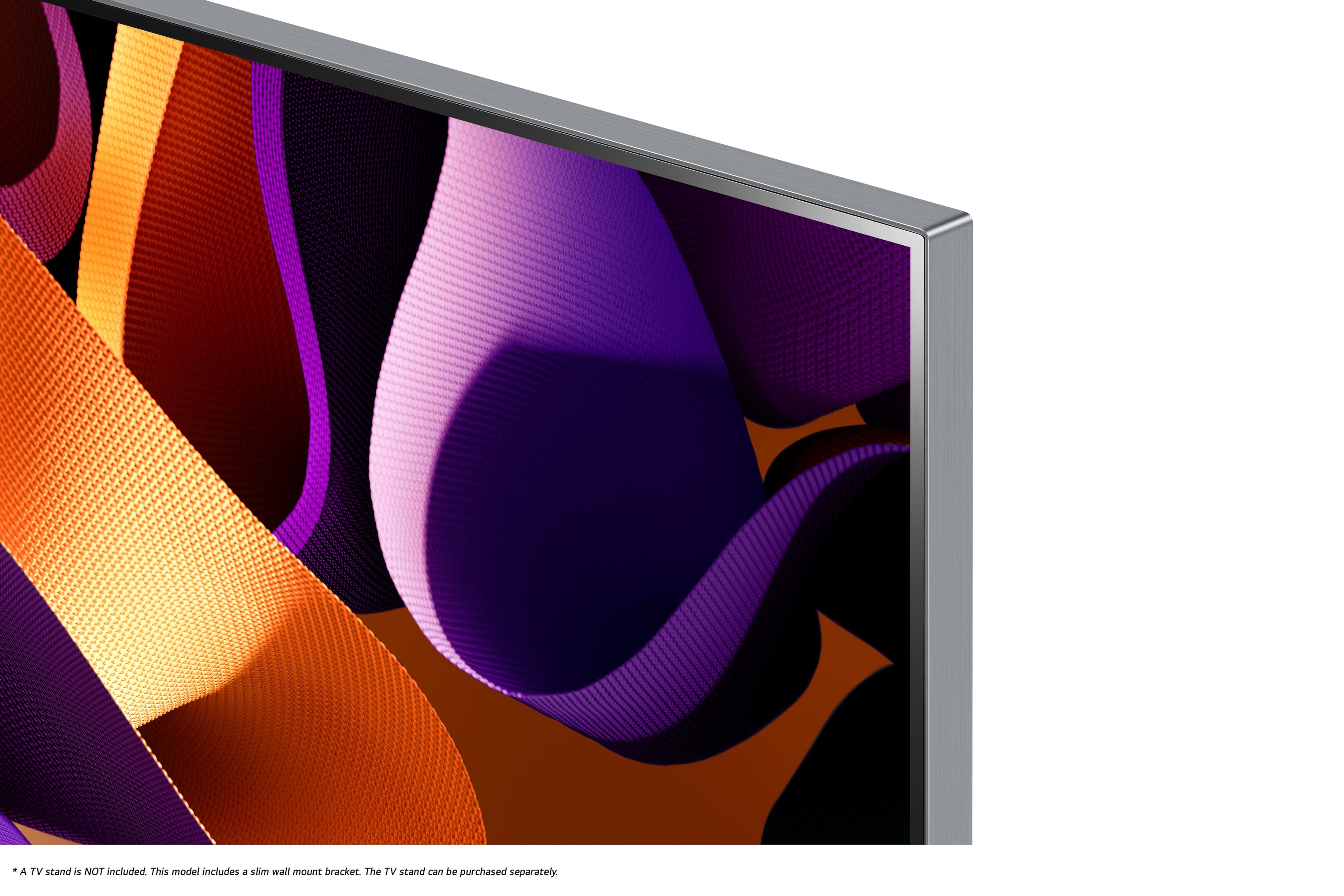
.](https://pisces.bbystatic.com/image2/BestBuy_US/images/products/a2c81e15-ccb1-41b4-b702-c6bedffe82e5.png)






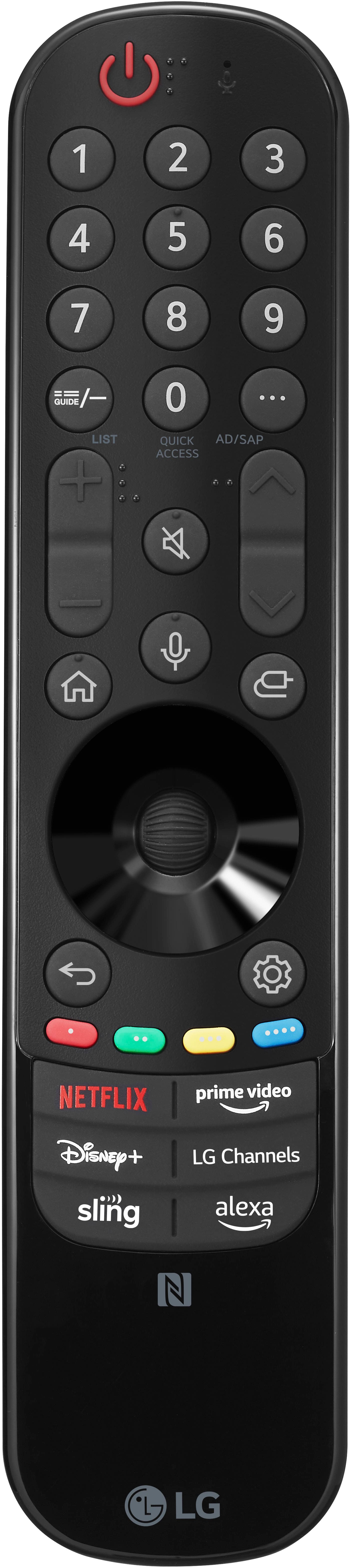
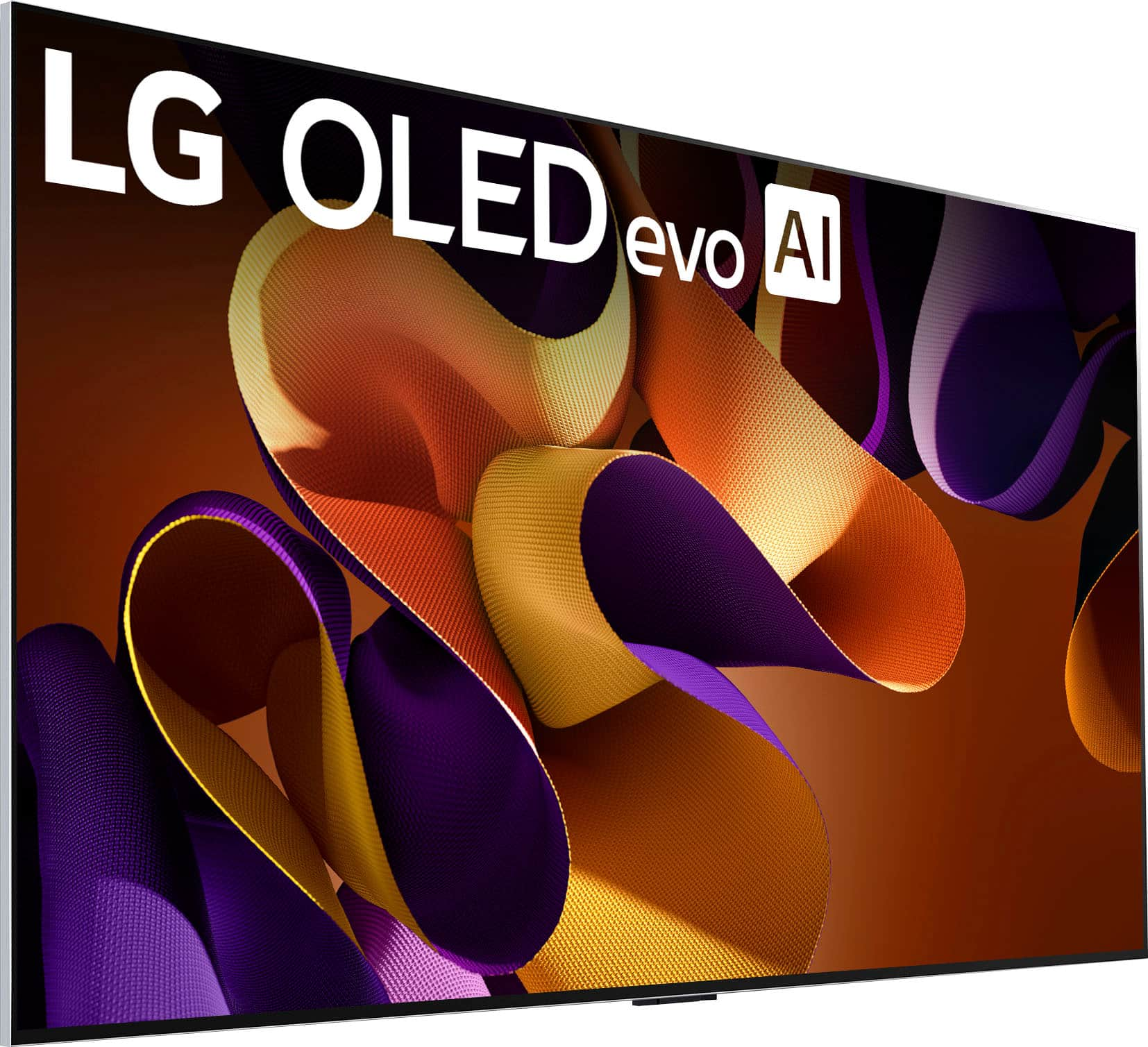
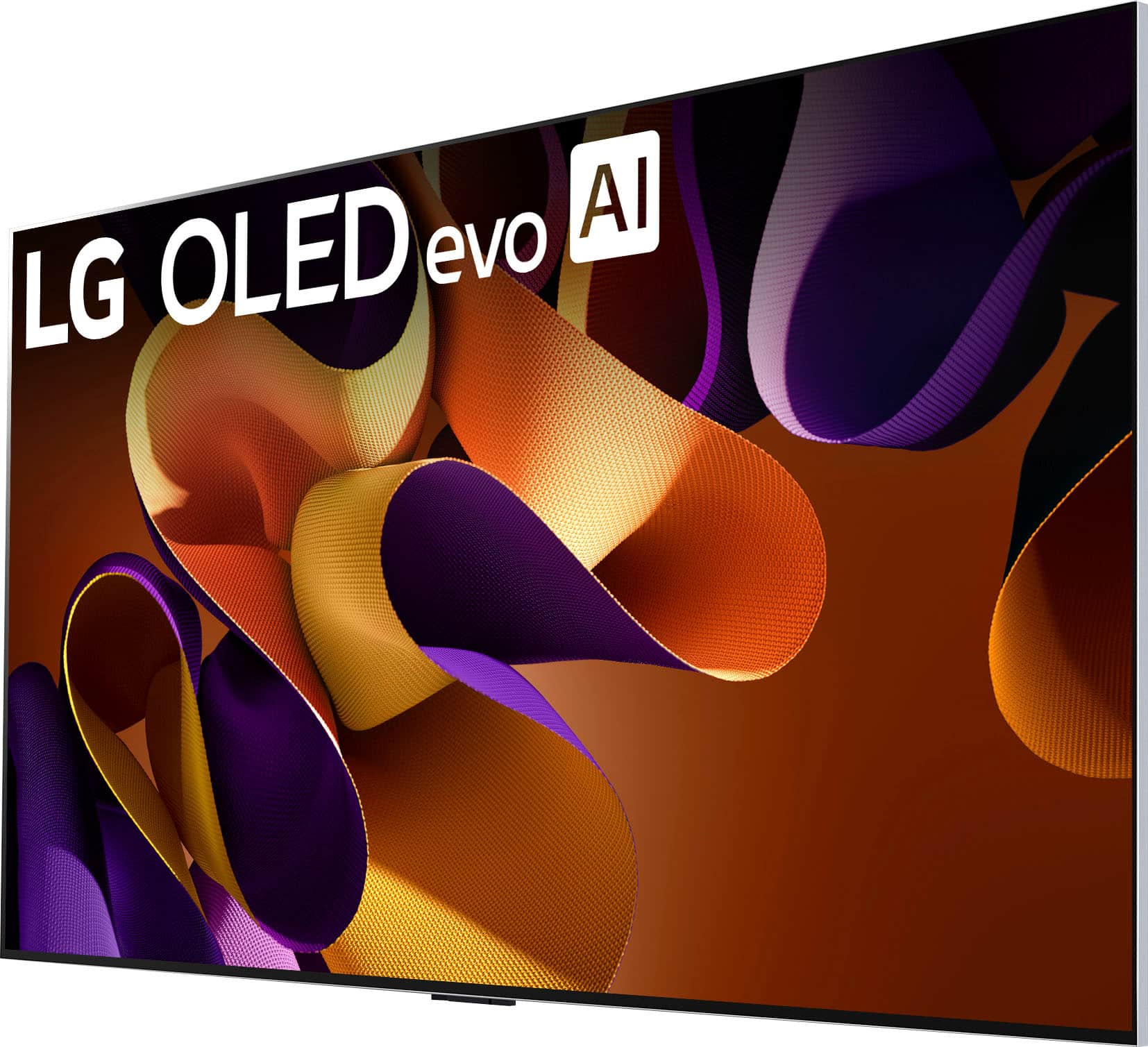






- Model:
- OLED77G4WUA
- SKU:
- 6578047
Rating by feature
- Picture Quality
Rating 4.9 out of 5 stars
- Sound Quality
Rating 4.4 out of 5 stars
- Brightness
Rating 4.9 out of 5 stars
Customers are saying
Customers highly value the exceptional picture quality, noting its clarity and sharpness from any viewing angle, as well as the impressive brightness. The TV's design is also appreciated for its clean and high-quality aesthetic. Some customers have reported issues with the power button and noted the TV's weight.
This summary was generated by AI based on customer reviews.
- Pros mentioned:Picture quality
Ok with several gripes. Not worth the crazy price!
||Posted . Owned for 9 months when reviewed.This reviewer received promo considerations or sweepstakes entry for writing a review.When we needed a new TV I went to best buy 1.5 years ago and said "give me the best TV/sound bar you have, I'll buy it 'cause my old TV sucked and we use this every day". Then they loaded me up with this one. The old TV in question was a Vizio 4k OLED with a VIZIO Elevate Soundbar. It cost HALF what this one and the soundbar did. I was fed up with it due to many, many issues with it being slow, or having a bad picture. VIZIO has since fixed these, and our old "garbage" TV in the basement is now the good one. This TV has so many issues it's insane. PROS: The picture is nice, and I like the "wiimote" point-at-the-screen feature of the remote CONS: Crazy price tag. Cost double my old setup. The remote is made to die. It has a "scroll wheel" that you use to wake up the "pointer" which eats food like a racoon. Your remote will be full of cheeto dust before month end and weigh 2lbs more. The AI/voice on this is BEYOND useless. just does not work. No matter what you try to ask it, it will shut down whatever the heck it's doing for about 30s and then eventually search whatever you asked like "why isn't the sound working" on youtube. Thanks. Frequently won't recognize the soundbar. Landing page is TERRIBLE. 85% of the screen is on unused crap like "take a tour of your TV". only one of the buttons is dedicated to recent inputs unless you scroll. Takes forever just to start up the TV. RANDOMLY SHUTS OFF WHEN YOU'RE WATCHING IT. Happens maybe once every four days? But will just be like "nah, not feeling it right now" and then you have to restart. If you're familiar with lower-quality TVs you've probably had issues like this before. But this thing was supposed to be top-end! Why does it still have these garbage issues? AAHH so frustrating
No, I would not recommend this to a friendBrand response from LG Digital Customer Care
Posted .Hi, there. Thank you for reaching out to us and sharing your experience regarding the LG TV (OLED77G4WUA) model.
We understand the importance of having a reliable appliance that functions exactly as expected in your home. For the random power‑off issue, one helpful step is to check the Auto Power Off and Quick Start+ settings on your TV. Quick Start+ can sometimes affect startup behavior and overall responsiveness, so turning it off may improve stability. For more guidance, visit https://www.lg.com/us/support/help-library/lg-tv-troubleshooting-tv-intermittently-powers-onoff--1427121212479. To resolve soundbar recognition issues, ensure SIMPLINK (HDMI‑CEC) is enabled on the TV and the soundbar is connected to the HDMI ARC/eARC port for a stable connection.
For the remote pointer and scroll wheel, clean the sensor area with a soft, dry cloth to maintain responsiveness.
To improve voice assistant behavior, perform a Home Dashboard → Device Reset or restart the TV by unplugging it for 60 seconds. We’d like to take a closer look at everything you’re experiencing. Please send us an email at lgdigitalcare@lg.sprinklrsupport.com so we can assist you further. ^Juvy
- Cons mentioned:Power button
Never Again, LG
||Posted . Owned for 1 year when reviewed.This reviewer received promo considerations or sweepstakes entry for writing a review.Bought an LG G4 for the image quality and got a headache instead. The power button died in the second month. LG replaced it and the new unit’s button failed on first use. I now have to reach the physical button on the TV to turn it on or off. WebOS is one of the worst-performing interfaces I’ve used—laggy, clunky, and prone to freezes. The TV also loses its network connection even on Ethernet while every other device in my house stays online. The panel looks great, but the basics are broken. Never again.
No, I would not recommend this to a friendBrand response from LG Digital Customer Care
Posted .Hi, Admir. Thank you for sharing your experience with the LG TV (OLED77G4WUA) model. We value your feedback and recognize the importance of stunning visuals and reliable performance.
For WebOS and connectivity issues, please check for the latest firmware update by going to Settings > All Settings > Support > Software Update. Updates often fix bugs and improve performance. If you're using Ethernet and still facing drops, switch the IP setting to Manual under Network > Advanced Settings to stabilize the connection. For more help, visit https://www.lg.com/us/support/help-library/lg-tv-how-to-update-an-lg-smart-tv--1430510575535. If you'd like help reviewing your setup or exploring service options, feel free to email us at lgdigitalcare@lg.sprinklrsupport.com and we’ll be happy to assist. ^Juvy
lets get real
||Posted . Owned for 1 month when reviewed.This reviewer received promo considerations or sweepstakes entry for writing a review.Not what it was cracked up to be. Not much difference between my 2021 samsung and this 4000 dollar joke
No, I would not recommend this to a friendBrand response from LG Digital Customer Care
Posted .Hi, Stanley. Thank you for sharing your thoughts with us. We understand your concern about a high-end product like the LG TV (OLED77G4WUA) model, doesn’t meet your expectations, especially when comparing it to your previous Samsung model. We strive to provide high-quality products that exceed our customer's needs and expectations.
To enhance the picture quality, we recommend adjusting the picture settings. Sometimes, tweaking the brightness, contrast, or picture mode can bring out the full potential of the OLED display. Additionally, if you haven't already, ensure that any software updates are installed, as these can sometimes improve performance and features. For guidance, you may visit https://www.lg.com/us/support/help-library/lg-tv-how-to-update-an-lg-smart-tv--1430510575535.
Please send us a private message on social media @LGUSSupport, and our team will be more than happy to assist you further with settings or any other concerns you may have. We're here to help make sure you enjoy your TV to the fullest. ^Juvy
- Pros mentioned:Picture quality
LG OS is so bad
Posted .This reviewer received promo considerations or sweepstakes entry for writing a review.LG changed the software for this TV and requires a Thin account to use the Apps… it drops your security and then the app on your phone gets hung up trying to log you in rendering the tv useless. The picture is great and otherwise could not be happier but LGs OS security settings are so frustrating I cannot recommend this tv.
No, I would not recommend this to a friendBrand response from LG Digital Customer Care
Posted .Hi, Kevin. Thank you for sharing your experience with us regarding the LG TV (OLED77G4WUA) model. We understand your concern about the new software and security settings related to the ThinQ account. We strive to provide high-quality products and ensure a smooth experience.
To address the issue, ensure both your TV and the ThinQ app on your phone are updated to the latest versions, as updates can resolve login problems and enhance security. For guidance, visit https://www.lg.com/us/support/help-library/lg-tv-how-to-update-an-lg-smart-tv--1430510575535. If issues persist, try logging out of the ThinQ app and logging back in, or uninstalling and reinstalling the app.
If you still need assistance, feel free to message us on social media @LGUSSupport for specific troubleshooting steps. ^Juvy