Customer Ratings & Reviews
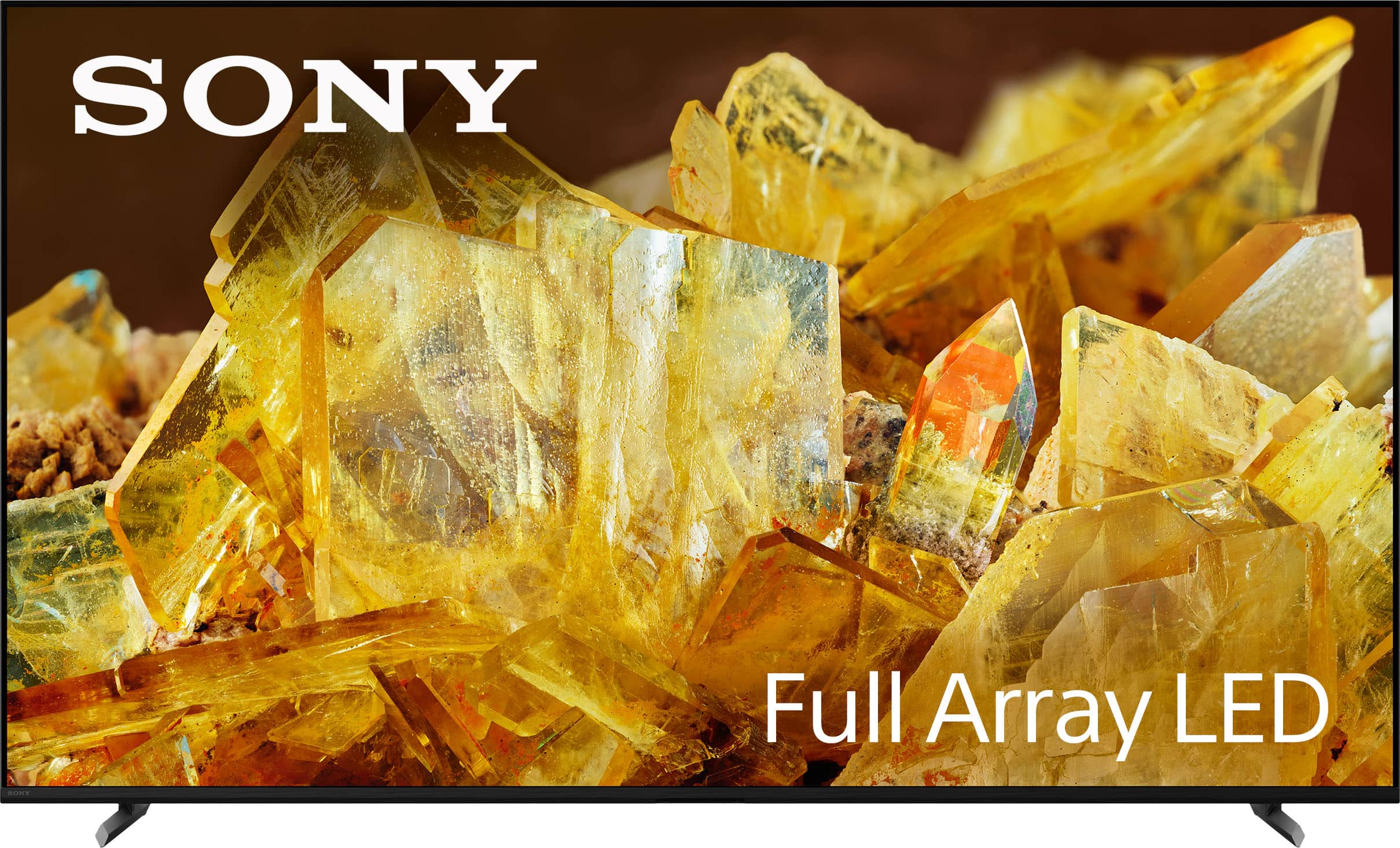
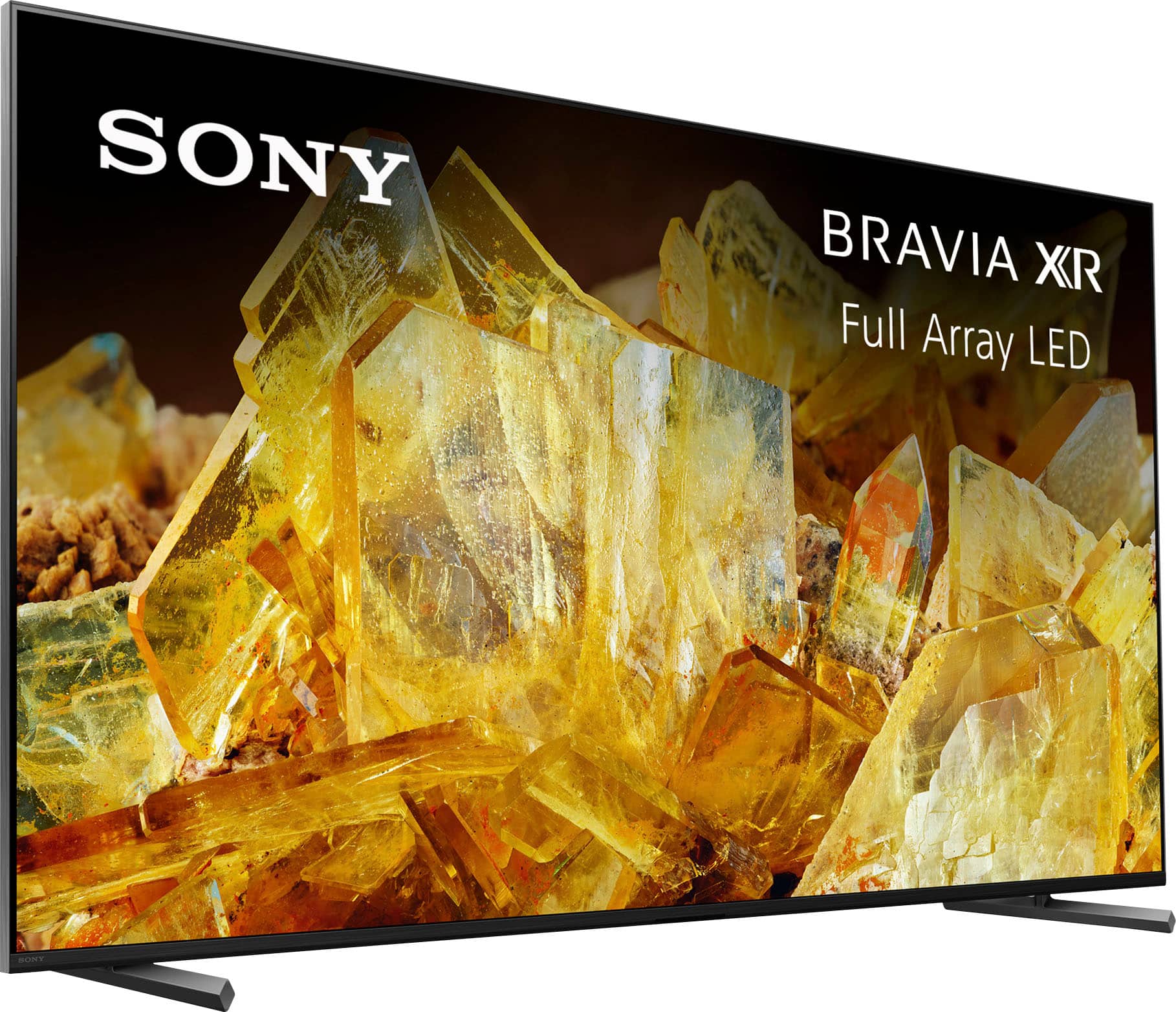
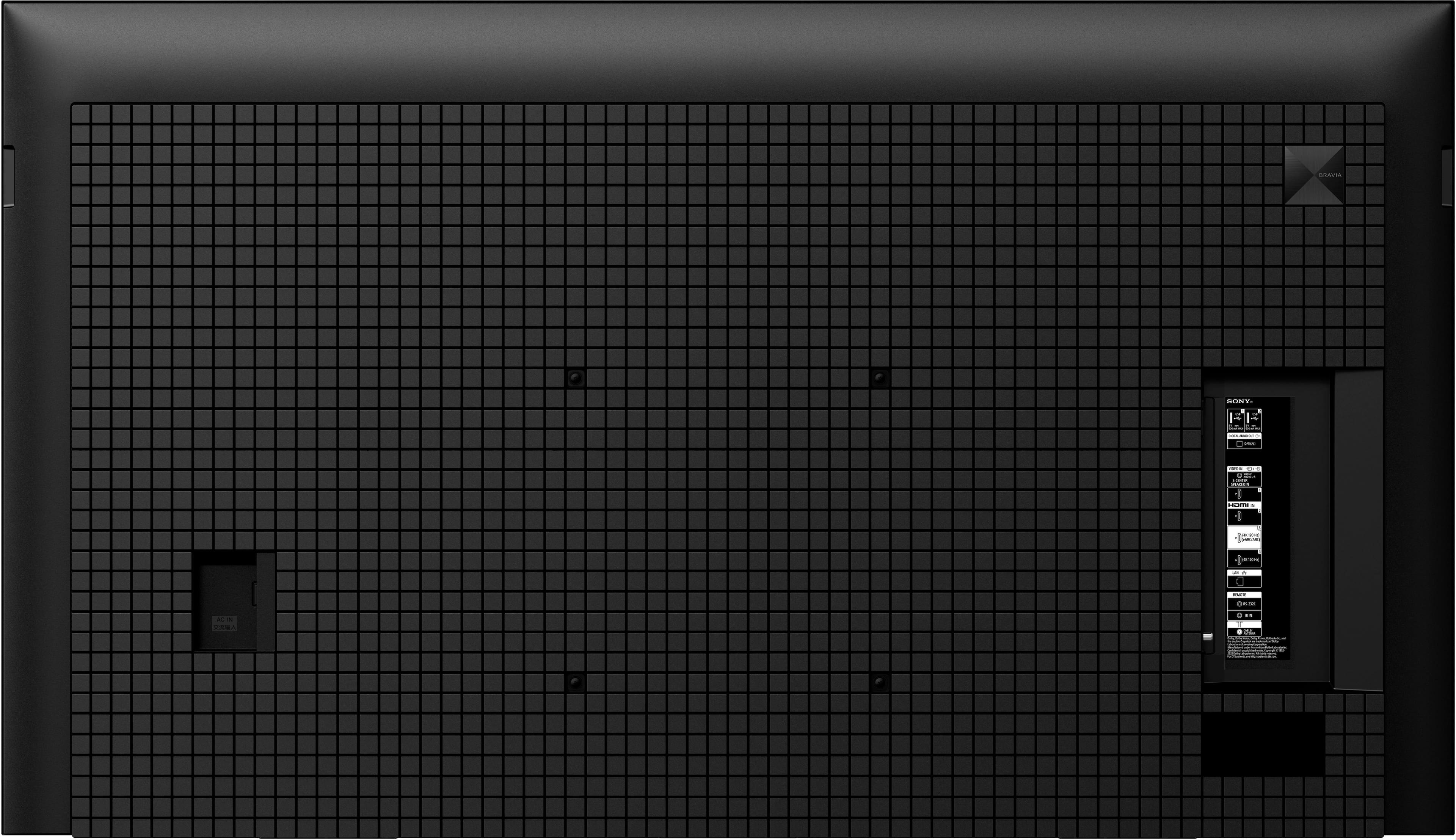
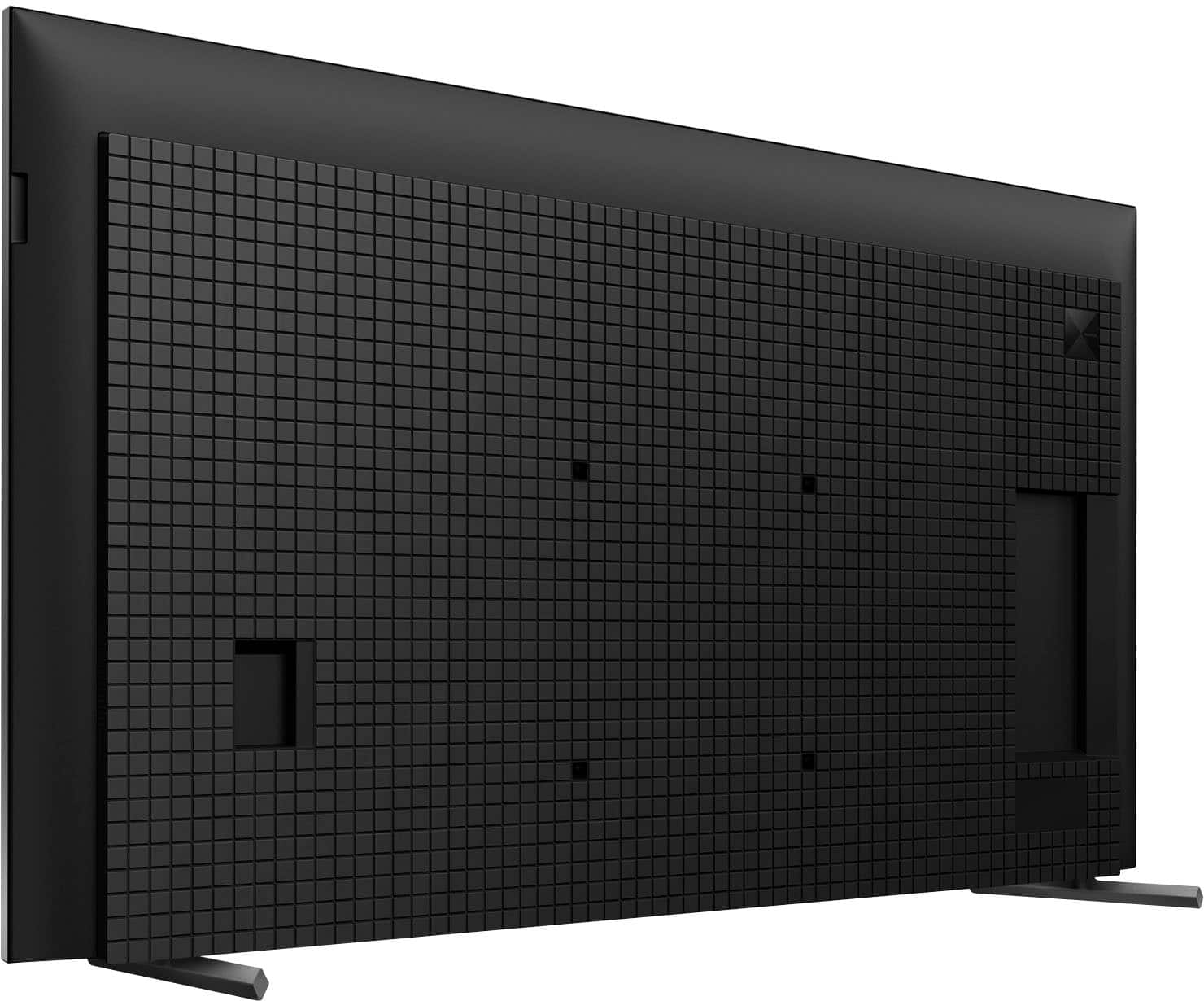
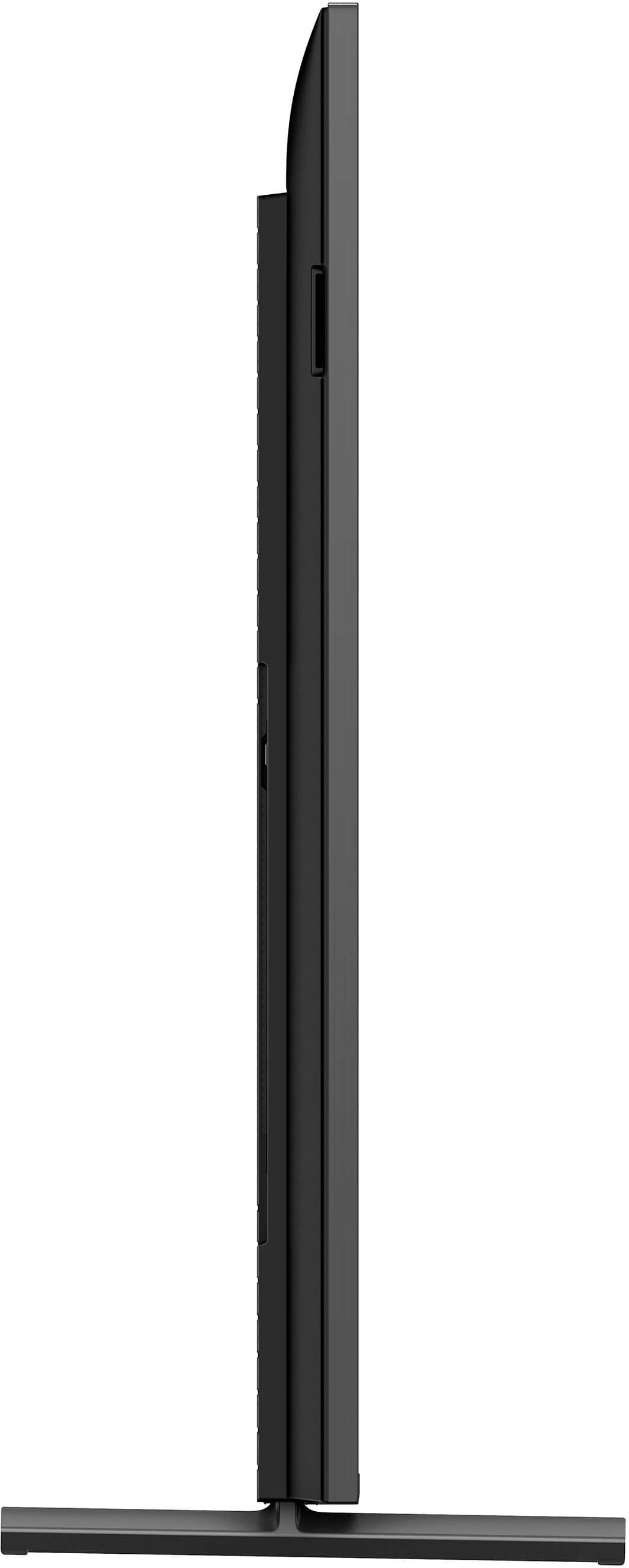
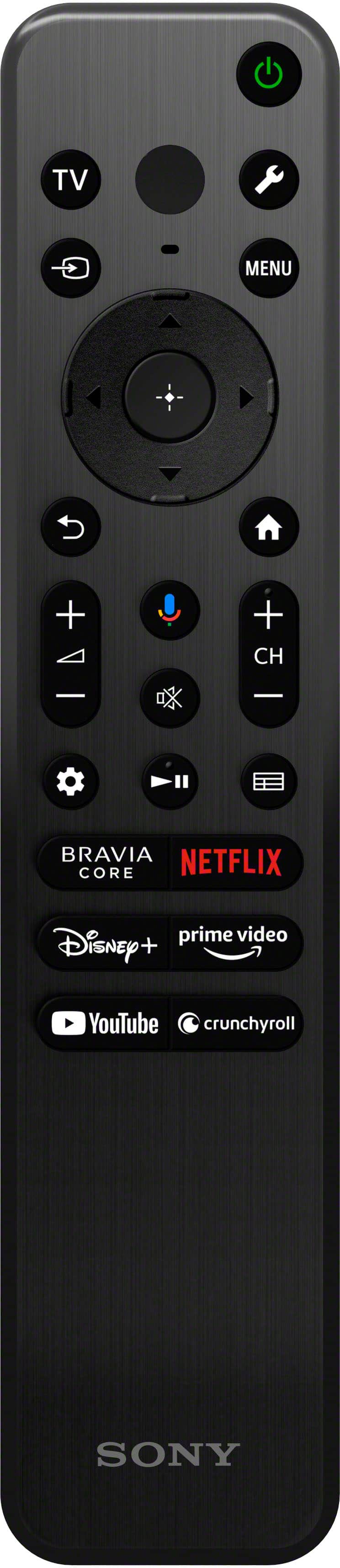
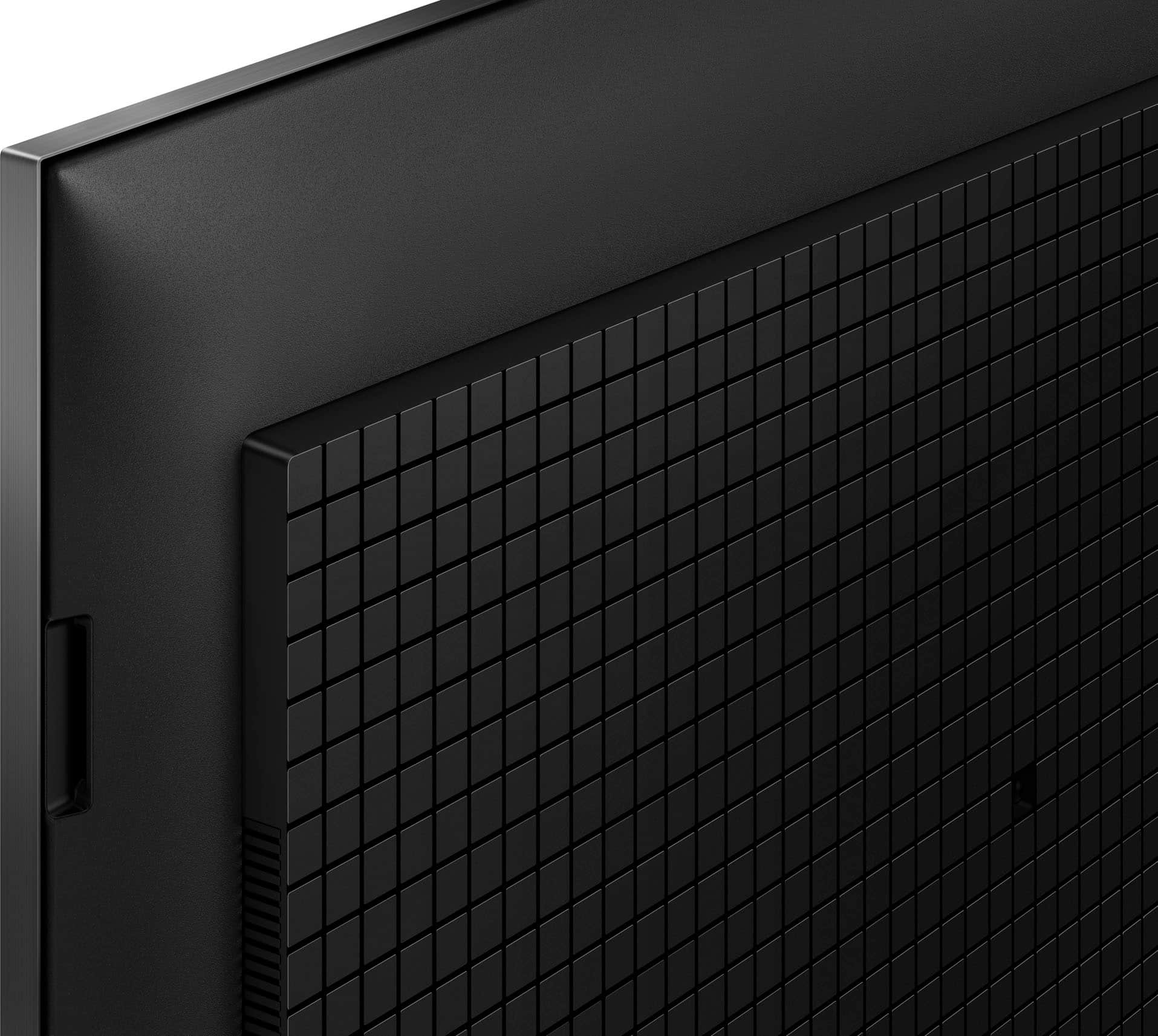

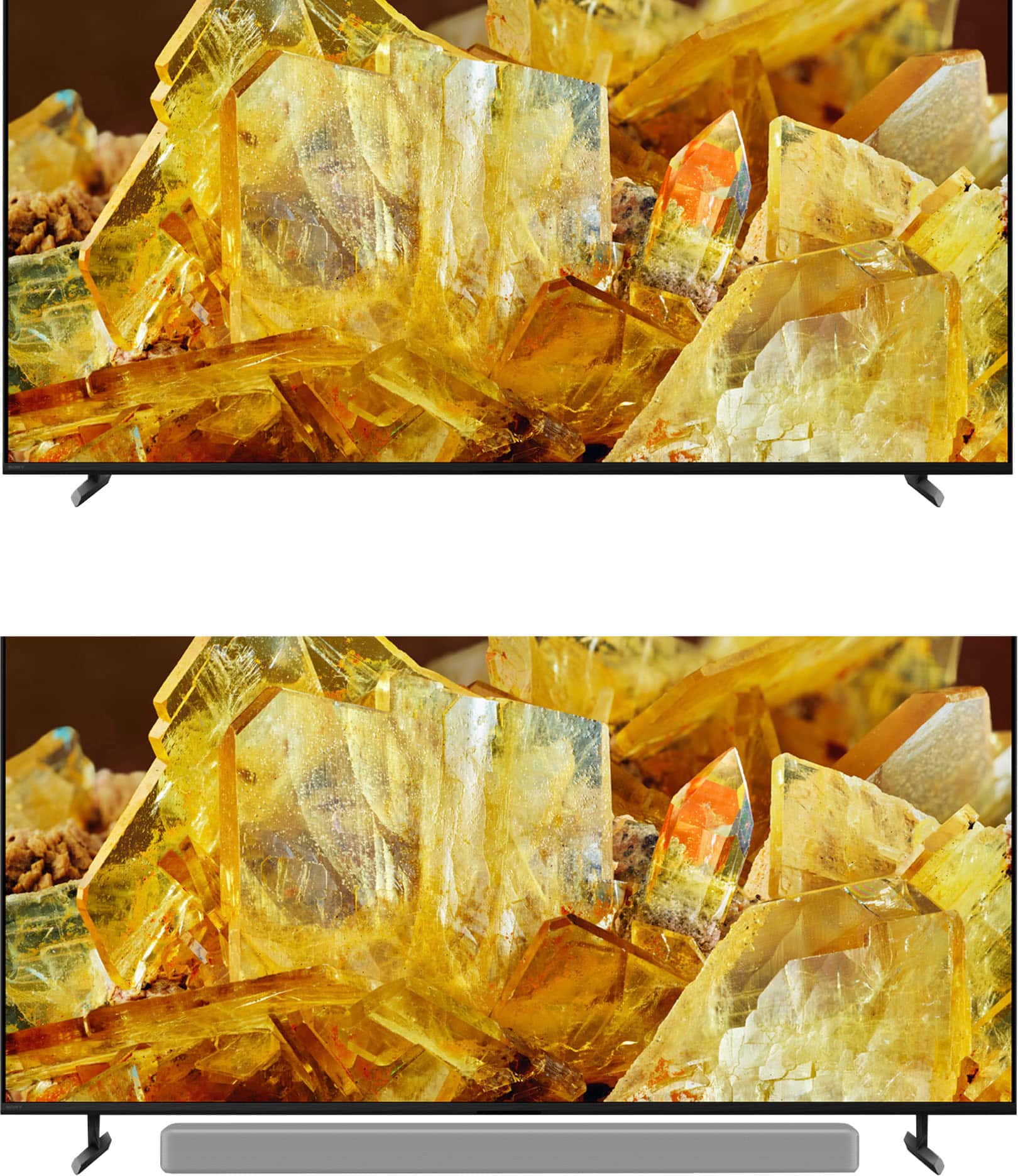









- Model:
- XR65X90L
- SKU:
- 6544733
Rating by feature
- Picture Quality
Rating 4.9 out of 5 stars
- Sound Quality
Rating 4.6 out of 5 stars
- Brightness
Rating 4.9 out of 5 stars
to a friend
Customers are saying
Customers regard the 65" Class BRAVIA XR X90L LED 4K UHD Smart Google TV (2023) highly for its excellent picture quality, realistic color, and ease of use. Many find the setup process straightforward and appreciate the overall TV quality, especially considering the reasonable price. Some customers have noted minor drawbacks such as the remote control lacking a number pad, minimal glare, and occasional slight blooming. A few have also mentioned concerns about contrast and occasional lag when opening apps.
This summary was generated by AI based on customer reviews.
DO NOT BUY!!
||Posted . Owned for 3 months when reviewed.This reviewer received promo considerations or sweepstakes entry for writing a review.Worst TV purchase I’ve ever made and I’m stuck with this terrible product. The tv itself and picture are great, the problem comes when I have to hard reset (unplug and plug back in) the tv 3 times a week because apps just won’t open, even after force closing them.
No, I would not recommend this to a friendBrand response from SonyListens
Posted .Hi CameronP,
We're glad that you like the picture quality of the TV. It's unfortunate that you are having issues with the apps on the TV. For optimum performance, make sure that the software version of the TV is up-to-date. Please refer to the steps on this link:
https://www.sony.com/electronics/support/articles/00028577
Additional troubleshooting steps are also available on this link:
https://www.sony.com/electronics/support/articles/00108468
Resetting the TV to factory settings may also help resolve those issues. You may find this link helpful:
https://www.sony.com/electronics/support/articles/00159487
Hope this helps. If still not resolved or you need further assistance, please email us at socialsupport@am.sony.com with the following details:
Name:
Username:
Model Number:
Issue:
Telephone Number:
Or contact our product support team via phone call or chat through this link:
https://us.esupport.sony.com/support/s/support-contact?language=en_US&category=tv
Sincerely,
-Ralph
Blacked-out screen & split screen issues
||Posted . Owned for 2 months when reviewed.This reviewer received promo considerations or sweepstakes entry for writing a review.TWO TV's - both SAME ISSUE: Bought this TV on black Friday 2024- what a deal! 13 days later, while streaming YouTubeTV app, the entire screen went black with bright lines on the left & right edge, yet the audio continued, strange. When I tried the NetFlix app, it incorrectly displayed only the left half of the screen, but twice! so strange. Luckily I was within the 14 days and returned/exchanged it for another TV, same exact model. On day 50, the replacement TV did the SAME EXACT THING! BestBuy recommended the GeekSquad assess it, claiming it was a software update incompatibility issue. On a whim- I factory reset the tv, and it functioned normally for the time being. After reading reviews (thanks everyone), I'm convinced it will occur again and I don't feel like factory resetting my TV every few weeks and having to repeatedly reprogram the apps and tune the surround sound. Luckily I am a TotalTech member, and BestBuy has been good to me. Also, I always purchase the extended warranties with items like this... just because. BestBuy has been helpful and honored all extended warranties, Thank You BestBuy and GeekSquad crew.
No, I would not recommend this to a friendBrand response from SonyListens
Posted .Hi Matt, We apologize for the inconvenience. This is definitely not what we wanted you to experience. Though we're glad that your dealer assisted your professionally with your concerns. If you need further assistance with your device, you may reach us at socialsupport@am.sony.com with the following details :
Full Name:
Best Buy Username:
Telephone Number:
Sony Model Number:
Additional Information regarding your experience with the unit:
We are sorry for the inconvenience and hope to speak to you to resolve this matter.
Sincerely,
-Craig
WORST Sony Ever, SO DISAPPOINTED
||Posted . Owned for 6 months when reviewed.This reviewer received promo considerations or sweepstakes entry for writing a review.Always wanted a Sony Bravia, well this one’s not it - or any of them. In fact, any Sony with Google TV and all the horrible apps would not cut it. (YES IT’S ALL CONFIGURED CORRECTLY as per SONY AND HAS CURRENT, UPDATED SOFTWARE) —1-- CONTANTLY REBOOTS: Over and over the system reboots, have no idea why … SCOURED SONY SUPPORT = NOTHING. —2-- TOTAL GREEN SCREEN: Will switch randomly to a totally green screen when changing from one episode or movie to another, random actions, or switching ports. So bad, even switching to any other source or even my antenna the toally green screen screen will not go away, but the audio continues. SCOURED SONY SUPPORT = MUST UNPLUG TV CONSTANTLY. —3-- NO PICTURE ZOOM: No resizing of picture out of letterbox under any circumstances. The only way to zoom is to switch your player (Roku stick, Fire, Ultra) to 1080p. SCOURED SONY SUPPORT = GET OVER IT, NOT SUPPORTED. So your 65” screen = 20” tall video, unreal. —4— FAILS TO RECOGNIZE AV UNIT(s): Even though most times it works, will not turn on AV unit (tried my late model Yamaha, Marantz, Onkyo, even Sony). It’s not found & switchs to internal speakers. It wont work ever if an external (Say Roku Ultra) is turned on first. Yes, the systems are set up through the “setup” part of the system. it’s totally random. SCOURED SONY SUPPORT = NO ANSWER. —5— POOR VIEWING ANGLE: I sort of understood this factor, but didn’t know it was sooo poor. Unless you are dead on straight in front of the screen, the picture degrades quickly. —6— NEVER THOUGHT A BRAVIA WAS SO MUCH DAILY TROUBLE!!!! Turn on, restart often, turns off/on AV unit several times, switches speakers, screen goes green …. I’d return it if I could. WOULD NEVER RECOMMEND. Just so disappointing from Sony.
No, I would not recommend this to a friendBrand response from SonyListens
Posted .Hi Spirit111,
This is not the experience that we want you to have. Your feedback is extremely important to us and is very much appreciated. We would like to know more about what happened and review your file. We also want to make sure that everything is handled accordingly. Please email us at socialsupport@am.sony.com with the following details:
Name:
Username:
Model Number:
Issue:
Telephone Number:
Case Number:
Sincerely,
-Ralph
Awesome! (Not)
||Posted . Owned for 1 week when reviewed.This reviewer received promo considerations or sweepstakes entry for writing a review.This is my 2nd Sony. My first is a 55" Android tv, that's about 5 years old. My 14 year old Samsung plasma finally died and originally, I planned to replace it with another Samsung; however, I'm not confident in the longevity or stability of their Tizen platform for smart tv. In addition, there are numerous reviews of people's tvs tipping over, because there is one support stand, placed in the middle of the tv, which is not strong enough to bare the tv's weight. So to Sony I went. Thank goodness I kept the box, because on exactly Day 14 of the 15 day return window, the picture failed. The screen has a big black bar in the middle, with the picture duplicated on each side of the bar. I was unable to complete an exchange with delivery online, as the only option was to lug this huge box and tv to the store. Fortunately, their call center was able to assist and process and exchange and pickup with delivery. I'm highly disappointed to see the quality is so poor that the unit fails within less than a month. Do better Sony.
No, I would not recommend this to a friendBrand response from SonyListens
Posted .Hi CreativeShopper,
We are sorry to hear that you had a picture issue with the Sony TV and you had to return the unit. This is definitely not the customer experience we want you have. We take all user input seriously and will make sure your comments reach the appropriate person.
If you still chose a BRAVIA to exchange the original X90L and you need further assistance or you have other concerns, don't hesitate to contact us by sending us an email at socialsupport@am.sony.com.
Sincerely,
Vincent
No audio
||Posted . Owned for less than 1 week when reviewed.This reviewer received promo considerations or sweepstakes entry for writing a review.Lost audio and could not be retrieved even after multiple attempts and factory reset.
No, I would not recommend this to a friendBrand response from SonyListens
Posted .Hi IndiraB,
Thank you for reaching us with your concern. We're sorry to hear that you're having issues with your Sony BRAVIA XR X90L TV's audio. This is not the experience we expect you to have, and we want this to be better for you.
To best assist you, we would like to know more information about your setup or any connected device to your TV.
You may send the setup information along with the details below to socialsupport@am.sony.com. Apologies if you've already shared this information with customer service — we just want to ensure we have your most accurate details:
Full Name:
Best Buy Username:
Telephone Number:
Additional Information regarding your experience with the BRAVIA XR X90L.
Thank you for your patience, and we look forward to improving your experience!
Sincerely,
Maria
Moving? Fuggedaboutit
||Posted .This reviewer received promo considerations or sweepstakes entry for writing a review.I bought both the tv and sound bar Nov 23. Chose Sony for the picture and because I have owned Sony TVs before. Fast forward to March 24 after I moved, my tv quit working. It was packed and moved by professional movers. I call Sony and the response is, well, it is out of warranty. No other suggestions or options. I looked on the web site and there are not licensed Sony tv people anywhere close (I live in a metro area). I find a tv repair person and he tells me that the led bulbs are not working. The TVs are so thin, any movement can damage them. The repairman can seem to find bulbs since the tv is so new, so I have a black screen on my wall. It appears the only option is to now buy a new tv. I am very dismayed that I took all of the precautions to move my tv and now it is useless. Is this now Sony quality????? No parts to even fix it, really? Do NOT move this tv if you want it to work again.
No, I would not recommend this to a friendBrand response from SonyListens
Posted .Hi Cinn, we're genuinely sorry to hear about your Sony - XR65X90L not working after moving. We understand how frustrating this situation must be especially after mentioning you took all the precautions. We'd like to take a further look into your case, please email the information below to socialsupport@am.sony.com so we can better assist you.
Full Name:
Best buy Username:
Telephone Number:
Model Number:
Issue/Concern:
Thanks for considering, regards. - Dominick
Don't Buy
||Posted . Owned for less than 1 week when reviewed.This reviewer received promo considerations or sweepstakes entry for writing a review.Supposed to be reset to factory settings and checked. Someone returned it for a reason, the tuner section is bad, it takes time for this to occur. It means it was only half checked, and it means no one cares at Best Buy, bottom line is. They just don't seem to care and use customers to verify the complaints for them...? It's like well if two people complain about the same thing, maybe it does have a problem? How many times ? Who's next in line to get a defective TV passed along to them? The tuner sections have issues on the X90L don't let them make you a guinea pig teste too? I'm not a customer I'm an unpaid product tester? These are being deeply discounted for a reason and I discovered a big one the hard way. I bought other things too, they hid defects on. I've had to return a TV last week and they made me unpack it and set it up on the store floor then humiliated me in front of customers at Brentwood while they questioned me over not being satisfied with the picture on a Tv I bought the day before. At Bridgeton they hid defects in appliances they reboxed and dumped them on me at home, an elderly person forced to return a washer and dryer? They let me down an incredible amount and I gave them the chances because I worked for them and had pride in that fact ...once. The service is just horrible today and the X90l Sony is just one thing more I have to return again because of incompetent people who apparently don't care. I'm over 70 years old and this is how they treated me so if you're my age, I'd think real hard before pulling any triggers an a purchase there Sony or otherwise. I thought Sony was a better quality product and found out differently, don't suffer my mistake
No, I would not recommend this to a friendBrand response from SonyListens
Posted .Hi chestnutz, We apologize for the inconvenience that you've experienced with the Sony X90L. We understand that you've been facing recurring issues with the TV tuner section of the TV and that you've felt let down by the service provided. Let's try to isolate this issue by making sure that your TV has the latest firmware update, as this can resolve known issues and improve overall performance. For more details about the update, please refer to this link: https://www.sony.com/electronics/support/software/00294706
If the problem persists, please contact Sony customer support for further assistance through this link: https://us.esupport.sony.com/support/s/service?language=en_US.
Or email us at socialsupport@am.sony.com with the following details:
Name:
Username:
Model Number:
Issue:
Telephone Number:
Regards,
Sam
Don't buy Sony
Posted .This reviewer received promo considerations or sweepstakes entry for writing a review.Don't buy a Sony TV that's 65 in or larger they don't seem to last as mine the picture went out I have a warranty and they've already been out once and now they're telling me that they have to come out again and then if that doesn't fix it they'll have to come one more time so you'll be without your TV for 20 days I wouldn't own another Sony if you gave it to me so that's how I feel this is ridiculous no TV for 20 days come on no news no weather no Sports I sure hope nothing happens that I need to know about cuz boy that sounds like trouble for somebody y'all have a nice day
No, I would not recommend this to a friendBrand response from SonyListens
Posted .Hi Redbmw45, we're sorry to hear about what happened to your Sony TV. This is not the case for all of our TVs. We would like to review your file to best assist you. Please email the below information to socialsupport@am.sony.com.
Apologies if you disclosed some of this information in your review and to customer service, we just want to ensure that we have your accurate details at the time of communication.
Full Name:
Best Buy Username:
Telephone Number:
Sony TV Model Number:
Case number:
Additional Information regarding your experience with the X90L
We are sorry for the inconvenience and hope to speak to you to resolve this matter.
Sincerely,
~Earl
Horrible customer service
||Posted . Owned for 1 week when reviewed.This reviewer received promo considerations or sweepstakes entry for writing a review.Horrible customer service and nobody cares attitude by Kirk the manager and the 7 other employees that I spoke to. Told by 2 different people that a rep would come to help with tv settings at no cost and an appointment was made for a "rapid response" service call. Brandon Silva called us the day we were waiting for the tech and said that it would not be free. It would be $149. Said if we wern't happy, return the tv. This IS the second tv. We already retured the same model a few days before. We sought assistance and went back into the store twice for help with the settings. We called the store for guidance. I am 73 yrs old and not tech savvy. The tv is not broken. It is very high tech and needs the correct settings to be up to standards. Help
No, I would not recommend this to a friendBrand response from SonyListens
Posted .Hi BillByrnes,
We're truly sorry to hear about your frustrating experience with the attempt to setup your Sony - X90L television, especially since this is your second unit. We want want to assure you that we also provide extensive technical support for TV settings and setup. Our dedicated technical support team can help walk you through the settings over the phone or online to optimize your picture and sound to meet your standards.
Please use the link below to connect directly with our technical experts who are ready to assist with those complex settings:
https://us.esupport.sony.com/support/s/support-contact?language=en_US&category=tv
They can provide immediate guidance to help you get the most out of your television
Thank you again for taking the time to share your experience and for considering Sony products!
Regards,
Dominick
Google TV set up extremely cumbersom
||Posted . Owned for 3 months when reviewed.This reviewer received promo considerations or sweepstakes entry for writing a review.I was happy with my TV until I tried to explore Google TV and it was a horrible experience. Google TV is not intuitive and when I managed to set it up with difficulty I could not switch back to Xfinity. After one hour struggling with numerous options I turned off and on the TV and the set up box and then could get back to Xfinity but with no audio. Then I turned off and on TV and set up box again and the audio was restored. Google TV interface is horrible and I could not find any helpful instructions online.
No, I would not recommend this to a friendBrand response from SonyListens
Posted .Hi NESH,
We sincerely apologize for the frustrating experience you had with the Google TV interface and the difficulty returning to your Xfinity input with stable audio. The sudden loss of sound after switching inputs is unusual, and we want to help ensure seamless operation. For a quick fix, ensure your TV is updated to the latest firmware (Settings > System > About > System update). Moving forward, to reliably switch back to your Xfinity box (which should be connected via an HDMI port), you can always press the Input button on your Sony remote and directly select the corresponding HDMI port. If you continue to struggle with the interface or experience the audio dropping, please contact us: https://us.esupport.sony.com/support/s/support-contact?language=en_US so we can look into the specific connectivity settings.
Thanks for choosing Sony.
Best regards, Eliab
Keeps Freezing.
||Posted . Owned for 1 month when reviewed.This reviewer received promo considerations or sweepstakes entry for writing a review.Do not buy. It started freezing 2 weeks after I bought it. I have to unplug it and plug it back in every day or sometimes twice a day. Sony knew about this problem 2 years ago and still has not come up with a fix. It looks like they don't have a fix for it. You can use amzn fire stick as a work around but the picture quality will not be the same so why pay so much for a Sony that has a fire tv picture quality. Ridiculous
No, I would not recommend this to a friendBrand response from SonyListens
Posted .Thank you for sharing your feedback, Unhappy.
We are truly sorry to hear about the freezing issues you are experiencing with your XR65X90L television so soon after purchase, and we sincerely apologize for the frustration this is causing. Having to unplug and replug your TV daily is certainly not the seamless experience we intend to deliver.
We understand your concern regarding known software behaviors. While occasional freezing can be related to a number of factors, including third-party app performance or temporary network issues, we are committed to providing reliable products and continually issue software updates to improve stability and performance.
We would like to help you resolve this so you can enjoy the premium picture quality you paid for. Please contact our support team directly at https://us.esupport.sony.com/support/s/support-contact?language=en_US&category=tv so our specialists can guide you through specific troubleshooting steps, such as performing a factory reset or checking for the latest firmware update, which often resolves persistent freezing issues.
We take your satisfaction seriously and regret that we have not met your expectations in this instance. Thank you for bringing this to our attention.
Best regards, Gus, Sony Social Media Team
So disappointed with our new set!
||Posted . Owned for 4 months when reviewed.This reviewer received promo considerations or sweepstakes entry for writing a review.Another Sony Bravia within a couple months that keeps freezing! We constantly need to unplug the TV to reset and restart. We want to like it, because the picture quality is excellent.
No, I would not recommend this to a friendBrand response from SonyListens
Posted .Hi TonyP, we're sorry to hear that you have an issue with your new TV. This is not the experience we want your to have. Please make sure your TV has the latest firmware installed:
https://www.sony.com/electronics/support/televisions-projectors-lcd-tvs-android-/xr-65x90l/downloads
Please reset your TV to factory default by following this link:
https://www.sony.com/electronics/support/articles/00159487?utm_source
May we contact you to help? If so, please email the below information to socialsupport@am.sony.com .
Apologies if you disclosed some of this information in your review and to customer service, we just want to ensure that we have your accurate details at the time of communication.
Full Name:
Best Buy Username:
Telephone Number:
Sony TV Model Number:
Additional Information regarding your experience with the X90L
Sincerely,
~Earl
Sony is terrible
||Posted . Owned for 1 year when reviewed.This reviewer received promo considerations or sweepstakes entry for writing a review.This TV is terrible. It constantly loses connectivity to internet. It is the only device that has this issue in my house. I have more than adequate internet and still I have to turn off tv to reset. I should have stayed with Samsung
No, I would not recommend this to a friendBrand response from SonyListens
Posted .Hi JonE,
Thank you for choosing and purchasing our BRAVIA XR X90L LED 4K UHD Smart Google TV. This is definitely not the news that we would like to hear. Please allow us to help you and turn this into a better experience.
If multiple wireless devices or electric equipment, such as microwave ovens, are used at home, it may affect the Wi-Fi performance of your TV. Power off these devices when not in use, or keep them away from your TV. Electromagnetic interference may also occur depending on the location of the TV. If possible, change its location and check if the performance improves. Please check this article on how to resolve your issue.
https://www.sony.com/electronics/support/televisions-projectors-lcd-tvs-android-/xr-65x90l/articles/00184183
We also recommend updating the software of your TV. A firmware update improves the functionality and features of your device. It can provide fixes to any performance issues that may occur.
For further assistance, please email the below information to socialsupport@am.sony.com. Apologies if you disclosed some of this information in your review and to customer service, we just want to ensure that we have your accurate details at the time of communication.
Full Name:
Best Buy Username:
Telephone Number:
Sony TV Model Number:
Additional Information regarding your experience with the XR65X90L
We are sorry for the inconvenience and hope to speak to you to resolve this matter.
Regards,
David
Do not buy Sony Bravia 65 inch TV
||Posted . Owned for 7 months when reviewed.This reviewer received promo considerations or sweepstakes entry for writing a review.We had the 45in ? Bravia Sony for years with no problem. We purchased the 65 in Sony Bravia and it's been replaced twice already Within a couple of months. Sony came out but could not replace the motherboard. We had to get another 65 inch. There was so much difficulty in communication that we have had to make numerous Communications with Sony. We did not purchase Best Buy insurance. I personally do not recommend Best Buy insurance. The 3rd TV that Sony brought to us has had to be rebooted about five times! I would definitely not recommend this product. Not a fault of Best Buy. They're great.
No, I would not recommend this to a friendBrand response from SonyListens
Posted .Hello SusieQ,
Thanks for bringing this out to our attention.
We're truly sorry to hear about the ongoing issues you've experienced with your 65-inch X90L. It's definitely not the experience we want for our customers–especially after having such a positive history with your previous Sony TV!
We understand how frustrating it must be to have multiple replacements and encounter persistent problems like the need to constantly reboot. This is certainly not typical performance for our products.
To prevent your TV from randomly rebooting, ensure that it has the latest software update downloaded and installed correctly. Additionally, disconnect any external devices, such as cable boxes, gaming consoles, or streaming devices like Fire Stick or Roku. After doing this, test your TV to see if the rebooting issue persists without any external connections.
If you're still facing any issues, please reach out to us at socialsupport@am.sony.com for personalized assistance. Kindly include you name, Best Buy username, TV’s model number, issue and telephone number. We’re here to help!
Thanks for giving Sony the opportunity to change your experience.
Sincerely,
Jenn.
Disgusted
||Posted . Owned for 1 month when reviewed.This reviewer received promo considerations or sweepstakes entry for writing a review.TV is great if I got any channels. I went from 69 down to 8. Best Buy wants to charge me every time to fix the problem. Disgusted and won’t buy from them again
I would recommend this to a friendTV Quite after 78 days
||Posted . Owned for 3 months when reviewed.This reviewer received promo considerations or sweepstakes entry for writing a review.Quit working after 60 some days.....Best Buy did not step up and replace it sine it was over 60 days. I have Best Buy Total Tech Warranty and they only allow up to 60 days for an exchange. Sad since I bought brand new dishwasher, stove, refrigerator, washer, drawer, 2 TV's a new Pioneer receiver etc. A ton of money all bought at Best Buy only to find out I have to go through Sony now. I will NEVER buy anything again from Best Buy.
No, I would not recommend this to a friendBrand response from SonyListens
Posted .Hi AllanS,
Thank you for your time writing this review. We're sorry to hear the trouble that you are experiencing with your BRAVIA 8 TV not working properly after 78 days from the purchased date. This is not the buying experience that we want our customer to have. We'd like to review your file to know a little bit more detail about the situation you faced with the TV and best assist you. Many issues can be fixed without a repair.
If you haven't yet, we do have troubleshooting steps that may help resolve some issues, especially if your TV has no picture, no power, or the LED light blinks or flashes red. You may refer to the helpful link below. Test if your TV functions properly after performing each step.
https://www.sony.com/electronics/support/articles/00153674
Sony commitment to customer satisfaction is our top priority. Please note we have a customer hotline that is happy to assist you and help troubleshoot any concerns you have, and your TV has a 1-year warranty from the date of purchase.
May we contact you to help? If so, please email the below information to socialsupport@am.sony.com.
Apologies if you disclosed some of this information in your review and to customer service, we just want to ensure that we have your accurate details at the time of communication.
Full Name:
Best Buy Username:
Telephone Number:
Sony TV Model Number:
Additional Information regarding your experience with the X90L:
We are sorry for the inconvenience and hope to speak to you to resolve this matter.
Sincerely,
Jess
Quit in 38 days
||Posted . Owned for 1 month when reviewed.This reviewer received promo considerations or sweepstakes entry for writing a review.Replaced a Sony tv that was only one year old and quit , with this tv and I bought it on Jan17 , on feb 25 sound quit on it , so I unplugged it then plugged back in now it won’t come on at all. Right red flashing lights, called Sony said there was no reset for it probably a bad board. Going to store today to talk to store manger and see about getting replacement. So two Sony tvs quit in 13 month period . Sony used to be my go to on electronics , but there quality is definitely not what I’m used to.
No, I would not recommend this to a friendBrand response from SonyListens
Posted .Hi AnthonyR,
This is not the experience that we want you to have. We would like to know more about what happened and review your file. We also want to make sure that everything is handled accordingly. Please email us at socialsupport@am.sony.com with the following details:
Name:
Username:
Model Number:
Issue:
Telephone Number:
Case Number:
Sincerely,
-Ralph
Terrible for Video Games/Panning shots
||Posted . Owned for 10 months when reviewed.This reviewer received promo considerations or sweepstakes entry for writing a review.For what I paid, I should have chosen the cheaper TV. This Full Array screen has so much clouding, uneven greys, like weirdness in skies and panning shots. I've seen people call it a dirty screen, I don't know what it's called, but panning shots and video games are non playable on this. It's a mess. Technically the TV is operating, but it is NOT a clean picture when it comes to clear skies and a moving shot. Any video game you rotate, it pans the video and you see the smudgey uneven splotchy brightness in the background. I've tried every setting, everything I could feasably do and it's not better. Everything else about the tv is okay, the software is not laggy.
No, I would not recommend this to a friendBrand response from SonyListens
Posted .Hi AndrewR, We're sorry to hear about picture quality issues you're experiencing with your Sony X90L. This is definitely not the news that we would like to hear. Please allow us to help you and turn this into a better experience. Let's try to isolate and resolve this issue by following the troubleshooting steps on this link:
https://www.sony.com/electronics/support/articles/00030311
If you are unable to resolve your concern, please email us at socialsupport@am.sony.com with the following details:
Name:
Username:
Model Number:
Issue:
Telephone Number:
Sincerely,
Sam
Gray clouds - SONY TV
||Posted . Owned for 1 year when reviewed.This reviewer received promo considerations or sweepstakes entry for writing a review.After owning this TV FOR 1 YEAR a gray clouding appears on different spots on the screen when in use. SONY support diagnosed it and said it was DUST INSIDE the screen. They had no remedy for this and would not cover it under warranty.
No, I would not recommend this to a friendBrand response from SonyListens
Posted .Hello DenisK,
Thank you for considering Sony products.
We sincerely apologize for your experience with the XR65X90L TV. We understand how frustrating it can be to discover dust on the screen, and we genuinely appreciate your patience while working with our team regarding the warranty coverage.
In order to help us gather further information about this matter and explore additional options, we encourage you to contact us via email at socialsupport@am.sony.com. We would greatly appreciate it if you could include the following details in your message:
- Name:
- BestBuy Username:
- Model Number:
- Description of the Issue:
- Telephone Number:
Thank you for your patience, and we look forward to assisting you further.
Best regards,
-Fred
TRASH! BUY ANYTHING ELSE
||Posted . Owned for 4 months when reviewed.This reviewer received promo considerations or sweepstakes entry for writing a review.Recommended in the store for sports... i need my money back, what a crappy television! I have tried changing settings and everything, it is ABSOLUTE TRASH!
No, I would not recommend this to a friendBrand response from SonyListens
Posted .Hi Alex, thanks for bringing this out to our attention.
We're sorry to hear about your experience with the X90L television—It's definitely not the outcome we want for our customers, especially when the TV was purchased with a specific use in mind!
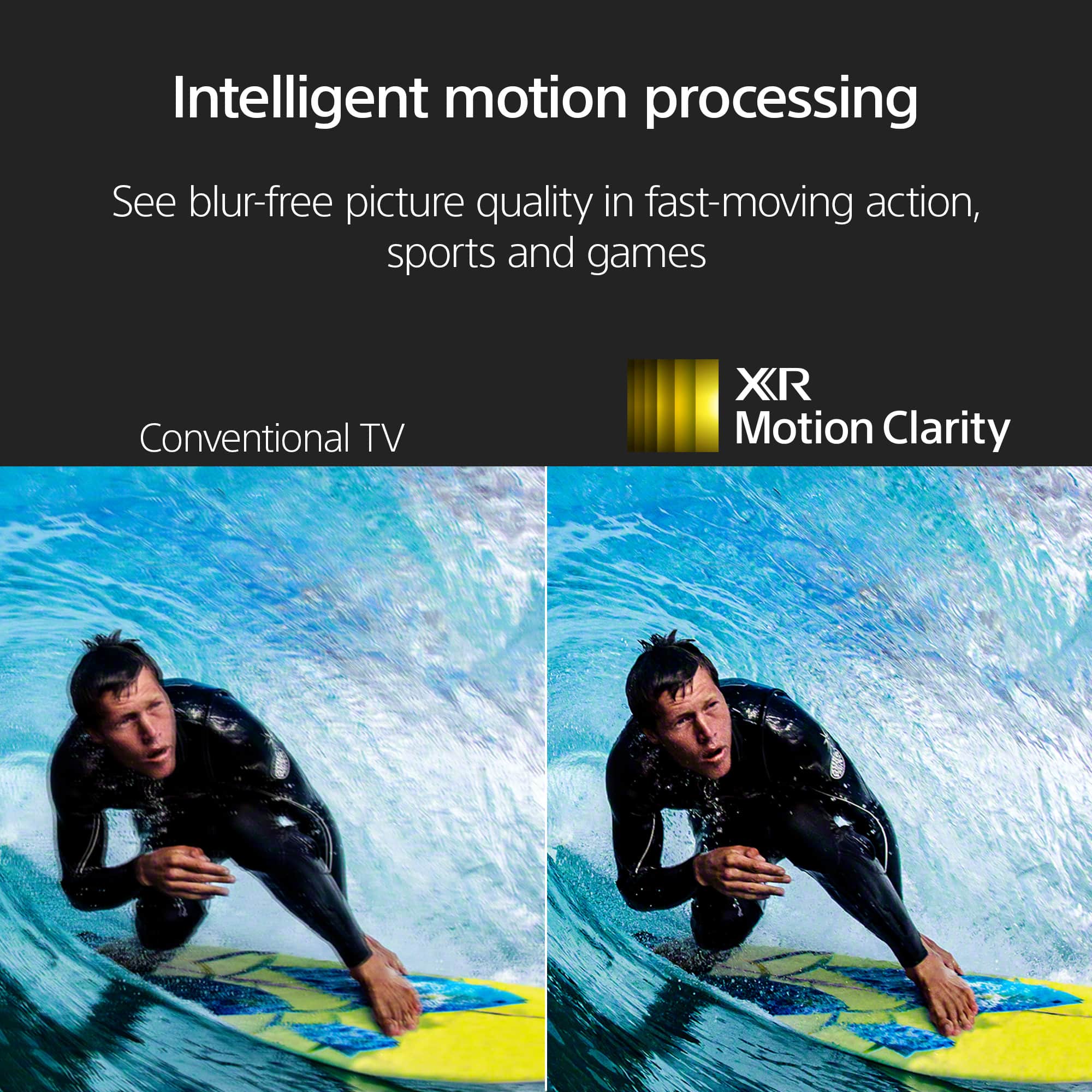
You are absolutely right to expect a fantastic sports-watching experience. The X90L is specifically engineered to handle fast-moving content with its XR Motion Clarity and 120Hz refresh rate, ensuring smooth and clear picture quality without blur.
It sounds like you've already tried some troubleshooting on your own, which we appreciate. However, given that you're still not satisfied, we highly recommend you contact our support team immediately. They can help diagnose the issue and find a resolution, whether it's through a settings adjustment or another solution.
Please contact our support team at https://us.esupport.sony.com/support/s/support-contact?language=en_US&category=tv
Thanks for giving us the chance to enhance your experience!
Sincerely,
Jenn | Sony Social Media Team.