Customer Ratings & Reviews

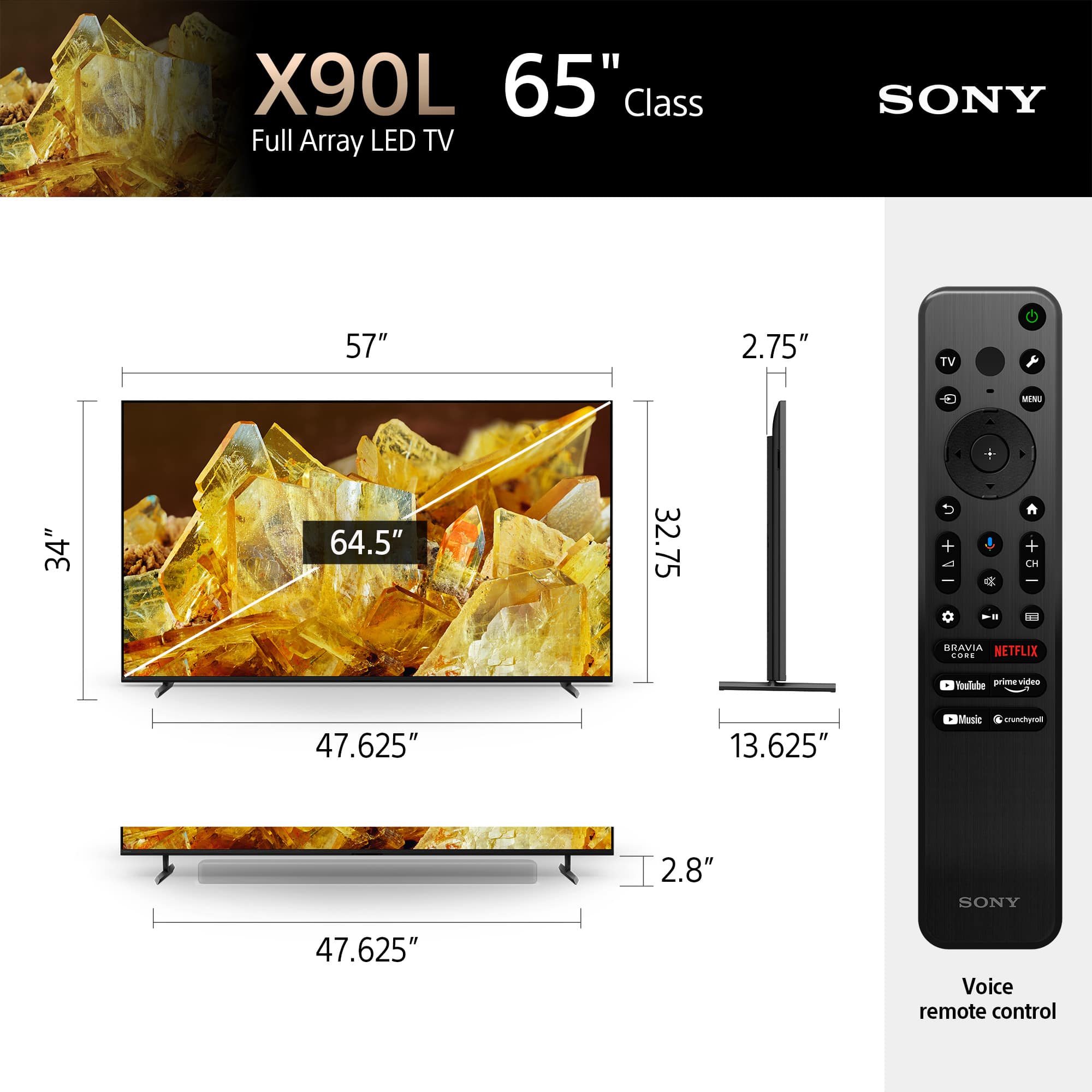








- Model:
- XR65X90L
- SKU:
- 6544733
Rating by feature
- Picture Quality
Rating 4.9 out of 5 stars
- Sound Quality
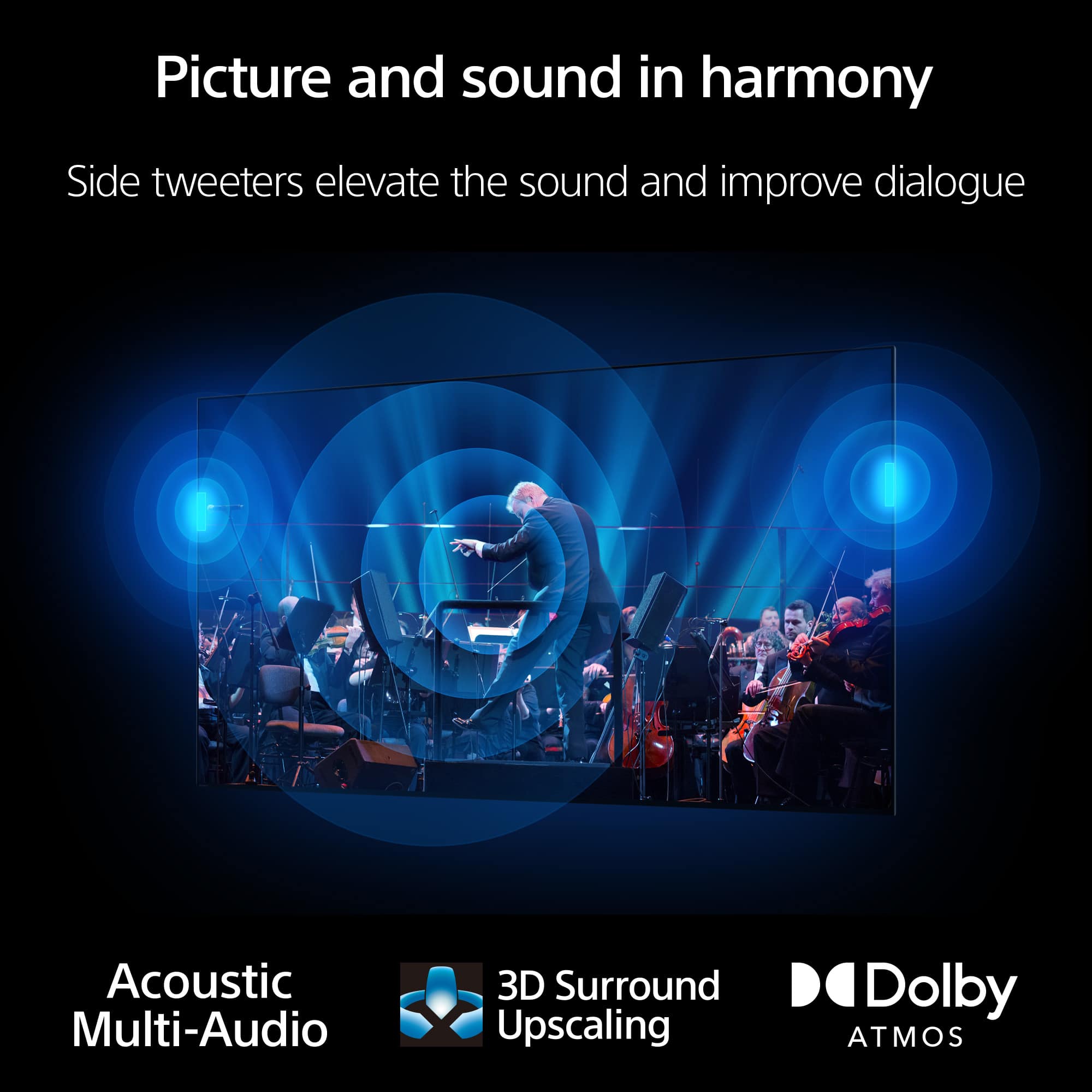
Rating 4.6 out of 5 stars
- Brightness
Rating 4.9 out of 5 stars
to a friend
Customers are saying
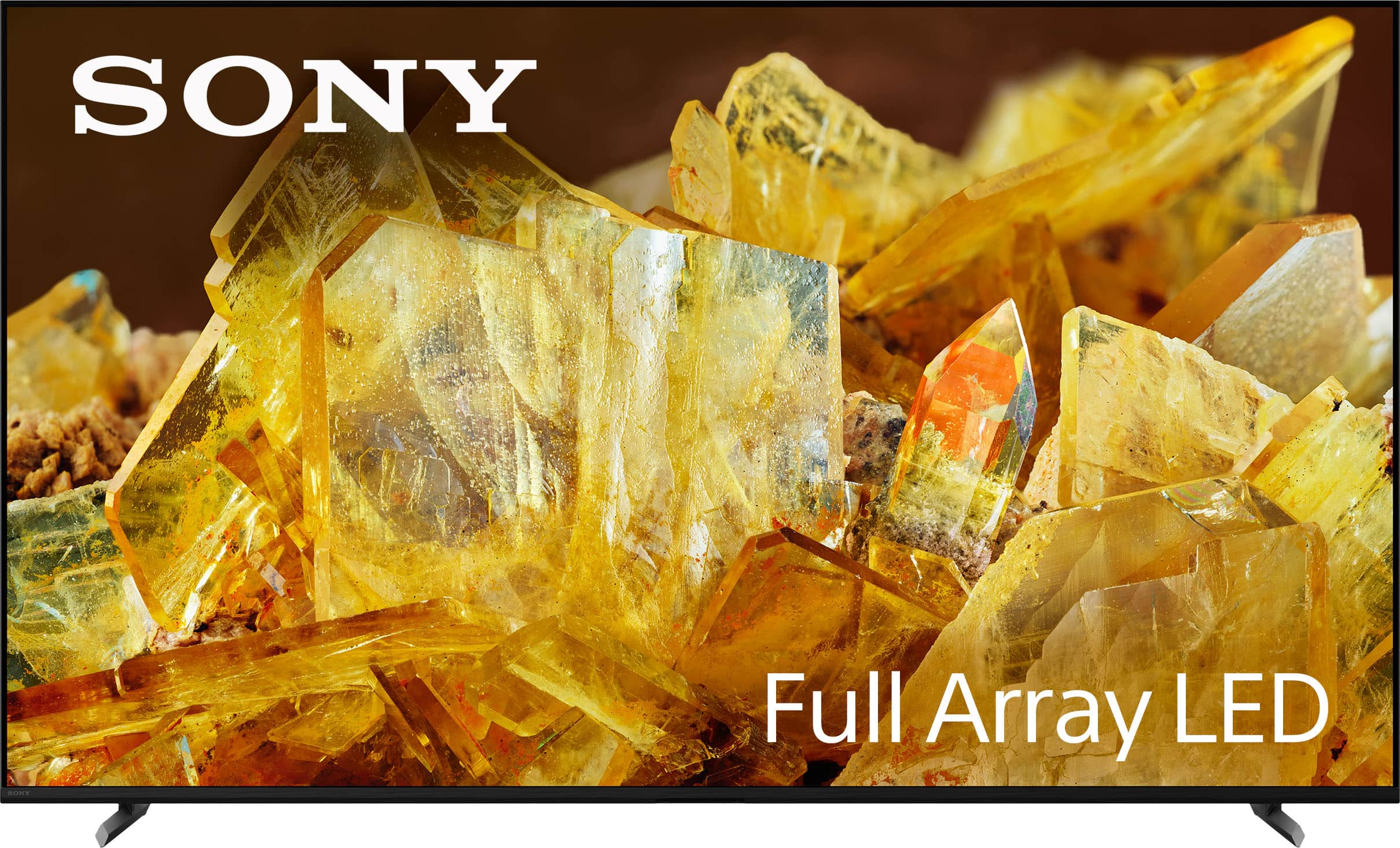
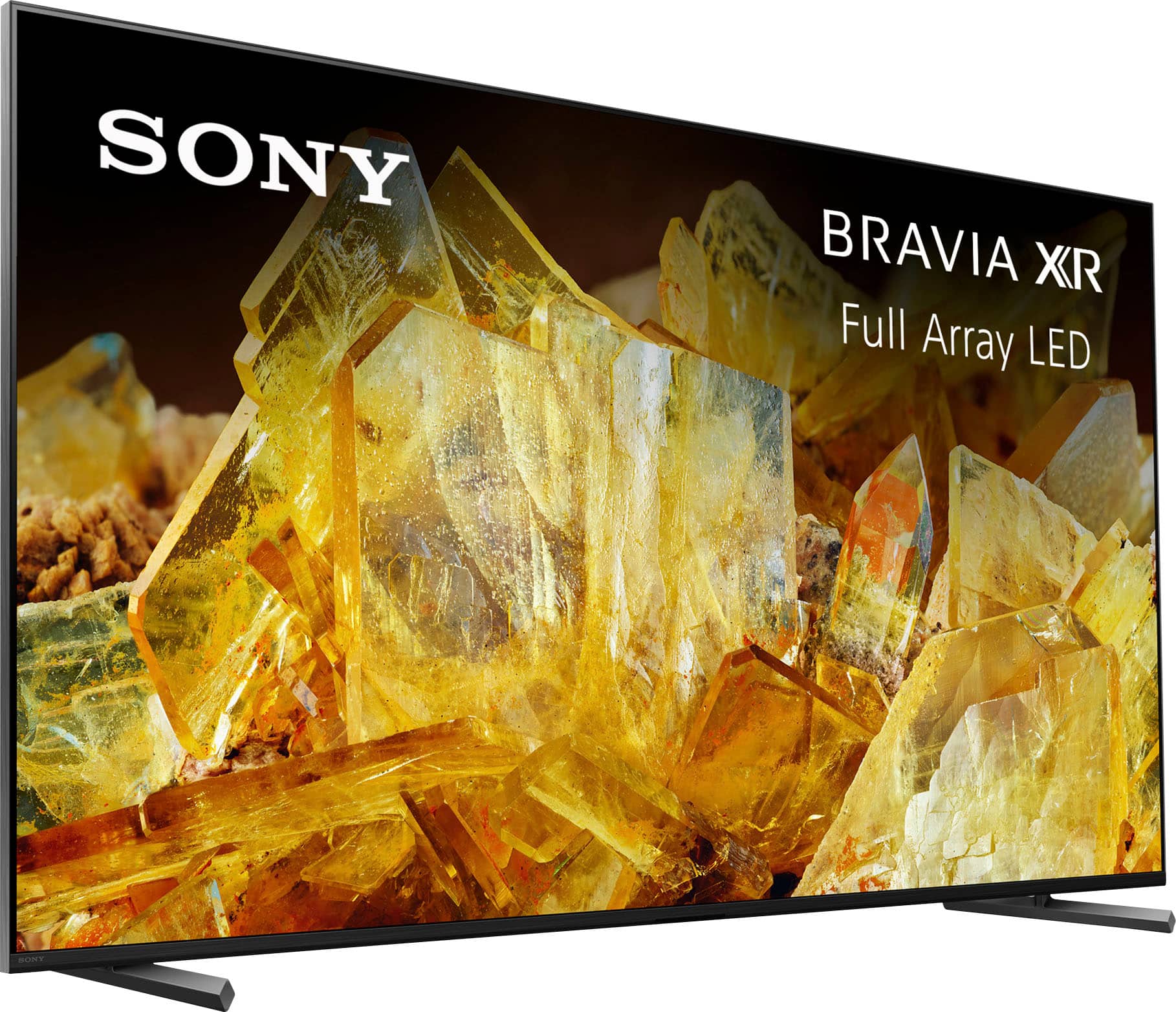
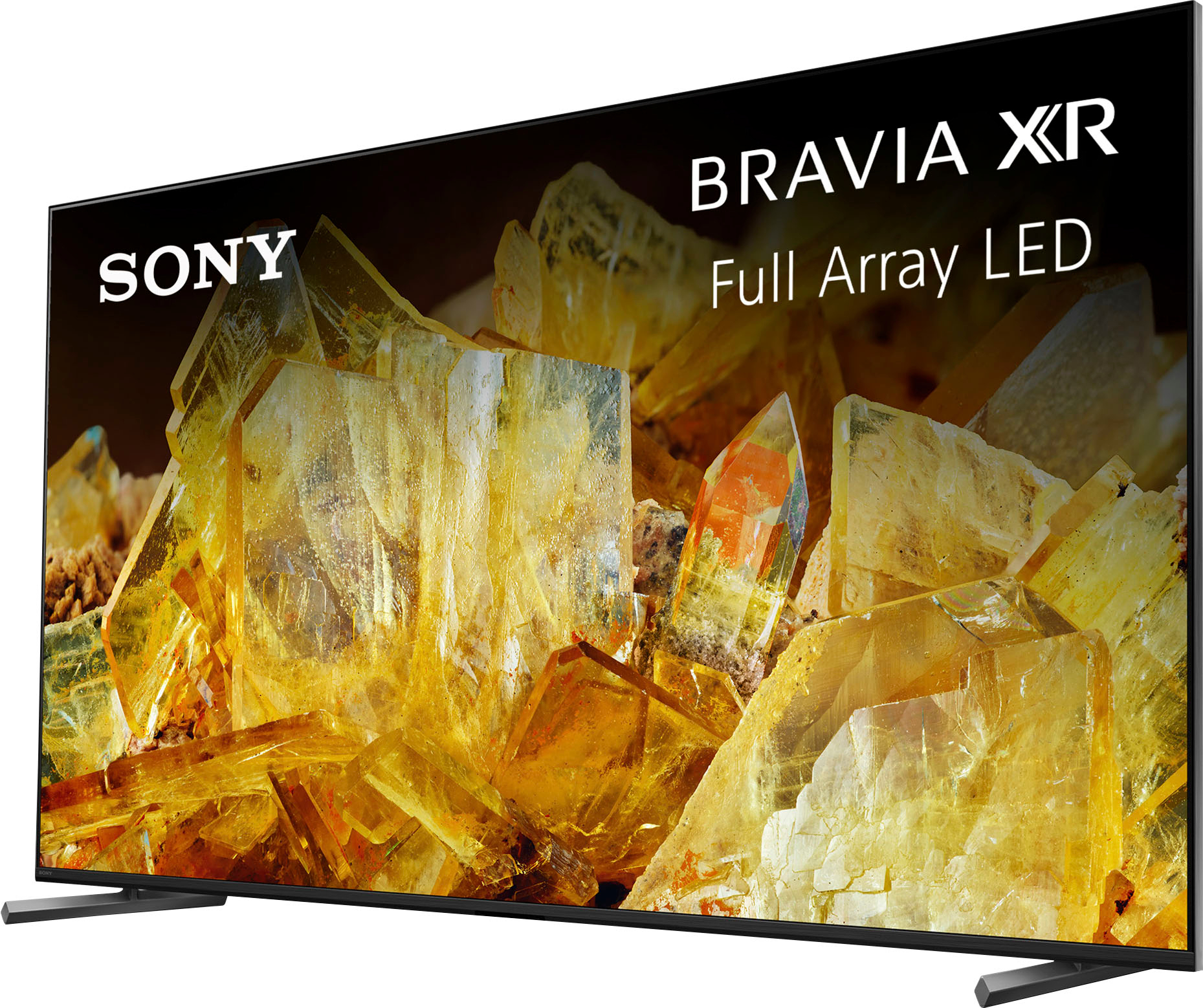
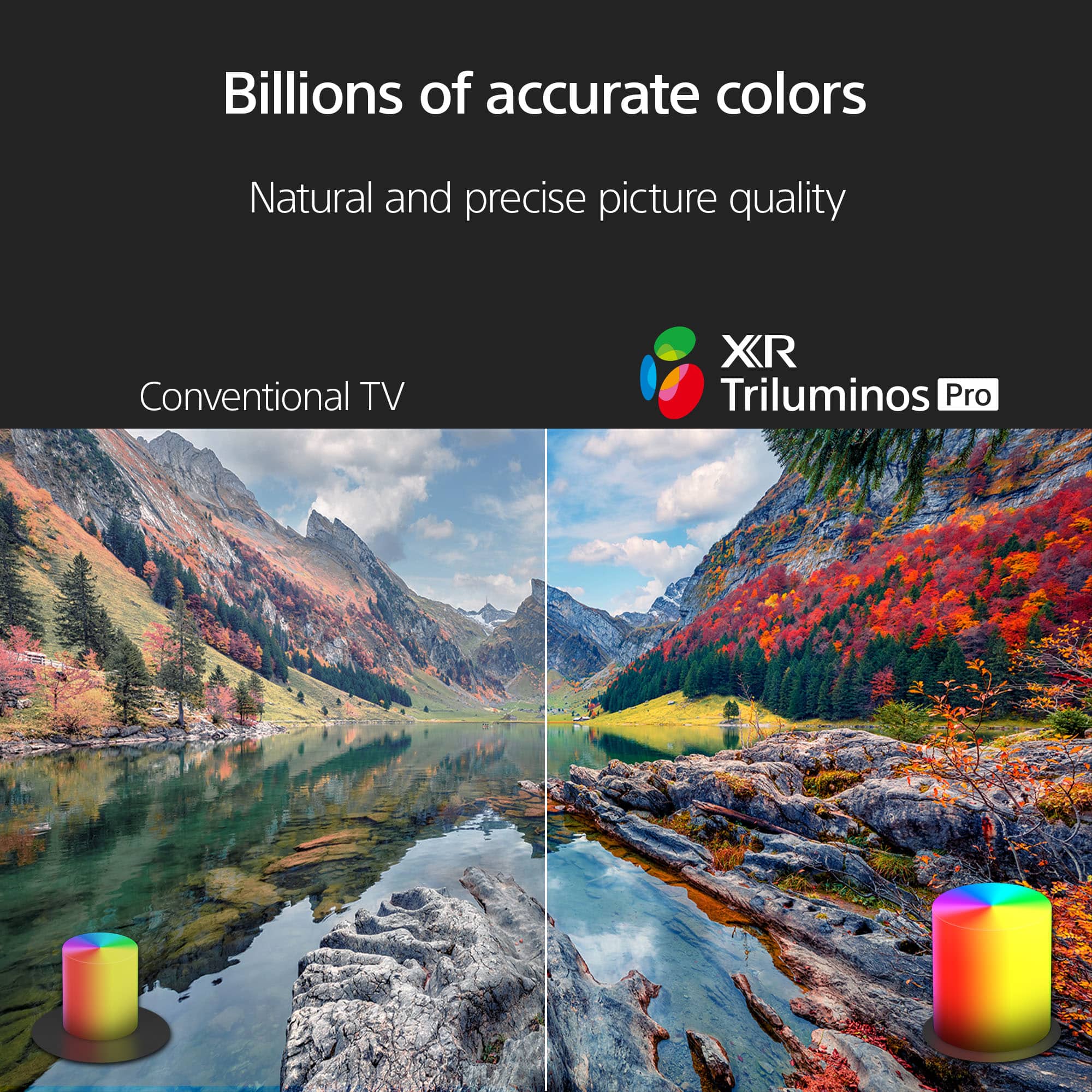
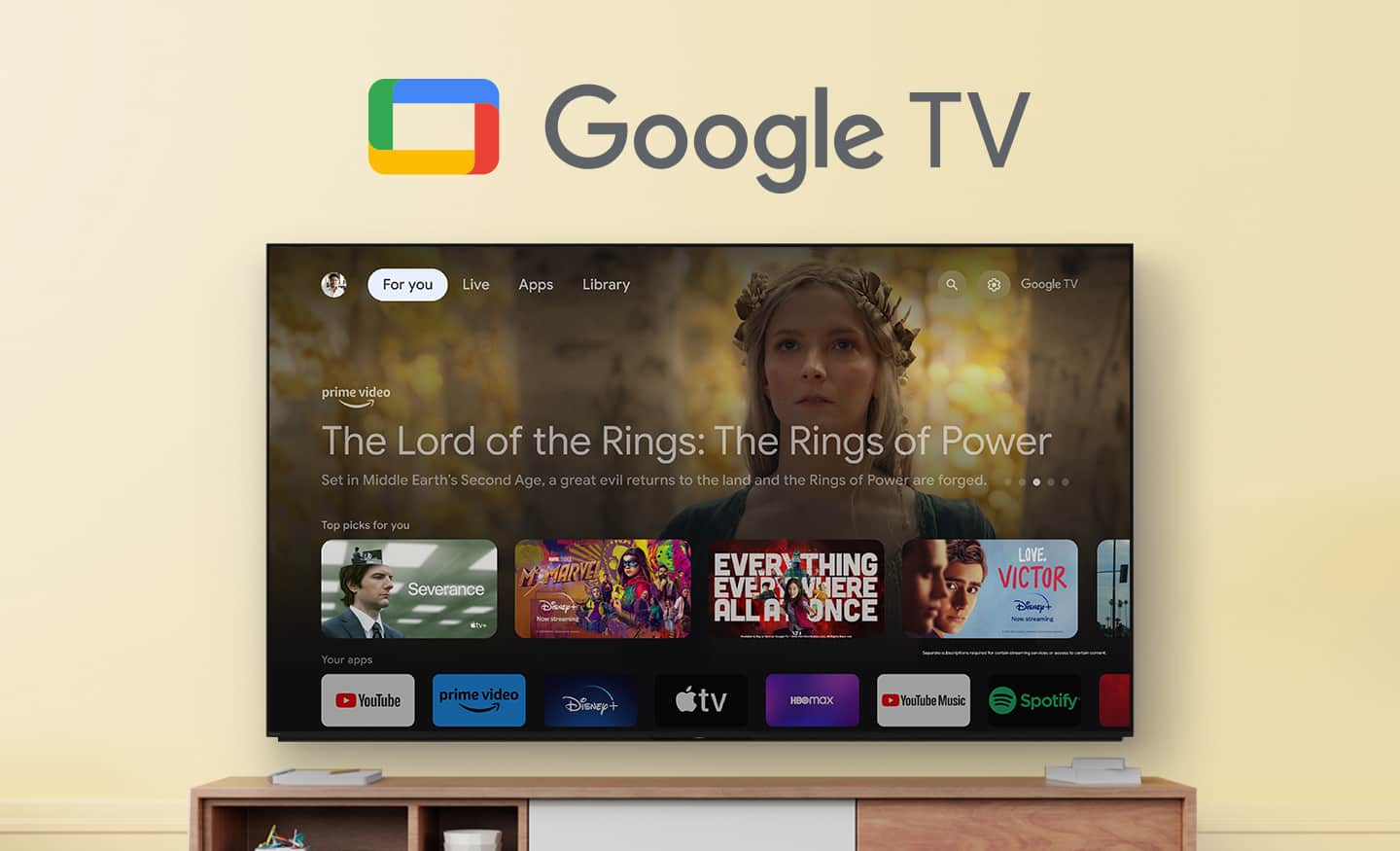
Customers regard the 65" Class BRAVIA XR X90L LED 4K UHD Smart Google TV (2023) highly for its excellent picture quality, realistic color, and ease of use. Many find the setup process straightforward and appreciate the overall TV quality, especially considering the reasonable price. Some customers have noted minor drawbacks such as the remote control lacking a number pad, minimal glare, and occasional slight blooming. A few have also mentioned concerns about contrast and occasional lag when opening apps.
This summary was generated by AI based on customer reviews.
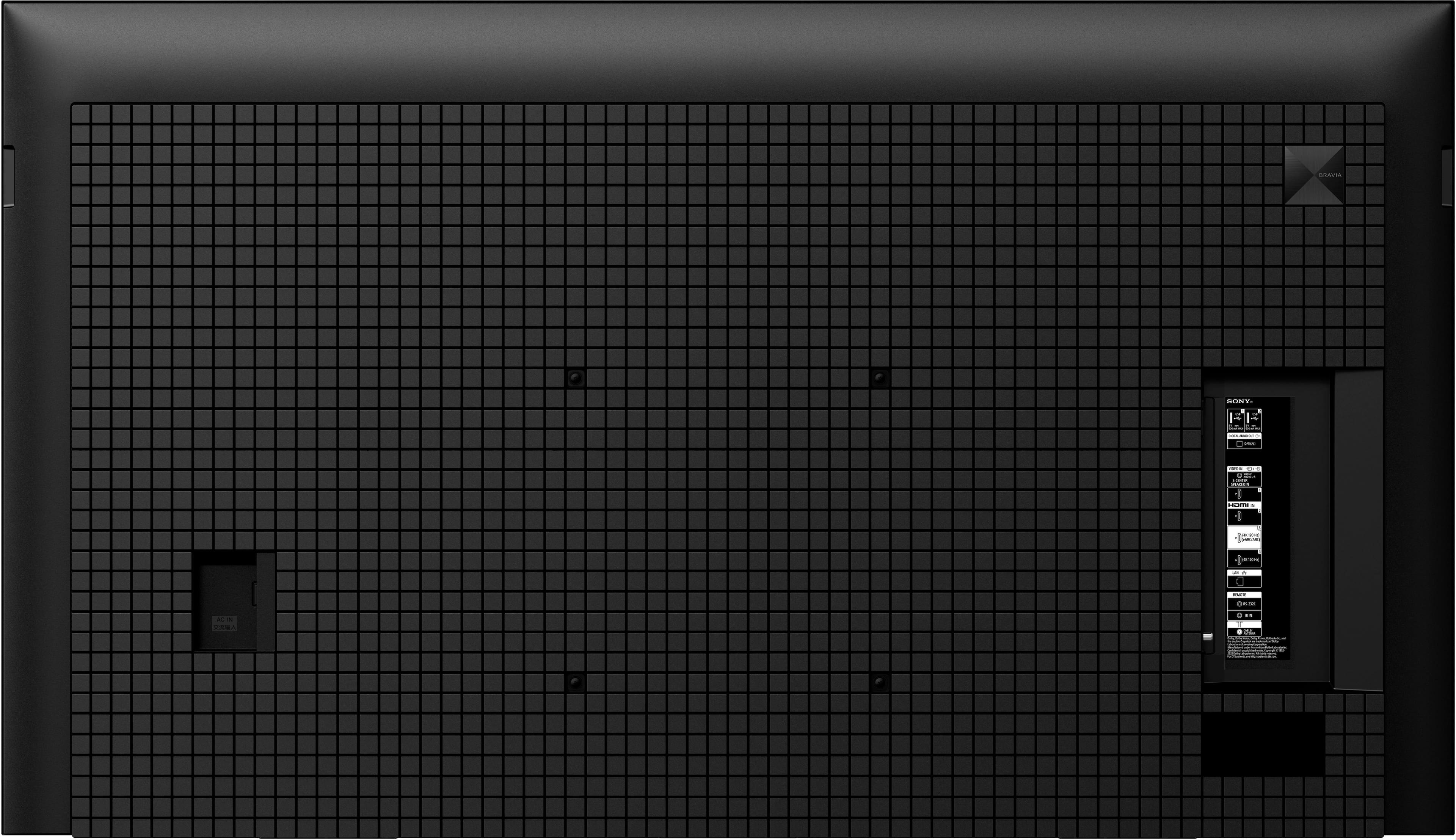
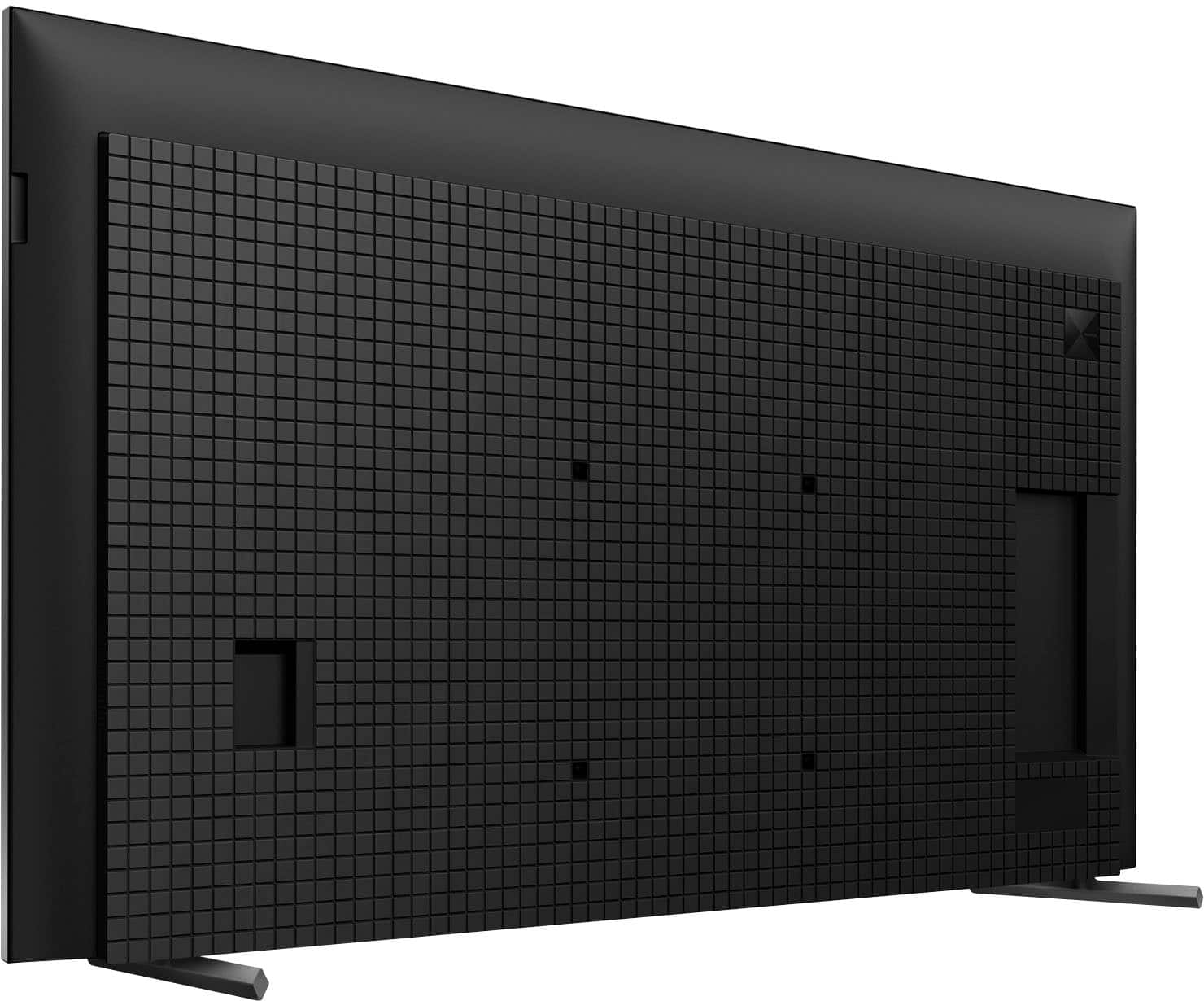
The 4 rear wall mount bolts that are included.
||Posted . Owned for less than 1 week when reviewed.This reviewer received promo considerations or sweepstakes entry for writing a review.Why are the 4 mount bolts so short that they couldnt even hold a paper thin wall mount? Im disappointed that there is screws there and they can not be used to hang my tv. Wow. Pay all this money get home try to hang the tv. And cant. Because sony scimped on the size of the bolts. I will be back to review the tv when i finally find bolts to hang my brand new tv. Cant even watch the new game the way i wanted. Thanks sony.
No, I would not recommend this to a friendBrand response from SonyListens
Posted .Hello Eric,
Thank you for your purchase and we're sorry to hear that the included wall mount screws/bolts are too short. We highly recommend the Sony SU-WL855 bracket and M6 screws. You can also use a Vesa compliant wall mount with hole pitch pattern of 11 13/16 x 11 13/16 (inch).
Here are some helpful links for mounting the TV on the wall:
https://www.sony.com/electronics/support/res/manuals/5048/77acadd88a281e0ebf92cbe7fd176d8e/50487781M.pdf
Compatible wall-mount brackets and screw hole patterns for 2023 TV models
https://www.sony.com/electronics/support/articles/00294543
If you need further assistance, please email the below information to socialsupport@am.sony.com. Apologies if you disclosed some of this information in your review and to customer service, we just want to ensure that we have your accurate details at the time of communication.
Full Name:
BBY Username:
Telephone Number:
Model number:
Issue:
We are more than happy to assist.
Regards,
Marco
Dissapointed
||Posted . Owned for 2 months when reviewed.This reviewer received promo considerations or sweepstakes entry for writing a review.Bought this tv 2 months ago based on the reviews. Picture, color, and brightness were great. On the 60th day, tv died, no power. Troubleshooted and called the service center for repair in Houston. Spent $1000 and am looking at another $740 in repairs. Very disappointed...
No, I would not recommend this to a friendDisappointed
||Posted . Owned for 8 months when reviewed.This reviewer received promo considerations or sweepstakes entry for writing a review.I purchased this on the strength of Sony's reputation. The picture is pretty good but I was hoping night scenes would look better in a well lit room. Sometimes there is very little detail. Just a lot of dark. I've had some issues with streaming apps so I would have to use my Roku. Within the last couple of months it lost the Internet connection and I would have to go to settings and reconnect. The last time it lost Internet it wouldn't reconnect until I shut down and unplugged and restarted the TV. Discouraging considering that this set is only 8 months old.
No, I would not recommend this to a friendBrand response from SonyListens
Posted .Hi jbw1243, While we're glad you like the great picture quality of this TV, we regret to hear the issues you're having when watching night or dark scenes. This is definitely not the news that we would like to hear. We understand how important it is to find a TV that excels in displaying dark scenes with clarity and detail. There are various settings that can be configured in [Picture] settings to improve the overall picture quality and the viewing experience on your Google TV. More information about the picture adjustment settings of the TV can be found on the link below:
https://helpguide.sony.net/tv/iusltn1/v1/en-003/01-03-09_01.html
For streaming app issues, try to uninstall and reinstall the affected app and make sure that the firmware version of the TV and the app are all up to date.
If the Wi-Fi signal on your TV drops or intermittently disconnects, please follow the troubleshooting steps on the link below:
https://www.sony.com/electronics/support/articles/00184183
If you are unable to resolve your concern, please email us at socialsupport@am.sony.com with the following details:
Name:
Username:
Model Number:
Issue:
Telephone Number:
Sincerely,
Sam
Getting Replaced
||Posted . Owned for 3 months when reviewed.This reviewer received promo considerations or sweepstakes entry for writing a review.After talking numerous people for there input on witch brand and model to choose!! I pull the trigger on this model, up to this day, this moment I wasn't 100% sure of my purchase. But now I am, its coming off the wall and being returned later this week!!! Today it shut it self down, and wouldn't come back on. There definitely a couple of bugs in this unit!!!!
No, I would not recommend this to a friendBrand response from SonyListens
Posted .Hi SteveW,
This is not the experience that we want you to have. Your feedback is extremely important to us and is very much appreciated. We hope you already tried the troubleshooting steps on this link to help resolve the issue:
https://www.sony.com/electronics/support/articles/00153674
The TV comes with a 1-year manufacturer's limited warranty. If you still have the TV and the issue is not resolved, please contact our product support team via phone call or chat through this link:
https://us.esupport.sony.com/support/s/support-contact?language=en_US&category=tv
Sincerely,
-Ralph
This is the 2nd time remote connection issues!!
||Posted .This reviewer received promo considerations or sweepstakes entry for writing a review.This tv was expensive to buy and the fact that it has issue when it’s brand new rises lots of questions. I still don’t know if o should return it or not . It’s a big tv 65” and I don’t have the packaging box. Learned my lesson to stay away from Sony
No, I would not recommend this to a friendBrand response from SonyListens
Posted .Thank you for sharing your feedback.
We are truly sorry to hear that you are experiencing issues with your brand new XR65X90L television so soon after purchase, and we sincerely apologize for the frustration and serious concerns this has raised. This is absolutely not the reliable, high-quality experience we intend for our customers, especially given the investment you made in a 65" BRAVIA TV.
We understand your hesitation about returning a large television without the packaging. Before making a final decision, we strongly recommend allowing our specialists to assist you with troubleshooting, as many new-product issues can often be quickly resolved through software updates or simple resets.
We would like to help you resolve this so you can start enjoying the premium picture quality you paid for. Please contact our support team directly at https://us.esupport.sony.com/support/s/support-contact?language=en_US&category=tv so our specialists can guide you through specific steps tailored to your issue.
We regret that we have not met your expectations in this instance and take your satisfaction seriously.
Best regards, Gus, Sony Social Media Team
Disappointed
||Posted . Owned for 1 week when reviewed.This reviewer received promo considerations or sweepstakes entry for writing a review.Two stars only for the design and image quality in hd content. The tv has bad air channel reception the UI is laggy and freeze even in streaming apps. In a week I had to restart it 3 times. Motion is good only if you like soap opera effect if you dont like it expect attifacts and flickering. I returned it and bought a samsung q80c with less hype but much better in every aspect.
No, I would not recommend this to a friendBrand response from SonyListens
Posted .Hi ODG9,
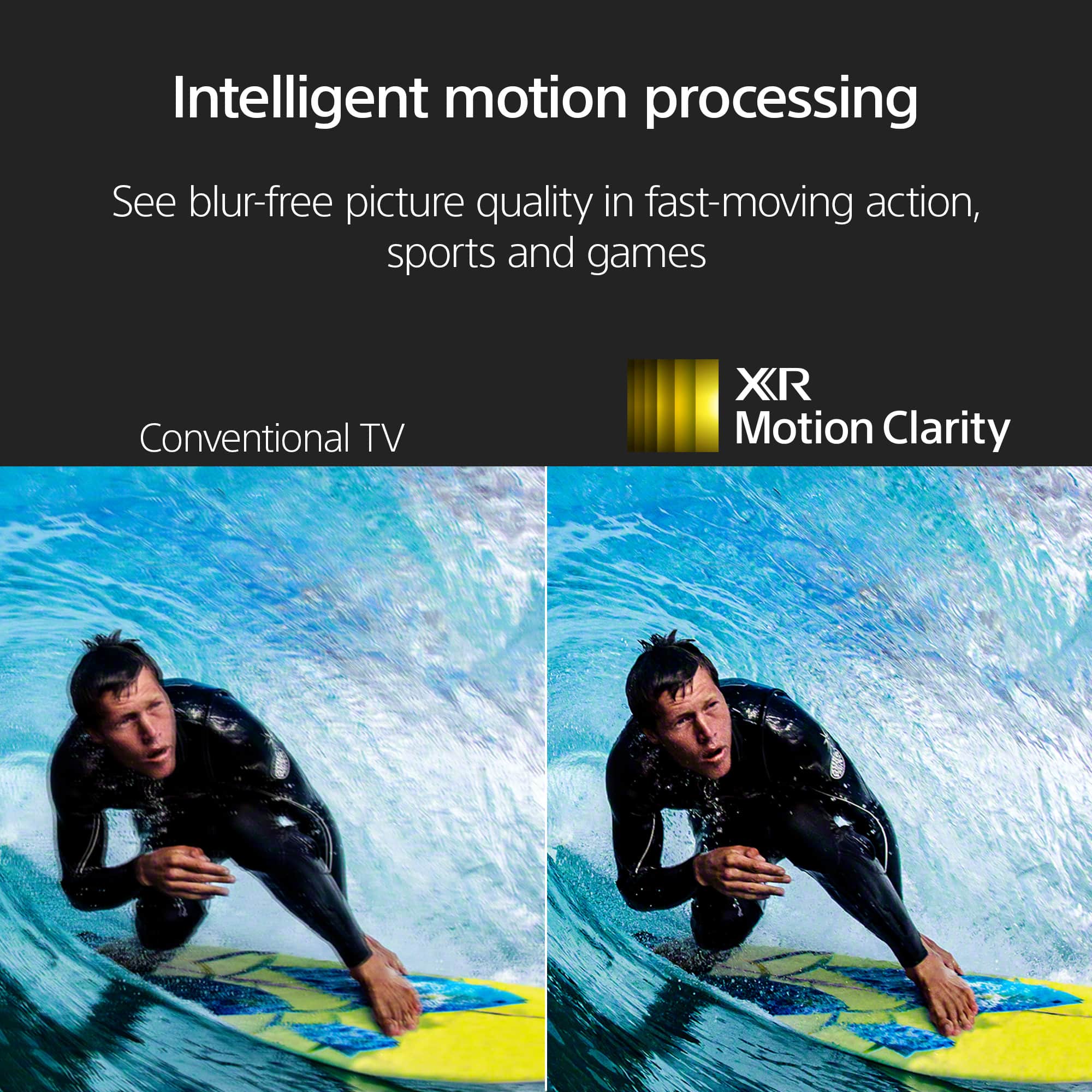
We regret to hear that you were not completely satisfied with the TV. Your feedback is extremely important to us and is very much appreciated. For optimum performance, it is recommended to keep the software version of the TV up-to-date. When using an antenna, it must be connected properly. The type of reception that you'll receive will depend on the antenna type that you're using and how far a particular station is. The TV has a [Motion] setting to help you adjust the picture quality to your needs. Resetting the TV to factory settings may also help resolve those issues.
Thanks again for sharing your review and we hope you will consider Sony for your future purchases.
-Ralph
RSRUS
||Posted .This reviewer received promo considerations or sweepstakes entry for writing a review.TV is defective, I usually buy protection but some how it slipped me, when you turn theTV off it doesn’t turn back on..have to plug and unplg several times to get it to work
No, I would not recommend this to a friendBrand response from SonyListens
Posted .Hi SusanL,
We apologize for the power issue you are experiencing with your new X90L TV. This sounds like a software glitch preventing the TV from exiting standby cleanly. Please try a forced restart by pressing and holding the power button on your remote for about five seconds until the TV turns off and then restarts automatically. If the problem continues, perform a power reset by unplugging the TV for a full two minutes before plugging it back in. If this does not resolve the defect, please contact our support team immediately: https://us.esupport.sony.com/support/s/support-contact?language=en_US
Thanks for choosing Sony.
Best regards,
Eliab
Poor quality - disappointing purchase
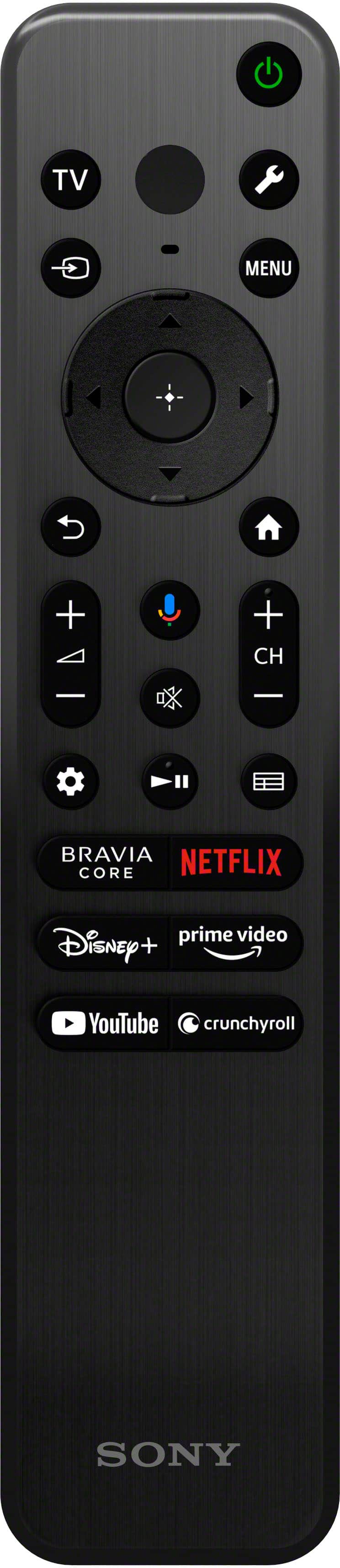
||Posted . Owned for 3 weeks when reviewed.This reviewer received promo considerations or sweepstakes entry for writing a review.TV does not display non-HD in viewable format, way to blurry, no one tells you when purchasing a $1200. item- remote does not have numbers and the buttons are too small
No, I would not recommend this to a friendBrand response from SonyListens
Posted .Hi DebbieM, Thanks for sharing your experience with us. We're sad to hear that you are not happy with the picture quality of the TV.
When watching a movie (720x480) or another video source with SD quality on an HDTV (1920x1080), upscaling the video to something resembling 1920x1080 can cause the quality to look poor. The same condition exists when watching HD or lower content on a 4K TV.
Kindly check the link below. There are information that can help better explain the situation you're having and steps you can take to improve your viewing experience.
https://www.sony.com/electronics/support/articles/00026355
We also apologize for the remote. We take this as feedback as it can help us in the future.
Hope this helps. If you need further assistance with your device, you may reach us at socialsupport@am.sony.com with the following details :
Full Name:
Best Buy Username:
Telephone Number:
Sony Model Number:
Additional Information regarding your experience with the unit:
We are sorry for the inconvenience and hope to speak to you to resolve this matter.
Sincerely,
-Craig
Nice TV, poor service from BestBuy
||Posted . Owned for 2 weeks when reviewed.This reviewer received promo considerations or sweepstakes entry for writing a review.The TV itself is great, but the service from BestBuy was terrible. I was sold things that I didn't need, and not sold things that I needed. The customer phone line and chat lines were worthless and provided contradictory information regarding sound bars, HDMI cables, stands, etc. It's extremely frustrating that you can't call in to the store where you made your purchase, you actually have to go to the store or else rely on the idiots in chat and customer "help" line. On top of it all, the first TV arrived with a huge crack on the screen, at least I got a new TV without too much hassle, although the reschedule took 2 weeks. And, don't believe the prices that BestBuy posts regarding savings, they are rather bogus.
I would recommend this to a friendEh
||Posted . Owned for 3 weeks when reviewed.This reviewer received promo considerations or sweepstakes entry for writing a review.Picture is good, but it freezes often and has to br unplugged to reset. I barely had it a month and would return it but the stores return period is really short.
No, I would not recommend this to a friendBrand response from SonyListens
Posted .Hi KeithW, We regret to hear about the freezing issue that you're experiencing with your Sony X90L. This is definitely not the news that we would like to hear. Let's try to isolate and resolve your concern by following the troubleshooting steps on this link:
https://www.sony.com/electronics/support/articles/00167132
https://www.sony.com/electronics/support/articles/00141896
If you are unable to resolve your concern, please email us at socialsupport@am.sony.com with the following details:
Name:
Username:
Model Number:
Issue:
Telephone Number:
Sincerely,
Sam
Mehhh
||Posted . Owned for less than 1 week when reviewed.This reviewer received promo considerations or sweepstakes entry for writing a review.TV kept loosing connection to internet. I’ll be getting a replacement in the next few days and fingers crossed that I have a better experience.
No, I would not recommend this to a friendBrand response from SonyListens
Posted .Hi AlishaM,
We are really sorry if you had encountered a network connection issue with your XR65X90L and it needs to be replaced. This is certainly not the experience we were hoping you would have. Please be assured that we take this very seriously and continuously strive to improve our products. We are hoping that you'll have a great experience this time with the replacement TV. For any network connection issues with the TV, we always recommend performing our suggested troubleshooting steps on these articles:
https://www.sony.com/electronics/support/articles/00184183
https://www.sony.com/electronics/support/articles/00151038
If there's something we can do to help or you may need more information/technical assistance with our product, please feel free to message us and we'll be more than happy to assist you. You may send us an email at socialsupport@am.sony.com with the following:
Name:
BestBuy Username:
Model Number:
Issue:
Telephone Number:
We value you, and thank you for choosing Sony.
Sincerely,
Romeo
Sony Social Support
65 Sony
||Posted . Owned for 1 month when reviewed.This reviewer received promo considerations or sweepstakes entry for writing a review.Very disappointed in the Sony picture and the sound.
No, I would not recommend this to a friendBrand response from SonyListens
Posted .Hi John,
Thanks for the review and for the feedback. Rest assured, we will forward your comments to our dedicated Sony team for their review as we continue to work diligently to improve our products.
Thanks for considering Sony products, have a nice day!
-DiegoV
Underwhelming TV
||Posted . Owned for 2 weeks when reviewed.This reviewer received promo considerations or sweepstakes entry for writing a review.underwhelming, expensive tv that I unfortunately bought because of Sony’s name. Tv suffers from blooming and doesn’t stay connected to the WiFi
No, I would not recommend this to a friendBrand response from SonyListens
Posted .Hi Mike,
Thank you for sharing your thoughts.
We’re truly sorry to hear that your experience with the BRAVIA XR X90L has been underwhelming. This is certainly not the experience we want for our customers.
For the Wi-Fi connection issues, please try the troubleshooting steps in this article to resolve the problem: www.sony.com/electronics/support/articles/00030311
Regarding blooming, you may check this link for cloudy, white shadows, vertical bands or uneven bright areas when there's no input or when viewing very dark scenes: https://www.sony.com/electronics/support/articles/00030311
We hope these steps improve your experience. If you continue to have issues, Please email the below information to socialsupport@am.sony.com.
Apologies if you disclosed some of this information in your review and to customer service, we just want to ensure that we have your accurate details at the time of communication.
Full Name:
Best Buy Username:
Telephone Number:
Sony TV Model Number:
Additional Information regarding your experience with your BRAVIA TV:
Thank you for your patience, and we look forward to improving your experience!
Sincerely,
Maria
:(
||Posted . Owned for 1 month when reviewed.This reviewer received promo considerations or sweepstakes entry for writing a review.In my opinion I saw a better picture when on display at Best Buy, I was very disappointed with the quality of picture.
No, I would not recommend this to a friendBrand response from SonyListens
Posted .Hi ATrueBangForYourBuck, We're sorry to hear that the picture quality of your Sony X90L did not live up to your expectations. This is definitely not the news that we would like to hear. Please allow us to help you and turn this into a better experience. There are various settings that you can configure in [Picture] settings to increase the brightness, colors, and contrast level to improve the overall viewing experience on your Sony TV. You may refer to the link below for more information about the picture adjustment settings of the TV:
https://helpguide.sony.net/tv/iusltn1/v1/en-003/01-03-09_01.html
If you're unable to improve the picture quality after adjusting the picture settings and need further assistance, please email the below information to socialsupport@am.sony.com. Apologies if you disclosed some of this information in your review and to customer service, we just want to ensure that we have your accurate details at the time of communication.
Full Name:
Best Buy Username:
Telephone Number:
Sony Model Number:
Additional Information regarding your experience with the X90L:
Regards,
Sam
Good picture quality, terrible UI
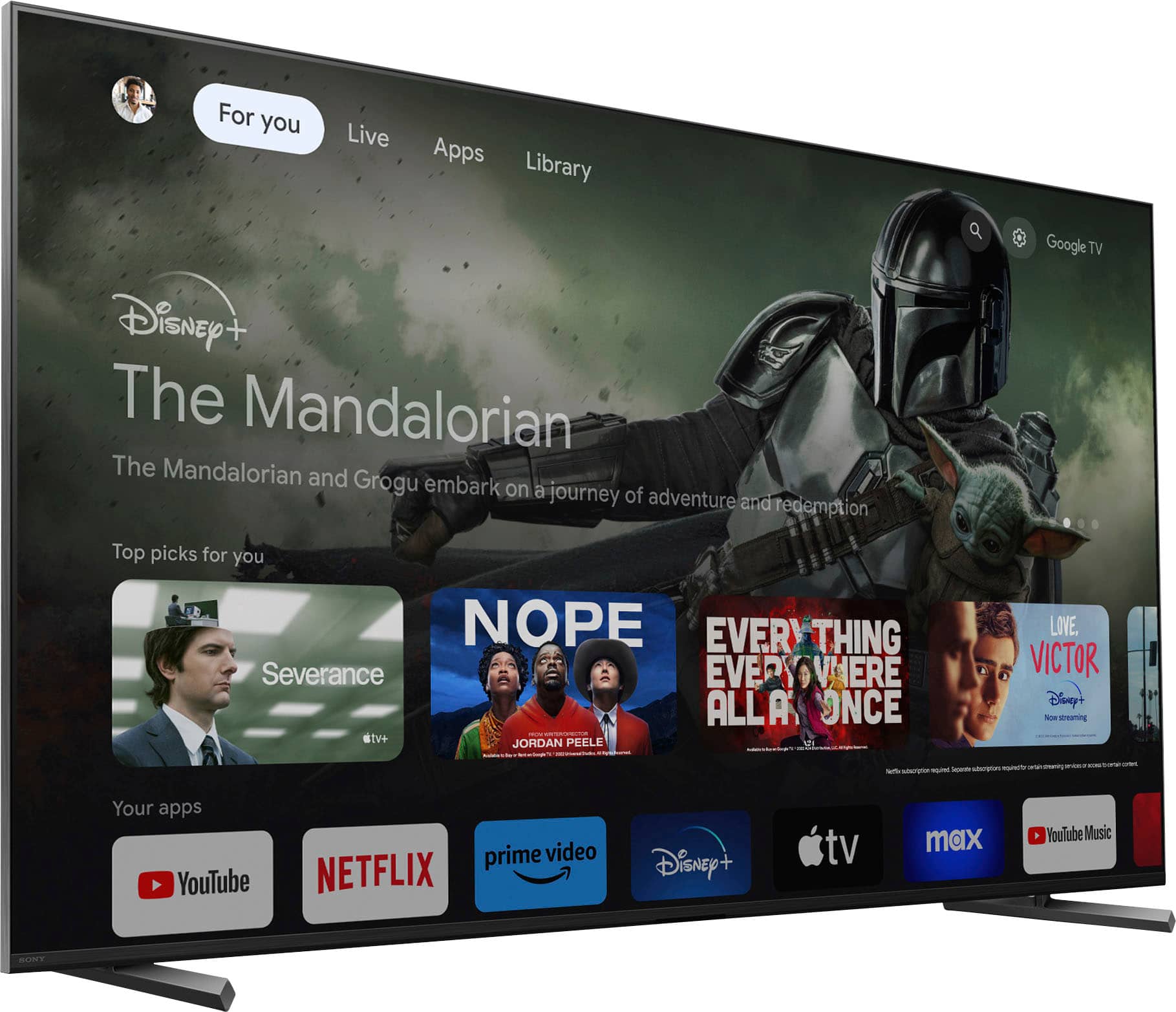
Posted .This reviewer received promo considerations or sweepstakes entry for writing a review.The picture quality is pretty great. However the Google TV OS, frankly, sucks balls. It's sluggish, buggy, and filled with bloatware and spammy recommendations. It regularly takes like 10 seconds after loading the home screen to actually register anything you've done on the remote, and when it does, it performs all of the delayed tasks in rapid fire succession. You have to navigate to the app menu instead of the home screen simply showing you all your apps, like literally every other smart TV in the world. Additionally, you have to sign in to your google account to even use it. Personally I want to keep my personal google account separate from a living room TV used by multiple people. I tried making an email specifically for the TV but then it wouldn't let me use my YouTube TV account since it's associated with my primary google account. I'm going to get an Apple TV unit eventually just to avoid using the insultingly bad built-in UI. Not worth buying, In my experience the menu and UI of LG televisions are the best, but probably any TV that doesn't use the Google TV OS would be a better choice than this.
No, I would not recommend this to a friend