Customer Ratings & Reviews
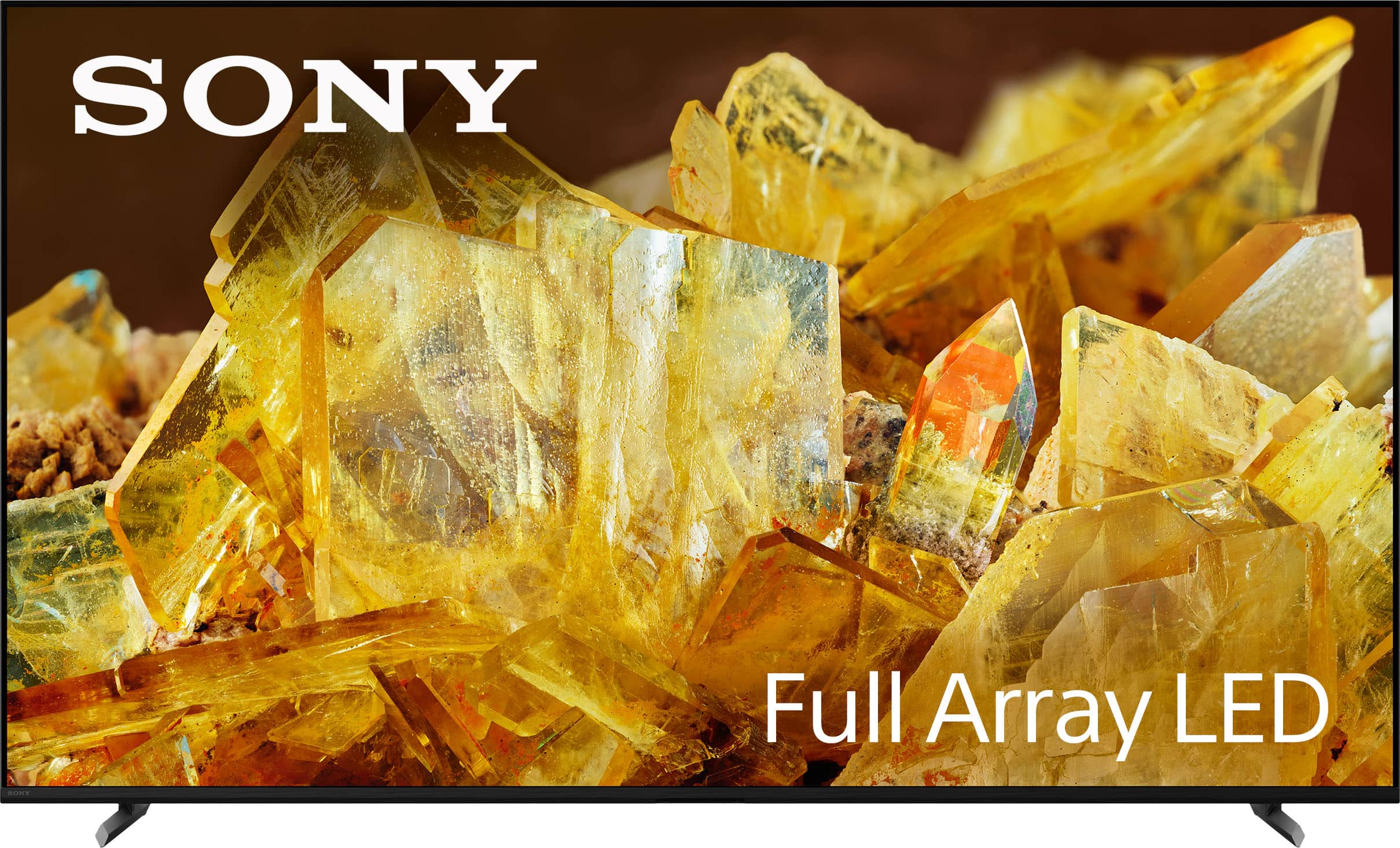
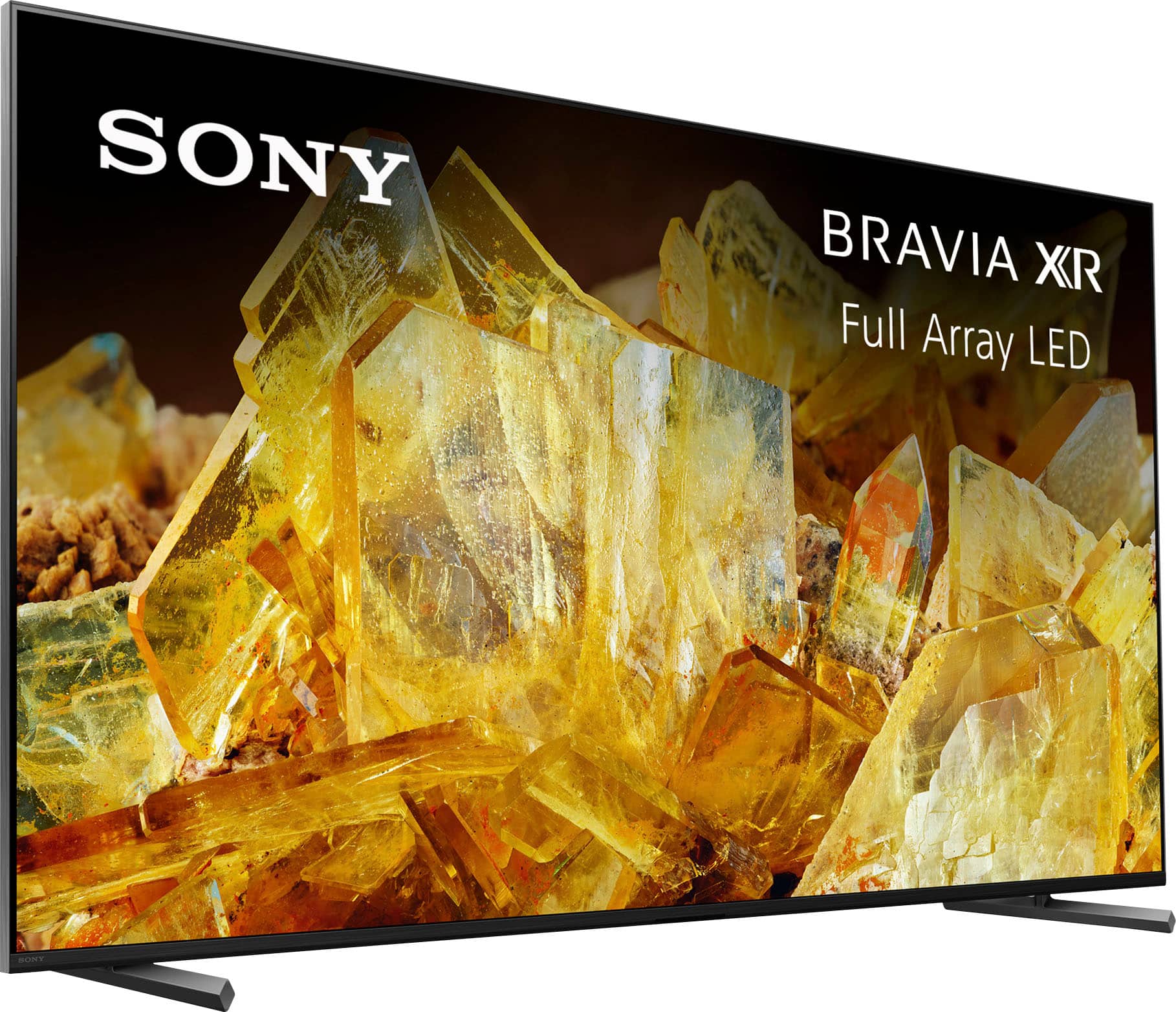
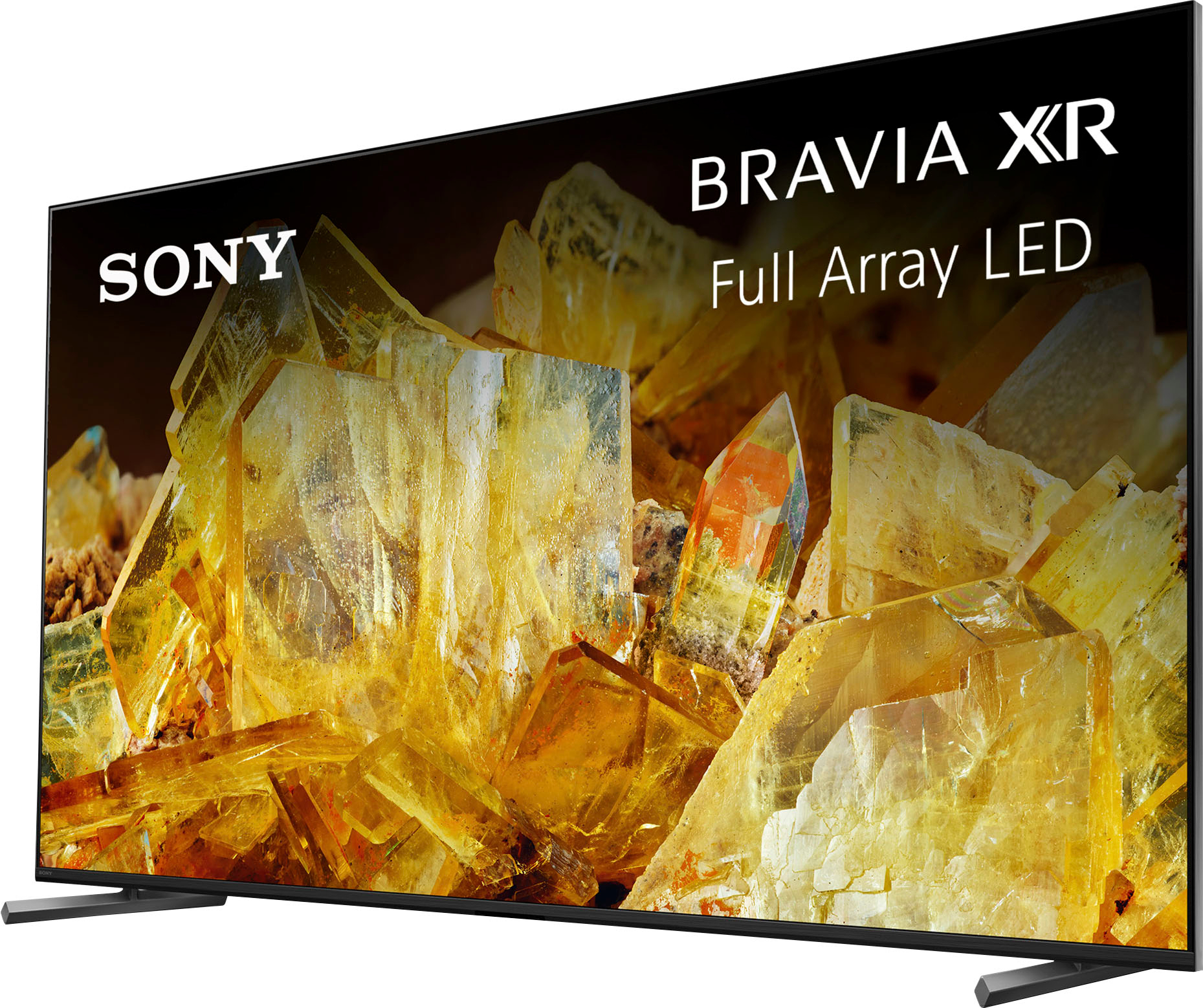
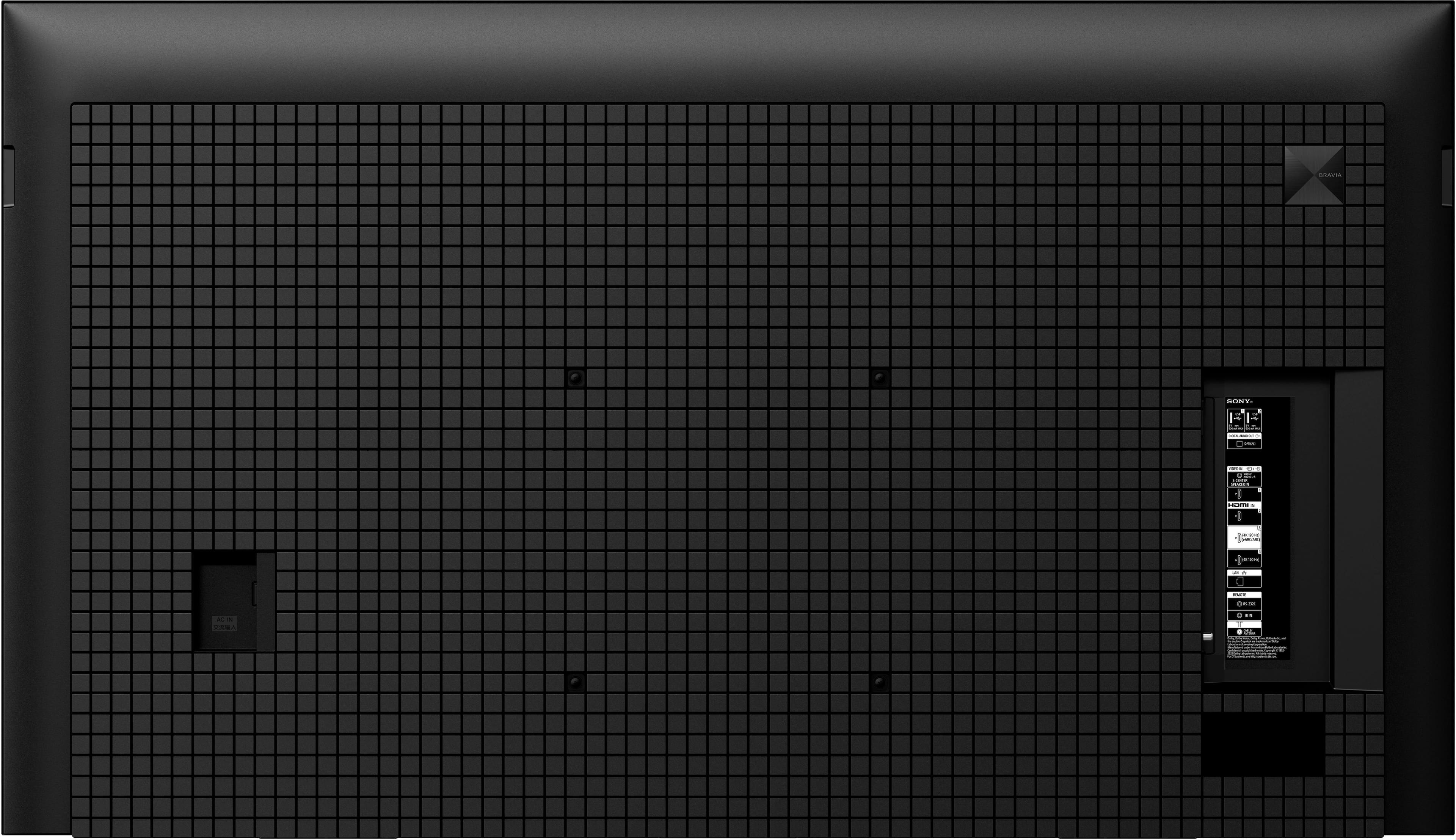










- Model:
- XR65X90L
- SKU:
- 6544733
Rating by feature
- Picture Quality
Rating 4.9 out of 5 stars
- Sound Quality
Rating 4.6 out of 5 stars
- Brightness
Rating 4.9 out of 5 stars
to a friend
Customers are saying
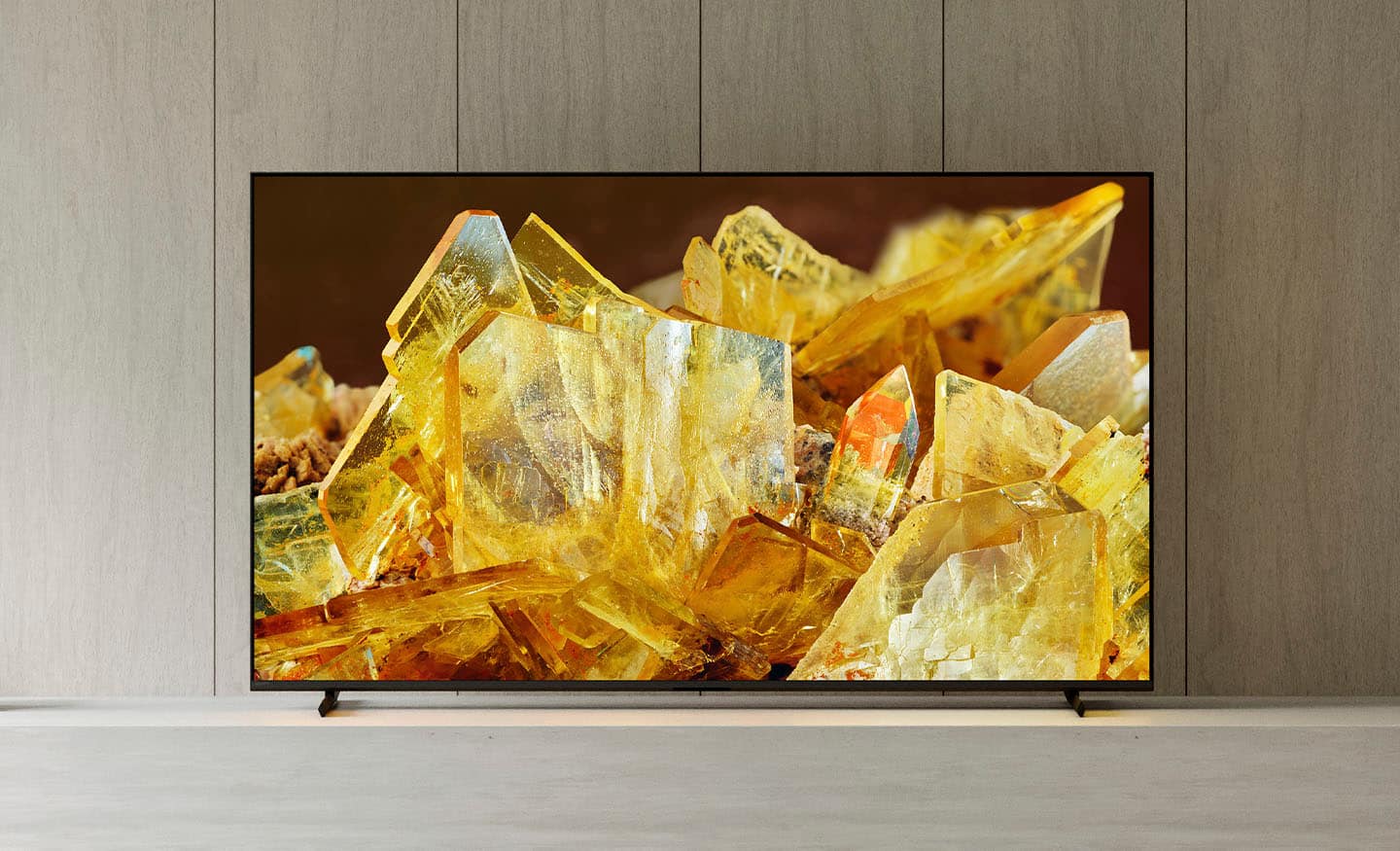
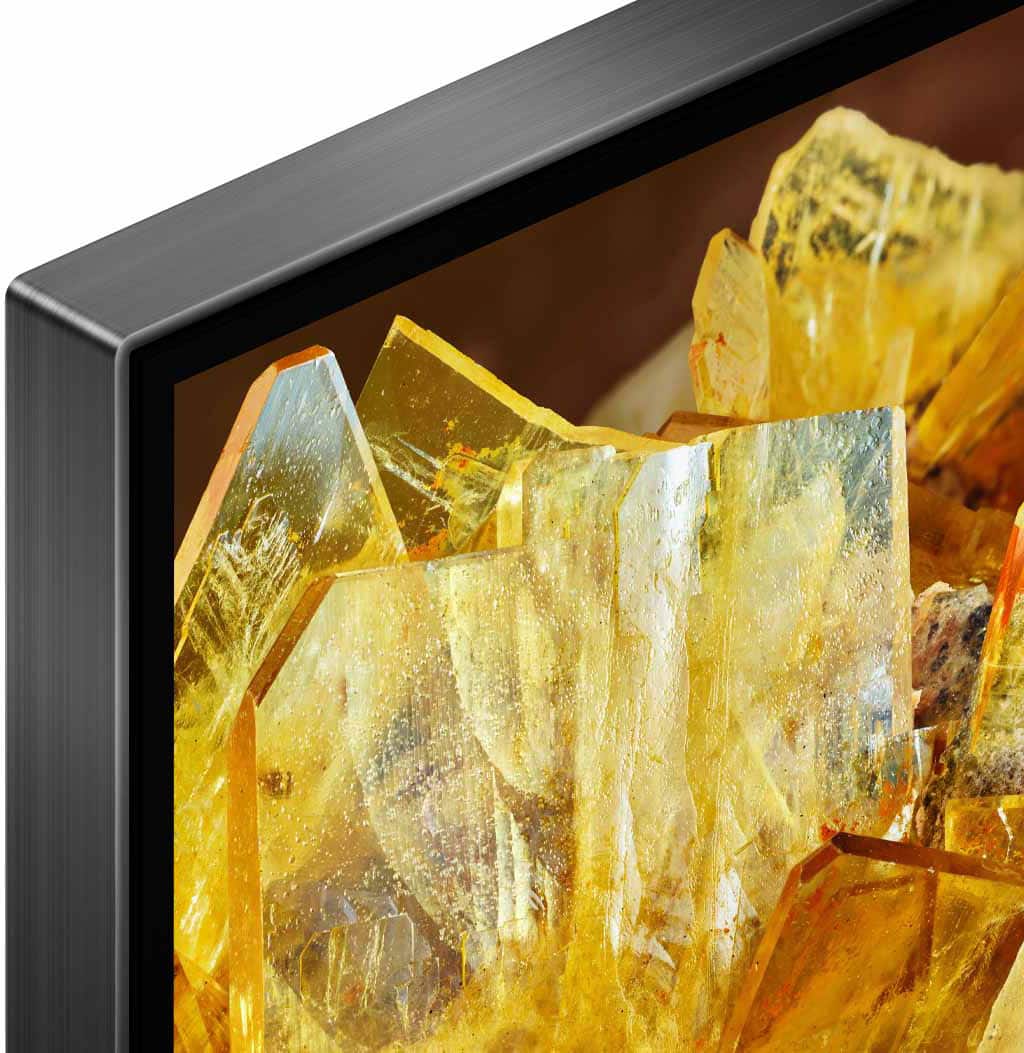
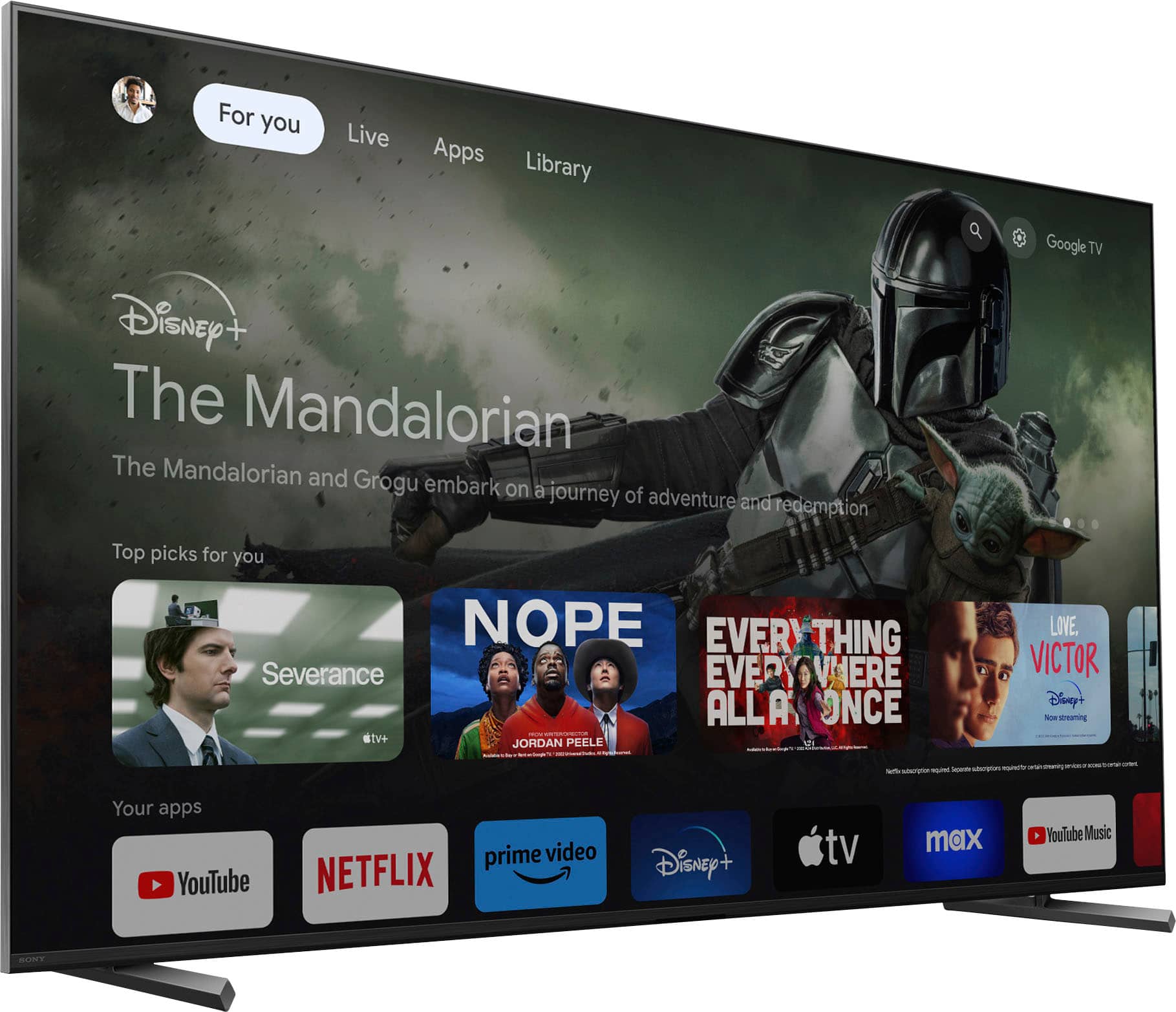
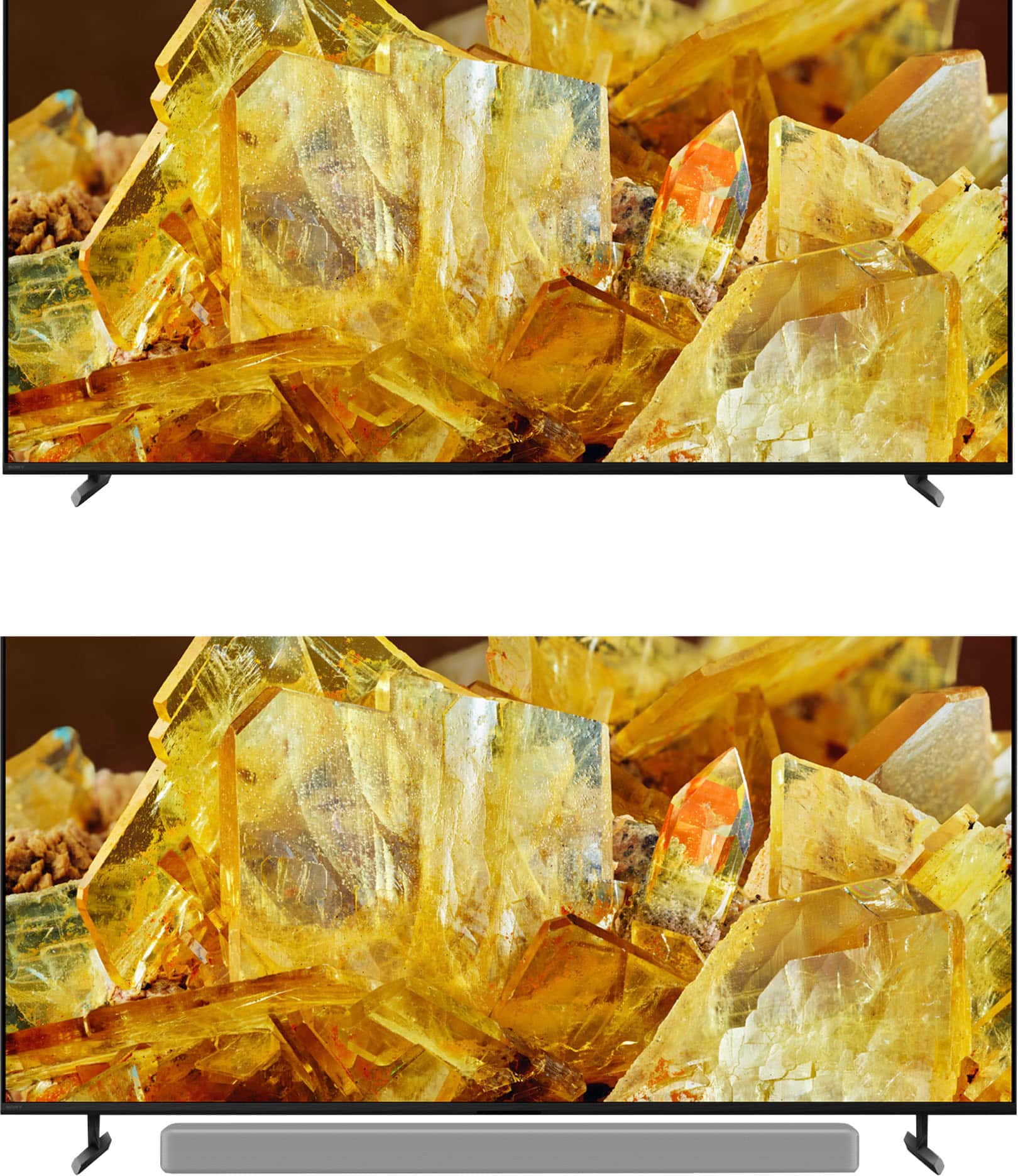
Customers regard the 65" Class BRAVIA XR X90L LED 4K UHD Smart Google TV (2023) highly for its excellent picture quality, realistic color, and ease of use. Many find the setup process straightforward and appreciate the overall TV quality, especially considering the reasonable price. Some customers have noted minor drawbacks such as the remote control lacking a number pad, minimal glare, and occasional slight blooming. A few have also mentioned concerns about contrast and occasional lag when opening apps.
This summary was generated by AI based on customer reviews.
Dont buy if youre sensitive to blooming effect
||Posted . Owned for 1 week when reviewed.This reviewer received promo considerations or sweepstakes entry for writing a review.I want to love this TV. Its honestly beautiful and the processing and motion and upscaling are amazing. My only problem with the tv is blooming, when the light bleeds from a bright object with a dark background. Its too distracting and im likely going to return it.
No, I would not recommend this to a friendBrand response from SonyListens
Posted .Hi Dylanmb, Thank you for the feedback on your experience with your XR65X90L. While we're glad you love the beautiful picture quality, intelligent Cognitive Processor XR, smooth motion, and amazing upscaling of this TV, we regret to hear about the light blooming issue that you've experienced. Please follow the troubleshooting steps on the link below to resolve this issue.
https://www.sony.com/electronics/support/articles/00030311?utm_source=glean
If you still have the unit and need further assistance, please email us at socialsupport@am.sony.com with the following details:
Name:
Username:
Model Number:
Issue:
Telephone Number:
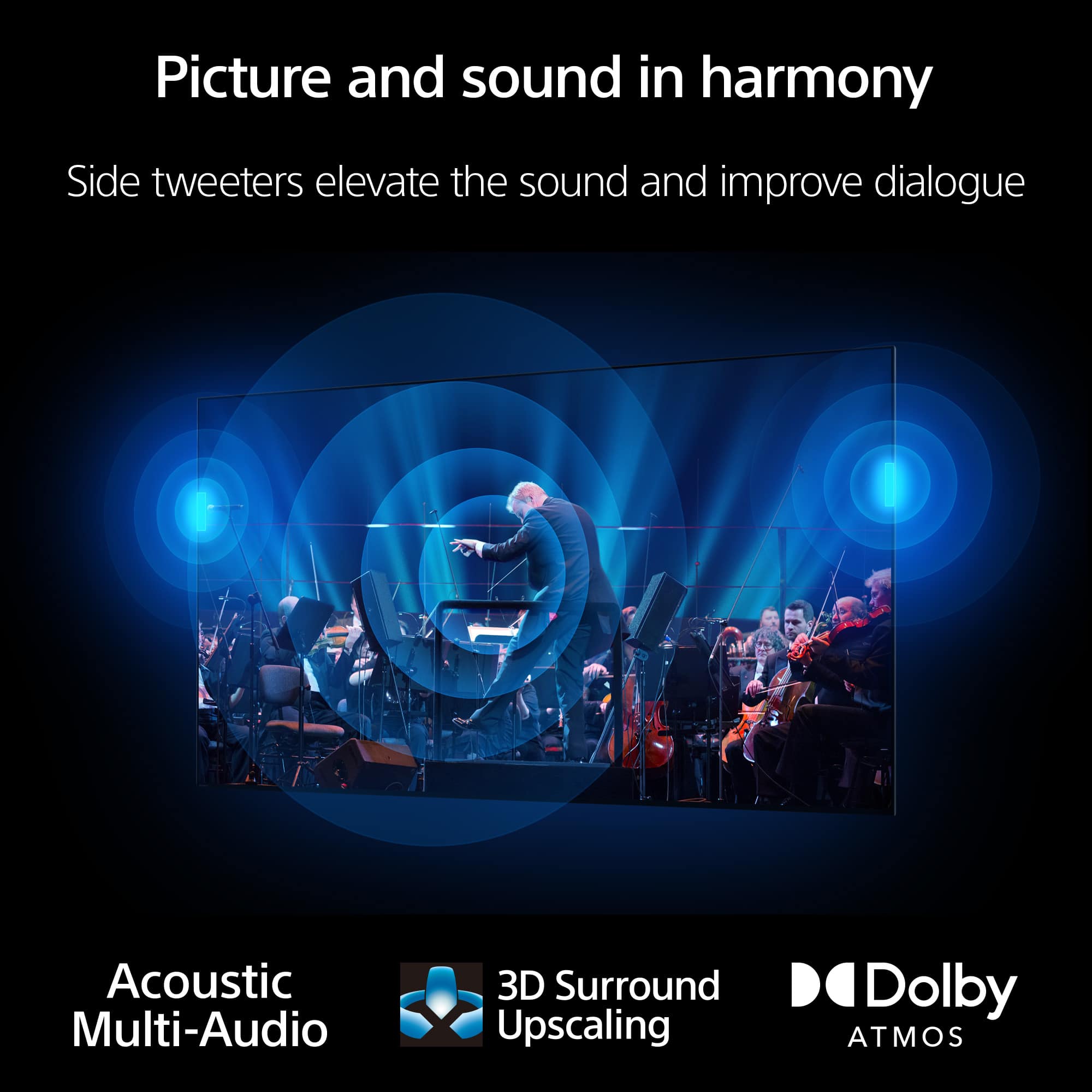
With Sony X90L, see breathtakingly beautiful pictures full of realistic depth on our Full Array LED screen powered by Cognitive Processor XR. Hear sound straight from the screen, perfectly matching the action. Cognitive Processor XR™ turns any sound immersive with more precise sound position. And with 4K/120fps, a Variable Refresh Rate and Auto Low Latency Mode, our TVs give you smooth and clear movement for responsive gameplay. Thanks for choosing Sony! -Sam
Give me a real remote!
||Posted . Owned for 1 month when reviewed.This reviewer received promo considerations or sweepstakes entry for writing a review.Watching from an angle you lose like a 3rd of the color. Also remote has no numbers on it. Same as a firestick remote.
No, I would not recommend this to a friendBrand response from SonyListens
Posted .Hi CalvinoS,
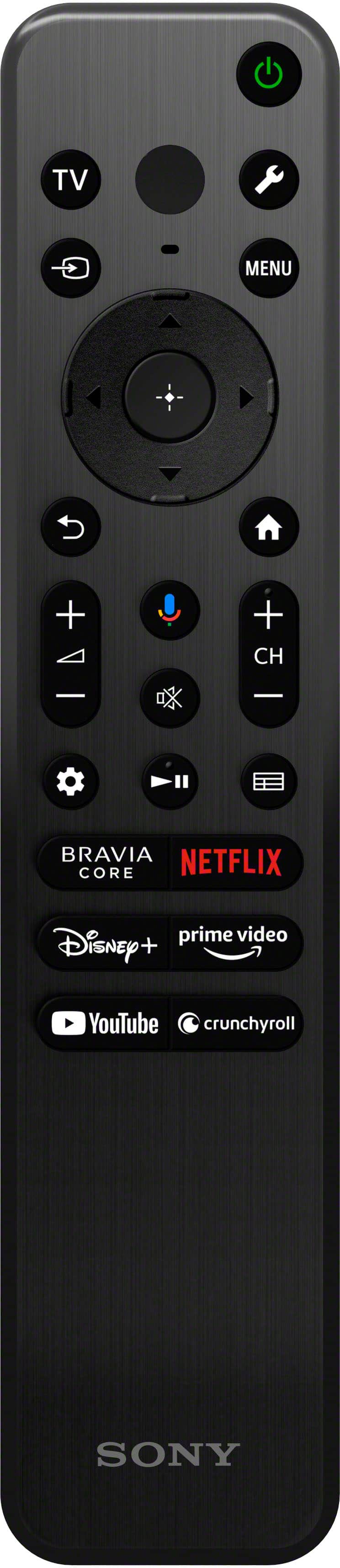
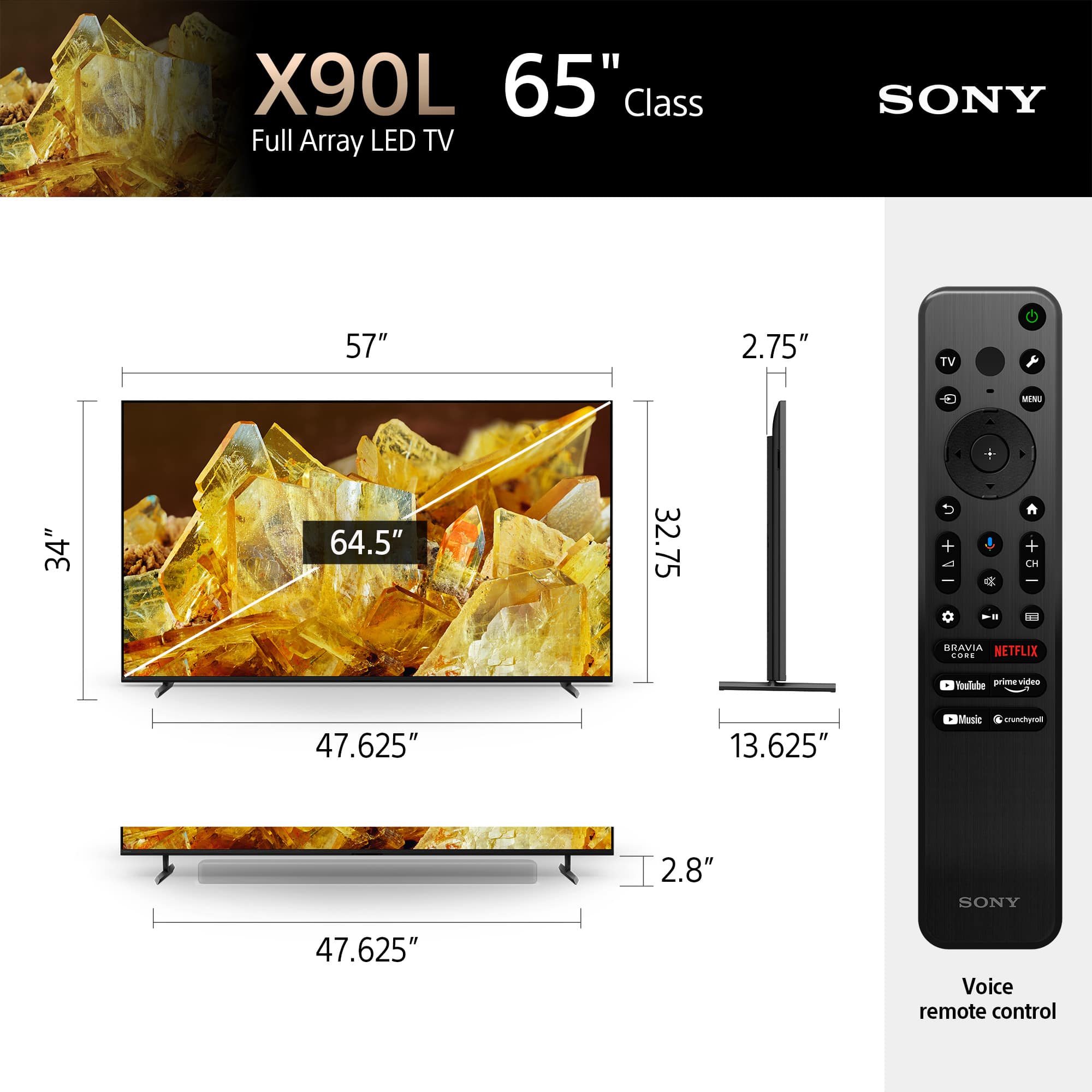
We're sorry to learn you've been running into difficulty. We also understand you would like to use a remote with a numeric pad to manually select and navigate channels. Unfortunately, there is no numpad on the X90L models remote control, however, the supplied TV remote has MENU (Control menu) button. You can press this button, and it will display a menu on the TV to use button functions that are not on the remote control on the screen so you can easily enter a channel.
The X90L has the ability to maintain good colors and good viewing angle from the sides. Our amazing 4K Full Array LED TV powered by Cognitive Processor XR delivers realistic depth and intense contrast. This TV doesn't feature X-Wide Angle and X-Anti Reflection. If you really want the best viewing experience, it's a good idea to turn off all lighting sources as Sony TVs look the best in the darkest environment possible. Light from windows and lamps may cause glare on the TV screen. Using a brighter Picture Mode, like Vivid or Standard, will also help reduce reflection while watching TV or gaming.
Picture quality also depends on the signal and content. That being said, if you're experiencing the color is not correct or odd colors appear when watching content on the screen, check the troubleshooting steps provided on the link below to resolve the issue
https://www.sony.com/electronics/support/televisions-projectors-lcd-tvs-android-/xr-65x90l/articles/00032635
If there is something that we can help you with, please email us at socialsupport@am.sony.com with the following details:
Name:
Best Buy Username:
Model Number:
Issue:
Telephone Number:
Sincerely,
Jess
I feel it’s OK
||Posted . Owned for 3 weeks when reviewed.This reviewer received promo considerations or sweepstakes entry for writing a review.The picture quality is OK and it does have great sound quality but the picture looks pretty dull. It is a bright TV
No, I would not recommend this to a friendBrand response from SonyListens
Posted .Hi CleoH,
Thanks for sharing your review and experience with the X90L. We're glad that you like the sound quality of the TV. Your feedback about its picture quality is greatly appreciated. For optimum performance, make sure that the software version of the TV is up-to-date. Picture quality may vary depending on the source content. You do have the option to adjust the picture settings of the TV depending on your needs. For more information, please refer to these links:
https://www.sony.com/electronics/support/articles/00028577
https://www.sony.com/electronics/support/articles/00190409
You may also find this link helpful:
https://www.sony.com/electronics/support/articles/00245141
Hope this helps. In case you need further assistance, please email us at socialsupport@am.sony.com with the following details:
Name:
Username:
Model Number:
Issue:
Telephone Number:
Or contact our product support team via phone call or chat through this link:
https://us.esupport.sony.com/support/s/support-contact?language=en_US&category=tv
Sincerely,
-Ralph
Great Panel. Great Video Processing. Audio????
||Posted . Owned for less than 1 week when reviewed.This reviewer received promo considerations or sweepstakes entry for writing a review.One of those purchases you want to love so much. It is a great panel and really shows all sources better than any TV I have ever owned. Truly capable of handling all sources, including 120hz over HDMI from a PC with great handling of HDR. I like the menus and control it gives you over the way the TV handles inputs. For example, my prior Hiscense 4k TV would always set the PC input to game mode, when it's primary use is a HTPC which truly hurt the experience. This TV really allows the configuration I want for video. It has to be one of the best TVs on the market because it really helps the picture by the way it processes. For example, it really does an excellent job with YouTube which is highly compressed. The picture looks great. And while it is not Mini-LCD, it really looks like it is. The picture is amazing. CONS: I really want to give this 5 stars, but to be honest, I am sitting here on day 3 with the TV debating returning it. The problem is the audio handling. I got the Sony SRS-NS7 neckband speaker and was excited for the enhanced capabilities the Bravio provides. I am also using the Sony MX1000M3 Bluetooth headphones because I live in an apartment with a neighbor who complains if I drop a pen. LOL I have a Polk soundbar as well. The Bravio will be playing through the headphones or neck speaker audio device and then go crazy when the soundbar shuts down from inactivity changing the HTPC display setup and leaving me without sound. I have to reselect the audio source on the TV settings. Then, after a few minutes it turns on the soundbar and freaks out again. I have the config to prioritize Sony audio sources but still the audio output changes randomly. On occasion I am sitting there with headphones on with music playing and a moment later my soundbar is screaming at high volumes. I try to handle my rude neighbors complaints and Sony wants me evicted. In addition, the 3d sound on the neckband will not work if the soundbar is at all connected.. even when the soundbar is not powered on. To get the full capability of the SRS-NS7 the HDMI *CANNOT* be connected to the soundbar. I guess I will have to buy an expensive Sony soundbar to try to solve the problem. For now, I just have to disconnect my soundbar and everything is fine. It is just painful as no TV speakers sound good to me. Sony should not force you to have all Sony devices use the TV but that seems to be the case. I am sure some of this has to do with the fact I do not use the TV in smart mode, but I have never had a TV that 6 times an hour loses its mind and changes everything while you are trying to watch a movie or listen to music. I guess I have to invest more in Sony or return the TV. That is very frustrating. I really wanted to love this TV.
I would recommend this to a friendBrand response from SonyListens
Posted .Hi SkyCross, We appreciate your time sharing your experience and thoughts on the Sony X90L 4K LED TV. While we're glad that you are impressed with the picture quality, we're sad to hear that you are experiencing some issues with the sound set up. We recommend reaching out to our support team so they can walk you through and assist you with your concern. On the other hand, we take this as feedback, as it can help us improve in the future. Lastly, please make sure your devices are up to date to avoid any performance issues. Thanks and regards, -Craig
Subpar Television
Posted .This reviewer received promo considerations or sweepstakes entry for writing a review.Display isn't as good as the television it replaced. Height of the legs definitely not good. The Sound Bar blocks the remote reception. Have to stand up to turn the unit on and off. Totally disappointed in this unit. But after the previous tv died after just a little over two year of use. The protection plan was very disappointing. The replacement was a couple hundred less than the original one. They could've replaced with a unit that was a couple hundred over. But am concerned with the quality of Sony products now. I bought the previous television because I had a Sony 50 inch that had lasted for over 22 years. In fact it is still in use in the master bedroom.
No, I would not recommend this to a friendBrand response from SonyListens
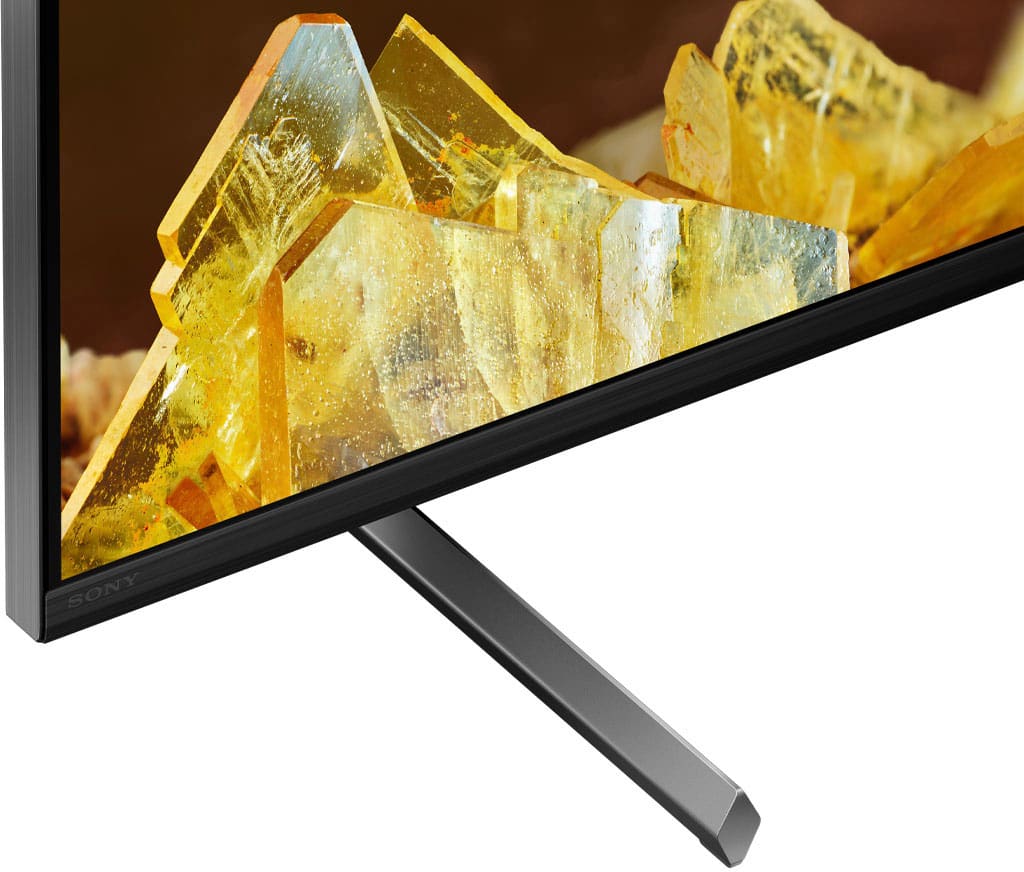
Posted .Hi DavidM, Thank you for the feedback on your experience with your Sony X90L. We take the quality of our products seriously and are sorry to hear that this TV didn't live up to your expectations. At Sony, customer satisfaction is our priority. We take all feedback seriously and use it to continuously improve our products. Please note: The stand can be adjusted into two different positions (Standard and Soundbar position). The height of the Stand increases at approximately 70 mm/ 2.7 inches when the TV is in the Soundbar position so we highly recommend switching to soundbar position if your soundbar is blocking the remote sensor.
Also. there are various settings that you can configure in [Picture] settings to increase the brightness, colors, and contrast level to improve the overall viewing experience on your Sony TV. You may refer to the link below for more information about the picture adjustment settings of the TV:
https://helpguide.sony.net/tv/iusltn1/v1/en-003/01-03-09_01.html
Hope this helps!
And should you need further assistance, please email us at socialsupport@am.sony.com with the following details:
Name:
Username:
Model Number:
Issue:
Telephone Number:
Regards,
Sam
Sony tv review
||Posted . Owned for 1.5 years when reviewed.This reviewer received promo considerations or sweepstakes entry for writing a review.I was a bit disappointed at this tv. The picture blur is very noticeable. The actual picture is very nice and sound quality is poor.
No, I would not recommend this to a friendBrand response from SonyListens
Posted .Hi Samiem,
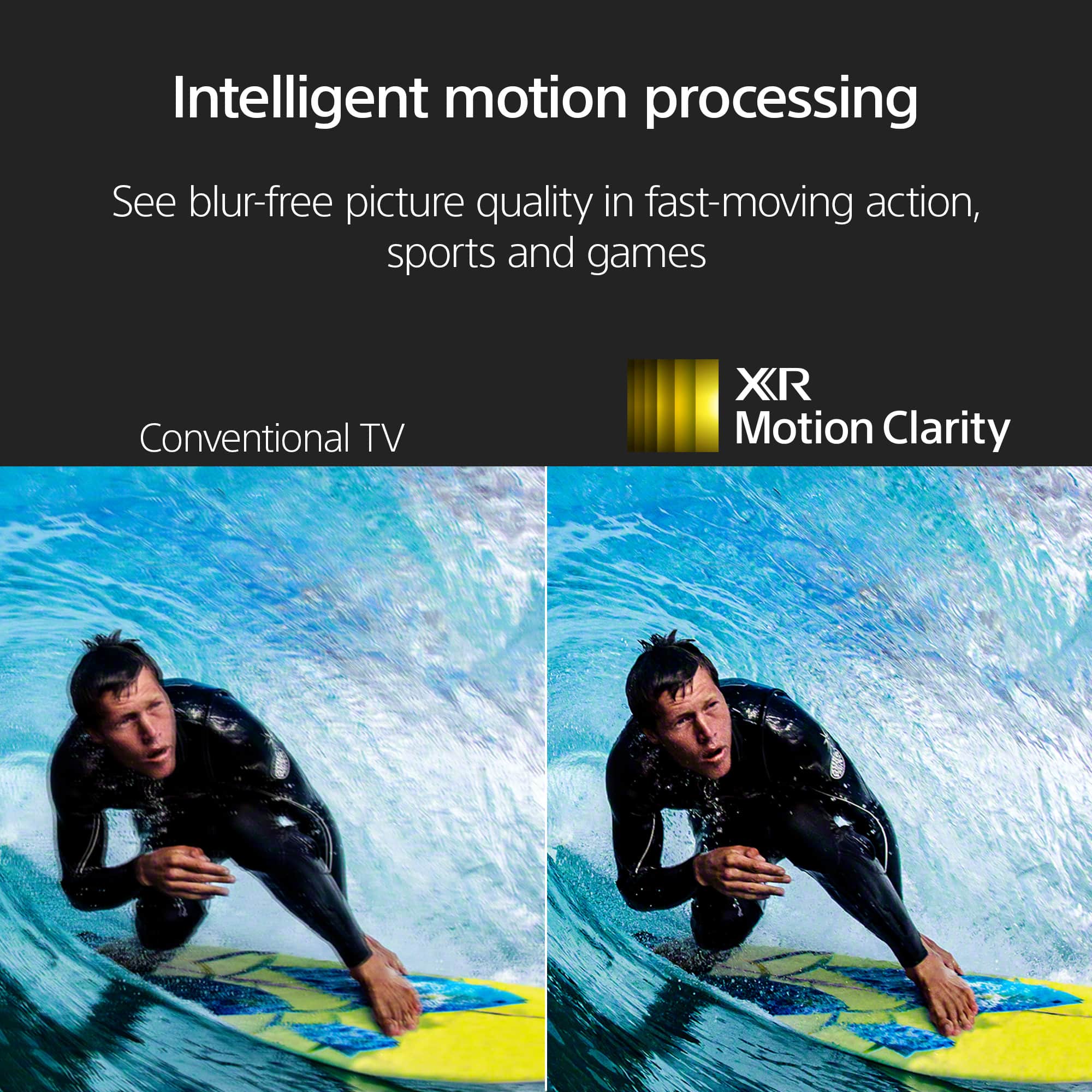
We are sorry to hear that you are experiencing noticeable picture blur and are disappointed with the sound quality of your BRAVIA XR X90L. To help reduce the blur, we recommend adjusting the Motionflow settings by going to Settings > Display & Sound > Picture > Motion and experimenting with the "Smoothness" and "Clearness" levels, or ensuring CineMotion is set to "High" for film content. For the audio, you can try the Acoustic Auto Calibration in the sound settings to tune the speakers to your room's layout, though many users find that adding a Sony soundbar significantly enhances the experience by utilizing the TV's Acoustic Center Sync feature.
Thanks for choosing Sony.
Best regards, Eliab
Perfect tv for movies, gaming not so much.
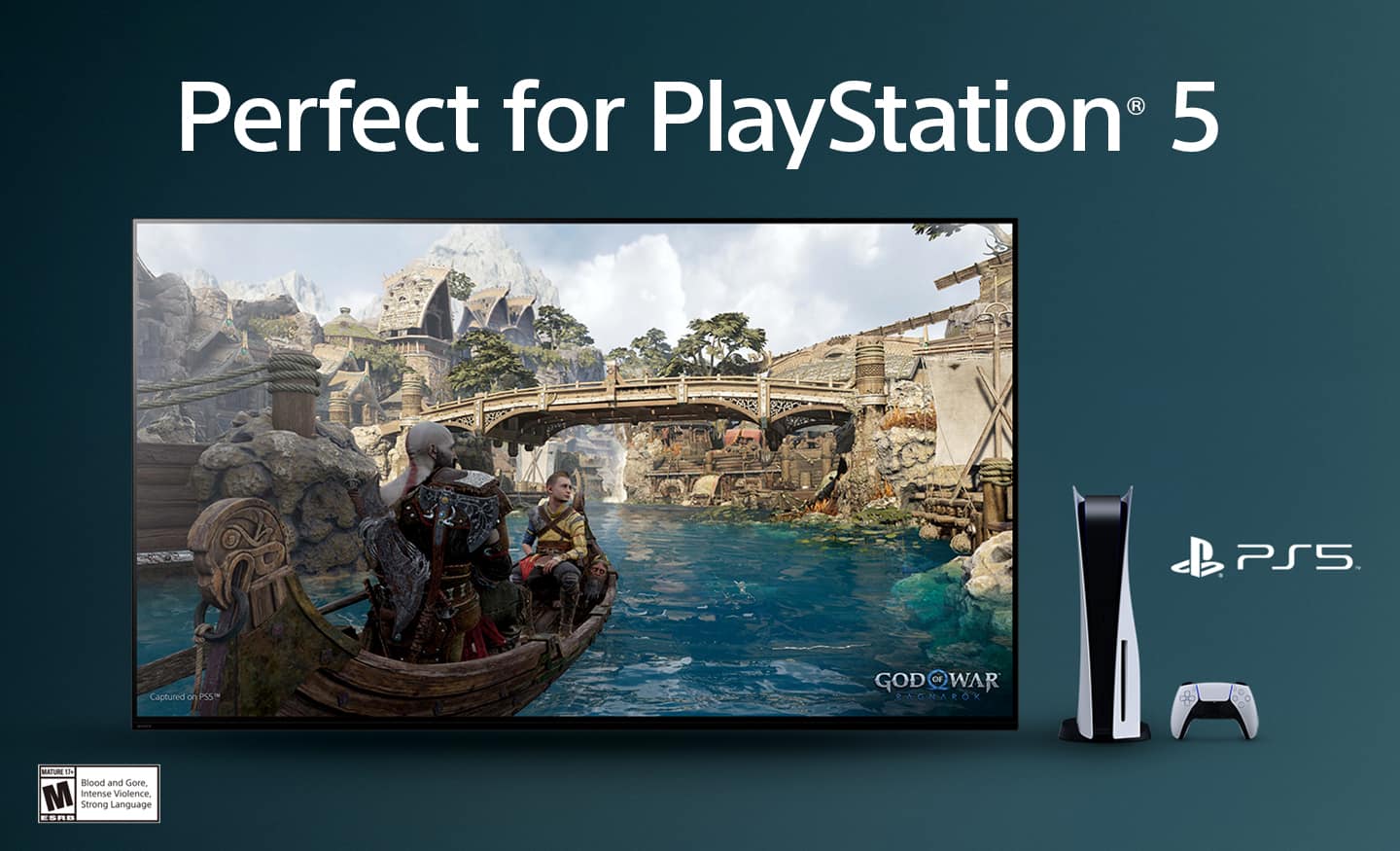
||Posted . Owned for 2 weeks when reviewed.This reviewer received promo considerations or sweepstakes entry for writing a review.Picture quality on streaming movies was crystal clear, however gaming on a PS5 lag was very evident, had to switch to the gaming mode to reduce almost all lag but the picture quality was extremely dull and washed out. Even with adjusting the brightness and color levels, had a bad look. Eventually returned.
No, I would not recommend this to a friendBrand response from SonyListens
Posted .Hi Jason, thank you for your honest feedback on the XR-65X90L, and for providing a detailed account of your experience. We are really happy to hear that you found the picture quality for streaming movies to be "crystal clear." We designed this TV with our Cognitive Processor XR to deliver an immersive viewing experience, and it's rewarding to know that you appreciated this aspect.
We're very sorry to hear that you experienced significant lag while gaming on your PS5, and that the picture quality in Gaming Mode was not up to your standards. This is certainly not the experience we aim to deliver. We understand how frustrating it can be to have to compromise between performance and picture quality, and we apologize that the TV didn't meet your expectations in this regard, even after adjusting the settings.
Your feedback is incredibly valuable, and we have shared it directly with our product development team. We are constantly working to improve our products and user experience, and insights like yours are crucial for that process. We are sorry that you ultimately decided to return the TV, but we truly appreciate you taking the time to share your thoughts with us.
Best regards,
Gus
Sony Social Media Team
Nice But Faulty
||Posted . Owned for 3 weeks when reviewed.This reviewer received promo considerations or sweepstakes entry for writing a review.The picture quality is nice. The apps are easy to use. Only problem is my tv keeps freezing on me. I have to unplug the tv for it to work. I will be contacting Best Buy to fix the problem.
I would recommend this to a friendBrand response from SonyListens
Posted .Hi DeniseM,
Thank you for your purchase. While we are happy that you like the picture quality and how easily you can use the apps, we're sorry to hear that you are having some issues with the TV. Please allow us to help and turn this to a better one.
First, make sure the TV runs to its latest firmware version. Here's the link for the firmware update.
https://www.sony.com/electronics/support/lcd-tvs-android-x90l_x91l-series/xr-65x90l/software/00294706
Second, you may follow these helpful links for troubleshooting.
The TV Freezes When Watching a TV Program:
https://www.sony.com/electronics/support/articles/00167132?utm_source=glean
https://www.sony.com/electronics/support/articles/00159487
We'd like to make sure you are taken care of. May we contact you to help and get more information? If so, please email the below information to socialsupport@am.sony.com. Apologies if you disclosed some of this information in your review and to customer service, we just want to ensure that we have your accurate details at the time of communication.
Full Name:
BestBuy Username:
Telephone Number:
Model Number:
Additional Information regarding your experience with the X90L:
We are sorry for the inconvenience and hope to speak to you to resolve this matter.
Regards,
Marco
Great... When it Works
||Posted . Owned for 10 months when reviewed.This reviewer received promo considerations or sweepstakes entry for writing a review.The TV has great picture and runs well until it doesn't. This TV will either have no problems or freeze up and become unresponsive. When it is unresponsive nothing works with the exception of unplugging. I keep up to date on all of the software updates and make sure the cache gets cleared but it keeps getting stuck. This also was a common occurrence with my previous BRAVIA, I hope this gets fixed.
No, I would not recommend this to a friendBrand response from SonyListens
Posted .Hi MarkMartinez, thanks for choosing and purchasing our product. We're glad you like the picture quality of the X90L. We're sorry to hear that you have an issue with your Sony unit. Please troubleshoot the issue by unplugging the TV power cord from the wall outlet (or from the back of the TV if the power cord is detachable), wait for two minutes, then plug the power cord back in.
If the issue persists, please perform a factory data reset:
https://www.sony.com/electronics/support/articles/00159487?utm_source
May we contact you to help? If so, please email the below information to socialsupport@am.sony.com .
Apologies if you disclosed some of this information in your review and to customer service, we just want to ensure that we have your accurate details at the time of communication.
Full Name:
Best Buy Username:
Telephone Number:
Sony TV Model Number:
Additional Information regarding your experience with the X90L
Sincerely,
~Earl
Sony TVs are not what they used to be
||Posted . Owned for 3 weeks when reviewed.This reviewer received promo considerations or sweepstakes entry for writing a review.The TV is nice. But I don’t like how you turn it on. I had the guy from spectrum here for something and asked him to try to get it so I can turn them on with the spectrum remote. He said it could. But I also have to use the Sony remote to turn it on. And sometimes it comes on and says the boxes turned off. That is weird. I wish I had my old TV Some guy from spectrum said we had a bad chip so we gave it away I do not like having to use the spectrum remote, and then the Sony remote to turn it on. All these things come up. I just don’t like doing that I’m in my late 60s and I don’t like that at all
I would recommend this to a friendBrand response from SonyListens
Posted .Hi LouannB,
Thank you for sharing your review and feedback on the XR65X90L TV. We understand that using multiple remotes can be inconvenient, especially in your situation. The issue you're experiencing with needing to use both the Spectrum remote and the Sony remote to turn on the TV can indeed be frustrating.
To troubleshoot and potentially resolve this remote control issue, you can try the steps outlined in the article "My TV remote control is not operating properly or doesn't work at all." Here are some relevant steps:
• Verify TV Buttons Operation: Ensure that the buttons on your TV itself (on/off, volume up/down, etc.) are functioning properly without the remote.
• Power Reset: Unplug the TV power cord from the wall outlet, wait about two minutes, then plug it back in to perform a power reset.
• Remote Battery Check: Remove the batteries from your remote control, press and hold the Power button for three seconds, wait a minute, then reinsert the batteries correctly.
• Update TV and Remote Software: Ensure that both your TV and any involved remote controls are updated to the latest software versions.
Reference:
https://www.sony.com/electronics/support/articles/00030297
https://www.sony.com/electronics/support/articles/00231443
Additionally, it may help to refer to the specific guidelines provided by your cable service provider, Spectrum, for configuring their remote to work with your Sony TV.
If the problem persists or you may need more information, please email the below information to socialsupport@am.sony.com so we can better assist you.
Apologies if you disclosed some of this information in your review and to customer service, we just want to ensure that we have your accurate details at the time of communication.
Full Name:
Username:
Telephone Number:
Model Number:
Issue/Concern:
We value your input and are committed to improving our products based on customer feedback. Thank you for bringing this to our attention.
Sincerely,
Romeo
Sony Social Support
Glitches
Posted .This reviewer received promo considerations or sweepstakes entry for writing a review.The tv glitches on us and it really makes me nervous. Not sure what the issue is but for the price I really think that is not acceptable
No, I would not recommend this to a friendBrand response from SonyListens
Posted .Hi CraigW, We're sorry to hear that you are experiencing issues with your TV. This is definitely not what we wanted you to experience. We'd like to verify some details so we can assist you better. Can you describe to us the issue with your TV? Does it happen when you on the TV's home screen? Does it also happen when watching from your input devices? Does it do the same when watching from streaming apps like Netflix, YouTube?
If you're experiencing the issue while the TV is on the home screen, make sure that the power cord is plugged in properly. Consider other outlets if possible. If it happens when watching from your input devices, make sure that the cables are connected properly.
In the mean time, kindly perform power reset on your TV. This can help refresh your TV's system, If the issue still occur, please perform factory reset on your TV. Please note that resetting your TV will default back to factory settings. Lastly, make sure that your TV has the latest firmware update. Hope this helps. Thanks and regards, -Craig
Updates too much
||Posted . Owned for 2 months when reviewed.This reviewer received promo considerations or sweepstakes entry for writing a review.Good picture but "updates" two or three times a week. Hard to believe that this is necessary.
No, I would not recommend this to a friendBrand response from SonyListens
Posted .Hi RichardA, thank you for your feedback.
It's a truly pleasure to hear you're enjoying the picture quality on your X90L!
Frequent update notification aren't typical, so it's possible a previous update hasn't completed fully. We recommend following all on-screen steps carefully and ensuring the TV remains powered on until the update finishes. You can also update it manually on Settings > System > About > System Software Update.
If the issue continues, our support team is available to walk you through the process and help get things running smoothly: https://us.esupport.sony.com/support/s/support-contact?language=en_US&category=tv
We appreciate you bringing this out to our attention!
Thanks for choosing Sony.
Sincerely,
Jenn.
REVIEW OF SONY X90L TV
||Posted . Owned for 1 week when reviewed.This reviewer received promo considerations or sweepstakes entry for writing a review.I just had this new 65 installed by the Geek Squad 2 days ago. The next day, the TV did not show any picture but the audio was on for only HBO. The picture worked for the other apps and the actual cable tv. I had to unplug and plug it back in and it did nothing! This is not good for a brand new tv out of the box! The next morning the tv picture worked for all the apps including the one with HBO. I do not know if this was a glitch but this is disappointing to spend so much on a Sony and have this happen for a new tv that is not 1 day old!
No, I would not recommend this to a friendBrand response from SonyListens
Posted .Hi christina, Thank you for sharing your experience with the Sony X90L. We apologize for the inconvenience you faced with your new TV. It sounds like you encountered a temporary glitch that affected the picture display for HBO while the audio continued to work. We appreciate your patience in troubleshooting by unplugging and plugging the TV back in. We are glad to hear that the issue resolved itself the next morning and that the picture worked for all apps, including HBO.
If you experience any further issues, we recommend checking for any available software updates for your TV, as these can often resolve unexpected glitches. Additionally, you can reach out to our customer support team through this link: https://us.esupport.sony.com/support/s/service?language=en_US for further assistance.
We value your feedback and are committed to ensuring you have a great experience with your Sony TV. Thank you for choosing Sony. -Sam
Very unhappy customer
||Posted . Owned for 1 month when reviewed.This reviewer received promo considerations or sweepstakes entry for writing a review.The Geek squad technician was supposed to come back and make adjustment of the sound Bar, but he never did. I have multiple text messages from him telling me he is coming but he never did. I kept waiting and wasting my time several times based on his promises, but it was all in vain. The sound Bar is not functioning, and sound is coming out. I am very frustrated with this service!!!!
No, I would not recommend this to a friendBrand response from SonyListens
Posted .Hi OhannesD,
We're truly sorry to hear about the frustrating experience you've had with the Geek Squad technician regarding your soundbar setup. We understand your frustration that your soundbar isn't functioning correctly.
While Geek Squad is a Best Buy service, we want to ensure you're able to fully enjoy your Sony products. If you continue to have trouble getting your soundbar to work after reaching out to Best Buy, please don't hesitate to contact Sony Support directly. Our team would be happy to assist you with troubleshooting or guide you through setting up your soundbar.
Thanks for considering Sony Products.
-Eliab
Performance issues
||Posted . Owned for 3 weeks when reviewed.This reviewer received promo considerations or sweepstakes entry for writing a review.Picture quality is good, however there are lots of issues faced like display got frozen, tv turned off abruptly while watching, Roku stick not working properly etc..
No, I would not recommend this to a friendBrand response from SonyListens
Posted .Hi BBCust17,
Thanks for sharing your review and experience with the X90L. We're glad that you like the picture quality of the TV. It's unfortunate that you are having those issues with the TV. For optimum performance, make sure that the software version of the TV is up-to-date. Resetting the TV may also help resolve those issues. Please refer to these links:
https://www.sony.com/electronics/support/articles/00028577
https://www.sony.com/electronics/support/articles/00159487
Hope this helps. If still not resolved or you need further assistance, please email us at socialsupport@am.sony.com with the following details:
Name:
Username:
Model Number:
Issue:
Telephone Number:
Or contact our product support team via phone call or chat through this link:
https://us.esupport.sony.com/support/s/support-contact?language=en_US&category=tv
Sincerely,
-Ralph
Super reflective
||Posted . Owned for 3 months when reviewed.This reviewer received promo considerations or sweepstakes entry for writing a review.Disappointed for how expensive the tv is. The tv is beautiful with great image. The issue is the reflection, this thing reflects like a mirror.
No, I would not recommend this to a friendBrand response from SonyListens
Posted .Hi RyanM, Thank you for the feedback on your experience with your Sony X90L. While we're glad you like the excellent picture quality of your TV, we regret to hear about your issue with the reflection. At Sony, customer satisfaction is our priority. We take all feedback seriously and use it to continuously improve our products.
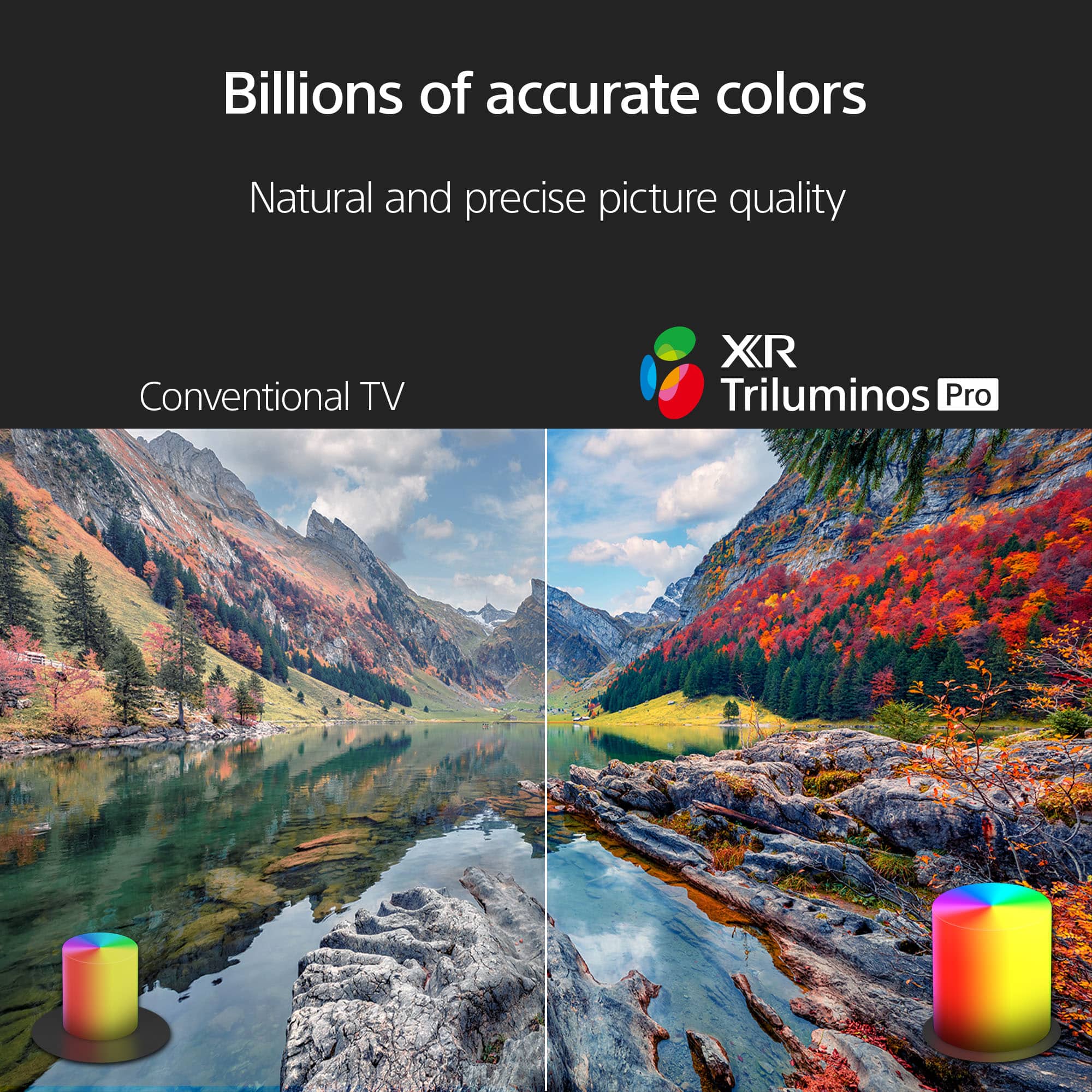
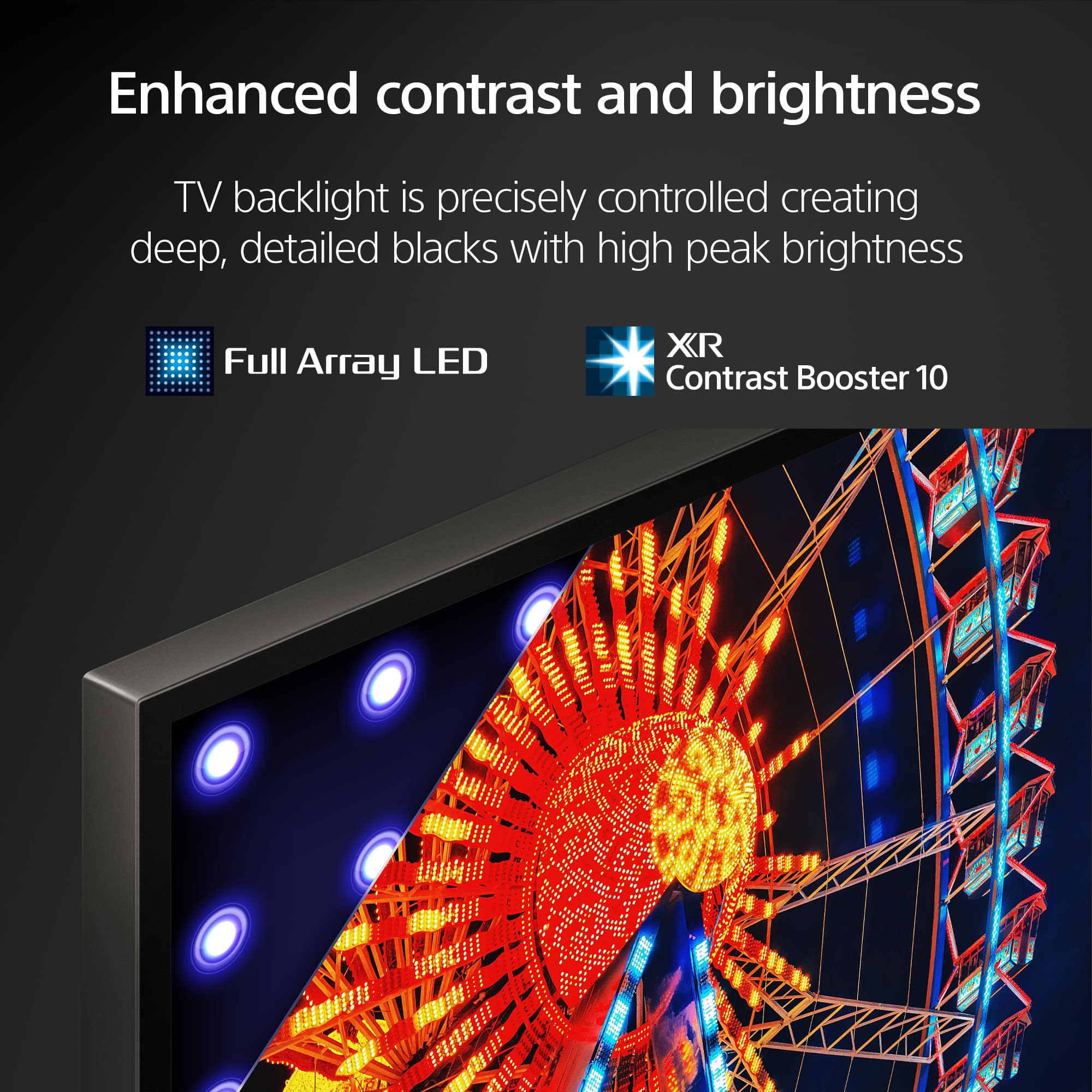
And even though the X90L doesn't support the X-Anti Reflection & X-Wide angle features to reduce the glare, its brightness level increases approximately up to 130% compared to the previous year's model - the X90K has precisely controlled backlighting so the viewer can see enhanced contrast and billions of accurate colors, controlled by XR Contrast Booster and XR Triluminos Pro technologies. Thanks for choosing Sony! -Sam
Sony not great
||Posted .This reviewer received promo considerations or sweepstakes entry for writing a review.Top rated TV it's doesn't a great setting to use and really have to look so hard just to change things the way I want them.
No, I would not recommend this to a friendBrand response from SonyListens
Posted .Hi Larry,
Thanks for reaching out and sharing your feedback about the settings on your XR-65X90L.
We're truly sorry to hear that you're having trouble navigating the menu and finding the adjustments you want. That's definitely not the experience we want you to have and we appreciate you taking the time to let us know.
If you feel like you need more personalized help with getting your specific picture settings just right, please don't hesitate to reach out to our support team at https://us.esupport.sony.com/support/s/support-contact?language=en_US&category=tv
Thanks for considering Sony and for your feedback.
Sincerely,
Estefany
Great TV, poor installation!
||Posted . Owned for 3 weeks when reviewed.This reviewer received promo considerations or sweepstakes entry for writing a review.I love the TV and it was at a good price! However the Geek Squad installers were not knowledgeable with my old Harmony System, so the TV is hard to get working because it was set up improperly!
I would recommend this to a friendBrand response from SonyListens
Posted .Hi StevenR,
Thanks for sharing your review and experience with the X90L. It's unfortunate that your setup wasn't done properly. We would to know more about what happened and help you out. Please email us at socialsupport@am.sony.com with the following details:
Name:
Username:
Model Number:
Issue:
Telephone Number:
Sincerely,
-Ralph
Sony TV
||Posted .This reviewer received promo considerations or sweepstakes entry for writing a review.Nice TV With Great Features If You Are Interested In Audio You Will Need To Purchase A Sound Bar,
I would recommend this to a friendBrand response from SonyListens
Posted .Hello BarbieE,
Thank you for considering Sony products.
We're delighted to hear you're enjoying the great features of your XR65X90L TV, but we sincerely apologize that the built-in audio didn't deliver the sound quality you were looking for. We understand how important immersive audio is for a complete viewing experience, and we regret that you feel the need to purchase a separate sound bar.
We certainly strive for a high standard across all aspects of our televisions, and your direct feedback is incredibly valuable to us. We will ensure your comments are immediately shared with our dedicated Sony team for their review as we continually work to enhance the sound performance of our products.
Thank you again for taking the time to share your honest assessment.
Best regards,
-Fred
Tinker
||Posted . Owned for 1 month when reviewed.This reviewer received promo considerations or sweepstakes entry for writing a review.Picture quality is good. Sound for different streaming apps seems to be louder for some than others.
No, I would not recommend this to a friendBrand response from SonyListens
Posted .Hi there, Thank you for the positive review! We're pleased to hear you like the great picture quality of your new Sony X90L. If the volume level is uneven from different streaming apps, please make sure to check the setting on the app itself. Also, please make sure that the TV's firmware and the app's firmware are all up to date. Thanks for choosing Sony! -Sam