Customer Ratings & Reviews
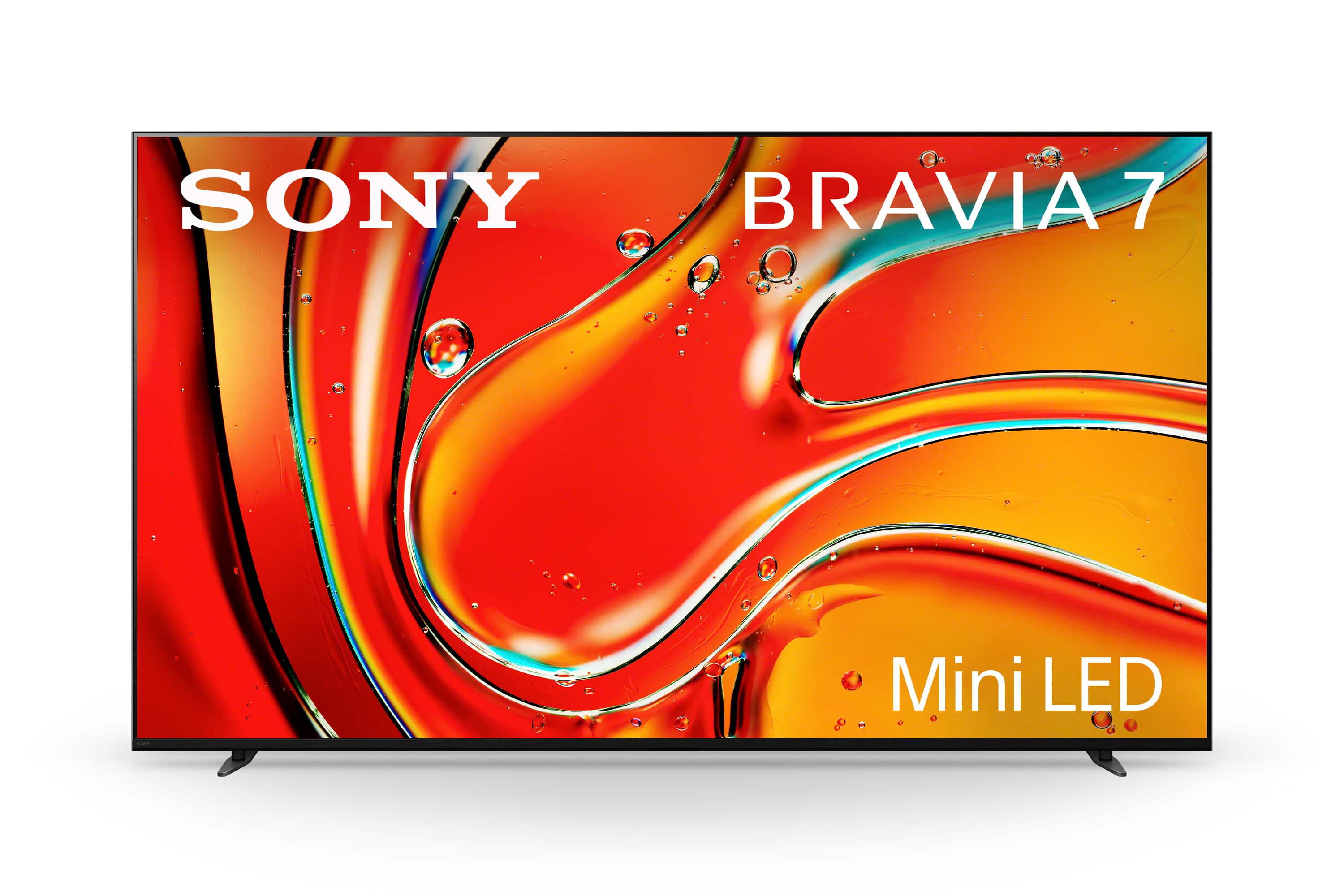
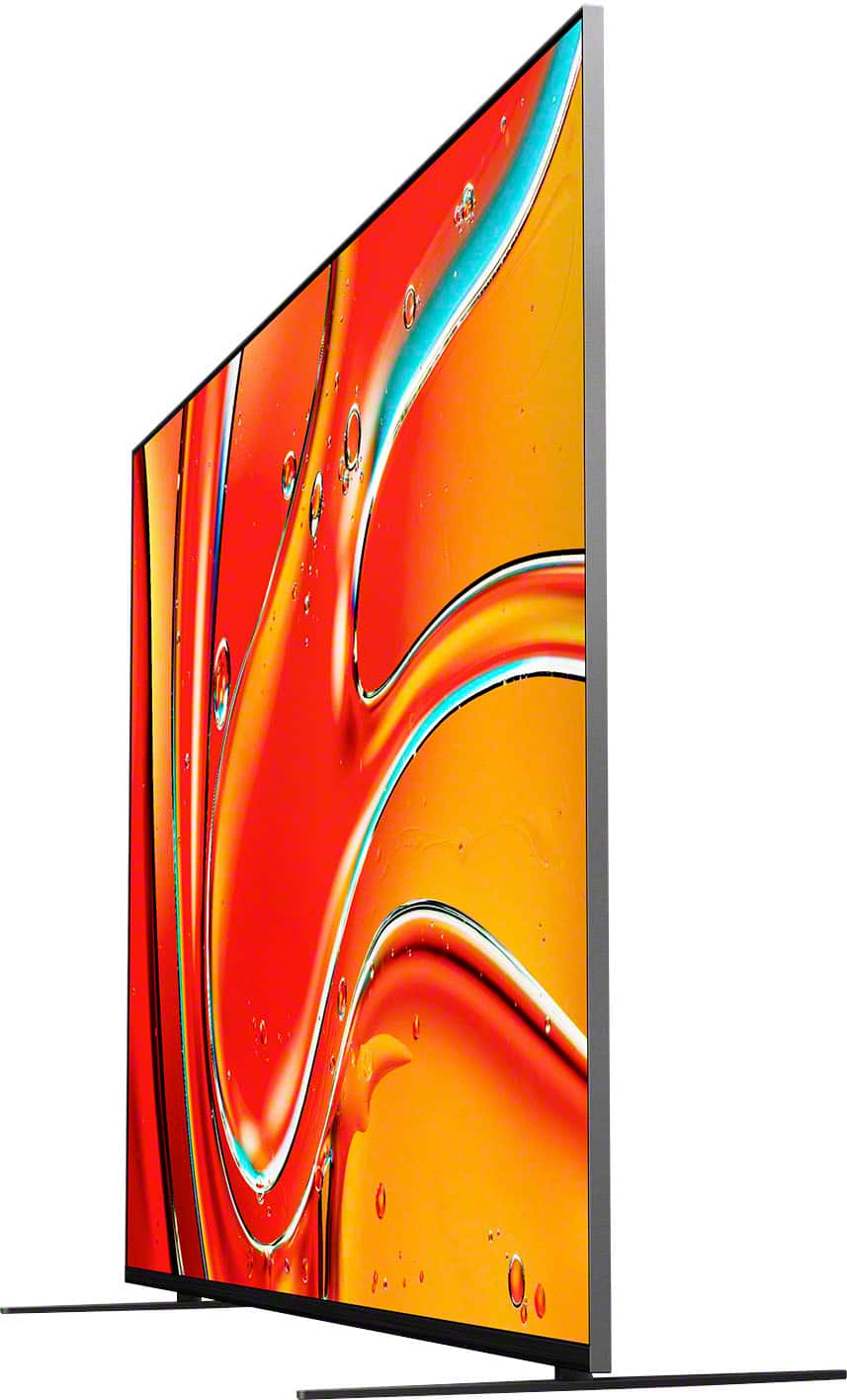
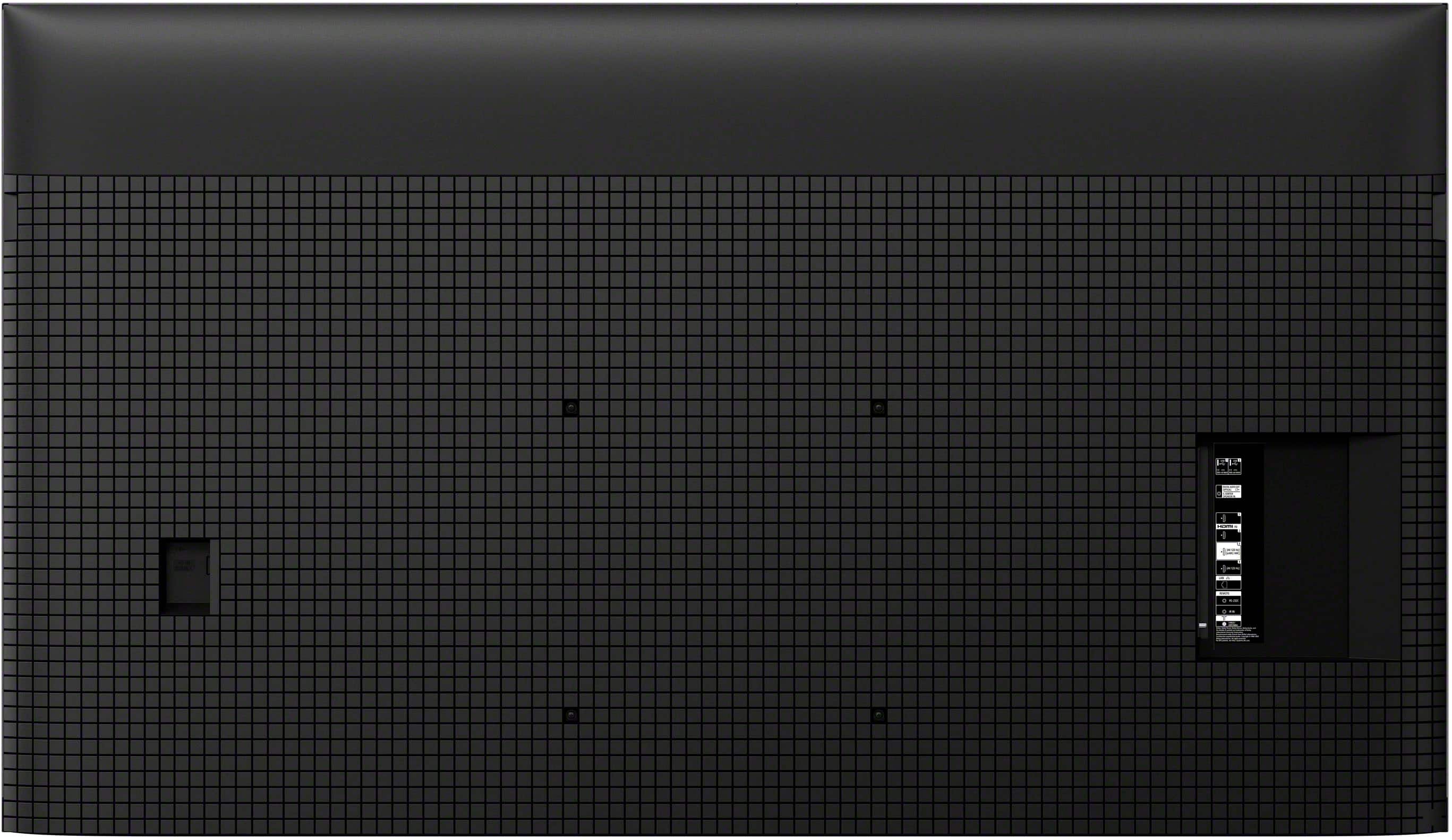
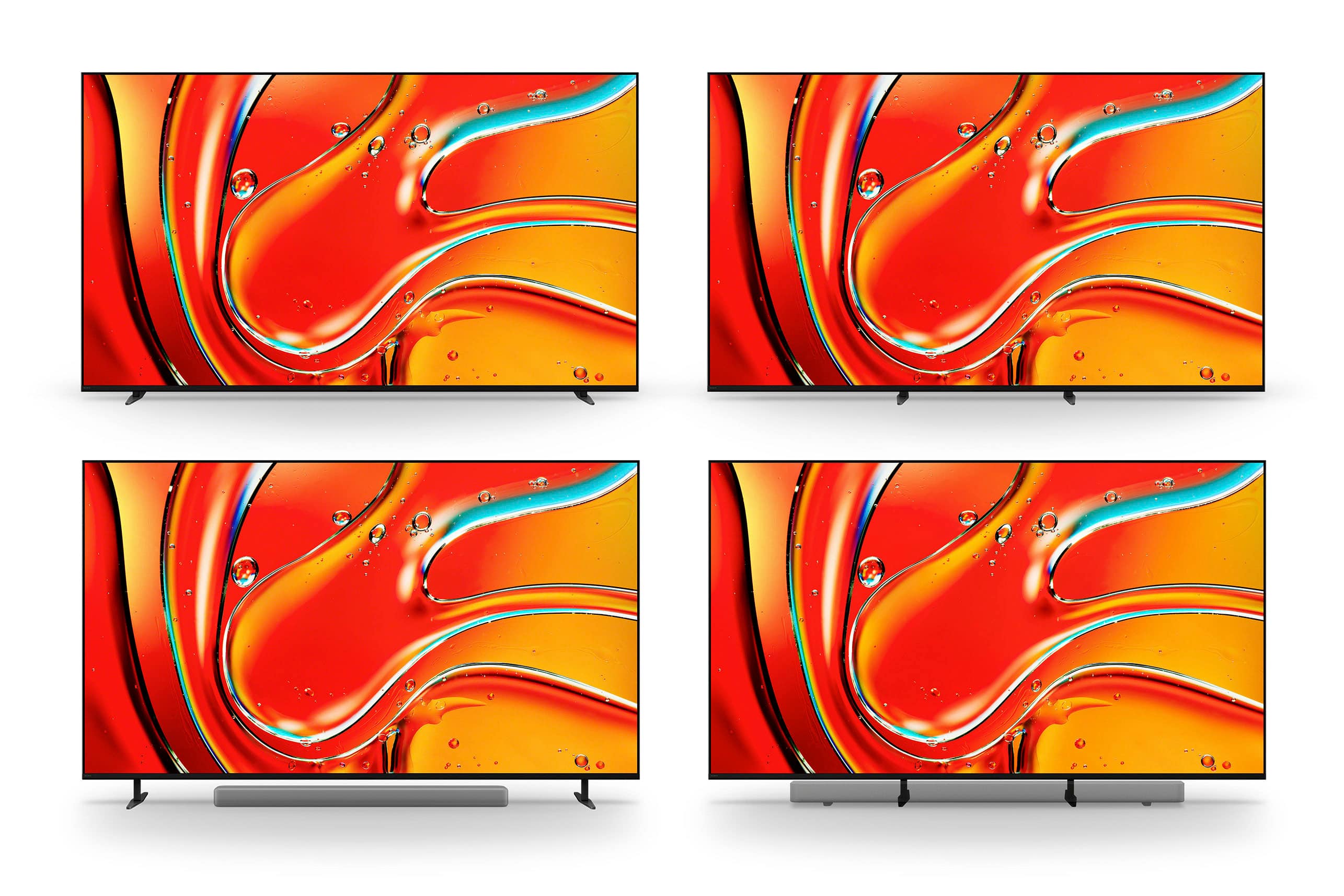
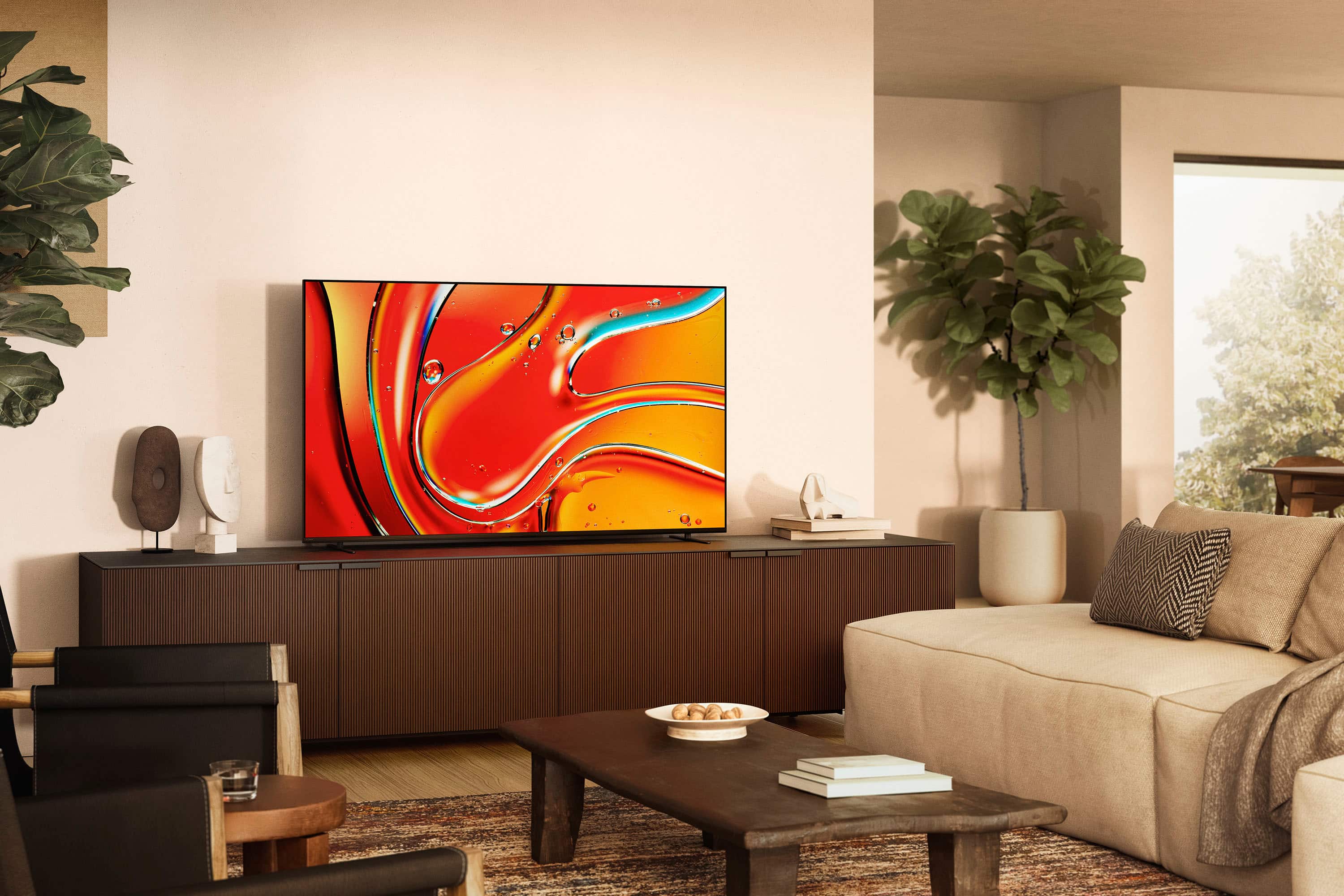

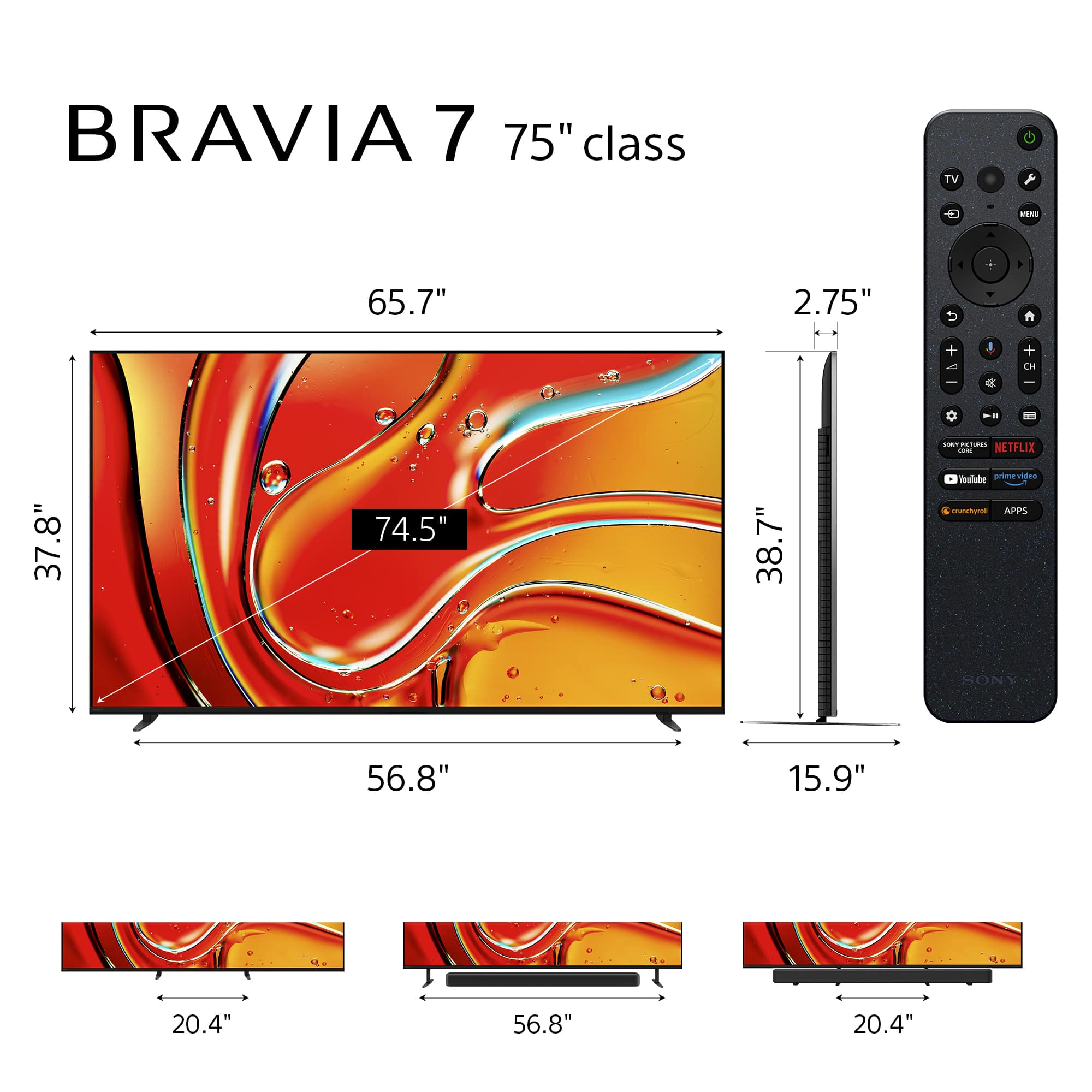
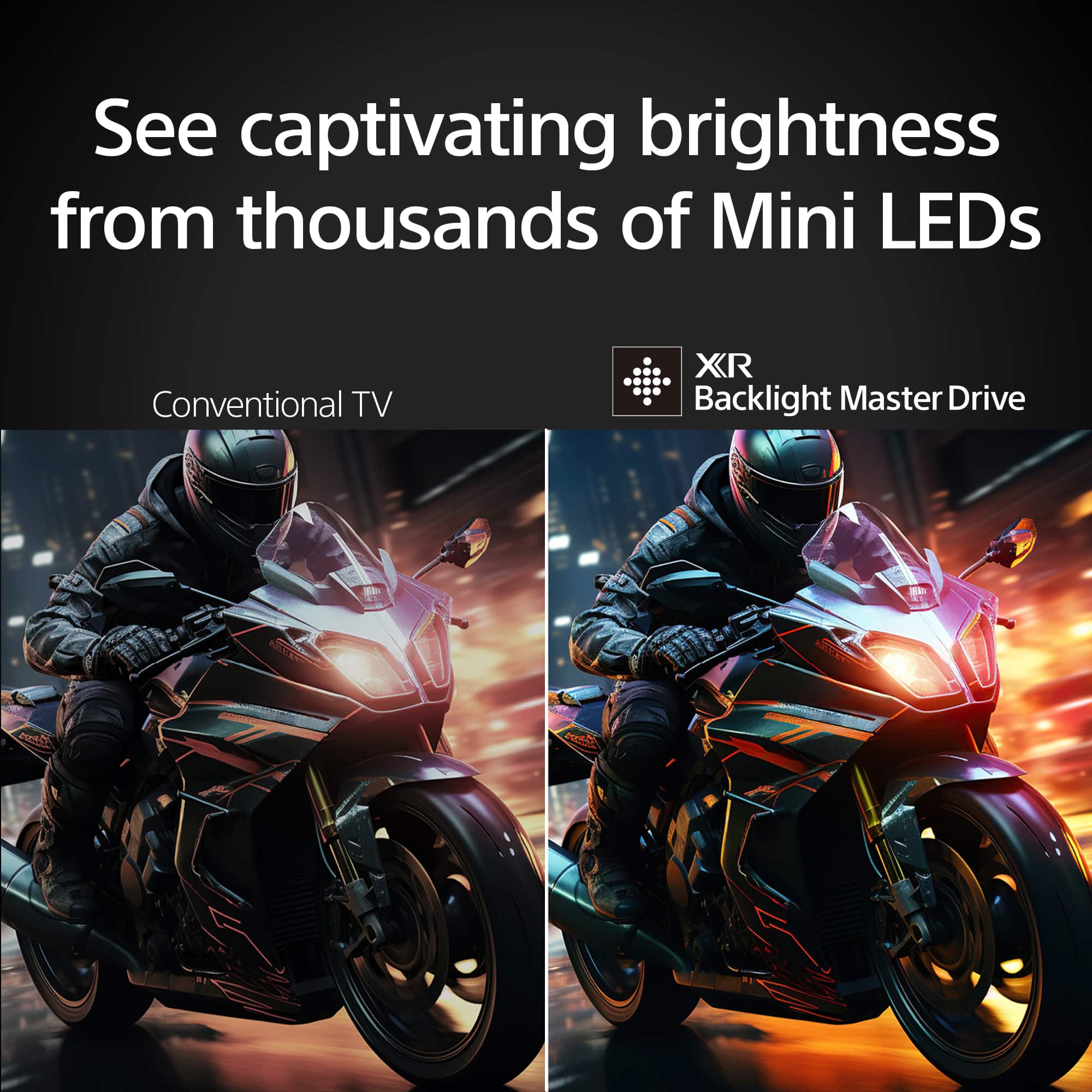







- Model:
- K75XR70
- SKU:
- 6578572
Rating by feature
- Picture Quality
Rating 4.9 out of 5 stars
- Sound Quality
Rating 4.7 out of 5 stars
- Brightness
Rating 4.9 out of 5 stars
to a friend
Customers are saying
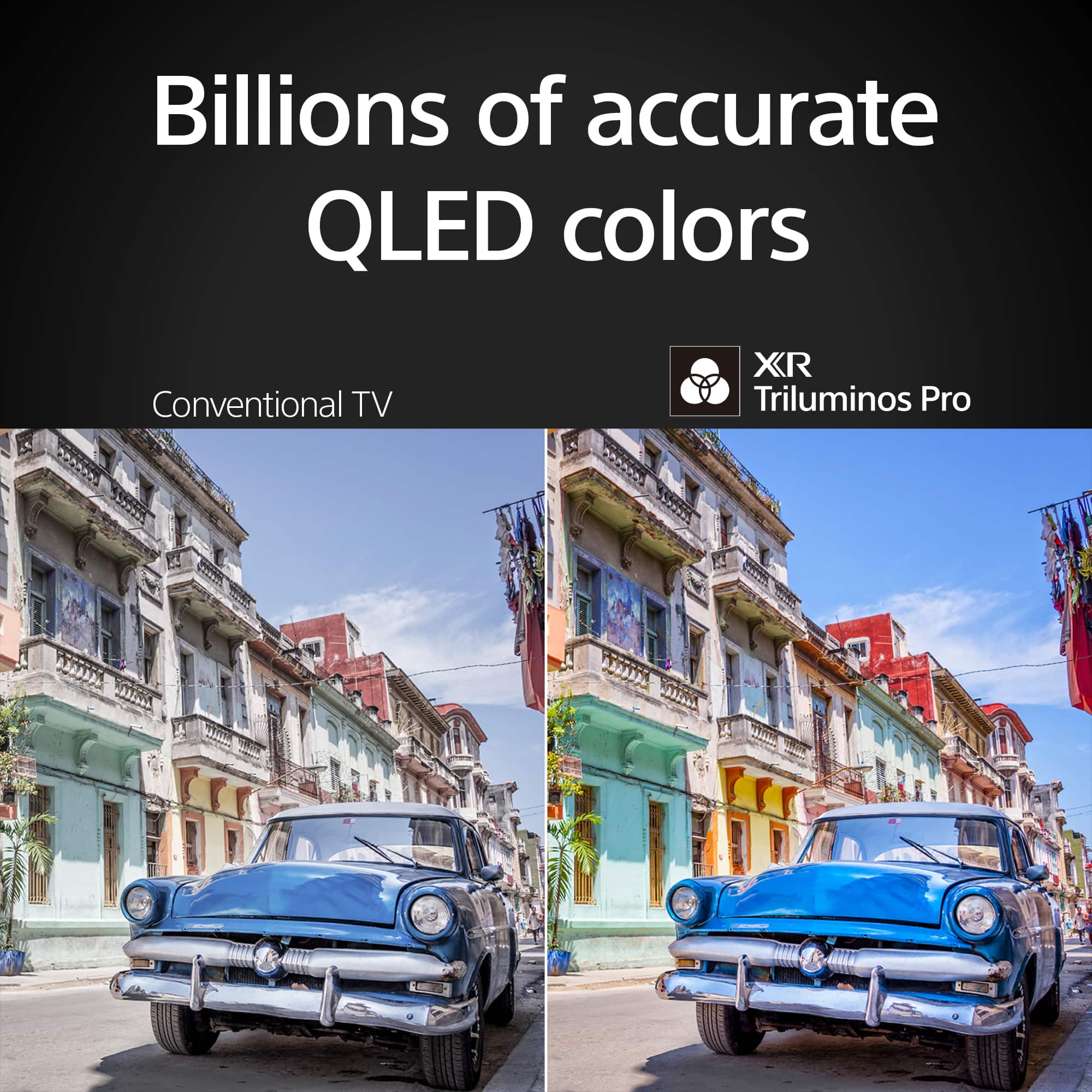
Customers often highlight the excellent picture quality and brightness of the 75" class BRAVIA 7 Mini LED QLED 4K UHD Smart Google TV (2024). Many are also pleased with its ease of use, black levels, HDR, and user interface. However, some customers have noted concerns regarding the viewing angle.
This summary was generated by AI based on customer reviews.
Stunning in a dark room when viewed dead on.
||Posted . Owned for 3 weeks when reviewed.This reviewer received promo considerations or sweepstakes entry for writing a review.This TV is something special but only in very specific environments. The great: This TV is perfect out of the box, no calibration is needed. The picture is stunning The OS is fast and easy to use, no stand alone streaming device is needed. The bad: If a show offers dolby vision this TV will force you to use that. You find dolby vison too dark?, too bad because you dont have a choice. At night in a dark room dolby vision looks great usually but during the day I often find it too dark and this TV does not care what you think. Not just the bad but the Two things that are deal breakers. It appears to have zero reflection handling. Its really bad to being almost not useable if you have windows where the TV is located. If used during the day you must use blackout curtains. Off angle viewing is really bad. At 10 feet away just sitting on the end of the couch starts to wash out the colors. To get the brilliant picture from this TV you must sit absolutely dead on center, even a few feet off center is bad IMO. For Sony to have not have addressed the awful viewing angle is not acceptable at this price point. This TV is going to be a return for me.
No, I would not recommend this to a friendBrand response from SonyListens
Posted .Hi Justin2525,
Thank you for taking the time to share your feedback regarding the BRAVIA 7.
We truly appreciate your kind words about its stunning picture quality, ease of use and the fact that it performs beautifully straight out of the box. It's great to hear that these aspects have enhanced your viewing experience.
However, we sincerely apologize for the issues you've encountered with Dolby Vision and the viewing angles. We understand how important these factors are for optimal enjoyment of your television, and we regret that the performance did not fulfill your expectations in your specific environment. Your insights about reflection handling and off-angle viewing are valuable.
We are dedicated to delivering the highest quality experience for our customers, and we sincerely apologize that this television did not fulfill your expectations.
Thank you for considering Sony products and for your feedback.
Best regards,
Estefany
New Bravia 7 with dead pixel
||Posted . Owned for 5 months when reviewed.This reviewer received promo considerations or sweepstakes entry for writing a review.Love the 75” Bravia TV, only a dead pixel nearly dead center of the screen is very distracting when a bright bckground during a movie or when gaming. Called Sony customer support, and since it appears to only be 1 pixel it is considered ok and normal since there are millions of pixels. Was in formed yo take a picture and if more pixels go out to call back. If this is the change is Sony customer support, this will potentially be the last Sony I ever buy. They have really reduced their customer service over the years.
No, I would not recommend this to a friendBrand response from SonyListens
Posted .Hi Charles,
Thanks for sharing your experience with your Bravia TV K75XR70. We're genuinely sorry to hear about that dead pixel and how distracting it is for you, especially being so close to the center of the screen. It's completely understandable that this would impact your enjoyment, particularly during bright scenes in movies or when you're gaming.
We also hear your frustration with the support you received. It sounds like the resolution offered wasn't what you were hoping for and we sincerely apologize if that made you feel like your concerns weren't adequately addressed. At this time, based on our current policy regarding single pixel issues, the guidance you received is the standard procedure. We know this isn't the news you wanted to hear and we truly regret if this has given you a negative impression of our customer service. We definitely don't want you to feel this way.
We appreciate you being a Sony customer and it's tough to hear that this experience might lead you to consider other brands in the future. We value your feedback and it helps us see where we can do better.
Thanks for considering Sony products and for sharing your feedback.
Best regards,
Stephanie
Sony 75" Bravia 7 Mini LED
||Posted . Owned for 2 months when reviewed.This reviewer received promo considerations or sweepstakes entry for writing a review.The TV is very nice but have issues with the picture going black and back on. Called Sony several times and they say the Cable box isn't putting out a 1080P signal and that is the issue. I have another Sony OLED 4k tv and it doesn't do this. If the TV didn't go to a blank screen and back to the same signal, I would have given the TV a 5 star review but can't recomment if this is what I have to accept from a new TV at this price point.
No, I would not recommend this to a friendBrand response from SonyListens
Posted .Hi PaulL,
Thank you for reaching out to us with your concern. We regret to hear the TV is not working properly. This is not the experience that we want you to have. Many issues can be fixed without a repair. If you haven't yet, we do have troubleshooting steps that may help resolve some issues, especially if your TV has no picture, no power, or the LED light blinks or flashes red. You may refer to the helpful link below. Test if your TV functions properly after performing each step.
https://www.sony.com/electronics/support/televisions-projectors-lcd-tvs-android-/k-55s30/articles/00153674
Make sure your TV has the most recent system software installed. If there is no picture with an HDMI connection between your device and the TV, please follow the steps below to help resolve the issue.
- Restart the TV.
This issue can be fixed by simply restarting the TV. To do that, simply press and hold the POWER button of the remote control for about 5 seconds, or until a message Power off appears.
- Make sure that the input setting on the TV corresponds to the video output source.
- If you have an external device connected on the TV, turn the connected device on. Check the cable connection between the device and TV. To avoid any issues, please make sure that the HDMI cables you are using are rated for "premium high speed" and are at least 18 Gbps (or better).
- Disconnect and reconnect the cable. A bad connection may occur temporarily and cause this issue. Also, cables can get damaged internally (e.g. when bending in sharp angles). You could test this with different cable.
For further troubleshooting, please access this helpful article: https://www.sony.com/electronics/support/televisions-projectors-lcd-tvs-android-/k-75xr70/articles/00030375
Sony commitment to customer satisfaction is our top priority. We'd love to know more details as to what have been discussed when you called.
For us to better assist you, please email the below information to socialsupport@am.sony.com.
Apologies if you disclosed some of this information in your review and to customer service, we just want to ensure that we have your accurate details at the time of communication.
Full Name:
Case ID (if any):
Best Buy Username:
Telephone Number:
Sony Model Number:
Additional Information regarding your experience with the BRAVIA 7:
We value your feedback and aim to restore your trust in Sony.
Sincerely,
Jess