Customer Ratings & Reviews
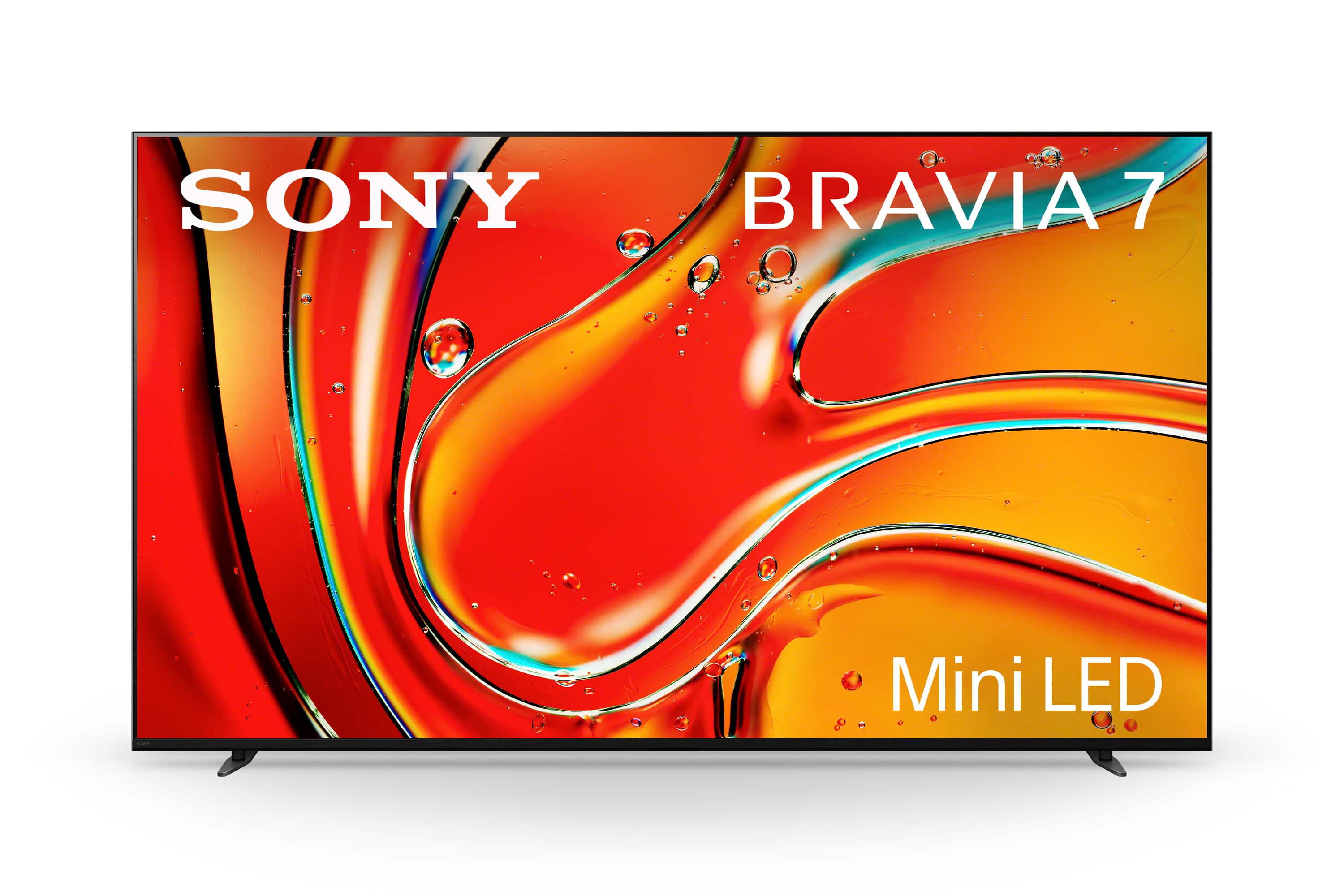
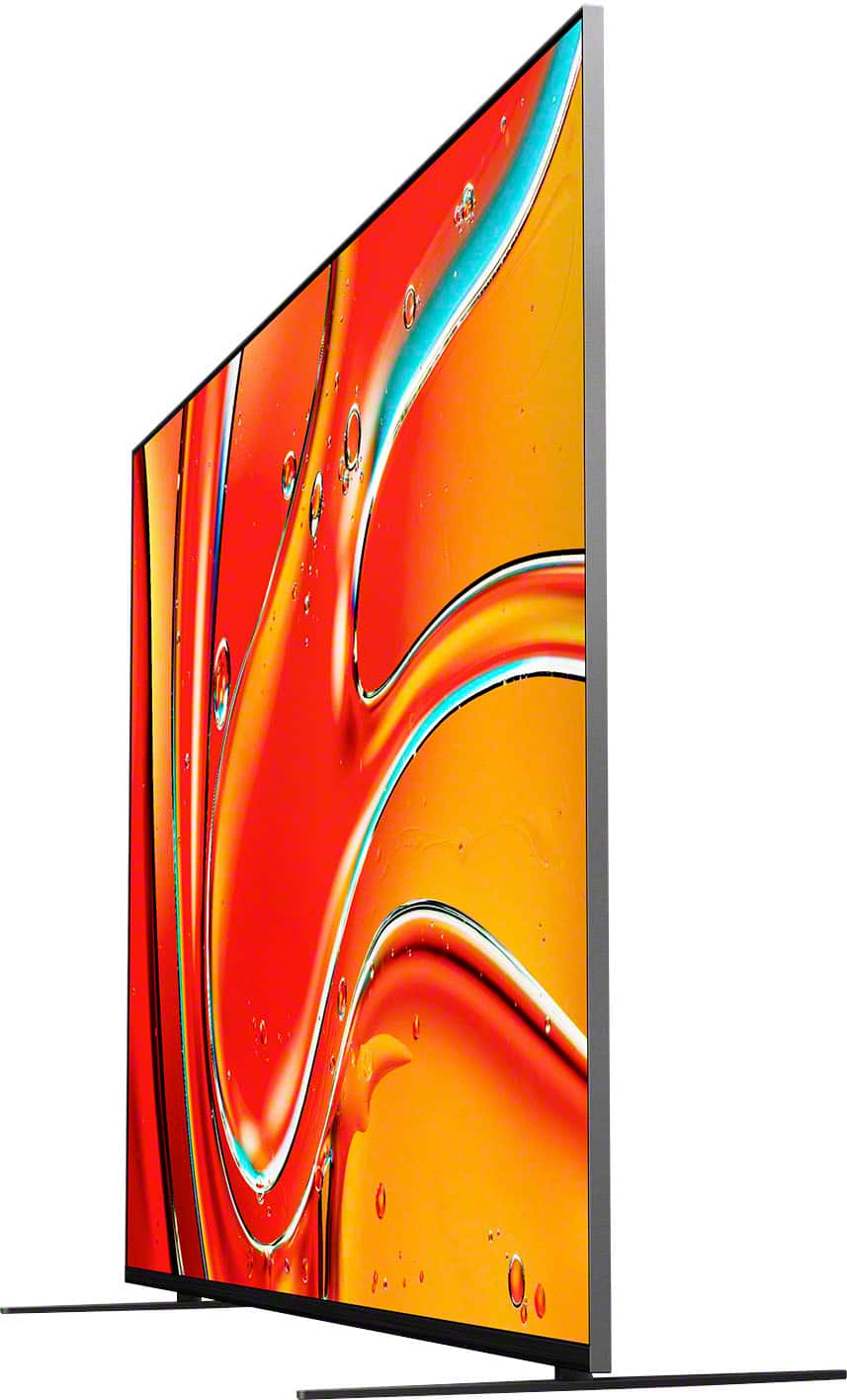
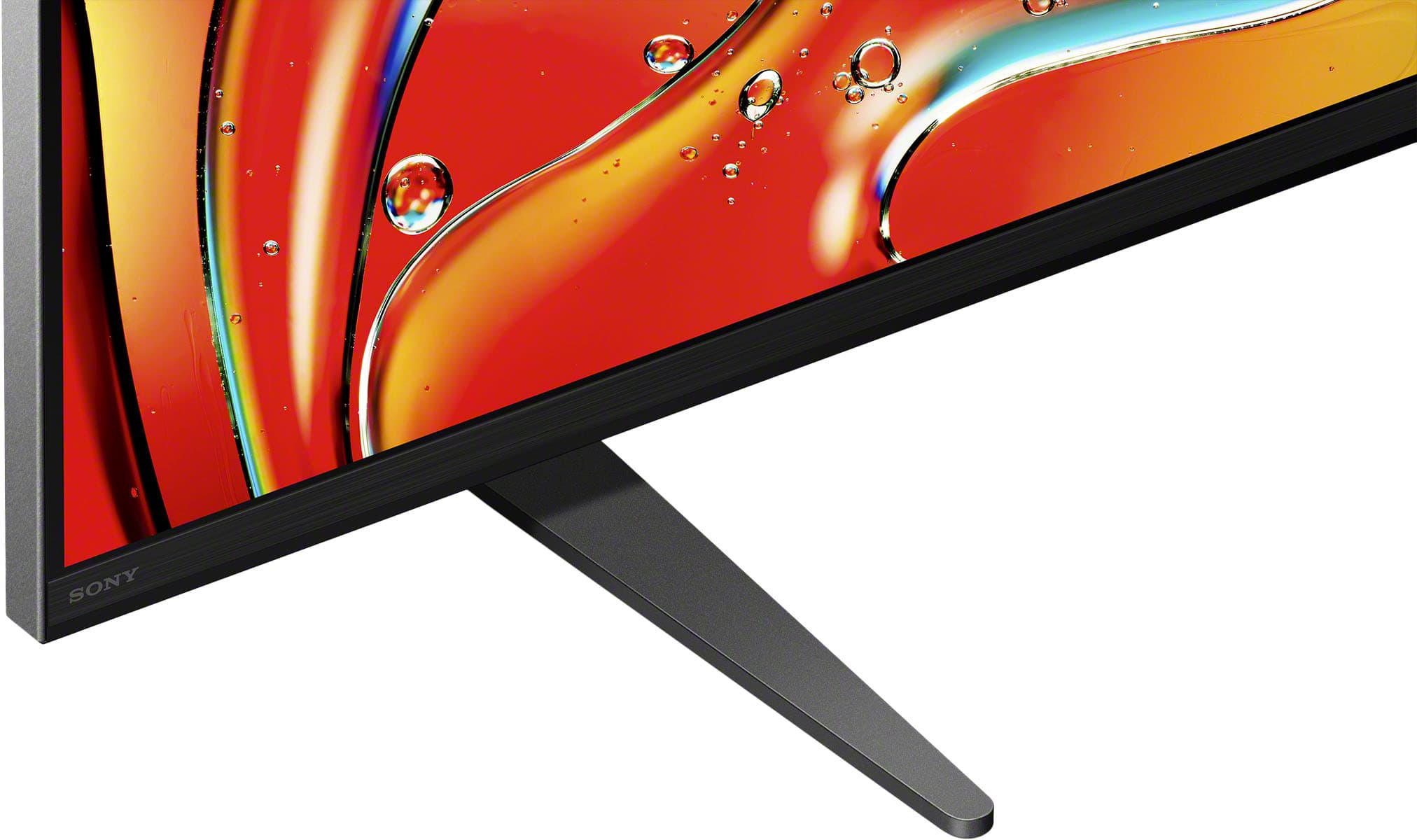
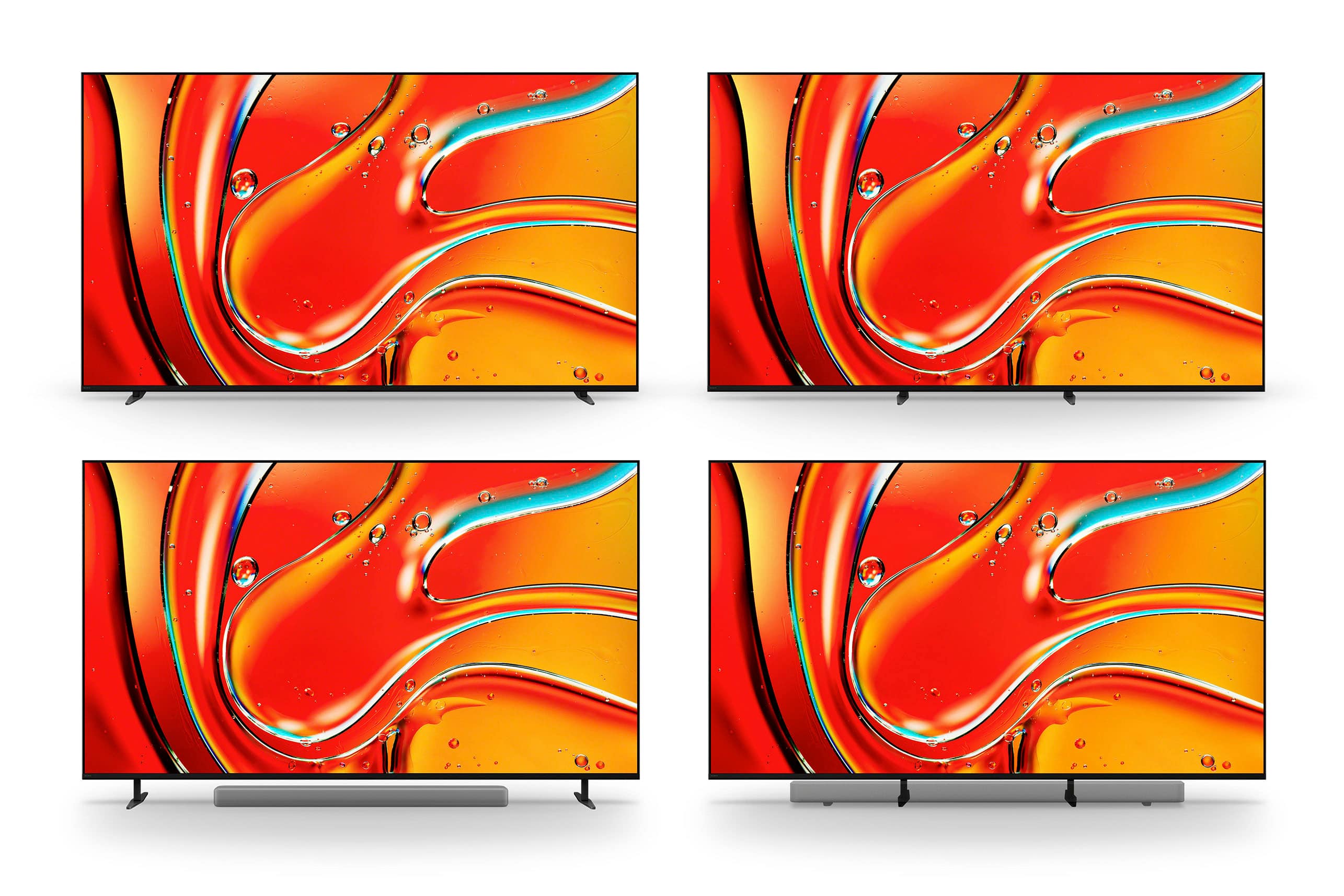
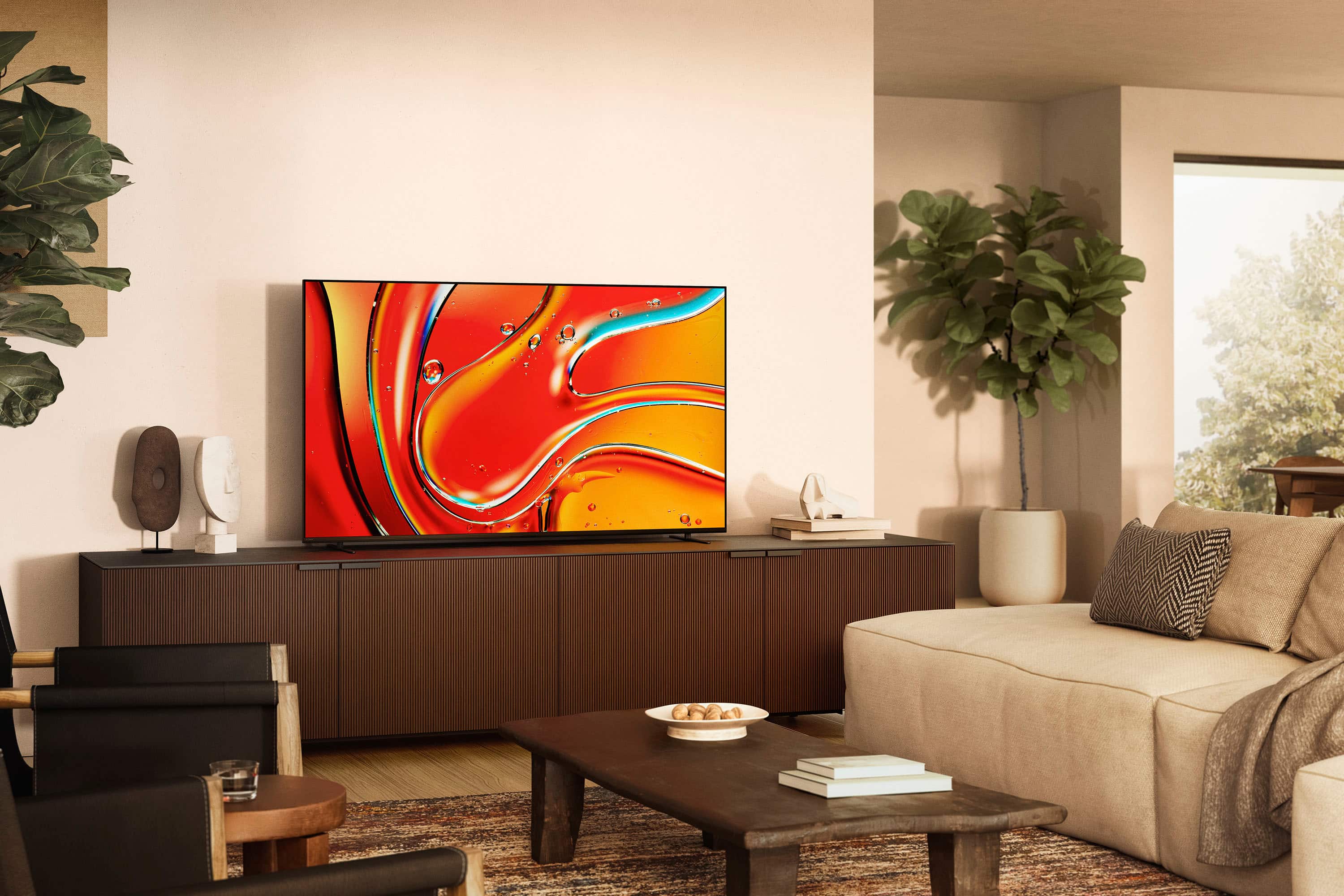

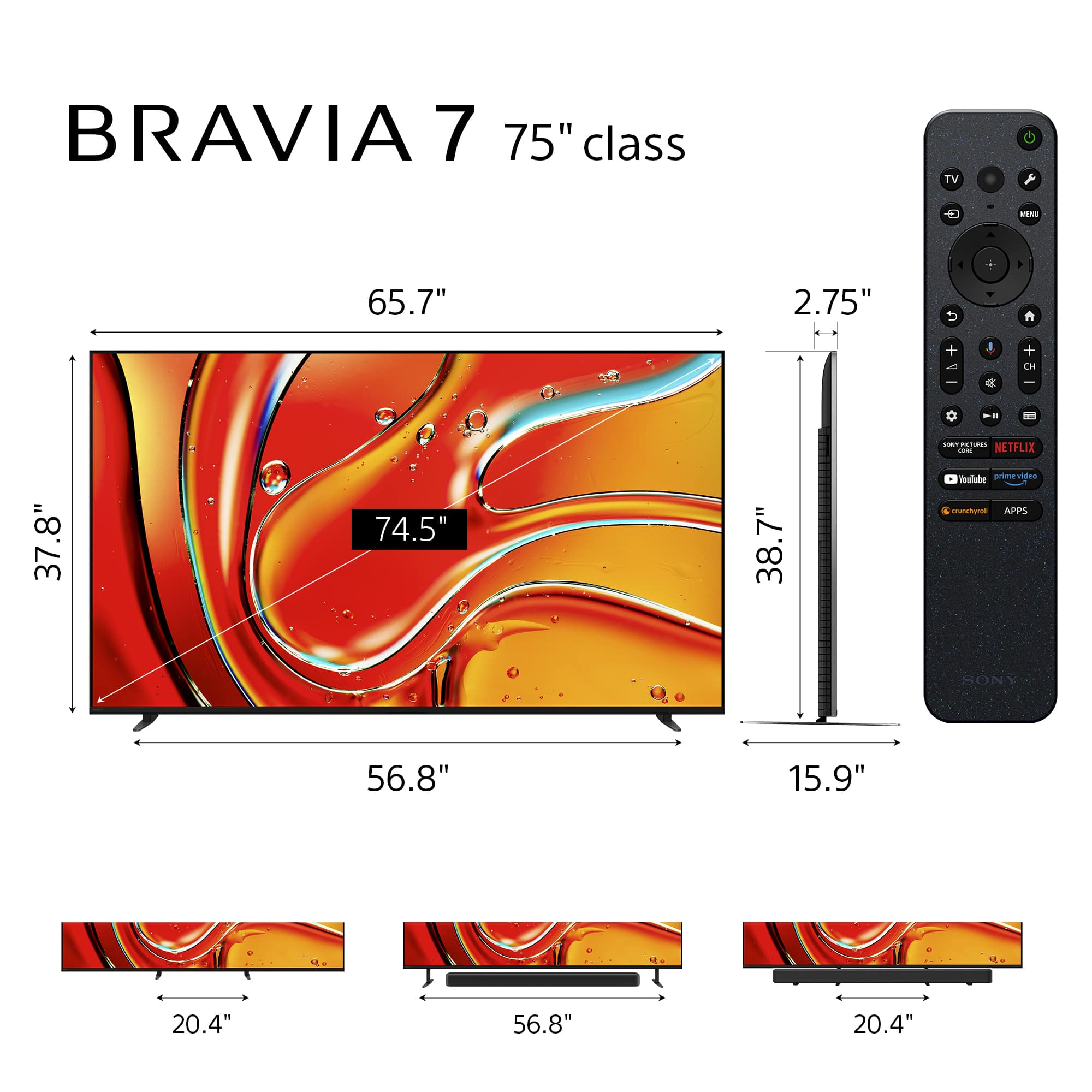






- Model:
- K75XR70
- SKU:
- 6578572
Rating by feature
- Picture Quality
Rating 4.9 out of 5 stars
- Sound Quality
Rating 4.7 out of 5 stars
- Brightness
Rating 4.9 out of 5 stars
to a friend
Customers are saying
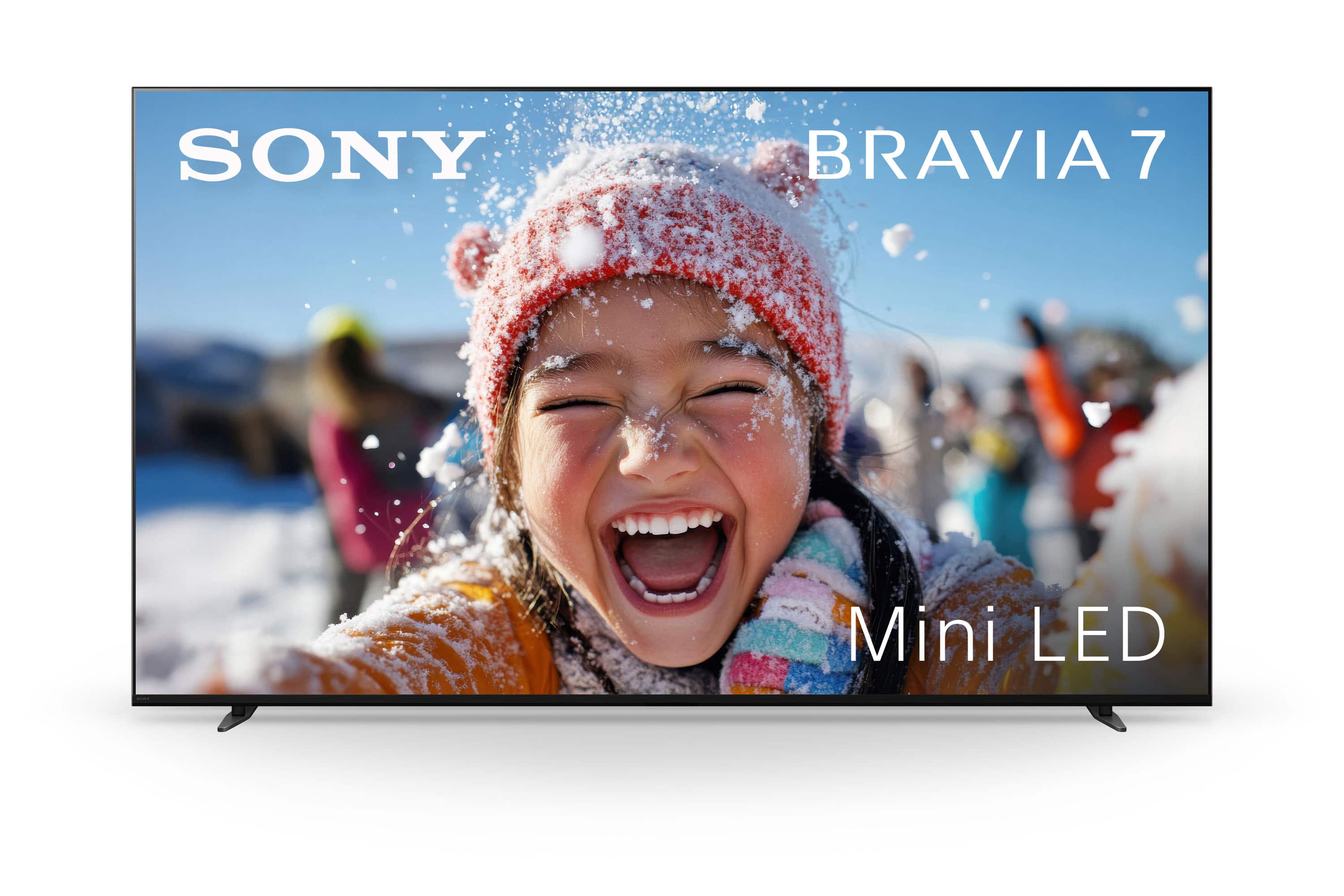
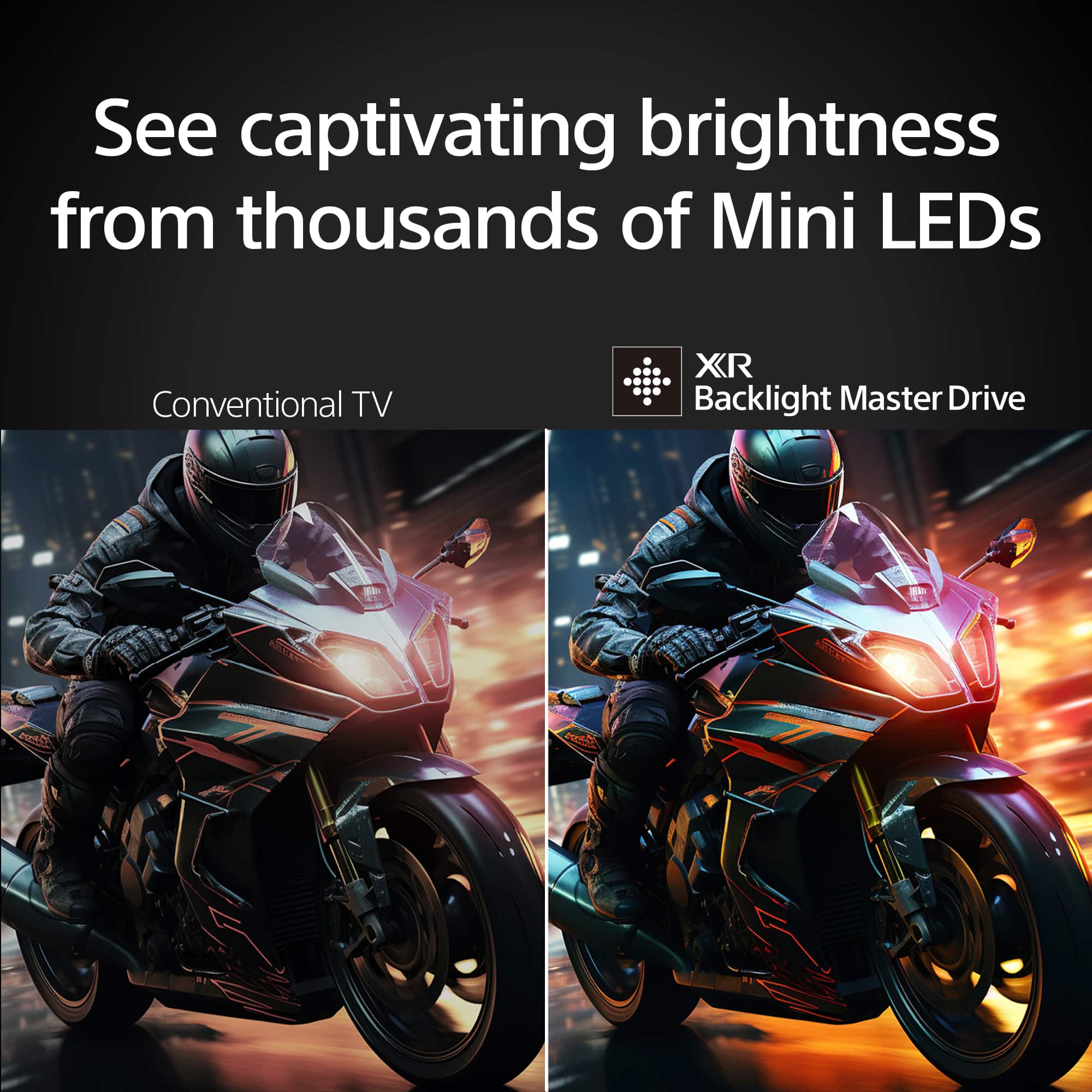
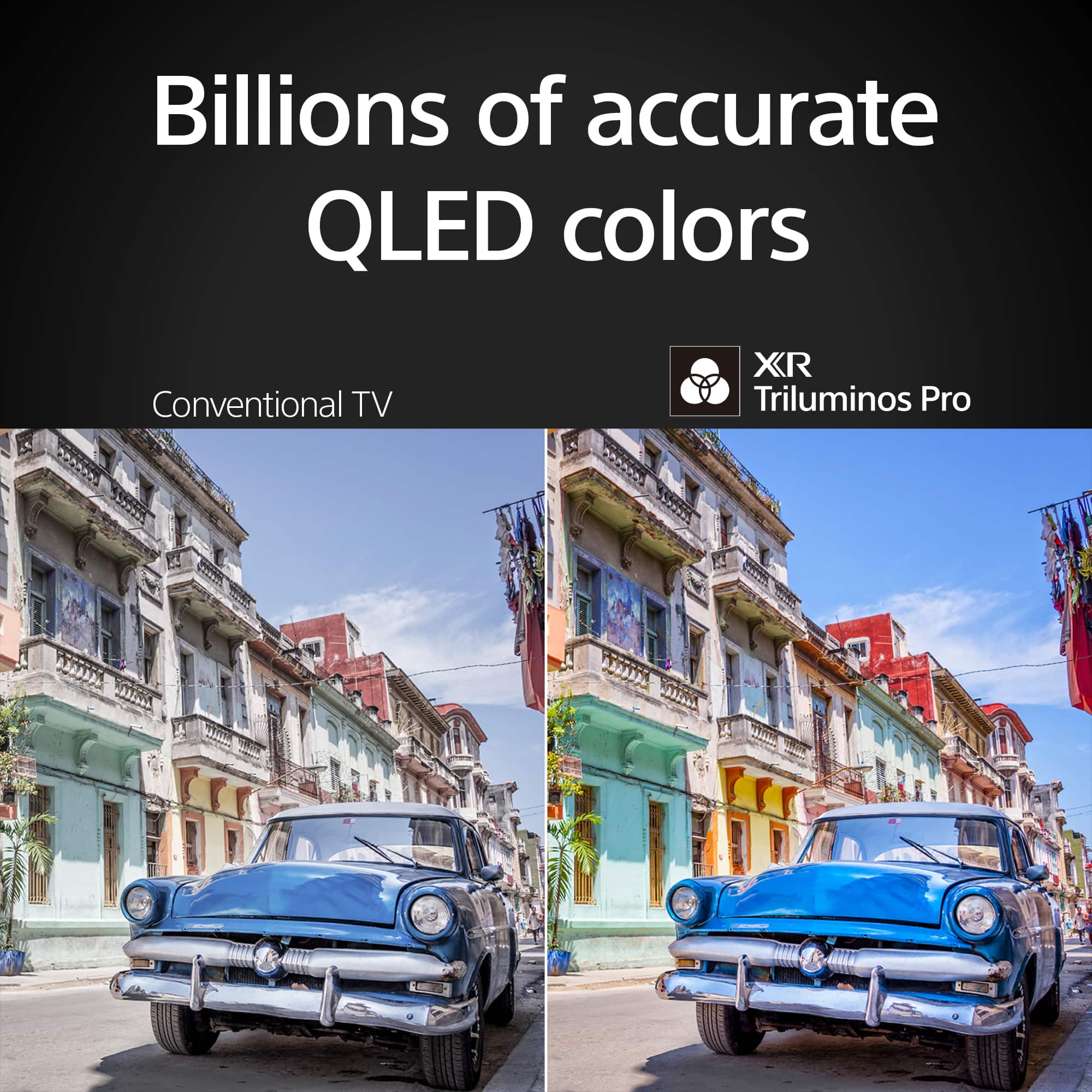
Customers often highlight the excellent picture quality and brightness of the 75" class BRAVIA 7 Mini LED QLED 4K UHD Smart Google TV (2024). Many are also pleased with its ease of use, black levels, HDR, and user interface. However, some customers have noted concerns regarding the viewing angle.
This summary was generated by AI based on customer reviews.
Poor Best Buy experience
||Posted .This reviewer received promo considerations or sweepstakes entry for writing a review.This review is more about purchasing from Best Buy. The TV itself is great, unfortunately I was mis-led by the in-store associate and told the TV will no longer be on sale the next day. That made me inclined to purchase. Not only was that misleading, the TV further dropped in price about 3 weeks later. When I called Best Buy to see if they would honor a Price Match, I was told it was only possible within the 15 day return period and was hung up on by customer support. This is a great TV but I regret purchasing from Best Buy and not another retailer.
No, I would not recommend this to a friendNew Bravia Disappoints
||Posted . Owned for 3 months when reviewed.This reviewer received promo considerations or sweepstakes entry for writing a review.I had a 77" Bravia that I thoroughly loved but then it died after only 2.5 years. So I bought an extended warranty for the 75" Sony to insure against another meltdown. However, this model doesn't have as good of a picture, especially when viewing from the side. Straight on it's fine but it has a washed out look when viewing from even a slight angle.
No, I would not recommend this to a friendBrand response from SonyListens
Posted .Hi Bobk, Thank you for sharing your experience with the Sony 77" BRAVIA 7. We understand your concerns regarding the picture quality, especially when viewing from the side. Features like Auto Picture Mode, Light Sensor, and Auto Local Dimming can help improve the overall picture quality by adjusting the screen brightness and contrast in real-time according to the ambient light and content.
For more detailed guidance on adjusting these settings, you can refer to this article link on adjusting picture settings on your Google TV: https://www.sony.com/electronics/support/articles/00190409
Should you need further assistance, please email us at socialsupport@am.sony.com with the following details:
Name:
Username:
Model Number:
Issue:
Telephone Number:
Regards,
Sam
Problem with off and on
||Posted . Owned for less than 1 week when reviewed.This reviewer received promo considerations or sweepstakes entry for writing a review.My brand new tv, the sony bravia 7, goes black and then turns back on several times already. I see other people having the same problem. I have time to return, but will call sony and waste my time. But other wise, the tv is great, I have it hooked to a bose, and it sounds great
I would recommend this to a friendBrand response from SonyListens
Posted .Hi mike, We're sorry to hear about the issue you're experiencing with your Sony BRAVIA 7. This is definitely not the experience we want you to have. To resolve this issue, please try to follow the troubleshooting steps on this link: https://www.sony.com/electronics/support/articles/00153674
If these steps do not resolve the issue, it might be best to contact Sony support for further assistance. They can provide more specific troubleshooting steps or determine if the TV needs to be repaired or replaced. You can reach out to them through this link: https://us.esupport.sony.com/support/s/service?language=en_US.
Or email us at socialsupport@am.sony.com with the following details:
Name:
Username:
Model Number:
Issue:
Telephone Number:
Sincerely,
Sam
Next best thing to better
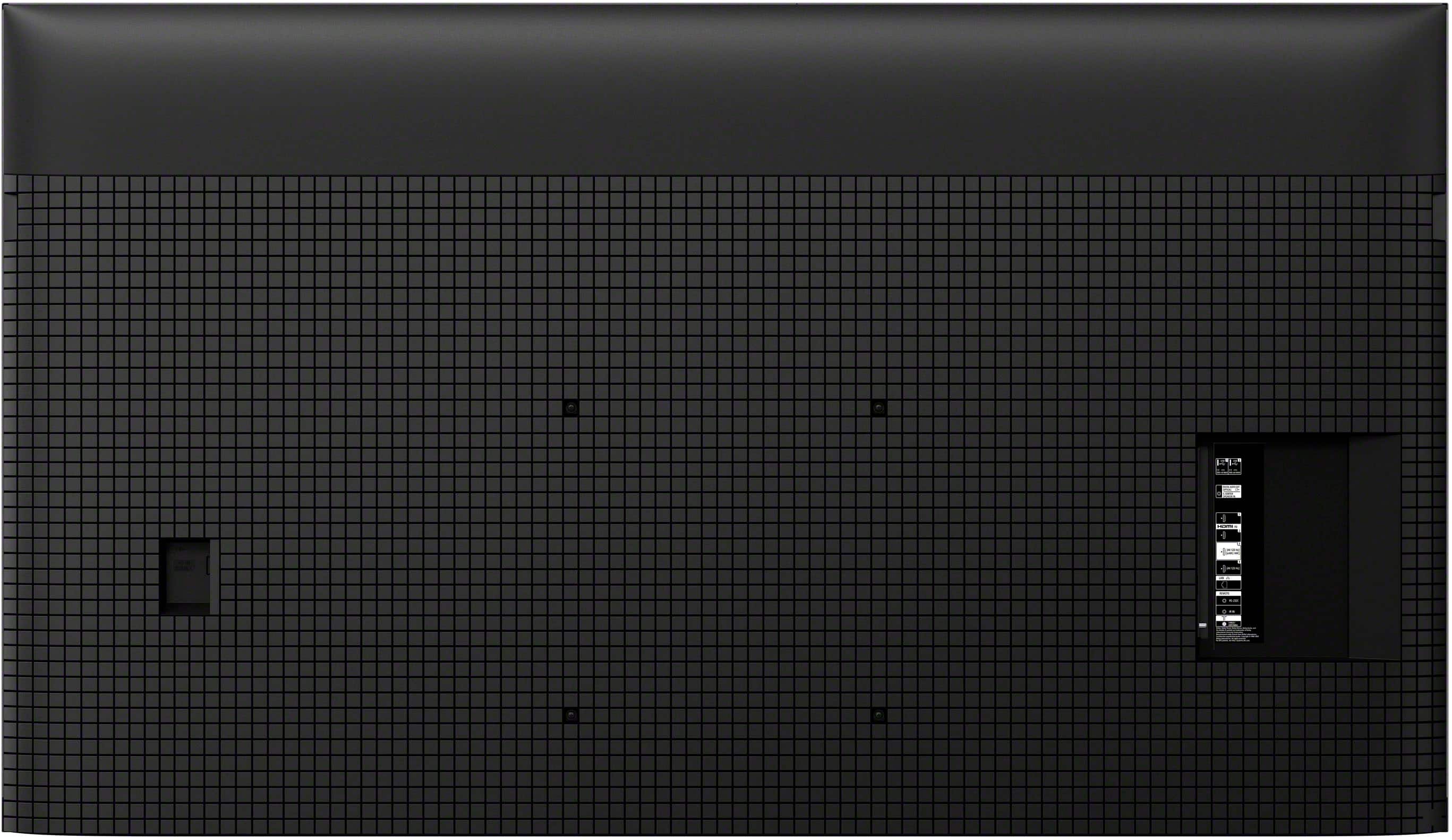
||Posted . Owned for 2 weeks when reviewed.This reviewer received promo considerations or sweepstakes entry for writing a review.Nice tv. Great size at 65” flat panel in back could be better if you can’t afford best, this is the next best thing
I would recommend this to a friendBrand response from SonyListens
Posted .Hi NormanP,
Thanks for the review and the feedback. It's great to hear that you're enjoying the size of your new K-75XR70.
At the same time, we want to sincerely apologize that the design of the back panel didn't quite fulfill your expectations. We really appreciate you pointing that out.
Thanks for sticking with Sony and letting us know how we can do better.
Sincerely,
Estefany
Don't be fooled by the name
||Posted .This reviewer received promo considerations or sweepstakes entry for writing a review.I was very disappointed in Sony. I have purchased Sony TV's for years which is why I got this one. The picture quality is NOT what I thought it would be. It was just middle of the road for me. I have a Sony for 2023 model XR65X95K...and the picture quality on this TV is better than the Bravia 7. I returned it for the Hisense u9N. A MUCH better TV
No, I would not recommend this to a friendBrand response from SonyListens
Posted .Hi Lakersfan,
We're genuinely sorry the K75XR70 didn't fulfill your expectations, especially as a long-time Sony customer. Picture quality can sometimes be affected by settings, room lighting, or signal source, so adjustments like enabling the TV's enhanced picture modes, checking HDMI sources, and updating firmware can help improve clarity and color. If these steps don't help, we understand your decision and appreciate your honest feedback—it helps us improve future products.
Thank you for considering Sony products.
Best regards
DiegoV.
Not as good as advertised
||Posted . Owned for 2 weeks when reviewed.This reviewer received promo considerations or sweepstakes entry for writing a review.First Sony TV.That kind of disappoints not as good as my sony t v I bought in twenty eighteen or maybe about the same
No, I would not recommend this to a friendBrand response from SonyListens
Posted .Hi StephenW,
Thank you for sharing your honest feedback regarding your new BRAVIA 7. We are sorry to hear that the performance has not yet lived up to the standard set by your previous 2018 Sony TV. We sincerely appreciate you choosing Sony again and want to ensure you get the absolute best picture quality possible from this set.
We understand that maximizing the picture quality on a new TV can sometimes require a few adjustments to match your specific preferences. We want to help you optimize your viewing experience and ensure your TV is performing at its peak.
Our technical support team would be happy to share tips and recommendations on how to optimize picture settings, sound settings, and help you get the very best performance from your BRAVIA 7.
Please contact our dedicated technical support team through the link below. They are ready and happy to assist you in walking through the specific settings to tailor the TV's performance to your liking:
https://us.esupport.sony.com/support/s/support-contact?language=en_US&category=tv
We look forward to helping you love your new TV, and thanks for considering Sony!
Best regards,
Dominick
Love
||Posted . Owned for 1 month when reviewed.This reviewer received promo considerations or sweepstakes entry for writing a review.Sony TV is the best TV it's I like the new Sony I got now it's sound right
I would recommend this to a friendBrand response from SonyListens
Posted .Awesome, SammyD! We're glad you are enjoying your new TV. Thanks for choosing Sony. -Craig
Disappointed
||Posted . Owned for 1 month when reviewed.This reviewer received promo considerations or sweepstakes entry for writing a review.I was extremely disappointed with the signing up for the Best Buy Credit Card experience. The credit limit was $2,000 short of covering my purchase and Best Buy did nothing to help me get the Rewards points for the whole purchase. Shame on you to shame, shame, shame! The salesman promised me the 65" Mini-LED picture would be nearly as good as the 48" OLED I also purchased. Not even close. The technicians, 3 of them, didn't get my 65" set up correctly and it required me to pair the remote to both the TV and the sound bar!
No, I would not recommend this to a friendBrand response from SonyListens
Posted .Hi DavidJ,
We apologize for the inconvenience. Sony commitment to customer satisfaction is our top priority. You can directly report your concern to the retail store.
We'd also like to know a little bit more detail about the situation you faced with the TV and best assist you.
May we contact you to help? If so, please email the below information to socialsupport@am.sony.com.
Apologies if you disclosed some of this information in your review and to customer service, we just want to ensure that we have your accurate details at the time of communication.
Full Name:
Best Buy Username:
Telephone Number:
Sony TV Model Number:
Additional Information regarding your experience with the BRAVIA 7.
We value you being a Sony customer. Thank you for letting us help assist you.
Sincerely,
Jess
Great TV but disappointing viewing angles.
||Posted . Owned for 1 week when reviewed.This reviewer received promo considerations or sweepstakes entry for writing a review.Everything about this TV is awesome ONLY when you sit right in front of it. If you move off axis just by like 15 to 20 degrees, you will see the image quality being degraded (like a white wash has been applied to the images). If you host some watch party with your friends, they might not see the best pictures if they watch the TV from side.
No, I would not recommend this to a friendBrand response from SonyListens
Posted .Hi Chinmay, thanks for choosing and purchasing our product. We're glad you like it. We're sorry to hear that you have an issue with the viewing angles of your Sony unit. The best viewing distance depends on the TV's size and display resolution. The recommended distance for comfortable viewing depends on the video or program you are watching, the viewing environment, and the physical conditions of the person watching it. When watching the TV from a suitable distance, we recommend looking away from it occasionally or trying to watch it from a different viewing angle. Please check this link for more details:
https://www.sony.com/electronics/support/articles/00008601?utm_source
May we contact you to help? If so, please email the below information to socialsupport@am.sony.com .
Apologies if you disclosed some of this information in your review and to customer service, we just want to ensure that we have your accurate details at the time of communication.
Full Name:
Best Buy Username:
Telephone Number:
Sony TV Model Number:
Additional Information regarding your experience with the XR70
Sincerely,
~Earl
Not for me.
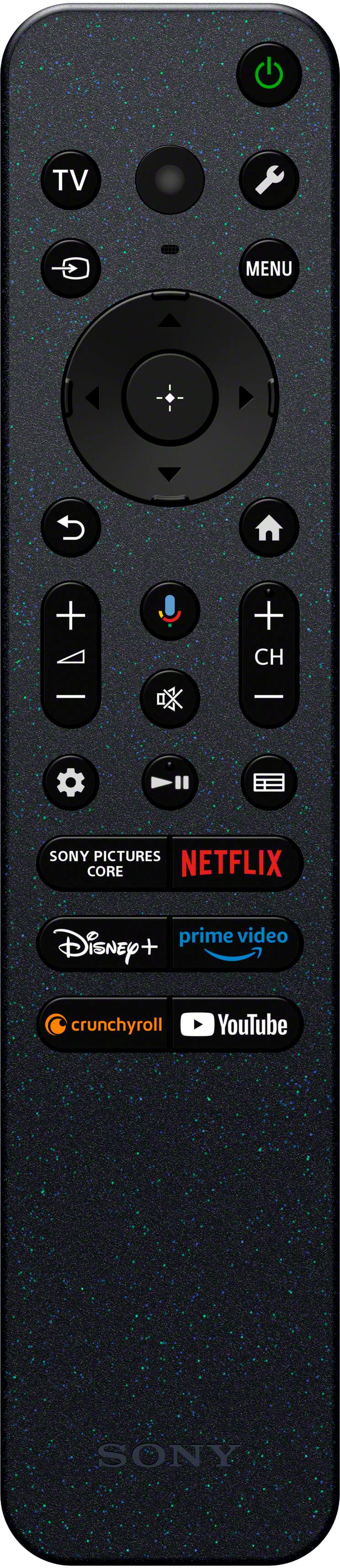
||Posted . Owned for 4 months when reviewed.This reviewer received promo considerations or sweepstakes entry for writing a review.Picture quality was not what I expected. Remote was difficult to use. Not for me.
No, I would not recommend this to a friendBrand response from SonyListens
Posted .Hi Donna,
Thank you for telling us about your experience with your BRAVIA 7. We’re sorry to learn that you’ve encountered issues with the remote control and that the picture quality of your TV hasn’t met your expectations. Please allow us to help you and turn this into a better experience.
The quality of the source is a big factor in getting an excellent picture quality. Having said that, picture mode settings provide preset adjustments for the type of picture you are viewing. Picture settings also allow a wide array of changes to color, contrast, clarity, and brightness that can improve the viewed content on your Google TV. The picture quality may improve if you change it in [Picture] under [Settings].
For more information, please visit the link here: https://www.sony.com/electronics/support/televisions-projectors-lcd-tvs-android-/k-75xr70/articles/00190409
Your Google TV remote control is equipped with a variety of exciting features designed to enhance your viewing experience. Are there buttons on your new remote that you're unfamiliar with? No need to worry! Simply visit our Help Guide via the link below to explore all the available features and learn how to make the most of each function on your TV remote.
https://www.sony.com/electronics/support/articles/00229476
We are sorry for the inconvenience and hope to speak to you to resolve this matter.
Sincerely,
Jess
Excellent quality
||Posted . Owned for 2 weeks when reviewed.This reviewer received promo considerations or sweepstakes entry for writing a review.I am very impressed with the exceptional picture quality of this television. Easy to set up and install.
I would recommend this to a friendBrand response from SonyListens
Posted .Hi JamesM,
Thank you for the review. We're glad to hear that you like the picture quality of the TV. Thank you for choosing Sony!
-David
Good but not great.
Posted .This reviewer received promo considerations or sweepstakes entry for writing a review.Great picture for most inputs, however some antenna channels look pixelated. Voice sync is delayed for the dvd player.
No, I would not recommend this to a friendBrand response from SonyListens
Posted .Hi Gamer123,
Thank you for sharing your feedback on the BRAVIA 7. While we are glad to hear you are enjoying the picture quality for most inputs, we would like to provide some clarity regarding the antenna and sync concerns you mentioned.
Regarding the pixelation on certain antenna channels, this is often related to the source signal rather than the television itself. Many stations still broadcast in 720p or 1080p; when this lower-resolution signal is displayed on a high-definition 4K screen, a drop in perceived quality can occur. Additionally, over-the-air signals are susceptible to environmental interference. If the signal strength is inconsistent, pixelation is likely to happen. We recommend placing your antenna closer to a window or exploring an outdoor antenna option to improve signal stability.
For the audio delay with your DVD player, we recommend performing a power reset on both the TV and the player. Unplug both devices from the power outlet for approximately two minutes before reconnecting them. This refreshes the handshake between the units and commonly resolves synchronization issues.
If you require further assistance, please contact our technical support team through the following link: https://us.esupport.sony.com/support/s/support-contact?language=en_US&category=tv
Thank you for considering Sony!
Best regards,
Dominick