Customer Ratings & Reviews
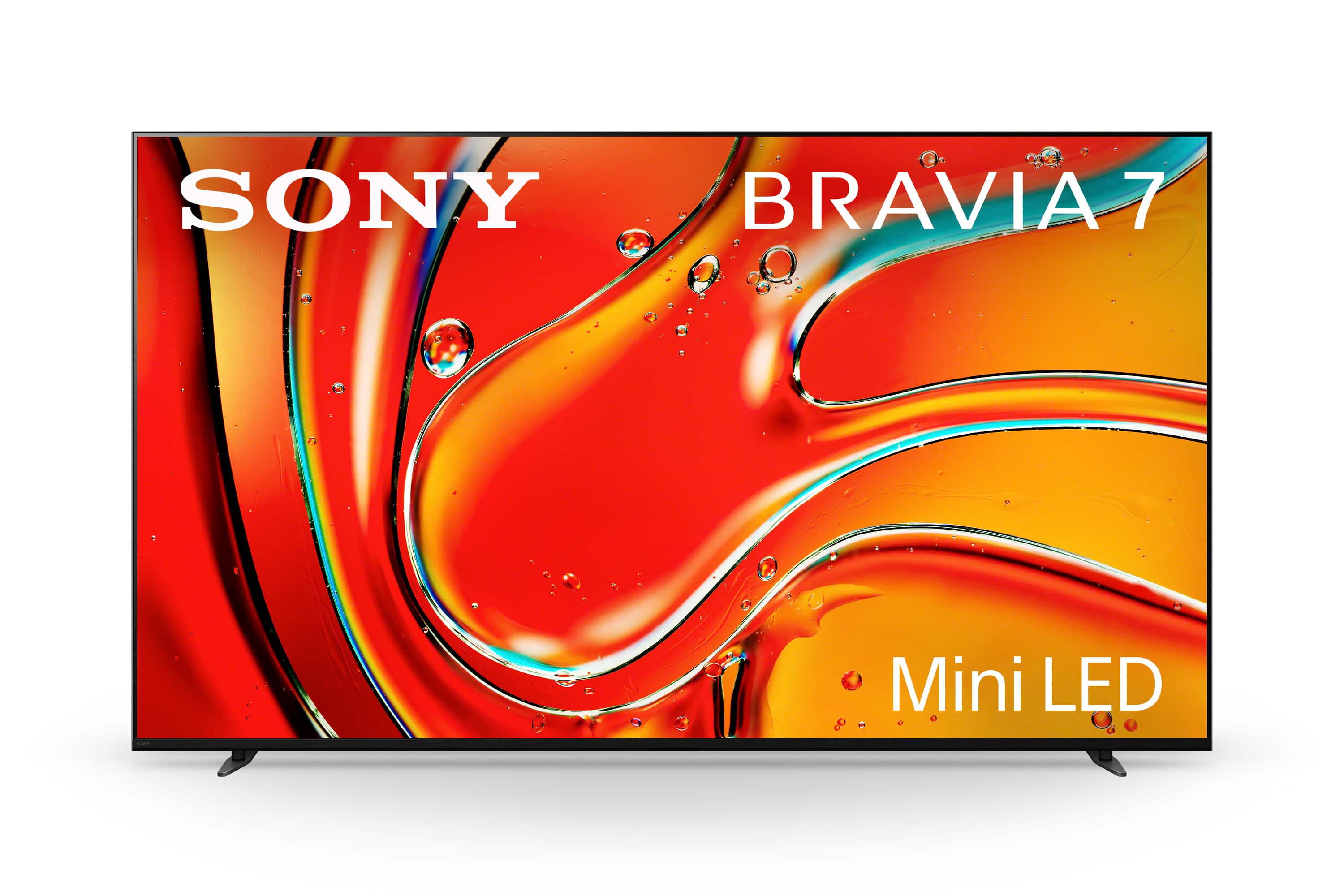
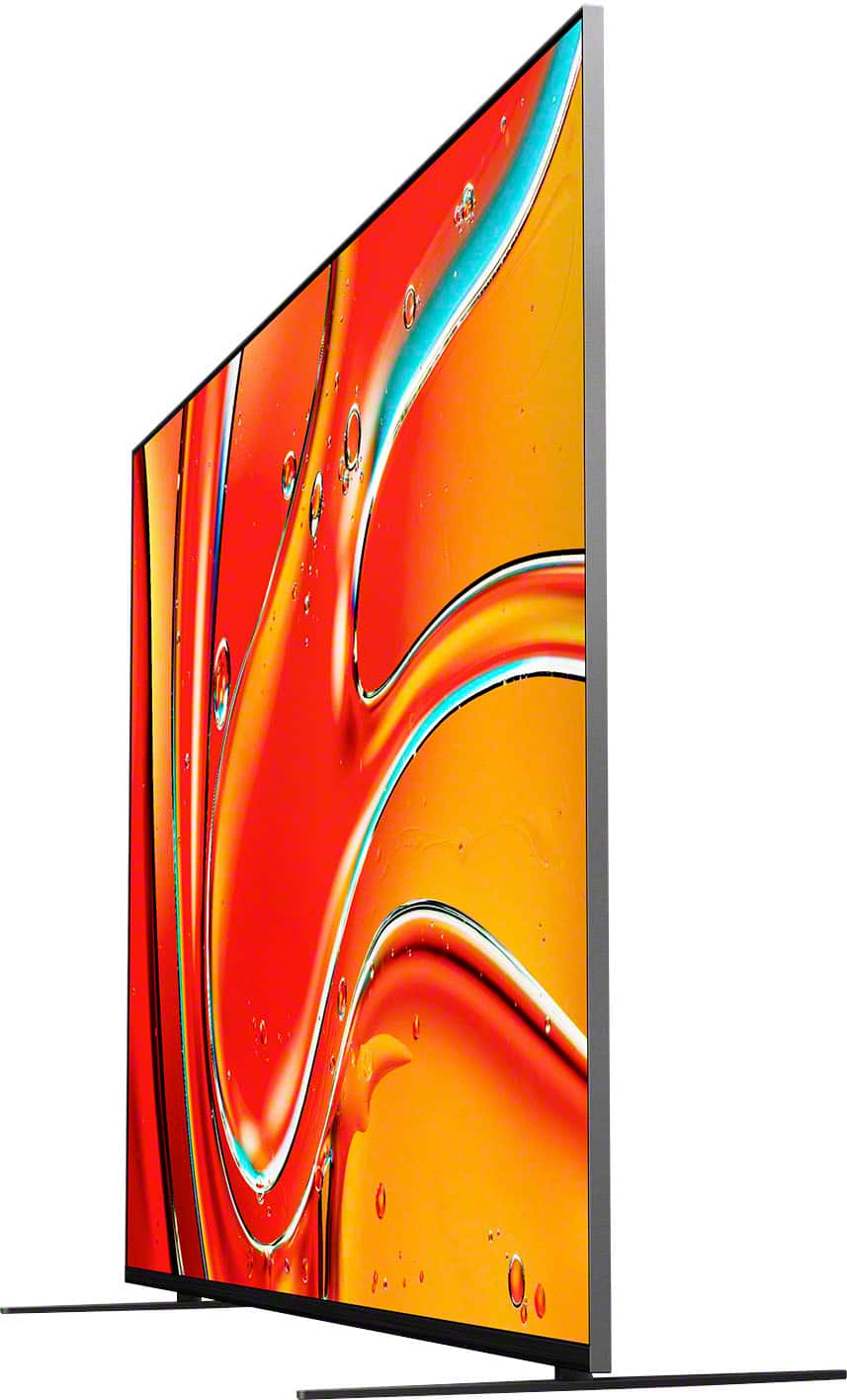
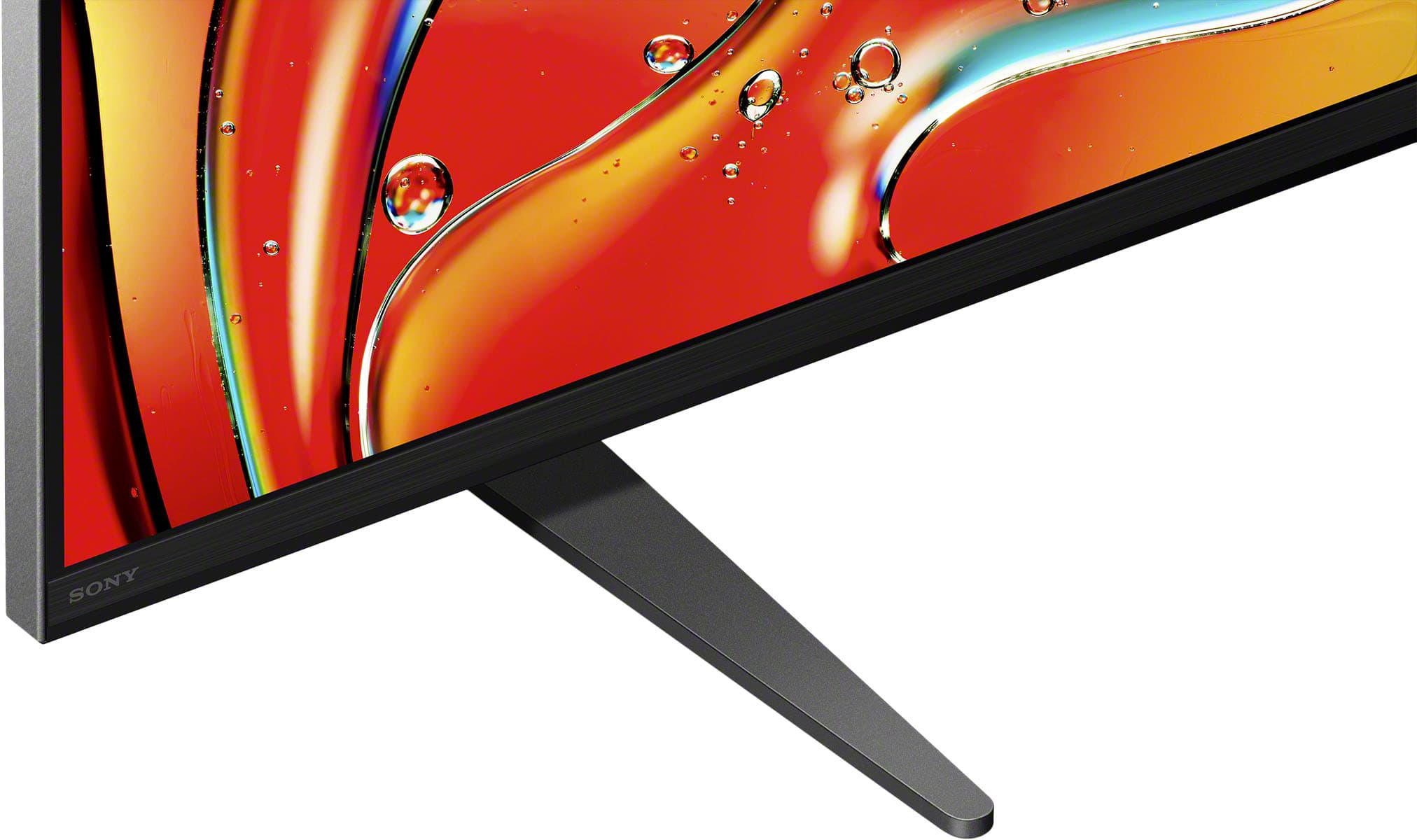
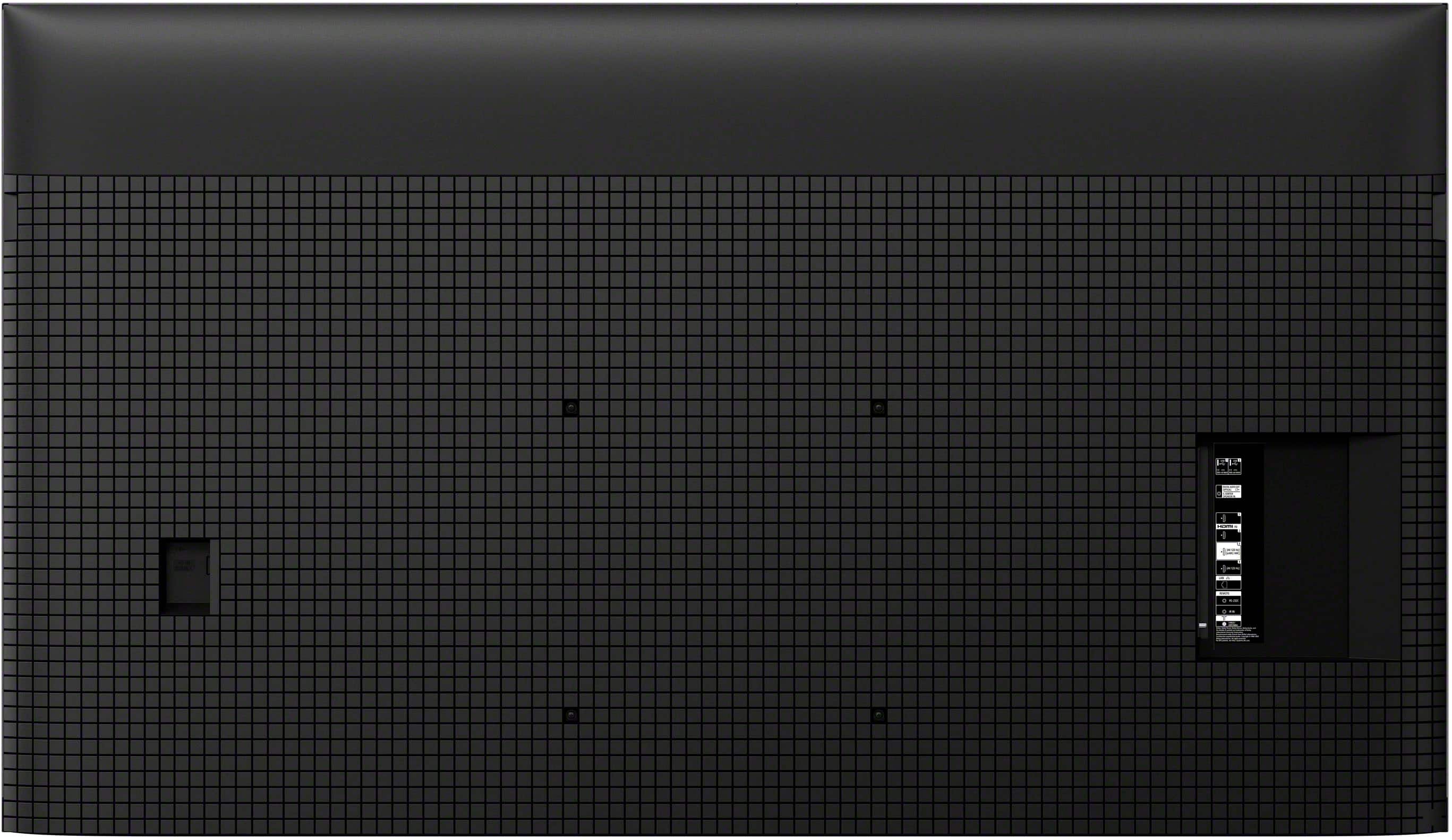
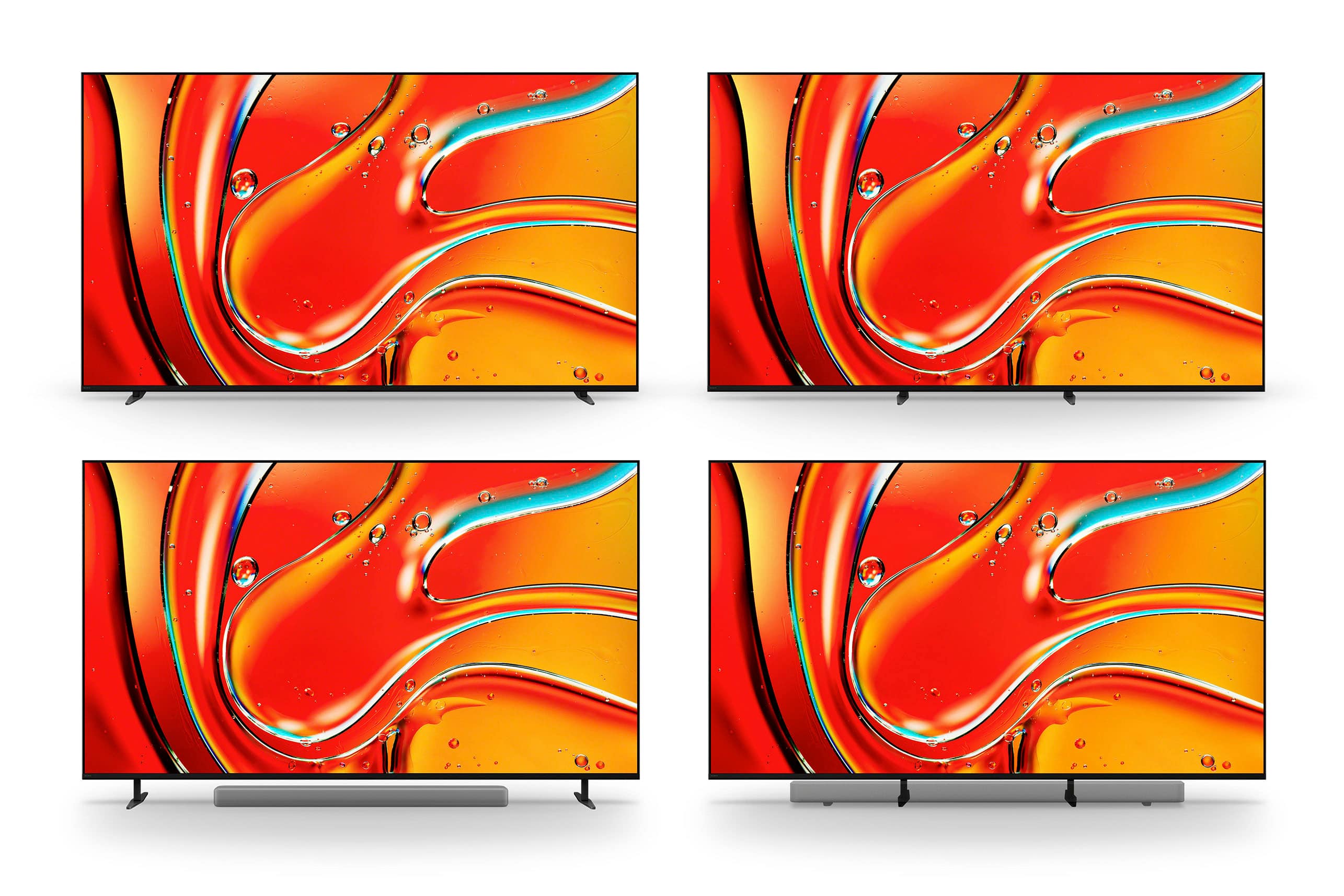
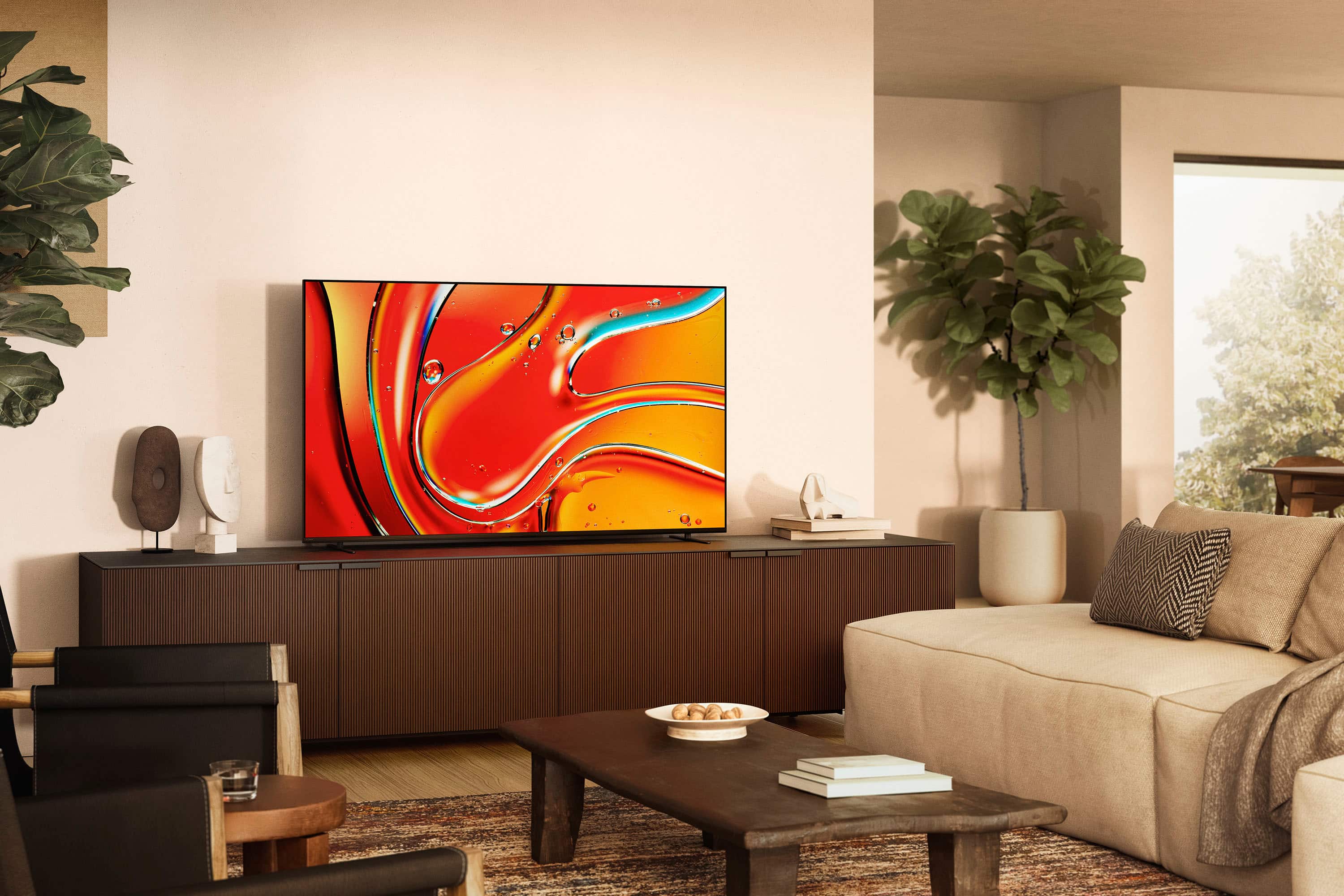

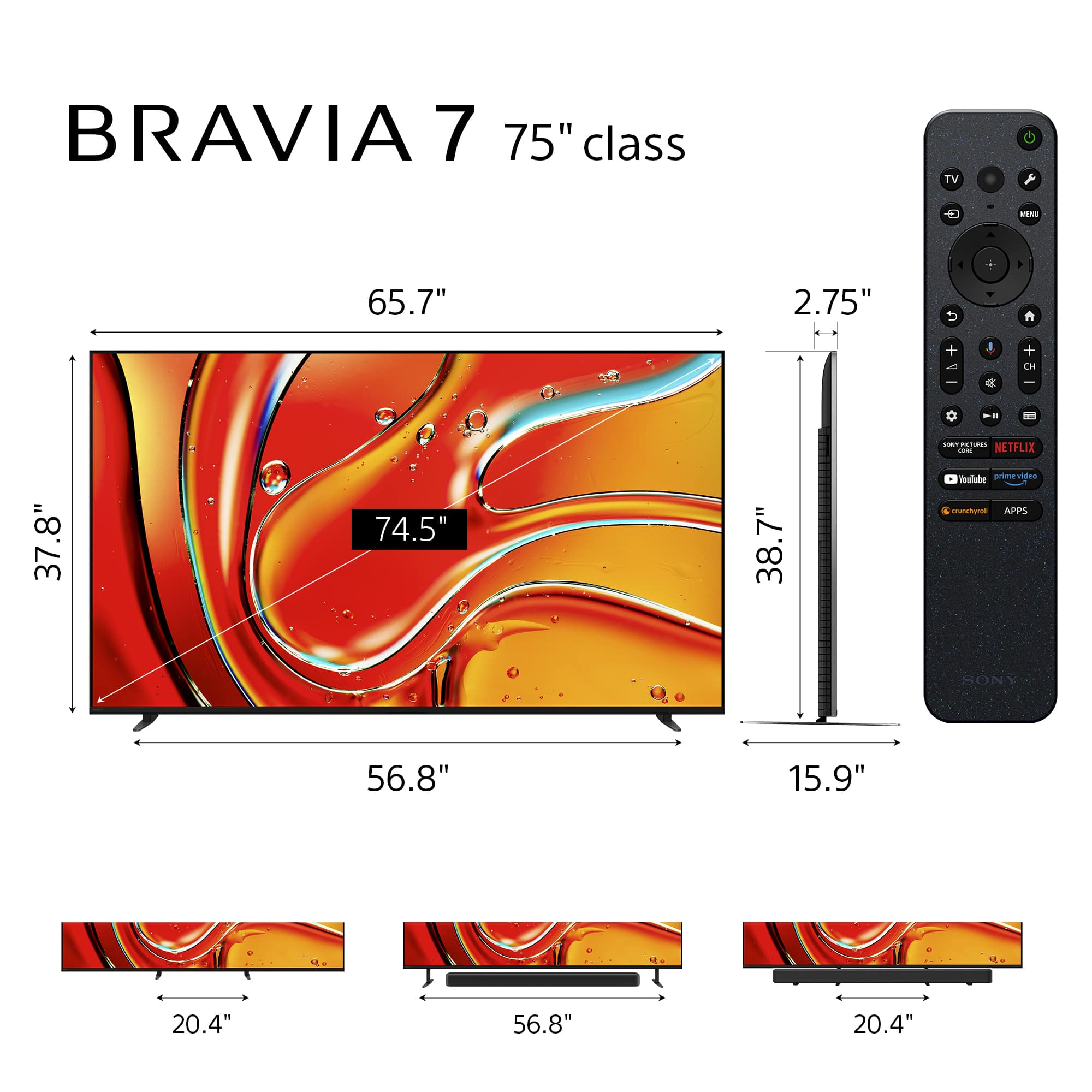
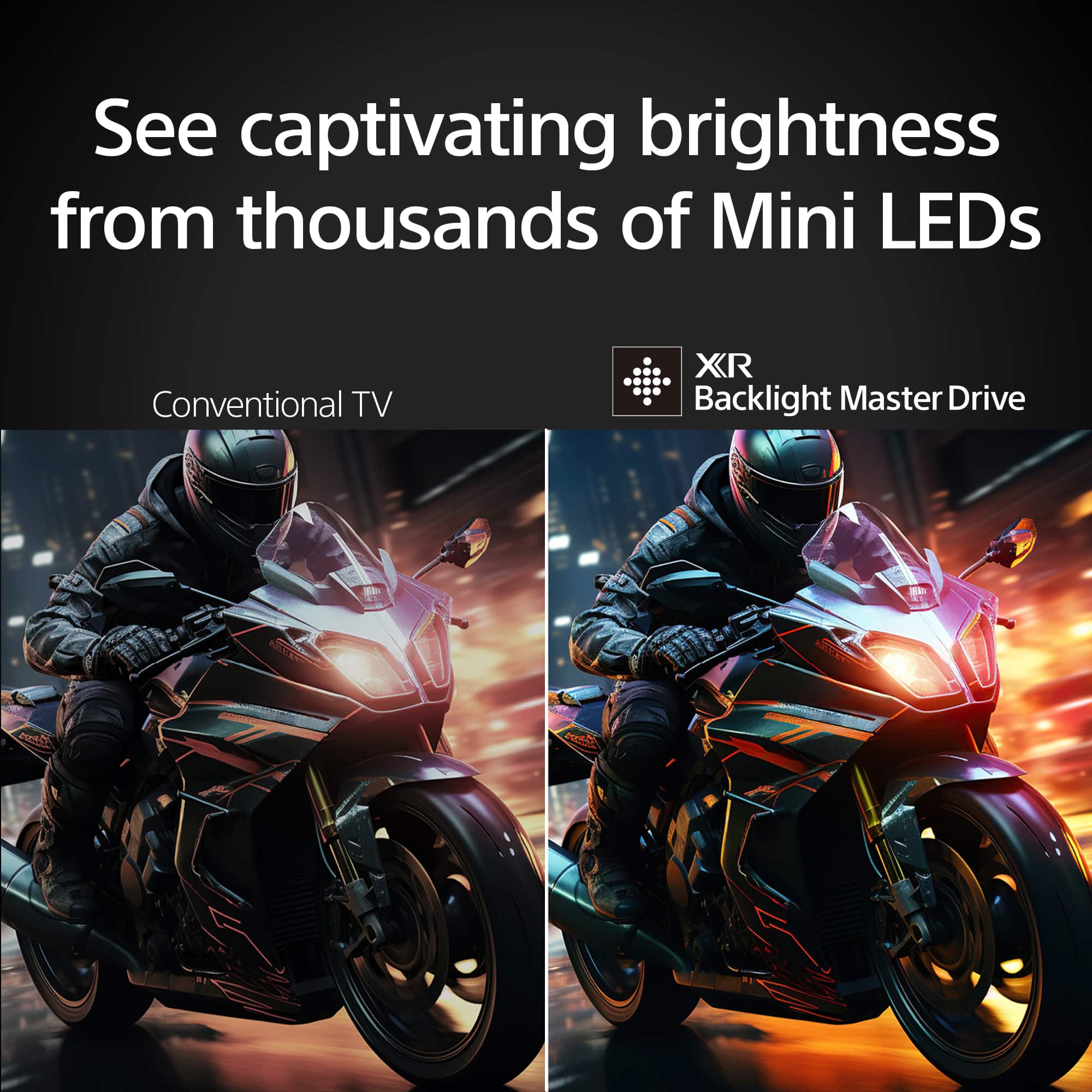







- Model:
- K75XR70
- SKU:
- 6578572
Rating by feature
- Picture Quality
Rating 4.9 out of 5 stars
- Sound Quality
Rating 4.7 out of 5 stars
- Brightness
Rating 4.9 out of 5 stars
to a friend
Customers are saying
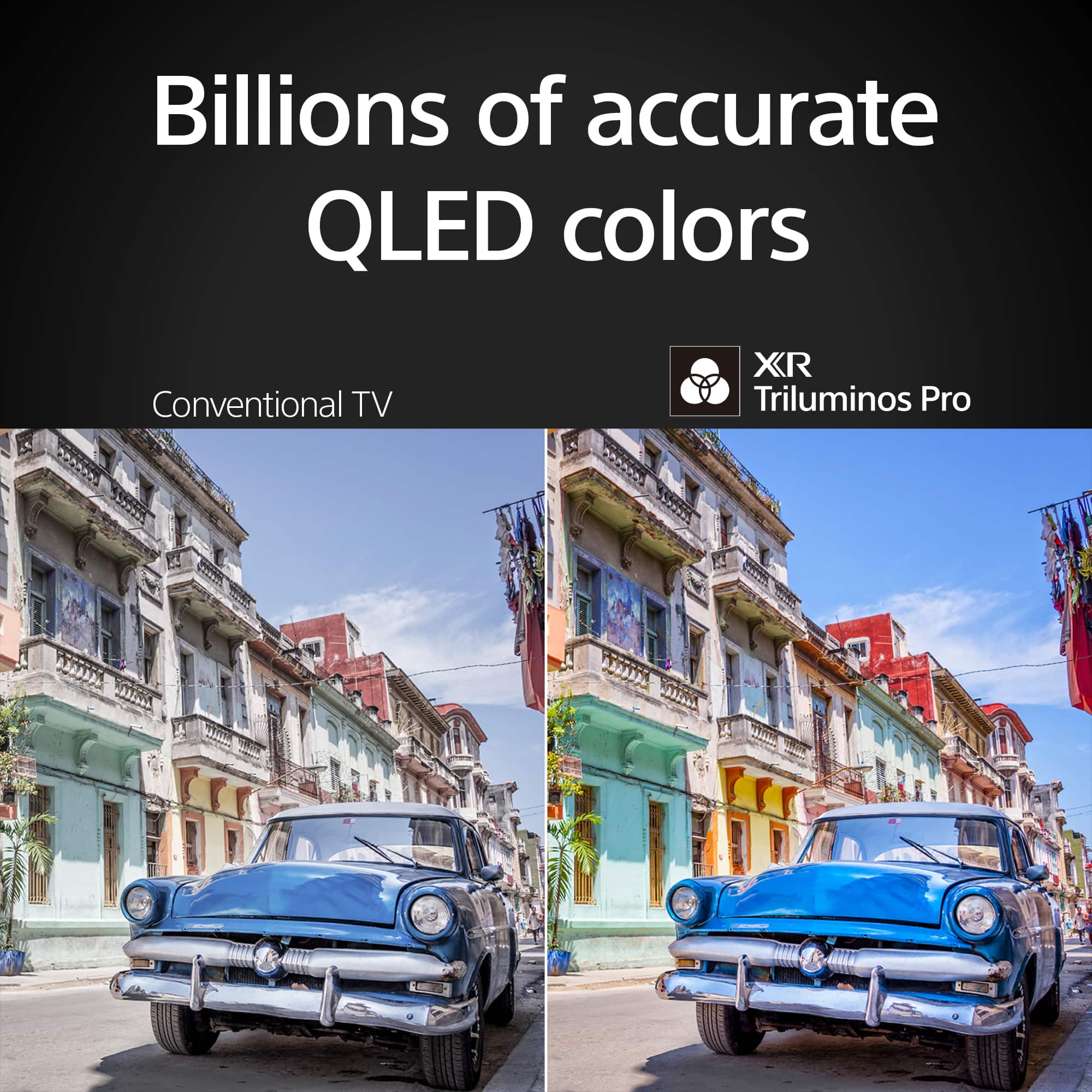
Customers often highlight the excellent picture quality and brightness of the 75" class BRAVIA 7 Mini LED QLED 4K UHD Smart Google TV (2024). Many are also pleased with its ease of use, black levels, HDR, and user interface. However, some customers have noted concerns regarding the viewing angle.
This summary was generated by AI based on customer reviews.
This TV is great with some downfalls
||Posted . Owned for 1 week when reviewed.This reviewer received promo considerations or sweepstakes entry for writing a review.The colors and brightness are top tier The downsides are the non reflective screen and the Game mode is very dim (maybe there is a fix in the settings but I couldn’t find it)
I would recommend this to a friendBrand response from SonyListens
Posted .Hi Eric,
We're delighted to hear you love the crystal-clear 4K HDR picture, vibrant colors and overall performance of your Sony X93L. Your feedback regarding reflection of the screen while watching TV or gaming is extremely important to us and is very much appreciated. This TV doesn't feature X-Wide Angle and X-Anti Reflection. If you really want the best viewing experience, it's a good idea to turn off all lighting sources as Sony TVs look the best in the darkest environment possible. Light from windows and lamps may cause glare on the TV screen. Using a brighter Picture Mode, like Vivid or Standard, will also help reduce reflection while watching TV or gaming. Picture settings also allow a wide array of changes to color, contrast, clarity, and brightness that can improve the viewed content on your Google TV.
For more information, please visit the link here: https://www.sony.com/electronics/support/televisions-projectors-lcd-tvs-android-/xr-85x93l/articles/00190409
Thanks for choosing Sony!
-Jess
Excellent upgrade!
||Posted . Owned for 2 weeks when reviewed.This reviewer received promo considerations or sweepstakes entry for writing a review.Brilliant display, easy setup. Inputs & output all worked well, including optical sound out and VHS player via converter. Connected flawlessly to WI-FI 7. Only disappointment is flaring, especially around letters, when using TV and other low quality input. Otherwise really love the 75 inch Bravia 7!
I would recommend this to a friendBrand response from SonyListens
Posted .Hi JimB, Thank you for sharing your review of the Sony BRAVIA 7. We're glad you like the brilliant display, ease of setup, reliable input and output ports, and seamless WiFi connectivity. We're sorry to hear about the "flaring" issue you're having. We would like to know more about this specific issue so we can provide a suitable solution for you. May we contact you to help and get more information? If so, please email the below information to socialsupport@am.sony.com. Apologies if you disclosed some of this information in your review and to customer service, we just want to ensure that we have your accurate details at the time of communication.
Full Name:
Best Buy Username:
Telephone Number:
Sony Model Number:
Additional Information regarding your experience with the BRAVIA 7:
Sincerely,
Sam
Great service! Color is just ok
||Posted . Owned for 1 week when reviewed.This reviewer received promo considerations or sweepstakes entry for writing a review.Service is great delivery early which was most appreciated. Not totally satisfied with the color on regular tv; news, talk shoes, some sports and movies have yellow skin tones. Also these instances are not sharp. If its a 4k Netflix movie, or SONY core, colors skin tones and sharpness is great. Adjustments dont solve the problem. SONY brags about high contrast but i think this causes some things to appear washed out with ruddy skin tones. There is a big difference between conteast and color contrast. Maybe the upscaling to 4k causes issues. I dont think there is a setting to disable it. My previous tv was a Samsung 75" QLED . Also the tv has randomly rebooted 2x so far. Updates? See my photos. The phone adds sharpness and warmth so its not entirely accurate but Joys cheeks are washed out. The guy in the commercial has yellowish skin. Its a minor annoyance coming from a Samsung.
I would recommend this to a friendBrand response from SonyListens
Posted .Hi photopro, Thank you for sharing your feedback on your new Sony Bravia 7. While we're glad you appreciate the excellent service, we regret to hear that you're not totally satisfied with the color quality of this TV. Please allow us to help you and turn this into a better experience. There are various settings that you can configure in [Picture] settings to increase the brightness, colors, and contrast level to improve the overall viewing experience on your Sony TV. You may refer to the link below for more information about the picture adjustment settings of the TV:
https://helpguide.sony.net/tv/iusltn1/v1/en-003/01-03-09_01.html
And For optimal performance, please make sure that the TV has the latest firmware update.
If you’re interested you can schedule a one-on-one consultation with our experts here: https://electronics.sony.com/one-on-one-consultation?utm_campaign=ooclink_rsiyt_20201026&utm_source=youtube&utm_medium=social_organic&utm_content=rsi&cid=sco-na-3351
Hope this helps and thanks for choosing Sony! -Sam
Sony Mini LED
||Posted . Owned for 5 months when reviewed.This reviewer received promo considerations or sweepstakes entry for writing a review.Great TV—no issues so far. My only regret is not getting the 85".
I would recommend this to a friendBrand response from SonyListens
Posted .Hi Darian, Thank you for your positive review! We're thrilled to hear that you're enjoying your new Sony BRAVIA 7 and that it has been issue-free so far. We understand your regret about not opting for the 85" model. If you ever decide to upgrade, we're confident you'll love the immersive experience it provides. Thank you for choosing Sony! -Sam
Great tv but not for viewing at angles
||Posted . Owned for 1 week when reviewed.This reviewer received promo considerations or sweepstakes entry for writing a review.This tv is really “all that” as long as you don’t watch at an angle of more than about 45 degrees off on the side. At that point it starts to wash the color a bit with the led brightness. All that said, I got this as a replacement with my extended warranty on a Sony OLED tv that got significant burn in after three years. Compared to that tv it’s as nice when watching with the 45 degree mark. It is fantastic in bright rooms and has minimal glare. The mini leds perform well providing great contrast in light/dark shots. Only had it a week or so but I’m impressed. Specifically did NOT get another oled given how easily the last one got burn in. This mini led tv is great for the price.
I would recommend this to a friendBrand response from SonyListens
Posted .Hi Billybyter, we're glad you like our product. We're sorry to hear that you have an issue with the viewing angle of your Sony unit. This link can be helpful when dealing with viewing angle issues:
https://www.sony.com/electronics/support/articles/00008601?utm_source
If you require any additional support with regard to this product, please email us at socialsupport@am.sony.com with the following details: Name: Username: Model Number: Issue: Telephone Number:
Thanks for choosing Sony. ~Earl
So Far so good.
||Posted .This reviewer received promo considerations or sweepstakes entry for writing a review.Only been a few weeks. Everything seems to be working great. Picture and sound great. Just uding TV speakers for now. My 15 year old surround sound just isn't up to the task anymore. My only issue so far is an occasional lag between the OTA signal via the TABLO app. Also the picture and sound will get out of sink some times when fast forwarding recorded shows, I power off and on the TV and they get back in sync. Lots of features and settings I'm still experimenting with.
I would recommend this to a friendBrand response from SonyListens
Posted .HI LeoM,
We’re glad to hear you’re enjoying the picture and sound quality of your new BRAVIA 7! Regarding the Tablo app lag and sync issues, we recommend ensuring both the TV software and the app are fully updated, and we suggest clearing the app's cache in the settings to help maintain synchronization. Thanks for choosing Sony.
Best regards, Eliab
Almost perfect
||Posted . Owned for 1 month when reviewed.This reviewer received promo considerations or sweepstakes entry for writing a review.The picture from a couch or seating in front of the TV is incredible but there are two valid concerns depending on preference and setup - viewing angle and glare. PQ at an angle drops considerably - knew in advance by reading reviews - but its a minor issue for my setup. Glare can be an issue on a sunny day with direct sun or reflection of windows but generally when the TV is on, the brightness of the picture minimizes it to a point I don't really notice. I didn't see enough reasons to step up to the Bravia 9 and I have too much direct sunlight for OLED.
I would recommend this to a friendBrand response from SonyListens
Posted .Hi BrentS, Thank you for sharing your feedback on the Sony Bravia 7 Mini QLED TV. We're glad you are impressed with the image quality. Although the BRAVIA 7 TV has a semi-gloss looking screen, it has no anti-glare features. To achieve the best picture quality, we recommend not exposing the screen to direct illumination or sunlight and avoiding installing the TV in a room with reflective walls and floor materials. Using a brighter Picture Mode, like Vivid or Standard, will also help reduce reflection while watching TV or gaming. Again, we appreciate your feedback. Enjoy and thanks for choosing Sony. -Craig
Excellent picture
||Posted . Owned for 1 month when reviewed.This reviewer received promo considerations or sweepstakes entry for writing a review.My second purchased with Sony Bravia my first purchase was 65 Bravia 8 OLED didn't like it at all too dark and it just wasn't engaging enough for me. So I went back to Best Buy look at other models of Sony Bravia and decided to yoga myself with a 77" Bravia 7 mini LED picture quality is amazing I love everything about this TV I've noticed I'm watching more often than before and I'm happy a customer! Oh one thing I've noticed it's alarming me to update already after one month of purchasing hopefully it's normal that's my only concern. Overall 9/10 good buy
I would recommend this to a friendNice TV
||Posted . Owned for 1 month when reviewed.This reviewer received promo considerations or sweepstakes entry for writing a review.We like the TV so far, great picture. We did have a day where we were only getting sound and no picture which was a little disappointing since we've only had the TV for about a month. We were able to fix it by unplugging it. Again, simple fix, but the TV isn't even a month old and is only on maybe and hour or two a day.
I would recommend this to a friendBrand response from SonyListens
Posted .Hello KristaN,
Thank you for your review of the Bravia 7.
We're happy to know you like the TV and its great picture. We're sorry you experienced the temporary sound-only issue, even if it was easily fixed. We appreciate you bringing it to our attention. If you have any further concerns, please don't hesitate to reach out to our support team at https://us.esupport.sony.com/support/s/support-contact?language=en_US&category=tv
We're here to help ensure your complete satisfaction!
Thanks for choosing Sony.
Sincerely,
Jenn.
Sony 85
||Posted . Owned for 3 weeks when reviewed.This reviewer received promo considerations or sweepstakes entry for writing a review.Great for most tv feeds however does not work well with Amazon for TNF - bad color and not able to adjust.
No, I would not recommend this to a friendBrand response from SonyListens
Posted .Hi Heater4less,
Thank you for your review and the 4-star rating on your Sony BRAVIA 7! It is truly wonderful to know that the TV performs great with most of your content. We sincerely apologize that you are experiencing poor color performance when watching TNF via Amazon, and that the picture settings are difficult to adjust for that specific feed.
We want to help you achieve the best possible picture quality for all your content. You can follow this guide to adjust the picture settings to your preference: https://www.sony.com/electronics/support/articles/00190409
If you are unable to resolve the issue with the guide, please do not hesitate to contact our technical support team, who will be happy to assist you directly: https://us.esupport.sony.com/support/s/support-contact?language=en_US&category=tv
Thank you for choosing Sony!
Regards,
Dominick
Good TV, But Not Super Bright
||Posted . Owned for 1 week when reviewed.This reviewer received promo considerations or sweepstakes entry for writing a review.It's a fine television. The picture is clear and sharp. But it isn't quite bright enough for a room with a lot of natural light. It would work well in a den and I wouldn't hesitate to buy it for a room like that. I returned it and bought a Samsung QLED which is much brighter, but if you don't need a really bright screen, this is a fine television.
I would recommend this to a friendBrand response from SonyListens
Posted .Hi WillS, Thank you for your review of the Sony BRAVIA 7. We appreciate your feedback on the clarity and sharpness of the picture quality. It is designed to provide a fine viewing experience, especially in rooms with controlled lighting such as a den. We apologize for any inconvenience caused by the brightness level. The BRAVIA 7 may not be the best fit for rooms with a lot of natural light. We understand your need for a brighter screen and are glad you found a suitable alternative with the Samsung QLED. If your viewing conditions do not require very high brightness, the BRAVIA 7 remains a solid choice. Thank you again for your insights and for considering Sony. -Sam
75 inch Bravia 7
||Posted . Owned for 5 months when reviewed.This reviewer received promo considerations or sweepstakes entry for writing a review.I am happy with my Bravia 7 75 inch it has a great picture when viewing 4K. I played around with the factory picture settings and was finally able to improve the picture on my Dish HD channels. I had Best Buy deliver and install my 75 inch, they did a good job I would recommend everyone to get BB to install the TV and avoid damage risk of damage from delivery.
I would recommend this to a friendBrand response from SonyListens
Posted .Hi EvelynS, Thank you for your wonderful feedback! We're thrilled to hear that you’re enjoying the picture quality, particularly with 4K content. It’s fantastic to know that tweaking the factory picture settings enhanced the quality of your Dish HD channels. Your recommendation of Best Buy's delivery and installation service will undoubtedly help others who are considering it. We appreciate you taking the time to share your review of the BRAVIA 7, and we’re grateful that you chose Sony! - Romeo
Need More 4K Inputs
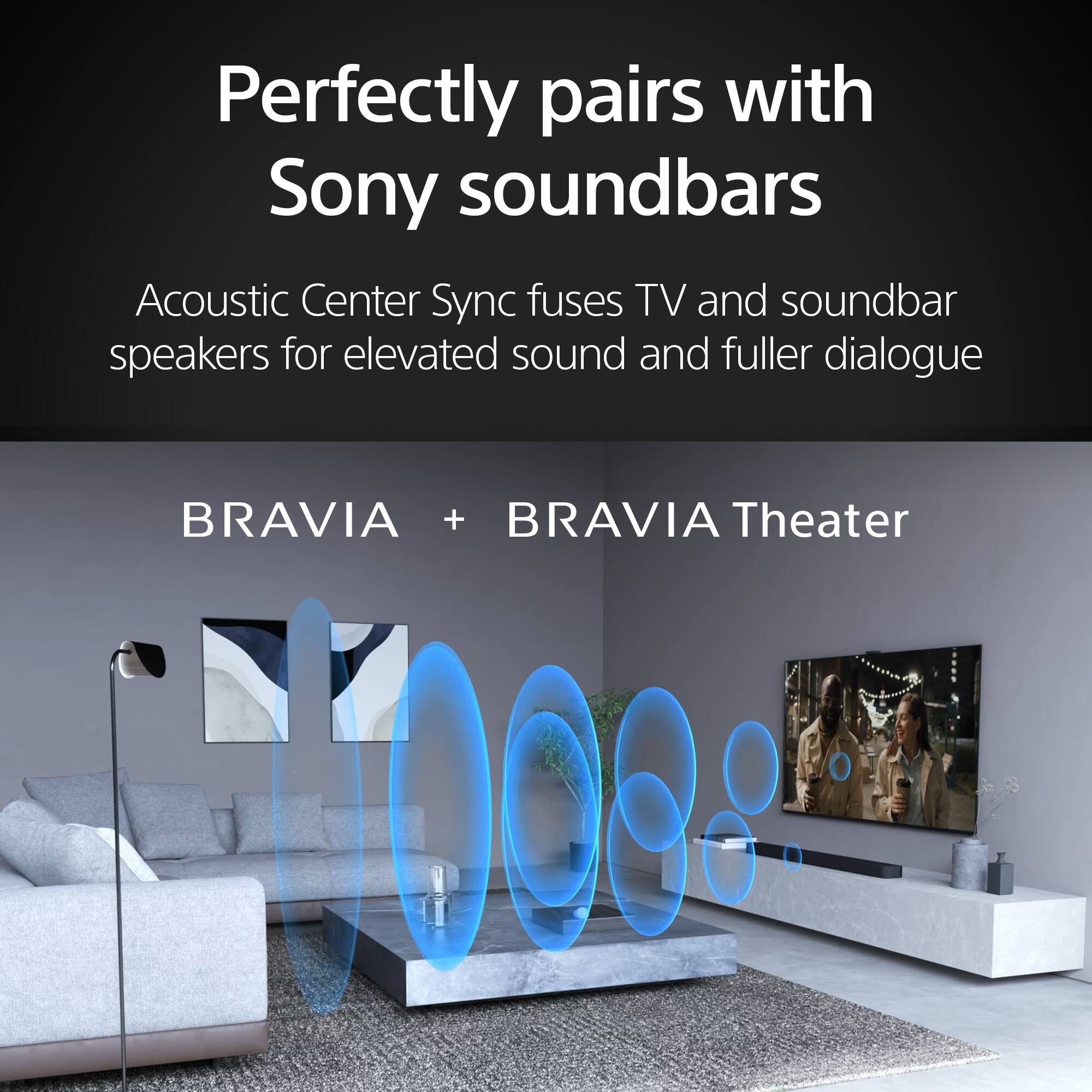
||Posted . Owned for 1 month when reviewed.This reviewer received promo considerations or sweepstakes entry for writing a review.The picture is gorgeous and the seamless connection to the Bravia Theater soundbar is awesome. Even without the soundbar, the tv speakers by themselves are incredible. The only reason it is not 5 stars is because out of the 4 HDMI inputs, only 2 are 4K, and one of those is taken by the e-arc for the soundbar, so you actually only have 1 4K input.
I would recommend this to a friendBrand response from SonyListens
Posted .Hello KiethD,
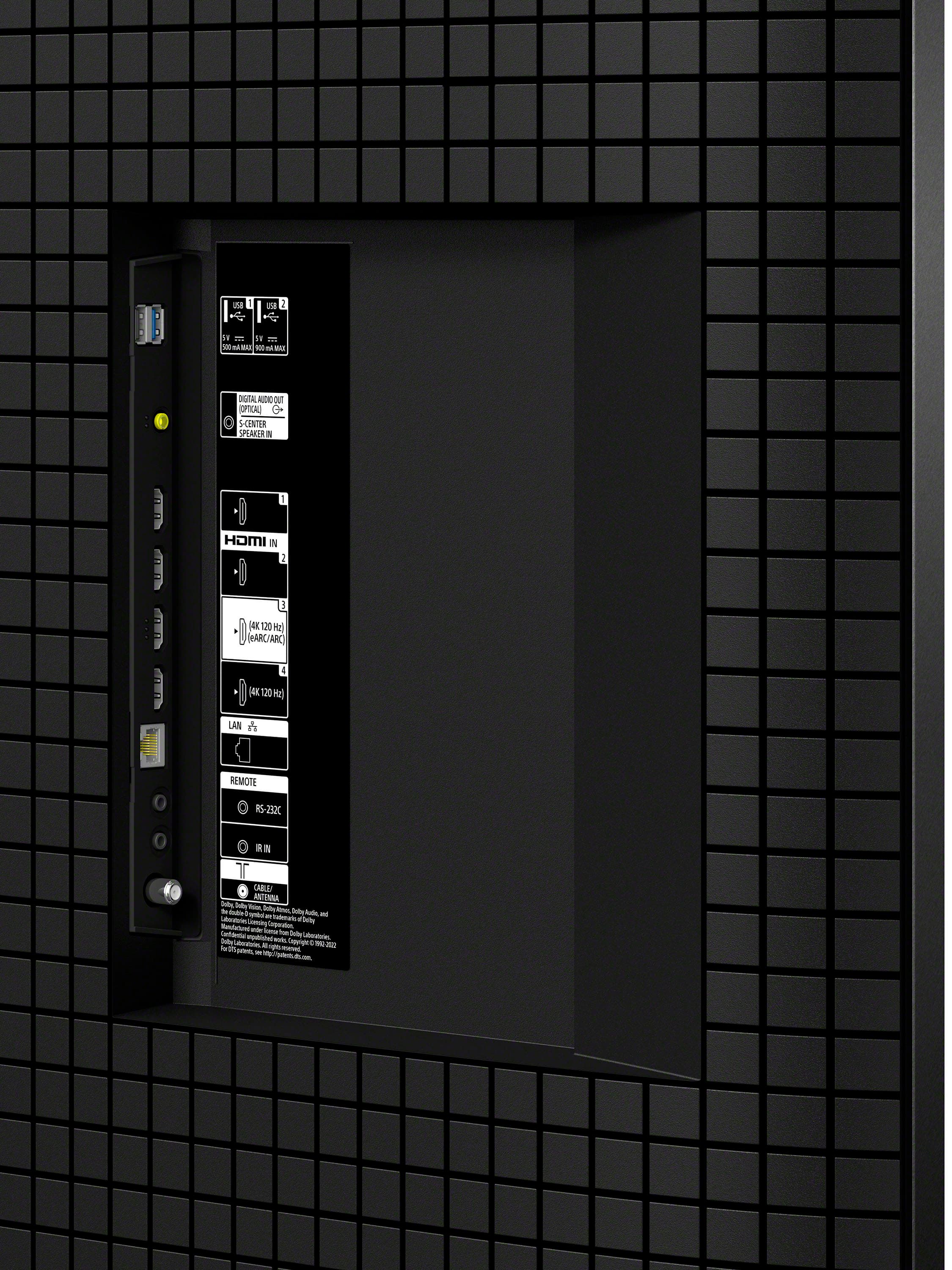
Thank you for sharing your feedback on the K75XR70 (BRAVIA 7). We truly appreciate your kind words regarding the picture quality and the seamless integration with the Bravia Theater soundbar. We understand your concern about the limited number of 4K HDMI inputs. The K75XR70 model is equipped with four 4K HDMI inputs; however, only two of these inputs support the advanced features outlined in HDMI 2.1 (4K120, eARC, VRR, and SBTM are available on HDMI 3 & 4), while ALLM is supported across HDMI 1, 2, 3, and 4. We value your input and will consider it as we work towards future product enhancements.
If there's anything we can do to assist you or if you need information about our product, please don't hesitate to reach out. We are always here to help! You may send us an email at socialsupport@am.sony.com with the following:
Name:
Username:
Model Number:
Issue/Concern:
Telephone Number:
Thank you for your purchase, and for choosing Sony.
Best regards,
Romeo
Great picture, reflective surface coiuld be improv
||Posted . Owned for 3 weeks when reviewed.This reviewer received promo considerations or sweepstakes entry for writing a review.Beautiful picture, but screen doesn't handle reflection very well. Still great picture especially for the money with Best Buy sale price. I like the adjustable both height and width legs as it makes fitting the sound bar easy. I have never owned anything Sony that disappointed me so i expect trouble free enjoyment.
I would recommend this to a friendBrand response from SonyListens
Posted .Hi johnnieg, we're glad you like the picture quality of our product. Unfortunately, this TV does not have specific anti-glare technology. However, K75XR70 model has a wide viewing angle, which is beneficial for reducing reflections and ensuring a clear picture from various positions in the room. Please check this link for more information:
https://www.sony.com/electronics/support/articles/00008601?utm_source
If you require any additional support with regard to this product, please email us at socialsupport@am.sony.com with the following details: Name: Username: Model Number: Issue: Telephone Number:
~Earl
Bravia
||Posted . Owned for 1 month when reviewed.This reviewer received promo considerations or sweepstakes entry for writing a review.The television works great, the casting volume features are inconvenient. Automatically goes to max volume. Happy with the quality though.
I would recommend this to a friendBrand response from SonyListens
Posted .Hi IsraelP,
We are thrilled to hear your BRAVIA 7 TV is working great and that you’re happy with its quality!
Thanks for letting us know about the casting volume issue, it sounds pretty inconvenient when the sound jumps to maximum.
To get assistance with that, our support team is here to help you out. Just reach out at https://us.esupport.sony.com/support/s/support-contact?language=en_US&category=tv and we’ll do our best to make things smoother for you!
Thanks for choosing Sony and for letting us know about this issue.
Best regards,
Estefany
Sony TV
||Posted . Owned for 3 weeks when reviewed.This reviewer received promo considerations or sweepstakes entry for writing a review.Sony TV has a good picture and is easy to browse. I like it.
I would recommend this to a friendBrand response from SonyListens
Posted .Hi Alex, You made the right choice with the Sony BRAVIA 7! We're thrilled that you like the outstanding sound and picture quality of the TV. You’re now able to enjoy immersive, engaging cinematic experience in your home. Thank you for choosing Sony! -Jess
So far so good
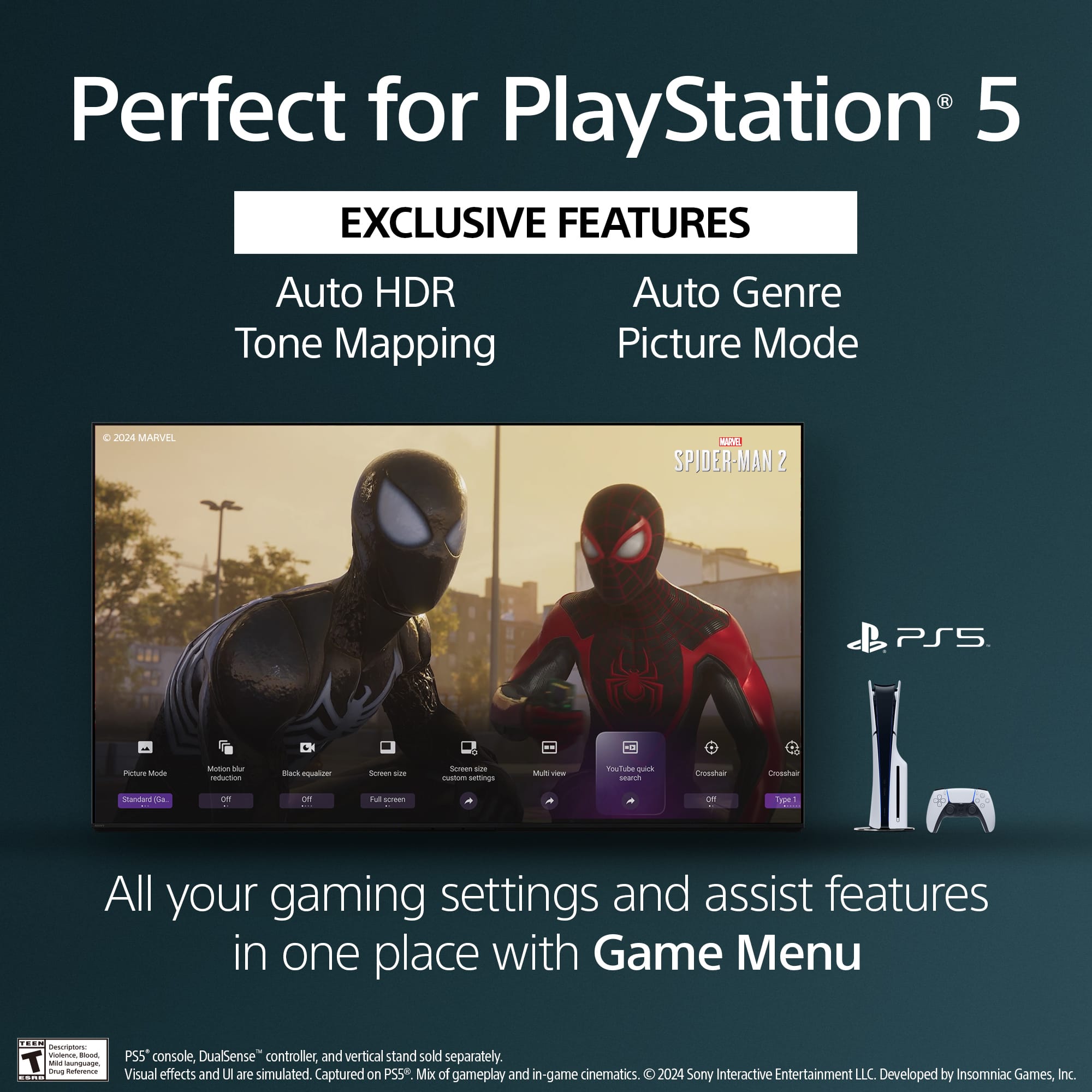
||Posted . Owned for 1 month when reviewed.This reviewer received promo considerations or sweepstakes entry for writing a review.I bought this to replace a Hisense google TV that repeatedly dropped to the home screen while streaming or playing Xbox/Switch/PS. The picture quality is much better as this has a dedicated graphics processor. I have had it drop to the home screen once, but it may have been due to an accidental button press on the remote.
I would recommend this to a friendBrand response from SonyListens
Posted .Hi Thomas, Thank you for sharing your experience with the Sony BRAVIA 7! It's great to hear that you are enjoying the improved picture quality of your new TV. The issue of the TV dropping to the home screen could be due to an accidental button press on the remote. If the problem persists, you might want to check if there are any firmware updates available for your TV, as these updates can sometimes resolve these issues. If you continue to experience issues, we suggest contacting Sony support for further assistance. Email us at socialsupport@am.sony.com with the following details:
Name:
Username:
Model Number:
Issue:
Telephone Number:
Hope this helps and thanks for choosing Sony! -Sam
Great tv
||Posted . Owned for 1 month when reviewed.This reviewer received promo considerations or sweepstakes entry for writing a review.The tv is just right and looks great like the picture on it everything is pretty easy to operate
I would recommend this to a friendBrand response from SonyListens
Posted .Hi WilliamH,
That's fantastic! It brings us great joy to hear that you are so pleased with the Sony BRAVIA 7.
It's wonderful to know that the TV perfectly checks all the boxes for you and provides such a beautiful viewing experience. Our focus on picture quality and intuitive operation is designed to make your entertainment simple and superb.
Thanks for choosing Sony!
Regards,
Dominick
Wish the four was a five
||Posted . Owned for 1 month when reviewed.This reviewer received promo considerations or sweepstakes entry for writing a review.When it’s right, it’s fantastic! Required too much tweaking to get the picture right and it has a weird tendency to develop a little bit of a green hue; some blues become aqua. Trying to decide whether to live with it or send it back. For the money, I would expect a five star performance.
I would recommend this to a friendBrand response from SonyListens
Posted .Hello EchoEcho,
Thank you for your review of the K75XR70 (BRAVIA 7). We appreciate your feedback and are sorry to hear about the issues you are experiencing with the picture quality and the green hue.
To address the green hue and color accuracy issues, you might want to try the following steps:
1. Picture Settings Adjustment: Ensure that the picture settings are optimized. You can try adjusting the color settings, including the hue and saturation, to see if it improves the picture quality.
2. Software Update: Check if there is a software update available for your TV. Sometimes, updates can fix bugs and improve performance.
https://www.sony.com/electronics/support/televisions-projectors-lcd-tvs-android-/k-75xr70/downloads
3. Factory Reset: If the problem persists, consider performing a factory reset to restore the TV to its default settings. This can sometimes resolve unexpected issues.
https://www.sony.com/electronics/support/articles/00159487
I hope this helpls. If there's anything we can do to assist you or if you need information about our product, please don't hesitate to reach out. We are always here to help! You may send us an email at socialsupport@am.sony.com with the following:
Name:
Username:
Model Number:
Issue/Concern:
Telephone Number:
Thank you for your purchase, and for choosing Sony.
Best regards,
Romeo
Awesome
||Posted .This reviewer received promo considerations or sweepstakes entry for writing a review.Awesome picture and Colors!! Sony hit a home run as they usually do. Can’t find anything I don’t like about it!
I would recommend this to a friendBrand response from SonyListens
Posted .Thank you so much for your wonderful review, JamesK! We could not be more pleased to hear that you're enjoying the awesome picture and vibrant colors of your Sony K75XR70. Delivering an outstanding viewing experience with brilliant color and clarity is at the heart of what we do, and your feedback truly means a lot to us. We hope you continue to enjoy all your favorite entertainment just the way it was meant to be seen.
Thank you for choosing Sony!
Best regards,
Gus
Sony Social Media Team