Customer Ratings & Reviews











- Model:
- K77XR80
- SKU:
- 6578574
Rating by feature
- Picture Quality
Rating 4.9 out of 5 stars
- Sound Quality
Rating 4.6 out of 5 stars
- Brightness
Rating 4.7 out of 5 stars
Customers are saying
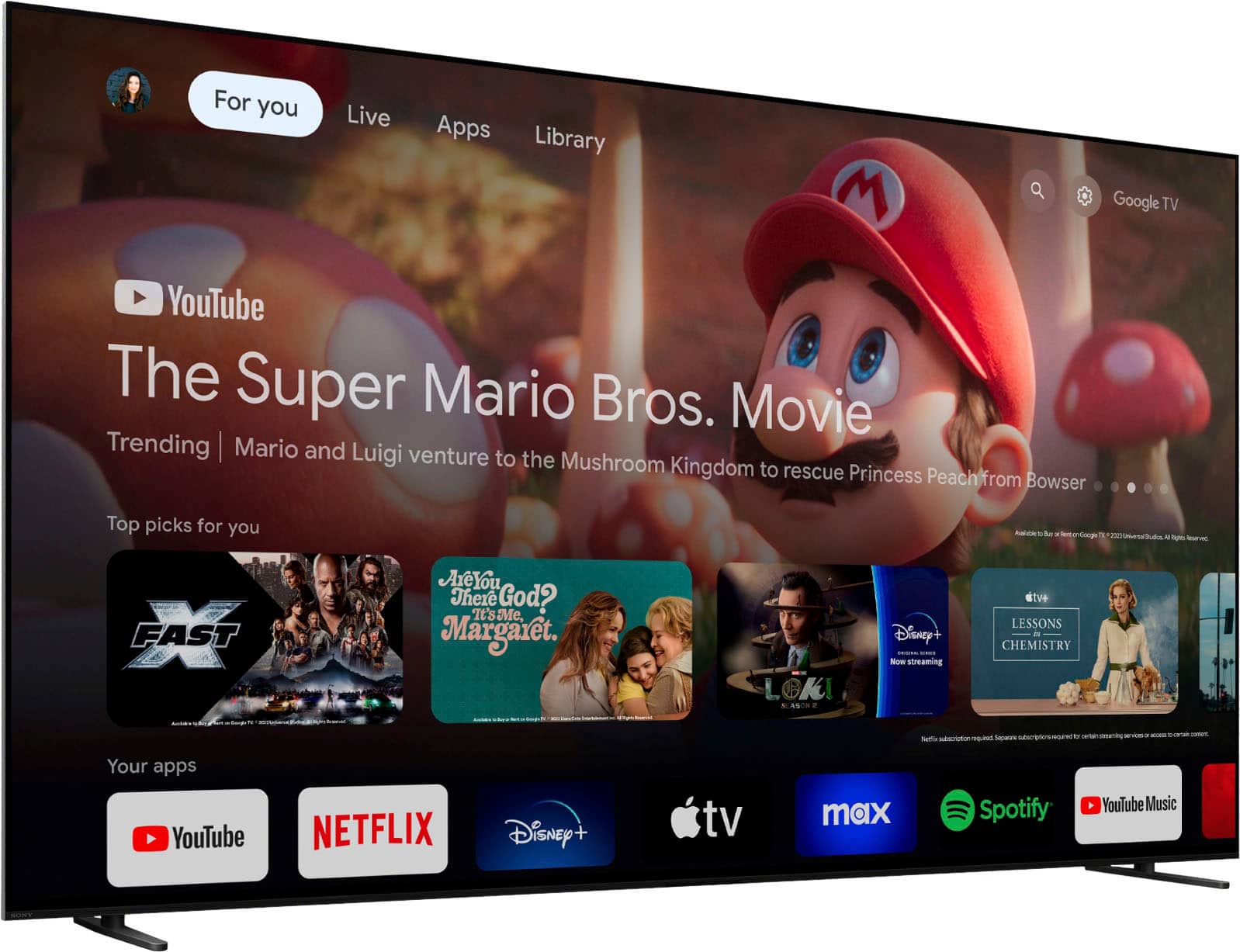
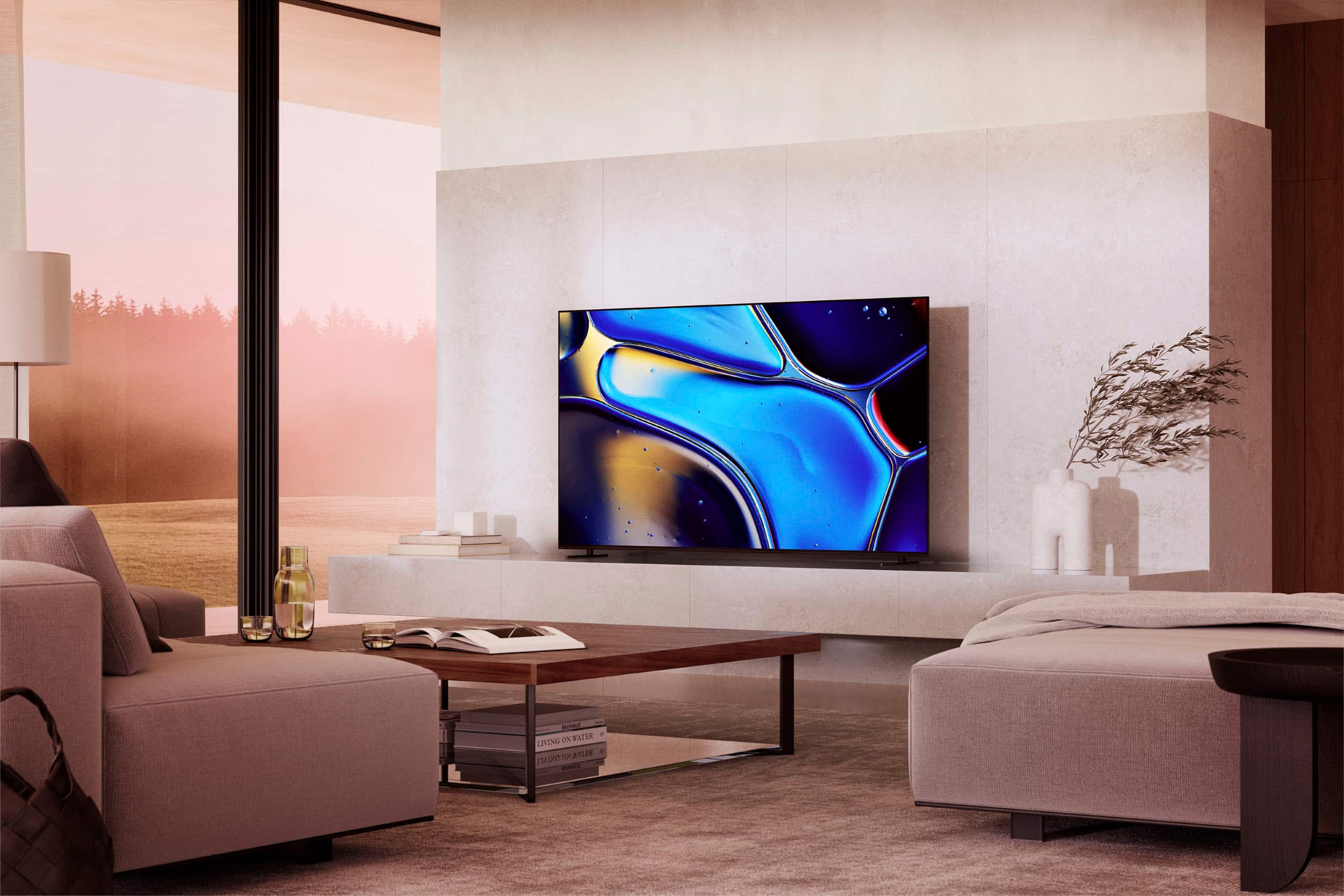
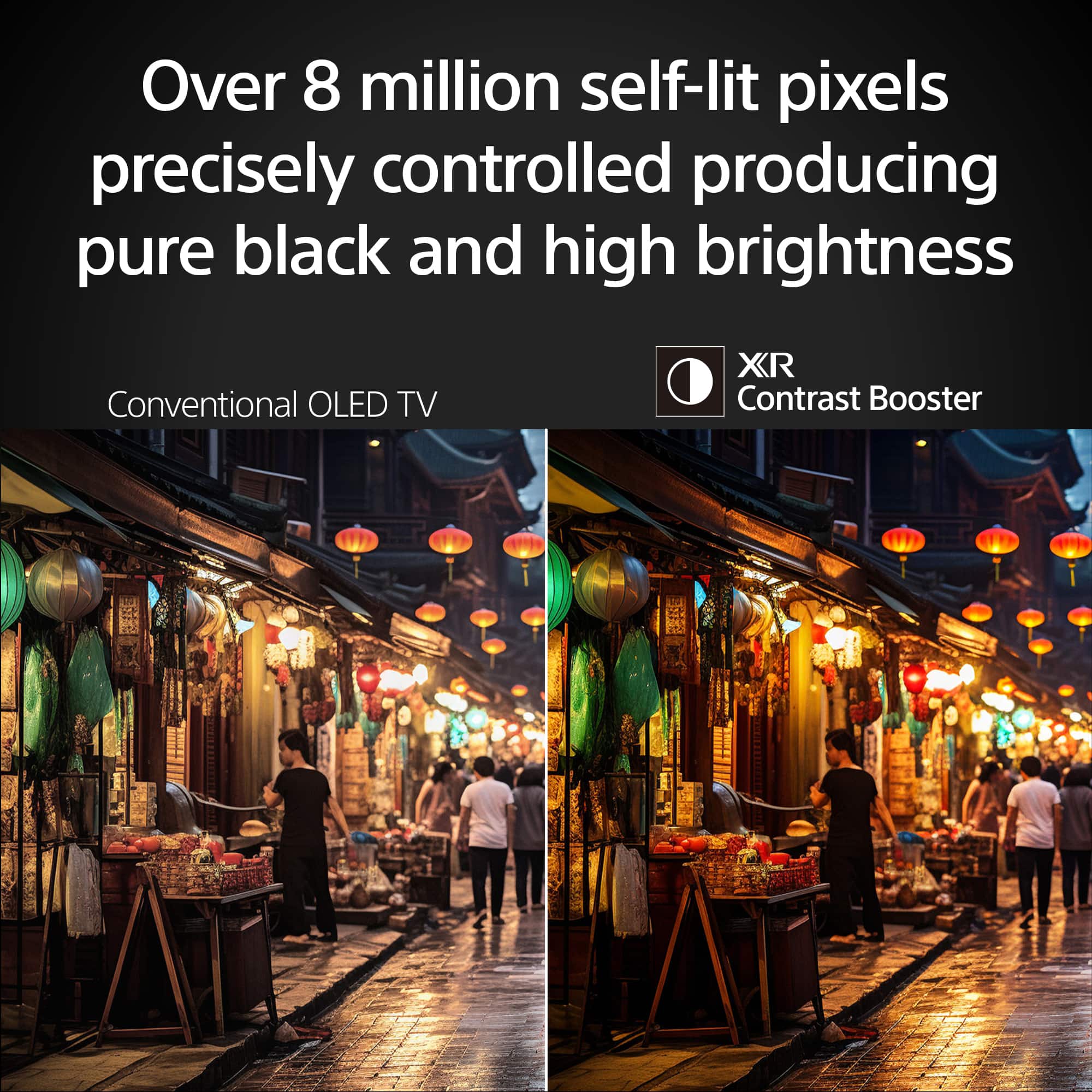
Customers regard the 77" Class BRAVIA 8 OLED 4K UHD Smart Google TV (2024) highly for its exceptional picture quality and vibrant colors. Users find the TV very easy to set up. Some customers have expressed concerns regarding connectivity, specifically mentioning HDMI ports.
This summary was generated by AI based on customer reviews.
Caution! Terrible screen uniformity
||Posted . Owned for 6 months when reviewed.This reviewer received promo considerations or sweepstakes entry for writing a review.Regret buying this TV. In light scenes the picture is amazing but oled is supposed to shine in dark scenes. Unfortunately there are vertical lines or banding that show up in dark scenes especially in panning scenes that are super distracting and completely take away from the picture. Looks like someone ran a paint brush down the screen in most dark scenes, it has terrible screen uniformity. Wish I hadn’t returned an LG C4 for this TV.
No, I would not recommend this to a friendVery disappointed
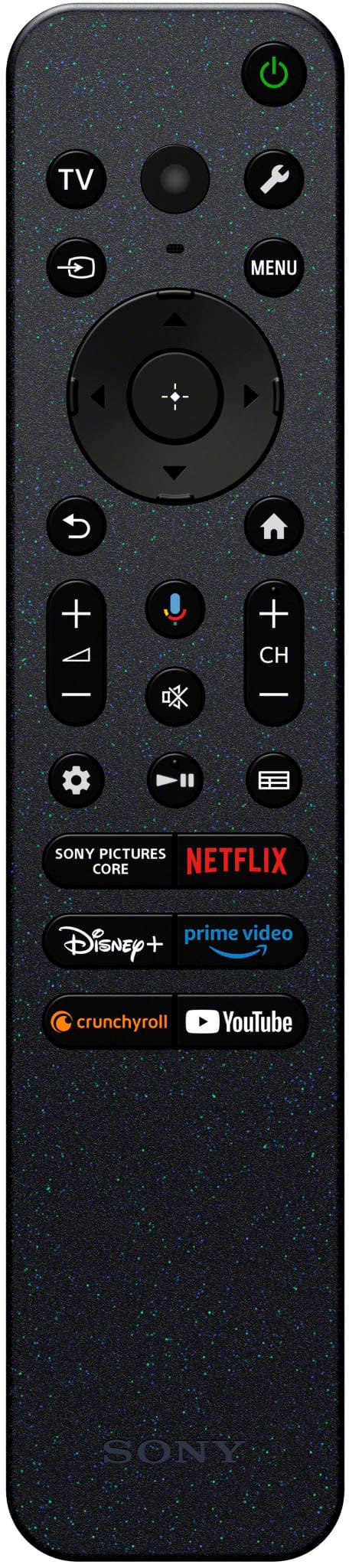
||Posted . Owned for 1 month when reviewed.This reviewer received promo considerations or sweepstakes entry for writing a review.I have to say that I am quite disappointed many of the aspects of this TV. I wasn't really in the market for a TV when i went into the store but had considered upgrading as my current TV was a 10 year old Vizio that didn't have the internet contestability that is so necessary these days. We wandered the store looking at large screen TV that varied in prices by magnitudes that were stunning. Frankly all the pictures looked great. There were so many different letter designations and subtle differences it was overwhelming. I finally just said to my wife which one do you like, she said "that one"! So much for the science of selecting a TV. Anyway, it was one of the mor expensive sets so I figured it should do everything I wanted. I had Best Buy deliver it as a 77" inch screen wasn't fitting in my car. I did not opt for the $249 set up. This is where the disappointment started. I didn't expect them to connect it to my surround system, but I guess naively I expected them to unbox it and plug it in to see if it worked. Nope, they dumped it in the middle of the living room and left. When I questioned them, they made it clear it wasn't their job and indicated maybe someone else would be by later to set it up. I knew that wasn't happening. Getting to the TV. For starters the set up was a bit confusing, there was only a single sheet with pictograms to indicate connects. The manual is accessed via QR code on your phone. I'm sorry, but as a senior citizen with glasses, accessing minuscule print on my phone that needs constant scanning isn't acceptable. I finally accessed the manual on my PC in another room. That required walking back and forth for every question that I had. Maybe, not a problem for today phone oriented society, but give us old guys a break! I have never been able to adjust the picture to anything that comes close to the picture that I had on my 10 year old Vizio. I am used to going to a dropdown that allows adjustment scales for brightness, contrast, intensity and so forth. If one exists I can't find it. I have the TV connected to an Onkyo receiver that I purchased at the same time. It is a 7.2 Dolby setup with 7 channels that works fine when I am connected to any cable channels but drops out and switches to internet channels. At those times I am restricted to the speakers on the TV. Not what I was expecting. Next, let's talk about the remote. The remote is the cheapest least function TV remote I have seen since the 70s! It doesn't even have number buttons to switch to other channels. Also, for years I have been able to run all my equipment through the cable remote of which I have several. I have been able to grab the remote that resides next to my chair, my wife's chair or other locations and do anything. Now there are certain functions that can only be accessed through either the TV remote or the receiver remote. If I want to go to an internet connection it can only be done by an interminable amount of scrolling to get to the correct app and then waiting for it to connect. If I want to switch back to a different channel to check a ball score of see the weather, I have to go through the whole process again. Which brings me to Best Buy, did you know you can't call the store directly? I had a question for my salesman only an hour after I left the store that had to with something we discussed. It became such a challenge getting by the auto answering messages that I spent 90 minutes before I finally got someone in a phone center who admitted they had no way to send a call to a specific store. I even tried customer service and ended up playing 20 questions with a machine. After writing this review, I have decided to drop my rating from 3 stars or 2 stars.
No, I would not recommend this to a friendBrand response from SonyListens
Posted .Hi Canon, thanks for posting your review.
We're truly sorry to hear your experience with the BRAVIA 8 has been disappointing. We understand your frustration with the initial delivery, and we regret that your setup was confusing, especially with the digital manual format. We're actively working to make our setup process more accessible for everyone, and your feedback as a senior citizen is incredibly valuable.
Rest assured, your BRAVIA 8 TV has extensive picture adjustment settings; they might just be located differently than what you're used to. We can certainly guide you to them to help you achieve your desired picture quality. Regarding your audio connection with the Onkyo receiver, issues like dropping sound on internet channels are often solvable by adjusting HDMI-CEC (BRAVIA Sync) settings on both devices.
We also appreciate your honest feedback on the remote control's design and its functionality for multi-device control, we genuinely want to help turn your experience around.
Please contact our Sony Support team directly at https://us.esupport.sony.com/support/s/support-contact?language=en_US. We're here to assist with troubleshooting your settings, audio, and any other concerns you have, to ensure you get the most out of your BRAVIA 8.
Thanks for choosing Sony!
Sincerely,
Jenn.
- Pros mentioned:Picture qualityCons mentioned:Software
Sony, Bravia 8 freezing
||Posted . Owned for 2 months when reviewed.This reviewer received promo considerations or sweepstakes entry for writing a review.Originally I was going to give this tv 5 stars because the picture is incredible, until I updated the software. Now it constantly freezes and it’s not cool right in the middle of a football game or a movie. For as expensive as it was this should not be a problem. Come on Sony, you can do better than this!
No, I would not recommend this to a friendBrand response from SonyListens
Posted .Hi RedBoone,
We're glad that you like the picture quality of the TV. It's unfortunate that the TV freezes after updating the software. Sony's commitment to customer satisfaction is our top priority. Performing a power reset may resolve this issue if it's caused by a temporary malfunction:
-Unplug the TV power cord from the wall outlet (or from the back of the TV or power adapter if the power cord is detachable and accessible), wait two minutes, then plug the power cord back in.
Note: If your TV power cord is completely inaccessible, you may be able to disconnect the power by temporarily turning off the circuit breaker switch to the power outlet used by your TV.
Check if any devices connected to your TV are causing an issue (such as a malfunctioning device or a data communication issue):
-Turn off the TV.
-Disconnect all devices (including any external USB devices, hard drives, and all HDMI-connected devices) from the TV.
-Turn on the TV and check if the issue goes away (which means the TV is not the cause). If the TV is working, continue with the steps to help identify the cause.
-Reconnect your devices one at a time to your TV, testing the TV after connecting each device.
-If the freezing happens after a certain device is connected, check that device for an issue.
If not resolved, perform a factory reset:
1. On the supplied remote control, press the (Quick Settings) button or HOME button depending on your TV.
2. Select Settings.
3. Select System → About → Reset → Factory data reset → Erase everything → Yes.
Hope this helps. If still not resolved or you need further assistance, please contact our product support team via phone call or chat through this link:
https://us.esupport.sony.com/support/s/support-contact?language=en_US&category=tv
Sincerely,
-Ralph
Loved for Two Weeks then it was Dead
||Posted . Owned for less than 1 week when reviewed.This reviewer received promo considerations or sweepstakes entry for writing a review.We had the Sony Bravia 8 OLED 4k for about 2 weeks and then it just died on us. I turned it off prior to going to bed and then kept hearing clicking noises from the TV like it was trying to reset. I then tried to power it on and it failed. It doesn't turn on at all however there's still the clicking noise like it's trying to reset. I had it on an APC Power Surge protector and every other device powers on but the TV.. So glad we have total membership with BestBuy. They are replacing the TV on Sept 30th and I just bought an AudioQuest PowerQuest 2 power surge protector for the new TV. If this doesn't work, then Sony has some serious issues with this new TV.
No, I would not recommend this to a friendBrand response from SonyListens
Posted .Hi TheBee,
Thank you for purchasing our BRAVIA 8 OLED 4K UHD Smart Google TV!
We are sorry to hear that the TV is no longer powering on. This is definitely not the experience we'd like you to have. We thank you for performing some troubleshooting steps in order to resolve the problem.
May we contact you to help and get more information? If so, please email the below information to socialsupport@am.sony.com.
Apologies if you disclosed some of this information in your review and to customer service, we just want to ensure that we have your accurate details at the time of communication.
Full Name:
BBY Username:
Telephone Number:
Additional Information regarding your experience with the BRAVIA 8
We are sorry for the inconvenience and hope to speak to you to resolve this matter.
Sincerely,
Erin
Sony Bravia 8 Disappointing
||Posted .This reviewer received promo considerations or sweepstakes entry for writing a review.The Sonny Bravia 8 has rebooted by itself several times while we are watching a show. Working with Sony tech support. Disappointed with the TV. Hardly a good customer experience.
No, I would not recommend this to a friendBrand response from SonyListens
Posted .Thank you for sharing your feedback, EdwardB.
We are truly sorry to hear that your BRAVIA 8 television has rebooted by itself several times while you were watching. We understand how frustrating this is, and we sincerely apologize that this is hindering the seamless customer experience we strive to deliver.
We are glad to hear you are already working with our Tech Support team. They are equipped to guide you through specific troubleshooting steps, such as performing a factory reset or checking for the latest stability firmware, which often resolves unexpected restart issues.
We are committed to helping you resolve this and regret that the product has not met your expectations for reliability.
Best regards, Gus, Sony Social Media Team
Internal speakers broke after 4 months
||Posted . Owned for 7 months when reviewed.This reviewer received promo considerations or sweepstakes entry for writing a review.Great quality but apps crash often and speakers went out after 4 months... hours long support process and not resolution so far.
No, I would not recommend this to a friendBrand response from SonyListens
Posted .Hi ErickaP,
This is not the experience that we want you to have. This isn't normally the case with the BRAVIA 8 TV. Sony's commitment to customer satisfaction is our top priority. Rest assured that your feedback will help us improve our products and services.
We would like to know more about what happened and review your file. We also want to make sure that everything is handled accordingly. Please email the below information to socialsupport@am.sony.com.
Name:
Username:
Model Number:
Issue:
Telephone Number:
Case Number:
Sincerely,
-Ralph
- Pros mentioned:Picture quality
Returned after 24hrs
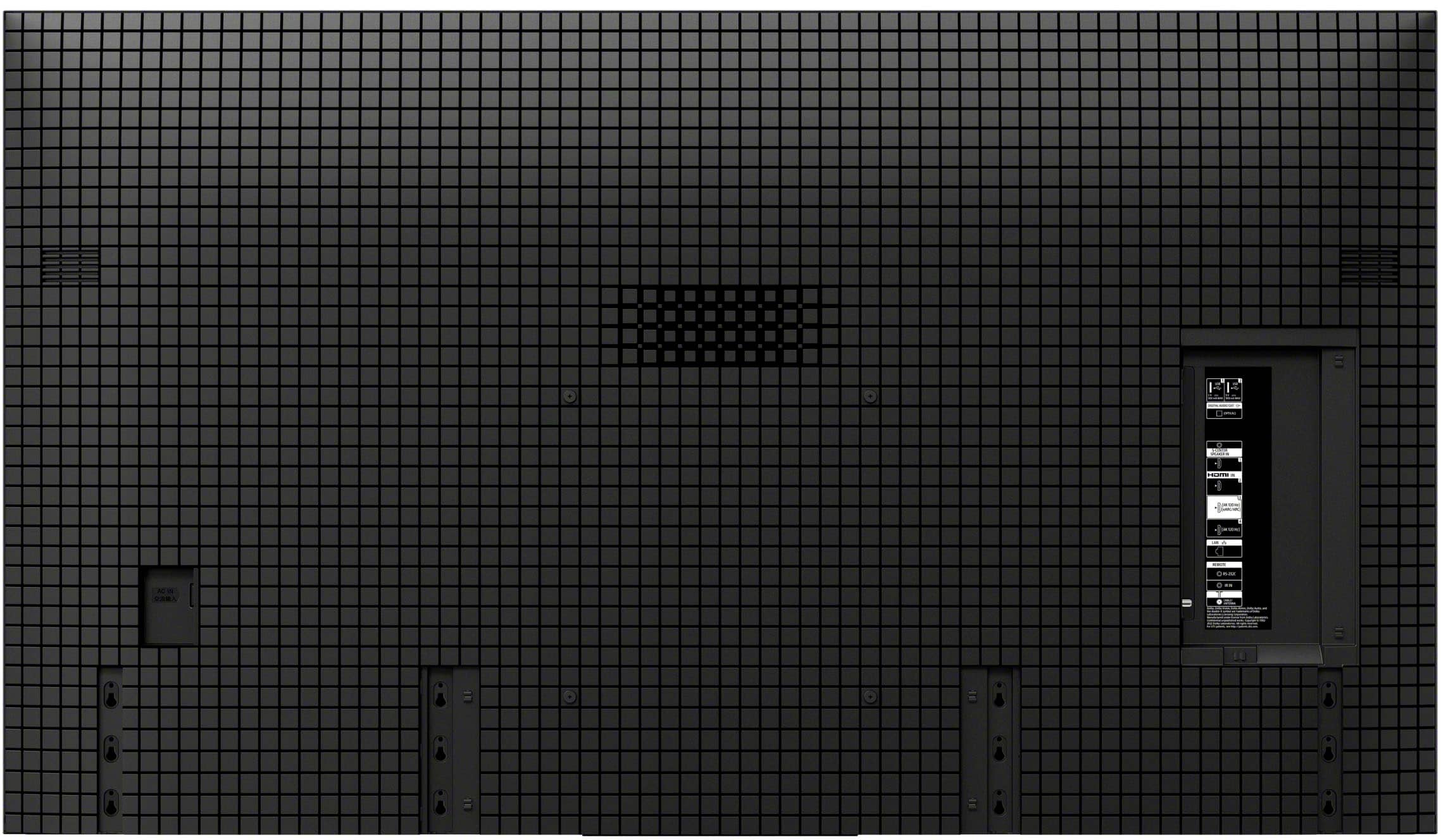
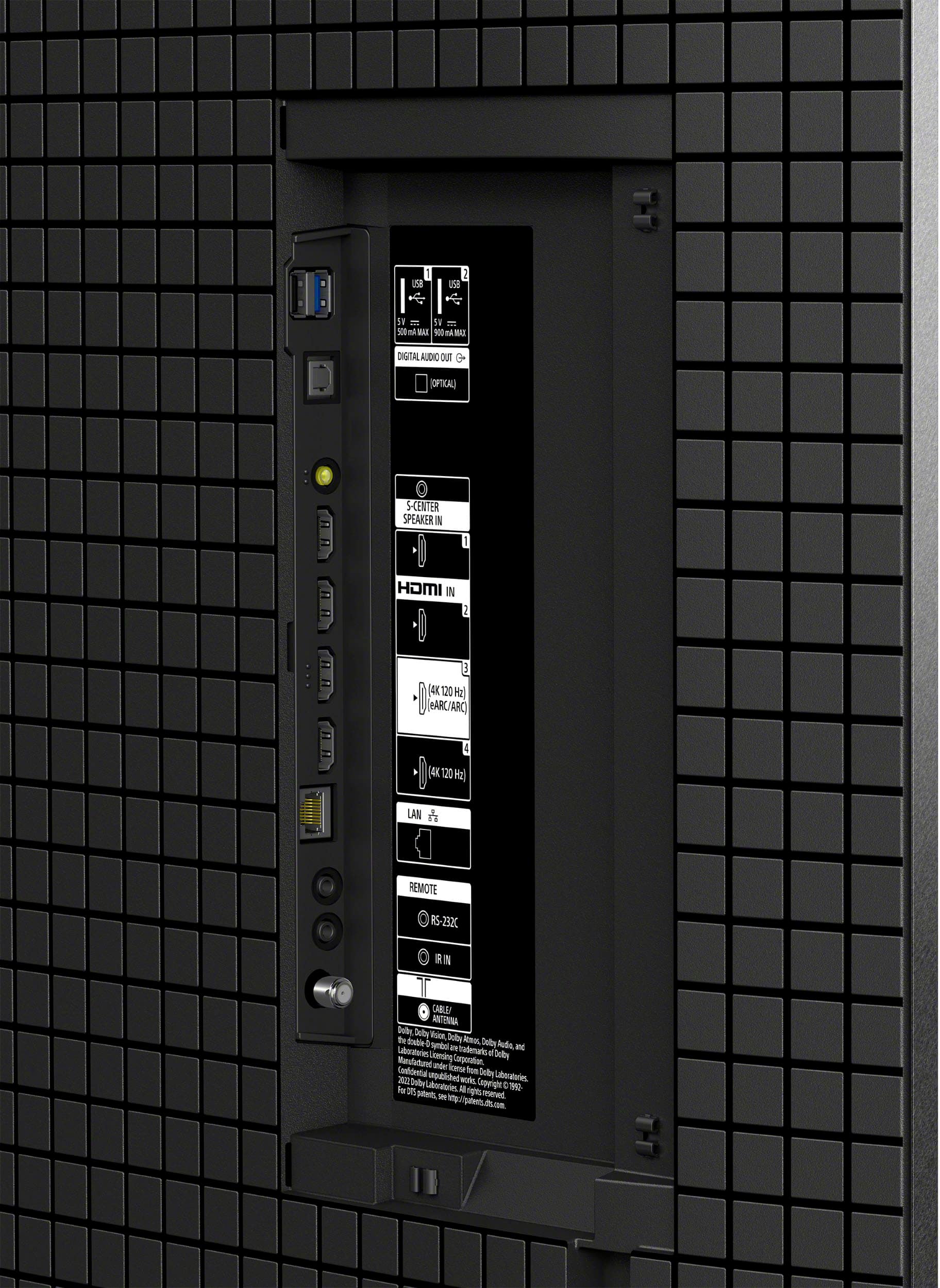
||Posted . Owned for 3 weeks when reviewed.This reviewer received promo considerations or sweepstakes entry for writing a review.Had to take back after 24hrs because the EARC port failed. Only having two HDMI 2.1 ports was a pain as well. Great picture though
No, I would not recommend this to a friendBrand response from SonyListens
Posted .Hi DerrickK,
Thank you for sharing your experience! We're glad that you're satisfied with the great pictures of the Sony BRAVIA 8 TV. However, we're deeply sorry for the inconvenience that its EARC port has caused you and appreciate your feedback regarding the HDMI 2.1 ports.
If there is anything else that we could do to help you, may we contact you directly? If so, please email the following information to socialsupport@am.sony.com. Apologies if you've already shared this information with customer service — we just want to ensure we have your most accurate details:
Full Name:
Best Buy Username:
Case ID (If any)
Telephone Number:
Additional Information regarding your experience with the BRAVIA 8
We are sorry for the inconvenience and hope to speak to you to resolve this matter.
Sincerely,
Maria
Quirky Sony.
||Posted . Owned for 1 month when reviewed.This reviewer received promo considerations or sweepstakes entry for writing a review.This Sony product was purchased as an open box. I believe it was returned as being defective and operated as such. TV was difficult to control and quirky. Returned it and bought an LG.
No, I would not recommend this to a friend- Cons mentioned:Connectivity
Sony does not work with JBL soundbar
Posted .This reviewer received promo considerations or sweepstakes entry for writing a review.The TV will not stay connected to my JBL 1000MK soundbar. Soundbar times out after 10 minutes, and TV drops connection. Should have bought a Samsung.
No, I would not recommend this to a friendBrand response from SonyListens
Posted .Hi MichaelC,
We’re sorry to hear about the connection drops. This "10-minute timeout" is usually an HDMI-CEC (BRAVIA Sync) communication error that triggers the soundbar's power-saving mode.
Quick Fixes:
Reset BRAVIA Sync: Toggle BRAVIA Sync control Off and On in Settings > Channels & Inputs > External Inputs.
Check Connection: Ensure the cable is firmly in the HDMI 3 (eARC/ARC) port.
Update: Check for firmware updates on both the TV and soundbar.
If these steps don't resolve it, please contact our support team directly so we can look into this further for you: https://us.esupport.sony.com/support/s/support-contact?language=en_US.
Thanks for choosing Sony.
Best regards,
Eliab
misleading picture quality
Posted .This reviewer received promo considerations or sweepstakes entry for writing a review.the picture quality on display is what reels you in. when you get it home and get everything on and connected....the picture quality is the same as a standard 4k or even 1080p tv. pretty disappointed
No, I would not recommend this to a friendBrand response from SonyListens
Posted .Hi DanielP,
We’re sorry to hear that the picture quality didn’t meet your expectations. The BRAVIA 8 OLED is designed to deliver stunning visuals, but settings may need adjustments to optimize your viewing experience. We recommend checking out this guide to fine-tune your TV settings for the best picture quality: https://www.sony.com/electronics/support/articles/00190409?utm_source
If you continue to experience issues, we’d love to assist you further. Please email us at socialsupport@am.sony.com with the following details:
Full Name:
Username:
Telephone Number:
Additional Information about your experience with the TV
Apologies for any frustration this has caused, and we appreciate your patience as we work to resolve the issue.
Sincerely,
Maria